



The 5 Best Business Laptops by Samsung in 2026

Finding the right laptop for your business is a very important decision. In the modern corporate world, you need a device that is fast, stylish, and easy to carry between meetings. Samsung has become a major player in the laptop market. They are famous for their amazing screens and how well their devices work together.
In this blog, we will look at the 5 best Samsung business laptops. Whether you are a small business owner or a corporate professional, Samsung has a "Galaxy Book" for you. We will look at the specs and explain how these features will help your work life.
Why Choose Samsung Laptops for Business?
Samsung laptops are perfect for business because they are built to be thin and light. This makes them ideal for people who travel or work from different offices.
One of the best reasons to choose Samsung is the "Galaxy Ecosystem." If you already use a Samsung phone or tablet, your laptop will sync with them perfectly. You can share files instantly and even use your tablet as a second screen.
Samsung also uses some of the best screen technology in the world. Their displays are bright and clear, which is great for long hours of work. Additionally, they offer great battery life and fast charging. This means you won't have to worry about your laptop dying during an important presentation.
1. Samsung Galaxy Book4 Edge (NP750XQB-KA1UK)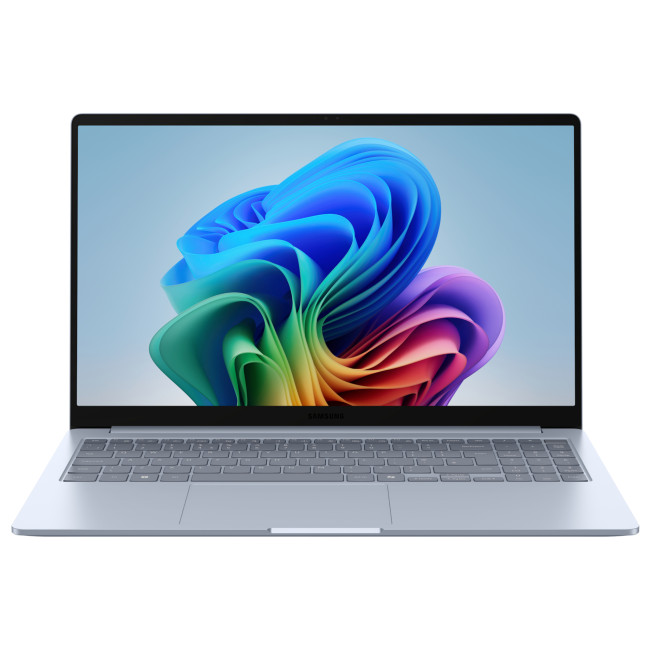
The Galaxy Book4 Edge is a groundbreaking laptop built for the new era of Artificial Intelligence (AI). Powered by the Snapdragon X Plus processor, it offers a smooth and smart experience for everyday business tasks.
Key Specifications
- Processor: Qualcomm Snapdragon X1-26-100 Octa-Core
- RAM: 16GB LPDDR5X
- Storage: 256GB UFS
- Display: 15.6" Full HD (1920 x 1080), LCD
- Graphics: Integrated Qualcomm Adreno
- Operating System: Microsoft Windows 11 Home
- Connectivity: HDMI | USB-C | Bluetooth | Wi-Fi 7 (802.11be), 1x USB 3.2 Type-A, 2x USB 3.2 Type-C, Micro SD Card Reader
- Weight: 1.5 kg
How it Could Help You
The Snapdragon X Plus processor is designed for AI, helping you work faster with tools like Microsoft Copilot. It handles multitasking easily, so you can jump between spreadsheets and video calls without any lag.
The 15.6-inch anti-glare screen is perfect for long office hours, reducing eye strain during busy days. Because it is ultra-slim and weighs only 1.5kg, it is a great companion for professionals who are always on the move.
2. Samsung Galaxy Book4 (NP750XGK-KG3UK)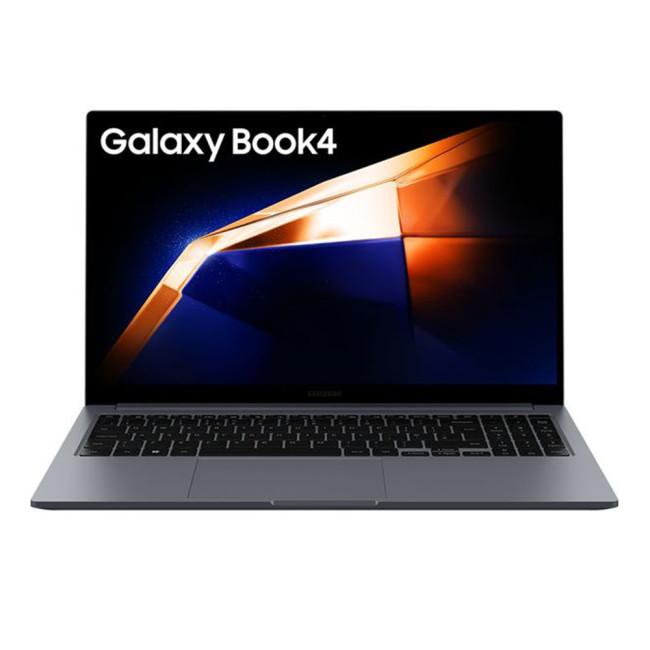
If you need a reliable, high-performance laptop for everyday office tasks, the Galaxy Book4 is the "does-it-all" choice. It features a traditional Intel processor and a professional full-metal body.
Key Specifications
- Processor: Intel Core 5 120U (10-Core, up to 5.0GHz)
- RAM: 8GB LPDDR4x
- Storage: 256GB SSD
- Display: 15.6" Full HD (1920 x 1080), LCD
- Graphics: Integrated Intel Graphics
- Operating System: Microsoft Windows 11 Home
- Connectivity: HDMI | USB | Bluetooth 5.2 | USB 3.2 | Card Reader
- Weight: 1.57 kg
How it Could Help You
This laptop is perfect for the standard office environment. It includes a wide range of ports, so you can connect to secure office networks without needing messy dongles. The anti-glare screen is excellent for long hours under bright office lights.
The Intel Core 5 processor provides the speed needed for multitasking between video calls and spreadsheets. With expandable storage, you can easily add more space as your business archives grow. It is a durable, professional choice for any department.
3. Samsung Galaxy Book5 Pro 360 (NP964QHA-KA1UK)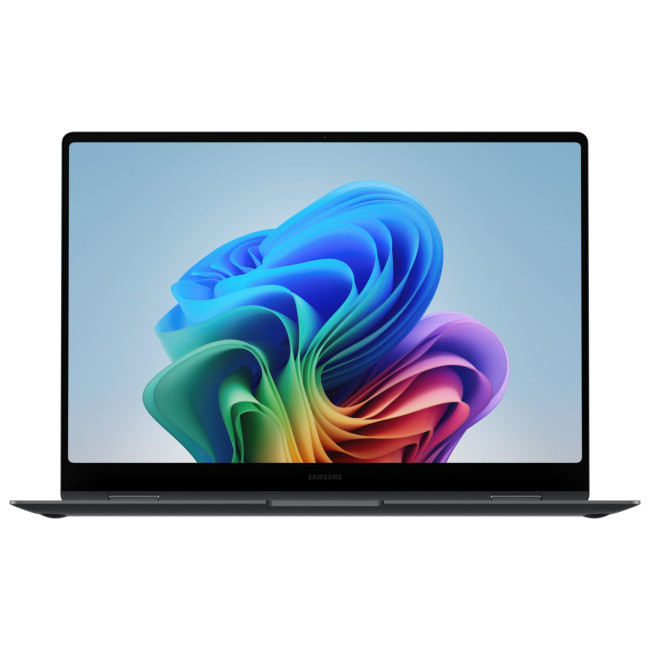
The Galaxy Book5 Pro 360 is a premium 2-in-1 laptop that combines the power of a PC with the flexibility of a tablet. It features a stunning touchscreen and comes with an S Pen for ultimate creativity.
Key Specifications
- Processor: Intel Core Ultra 7 256V Octa-Core (up to 4.8GHz)
- RAM: 16GB LPDDR5x
- Storage: 512GB SSD
- Display: 16" 3K Dynamic AMOLED 2X Touchscreen (2880 x 1800)
- Graphics: Integrated Intel Arc
- Special Feature: Included S Pen and 360-degree hinge
- Operating System: Windows 11 Pro
- Connectivity: HDMI | USB-C | Bluetooth 5.4 | Wi-Fi 7 (802.11be)
- Weight: 1.69 kg
How it Could Help You
The 360-degree hinge allows you to flip the screen and use the laptop as a tablet for presentations or note-taking. Using the included S Pen, you can sign digital contracts or sketch ideas directly on the beautiful 3K AMOLED display.
The Intel Core Ultra 7 processor provides massive power for demanding business software. With a 16-inch screen, you have plenty of room to view complex data while enjoying crystal-clear visuals that make every project look professional.
4. Samsung Galaxy Book4 Edge 16" (NP960XMB-KB1UK)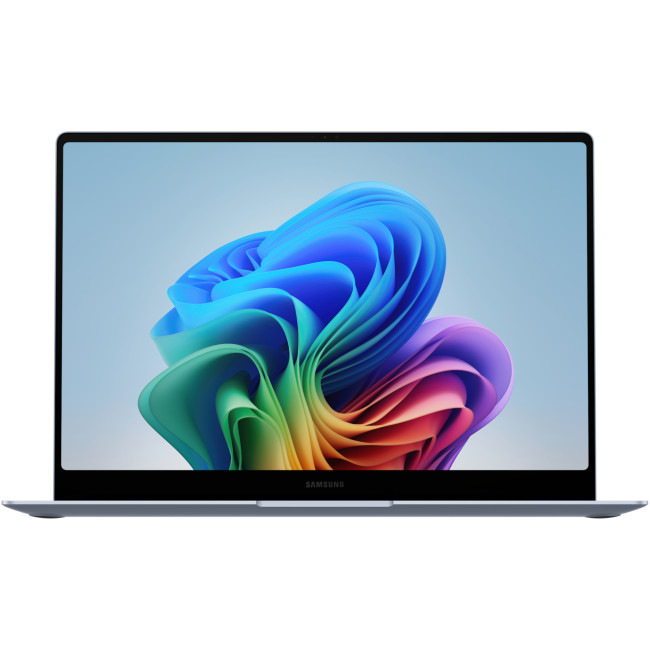
This 16-inch version of the Galaxy Book4 Edge is designed for those who need a larger workspace without the extra weight. It uses the top-tier Snapdragon X Elite chip for incredible efficiency.
Key Specifications
- Processor: Qualcomm Snapdragon X Elite X1E-84-100 12-Core (up to 4.2GHz)
- RAM: 16GB LPDDR5x
- Storage: 1TB eUFS
- Display: 16" WQXGA+ AMOLED (2880 x 1800, 120 Hz)
- Graphics: Integrated Qualcomm Adreno
- Operating System: Microsoft Windows 11 Home
- Connectivity: HDMI | USB-C | Bluetooth 5.3 | Wi-Fi 7 (802.11be)
- Weight: 1.54 kg
How it Could Help You
The 1TB storage gives you a huge amount of space for all your heavy business files and video recordings. The Snapdragon X Elite chip is incredibly power-efficient, offering up to 22 hours of battery life (manufacturer-rated) to get you through the longest flights.
The 16-inch 120Hz AMOLED screen makes everything look fluid and sharp, which is great for presenting to clients. Despite its large size, it remains very thin, ensuring you can still fit it into a standard laptop bag with ease.
5. Samsung Galaxy Book5 Pro (NP964XHA-KG1UK)
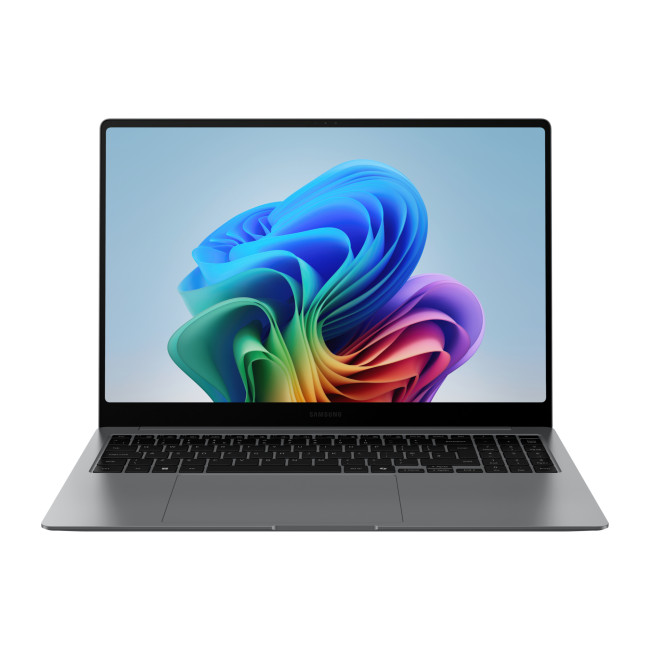
The Galaxy Book5 Pro is a powerhouse built specifically for the corporate world. It comes with Windows 11 Pro and a massive 32GB of RAM to handle the most intense workloads imaginable.
Key Specifications
- Processor: Intel Core Ultra 7 258V Octa-Core (up to 4.8GHz)
- RAM: 32GB LPDDR5x
- Storage: 512GB SSD
- Display: 16" 3K OLED (2880 x 1800)
- Graphics: Integrated Intel Arc 140V
- Operating System: Microsoft Windows 11 Pro
- Connectivity: HDMI | Thunderbolt 4 | USB-C | Bluetooth 5.4 | 1 USB Port | Card Reader
- Weight: 1.56 kg
How it Could Help You
With 32GB of RAM, this laptop is a dream for heavy multitaskers and data analysts. You can run virtual machines, large databases, and dozens of browser tabs simultaneously without ever slowing down.
The Windows 11 Pro operating system provides the advanced security and management tools that IT departments require. The OLED touchscreen offers vibrant colours, making it a perfect tool for creative directors and high-level executives who demand the best visuals.

Choose the Ideal Fit for You
Samsung has truly mastered the art of the professional laptop. Whether you need the extreme battery life of the Snapdragon-powered models or the raw multitasking power of the Intel Core Ultra series, there is a Galaxy Book for you.
- Galaxy Book4 Edge (15.6"): Best for professionals on the move who need up to 24-hour battery life and AI assistance.
- Galaxy Book4 (NP750XGK): The ideal choice for traditional office workers who need a solid, dongle-free device for admin and calls.
- Galaxy Book5 Pro 360: Perfect for creative professionals who want a tablet and laptop in one, with the precision of the S Pen.
- Galaxy Book4 Edge (16"): Great for project managers and analysts who need a big screen, huge storage, and smooth 120Hz visuals.
- Galaxy Book5 Pro (32GB): The ultimate machine for senior leaders and IT pros who need maximum power and Windows 11 Pro security.
Visit Laptop Outlet today to explore these Samsung Galaxy Books and find the perfect partner for your business journey!

In Case You Were Wondering...
What is the benefit of the Samsung Galaxy Ecosystem for business?
It allows for seamless multitasking. You can use your Galaxy tablet as a second screen for your laptop, drag and drop files between your phone and PC, and even use your phone as a high-quality webcam for professional video calls.
Is 16GB of RAM enough for a corporate laptop?
For most professionals, 16GB is the "sweet spot." It allows you to run multiple apps like Microsoft Teams, Excel, and Chrome simultaneously without any lag. For very heavy workloads, the Galaxy Book5 Pro with 32GB is recommended.
What is a "Copilot+ PC"?
A Copilot+ PC features a special processor with a dedicated NPU (Neural Processing Unit). This allows the laptop to perform AI tasks like live translations, image generation, and smart search locally on the device, making it faster and more private.
Does the Galaxy Book have good battery life?
Yes, Samsung laptops are known for being very energy efficient. Most models will last a full working day, and they support fast charging so you can top up the battery quickly.
Are Samsung laptops easy to carry?
Yes, one of Samsung's biggest strengths is portability. Even the 16-inch models are designed to be very thin and light, making them much easier to carry than traditional bulky business laptops.
Can I spread the cost of my Samsung laptop purchase?
Yes, with Laptop Outlet, we offer several flexible options. PayPal Pay in 3 lets you split your purchase into three interest-free payments. PayPal Credit offers up to 24 months of 0% interest on qualifying purchases. We also offer several flexible Klarna payment methods at checkout including, Pay Now, Pay in 30 Days, Pay in 3 instalments, or Finance over 6–36 months.
Do these Samsung laptops come with a warranty?
Yes, all the laptops featured on this list come with a 1-year manufacturer warranty. This ensures your business investment is protected against any hardware defects or faults during the first year.
Related Articles

Last Updated: August 13, 2026
Choosing between an HP EliteBook and an HP ProBook comes down to your budget, working environment and priorities.
The quick answer is:
- Choose an HP EliteBook if you want a more premium business laptop with stronger enterprise features, higher-quality display options and a refined design.
- Choose an HP ProBook if you need dependable everyday performance, practical connectivity and better value for a small business or growing team.
Both ranges are designed for professional use. However, specifications differ between individual models, so compare the processor, memory, display, ports, security features and warranty before buying.
What Is the Difference Between HP EliteBook and ProBook?
The main difference between HP EliteBook and ProBook laptops is their market position. EliteBook is HP’s premium commercial range, while ProBook is designed to provide essential business features at a more accessible price.
EliteBook models generally offer more premium materials, advanced manageability, higher-grade
Last Updated: March 31, 2026
What’s the Main Difference Between HP Elite x360 and Elite Folio?
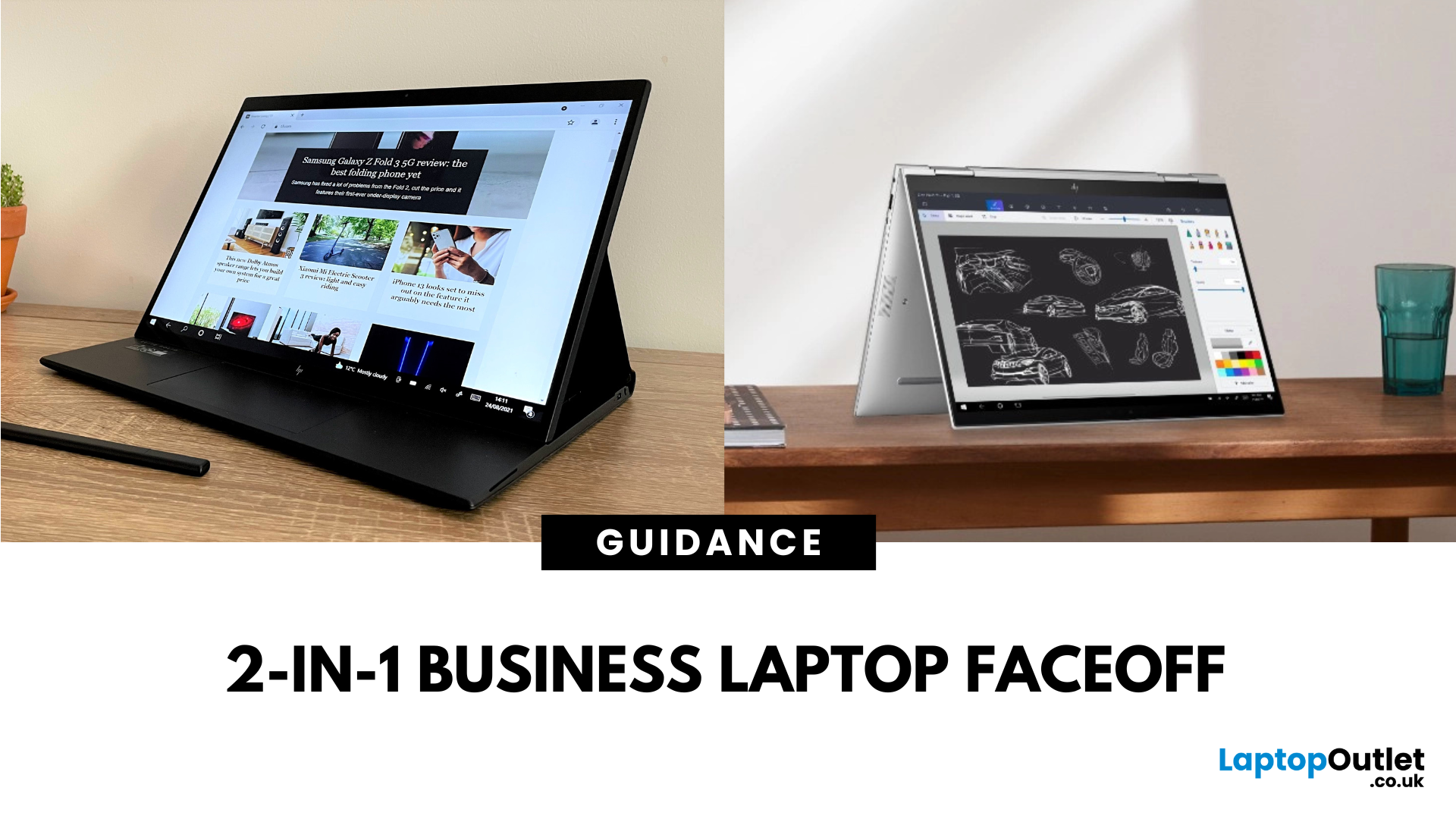
The Elite x360 is HP’s flagship Intelpowered convertible, designed for high performance, enterprise multitasking, and premium flexibility. The Elite Folio is a fanless, ARMbased 2in1 with a distinctive pullforward display, built for mobile professionals who prioritise battery life, notetaking, and ultraquiet operation.
Feature Comparison Table
| Feature | HP Elite x360 | HP Elite Folio |
| Processor Options | Intel Core i5/i7 (latest gen) | Qualcomm Snapdragon 8cx Gen 2 |
| Form Factor | 360° convertible hinge | Pullforward convertible with leatherstyle cover |
| Display Options | 13.3″ / 14″ FHD & 4K OLED touch | 13.5″ 3:2 FHD touchscreen |
| Battery Life | ~10–12 hours | ~15–20 hours |
| Weight | ~1.32–1.45 kg | ~1.32 kg |
| Cooling | Active cooling (fan) | Fanless |
| Connectivity | Full Thunderbolt/USBC, HDMI (select models) | USBC only |
| Stylus Support | Active Pen support | Builtin stylus garage |
| Price Range | £1,500–£2,000+ |
Last Updated: August 07, 2026
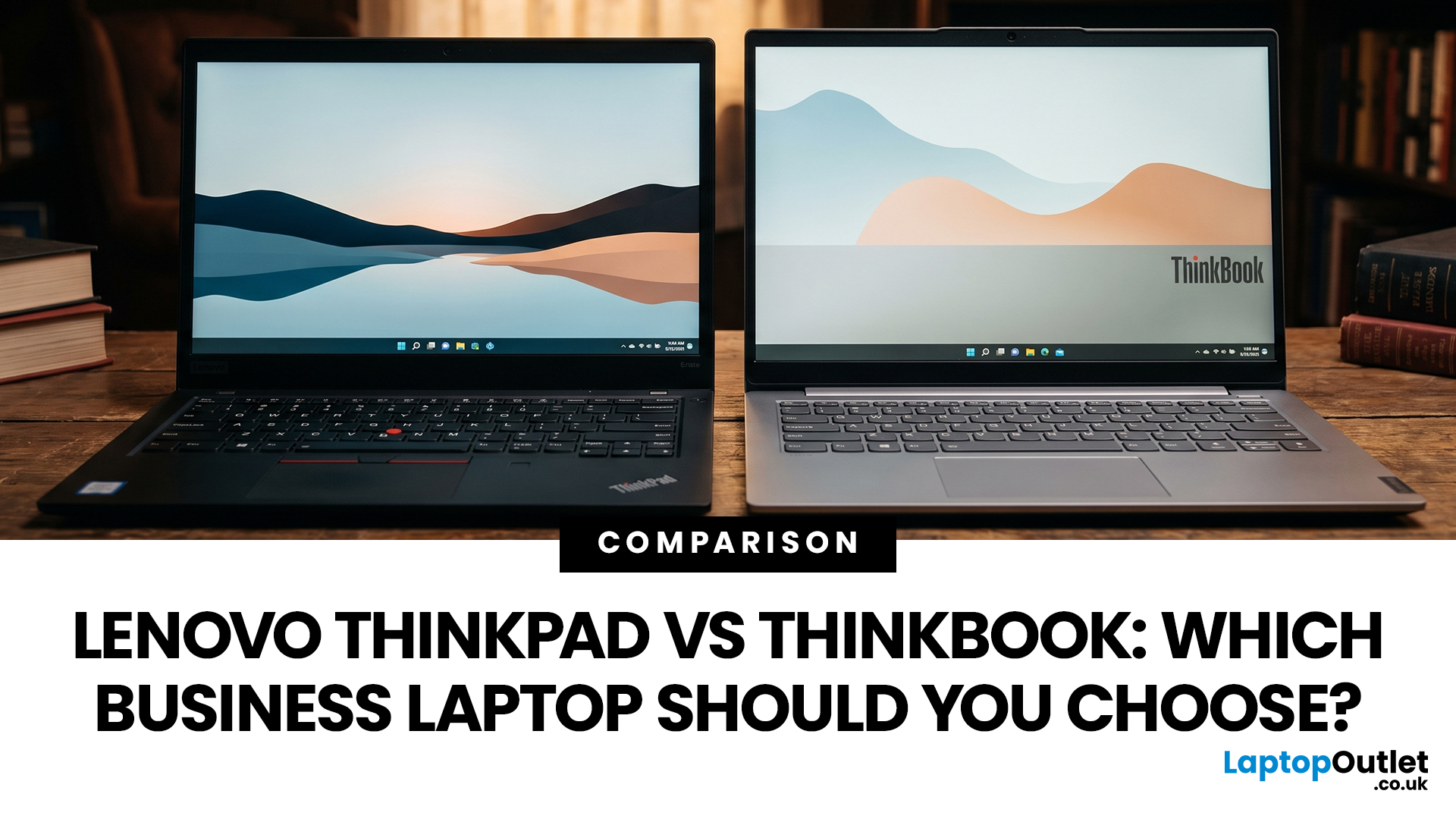
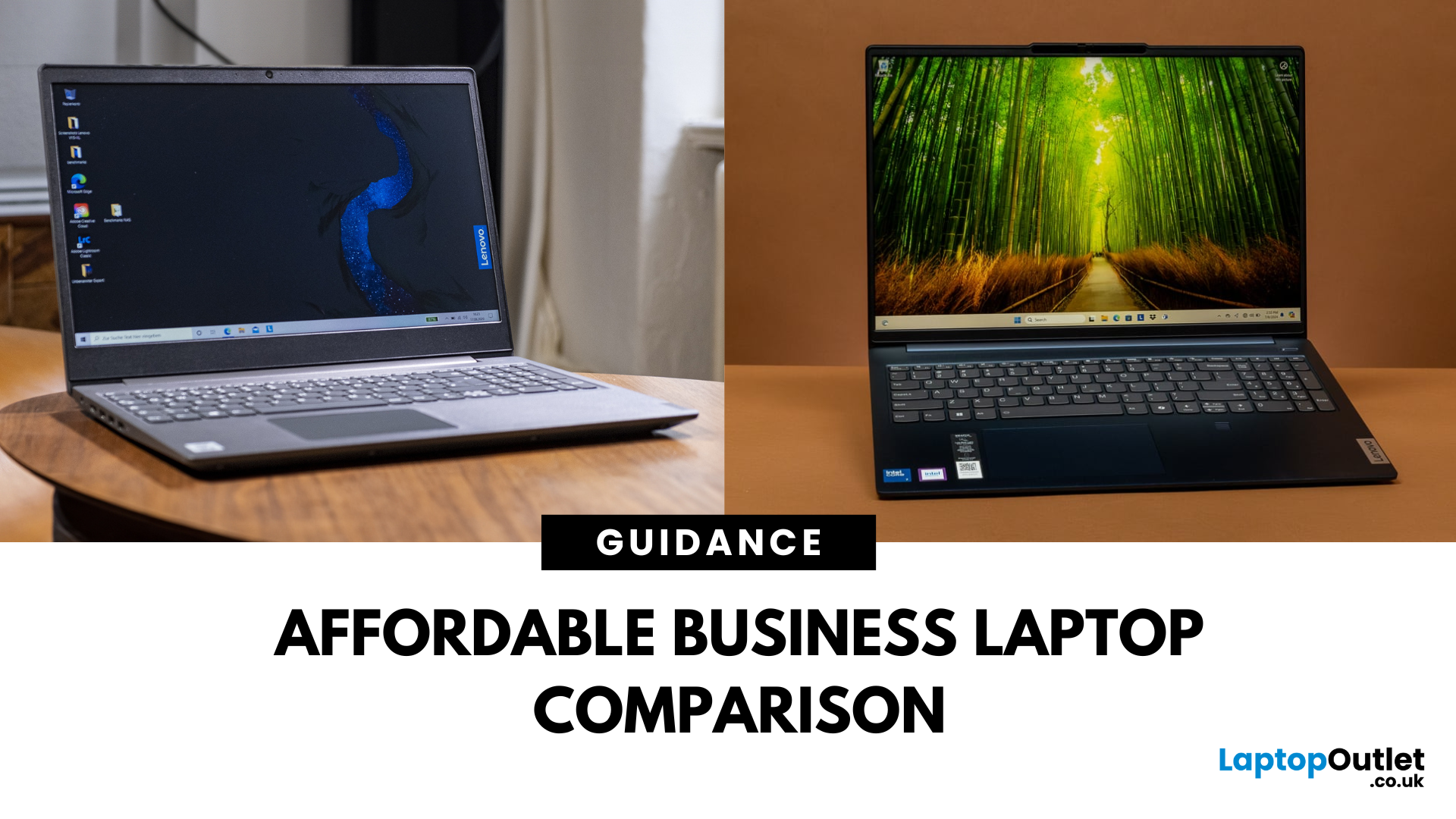
Choosing between Lenovo ThinkPad and ThinkBook laptops is not simply about buying the more expensive range. ThinkPad is usually the stronger choice for corporate deployment, frequent travel, and advanced management requirements. ThinkBook often suits freelancers, small businesses, and professionals who want modern styling, practical features and competitive value.
Specifications vary widely between models and generations, so compare the exact processor, memory, display, battery, ports, operating system and warranty rather than relying on the series name alone.
ThinkBook vs ThinkPad at a Glance
| Area | Lenovo ThinkPad | Lenovo ThinkBook |
| Best suited to | Corporate teams, IT-managed fleets, mobile professionals, and specialist users | Small businesses, freelancers, hybrid workers and value-conscious professionals |
| Design | Usually functional and understated, although premium models can be highly modern | Typically slim, contemporary, and often finished in aluminium |
| Durability | Strong business focus, with |
Last Updated: May 07, 2026
AI Snippet - Featured Summary
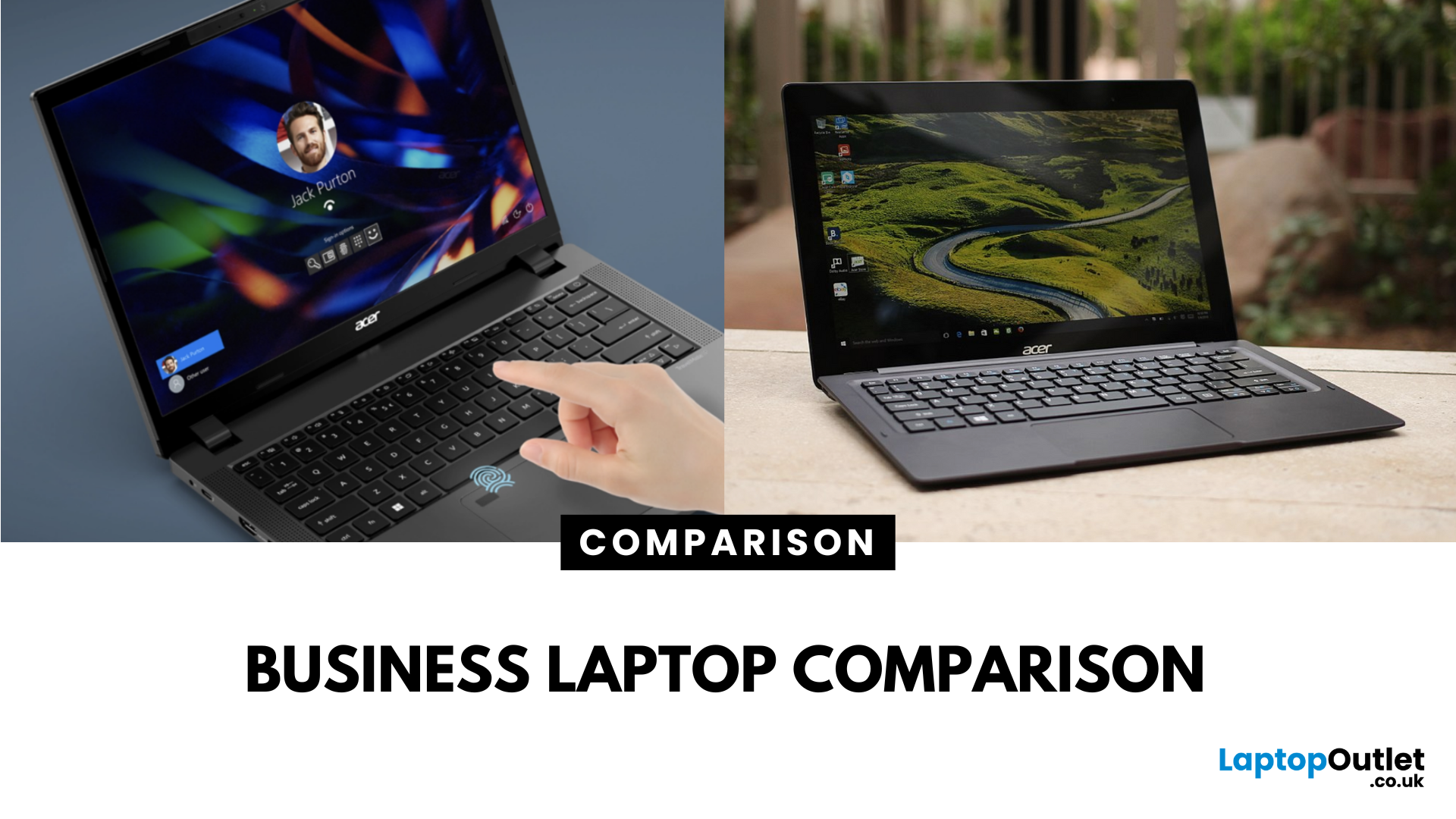
The Lenovo V Series is your go-to for budget-friendly business use, offering pro-ready features like Windows 11 Pro, strong Ryzen CPUs, and extra memory right out of the box. The Lenovo IdeaPad lineup focuses on versatility with slimmer designs, touchscreen options, and consumer-grade value. Choose V Series if you want performance, security, and business durability. Choose IdeaPad if portability, budget variety, and casual everyday use are your priorities.
What’s the Main Difference Between V Series and IdeaPad?
The V Series is Lenovo’s entry-level business line - solid, dependable, and crafted for small businesses with features like Windows 11 Pro, MIL-STD-inspired designs, and strong CPU options . In contrast, the IdeaPad range is more consumer-focused, offering stylish, versatile laptops for students and home users—including touchscreens and lighter weight.
Feature Comparison Table
| Feature | Lenovo V Series | Lenovo IdeaPad |
| Target Audience | Small businesses, |
Last Updated: September 09, 2025
What’s the Difference Between Acer TravelMate and Extensa?
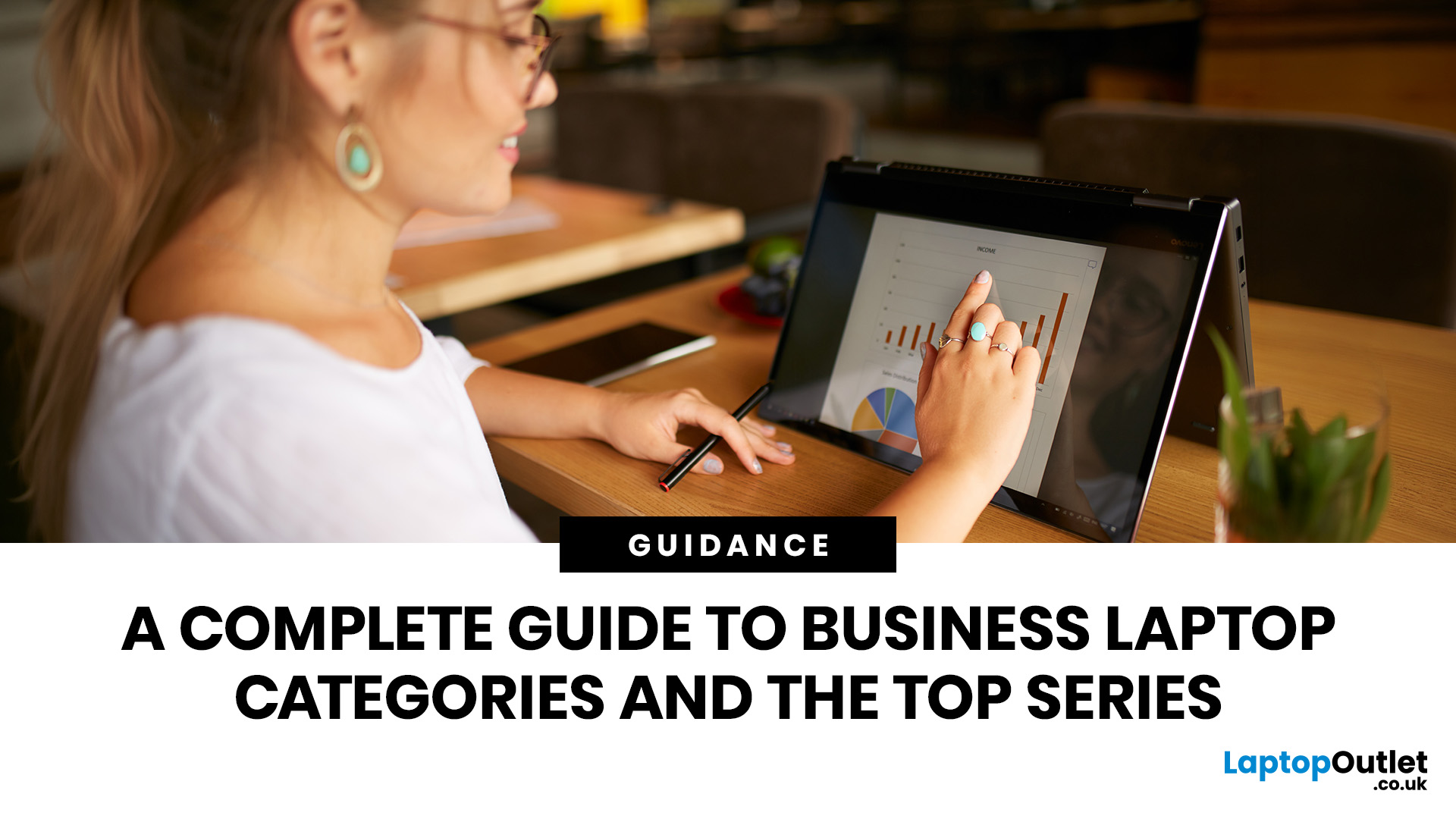
Both the TravelMate and Extensa are Acer’s business-focused laptop lines—but they serve different audiences. TravelMate is Acer’s premium business series, designed for professionals who prioritize portability, reliability, and security. Think sleek magnesium or metal build, MIL-STD durability, and longer support. Extensa is the budget-friendly option aimed at office use and light business tasks. It’s cost-effective, straightforward, and great for general productivity.
Feature Comparison Table
| Feature | Acer TravelMate | Acer Extensa |
| Target Audience | Business professionals, frequent travelers | Budget-conscious office users |
| Build & Durability | Lightweight, rugged, pro-grade construction | Basic plastic build |
| Portability | Thin and light (e.g., TravelMate P6 ~1.1 kg) | Heavier and bulkier |
| Display | Premium 14" IPS / WUXGA on modern models | 15.6" FHD TN or LCD displays |
| Performance Options | Up to Intel i7 (13th Gen), LTE/Thunderbolt support | Up to i5/i7 |
Last Updated: September 15, 2026
The business laptop market in 2026 is more diverse than ever. Organisations and professionals are no longer limited to a one-size-fits-all approach; instead, laptops are tailored to specific needs. Whether it’s ultraportable design, raw performance, flexible form factors, or cost-efficient practicality, the right choice depends on aligning device capabilities with your workload, lifestyle, and budget.
This guide explores the four main types of business laptops: Ultrabooks, mobile workstations, 2-in-1 hybrids, and budget-friendly models. Each has evolved significantly over the past decade, offering innovations in AI integration, battery optimisation, display technology, and security features.
If you’re new to business laptops and want a broader perspective before diving into categories, check out our complete overview of business laptops for expert picks and detailed comparisons.”
1. Ultrabooks: Sleek Productivity Machines
Ultrabooks represent the premium side of portability. Thin, light,
Last Updated: June 11, 2026
Laptops are essential tools for productivity, collaboration, and security in the modern workplace. But not all laptops are created equal. While consumer laptops are designed for everyday tasks, business laptops are purpose-built to handle professional workloads with enhanced durability, advanced security, and enterprise-ready specifications.
By understanding the defining characteristics of these machines, businesses and professionals can make informed decisions about which models deliver long-term value. This guide explores the most important business laptop features, compares them with consumer devices, and highlights the top models from brands such as ThinkPad business laptops, Latitude business laptops, and EliteBook business laptops. Whether you’re an IT manager sourcing fleet-ready devices or a freelancer investing in your next work tool, knowing what defines a business laptop ensures you get maximum performance, security, and durability.
Why Business Laptop Features Matter
In today’s

Published: September 05, 2025
Business laptops are essential tools for productivity, collaboration, and data protection in today’s professional world. From supporting hybrid working to handling enterprise-level tasks, these devices are built to provide more than just everyday functionality.
This complete overview of business laptops will guide you through their defining features, explain how they differ from consumer devices, and present a business laptop comparison across leading brands like Lenovo ThinkPad, Dell Latitude, HP, and Microsoft Surface laptops. Whether you are searching for the best business laptops or want to understand the nuances of enterprise vs professional models, this blog provides expert insights to help you make the right choice.
Why Business Laptops Matter in 2025
Unlike consumer laptops that focus on style or affordability, business machines prioritise security, durability, and consistent performance. With features such as biometric authentication, advanced processors, and enterprise-ready durability,
Last Updated: August 04, 2026
Last Updated: September 07, 2026
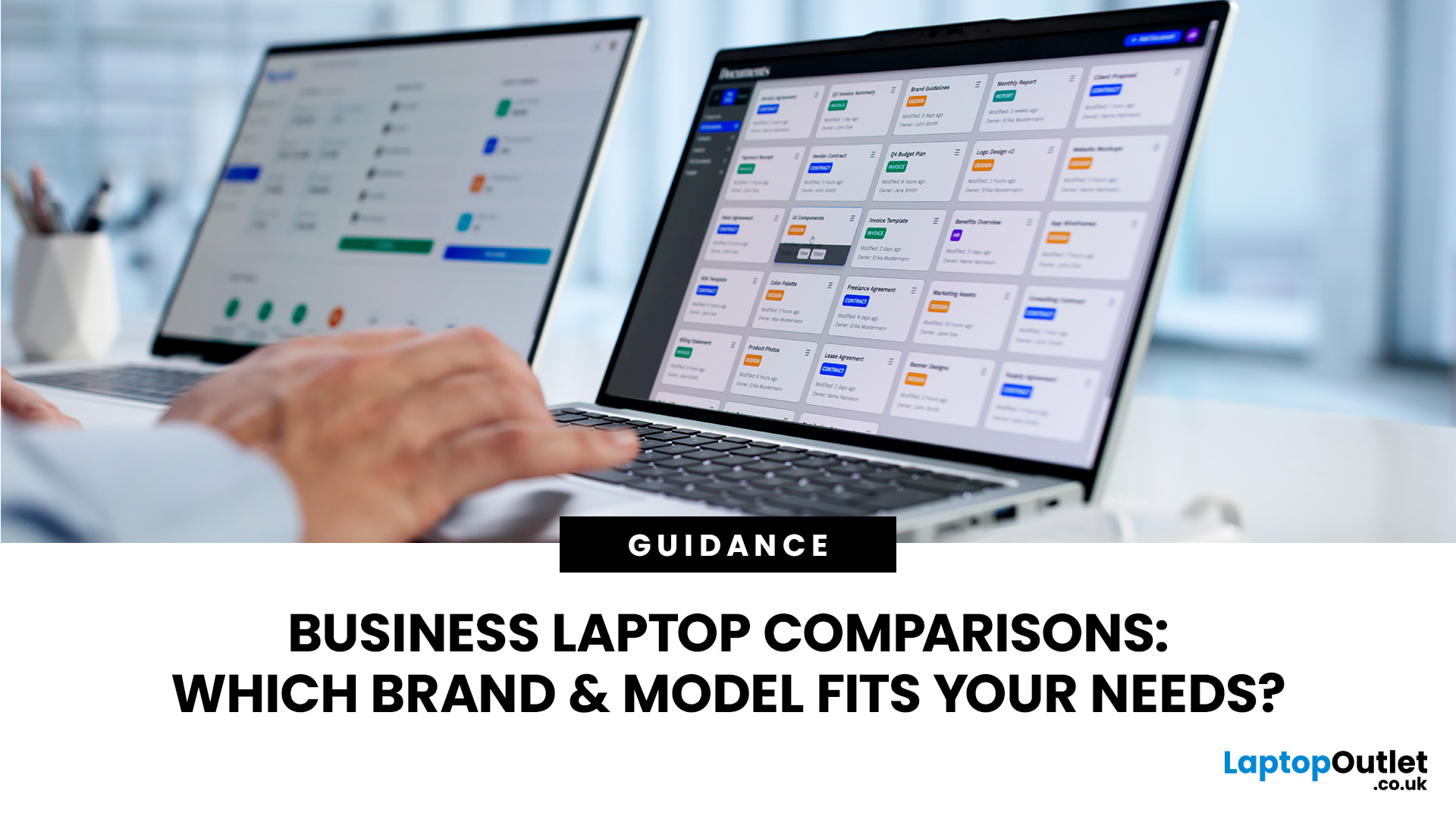
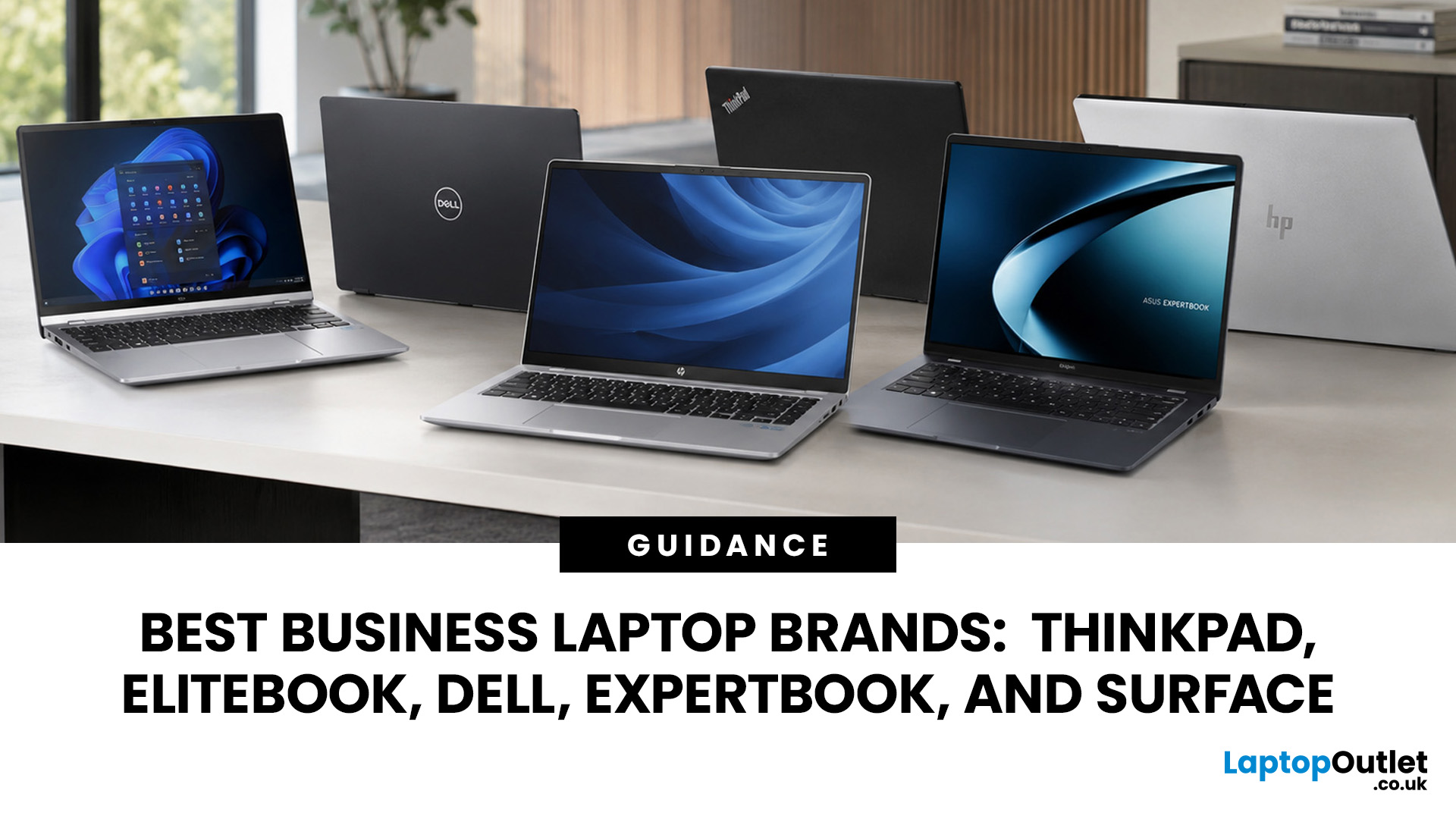
A dependable business laptop must do more than open emails and spreadsheets. It should support your applications, protect company data, connect to workplace equipment, and remain comfortable through long working days. However, even the best business laptop brands take different approaches to these requirements. This guide compares Lenovo ThinkPad, HP EliteBook, Dell Latitude, and Dell Pro, ASUS ExpertBook, and Microsoft Surface so you can identify the most suitable range for your work.
Which Business Laptop Brand is Best?
There is no single best brand for every professional. Lenovo ThinkPad offers one of the broadest selections, while HP EliteBook places strong emphasis on security and collaboration. Dell Latitude and newer Dell Pro systems suit managed IT environments, ASUS ExpertBook provides practical options for SMEs, and Microsoft Surface combines premium mobility with close Windows integration.
The right choice ultimately depends on your software, security policies, working location,

