




Blog Categories







September 17, 2025

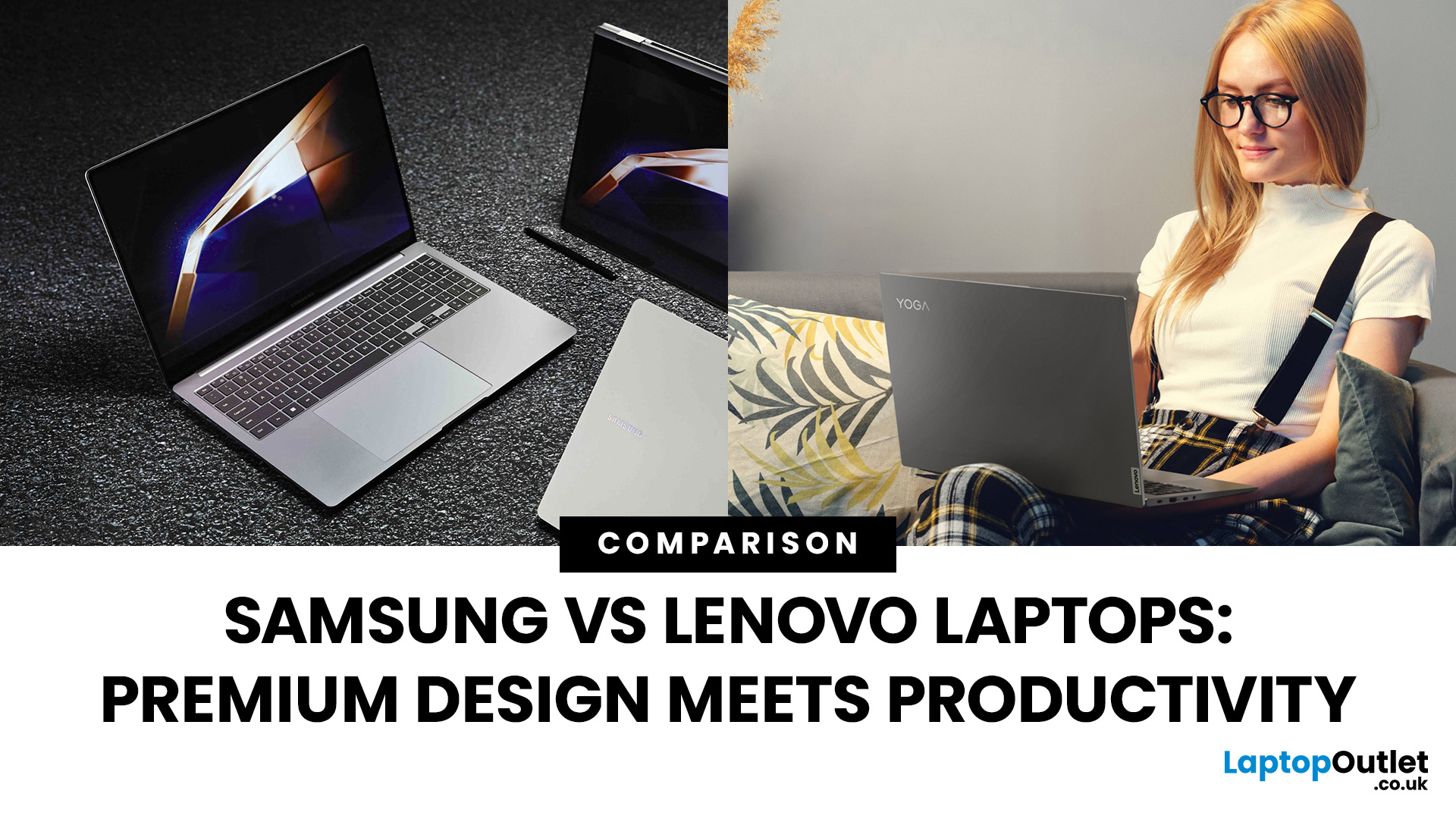
Shopping for a new laptop in 2025 and torn between Samsung vs Lenovo laptops? Both brands deliver big innovation but shine in different ways. Samsung is known for premium design, AMOLED displays, and portability, while Lenovo dominates the productivity space with ThinkPad reliability, Yoga flexibility, and Legion gaming power.
So, which one deserves your money? Let’s compare Samsung and Lenovo across design, performance, battery, and price to help you choose the right fit.
Samsung vs Lenovo: Key Differences
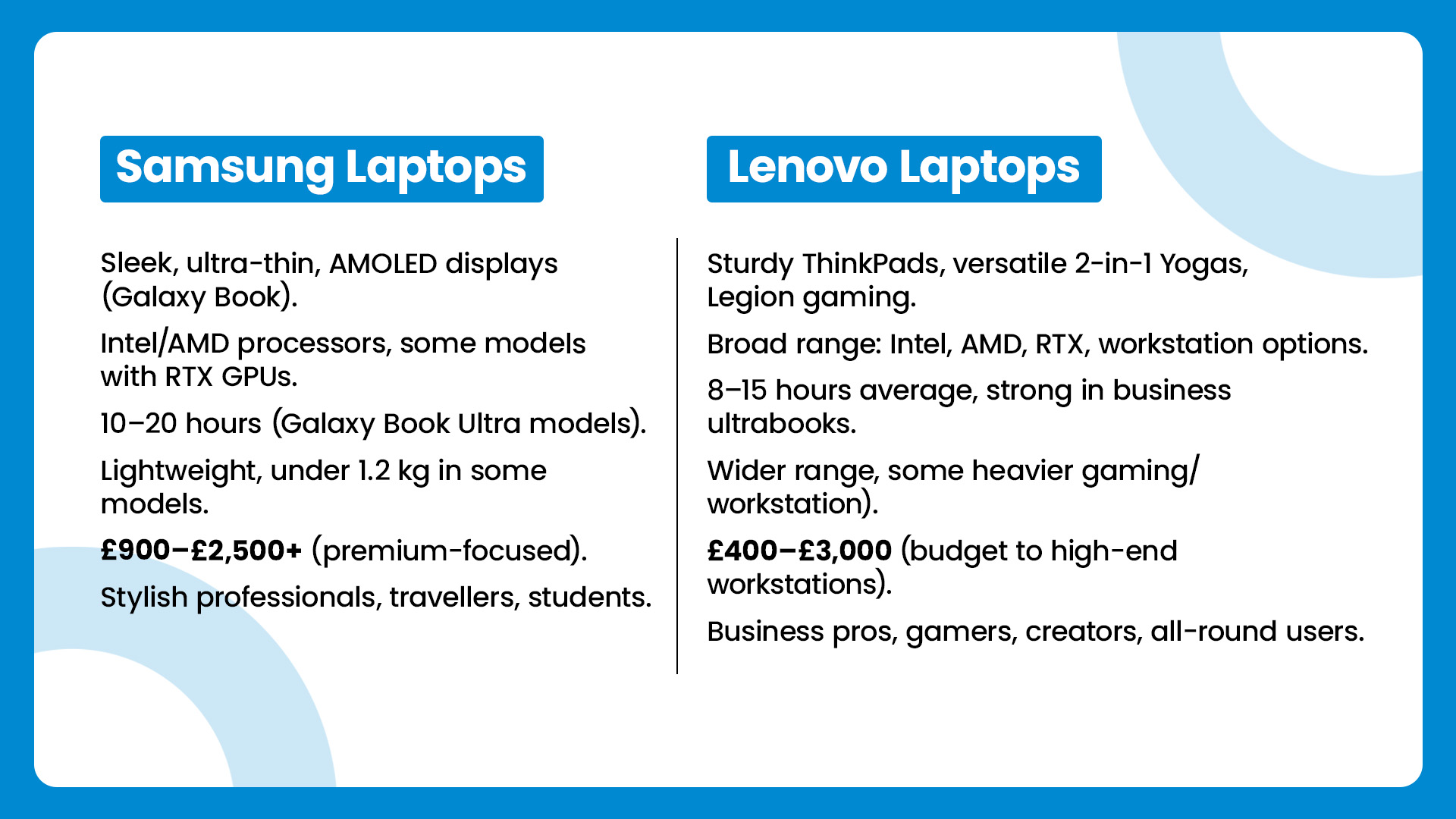
| Feature | Samsung Laptops | Lenovo Laptops |
| Design & Build | Sleek, ultra-thin, AMOLED displays (Galaxy Book) | Sturdy ThinkPads, versatile 2-in-1 Yogas, Legion gaming |
| Performance | Intel/AMD processors, some models with RTX GPUs | Broad range: Intel, AMD, RTX, workstation options |
| Battery Life | 10–20 hours (Galaxy Book Ultra models) | 8–15 hours average, strong in business ultrabooks |
| Portability | Lightweight, under 1.2 kg in some models | Wider range, some heavier (gaming/workstation) |
| Price Range | £900–£2,500+ |
September 09, 2025
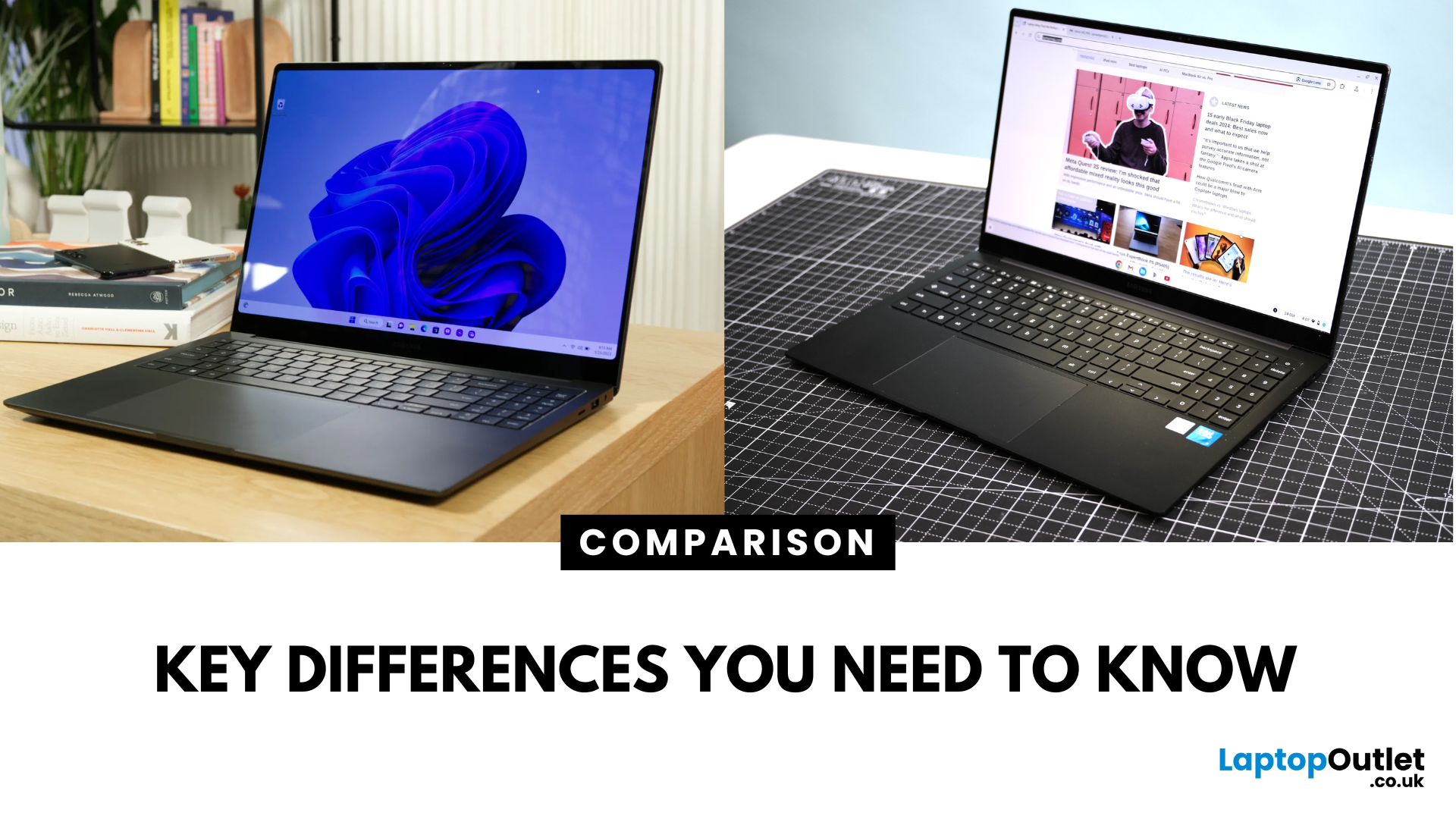
Key Difference Between a Galaxy Laptop and a Galaxy Chromebook?
Galaxy Laptop (Galaxy Book): Runs Windows 11, supports all desktop software (Office, Adobe, coding tools, gaming), offers higher storage and RAM options, and integrates with Samsung Galaxy devices.
Galaxy Chromebook: Runs ChromeOS, focused on cloud apps and Android apps via Google Play Store. Cheaper, lighter, and built for students or light for everyday use.
Feature Comparison Table
| Feature | Samsung Galaxy Laptop (Galaxy Book) | Samsung Galaxy Chromebook |
| Operating System | Windows 11 | ChromeOS |
| Performance | Intel Core i5/i7, AMD, up to 16-32GB RAM | Entry-level Intel/ARM, up to 8GB RAM |
| Software | Full Windows apps (Office, Adobe, games) | Web apps + Android apps |
| Battery Life | 10–13 hours (depending on model) | 12–15 hours (light workloads) |
| Display Options | AMOLED 2X display, FHD/QHD, larger screens | OLED display, FHD or 4K touchscreen options |
| Weight | ~1.5–1.7 kg (Galaxy Book3 360, Pro) | ~1.0–1.2 kg (Chromebook Go, Pro) |
| Price Range (UK) | ~£750–£1,500+ |
September 23, 2025
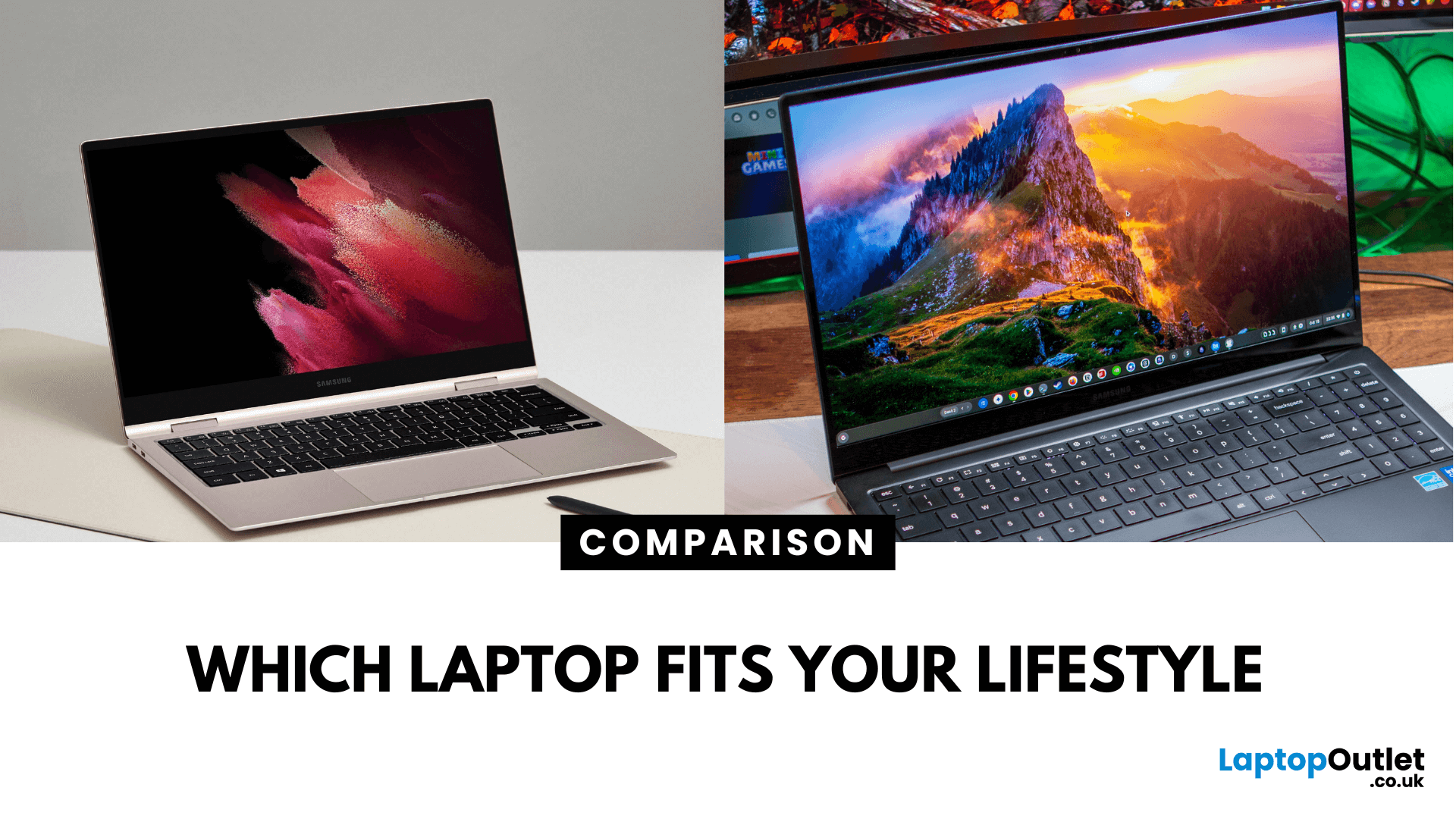
What’s the Key Difference?
Samsung Galaxy Book is Samsung’s line of Windows laptops offering powerful hardware, rich feature sets, and mature software support -built for productivity and creativity. Chromebooks run Chrome OS—Google’s streamlined, cloud-centric platform built for speed, web apps, and light computing.
Fundamentally, Galaxy Books deliver full Windows power; Chromebooks deliver lightweight simplicity.
Feature Comparison Table
| Feature | Samsung Galaxy Book | Chromebook |
| Operating System | Windows – full desktop environment | Chrome OS – cloud-first, lightweight platform |
| Performance & Hardware | Premium processors, abundant RAM & storage | Lighter processors and configurations tailored for basic tasks |
| Design & Build | Sleek, stylish, built for mobility and premium feel | Ultra-light, minimalistic, highly portable |
| Battery Life | Strong battery for Windows usage | Excellent battery due to efficiency of Chrome OS |
| Portability | Lightweight for a Windows laptop | Extremely portable with featherweight designs |
September 09, 2025
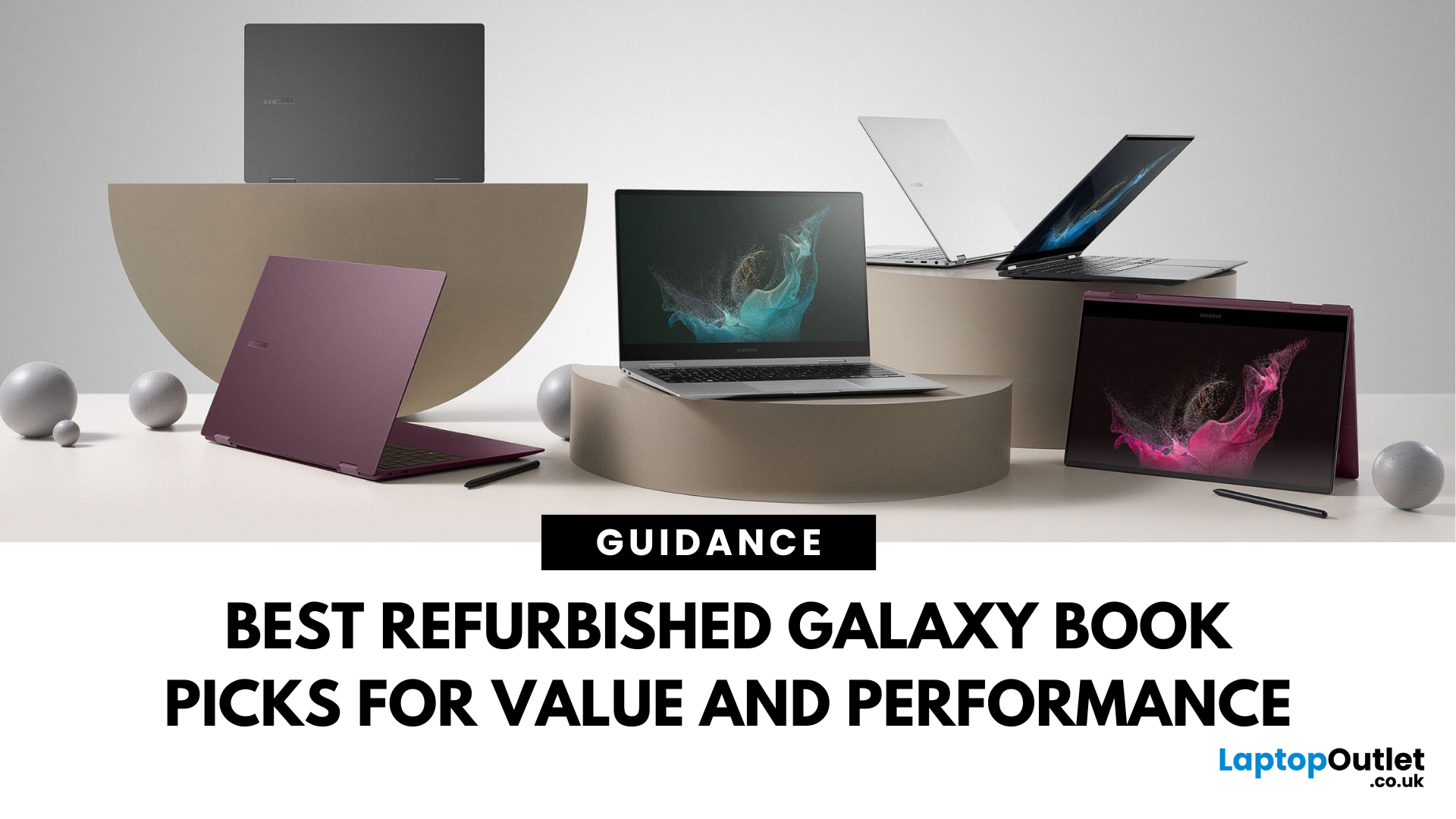
Looking for unbeatable Samsung tech without the flagship price tag? You’re in the right place. Whether you’re after a basic browsing machine or a next-gen 2-in-1 powerhouse, the Refurbished Samsung Galaxy Book lineup has you covered — all at epic prices.
We’ve picked five refurbished Galaxy Book models that punch way above their price point. From under £150 to high-performance convertibles, these laptops deliver insane savings, smooth performance, and certified quality — all backed by Laptop Outlet.
Let’s dive in.
1. Refurbished - Samsung Galaxy Book2 Go 5G – Always Connected, Always Ready (Under £150) 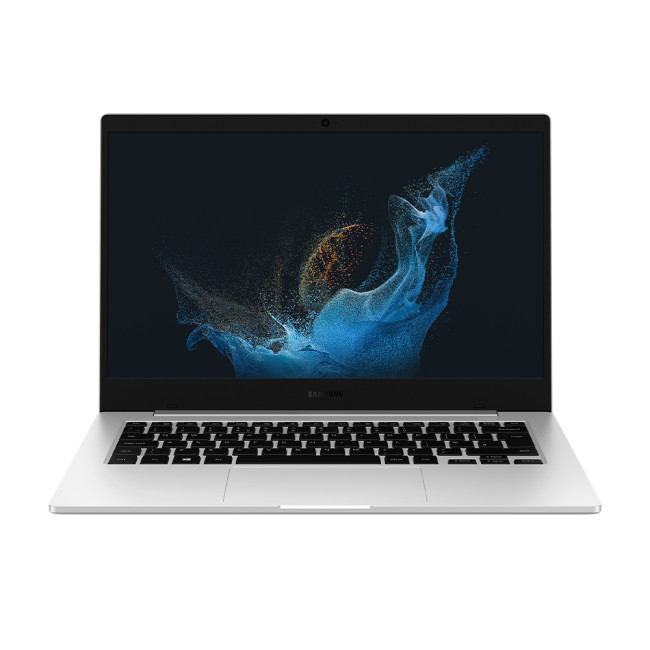
Price: Approx. £150
Model: NP345XNA-KA1UK-AG
Perfect for: Students, light users, travellers, those needing constant connectivity
Why You’ll Love It:
Stay connected wherever you are with this refurbished Samsung Galaxy Book2 Go 5G. Powered by the efficient Qualcomm Snapdragon 7c+ Gen 3 processor and running Windows 11 Home, it offers smooth performance for everyday
May 19, 2026
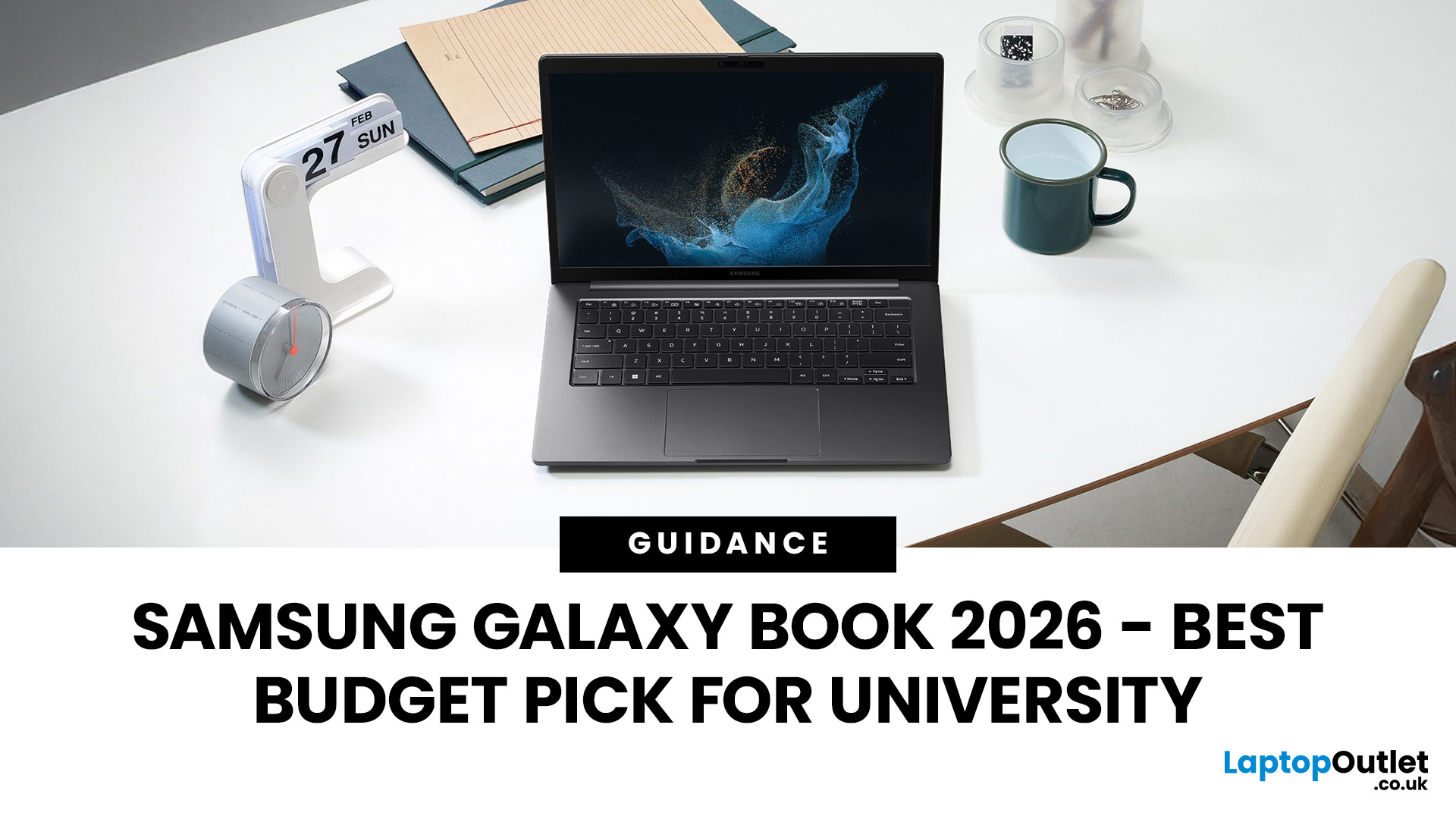
Looking for the perfect laptop that fits your student budget without compromising on performance? The Samsung Galaxy Book series offers the best of both worlds, powerful features at a price point that’s just right for university life.
However, finding a laptop that ticks all the boxes can be overwhelming, especially when balancing a limited student budget with the need for robust performance. This is where the Samsung Galaxy Book laptops step in. Samsung has a strong reputation for blending cutting-edge technology with sleek, functional designs, making its Galaxy Book line a standout option for students. These laptops offer powerful processing, great battery life, and essential features for academic and personal use; all at a price point that makes sense for students. From handling heavy workloads to offering portability and long-lasting battery life, the Galaxy Book range has something for every student.
So, let’s dive right into it!
How Do I Choose a Laptop for University Students?
July 01, 2025
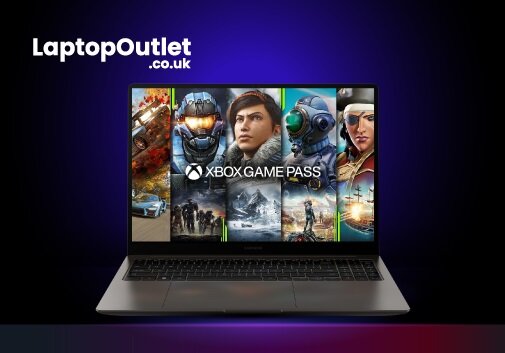
Screen recording on a laptop has become a valuable tool for various reasons. Whether recording your gaming prowess, documenting software processes, or creating in-game tutorials, the screen recording feature lets you capture your favourite moments to share with the world later.
Regardless of the reason, screen recording on a Samsung laptop is relatively simple and can be accomplished with a few simple steps. Thus, if you own a Samsung laptop, you're in luck! You can capture your on-screen gaming activities in multiple ways, ranging from built-in functionalities to powerful third-party applications. The methods offer distinct advantages and cater to different user preferences.
In this article, we will cover the intricacies of each method with step-by-step instructions and additional resources to ensure you capture your gameplay seamlessly.
So, let's dive in!
Method 1: Using Xbox Game Bar
The Xbox Game Bar allows seamless screen recording on a laptop while playing games without

April 03, 2026
Finding the right laptop for your business is a very important decision. In the modern corporate world, you need a device that is fast, stylish, and easy to carry between meetings. Samsung has become a major player in the laptop market. They are famous for their amazing screens and how well their devices work together.
In this blog, we will look at the 5 best Samsung business laptops. Whether you are a small business owner or a corporate professional, Samsung has a "Galaxy Book" for you. We will look at the specs and explain how these features will help your work life.
Why Choose Samsung Laptops for Business?
Samsung laptops are perfect for business because they are built to be thin and light. This makes them ideal for people who travel or work from different offices.
One of the best reasons to choose Samsung is the "Galaxy Ecosystem." If you already use a Samsung phone or tablet, your laptop will sync with them perfectly. You can share files instantly and even use your tablet as a second
July 01, 2025
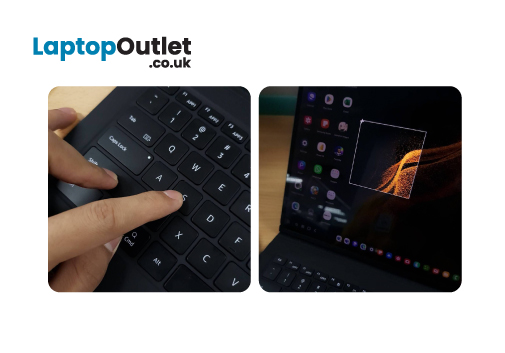
Are you tired of navigating numerous settings and using intricate keyboard shortcuts to print screens on your Samsung laptop? Luckily, we have got you covered by this comprehensive guide!
Although Samsung laptops have impressive hardware and elegant touch screenssome users may need assistance with capturing screenshots on their devices. Whether you want to store good recipes, maintain a record of important correspondence, or share your screen with your friends.
This article will examine many methods for taking screenshots on your Samsung laptop. We'll show you how to take full-screen screenshots, grab the current Window with a single click, and even print a specific section of your screen.
However, before diving into the specifics of Screenshots on a Samsung laptop, it's essential to understand what a screenshot is.
So, let's get started!
What is a Screenshot, exactly?
A screenshot is a digital photo of your laptop screen. It can be used as evidence of anything seen or shared
December 12, 2025
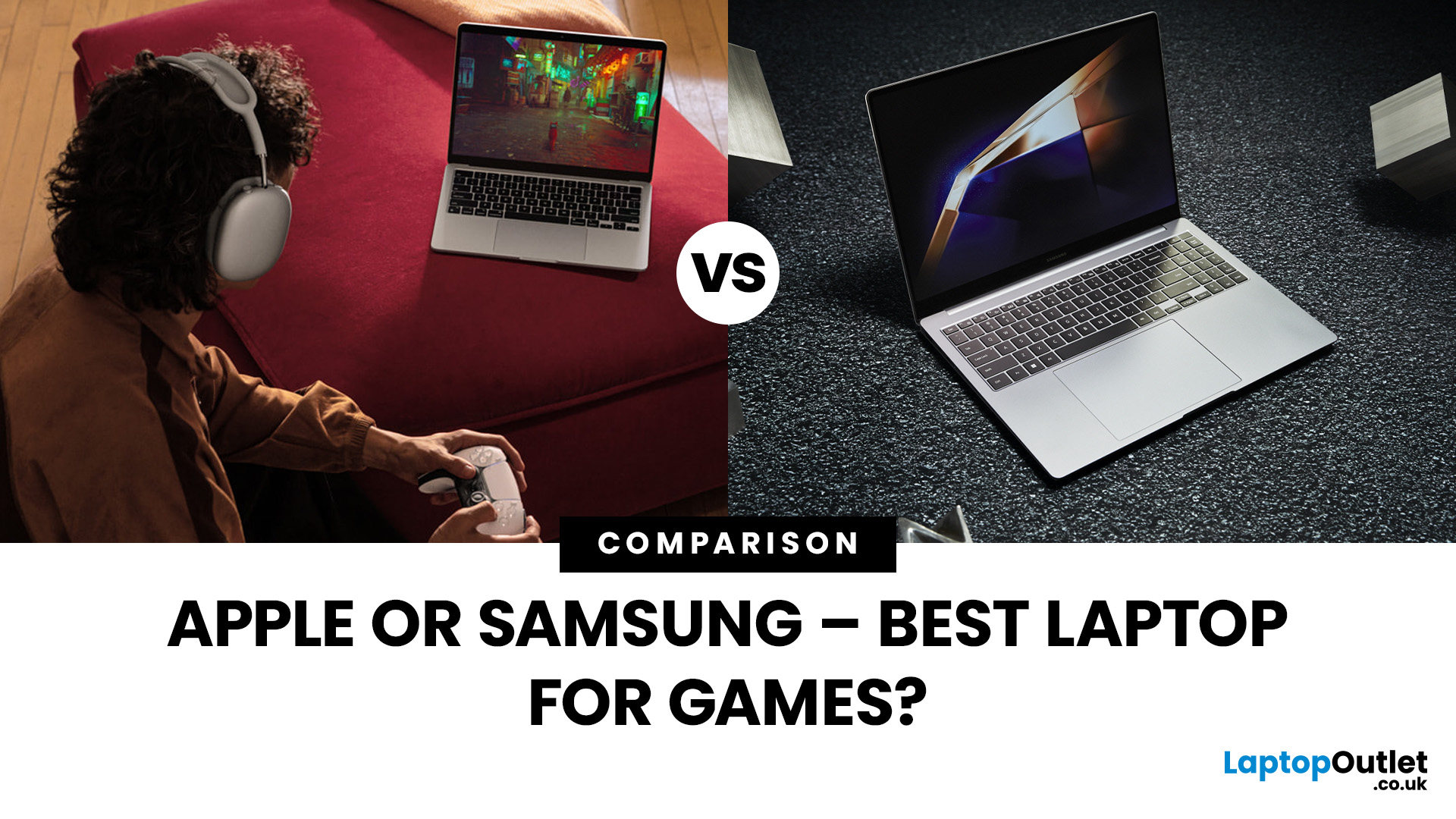
Are you in the market for a new gaming laptop and wondering what to choose between Samsung or Apple?
If you're even remotely familiar with the gaming arena, then you've no doubt heard of two big names which emerged as frontrunners in the high-stakes race of gaming laptops: Samsung and Apple. The latest Samsung models are super thin and ultraportable, and gaming on them may be mediocre if you stick to older titles. On the other hand, Apple laptops are technically suitable for demanding tasks like video editing and creative design as they have powerful CPUs, but the price may dig a big hole in your pocket. So, what to choose?
To provide you with a definitive answer, this guide covers everything from hardware and performance to laptops' design and user experience.
So, let's get started!
Samsung Laptops (Window-Based)
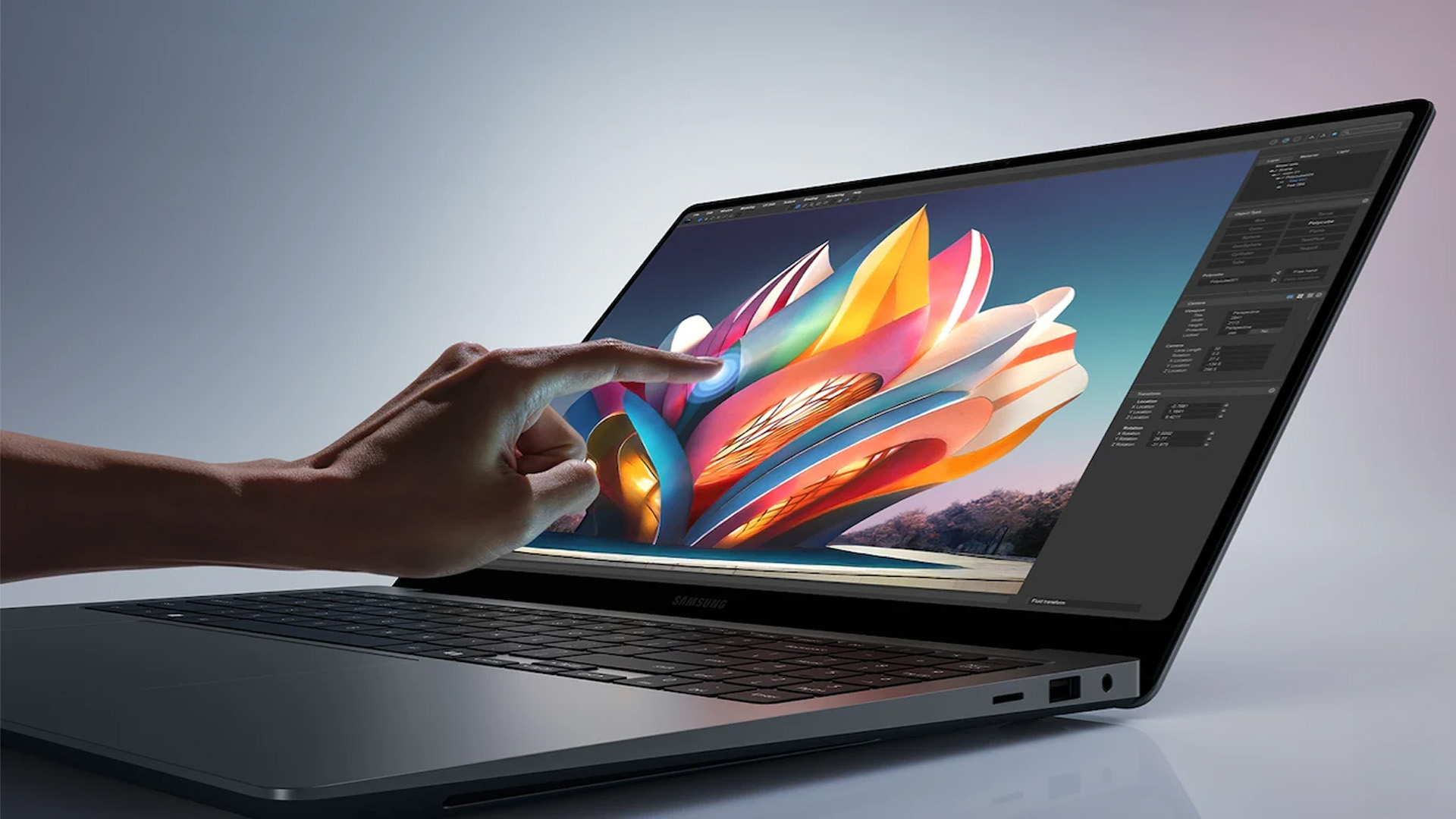
Samsung stands out among the top leading electronics brands in the world. Their laptops are best known for their innovative designs, spectacular build quality, colour-accurate
October 08, 2025
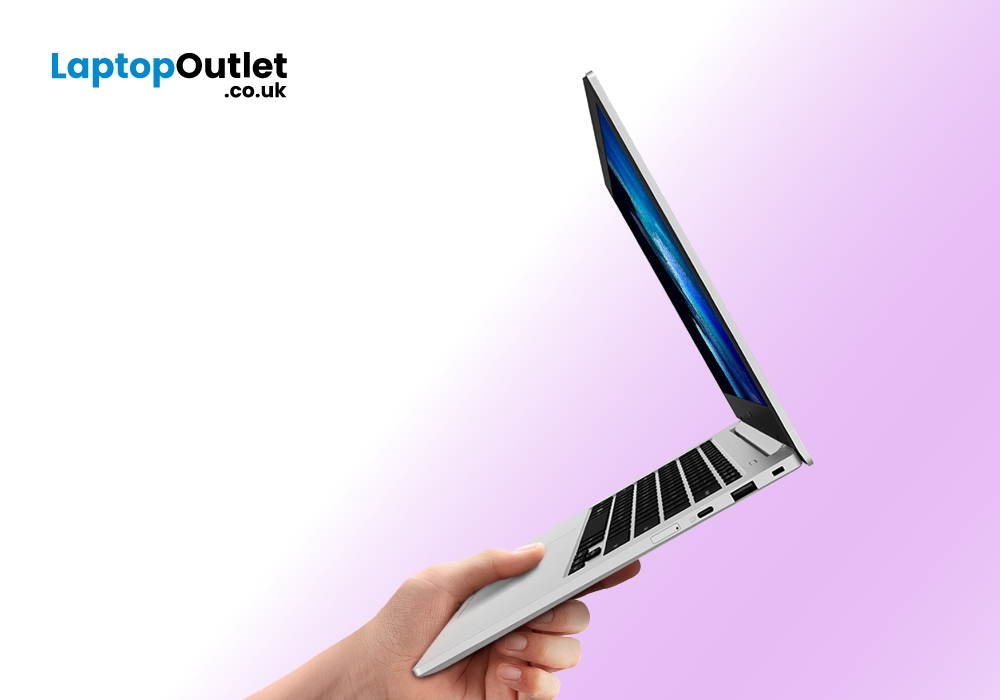
Samsung knows how to craft a premium technology gadget. The company is well-known for its devices, featuring a balanced contrast of captivating design and robust performance. Samsung is also famous worldwide for using the right kind of components to cover the essentials at a fair price in its devices. The South Korea-based technology giant has carried forward this perfect balance between the design and the productivity to its latest lineup of Samsung Galaxy Book laptops.
These ultra-light Samsung laptops present an array of state-of-the-art features. You get access to AMOLED Eye Care display, Wi-Fi 6E connectivity support, and long-lasting battery life for up to 21 hours. In addition to that, the ultra-fast processors of these machines are well-aligned to take your user experience to a whole new level. However, if you are confused that which specific Samsung Galaxy Book you should buy, we are here to help you out.
In this handy guide, we have put forward a compiled list of the best