



Acer TravelMate vs Extensa: Best Business Laptop Choice
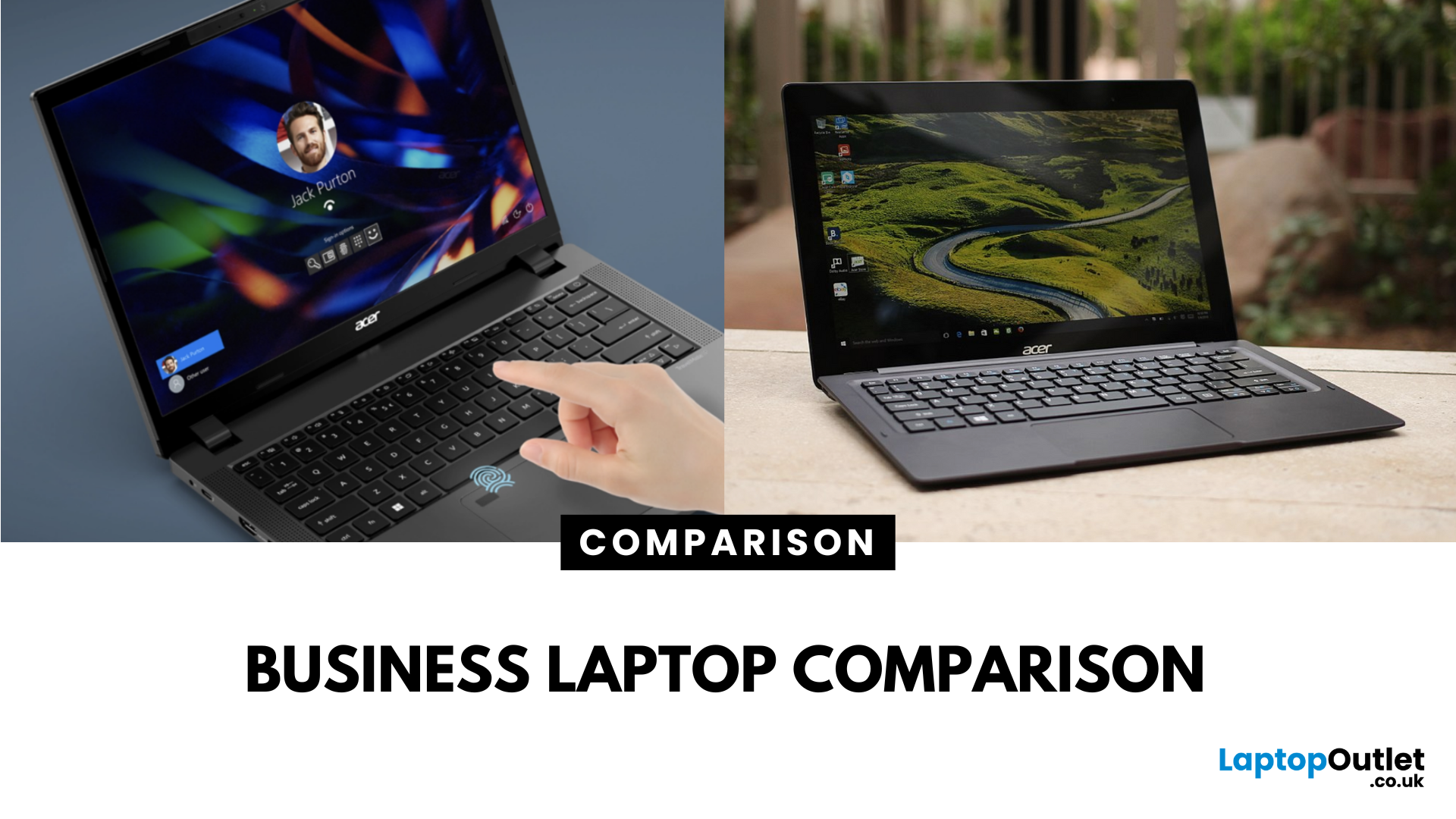
What’s the Difference Between Acer TravelMate and Extensa?
Both the TravelMate and Extensa are Acer’s business-focused laptop lines—but they serve different audiences. TravelMate is Acer’s premium business series, designed for professionals who prioritize portability, reliability, and security. Think sleek magnesium or metal build, MIL-STD durability, and longer support. Extensa is the budget-friendly option aimed at office use and light business tasks. It’s cost-effective, straightforward, and great for general productivity.
Feature Comparison Table
|
Feature |
Acer TravelMate |
Acer Extensa |
|
Target Audience |
Business professionals, frequent travelers |
Budget-conscious office users |
|
Build & Durability |
Lightweight, rugged, pro-grade construction |
Basic plastic build |
|
Portability |
Thin and light (e.g., TravelMate P6 ~1.1 kg) |
Heavier and bulkier |
|
Display |
Premium 14" IPS / WUXGA on modern models |
15.6" FHD TN or LCD displays |
|
Performance Options |
Up to Intel i7 (13th Gen), LTE/Thunderbolt support |
Up to i5/i7 U-series, entry-level components |
|
Security Features |
Enhanced security—TPM, fingerprint, BIOS control |
Basic office-grade features |
|
Battery & Efficiency |
Generally better battery tuning and efficiency |
Standard battery life |
|
Price Range |
Premium pricing |
Affordable price point |
|
Upgradeability |
Varies—some models soldered components |
Generally easier to upgrade |
1. Performance & Portability
- TravelMate models like the P6 14 offer powerful 13th Gen Intel Core i7 CPUs and robust build in just ~1.1 kg magnesium-aluminium chassis. Ideal for road warriors and multitaskers.
- Extensa models are more affordable and typically heavier, around 1.8–1.9 kg. They use budget-friendly components tailored for everyday office tasks.
If you need a sleek and portable machine for frequent travel, the TravelMate is the better choice for on-the-go professionals. However, if you value affordability and don’t mind a bit more heft, the Extensa could be the right fit for desk-centric use.
2. Display & User Experience
- TravelMate models often boast high-quality IPS/WUXGA displays and refined user features (narrow bezels, backlit keyboards). The P6 14 with its 14" IPS 1920×1200 screen is easier on the eyes and lighter in your bag.
- Extensa packs a larger 15.6" screen which is great for multitasking but often uses standard TN or low-end LCD panels with lower pixel density.
If you need crisp visuals and portability, the TravelMate edges ahead. But if you want a bigger screen for spreadsheets and value, Extensa holds the line.
3. Battery Life & Toughness
- TravelMate is engineered for extended efficiency, thanks to better hardware tuning and battery optimization. Its sturdy build also handles daily wear and tear better.
- Extensa models are more conventional—adequate battery life, but nothing flashy. You’ll get through the day… but don’t expect marathon endurance.
If portability and durability for long workdays matter most, TravelMate is the better business companion. If you're economy-minded and work mostly indoors, Extensa will do just fine.
4. Price & Upgradeability
- TravelMate comes at a premium, especially for models with higher-end specs or rugged build. Expect to spend more for added security, lighter frame, and business-grade performance.
- Extensa is the budget pick—great for classrooms, startups, or office setups needing multiple units without breaking the bank.
In terms of upgradeability, Extensa generally allows easier RAM/SSD swaps. Some newer TravelMate models use soldered components, limiting expandability despite their premium nature.
If you value long-term investment and portability, TravelMate delivers... but at a cost. If upfront price and flexibility matter, Extensa wins for sensible value.
Pros & Cons
|
Model |
Pros |
Cons |
|
Acer TravelMate |
Sleek, light design Durable/rugged Better component quality & security |
Higher price Upgrade options limited for some models |
|
Acer Extensa |
Budget-friendly Larger display Easier to upgrade |
Bulkier and heavier Basic display and build quality |
Which Should You Choose?
Choose TravelMate if you're a business traveler, work on-the-go, or need a laptop that lasts both in performance and build. Choose Extensa if you're setting up a cost-effective work or study setup, want a bigger screen, and don’t mind a little extra weight.
Ready to power up your workspace? Dive into Acer laptop lineup to pick what fits your workflow best.
FAQs
Q1: Are TravelMates more durable than Extensas?
Yes. TravelMates are built with rugged, lightweight materials and designed to meet business durability standards, while Extensas offer more basic builds.
Q2: Which is lighter, TuravelMate or Extensa?
Typically, TravelMates (like the P6 14) weigh around 1.1 kg, whereas Extensas weigh closer to 1.8–1.9 kg.
Q3: Is the battery life better on TravelMate?
In general, yes.TravelMates tend to have more efficient designs and tuning for longer battery endurance compared to Extensas.
Q4: Can I upgrade RAM and storage on both?
Extensa generally offer easier access for upgrades, while many TravelMate models, especially newer, thinner variants, have components that are soldered on.
Summary
The Acer TravelMate is the go-to for business pros who want rugged, lightweight build, solid security, and long-term reliability. The Acer Extensa is your budget-friendly everyday workhorse—larger, simple, and cheaper. Choose TravelMate for portability and pro-grade features; choose Extensa if you're looking for value with just enough performance.
| Read More: |
| Acer Aspire 3 (A314-23P) Laptop Review - Special Offer |
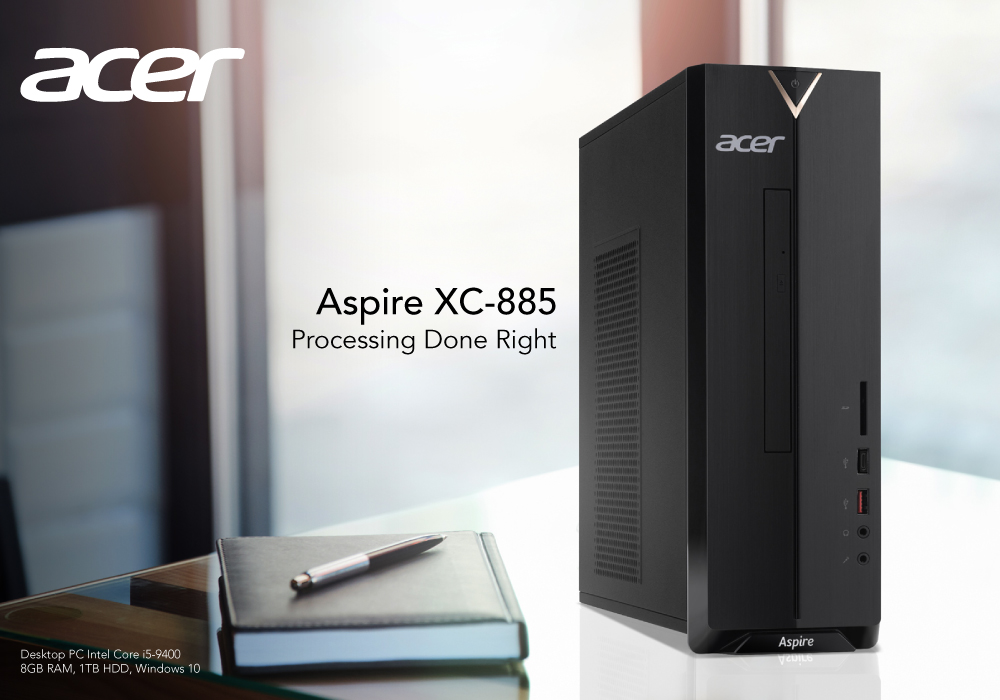
| Acer Aspire XC-8850 Desktop PC Intel Core i5- Review |
| Which Category of Laptops is Ideal for Students? |
Related Articles

Last Updated: April 02, 2026
Last Updated: March 17, 2026
If you're a student, you'll want one of the best laptops so you can study for your exams and then relax by watching TV or playing games. However, with so many options at such a wide range of pricing, finding good laptops for students may be a full-time job in itself. A laptop, on the other hand, is essential for autonomous work, such as drafting an essay or revising for an exam. However, with so many options, deciding which device to choose might be tough.
There is no one-size-fits-all answer for every student; what a student requires from a laptop is heavily dependent on what they are studying and how they want to spend their leisure time.
Keeping these things in mind, we’ve tried to provide a variety of affordable laptops in this chart to cater to various student-types. There should be something for everyone here, but don't worry if your favorite laptop isn't on the top of the list; we can recommend few best affordable laptops.
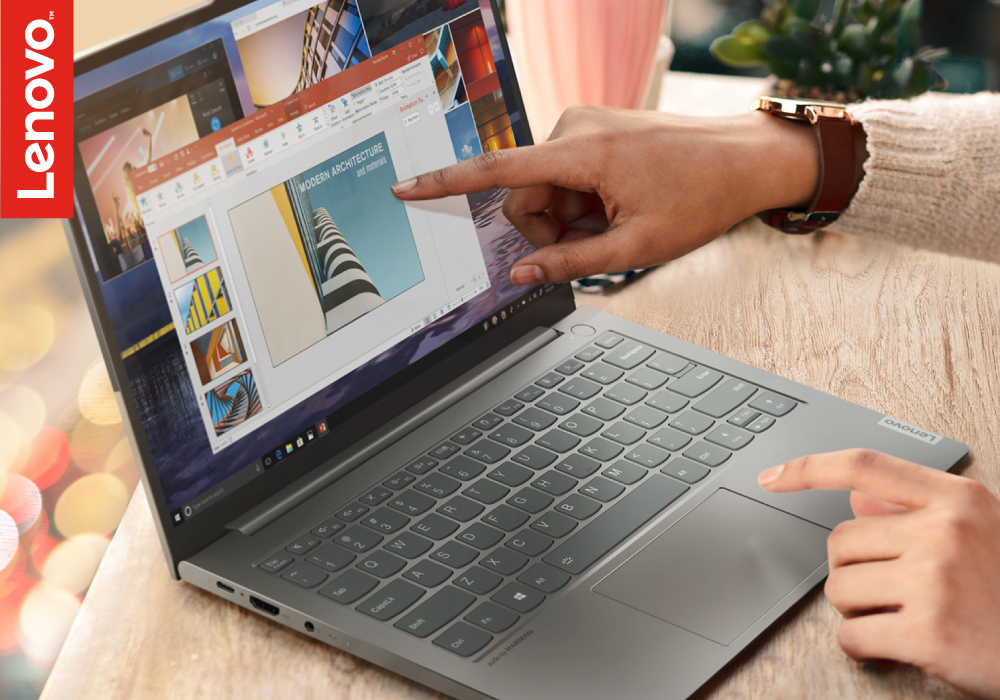
Lenovo ThinkBook 14 G2 Laptop
Boost your business with Lenovo

Last Updated: July 01, 2025
Are you in the market for a reliable, affordable laptop that doesn't compromise performance? Look no further than the Acer Aspire 3.
The Acer Aspire 3 Laptop combines sleek design, powerful performance, and affordability, making it an ideal choice for students, professionals, and everyday users. Whether tackling everyday tasks, streaming content, or staying connected on the go, this laptop delivers the performance and reliability you need to get things done.
This review will look at this versatile laptop in-depth and explore its key features and performance capabilities. Plus, we have an exclusive special offer that you don't want to miss!
Let's discover why it's becoming famous in style, functionality, and value. Also, don't forget to take advantage of our special offer to make this great deal even better!
Technical Specifications
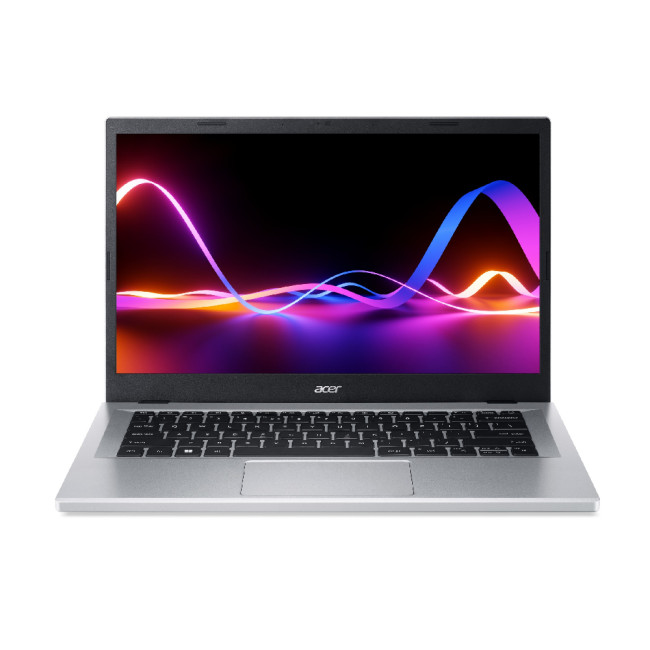
Here are the detailed specifications of the Acer Aspire 3 (A314-23P) laptop.
Processor
| Processor Manufacturer | AMD |
| Processor | AMD Ryzen |

Last Updated: September 09, 2025
What’s the Main Difference Between Acer Aspire and Acer Swift?
Acer Aspire laptops aim for affordability and all-around usability — safe choices for everyday tasks like browsing, video calls, and office work. In contrast, Acer Swift models focus on refined design, modern materials, improved battery life, and higher-end specs for users needing something thinner and more capable.
Feature Comparison Table
| Feature | Acer Aspire | Acer Swift |
| Design & Build | Traditional chassis -often plastic or mixed materials, reliable but bulkier. | Sleek, ultra-thin designs with premium all-metal or alloy construction. |
| Portability & Weight | Generally heavier and less compact. | Lightweight and highly portable - designed for travel and commuting. |
| Battery Life | Good for daily tasks, typically moderate (~8–10 hours). | Excellent endurance - many models achieve 10–15 hours, some up to 17–24 hours. |
| Performance & Specs | Balanced for office, browsing, and streaming; good value performance. | Higher-end internals - newer CPUs, more |

