



Intel Core Ultra vs AMD Ryzen Z2: Which Windows 11 Laptop Performs Better?
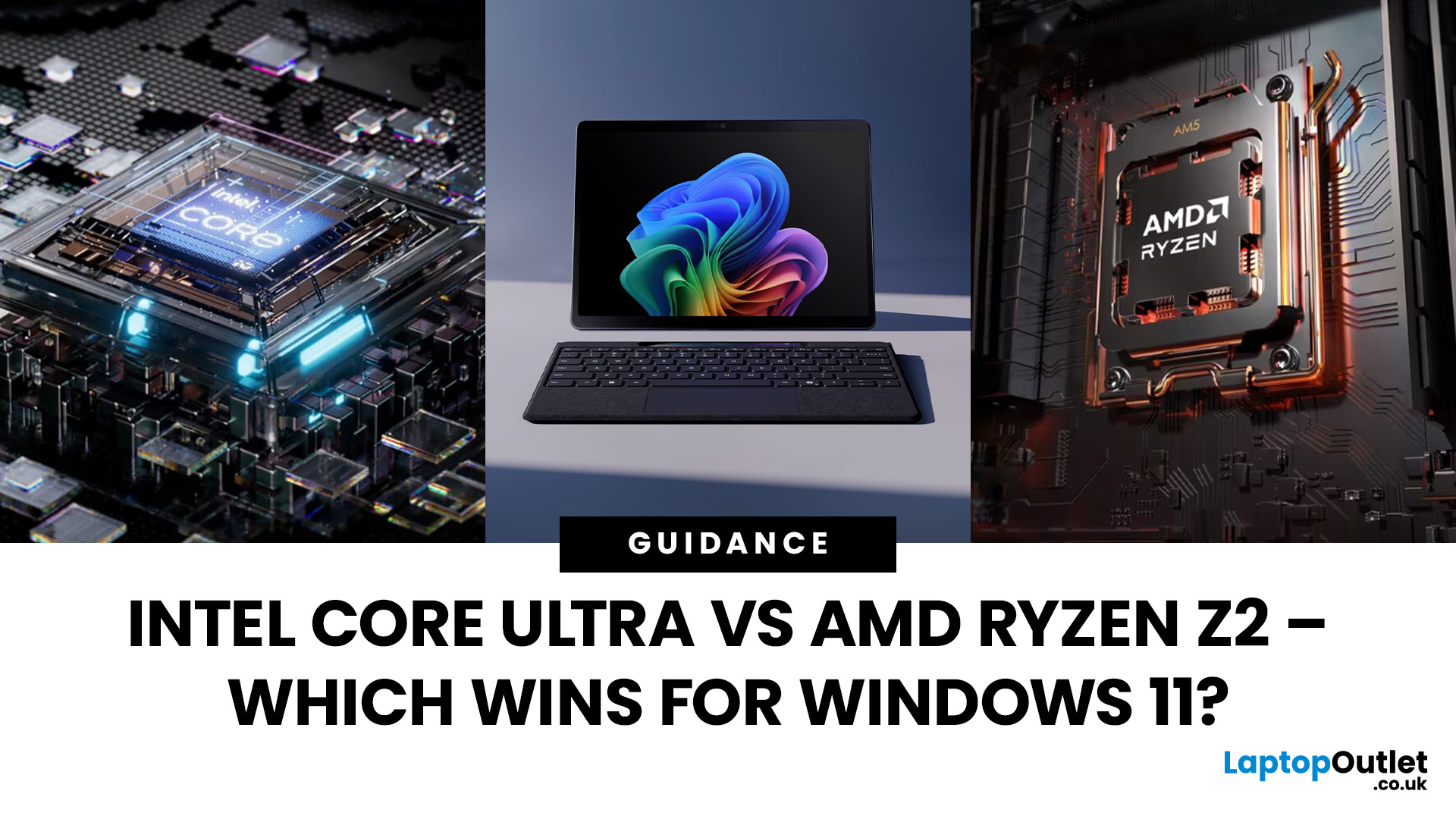
The battle between Intel and AMD has shaped the laptop world for decades. With the release of Intel Core Ultra processors and the new AMD Ryzen Z2 series, that rivalry has entered a new phase - one defined not just by raw speed, but also by AI integration, efficiency, and Windows 11 optimisation.
Intel’s Core Ultra chips (available in Core Ultra 5, 7, and 9 tiers) mark a major shift in design, blending performance and efficiency cores with a dedicated AI NPU (Neural Processing Unit). Meanwhile, AMD’s Ryzen Z2 processors are raising eyebrows with their RDNA 3.5 graphics and strong balance between performance and battery efficiency.
So, which one is better for you? In this guide, we’ll break down the Intel vs AMD Windows 11 laptops debate, comparing performance, AI features, battery life, and creative workloads. Whether you’re a student, gamer, or professional, by the end you’ll know which processor suits your needs.
Intel Core Ultra – What’s New?
Intel’s Core Ultra range is its most significant redesign in years. Built for the Windows 11 era, these processors combine high-performance cores (P-cores), efficient cores (E-cores), and an AI-focused NPU to create a balanced, future-ready architecture.
Key Features of Intel Core Ultra
- Hybrid Architecture: P-cores handle heavy lifting (like rendering or video editing), while E-cores manage background tasks efficiently.
- AI Integration: The dedicated NPU accelerates Windows 11 Copilot+ features, Recall, and real-time AI tasks without overloading the CPU or GPU.
- Better Graphics: Intel Arc integrated graphics deliver smoother visuals and light gaming support.
- Performance Scaling: Options range from entry-level Core Ultra 5 to the powerhouse Core Ultra 9.
Benefits for Windows 11 Laptops
- Seamless multitasking with faster app switching.
- Enhanced performance in AI-powered creative apps.
- Optimised power management for longer battery life.
Explore options:
- Core Ultra 9 laptops → demanding tasks.
- Core Ultra 7 laptops → balanced performance.
- Core Ultra 5 laptops → everyday use.
AMD Ryzen Z2 – Designed for Modern Windows 11 Devices
While Intel has been busy with hybrid CPUs, AMD has doubled down on efficiency and integrated graphics performance with its Ryzen Z2 processors. These chips are built for portable Windows 11 devices, striking an impressive balance between CPU and GPU power.
Key Features of AMD Ryzen Z2
- RDNA 3.5 Graphics: Integrated GPU power that rivals entry-level discrete graphics cards. Perfect for gaming and creative apps without needing an external GPU.
- Zen 5 Efficiency: Improved architecture for better single-core and multi-core performance while keeping power consumption low.
- AI-Ready: Hardware-level AI acceleration for Windows 11 features and creative workflows.
- Thermal Efficiency: Runs cooler, making it ideal for thin-and-light laptops.
Benefits for Windows 11 Laptops
- Excellent for users who want strong graphics performance without buying a gaming laptop.
- Long battery life thanks to power-efficient cores.
- Smooth multitasking for everyday use and creative workloads.
Explore options: AMD-powered laptops with Ryzen Z2 processors.
Intel vs AMD – Performance Comparison
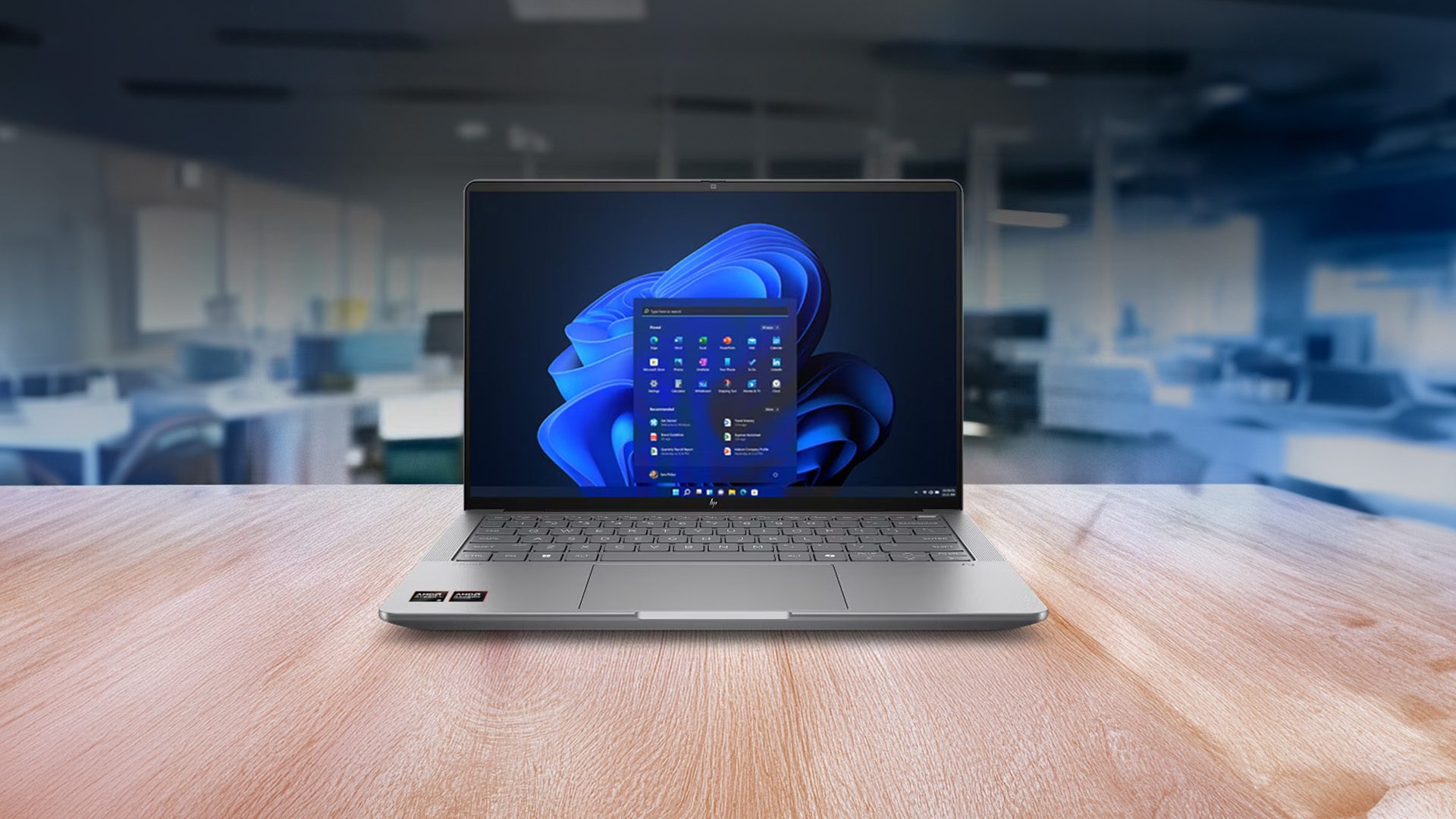
When it comes to Intel Core Ultra vs AMD Ryzen Z2 comparison, both shine in different areas.
Raw CPU Performance
- Intel Core Ultra 9 delivers exceptional multi-core performance for demanding workloads like 3D rendering, AI development, and heavy multitasking.
- AMD Ryzen Z2 holds its own with excellent single-core speeds and competitive multi-core efficiency, though it typically falls slightly behind Intel’s Ultra 9 in raw benchmarks.
Graphics & Creative Workloads
- Intel’s integrated Arc graphics are solid, but AMD’s RDNA 3.5 iGPU leads in gaming and creative workloads without requiring a discrete GPU.
- Video editors and designers who rely heavily on GPU acceleration may find AMD laptops more appealing.
Everyday Performance
- Core Ultra 5 is a great all-rounder for students and professionals handling browsing, productivity, and light media editing.
- Ryzen Z2 laptops in the same tier provide smoother casual gaming and better graphics performance for similar day-to-day tasks.
Overall Verdict on Performance
- Intel wins in raw CPU power and AI acceleration.
- AMD leads in integrated graphics and efficiency.
- For mixed workloads, the “better” option depends on whether you value CPU or GPU performance more.
Intel vs AMD – AI Features in Windows 11 Laptops
AI is becoming the defining factor in next-gen laptops, and both Intel and AMD are making sure their chips are ready for it.
Intel Core Ultra & AI
- Intel has added a dedicated NPU (Neural Processing Unit) to handle AI-specific tasks.
- Optimised for Windows 11 Copilot+ PCs, powering features like Recall, AI-enhanced image editing, and real-time transcription.
- By offloading AI workloads to the NPU, Intel laptops run cooler and conserve battery while still delivering impressive results.
AMD Ryzen Z2 & AI
- AMD has integrated AI accelerators into Ryzen Z2 chips.
- Focuses on AI-assisted performance tuning, gaming enhancements, and system optimisation.
- Not as mature as Intel’s NPU setup yet, but strong integration with GPU-powered AI tasks makes it effective for creative workflows.
The AI Verdict
- Intel → better at handling dedicated productivity-focused AI tasks (Copilot+, office work, real-time collaboration).
- AMD → stronger when AI is tied to graphics workloads (gaming visuals, rendering, creative acceleration).
Battery Life & Efficiency

Battery life is often the deciding factor for students, travellers, and hybrid workers. Both Intel Core Ultra and AMD Ryzen Z2 bring improvements, but they approach efficiency differently.
Intel Core Ultra Efficiency
- Hybrid architecture lets E-cores handle light tasks with minimal power draw.
- AI NPU helps optimise background processes and Copilot+ tasks without draining the CPU.
- Core Ultra laptops generally offer balanced battery life, with the Pro and Max chips performing better under load.
AMD Ryzen Z2 Efficiency
- Built with Zen 5 architecture, which prioritises low power usage.
- Better graphics-per-watt efficiency than Intel, especially during GPU-heavy workloads.
- Ryzen Z2 laptops are often praised for lasting longer on lighter tasks like browsing or streaming, even without massive batteries.
The Battery Verdict
- Intel Core Ultra → better efficiency for mixed workloads and productivity tasks.
- AMD Ryzen Z2 → longer endurance for lighter use and GPU-heavy scenarios.
Gaming & Creative Workloads
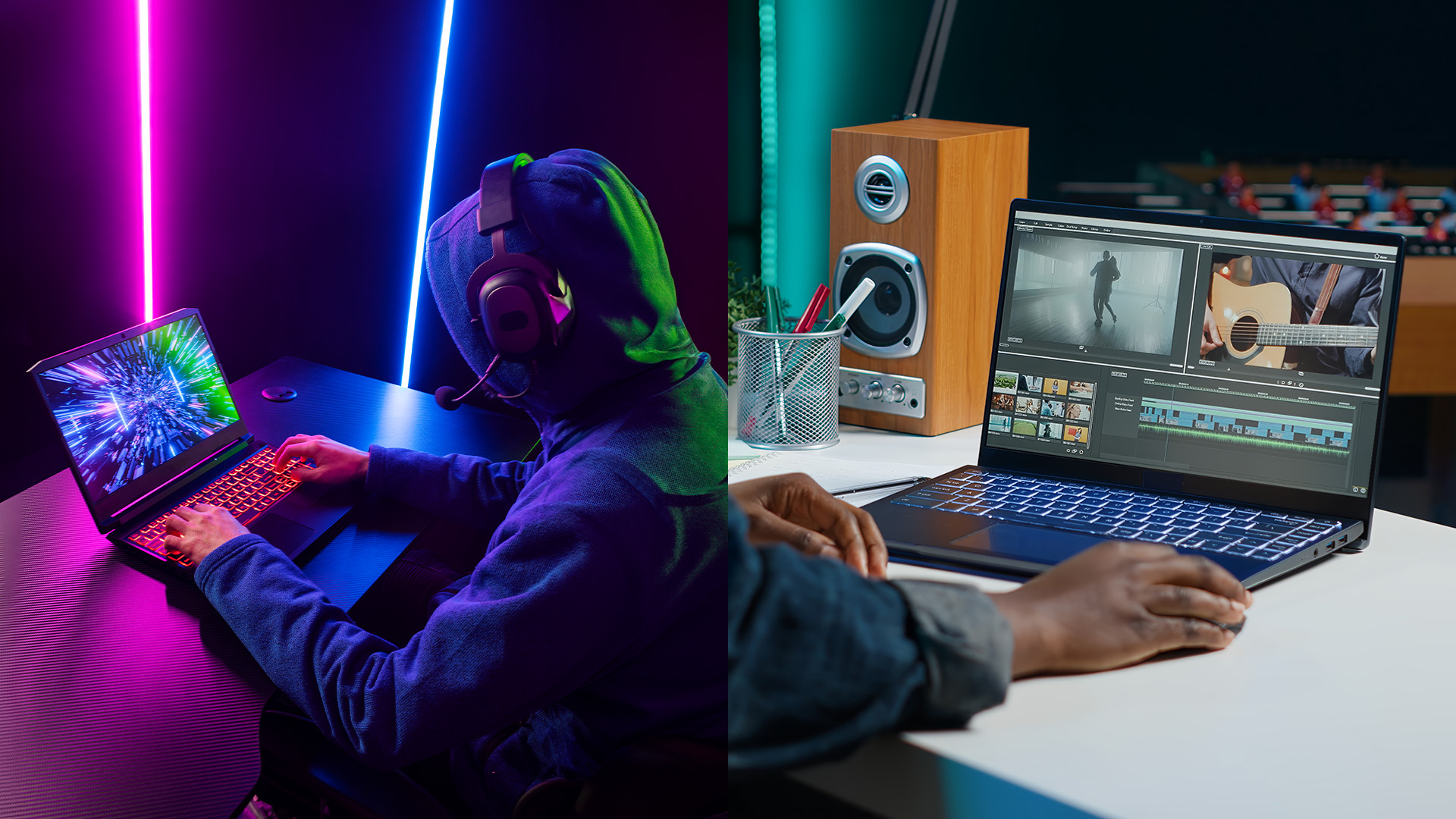
For many buyers, laptops aren’t just for work - they’re for gaming, streaming, and creative projects. This is where the Intel vs AMD battle gets interesting.
Gaming Performance
- Intel Core Ultra 9 laptops paired with discrete GPUs (e.g., NVIDIA RTX) dominate for high-end AAA gaming.
- AMD Ryzen Z2 laptops punch above their weight in integrated graphics gaming, delivering smooth performance in esports titles and lighter games without a dedicated GPU.
Creative Workloads
- Intel Core Ultra → better suited for raw CPU-heavy creative tasks like video encoding, 3D rendering, and multitasking across creative apps.
- AMD Ryzen Z2 → excels when creative work taps into GPU acceleration, e.g., editing in DaVinci Resolve or GPU-heavy filters in Photoshop.
The Creative & Gaming Verdict
- Intel wins with Core Ultra 9 laptops paired with GPUs for maximum power.
- AMD shines for portable, budget-friendly laptops that still handle creative tasks and casual gaming surprisingly well.
Which Windows 11 Laptop Should You Choose?
By now, it’s clear that both Intel and AMD have crafted excellent processors for the Windows 11 generation. The “right” choice depends on your priorities, budget, and daily workloads.
Intel Core Ultra Laptops
- Core Ultra 9 → Best for professionals who need maximum power. Perfect for video editing, 3D rendering, and AI-heavy workflows. Explore Intel Core Ultra 9 laptops.
- Core Ultra 7 → Balanced performance and efficiency. Ideal for hybrid workers, students in demanding courses, and general professionals. See Core Ultra 7 laptops.
- Core Ultra 5 → Affordable and reliable for everyday use like browsing, office apps, and streaming. Check Core Ultra 5 laptops.
AMD Ryzen Z2 Laptops
- Great for users who want balanced CPU/GPU performance without paying for a discrete graphics card.
- Best for casual gamers, creatives, and those who value longer battery life.
Who Should Choose What?
- Intel Core Ultra 9 → Heavy multitaskers, AI professionals, creatives needing workstation-level performance.
- Intel Core Ultra 7 → Ideal middle ground, offering versatility for most users.
- Intel Core Ultra 5 → Students, families, and casual users.
- AMD Ryzen Z2 → Gamers and creatives on a budget who want powerful integrated graphics and better endurance.
Browse the full range of Windows 11 laptops to compare all options.

FAQs – Intel Core Ultra vs AMD Ryzen Z2
Which is better for Windows 11 laptops: Intel Core Ultra or AMD Ryzen Z2?
Both are excellent. Intel Core Ultra offers stronger CPU and AI performance, while AMD Ryzen Z2 delivers better integrated graphics and efficiency.
Are Intel Core Ultra laptops good for gaming?
Yes, especially Core Ultra 9 laptops paired with discrete GPUs. For casual gaming, even Core Ultra 7 laptops with Intel Arc graphics are capable.
Do AMD Ryzen Z2 laptops support AI features in Windows 11?
Yes. Ryzen Z2 processors include AI accelerators that enhance system performance, creative apps, and gaming.
What’s the difference between Core Ultra 5, 7, and 9 laptops?
- Core Ultra 5 → entry-level, everyday use.
- Core Ultra 7 → balanced, ideal for most professionals.
- Core Ultra 9 → high-end, for power users and demanding tasks.
Which laptop lasts longer on battery: Intel or AMD?
AMD Ryzen Z2 laptops typically last longer for light use and GPU-heavy tasks. Intel Core Ultra balances battery life well for productivity and AI workloads.
Where can I buy affordable Windows 11 laptops with these processors?
Check out Laptop Outlet’s full range of Windows 11 laptops, including Intel Core Ultra and AMD Ryzen Z2 models.

Conclusion
The Intel Core Ultra vs AMD Ryzen Z2 debate isn’t about winners and losers — it’s about what fits your workflow best.
Intel’s Core Ultra processors bring blazing performance, AI acceleration, and hybrid efficiency that makes them the go-to choice for demanding professionals and power users. From the entry-level Core Ultra 5 to the powerhouse Ultra 9, there’s an option for everyone.
AMD’s Ryzen Z2, meanwhile, delivers outstanding integrated graphics, excellent battery efficiency, and great value for money. It’s a strong contender for students, creatives, and gamers who want capable performance without overspending on dedicated GPUs.
The future of laptops is clearly AI-driven, and both Intel and AMD are pushing that boundary forward. Whichever you choose, you’ll be getting a Windows 11 laptop built to handle modern workflows, future-proof performance, and a smooth user experience.
| Read More: |
| Which Brand is Best for Windows Laptops? Hardware Support |
| Windows 11 Home vs Pro – Which One Should You Choose? |
| Why i7 Windows Laptops Are the Ultimate Choice for Power Users |
Related Articles

Last Updated: June 03, 2025
The competition between Chromebook vs Windows has been long running in the industry. Whether you are a student, a business professional, or a home-user, it is important to know which computing device is best for you.
What is a Chromebook?
Chromebooks are low-cost laptops operating on the "Google OS". They can do just about anything that a laptop can do, i.e., checking mail, browsing the internet, or performing everyday computations. The key difference is that their operating system relies more on software than hardware, making it more affordable and portable for the user.
Google typically expects its users to have 24/7 internet access, due to which there is not much local disc storage available in most Chromebooks. And if you are someone who runs a lot of third-party software, then a Chromebook might not be an ideal choice for you. You cannot download traditional Windows software like Microsoft Office or Adobe Photoshop on your Chromebook.
If you are comfortable with the Google Ecosystem,
Last Updated: February 25, 2026
Are you seeking a featherweight laptop with power-packed features? Luckily, the ultraportable and high-performance Windows 10 laptops given in this article are our top performers in testing.
Microsoft operating system is the most popular computer software on the planet. It supports various computing devices, from powerhouse desktop PCs to ultra-slim and budget-friendly laptops.
Windows 10 has been renowned for its improved efficiency and productivity in daily computing tasks among the other OS versions. It comes with many cutting-edge features such as enhanced security measures, greater Office 365 and OneDrive integration, support for handwriting recognition, more control and customisation, etc.
The best Windows 10 laptop provides unmatched performance thanks to ultraportable form factor and power-loaded capabilities. With a lightweight and efficient laptop, you can seamlessly sprint through your workloads and gameplay.
Well, we have tested and reviewed more than 1OO thin and
Last Updated: November 12, 2025
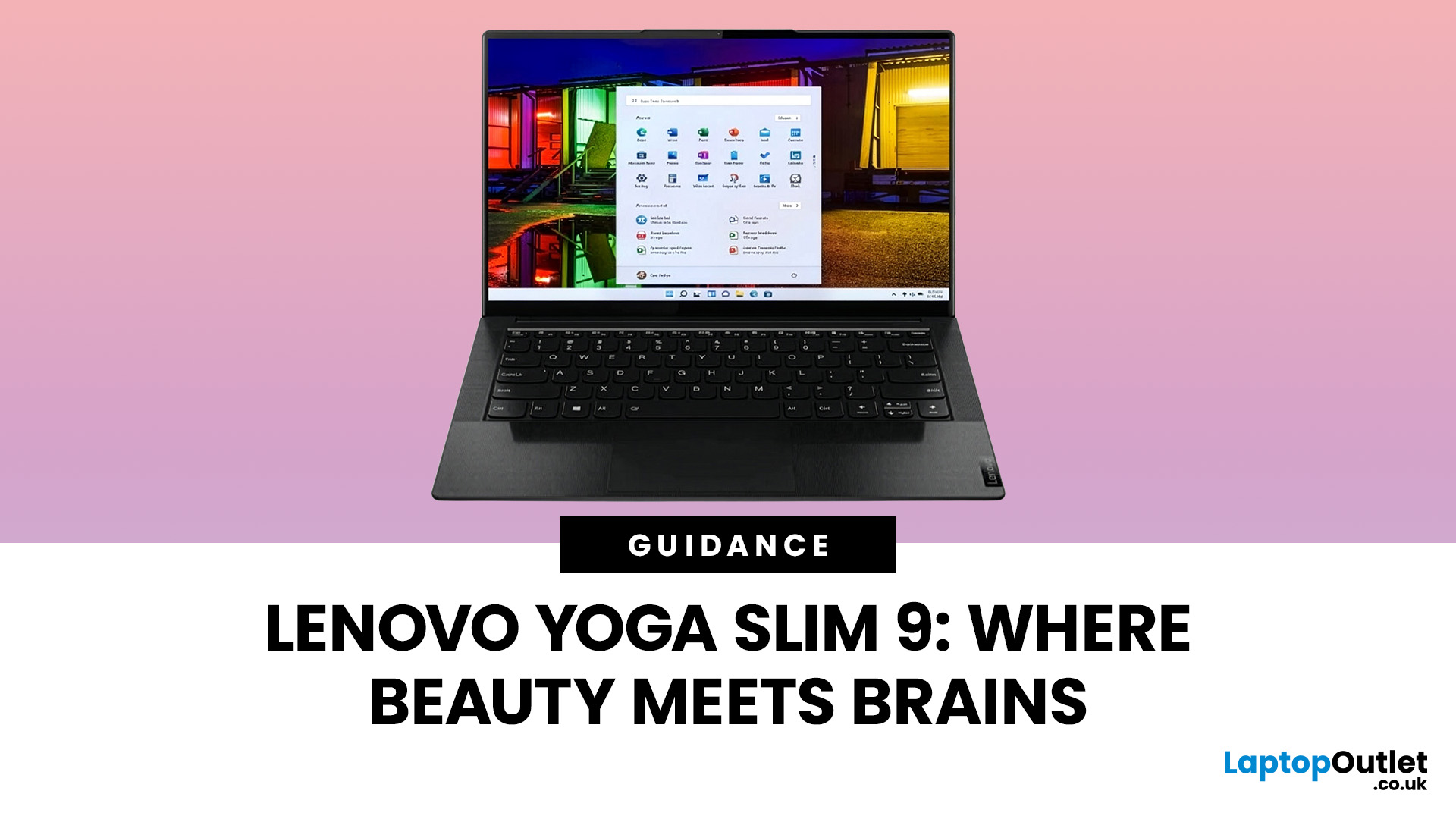
Are you looking for a laptop that’s as sleek as it is smart? Then buckle up! The Lenovo Yoga Slim 9 is an incredibly lightweight laptop that combines a slick design with capable performance.
This laptop distinguishes itself by setting new standards for premium design and performance. It’s crafted with meticulous attention to detail, a stunning appearance, and a responsive touchscreen.
But it’s not just about the looks; the Yoga Slim 9 packs a punch with an OLED touchscreen (up to 4K/3840×2400 with Dolby Vision), modern Intel Core P-series processors, and efficient thermals. Despite the high-resolution panel, battery life is solid for its class. However, some users may find the keyboard’s short travel a drawback.
This blog will explore the features and functionalities of the Lenovo Yoga Slim 9 and discover why it is a top choice for users seeking a combination of innovation, style, and productivity in their laptops and notebooks.
So, let’s get to it!
Key Features
Some of the standout
Last Updated: November 13, 2025
Shopping for a new laptop can be tricky as the best brands go head-to-head to grab your attention, and you want a model that does everything you need and lasts for years.
Although some brands are well regarded for their high-quality laptops, even the best brand manufacturers' models have flaws or performance lags. We've all had that friend who got a fantastic deal on a laptop with a large screen and impressive features, only to hear about its slow performance, sluggish battery, and dim screen later.
Simply put, there isn't the best laptop brand, as it depends entirely on your needs and tastes. However, several options stand out, like ASUS, MSI, Dell, and Lenovo.
To keep it simple, we have tested and reviewed models from dozens of brands and below are our recommendations for the best brands in terms of hardware support.
ASUS
ASUS is also known as ASUSTeK, a Taiwanese brand. It is one of the largest laptop manufacturers in the world today, featuring gaming and business machines.
Last Updated: September 11, 2025
Ready to Install Windows 11?
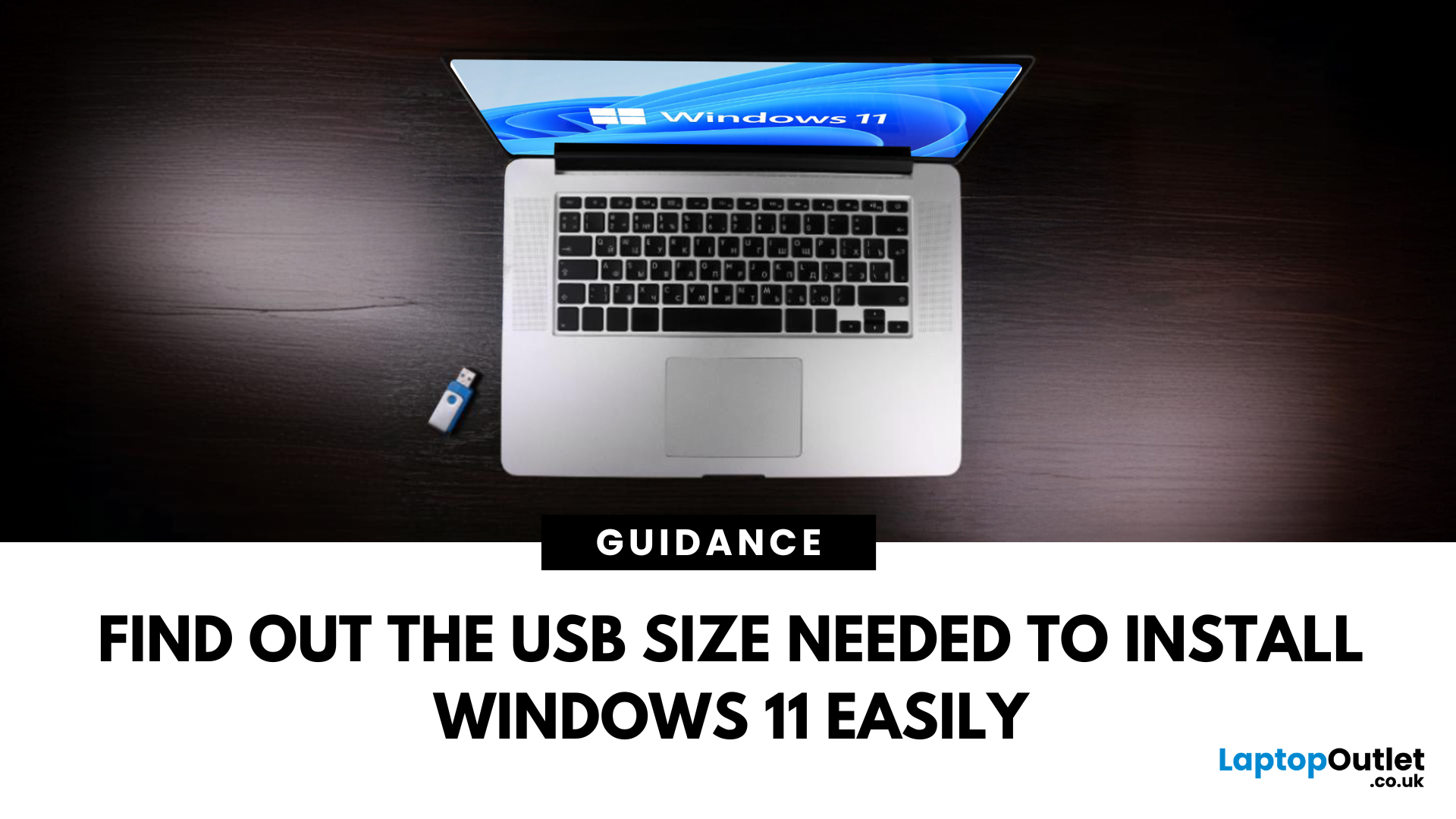
If you're planning to install Windows 11 using a USB stick, one of the first things to sort out is the size. Too small, and it won’t fit the installer. Too large, and it’s unnecessary. Let’s clear up exactly what size USB you need to install Windows 11 and how to get it ready.
Minimum USB Size for Windows 11 Installation
- At least 8GB of storage is required
- Recommended: 16GB or more for extra space and reliability
Microsoft officially recommends a USB drive with 8GB minimum, but using a 16GB or 32GB USB stick ensures you won’t run into space issues.
USB Format Requirements
Before using the USB stick:
- Format it as FAT32 (for UEFI systems) or NTFS (for BIOS/Legacy systems)
- Use tools like Rufus (Windows) or Disk Utility (Mac) to format and prepare the drive
Create a Bootable USB for Windows 11
Using Microsoft’s Media Creation Tool:
- Download the Media Creation Tool from Microsoft’s website
- Run the tool and choose Create installation media
Last Updated: June 25, 2025
When it comes to high-performance computing, Intel Core i7 Windows laptops stand out as the ultimate choice for power users. Whether you're a professional handling complex tasks, a student managing heavy workloads, or a gamer seeking seamless performance, i7 laptops offer the speed, efficiency, and reliability you need. In this comprehensive guide, we'll explore why i7 Windows laptops are the go-to option for those who demand top-tier performance.
Why Choose an i7 Windows Laptop?
For those who demand more from their tech—whether it's lightning-fast performance, reliable efficiency, or future-ready multitasking—Intel Core i7 laptops stand out as the ultimate choice. Here's why:
Power-Packed Multicore Performance
With high core and thread counts, Intel Core i7 Windows laptops make light work of processor-intensive tasks like 4K video rendering, software development, AI training, and advanced simulations. Power users like content creators and engineers can expect lag-free editing, real-time
Last Updated: March 17, 2026
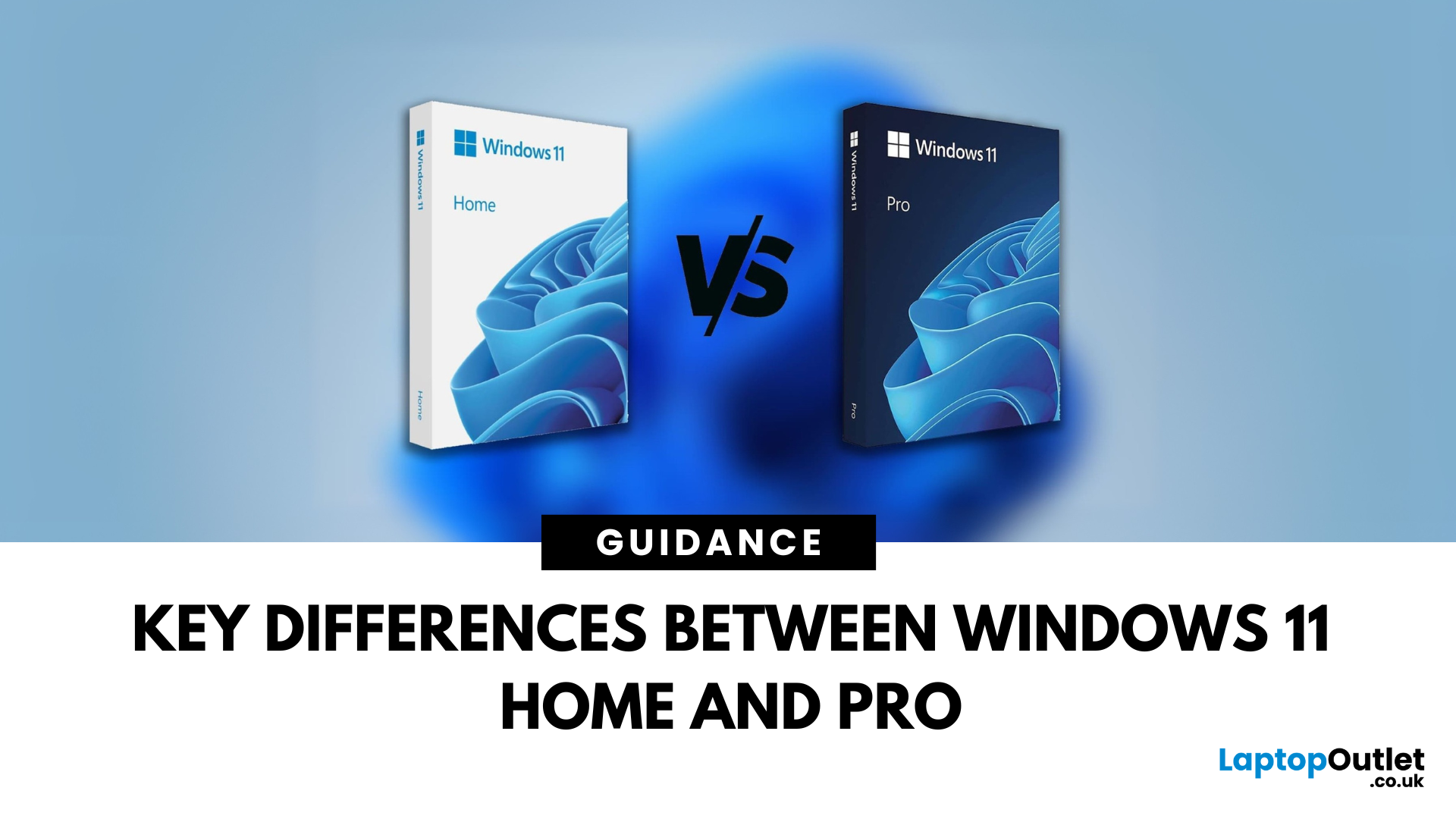
Planning an upgrade or buying a new laptop? You’ve probably noticed two editions of Windows 11: Home and Pro. But which one is right for you? Let’s compare their features to help you decide.
Who Should Choose Windows 11 Home?
Perfect for: Everyday users, students, gamers
- Clean, modern interface with widgets and Snap Assist
- Gaming-friendly with Auto HDR and DirectStorage
- All the essentials for secure and fast performance
- Supports Microsoft Store apps, voice access, and touchscreens
Think of Home as the all-rounder version—smooth for work, play, and everything in between.
Who Should Choose Windows 11 Pro?
Perfect for: Professionals, business users, advanced power users
Includes everything in Home plus extra business tools:
- BitLocker (for advanced device encryption)
- Hyper-V (virtualisation for running multiple OSes)
- Windows Information Protection (WIP)
- Remote Desktop for secure access on the go
Enhanced security with Windows Hello for Business and TPM 2.0
Can join

