



Projector vs TV: Which is the Best Display for Your Home Cinema?
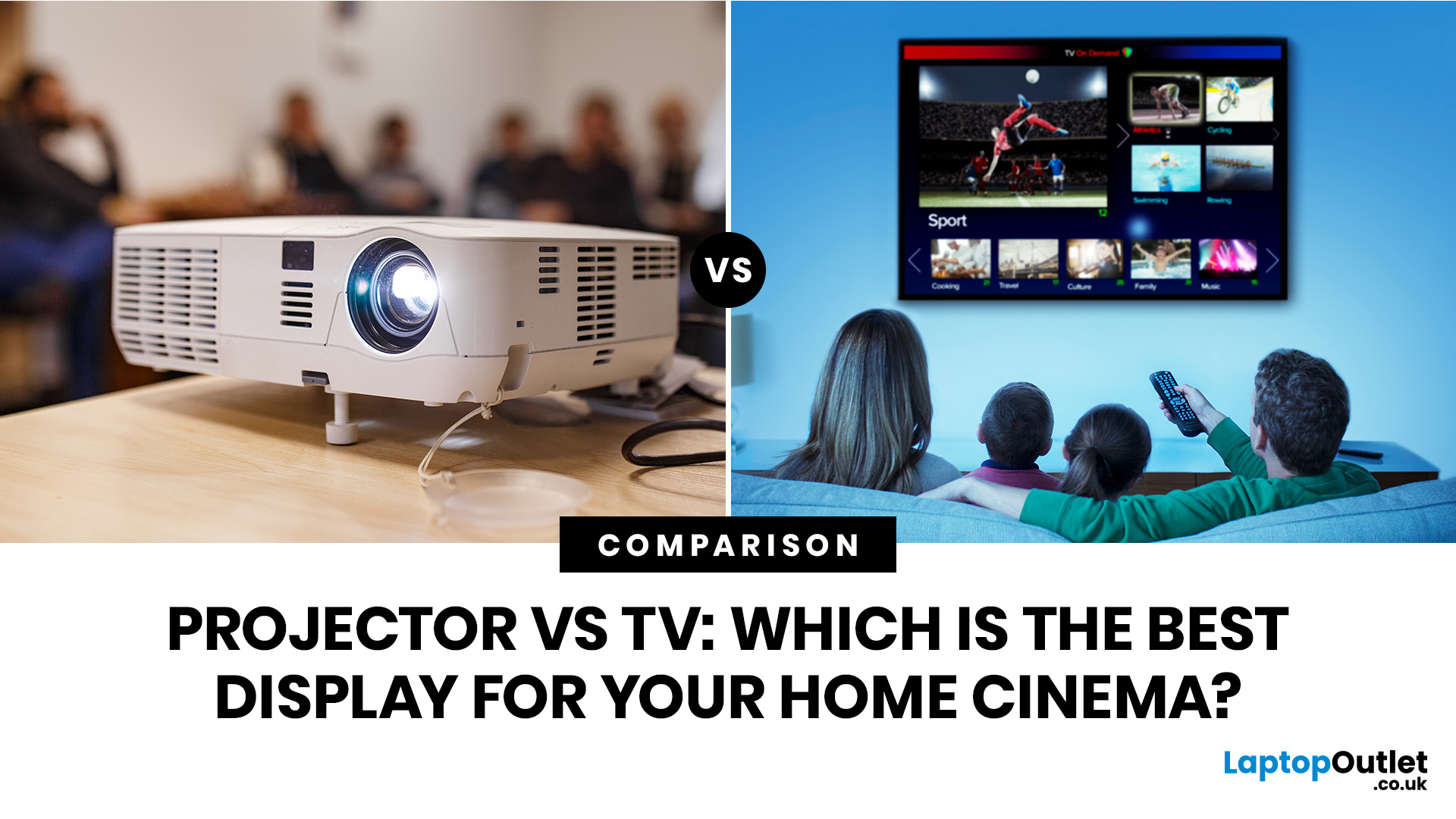
Choosing between a projector vs TV depends on your room, budget, viewing habits and expectations. A projector can deliver a huge cinematic image that feels closer to a real theatre, while a TV offers brighter visuals, easier setup, stronger HDR and better everyday convenience.
The projector vs TV debate has become a major consideration for anyone building a modern home cinema setup. With streaming platforms, 4K content, next-gen consoles, and soundbars now part of everyday entertainment, buyers want a display that feels immersive without being awkward to install or expensive to maintain.
Some people dream of a wall-sized cinema screen. Others want a sharp, bright, plug-and-play display for films, gaming, and daily TV. The right choice depends on key factors such as picture quality, screen size, budget, installation needs, viewing distance, and room lighting. This guide breaks down projector vs TV comparisons in a practical, buyer-focused way so you can make a confident decision.
Understanding Home Cinema Displays
A home cinema experience is about more than simply watching something on a screen. It combines visual impact, sound quality, comfort, lighting control, and seating position to create a more immersive way to enjoy films, sport, gaming, and streaming content.
The display is one of the most important parts of that setup. It determines:
- How large and cinematic the image feels
- How sharp and colourful the picture looks
- How well the setup works during the day
- How easy the system is to use every week
- How much space you need
- How much you will spend upfront and over time
A projector creates an image by casting light onto a screen or wall, making it ideal for very large viewing sizes. A television uses a self-contained panel, usually LED, QLED, OLED or Mini LED, offering strong brightness, contrast, and convenience.
When comparing projector vs television options, the real question is not which is “better” overall. It is which one suits your room, lifestyle, and budget best.
Projector vs TV: Key Differences at a Glance
This projector vs TV comparison shows the big trade-off clearly: projectors win on scale and cinema feel, while TVs win on convenience, brightness, and everyday performance.
|
FEATURE |
PROJECTOR |
TV |
|---|---|---|
|
Screen size |
Typically, 80 to 150 inches or more |
Commonly 43 to 85 inches, with larger models costing more |
|
Image quality |
Excellent in dark rooms, depends on projector and screen quality |
Consistently sharp, bright and colour-rich |
|
Brightness |
More affected by ambient light |
Better for bright rooms and daytime viewing |
|
Installation |
May need ceiling mount, screen and careful positioning |
Simple stand or wall-mount setup |
|
Portability |
Some models are portable |
Usually fixed in one place |
|
Cost |
Large image size can be cost-effective |
Larger screen sizes become more expensive |
|
Space requirements |
Needs projection distance or ultra-short-throw space |
Needs wall or furniture space |
|
Maintenance |
Some models need lamp replacement or filter cleaning |
Usually low maintenance |
|
Gaming performance |
Good on gaming-focused projectors, but input lag varies |
Usually better response times and refresh rates |
|
Energy consumption |
Varies by brightness and light source |
Varies by panel size and technology |
Why Choose a Home Cinema Projector?
A home cinema projector is the go-to choice for buyers who want a truly cinematic screen size. If your idea of home entertainment is a big image, lights down, surround sound on, and popcorn nearby, a projector has serious appeal.
One of the biggest advantages is screen size. A projector can easily create an image of 100 inches or more, which would be far more expensive to achieve with a TV. This makes an affordable home theatre projector a strong option for people who want maximum immersion without paying premium large-screen TV prices.
A projector is especially appealing if you have:
- A dedicated cinema room
- A large blank wall
- A pull-down or fixed projector screen
- Controlled lighting
- A preference for films, sport or big-screen gaming
Projectors also offer flexible placement options. Depending on the model, you can choose standard throw, short throw or ultra-short throw designs. Standard throw projectors are usually placed behind or above the seating area, while ultra-short throw projectors sit close to the wall or screen.
For buyers comparing options, browsing where to buy home cinema projectors can help you understand the different types, prices and specifications available. If you are searching for the best projector for home cinema, pay attention to brightness, resolution, contrast, connectivity and throw distance rather than screen size alone.
Advantages of Choosing a TV for Home Cinema
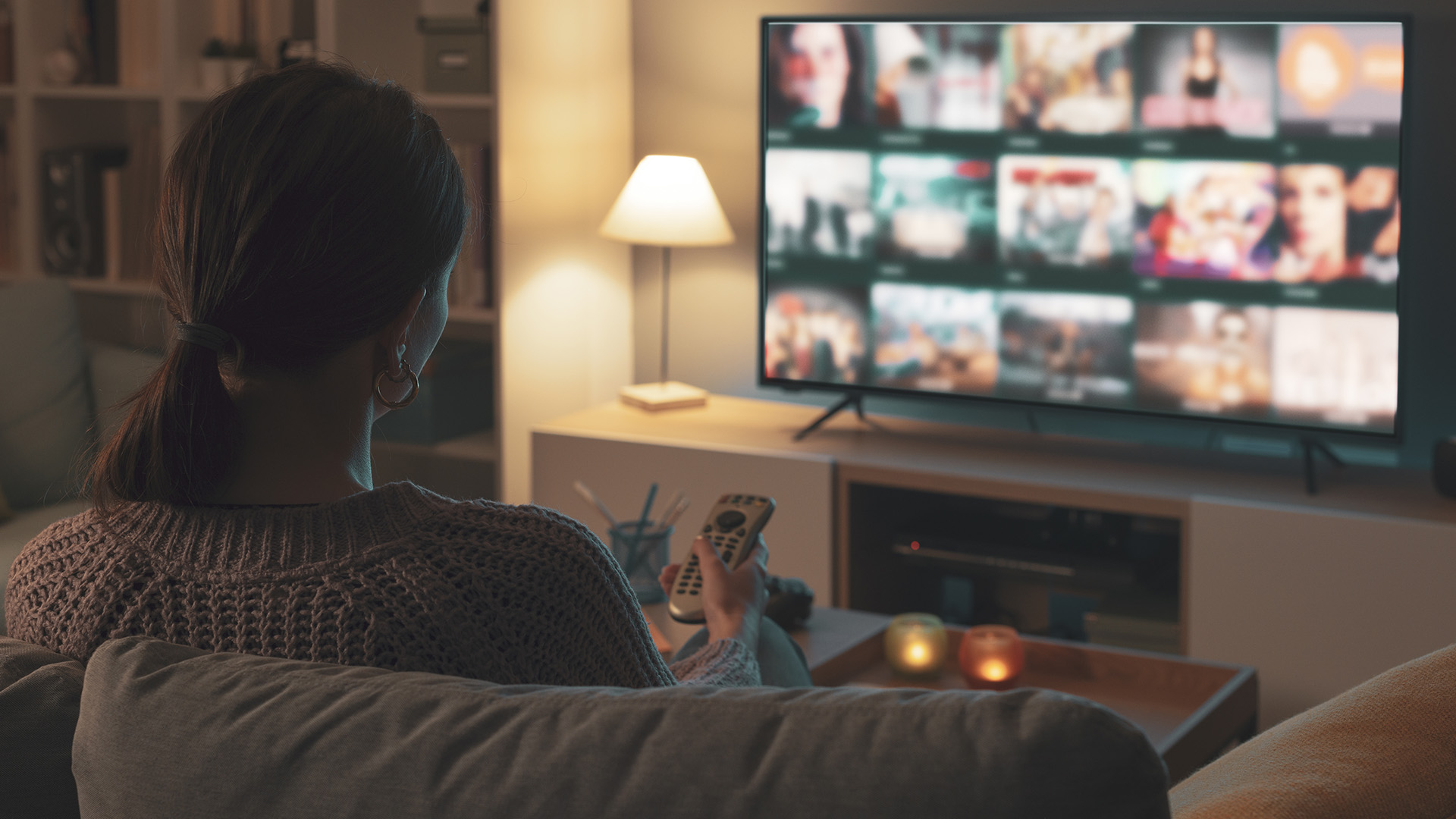
A TV is often the easiest and most reliable route to a home cinema setup. Modern TVs are bright, sharp, slim and packed with smart features, which makes them ideal for mixed-use living rooms.
The biggest advantage is brightness. TVs perform far better in rooms with natural daylight, lamps or open-plan layouts. You do not need blackout curtains or a carefully controlled environment to get a strong picture.
A good home cinema TV also tends to offer superior HDR performance. HDR, or High Dynamic Range, improves contrast between bright highlights and dark shadows. On a capable TV, explosions, sunsets, reflections and dark scenes can look more detailed and impactful.
TVs are also easier to install. You can place one on a stand, mount it to a wall, plug in your devices and start watching. There is no need to calculate throw distance, align a projector screen or manage ceiling mounts.
A TV is a strong option if you want:
- Everyday streaming
- Console gaming
- Live sport
- Bright-room viewing
- Built-in apps
- Minimal maintenance
- Simple setup
Buyers looking for the best home cinema TVs should compare panel technology, refresh rate, HDMI ports, operating system, screen size and HDR support. The best TV for home cinema is not always the biggest one. It is the one that fits your room, seating distance and content habits.
Picture Quality Comparison: Projector vs Television
Picture quality is where the projector vs television comparison becomes more detailed. Both can look excellent, but they perform best in different environments.
A TV usually delivers stronger brightness, deeper perceived contrast, and more consistent colour in normal lighting. OLED TVs are known for deep blacks, while QLED and Mini LED TVs can deliver high brightness and punchy HDR. This makes TVs especially effective for daytime viewing, gaming and high-impact streaming content.
Projectors, on the other hand, depend heavily on the room. In a dark space with a proper screen, a quality projector can produce a beautiful cinematic image. Colours can look natural, motion can feel smooth and the large image size adds immersion that even many big TVs struggle to match.
Key picture quality factors include:
- Contrast ratios: TVs usually offer stronger contrast in bright rooms. Projectors need darkness to show their best contrast.
- Colour accuracy: Both can perform well, but calibration and screen quality matter more with projectors.
- Resolution options: 1080p and 4K options are available in both categories.
- HDR support: TVs generally offer more impactful HDR because they can produce brighter highlights.
- Bright-room performance: TVs win clearly.
- Dark-room performance: Projectors can feel more cinematic at larger sizes.
So, in pure technical terms, a TV often wins for sharpness, brightness and HDR. But for cinematic scale, a projector can deliver a more theatre-like experience.
Screen Size and Viewing Experience
Screen size is one of the biggest reasons people compare projector vs TV options. A projector can create a huge image without needing a giant physical panel. Many home cinema projector setups sit around 100 to 120 inches, while some go even larger.
Large TVs are becoming more accessible, but prices rise quickly as screen sizes increase. A 65-inch or 75-inch TV can feel impressive in a living room, but a 100-inch projected image creates a different level of immersion.
Viewing distance matters. As a general rule:
- A 55-inch TV works well in smaller rooms
- A 65-inch TV suits many living rooms
- A 75-inch to 85-inch TV works best with more seating distance
- A 100-inch projector screen suits larger rooms or dedicated cinema spaces
The best display for home cinema depends on whether you want everyday practicality or cinematic impact. If you mostly watch films at night and want the biggest possible picture, a projector is hard to beat. If you watch a mix of TV, sport, YouTube, gaming and films throughout the day, a TV may be more realistic.
Immersion is not just about size, though. Sitting too close to a low-resolution image can make pixels or softness more noticeable. Sitting too far away from a small screen reduces impact. The ideal setup balances screen size, resolution and seating distance.
Installation and Setup Considerations
Installation is one of the most important practical differences in the projector vs TV decision.
A TV setup is usually straightforward. You choose a screen size, place it on furniture or mount it on the wall, connect power and plug in your devices. Most modern TVs include built-in streaming apps, Wi-Fi, Bluetooth and multiple HDMI ports.
A projector setup can take more planning. You may need:
- A projector screen or suitable wall
- Ceiling or shelf mounting
- Correct throw distance
- Power access
- HDMI or wireless connectivity
- Speaker or soundbar connection
- Ambient light control
- Cable management
Ambient light is a major factor. Projectors work best in dim or dark rooms. If sunlight hits the screen, the image can look washed out. Blackout blinds, darker wall colours and a proper projection screen can make a big difference.
Cable management also matters. If your projector is ceiling-mounted, you may need longer HDMI cables or a wireless HDMI solution. You should also think about where your console, laptop, streaming stick or AV receiver will sit.
For TV users wondering how to connect home cinema to tv, the process is usually simple. Most setups use HDMI ARC or HDMI eARC to connect a TV to a soundbar or AV receiver. You can also connect consoles, Blu-ray players, media streamers and laptops through HDMI. For best results, use high-quality cables and check that your TV supports the audio format you want, such as Dolby Atmos passthrough.
If you need cables, brackets, adapters or audio extras, home entertainment accessories and other AV accessories can help complete the setup.
Cost Comparison: Which Offers Better Value?
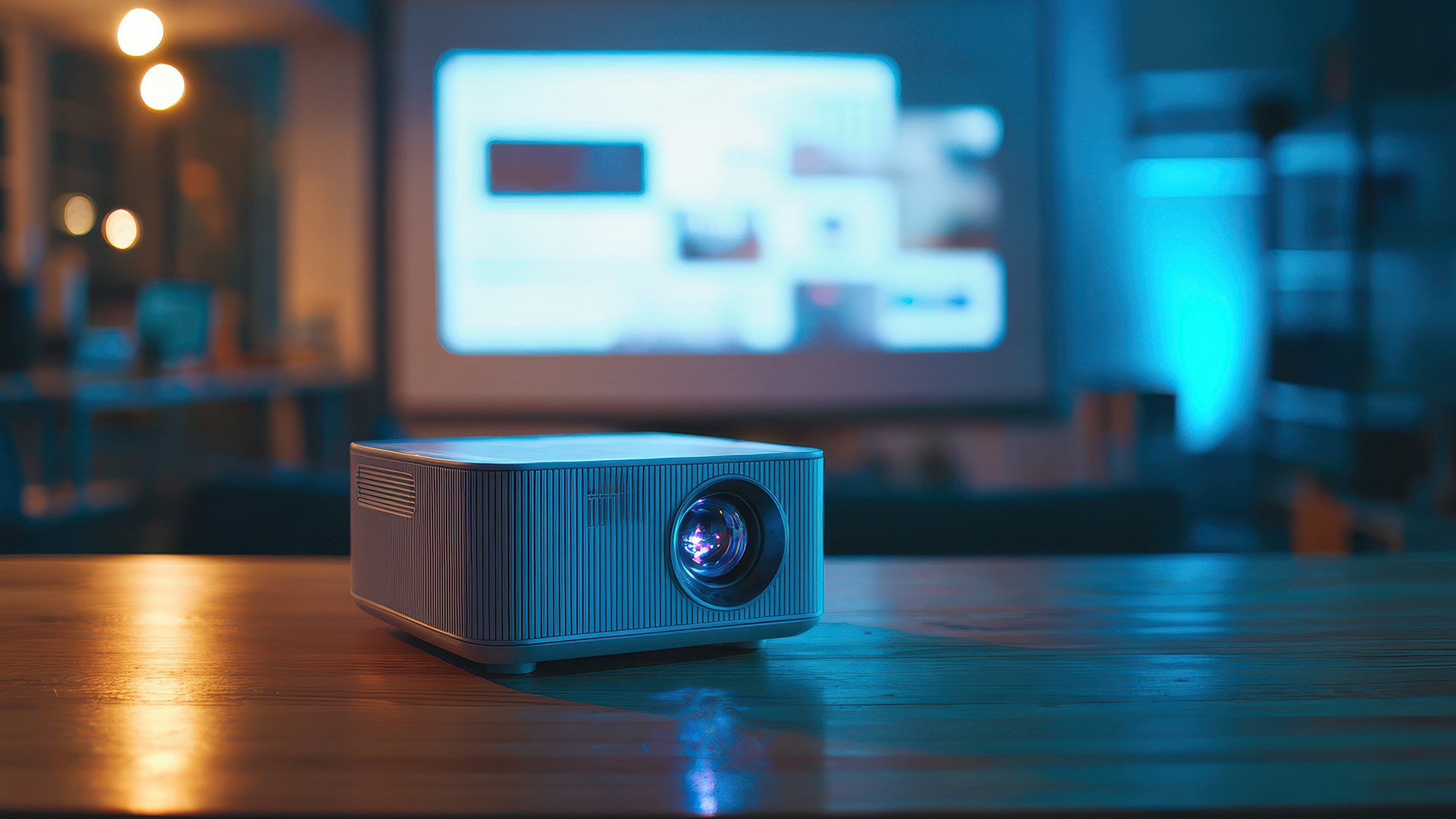
Cost is not only about the display price. A fair projector vs TV comparison should include setup costs, accessories and maintenance.
A projector can offer better value if your priority is a very large screen. An affordable home theatre projector may deliver a 100-inch image for less than the cost of a very large TV. However, you may also need to budget for a screen, mount, speakers, cables and possibly blackout blinds.
Projector costs may include:
- Projector unit
- Screen
- Ceiling mount or stand
- HDMI cables
- External speakers
- Replacement lamp, depending on projector type
- Occasional filter cleaning or maintenance
TV costs are usually simpler:
- TV unit
- Wall mount or stand, if required
- Soundbar or speaker system, optional
- HDMI cables or streaming devices, optional
Lamp replacement is less of an issue for modern LED and laser projectors, but it still matters for some lamp-based models. Always check the light source lifespan before buying.
In long-term value, TVs often win for low maintenance and everyday use. Projectors can win if you want the largest possible image for movie nights. The better-value choice depends on how often you use the display and what you expect from it.
Which is the Best Projector for Home Theatre?
Many buyers ask: which is the best projector for home theatre use? The answer depends on your room and budget, but there are clear features to prioritise.
Look for these specifications:
- Resolution: 1080p is fine for budget setups, while 4K is better for premium home cinema.
- Brightness: Higher brightness helps in rooms with some ambient light.
- Contrast: Better contrast improves dark scenes and cinematic depth.
- Throw distance: Check whether you need standard throw, short throw or ultra-short throw.
- Connectivity: HDMI, USB, audio output and wireless options are useful.
- Input lag: Important if you plan to game.
- Light source: LED and laser models often offer longer lifespan than lamp-based models.
- Speaker quality: Built-in speakers are convenient, but external audio is better for cinema sound.
The best projector for home cinema is not simply the one with the biggest advertised image. It should suit your room size, screen position and viewing habits. A compact projector may be enough for casual movie nights, while a premium 4K laser model may suit a dedicated cinema room.
Who Should Buy a Projector?
A projector is ideal if you want the biggest, most cinematic image possible. It suits buyers who are willing to spend a little more time planning the setup in exchange for a more immersive viewing experience. You should consider a projector if:
- You have a dedicated cinema room
- You mostly watch films in the evening
- You want a 100-inch-plus image
- You can control room lighting
- You enjoy sport or gaming on a big screen
- You want a flexible setup for occasional use
- You value cinema-like atmosphere over everyday convenience
In the projector vs TV decision, a projector is the stronger choice for movie fans who want event-style viewing rather than casual background TV.
Who Should Buy a TV?
A TV is better for most everyday users. It is easier to install, brighter in normal rooms and more convenient for mixed entertainment.
You should consider a TV if:
- You watch during the day
- Your room has lots of natural light
- You play console games regularly
- You want smart apps built in
- You need a display for everyday family use
- You want minimal maintenance
- You prefer simple installation
A TV is also better for fast access. You can switch it on, open an app and start watching instantly. For busy households, that convenience matters. If you want more information read our blog: Top 10 Best TVs for Families: Features Everyone Will Love.
Alternative Display Options
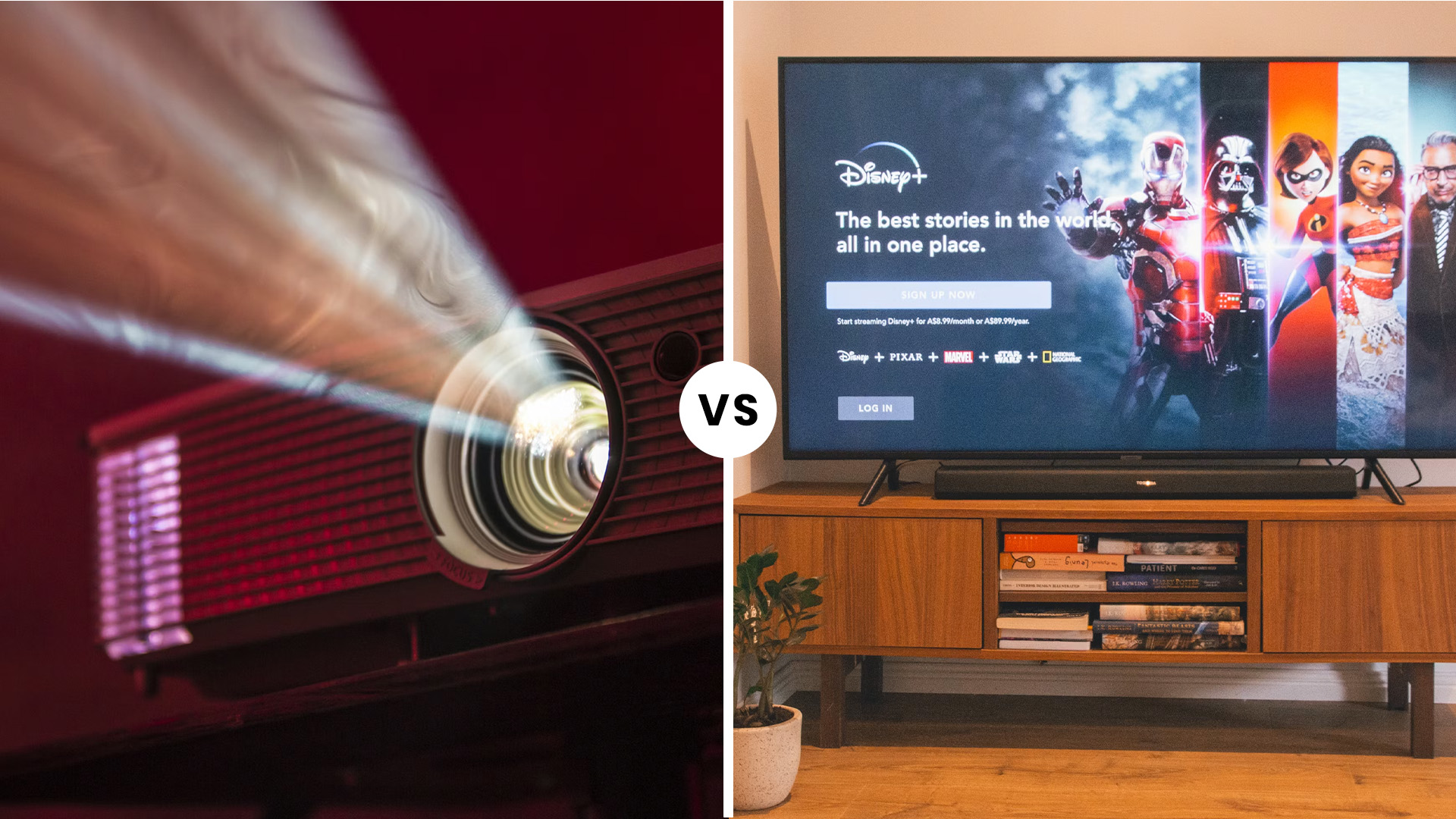
A projector or TV will suit most home cinema setups, but they are not the only options. In smaller rooms, bedrooms, gaming corners or student spaces, a monitor can be a smart alternative. It is also worth checking current display deals if you want to compare monitors, TVs or home cinema extras within your budget.
Modern monitors can offer sharp resolution, low input lag and high refresh rates. They are especially useful for people who want one display for gaming, streaming, studying, and working. While they cannot match the screen size of a projector or large TV, they can be excellent for compact setups.
Consider affordable computer monitors if you are building a smaller entertainment space, gaming desk or multipurpose media area.

Bottom Line
The projector vs TV choice depends on your room, budget and viewing habits. A projector is ideal for large-screen cinematic experiences in darker spaces, while a TV offers brighter visuals, easier setup and everyday convenience. Consider your room size, lighting conditions and how you plan to use the display before making a decision. Whether you prefer a dedicated cinema setup or a versatile living-room entertainment system, exploring projectors, TVs, accessories and display deals can help you find the right solution for your home.

FAQs
Is a projector better than a TV for home cinema?
A projector can be better for home cinema if you want a very large screen and have a dark room. It creates a more cinematic experience, especially for films and sport. However, a TV is usually better for brightness, HDR, gaming, and everyday convenience. In the projector vs TV comparison, the best option depends on your room lighting, screen size goals and budget.
What is the best projector for home cinema use?
The best projector for home cinema use should offer suitable brightness, strong contrast, at least 1080p resolution and the right throw distance for your room. For premium setups, a 4K projector with a laser or LED light source is a strong choice. Always check connectivity, input lag and screen size compatibility before buying.
Are projectors cheaper than TVs?
Projectors can be cheaper than TVs when comparing very large screen sizes. An affordable projector can create a 100-inch image for less than many oversized TVs. However, you may need to add the cost of a screen, mount, speakers and cables. TVs usually have fewer setup costs and lower maintenance requirements.
Can I use a projector in a bright room?
You can use a projector in a bright room, but the image may look less vivid unless the projector has high brightness and you use a suitable screen. For the best results, reduce ambient light with curtains or blinds. If you mainly watch during the day, a TV is usually the better choice.
How do I connect a home cinema system to a TV?
The easiest way is usually through HDMI ARC or HDMI eARC. Connect your soundbar or AV receiver to the HDMI ARC/eARC port on your TV, then connect devices such as consoles, streaming sticks or Blu-ray players through HDMI. Make sure your TV audio settings are configured correctly for surround sound or Dolby Atmos where supported.
| Read More: |
| How To Connect Your Lenovo Laptop To A TV |
| What is the Best Smart TV to Buy |
| How to Reset a Samsung TV |
Related Articles


Last Updated: April 09, 2026
Spring is one of the easiest times to bag a smarter upgrade without paying full price. For UK buyers, Easter is a sweet spot because it lands close to a bank holiday shopping window, and in 2026 that means Good Friday on 3 April and Easter Monday on 6 April in England, Wales and Northern Ireland. Scotland also has Good Friday on 3 April, but not Easter Monday as a bank holiday.
Laptop Outlet makes Easter tech deals more than a seasonal promo. It is a genuine chance to upgrade to something faster, longer-lasting, and better matched to how people work, study, game, and stream in 2026. Laptop Outlet also carries a broad UK range across laptops, desktop PCs, tablets, accessories, and refurbished tech, so buyers are not boxed into one price tier or one type of setup.
What are Easter Tech Deals?
Easter tech deals are limited-time discounts and bundles that typically appear around the Easter holiday period on products like laptops, desktop PCs, tablets, monitors, and accessories. In practice,

Last Updated: April 02, 2026
Apple’s iPhone 17 lineup brings its usual mix of refinements: better materials, updated finishes, perhaps new colours, magnets for MagSafe, and improved wireless charging. To get the most from your device — protection, fast charging, functionality — you’ll want to pair it with the right accessories. Here’s a deep guide to the best ones: what to buy, what to watch out for, and what’s new as of late 2025 in the UK.
What’s New / What’s Changed
Before diving into accessories, a few pieces of context so you understand what the latest gear supports and why some older accessories may or may not do as well:
- The iPhone 17 series is confirmed to support MagSafe accessories fully. Cases, chargers, wallets, etc., are all designed around MagSafe compatibility.
- Wireless charging standards are improving: Apple has updated its MagSafe charger to support up to 25 W charging under the newer Qi2.2 standard. This improves over the earlier generation’s speeds.
- Apple is also pushing new designs and materials
Last Updated: September 04, 2026
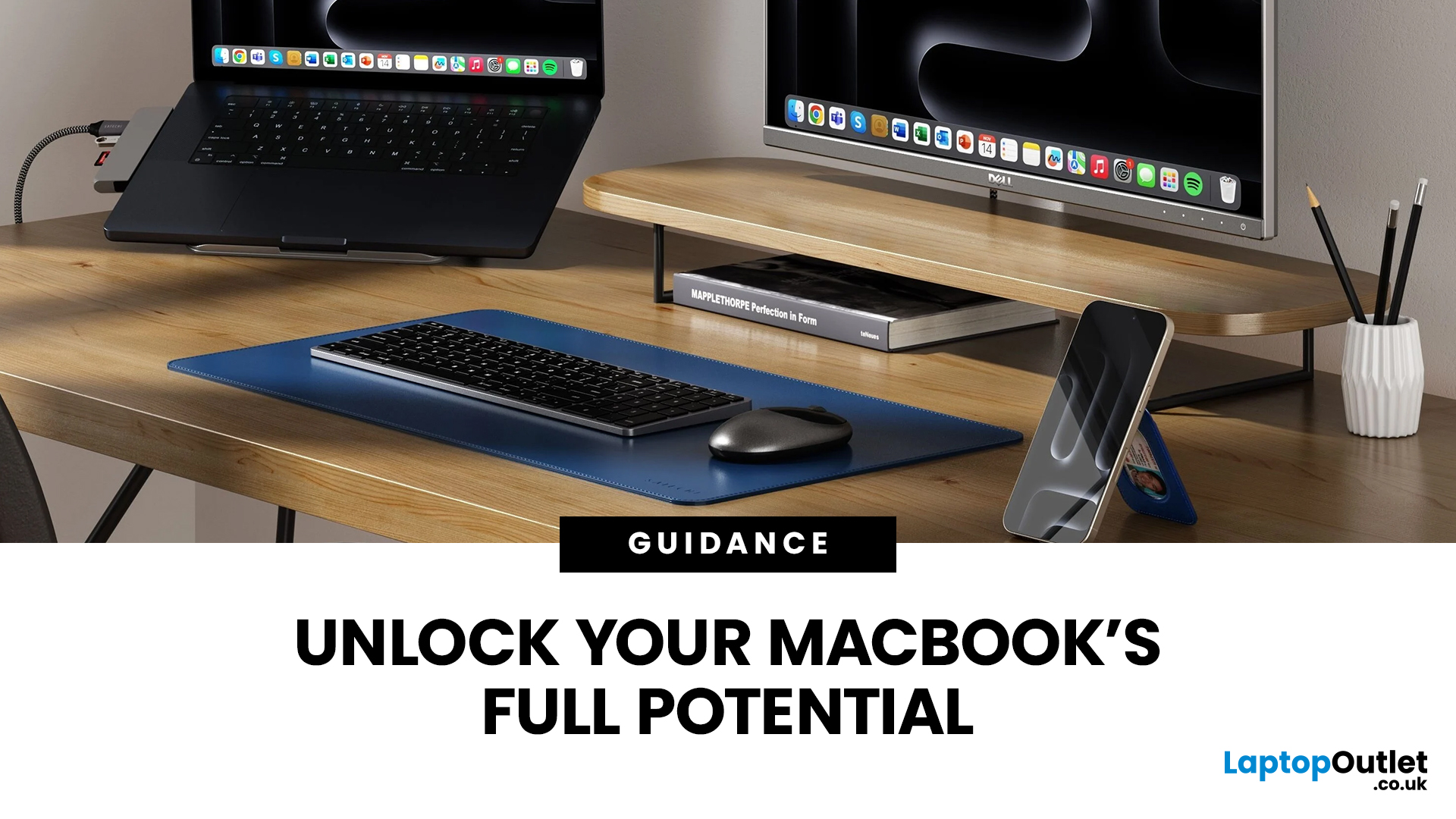
Owning a MacBook already feels like having a premium tool at your fingertips - sleek, powerful, and built for work, study, or creativity. But here’s the truth: on its own, even a MacBook has limits. That’s where accessories step in. The right kit doesn’t just complement Apple’s design; it transforms your MacBook into a full‑on productivity powerhouse.
For students, the right gear means smoother notetaking, better portability, and fewer headaches when deadlines loom. For professionals, accessories bring comfort, efficiency, and a proper setup that makes remote work or long office hours far less draining. Whether it’s a docking station / USB‑C hub to handle multiple screens, a protective sleeve for daily commuting, or noise‑cancelling headphones that save your focus, the right accessories change how you work and study.
Why MacBook Accessories Matter
A MacBook, whether it’s the Air or the Pro, is built to be minimal and stylish - but that also means Apple leaves out a lot of extras. You
Published: December 03, 2025
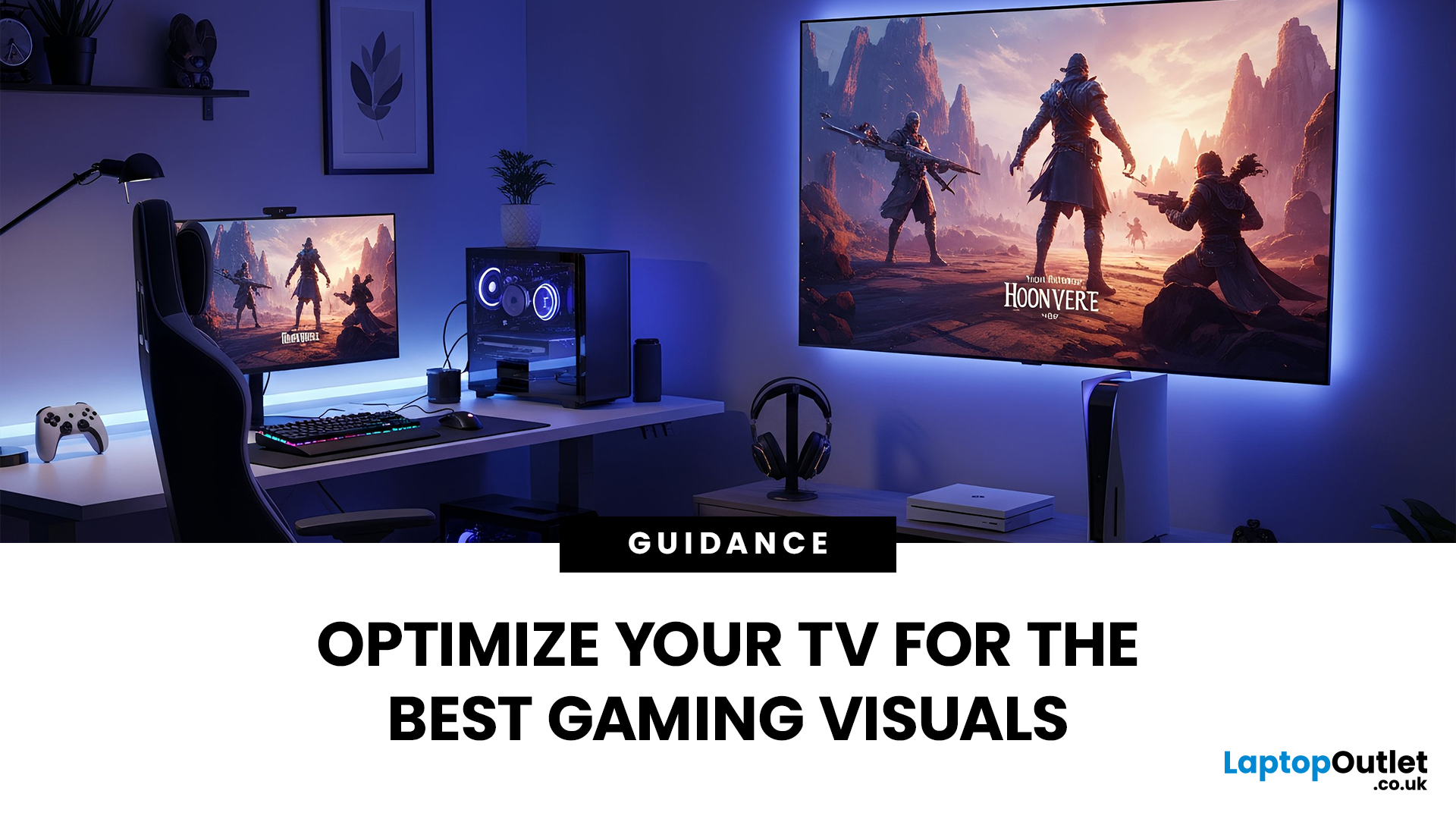
Whether you’re diving into the latest console titles or playing fast-paced online games, your TV settings can dramatically impact how smooth, vibrant, and responsive your gameplay feels. Modern TVs offer a wide range of picture modes and performance features, but not all are optimised for gaming out of the box. To get the most out of your console or PC setup, it’s important to fine-tune your display for low latency, crisp visuals, and accurate colour.
1. Switch to Game Mode
The single most impactful change you can make is to enable Game Mode. Most modern TVs include a dedicated gaming preset designed to reduce input lag, the delay between pressing a button and seeing the action on screen.
What Game Mode does:
- Minimises image processing
- Improves controller response time
- Provides smoother on-screen motion
While Game Mode may slightly reduce picture enhancements such as heavy sharpening or advanced noise reduction, the performance improvement is well worth it, especially for competitive

Last Updated: December 31, 2025
There’s a certain kind of satisfaction that comes with starting 2026 with a faster, cooler, cleaner PC setup. Maybe you’re planning a full build. Maybe you’re simply trying to fix the two things that quietly ruin daily performance—slow storage and noisy cooling. Either way, the New Year PC components & accessories season is when upgrades feel both exciting and sensible: you can refresh your system without committing to an entirely new machine.
If you’re shopping at Laptop Outlet, it’s worth starting by simply browsing and filtering the wider sale selection, think of it as your “big picture” view, so you can spot bundle-worthy deals across categories. It’s the fastest way to explore New Year tech discounts while keeping an eye on the parts you actually need.
The “smart upgrade order” for 2026 (what to buy first)
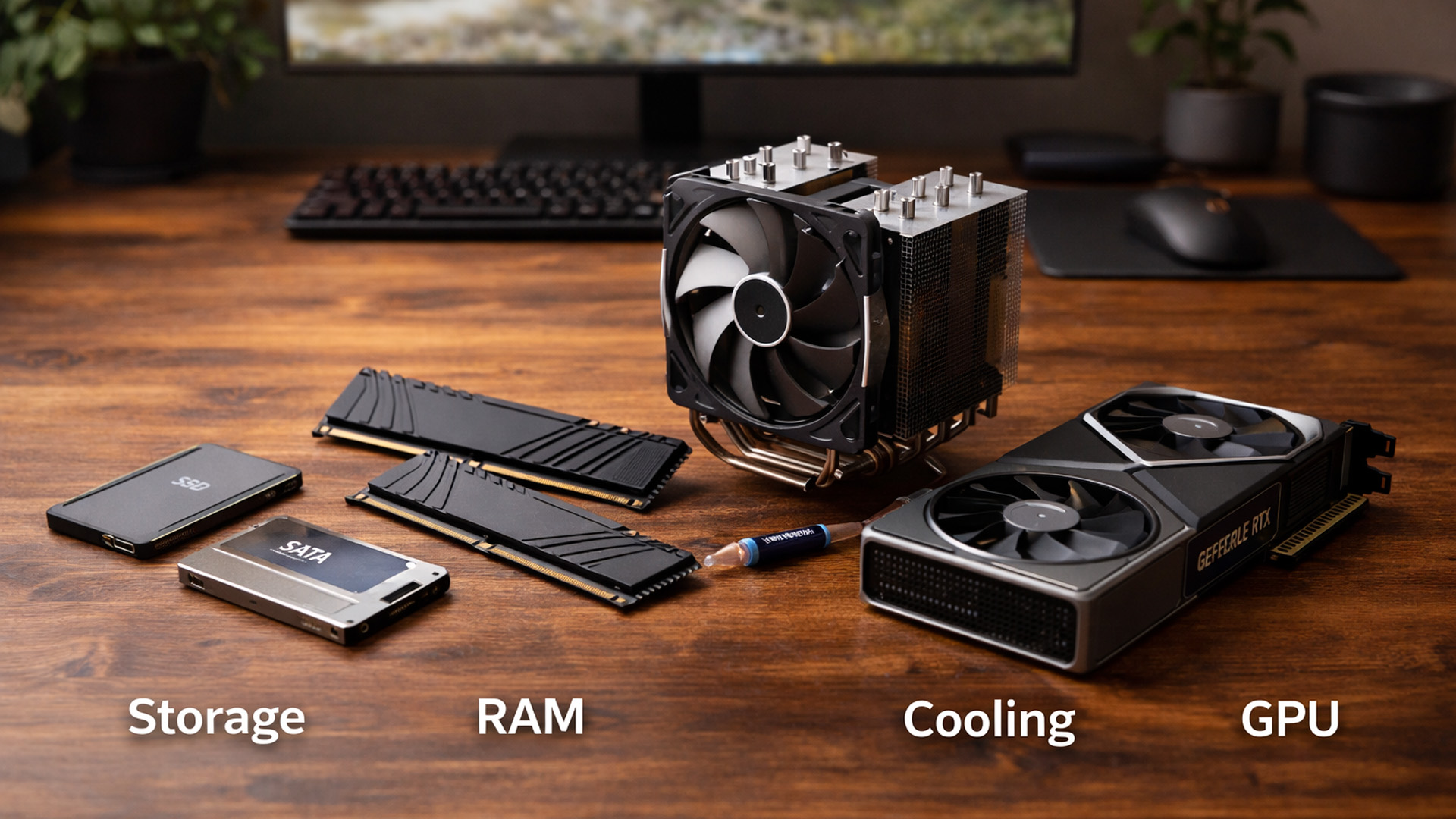
When you’re surrounded by deals, it’s easy to buy what looks exciting rather than what fixes your bottlenecks. A better approach is to upgrade in the order you’ll actually notice:
Last Updated: January 26, 2026
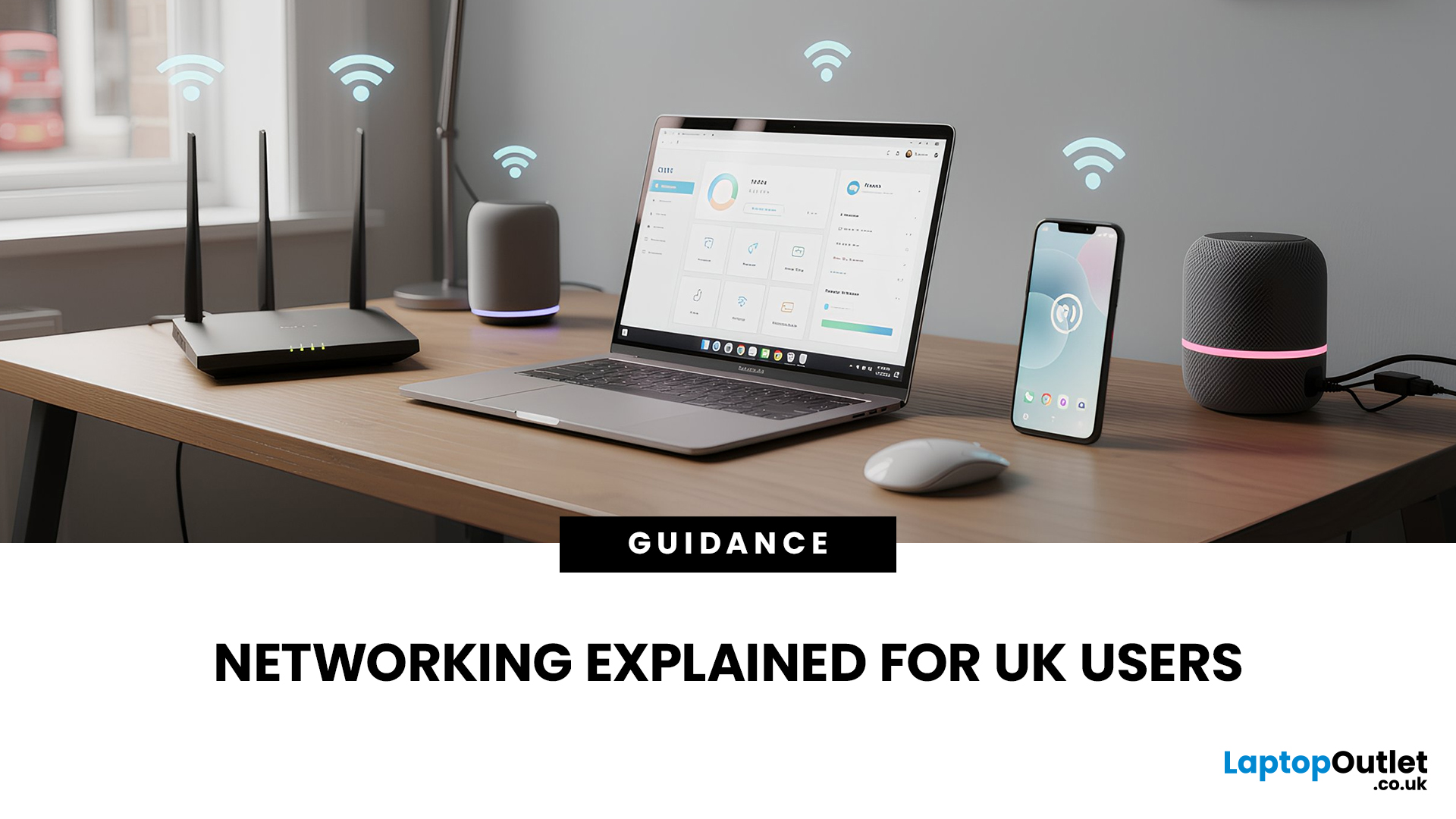
In today’s UK homes and offices, networking isn’t optional - it’s the backbone of how we work, study, stream, and stay connected. From remote meetings and online gaming to smart homes and cloud storage, everything relies on reliable networking accessories and networking devices working together behind the scenes.
Yet many people still struggle with slow Wi-Fi, unstable connections, or poor coverage, not because their internet provider is bad, but because their networking equipment isn’t set up correctly.
What Is Networking? (A Simple Explanation)
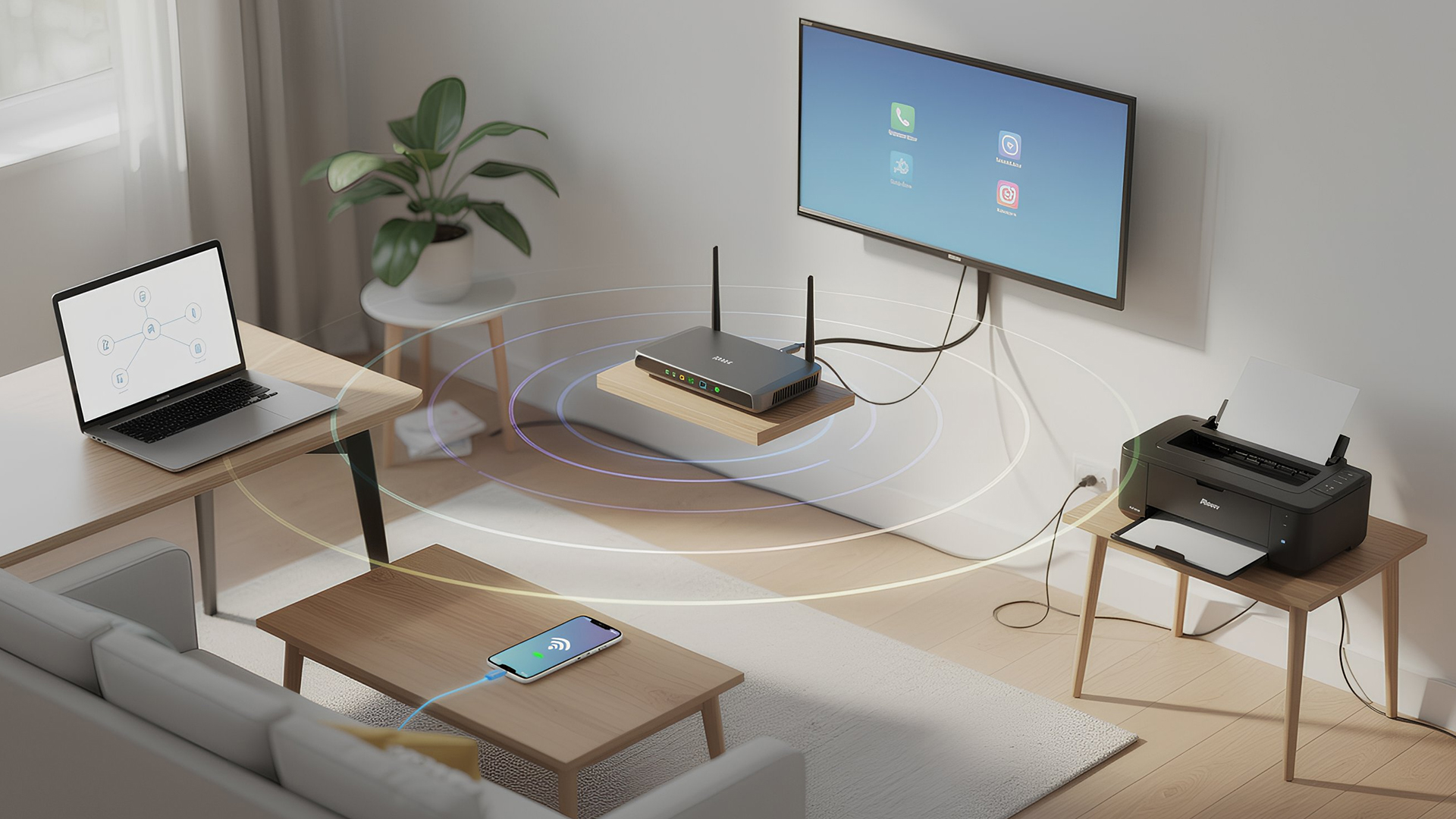
Networking is the process of connecting devices so they can communicate, share data, and access the internet. These devices might include:
- Laptops and desktops
- Smartphones and tablets
- Printers and scanners
- Smart TVs and streaming devices
- Smart home systems (lights, cameras, thermostats)
To make this possible, you need a combination of networking devices (like routers and access points) and networking accessories (such as network cards, adapters,
Last Updated: March 09, 2026
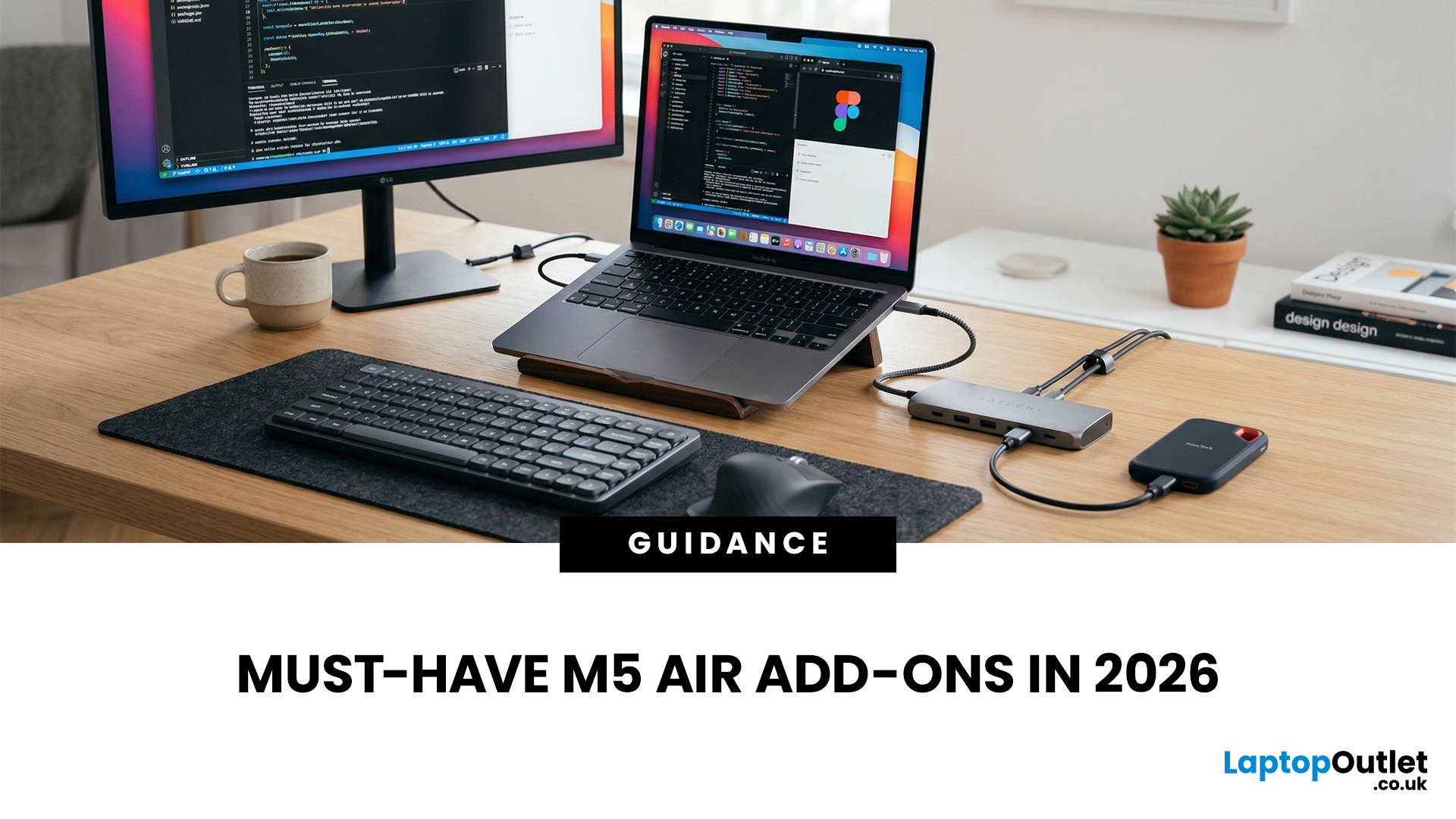
You just got (or are about to get) the M5 MacBook Air. Congrats, your backpack is about to get lighter, and your vibe is about to get cleaner. But here’s the thing: the laptop is the main character… and the right accessories are the supporting cast that makes the whole show hit.
This guide breaks down the best MacBook Air M5 accessories for 2026, what’s worth buying, what’s overhyped, and how to build a setup that fits your life (commuter, student, creator, desk goblin… all valid).
What to Consider Before Buying MacBook Air M5 Accessories
Let’s skip the “add to cart frenzy” and do a 30-second reality check.
1) What ports do you need?
Most people don’t need a spaceship dock, they need a few essentials:
- USB-A for random flash drives or older accessories
- HDMI for monitors/classroom projectors
- SD/microSD if you shoot content
- A pass-through charging port so your hub isn’t stealing your only charging slot
2) Where do you use your MacBook the most?
- On the go: prioritize protection + compact
Last Updated: September 03, 2026
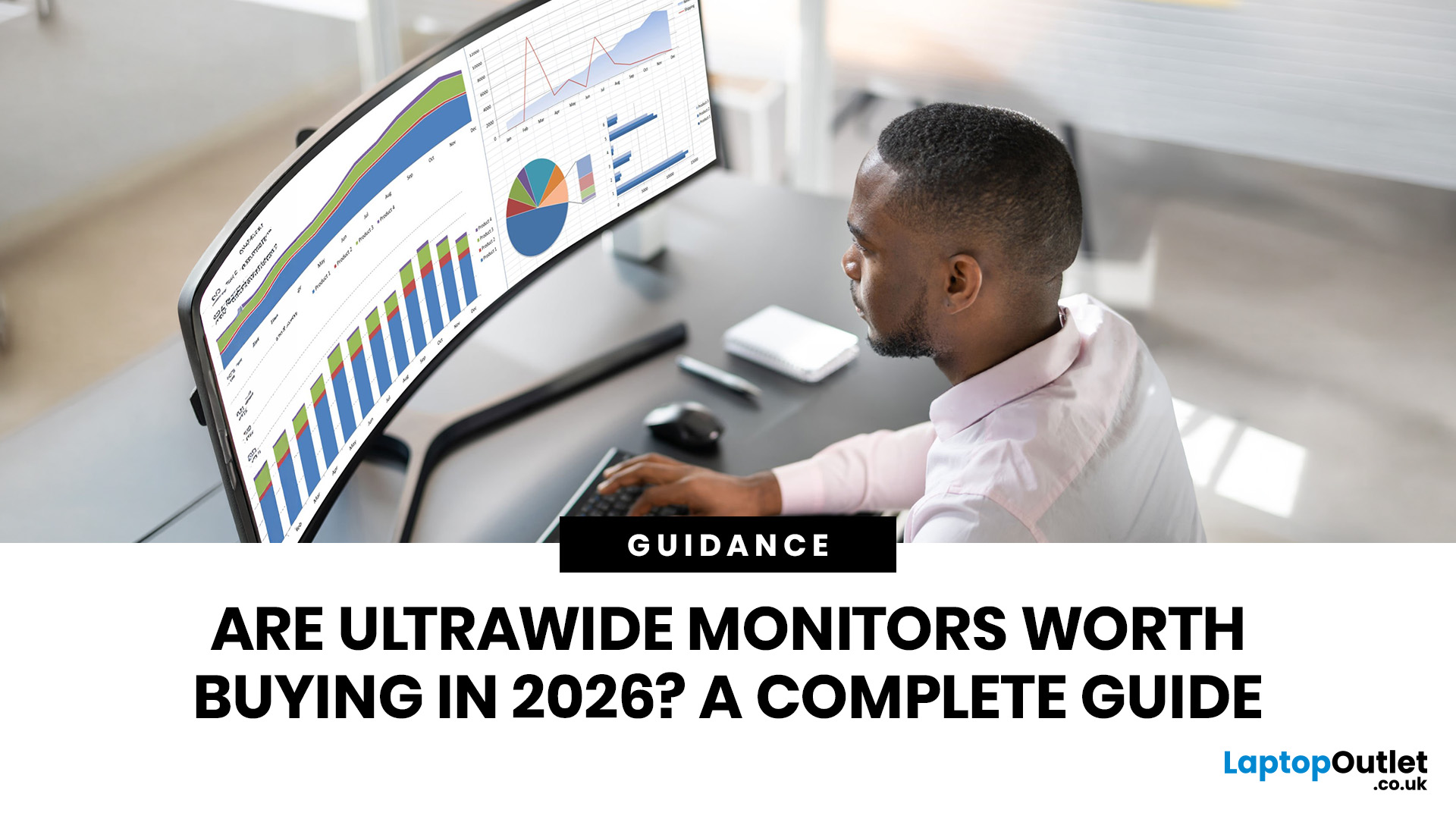
Ultrawide monitors look seriously clean on a desk. One big screen, loads of horizontal space, fewer bezels, and that “main character workstation” vibe. But are they actually useful, or are they just a pricey way to make your setup look dramatic?
If you are asking, “is an ultrawide monitor worth it?”, the answer is: yes, for the right person. An ultrawide screen monitor can be a massive upgrade for multitasking, gaming, editing, streaming, and hybrid work. But it is not the perfect choice for everyone. This complete ultrawide monitor buying guide breaks down the benefits, drawbacks, best use cases and key specs to check before you buy.
Are Ultrawide Monitors Worth it in 2026?
Yes, ultrawide monitors are worth it in 2026 if you want more horizontal workspace, better multitasking, immersive gaming or a cleaner alternative to dual monitors. They are especially worth it for:
- Hybrid workers
- Multitaskers
- Gamers
- Video editors
- Designers
- Streamers
- Coders
- Finance and dashboard users
- Anyone who wants
Last Updated: May 20, 2026
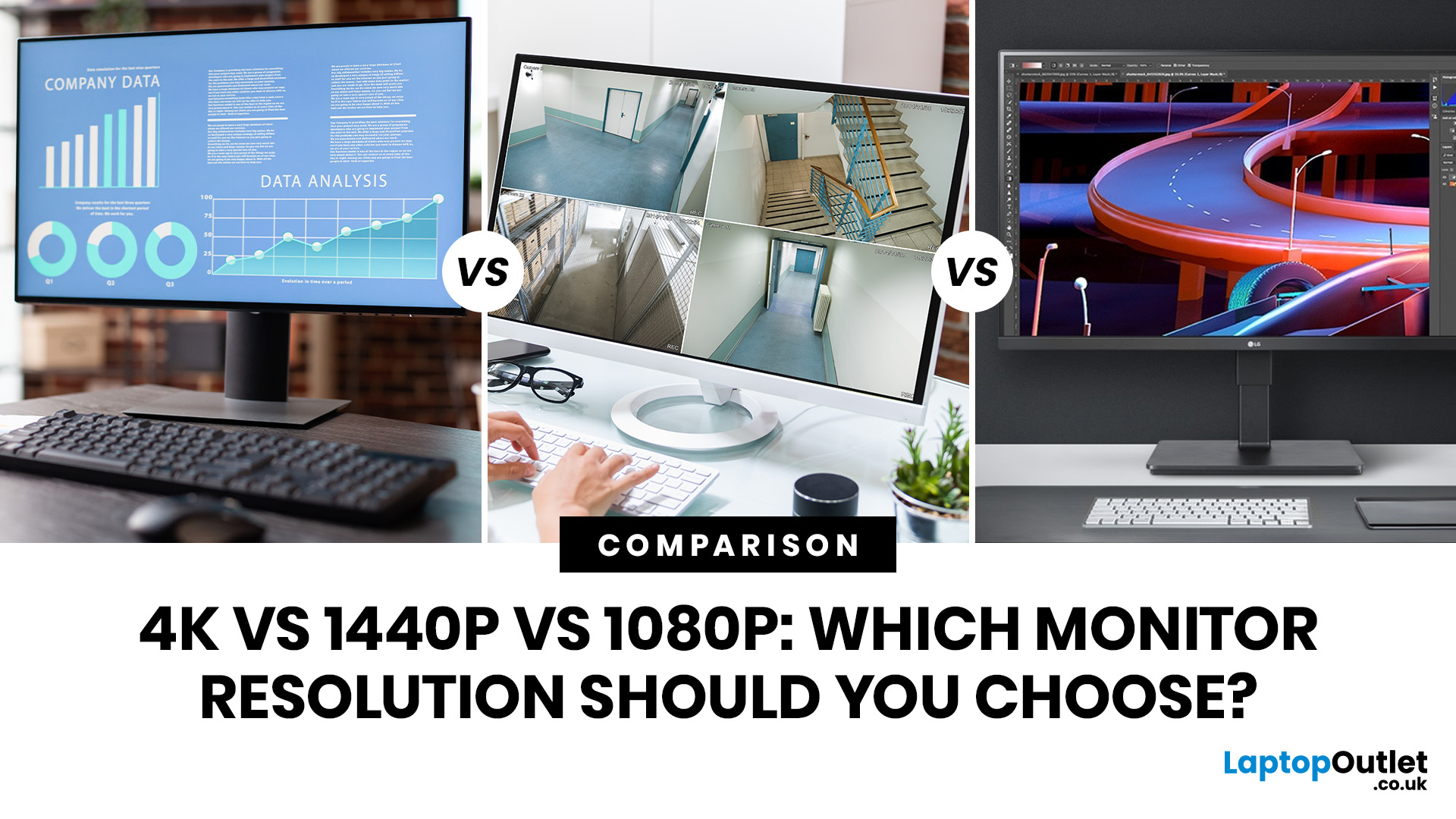
Choosing a monitor resolution should be simple, right? You pick a screen, plug it in, and get on with your day. Except the moment you start shopping, you get hit with 1080p, 1440p, QHD, 4K, Ultra HD, scaling, refresh rates and a whole lot of spec-sheet chaos.
So, which one should you actually buy?
This guide breaks down the 4K vs 1440p vs 1080p monitor debate in plain English. Whether you need a screen for gaming, work, studying, streaming, editing or a bit of everything, we’ll help you choose the right resolution without overpaying for pixels you do not need.
Quick Answer: 1080p vs 1440p vs 4K Monitor
Here’s the no-drama answer.
| User Type | Best Resolution | Why |
| Budget buyers | 1080p / Full HD | Affordable, reliable and easy to run |
| Students | 1080p or 1440p | Good value with enough clarity for study |
| Home office users | 1440p / QHD | Sharper text and better multitasking |
| Hybrid workers | 1440p or 4K | More screen space for apps and documents |
| Casual gamers | 1080p or 1440p | Good mix of smoothness, price and quality |
Last Updated: June 10, 2026
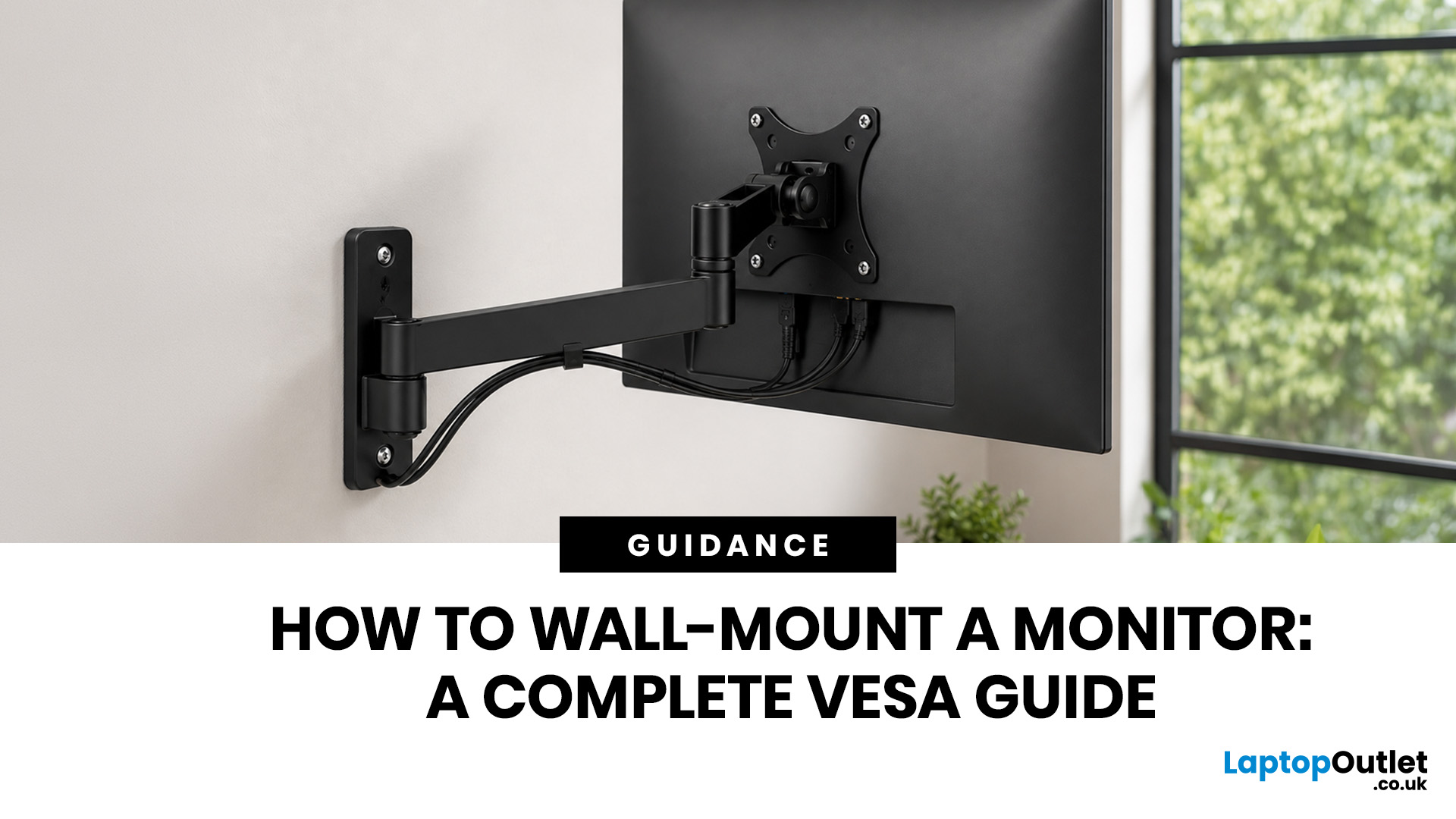
Quick Answer: Wall-mounting a monitor is worth it if you want to save desk space, improve posture and create a cleaner setup. Before you start, check that your monitor supports VESA mounting, confirm the correct VESA mounting pattern, choose a wall mount that supports your monitor’s weight, and make sure your wall can safely hold it. This VESA mount monitor guide explains what VESA mounting is, how to check compatibility, what tools you need, and how to wall mount a monitor safely step by step.
Wall-mounting a monitor can make your setup look instantly cleaner. No bulky stand. More desk space. Better cable management. A screen that actually sits at the right height instead of forcing your neck into questionable positions. Before you grab a drill and start making holes in the wall like you’re on a home renovation show, there are a few things to check. Not every monitor can be mounted, not every wall is suitable, and not every mount fits every screen.
What is VESA Mounting?
VESA mounting

