



Most Popular ASUS Laptop Models Among Professionals

Explore versatile features, a dynamic product range and lightweight designs with ASUS laptops, made with accuracy and detail for refined operations.
Professionals look for specific laptop requirements to enjoy a smooth computing experience. Many laptop manufacturers are available, but professionals choose ASUS for several reasons.
These laptops are popular because they have high-quality displays, robust structures, and excellent portability. Other reasons why they are preferred are:
Why Professionals Choose ASUS Laptops
Outclass Structure
Asus laptops have a solid structure and are ideal for long-term use. They are made from premium-quality materials with precision, making them reliable and durable. These laptops are a one-time investment and feature other top-end specifications for providing consistency in operations.
High RAM and Storage
RAM and storage are crucial aspects of every laptop. ASUS laptops offer ample RAM and storage, ensuring speedy operations and sufficient space. Professionals will never have to worry about latency and lag with these outstanding laptops, as they are faster, have high storage capacity, and perform matchlessly compared to standard laptops.
Flexibility
ASUS experiments with cutting-edge designs and offers greater flexibility with 2-in-1 devices, dual-screen laptops, and multi-core processors. Additionally, a broader range of ASUS laptops is available, making it easy for professionals to choose a device according to their preferences.
Cutting-Edge Features
Professionals experience the latest innovative features with these top-tier devices, like advanced cooling solutions and high refresh rates for unmatched performance. They appeal because they carry the latest technology, ensuring sustained and revolutionary use.
High-Performing Devices
ASUS laptops are high-performance devices with premium processors and dedicated graphics cards, fulfilling varying professional requirements efficiently. It is easy to find the latest Core i7 and Core i9 processors, high-quality dedicated graphics cards on these durable devices, delivering top-of-the-line performance.
Long Battery Life
One of the most attractive features of ASUS laptops for professionals is their remarkable battery life, delivering 10–12 hours or more of constant use. They provide fast charging, allowing users to charge their devices quickly, reducing work delays. These laptops guarantee success at the workplace by giving uninterrupted usage.
Simple Operating Systems
The laptops feature simple operating systems, making it easy for professionals to navigate their way, ensuring incredible functionality. They are a reliable choice for new professionals, as they offer operating systems like Windows, which are simple to use, eliminating the chances of error and delays.
Security
You can enjoy premium security with ASUS, like fingerprint scanners, dynamic encryption, and facial recognition to protect sensitive data. As a professional, you will never have to worry about data corruption or breaches, as these laptops offer competent security features that fully protect your device.
Price
While some professionals can spend more on a laptop, others cannot. ASUS offers expensive and affordable models in considerable variety, making it easy to choose one. Additionally, you will not have to worry about the quality of the cheaper models, as they are powered with high-quality features, offering a remarkable blend of performance, looks, and portability.
Most Popular ASUS Laptops for Professionals
1. ASUS ROG Zephyrus G16 (GU605MV‑QR138W)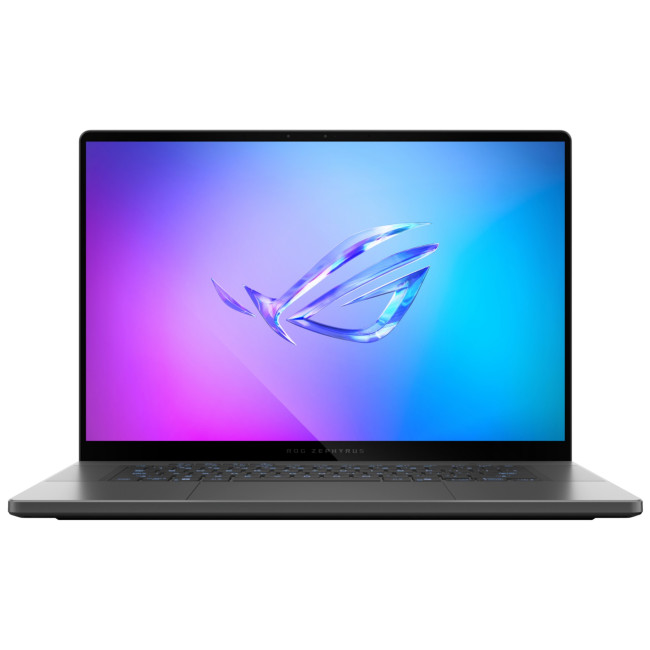
Specifications
- Intel Core Ultra 9 185H (16‑core) processor
- 16″ WQXGA (2560 × 1600) OLED display, 240 Hz refresh rate
- 32 GB RAM / 1 TB SSD
- NVIDIA GeForce RTX 4060 dedicated GPU (8 GB GDDR6)
- Ports: HDMI, USB 3.2, Thunderbolt 4; Windows 11 Home
Why this model stands out
The Zephyrus G16 redefines the balance between power and portability. With a cutting‑edge Intel Ultra 9 processor and a capable RTX 4060 GPU, it’s fully equipped for modern AAA gaming, demanding creative work, or heavy multitasking. The 16″ OLED panel delivers crisp, vibrant visuals with high refresh rate - great for competitive gaming or creative editing. The 32 GB RAM and generous 1 TB SSD guarantee smooth performance and ample storage. Despite its high-end hardware, the build stays remarkably portable, making it a great all-rounder: whether you’re gaming at home, editing videos, or carrying it around for work. The combination of strong graphics, ample memory/storage, and a high-refresh OLED makes this laptop an excellent choice for gamers and professionals seeking a versatile machine.
2. ASUS ROG Zephyrus G14 (GA402XZ‑N2002W)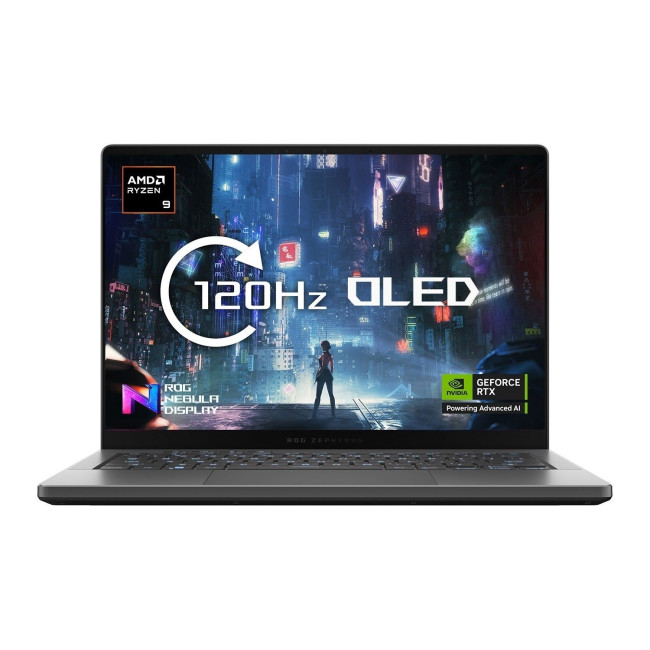
Specifications
- AMD Ryzen 9 7940HS processor
- 14″ QHD+ display (2560 × 1600), 165 Hz refresh rate
- 32 GB DDR5 RAM / 1 TB NVMe SSD
- NVIDIA GeForce RTX 4080 dedicated GPU (12 GB GDDR6)
- Windows 11, modern connectivity (Wi-Fi 6E etc.)
Why this model stands out
The Zephyrus G14 GA402XZ represents one of the most powerful compact gaming laptops currently available. Packing a high-end Ryzen 9 CPU with an RTX 4080 GPU into a 14″ body gives you desktop‑class power in a travel‑friendly form factor. The 32 GB RAM and 1 TB SSD allow for heavy multitasking — gaming, video editing, rendering, and more - without compromise. The 165 Hz QHD+ display ensures smooth, sharp visuals whether you’re gaming or working on creative projects. For gamers who value portability and power, or professionals needing a strong but compact machine for editing, design, or development on the go, this G14 variant is an excellent fit. Its combination of strong CPU/GPU, generous RAM & storage, and high‑refresh display make it a future‑proof, high‑performance machine.
3. ASUS TUF Gaming A16 Advantage Edition (Ryzen 9 + RX 7600S)
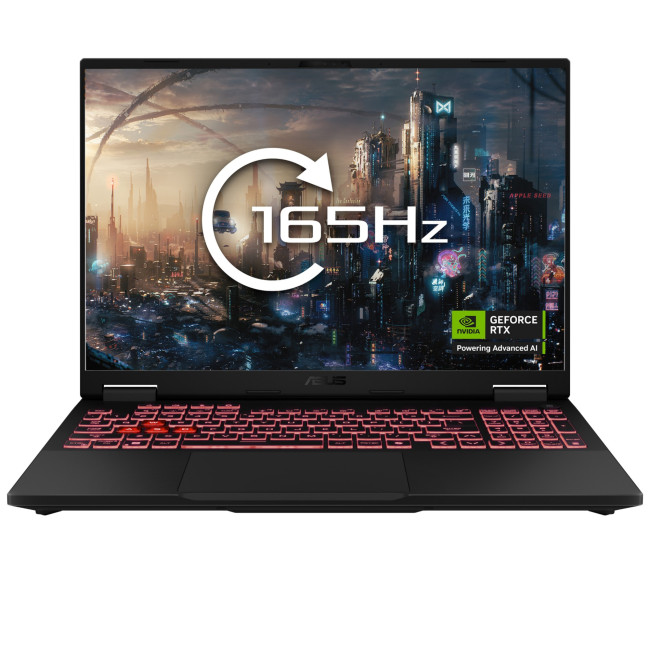
Specifications
- AMD Ryzen 9 7940HS processor (8‑core, Zen4)
- 16″ WQXGA (2560 × 1600) IPS‑level display, high refresh (e.g. 165 Hz+) (depending on config)
- 16 GB (expandable up to 32 GB) DDR5 RAM, 1 TB SSD
- AMD Radeon RX 7600S dedicated GPU (laptop‑class)
- Modern I/O: HDMI, USB‑C/USB‑A, MUX switch + AMD SmartAccess Graphics support
Why this model stands out
The TUF Gaming A16 Advantage Edition shines as a strong value‑oriented gaming laptop. Its AMD Ryzen 9 + RX 7600S combo provides good 1080p or 1440p gaming performance while maintaining efficiency and reasonable power draw — a good balance if you don’t need top‑end RTX performance. The 16″ display offers immersive visuals without making the laptop too bulky. With 1 TB SSD and upgradable RAM, it’s flexible for gaming, multimedia, or general productivity. The inclusion of a MUX switch and SmartAccess Graphics gives better GPU utilization and smoother gaming. For gamers on a budget, or those who want a reliable machine for gaming + everyday tasks without overspending, this TUF A16 model is a practical, cost-effective option.
4. ASUS ProArt P16 (H7606)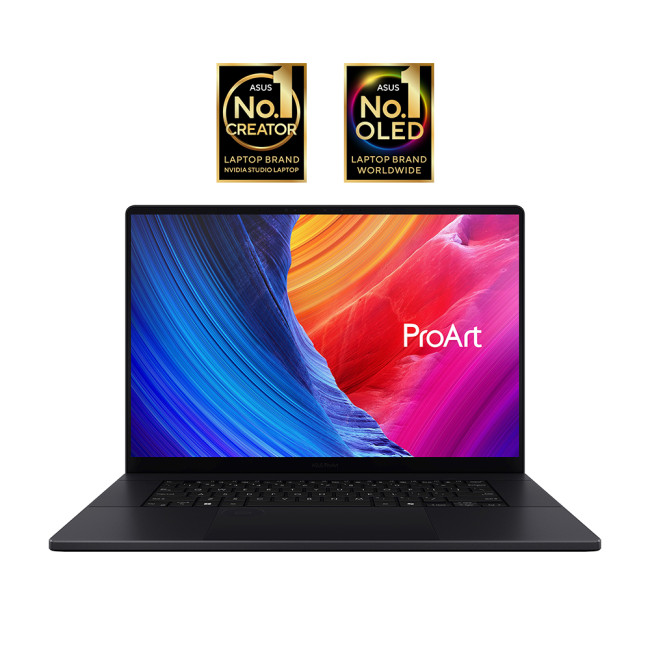
Specifications
- (Latest ProArt P16 series typically offers) high‑performance AMD or Intel CPUs, plenty of RAM & storage - built for creative workflows.
- 16″ OLED (often high‑resolution, 4K or equivalent) display with excellent colour accuracy (good for video, design, editing)
- Robust build quality, professional‑grade chassis, ports for creative workflows (USB‑C/4, HDMI, etc.) as seen in ProArt series.
Why this model stands out
The ProArt P16 stands out as a workstation‑grade machine suited for creators, designers, video editors, 3D artists, or anyone who needs a powerful, colour‑accurate laptop for creative tasks. Its large, premium OLED (or OLED‑tandem in newer variants) screen offers outstanding colour reproduction and clarity, ideal for editing photos, videos, or graphics. Combined with a high‑performance CPU/GPU, fast SSD storage, and generous RAM, it can handle heavy workloads, rendering, compositing, content creation, multitasking — with ease. The build quality, professional features, and connectivity make it a dependable, long-term investment for creative professionals. If you’re not only gaming but want a machine that doubles as a powerful creative workstation, ProArt P16 is a strong choice.

Conclusion
ASUS laptops suit all kinds of professionals for many reasons. They are exceptional laptops with compelling features, guaranteeing unsurpassed performance.
If you are looking for ASUS laptops or cheap ASUS laptops, browse Laptop Outlet to find the perfect device.

Some Common What’s and Why’s
Why are ASUS laptops popular among professionals?
ASUS laptops are widely preferred by professionals because they offer strong performance, durable build quality, high RAM and storage capacity, and excellent battery life. Their wide range of models - from ultra-portable ZenBooks to high-powered ProArt and ExpertBook devices - means there's a suitable option for every workflow and budget.
Which ASUS laptop is best for creative professionals?
Creative professionals often choose the ASUS ProArt StudioBook series because it offers exceptional colour-accurate OLED displays, powerful processors, dedicated NVIDIA graphics, and workstation-level performance. Models like the ProArt W5600Q2A are ideal for photo editing, 3D design, video editing, CAD, and digital art.
Are ASUS laptops suitable for business and office use?
Yes - ranges such as the ASUS ExpertBook series are designed specifically for business users. They offer lightweight designs, strong security features, long battery life, and durable military-grade build quality. These laptops are perfect for office work, remote work, travel, and enterprise use.
Which ASUS laptops offer the best value for professionals on a budget?
Professionals looking for affordability without sacrificing quality often choose the ASUS VivoBook series. VivoBook laptops offer powerful processors, crisp displays, generous storage, and dependable performance at a competitive price, including refurbished VivoBook models for even greater value.
Do ASUS laptops have good security features for professional work?
Absolutely. Many ASUS models include advanced security options such as fingerprint scanners, TPM chips, facial recognition, dynamic encryption, and privacy protection tools. These features help safeguard sensitive business data, making ASUS a reliable choice for professionals handling confidential information.
| Read More: |
| Essential Tips to Extend ASUS Laptop Lifespan |
| How to Improve Battery Life on ASUS Laptops |
| How to Speed Up a Slow ASUS Laptop in 2025 |
Related Articles

Last Updated: April 02, 2026
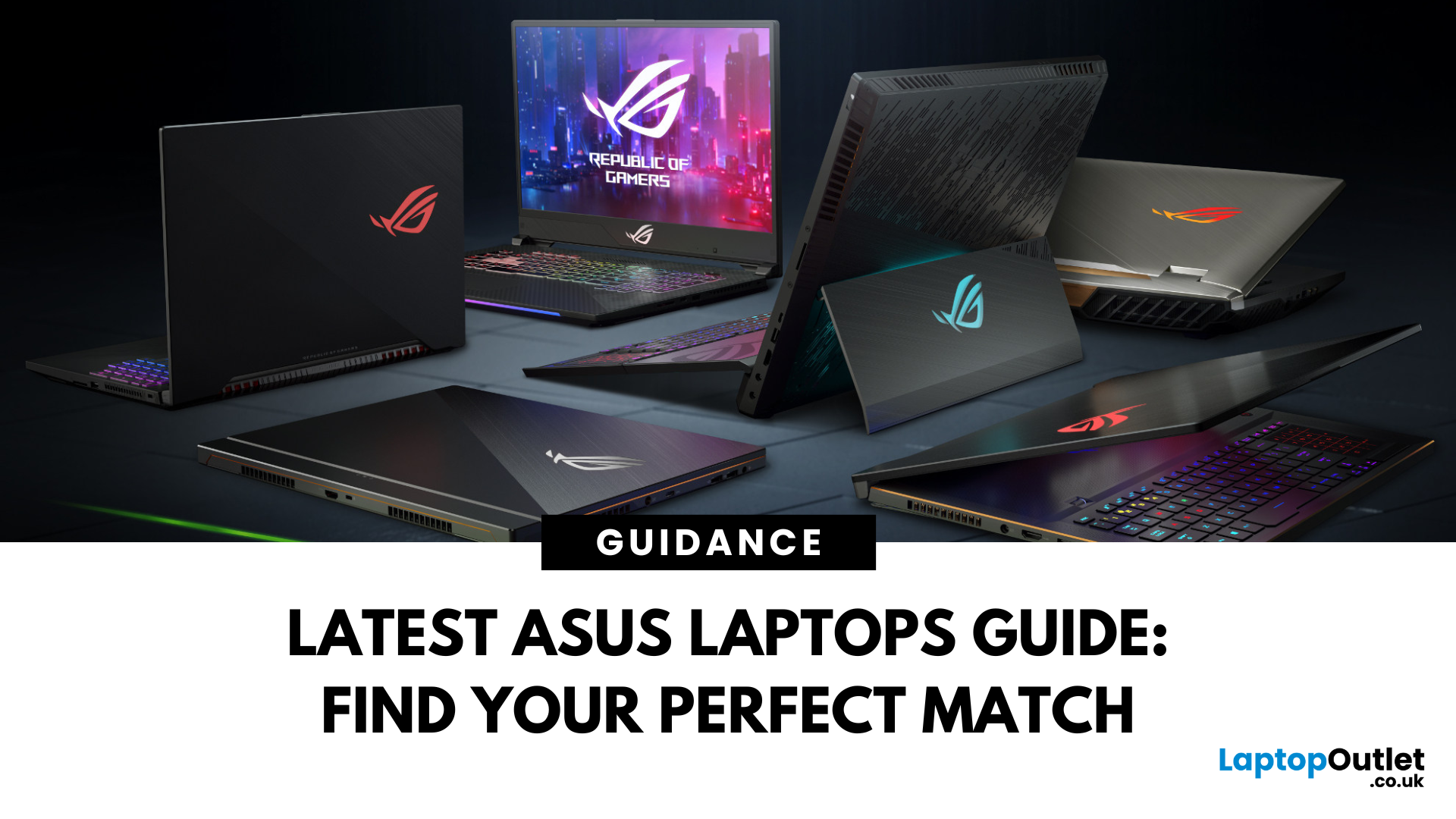
Choosing the right laptop in 2025 is not easy. The market is full of options, and many buyers in the UK struggle to find a device that balances performance, price, and long-term value. This is where ASUS laptops stand out. With a strong reputation for design, reliability, and innovation, ASUS has become a top choice for students, professionals, gamers, and creative users across the UK.
In this latest ASUS Laptops guide, we will take you through every detail you need to know before making a purchase. From ASUS laptop features to a full breakdown of ASUS laptop models, we explain which series works best for your usage.
Whether you are searching for the best ASUS laptops 2025 for gaming, business, or everyday work, this guide has you covered. By the end, you will be able to confidently choose the right laptop for your needs.
Introduction to ASUS Laptops: Innovation, Performance, and Market Presence
Founded in 1989, ASUS has grown from a small hardware manufacturer into one of the most respected
Last Updated: April 02, 2026
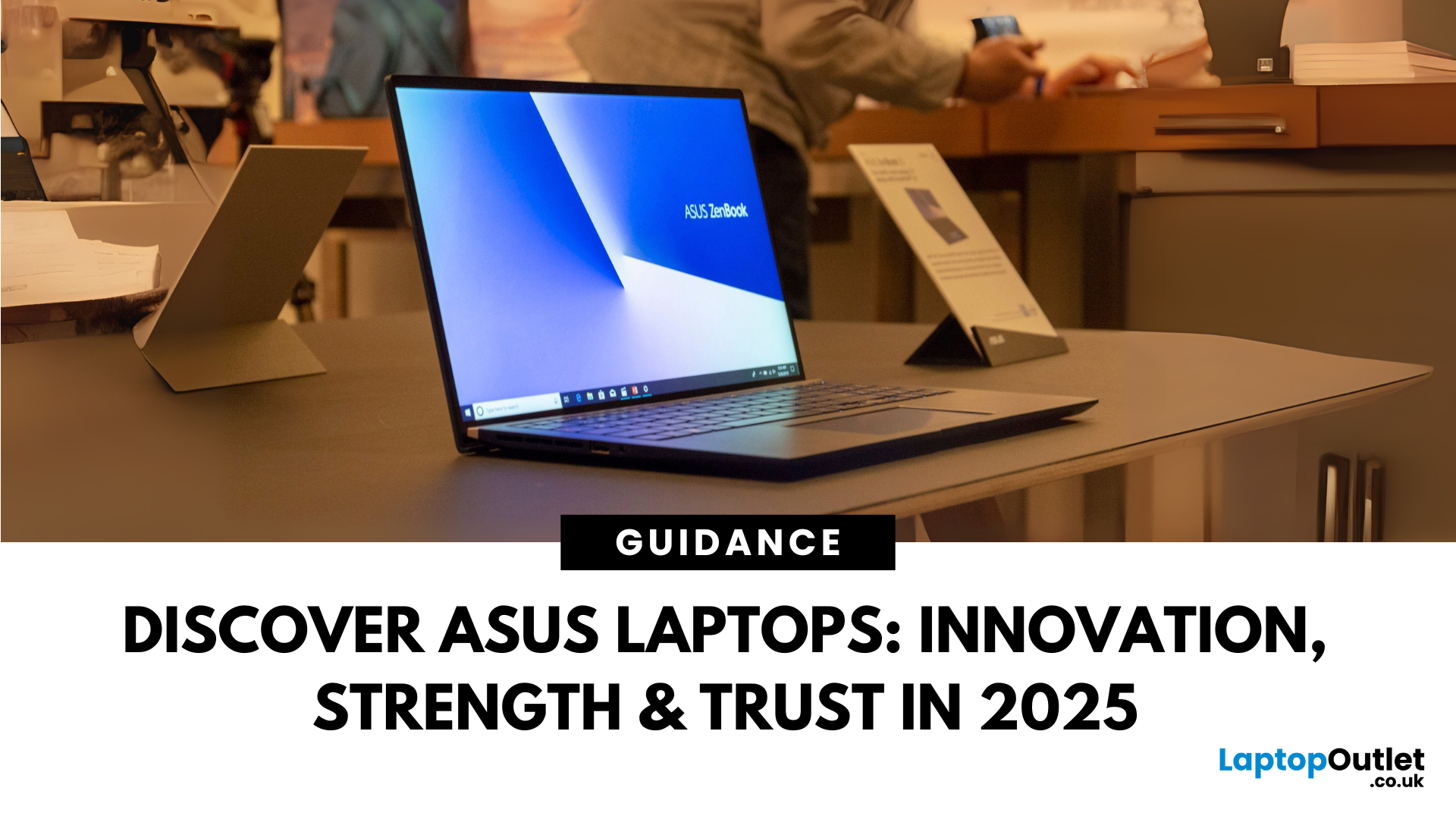
Choosing the right laptop in 2025 can feel like a challenge. With numerous options available in the UK market, it’s easy to get lost in specifications, designs, and price tags. Yet, one brand continues to shine above the rest: ASUS.
From its beginnings in 1989, ASUS has grown into one of the most trusted laptop names worldwide, and its success in the UK is no exception. The brand’s strength lies in its ability to combine innovation, performance, and affordability, making technology accessible for all.
Every user finds a place in the ASUS story. Students rely on the Chromebook by ASUS for simplicity and value. Professionals turn to the sleek ZenBook lineup or reliable ExpertBook business laptops. Gamers embrace the power of ROG laptops and durable TUF series laptops, while creatives choose the ProArt devices for demanding projects.
This blog introduces ASUS laptops, exploring their history, brand strength, innovations, market position, and diverse series.
ASUS History
Founded in 1989 in

Last Updated: September 08, 2026
Lenovo and ASUS both cover everything from everyday laptops to premium business machines and high-performance gaming systems, but their strengths are not identical. Lenovo stands out through ThinkPad, Yoga, IdeaPad and Legion, while ASUS counters with Zenbook, Vivobook, ExpertBook, TUF Gaming and ROG. This Lenovo vs ASUS laptops comparison looks at processors, RAM, storage, displays, battery life, upgradeability and gaming hardware to help you see which brand fits your needs in 2026.
Lenovo vs ASUS: Quick Comparison
| Area | Lenovo | ASUS |
| Everyday laptops | IdeaPad | Vivobook |
| Premium thin-and-light | Yoga | Zenbook |
| Business | ThinkPad | ExpertBook |
| Gaming | Legion / LOQ | ROG / TUF Gaming |
| Current processors | Intel Core Ultra, AMD Ryzen AI, Snapdragon options | Intel Core Ultra, AMD Ryzen AI, Snapdragon options |
| Memory | Soldered or upgradeable depending on model | Soldered or upgradeable depending on model |
| Displays | IPS, OLED, touch and high-refresh options | IPS, OLED, touch, Mini LED and high-refresh options |
| Main strength |

Last Updated: September 08, 2026
Samsung and ASUS take noticeably different approaches to laptops in 2026. Samsung concentrates its Windows range around the Galaxy Book6 family, combining slim designs with Galaxy device integration, while ASUS spreads its options across Vivobook, Zenbook, ExpertBook, ProArt, TUF Gaming, and ROG. This Samsung vs ASUS laptops comparison looks at processors, RAM, storage, displays, battery life, connected features, and graphics to help you decide which approach suits you.
Samsung vs ASUS: Key Differences at a Glance
| Area | Samsung | ASUS |
| Everyday | Galaxy Book6 | Vivobook |
| Premium | Galaxy Book6 Pro | Zenbook |
| High performance | Galaxy Book6 Ultra | ProArt / ROG |
| Business | Galaxy Book6 / Pro | ExpertBook |
| Processors | Mainly Intel Core/Core Ultra | Intel Core Ultra, AMD Ryzen AI, Snapdragon |
| Displays | IPS and Dynamic AMOLED 2X | IPS, OLED, Mini LED, dual OLED |
| Dedicated graphics | Up to RTX 5070 on Book6 Ultra | Broad RTX range through ProArt, TUF and ROG |
| Key advantage | Galaxy ecosystem | Wider hardware and form-factor choice |

Last Updated: September 09, 2026
LG and ASUS now overlap far more than their reputations suggest. LG gram still specialises in exceptionally light laptops, but its latest range adds OLED displays, Intel Core Ultra and AMD Ryzen AI processors, Copilot+ features, and improved connectivity. ASUS stretches much further, from portable Zenbooks and everyday Vivobooks to creator-focused ProArt and powerful ROG gaming machines.
This LG vs ASUS laptops comparison looks at performance, RAM, storage, displays, battery life, AI features and graphics so you can see which approach suits you.
Which LG and ASUS Range Fits Your Needs?
LG's current family includes gram Book, gram, gram Pro, and gram Pro 2-in-1. The focus remains thin-and-light computing, but the latest gram Pro hardware is considerably more capable than the “light office laptop” label suggests.
The current 16-inch gram Pro, for example, combines a 3K OLED screen, Intel Core Ultra processor, LPDDR5X memory and a 77Wh battery while weighing just 1.199kg.
ASUS separates different

Last Updated: October 08, 2025
If you’ve ever owned an ASUS laptop - whether it’s a VivoBook for uni work, a TUF machine for gaming, or a Zephyrus for serious creative projects - you’ll know that things don’t always run perfectly forever. Over time, you might notice your battery draining faster, your fans spinning louder, or a game stuttering that used to run smoothly. Nine times out of ten, that’s down to drivers or firmware needing an update.
Updating drivers and the BIOS isn’t glamorous, but it’s one of the most effective ways to keep your ASUS laptop running at its best. The latest drivers squash bugs, improve compatibility with Windows 11, and even unlock new features. A BIOS update can go further still, ironing out stability issues, boosting performance, and extending hardware lifespan.
The good news? ASUS gives you proper tools like MyASUS, Armoury Crate, EZ Flash, and WinFlash, which make updates far less intimidating than they sound. Whether you’re rocking an ASUS VivoBook, TU F, or Zephyrus, this walkthrough
Last Updated: April 08, 2026
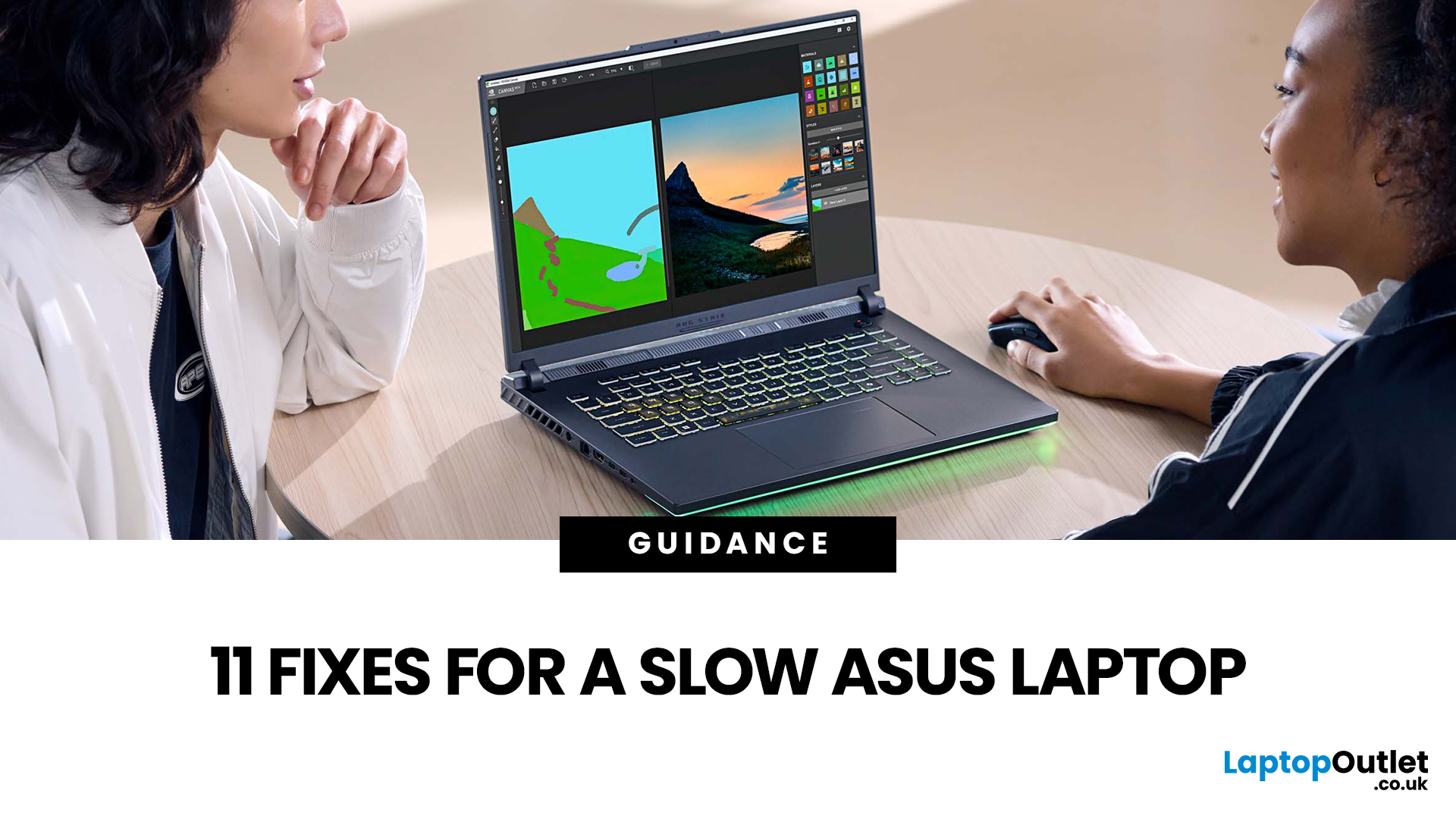
Your ASUS laptop was quick when you first got it. Now it stutters, freezes, or takes an age just to open Chrome. Sound familiar? You are not alone, and more importantly, you do not need to splash out on a brand-new machine.
This guide will walk you through exactly what is causing the slowdown and how to fix it. Whether you have an ASUS VivoBook, ZenBook, TUF Gaming, or ROG, there is something here for you.
Why Is Your ASUS Laptop Running Slow?
Before throwing solutions at the problem, it helps to know what you are actually dealing with. Here are the most common culprits:
| Cause | What It Means | How Common? |
| Too many startup apps | Apps launching at boot hog CPU and RAM | Very common |
| Thermal throttling | Laptop overheats and slows the CPU to cool down | Very common |
| HDD (not SSD) | Old spinning hard drive is the bottleneck | Common in older models |
| Low RAM | Not enough memory for your workload | Common |
| Bloatware | Pre-installed software running in the background | Common |
| Outdated drivers/BIOS | Software bugs causing |
Published: October 09, 2025
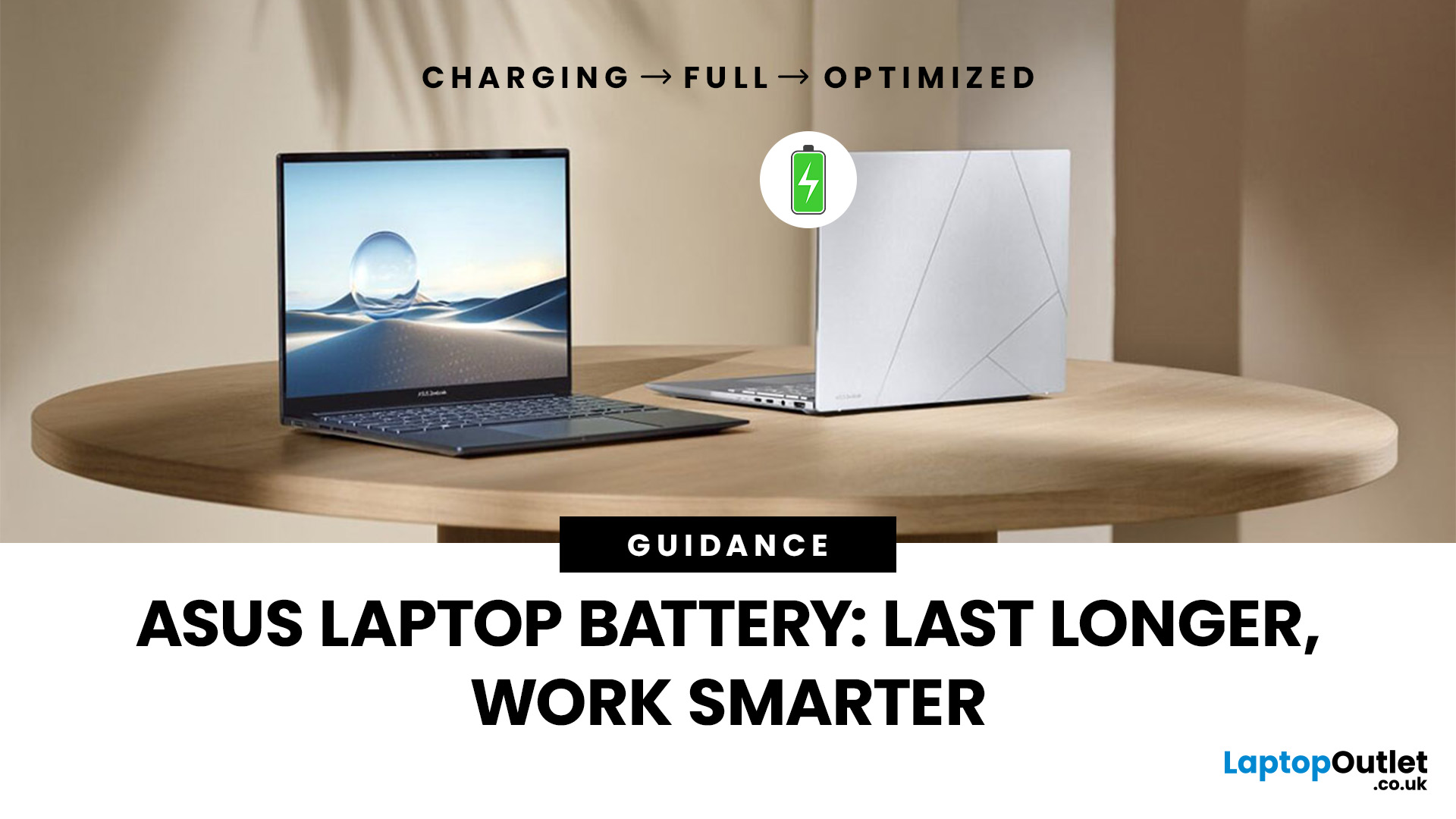
Battery life is one of the first things people notice on a laptop, and ASUS models are no exception. Whether you’re using a VivoBook for everyday work or a Zephyrus for gaming, performance on the go only matters if the battery can keep up. Over time, though, most users see the same problem - the charge doesn’t last like it used to.
The good news is, you don’t need to settle for short sessions and constant charging. ASUS laptops include built-in features like Battery Health Charging, power modes in MyASUS, and Windows 11 settings that can help extend run time. Add in a few simple tweaks - like managing brightness, limiting background apps, or calibrating the battery - and you can squeeze out noticeably more hours.
This guide covers everything you need to know about ASUS laptop battery optimisation, with practical steps you can apply straight away.
Understanding ASUS Laptop Battery Basics
Before we jump into optimisation, it helps to know how your ASUS laptop battery actually works. Most
Last Updated: October 09, 2025
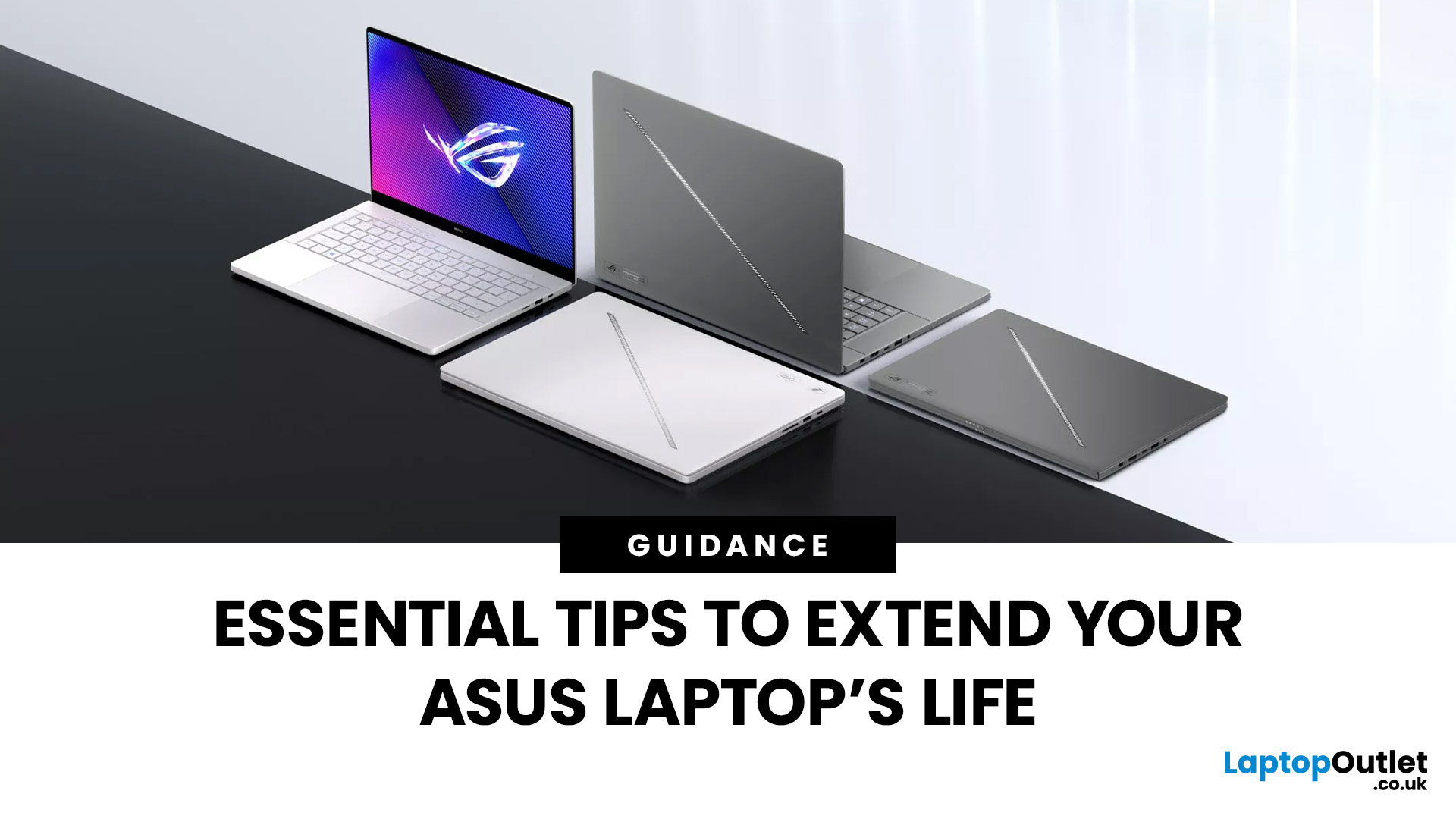
ASUS laptops are known for their blend of performance, durability, and innovation, but like any device, they need proper care to perform their best, year after year. Whether you own a ZenBook for productivity, a TUF model for durability, or a Zephyrus gaming powerhouse, regular upkeep and the right usage habits can significantly extend your laptop’s life.
This guide provides essential tips to extend ASUS laptop lifespan, covering everything from battery care and cleaning routines to cooling solutions and performance optimisation. With these practical ASUS laptop maintenance tips, you can keep your system fast, reliable, and looking as good as new well into the future.
Why Extending Your ASUS Laptop Lifespan Matters
Long-Term Value
Investing in an ASUS laptop is a long-term commitment, whether for work, study, or gaming. Extending its lifespan saves money by delaying the need for upgrades and maximises your return on investment.
Sustainability Impact
Caring for your device also reduces e-waste.
Published: October 09, 2025
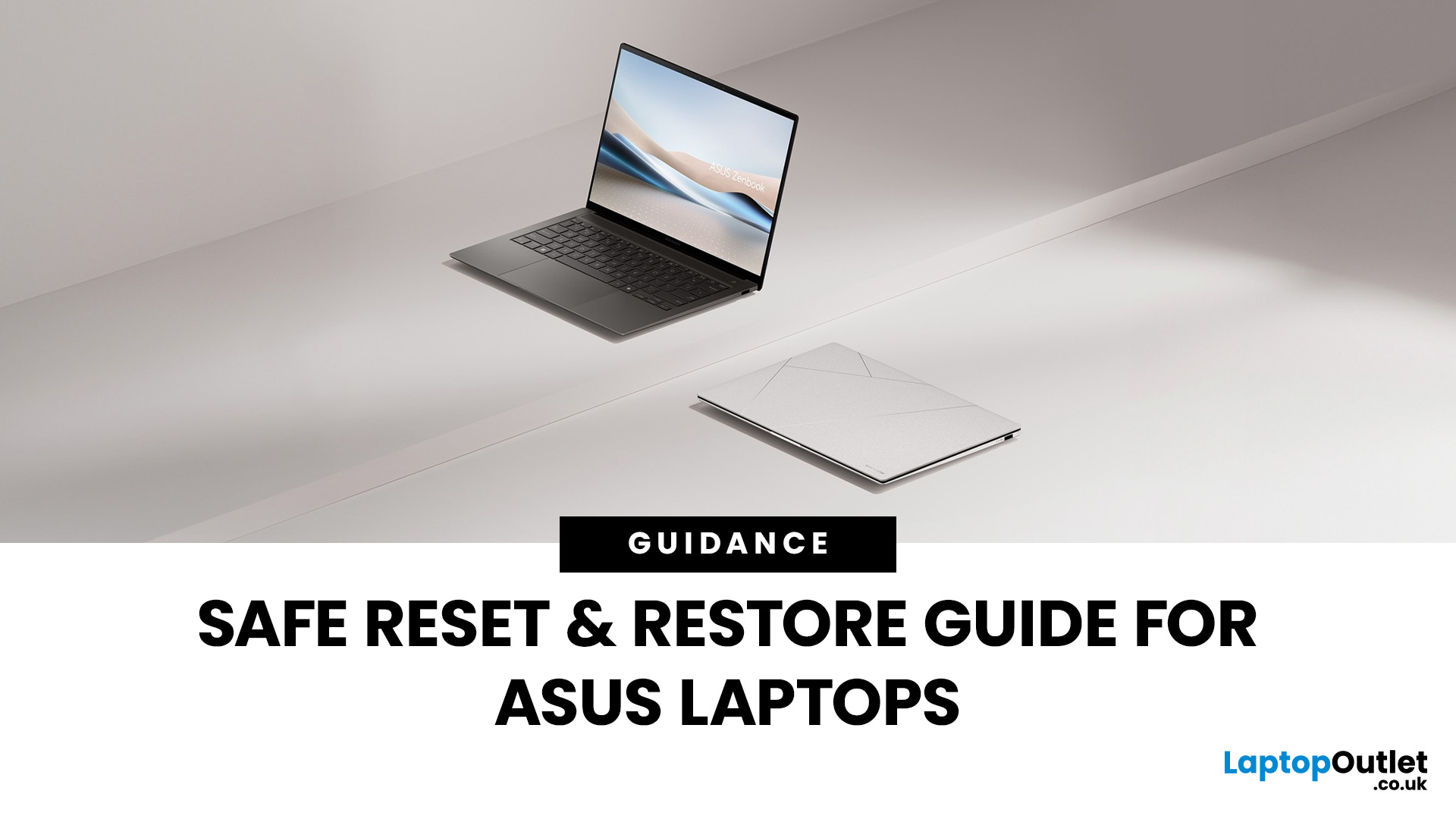
Resetting or restoring your ASUS laptop can often fix persistent software issues, performance slowdowns, or even forgotten passwords. Whether you’re using an ASUS ZenBook, VivoBook, or ROG gaming laptop, knowing how to reset an ASUS laptop safely ensures your device runs smoothly without risking data loss. In this guide, we’ll cover different reset options, including factory reset in Windows 11, resetting without a password, accessing the ASUS recovery partition, and BIOS reset methods.
Why You Might Need to Reset an ASUS Laptop
There are several scenarios, where performing a reset or restore on your ASUS laptop is the smartest and safest solution. In 2025, with laptops running more advanced AI-powered Windows 11 features and heavier apps, resets are not just for fixing major problems but also for ensuring long-term stability.
- Performance Issues & Slowdowns
Even with SSDs and the latest Intel Core Ultra or AMD Ryzen 8000/9000 processors, ASUS laptops can slow down over time due to background

