



What Are the New Features of the Samsung S25 Ultra
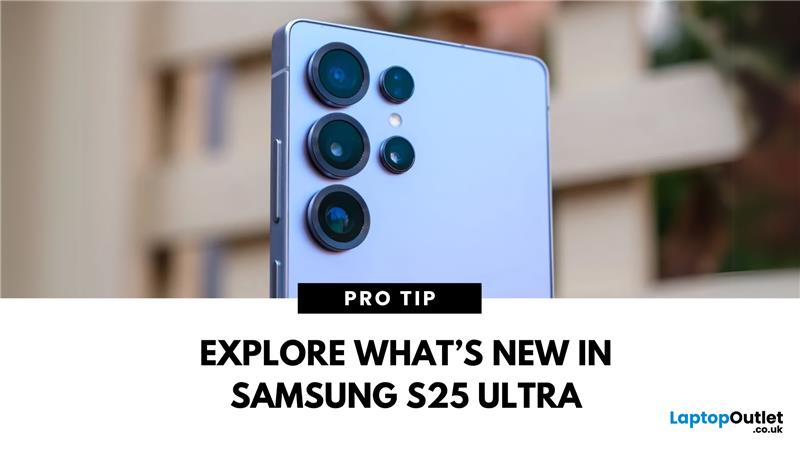
The Galaxy Just Got Smarter
Samsung’s flagship phone has levelled up again. The Samsung Galaxy S25 Ultra brings futuristic performance, next-gen AI capabilities, and premium design upgrades to the palm of your hand. If you're wondering what’s new in the 2025 Ultra model, here’s everything you need to know.
1. Galaxy AI Is Front and Centre
The S25 Ultra introduces Galaxy AI, bringing:
- Live call translation in real-time
- AI photo editing for on-the-fly enhancements
- Generative image suggestions
- Smart calendar, email and writing assistance features
AI tools are deeply integrated into daily tasks, making the phone more intuitive than ever.
2. New Snapdragon 8 Gen 3 Processor
- Enhanced speed, multitasking, and power efficiency
- Faster app load times and smoother gaming performance
- Built to optimise AI and camera functions
Expect top-tier performance for everything from video editing to mobile gaming.
3. Upgraded Camera with AI Nightography
- 200MP main sensor with better low-light clarity
- Improved space zoom and motion detection
- AI Nightography optimises shadows, highlights, and contrast automatically
Content creators will love the Ultra’s ability to deliver DSLR-level photos and cinematic videos.
4. Sleek, Durable Titanium Frame
- Lighter and stronger than aluminium
- Offers premium in-hand feel
- Designed to withstand everyday wear and tear
5. Stunning AMOLED Display Enhancements
- QHD+ Dynamic AMOLED 2X screen
- Adaptive 120Hz refresh rate
- Higher brightness for outdoor use and enhanced HDR playback
Ideal for media lovers and mobile gamers
6. More Storage, More Possibilities
- Options up to 1TB internal storage
- Plenty of room for photos, 4K video, and massive games
7. Built-In S Pen with New Features
- Precision stylus now supports gesture control
- Better note-taking and creative toolset
- Especially useful for professionals, artists, and power users
8. Smarter Battery with Longer Life
- AI learns your usage habits to conserve power
- Faster wired and wireless charging
- Extended battery lifespan with improved thermal management
Final Thoughts: Worth the Upgrade? Absolutely.
The Samsung Galaxy S25 Ultra delivers futuristic features that feel practical today. With its AI-driven tools, advanced camera tech, premium titanium design, and incredible performance, it's more than just a smartphone—it’s your smart companion for 2025.
Thinking of upgrading? Check out Laptop Outlet’s latest Samsung Galaxy deals and trade-in offers now.
FAQs: Samsung S25 Ultra New Features
1. Does the Galaxy S25 Ultra support AI features?
Yes—it includes Galaxy AI for photo editing, translations, and smart productivity tools.
2. What is the S25 Ultra made of?
It now features a titanium frame, offering better durability and a premium look.
3. How is the S25 Ultra camera different from the S24 Ultra?
The S25 Ultra features improved low-light performance, AI-enhanced Nightography, and better zoom.
4. Can I still use the S Pen with the S25 Ultra?
Yes—it includes a built-in S Pen with new gesture support.
5. What storage options are available?
Up to 1TB of internal storage, great for media-heavy users and professionals.
Read More:
| What Is Better Samsung or iPhone? |
| How to Back Up Your Samsung Phone |
| How to Clear Cache on an Android Phone |
Related Articles

Last Updated: September 11, 2025
Last Updated: December 12, 2025
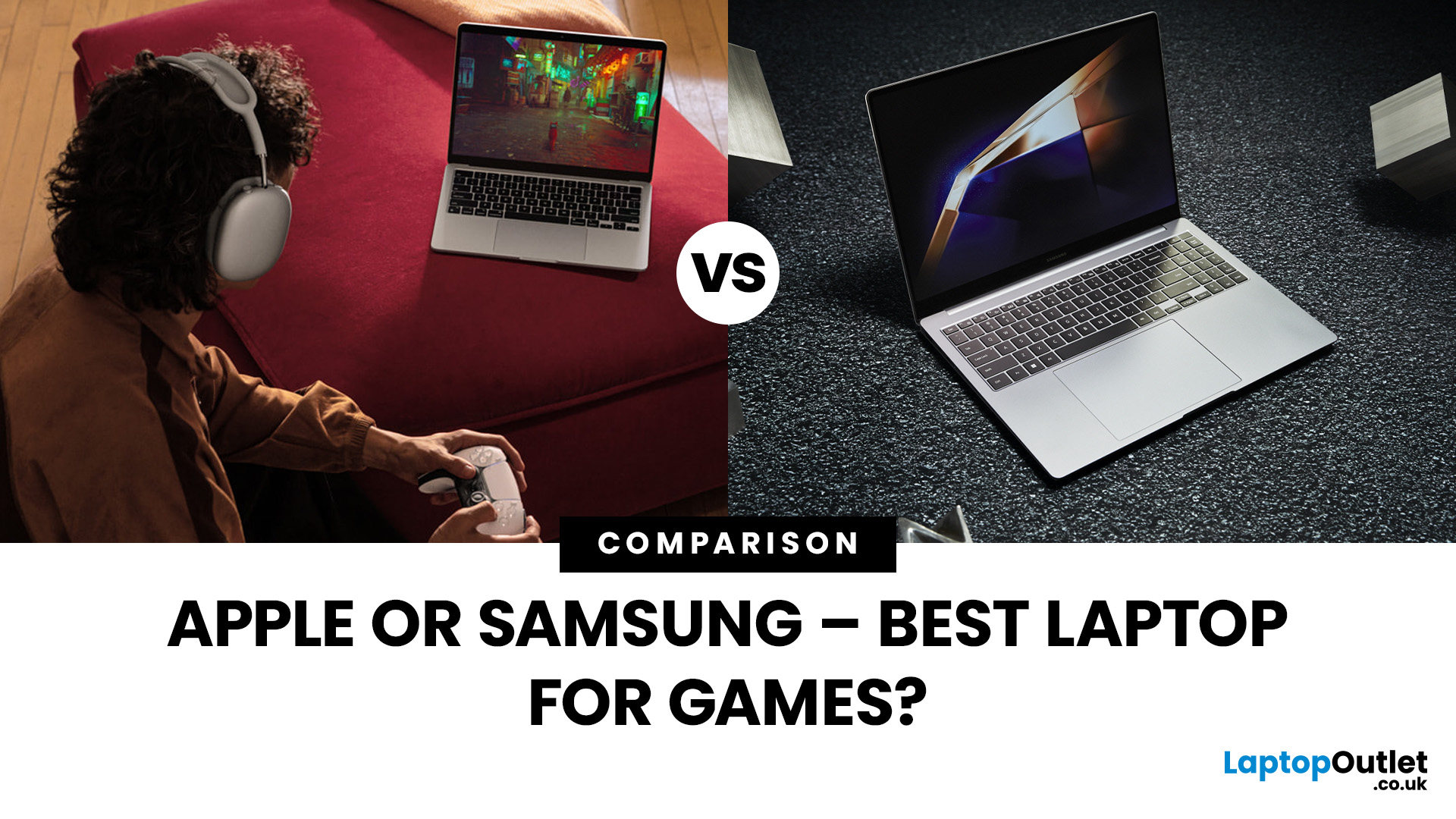
Are you in the market for a new gaming laptop and wondering what to choose between Samsung or Apple?
If you're even remotely familiar with the gaming arena, then you've no doubt heard of two big names which emerged as frontrunners in the high-stakes race of gaming laptops: Samsung and Apple. The latest Samsung models are super thin and ultraportable, and gaming on them may be mediocre if you stick to older titles. On the other hand, Apple laptops are technically suitable for demanding tasks like video editing and creative design as they have powerful CPUs, but the price may dig a big hole in your pocket. So, what to choose?
To provide you with a definitive answer, this guide covers everything from hardware and performance to laptops' design and user experience.
So, let's get started!
Samsung Laptops (Window-Based)
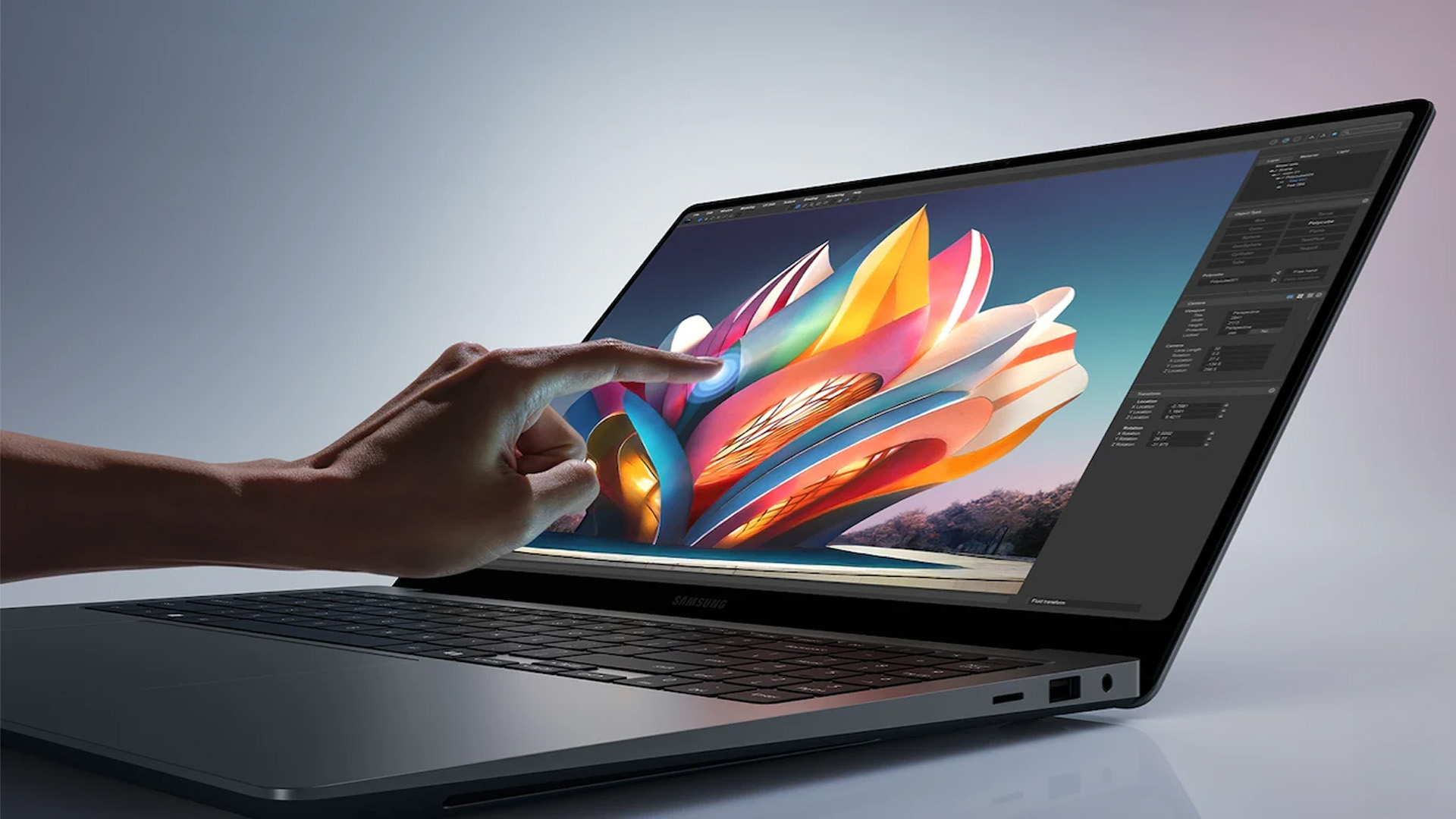
Samsung stands out among the top leading electronics brands in the world. Their laptops are best known for their innovative designs, spectacular build quality, colour-accurate
Last Updated: July 01, 2025
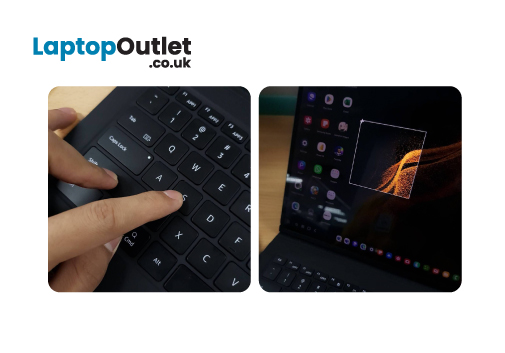
Are you tired of navigating numerous settings and using intricate keyboard shortcuts to print screens on your Samsung laptop? Luckily, we have got you covered by this comprehensive guide!
Although Samsung laptops have impressive hardware and elegant touch screenssome users may need assistance with capturing screenshots on their devices. Whether you want to store good recipes, maintain a record of important correspondence, or share your screen with your friends.
This article will examine many methods for taking screenshots on your Samsung laptop. We'll show you how to take full-screen screenshots, grab the current Window with a single click, and even print a specific section of your screen.
However, before diving into the specifics of Screenshots on a Samsung laptop, it's essential to understand what a screenshot is.
So, let's get started!
What is a Screenshot, exactly?
A screenshot is a digital photo of your laptop screen. It can be used as evidence of anything seen or shared

Last Updated: April 03, 2026
Finding the right laptop for your business is a very important decision. In the modern corporate world, you need a device that is fast, stylish, and easy to carry between meetings. Samsung has become a major player in the laptop market. They are famous for their amazing screens and how well their devices work together.
In this blog, we will look at the 5 best Samsung business laptops. Whether you are a small business owner or a corporate professional, Samsung has a "Galaxy Book" for you. We will look at the specs and explain how these features will help your work life.
Why Choose Samsung Laptops for Business?
Samsung laptops are perfect for business because they are built to be thin and light. This makes them ideal for people who travel or work from different offices.
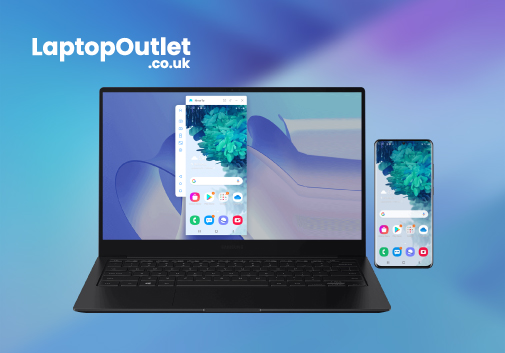
One of the best reasons to choose Samsung is the "Galaxy Ecosystem." If you already use a Samsung phone or tablet, your laptop will sync with them perfectly. You can share files instantly and even use your tablet as a second
Last Updated: May 27, 2025
Introduction
In today's digital age, smartphones have become integral to our lives. They keep us connected, informed, and entertained. However, what happens when your phone's screen is shattered or unresponsive? In this comprehensive guide, we will explore the solutions to a common problem: how to view your broken phone screen on your Samsung laptop. But first, let's understand what a broken phone screen is and why it matters.
What is a Broken Phone Screen?
A broken phone screen is a situation where your smartphone's screen is physically damaged, rendering it unreadable or unresponsive. This damage can occur in various forms, including cracked screens, unresponsive touchscreens, or even wholly shattered displays.
Why Does It Matter to Be Able to View Your Phone Screen on Your Laptop?
Viewing your phone screen on your laptop cannot be overstated. Here are some compelling reasons why it matters:
- Data Retrieval: Your phone may contain critical data, such as contacts, messages, photos,
Last Updated: July 01, 2025
Screen recording on a laptop has become a valuable tool for various reasons. Whether recording your gaming prowess, documenting software processes, or creating in-game tutorials, the screen recording feature lets you capture your favourite moments to share with the world later.
Regardless of the reason, screen recording on a Samsung laptop is relatively simple and can be accomplished with a few simple steps. Thus, if you own a Samsung laptop, you're in luck! You can capture your on-screen gaming activities in multiple ways, ranging from built-in functionalities to powerful third-party applications. The methods offer distinct advantages and cater to different user preferences.
In this article, we will cover the intricacies of each method with step-by-step instructions and additional resources to ensure you capture your gameplay seamlessly.
So, let's dive in!
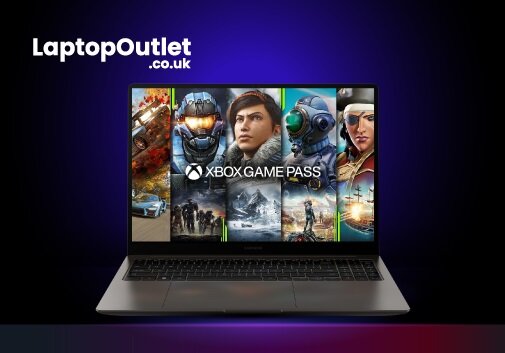
Method 1: Using Xbox Game Bar
The Xbox Game Bar allows seamless screen recording on a laptop while playing games without

