



Which Laptop is Better for Playing Games, Samsung or Apple?
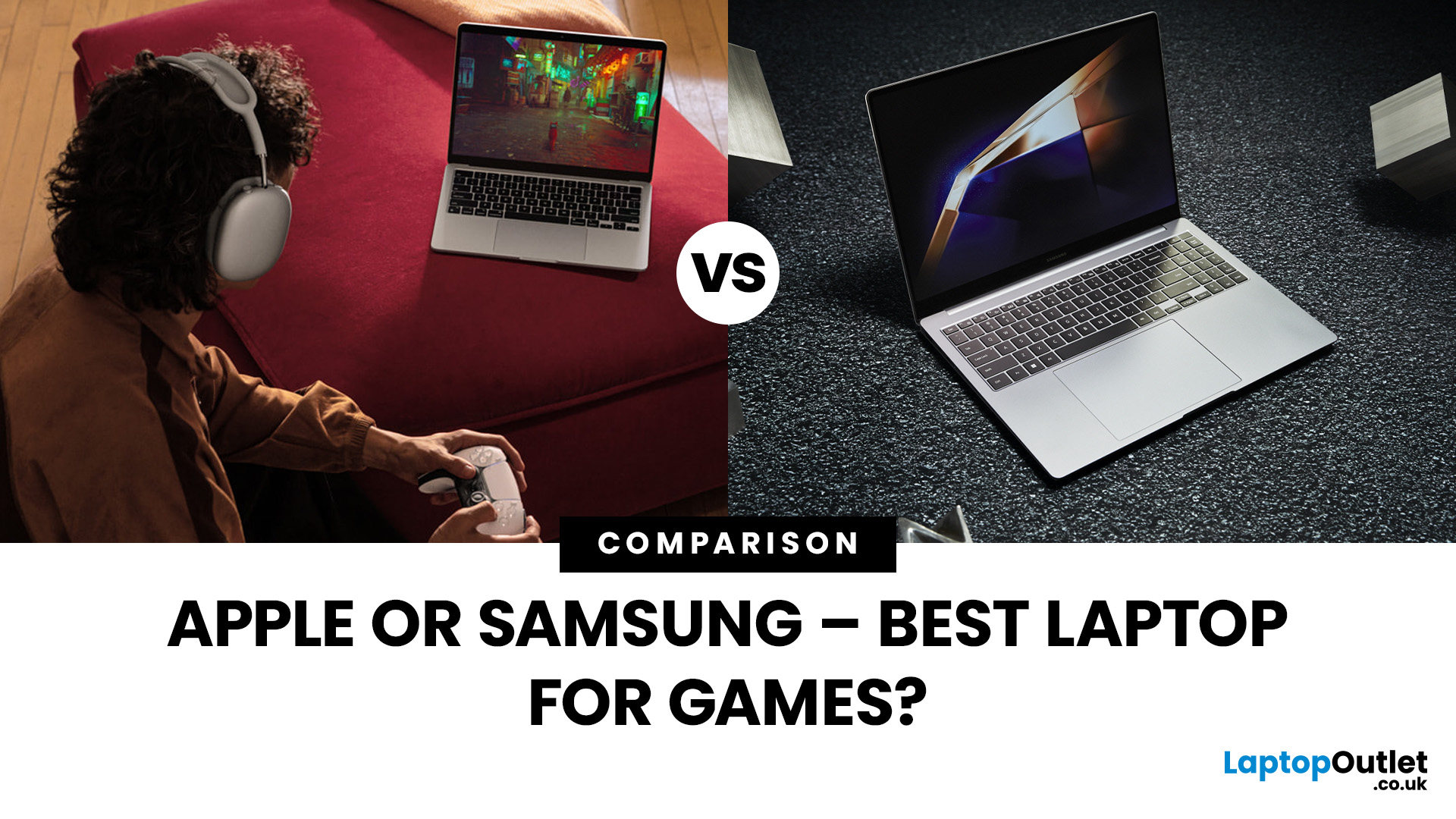
Are you in the market for a new gaming laptop and wondering what to choose between Samsung or Apple?
If you're even remotely familiar with the gaming arena, then you've no doubt heard of two big names which emerged as frontrunners in the high-stakes race of gaming laptops: Samsung and Apple. The latest Samsung models are super thin and ultraportable, and gaming on them may be mediocre if you stick to older titles. On the other hand, Apple laptops are technically suitable for demanding tasks like video editing and creative design as they have powerful CPUs, but the price may dig a big hole in your pocket. So, what to choose?
To provide you with a definitive answer, this guide covers everything from hardware and performance to laptops' design and user experience.
So, let's get started!
Samsung Laptops (Window-Based)
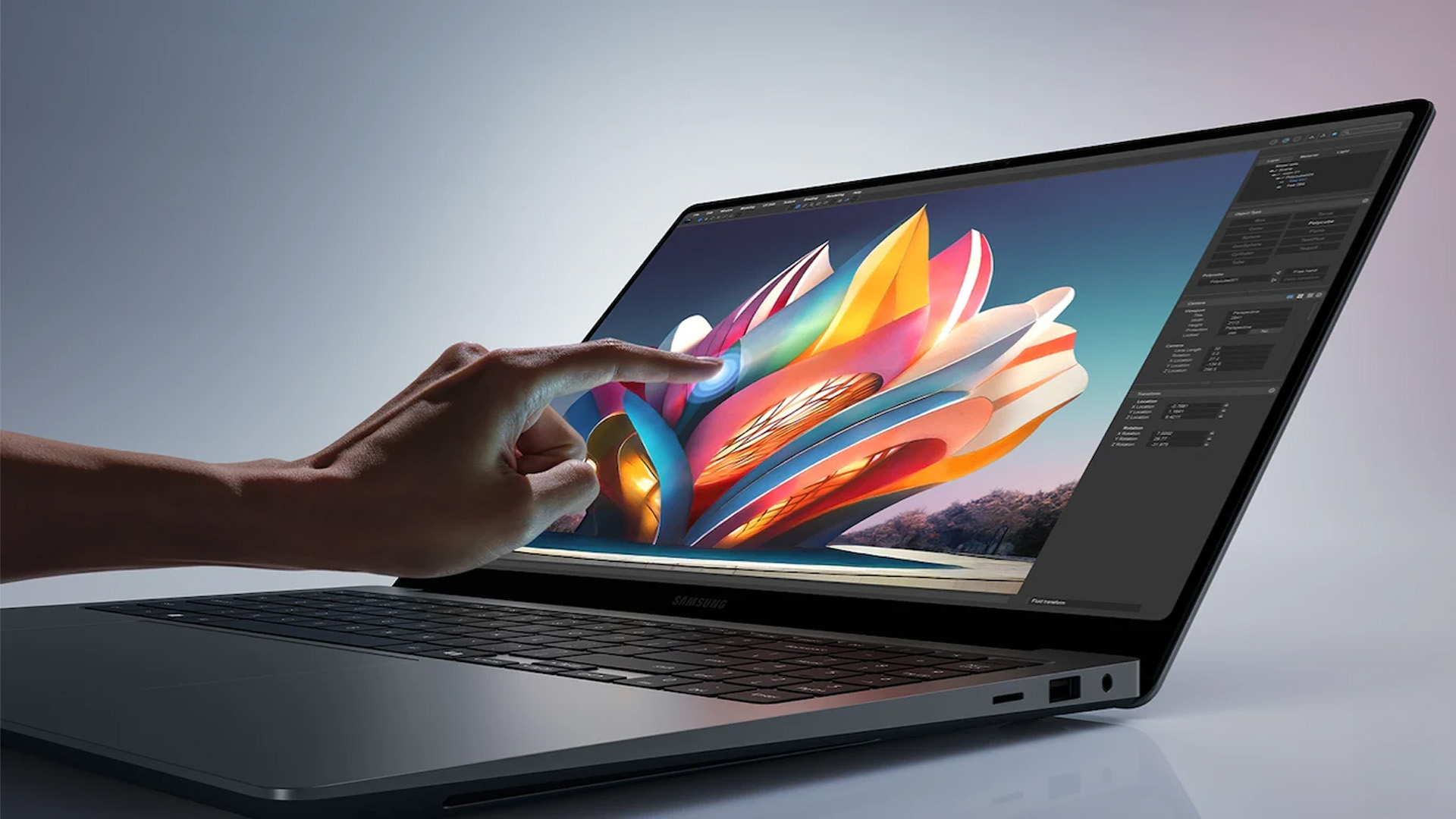
Samsung stands out among the top leading electronics brands in the world. Their laptops are best known for their innovative designs, spectacular build quality, colour-accurate displays, mind-blowing thinness, and features and additions geared primarily toward gaming enthusiasts.
However, like any other tech gadget, these laptops have some weaknesses, too. So, it would be best if you kept in mind both the advantages and disadvantages of Samsung laptops before making a decision.
Pros
- Elegant Finish – The primary advantage of Samsung Galaxy laptops is their premium design and excellent build quality. Samsung is well regarded for featuring top-of-line designs in its devices, and its Galaxy laptops are no exception. These laptops come in diverse colours and sizes, making them visually appealing. Due to their sleek and well-designed exteriors, they are an excellent option for gamers who want to showcase their style.
- Immersive Displays – Samsung laptops include some of the best display technologies on the market. These laptops are created from high-quality materials and feature high-resolution AMOLED displays with bright, vibrant colours and sharp details. Specific Galaxy models also boast touchscreen capabilities. Their high-quality screens improve your visual experience by displaying strong and dynamic visuals in gaming and movies.
- Good Customer Support – Samsung is the best choice for many tech users because of its excellent and responsive customer support. If you face any software or hardware issues with your Samsung laptop, their support service is 24/7 for assistance. Samsung laptops also come with extended warranties of 1-3 years and easy return policies so that you can ease as much as possible.
- Better Performance – Samsung has proven its commitment to performance and productivity. The brand manufactures laptops with powerful processors, discrete GPUs, dedicated RAM, ample storage, and better thermal solutions to ensure they handle everything you throw at them without any hindrances. In addition, Samsung laptops support the Windows operating system, which stands above all other OS in performance metrics.
Cons
- Limited Graphics Efficiency – Compared with other gaming brands such as ASUS, MSI, and Lenovo, Samsung Laptops are not as strong in graphics. Most old models come with integrated graphics, which are not powerful enough to handle resource-demanding games and applications.
- High-Cost – Samsung's flagship models are, at times, bafflingly expensive, so they cannot be a good choice for individuals on a budget. However, the price may vary from model to model depending on the features.
- Insufficient Gaming-Centric Capabilities – Samsung laptops may also fall in some gaming features, such as customisable RGB lighting keyboards, dedicated macro keys, and advanced thermal systems in high-end gaming laptops.
- Upgradability – Unlike other gaming machines, you'll find some Samsung Galaxy laptops with no upgradeability options. This results in the fact that you cannot upgrade the hardware, including RAM, SSD, or graphics – it simply means no futureproofing!
Apple Laptops (MacBooks)
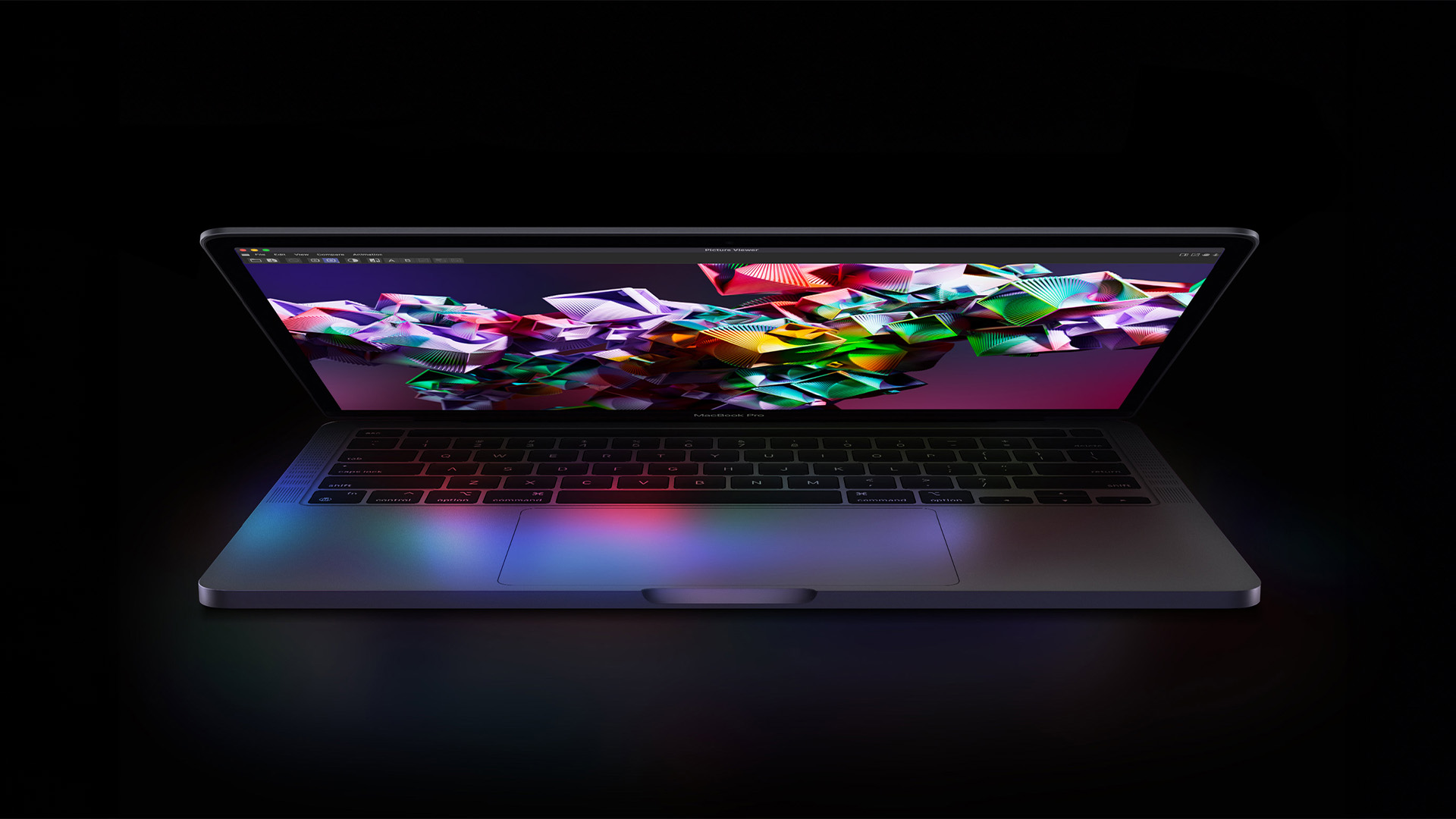
Regarding computing power, Apple laptops are considered the best of the best. Many professionals prefer Apple products for creative design work, immersive audio and video editing and basic computing tasks. If you opt for one, you adhere to the pros and cons of the MacBook first.
Pros
- Sturdy Design and Well-Built – Apple laptops' foremost advantage is their lightweight and polished build. The design of MacBooks is gorgeous, sleek, and elegant, unlike bulky laptops. They are thin and portable enough to fit into any backpack without taking up too much room.
- Incredible Battery Life – Battery life is essential when using a laptop; low means zero productivity! This can be especially troublesome if stuck in the middle of the task and unable to find a nearby socket. Thanks to MacBook's extreme battery power, you can work and play all day. Apple prioritises battery life across its entire product line, notably in the latest MacBook models. These laptops are equipped with the M1, M2, or M3 CPUs, which can withstand even the most rigorous workloads. Under the hood, the MagSafe port is intended into the architecture to protect against cable, connection, or damage in accidental cable pulls.
- Easy to Upgrade – RAM and SSD are the two vital components of a computer. The good news is that you can easily upgrade the RAM and SSD of your Apple laptop and the battery. However, it is vital to research your computer's specific type of memory. Likewise, if you are upgrading the SSD, it is necessary to back up and store all your data before uninstalling the current SSD.
- Secure Operating System – Apple laptops support a specific operating system known as "macOS". The operating system comes with an easy-to-navigate and intuitive design which speaks to users of all skill and experience levels. Regarding virus protection, you can rest assured that macOS offers superior security than Windows. While Windows provides numerous customisation options for fine-tuning the file system, this flexibility may make it prone to viruses and hackers. On the other hand, Apple MacBooks offer inherent security protections thanks to macOS, which is based on a foundation comparable to Linux. In addition, macOS cannot be targeted by virus and malware attacks like Windows, which adds more to its security reputation.
Cons
- Hefty Price Tags – An Apple MacBook might be an expensive option for people on a budget. They come with more costly tags than a Windows laptop with comparable capabilities and specifications. This is true with Apple products, which customers sometimes neglect due to their higher prices than similar offers from competing brands. While some say that the excellent quality and user experience justify the higher cost price, others argue that the higher price is due mainly to the Apple brand's reputation.
- Limited Software Support – Unlike other operating systems, you may get fewer choices for software titles when working on macOS. In the gaming industry, there are several titles which are compatible with macOS, but there are also plenty that are only available for Windows users. Likewise, without specific versions, the gaming experience on macOS can sometimes be subpar. That's why confirming that macOS sufficiently supports your favourite applications and games is critical before purchasing an Apple laptop.
- Poor Connectivity Options – In this fast-paced world, seamless and easy connectivity to the Internet is provided with every device you purchase. However, MacBooks may fall short in this aspect. You can enjoy a fast and reliable WI-FI connection, but these laptops don't include a built-in LAN ethernet port. You'll have to buy a special adapter to use a hardwired Ethernet network LAN connection. Likewise, there will be no HDMI port present on the laptop. These factors contribute to a frustrating user experience, especially for gamers who want something that offers plug-and-play simplicity.
- Expensive Customer Service – Apple has a noticeably inconvenient support service that does not address customer problems for days. This could be potentially dangerous if it involves your computer shut down in the middle of the task and you don't have any backup files saved elsewhere.
Samsung Galaxy Laptop vs Apple MacBook: Gaming Performance
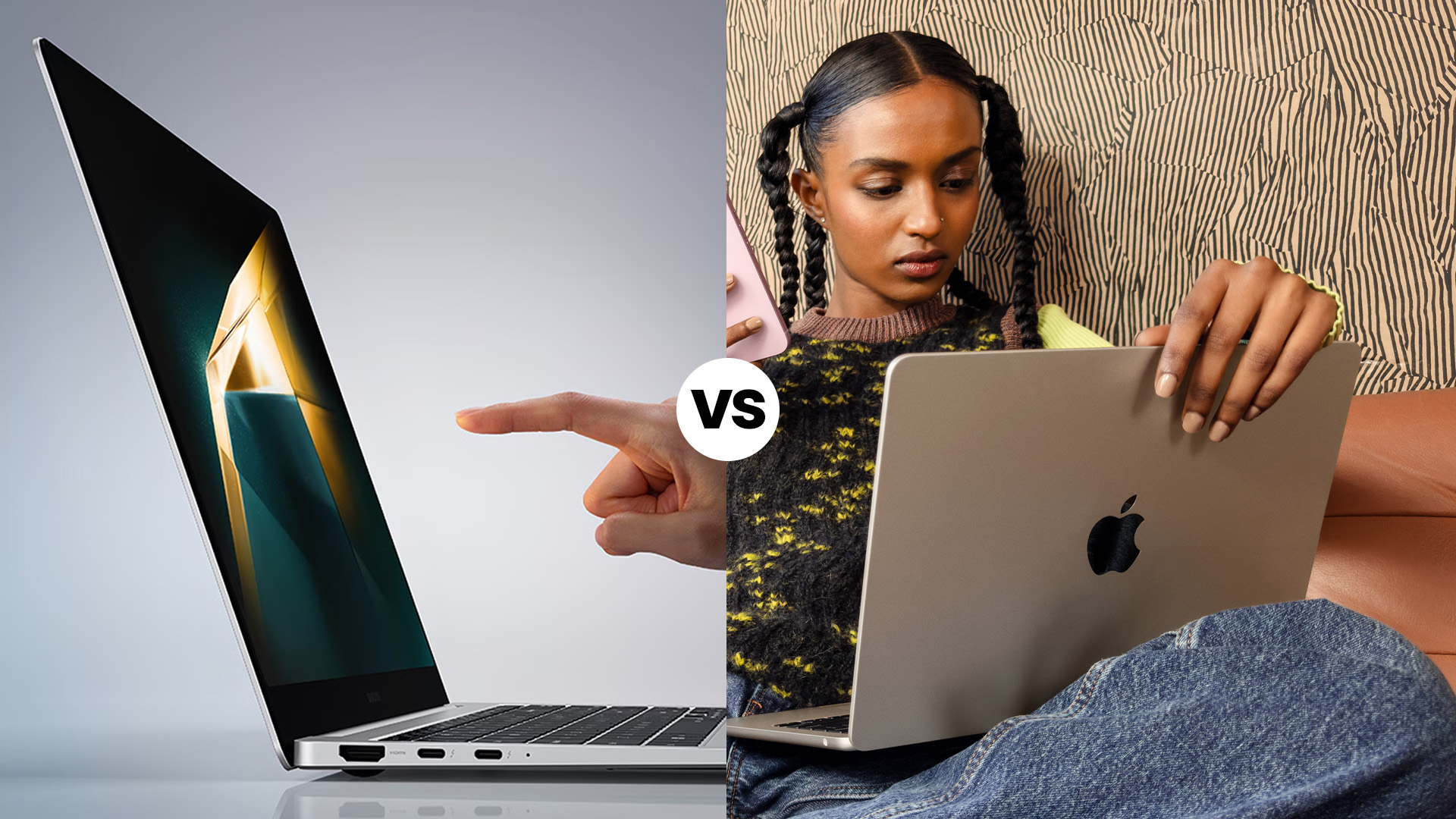
Regarding gaming performance, both Samsung Galaxy and MacBook are capable laptops, but they have different strengths and weaknesses. These differences mainly come from the hardware, software, or operating system.
Let's break down the key areas of gaming performance of both devices.
Graphics
The graphics card is the building block of any gaming device. Not only does it bring immersive visuals to your screens, but it is also responsible for complex rendering activities running in the backend. If we look at the graphics card of a Samsung laptop, they may vary from model to model. You can choose between integrated and dedicated graphics options. NVIDIA GeForce or AMD Radeon are dedicated chips for handling robust graphics processing at higher settings and frame rates.
Meanwhile, MacBooks are typically equipped with integrated graphics or low-end dedicated graphics. Thankfully, the latest MacBook models also include discrete GPUs. MacBook Pro 16, for instance, comes with an AMD Radeon Pro 5500M 8 GB graphics chip. However, this super expensive GPU machine still stands behind the previous generation mobile Nvidia GTX 1060 6 GB. The latest Samsung laptops with the most advanced Nvidia chips will blow the socks off regarding gaming performance, which is impossible in the MacBook because Apple has an ongoing spat with Nvidia.
Processors
Well, this is different when it comes to processing power. Apple has incorporated more potent processors in its laptops, which shine in applications like 3D rendering and video editing. Not only this, but MacBooks are also better in battery performance. These laptops can stay live for up to 20 hours on a single charge. This is much more than the average Samsung Galaxy laptop, which typically provides about 10 hours of continuous use before recharging.
Operating System

Second comes the operating system. Samsung computers run on Windows, which is regarded as the "Powerhouse" for gaming. Windows, like Windows 11, offers a vast library of games and excellent driver support for gaming accessories. This operating system is preloaded with a Game Bar, giving you quick access to helpful gaming features with a simple keystroke.
In contrast, Apple laptops have a limited collection of games compared to Windows. Nevertheless, with the M1 and M2 chips, MacBooks can now run the iOS and iPad apps, providing access to more games.
Software Compatibility
Thirdly, Windows laptops, like Samsung, support a wide range of software, providing unlimited access to popular gaming platforms, including Xbox, Steam, Epic Games Store, and others. While macOS has a smaller native game library, you can often run Windows versions of games using software like Boot Camp or third-party virtualisation programs.
Price
Lastly, what matters above all is cost. You can buy a Samsung gaming laptop for half the price of any dedicated GPU-equipped MacBook. A gaming laptop like the Samsung GalaxyBook Laptop is something with which you can play any AA title at higher settings, full HD 60+ FPS or better.
If you consider this from a sheer pound standpoint, this means that instead of that Apple laptop, you can buy a Samsung laptop with gaming hardware and any two of the Samsung refurbished laptop models you choose. If you catch deals from a trustworthy retailer like Laptop Outlet, you might have money left for more games!
The bottom line is that MacBook is not designed for gaming and needs to be competitive in hardware or price perspectives.

FAQs: Samsung vs Apple Laptops for Gaming
Q: Are Samsung laptops good for gaming?
Samsung laptops are not typically designed for high-end gaming. Most Samsung models focus on portability, design, and productivity rather than the powerful GPUs and cooling systems required for gaming.
Q: Can I play games on a MacBook?
Yes, but with limitations. MacBooks are not optimised for gaming and lack support for many popular Windows-only titles. They can handle casual games and some less demanding titles but aren’t ideal for AAA gaming.
Q: Which is better for gaming, Samsung or Apple laptops?
Neither brand specialises in gaming laptops. If gaming is your priority, consider brands like ASUS ROG, MSI, or Acer Predator that offer dedicated gaming laptops with powerful graphics cards and higher refresh rates.
Q: Can I connect an external GPU (eGPU) to a MacBook for gaming?
Yes, certain MacBook models support eGPUs via Thunderbolt 4. However, it’s still not as effective as using a dedicated gaming laptop or PC.
Q: What laptop specs are recommended for gaming?
For smooth gaming, look for a dedicated graphics card (NVIDIA RTX or AMD Radeon), at least 16GB RAM, an SSD for faster load times, and a high-refresh-rate display (120Hz or above).

Takeaways
Choosing between a Samsung laptop or an Apple device depends on your specific needs and budget. If you're already an Apple iPhone user, an Apple laptop can be an excellent choice for seamless integration, offering a lightweight design, sleek aesthetics, and impressive battery life.
However, a Samsung laptop is a good choice if you are unwilling to spend an arm and a leg on a MacBook purchase or want something best to play the most demanding games. However, before finalising your purchase, consider the pros and cons and gaming-centric capabilities of both devices mentioned in this guide.
No matter what you choose, make sure you do your research and purchase from a reputable retailer like Laptop Outlet to get a quality product that will serve as a long-term companion.
| Read More: |
| Gaming Laptops for Esports: How to Choose the Right One |
| Cheap Gaming Laptops Under £750 in the UK |
| Laptop vs Gaming Desktop |
Related Articles

Last Updated: June 17, 2025
Last Updated: June 19, 2025
Are you an e-sports enthusiast looking to take your gaming experience to another level? If yes, you are in the right place! With thousands of options available on the market, choosing the right gaming laptop can be a daunting task for anyone.
In this article, we have listed the top 5 gaming laptops for e-sports in 2023, all while considering factors such as refresh rate, response time, and screen size. Whether you are a professional esports player or a casual gamer, this guide will help you make an informed decision.
ASUS ROG Zephyrus M16 (2023)(GU604VY-NM001W)
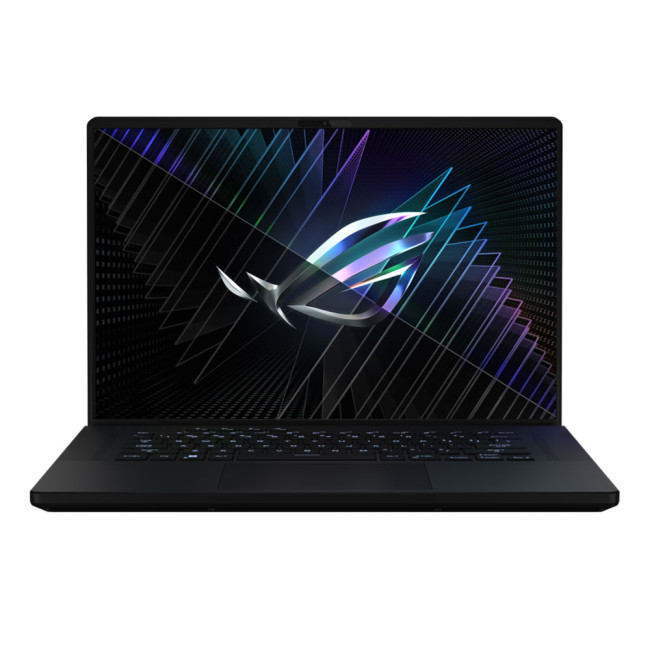
- Intel® Core™ i9 Processor
- 16-inch screen size, 2560 x 1600
- 32 GB RAM, 2 TB SSD
- NVIDIA GeForce RTX 4090 GDDR6 16GB GPU
- Windows 11 Home
The ASUS ROG Zephyrus M16 is a true gaming beast, designed specifically for esports enthusiasts. With its Intel Core i9 processor and 32 GB of DDR5 RAM, it delivers exceptional performance, ensuring smooth gameplay even in demanding esports titles.
As compared to last year’s model,
Last Updated: February 24, 2026
Among the top leading brands of high-end graphics cards, Nvidia stands out as a "powerhouse" in the world of gaming. Laptops with Nvidia graphics cards are known for their exceptional processing capabilities to handle resource-intensive gaming, 3D modelling, and video editing software without any stutters or lags. In this article, we will explore the benefits of Nvidia gaming laptops. Not only will we discuss the features of these gaming laptops, but you'll find our top 5 recommendations for the best gaming laptop on the market.
What are the Benefits of Laptops with Nvidia Cards?
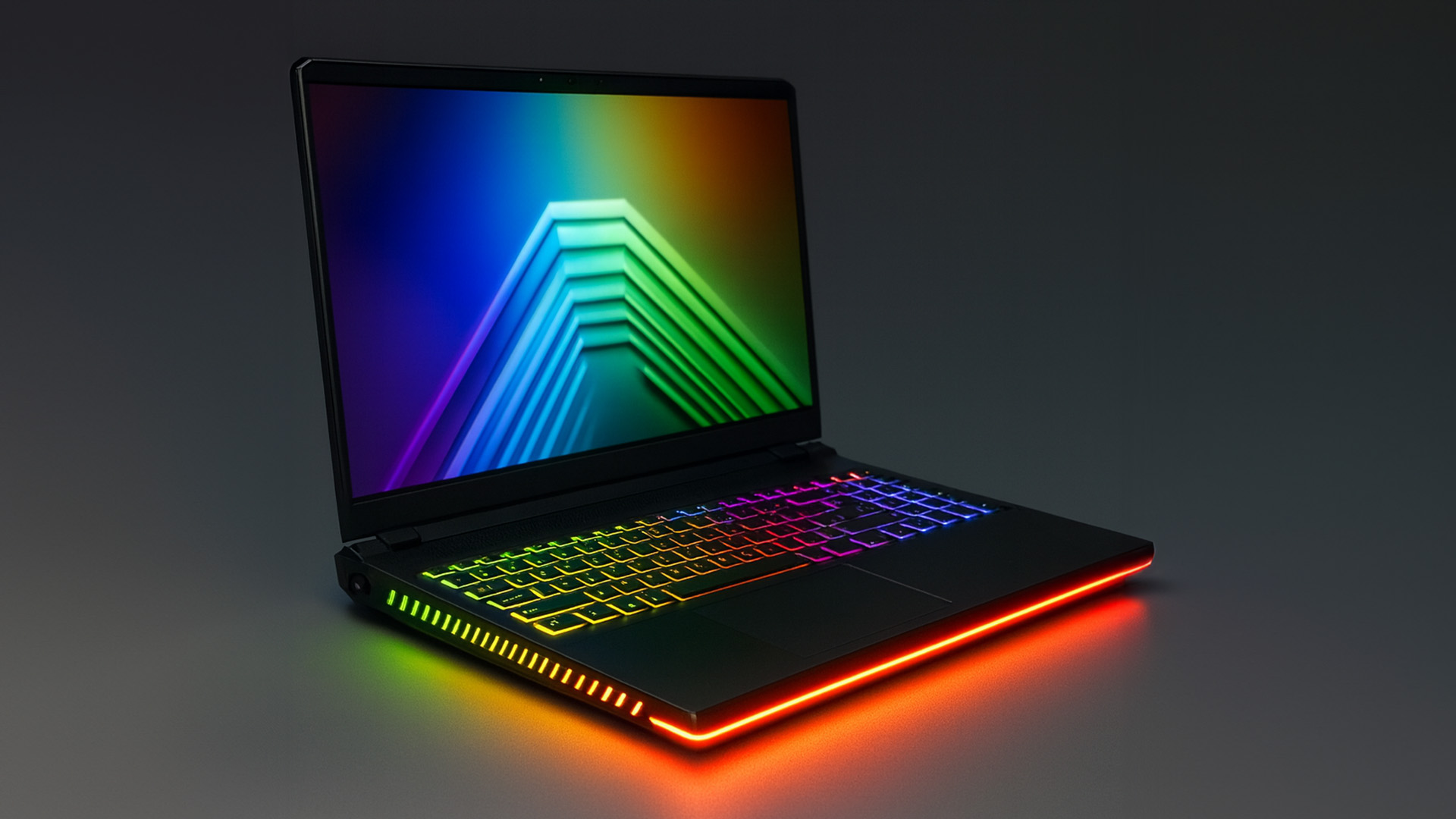
A gaming laptop with a Nivida Graphics card offers a range of advantages as compared to devices with other Graphics card brands. These high-performance devices offer excellent graphics rendering and processing power in video games, CAD/CAM, scientific computing, content creation, and other intensive computing applications.
Let’s explore their benefits in detail:
Unparalleled Graphics Performance
Nvidia graphics
Last Updated: August 11, 2026
Consoles and desktop PCs are the obvious choices, but their size and power needs mean - you’re restricted to one position. That’s where a portable gaming device comes in. For the perfect combination of performance and portability, a high-end gaming laptop is the only way to go. These laptops are efficient enough to play your favourite AAA titles. From understanding refurbished and used laptops to discussing the benefits of refurb laptops and evaluating key considerations, we will provide you with all the information you need to make an informed decision and find a refurbished laptop you can trust.
Let’s get started!
What is a Refurbished Laptop, actually?
Refurbished laptops are also known as used laptops, refurb laptops, or reconditioned laptops. These devices have been previously owned:
- the customer sent them to the manufacturer or a certified refurbishment centre if they encountered an issue
- they passed them through a thorough inspection and testing
- broken or malfunctioning components

Last Updated: December 16, 2025
Are you looking for a gaming laptop that can help you indulge your gaming enthusiasm without breaking the bank? Fortunately, you're at the right place!
Gone are the days when people considered gaming just as a means of entertainment. Now, it has become a dynamic industry of virtual exploration, strategy, and a mode of income. With the increasing demand for 3D genres and fast-paced games, the need for high-performance gaming devices has also surged. Here comes the beauty of – the best gaming laptop!
Whether you are a student, professional, or creative, you always need downtime to get away from the hassles of daily life, and an efficient gaming laptop is the way to go. However, the market has many options costing more than £2,000 in hard-earned cash. How will you choose the best and cheap gaming laptop?
We have researched and reviewed hundreds of laptops and ended up with four best picks that won't blow a hole in your pocket. All the best laptops included in this guide are available for

