



How to Clear Cache on an Android Phone?
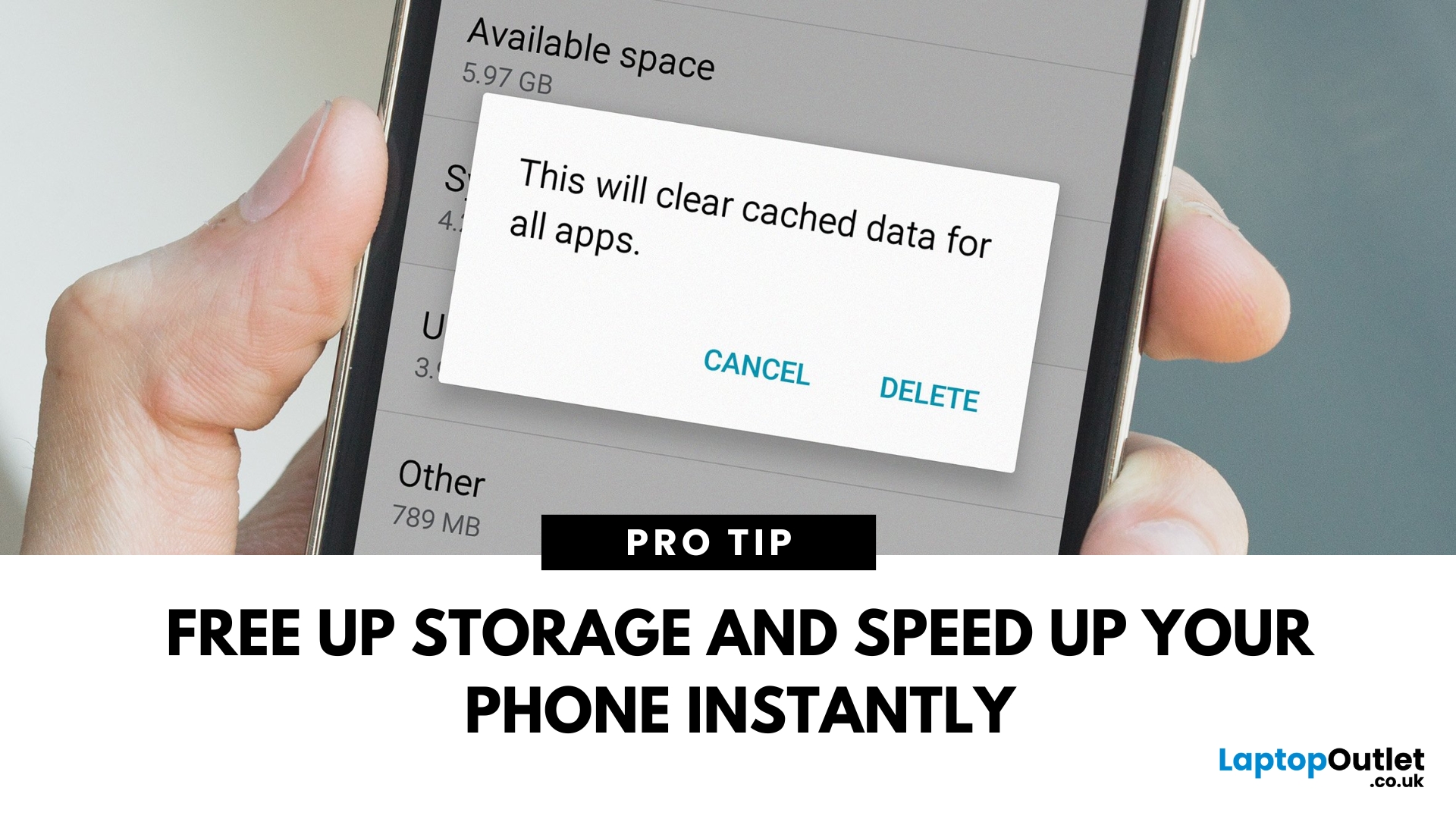
Time to Clear Out the Clutter
If your Android phone is feeling slow or apps aren’t working properly, it might be time to clear the cache. Cached data builds up over time and can hog storage or cause app glitches. Here’s how to safely clear cache and speed up your phone.
What Is Cached Data?
Cached data is temporary files stored by apps to load faster next time you open them. However, over time, too much cache can:
- Slow down your phone
- Cause apps to crash or behave oddly
- Fill up your storage unnecessarily
Pro Tip: Clearing cache does not delete your personal data, like photos or messages.
How to Clear Cache on an Android Phone
1. Clear App Cache (Individual Apps)
Steps:
- Open Settings on your phone
- Go to Apps or Apps & notifications
- Tap See all apps (if needed)
- Select the app you want to clear
- Tap Storage & cache
- Tap Clear Cache
Do this for apps that take up a lot of space or are misbehaving.
2. Clear Cache for All Apps (Device Cache)
Some Android phones allow you to clear the entire system cache.
Steps:
- Turn off your phone
- Press and hold Power + Volume Up until the phone logo appears
- Use the volume buttons to navigate to Wipe Cache Partition
- Press Power to select
- This option may not be available on newer Android versions.
When Should You Clear Cache?
- Apps keep crashing or freezing
- Storage space is running low
- Phone is slow or laggy
- After system updates
What Happens After Clearing Cache?
- Apps may load a bit slower initially (they’ll rebuild cache)
- No loss of personal data
- May fix app errors and free up space
Final Thoughts: Clean Cache, Smooth Experience
Regularly clearing cached data is a quick and easy way to keep your Android phone running smoothly. It frees up space and fixes minor glitches without losing your important files.
Looking to upgrade to a faster, smarter phone? Explore Laptop Outlet’s best Android phone deals today.
Watch the full step-by-step video guide below to learn how to clear cache on your Android phone and boost its performance in minutes.
FAQs: Android Phone Cache Questions Answered
1. Will clearing the cache delete my photos or contacts?
No—clearing the cache only removes temporary app files, not personal data.
2. How often should I clear my Android cache?
Every few weeks or when apps start misbehaving.
3. Does clearing the cache improve battery life?
Indirectly, it reduces app glitches, which may help conserve battery.
4. Is it safe to clear the cache partition on Android?
Yes—it only removes temporary files and can fix performance issues.
5. What’s the difference between Clear Cache and Clear Data?
Clear Cache deletes temporary files. Clear Data erases all app data, including settings and login info.
Read More:
| What to Do with Old Mobile Phones |
| What are the Pros and Cons of 5G Smartphones? |
| Everything You Need To Know About Latest Android Operating System |
Related Articles

Last Updated: May 06, 2026
Last Updated: March 03, 2026
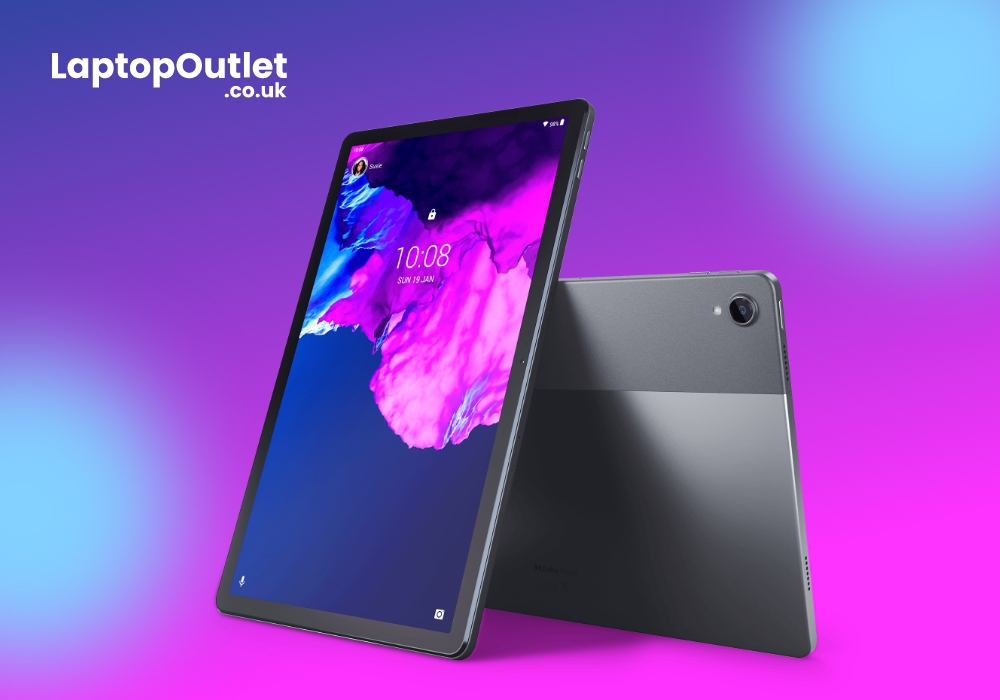
Portable computing devices such as tablets and laptops have been becoming increasingly popular day by day. These computers are well-designed to provide you with productivity on the go. The more you use them, the more they appeal to you. Tablets can serve you in a variety of situations such as preparing educational assignments, streaming movies, playing games, and more.
The good news is that these portable PCs are becoming more amazing with each passing day. Each tablet comes with its unique style and features like any other technology gadget. However, when it comes to choosing a tablet based on the operating system, there are two choices.
The two biggest technology rivals competing in the tablet market are Android and Windows tablets. Each of these devices has their own pros and cons. In this article, we will deliver with necessary knowledge you need to make the most suitable selection for yourself between Android tablets and Windows tablets in the UK.
Android Tablets
Android

Last Updated: May 23, 2025
Need Your SIM Details? Here’s How to Find Them
Whether you're setting up a new service, transferring your number, or troubleshooting, you might need your SIM card number (also called ICCID). Thankfully, finding your SIM number on an Android phone is simple—no need to remove the SIM card.
1. Find SIM Number in Android Settings
Steps:
- Open Settings
- Tap About phone or About device
- Tap Status or SIM Status
- Look for ICCID—this is your SIM card number
The ICCID is usually a 19–20 digit number unique to your SIM card
2. Check SIM Number via Mobile Network Settings
Depending on your Android version or manufacturer (Samsung, Google Pixel, OnePlus):
Steps:
- Go to Settings > Connections > Mobile Networks
- Tap SIM Card Manager (if available)
- Select your SIM and view details
3. Find SIM Number on the Physical SIM Card
- If your phone doesn't show the ICCID, you can:
- Power off the phone
- Remove the SIM card carefully
- Check the printed number directly on the card
Use a magnifying

Last Updated: September 11, 2025
Move Your Contacts Without the Headache
Switching phones is exciting—but what about your contacts? Luckily, copying contacts from Android to iPhone is simpler than you might think. Here’s how to do it quickly using different methods.
1. Use Move to iOS App (During iPhone Setup)
Apple’s free Move to iOS app helps transfer contacts, messages, and more during iPhone setup.
Steps:
- On your Android device, install the Move to iOS app from Google Play
- Begin setting up your new iPhone
- On the "Apps & Data" screen, select Move Data from Android
- Open the Move to iOS app and follow the prompts
- Enter the code displayed on your iPhone into your Android device
- Select Contacts (and any other data you want to transfer)
- Wait for the transfer to complete
Best method if you're setting up a new iPhone
2. Sync Contacts via Google Account (Anytime)
Already using Google to back up your Android contacts? You can sync them to your iPhone easily.
Steps:
- On your Android, ensure contacts

Last Updated: May 23, 2025
Get Back to Full Functionality
Safe Mode on Android is great for diagnosing problems, but sometimes you need to get back to normal use quickly. If your Android device is stuck in Safe Mode, here’s how to disable it and resume full performance.
What Is Safe Mode on Android?
Safe Mode temporarily disables third-party apps so you can troubleshoot issues like crashes or freezes. While helpful, it restricts app functionality and customisations.
You’ll usually see "Safe Mode" in the bottom-left or bottom-right corner of the screen when it’s active
How to Disable Safe Mode (Quick Methods)
1. Restart Your Android Device
This is the most common and easiest method.
Steps:
- Press and hold the Power button
- Tap Restart (or Power off if Restart isn’t available)
- If you chose Power off, manually turn the device back on after a few seconds
Most devices exit Safe Mode automatically after reboot
2. Use the Notification Panel
Some Android devices let you disable Safe Mode directly

