



Top 7 MacBook Pro M5 Features You Should Know

Apple’s MacBook Pro lineup has consistently defined what professional laptops can do, but the introduction of the M5 generation pushes the category even further. Powered by Apple’s latest silicon architecture and backed by upgrades in storage, connectivity, and AI performance, the MacBook Pro M5 is designed to handle modern workflows, from video production and software development to AI experimentation and heavy multitasking.
While the external design remains familiar, the real upgrades are under the hood. Apple has focused heavily on improving computational power, on-device AI processing, wireless capabilities, and storage performance. These changes make the MacBook Pro M5 one of the most capable laptops available for professionals and power users.
Below are the top seven MacBook Pro M5 features that stand out in the latest generation.
1. Next-Generation Apple Silicon: M5 Pro and M5 Max Chips
The biggest upgrade in the MacBook Pro M5 lineup is the introduction of Apple’s M5 Pro and M5 Max processors. These chips significantly increase performance while maintaining the energy efficiency Apple Silicon is known for.
Both chips feature an 18-core CPU, including six high-performance “super cores” and additional performance cores that together deliver around 30% faster overall processing compared with the previous generation.
On the graphics side, the improvements are equally notable. The M5 Pro includes up to a 20-core GPU, while the M5 Max can scale up to 40 GPU cores, enabling far stronger graphics performance for creative applications and gaming workloads.
For professionals working in 3D design, video rendering, or machine learning, this jump in CPU and GPU capability translates directly into faster export times, smoother multitasking, and improved rendering speeds.
Another key improvement is Apple’s enhanced architecture that boosts multi-threaded performance and makes complex workloads, like compiling code or processing high-resolution video - far more efficient.
In practical terms, the M5 chips turn the MacBook Pro into a workstation-level laptop that can handle demanding workloads without sacrificing portability.
2. Massive AI and Machine Learning Capabilities
One of the most forward-looking features of the MacBook Pro M5 is its expanded on-device AI capability.
Apple has integrated Neural Accelerators directly into the GPU cores, allowing the system to process AI models significantly faster. This design allows the laptop to run complex AI workloads locally rather than relying on cloud computing.
According to Apple, the new chips can deliver up to four times faster processing for large language model prompts compared with the previous generation.
The MacBook Pro also includes a 16-core Neural Engine designed to accelerate machine learning tasks such as image recognition, natural language processing, and real-time data analysis.
For developers and AI researchers, this means the ability to experiment with generative AI tools, train smaller models, and run AI-powered software directly on the device.
This shift toward powerful local AI processing is likely to become a defining feature of future computing and the M5 MacBook Pro is already built with that future in mind.
3. Faster Unified Memory and Higher Capacity
Apple continues to refine its unified memory architecture, which allows the CPU, GPU, and Neural Engine to share the same memory pool.
With the M5 generation, memory bandwidth has been significantly improved. For instance, the M5 Pro supports up to 64GB of unified memory, while the M5 Max can handle up to 128GB.
This higher memory capacity is particularly important for professionals working with heavy workflows such as:
- 8K video editing
- 3D rendering and animation
- Data analysis and machine learning
- Software development with large codebases
Unified memory also improves efficiency because data doesn’t need to be copied between different system components.
The result is faster performance in real-world tasks and smoother multitasking across demanding applications.
4. Significantly Faster SSD Storage
Storage performance is another area where the MacBook Pro M5 sees meaningful improvements.
Apple has upgraded the SSD architecture, delivering up to twice the storage speed of the previous generation.
Real-world testing shows that the SSD can reach over 6,000 MB/s read and write speeds, making file transfers and data-heavy tasks dramatically faster.
This improvement is particularly noticeable when:
- Loading large project files
- Importing RAW photos or 8K footage
- Running virtual machines
- Working with large datasets
Another important change is the increase in base storage capacity. The new MacBook Pro models now start with 1TB of storage, doubling the previous entry configuration.
For professionals, this means fewer immediate storage upgrades and more room for large creative projects.
5. New N1 Wireless Chip with Wi-Fi 7 and Bluetooth 6
Connectivity is often overlooked in laptop upgrades, but Apple has introduced a significant improvement here as well.
The MacBook Pro M5 includes the new N1 wireless chip, which enables support for Wi-Fi 7 and Bluetooth 6.
Wi-Fi 7 is the next major leap in wireless networking, offering:
- Higher throughput speeds
- Lower latency
- Improved network stability
These upgrades are particularly beneficial for professionals who rely on cloud workflows, large file transfers, or remote collaboration.
The new wireless chip also enhances system reliability for features like AirDrop and Personal Hotspot, improving cross-device connectivity across the Apple ecosystem.
In practical use, this means faster downloads, smoother video calls, and more reliable connections when working across multiple devices.
6. Improved Battery Life Without Sacrificing Performance
Despite the major performance improvements, Apple has managed to maintain — and slightly improve, battery life in the MacBook Pro M5 lineup.
For example, the 14-inch M5 Max model can reach up to 20 hours of battery life, while the 16-inch version can deliver around 22 hours depending on usage.
This level of endurance is impressive for a laptop capable of running high-performance workloads.
The efficiency comes largely from Apple Silicon’s architecture, which balances powerful performance cores with energy-efficient ones. This allows the system to dynamically adjust power consumption depending on the task.
For users in the UK who frequently work on the move, whether commuting, travelling, or working remotely, long battery life remains a major advantage of the MacBook Pro ecosystem.
7. Expanded Connectivity and Professional-Grade Hardware
Beyond the processor and internal improvements, the MacBook Pro M5 continues to support a range of professional-level hardware features.
The laptop includes Thunderbolt 5 support, enabling faster data transfer speeds and improved compatibility with high-performance external displays and storage solutions.
The MacBook Pro also retains several key features that professionals rely on:
- Liquid Retina XDR display with high brightness and contrast
- 12MP Center Stage camera for better video calls
- High-fidelity speakers with spatial audio
- Multiple Thunderbolt ports and HDMI connectivity
These features make the MacBook Pro suitable not only for everyday computing but also for demanding creative and professional workflows.
Apple continues to position the MacBook Pro as a complete productivity machine rather than just a high-powered laptop.

Final Thoughts
The MacBook Pro M5 isn’t a radical redesign but it doesn’t need to be. Instead, Apple has focused on refining the areas that matter most: performance, AI processing, storage speed, and connectivity.
The introduction of M5 Pro and M5 Max chips, enhanced AI capabilities, faster storage, and next-generation wireless connectivity make the MacBook Pro M5 one of the most powerful laptops available today.
For developers, creative professionals, and advanced users across the UK, these upgrades translate into a machine that can handle modern workloads effortlessly while maintaining the efficiency and portability that MacBooks are known for.
If your work involves demanding software, AI tools, or large creative projects, the MacBook Pro M5 represents a significant step forward in what a professional laptop can deliver.

1. When was the MacBook Pro M5 released?
Apple introduced the MacBook Pro models powered by the M5 Pro and M5 Max chips in early 2026 as the next evolution of its Apple Silicon lineup. The release follows the company’s typical yearly silicon upgrade cycle, building on the previous M-series chips with improved CPU architecture, faster GPU performance, and enhanced AI processing capabilities.
2. Is the MacBook Pro M5 good for AI development and machine learning?
Yes, the MacBook Pro M5 is designed to handle AI and machine learning workloads efficiently. Apple’s chips include a 16-core Neural Engine and GPU-based neural accelerators, allowing developers to run and test machine learning models locally. This makes it particularly useful for developers using frameworks like Core ML, TensorFlow, and PyTorch, especially when working with smaller or optimised models.
3. Does the MacBook Pro M5 support external displays?
The MacBook Pro M5 models support multiple high-resolution external displays, depending on the chip configuration. Higher-end models powered by the M5 Max chip can support several external monitors, making them suitable for multi-display workstations used in video editing, programming, or financial analysis setups.
4. How much RAM do you really need on a MacBook Pro M5?
The amount of unified memory required depends on the type of workload.
- 16GB to 32GB is typically sufficient for general professional work such as coding, design, and multitasking.
- 64GB or more is recommended for intensive tasks like 3D rendering, large-scale video editing, and machine learning workflows.
Because Apple uses unified memory architecture, the available RAM is shared across CPU, GPU, and AI workloads, making it more efficient than traditional laptop memory setups.
5. How does the MacBook Pro M5 compare with the M4 generation?
Compared with the M4 generation, the MacBook Pro M5 offers notable improvements in CPU performance, GPU efficiency, and AI processing speed. It also introduces faster SSD storage and next-generation wireless connectivity. While the overall design remains similar, the internal upgrades make the M5 models significantly better suited for demanding professional and AI-driven workflows.
Related Articles


Last Updated: March 09, 2026
If you are looking up MacBook Air M5 battery life, you probably care about two things more than anything else: how long it lasts away from the charger, and how easy it is to carry every day. The 2026 MacBook Air refresh keeps the same thin, lightweight vibe, but tightens the experience around travel: strong battery ratings, fast charging, modern Wi-Fi 7, and a simple port setup that is actually practical.
This guide breaks down what to expect from Apple’s MacBook M5 battery performance and portability.
Quick Answer: Is The MacBook Air M5 Good for Battery and Travel?
Yes, if you want a true all-day laptop
The MacBook Air with M5 chip is rated for up to 18 hours of battery life, with a separate rating of up to 15 hours for wireless web use. That combination usually covers a full day of classes or meetings without having to plan your life around sockets.
Yes, if portability matters more than raw power
The 13-inch model weighs 1.23 kg, and the 15-inch model weighs 1.51 kg, both staying
Last Updated: March 05, 2026
Apple just dropped another powerhouse, and tech lovers everywhere are paying attention. The MacBook Pro with the new M5 chip has officially arrived, and it’s bringing some serious upgrades in performance, AI capabilities, and efficiency. If you’re a creator, developer, student, or someone who simply loves fast and powerful machines, this launch is worth checking out.
Apple’s MacBook Pro M5: What’s the Big Deal?
Apple’s MacBook Pro lineup has already been dominating the laptop space with its custom silicon chips. Starting from the M1, Apple proved that it could build processors that outperform many traditional laptop chips while using less power.
Now, the M5 generation takes things to the next level.
The new MacBook Pro models come powered by M5 Pro and M5 Max chips, which promise faster speeds, stronger graphics performance, and better AI processing compared to previous models. Apple designed these chips to handle demanding tasks like video editing, software development, 3D rendering,
Last Updated: March 09, 2026
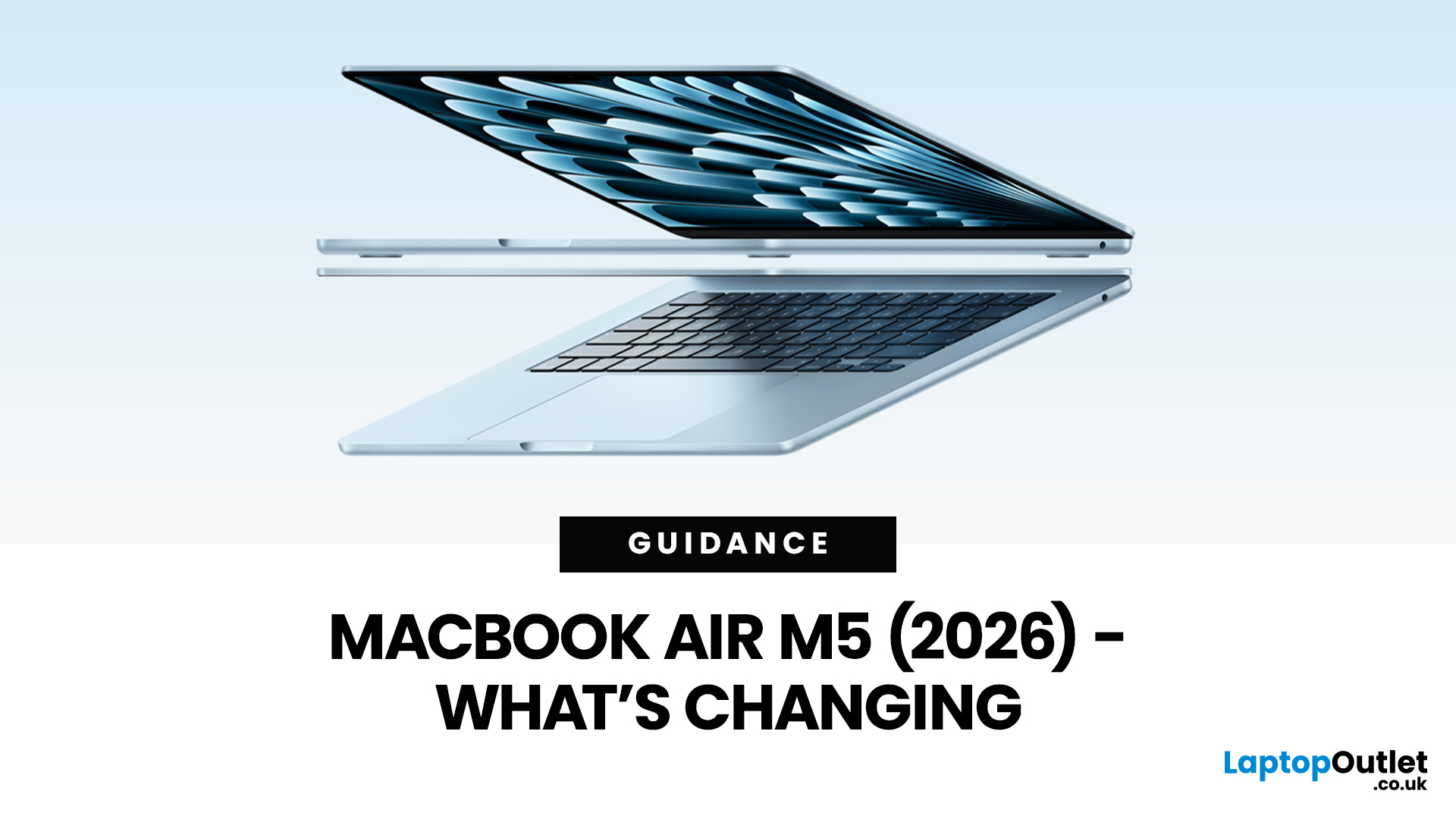
Apple’s MacBook Air refresh for 2026 is official: on 3rd March, 2026, Apple announced the MacBook Air with M5 in 13-inch and 15-inch sizes. The headline isn’t a dramatic redesign, this update is about refining the “already-right” formula: the same thin, fanless aluminium build and the same approachable colour lineup, paired with meaningful under-the-hood upgrades like 512GB base storage, Wi-Fi 7, and a faster SSD.
If your primary focus is MacBook Air M5 design and colours, here’s the most up-to-date, source-backed breakdown of what’s new, what’s unchanged, and how to pick the finish that fits your style (and your tolerance for fingerprints).
MacBook Air M5 design updates at a glance
Apple positions the M5 MacBook Air as a continuation of the current design language: thin, light, durable aluminium, and completely silent because it’s fanless. In other words, no big chassis overhaul this generation.
What’s actually changing in 2026:
- Colours: Apple confirms four finishes: Sky Blue - Midnight

Last Updated: April 03, 2026
If you’re eyeing the MacBook Air M5 for students (or for your work era), you’re not alone. The MacBook Air is basically the “does-everything-without-being-annoying” laptop, portable, quiet, and powerful enough for most real-life tasks. But the big question is: is it the right buy for you in 2026, or are you about to spend money on features you’ll never use?
What’s New with the MacBook Air M5 in 2026 (Quick Recap)
Without turning this into a specs spreadsheet, here’s what matters in the latest model vibes:
Performance
Think: faster app launches, smoother multitasking, fewer “why is everything lagging?” moments when you have 42 tabs open. For most people, the M5 Air will feel effortlessly quick for years.
Battery + Portability (the Air’s whole personality)
The MacBook Air is built for life on the move, classes, cafes, commutes, and travel days. Expect strong battery performance in real usage and a laptop that doesn’t make your bag feel like a gym session.
Display, Camera, Speakers (the
Last Updated: March 09, 2026
Apple has just announced the MacBook Air M5, and it is one of the most capable versions of the world's most popular laptop yet.
Announced on 3 March 2026, with pre-orders open now and availability from 11 March, the 2026 model brings real, meaningful upgrades. From a faster chip to doubled storage and next-generation wireless connectivity, there is plenty to talk about.
So, what exactly is new with the latest MacBook Air model? Let us walk through everything.
A Familiar Shape, Refined to Perfection
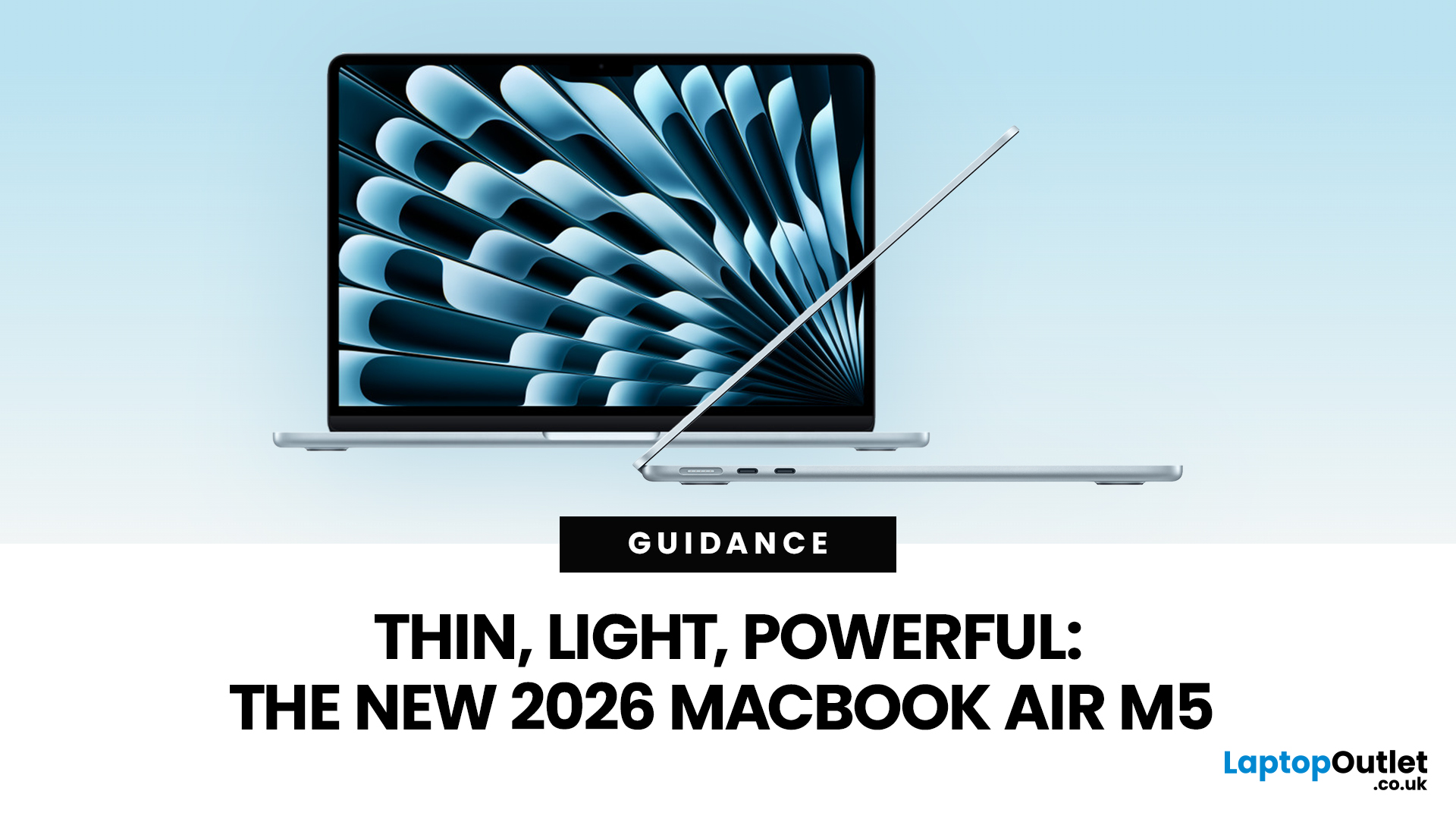
When it comes to MacBook Air design and features, Apple has kept what works. The 2026 model carries forward the same clean, aluminium unibody chassis introduced with the M2 generation back in 2022. It is still fanless, still wedge-free, and still one of the most refined thin and lightweight laptops available in 2026.
Both the 13-inch and 15-inch models remain impressively slim. The 13-inch continues to be the go-to for those who want maximum portability. The 15-inch offers more screen real
Last Updated: March 09, 2026
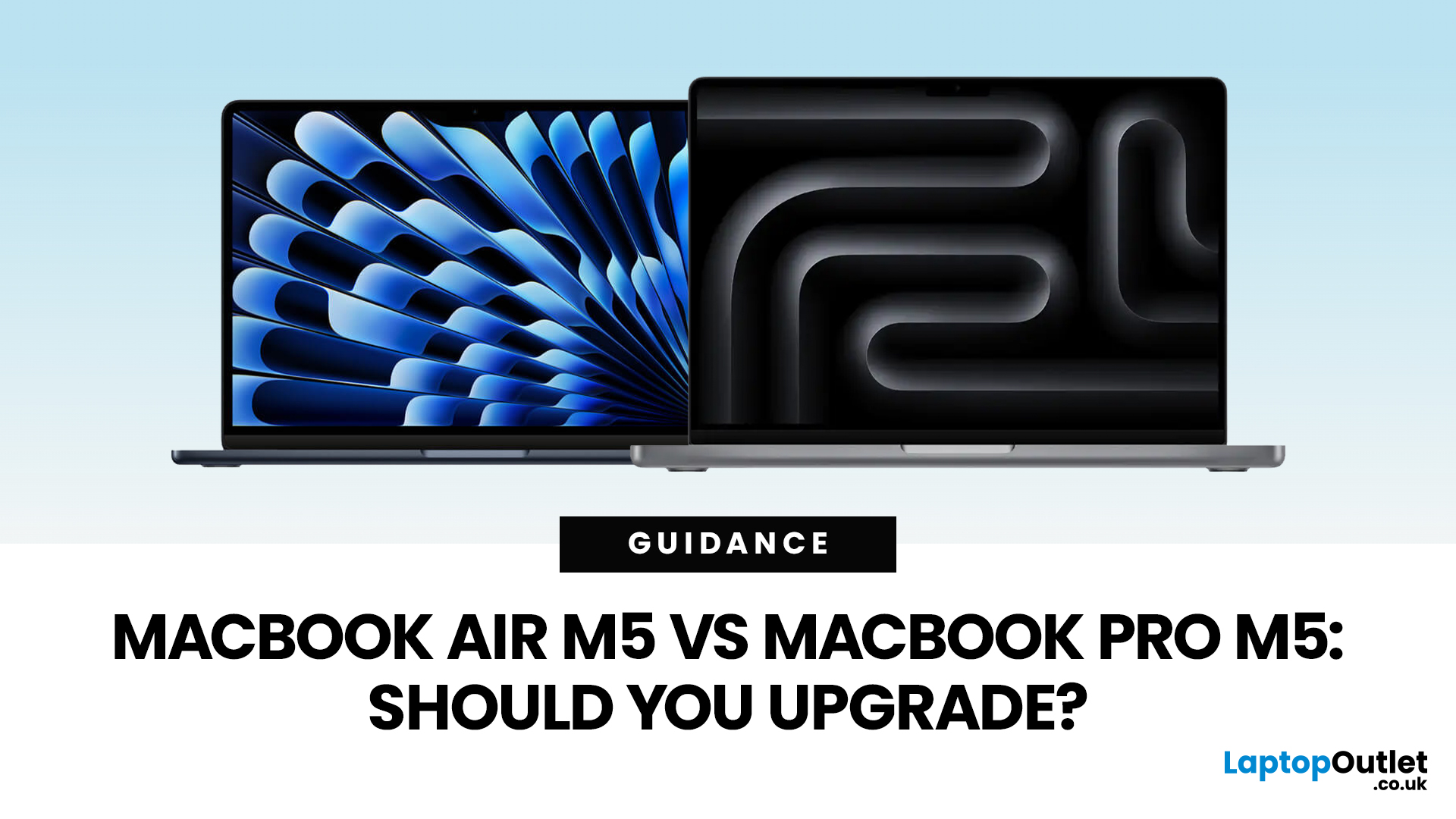
Apple just dropped another round of MacBook upgrades, and the internet is already debating: MacBook Air M5 vs MacBook Pro M5,which one makes sense? If you’re a student, creator, developer, or someone deep in the Apple ecosystem, this decision matters. The M5 generation brings faster AI performance, stronger GPUs, and bigger base storage, but the Air and Pro are designed for very different users.
MacBook Air M5 vs MacBook Pro M5: Quick Overview
Before diving deep, here’s the quick comparison.
| Feature | MacBook Air M5 | MacBook Pro M5 |
| Target user | Students, everyday users | Creators, developers, professionals |
| Chip | M5 | M5 Pro / M5 Max |
| CPU | Up to standard M5 cores | Up to 18-core CPU |
| GPU | Integrated GPU | Up to 40-core GPU |
| Cooling | Fanless | Active cooling |
| Battery | Up to ~18 hours | Up to ~24 hours |
| Base Storage | 512GB | 1TB |
| Price (starting) | ~$1,099 | ~$2,199 |
TheTL;DR:
Air = portability and value.
Pro = raw power.
What’s New in the M5 MacBooks?
Apple’sM5 chip generation focuses heavily on performance and AI workloads.

Last Updated: March 09, 2026
The MacBook Air M5 landed on 3rd March 2026, and it has instantly become the most talked-about laptop of the year. This is the latest MacBook Air model yet, and it delivers upgrades across nearly every single category. Chip performance, display quality, AI features, battery life, storage, wireless connectivity — all of it improved.
This is not just a minor refresh. It is a well-rounded, thoughtfully improved machine that raises the bar for what a thin and light laptop can do in 2026. Let us go through every major feature, so you can decide whether this is the one worth buying.
Apple M5 Chip: A Meaningful Generational Jump
The Apple M5 chip performance is the centrepiece of this entire upgrade. Built on TSMC's third-generation 3-nanometer process, the M5 brings tangible improvements that users will notice from day one.
Here is a clear breakdown of how the M5 compares to the M4:
| Spec | MacBook Air M4 | MacBook Air M5 |
| CPU | 10-core (4P + 6E) | 10-core (4P + 6E), faster per core |
| GPU | Up to 10-core |

Last Updated: March 19, 2026
Apple’s 2026 MacBook line-up has a new talking point: MacBook Neo, a genuinely lower-cost Mac designed to bring more people into macOS without asking them to pay MacBook Air money. But the Air hasn’t suddenly become irrelevant. In fact, the newest MacBook Air (M5) is still Apple’s “default” recommendation for most buyers, thanks to stronger performance, more premium extras, and broader long-term headroom.
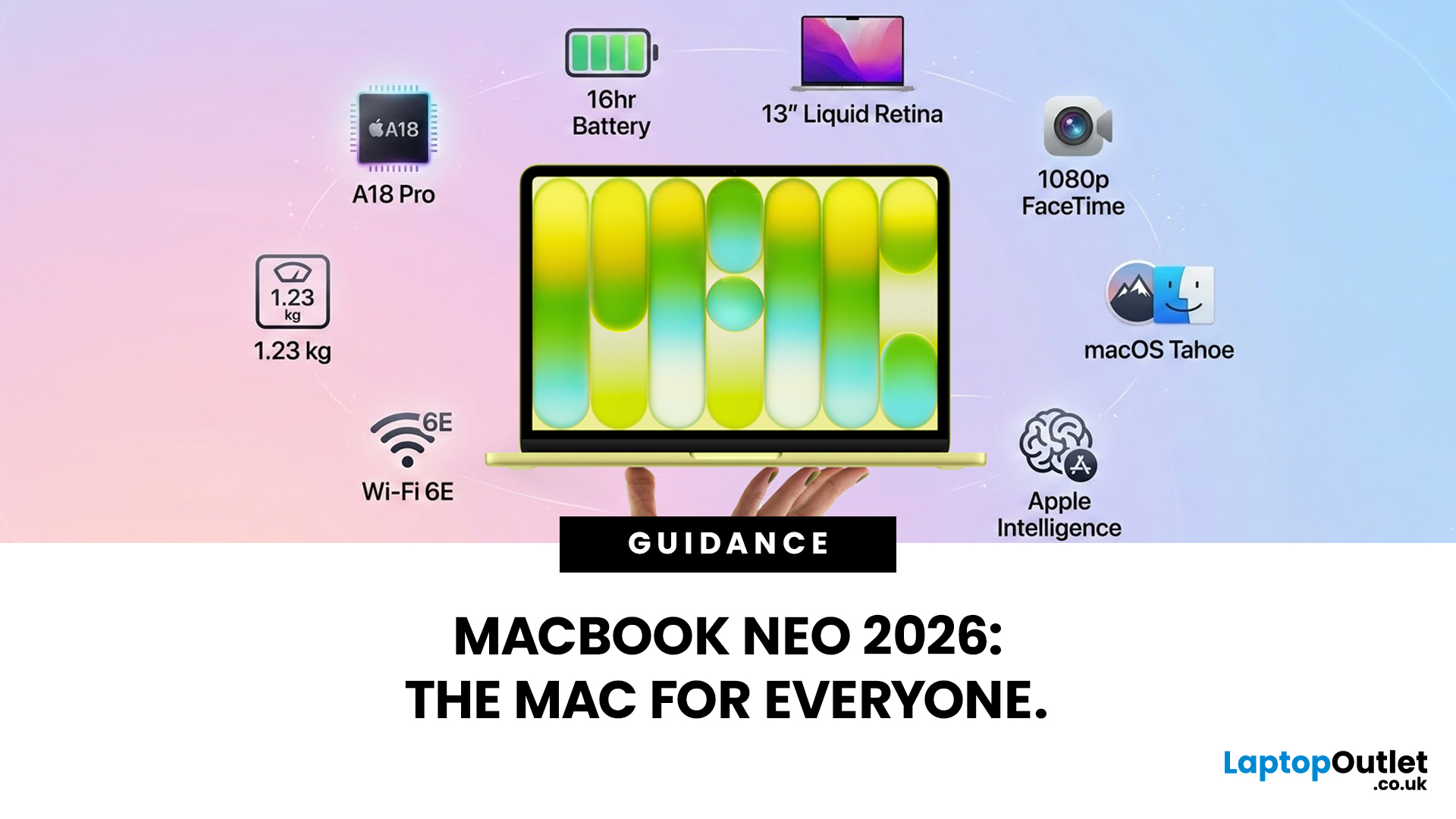
So, in this MacBook Neo vs MacBook Air guide, we’ll cut through the marketing, look at the real trade-offs (performance, ports, display, battery, and price), and help you choose the right Apple laptop for how you live and work in 2026.
MacBook Neo Overview
The MacBook Neo is Apple’s new entry-level MacBook, positioned below the Air on price. In the UK, Apple lists it from £599. To hit that price, Apple leans on iPhone-class silicon, the Neo is powered by the A18 Pro (the chip family used in iPhone Pro models), paired with 8GB of unified memory and 256GB or 512GB storage.
It also comes
Last Updated: March 09, 2026
Apple has done something it has not done in years. It has built a MacBook that almost anyone can actually afford.
The MacBook Neo 2026 was announced on 4th March 2026 and went on sale from 11th March 2026. Starting at just £599, it is the most affordable Mac laptop Apple has ever made. That is a bold statement. And this time, Apple means it.
So, what exactly is the MacBook Neo, what can it do, and is it worth buying? Let us break it all down.
What Is the MacBook Neo 2026?
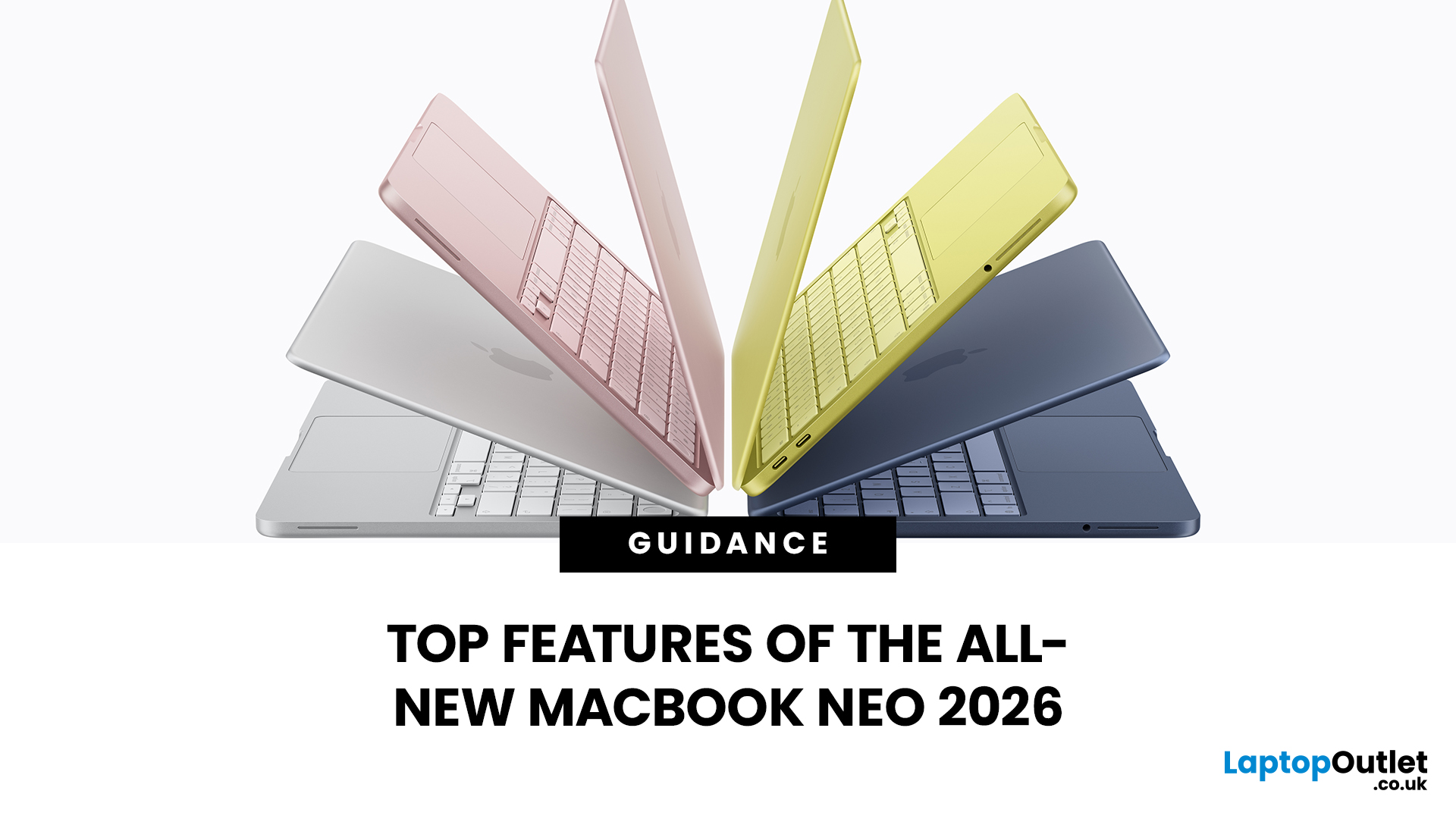
The MacBook Neo is Apple's brand new entry-level laptop. It sits below the MacBook Air and MacBook Pro in the lineup. Think of it as a proper Mac for everyone.
For years, the cheapest way into the Mac world was the MacBook Air at £999. That was too steep for many students and first-time buyers. The MacBook Neo changes that. It brings macOS, Apple silicon, and the full Mac experience to people who want a quality laptop without paying a premium price.
It is not a watered-down product. It is simply a smarter, more accessible
Last Updated: March 09, 2026
Apple has done something surprising. In March 2026, the company unveiled its most affordable laptop ever: the MacBook Neo.
Starting at just £599, it brings the full Mac experience to a much wider audience: students, first-time buyers, and budget-conscious shoppers who have long been priced out of the Apple ecosystem.
This is not just a stripped-down machine. The MacBook Neo features a beautiful aluminium design, a sharp Liquid Retina display, the A18 Pro chip, and up to 16 hours of battery life. In short, it packs a serious punch for its price.
So, what exactly makes this laptop worth your attention? Let us walk through every key MacBook Neo feature in detail.
MacBook Neo: Full Specs at a Glance
Before diving deep, here is a quick overview of everything the MacBook Neo brings to the table.
| Specification | Details |
| Processor | Apple A18 Pro (6-core CPU, 5-core GPU, 16-core Neural Engine) |
| Display | 13-inch Liquid Retina, 2408 x 1506 resolution, 500 nits |
| Memory | 8GB unified memory |

