



Lenovo Yoga 7 Review 2026: Is It Still Worth It?
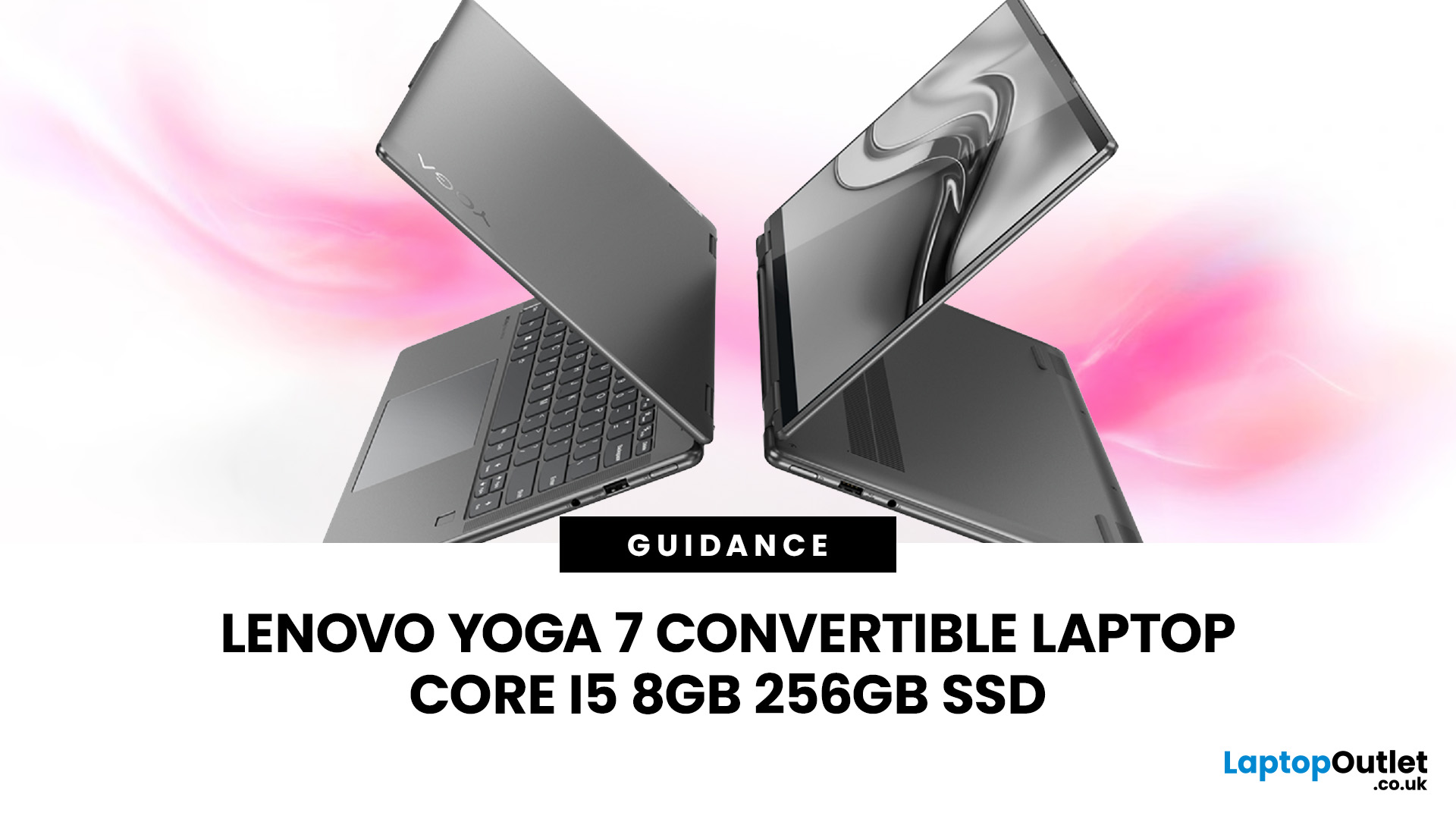
A laptop is useful when you are working at a desk, but a touchscreen device that can fold into different positions gives you much more flexibility. That is exactly where the Lenovo Yoga 7 fits in. Its 360-degree hinge lets you move between laptop, tablet, tent and stand modes without carrying a second device.
The Yoga 7 range has changed considerably over the years. Current 2026 models use newer Intel Core Ultra or AMD Ryzen AI processors, Windows 11 on supported configurations, faster wireless connectivity and more advanced display options than older Yoga 7 laptops.
So, is the Lenovo Yoga 7 still a strong 2-in-1 laptop in 2026? This review looks at its performance, display, convertible design, battery, portability, connectivity and the type of user it suits.
Lenovo Yoga 7 Specs in 2026
There is no longer one specification that represents every Yoga 7. Lenovo currently offers different generations, processor platforms and display configurations.
For example, the 14-inch Yoga 7 2-in-1 Gen 10 AMD supports Ryzen AI 5 340 and Ryzen AI 7 350 processors, while Lenovo's newer Yoga 7i 2-in-1 Gen 11 Aura Edition uses Intel Core Ultra processors. Laptop Outlet currently lists a Yoga 7 2-in-1 14AKP10 configuration with a Ryzen AI 7 350, 16GB RAM and 512GB SSD.
|
Feature |
Current Yoga 7 options |
|
Processor |
AMD Ryzen AI 5/7 or Intel Core Ultra |
|
Graphics |
Integrated AMD Radeon or Intel graphics |
|
Memory |
Up to 32GB on selected configurations |
|
Storage |
512GB and 1TB options on AMD 14AKP10, with other capacities available on newer models |
|
Display |
14-inch touchscreen IPS or OLED options |
|
Resolution |
WUXGA up to 2.8K on selected models |
|
Refresh rate |
Up to 120Hz on selected OLED displays |
|
Battery |
70Wh on current 14-inch AMD and Intel models |
|
Wireless |
Wi-Fi 7 on current configurations |
|
Form factor |
360-degree 2-in-1 |
|
Operating system |
Windows 11 or no OS preload, depending on configuration |
Lenovo offers different specifications by model and region, so it is worth checking the exact product configuration rather than relying on the Yoga 7 name alone.
Performance for Work and Everyday Multitasking
Performance is one of the biggest differences between an older Yoga 7 and the models available in 2026.
The Yoga 7 2-in-1 14AKP10 can be configured with an AMD Ryzen AI 7 350, an eight-core, 16-thread processor with integrated Radeon 860M graphics. It also includes a dedicated Ryzen AI NPU rated at up to 50 TOPS, allowing qualifying configurations to meet Microsoft's Copilot+ PC hardware requirements.
That makes modern Yoga 7 models suitable for everyday productivity, web browsing, Microsoft Office, university work, video calls, programming and general multitasking. Higher-memory configurations are also better placed for heavier workloads involving large documents, multiple applications or creative software.
The newer Intel Yoga 7i Gen 11 range provides another option, using current Core Ultra processors with dedicated NPUs for local AI workloads.
However, the Yoga 7 remains primarily a portable convertible rather than a workstation or dedicated gaming laptop. Integrated Radeon and Intel graphics can handle everyday graphics work and lighter games, but buyers wanting demanding AAA gaming, intensive 3D rendering or sustained GPU-heavy workloads should look towards hardware with dedicated graphics.
A Much Better Display Than Older Yoga 7 Models
Display technology is another area where the Yoga 7 has progressed significantly.
The current 14-inch AMD platform can be configured with a WUXGA 1920 x 1200 IPS touchscreen, WUXGA OLED or a 2.8K 2880 x 1800 OLED touchscreen. The higher-end 2.8K option supports up to a 120Hz refresh rate, 100% DCI-P3 colour coverage, Dolby Vision and DisplayHDR True Black 1000.
The 16:10 aspect ratio also gives you more vertical workspace than the 16:9 Full HD displays commonly found on older Yoga models. That extra height is useful when reading documents, editing webpages, working in spreadsheets or viewing timelines in creative applications.
The newest Intel Yoga 7i Gen 11 also offers OLED touchscreen options, including a 14-inch 2.8K 120Hz panel on selected configurations.
Not every model gets the same display, however. If screen quality matters for photography, illustration or media work, check whether the specific laptop uses IPS or OLED and verify its resolution, brightness and colour gamut before buying.
Four Modes From One 360-Degree Hinge
The convertible design remains the defining feature of the Lenovo Yoga 7.
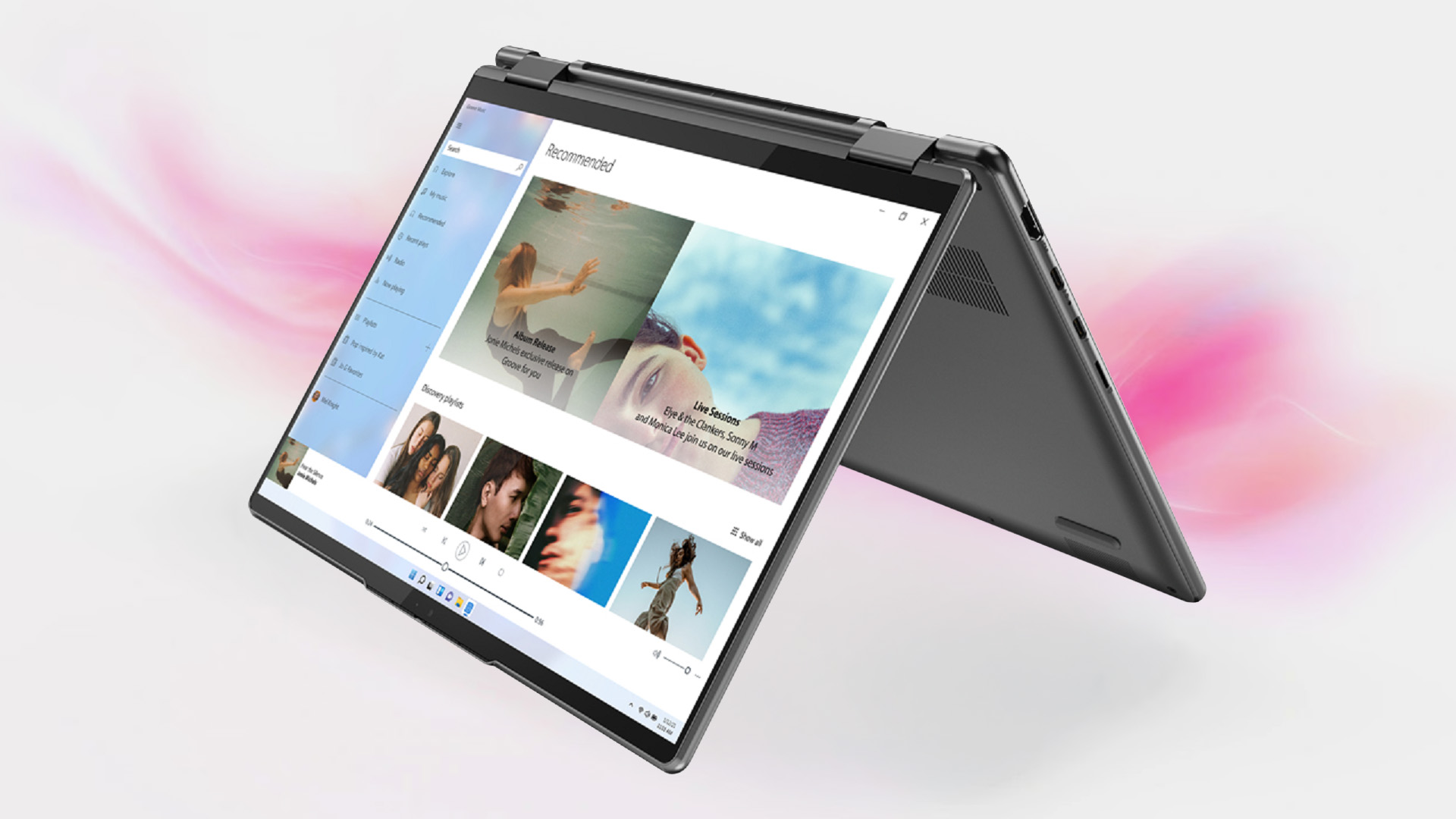
Its 360-degree hinge supports laptop, stand, tent and tablet modes. Laptop mode works for typing and everyday productivity, while tent and stand modes are useful for streaming, presentations and video calls. Folding the keyboard behind the display gives you a tablet-style touchscreen experience for reading, handwriting and drawing.
Selected configurations also support the Lenovo Yoga Pen, although Lenovo notes that a pen is not bundled with every model. This is particularly worth checking if handwritten notes, digital illustration or document annotation are among the main reasons you are choosing a 2-in-1.
The advantage is not that the Yoga becomes several different devices. Instead, the same Windows PC adapts its physical layout to suit different tasks.
Battery Life and Rapid Charging
Current 14-inch Yoga 7 models use a 70Wh battery, providing a significant capacity for a relatively compact convertible.
For the AMD 14AKP10, Lenovo's own MobileMark 30 testing rates selected WUXGA configurations at up to 14 hours, while the 2.8K OLED version is rated at up to 12.5 hours under the same benchmark conditions. Continuous video playback figures are higher, but these laboratory results should not be treated as guaranteed everyday battery life.
Actual runtime changes with brightness, applications, wireless use, processor load, display type and power settings.
Rapid Charge Express is also supported on the AMD model. Lenovo states that it can provide around three hours of runtime from a 15-minute charge under its specified conditions while the computer is shut down or hibernating.
Better Audio, Camera and Video Calls
The Yoga 7 is designed for more than just typing and touchscreen use.
Current 14AKP10 configurations use a four-speaker system with separate woofers and tweeters, Dolby Atmos optimisation and Smart Amplifier technology. This gives the device a more capable audio setup for streaming, music and calls than a basic pair of laptop speakers.
Camera options include an FHD IR or 5MP IR camera depending on configuration, together with a physical privacy shutter. IR support can also provide Windows Hello facial recognition on compatible configurations.
A quad-microphone array on the AMD model is useful for video meetings and calls, particularly for hybrid workers and students who regularly use Teams, Zoom or similar platforms.
Slim Enough for Everyday Travel
Despite the convertible hinge and touchscreen hardware, the 14-inch Yoga 7 remains relatively portable.
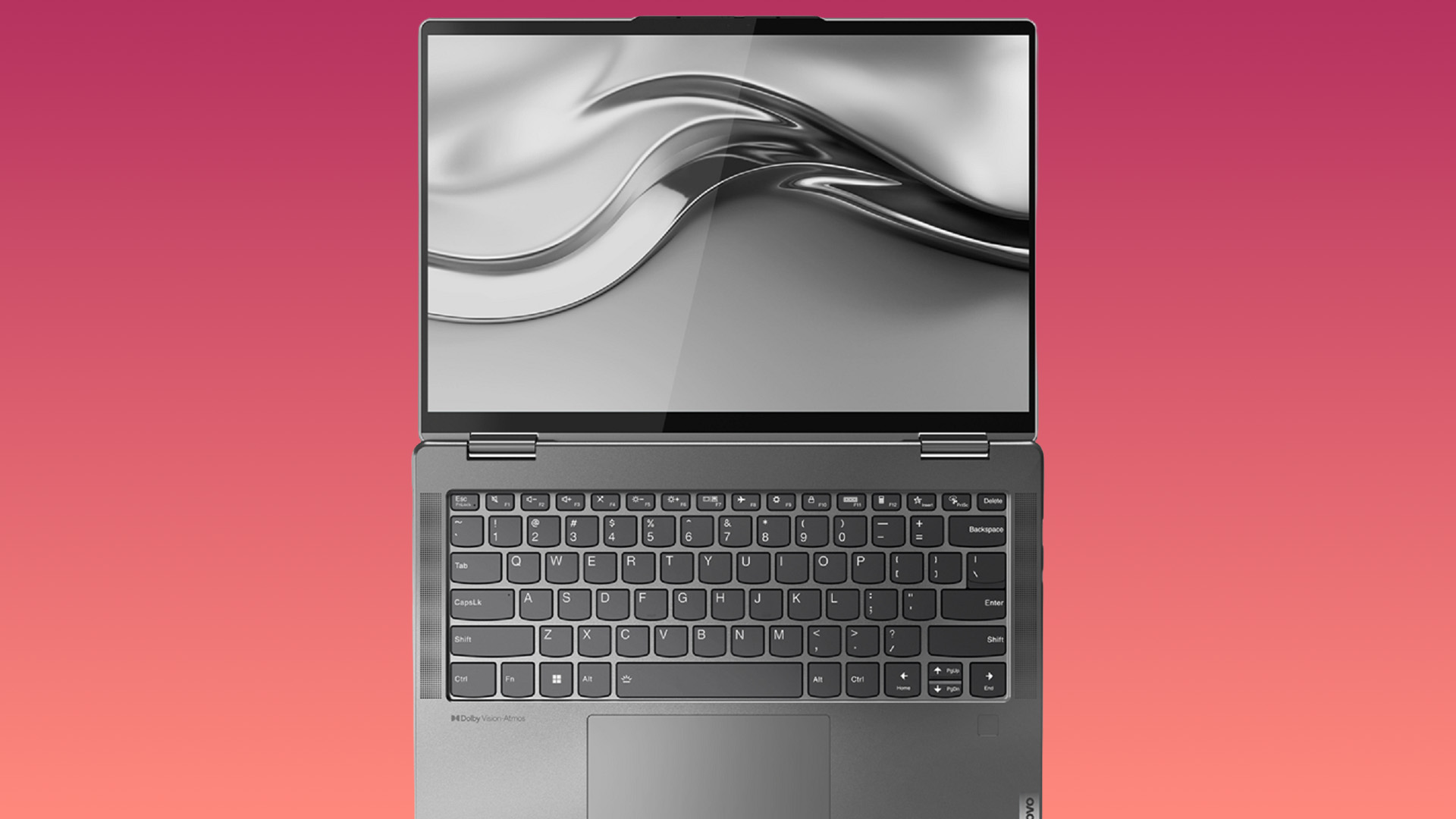
The current 14AKP10 measures around 15.45mm thick, with OLED configurations starting at approximately 1.38kg and IPS versions starting at around 1.5kg. Its top and bottom covers use aluminium, helping it retain the more premium construction associated with the Yoga family.
That makes the 14-inch model particularly well suited to commuting, university and hybrid working where the laptop may spend much of the day in a bag.
The newer Intel Yoga 7i Gen 11 14-inch model also starts at around 1.38kg, although exact weight again varies by configuration.
Connectivity Has Moved On Too
The old Yoga 7 generation was commonly associated with Wi-Fi 6 and Thunderbolt 4 on Intel models. Current connectivity varies depending on whether you choose AMD or Intel.
The 14AKP10 AMD platform includes Wi-Fi 7 and Bluetooth 5.4, alongside two USB-C ports, USB-A, HDMI 2.1, a 3.5mm audio connection and microSD card reader. Both USB-C ports support charging and DisplayPort output, although they are USB rather than Thunderbolt connections.
The Intel Yoga 7i Gen 11 adds Thunderbolt 4 connectivity on its USB-C ports while retaining Wi-Fi 7, HDMI, USB-A and card-reader support.
That distinction matters if you plan to use high-performance Thunderbolt docks or accessories, so check the processor platform rather than assuming every Yoga 7 has identical ports.

Is the Lenovo Yoga 7 Good for Students?
The Yoga 7 makes particular sense for students who can benefit from both a traditional keyboard and touchscreen input.
Laptop mode works for essays, research and coding, while tablet or stand mode can be more comfortable for reading lecture material, viewing presentations or making han
| Read More: |
| Review: Lenovo Yoga Slim 7 Laptop Intel Core i5-1035G4 |
| Review: Lenovo Yoga Slim 7 Pro 82QQ002EUK |
| Lenovo Yoga 530 81H9007VUK Review |
Related Articles

Last Updated: June 05, 2026
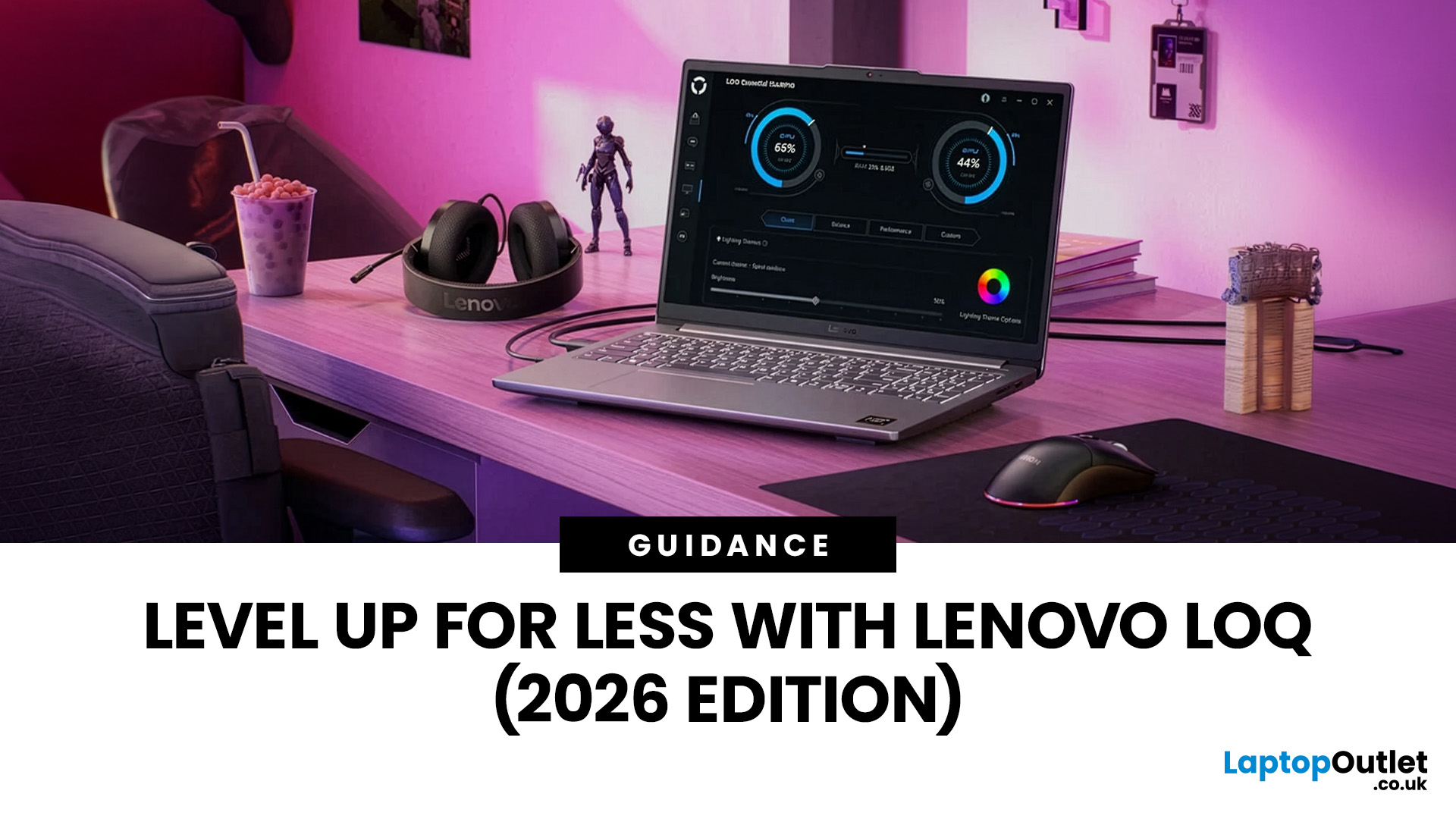
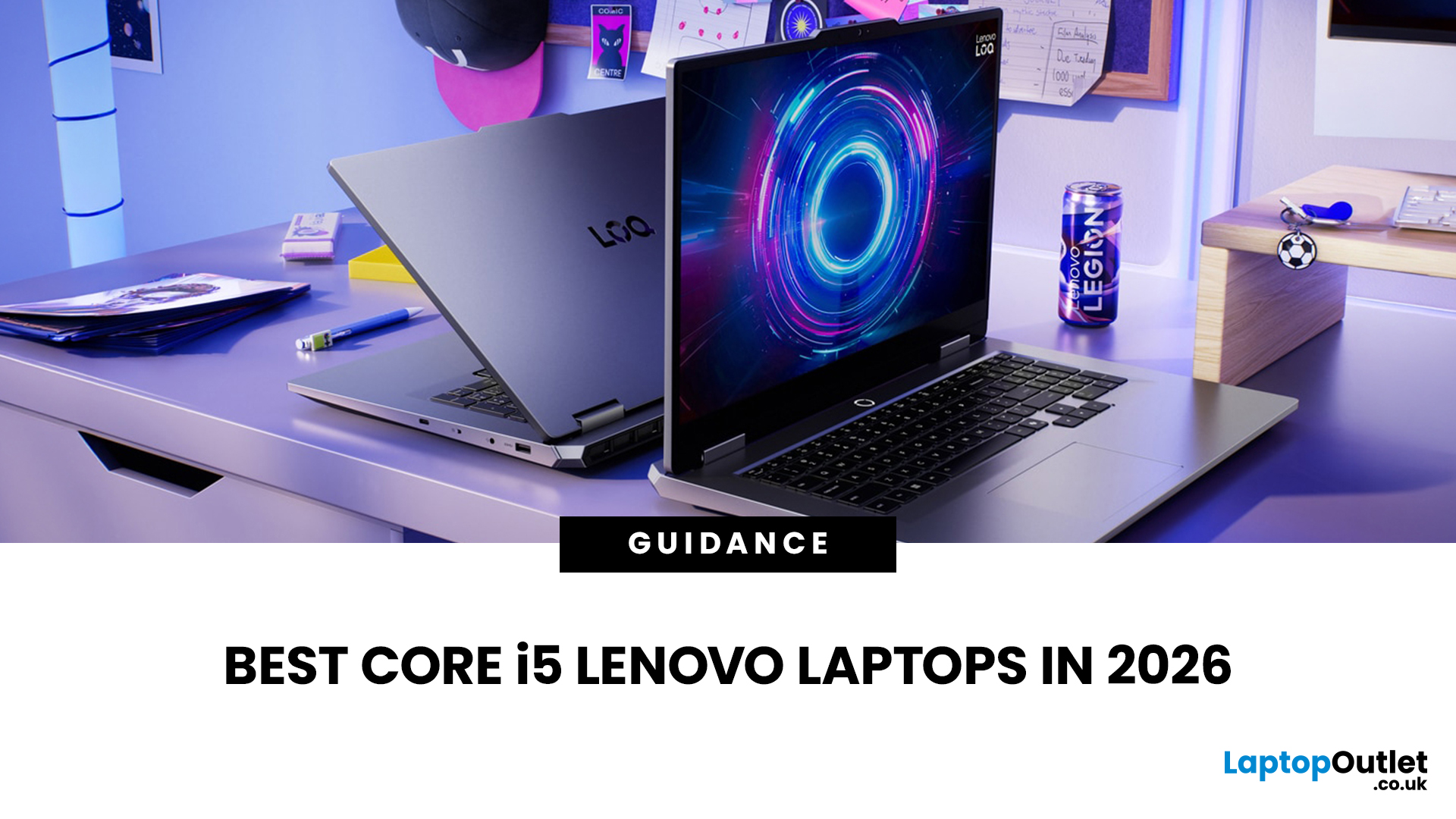
In 2026, you don’t need a four-figure budget to enjoy smooth, high-FPS gaming. With modern RTX 50-series graphics and 16GB RAM becoming the new standard, budget gaming laptops are more powerful and more accessible than ever. That’s where the Lenovo LOQ lineup comes in.
Designed as Lenovo’s entry-level gaming range, LOQ models deliver serious performance without the premium Legion price tag. Whether you’re grinding ranked matches, exploring open-world titles, or just want reliable everyday power, the best Lenovo LOQ laptops strike that sweet spot between price and performance.
In this guide, we’re breaking down the top Lenovo LOQ gaming laptops for 2026, who they’re perfect for, and how to choose the right one without overspending. Let’s get into it.
Why Lenovo LOQ Is Perfect for Budget Gaming in 2026
If you’re looking for a gaming laptop that doesn’t destroy your wallet but still runs modern games smoothly, Lenovo LOQ is basically the sweet spot in 2026.
Lenovo created the LOQ series
Last Updated: June 18, 2026
If you are searching for Core i5 Lenovo laptops, you are likely looking for a balance of performance, price, and reliability. And that is exactly where Lenovo stands out in 2026. From affordable everyday machines to durable business devices, Lenovo’s Core i5 lineup covers a wide range of use cases. Whether you need a laptop for work, study, or general productivity, there is a model that fits without pushing into premium pricing.
This guide breaks down the best options available right now, with a focus on real-world usability, value, and what each model is good for.
Why Choose a Lenovo Core i5 Laptop in 2026?
Lenovo continues to be one of the most consistent brands when it comes to mid-range laptops. Its Core i5 models are particularly popular because they offer:
- Reliable everyday performance
- Strong build quality across price ranges
- Good keyboard and typing experience
- Wide choice across business and budget segments
For most users, a Core i5 processor is more than enough for:
- Office work
Last Updated: July 09, 2026
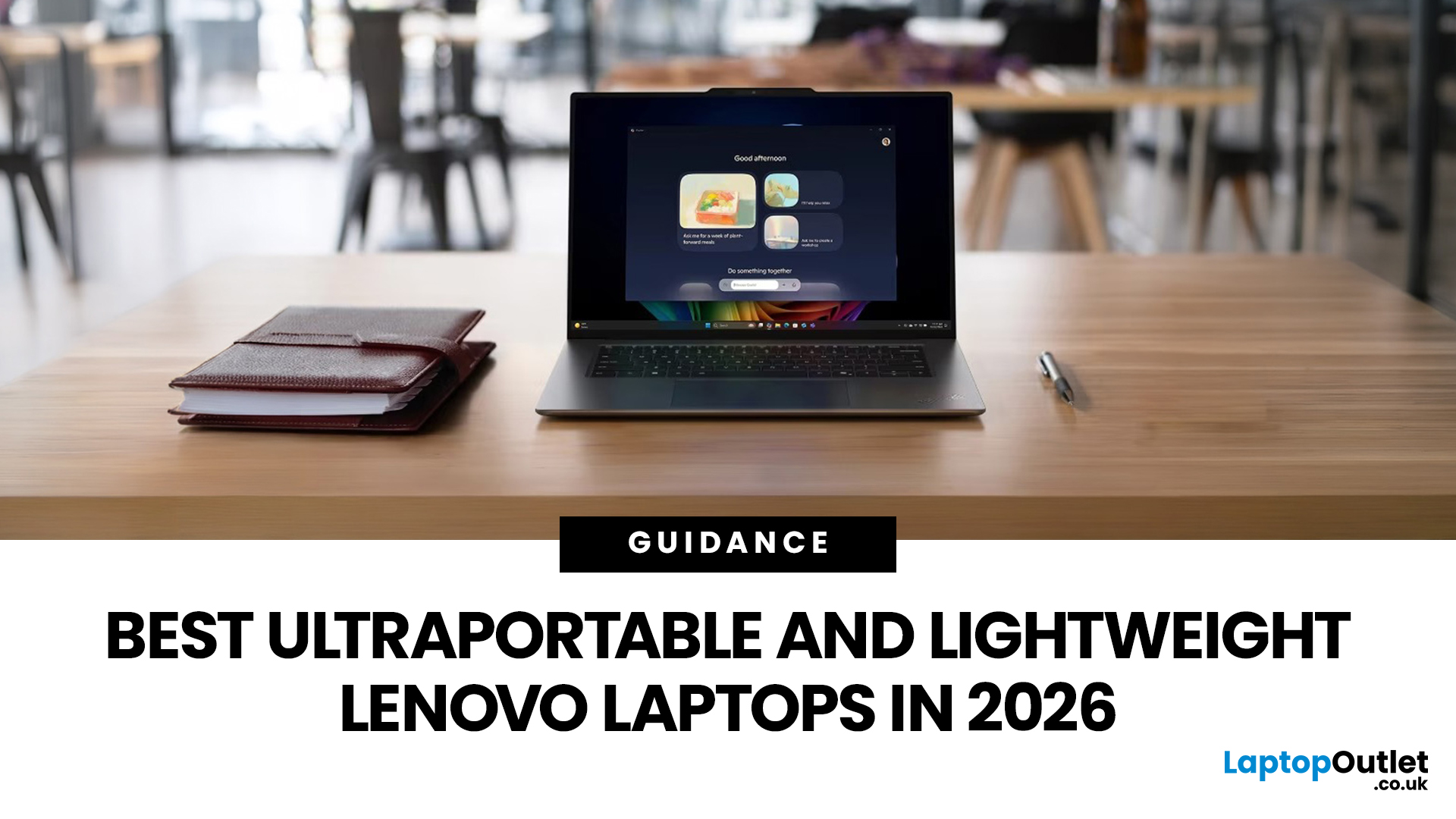
The best lightweight Lenovo laptops in 2026 are not all trying to do the same job. If we want the lightest premium 14-inch option, Lenovo’s Yoga Slim 7i Ultra Gen 11 Aura Edition stands out at 975g with a 75Wh battery. If business travel comes first, the ThinkPad X1 Carbon Gen 13 Aura Edition is still one of the strongest all-round choices thanks to its sub-1kg starting weight on some configs, proper business-grade connectivity, and classic ThinkPad focus.
That matters because buyers looking for ultraportable Lenovo laptops usually care about more than one thing at once: low carry weight, reliable battery life, enough ports to avoid living off dongles, and a screen that still feels good after a full day of work, study or travel. In this guide, we break down the best current Lenovo options for commuters, students, professionals, creators and home users, using Lenovo’s own 2026-era spec sheets first and independent reviews where they add useful trade-offs.
What Counts as a Genuinely Lightweight

Last Updated: June 30, 2026
Lenovo technology is helping FIFA deliver a smarter and more connected FIFA World Cup 2026. Through advanced AI technology, intelligent infrastructure, and innovative broadcasting tools, Lenovo is transforming how matches are produced, analysed, and experienced by fans, broadcasters, teams, and tournament organisers worldwide.
The FIFA World Cup 2026 is in full swing across Canada, Mexico, and the United States, bringing unprecedented broadcasting demands. As the first 48-team FIFA World Cup with 104 matches, the tournament generates huge volumes of live video, data, and analysis that must be delivered instantly to global audiences.
This is where Lenovo technology plays a crucial role. Through the Lenovo FIFA partnership, Lenovo is supporting FIFA World Cup 2026 broadcasting with Lenovo AI-powered infrastructure, edge computing, connected devices, and near real-time IPTV delivery. Behind every match, Lenovo helps broadcasters manage complex workflows, ensuring fans enjoy a faster, smarter
Last Updated: August 25, 2026
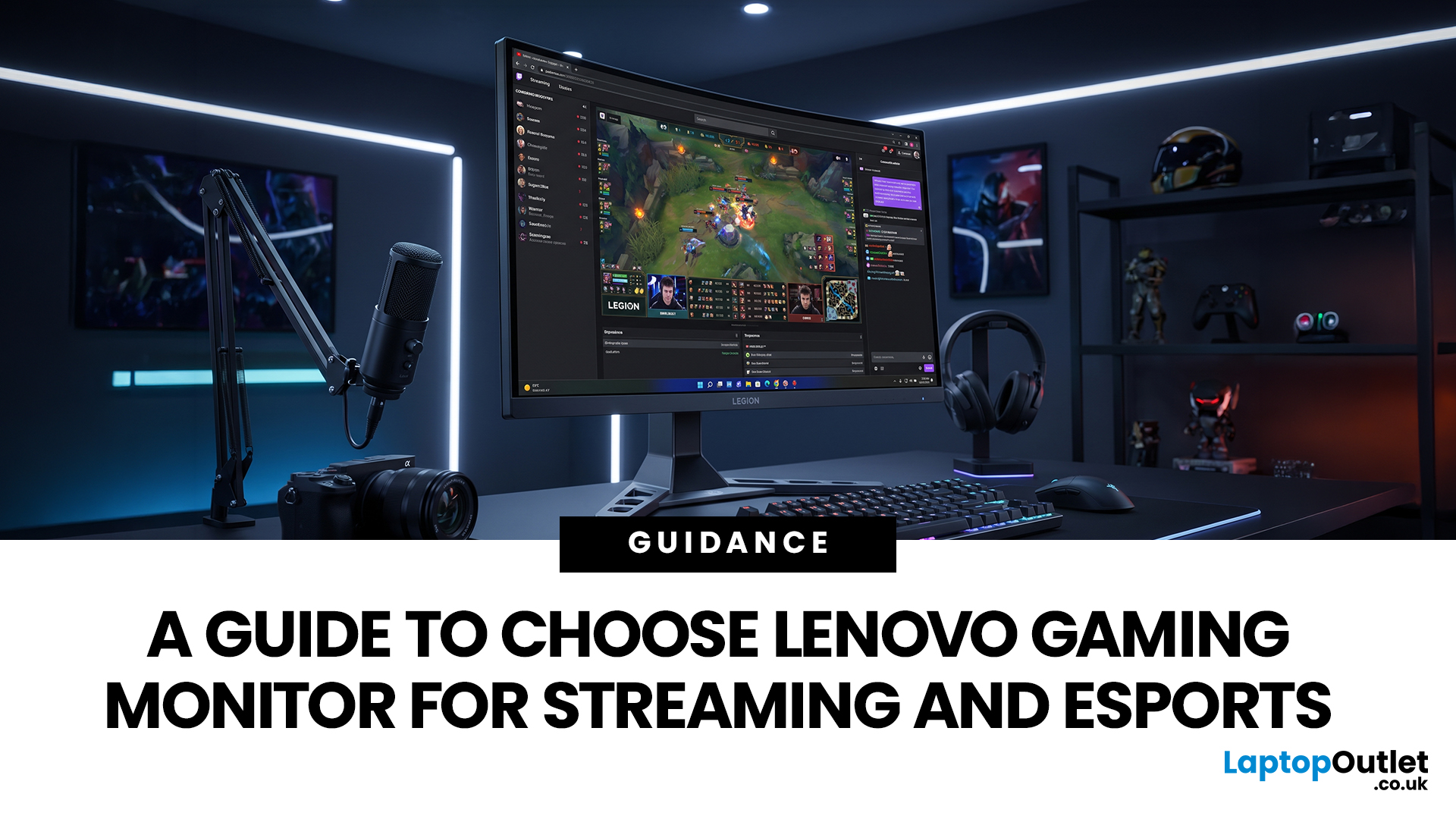
Quick answer: The best Lenovo gaming monitor for streaming and esports is the one your PC can drive consistently at its native resolution while it also handles your broadcast workflow. For many mixed-use setups, a 27-inch QHD display at 165Hz to 180Hz is the balanced choice. A 24.5-inch or 27-inch Full HD screen at 240Hz or above prioritises competitive speed, while a 34-inch UWQHD display at 165Hz to 180Hz provides more room for a single-screen streaming workspace.
Those are useful profiles, not universal rules. Your real decision depends on sustained frame rate, encoder load, game genre, desk space and whether OBS, chat and alerts live on the same display. A monitor does not encode the stream, and a 240Hz panel does not make viewers receive a 240fps broadcast. It changes the experience in front of you, which can still matter greatly during competitive play.
Last Updated: August 06, 2026

Last Updated: July 27, 2026
The Lenovo Legion Go Gen 2 takes almost everything that made the original handheld exciting and pushes it further. You get a huge 8.8-inch OLED display, smoother variable refresh rate gaming, upgraded AMD processing power and redesigned detachable controllers. It is powerful, flexible and packed with features, but it is also one of the biggest and most expensive handheld PCs available.
So, does this premium portable gaming PC represent the future of handheld gaming, or has Lenovo built more machine than most gamers need? This review examines its performance, battery, display, software, and competition.
Lenovo Legion Go Gen 2 Overview: What Makes This Handheld Gaming PC Different?
Lenovo officially markets the device as the Legion Go (8.8", 2), although Legion Go Gen 2 and Legion Go 2 are the names most gamers use. You may also see it shortened to Lenovo Go Gen 2, but it belongs firmly to Lenovo’s Legion gaming range. Its standout features include:
| Specification | Lenovo Legion Go Gen 2 |
| Processor |

Last Updated: September 03, 2026
Last Updated: August 06, 2026
A safe Lenovo drivers update should begin with Lenovo Vantage or Lenovo Support, followed by Windows Update and, when needed, the official NVIDIA or AMD graphics software. Using these trusted sources helps ensure that chipset, graphics, audio, network, firmware and system drivers are matched to your specific Lenovo Legion or LOQ laptop.
Updating drivers can fix hardware problems, improve compatibility with newer games and address security or stability issues. However, installing every available update immediately is not always necessary. Graphics drivers often change frequently, while BIOS and firmware updates require more caution.
This guide explains how to check your current versions, install Lenovo laptop drivers safely and recover if an update causes problems. The same general process can also apply to professional Lenovo laptops for work, although gaming systems require additional attention to graphics and performance-related drivers.
Quick Driver Update Order
For most Lenovo gaming
Last Updated: July 28, 2026

