



iOS 26.5 Beta 3 Update Released with Stability Improvements & Bug Fixes

Apple pushed the iOS 26.5 Beta 3 update to developers on April 20, 2026, and the vibe is pretty clear: this is a tidy-up build, not a flashy one. The update carries build number 23F5059e, landed one week after beta 2, and is mainly about polish, stability, and clearing out bugs that were still hanging around in the earlier 26.5 cycle.
The headline fix in Apple’s notes is straightforward. iOS 26.5 beta 3 bug fixes include a patch for an issue where the Unity and Kaleidoscope wallpapers could fail to install or could not be removed from the Wallpaper Gallery. That makes this release feel more like a clean-up pass than a feature drop, which is honestly not a bad thing this late in the beta cycle.
Is iOS 26.5 Beta 3 Worth Installing?
For most beta testers, yes, but only with the right expectations. If you are already on the iOS 26.5 beta track, Beta 3 looks like a sensible install because it tightens up bugs, keeps the release moving, and appears to smooth out the rougher edges people noticed in Beta 2.
If you are hoping for huge iOS 26.5 Beta 3 new features, this is not that build. The more visible 26.5 changes, like the Apple Maps ad disclosure, Suggested Places in Maps, RCS end-to-end encryption testing, and a few developer-facing subscription changes, mostly arrived earlier in the 26.5 beta cycle. Beta 3 is the low-drama update that tries to make those changes less messy.
What the iOS 26.5 Beta 3 Release Notes Say
The most concrete detail from the iOS 26.5 Beta 3 release notes is the wallpaper fix. Apple’s developer release listing confirms the release date and build number, while reporting on Apple’s release notes points to the fix for Unity and Kaleidoscope wallpapers not installing correctly or refusing to disappear from the Wallpaper Gallery.
That means this is one of those Apple update beta releases where the official story is less about shiny features and more about reducing friction. That also lines up with how the wider 26.5 beta has been shaping up.
iOS 26 Release Notes Context: Where Beta 3 Fits in
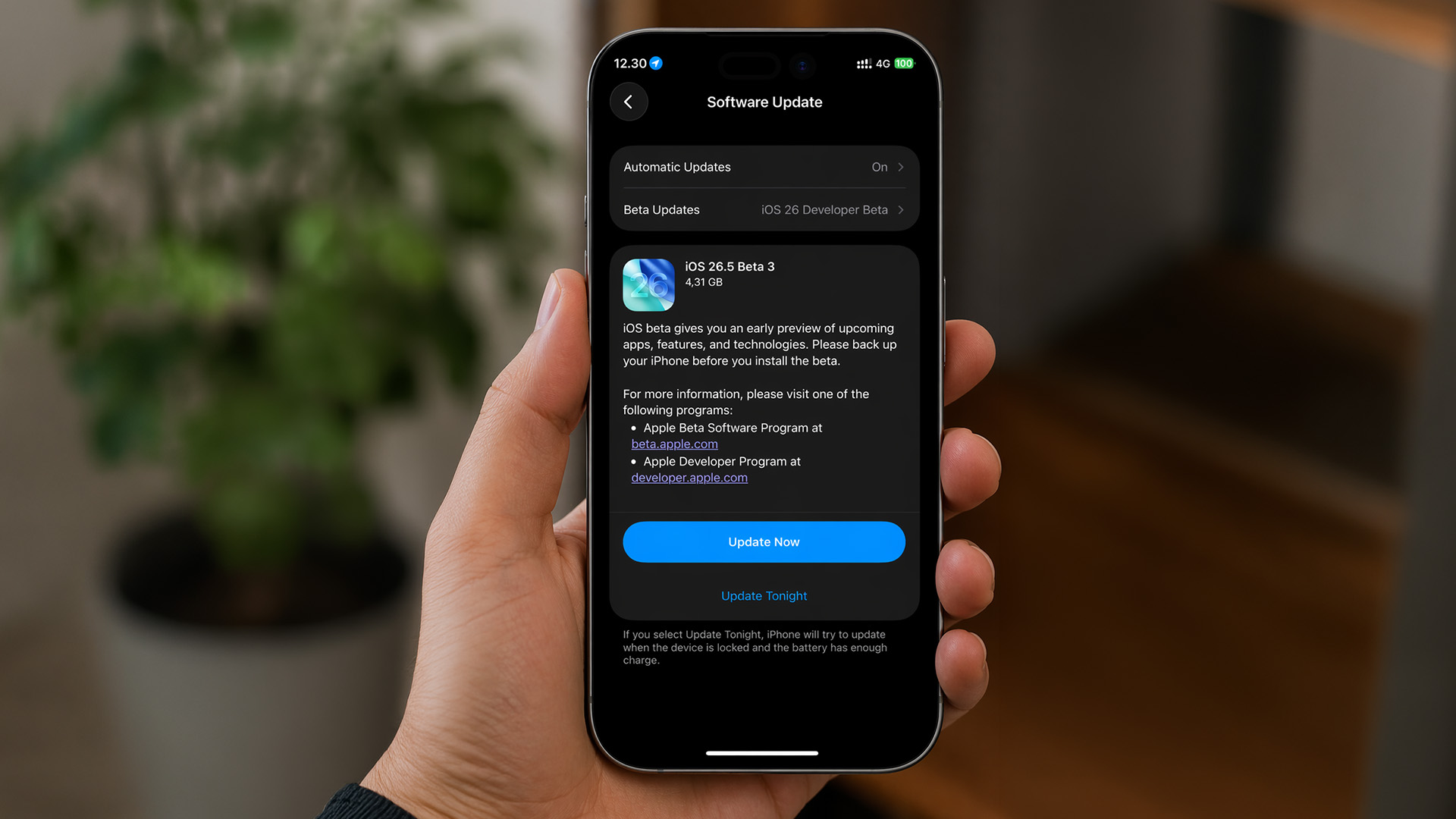
If you compare this build with the broader iOS 26 release notes, the difference is obvious. Base iOS 26 was the big visual and platform shift, with Apple’s Liquid Glass design language and wider APP changes. iOS 26.5 Beta 3 is not trying to be that. It is trying to make the current software cycle calmer, cleaner, and more reliable before the public release.
That is also why search interest around Apple iOS 26 beta 3 and Apple beta 3 iOS 26 can be a bit misleading. The earlier iOS 26 beta 3 cycle was part of the major-platform rollout and carried more visible interface changes. This 26.5 Beta 3 build is much more about refinement than reinvention.
iOS 26.5 Beta 3 New Features vs What Arrived Earlier in 26.5
The honest version matters here. When people search iOS 26.5 Beta 3 new features, they usually want to know what is fresh in this exact build, not what shipped across the whole 26.5 beta cycle.
|
Area |
What is new in Beta 3 |
What came earlier in iOS 26.5 |
|---|---|---|
|
Stability |
More polish and bug fixing |
Beta 1 and 2 introduced the broader 26.5 feature set |
|
Wallpapers |
Fix for Unity and Kaleidoscope wallpaper issues |
Not a new feature, but a confirmed repair |
|
Maps |
No major new Beta 3 change confirmed |
Suggested Places and ad disclosures were already part of earlier 26.5 testing |
|
Messaging |
No major Beta 3 addition confirmed |
RCS end-to-end encryption returned in earlier 26.5 testing |
|
Siri / Apple Intelligence |
No major new Siri feature in Beta 3 |
Still no major Siri jump in 26.5 so far |
iOS 26.5 Beta 3 Stability Improvements
iOS 26.5 Beta 3 stability improvements sound generic, but in beta-land, it matters. This build appears designed to reduce annoyance rather than add complexity. Apple’s confirmed wallpaper fix is the cleanest example, while early hands-on coverage also points to smoother animations, a modest modem update, and better general responsiveness. Those extra claims come from early testers reporting rather than a detailed Apple public changelog, so they are worth treating as early impressions, not final verdicts.
In short, Beta 3 is a maintenance update with at least one confirmed wallpaper fix and a wider reputation for under-the-hood polish, but Apple has not published a long list of flashy new end-user features for this build.
How iOS 26.5 Beta 3 Improves Battery Life

Apple has not published an official “better battery life” claim for this build. That means we should not present battery gains as confirmed just because a few testers feel things are smoother.
What we can say is more grounded. Early reporting suggests Beta 3 feels better than Beta 2 in general responsiveness, and Beta 2 had already drawn criticism in some circles for heavier battery drain and weaker performance. On top of that, Apple has previously explained that after a major iOS update, temporary battery drain and extra warmth can happen while the iPhone finishes background setup tasks like indexing and asset downloads. So if battery life feels messy right after installing Beta 3, that does not automatically mean the build is bad.
Common Issues in iOS 26.5 Beta 3
Right now, the most sensible answer to common issues in iOS 26.5 Beta 3 is “fewer confirmed issues than Beta 2, but not zero drama.” The wallpaper problem is one Apple-linked fix that is now clearly addressed. Beyond that, early reporting still mentions some lingering CarPlay quirks, and the wider 26.5 beta cycle still lacks the big Siri improvements some users expected.
Because this build is brand new, the issue list can still grow over the next few days. That is normal for betas. If you use your iPhone for work, travel, payments, or in-car navigation every day, that matters way more than a slightly smoother animation. This is still pre-release software. Apple’s beta guidance also reminds users that backups made on beta software cannot be restored to an earlier iOS version, which is one more reason not to install casually on your only phone without a plan.
How to install the iOS 26.5 Beta 3 update
If you are a developer, the route is simple.
Go to Settings > General > Software Update and install the beta from there once your device is enrolled.
If you are on the public beta track rather than the developer one, the process is still managed through Software Update, but your device needs to be enrolled in the Apple Beta Software Program first.
Which iPhones Can Run iOS 26.5 Beta 3?
Apple’s current compatibility guide shows that iOS 26 supports the iPhone 11 lineup and newer, including the second- and third-generation iPhone SE, the iPhone 16 family, the iPhone 17 family, and iPhone Air. Reporting on Beta 3 says the update is available on the same iPhones that support stable iOS 26.
If you are already pushing older compatible hardware and every beta cycle feels like a stress test, it may be time to checkout our latest iPhone models instead of forcing one more update to do all the work.
Should You Install iOS 26.5 Beta 3 Now?
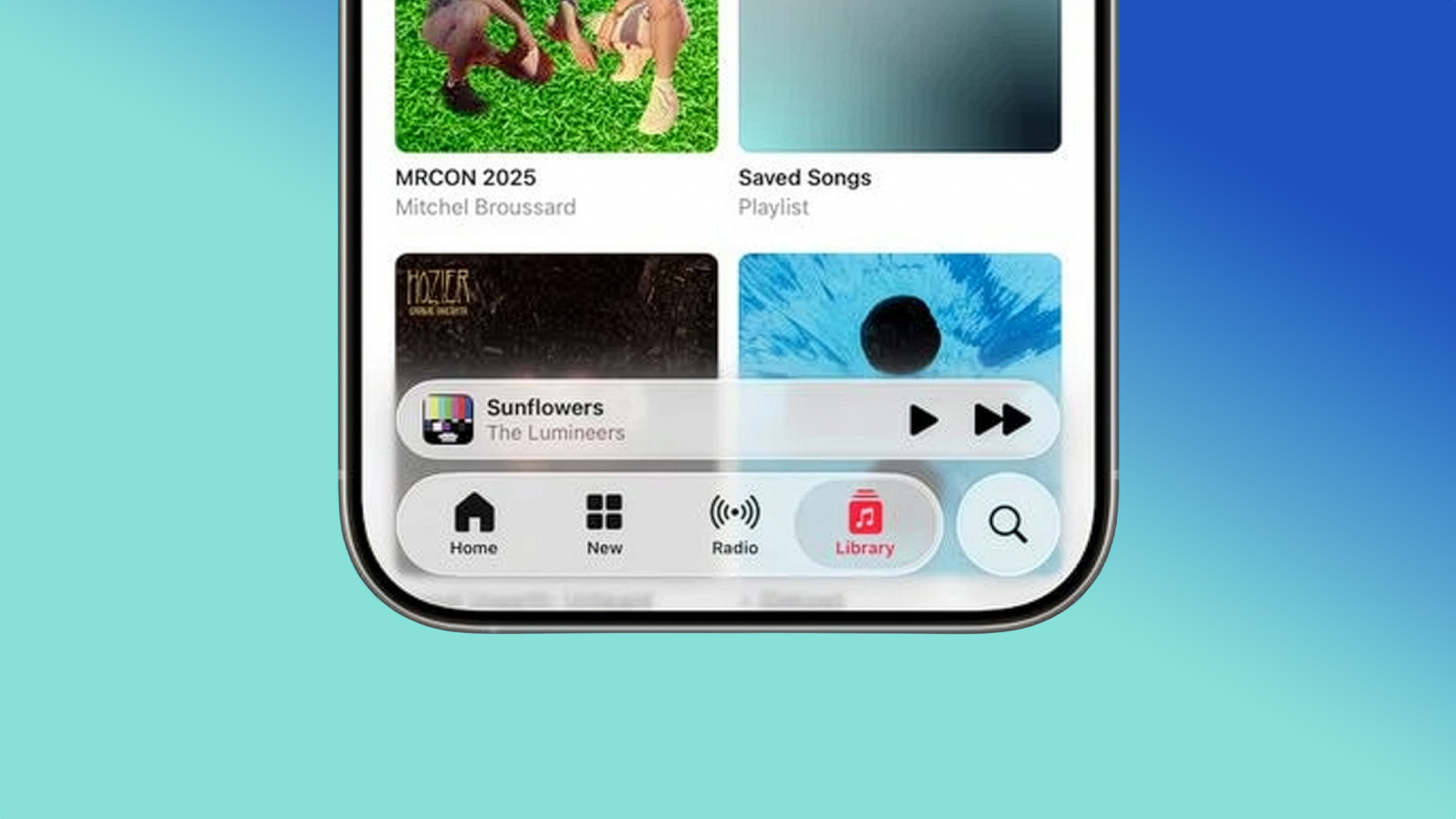
Install it now if you are already beta testing, want the newest fixes, and can live with the usual pre-release weirdness. Beta 3 looks like a calmer step forward than Beta 2, and it does not seem to introduce a giant new controversial feature all by itself.
Wait if your iPhone is mission-critical, if CarPlay stability matters every day, or if you are on the fence about dealing with rollback limits and post-update settling. The safest play for most mainstream users is still the stable release, especially because point releases like 26.5 usually land publicly not too long after this part of the beta cycle.

Final Call: Install for Polish, Not for Hype
The best way to frame the iOS 26.5 Beta 3 update is this: it is a polish release. It brings a confirmed wallpaper fix, appears to improve the feel of the software, and keeps the iOS 26.5 cycle moving toward public release. But it is not the build that suddenly turns 26.5 into a massive feature update.
So the call is pretty easy. If you are already in the beta lane, Beta 3 looks like a sensible update. If you are not, the stable build is still the smarter move unless you specifically want to test pre-release software. That is the grown-up answer, even if the beta hype machine is louder than ever.

Still Got Questions?
What is the iOS 26.5 Beta 3 update build number?
The iOS 26.5 Beta 3 update uses build number 23F5059e and was released on April 20, 2026.
What are the main iOS 26.5 beta 3 bug fixes?
The clearest confirmed iOS 26.5 beta 3 bug fixes are for the Unity and Kaleidoscope wallpapers, which could fail to install or could not be removed from the Wallpaper Gallery in earlier builds.
Are there any real iOS 26.5 Beta 3 new features?
The honest answer is not many. Most of the visible 26.5 additions arrived in earlier betas, while Beta 3 mainly focuses on cleanup, polish, and stability.
How do I install an Apple update beta on iPhone?
To install an Apple update beta, enroll your device in Apple’s beta program or use a developer-enabled Apple ID, then go to Settings > General > Software Update and choose the beta build available to your track.
How does iOS 26.5 beta 3 improve battery life?
There is no official Apple claim that iOS 26.5 beta 3 improves battery life. Early impressions suggest it may feel steadier than Beta 2, but battery behaviour right after an update can also be temporarily affected by background processing.
Related Articles

Last Updated: May 05, 2026
Apple’s 2025 drop is a one-two punch: iOS 26 brings a fresh look and smarter tools, while the iPhone 17 line turns those ideas into everyday wins. If you’re deciding whether to update, upgrade, or both, this guide lays out what’s new, why it’s useful, and how to get the most from it on day one.
iOS 26 At a Glance
Apple describes iOS 26 as a major update centered on a gorgeous new design, intelligent experiences, and daily improvements to the apps you use. In practice, that means a cleaner interface, on-device smarts that actually help, calmer communication, and quality-of-life tweaks across CarPlay, Music, Maps, Wallet and more.
A beautiful new look: Liquid Glass everywhere

The first thing you’ll notice is the design. iOS 26 introduces Liquid Glass, a translucent material that reflects and refracts what’s behind it. It brings a gentle sense of depth to icons, widgets, controls and navigation without making the interface feel busy. The result is expressive and modern, yet instantly familiar.

Last Updated: May 05, 2026
Smartphones have come a long way in the past decade, from simple communication tools to powerful pocket-sized computers. But 2025 marks a turning point. The biggest upgrades are no longer about camera megapixels or faster processors. The real revolution is happening behind the scenes with AI in smartphones.
Artificial intelligence is reshaping how phones think, respond, predict, and interact with users. Whether it’s personalisation, photography, battery management, or voice assistance, AI is quietly powering the features we rely on every day. And with the next generation of AI chips, on-device assistants, and multimodal models, smartphones are evolving at a pace we’ve never seen before.
In this article, we break down how AI is transforming the smartphone industry, what it means for users, and what the future of mobile tech looks like in an AI-driven world.
What Does AI in Smartphones Actually Mean?
While “AI” can sound like marketing hype, its role in smartphones is very real-and very
Last Updated: April 28, 2026
Still carrying two phones in your pocket? It’s time for a change. Managing a separate handset for work and another for your personal life isn’t just bulky, it’s exhausting. You’re double-charging, double-carrying, and constantly checking the wrong screen.
Dual SIM mobiles offer the perfect escape from this 'two-phone' fatigue. In this guide, we’ve rounded up the best dual SIM smartphones for 2026, including Android smartphones and latest iPhones.
Why Choose a Dual SIM Phone in 2026?
The benefits of dual SIM mobiles extend far beyond just having two numbers. Here is why they are becoming the standard for UK users:
- Cost Efficiency: You can use one SIM for a cheap unlimited calling plan and another for a high-data-only plan.
- Network Reliability: If one network has a service outage, you can switch your data to the second SIM to stay online.
- Separation of Life: Turn off your work SIM in the evenings and weekends to truly disconnect without needing a second handset.
- International Travel: When

Published: January 13, 2026
For a long time, the only way to get a flagship device was to sign a long, expensive contract. However, times have changed. Today, savvy shoppers are turning to sim free mobiles UK deals. These devices give you the ultimate power over your mobile experience. Instead of being stuck with one provider, you get the freedom to choose.
In this guide, we will break down exactly what sim free means. We will also explore why unlocked smartphones are the superior choice for your wallet and your lifestyle.
What are Sim Free Mobiles?
A sim free mobile is a phone that is sold without a SIM card and, most importantly, without a network contract. Unlike phones bought on a monthly plan, these devices are not tied to a specific provider like EE, O2, or Vodafone. This means the phone is "unlocked" from the moment you take it out of the box.
When you buy sim free mobiles UK retailers like Laptop Outlet offer, you are paying for the hardware alone. You own the handset completely from day one. To get it

Last Updated: February 12, 2026
Apple’s latest software update, iOS 26.3, is here, and it brings a solid mix of refinements, fixes, and performance improvements designed to keep your iPhone running smoothly. If you’ve been living in the world of iOS 26.2 and wondering what’s new, what changed on the iOS 26.3 release, and whether it’s worth tapping “Update Now,” you’re in exactly the right spot. Let’s break down everything you need to know about the iOS 26.3 update.
iOS 26.3 Release Date: When Did It Launch?
Apple just dropped iOS 26.3 on 11 February 2026, and while it’s not the headline-stealing overhaul of the year, it’s seriously one of those updates you’ll want on your phone. These mid-version updates typically arrive to address issues discovered after the previous rollout, as well as to improve device performance.
Like most iOS updates, iOS 26.3 was released gradually, meaning some users received it immediately, while others saw it appear over the following days.
If iOS 26.3 is available for your device, you’ll

Last Updated: March 04, 2026
Apple launched the iPhone 17e on 2 March 2026, and it has already caught a lot of attention. Priced at £599 with 256GB of base storage, it sits as the most affordable entry point into the iPhone 17 family. That is £200 less than the standard iPhone 17, yet the two share the same A19 chip generation.
But affordable does not mean basic. This iPhone packs serious upgrades, particularly in camera and performance. So, is it worth your money in 2026? Let us break it all down.
iPhone 17e Camera System: What's New in 2026
The iPhone 17e camera is one of the biggest talking points of this release. Apple has kept a single rear camera setup, but what it does with that one sensor is genuinely impressive.
48MP Fusion Camera: A 2-in-1 System
The rear camera features a 48MP Fusion sensor with an f/1.6 aperture and optical image stabilisation. On the surface, the megapixel count matches the iPhone 16e. However, Apple has made meaningful improvements underneath.
The most notable addition is the optical-quality
Published: March 05, 2026
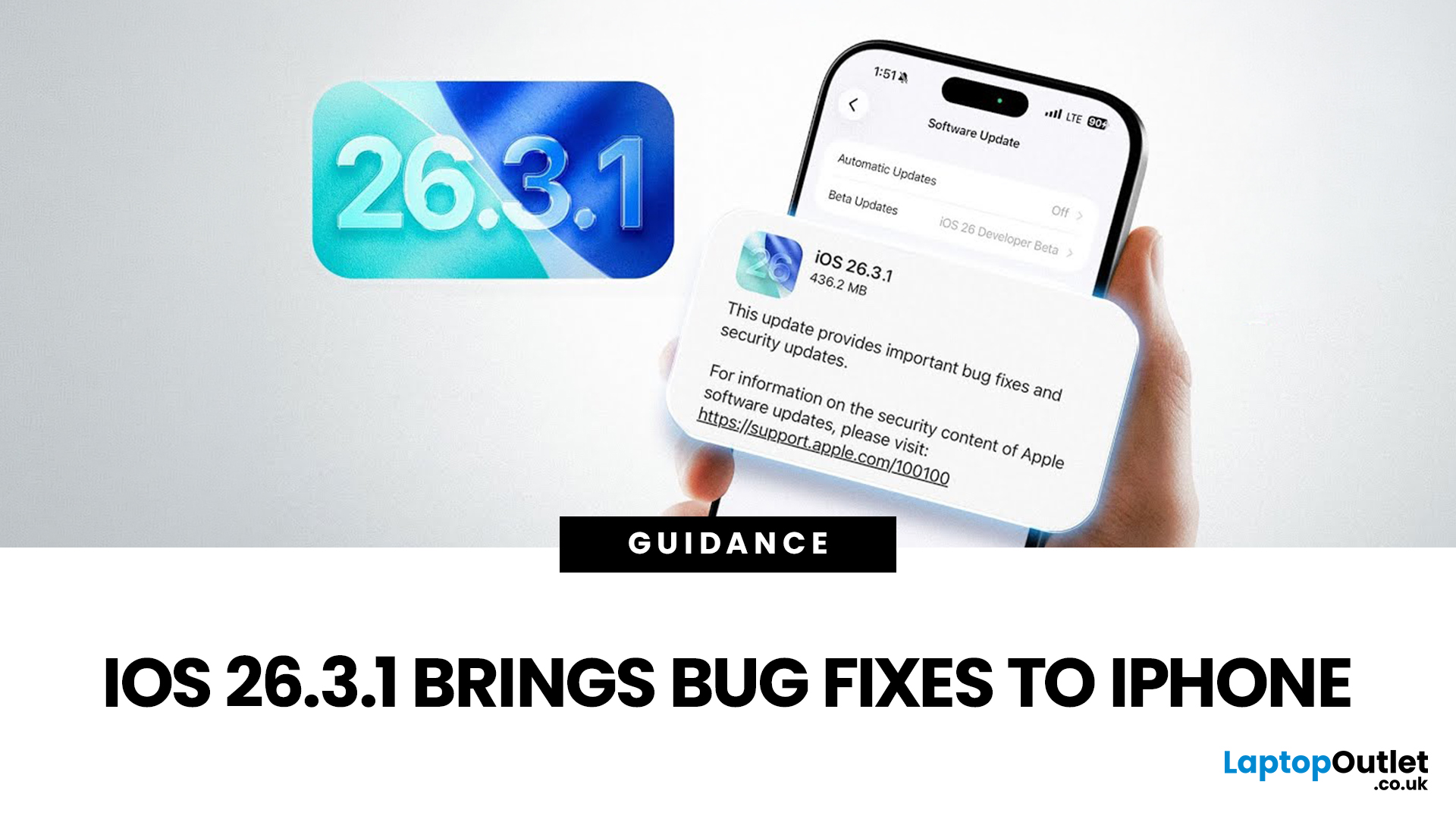
Apple has officially rolled out the iOS 26.3.1 update for iPhone users, bringing several important bug fixes, security patches, and performance improvements. While this is not a major feature update, it focuses on improving system stability and fixing issues reported in the previous iOS 26.3 version.
Minor iOS updates like iOS 26.3.1 are important because they often resolve bugs that affect everyday performance, connectivity, and device security. If you own a compatible iPhone, installing the iOS 26.3.1 update can help ensure smoother performance and better protection against vulnerabilities.
In this guide, we’ll cover the iOS 26.3.1 release date, features, download steps, supported devices, and answer the common question: Should you update to iOS 26.3.1?
iOS 26.3.1 Release Date
Apple released the iOS 26.3.1 update on March 04, 2026, after the launch of iOS 26.3, aiming to fix several issues discovered after the previous version went live.
Typically, Apple rolls out minor updates like
Last Updated: March 12, 2026
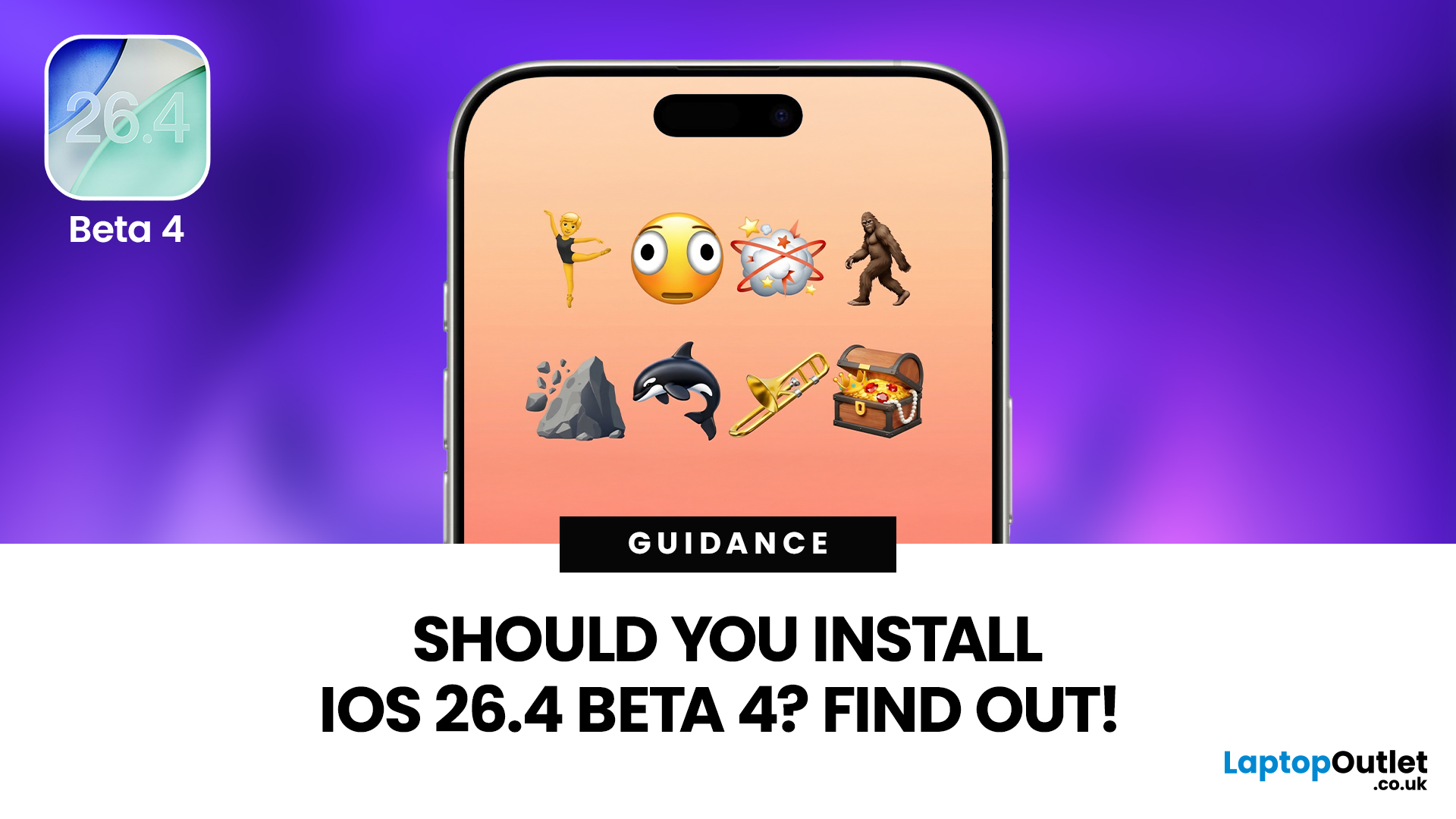
If you've been keeping an eye on your Software Update settings lately, you've probably spotted iOS 26.4 Beta 4 sitting there tempting you.
Released on 9th March 2026, this is the fourth developer beta in Apple's testing cycle for the 26.4 update, and it's bringing some genuinely useful changes alongside the usual round of bug fixes and behind-the-scenes polish. The question is, should you install iOS 26.4 Beta 4, or is it better to sit tight and wait for the stable release?
This guide walks you through everything you need to know, from the new features and bug fixes to performance improvements and whether this beta is actually safe enough for everyday use.
What Is iOS 26.4 Beta 4?
iOS 26.4 Beta 4 is the fourth pre-release build in Apple's current testing cycle, arriving roughly a week after Beta 3 with build number 23E5234a. At this late stage in the beta process, Apple's focus has shifted from new features to polish, bug resolution, and getting the system ready for a mass rollout. The
Last Updated: March 12, 2026
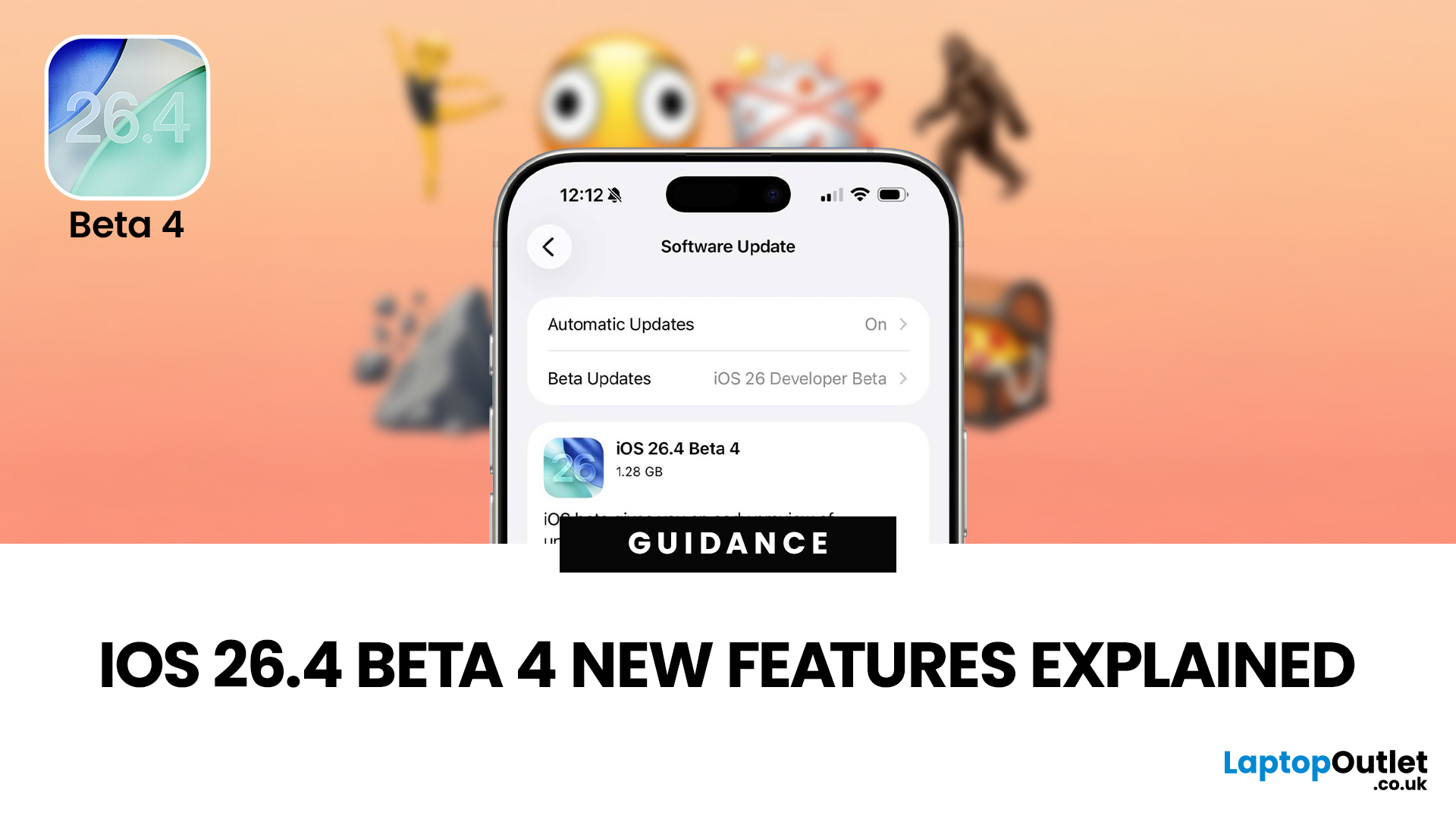
The iOS 26.4 Beta 4 update is now available, offering iPhone users a clearer picture of what Apple is refining ahead of the final release. While this is not the biggest beta in the cycle, it still introduces a number of useful adjustments, visible additions, and background refinements that matter.
If you have been searching for iOS 26.4 Beta 4 features, this release appears to focus less on dramatic surprises and more on improving the overall experience. That includes user-facing additions like new emoji, interface refinements, accessibility adjustments, and continued work across key parts of the iPhone experience.
So, what is actually new in iOS 26.4 beta 4?
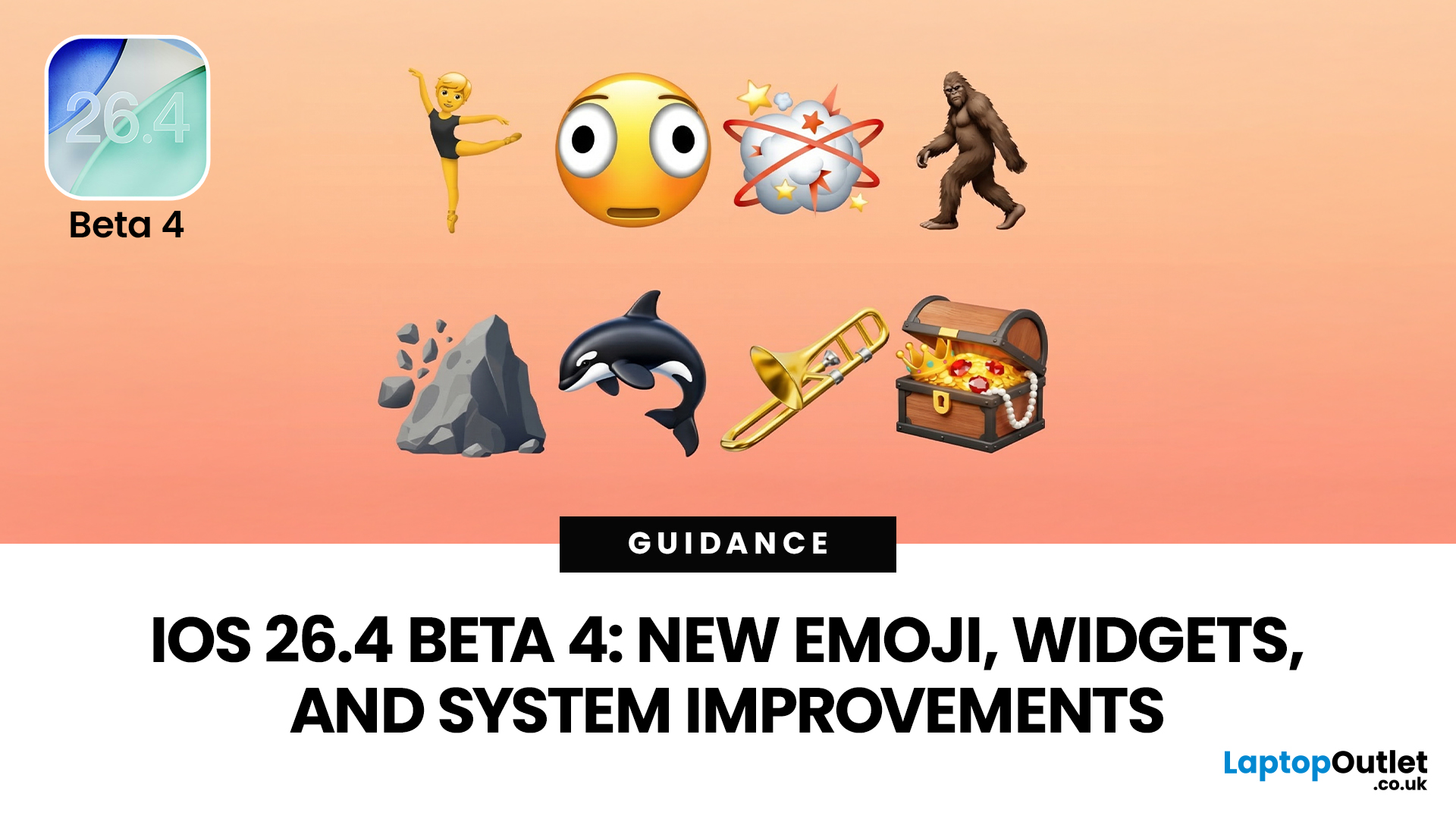
The biggest highlights include new emoji, a change to an accessibility setting, the removal of the earlier RCS encryption beta feature, and support for newer Apple devices. If you are testing the beta or simply trying to keep up with what is coming next for the iPhone, this is the update worth paying attention to.
iOS 26.4 Beta 4
Published: March 12, 2026
Apple dropped the fourth developer beta of iOS 26.4 on 9 March 2026, and it's packed with changes iPhone users will genuinely enjoy. The iOS 26.4 Beta 4 new features cover everything from a fresh set of emoji to home screen widgets and some important security upgrades.
Whether you're a developer testing the build or simply curious about what's heading your way this spring, here's a full breakdown of what's new.
What Is iOS 26.4 Beta 4?
This is Apple's fourth developer-focused build in the iOS 26.4 testing cycle, released roughly a week after Beta 3. The build number 23E5234a typically signals that the software is approaching release candidate status and is very close to a public launch.
As is common at this stage, the iOS 26.4 Beta 4 new features focus more on polish and refinements than entirely new headline additions. That said, there is still plenty arriving in this update that's worth paying attention to.
iOS 26.4 Beta Emoji: New Characters Are Finally Here
One of the most anticipated

