



Why Your Laptop is Running Slow: Top Causes & Quick Fixes

Few things are more frustrating than a laptop running slow when you’re trying to work, study, stream, or simply browse the web. Whether it’s taking ages to boot up, freezing mid-task, or lagging when you open everyday apps, slow performance can quickly drain your productivity and patience.
The good news? A sluggish laptop doesn’t always mean it’s time to replace it. In many cases, there are clear reasons why a laptop is slow, and there are practical steps you can take to fix it. In this guide, we’ll walk you through the most common causes of laptop lagging, how to identify what’s slowing your device down, and how to improve laptop performance without unnecessary upgrades.
Why is My Laptop Running Slow?
Slow laptop performance usually comes from a combination of factors working against your system over time. Laptops naturally collect digital clutter, outdated software, background processes, and even hardware wear. Add demanding modern apps and websites into the mix, and performance can dip faster than expected, especially on older machines.
Before jumping to conclusions, it’s worth understanding what’s happening behind the scenes.
1. Too Many Start-up Programs
One of the most common reasons for a laptop running slow is too many programs launching at start-up. Every time you turn your laptop on, multiple apps may be loading in the background, many of which you don’t need straight away. These programs compete for system memory and processing power, which can dramatically slow down boot times and overall performance.
How to fix it:
On a Windows laptop, open Task Manager and navigate to the Start-up tab. You’ll see a list of programs that automatically launch when your laptop starts. Disable anything that isn’t essential, such as game launchers, unused utilities, or third-party update tools. This simple step alone can noticeably speed up your laptop within minutes.
2. Low Storage Space Slowing Everything Down
If your hard drive or SSD is nearly full, your laptop will struggle to perform even basic tasks. Windows relies on free storage space for temporary files, updates and virtual memory. When space runs low, the entire system slows down. This is a major cause of slow laptop troubleshooting queries, especially on laptops with smaller drives.
What you can do:
Delete unused files, uninstall software you no longer use, and empty your recycle bin. Built-in tools like Disk Clean-up can help remove temporary files safely. If you’re constantly running out of space, upgrading to a larger SSD is one of the most effective ways to improve laptop performance, especially compared to older mechanical hard drives.
3. Your Laptop Doesn’t Have Enough RAM
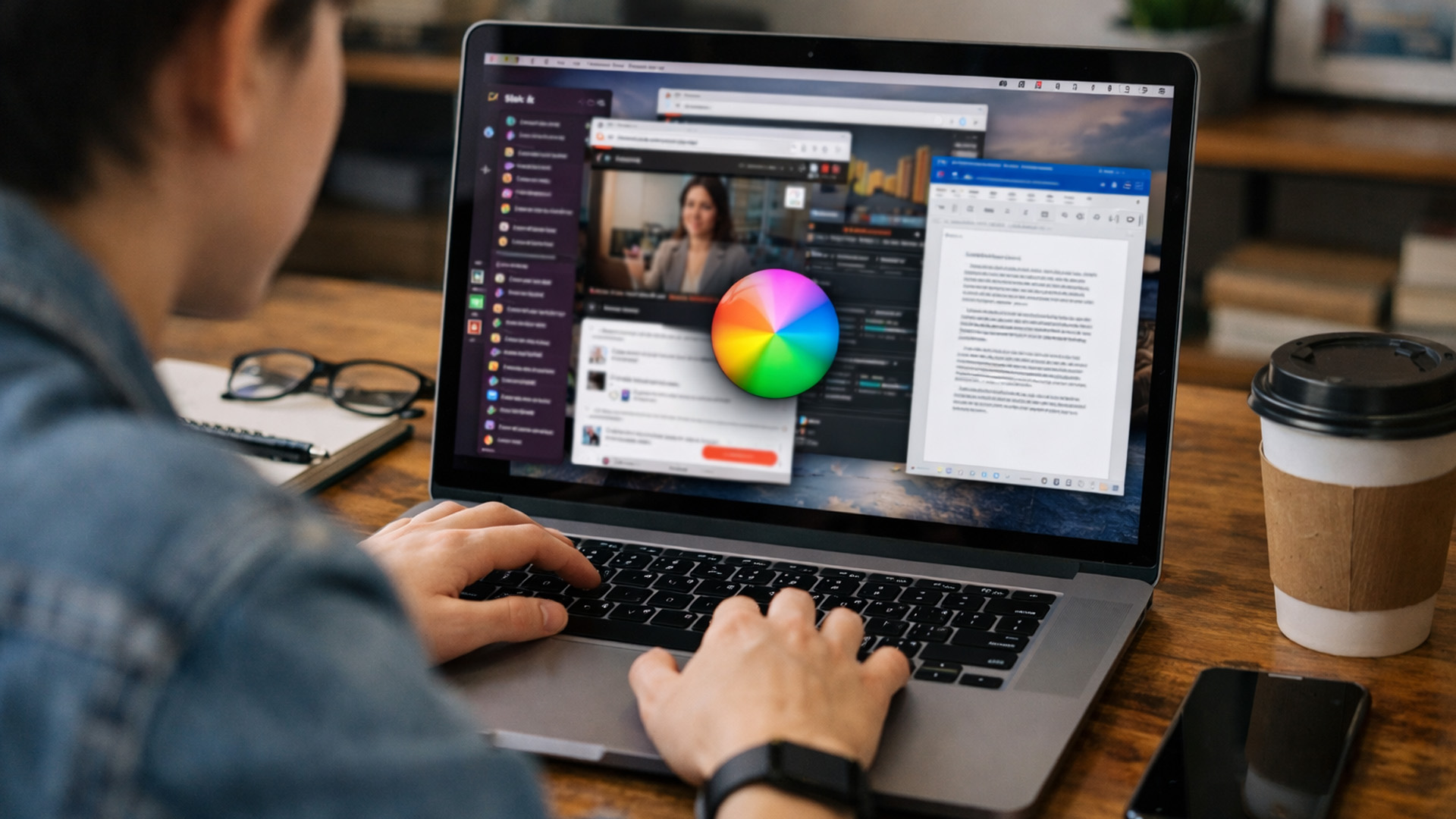
Modern software demands more memory than ever. If your laptop is running slow when multitasking, switching tabs, or using heavier applications, limited RAM could be the problem. When your laptop runs out of RAM, it starts using storage space as temporary memory, which is significantly slower and causes noticeable lag.
Signs you’re low on RAM:
- Apps freezing or crashing
- Browser slowing down with multiple tabs open
- Laptop lagging when switching between programs
Fixing the issue:
If your laptop supports RAM upgrades, adding more memory can massively boost laptop speed. Even upgrading from 4GB to 8GB RAM can make everyday tasks feel smoother and more responsive. If upgrades aren’t an option, closing unused programs and browser tabs can help reduce the load.
Laptop storage issues can slow everything down. Learn how SSD or HDD failure, disk errors and low storage space affect performance, and how to fix laptop storage issues before data loss becomes a risk.
4. Outdated or Corrupted Software
Outdated operating systems, drivers and applications can seriously impact performance. Over time, software conflicts, missing updates or corrupted files can cause a slow Windows laptop to feel unstable and sluggish. This is particularly common after skipping major updates or installing incompatible software.
Quick fixes:
Make sure Windows is fully up to date and check for driver updates, especially for graphics and chipset drivers. Updating browsers, productivity apps, and security software can also help reduce lag and prevent crashes. In some cases, a clean Windows reset can restore lost performance by removing software clutter and restoring system files.
5. Background Processes Using Too Much Power
Sometimes your laptop feels slow even when you’re not actively doing much. That’s often because background processes are quietly consuming CPU power, memory or disk usage. Common culprits include cloud sync tools, antivirus scans, update services and system indexing tasks.
How to identify them:
Open Task Manager and check which processes are using the most resources. If you spot unnecessary apps consistently running in the background, consider disabling or uninstalling them. This is an essential step in slow laptop troubleshooting that many users overlook.
Dealing with laptop boot problems like BIOS errors, startup failures or endless boot loops? Our other article breaks down the most common laptop start-up errors and shows you how to fix boot loops before they stop your laptop from loading properly.
6. Malware and Unwanted Software
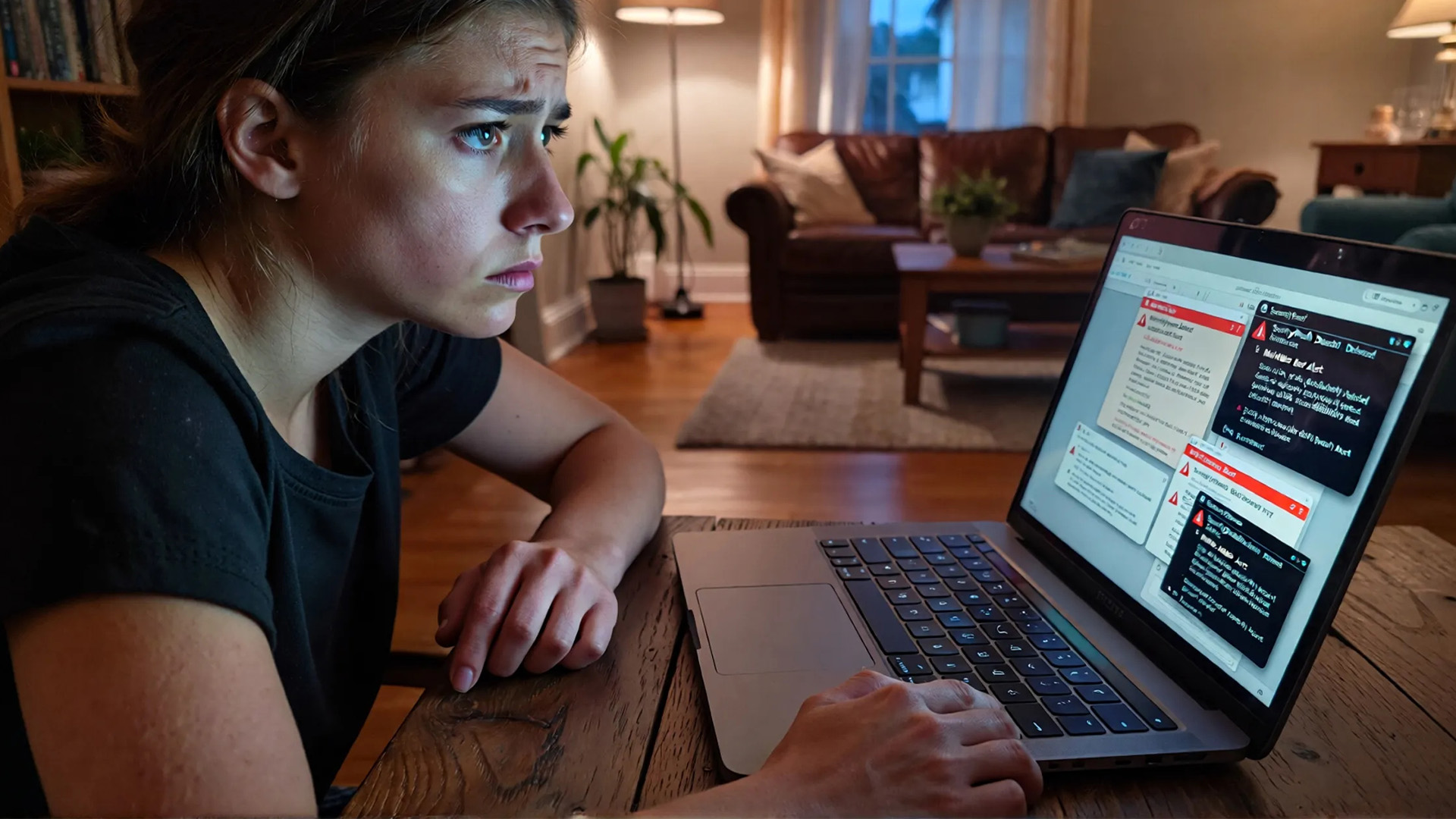
Malware, adware and unwanted programs can significantly slow down a laptop. Even if your device isn’t showing obvious warning signs, hidden malicious software can run background tasks, display ads or collect data, all of which impact performance.
What to do:
Run a full antivirus and malware scan using reputable security software. Removing hidden threats can instantly improve laptop performance and restore system stability. It’s also worth checking browser extensions, as some can slow down browsing speeds dramatically.
7. An Ageing Hard Drive Holding You Back
If your laptop still uses a traditional hard disk drive (HDD), this could be one of the biggest reasons your laptop is running slow. HDDs are far slower than modern solid-state drives (SSDs), especially when booting Windows or opening large programs. Over time, HDDs also become less reliable, leading to slower read and write speeds.
The upgrade that makes the biggest difference:
Switching from an HDD to an SSD is one of the most effective ways to boost laptop speed. Boot times drop from minutes to seconds, apps load faster, and the entire system feels more responsive. For many users, this upgrade alone can extend a laptop’s usable life by several years.
8. Overheating and Poor Cooling
Laptops are designed to slow themselves down when they get too hot. This protects internal components but results in noticeable performance drops. Dust build up, blocked vents or worn thermal paste can all cause overheating, especially on older laptops.
How to fix overheating issues:
Make sure vents are clear, use your laptop on a flat surface, and consider cleaning internal fans if you’re comfortable doing so. Cooling pads can also help maintain stable temperatures during heavier use. Reducing heat allows your laptop to run at full speed again instead of throttling performance.
9. Too Many Browser Tabs and Extensions
Modern browsers are powerful, but they’re also resource-hungry. Running dozens of tabs, especially with heavy websites or video content, can make even newer laptops feel slow. Browser extensions can also run background scripts that drain memory and CPU power.
Simple performance boost:
Close unused tabs, remove unnecessary extensions and enable browser performance settings where available. Switching to lighter browsers or using tab-suspension features can make a noticeable difference.
10. Power Settings Limiting Performance
Sometimes the issue is in your laptop’s power settings. Laptops running in power-saving mode may deliberately limit CPU performance to conserve battery life. This can make your laptop lag even when plugged in.
Quick check:
Switch to a balanced or high-performance power plan in Windows settings. This allows your laptop to use its full processing power when needed.
Not sure which laptop problem you’re dealing with? Our ultimate guide to common laptop problems explains the most frequent issues, from slow performance to hardware faults, and shows you exactly how to fix them.
How to Speed Up Your Laptop Without Replacing it

If you’re looking for a reliable laptop running slow fix, combining several of the steps above often delivers the best results. Cleaning up storage, reducing start-up programs, upgrading RAM or switching to an SSD can transform how your laptop feels day to day. For many users, these changes are enough to speed up a laptop and keep it performing well for years.
When it Might Be Time to Upgrade
Sometimes, despite best efforts, older laptops simply can’t keep up with modern demands. If your laptop struggles even after upgrades, or doesn’t support newer software, it may be more cost-effective to replace it.
This is where choosing one of the perfect laptops for your needs makes all the difference. A modern laptop with a fast SSD, efficient processor and sufficient RAM will handle everyday tasks smoothly and reliably, without the constant frustration of lag.

Performance Improvement Overview
A laptop running slow doesn’t have to mean the end of its useful life. By understanding why your laptop is slow and applying the right fixes, you can restore performance, improve responsiveness and get back to working without interruptions. Whether you’re troubleshooting an existing device or considering an upgrade, focusing on performance-boosting features will always pay off in the long run.

Laptop Speed & Performance FAQs
Why is my laptop running slow all of a sudden?
A sudden slowdown is often caused by background updates, new software installations, malware, or storage filling up unexpectedly. Checking Task Manager and running a malware scan can help identify the issue quickly.
What is the fastest laptop running slow fix?
Disabling unnecessary start-up programs and upgrading to an SSD are among the quickest and most effective ways to boost laptop speed.
Can low storage really slow down a laptop?
Yes. When storage space is limited, Windows struggles to manage temporary files and memory, leading to noticeable performance drops.
How do I fix a slow Windows laptop without upgrading hardware?
You can improve performance by uninstalling unused software, updating Windows and drivers, reducing background apps, and adjusting power settings.
Why does my laptop lag when browsing the internet?
Too many browser tabs, heavy websites, outdated browsers or problematic extensions can all cause laptop lagging during browsing.
| Read More: |
| How to Fix Audio & Sound Problems on Laptops? |
| Laptop Keyboard & Touchpad Not Working? A Troubleshooting Guide |
| Laptop Screen Not Working? Common Reasons & Quick Fixes |
Related Articles


Last Updated: December 24, 2025
Technology never stands still, and if the past few years have taught us anything, it’s that innovation moves fast. As we look ahead, tech trends 2026 are shaping up to be smarter, faster and more user-focused than ever before. From AI-powered laptops to next-level PCs and sustainable tech, the future is all about performance with purpose. So, whether you’re upgrading your setup, planning ahead, or just love staying in the know, here’s a breakdown of the biggest tech trends set to define 2026.
AI Everywhere: Smarter Devices, Smarter Decisions
Artificial Intelligence is no longer a “nice to have” by 2026, it’s expected to be built into almost every device we use. We’re talking about laptops that learn your preferences, PCs that optimise performance in real time, and software that adapts to how you work or play.
AI-driven features such as predictive battery management, real-time security monitoring and intelligent multitasking will become standard. For users, this means less time managing

Published: December 24, 2025
Heading into 2026, the student laptop vibe is basically: lightweight enough to carry all day, fast enough to handle 27 Chrome tabs + a Zoom call, and affordable enough that you can still buy snacks. Whether you’re doing GCSE homework, uni essays, coding projects, or just living in Google Docs, this blog on Student Laptops 2026 breaks down what matters (and what’s just marketing fluff).
What to look for in Student Laptops 2026 (aka the “don’t get scammed” checklist)

1) RAM (memory):
- 8GB = the realistic minimum for 2026 if you want smooth multitasking.
- 16GB = the “I’m serious about this degree” upgrade (especially for creative apps, coding, or heavy research).
2) Storage:
- 256GB is okay, but 512GB is comfy if you keep lots of files, downloads, photos, and videos.
- If you see 128GB, it can work for light use - but you’ll want cloud storage habits.
3) Screen size:
- 14" laptop = the sweet spot (portable, still comfy for essays).
- 15" laptop = bigger and nicer for split-screen, but less “throw-it-in-your-bag”

Last Updated: April 21, 2026
The world of computing is changing fast. We are no longer just looking for faster processors or thinner designs. Today, the focus has shifted to intelligence.
To understand this shift, we need to look at a new category of devices: Copilot+ Laptops. These are not just standard computers; they are AI-powered laptops designed to think, learn, and assist you in real-time.
Whether you are a busy professional, a digital artist, or a student, Windows Copilot+ PCs offer a new way to interact with technology. By integrating hardware and software more tightly than ever before, these machines handle complex tasks with ease.
In this guide, we will explore why these next-generation Windows laptops are the ultimate choice for your next upgrade.
What are Copilot+ Laptops?
Copilot+ Laptops are a new class of Windows 11 laptops with dedicated hardware for advanced Artificial Intelligence (AI) tasks. They offer enhanced performance, security, and unique features that run locally on the device.
Unlike

Last Updated: January 21, 2026
Let’s be honest - most of us don’t work (or study, or relax) in just one way anymore. One minute you’re typing notes, the next you’re scrolling, watching something, sketching ideas, or replying to emails from the sofa.
That’s exactly why convertible tablets exist.
Also called 2-in-1 laptops, laptop tablets, or the very literal notebook two-in-one, these devices are designed to adapt to how you use tech throughout the day - not force you into one setup.
But choosing the right 2 in 1 laptop convertible isn’t always straightforward. Some lean more laptop. Some feel more like tablets. And some just… try to do everything and don’t quite nail it.
This guide breaks it all down in a way that actually makes sense.
What Is a Convertible Tablet (And Why Do People Buy Them)?
A convertible tablet is a hybrid device that combines:
- A laptop’s power (keyboard, trackpad, desktop software)
- A tablet’s flexibility (touchscreen, pen input, portability)
Most convertible tablets run Windows, which means you’re

Last Updated: April 28, 2026
Struggling to find HP laptop deals that don’t feel overpriced, outdated, or just not worth it? Yeah — scrolling through endless specs, inflated prices, and “fake” discounts can be frustrating, especially when you just need a laptop that actually works for study, work, or everyday life.
The problem? Too many laptops either cost way too much or cut corners where it matters. Slow performance, tiny storage, poor screens, not the vibe. And when you’re on a budget, finding reliable HP laptops UK shoppers can trust shouldn’t feel like a gamble.
That’s where Laptop Outlet comes in. We’ve rounded up some of the best HP laptops on sale in the UK, with prices starting from just £149.99. From cheap HP laptops for everyday use to powerful business-ready machines, our handpicked HP laptop offers give you serious value without compromising on quality.
HP 15-fc0045na – Everyday Power for You
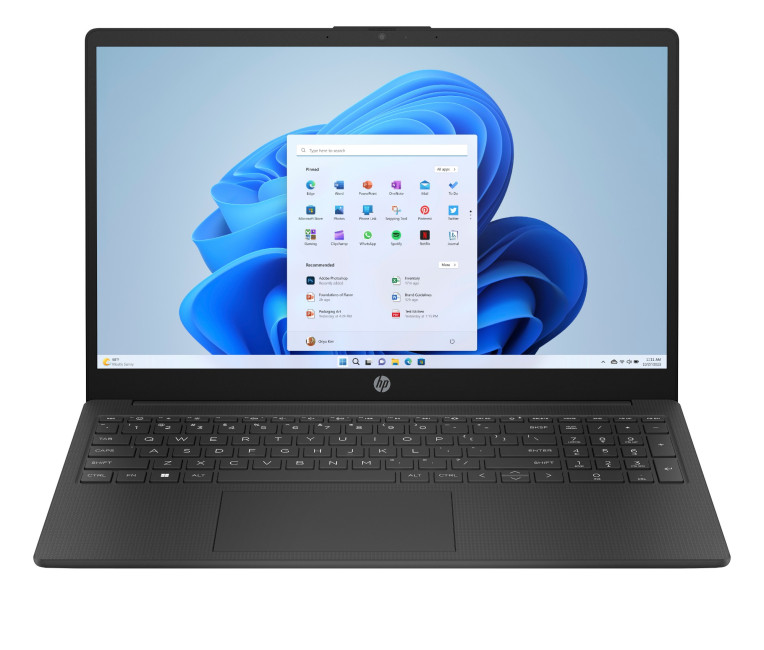
- The HP 15-fc0045na is a well-balanced 15.6-inch laptop that perfectly blends performance with everyday

Last Updated: January 28, 2026
We don’t usually abandon a tech purchase because of the price. It’s the delivery that makes us hesitate to move the things from whislist to place the order. Unexpected charges, unclear arrival dates, or slow dispatch can stop us right at checkout. And it feels unfair and cruel that we need to sacrifice our favourite gadget due to this delivery obstacle.
That’s why Laptop Outlet’s free standard delivery is kept clear and upfront, so you know exactly what you’re paying and when your order will arrive before you commit.
Let’s make it simple for you to understand that how free standard delivery by Laptop Outlet works, explore the key shipping benefits, and explain why it’s one of the smartest ways to stretch your tech budget further.
What Is Laptop Outlet’s Free Standard Delivery?
Free standard delivery by Laptop Outlet is designed to keep things simple, transparent, and affordable for customers across the UK.
Here’s how it works:
- Spend over £200 and your order qualifies for free standard
Last Updated: January 28, 2026
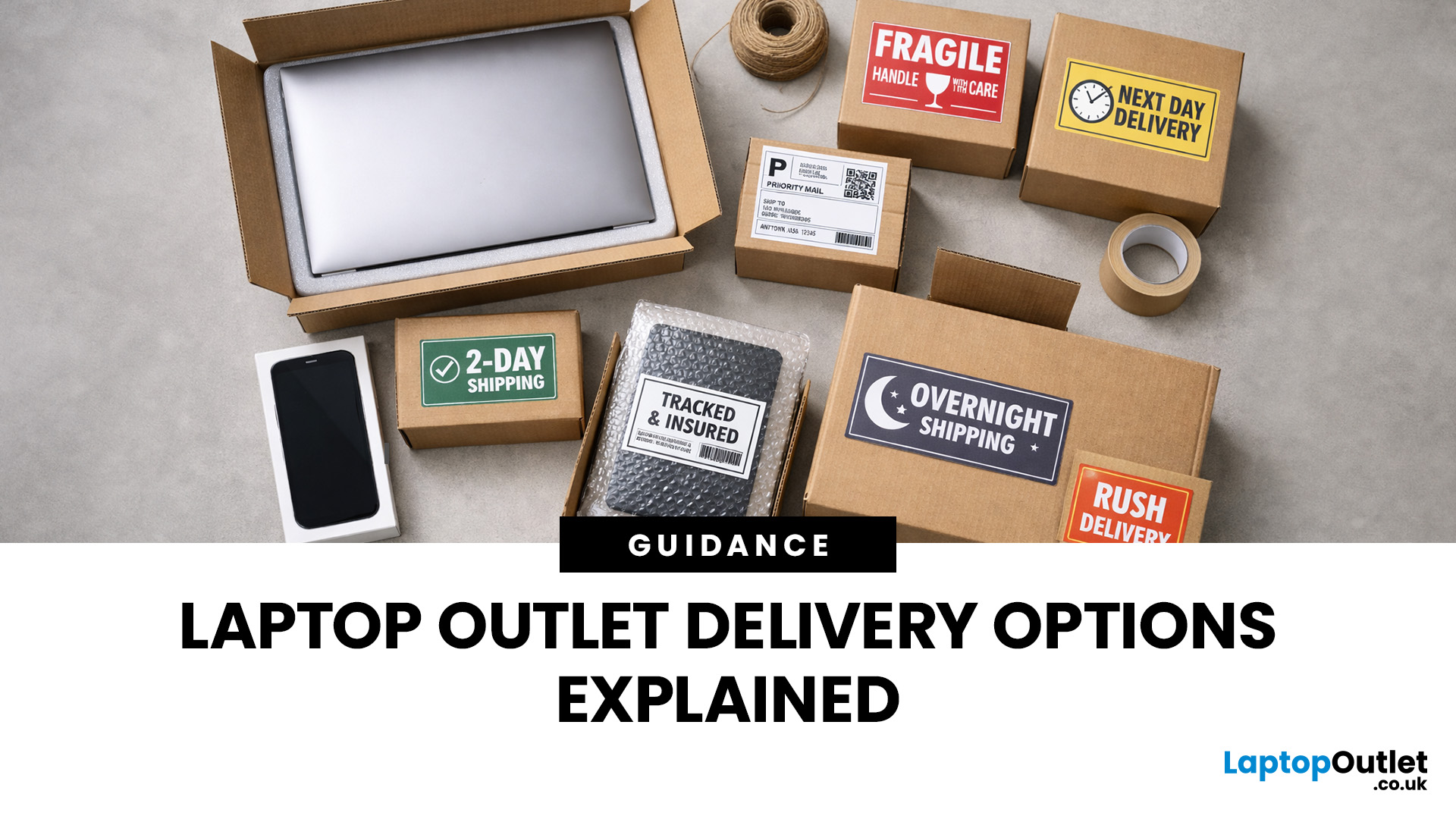
Buying tech online isn’t just about specs and price; delivery speed, flexibility, and reliability matter just as much. Whether you’re replacing a broken work laptop, upgrading your home setup, or ordering a last-minute gift, knowing your delivery options can make all the difference. In this guide, we explain Laptop Outlet delivery services options, how they work, and which service is best for your needs, from free standard delivery to next-day and book-a-slot delivery.
What Delivery Options Does Laptop Outlet Offer?
Laptop Outlet provides multiple delivery services designed to suit different customer needs, budgets, and timeframes. Each option is clearly shown at checkout, so you can choose the delivery speed and convenience level that works best for you. These include:
- Free Standard Delivery
- Next-Day/Priority Delivery
- Book-a-Slot Scheduled Delivery
How Does Laptop Outlet Delivery Work?
For full details, customers can always refer to the dedicated delivery info page. Laptop Outlet’s
Last Updated: January 28, 2026
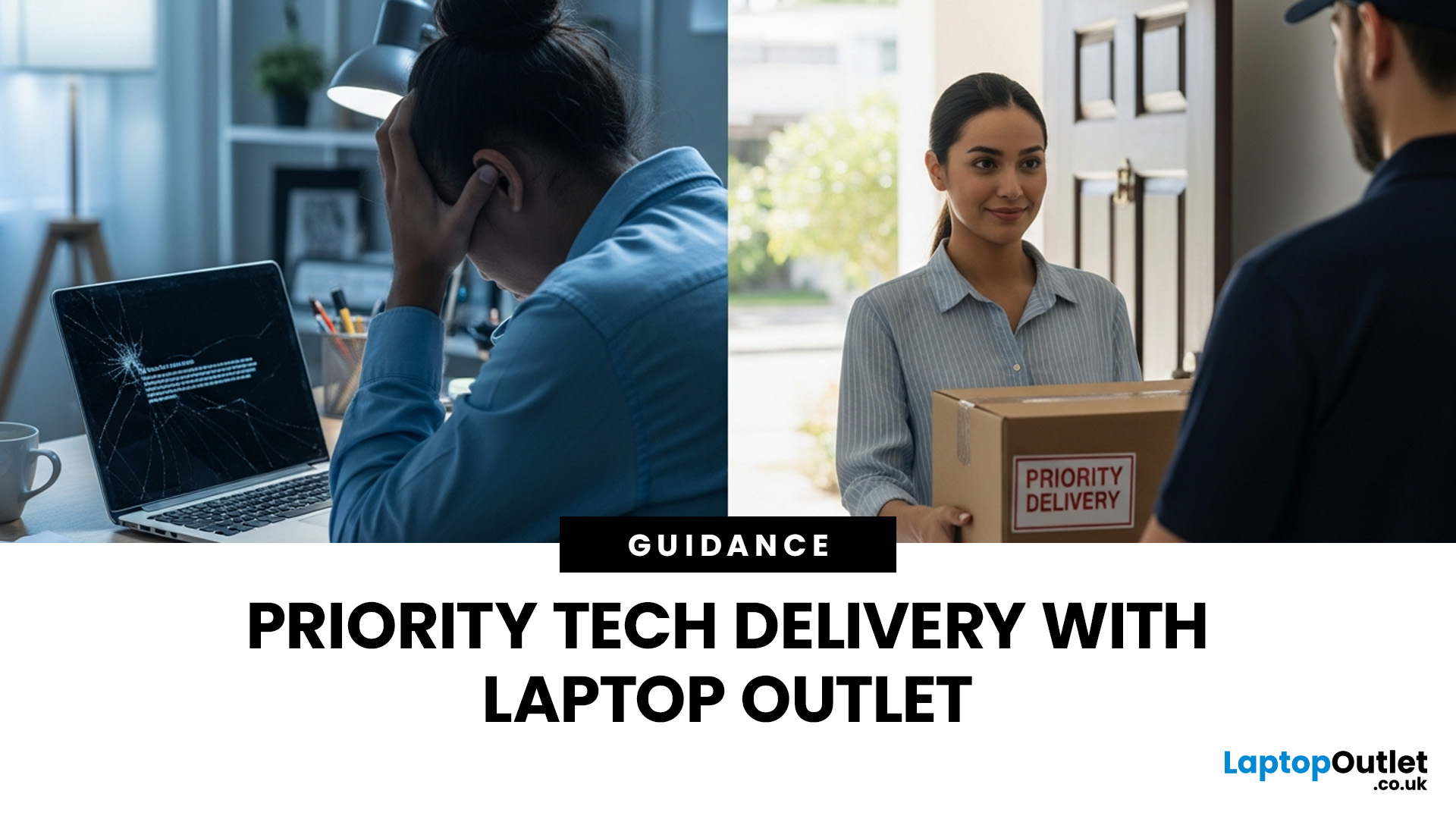
Let’s be honest — when your tech lets you down, waiting is the last option you want. Maybe your laptop stopped working the night before a deadline, your PC failed mid-project, or you’ve just realised you need a new device now, not next week. That’s exactly where Laptop Outlet next-day / priority delivery comes in. If you need fast, reliable tech delivery in the UK, this guide explains how Laptop Outlet’s next-day service works, what you can order, and why it’s the smart choice for urgent tech needs.
Why Speed Matters When Ordering Tech Online
When your laptop or PC breaks, everything slows down — work, study, gaming, even staying connected. Waiting days for a replacement just isn’t practical. With next-day laptop delivery, you don’t have to put life on pause. Laptop Outlet’s express service is built for:
- Last-minute replacements
- Urgent work-from-home setups
- Business and study deadlines
- Time-sensitive gifts or upgrades
If speed matters to you, Laptop Outlet Express shipping delivers when
Last Updated: January 28, 2026
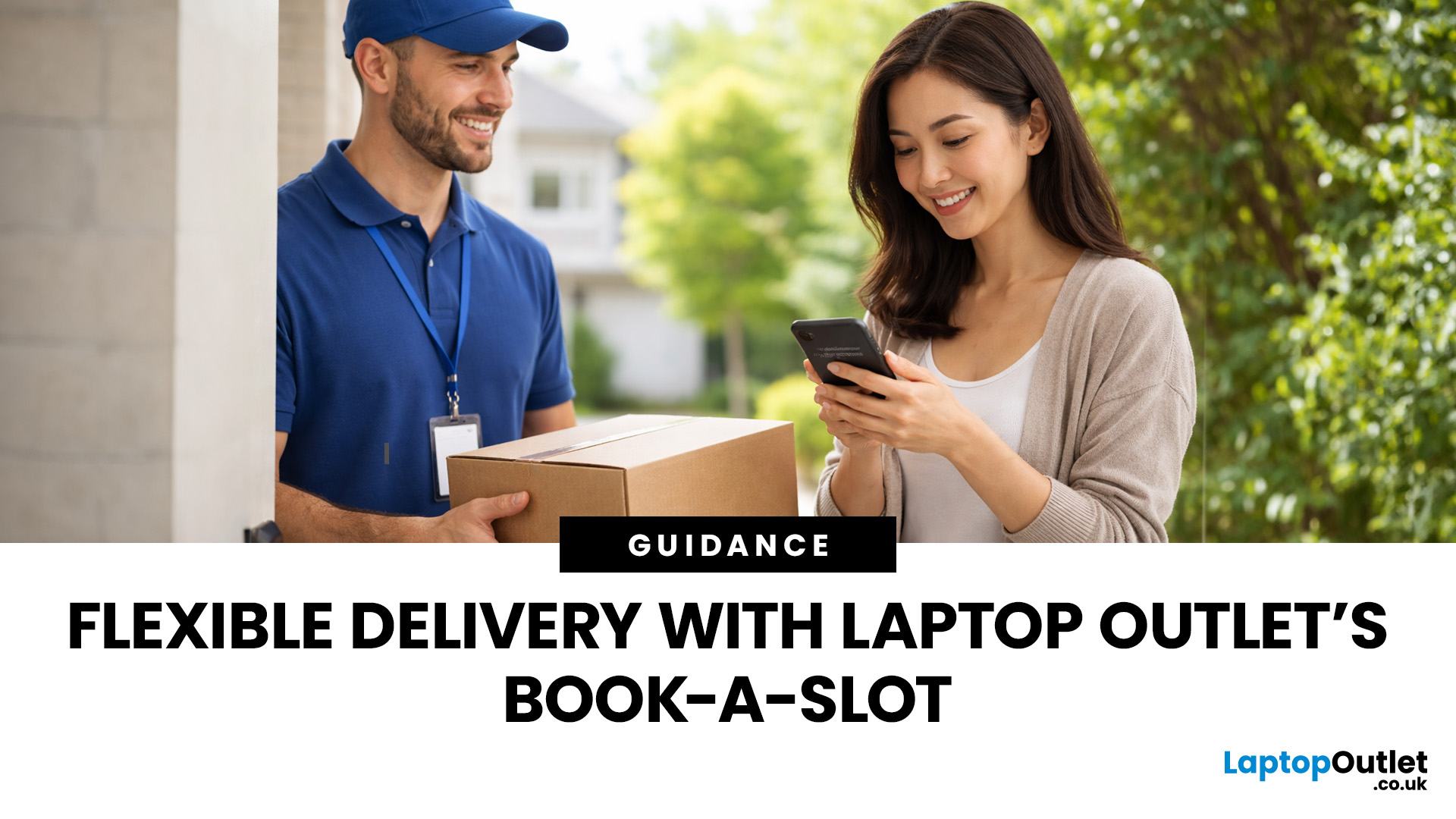
Let’s be real — waiting around all day for a delivery is no one’s idea of fun. You’ve got meetings, errands, school runs, and about a million other things going on. The last thing you want is to be stuck at home wondering “Will it arrive now… or later?” That’s exactly why customers love Laptop Outlet book-a-slot delivery.
This delivery option puts you in control, letting you choose when your tech arrives, not the other way around. Here’s how it works, why it’s so popular, and whether it’s the right choice for your next order.
What is Laptop Outlet Book-a-Slot Delivery?
Laptop Outlet’s book-a-slot delivery service is a scheduled tech delivery service that allows you to pick a specific delivery day and time slot at checkout. Instead of waiting around all day, you get a clearly defined delivery window, so you know exactly when your order is arriving. In short:
- You choose the day, time, and location
- The courier delivers within that slot
- Your tech arrives when it suits you
It’s one of Laptop

Last Updated: June 17, 2026
Valentine’s Day is basically a high-pressure speedrun of “prove you know me.” Flowers are fine. Chocolate is predictable. But if you want a gift that lands (and lasts), tech is the move.
This year, we’re making it easy to shop Valentine’s Day laptop gifts and other Valentine’s Day tech gifts that feel personal, useful, and genuinely exciting, without paying full-price panic-tax. At Laptop Outlet, we stock both new and refurbished tech in the UK, so you can pick something premium, practical, and still stay in your budget.
Why a Laptop is a Top-Tier Valentine’s Gift in 2026
A laptop gift for Valentine’s Day isn’t just “a laptop.” It’s a whole lifestyle upgrade. It’s better WFH days, smoother university deadlines, cleaner creative projects, cosier film nights, and finally not fighting with a slow machine that sounds like it’s trying to take off.
And because 2026 is not the year to overpay, laptop deals for Valentine’s Day (especially on refurbished models) can get you more performance for

