



Is Microsoft Surface Pro tablet good for editing?
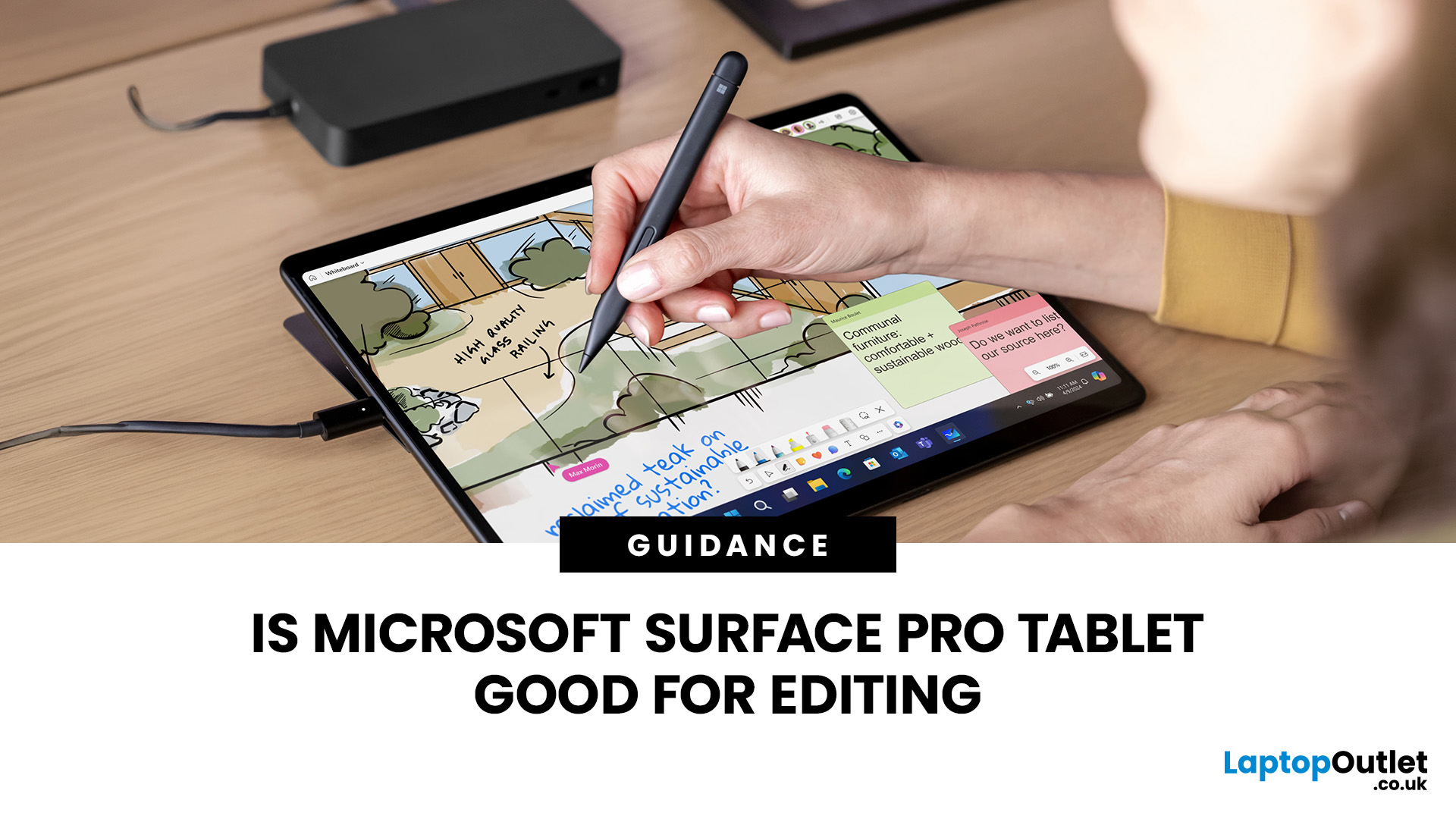
Yes, a modern Surface Pro can be good for editing, especially photo work and light-to-moderate video projects. Current models offer strong CPUs, colour-focused touch displays and pen support. For heavier 4K timelines, complex effects, 3D work or plug-in-heavy workflows, a creator laptop with stronger dedicated graphics is usually a better long-term choice overall for sustained professional work and rendering.
Today, Surface Pro spans newer Intel and Snapdragon-based models, and the latest 13-inch Surface Pro uses Snapdragon X2 Plus or X2 Elite processors. Editing software support on Windows on Arm has also moved forward, particularly across Adobe Creative Cloud.
The important question is not simply whether a Surface Pro can edit. It is whether the exact model, memory, storage and software support match the type of editing you do.
Which Surface Pro Models Should You Buy?
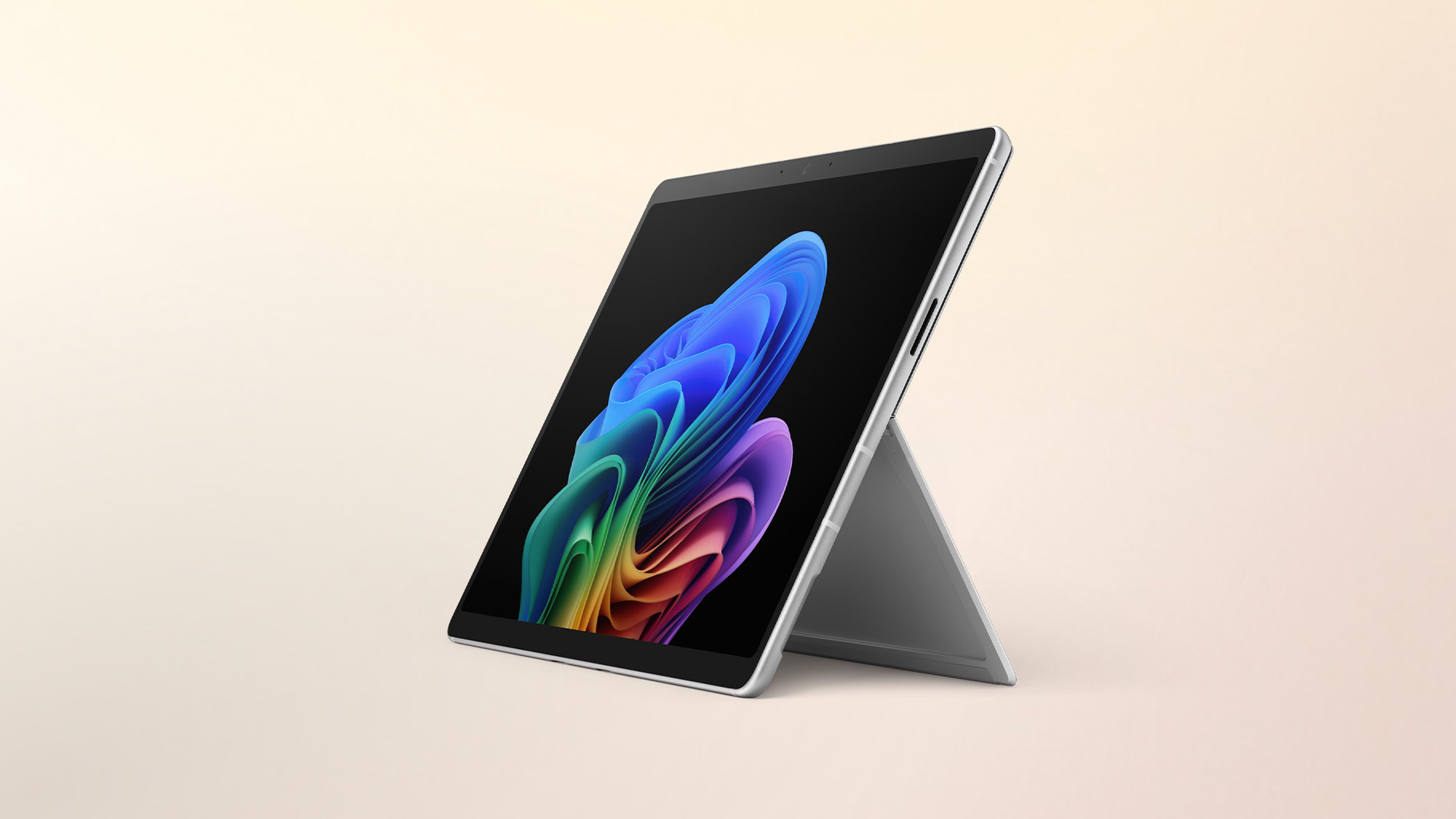
Microsoft currently positions Surface Pro in 12-inch and 13-inch formats. The 12-inch model uses a Snapdragon X Plus processor, while the latest 13-inch 12th Edition offers Snapdragon X2 Plus or X2 Elite options. The 13-inch version also offers a higher-resolution 120Hz display, including an OLED configuration, and higher memory ceilings on selected models.
Laptop Outlet also offers earlier Surface Pro generations, so buyers may still encounter Intel-based Surface Pro 9 or Surface Pro 10 systems alongside newer Copilot+ models. Microsoft Surface tablets should therefore be compared by processor architecture and specification, not only by the Surface Pro name.
Surface Pro Editing Suitability at a Glance
|
Editing workload |
Surface Pro fit |
What to know |
|
Photo editing and RAW adjustments |
Good |
Photoshop runs natively on Windows Arm. A good display and 16GB or more RAM make the Surface Pro practical for portable photo work. |
|
Digital illustration and retouching |
Good |
Touch and Surface Slim Pen support suit masking, drawing and local adjustments. Pen and keyboard are normally separate purchases. |
|
1080p video and short-form content |
Good |
Current Snapdragon models can handle mainstream editing workflows, especially with optimised software and sensible project settings. |
|
Light-to-moderate 4K editing |
Capable |
Use 16GB as a floor and preferably more memory. Proxies and fast external storage can help with heavier media. |
|
Heavy 4K, RAW, effects and 3D |
Limited |
Integrated graphics and Windows-on-Arm workflow caveats make a creator laptop with stronger GPU performance more suitable. |
Is Surface Pro Good for Photo Editing?
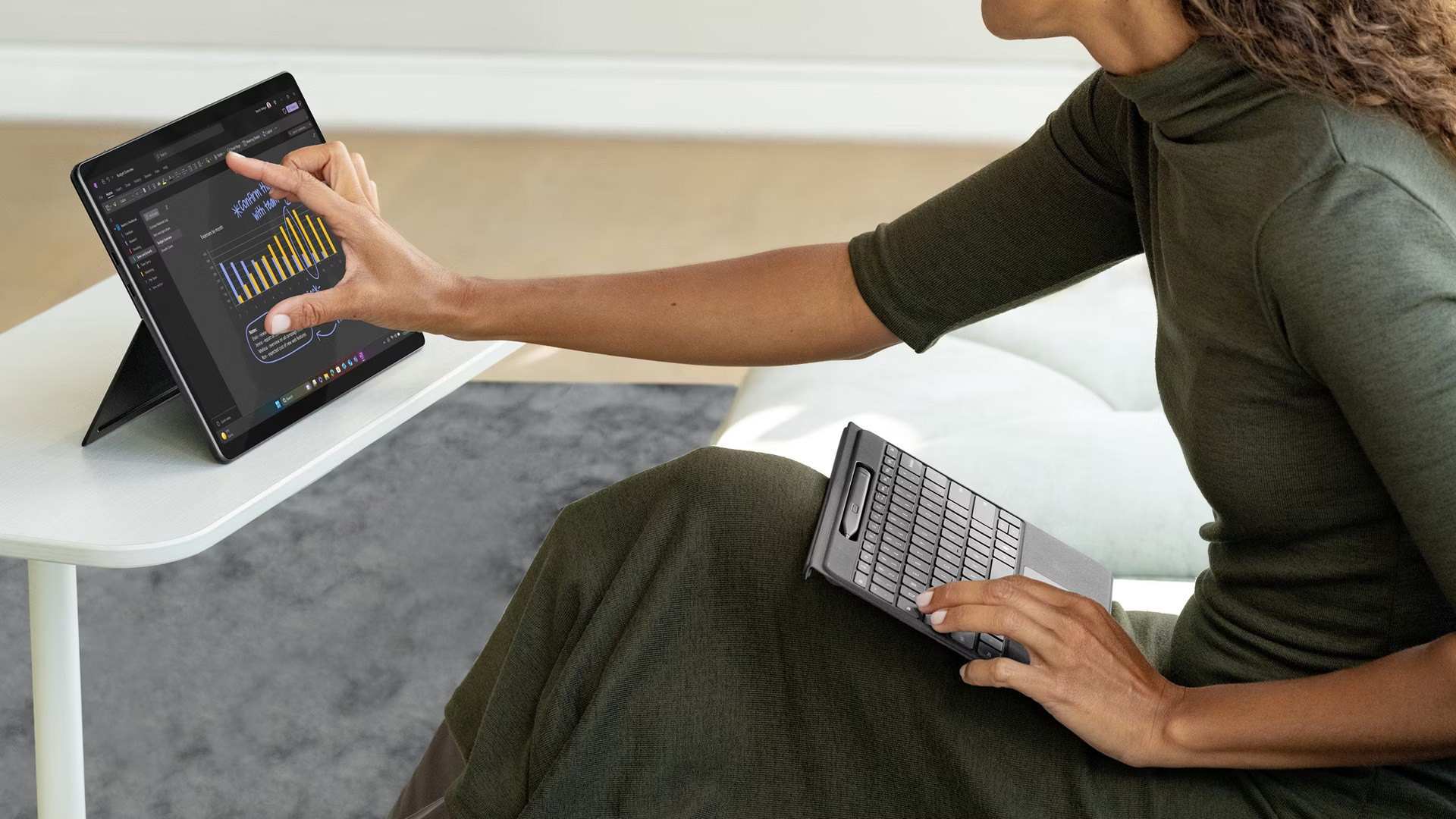
Yes, photo editing is one of the Surface Pro's strongest creative use cases. Photoshop runs natively on Windows Arm, and Adobe recommends 16GB RAM or more for a smoother experience. The 13-inch Surface Pro also gives you a 3:2 PixelSense display with a 2880 x 1920 resolution, while the OLED option adds stronger contrast for visual work.
The 3:2 aspect ratio is useful because it gives you more vertical workspace than a typical 16:9 screen. That helps when toolbars, layers and image previews are competing for room. Microsoft also individually colour-calibrates current 13-inch panels, although professionals preparing colour-critical print work should still use a calibrated workflow and external reference display where required.
Surface Slim Pen for Retouching and Drawing
Surface Slim Pen support is a practical advantage for masking, brush work, sketching and local adjustments. Current compatible Surface Pro models support pressure-sensitive inking, tilt and tactile feedback in supported apps. This makes the device more natural for hands-on edits than a conventional laptop trackpad.
The limitation is cost: the keyboard and pen are typically sold separately. If most of your editing happens at a desk with a mouse and external monitor, that flexibility may matter less than CPU and GPU performance.

Is Surface Pro Good for Video Editing?
For 1080p projects, social video and lighter 4K timelines, yes. For demanding professional post-production, the answer is more conditional. The latest Surface Pro 13-inch has much stronger processing capability than the old Surface Pro 6 discussed in the original article, but it still relies on integrated Qualcomm Adreno graphics rather than a discrete NVIDIA or AMD GPU.
Adobe Premiere now runs natively on Windows on Arm from version 26.0, which is a major improvement for Snapdragon Surface Pro users. Adobe lists 16GB RAM as the Windows-on-Arm requirement and recommends 32GB or more for 4K and higher-resolution media.
That does not make every professional workflow identical to an x86 creator workstation. Adobe still documents some Windows-on-Arm limitations around certain RAW formats, older Intel-only plug-ins and specialist features. If your workflow depends on ProRes RAW, ARRIRAW, Canon Cinema RAW Light, RED media or a particular plug-in, check the current Adobe compatibility notes before switching.
For a broader comparison of what heavier timelines need, see our guide to laptops for video editing. It explains when more RAM, faster storage and dedicated graphics become worthwhile.
Does Adobe Creative Cloud Work on Surface Pro?
Yes, but the exact experience depends on whether your Surface Pro uses Intel or Snapdragon. Current Snapdragon models run Windows on Arm, so native Arm64 support matters.
|
App |
2026 status on Arm |
Practical note |
|
Photoshop |
Native |
Good fit for photo editing; Adobe recommends 16GB RAM or more. |
|
Premiere |
Native from v26.0 |
Works on Snapdragon X systems, but some RAW formats and Intel-only plug-ins remain limitations. |
|
After Effects |
Native from v26.0 |
Supported on Snapdragon X. Adobe recommends 32GB or more for 4K and heavier work. |
|
Lightroom |
Supported with caveats |
Adobe lists Windows Arm issues for some functions. Check current release notes if those features matter. |
|
Lightroom Classic |
Arm via emulation |
Adobe lists Arm processors via emulation and recommends 16GB or more. |
If you rely on older Windows creative software, capture hardware, audio interfaces or niche plug-ins, compatibility deserves the same attention as benchmark performance. Our Snapdragon X vs Intel Lunar Lake guide explains why Arm-native apps and drivers matter when choosing a modern Surface.
Surface Pro 12-inch vs 13-inch for Editing
The 12-inch Surface Pro prioritises portability. Its Snapdragon X Plus chip and 16GB memory configuration are suitable for lighter creative work, quick edits and mobile use, but the smaller display gives editing interfaces less room.
The 13-inch Surface Pro is the stronger editing choice. The current 12th Edition offers Snapdragon X2 Plus or X2 Elite processors, 120Hz LCD or OLED display options, and configurations with more memory and storage. The X2 Elite model is the better fit if editing is a regular part of your workload rather than an occasional task.
Independent 2026 testing of the new 13-inch model also points to solid sustained CPU performance but more modest integrated-GPU capability for workstation-class 3D and graphics tasks. That distinction matters because video editing performance is not just about CPU speed.
What Surface Pro Specs Should Editors Choose?
Memory
Choose at least 16GB for current creative apps. If you regularly work with 4K footage, After Effects or several creative applications together, 32GB gives more headroom.
Storage
A 512GB SSD is a more comfortable starting point for editing than 256GB. Video caches, previews and source footage consume space quickly, so external SSD storage may still be useful.
Processor
For current consumer models, Snapdragon X2 Elite is the stronger 13-inch choice for regular editing. X2 Plus or the 12-inch X Plus can make sense for lighter workloads.
Display
The 13-inch OLED panel is the more attractive option for contrast and HDR viewing, while the LCD model can still be suitable for mainstream photo and video work.
Ports
Current Surface Pro models are minimal on ports. Editors using card readers, external SSDs, monitors and audio gear may need a USB-C/USB4 dock or hub.
Where Surface Pro Works Well for Creators
- Portable 2-in-1 design for editing away from a desk
- Touchscreen and Surface Slim Pen support for retouching and drawing
- Full Windows environment rather than a mobile-only operating system
- Native Arm versions of major Adobe apps now cover more creative workflows
- 13-inch OLED option with high resolution and strong contrast
Where a Creative Laptop Is Still Better
- Demanding 4K and higher-resolution timelines with heavy effects
- 3D rendering, GPU-accelerated effects and sustained workstation workloads
- Workflows that depend on dedicated NVIDIA or AMD graphics
- Specialist Windows software, legacy plug-ins or hardware with uncertain Arm support
- Users who need more built-in ports or internal expansion
If editing performance matters more than tablet flexibility, compare creative laptops with stronger graphics, larger screens and more cooling headroom before deciding.

Is Microsoft Surface Pro Good for Editing? Final Verdict
A Surface Pro is good for editing when portability, touch input and a full Windows workflow matter as much as raw performance. Modern models are far more capable than the Surface Pro 6 covered in the old version of this article, and native Adobe support on Windows on Arm has improved significantly.
For Photoshop, illustration, social content, 1080p video and moderate 4K projects, a well-specified Surface Pro can work very well. For complex 4K productions, RAW-heavy workflows, advanced effects, 3D or plug-in-dependent professional work, a creator laptop with dedicated graphics remains the safer choice.
If Surface flexibility suits your workflow, explore current Microsoft Surface tablets by processor, RAM and storage rather than choosing by generation name alone.

Common Questions About Surface Pro Editing
Is Surface Pro good for Photoshop?
Yes. Photoshop runs natively on Windows Arm, and current Surface Pro models can handle photo editing well. For larger files and heavier multitasking, 16GB RAM should be treated as a practical minimum rather than an upgrade luxury.
Can Surface Pro edit 4K video?
Yes, but project complexity matters. Light-to-moderate 4K work is realistic on stronger current models. Heavy effects, RAW media, long timelines and advanced colour work benefit from more RAM and stronger dedicated graphics.
Is 16GB RAM enough for editing on Surface Pro?
For photo editing, 1080p video and many mainstream creative tasks, 16GB is workable. Adobe recommends 32GB or more for 4K and higher media in Premiere and After Effects, so heavier users should choose more memory.
Which Surface Pro is better for editing, 12-inch or 13-inch?
The 13-inch Surface Pro is the better editing choice because it offers more screen space, stronger Snapdragon X2 processor options, a 120Hz display and higher memory configurations. The 12-inch model is better when portability comes first.
Does Premiere Pro work on Snapdragon Surface Pro?
Yes. From version 26.0, Adobe Premiere has native Windows-on-Arm support for Snapdragon X Series processors. Some RAW formats, specialist features and plug-ins can still have limitations, so check your exact workflow before switching.
| Read More: |
| How Much RAM Do You Need? 8GB vs 16GB vs 32GB |
| Can OLED Laptop Screens Burn In? Causes, Prevention, and Solutions |
| Tablet Buying Guide UK 2026: Best iPad, Android and Windows Tablets |
Related Articles

Last Updated: July 10, 2026
The Microsoft Surface Laptop series has redefined what modern laptops can offer, combining premium design, strong performance, and seamless integration with Windows. With so many models available, from the lightweight Surface Laptop Go to the powerful Surface Laptop Studio, buyers often ask: Which Surface is right for me? That’s where a Microsoft Surface Laptop Buying Guide becomes essential.
Surface laptops stand out for more than just portability and style. With the rise of Copilot+ PC Surface benefits, AI-powered features like Windows Recall and productivity tools make these devices more than laptops; they’re intelligent companions for work, study, and creativity.
Why Choose Microsoft Surface?
Microsoft Surface laptops have earned a reputation as premium devices that combine design elegance, reliable performance, and powerful software integration. For many buyers, the appeal of Surface lies in how seamlessly it blends hardware and software, something only a handful of manufacturers
Last Updated: October 08, 2025
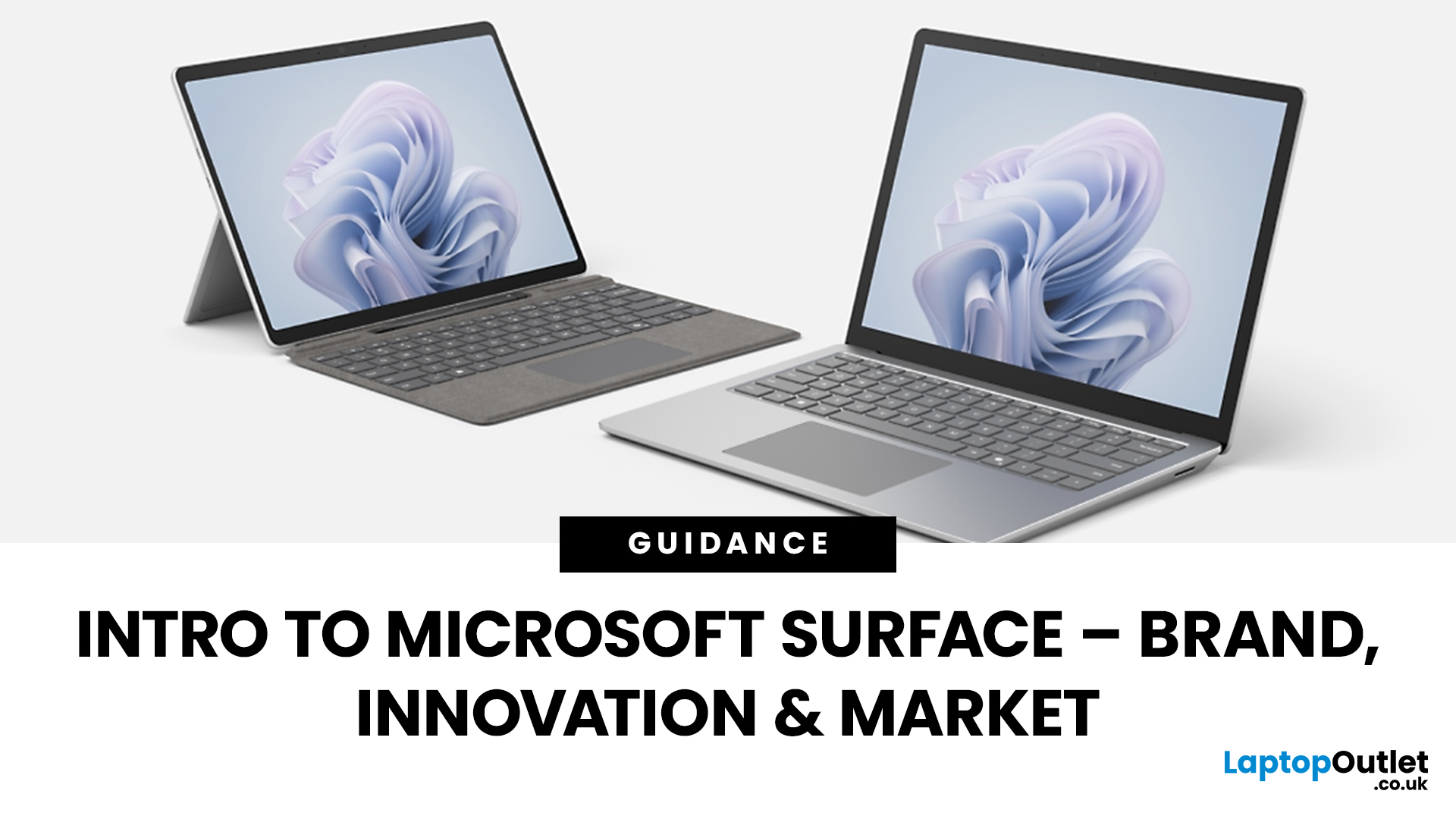
Since the debut in 2012, Microsoft’s Surface line has redefined the laptop and hybrid device market. Known for sleek design, advanced features, and seamless Windows integration, the Surface range has grown into a powerful competitor in both business and consumer segments. This Microsoft Surface brand overview explores the company’s innovation journey, the role of AI-powered laptops, how Surface compares to rivals like Apple MacBook, and its evolving market position in 2025.
Microsoft Surface Brand Overview
Why the Surface Brand Matters
The Microsoft Surface range has grown from a bold experiment in hybrid computing to one of the most recognisable names in premium laptops and 2-in-1 devices. In 2025, it represents not just sleek hardware but also a gateway to Microsoft’s wider ecosystem of AI-powered tools, Windows 11 innovations, and cloud services. From the ultra-portable Surface Go to the powerhouse Surface Laptop Studio, every device reflects Microsoft’s mission to balance design,
Last Updated: October 28, 2025
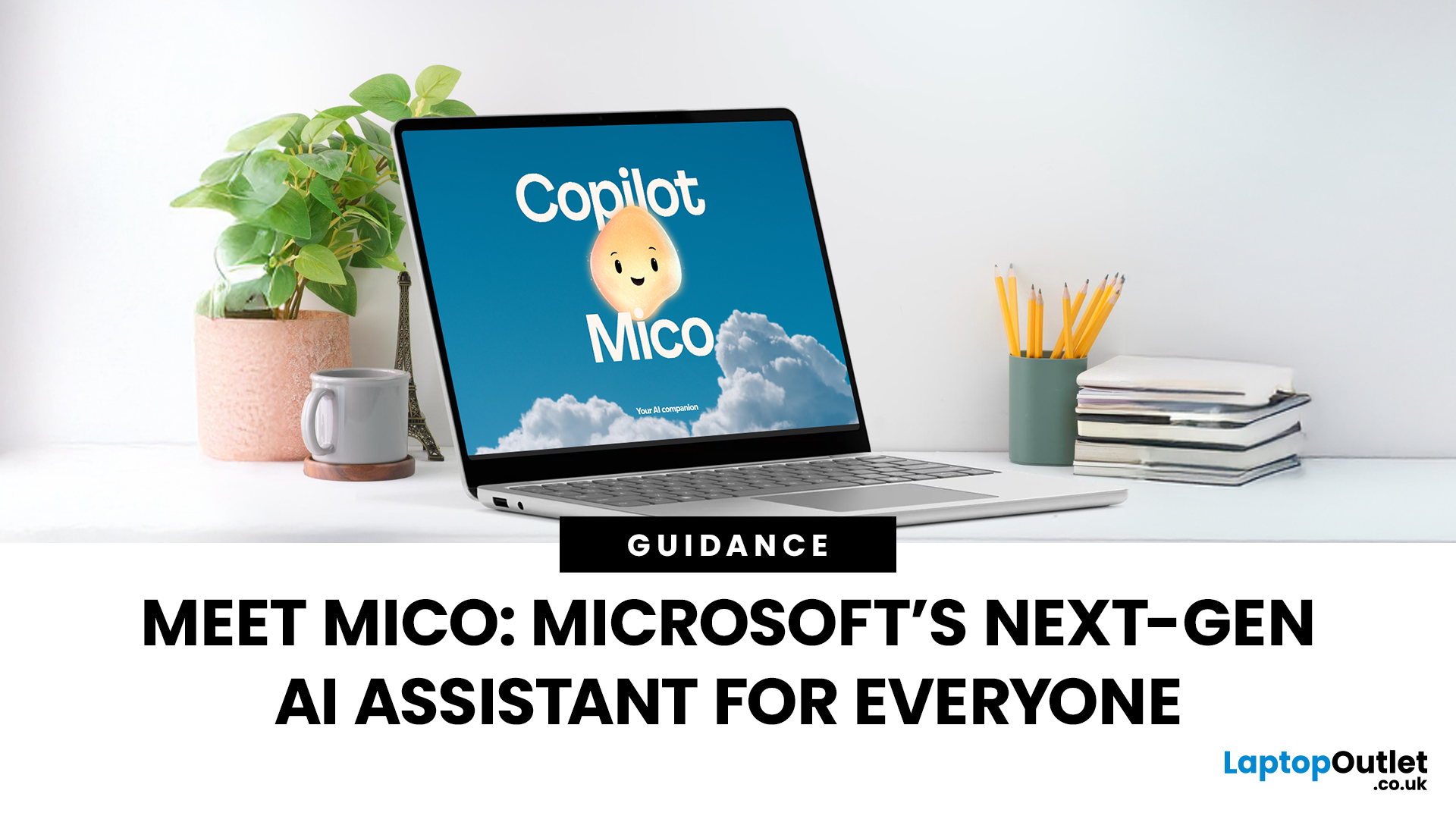
Meet Mico ... Microsoft’s brand-new AI companion that gives Copilot a friendly face and a touch of personality.
Mico isn’t just another chatbot. It’s designed to feel more human, to listen, react, and adapt to your mood and style. Whether you’re working, studying, or just having a chat, Mico aims to make your experience with technology warmer and more natural — almost like talking to a digital friend who actually gets you.
In this article, we’ll cover everything you need to know about Microsoft’s new AI companion, Mico - what it is, how it works, why it matters, and how it could change how you use your laptop.
What exactly is Mico?
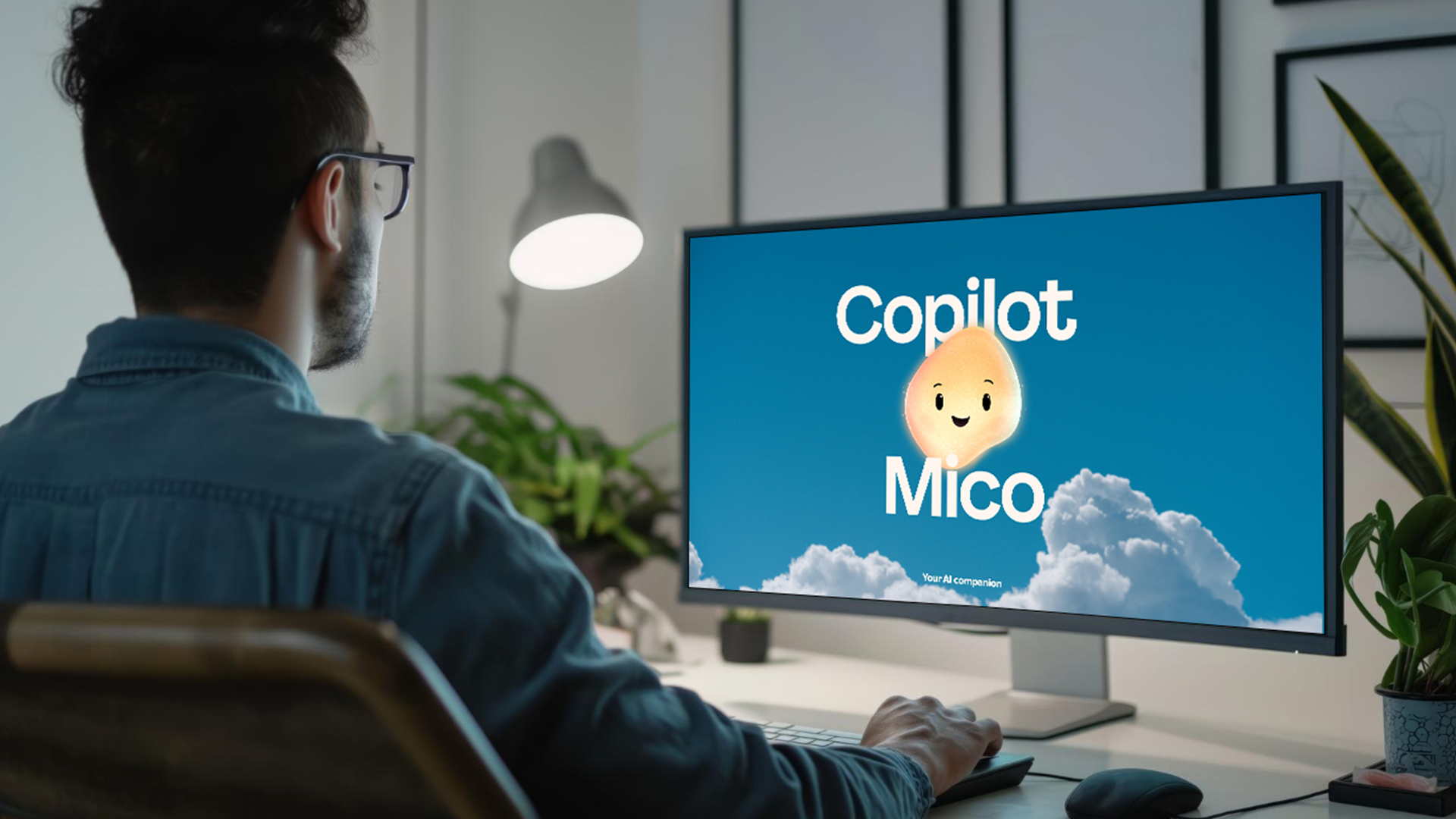
Microsoft has quietly taken a big step in reshaping its AI assistant by introducing Mico, a more expressive, human-centred avatar for Copilot. Rather than simply another chatbot, Mico offers a visual character and voice interaction to make AI feel friendlier and more natural. According to reports, it “listens, reacts, adapts to your vibe” and changes colour

Last Updated: November 05, 2025
AI assistants are rapidly becoming part of our digital daily lives - helping with writing, searching, summarising, and smarter interfaces. Microsoft is no exception, offering its flagship assistant Microsoft Copilot and now introducing a newer companion named Mico. While they share purpose and technology, they are not exactly the same. Let’s explore what each one is, how they differ, when you might use one over the other, and what it means for users and organisations.
What is Microsoft Copilot?

Microsoft Copilot is Microsoft’s generative-AI assistant platform, built to integrate deeply into its software ecosystem (Windows, Microsoft 365, Edge, Bing) and to assist with productivity tasks, information gathering, content creation, and workflows.
Key capabilities
- It can summarise documents, draft emails or reports, generate content, analyse data in Excel, build slides in PowerPoint, and support meeting recaps in Teams.
- It is powered by large-language models (LLMs) and integrated contextual

Last Updated: January 21, 2026
There’s a reason people still say “Just get a Surface” when someone asks for a serious Windows tablet.
In a world full of Android slates, experimental hybrids, and ultra-cheap tablets that barely last a year, Microsoft Surface tablets have carved out a very specific reputation:
clean design, proper productivity, and devices that feel like Windows was made for touch - because, well, it was.
In 2026, Surface tablets aren’t trying to chase trends. They’re refining what they already do best: turning tablets into genuinely useful computers that flex between work, study, creativity, and everyday life.
Why Microsoft Surface Tablets Still Set the Standard
When Microsoft launched the first Surface, it wasn’t just another tablet. It was a statement:
Windows doesn’t belong to laptops only.
Fast forward to 2026, and Microsoft Surface 2-in-1 tablets are still the reference point for the entire category. Whether you’re looking at Detachable tablets, Surface 2-in-1 devices, or Windows touchscreen tablets,

Last Updated: March 13, 2026
Choosing the right ASUS monitor with a webcam can significantly simplify how modern meeting rooms operate. As hybrid work becomes the norm, businesses are looking for cleaner, more efficient conferencing setups that don’t rely on multiple external peripherals. An integrated solution that combines display, camera, microphone, and speakers into one device makes deployment faster and more cost-effective. For small meeting spaces and huddle rooms in particular, an ASUS business monitor with speakers and a built-in webcam offers a practical alternative to a full conferencing kit.
What to Know About Microsoft Teams Rooms Compatibility
It’s important to clarify how an ASUS monitor with webcam fits into a Microsoft Teams Rooms environment.
Microsoft Teams Rooms (MTR) systems are typically powered by a dedicated PC or collaboration bar. The monitor itself is not the Teams Rooms system, instead, it acts as the display and USB conferencing endpoint. When paired with a Teams-enabled PC, many ASUS
Last Updated: April 06, 2026
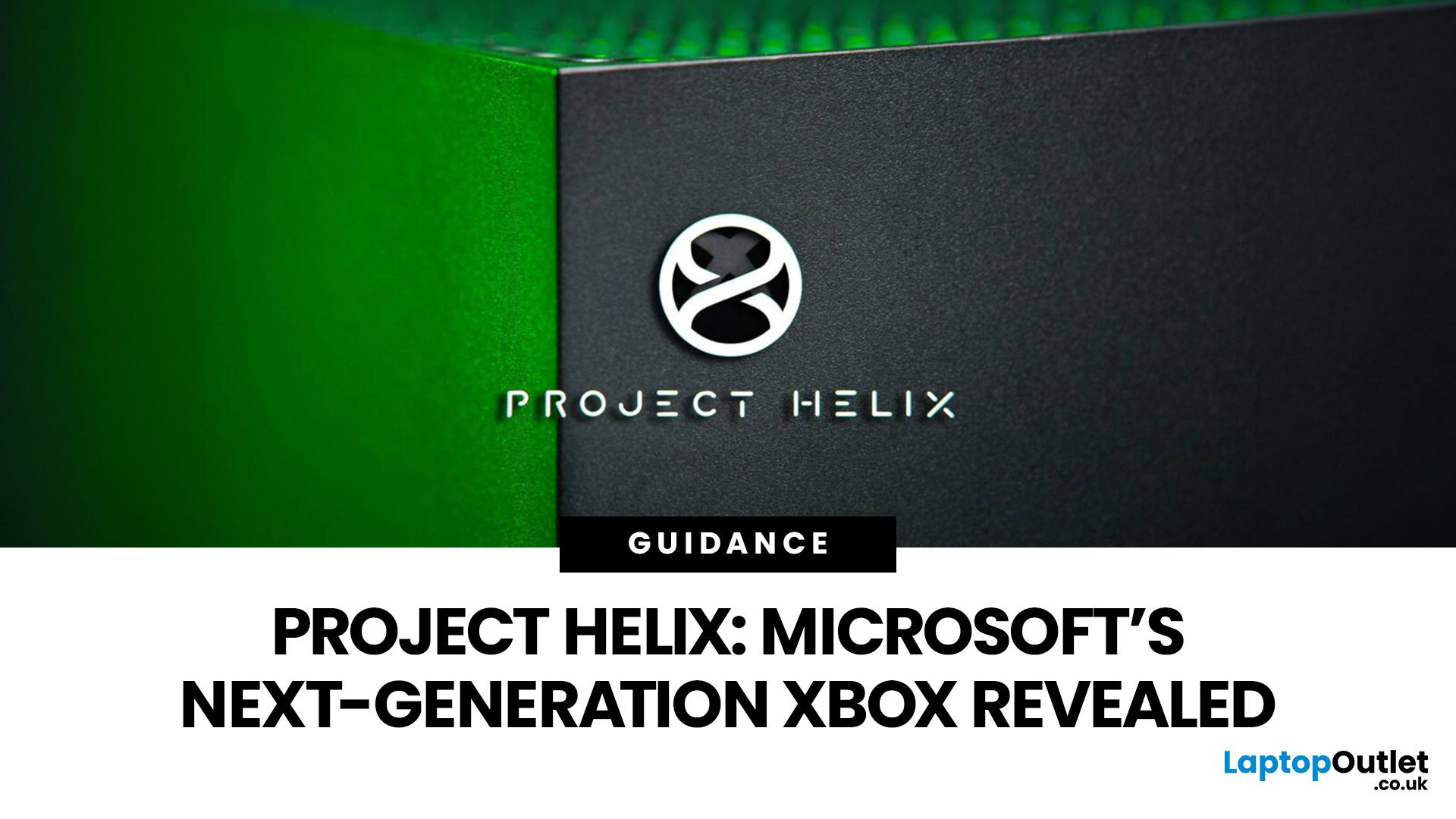
The gaming industry is once again on the brink of transformation, and Microsoft appears ready to lead the charge. Enter Project Helix, the rumoured next-generation Xbox console that could redefine not only console gaming but the entire ecosystem connecting Xbox, PC, and cloud platforms.
With increasing competition from Sony, rapid advancements in hardware, and the growing dominance of cloud gaming, Microsoft’s strategy has evolved far beyond traditional consoles. Project Helix is expected to embody this evolution, merging power, flexibility, and innovation into one unified gaming experience.
In this deep dive, we’ll explore everything we know (and what we can reasonably expect) about Project Helix, including its potential features, hardware specifications, release window, and how it could shape the future of gaming.
What Is Project Helix?
Project Helix is widely believed to be Microsoft’s codename for its upcoming next-gen Xbox console, likely targeting a release around 2026 or beyond.

Last Updated: April 06, 2026
As Microsoft continues to reshape its gaming ecosystem, attention has shifted towards what comes next after the current Xbox Series generation. One of the most talked-about developments is Project Helix, a name that has started to surface in discussions around the future of Xbox. If you are trying to understand about Project Helix, what it could mean for gamers, and how it fits into broader Microsoft gaming plans, this guide breaks it down in a clear, practical way.
What is Project Helix?
At its core, Project Helix explained simply is this: it is believed to be Microsoft’s next major step in Xbox development, potentially tied to the next generation of hardware, cloud integration, and platform evolution. While Microsoft has not officially confirmed full details, industry reports and development signals suggest that Project Helix is not just a single device. Instead, it appears to be part of a wider strategy that blends:
- New Xbox hardware
- Cloud gaming expansion
- Deeper integration with Windows
Last Updated: July 06, 2026
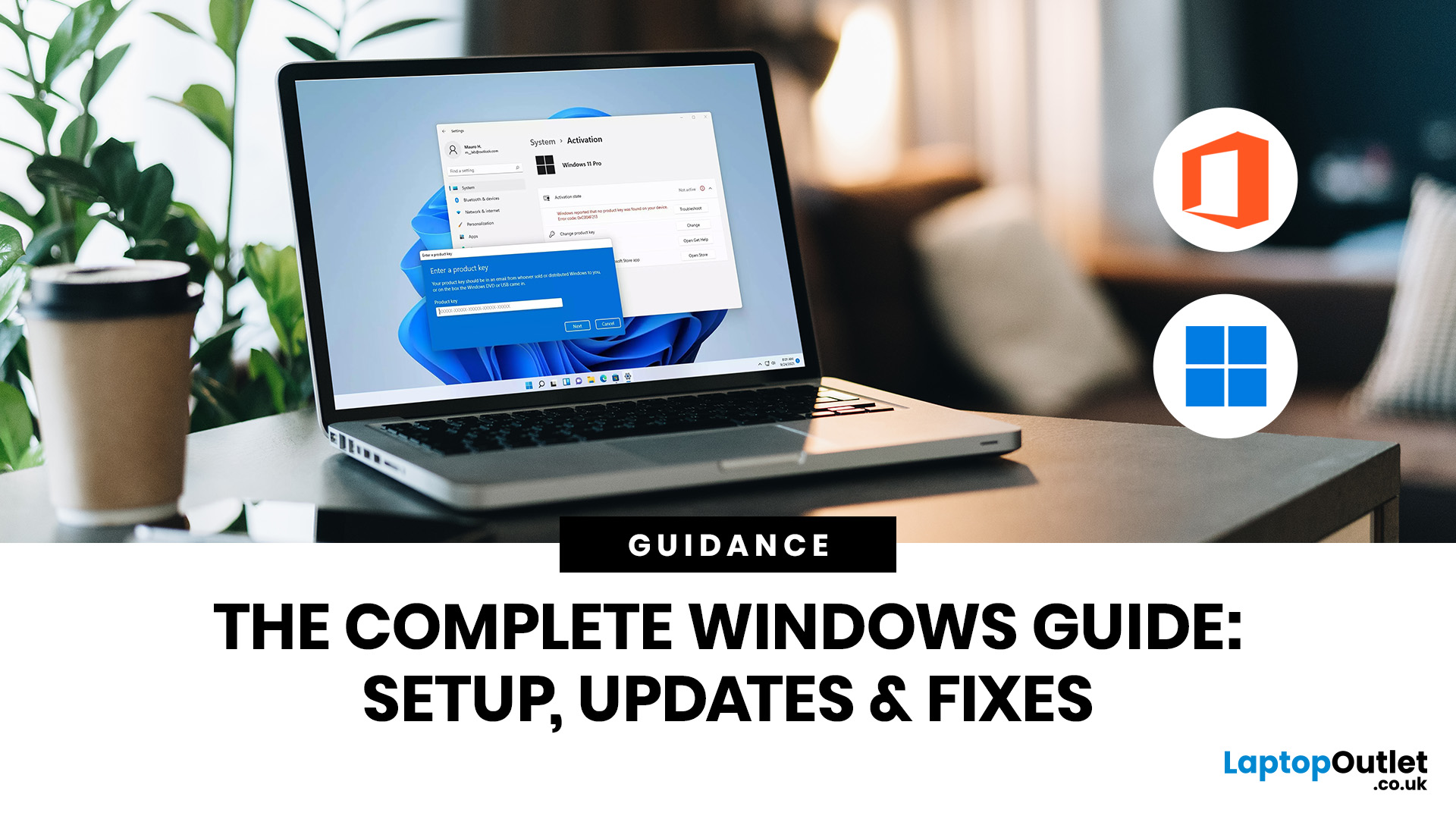
If you need to activate Windows Office key products on a new or existing device, the good news is that the process is usually straightforward once you know which licence you have. Whether you are looking for a Windows activation guide, Microsoft Office activation steps, or a quick fix for an activation error, this guide walks you through it in plain English.
Windows 10 and Windows 11 can be activated with either a 25-character product key or a digital licence, while Microsoft 365 and standalone Office versions are typically activated by signing in with the Microsoft account, or work or school account, linked to the purchase.
What is a Microsoft Activation Key?
A Microsoft activation key is usually a 25-character code used to activate Windows or redeem certain Office purchases. For Windows, activation depends on either a product key or a digital license. For newer Office and Microsoft 365 products, the Microsoft account attached to your purchase often replaces the product key for reinstalling
Last Updated: June 10, 2026
Microsoft is updating Windows Secure Boot certificates before they begin expiring in June 2026. Most supported Windows PCs will receive the update automatically, but users should check Windows Update, Secure Boot status, BIOS/UEFI firmware, and BitLocker recovery key access to avoid future security issues.
Microsoft is rolling out an important Windows Secure Boot update before older Secure Boot certificates begin expiring in 2026. For most home users on supported Windows devices, the update should arrive automatically through Windows Update. But if your PC is older, managed by an organisation, running Windows 10 without Extended Security Updates, or has outdated BIOS/UEFI firmware, you may need to check your device before June 2026.
Secure Boot is the Windows security feature that helps ensure your PC starts using trusted software only. Microsoft says Secure Boot certificates originally issued in 2011 begin expiring in June 2026, and devices need newer 2023 certificates to keep receiving

