



Samsung Galaxy Book vs Chromebook: Everyday Laptop vs Lightweight Option
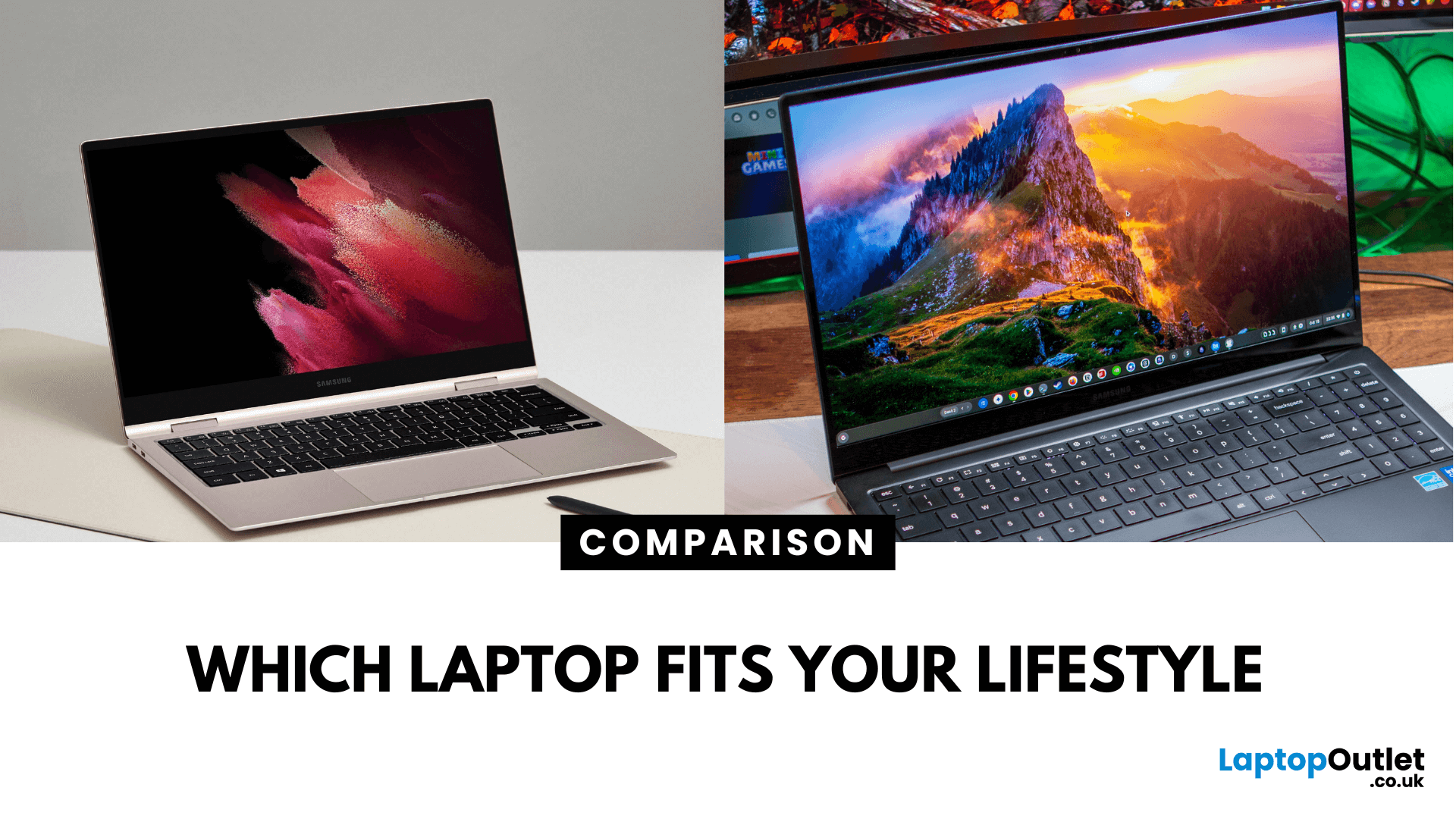
What’s the Key Difference?
Samsung Galaxy Book is Samsung’s line of Windows laptops offering powerful hardware, rich feature sets, and mature software support -built for productivity and creativity. Chromebooks run Chrome OS—Google’s streamlined, cloud-centric platform built for speed, web apps, and light computing.
Fundamentally, Galaxy Books deliver full Windows power; Chromebooks deliver lightweight simplicity.
Feature Comparison Table
|
Feature |
Samsung Galaxy Book |
Chromebook |
|
Operating System |
Windows – full desktop environment |
Chrome OS – cloud-first, lightweight platform |
|
Performance & Hardware |
Premium processors, abundant RAM & storage |
Lighter processors and configurations tailored for basic tasks |
|
Design & Build |
Sleek, stylish, built for mobility and premium feel |
Ultra-light, minimalistic, highly portable |
|
Battery Life |
Strong battery for Windows usage |
Excellent battery due to efficiency of Chrome OS |
|
Portability |
Lightweight for a Windows laptop |
Extremely portable with featherweight designs |
|
Price (UK Estimate) |
Premium - typically £1,000+ |
Budget friendly – often in the £300–£600 range |
|
Best For |
Power users, creators, professionals needing Windows apps |
Students, casual users, cloud-first workflows |
1. Performance & Software Freedom
- Galaxy Books deliver the full Windows experience—great for multitasking, creative software, and full-featured productivity suites. You get the flexibility to run legacy applications like Photoshop, Microsoft Office, and other desktop software.
- Chromebooks, on the other hand, focus on web and cloud—excelling at browser-based tasks, Android apps, and light office work. They're fast, secure, and easy to manage, but not designed for heavy software.
If you need complete desktop functionality, Galaxy Book is the better fit. If you prefer simplicity and are mostly online, Chromebook is ideal.
2. Design, Weight & Portability
- Galaxy Books are impressively light for Windows laptops, with sleek metal designs built for style, great for commuting or line-ups where presence matters.
- Chromebooks tend to be thinner and feather-light, perfect for tossing into bags or carrying for long periods—simplicity taken to the extreme.
Need a full-capability laptop that’s still stylish and mobile? Choose Galaxy Book. Want maximum portability with no frills? Chromebook wins.
3. Battery Life
- Galaxy Books offer solid battery performance tailored for full Windows usage—efficient but with heavier loads.
- Chromebooks, thanks to Chrome OS’s efficiency, often deliver longer battery life in real-world use—making them high performers on single-charge days.
For longevity on the go, Chromebook has the edge. But Galaxy Books still offer commendable endurance considering their Windows power.
4. Software Ecosystem & Flexibility
- Galaxy Books give you full access to Windows ecosystems—software installations, power tools, and expandability.
- Chromebooks are centred around cloud services, web apps, Android, and Linux applications. They’re excellent for Google workspace users but limited if you rely on desktop software.
Power and flexibility? Galaxy Book. Streamlined, secure cloud usage? Chromebook is the move.
5. Price & Value
- Galaxy Books are positioned in the premium tier—expect to spend north of £1,000 for a refined and capable device.
- Chromebooks shine in affordability—lots of options under £500–£600 offering great value for everyday tasks. In 2025, they remain a go-to on tight budgets or as school laptops.
If you want a long-lasting, high-performance machine and can invest more, Galaxy Book is worth it. If price is a key concern and your needs are lighter, Chromebook delivers strong value.
Pros & Cons
|
Device Series |
Pros |
Cons |
|
Samsung Galaxy Book |
Full desktop software Sleek design Strong performance |
Pricey Slightly heavier than Chromebooks |
|
Chromebook |
Lightweight Budget priced Excellent battery Cloud-based security |
Limited offline capability No native Windows apps |
Which Should You Choose?
Samsung Galaxy Book: Perfect for professionals or creatives who need full Windows functionality, software compatibility, and refined design. Chromebook: Best for students or users who want a fast, light, and affordable device for web-first computing.
Ready to decide? Discover the Samsung Galaxy Book line for power or go for Chromebook ease – shop now to find what fits your everyday life.
FAQs
Q1: Can Chromebooks run Windows programs?
No—Chromebooks operate on Chrome OS and don't natively support Windows applications.
Q2: Are Chromebooks cheaper than Galaxy Books?
Yes. Chromebooks typically cost significantly less, often landing under £500, while Galaxy Books sit in the £1,000+ category.
Q3: Are Galaxy Books heavier than Chromebooks?
Galaxy Books are light for Windows laptops but generally weigh more than ultra-portable Chromebooks.
Q4: Which lasts longer on battery?
Chromebooks often achieve longer battery life due to their efficient software. Galaxy Books still deliver strong performance endurance given their capabilities.
Summary
The Samsung Galaxy Book is a premium Windows-based laptop family, designed for power users who need full desktop software, sleek design, and strong performance. The Chromebook, powered by Chrome OS, focuses on web and cloud-first use - lightweight, affordable, and user-friendly. Choose Galaxy Book for full desktop flexibility; choose Chromebook for simplicity and portability.
| Read More: |
| The 5 Best Business Laptops by Samsung |
| How to View a Broken Phone Screen on a Samsung Laptop: Your Comprehensive Guide |
| Budget-Friendly Samsung Galaxy Book for University Students |
Related Articles

Last Updated: December 12, 2025
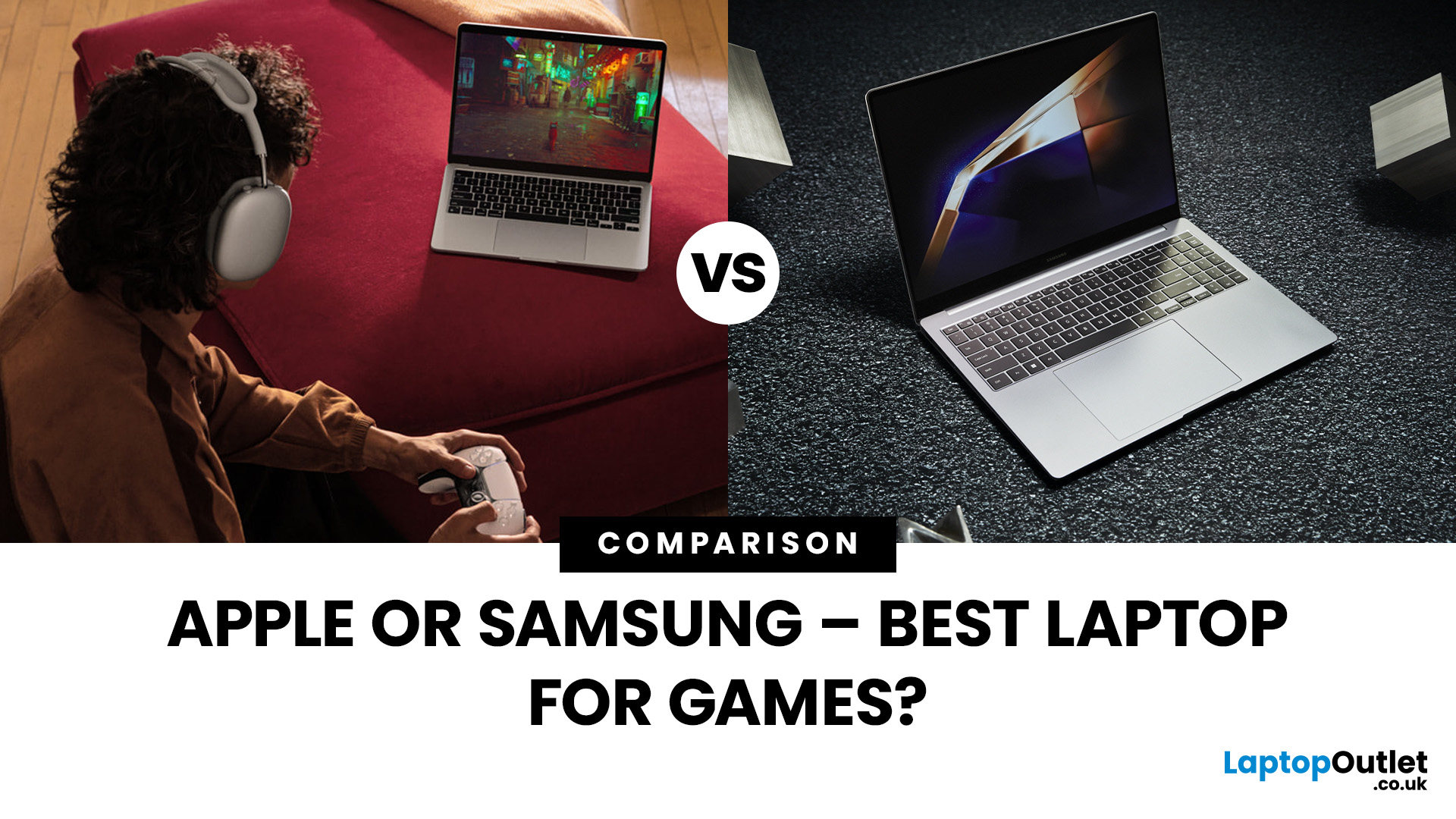
Are you in the market for a new gaming laptop and wondering what to choose between Samsung or Apple?
If you're even remotely familiar with the gaming arena, then you've no doubt heard of two big names which emerged as frontrunners in the high-stakes race of gaming laptops: Samsung and Apple. The latest Samsung models are super thin and ultraportable, and gaming on them may be mediocre if you stick to older titles. On the other hand, Apple laptops are technically suitable for demanding tasks like video editing and creative design as they have powerful CPUs, but the price may dig a big hole in your pocket. So, what to choose?
To provide you with a definitive answer, this guide covers everything from hardware and performance to laptops' design and user experience.
So, let's get started!
Samsung Laptops (Window-Based)
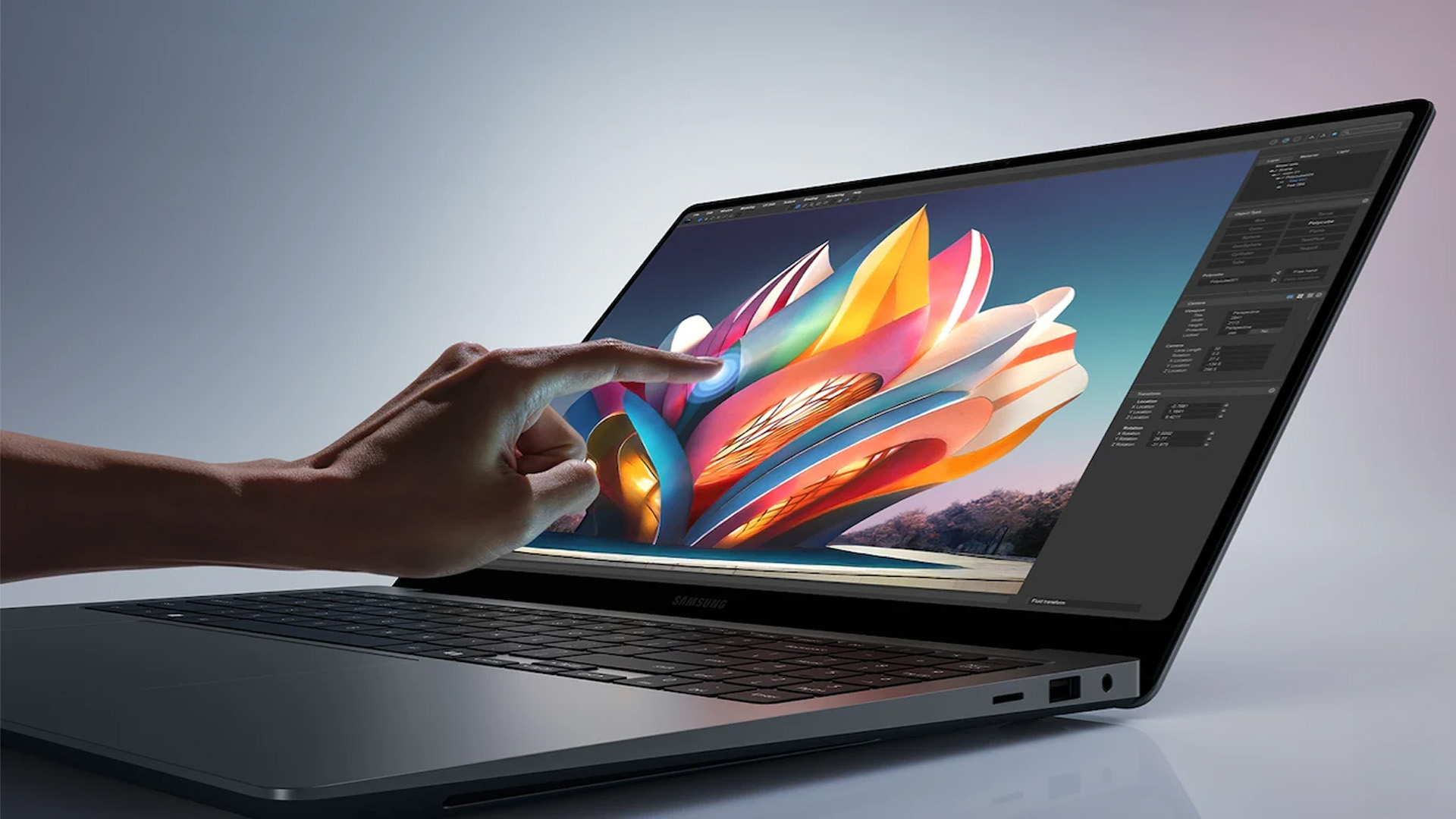
Samsung stands out among the top leading electronics brands in the world. Their laptops are best known for their innovative designs, spectacular build quality, colour-accurate

Last Updated: April 03, 2026
Finding the right laptop for your business is a very important decision. In the modern corporate world, you need a device that is fast, stylish, and easy to carry between meetings. Samsung has become a major player in the laptop market. They are famous for their amazing screens and how well their devices work together.
In this blog, we will look at the 5 best Samsung business laptops. Whether you are a small business owner or a corporate professional, Samsung has a "Galaxy Book" for you. We will look at the specs and explain how these features will help your work life.
Why Choose Samsung Laptops for Business?
Samsung laptops are perfect for business because they are built to be thin and light. This makes them ideal for people who travel or work from different offices.
One of the best reasons to choose Samsung is the "Galaxy Ecosystem." If you already use a Samsung phone or tablet, your laptop will sync with them perfectly. You can share files instantly and even use your tablet as a second
Last Updated: July 01, 2025
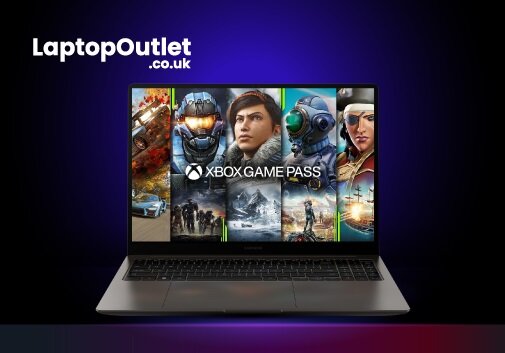
Screen recording on a laptop has become a valuable tool for various reasons. Whether recording your gaming prowess, documenting software processes, or creating in-game tutorials, the screen recording feature lets you capture your favourite moments to share with the world later.
Regardless of the reason, screen recording on a Samsung laptop is relatively simple and can be accomplished with a few simple steps. Thus, if you own a Samsung laptop, you're in luck! You can capture your on-screen gaming activities in multiple ways, ranging from built-in functionalities to powerful third-party applications. The methods offer distinct advantages and cater to different user preferences.
In this article, we will cover the intricacies of each method with step-by-step instructions and additional resources to ensure you capture your gameplay seamlessly.
So, let's dive in!
Method 1: Using Xbox Game Bar
The Xbox Game Bar allows seamless screen recording on a laptop while playing games without
Last Updated: May 19, 2026
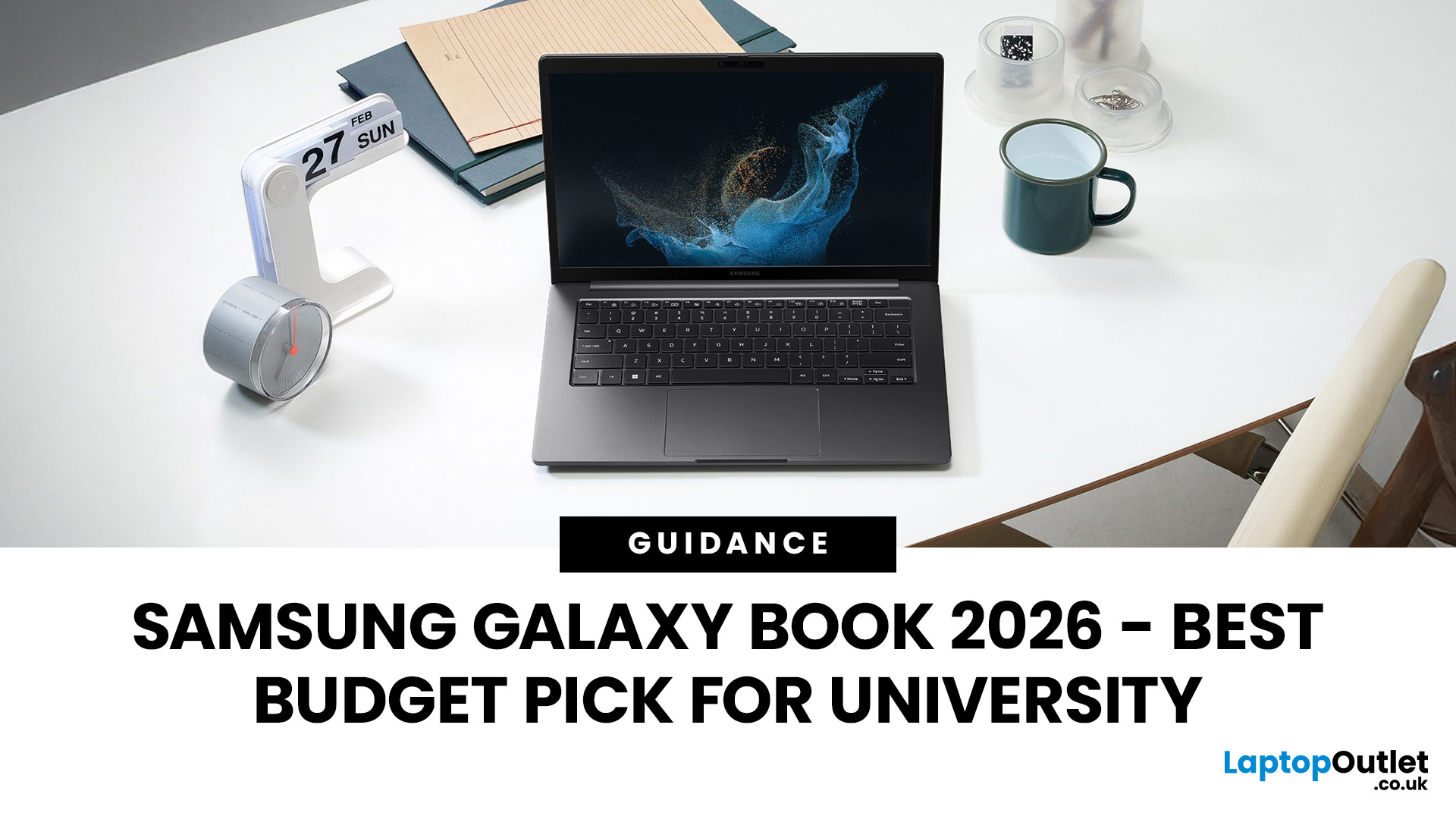
Looking for the perfect laptop that fits your student budget without compromising on performance? The Samsung Galaxy Book series offers the best of both worlds, powerful features at a price point that’s just right for university life.
However, finding a laptop that ticks all the boxes can be overwhelming, especially when balancing a limited student budget with the need for robust performance. This is where the Samsung Galaxy Book laptops step in. Samsung has a strong reputation for blending cutting-edge technology with sleek, functional designs, making its Galaxy Book line a standout option for students. These laptops offer powerful processing, great battery life, and essential features for academic and personal use; all at a price point that makes sense for students. From handling heavy workloads to offering portability and long-lasting battery life, the Galaxy Book range has something for every student.
So, let’s dive right into it!
How Do I Choose a Laptop for University Students?
Last Updated: September 09, 2025
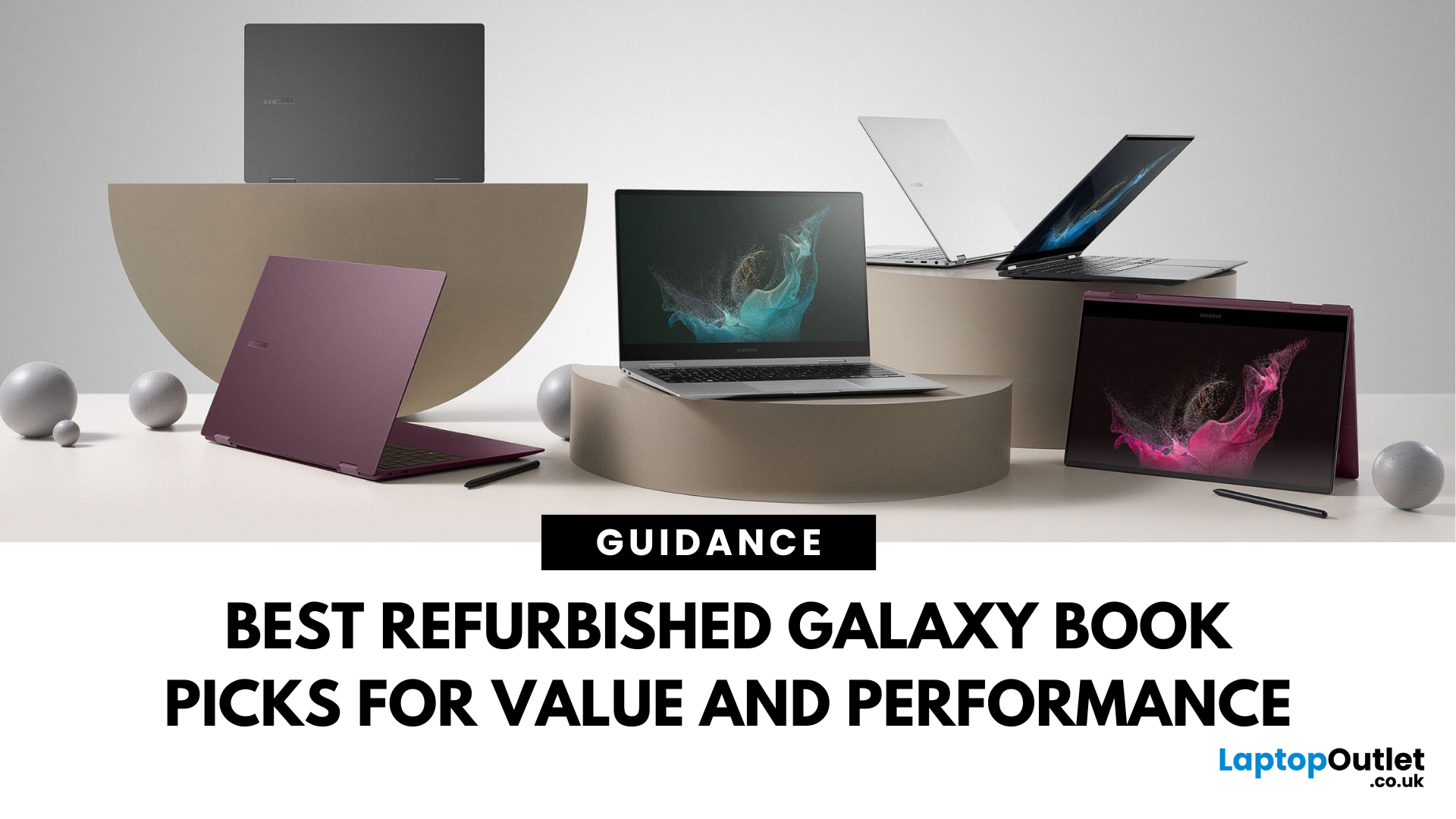
Looking for unbeatable Samsung tech without the flagship price tag? You’re in the right place. Whether you’re after a basic browsing machine or a next-gen 2-in-1 powerhouse, the Refurbished Samsung Galaxy Book lineup has you covered — all at epic prices.
We’ve picked five refurbished Galaxy Book models that punch way above their price point. From under £150 to high-performance convertibles, these laptops deliver insane savings, smooth performance, and certified quality — all backed by Laptop Outlet.
Let’s dive in.
1. Refurbished - Samsung Galaxy Book2 Go 5G – Always Connected, Always Ready (Under £150) 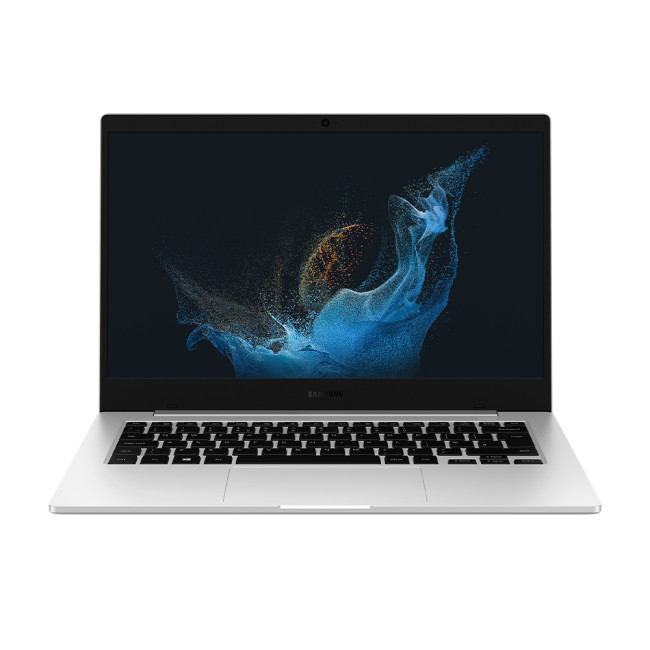
Price: Approx. £150
Model: NP345XNA-KA1UK-AG
Perfect for: Students, light users, travellers, those needing constant connectivity
Why You’ll Love It:
Stay connected wherever you are with this refurbished Samsung Galaxy Book2 Go 5G. Powered by the efficient Qualcomm Snapdragon 7c+ Gen 3 processor and running Windows 11 Home, it offers smooth performance for everyday

