



Essential Features to Look for in a Gaming Laptop (GPU, CPU, Cooling, Display, Storage)
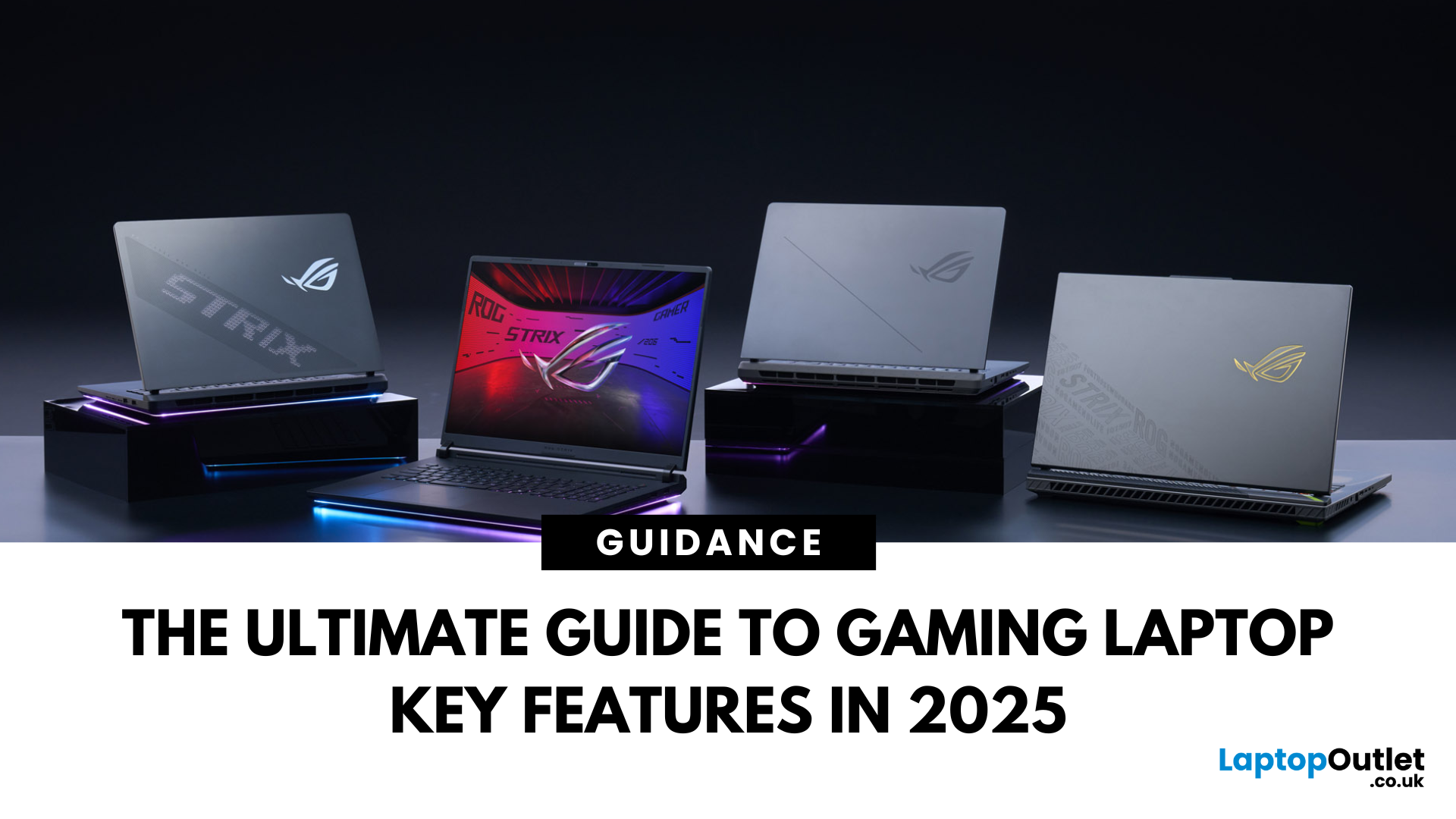
Choosing a gaming laptop today is all about understanding the gaming laptop key features that move the needle foryourgames and workflow. In 2025, the big shifts are real: next‑gen GPUs with AI frame generation, smarter CPUs with onboard NPUs, faster storage that feeds data straight to the GPU, premium displays (OLED/Mini‑LED) at esports‑grade refresh rates, and cooling systems that can keep all of it performing sustainably.
However, what does all of that actually mean when you just want smooth gameplay and a machine that lasts? Below, we have you covered with a clear, up‑to‑date walkthrough of what to look for in a gaming laptop with the evidence to back it. Whether you’re looking at entry-level models around £900, mid-range workhorses at £1,500, or premium powerhouses above £2,000, this guide focuses on the essential gaming laptop key features.
If you’d like a broader perspective from budgeting to comparisons, you can check out our full gaming laptop buying guide.
GPU: the first decision
The GPU (graphics card) is the single most important component in a gaming laptop. It determines frame rates, resolution support, and whether you can switch on advanced visual effects like ray tracing.
What You Need to Know
- NVIDIA RTX 40 & 50 Series: Still the most common in gaming laptops. The RTX 4060–4070 cards dominate the mid-range (£1,000–£1,500), while the new RTX 5070–5090 options lead the premium tier (£1,800+).
- AMD Radeon 7000M/9000M: Often found in more competitively priced models. AMD’s FSR 3.1/4 upscaling gives you performance boosts similar to DLSS.
- Integrated Graphics (Intel Arc / Radeon iGPU): Fine for casual gaming and esports titles like Valorant or Rocket League, but not suited for AAA games.
Gamer’s Tip
- Esports & competitive shooters (CS2, Fortnite, Valorant)→ Go for RTX 4060/4070 is plenty.
- AAA titles with ray tracing (Cyberpunk, Starfield, Alan Wake 2)→ Aim for RTX 5070/5080 or AMD RX 9070M for smooth QHD/4K.
- Futureproofing for 3–5 years→ The newer RTX 50 series or upcoming AMD 9000 series is the safer bet.
Budget Tip:Don’tblow your budget on CPU upgrades if your GPU is weak. The GPU is where most of your gaming performance comes from. In the UK, many retailers now offer gaming laptop pay monthly finance options, making it easier to spread the cost.
CPU: modern efficiency + AI assist
While the GPU handles visuals, the CPU drives the rest of the system. In 2025, CPUs do more than process instructions - they often include NPUs (Neural Processing Units) to accelerate AI tasks.
What You Need to Know
- Intel Core Ultra (14th Gen): Now includes dedicated NPUs (neural processing units) for AI-based tasks. Great if you also create content.
- AMD Ryzen 7000/8000 AI Series: Strong multitasking and energy efficiency, excellent for gaming + productivity hybrids.
- Don’t over-invest: For most gamers, an Intel Core i7 or Ryzen 7 is more than enough. i9/Ryzen 9 makes sense only if you stream, edit 4K video, or run demanding software alongside games.
Gamer’s Tip
Pair your GPU and CPU wisely. An RTX 5080 paired with a weak CPU will bottleneck performance. Likewise, a Ryzen 9 with a budget GPU is wasted money.
Cooling: the difference between “fast” and “stays fast”
All the performance in the world is useless if your laptop overheats and throttles. Gaming laptops run hot, and cooling is a critical buying factor.
What You Need to Know
- Look fordual-fan setups,vapour chambers, or evenliquid metal thermal paste.
- More advanced cooling keeps performance stable and fans quieter during long sessions.
- Standard laptops typically use single-fan systems that quickly struggle under gaming loads - one of the clearest differences in thegaming vs standard laptopdebate.
Gamer’s Tip
Always read reviews that includethermal tests. Specs look amazing on paper, but poor cooling will throttle performance. If a laptop advertises a sophisticatedgaming laptop cooling system, check customer’s feedback for sustained clocks and noise under a 30‑minute stress/game loop.
Display: speed, clarity, and consistency
Panels are where laptops feel “premium” every minute. Three things to prioritise when choosing a laptop panel:
What to Look For
- Resolution:
- 1080p → Good for budget and esports.
- 1440p (QHD) → Best balance of visuals and performance.
- 4K → Stunning but heavy on the GPU. More suited to creators.
- Refresh Rate: 120 Hz is the bare minimum. 240 Hz is standard for competitive gamers.
- Panel Tech: IPS panels dominate, but OLED and Mini-LED offer deeper blacks, HDR, and brighter visuals.
Gamer’s Tip
- Competitive players → Prioritise refresh rate over resolution.
- RPG/AAA gamers → A QHD OLED/Mini-LED panel gives immersive visuals worth the extra cost.
Storage: fast NVMe + DirectStorage
An NVMe SSD isn’t just about boot speed; withMicrosoft DirectStorage, games can stream assets directly from the SSD to the GPU, reducing CPU overhead and cutting loads (Microsoft cites meaningful reductions when supported).
What You Need to Know
- Minimum: 512 GB SSD.
- Recommended: 1 TB NVMe SSD for smooth load times.
- Best Setup: A laptop with a secondary NVMe slot so you can upgrade later without paying a premium upfront.
Gamer’s Tip
Prefer two M.2 slots for growth; PCIe 4.0 is the norm and plenty fast, while PCIe 5.0 remains rare on laptops and not yet critical for gaming.
RAM: multitasking power
RAM (Random Access Memory) is what lets your laptop juggle multiple tasks at once. Games today demand more memory than ever, especially open-world titles that constantly load assets in the background.
What You Need to Know
- 16 GB DDR5→ This is the sweet spot for modern gaming laptops in 2025.
- 32 GB DDR5→ Worth it if you’re a streamer, content creator, or someone who likes to run Chrome with 50 tabs open while gaming.
- 64 GB+→ Overkill for pure gaming. It only makes sense for professionals working in 3D rendering, video editing, or other workstation-level tasks alongside gaming.
- DDR5 vs DDR4→ Most gaming laptops now ship with DDR5, which is faster and more efficient than DDR4. If you’re buying in 2025, stick with DDR5 unless you’re on a tight budget.
Gamer’s Tip
For 95% of gamers, 16 GB DDR5 is enough, while 32 GB is the “comfort zone” for streamers or creators. What matters more is making sure your laptophas an extra RAM slotso you can upgrade later if your needs change.
Connectivity: power & quality-of-Life
Connectivity is often overlooked, but it defines how easy your gaming laptop is to live with day-to-day. In 2025, new standards are making a big difference for both gamers and creators.
What You Need to Know
- Wi-Fi 7 (802.11be):The new gold standard for wireless gaming.
- Thunderbolt 5 / USB4:The one-port solution for external GPU docks, fast SSD arrays, and multi-monitor setups over a single cable.
- USB-PD 3.1 (240 W):Standardised USB-C charging at up to 240 watts.
Gamer’s Tip
Don’t just check CPU and GPU, look atports and wirelessbefore buying. If portability matters, consider laptops that supportUSB-C 240 W charging, so you can leave the brick at home.
Expert Buying Insights for a Gaming Laptop (so you don’t overspend)
- Balance for your games.Competitive shooters? Prioritise a strong mid‑range GPU and a 240–300 Hz panel with VRR. Open‑world RPGs? Lean into higher‑tier GPUs and OLED/Mini‑LED for HDR depth.
- Think in wattage, not just model names.The same GPU name can ship at very different TGPs—performance follows power and cooling.
- Don’t ignore software.A good control centre with per‑game profiles (power/thermal/fan curves) pays dividends in noise and comfort.
- Plan upgrades.Two M.2 slots and accessible RAM extend life more than a slightly faster CPU ever will.
- Keep perspective on “new vs value.”With RTX 50 rolling out, RTX 40 laptops are heavily discounted and may deliver 90–95% of the experience for far less cash.
What’s New in Gaming 2025 (and why it matters)
- GPUs got smarter.NVIDIA’s GeForce RTX 50‑series (Blackwell) laptops added DLSS 4 with multi‑frame generation, Reflex 2 latency cuts, and neural features—aimed at lifting frame rates and responsiveness without absurd power draw.
- DLSS 4 support is spreading.As of mid‑August 2025, DLSS 4 is reported in 175+ games and apps, with more big releases queued, meaning the tech is no longer niche.
- AMD’s RDNA 4 is here (on desktops first).Radeon RX 9000 launched on 28 Feb 2025, with revamped ray‑tracing and AI acceleration—useful context if you’re weighing brand roadmaps and thefuture of gaming laptopsas mobile derivatives arrive.
- CPUs added brains (NPUs).Intel’s Core Ultra 200 family (Lunar Lake and siblings) broadened the mobile lineup, with NPUs baked in for AI features and power management. That helps day‑to‑day efficiency and background tasks, while pure gaming frames still hinge more on the GPU.
- Connectivity and power are levelling up.Thunderbolt 5 boosts peak bandwidth to120 Gbpsin Bandwidth Boost mode for multi‑display and high‑speed I/O;Wi‑Fi 7 (802.11be)brings wider 320 MHz channels, Multi‑Link Operation and 4K‑QAM;USB‑PD 3.1enables up to240 Wover certified USB‑C. Together, that means cleaner desks, faster transfers and fewer chargers.
We’ve also covered the evolution of gaming laptops and key market trendsif you’d like to see how these innovations fit into the bigger picture.
Final Thoughts
Choosing a gaming laptop in 2025 is about focusing on the essentials rather than getting lost in spec sheets. The GPU remains the engine of performance, while a capable CPU, reliable cooling, fast storage, and a quality display define your daily experience. RAM and connectivity round out the picture, ensuring your machine feels fast today and stays relevant tomorrow.
Don’t forget that the future of gaming laptops is moving fast from AI-powered GPUs to USB-C 240 W charging but that doesn’t mean you need to overspend. Match the laptop to your games, your lifestyle, and your budget.
And if the upfront cost feels heavy, remember that in the UK there are gaming laptop pay monthly options that let you spread payments without compromising on performance.
FAQs
Do I need the very latest GPU to play smoothly?
Not necessarily. DLSS 4 is expanding quickly, so newer GPUs get extra headroom in supported titles—but discounted prior‑gen parts still offer excellent 1080p–1440p performance at the right price.
Is an NPU actually useful on a gaming laptop?
For pure frames, the GPU dominates. But NPUs on newer CPUs handle background AI tasks (noise removal, webcam effects, power optimisation) with far lower battery cost than doing it on the CPU or GPU—handy if you stream, study, or work between matches.
How much RAM and storage should I get today?
Aim for 16GB minimum, 32GB if you stream or edit video. For storage, start at1 TB; individual games routinely exceed 100 GB, and Direct Storage benefits from fast NVMe drives. Leave a second M.2 slot free if you can.
Does VRR really make a difference on a laptop?
Yes. VRR (AdaptiveSync/G‑Sync/FreeSync) matches the panel to the GPU’s changing frame rate, reducing tearing and stutter—especially noticeable in open‑worlds where fps fluctuates. It’s one of those features you don’t want to give up once you’ve tried it.
| Read More: |
| Best gaming laptops with Nvidia Graphics cards |
| Top gaming laptops for esports based on performance and features |
| What Is the Best Budget Gaming Laptop to Buy? |
Related Articles

Last Updated: May 21, 2025
Last Updated: September 09, 2025

Last Updated: June 17, 2025
Last Updated: September 09, 2025
Last Updated: April 03, 2026
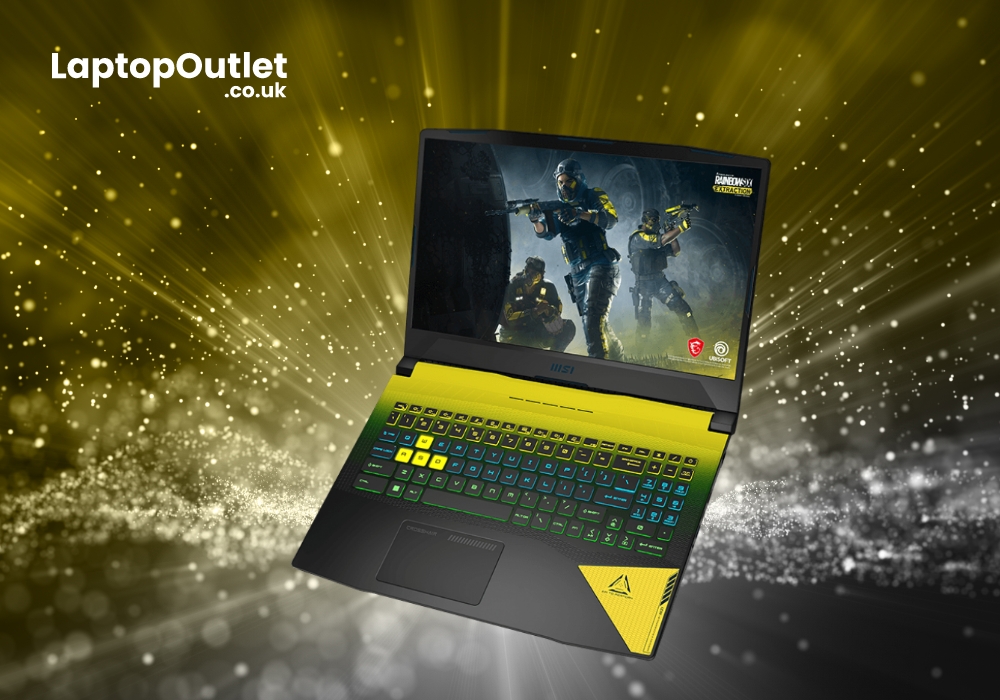
MSI gaming laptops are widespread for their impressive performance, speed, and designs. But what many gamers might not focus on is that MSI laptops are mostly integrated with the latest NVIDIA graphics. The RTX 3060 GPU is the advanced graphics launched by NVIDIA and is mostly found in high-end gaming laptops.
The RTX 3060 laptops surely contribute to the ultimate gaming rigs with overpowering visuals. With laptops encompassing these graphics, you can be assured of running AAA title games. The combination of MSI and RTX 3060 is a firefly for enthusiastic gamers. From providing peak visuals to validating the crispness and accurate detailing in graphics, this GPU card setting is almost perfect for most.
Many MSI Gaming laptops consist of the GeForce RTX 3060 graphics. This automatically makes MSI laptops incredible for sensational gaming sessions. If you are considering buying the latest MSI RTX 3060 gaming laptops, you are on the right track.
In this article, we have tried our best to list

