



Air vs Liquid Cooling: Which is Best for Your PC Build
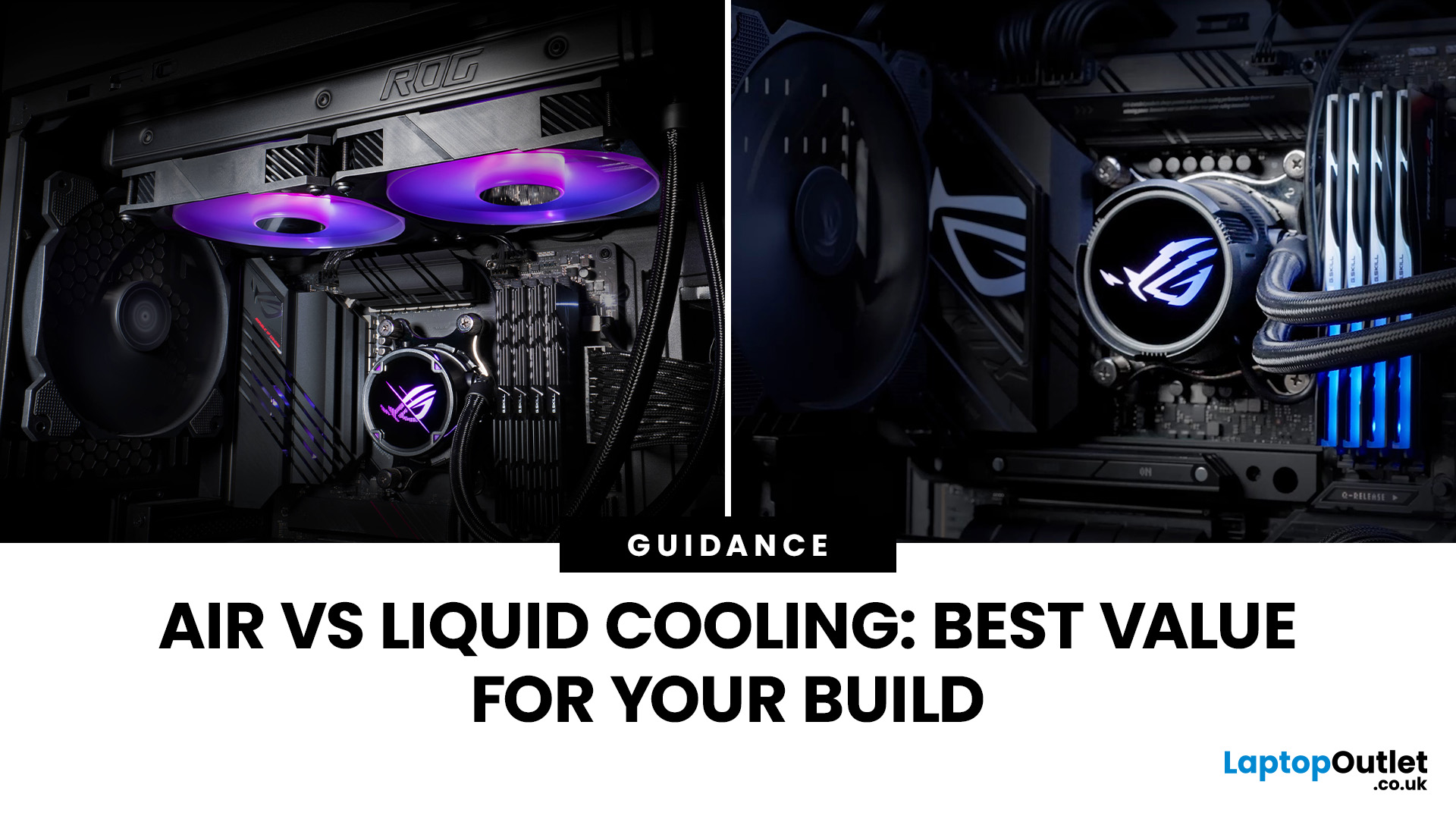
Whether you’re building your dream gaming rig or configuring a high-performance workstation, one of the biggest decisions you’ll face is how to keep your system cool. With modern CPUs and GPUs pushing the limits of performance, thermal management is more important than ever. The debate between air vs liquid cooling PC solutions is one that no serious builder can ignore. In this article, let’s discuss how both cooling methods work, their pros and cons, and which one may be best suited to your particular use case.
How PC Cooling Works: Basics & Why it Matters
To understand the difference between methods, it helps to go back to fundamentals.
Heat Generation in Modern PCs
Every time your CPU or GPU does work, it consumes electrical energy. Inevitably, some of that becomes heat. If that heat isn’t effectively carried away, component temperatures will rise, leading to thermal throttling or even permanent damage.
As such, effective PC cooling solutions are essential for maintaining performance, stability, and longevity. The cooling method you choose affects noise levels, maintenance effort, aesthetics, cost, and, critically, how low your temperatures can go under load.
Key Steps in Cooling
Regardless of approach, most cooling systems rely on the same chain:
- Thermal transfer from the CPU/GPU surface (via thermal paste)
- Conduction or fluid transport to a heat exchanger (heatsink or radiator)
- Removal of heat via airflow or expelled liquid
Air Cooling: Tried and True
What is Air Cooling?
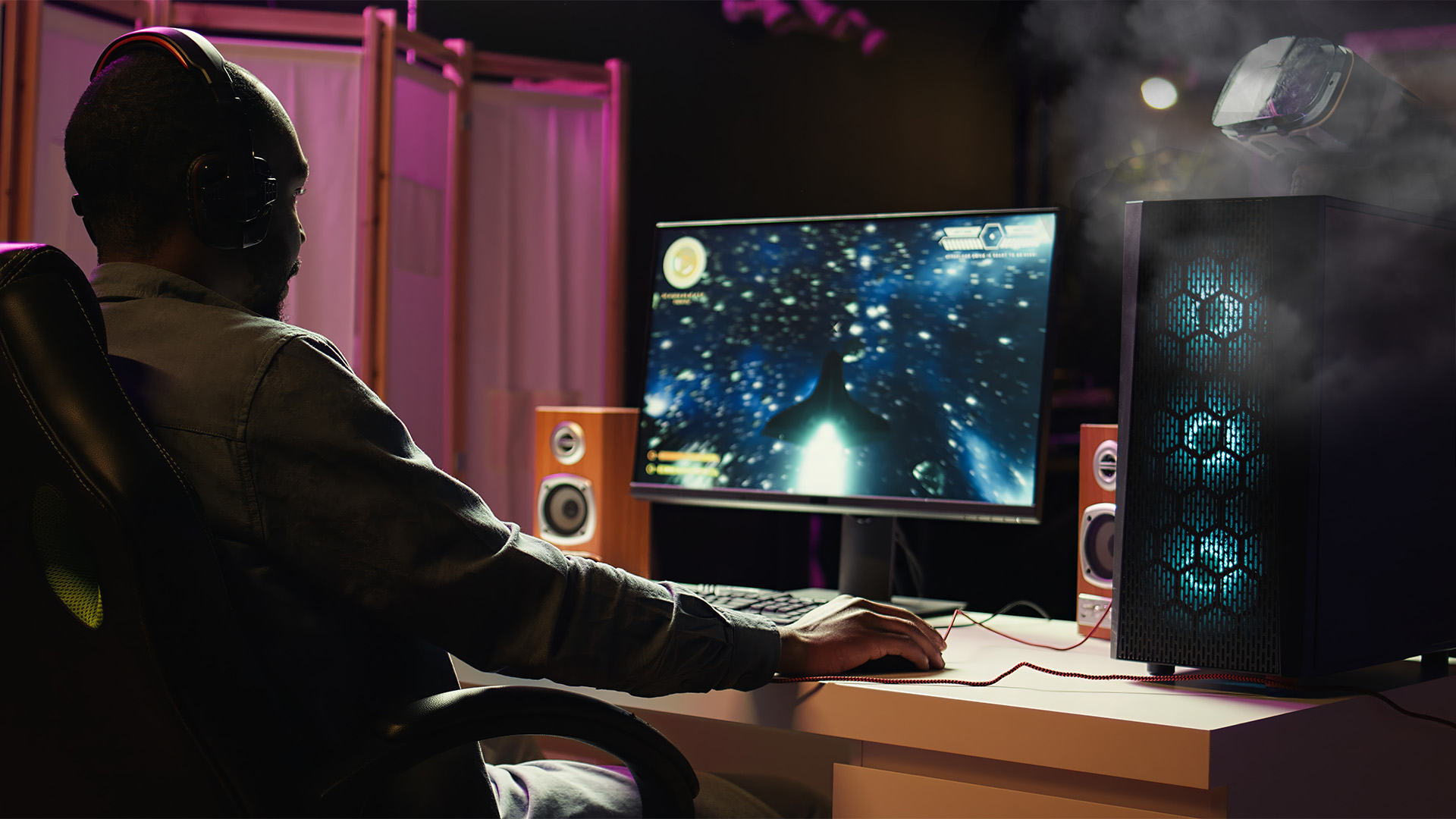
An air cooling setup typically involves a metal heatsink (made of aluminum, copper, or a mixture), heat pipes, and one or more fans. The heatsink contacts the CPU, the heat pipes spread the heat into fins, and the fans push air through those fins to carry heat out of the case.
Benefits of Air Cooling
- Affordability: Air cooler units tend to cost less than equivalent liquid systems, especially when comparing premium models.
- Simplicity and Reliability: Fewer parts mean fewer failure points. No pump, no fluid, no hoses to worry about leaking or failing.
- Ease of Installation: Mounting a tower cooler is generally straightforward, with fewer steps and fewer points of failure.
- Low Maintenance: All you really need to do is periodically clean dust from fins and fans. No fluid changes, no pump checks.
- Durability: A good air cooler can last many years, especially as fans are easy to replace if needed.
Drawbacks of Air Cooling
- Size Constraints: Large tower coolers can be bulky and might conflict with RAM or GPU clearance in smaller cases.
- Noise Under Load: To dissipate higher heat loads, air cooling may need fans spinning at high RPMs, increasing noise.
- Ambient Heat Inside the Chassis: Because the heat is dumped into the case interior before being exhausted, it can raise inside temperatures unless case airflow is excellent.
- Thermal Ceiling: For extreme overclocks or high-power CPUs/GPUs, air cooling may struggle to keep temps sufficiently low for maximum push.
Liquid Cooling (Water Cooling): Pros, Cons & Varieties
What is Liquid Cooling?

Liquid (or water) cooling systems transfer heat via a coolant. The typical architecture includes a water block (on the CPU or GPU), pump, tubing, and radiator(s) with fans. The coolant absorbs heat and is pumped to the radiator, where airflow carries the heat away.
Most consumer liquid cooling is via All-in-One (AIO) sealed units, meaning maintenance is minimal. More advanced users may build custom loops involving reservoirs, multiple radiators, and cooling multiple components (CPU, GPU, VRMs). When evaluating liquid cooling pros and cons, weigh performance benefits against budget and maintenance comfort.
Pros of Liquid Cooling
- Superior Thermal Performance: Liquid coolers often achieve lower CPU temps, especially under sustained high loads, due to better heat transfer and larger radiator surface area.
- Quieter Operation: Radiator fans can run slower, and the pump noise is typically low, making for quieter systems under load.
- Better Heat Dissipation from the Case Interior: Because much of the heat is shuttled outside the main case via the radiator, internal components see lower ambient temperature.
- Aesthetic Potential: Custom loops or RGB-equipped AIOs can be visually striking, giving system builders that “wow” factor.
- Scalability: Custom loops can grow to include GPU, VRMs, memory blocks, etc., giving more holistic cooling coverage.
Cons of Liquid Cooling
- Higher Cost: AIO coolers are costlier than many air systems; full custom loops are expensive.
- More Complex Installation: There are more parts, more steps, and more room for mistakes (tube routing, mounting, pump direction, etc.).
- Potential for Leaks / Pump Failure: While rare in well-designed units, leaks or pump failures can be catastrophic.
- Ongoing Checks: In custom systems, you may need to monitor fluid levels, check tubing, clean or replace coolant periodically.
- Pump Lifespan: The AIO pump is often the weakest link; once it fails, the whole system is compromised.
- Compatibility Issues: Radiator size and placement must be supported by your case; not all cases can house large radiators.
Air vs Liquid Cooling PC: A Side-by-Side Comparison
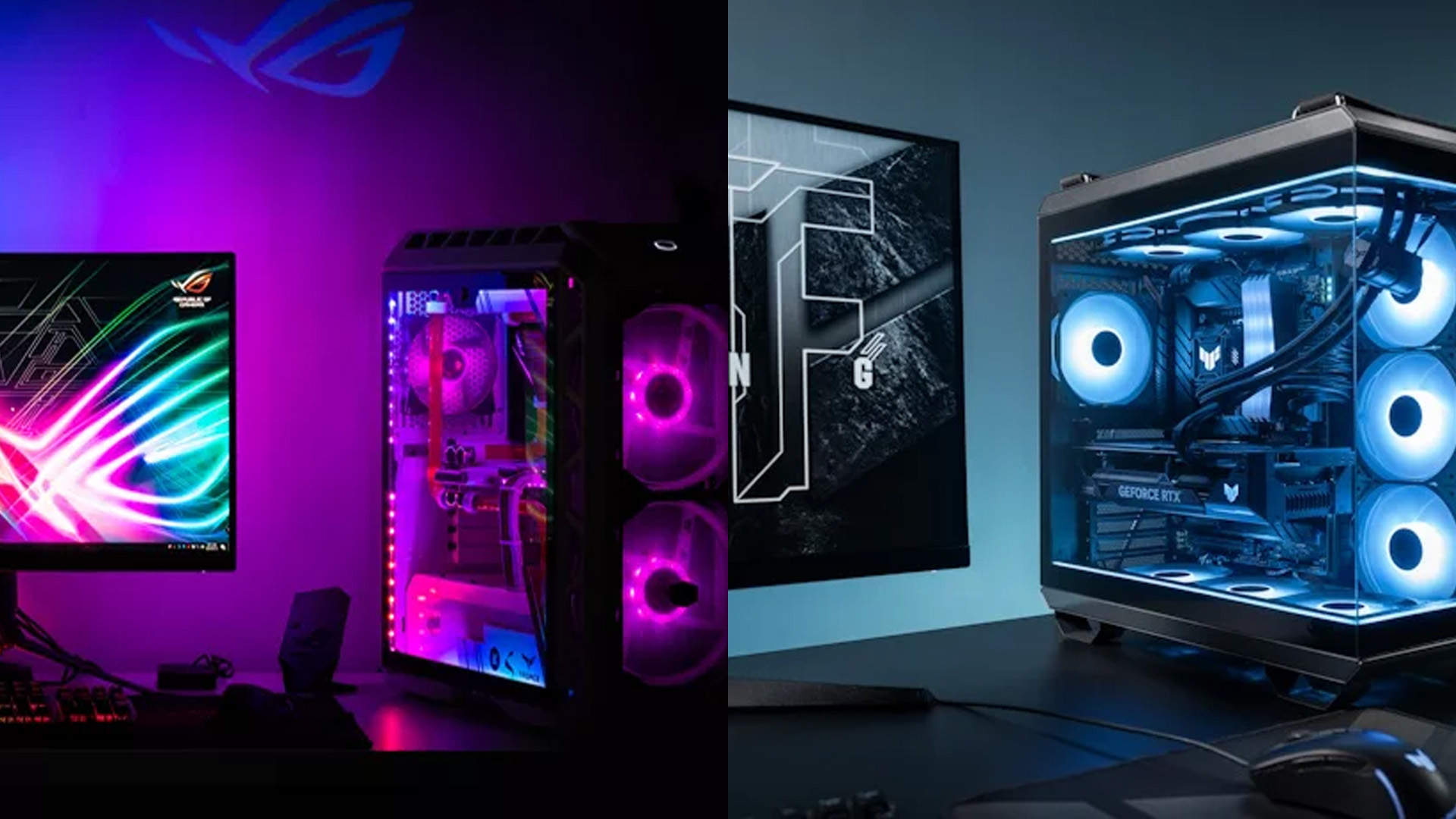
Once you balance the following metrics, the next step is matching the cooling method to your intended workload and system configuration:
|
Metric |
Air Cooling |
Liquid Cooling |
|
Cost |
Lower (especially for mid-tier) |
Higher (AIO or full loop) |
|
Installation |
Easier, fewer steps |
More complex routing and mounting |
|
Noise |
Can be loud at high RPM |
Generally quieter under load |
|
Maintenance |
Low (dusting fans) |
Moderate (checks, possible fluid) |
|
Longevity / reliability |
High, as long as fans are good |
Dependent on pump, tubing, sealing |
|
Peak thermal performance |
Good, but limited by ambient and surface area |
Superior, especially for overclocking or sustained loads |
|
Aesthetic potential |
More modest, bulkier heatsinks |
High, custom loops or ARGB AIOs shine |
|
Heating of interior components |
More thermal load internally |
Less, as heat is expelled more efficiently |
|
Risk of catastrophic failure |
Very low |
Low but non-zero (leaks, pump) |
Choosing the Best Option for Your PC Build
Use Case & Workload
- Casual use, light gaming, productivity tasks: Air cooling is often more than sufficient.
- High-end gaming, overclocking, rendering, streams: Liquid cooling gives you more thermal headroom and consistent performance.
- Compact or small-form-factor cases: An AIO or low-profile air cooler may be necessary depending on available clearance and radiator support.
- Silent builds: A well-chosen liquid (or premium air) solution often results in lower noise levels under heavy load.
Additional Tips:
- If you’re buying a best Lenovo desktop PC or looking to buy ASUS desktop PC models pre-fitted with efficient cooling, check whether the configuration includes a capable air or liquid system.
- For those exploring HP gaming PCs, MSI mini PC deals, or compact mini PCs, cooling design can affect thermals significantly. Even touchscreen all-in-one PCs and thin client PCs benefit from good airflow.
Budget & Performance
If your budget is tight, the money you save by going with a solid air cooler can be better allocated toward a better CPU, GPU, or faster SSD in your build. You can go for best refurbished PCs 2025 or Core i3 refurbished PCsbecause air cooling offers the right balance of efficiency and value. However, Core i7 and Core i9 workstation PCs can make better use of advanced liquid cooling setups. In addition, whether you want to buy tower PCs, or the best workstation computers, matching cooling performance to use case is key.
Note: Read our desktop PCs guide to understand the specs, features, trends, and guidance for choosing the right desktop PC.
Case Compatibility & Layout
Make sure your case supports the size and orientation of your cooler. A big air cooler may interfere with tall RAM or VRMs, while a radiator might need mounting points at the top, front or rear of the case.
Upgradability
If you plan to upgrade to a hotter CPU or GPU in future, investing in a better cooling solution now could save headaches later. A modular custom loop can flex to new components.
Longevity & Maintenance Comfort
If you’d rather “set and forget,” air cooling offers peace of mind with fewer points of failure. If you’re comfortable tinkering, a liquid build can yield top-tier thermal performance. All of those considerations feed into which solution is truly better, there’s no one-size-fits-all.
Real-World Performance: What Benchmarks Tell Us
In practical stress tests and comparisons, liquid cooling often holds a few degrees advantage over even high-end air coolers, especially under heavy, sustained loads.
However, in many gaming and everyday workloads, the difference is minimal (e.g., going from 70 °C to 65 °C), not enough to affect frame rates or stability in most cases.
It’s when your CPU is pushed to its thermal limit. For example, during heavy CPU-bound rendering, compressed video encoding, or long streaming + gaming sessions — that liquid cooling often shines. Overclocking also tends to magnify temperature differentials.
One nuance: as liquid cooling is more efficient at moving heat outside of the chassis, internal components like VRMs or drives may benefit from slightly cooler ambient air.
Verdict: if you’re going for peak performance and pushing your hardware hard, liquid cooling gives you more margin. If your use is moderate or you’re on a tight budget, a good air cooler will serve you well.
Tips & Best Practices for Either Approach
Whether you go with air or liquid cooling, these practices will help you get the most from your PC cooling system:
- Use good-quality thermal paste and apply it properly.
- Ensure strong case airflow (intake and exhaust balance), even the best cooler suffers in a poorly ventilated case.
- Monitor temps and fan curves using software (e.g. BIOS, HWMonitor, etc.).
- Clean dust regularly, dust buildup is an equal-opportunity performance killer.
- For liquid systems, bleed air from the loop and ensure pump orientation is correct.
- Plan for upgrades: leave room in your case, mount points for radiators, and headroom in cooling performance.
- Use quiet, high-quality fans even for radiators or air heatsinks, often, the fan choice matters nearly as much as the cooler itself.
In addition, if you want to learn about which PC build suits you the best, you can read our article on best gaming desktop 2025.
When to Choose What: Some Scenarios
Here are a few typical user scenarios and which cooling path I'd lean toward:
- Mid-range gaming build on a budget → Go with a strong air cooler (e.g. dual-tower design).
- High-end gaming + live streaming (4K) → Liquid cooling gives better sustained performance margin.
- Compact or small-form build (ITX, micro-ATX) → An AIO with compatible radiator may be preferable.
- Workstation for rendering or video editing → Liquid cooling delivers consistent thermal headroom.
- Quiet / silent PC aim → A good liquid cooler or premium air solution (low RPM fans) is best.
- Long-term, low-fiddle build → Go with a robust air cooler and stick with it — minimal maintenance.

Air vs Liquid Cooling PC: Have You Decided One?
In the spectacle of air vs liquid cooling PC debates, neither side is strictly “the best” in all cases. Each has strengths, trade-offs, and ideal contexts. The right choice depends on your workload, budget, case constraints, aesthetics, and tolerance for maintenance or risk.
When you shop on Laptop Outlet, use your understanding of cooling trade-offs to select a configuration that gives you premium cooling headroom without overpaying. Don’t assume that “more expensive cooling = better value”; instead, find the balance where cooling is sufficient for your use and lets you allocate your budget wisely to GPU, CPU, and storage.

In Case You’re Wondering...
Does liquid cooling always outperform air cooling?
Not always. Liquid cooling generally achieves lower temperatures under sustained heavy load, but in many gaming or everyday tasks, a high-quality air cooler can perform nearly as well with less cost and complexity.
Can liquid cooling leak and damage my PC?
While rare in well-built AIOs or loops, leaks or pump failures are a risk. That’s why maintenance, quality components, and careful setup matter.
How long do AIO liquid coolers last?
Typically 5 to 7 years, depending on pump quality, usage, and maintenance. After that, pump failure or coolant degradation becomes more likely.
Will air cooling cause components to overheat inside the case?
It can, if case airflow is poor. Even with good air cooling, it’s crucial to design intake and exhaust paths so hot air is removed from the chassis effectively.
Do I need to bleed an AIO or check coolant?
Most modern AIOs are sealed and don’t require bleeding or topping up. Custom loops, however, may require air purge, fluid replacement, and periodic maintenance.
| Read More: |
| Prebuilt vs Custom Desktop PCs: Pros and Cons Explained |
| Best Gaming Desktop PCs in 2025 for Every Gamer |
| Why 7" FHD Is the Sweet Spot for Handheld PCs in 2025 |
Related Articles

Last Updated: September 22, 2026
Since the outbreak of COVID-19, IT professionals have strongly recognised the need to step into another tech world. Without a doubt, the technological sector has evolved at a rapid pace. The rapid development of modern technology has facilitated a quickening of the speed of change and development. The COVID-19 pandemic has changed a lot more than just the technology industry, as it has made IT professionals realise that their position will not remain the same in tomorrow's contactless world. In addition, an IT worker in 2023–2024 will be in a perpetual state of education (out of necessity, if not desire). By the end of 2023, advances in natural language processing and machine learning will have made AI more commonplace. This technology allows AI to learn more about us and accomplish more difficult jobs. It is predicted that 5G will significantly alter our daily routines and the way we conduct business. In what ways does this affect you? This requires keeping up with the newest technological

Last Updated: April 09, 2026
Spring is one of the easiest times to bag a smarter upgrade without paying full price. For UK buyers, Easter is a sweet spot because it lands close to a bank holiday shopping window, and in 2026 that means Good Friday on 3 April and Easter Monday on 6 April in England, Wales and Northern Ireland. Scotland also has Good Friday on 3 April, but not Easter Monday as a bank holiday.
Laptop Outlet makes Easter tech deals more than a seasonal promo. It is a genuine chance to upgrade to something faster, longer-lasting, and better matched to how people work, study, game, and stream in 2026. Laptop Outlet also carries a broad UK range across laptops, desktop PCs, tablets, accessories, and refurbished tech, so buyers are not boxed into one price tier or one type of setup.
What are Easter Tech Deals?
Easter tech deals are limited-time discounts and bundles that typically appear around the Easter holiday period on products like laptops, desktop PCs, tablets, monitors, and accessories. In practice,

Last Updated: August 12, 2026
Chromecast makes it easy to show videos, websites, photos, presentations and other computer content on a larger screen. It works with compatible laptops and desktop PCs through Google Chrome and a shared network connection. The streaming device connects to a television, projector or monitor, while the computer controls what appears there.
This guide explains how that process works, what equipment you need, how to cast from Chrome and how to solve common connection problems.
What Is Chromecast?
Chromecast was the name of Google’s range of compact streaming devices. A traditional Chromecast plugs into an HDMI input on a television or other display, connects to your home network and receives content selected on a phone, tablet or computer.
The easiest way to understand it is to separate the three parts of the setup:
- The laptop or desktop PC selects and controls the content.
- The Chromecast or compatible receiver handles the cast request.
- The TV, projector or monitor displays the picture and
Last Updated: June 03, 2025
So, you've found yourself in the market looking for a Thin Client desktop PC and are overwhelmed about where to start. Fortunately, you're in the right place.
This guide has standards and features that can help you narrow your selection and get the most out of your VDI environment.
With the expansion of automation, virtualised computers, and remote work, the need for a Thin Client workstation has grown significantly. These lightweight and portable computing devices rely on the host machine for most of their storage and processing demands. The host machine can be a virtual or traditional computer and handles tasks like running applications, managing user accounts, and storing files.
Thin desktop PCs offer several key benefits over traditional computing devices, such as enhanced connectivity, robust security, easier IT management, and low hardware costs. However, selecting the Thin Client endpoint is not a one-size-fits-all endeavour. You need a comprehensive knowledge of your

Last Updated: September 29, 2026
Choose a gaming desktop PC if you want the strongest performance, easier upgrades, better cooling, and the best long-term value. Choose a gaming laptop if you need portable play, a built-in screen, and one machine for gaming, study, work, or travel. In 2026, the sensible choice depends on your space, budget, upgrade plans, and real-world performance expectations.
The debate between a PC gaming laptop vs desktop has been running for years, and in 2026 it is more relevant than ever. Many current gaming laptops and PCs now support NVIDIA RTX 50-series graphics, PCIe Gen 5 storage, and DDR5 memory. On paper, they have never been closer. In practice, the differences that matter most to everyday gamers remain clear and significant. This guide will compare both platforms across all meaningful aspects to help you choose the right one.
Gaming Desktop vs Gaming Laptop: A Side-by-Side Overview
Before diving into the detail, here is a top-level comparison across the factors most UK buyers care about.

