



Best Laptop for Students: What Should You Buy?

The best laptop for students should match your course before anything else. For most school, college, and university work, aim for a portable laptop with at least 8GB RAM, SSD storage, a Full HD or better display and enough battery capacity for your normal study day. If you want a machine to last through several years of university, 16GB RAM, and a 512GB SSD provide more breathing room.
But those specifications change if you are studying engineering, design, computer science, or another demanding subject. This guide explains what to prioritise, which operating system suits different workloads and how to avoid paying for performance you will not use.
What Specs Should a Student Laptop Have?
For everyday assignments, research, video calls and presentations, you do not need the fastest processor available. A balanced specification usually gives you a better experience.
|
Study requirement |
RAM |
Storage |
Graphics |
Practical screen choice |
|
School and web-based learning |
8GB |
128–256GB |
Integrated |
11–14 inches |
|
College and everyday university work |
8–16GB |
256–512GB SSD |
Integrated |
14–15.6 inches |
|
Coding and heavier multitasking |
16GB+ |
512GB+ SSD |
Integrated or dedicated if required |
14–16 inches |
|
Design, video, CAD or 3D work |
16–32GB+ |
512GB–1TB+ SSD |
Dedicated GPU where software requires it |
14–16 inches |
For most students beginning a three or four-year course, we would favour 16GB RAM where the budget allows. Modern browsers, Microsoft 365, video meetings, PDFs and course applications can quickly add up, and some thin laptops have soldered memory that cannot be upgraded later.
You can explore student laptops at Laptop Outlet by RAM, processor, storage and screen size rather than relying on the processor badge alone.
Current Student Laptop Examples
For this update, we checked Laptop Outlet's current listings rather than carrying older recommendations forward. These examples were available to purchase when checked on 24 September 2026; stock can naturally change.
|
Current model |
Key specification |
Best suited to |
|
Acer Chromebook 315 CB315-4HT |
8GB RAM, 128GB eMMC, 15.6-inch FHD touchscreen |
Web-based coursework and Google Workspace users |
|
Lenovo IdeaPad Slim 3 14ARP10 |
Ryzen 5 150, 8GB RAM, 256GB SSD, 14-inch WUXGA |
Everyday school, college and university work |
|
ASUS Zenbook 14 OLED |
Ryzen AI 7 445, 16GB RAM, 1TB SSD, 14-inch OLED |
University students wanting stronger multitasking in a portable format |
|
ASUS VivoBook 14 Flip |
Core Ultra 7 256V, 16GB RAM, 1TB SSD, 14-inch OLED touchscreen |
Digital notes, presentations and users who want a 2-in-1 design |
These are examples rather than a universal ranking. Your course software, portability requirements and available spending should decide which specification makes sense.
Which Laptop is Right for Your Course?
School and College
For homework, Google Classroom, Microsoft 365, web research and video lessons, 8GB RAM is normally a sensible starting point. A Chromebook can work particularly well when your school relies on browser-based applications.
Students who need Windows applications should instead consider a straightforward Windows laptop with an SSD. If spending is limited, comparing laptops under £500 can help you focus on practical specifications without moving into performance you may never use.
University and Everyday Study
The best laptops for university students need to cope with more multitasking. You might have lecture slides, dozens of browser tabs, Teams, PDFs, and Word open simultaneously.
A 14-inch laptop is particularly convenient if you commute or move between lecture halls, while a 15-inch or 16-inch display gives you more workspace. For a university laptop you plan to keep throughout your course, 16GB RAM and 512GB SSD storage are a strong target.

Creative and Engineering Courses
Graphic design, architecture, animation, video production and engineering can demand substantially more hardware.
Start by checking the recommended requirements for the exact software used on your course. Applications for 3D modelling, rendering or GPU acceleration may benefit from dedicated NVIDIA or AMD graphics, while large projects can make 32GB RAM worthwhile.
Students running these workloads should compare creative laptops rather than buying a general-purpose machine and finding out later that their course software needs more graphics performance.
Gaming and Study on One Laptop
A gaming laptop can handle university work easily, but that does not automatically make it the right student laptop. Dedicated graphics, larger cooling systems and high-refresh-rate displays can increase weight and power consumption.
Choose from gaming laptops when gaming or GPU-intensive coursework genuinely needs the extra performance. Otherwise, a lighter everyday machine can be more convenient for carrying around campus.
Windows, Chromebook or MacBook?
Windows
A Windows laptop for students remains one of the safest choices when you need broad software and peripheral compatibility. One important change since the original version of this article is that standard Windows 10 support ended on 14 October 2025. For a laptop you are buying in 2026, especially a refurbished model, Windows 11 compatibility should therefore be checked carefully.
Laptop Outlet carries Windows 11 laptops across different screen sizes and performance levels.
Chromebook
A Chromebook for students makes sense when most work happens in Chrome, Google Docs, Classroom or other web applications. They can also be simple to manage and easy to carry.
Check the update expiry of the exact model before buying. Google states that ChromeOS devices receive 10 years of automatic updates from the hardware platform's release, while some older devices have different extended-update arrangements. The expiry date can be checked under the Chromebook's update schedule.
MacBook
MacBooks can suit writing, coding, media and creative workloads, but compatibility matters more than brand preference. Check whether your university requires specific Windows applications, specialist plugins, examination software or peripherals before committing to macOS.
Are 2-in-1 Laptops Good for Students?
A 2-in-1 laptop for students can be useful if you annotate slides, sketch diagrams or prefer handwritten digital notes. Convertible designs let you move between keyboard, tent and tablet-style use without carrying a separate tablet.
The trade-off is that touchscreen and convertible features may increase the price compared with a similarly specified standard laptop. Explore convertible laptops when you know you will actually use the touchscreen rather than buying one purely for flexibility.

Should Students Buy Refurbished Laptops?
Yes, provided you check the condition, warranty, battery expectations and operating-system compatibility.
A refurbished machine can let you choose a stronger specification within the same spending limit, but the word “refurbished” does not describe one universal condition. Check the seller's grading process and exactly what is covered.
Windows 11 eligibility is particularly important when considering older Windows hardware in 2026. Laptop Outlet's refurbished laptops give you another route to delve into specifications when a new machine is not essential.
How Much Should You Spend on a Student Laptop?
There is no single correct student laptop budget. For browser-based schoolwork and straightforward assignments, entry-level machines may be enough. Around the mid-range, you are more likely to find 16GB RAM, larger SSDs, better displays, and lighter designs that make sense for daily university use.
Spend more when your workload justifies it, not because a higher-tier processor looks better on paper. Creative software, engineering applications, local AI workloads and gaming are genuine reasons to increase performance; essays and web research generally are not.
Before You Buy, Check Your Course First
The most useful piece of buying advice is also the easiest to miss: look at your university or college's software requirements before ordering.
Confirm the operating system, RAM, storage and graphics requirements of any specialist applications, then consider portability, battery capacity, ports and whether the memory or storage can be upgraded. Manufacturer battery figures should also be treated as reference figures rather than guaranteed all-day runtime, because brightness, applications, Wi-Fi use and power settings all affect real-world results.

Choose for Your Studies, Not the Spec Sheet
The best student laptop is the one that comfortably handles your coursework while remaining practical enough to use every day. For most students, a portable Windows 11 laptop with 16GB RAM and a 512GB SSD is a strong long-term target, while 8GB models and Chromebooks remain suitable for lighter study.
Students using demanding creative, engineering or 3D applications should prioritise their software requirements first. Get that decision right and you are far less likely to pay for features you do not need or outgrow the laptop halfway through your course.

FAQs
Is 8GB RAM enough for a student laptop?
Yes, 8GB can handle web research, documents, presentations and lighter study. For heavier multitasking or a laptop you want to keep throughout university, 16GB provides more headroom.
Is 256GB storage enough for university?
It can be enough if most coursework is stored in the cloud. Students working with videos, large project files, virtual machines or specialist software should consider 512GB or more.
Is a Chromebook or Windows laptop better for students?
Chromebooks suit browser-based study, while Windows supports a wider range of desktop applications. Check the software your school, college or university requires before choosing an operating system.
What screen size is best for a university laptop?
A 13-inch or 14-inch laptop is easier to carry around campus. A 15-inch or 16-inch display provides more workspace for coding, spreadsheets, design applications and split-screen research.
Do students need a dedicated graphics card?
Most do not. Integrated graphics are sufficient for essays, browsing, video calls and general productivity. Dedicated graphics become more relevant for gaming, 3D modelling, rendering, CAD and certain creative applications.
Can a refurbished laptop be good for university?
Yes. Focus on the specification, condition grade, warranty, battery expectations and software support. For Windows machines in 2026, make sure the laptop properly supports Windows 11.
| Read More: |
| Dell Inspiron 14 vs Inspiron 16: Everyday Laptop Size Comparison |
| The 10 Best Refurbished Laptops for Programming in 2026 |
| The Ultimate Buying Guide to HP Laptops: Models, Features and Usage |
Related Articles

Last Updated: February 26, 2026
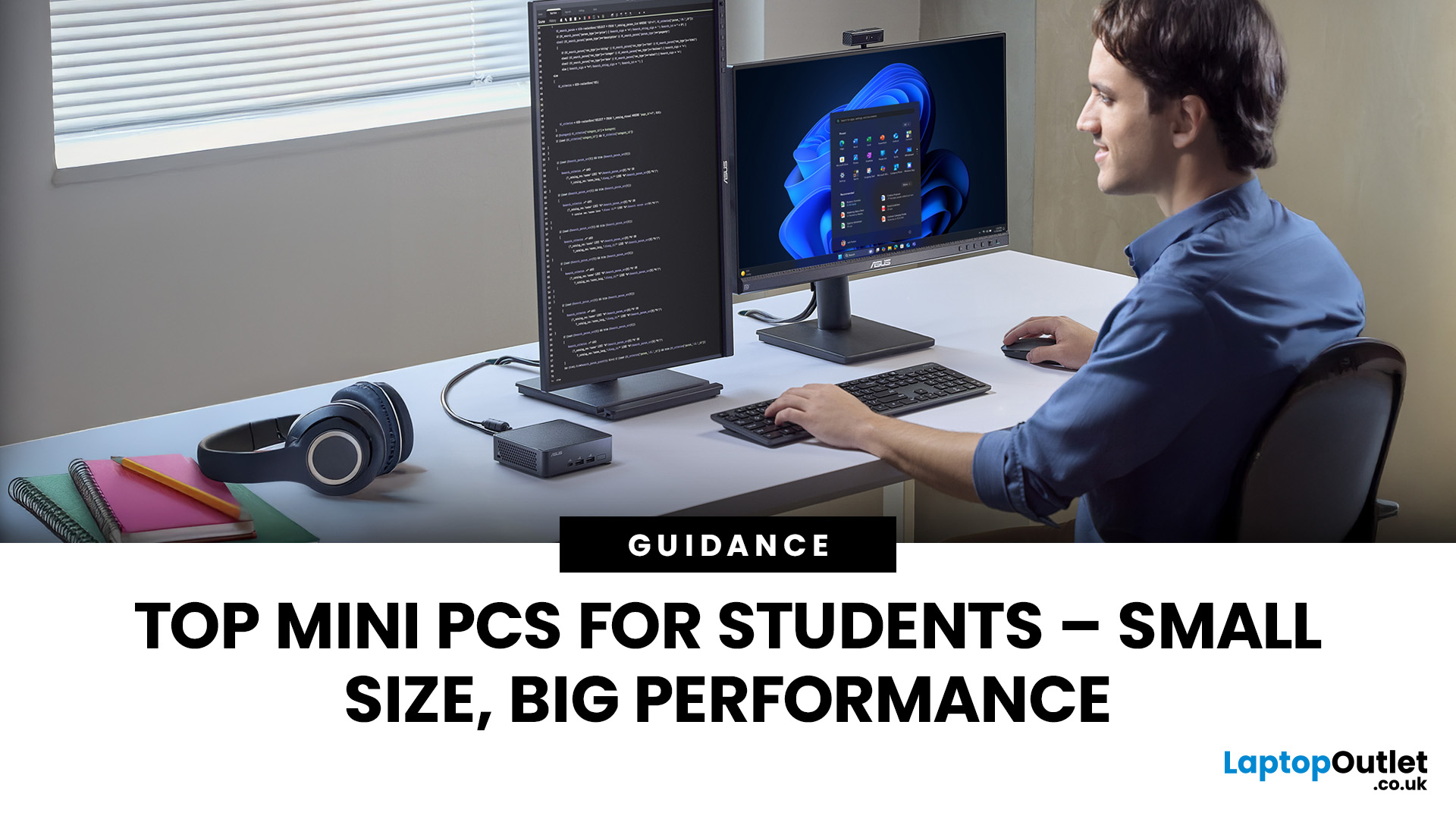
Looking for the best mini PC for students? Good call. A modern mini desktop gives you laptop-like efficiency with desktop-class reliability, without the bulk, noise, or price tag of a full tower. Whether you’re writing essays, crunching data, editing short films, or firing up a few games after class, today’s mini PCs squeeze serious performance into palm-sized cases that fit on a shelf, under a monitor, or even behind one.
Below, you’ll find a practical guide to choosing the right mini PC for school or university, followed by curated picks by use case, setup tips, and answers to common questions. Everything is written with UK students in mind, budget-savvy, space-conscious, and focused on getting things done.
Why a mini-PC makes sense for students
Small footprint, big desk space. A mini PC leaves room for your notes, sketchbooks, and that essential mug of tea.
Quiet and efficient. Low-power mobile-class CPUs and efficient cooling keep noise down in libraries and dorms.
Better ergonomics.
Last Updated: February 27, 2026
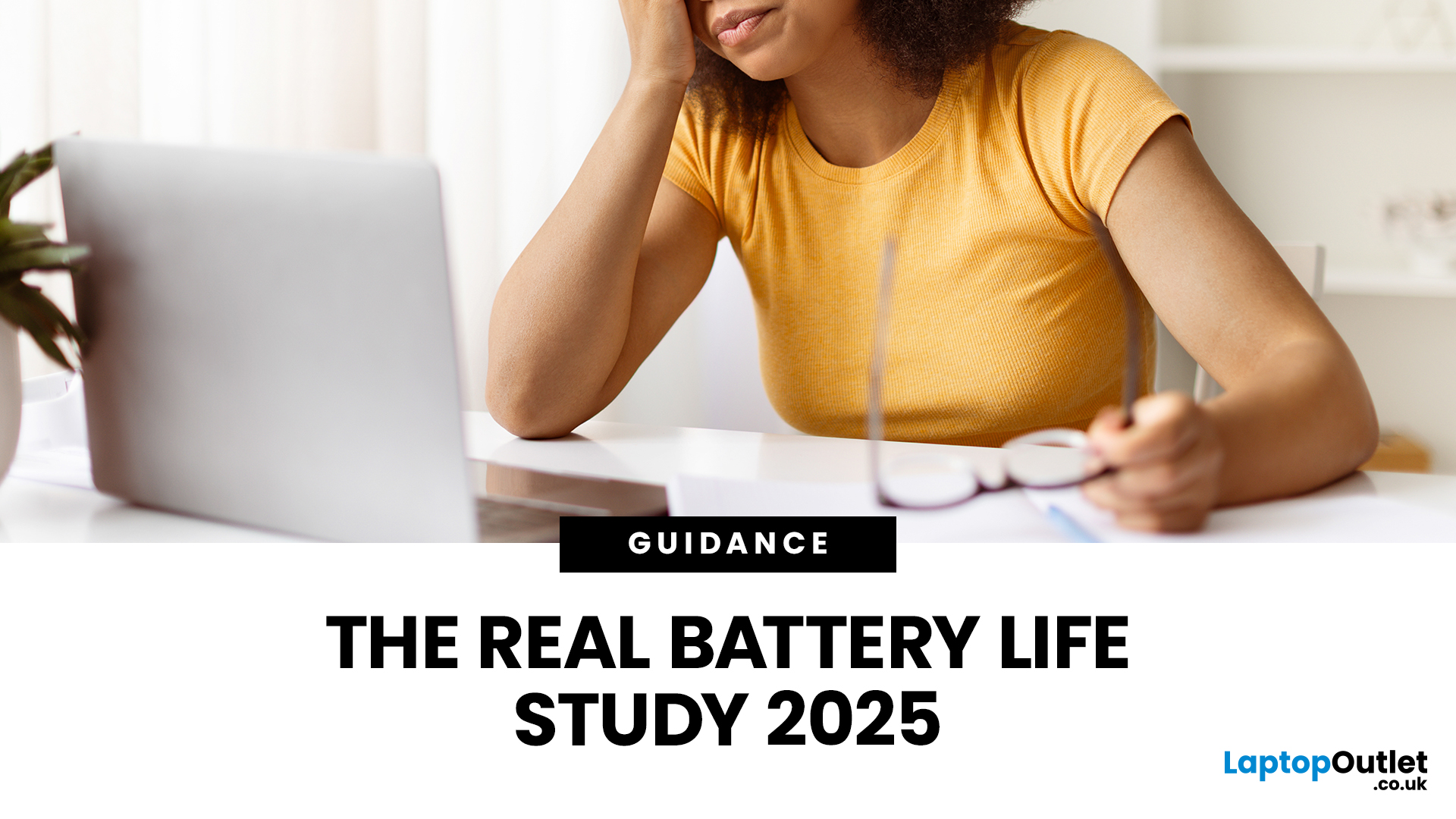
In recent years, especially after the pandemic, as students across the UK depend more than ever on their laptops for studying, attending lectures, and writing essays, one question looms large: how long will their laptop batteries actually last? While manufacturers often claim many hours of “battery life,” real-world usage tends to tell a different story. Moreover, beyond a single charge, batteries degrade over time, meaning a laptop that once lasted a full day may barely survive a few hours by the time a student’s second- or third-year rolls around.
This article provides a survey of what academic research and UK-relevant policy studies actually tell us about lithium-ion laptop battery life. We explore the science of battery degradation, draw on UK-based research, and make evidence-based estimates for how long student laptops really last - both in terms of charge per session and overall battery lifespan. Finally, we discuss the implications for students and educational institutions.
What

Last Updated: June 17, 2026
without stretching your budget. Whether you’re a student juggling coursework, a gamer hungry for high-performance hardware, or a professional needing a reliable work companion, Cyber Monday laptops offer exceptional value across every price point. Start browsing the full range via the Cyber Week hub, where the biggest offers are updated daily.
The Best Cyber Monday Laptop Deals You Can Shop Today
If you’re ready to upgrade, the Cyber Monday laptop sale is where you’ll find everything from budget-friendly notebooks to premium ultrabooks and gaming powerhouses.
Highlights from top laptop brands:
Whether you prefer ultraportable designs, touchscreen devices, or workstation-level power, Cyber Week is the ideal time to buy.
- ASUS Cyber Week Deals – Ideal for creators, students, and hybrid workers. Expect sleek designs paired with powerful performance.
- HP Cyber Week Deals – Known for reliability and business-ready performance.
- Lenovo Cyber Week Deals – A strong choice for productivity and long-lasting

Last Updated: December 05, 2025
Finding the perfect tech gift just got easier, and more affordable.
If you're searching for Christmas laptop deals 2025 to gift, Laptop Outlet has made it easy for you. Whether it’s for students juggling coursework, professionals on the move, or gamers wanting next-level performance, there’s a laptop out there that will make their festive season unforgettable. With the festive deals live at our website, from budget-friendly gifts under £50 to premium gaming machines, there’s something for every recipient. Here’s your ultimate gift guide:
Best Laptops & Tech Gifts to Give This Christmas, By Need & Budget
Best Gifts Under £50
(Stocking Fillers & Small Budget Presents)
Not everyone needs a full laptop, and for secret Santas or stocking fillers, Laptop Outlet’s “Gifts Under £50” range can still delight.
- Think accessories, maybe basic peripherals, small tech gadgets or entry-level tablets, great for students, kids, or anyone just starting out.
- Perfect for Secret Santa, family members, or

Published: December 24, 2025
Heading into 2026, the student laptop vibe is basically: lightweight enough to carry all day, fast enough to handle 27 Chrome tabs + a Zoom call, and affordable enough that you can still buy snacks. Whether you’re doing GCSE homework, uni essays, coding projects, or just living in Google Docs, this blog on Student Laptops 2026 breaks down what matters (and what’s just marketing fluff).
What to look for in Student Laptops 2026 (aka the “don’t get scammed” checklist)

1) RAM (memory):
- 8GB = the realistic minimum for 2026 if you want smooth multitasking.
- 16GB = the “I’m serious about this degree” upgrade (especially for creative apps, coding, or heavy research).
2) Storage:
- 256GB is okay, but 512GB is comfy if you keep lots of files, downloads, photos, and videos.
- If you see 128GB, it can work for light use - but you’ll want cloud storage habits.
3) Screen size:
- 14" laptop = the sweet spot (portable, still comfy for essays).
- 15" laptop = bigger and nicer for split-screen, but less “throw-it-in-your-bag”
Last Updated: April 03, 2026
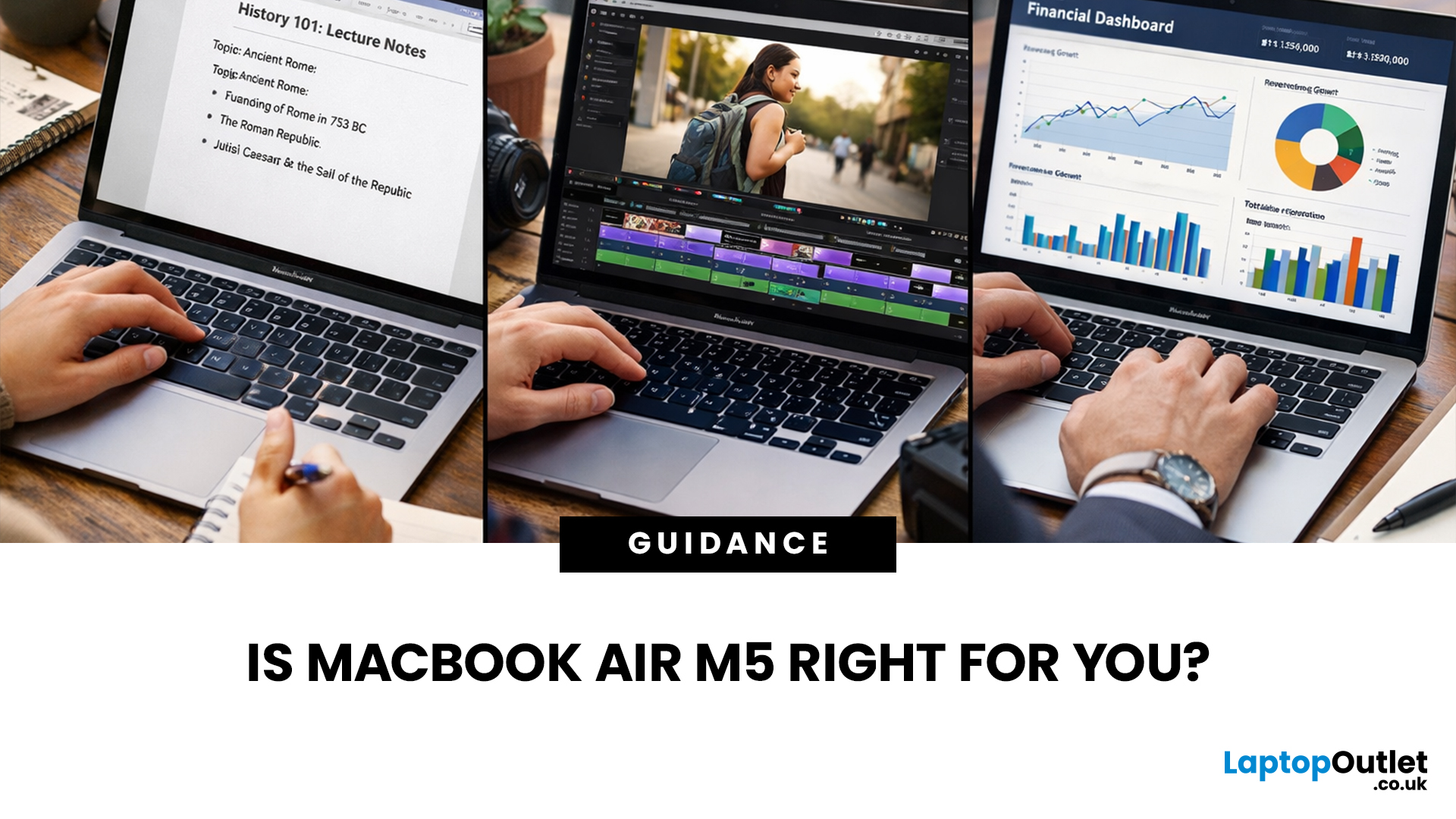
If you’re eyeing the MacBook Air M5 for students (or for your work era), you’re not alone. The MacBook Air is basically the “does-everything-without-being-annoying” laptop, portable, quiet, and powerful enough for most real-life tasks. But the big question is: is it the right buy for you in 2026, or are you about to spend money on features you’ll never use?
What’s New with the MacBook Air M5 in 2026 (Quick Recap)
Without turning this into a specs spreadsheet, here’s what matters in the latest model vibes:
Performance
Think: faster app launches, smoother multitasking, fewer “why is everything lagging?” moments when you have 42 tabs open. For most people, the M5 Air will feel effortlessly quick for years.
Battery + Portability (the Air’s whole personality)
The MacBook Air is built for life on the move, classes, cafes, commutes, and travel days. Expect strong battery performance in real usage and a laptop that doesn’t make your bag feel like a gym session.
Display, Camera, Speakers (the
Last Updated: March 10, 2026
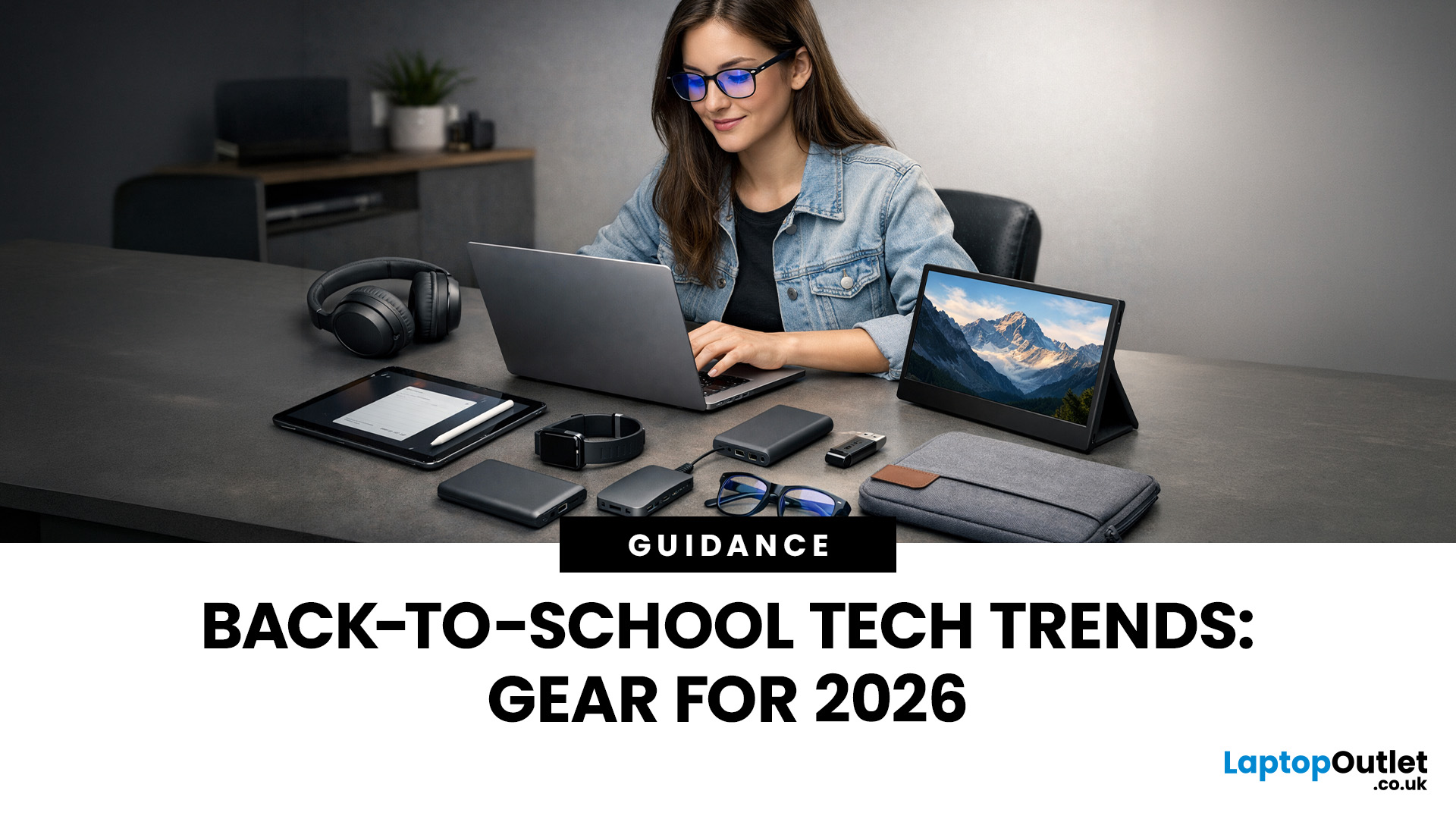
Every year, the back-to-school season brings a rush of shopping. But in 2026, it is not just about stationery and backpacks. Tech has become one of the biggest spending categories on every student's list.
Whether you are a parent, a student, or simply trying to stay informed, knowing the latest back-to-school tech trends can save you time, money, and a few headaches.
So, what are students actually buying this year? Let's break it down.
Why Tech Is Now a Back-to-School Essential
Learning has changed. Most schools and universities across the UK now expect students to have access to their own devices. Hybrid learning, digital coursework, and online collaboration tools have made tech a necessity rather than a luxury.
In fact, a growing number of UK schools have moved to fully digital classrooms. This means students need reliable, capable devices from day one.
Parents and students are also more tech-savvy than ever. They know what to look for. And they are not just buying cheap.
Last Updated: June 25, 2026
A new academic year means new classes, new routines, new deadlines, and, let’s be honest, a lot of tabs open at once. Whether you’re heading to school, college, or university in 2026, having the right technology can make studying easier, faster, and less stressful.
This tech checklist covers the real student tech essentials you need before term starts, from student laptops and digital learning tools to accessories, storage, security, and study productivity upgrades. You don’t need to buy every gadget you see online. You just need the right setup for your course, your budget, and the way you study. Use this guide as your practical back to school checklist for building a reliable, affordable, and future-ready student study setup.
Quick Back-to-School Tech Checklist for 2026
Before we go into detail, here’s the short version of the school tech essentials most students should consider:
- Laptop or tablet for coursework, online classes and research projects
- Charger, power bank and spare cables

Last Updated: August 05, 2026
I made almost every mistake possible when I bought my first laptop as a student. I focused on the processor name, ignored the RAM, underestimated how heavy it would feel in my backpack and had no idea what half the technical jargon meant.
Within months, I realised I had paid for features I barely used while missing the ones I actually needed. Choosing between Core i5, Core Ultra, SSD sizes and different Dell series can still feel just as confusing today.
To help you avoid the same blunder, we reviewed the best Dell laptops for students in 2026 and narrowed them down based on real student needs, including performance, mobility,
Last Updated: August 05, 2026
Choosing the best Chromebooks in 2026 is no longer just a matter of finding the cheapest ChromeOS laptop. The current range covers basic web machines, detachable tablets, large-screen productivity models and higher-spec Chromebook Plus systems with stronger processors, better displays and AI-assisted tools. This guide list ten live UK models for different needs, helping you choose the right model for school, university, work or home.
Why Choose a Chromebook in 2026?
ChromeOS has quietly become one of the most sensible operating systems for everyday computing, and 2026 gives you even more reason to consider one over a traditional Windows machine or pricier professional laptops running macOS.
Gemini AI is now built in. Google has started rolling out Gemini in Chrome to UK users in July 2026, meaning Chromebook Plus owners get a built-in AI sidebar that can summarise articles, compare open tabs, draft emails and pull details from Gmail, Calendar and Maps without switching apps.
Your Chromebook

