



What’s the Main Difference Between Lenovo Chromebook and IdeaPad?
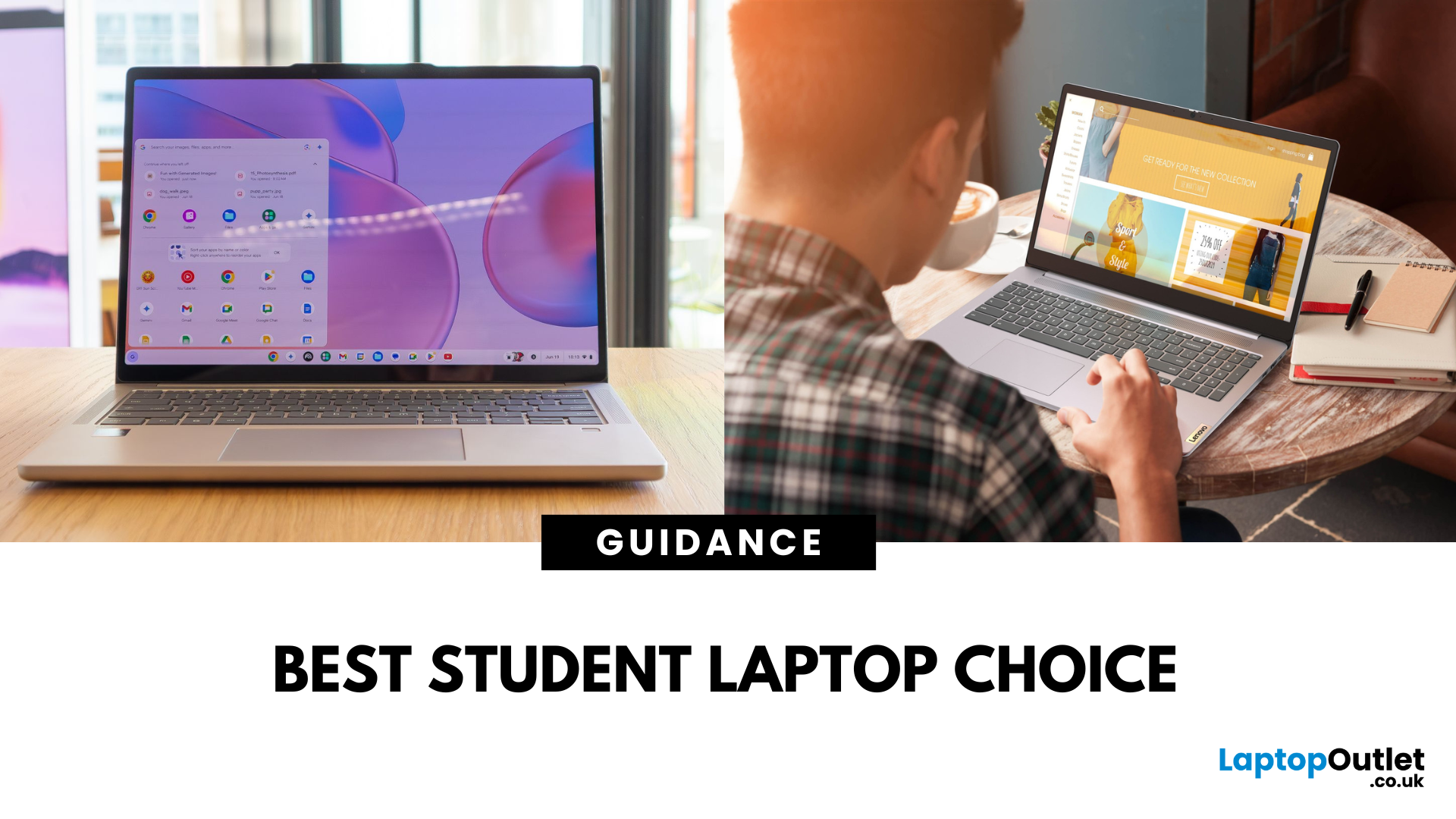
A Lenovo Chromebook runs ChromeOS - a lightweight, Linux-based operating system that’s optimised for Google’s ecosystem. It’s secure, updates automatically for a decade, and works brilliantly for browser-based productivity, Android apps, and streaming. A Lenovo IdeaPad usually runs Windows 11 and covers everything from budget laptops to higher-spec Ultrabook, offering the ability to install virtually any software, making it better suited for heavier workloads, creative tools, and offline functionality.
Feature Comparison Table
|
Feature |
Lenovo Chromebook |
Lenovo IdeaPad |
|
Operating System |
ChromeOS |
Windows 11 Home/Pro |
|
Processor (CPU) |
Intel Celeron N4020/N4120, Intel Core i3/i5 U-series, AMD 3015Ce/MediaTek Kompanio |
Intel Core i3/i5/i7 (U or H series), AMD Ryzen 3/5/7 U-series |
|
Graphics (GPU) |
Integrated Intel UHD or Iris Xe, AMD Radeon iGPU, ARM Mali graphics |
Integrated Intel Iris Xe/AMD Radeon Vega or discrete NVIDIA MX/RTX |
|
Performance & Storage |
eMMC 5.1 (64–128 GB) in most models, some with NVMe SSDs in higher tiers; 4–8 GB LPDDR4x RAM |
PCIe NVMe SSD (256 GB–1 TB) standard, 8–16 GB DDR4/DDR5 RAM, upgradeable in many models |
|
Display |
11.6″–14″, HD (1366×768) or FHD (1920×1080) IPS; touch optional; 220–300 nits brightness |
14″–16″, FHD or 2.2K IPS; touch on convertibles; 250–300 nits |
|
Portability & Design |
Ultra-light ~1.2–1.4 kg; slim, fanless or single-fan cooling; spill-resistant keyboards |
Slightly heavier ~1.4–1.8 kg; sleeker consumer-oriented designs; more thermal capacity |
|
Battery Life |
10–16 hours |
6–9 hours |
|
Connectivity |
Wi-Fi 5/6, Bluetooth 5.x; 2x USB-C, 1–2x USB-A, headphone jack, microSD; HDMI rare but USB-C DisplayPort supported |
Wi-Fi 5/6, Bluetooth 5.x; often includes HDMI, USB-C, USB-A, headphone jack, SD card reader |
|
Apps & Ecosystem |
Chrome Web Store, Google Play Store |
Full Windows software (Office, Adobe, dev tools), Microsoft Store apps, browser-based tools; broader offline capabilities |
|
Price Range |
Budget-friendly £250–£400 |
Wider range £300–£800 |
1. CPU, GPU & Performance for Student Tasks
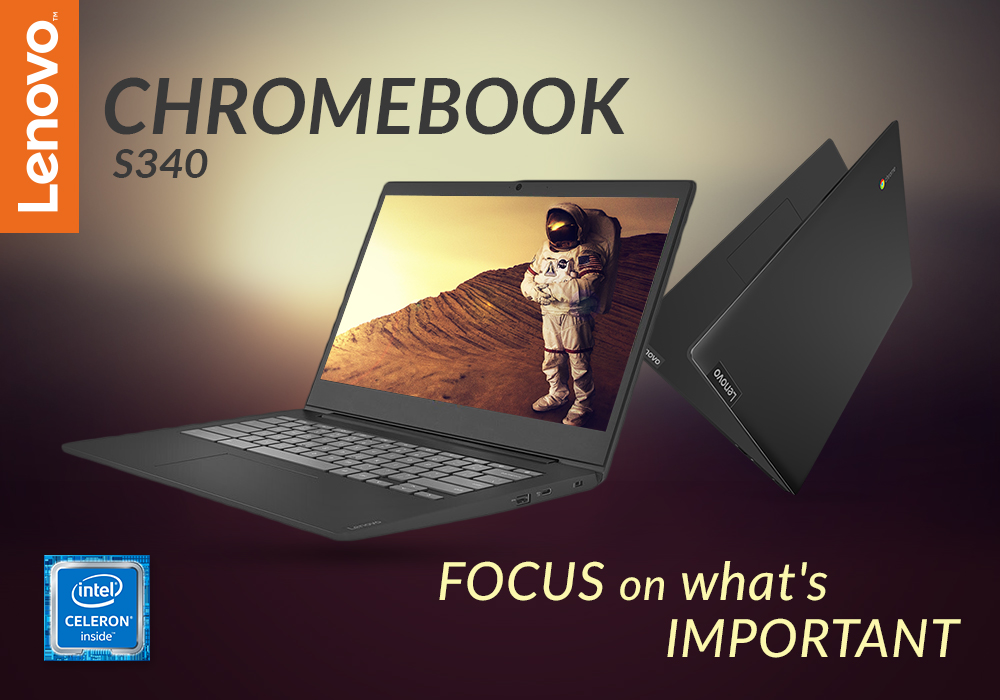
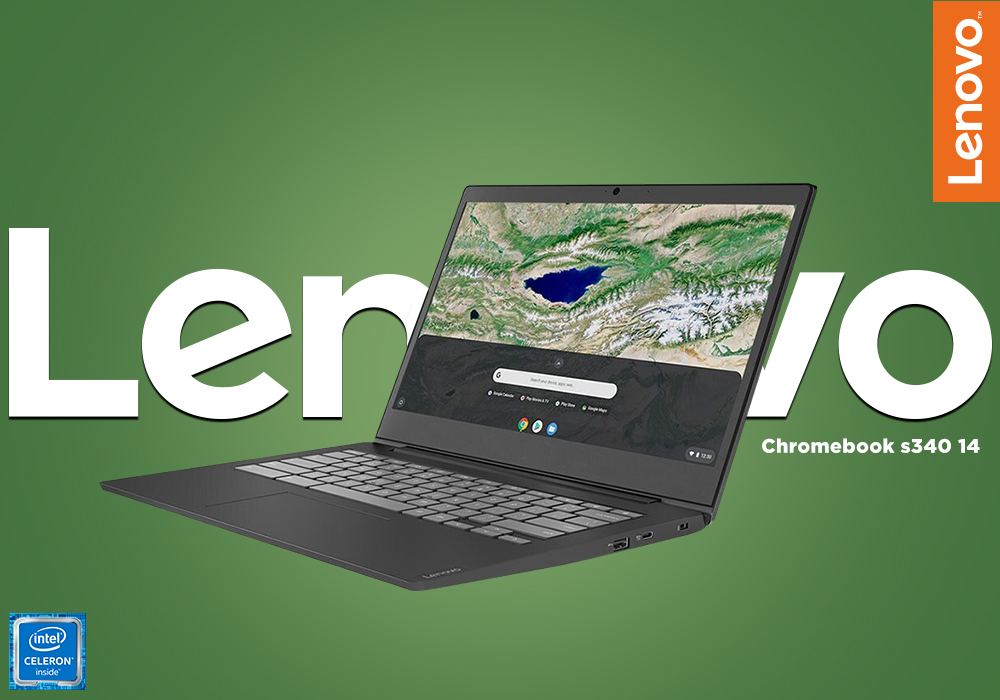
Chromebook: Uses energy-efficient CPUs like Intel Celeron N4020 or AMD 3015Ce in budget models, and Core i3/i5 in higher-end versions. These have low TDP (as low as 6W) for cool, quiet operation, paired with Intel UHD/Mali graphics for HD/FHD streaming, web apps, and cloud gaming.
IdeaPad: Runs higher-TDP chips (15–35W) like Ryzen 5 7530U or Intel Core i5-1235U for stronger multitasking, faster compiles, and better offline performance. Integrated Iris Xe or Radeon Vega graphics allow casual gaming and light content creation.
If you need efficient, web-focused performance with minimal heat and noise, the Chromebook is the better choice for students working mostly online. However, if you value more raw power for heavier apps and creative workloads, the IdeaPad could be the right fit.
2. Storage & Memory – Real Differences in Workflow
Chromebook: Commonly fitted with 64–128 GB eMMC storage and 4–8 GB RAM—perfect for cloud-first workflows but limited for large offline files. Fast app launches and smooth tab management are its strengths.
IdeaPad: Usually starts with 256 GB NVMe SSD storage and 8–16 GB RAM, often upgradeable. Handles large project files, offline media editing, and heavier multitasking with ease.
If you need quick, lightweight storage for cloud work and portability, the Chromebook is the better choice for everyday student life. However, if you value local file capacity and upgrade options, the IdeaPad could be the right fit for power users.
3. Displays – Study Comfort & Media
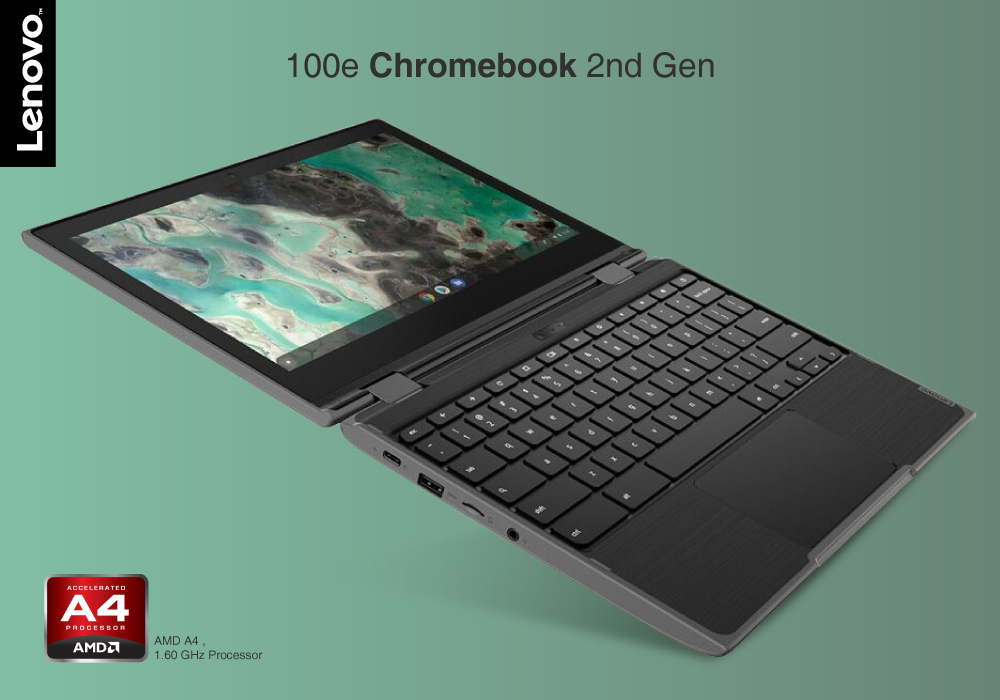
Chromebook: Offers 11.6″–14″ HD or FHD IPS screens, often with anti-glare coating and optional touch. Brightness is usually 220–300 nits—fine for indoor use.
IdeaPad: Covers 14″–16″ FHD or 2.2K IPS displays with richer colour coverage (up to 100% sRGB on some models) and touch on convertible variants—great for visual work.
If you need a compact, classroom-friendly screen for note-taking and browsing, the Chromebook is the better choice for on-the-go students. However, if you value colour accuracy and larger display space for creative or media-heavy courses, the IdeaPad could be the right fit.
4. Connectivity for Campus Life
Chromebook: Minimal but practical—USB-C for power and display, USB-A for legacy devices, microSD in some models, headphone jack standard.
IdeaPad: More ports - often HDMI for projectors, additional USBs, and sometimes full-size SD slots for media imports.
If you need a light, straightforward connection setup for basic accessories, the Chromebook is the better choice for mobility. However, if you value wider port variety for presentations or multimedia tasks, the IdeaPad could be the right fit.
5. Battery Life & Charging Speed
Chromebook: Excels here—10–16 hours of real-world runtime, quick USB-C charging, and minimal drain during standby.
IdeaPad: 6–9 hours on average; efficient AMD builds can match mid-tier Chromebooks, with some models supporting rapid charge to 80% in an hour.
If you need all-day battery for back-to-back classes without charging, the Chromebook is the better choice for constant mobility. However, if you value faster charging and can plug in during breaks, the IdeaPad could be the right fit.
6. Price & Value
Chromebook: Delivers strong value at £250–£400, with even premium ARM/OLED variants staying under £500.
IdeaPad: Ranges from £300 entry-level to £800+ for high-end convertibles—offers more range and higher performance at a higher starting price.
If you need the most affordable route to a capable student laptop, the Chromebook is the better choice for budget-focused buyers. However, if you value performance flexibility and long-term upgrade potential, the IdeaPad could be the right fit.
Pros & Cons – Student Perspective
|
Device |
Pros |
Cons |
|
Chromebook |
Ultra-portable Secure Long battery Instant boot Budget-friendly |
Limited offline software support Smaller local storage |
|
IdeaPad |
Full Windows app compatibility More powerful hardware Upgradeable |
Shorter battery life Heavier Higher initial cost |
Which Should Students Choose?
Choose Chromebook if:
- You use mainly Google Docs, Gmail, and browser-based learning platforms
- You value long battery life, portability, and a low price
- You want a low-maintenance, secure system with instant updates
Choose IdeaPad if:
- You need to run Windows-only or resource-heavy apps (CAD, full Adobe Suite, IDEs)
- You prefer more storage, upgrade potential, and varied hardware options
- You want a single laptop for both study and heavier multimedia work
FAQs
Q1: Are Lenovo Chromebooks cheaper than IdeaPads?
Yes. Chromebooks usually start at £250–£400, while IdeaPads start around £300 and go higher depending on specs.
Q2: Which has better battery life, Chromebook or IdeaPad?
Chromebooks generally last 10–16 hours, while most IdeaPads last 6–9 hours.
Q3: Can you run Microsoft Office on a Chromebook?
Yes, via Office Online or Android apps. For the full desktop version, you’ll need an IdeaPad running Windows.
Q4: Which is more secure for students?
Chromebooks have built-in security, sandboxed apps, and auto-updates, making them extremely secure.
Q5: Which is better for creative courses?
IdeaPads, especially with higher-end displays and more powerful CPUs/GPUs, are better suited for creative workloads.
Summary
The Lenovo Chromebook is a cloud-driven, ultra-portable student device with ChromeOS, lightning-fast boot speeds, and battery life of up to 16 hours—ideal for note-taking, streaming lectures, and light multitasking. The Lenovo IdeaPad is a versatile Windows laptop line offering more powerful processors, larger SSDs, and full desktop software support. Choose Chromebook for affordable, secure, and long-lasting portability. Choose IdeaPad for flexibility, upgrade potential, and compatibility with heavier apps.
| Read More: |
| Best Cheap Chromebook Deals for Students on a Budget |
| Why should you choose Lenovo IdeaPad? |
| 4 BEST LENOVO LAPTOP FOR STUDENTS - GUIDE TO BUY |
Related Articles

Last Updated: March 30, 2026
Last Updated: October 08, 2025
Last Updated: March 30, 2026
Last Updated: October 08, 2025
It's a big deal to get a new computer. Not only is it a significant financial expenditure, but there are so many possibilities that finding the correct one can be difficult. Do you want something suitable for the office, school, or something more enjoyable to play with? Which brand should you go with? Do you want a desktop computer, a ThinkPad, or an Ideapad, for example?
Lenovo laptops have lately improved significantly in key areas. With strong processors and graphics cards becoming the norm, their graphics are greater than ever. All of this is happening while computers have dropped in size, making them far more portable and convenient than ever before.
Now when you have chosen the Lenovo brand, the next step is to choose between the Thinkpad and Ideapad. Investing in Ideapad is a way better option as compared to the ThinkPad. The Ideapad is better for regular users who don't require all of the Thinkpad's features. If all you want to do is browse the internet, the inexpensive Ideapad

Last Updated: September 09, 2025
The Lenovo IdeaPad is your straightforward, affordable everyday laptop—with reliable performance, solid keyboard, and value pricing. The Lenovo Yoga delivers premium 2in1 flexibility with a 360° hinge and touchscreen, perfect for creators or anyone who wants tablet-style versatility. Choose IdeaPad for costeffective practicality. Choose Yoga if you want sleek, convertible power.
What’s the Main Difference Between IdeaPad and Yoga?
Lenovo “IdeaPad” targets everyday users with a range of reliable, budget to mid-range laptops designed for typical computing tasks and content consumption. The “Yoga” series, on the other hand, leans into versatility and premium feel - most models feature a touchscreen with a 360° hinge, letting you use them as tablets or laptops.
Feature Comparison Table
| Feature | IdeaPad (Everyday Laptop) | Yoga (2-in-1 Convertible) |
| Design & Form Factor | Traditional clamshell design with fixed hinge. | 360° convertible hinge supports laptop, tent, stand, |

