



Lenovo Slim vs Yoga: Thin & Light Laptop Showdown

What’s the Main Difference Between Lenovo Slim and Yoga?
Lenovo’s “Slim” laptops are razor-thin ultra-portables with emphasis on design, OLED quality, and battery performance, great for professionals and creatives on the go. Meanwhile, the “Yoga” series focuses on premium versatility as 2-in-1 devices, offering flexible use in laptop, tablet, stand, or tent modes thanks to their 360° hinge design.
Lenovo Slim vs Yoga: Feature Comparison Table
|
Feature |
Lenovo Slim Series |
Lenovo Yoga Series |
|
Form Factor |
Traditional clamshell, ultra-thin (~13–15 mm) |
360° convertible hinge - laptop, tablet, stand, tent modes |
|
Build & Design |
Premium aluminum, minimalist, lightweight |
Sleek 2-in-1 build with flexible hinge, styluses supported |
|
Display Quality |
OLED touch or FHD IPS - high brightness, vivid colours (e.g., Slim 7i Gen 9 reaching 134% DCI-P3) |
Touch-enabled IPS/scalable panels; Yoga often lags in colour gamut (47% DCI-P3) |
|
Performance |
Higher configuration ceiling (up to 32 GB RAM, Core Ultra 7, OLED) |
Similar CPU options, but tops out at 16 GB RAM; more limited performance headroom |
|
Portability |
~1.2–1.4 kg ultra-light slider design |
Slightly heavier (~1.4–1.6 kg) due to hinge mechanism |
|
Battery Life |
~10 hours typical, OLED sometimes less |
Often longer—e.g., Yoga 7i outlasted Slim 7i by over an hour (11h 24m vs 10h 3m) |
|
Flexibility |
Pure laptop form |
Four-use modes: laptop, tablet, tent, stand |
|
Weight Density |
High design efficiency (better kg/inch) on Slim 7 Gen 8 vs older models (0.09 vs 0.12 kg/inch) |
Yoga Slim siblings heavier for same screen real estate |
1. Design, Build & Portability
Slim Series: Think ultra-thin (~13 mm) aluminum builds like the Yoga Slim 7 Gen 8, with premium minimalist aesthetics and ultra-light weight (~1.35 kg). Their design maximises portability and durability.
Yoga Series: Offers 360° convertible design for flexible modes—great for drawing, presentations, or couch viewing. Slightly heavier due to hinge and added functionality.
If you prioritise sleek portability and the thinnest form factor, the Slim is the better choice for professionals and frequent travelers. However, if you want a laptop that doubles as a tablet or presentation tool, the Yoga could be the right fit.
2. Display Quality & Color Performance
Slim Series: Some models, like the Slim 7i Gen 9, boast OLED panels with vibrant colour — 134% DCI-P3 color gamut and 382 nits of brightness outperforming Yoga counterparts.
Yoga Series: Lenovo Yoga laptops such as Yoga 7i Gen 9’s IPS panel covers just 47% of DCI-P3 and reads dimmer (~312 nits). Great for flexibility, not for colour accuracy or creative work.
If accurate colour, contrast, and visual quality for design, video, or everyday content matter most, the Slim is the better choice. However, if flexibility in tablet or tent mode is more valuable, the Yoga could be the right fit.
3.Performance & RAM
Slim Series: Some configurations support up to 32GB RAM and powerful Intel Core Ultra 7 processors, delivering noticeably better Geekbench scores (~12,111 vs 9,415 in Yoga) and faster file transfers.
Yoga Series: Maxes out around 16GB RAM and mid-tier processors, which can limit multi-tasking and power-user workloads.
If you need top-tier performance with maximum RAM and speed, the Slim is the better choice. However, if moderate performance in convertible form is enough, the Yoga could be the right fit.
4. Graphics & Visual Work
Slim Series: On 3DMark Fire Strike, Slim 7i outperforms Yoga 7i by a wide margin (8,455 vs 4,969). Similarly, in Civilization VI at 1080p, Slim hits ~41 fps vs Yoga's 20 fps.
Yoga Series: Despite 2-in-1 versatility, its graphics performance lags, making it less suitable for Photoshop, light gaming, or video editing.
If graphical fluidity in design apps or media editing is important, the Slim is the better choice. However, if you’re mostly browsing or streaming, Yoga handles that just fine.
5. Battery Life & Endurance
Slim Series: Offers around 10 hours of real-world use. OLED models may drain faster but deliver richer visuals.
Yoga Series: Slightly leads in endurance — 11h 24m vs Slim’s 10h 3m on the same test, thanks to efficient components and hinge design.
If you want long-lasting battery while carrying the least amount of weight, the Yoga is a strong runner-up. However, if display quality trumps ~1 hour of battery, the Slim could be the better fit.
6. Flexibility & Use Case Versatility
Slim Series: Clamshell-only—great for typing-heavy tasks and typing comfort. Best for traditional laptop users or creatives with a separate tablet.
Yoga Series: Switches between laptop, tablet, tent, and stand modes. Ideal for presentations, streaming media on a foldable device, or sketching with a stylus.
If you need device versatility that adapts to your setup—draw in tablet mode, showcase in tent mode—the Yoga is the better choice. However, if straight-up portable productivity is your top priority, the Slim could be the right fit.
Pros & Cons
|
Series |
Pros |
Cons |
|
Slim |
Ultra-light build Vivid OLED displays Higher performance options |
No convertible flexibility Slightly lower battery endurance |
|
Yoga |
2-in-1 versatility Longer battery life Stylus-ready |
Dimmer display Lower performance ceiling A bit heavier |
Which Should You Choose?
Choose Lenovo Slim if you want a featherweight, powerful laptop with vibrant displays and efficient performance for creators and commuters. Choose Lenovo Yoga if you value flexibility with a laptop that transforms into a tablet and lasts longer between charges.
Ready to slim down your profile or get flexible screen action? Explore Lenovo Slim for slick productivity or dive into Lenovo Yoga for convertible versatility - shop now and discover your perfect fit!
FAQs
Q1: Can the Yoga series match Slim’s display quality?
Not usually—Slim OLED models outclass Yoga IPS screens in brightness and color accuracy.
Q2: Are Yoga models heavier than Slim?
Yes, typically by ~0.1–0.3 kg due to the hinge and 2-in-1 structure.
Q3: Which has better battery life?
Yoga 7i slightly beats Slim 7i (11h 24m vs 10h 3m), though Slim’s OLED may drain faster with bright visuals.
Q4: Are Slim models more expensive?
Generally, yes. Slim's premium materials and OLED displays push prices higher than Yoga equivalents.
Q5: Can you use a stylus on both?
Slim works with touch only; Yoga supports pen input in tablet modes thanks to its 360° hinge.
Summary
The Lenovo Slim series delivers ultra-light, sleek laptops with stunning OLED panels and long battery life—perfect for productivity and portability. The Lenovo Yoga lineup shines with its 360° convertible design and tablet flexibility. Choose Slim for top-tier visuals and everyday ultra-portability. Choose Yoga if you want notebook + tablet versatility in one premium package.
| Read More: |
| Lenovo Yoga Slim 7 Pro 82QQ002EUK Review |
| Review: Lenovo Yoga Slim 7 Laptop Intel Core i5-1035G4 |
| 5 Sensational Reasons Why You Choose Lenovo Laptop |
Related Articles

Last Updated: April 01, 2026
Last Updated: September 25, 2026
Last Updated: April 03, 2026
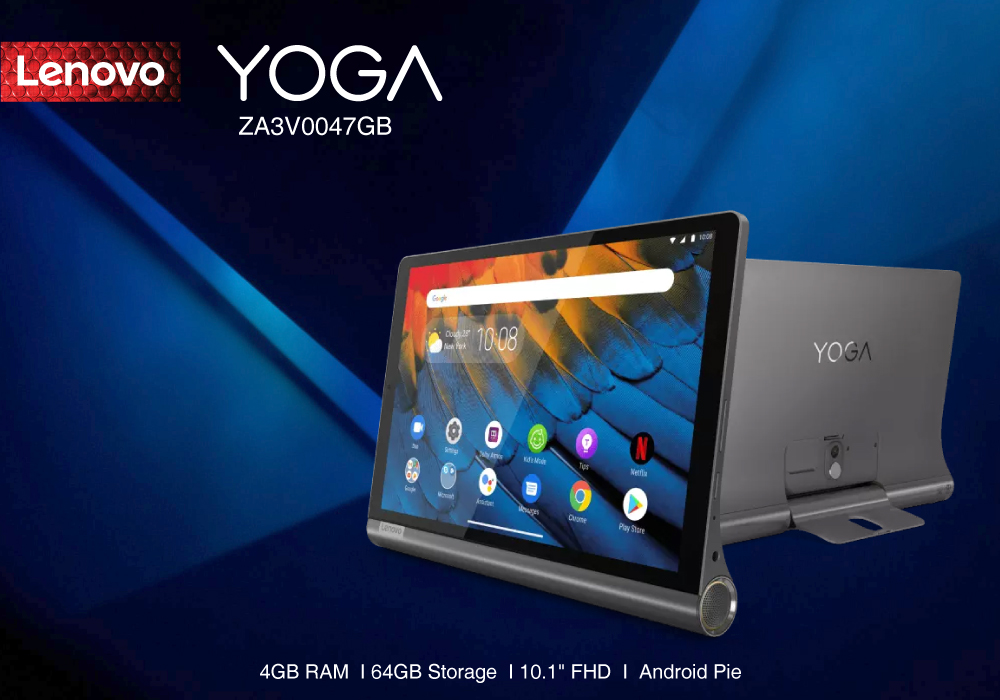
The Lenovo Yoga ZA3V0047GB is one of the smartest tablets in the market. Even with its average specs and modern features, you can perform a lot of daily activities effortlessly on it. Its design being the best factor of it makes it effectively easier to use with its kickstand build.
Last Updated: July 01, 2025
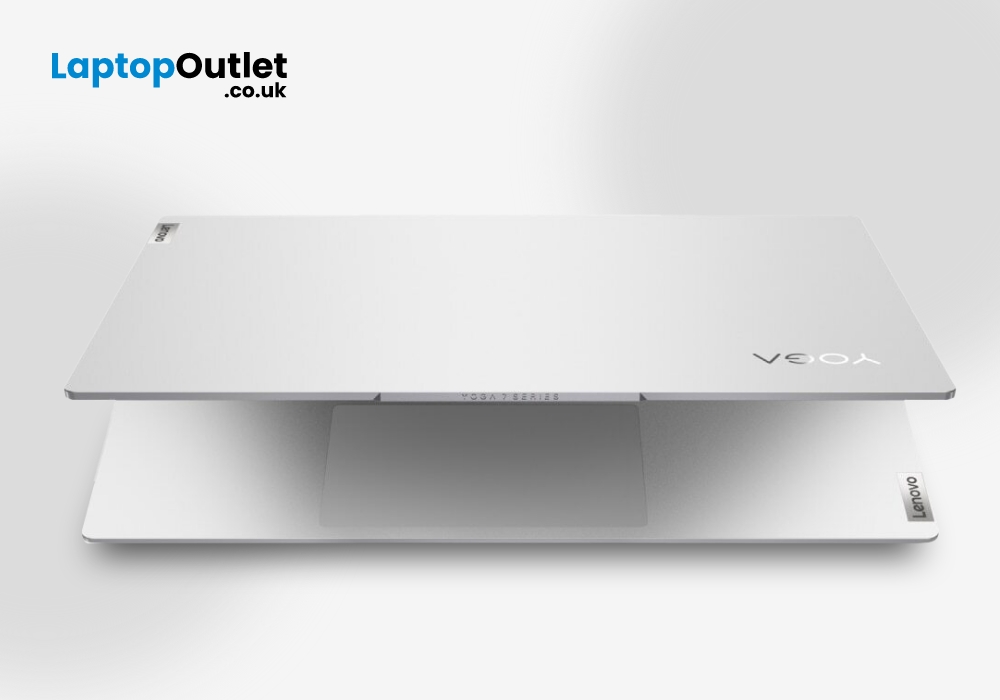
Lenovo Yoga Slim 7 Pro is a big deal. Yoga Slim 7 Pro with its 16 inches is dominating the marketplace with its up-to-the-mark performance. This Lenovo Laptop is powered by AMD Ryzen 5 5600H processor, has incredibly powerful graphics, and weighs around 1.39 kg.
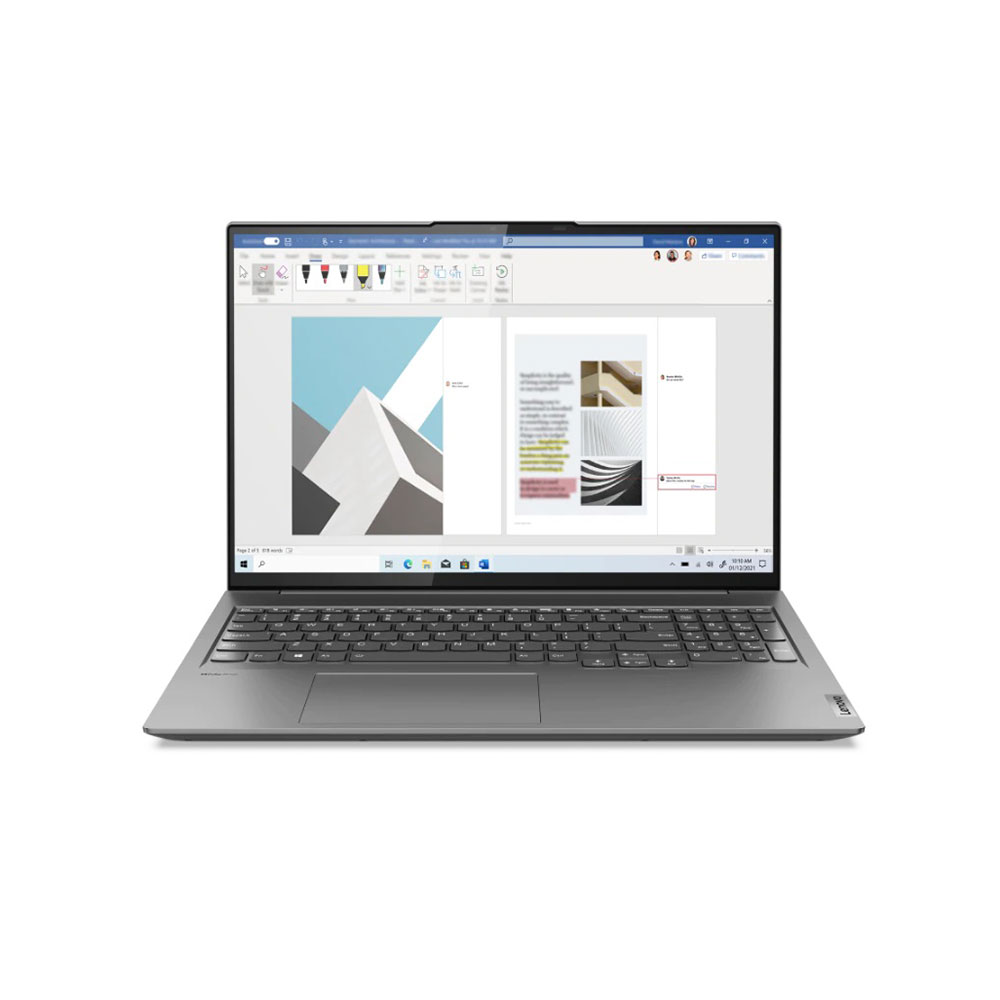
Specs:
GPU: NVIDIA GeForce GTX 1650
CPU: AMD Ryzen 5
RAM: 16 GB
SSD Capacity: 512 GB
Screen size: 16 inches
Screen resolution: 2560 x 1600
Display Type: IPS
Weight: 1.39 kg
Pros:
- Amazing display
- Excellent keyboard
- Multiple ports
- High-end performance
- Glass touchpad
Cons:
- Average battery life
- Bloatware issues
Display:
The laptop is punching above its weight in the category of the display. The Yoga laptop sports 16 inches screen with a 2560 x 1600 IPS touchscreen display. The slim bezels and 60Hz refresh rate make this laptop look good and convenient to use. The higher refresh rate enables seamless scrolling of the documents and articles. The panel can reach 500 nits of brightness and the colours
Last Updated: November 12, 2025
Are you looking for a laptop that’s as sleek as it is smart? Then buckle up! The Lenovo Yoga Slim 9 is an incredibly lightweight laptop that combines a slick design with capable performance.
This laptop distinguishes itself by setting new standards for premium design and performance. It’s crafted with meticulous attention to detail, a stunning appearance, and a responsive touchscreen.
But it’s not just about the looks; the Yoga Slim 9 packs a punch with an OLED touchscreen (up to 4K/3840×2400 with Dolby Vision), modern Intel Core P-series processors, and efficient thermals. Despite the high-resolution panel, battery life is solid for its class. However, some users may find the keyboard’s short travel a drawback.
This blog will explore the features and functionalities of the Lenovo Yoga Slim 9 and discover why it is a top choice for users seeking a combination of innovation, style, and productivity in their laptops and notebooks.
So, let’s get to it!
Key Features
Some of the standout

