




Blog Categories







September 02, 2026

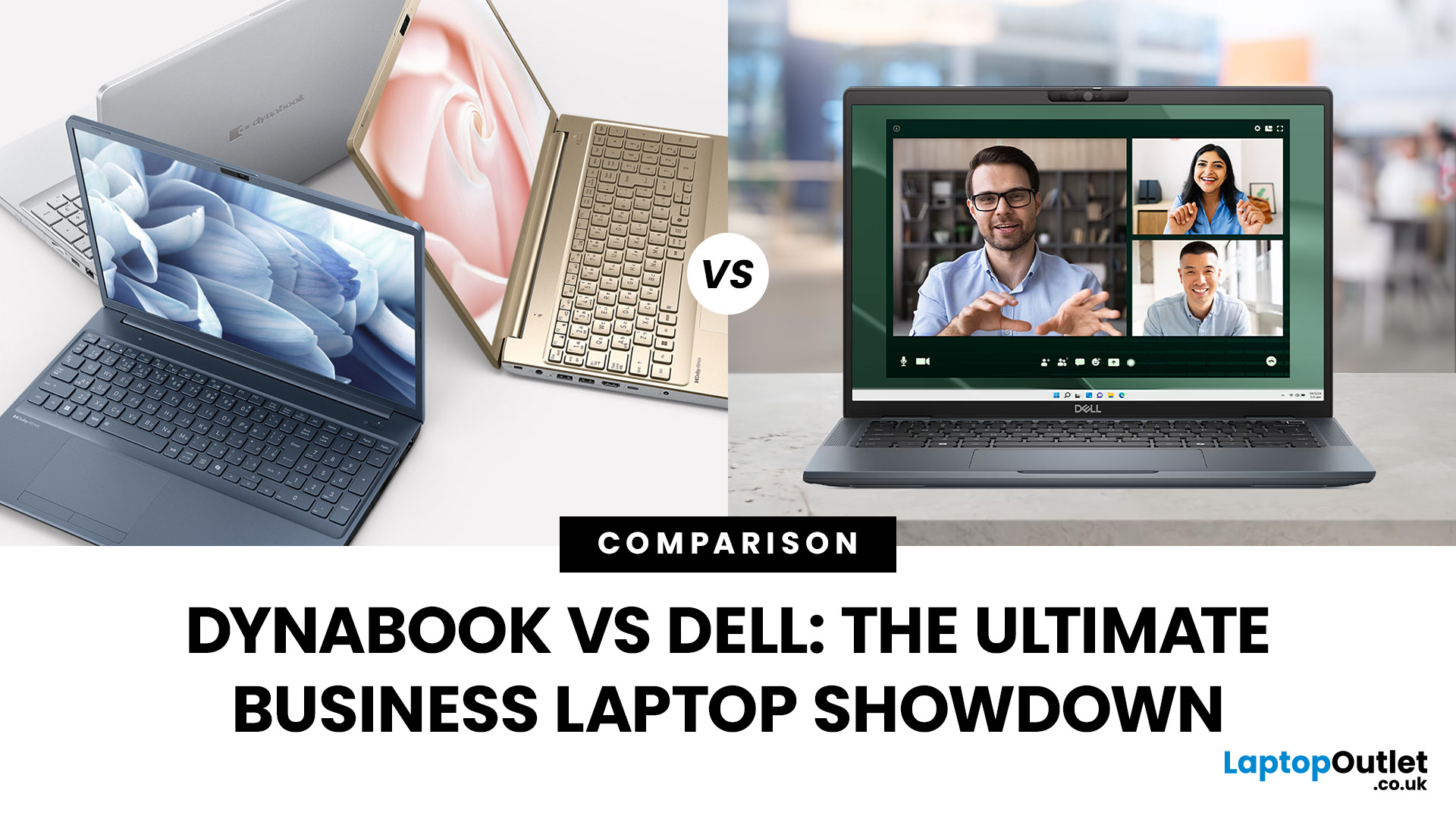
Did you know that the very first laptop to ever make it onto a space shuttle mission was a Toshiba? That legacy continues today under the Dynabook brand, which has quietly built a reputation for lightweight, business-ready machines. On the other side of the spectrum, Dell has grown into a household name, its Latitude and XPS lines often being the go-to choice for professionals and large enterprises alike.
When it comes to choosing a laptop for business, it isn’t just about sleek design or raw power. Professionals need reliability, security, and the kind of performance that won’t let them down in the middle of a client call or when running heavy spreadsheets. That’s where the comparison between Dynabook vs Dell laptops gets really interesting. One brings space-age durability, the other offers enterprise-level scalability. The real question is, which one truly delivers on what business users need most?
TL;DR – Dynabook vs Dell Laptops for Business
- Dynabook = Portability & Durability
- Ultra-lightweight
September 12, 2025
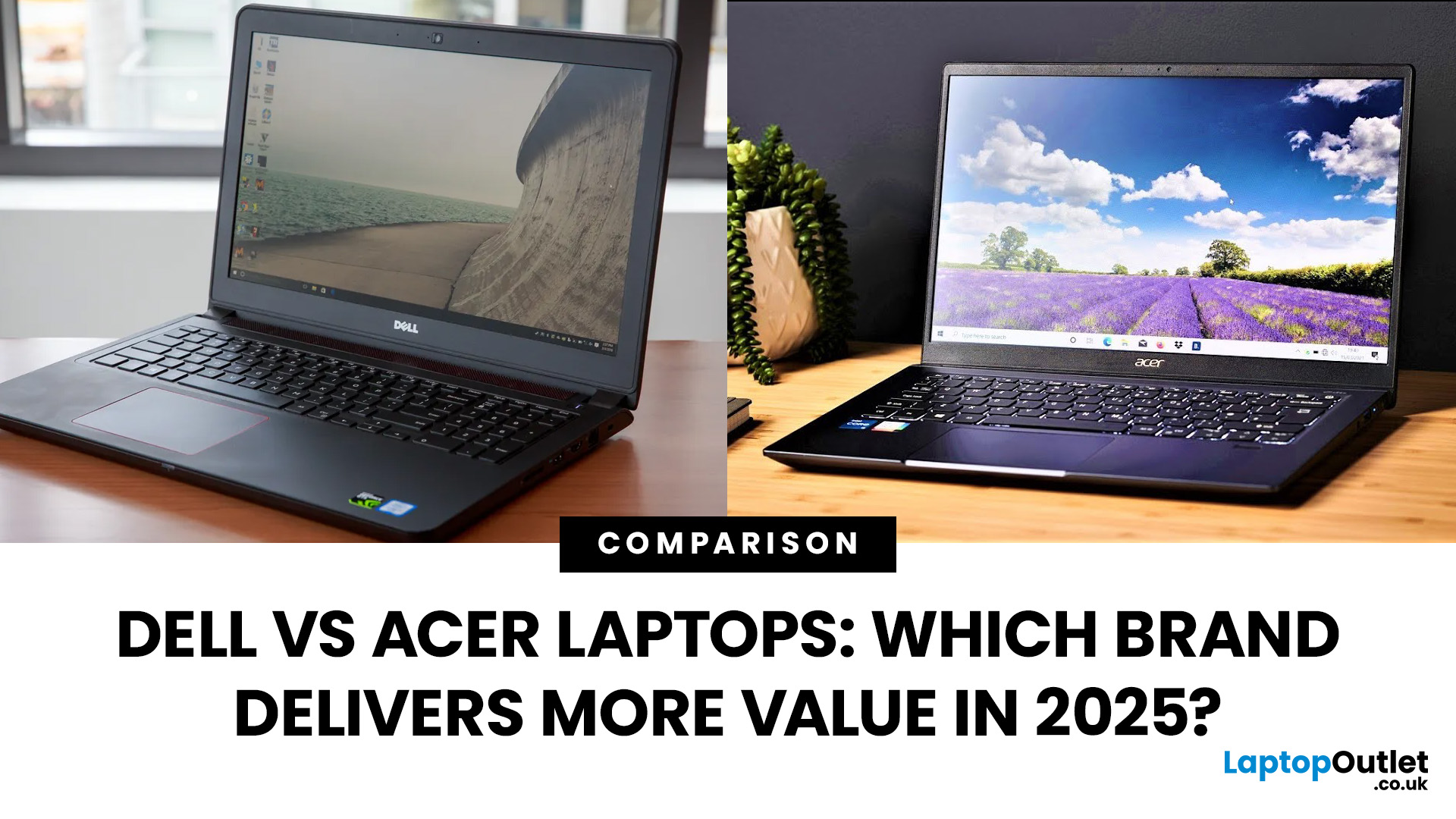
Choosing the right laptop in 2025 means balancing performance, price, and reliability—and two brands that regularly compete for attention are Dell and Acer. Both have carved out strong positions in the UK market, but they approach value in very different ways. Dell has built its reputation on premium craftsmanship, dependable business machines, and long-lasting ultrabooks like the XPS and Inspiron. Acer, meanwhile, is known for its aggressive pricing, bringing OLED displays and high-end specifications to budget-conscious buyers through the Swift and Aspire ranges, alongside accessible gaming rigs such as the Nitro and Predator series.
This guide compares both brands in detail covering design, performance, battery life, displays, gaming, and overall value so you can decide which delivers more for your money this year.
What’s the Main Difference Between Dell and Acer?
Dell focuses on premium fit and finish, quiet confidence in design, and balanced performance with excellent battery life in
September 11, 2025
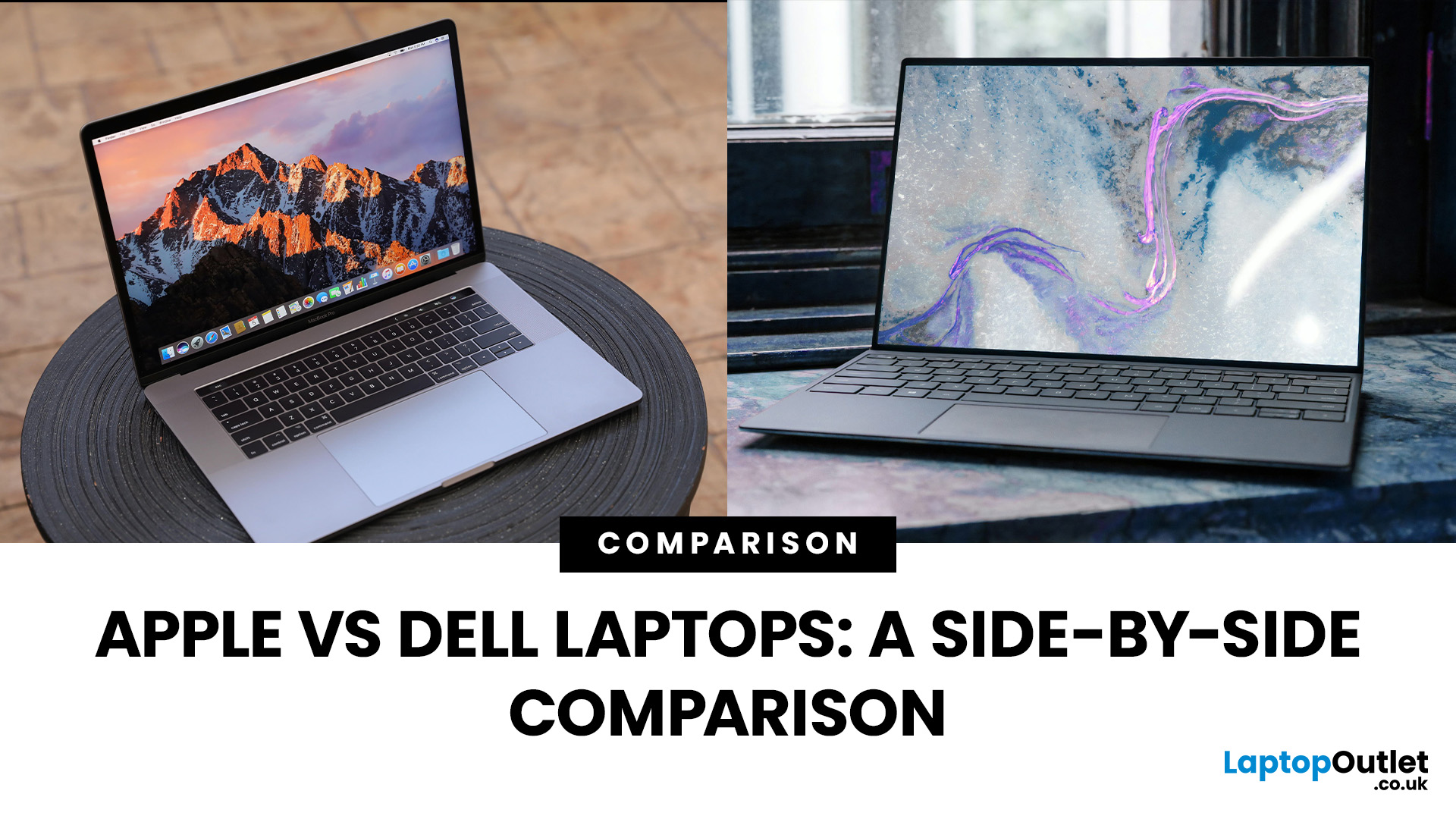
Choosing between Apple vs Dell laptops in 2025 is less about which brand is “better” overall and more about which suits your needs best. Apple’s MacBooks are known for their premium build, exceptional battery life, and smooth macOS ecosystem, while Dell offers a wider range of laptops—from affordable everyday machines to high-end XPS ultrabook delivering flexibility, Windows compatibility, and value across budgets. This comparison breaks down the key differences in performance, design, battery life, displays, and pricing to help you decide which brand delivers the right balance for your work or personal use.
What’s the Main Difference Between Apple and Dell?
Apple (MacBook Air/Pro) focuses on seamless macOS integration, class-leading battery life, and quiet, efficient performance on Apple silicon (M-series). Hardware is premium, but upgrades/ports are limited, and prices skew higher. On the other hand, Dell (XPS/Inspiron/Latitude/Alienware) offers a wider spread from budget to premium with

September 02, 2026
In the HP vs Dell laptops debate for 2026, HP wins on value, stylish design, and accessibility, making it ideal for students and home users. Dell wins on build quality, battery endurance, enterprise-grade support, and long-term durability, making it the stronger pick for professionals and power users. Neither brand is universally better; the right choice depends entirely on your budget, use case, and how long you plan to keep the device.
This guide cuts through the noise and gives you a proper, head-to-head Dell vs HP comparison across every major category so you can shop with confidence.
What Are HP and Dell Each Known For in 2026?
Before diving into the specs, it helps to understand the design philosophy behind each brand. HP and Dell both make excellent laptops, but they approach the market from noticeably different angles, and that shapes every product decision they make.
HP: Design, Value, and Accessibility
HP positions itself around choice, modern aesthetics, and broad accessibility.
September 09, 2025
What’s the main difference between Lenovo and Dell laptops?
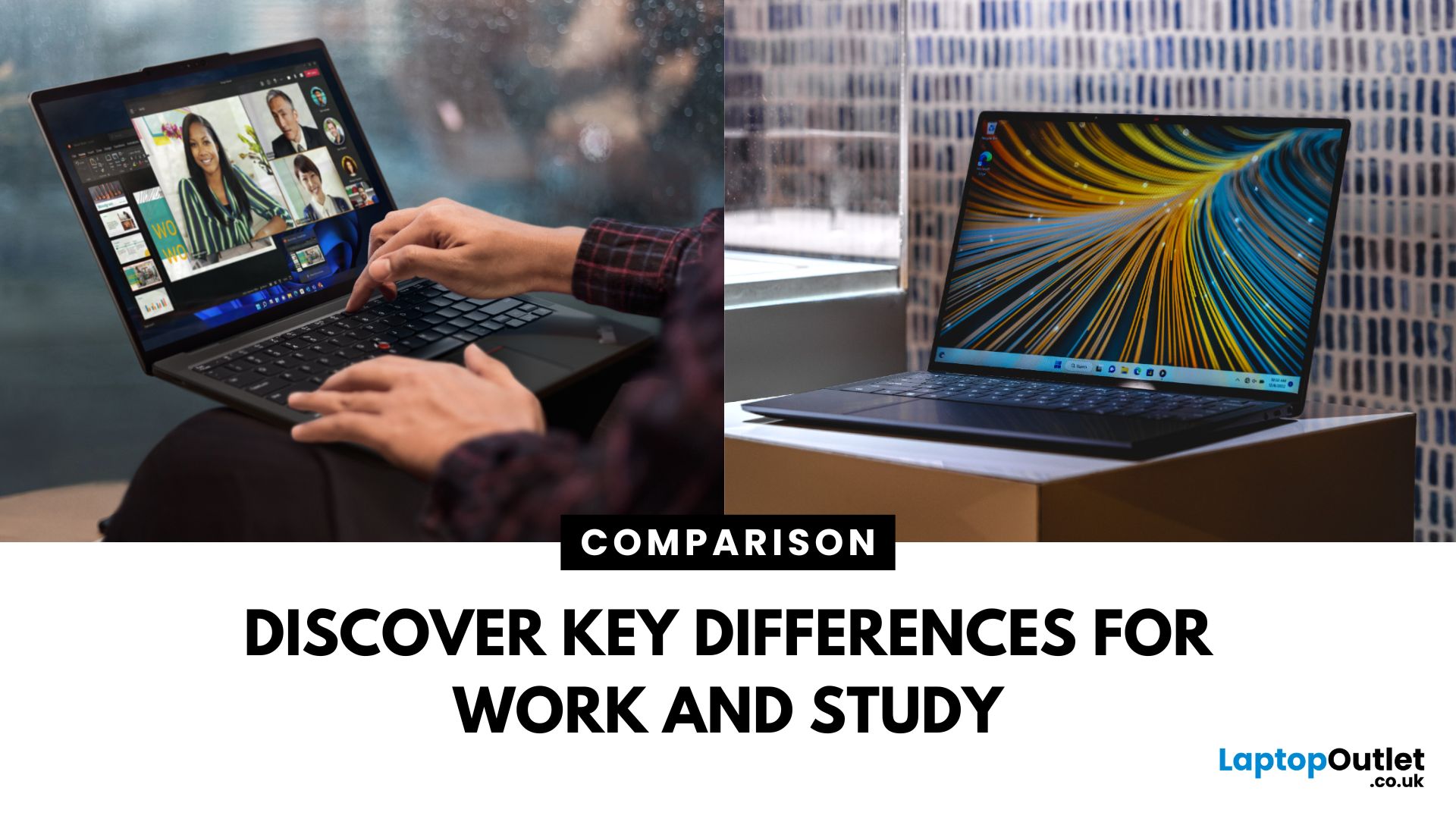
Lenovo (ThinkPad, Yoga, Legion, IdeaPad) is known for MIL-STD-tested durability, spill-resistant keyboards, and the ThinkShield security stack on business lines. Great for students and professionals who prioritise reliability and manageability. On the other hand, Dell (XPS, Latitude, Inspiron, Alienware/ G-Series) is famous for premium XPS ultrabooks with excellent battery life and ProSupport/ProSupport Plus service for businesses, plus fast-charge (ExpressCharge) options.
Lenovo vs Dell laptops: Quick Comparison
| Feature | Lenovo | Dell |
| Build & Durability | MIL-STD testing on ThinkPads; spill-resistant keyboards. | Premium metal builds on XPS; robust Latitude chassis. |
| Battery Life | Strong on premium models; varies by series. | Standout on XPS (widely reviewed as “all-day+”). |
| Security/Manageability | ThinkShield stack & enterprise controls. | ProSupport/ProSupport Plus, ExpressCharge & fleet tools. |
| Key Lines | ThinkPad, Yoga, Legion, IdeaPad | XPS, |

September 07, 2026
What’s the Main Difference Between Dell Inspiron and XPS?
The Dell Inspiron series is Dell’s valuefocused laptop lineup, offering reliable performance, a range of sizes, and affordable pricing for everyday users. The Dell XPS series is Dell’s premium ultrabook range, delivering highend performance, premium build quality, and some of the best laptop displays in the market.
Feature Comparison Table
| Feature | Dell Inspiron | Dell XPS |
| Target Audience | Everyday users, students, home office | Professionals, creatives, power users |
| Build Quality | Plastic or aluminiumplastic mix | Premium aluminium and carbon fibre |
| Display Options | HD / FHD, some touch options | FHD+, UHD+, OLED, ultraslim bezels |
| CPU Options | Intel Core i3 / i5 / i7, AMD Ryzen 3 / 5 / 7 | Intel Core i5 / i7 / i9 (latest gen) |
| GPU Options | Integrated graphics, optional entrylevel GPUs | Integrated Intel Iris Xe or NVIDIA RTX options |
| RAM & Storage | Up to 32 GB RAM, up to 1 TB SSD | Up to 64 GB RAM, up to 4 TB SSD |
| Battery Life | ~8–12 hours | ~10–14 |

September 02, 2026
What’s the Main Difference Between Dell XPS and Latitude?
The Dell XPS series is Dell’s premium ultrabook line aimed at highend consumer and professional users who want sleek designs, powerful specs, and gorgeous displays. The Latitude series is Dell’s business focused lineup designed for corporate environments, with enterprise Grade security, durability, and manageability.
Feature Comparison Table
| Feature | Dell XPS | Dell Latitude |
| Target Audience | Premium consumers, creatives, professionals | Business users, corporate deployments |
| Build Quality | Premium aluminium and carbon fibre | Durable magnesium/aluminium, MILSTD tested |
| Display Options | FHD+ / UHD+ / OLED touch, ultraslim bezels | FHD / 4K touch options, brighter antiglare panels |
| CPU Options | Intel Core i5 / i7 / i9 (latest gen) | Intel Core i5 / i7 / i9 (U/Pseries, vPro options) |
| GPU Options | Integrated Intel Iris Xe or NVIDIA RTX (select) | Integrated Intel Iris Xe or optional NVIDIA MX/RTX |
| RAM & Storage | Up to 64 GB RAM, up to 4 TB SSD | Up to 64 |
September 09, 2025
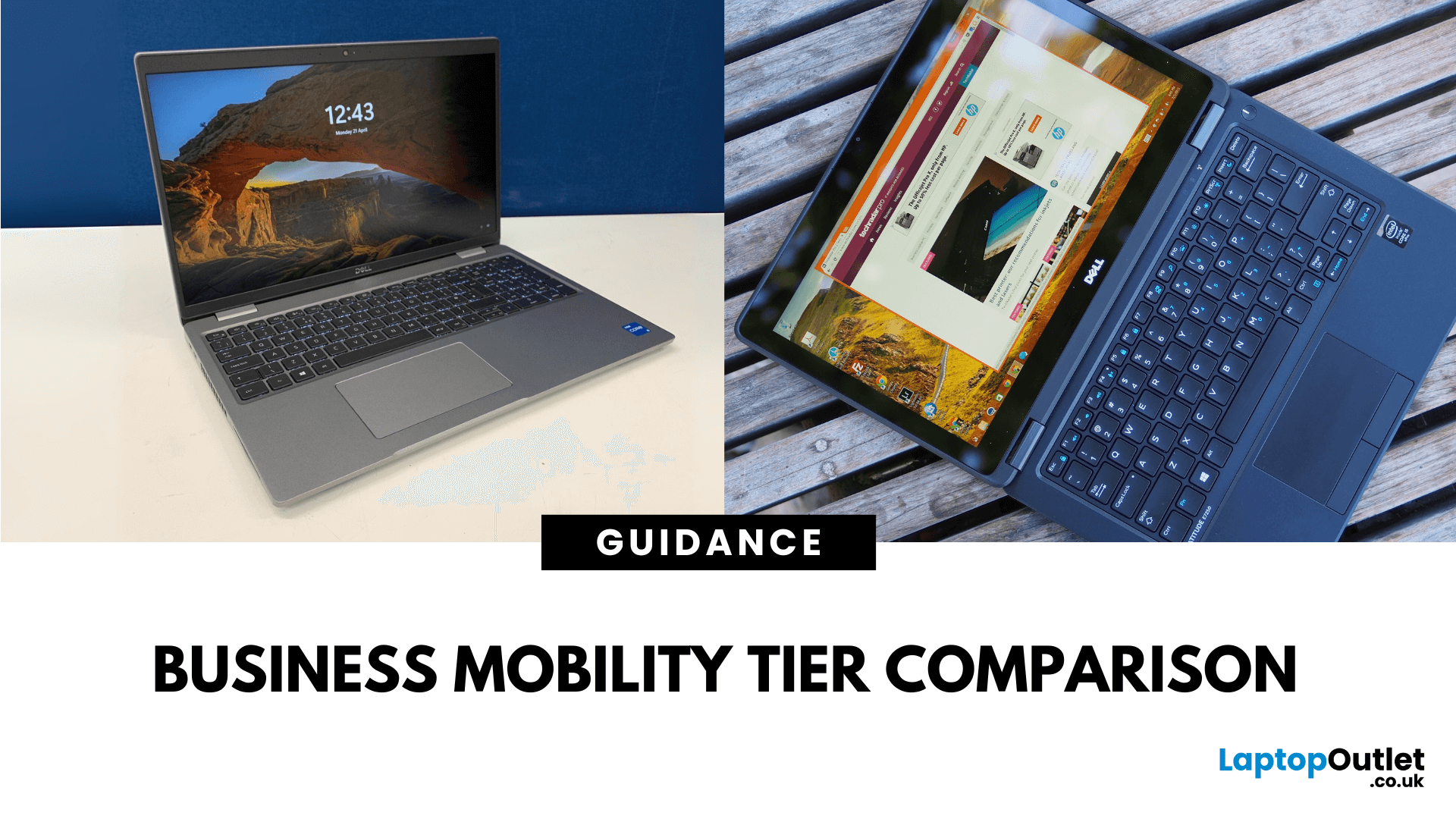
What’s the Main Difference Between Dell Latitude 5000 and 7000?
The Latitude 5000 series is Dell’s uppermidrange business laptop line — strong performance, solid build, and great value for business users. The Latitude 7000 series is the premium tier — lighter, sleeker, more durable, and with higherend materials, better displays, and longer battery life.
Feature Comparison Table
| Feature | Dell Latitude 5000 | Dell Latitude 7000 |
| Build & Materials | Durable plastic/aluminium mix | Premium magnesium/aluminium chassis |
| Display Options | FHD / FHD touch, up to 400 nits | FHD / 4K UHD, up to 500 nits, optional HDR |
| Weight | ~1.4–1.6 kg | ~1.2–1.4 kg |
| CPU Options | Intel Core i5 / i7 (U/Pseries) | Intel Core i5 / i7 (U/Pseries, vPro available) |
| GPU Options | Integrated Intel Iris Xe | Integrated Intel Iris Xe or optional NVIDIA MX GPU |
| RAM & Storage | Up to 64 GB RAM, up to 2 TB SSD | Up to 64 GB RAM, up to 2 TB SSD |
| Battery Life | ~10–13 hours | ~12–15 hours |
| Security Features | Businessgrade TPM, fingerprint, smart card |
September 07, 2026
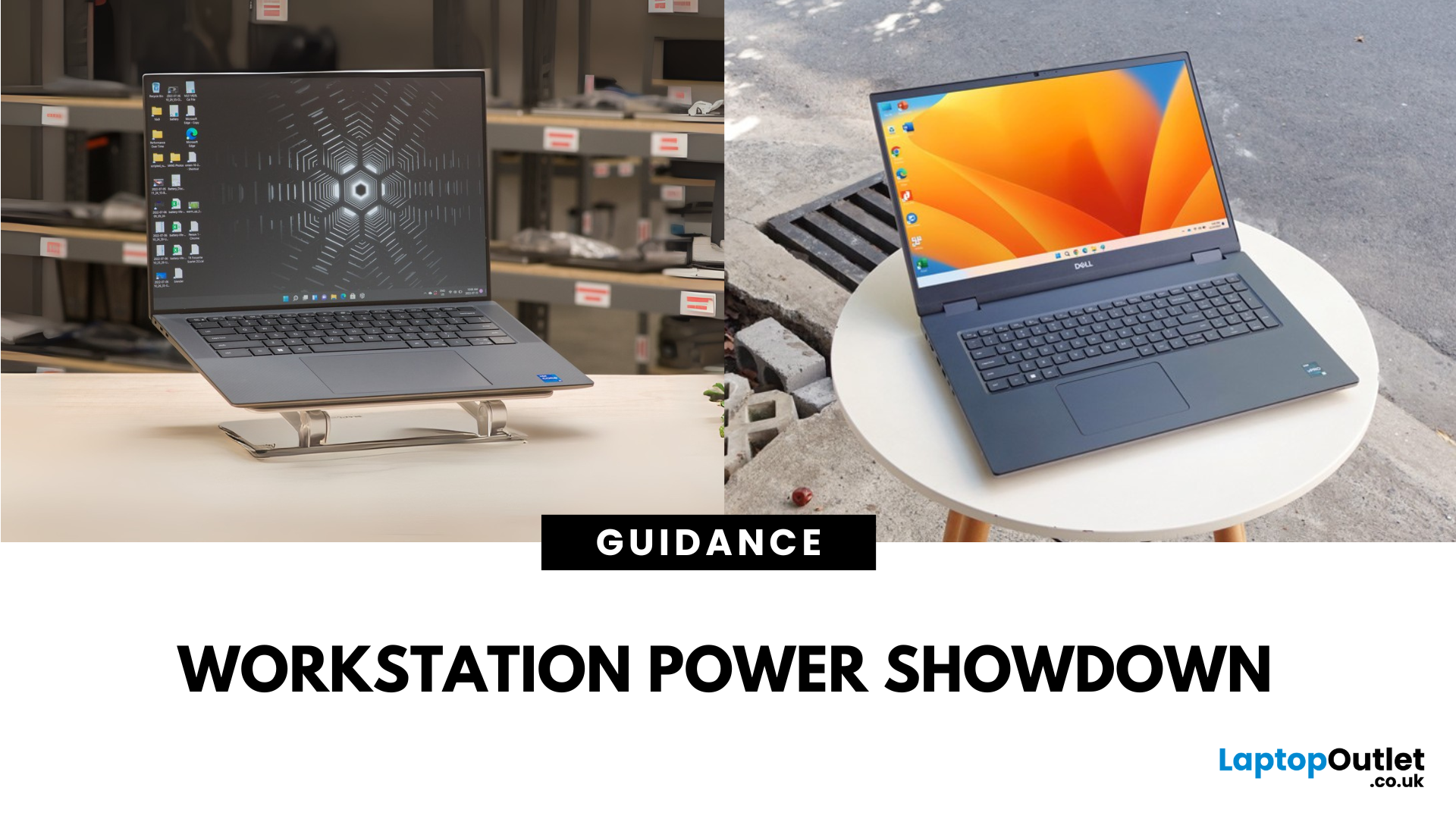
What’s the Main Difference Between Dell Precision 5570 and Precision 7770?
The Dell Precision 5570 is a slim, portable mobile workstation designed for professionals who need high performance on the go. The Dell Precision 7770 is a powerhouse desktopreplacement workstation with maximum performance, expandability, and larger display options for the most demanding workloads.
Feature Comparison Table
| Feature | Dell Precision 5570 | Dell Precision 7770 |
| Display Size | 15.6″ FHD+ / UHD+ touch options | 17.3″ FHD+ / UHD / HDR options |
| Weight | ~1.84 kg | ~3.0–3.2 kg |
| CPU Options | Intel Core i7 / i9, Xeon W | Intel Core i7 / i9, Xeon W (higherpower versions) |
| GPU Options | NVIDIA RTX A1000 / A2000 / A3000 / A4500 | NVIDIA RTX A2000 / A3000 / A4500 / A5500 / A6000 |
| RAM & Storage | Up to 64 GB RAM, up to 4 TB SSD | Up to 128 GB RAM, up to 8 TB SSD |
| Battery Life | ~8–10 hours (light workloads) | ~5–7 hours |
| Portability | Slim, lightweight mobile workstation | Heavy, desktopreplacement style |
| Price Range | £2,000–£3,500+ | £2,500–£5,000+ |

September 07, 2026
What’s the Main Difference Between Dell Inspiron 14 and Inspiron 16?
The Inspiron 14 is a compact 14inch laptop built for mobility and everyday tasks. The Inspiron 16 is a largerscreen model with more room for multitasking, higherend specs in some configurations, and a slightly heavier build.
Feature Comparison Table
| Feature | Dell Inspiron 14 | Dell Inspiron 16 |
| Display Size | 14″ FHD or QHD+ | 16″ FHD+ or QHD+ |
| Weight | ~1.48–1.6 kg | ~1.8–2.05 kg |
| CPU Options | Intel Core i3 / i5 / i7, AMD Ryzen 5 / 7 | Intel Core i5 / i7, AMD Ryzen 5 / 7 |
| GPU Options | Integrated graphics | Integrated or optional discrete NVIDIA graphics |
| RAM & Storage | Up to 16 GB RAM, up to 1 TB SSD | Up to 32 GB RAM, up to 1 TB SSD |
| Battery Life | ~9–11 hours | ~8–10 hours |
| Price Range | £500–£800 | £650–£1,000+ |
1. Portability & Everyday Use
- Inspiron 14: Light, easy to carry, and fits perfectly in smaller backpacks. Great for students, remote workers, and frequent travellers.
- Inspiron 16: Larger and heavier but offers a more comfortable
September 02, 2026
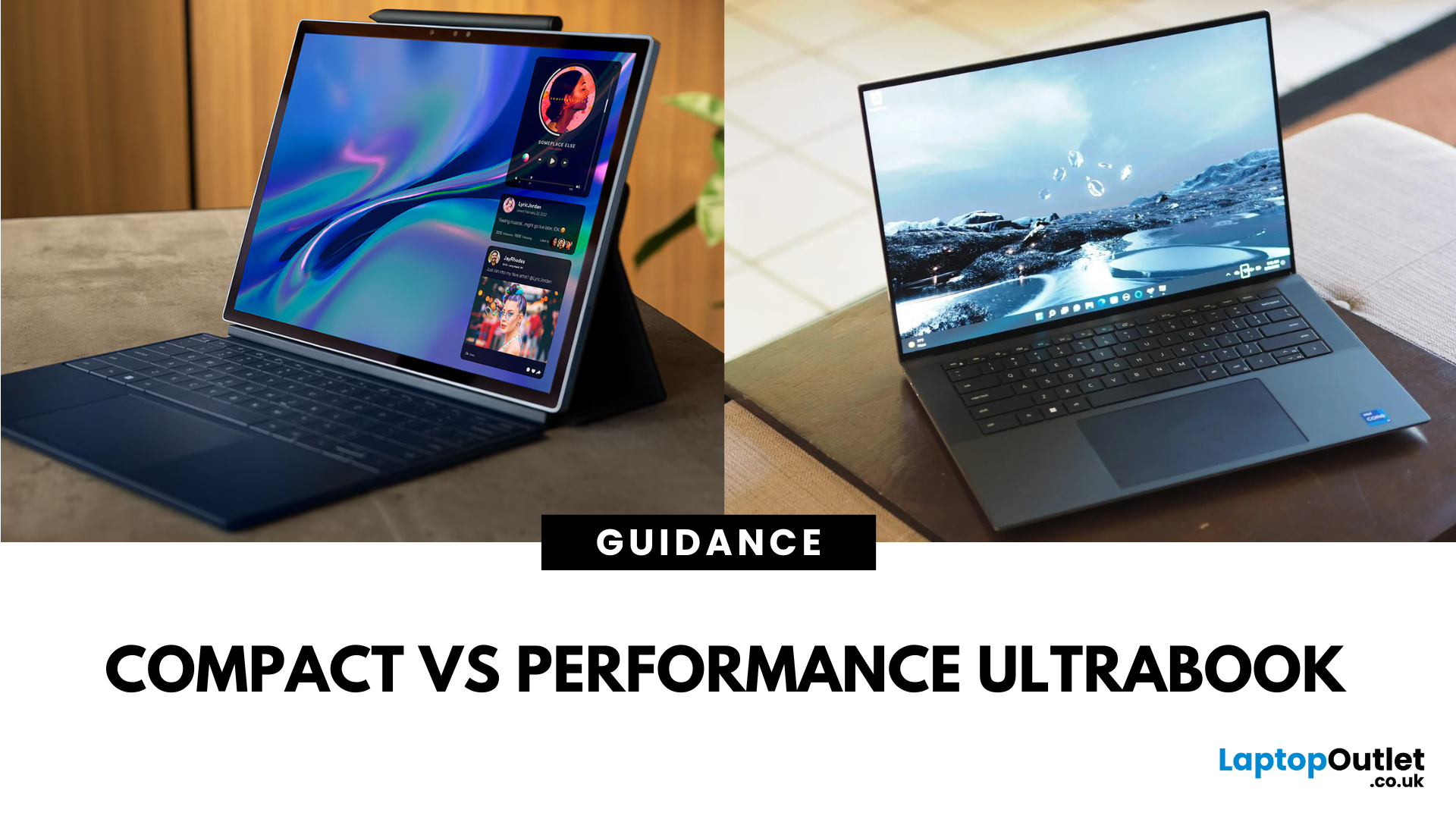
What’s the Main Difference Between Dell XPS 13 and XPS 15?
The XPS 13 is Dell’s most portable premium ultrabook — light, compact, and designed for all‑day work on the go. The XPS 15 is a larger powerhouse with stronger processors, optional NVIDIA graphics, and a bigger display for creative workloads.
Feature Comparison Table
| Feature | Dell XPS 13 | Dell XPS 15 |
| Display Size | 13.4″ FHD+ / UHD+ touch options | 15.6″ FHD+ / UHD+ / OLED touch options |
| Weight | ~1.17–1.27 kg | ~1.8–2.0 kg |
| CPU Options | Intel Core i5 / i7 (U/Pseries) | Intel Core i7 / i9 (Hseries) |
| GPU Options | Integrated Intel Iris Xe | Integrated or NVIDIA GeForce RTX 3050 / 3050 Ti |
| RAM & Storage | Up to 32 GB RAM, up to 2 TB SSD | Up to 64 GB RAM, up to 4 TB SSD |
| Battery Life | ~12–14 hours | ~8–10 hours |
| Best For | Portability, office work, media consumption | Creative work, video editing, heavier multitasking |
| Price Range | £1,200–£1,800 | £1,500–£2,500+ |
1. Portability & Everyday Use
- XPS 13: Ultralightweight and slim, ideal for commuting, travel,
April 03, 2026
Are you looking for power and durability packed in a single device? Fortunately, this article has got you covered!
Whether you are a student taking your laptop on the bus or an engineer who uses a computer in a construction site, it is crucial to have a laptop that can handle this all efficiently and effectively. Not every computer is designed to withstand extreme temperatures, dust, water, drops, and daily bumps. Thankfully, many laptop brands, such as Dell, have started to pass their devices against military durability standards.
These laptops are slim, lightweight, and designed to stay productive during the worst environments, including extreme weather, accidents, spills, rain, spray, dust, and dirt.
The endurance and capability of Dell rugged laptops make them a top-notch choice for every type of user, like hospital workers, first responders, armed forces, industrial workers, farm workers, and industry workers.
So, to help you decide , we have tested and reviewed the best