



iOS 26 + iPhone 17: The Features You Can’t Miss
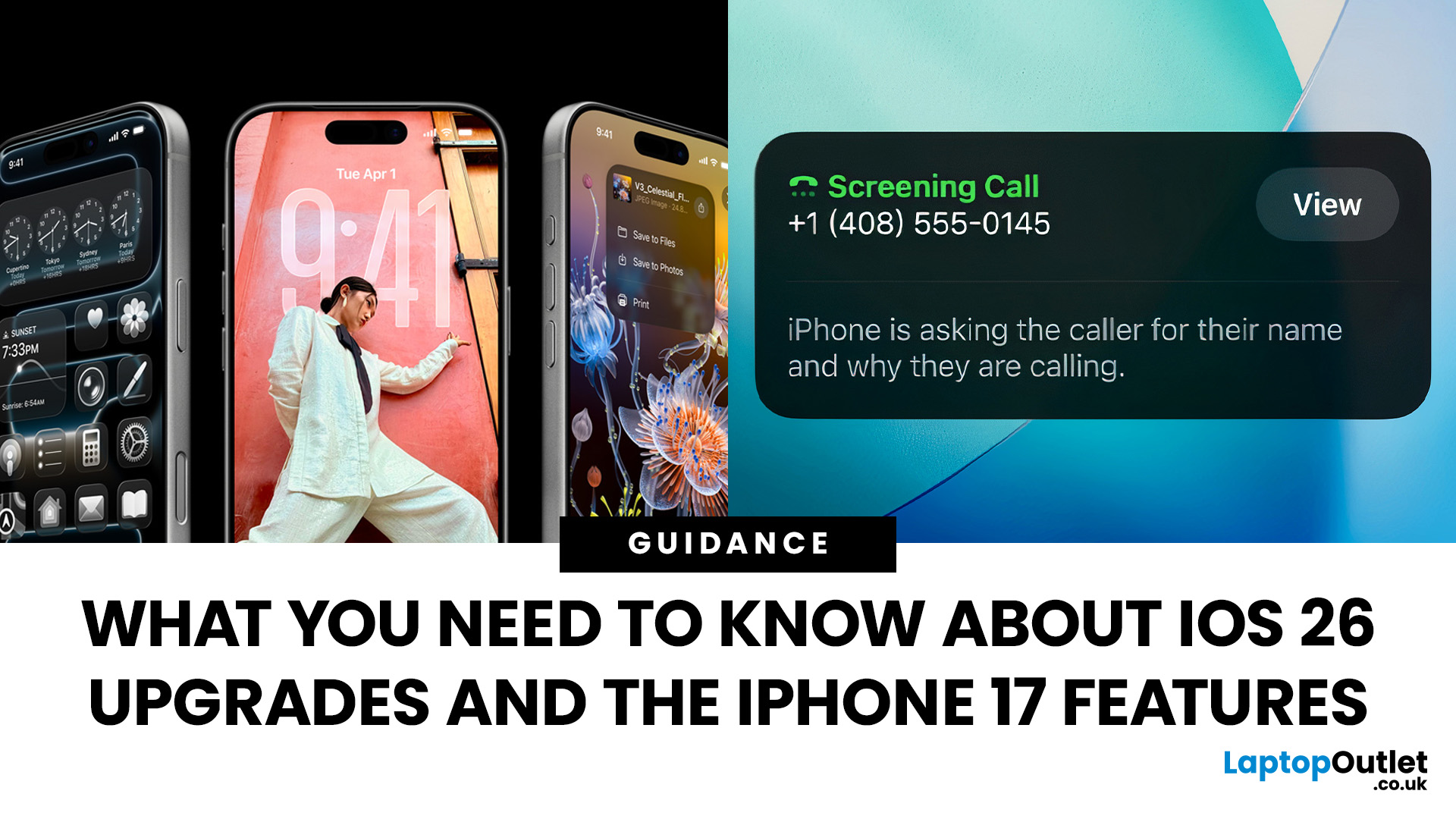
Apple’s 2025 drop is a one-two punch: iOS 26 brings a fresh look and smarter tools, while the iPhone 17 line turns those ideas into everyday wins. If you’re deciding whether to update, upgrade, or both, this guide lays out what’s new, why it’s useful, and how to get the most from it on day one.
iOS 26 At a Glance
Apple describes iOS 26 as a major update centered on a gorgeous new design, intelligent experiences, and daily improvements to the apps you use. In practice, that means a cleaner interface, on-device smarts that actually help, calmer communication, and quality-of-life tweaks across CarPlay, Music, Maps, Wallet and more.
A beautiful new look: Liquid Glass everywhere

The first thing you’ll notice is the design. iOS 26 introduces Liquid Glass, a translucent material that reflects and refracts what’s behind it. It brings a gentle sense of depth to icons, widgets, controls and navigation without making the interface feel busy. The result is expressive and modern, yet instantly familiar.
- Home Screen & Lock Screen: The new look stretches across both, so your phone feels consistent edge-to-edge. You can even give app icons and widgets a clear, “glass” appearance for a minimal vibe.
- Lock Screen time that adapts: The clock now fluidly wraps around your photo, shifting to suit the subject so your wallpaper shines without compromising readability.
- Camera and Photos tweaks: A simplified Camera layout keeps you focused on the moment, while Photos are split into Library and Collections for faster browsing.
- Safari, Music, News, Podcasts: Pages in Safari now flow from top to bottom, letting you see more of a site while keeping refresh and search within reach. In Music, News and Podcasts, the tab bar floats above your content, shrinking when you scroll so content stays centre stage, and expanding again when you head back up.
Apple Intelligence: smarter, more private help on the device
Apple Intelligence is integrated throughout iOS 26, built with privacy from the ground up and running on the device.
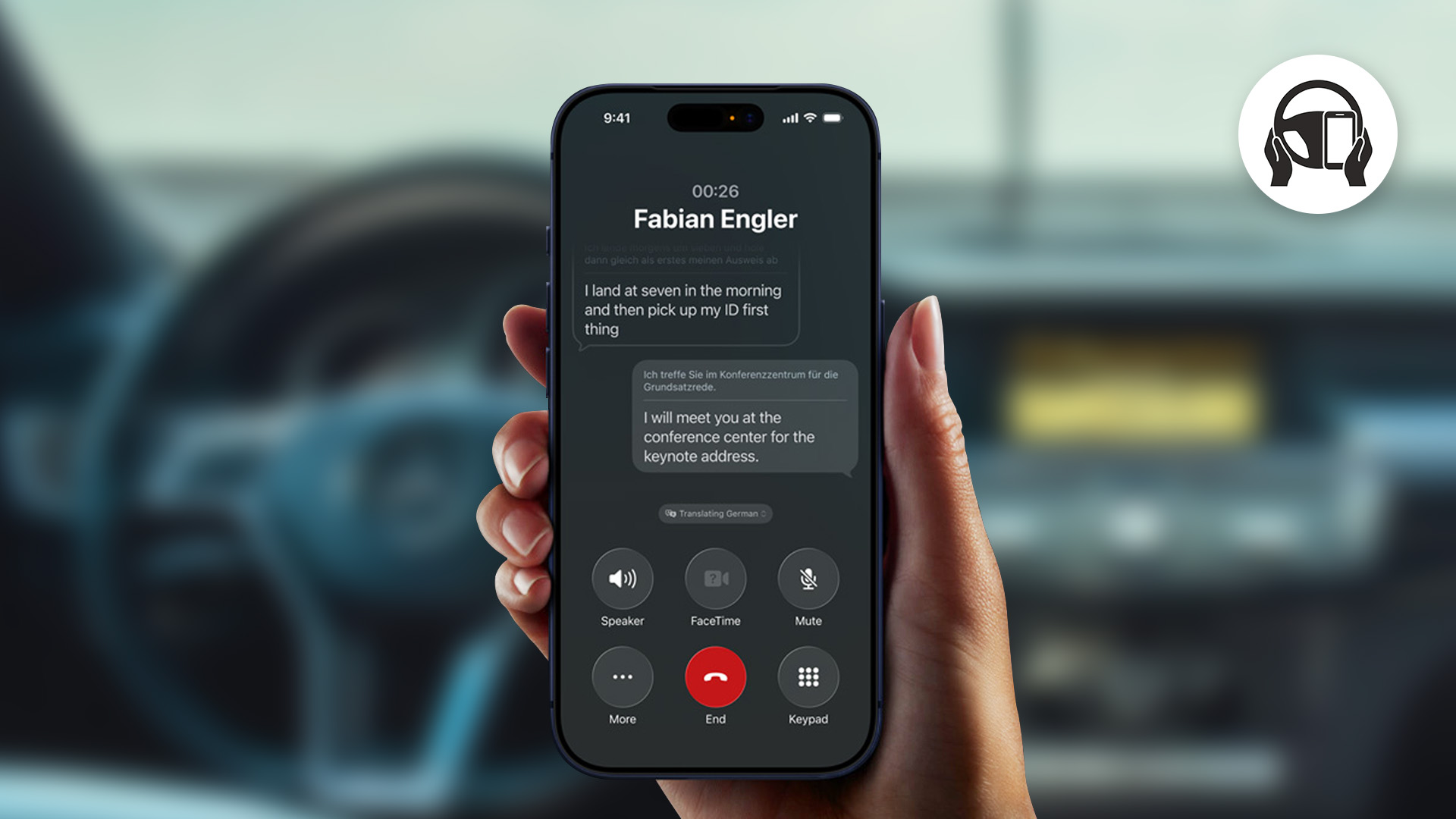
- Live translation arrives inside messages, FaceTime, and Phones, translating text and audio in real time so you can chat across languages without switching apps. It all runs on the device.
- Visual intelligence now understands what’s on your screen. Are you looking at a gig poster, a recipe, a product, or an event? You can search for similar items, add details to the Calendar, or ask questions about what you’re seeing. It’s a small change that eliminates a lot of copy-paste faff.
- Genmoji and Image Playground get richer. You can mix emojis, Genmoji, and descriptions to generate something expressive in seconds—spot-on for messages, reactions, and group chats.
- Shortcuts supercharged: Intelligent actions bring Apple Intelligence into Shortcuts, with dedicated actions for things like Writing Tools and Image Playground. Less setup, more doing.
- Order tracking: Apple Intelligence can automatically pull order details from emails, summarise them, and show progress updates in one place—even if you didn’t use Apple Pay.
- For developers: A new Foundation Models framework opens direct access to the on-device model behind Apple Intelligence—fast, private, offline, and free to use for inference. Expect apps to feel smarter without shipping your data away.
Phone and Messages: fewer interruptions, more control
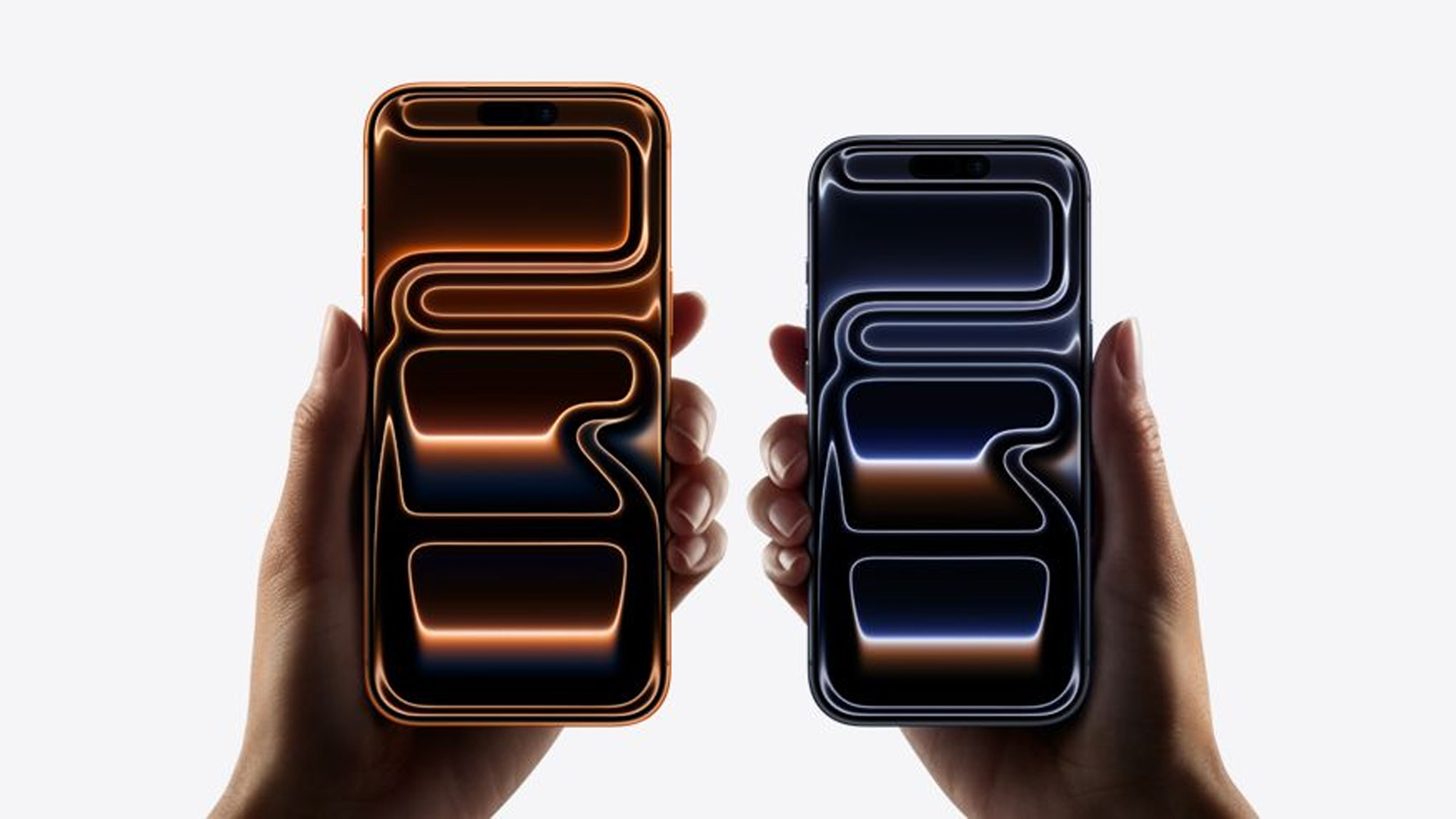
Staying connected shouldn’t mean being constantly interrupted. iOS 26 gives you practical tools to keep the conversation on your terms.
- Phone’s unified layout puts Favourites, Recents and Voicemail in one place, so you spend less time digging.
- Call Screening builds on Live Voicemail by collecting details from unknown callers and showing you what they want before you decide to pick up.
- Hold Assist waits on hold for you and alerts you when a human joins, so your day isn’t hijacked by a queue.
- In Messages, you can now screen unknown senders. Those texts drop into a dedicated folder where you can mark the number as known, request more info, or delete, and they stay silent until you accept them.
Conversations get a little more fun (and useful)...
- Create polls right in group chats. Apple Intelligence can even suggest a poll when it thinks one would help.
- Custom backgrounds, including ones made in Image Playground, let you theme a chat.
- Typing indicators are now shown in group chats.
- You can request, send and receive Apple Cash within a group conversation (where available).
CarPlay: clearer, calmer, and more capable
If you use CarPlay, you’ll feel iOS 26 immediately. There’s a new compact call view so you can see who’s ringing without losing vital map info. Messages on CarPlay now support Tapbacks and pinned conversations for quicker responses, and widgets and Live Activities keep you in the loop, including scores, timers, and deliveries, without stealing focus.
These updates also land in CarPlay Ultra, which blends iPhone and the car’s systems across multiple screens. Expect customisable layouts, vehicle controls, and a unified look that carries the new design language into your dashboard.
Apple Music, Maps and Wallet: small changes, big quality-of-life gains
Apple Music adds:
- Lyrics translation is needed to understand songs in other languages.
- Lyrics Pronunciation so everyone can sing along.
- AutoMix, which time-stretches and beat-matches between tracks for DJ-smooth transitions.
Apple Maps becomes more personal and privacy-conscious:
- Visited Places (opt-in) lets iPhone detect when you’re at a location like a restaurant and show a private, end-to-end encrypted history of where you’ve been.
- Preferred Routes uses on-device intelligence to surface your usual route and warn about delays, with alternatives ready.
Wallet gets smarter for everyday life:
- Choose instalments or rewards when you pay with Apple Pay in-store (where supported).
- Refreshed boarding passes support Live Activities for real-time flight updates on your Lock Screen, plus quick links to Maps for airport navigation and Find My to track luggage.
Apple Games, AirPods, Family features, Safari and Accessibility
- Apple Games is a new app that organises your games in one place. You can access your favourites, find new titles, and follow events and updates across your library. It’s also the best way to browse Apple Arcade.
- AirPods (AirPods 4, AirPods 4 with ANC and AirPods Pro 2) gain studio-quality audio recording for clearer voice notes and content, plus a camera remote—press and hold the stem to take a photo or start/stop video on iPhone or iPad.
- Child Accounts are easier to create or move, with stronger parental controls across Communication Limits, Communication Safety and the App Store - think approvals for contact requests, blurred sensitive content, and controlled exceptions for age-rated apps.
- Safari turns on advanced fingerprinting protection across all browsing by default.
- Accessibility introduces Accessibility Reader for a customised, system-wide reading experience, Braille Access for a full interface with connected braille displays, and updates to Live Listen, Background Sounds and Personal Voice.
iPhone 17 Family: Upgrades that Matter
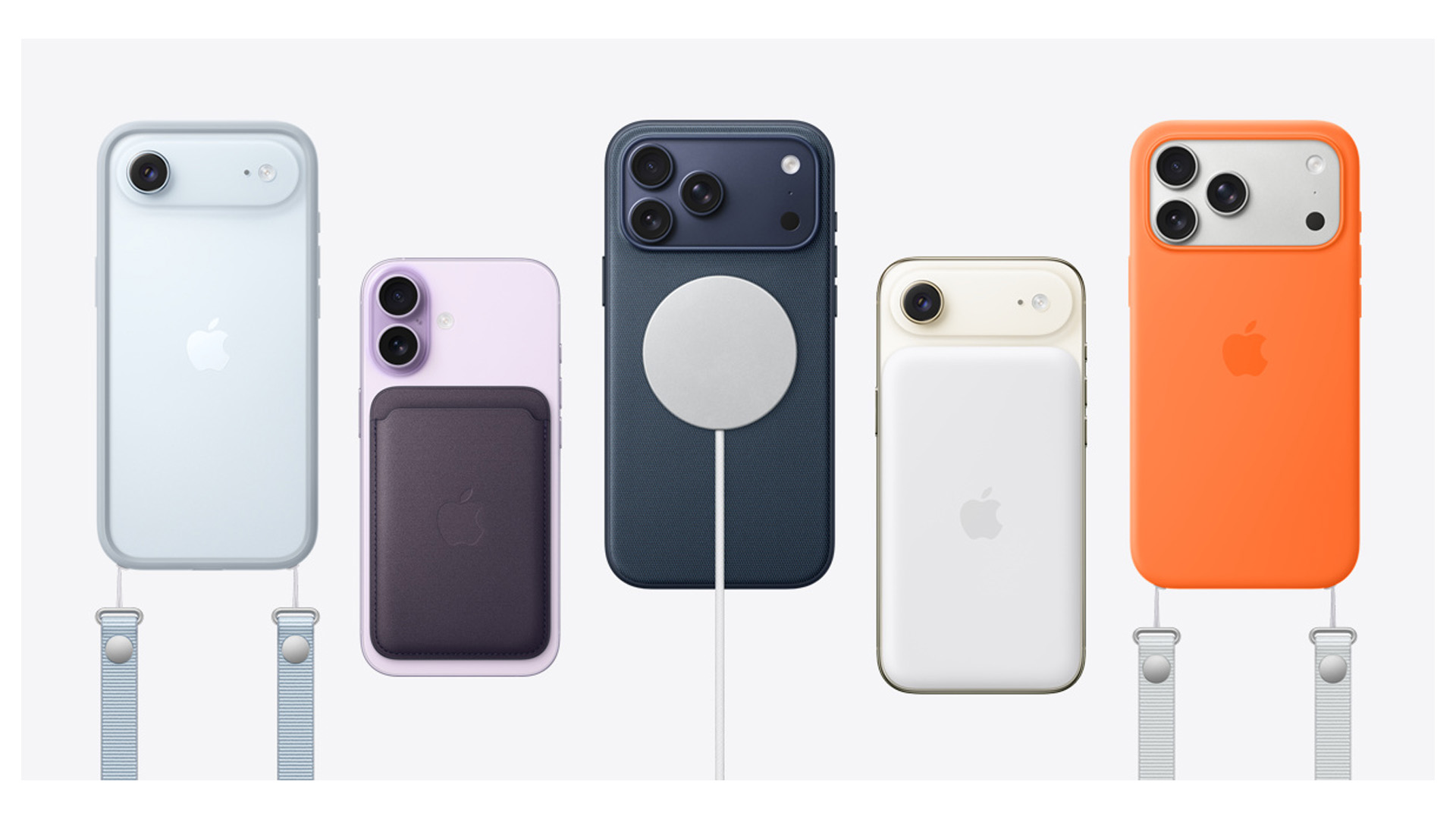
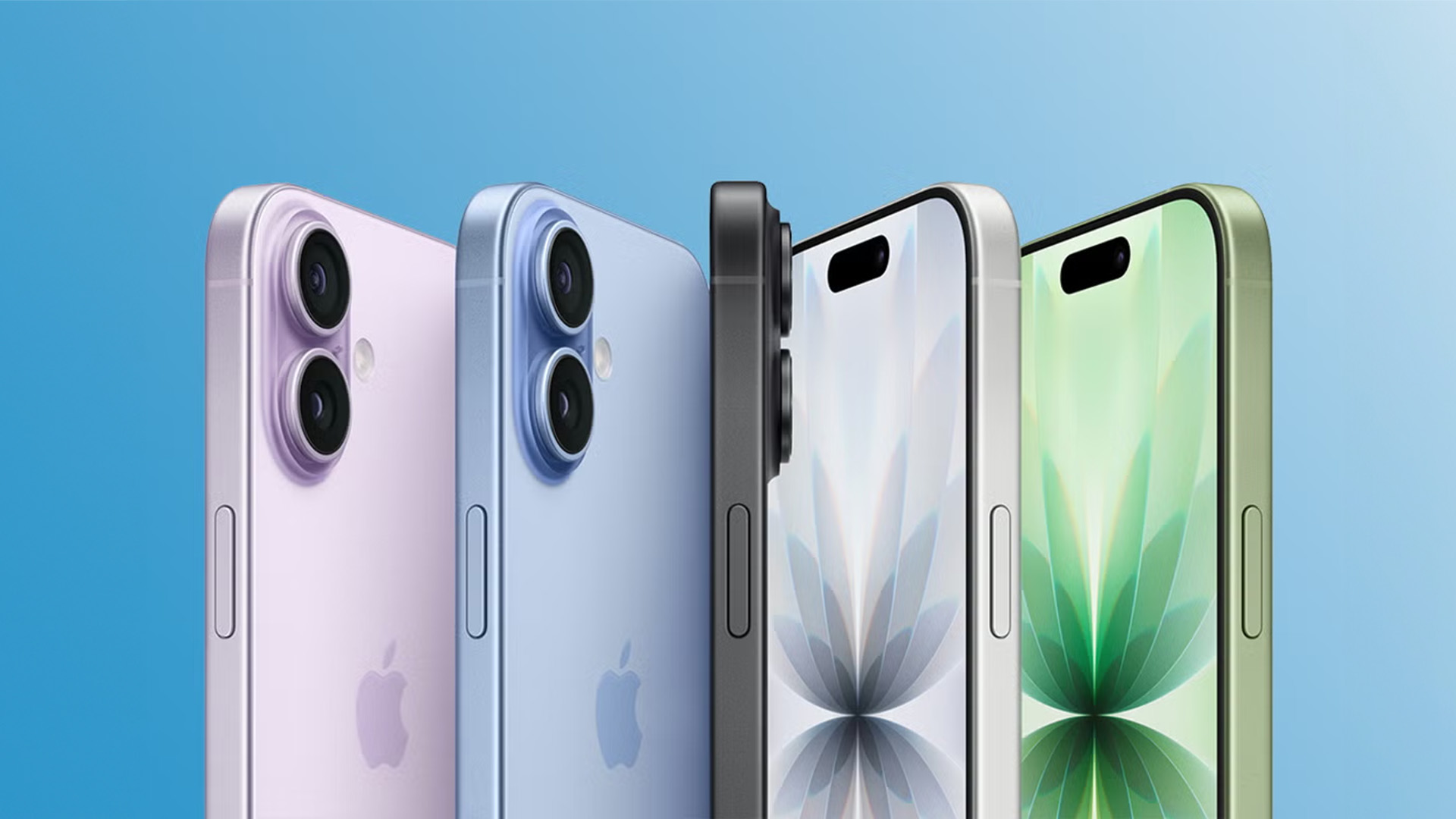
While iOS 26 brings the brains and the polish, the iPhone 17 line makes the most of it in hardware. The new iPhone range is straightforward: iPhone 17, iPhone 17 Pro, iPhone 17 Pro Max, plus the ultra-thin iPhone Air for minimalists.Not sure which model is right for you? Our guide on which iPhone 17 to buy breaks down Standard, Pro and Pro Max so you can match features to your priorities
Design and displays
Expect slimmer borders, brighter panels and tougher glass across the board, with reduced reflections that make outdoor use easier. Pro models show off Apple’s latest design language with refined materials and finishes that look clean and feel premium. If you’re coming from an older device, you’ll notice the jump in vibrancy and smoothness immediately.
Cameras that are easier to trust
Rather than flashy gimmicks, the 17 series focuses on consistency: faster, surer focus; better low-light performance across lenses; and colour science that keeps skin tones natural. Pro and Pro Max lean into creator-friendly features with advanced video options and generous storage tiers, so longer 4K shoots and on-device edits are realistic without juggling cards or cables.Want the full picture? We’ve detailed how Apple’s new iPhone 17 camera upgrades like 48MP sensors and 8× zoom actually change your photos and videos.
Performance, thermals and battery
All models step up with new A-series chips tuned for Apple Intelligence and modern games. The Pro chips don’t just post bigger benchmark numbers; they sustain those numbers longer thanks to improved thermals. Add in iOS 26’s Adaptive Power behaviour and you get a phone that feels snappy all day, not just in the morning.
iPhone Air: thin, light, delightful
The iPhone Air is the outlier in the best way. It’s the thinnest, lightest option, built for people who value comfort. You give up a few “pro” extras to get that feel, but for messaging, maps, photos and streaming, it’s a lovely everyday device that won’t weigh you down.
Should you upgrade to the iPhone 17 Series?
On iPhone 14 or earlier?
The combination of iOS 26’s design and smarts with the iPhone 17 hardware is a big, obvious leap. You’ll notice brighter screens, steadier cameras, smoother performance and smarter battery behaviour.
On iPhone 15/16?
If you’re deciding between keeping your iPhone 16 or moving up, our full breakdown of the iPhone 17 vs iPhone 16 shows the real-world differences you’ll notice. Power users and creators should consider 17 Pro Max for sustained performance and storage. Prefer a featherweight feel? Try iPhone Air in hand.
Happy with your current phone?
Install iOS 26 first. You’ll get the Liquid Glass look, calmer calls and messages, improved CarPlay, and smarter tools across Music, Maps and Wallet - no new hardware required.
For a focused look at the everyday wins, check out the top 10 iPhone 17 features you’ll actually care about most.”
Quick start: settings to try first
- Make it yours: long-press the Home Screen to switch icon and widget styles, including the new clear look. Choose a Lock Screen photo where the time wraps around the subject.
- Turn on message screening: keep unknown senders on a separate list and silence them until you approve them.
- Try Live Translation: add it to your workflows in Messages and FaceTime if you chat across languages.
- Add your travel to Wallet: enjoy Live Activities for flights on the Lock Screen, plus quick links to Maps and Find My.
- Open Apple Games: pin your favourites and check what’s new in Apple Arcade.

Before You Upgrade
iOS 26 gives the iPhone a fresh face and a smarter brain, and the iPhone 17 family turns those ideas into hardware you can feel daily. The Liquid Glass look modernises the interface without relearning habits, Apple Intelligence trims busywork in the apps you already use, and calm tools in Phone and Messages cut the noise. Add clearer CarPlay, useful upgrades in Music, Maps and Wallet, and a tidy new Apple Games hub, and you’ve got an update that quietly improves the little moments that make up your day.
If you’re on an older device, the jump to iPhone 17 is a no-brainer; if you’re on a recent model, install iOS 26 first and see how much you gain before choosing your upgrade path. Either way, spend five minutes with the quick-start tweaks above—you’ll feel the difference immediately.
Ready to make the switch or squeeze more from your phone? Update to iOS 26, try the new features, and pick the iPhone 17 that fits your priorities. It’s the simplest route to a faster, calmer, more personal iPhone.

What People Want to Know (iOS 26 & 17 Series)
1) Can I turn off or tone down iOS 26’s “Liquid Glass” look?
Yes. There’s no single “Off” switch, but you can reduce it so the UI looks more like older iOS: go to Settings → Accessibility → Display & Text Size and enable Reduce Transparency (and optionally Increase Contrast). That dials back the glassy layers across the system.
2) Why is my battery draining after updating to iOS 26?
A short dip is normal for a day or two—your iPhone is re-indexing and updating apps in the background. Apple’s guidance is to let it settle; most users see battery life stabilise after a few days. iOS 26 also adds Adaptive Power to stretch the battery on heavy days.
3) How do Call Screening and Hold Assist work, and do I need to switch them on?
Call Screening asks unknown callers to state why they’re calling and shows you that information so you can decide whether to answer or ignore. Hold Assist stays on hold for you and alerts you when a human joins and it works automatically once you’re on iOS 26 (no extra setup).
4) Does the base iPhone 17 finally get 120Hz ProMotion?
Yes, the standard iPhone 17 now supports 120Hz ProMotion (with a variable refresh rate), a big jump in smoothness compared to older base models. Multiple hands-on and spec roundups confirm the change.
5) Did Apple fix the Pro models’ heat/overheating concerns?
The iPhone 17 Pro line uses a vapour-chamber cooling system to move heat away from the chip and sustain performance longer—teardowns and explainers back this up. It’s not magic (you can still warm the phone under heavy load), but it does improve thermal headroom versus prior models.
6) What’s actually new in CarPlay with iOS 26?
CarPlay adopts the new design and adds widgets and Live Activities (so you can see deliveries, timers, and scores), a compact call view, and better messages (Tapbacks, pinned conversations). It’s all aimed at keeping key info visible without covering maps.
| Read More: |
| iPhone 17 vs Samsung Galaxy S25: Which Flagship Wins |
| Which iPhone 17 Model Should You Buy? Standard, Pro or Pro Max? |
| New iPhone 17 Design: Horizontal Camera Bar & Bold Colours Revealed |
Related Articles

Last Updated: May 05, 2026
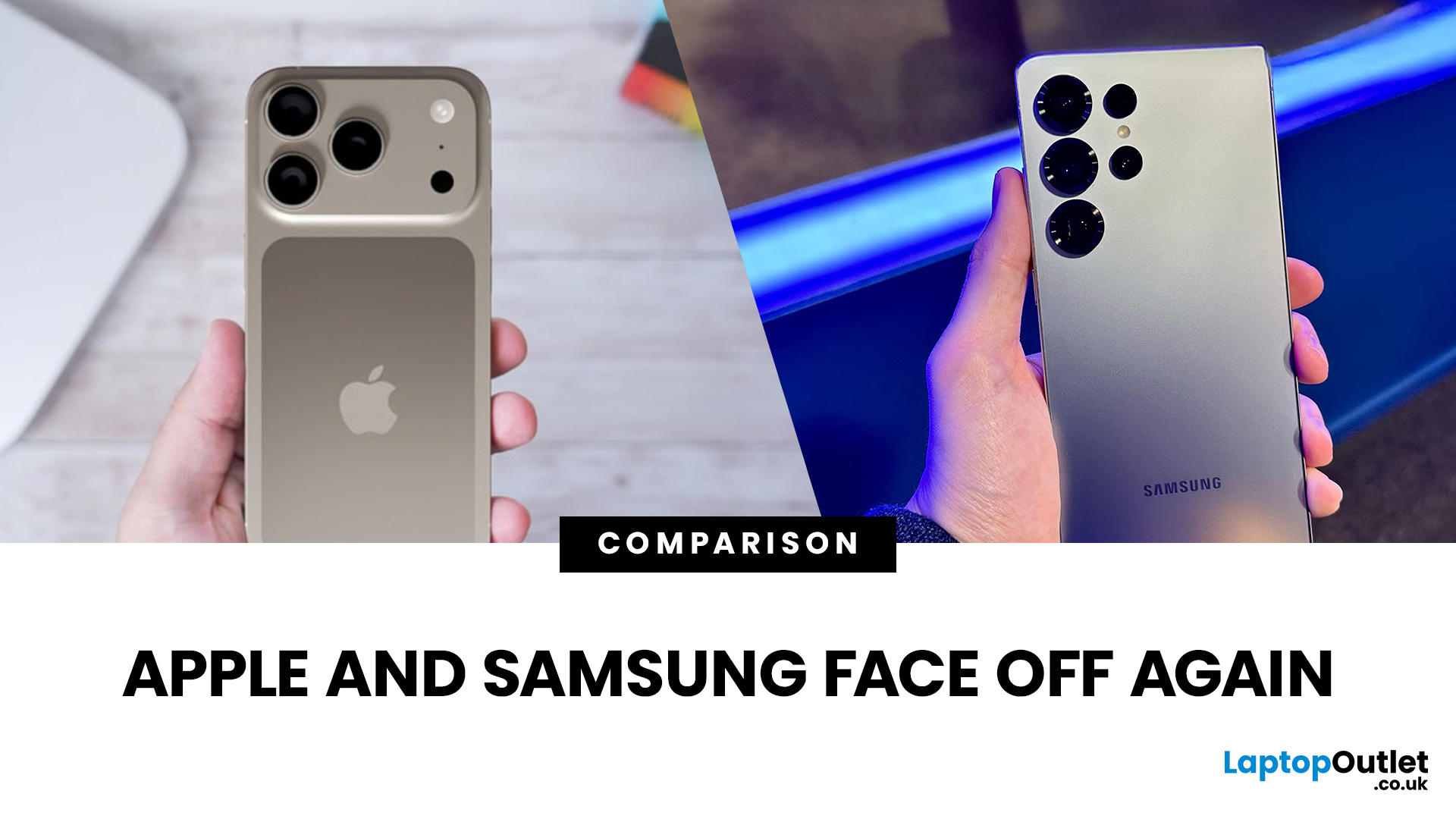
If you're deciding between iPhone 17 and Samsung Galaxy S25 for your next flagship, you’ve got quite the choice. Both phones represent 2025’s top-tier in design, performance, and smart features, but they lean in different directions. iPhone 17 excels in its seamless Apple experience, security, premium build, and camera enhancements. Galaxy S25 pushes AI features, flexible Android customisation, strong displays, and multiple variants. Let’s dig into what you get, how they differ, and which phone wins depending on what matters to you.
What We Know About Galaxy S25 (UK)
- Display: 6.2-inch Dynamic LTPO AMOLED 2X, 120 Hz, HDR10+; very bright peak brightness.
- Processor: Samsung’s custom-made (for Galaxy) Snapdragon 8 Elite chip, built on a 3 nm process, offering improved efficiency, performance, and graphics.
- Cameras: Triple-camera rear: 50 MP main (wide), 10 MP telephoto, 12 MP ultra-wide. Front camera is 12 MP. Multiple AI enhancements via “Galaxy AI”, improved image processing.
- Battery &
Last Updated: May 05, 2026
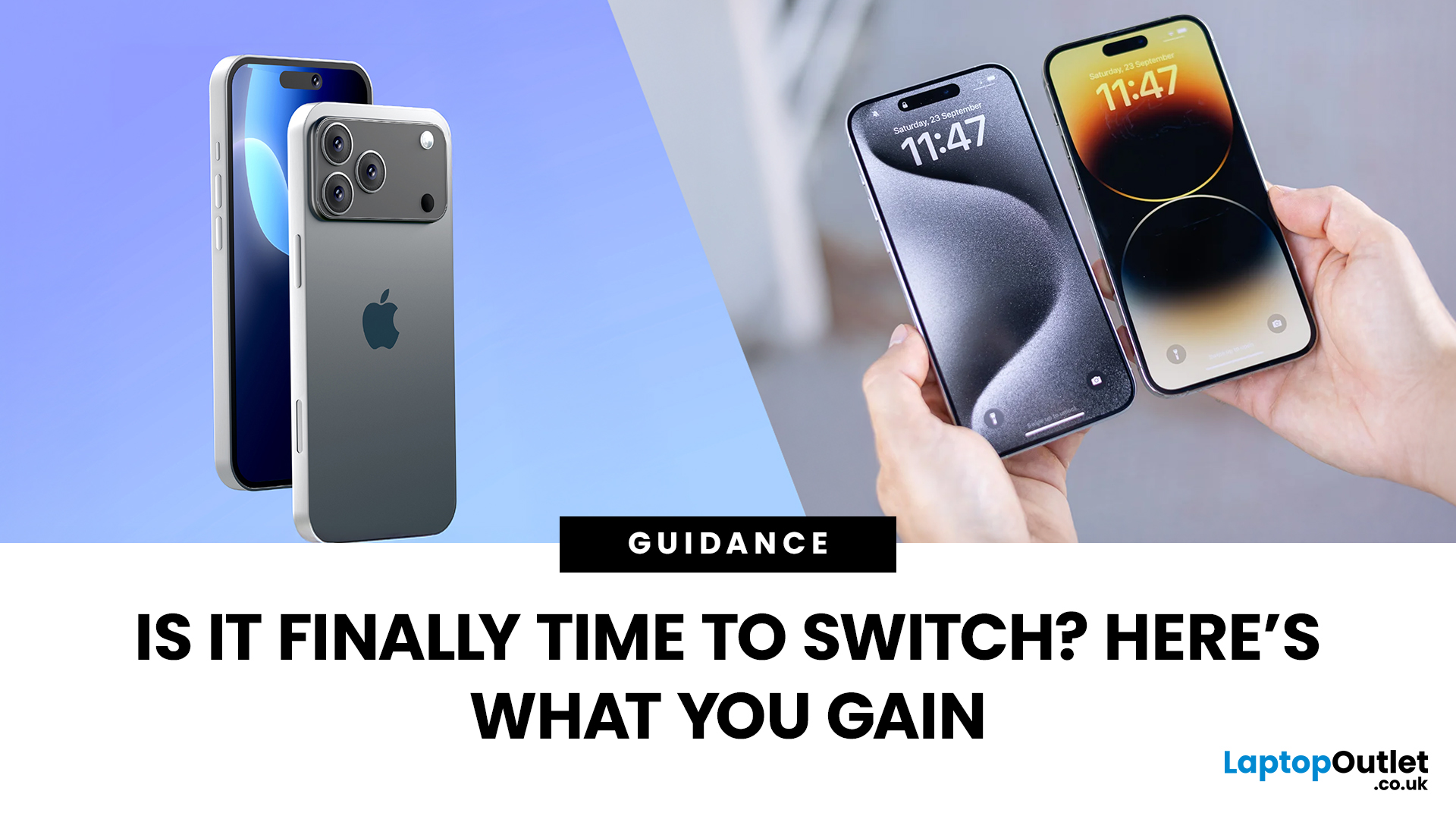
The wait is over – the iPhone 17 has officially arrived, bringing Apple’s biggest year-on-year changes since the iPhone X. With a slimmer design, brighter ProMotion display, more powerful A19 chip, and camera improvements across the board, the question on every Apple fan’s mind is simple: should you upgrade to iPhone 17 if you already own the iPhone 14 or 15? Let’s break it down.
What’s New with the iPhone 17
Apple has positioned the iPhone 17 as its most refined all-rounder yet. Here’s what you’ll notice immediately:
- Sleeker design: The iPhone 17 is slimmer and lighter, with refined aluminium edges and new colours to choose from.
- ProMotion for all: For the first time, every model in the lineup, not just the Pros, comes with a buttery-smooth 120 Hz display. Scrolling, gaming, and everyday navigation feel instantly more fluid.
- A19 processor: Apple’s latest chip brings faster performance, but more importantly, greater energy efficiency. Multitasking and gaming are snappier, while battery

Last Updated: May 05, 2026
Apple’s iPhone 17 lineup arrives with some of its most substantial camera upgrades in years. For photography lovers and content creators, the shift to 48MP sensors across more lenses, plus a jump in optical zoom for the Pro models, represents key changes. But how much difference will these make in everyday use? Below, we break down what’s new in the iPhone 17 camera, what’s exciting, and what you should know before upgrading.
What’s New: Key Hardware Upgrades
1. 48MP Sensors Across the Board (Pro & Standard Models)
Traditionally, Apple used 48MP for its main wide lens on Pro models, with ultra-wide and telephoto lenses at lower resolutions. In iPhone 17 Pro and Pro Max, all three rear lenses are upgraded to 48MP each.
For the standard iPhone 17, Apple is using a “Dual Fusion” 48MP setup (main + ultra-wide lenses), meaning better detail even from non-Pro models.
2. Big Leap in Optical Zoom: Up to 8× on Pro Max
The Pro Max model is getting what many considered long overdue: an 8× optical
Last Updated: May 05, 2026
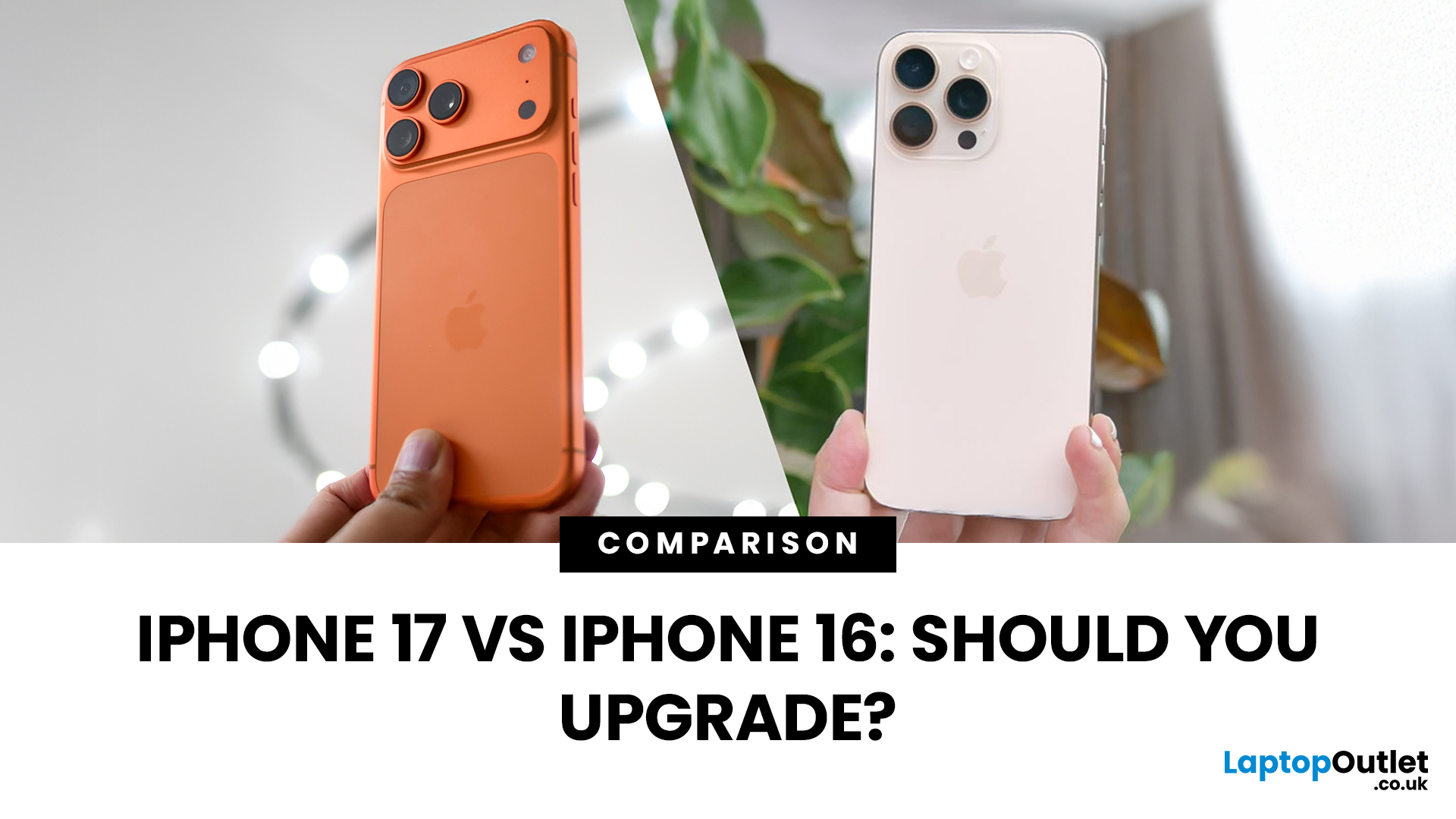
Apple’s 2025 refresh changes the line-up. Alongside the familiar iPhone 17, 17 Pro and 17 Pro Max. Headline upgrades include 120 Hz ProMotion across the board, bigger displays for the standard model, a new 18 MP selfie camera with Centre Stage, and next-gen A19 chips (A19 in iPhone 17; A19 Pro in Pro/Pro Max). The iPhone 16 family is still excellent, especially 16 Pro/Pro Max, but how do they stack up now, and should you upgrade? Let’s compare the essentials for UK buyers.
iPhone 17 vs iPhone 16
Specs below focus on the standard models (17 vs 16) for clarity, with Pro notes called out where relevant.
| Feature | iPhone 17 (2025) | iPhone 16 (2024) |
| Display | 6.3" OLED, 120 Hz ProMotion, always-on, higher peak brightness | 6.1" OLED, 60 Hz, always-on on Pro models only |
| Chip | A19 (A19 Pro on Pro/Pro Max) | A18 (A18 Pro on 16 Pro/Pro Max) |
| Rear cameras | 48 MP main + 48 MP ultra-wide (Pro adds 48 MP tele) | 48 MP main + 12 MP ultra-wide (Pro adds tele) |
| Front camera | 18 MP with Centre Stage (all models) | 12 MP |

Last Updated: May 05, 2026
Apple’s iPhone 17 series has just dropped, and UK buyers are asking: What’s the cost? What deal should I get? And how soon can I pre-order? This guide walks through the confirmed pricing, expected contract deals, trade-in options, and pre-order details so you can plan your upgrade smartly.
1. Confirmed UK Prices Outright
Here are the UK “SIM-free” or outright purchase prices as reported by multiple UK sources:
| Model | Starting Price (UK) |
| iPhone 17 (base) | ~ £799 |
| iPhone 17 Air | ~ £949 |
| iPhone 17 Pro | ~ £1,199 |
| iPhone 17 Pro Max (256 GB) | ~ £1,199 |
| iPhone 17 Pro Max (highest trim, 2 TB) | ~ £1,999 |
Note: These are base model price points; storage upgrades increase the cost. Also, there is a notion that many iPhone models might be ~£50 more expensive at launch than last year’s equivalents.
2. Pre-Order & Release Dates
- Announcement: iPhone 17 lineup unveiled on 9 September 2025.
- Pre-orders begin: Friday, 12 September at ~1 pm BST in the UK.
- General UK release date: Friday, 19 September 2025.
3. Contract
Last Updated: September 29, 2025
Every new iPhone generation brings changes that divide opinion, and one of the biggest talking points around the iPhone 17 has been its SIM setup. In the US, Apple has already removed the SIM tray entirely, pushing users towards a digital-only future with eSIM. That led many UK customers to wonder: will we lose our SIM cards too?
The answer, at least for now, is no. According to Apple’s own specifications, the iPhone 17 sold in the UK still supports Dual SIM (nano-SIM and eSIM) as well as Dual eSIM. In simple terms, that means users can continue using a traditional SIM card while also taking advantage of the flexibility eSIM brings.
What Exactly is eSIM?
An eSIM is a digital version of the small plastic SIM card we’ve all been sliding into our phones for years. Instead of a physical chip, the details of your mobile plan are stored electronically within your iPhone. Activation is usually as simple as scanning a QR code from your network or confirming details in their app.
The main appeal
Last Updated: December 23, 2025
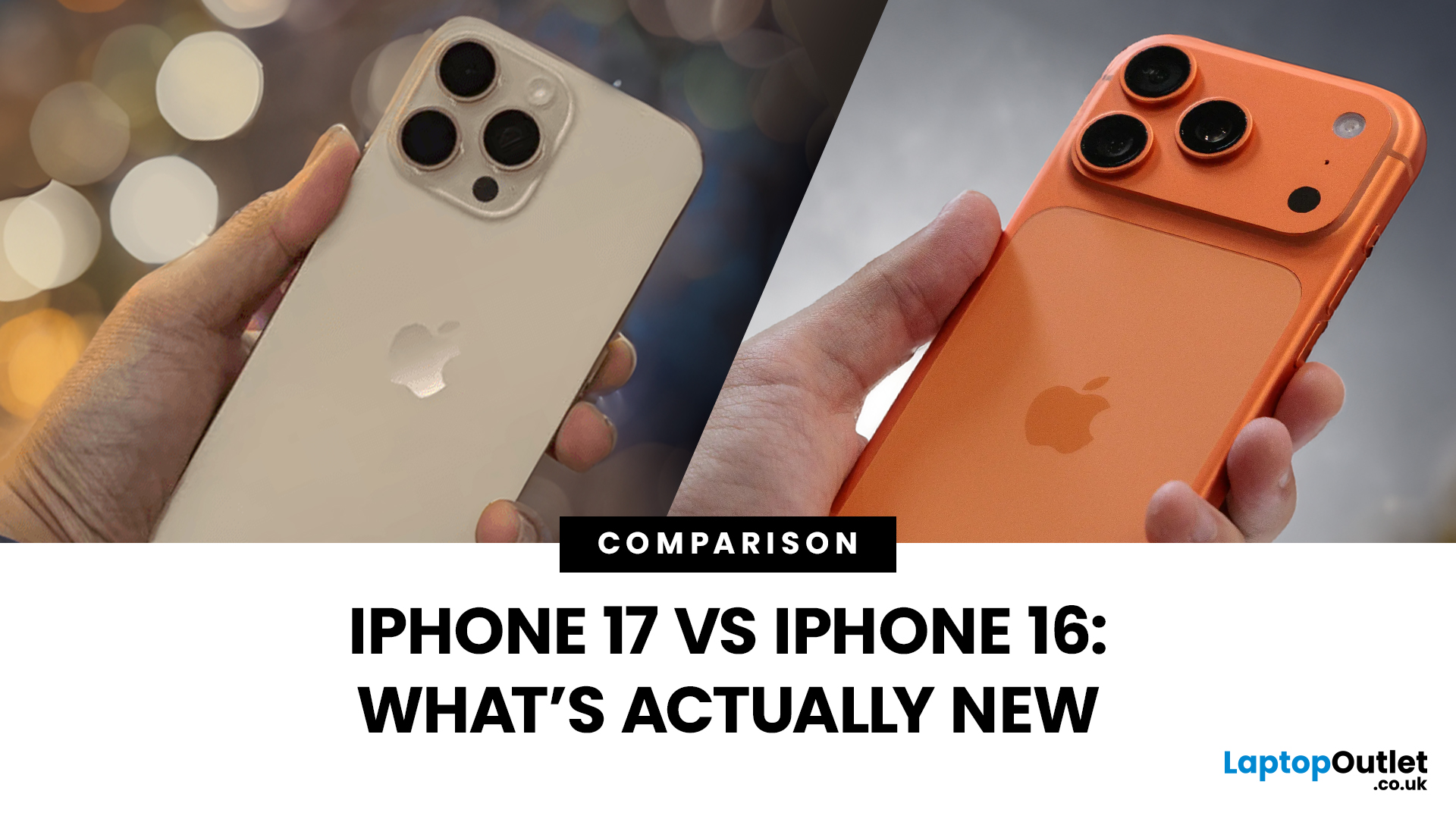
Apple’s dropped the iPhone 17, and the big question is simple: how much better is it than the iPhone 16? Some changes are genuinely useful; others are just Apple flexing for headlines. I’ve been testing both side by side to see what’s actually new, what’s worth caring about, and what you can safely ignore. Here’s the straight-talking breakdown.
1. Design & Display
The iPhone 16 was already a tidy-looking slab of glass and metal, but the 17 smooths a few edges. Bezels are slimmer, the notch has finally been binned off, and the front looks cleaner overall. The big win? ProMotion 120Hz is now standard, so scrolling and swiping feels buttery instead of sticky. Plus, the always-on screen makes it look a bit more alive on your desk.
Is it night and day? Nah. But once you’ve had 120Hz, going back feels like rubbing sandpaper on your eyeballs.
Winner: iPhone 17 – smoother screen, cleaner front, and always-on perks.
2. Performance & Power
The 16’s A18 chip was no slouch, but the iPhone 17 packs

