



How to Choose Earphones for Music, Gaming and Calls
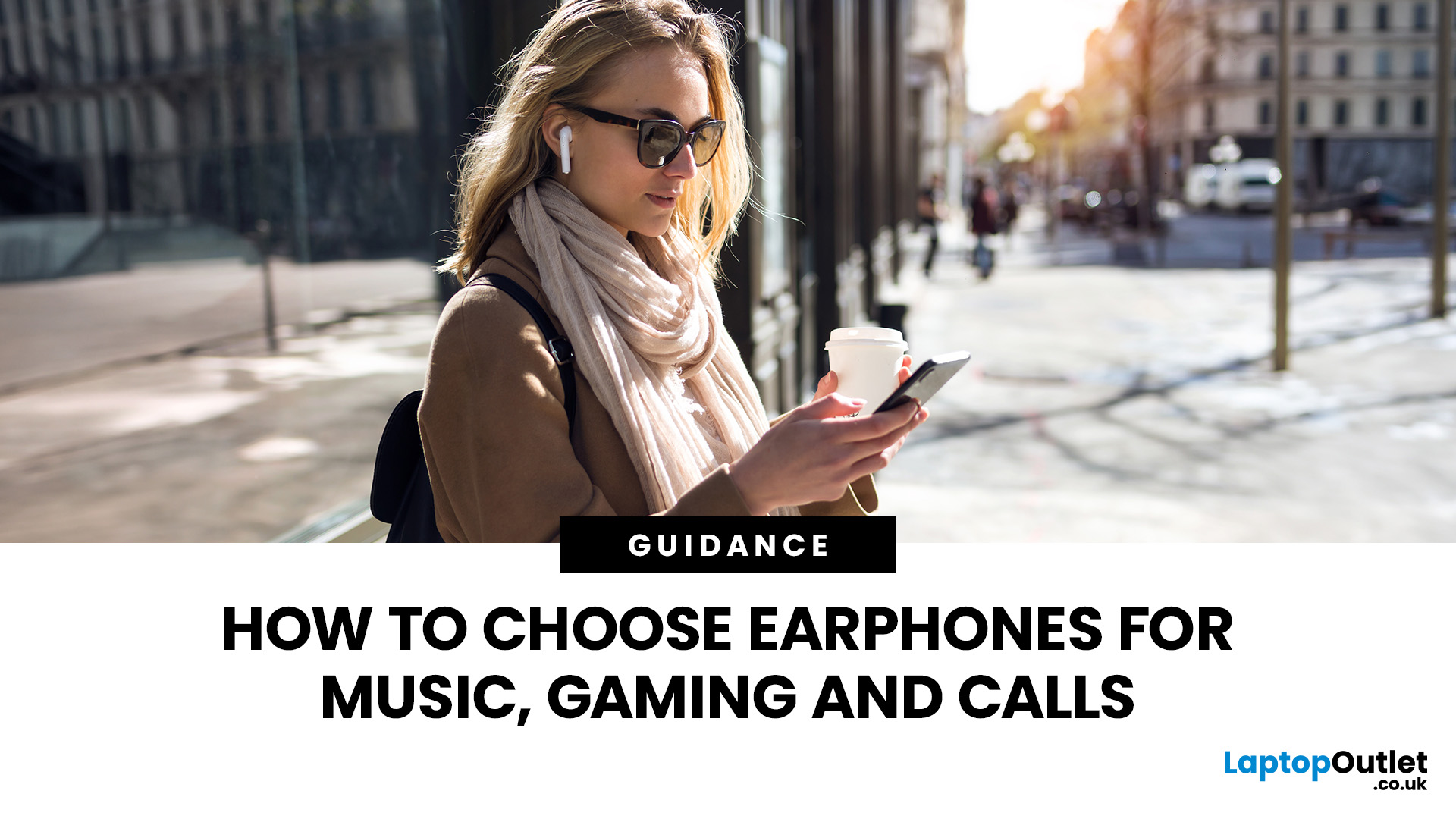
Buying earphones should be easy. Then you open ten tabs, see words like “low latency”, “ANC”, “7.1 surround”, “hi-res audio”, “Bluetooth codec”, and suddenly every pair sounds either perfect or suspiciously overhyped.
The real issue is that the best earphones are not always the priciest. They are the ones that fit your use.
Music needs comfort and clear sound. Gaming needs low latency. Calls need a strong microphone. This guide explains how to choose the best earphones for music, gaming, calls, work and everyday use without getting lost in confusing specs.
How to Choose the Best Earphones in a Glance
The best earphones should match your main use case first, then your budget.
|
Main Use |
What to Prioritise |
Best Type |
|
Music |
Balanced sound, comfort, battery life, codec support |
Bluetooth earphones or wired earphones |
|
Gaming |
Low latency, microphone quality, positional audio |
Wired gaming headset or low-latency wireless earbuds |
|
Calls |
Clear mic, noise reduction, stable connection |
Earphones with microphone |
|
Commuting |
ANC, secure fit, compact charging case |
Wireless earbuds earphones |
|
Home/office |
Comfort, microphone, easy device switching |
Wireless earphones for music and calls |
|
Budget buying |
Reliable brand, warranty, essential features |
Best budget earphones or refurbished headphones |
Not sure where to start? Here are some of the best earphones and headsets to consider based on how you listen, play and take calls, from wireless gaming earbuds to reliable, wired headsets for work.

1. Start with Your Main Use Case
Most buyers make the same mistake: they search for the “best headphone earbuds” without deciding what “best” means.
That is how people end up with the wrong pair.
Before comparing models, choose your main priority:
- Music quality
- Gaming performance
- Call clarity
- Battery life
- Noise cancelling
- Budget
- Comfort for long sessions
You can get earphones that do several things well, but every product has trade-offs.
For example, the best budget earphones may sound great for Spotify and YouTube but may not have the lowest latency for competitive gaming. Premium wireless earbuds earphones may offer excellent ANC but still lose to wired earphones for instant response.
2. Music: What Makes Earphones Sound Good?
For music, sound quality is not just about bass. A good pair should make vocals clear, instruments separated, and bass controlled rather than muddy.
Look for:
- Balanced tuning: Bass, mids, and treble should work together.
- Driver quality: Bigger drivers can help, but tuning matters more than size alone.
- Comfortable seal: Poor fit ruins bass and lets outside noise leak in.
- Codec support: Useful for Bluetooth earphones, especially if you care about wireless audio quality.
- Noise isolation or ANC: Important for trains, buses, offices, and shared spaces.
If you listen to hip-hop, EDM, or drill, you may enjoy a stronger bass profile. If you listen to acoustic, podcasts, indie, or classical, clarity and midrange detail matter more.
Here’s the sneaky bit: ear tips can change the sound dramatically. If your earbuds sound thin, try larger silicone tips before blaming the product.
Best for music buyers
Choose wireless earphones for music and calls if you want everyday convenience. Choose wired earphones if you want simple, low-latency, no-battery listening.
3. Gaming: Why Latency Matters More Than Loudness
Gaming audio is different from music audio.
In games, timing matters. You want to hear footsteps, reloads, direction, distance, and team chat without delay. That is why many gamers still care about wired vs wireless earphones.
What to look for in gaming earphones
- Low latency: Reduces delay between action and sound.
- Clear microphone: Essential for squad chat.
- Directional audio: Helps with footsteps and spatial awareness.
- Comfort: Long sessions need lightweight design.
- Stable connection: Dropouts during ranked matches are not the vibe.
- Platform compatibility: Check PC, Xbox, PlayStation, Switch, or mobile support.
Gaming earphones for music can work well if they have balanced sound and a good mic. However, some gaming-focused models boost bass heavily, which can make explosions exciting but vocals less natural.
Want a headset instead of earbuds? Explore best gaming headphones with microphone if voice chat, comfort, and immersion are bigger priorities than portability.
Wired vs wireless for gaming
|
TYPE |
PROS |
CONS |
|---|---|---|
| Wired earphones |
|
|
| Wireless earphones |
|
|
| Wireless gaming headset |
|
|
| Wired gaming headset |
|
|
If low latency, reliable sound and better value matter most, comparing the best wired headphones by sound quality and price range can help you find a setup that fits both your ears and your budget.
4. Calls and Meetings: The Microphone Is the Deal-Breaker
For calls, the best sound quality in your ears does not matter if people cannot hear you clearly.
Good earphones with microphone should make your voice sound clean, reduce background noise, and stay connected during meetings. This matters for remote work, university calls, customer support, gaming chat, and everyday voice notes.
Look for:
- Built-in microphone noise reduction
- Stable Bluetooth or USB connection
- Comfort for long meetings
- Easy mute controls
- Compatibility with Teams, Zoom, Google Meet, Discord, and consoles
- Good battery life if wireless
For office use, wired USB headsets can be underrated. They are simple, stable, and do not need charging. For commuting and hybrid work, Bluetooth earphones are more flexible because they can move between phone, laptop, and tablet.
Pattern interrupt: Your call quality is only as good as your noisiest environment. If you take calls near traffic, keyboards, or shared desks, microphone noise reduction should be high on your list.

5. Wired vs Wireless Earphones: Which Should You Choose?
The wired vs wireless earphones debate is not about which is universally better. It is about which inconvenience you prefer.
Choose wired earphones if you want:
- Lower latency for gaming
- No battery anxiety
- Usually better value
- Simple plug-and-play use
- Reliable audio for calls and work
Choose wireless earphones if you want:
- Freedom from cables
- Easy commuting
- Compact everyday carry
- Modern features like ANC
- Multi-device convenience
- Gym and travel flexibility
What about wireless earbuds earphones?
Wireless earbuds are ideal for people who want one pair for music, calls, commuting, and casual gaming. They are not always the best for competitive play, but low-latency modes have improved the experience.
6. Comfort and Fit: The Feature People Ignore Until It Hurts
A pair can sound amazing and still be a bad buy if it hurts after 30 minutes.
For in-ear models, check:
- Multiple ear tip sizes
- Secure fit
- Lightweight design
- Good seal without pressure
- Sweat resistance if used at the gym
For over-ear headphones, check:
- Soft ear cushions
- Adjustable headband
- Weight
- Breathability
- Clamp force
UK buyers often use earphones across different environments: trains, home offices, gaming setups, and walks. That means comfort should not be an afterthought.
A poor fit can cause:
- Weak bass
- Sound leakage
- Ear fatigue
- Mic positioning issues
- Constant readjusting
7. Battery Life and Charging: Do Not Just Trust the Big Number
Wireless earphones often advertise long battery life, but there are two numbers to check:
1. Battery per charge
2. Total battery with charging case
For example, earbuds may last several hours per charge, while the case adds multiple extra charges. That is useful, but not the same as continuous playback.
Also check whether battery life drops when features are enabled, such as:
- Active noise cancelling
- Low-latency gaming mode
- High-quality audio codecs
- Always-on microphone use
- High volume
For calls, battery drain can be faster because the microphone is active. For gaming, low-latency modes may also reduce battery life.
Practical advice: If you travel, commute, or work long shifts, prioritise reliable charging over headline battery claims.
8. Noise Cancelling vs Noise Isolation
Noise cancelling and noise isolation are not the same thing.
Noise isolation comes from the physical seal of ear tips or ear cups. It blocks sound passively.
Active noise cancelling, or ANC, uses microphones and processing to reduce background noise.
ANC is useful for:
- Trains
- Buses
- Flights
- Shared offices
- Cafés
- Home distractions
However, ANC is less important if you mainly game at home or use wired earphones at a desk. In that case, comfort, microphone, and latency may matter more.
For music lovers and commuters, ANC can make lower volumes feel clearer because your earphones are not fighting background noise.
If you commute, travel or work in noisy spaces, exploring the best Bluetooth noise-cancelling headphones in 2026 can help you choose a pair that balances comfort, battery life and everyday sound quality.
9. Budget: How Much Should You Spend?
You do not need to overspend to get good audio. The best budget earphones usually focus on core features instead of premium extras. If you are trying to save money without sacrificing audio quality, it is worth understanding whether refurbished headphones are worth it before choosing between new, used and certified refurbished options.
Budget buyers should prioritise:
- Reliable sound
- Good microphone
- Comfortable fit
- Known brand or retailer
- Warranty and returns policy
- Correct connection type
Avoid buying only because of:
- Huge bass claims
- Unrealistic battery promises
- Fake “studio quality” wording
- Cheap designs with no support
- Unknown compatibility
If you want better value, consider budget refurbished headphones. Refurbished options can make premium audio more accessible while still supporting a smarter buying decision.
For a complete desk or entertainment setup, you may also want affordable speakers for home and office or practical AV accessories for home and office to improve your overall audio experience.
10. Common Mistakes to Avoid
Even smart buyers get caught by audio marketing. Watch out for these mistakes:
Mistake 1: Buying gaming earphones only for bass
Big bass sounds exciting, but too much can hide footsteps, dialogue, and detail.
Mistake 2: Ignoring microphone quality
If you use earphones for calls, meetings, or gaming chat, the mic matters as much as the speakers.
Mistake 3: Forgetting platform compatibility
Some features may work on PC but not console. Always check connection type before buying.
Mistake 4: Choosing wireless without checking latency
Wireless is convenient, but gamers should check whether low-latency mode is included.
Mistake 5: Assuming expensive always means better
Premium features are useful only when you actually use them.
11. Earphones Buying Checklist
Before you buy, answer these questions:
- Will I use them mainly for music, gaming, calls, or all three?
- Do I need wired reliability or wireless freedom?
- Is microphone quality important?
- Will I use them in noisy places?
- Do I need active noise cancelling?
- How long do I wear them each day?
- Are they compatible with my phone, laptop, console, or tablet?
- Is the battery life enough for my routine?
- Do they come from a trusted retailer?
- Do they fit my budget without sacrificing essentials?
Simple rule: If you cannot explain why a feature matters to you, do not pay extra for it.

Top Picks: Best Earphones and Headsets by Use Case
ASUS ROG Cetra SpeedNova – Best Wireless Gaming Earbuds

Highlights:
- Dual-mode Wireless Connectivity
- Adaptive ANC with Auto Mode
- Aura RGB Lighting
- Wireless
- Noise Cancellation
- Black Colour
The ASUS ROG Cetra True Wireless SpeedNova In-Ear Gaming Headphones is a strong choice for players who want compact gaming earphones for music, mobile gaming and everyday listening. They suit buyers who want wireless freedom without moving to a bulky headset.
Razer BlackShark V2 X – Best Wired Xbox Gaming Headset
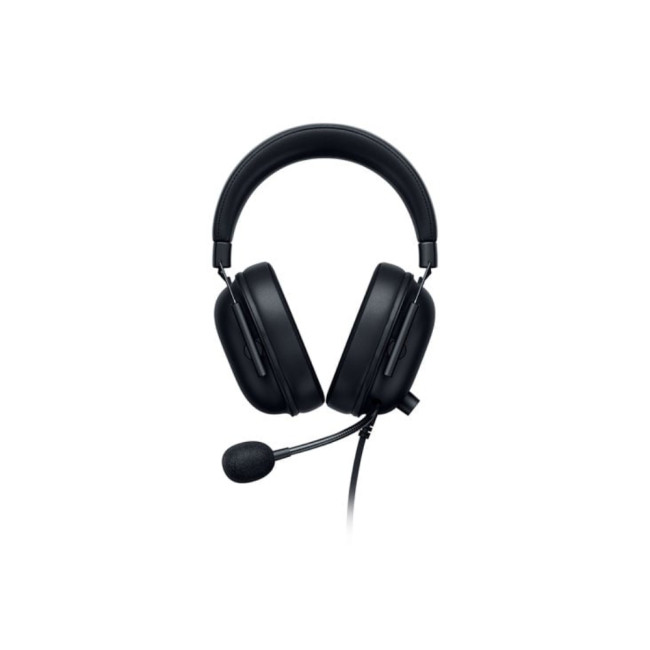
The Razer BlackShark V2 X Wired Gaming Headset Xbox Licensed is built for gamers who prefer plug-and-play reliability. It is a practical option if you want a wired headset with clear communication for Xbox gaming and voice chat.
Razer Kraken V4 X – Best Wired Gaming Audio Headset
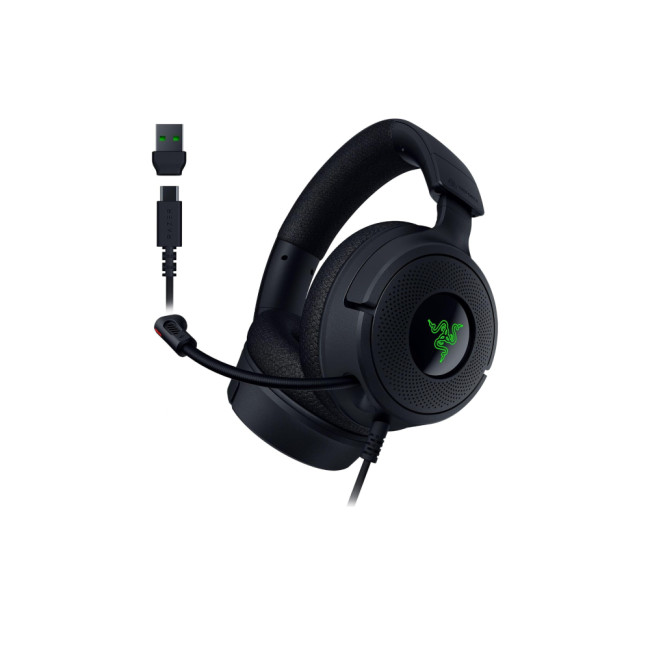
The Razer Kraken V4 X Wired Gaming Headset is ideal for users who want an immersive gaming headset experience. It fits well for players who care about in-game sound, team communication and long gaming sessions.
Apple AirPods Max – Best Premium Wireless Listening
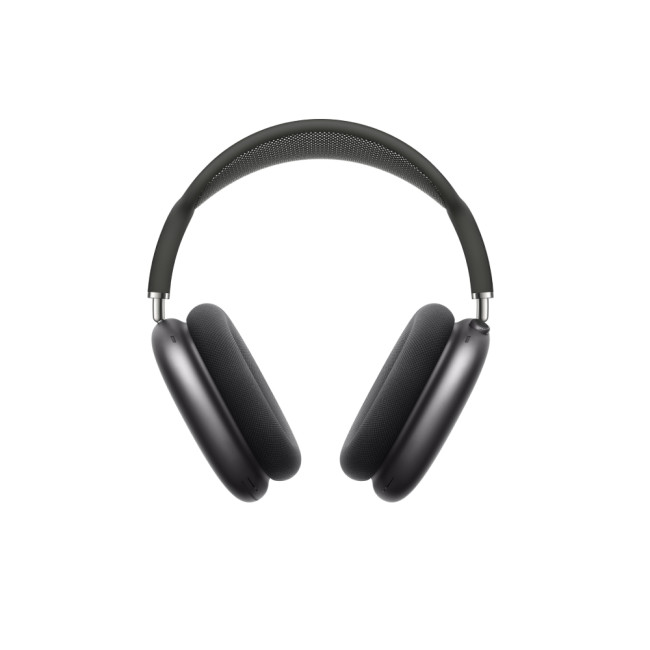
Highlights:
- A Quick 5-Minute Charge Gives You Up to 1.5 Hours of Playback
- Active Noise Cancellation with Transparency Mode
- Spatial Audio for CinemaLike Sound That Surrounds You
- Bluetooth 5.0
- Noise Cancellation
- Midnight Colour
The Apple AirPods Max Wireless Noise-Cancelling Headphones are a premium option for music, calls, noise cancelling and all-day listening. They are best suited to users who want high-end wireless audio with a comfortable over-ear design.
Acer Predator Galea 550 – Best Wireless Gaming Headset
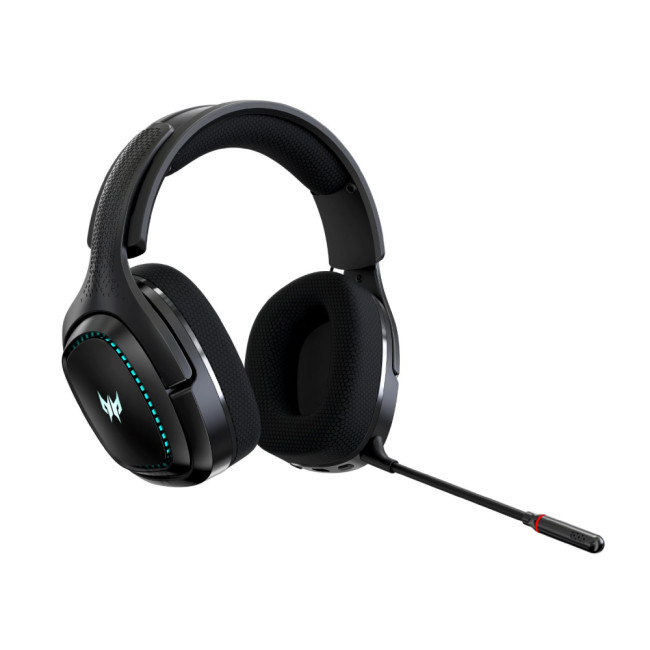
The Acer Predator Galea 550 Wireless Gaming Headset is a good pick for gamers who want freedom from cables without switching to earbuds. It works well for players who prefer a full headset feel with wireless convenience.
ASUS TUF Gaming H3 – Best Budget Wired Gaming Headset
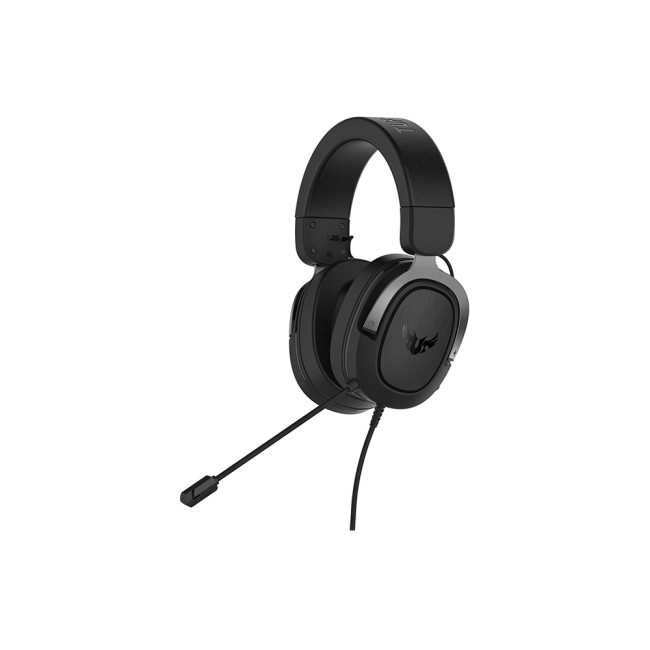
Highlights:
- Virtual 7.1 sound
- Lightweight design
- Wired
- No Noise Cancellation
- Gun Metal Colour
The ASUS TUF Gaming H3 Wired Headset is a practical choice for reliable, wired audio and gaming communication. It is suitable for buyers who want solid performance without overspending.
ASUS TUF Gaming H1 – Best Wireless 7.1 Gaming Headset
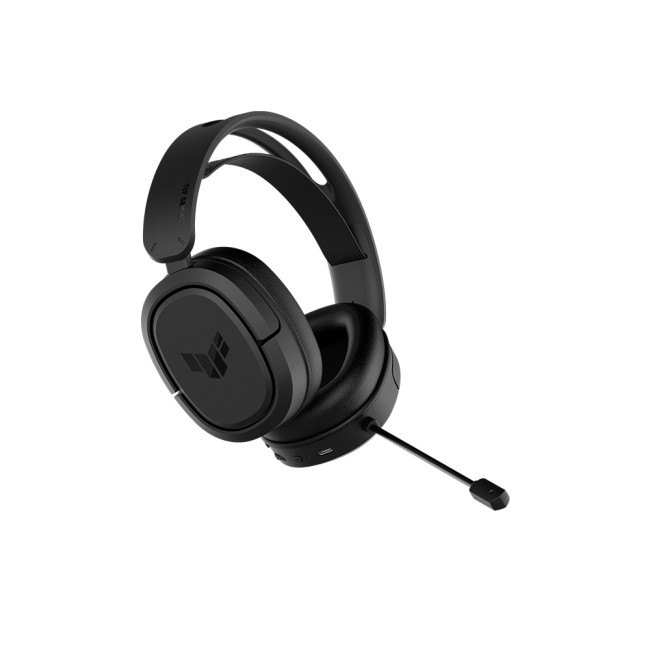
Highlights:
- Wearing Style: Head-band
- USB Connector: USB Type-C
- Wireless
- No Noise Cancellation
- Black Colour
The ASUS TUF Gaming H1 7.1 Wireless Gaming Headset is best suited to players who want surround-style sound and wireless flexibility. It is a good option for immersive gameplay, voice chat and a cleaner desk setup.
Logitech H390 – Best Headset for Work and Calls
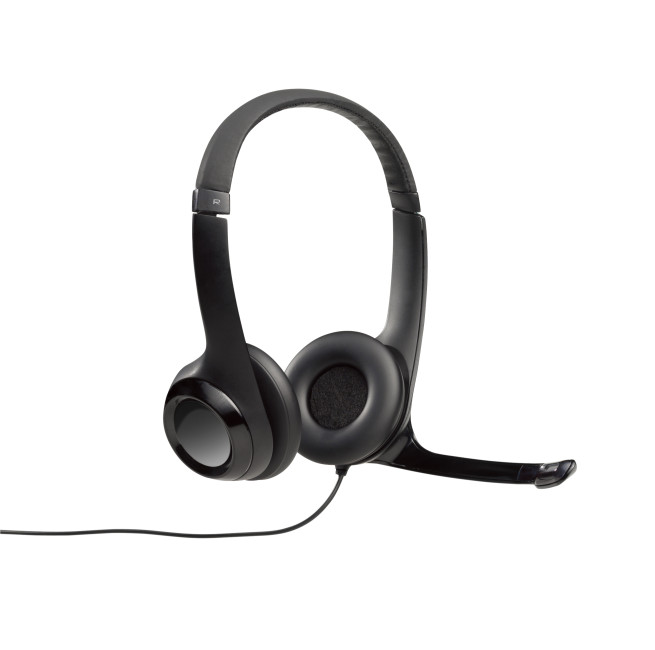
Highlights:
- Connectivity: Wired
- Microphone frequency: 100 - 10000 Hz
- Headphone frequency: 20 - 20000 Hz
- Black Colour
The Logitech H390 Wired USB Headset is a simple and dependable option for meetings, calls and office use. It is ideal for users who need a wired USB headset with clear voice communication and easy setup.
For a wider range of wireless headphones and earphones, compare options by use case, connection type, microphone quality, and budget before buying.

Final Verdict: Which Earphones Should You Choose?
Choose Bluetooth earphones if you want everyday convenience for music, calls, commuting, and casual gaming. Choose wired earphones if you want lower latency, simple setup, and better reliability for gaming or work. Choose a gaming headset if voice chat, comfort, and immersive sound matter more than portability.
Choose wireless earbuds earphones if you want one compact pair for music, calls, travel, and daily use. Choose best budget earphones or refurbished options if value matters most and you are happy to skip premium extras.
The smartest purchase is not always the most premium one. It is the pair that solves your real audio problems without making you pay for features you will never use.

Common Questions for Music Gaming and Calling Earphones
What are the best headphones for music and calls?
The best headphones for music and calls should offer balanced sound, a clear microphone, comfortable fit, and stable connectivity. For commuting or hybrid work, wireless earphones for music and calls are usually the most convenient. For office use, a wired USB headset can be more reliable because it does not need charging and usually offers consistent microphone performance.
Are gaming earbuds good for calls?
Yes, gaming earbuds can be good for calls if they include a quality microphone and noise reduction. However, not all gaming earphones are tuned for natural voice quality. Some focus more on in-game effects and low latency. If calls are important, check mic performance, comfort, and connection stability before buying.
What is the best sound quality headphones for gaming and music?
The best sound quality headphones for gaming and music are the ones that balance detail, bass control, positional audio, and comfort. For gaming, low latency and directional sound matter. For music, tuning and clarity matter. A good gaming headset or premium wireless headphones can work well for both, but avoid overly bass-heavy models if you want accurate music playback.
Do pro gamers use wireless headphones?
Some pro gamers use wireless headphones, especially when the wireless connection is stable and low latency. However, many competitive players still prefer wired gear because it removes battery concerns and reduces the risk of delay or connection drops. For casual gamers, modern wireless gaming headsets can be more than good enough.
Do gamers prefer wired or wireless headphones?
Competitive gamers often prefer wired headphones because they offer consistent low-latency audio and do not need charging. Casual gamers may prefer wireless headphones for comfort, cleaner setups, and freedom of movement. The right choice depends on whether you value performance consistency or convenience more.
Read More:
Are Refurbished Headphones Worth It? Pros, Cons & Buying Guide
Related Articles
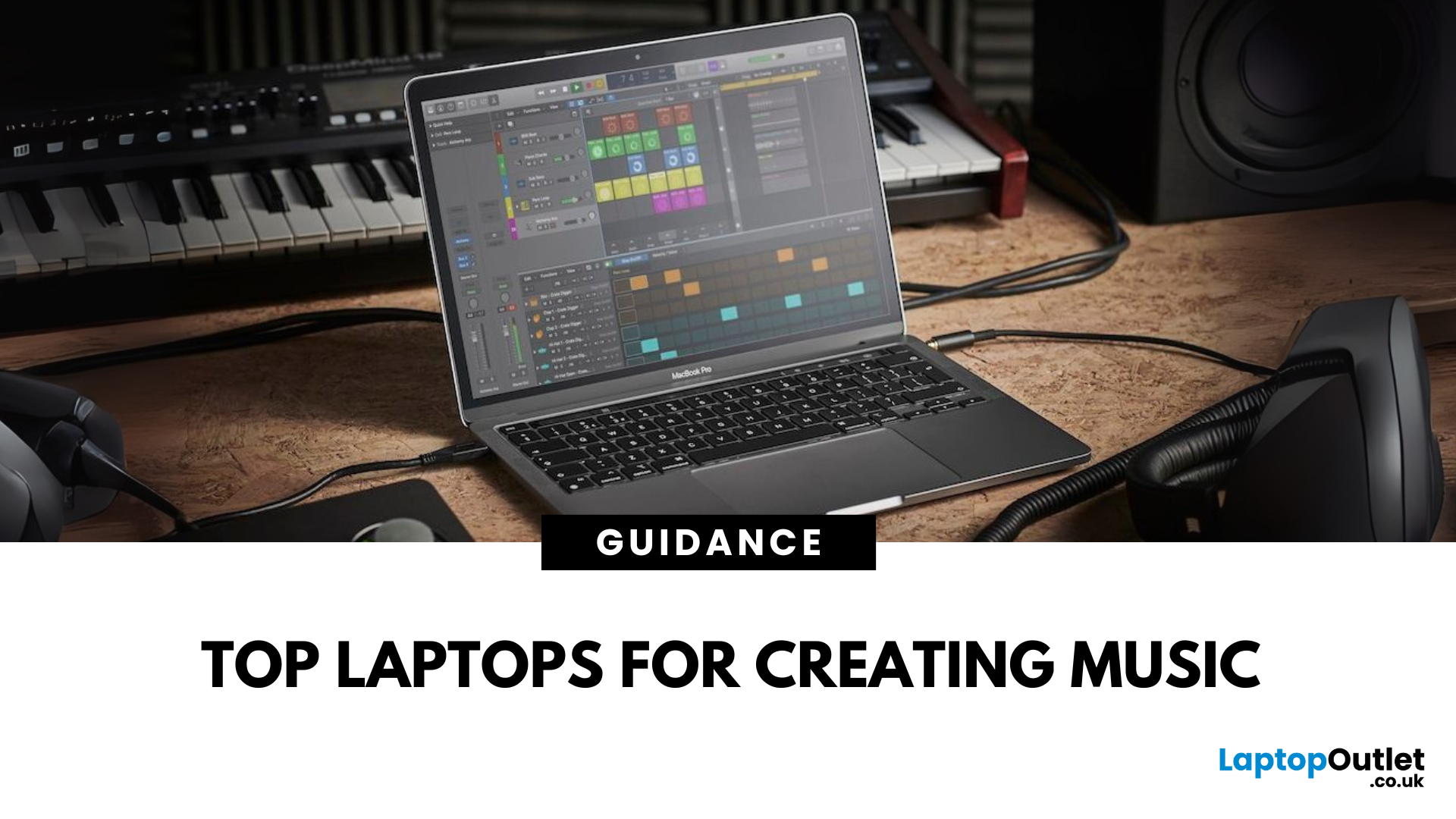

Last Updated: July 09, 2025
Build Your Studio Anywhere
In the world of music production, your laptop is your studio. But with so many choices out there, how do you pick the best laptop for music production? Rather than focusing on specific models, let’s break down the key specs and features to help you choose a machine that hits all the right notes.
Why Laptop Choice Matters in Music Production
A capable laptop ensures:
- Smooth handling of digital audio workstations (DAWs)
- Lag-free playback and editing
- Reliable multitasking when running plugins and virtual instruments
Essential Specs for Music Production Laptops
Processor (CPU)
Go for at least an Intel Core i5/Ryzen 5 or higher (i7/Ryzen 7 recommended)
Music production software like Ableton Live, FL Studio, and Logic Pro benefit from multi-core CPUs.
RAM (Memory)
Minimum: 16GB RAM
32GB is ideal for heavy projects with multiple tracks and plugins.
Storage
Choose SSD storage (512GB or higher)
- Faster load times for projects and samples
- External SSDs can
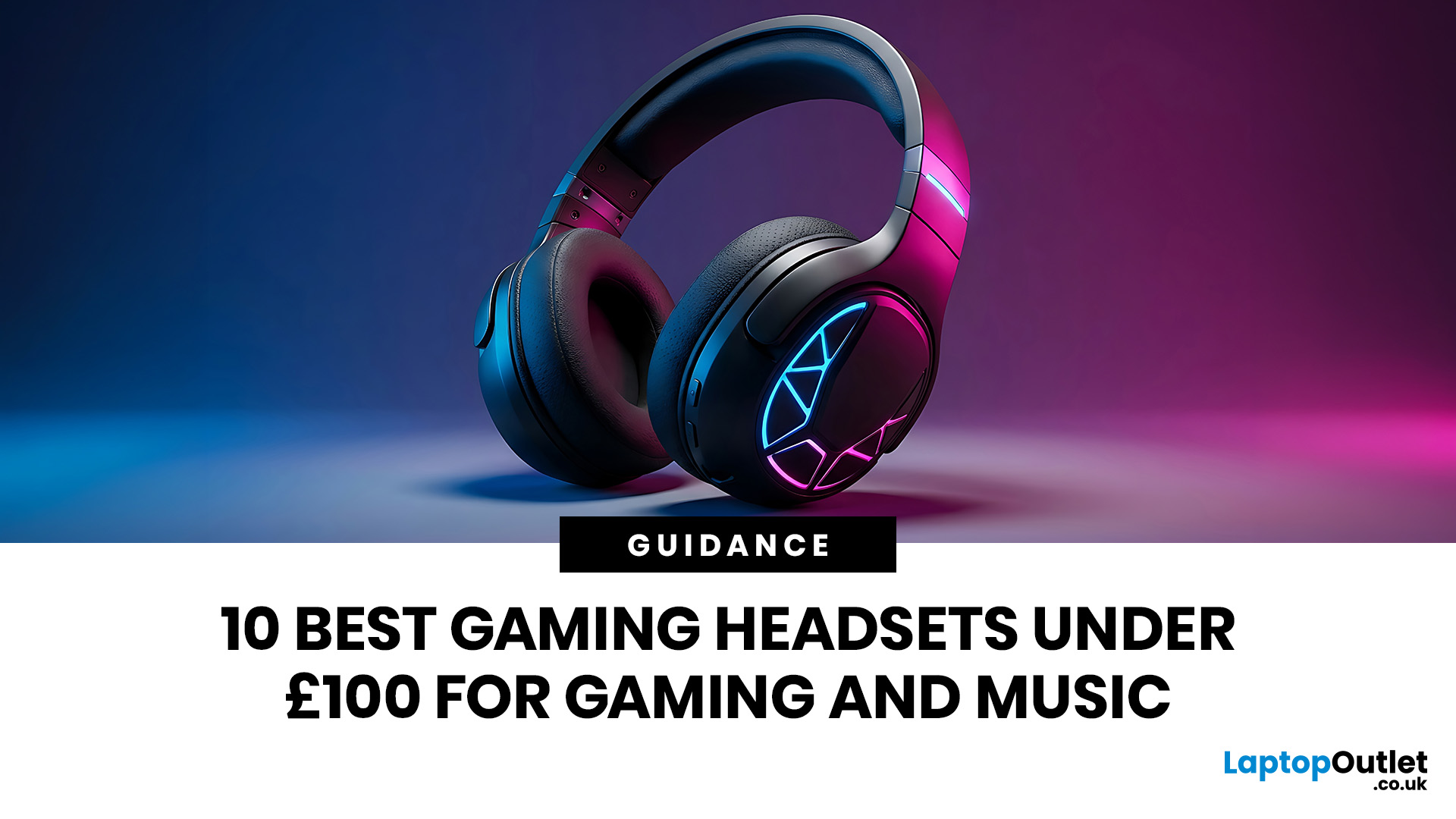
Last Updated: July 14, 2026
Finding the best gaming headsets UK players can actually rely on should not feel like a side quest with impossible difficulty. Whether you are grinding ranked matches, jumping into weekend co-op, streaming with friends, or just vibing to your favourite playlist, the right headset can completely change the experience.
A good headset is not only about loud audio. It is about clean sound, clear voice chat, comfort during long sessions, and solid value for money. That is why a budget gaming headset can still be a total win when it gets the basics right. You do not always need a super-premium setup to hear footsteps, enjoy cinematic soundtracks, or keep your squad comms crisp.
In this guide, we have rounded up 10 strong picks for gamers who want quality without overspending. Most of these are good gaming headsets under 100, while a few premium “stretch picks” are included because they are worth watching when deals drop. Prices can change, so it is always smart to check the latest offer before
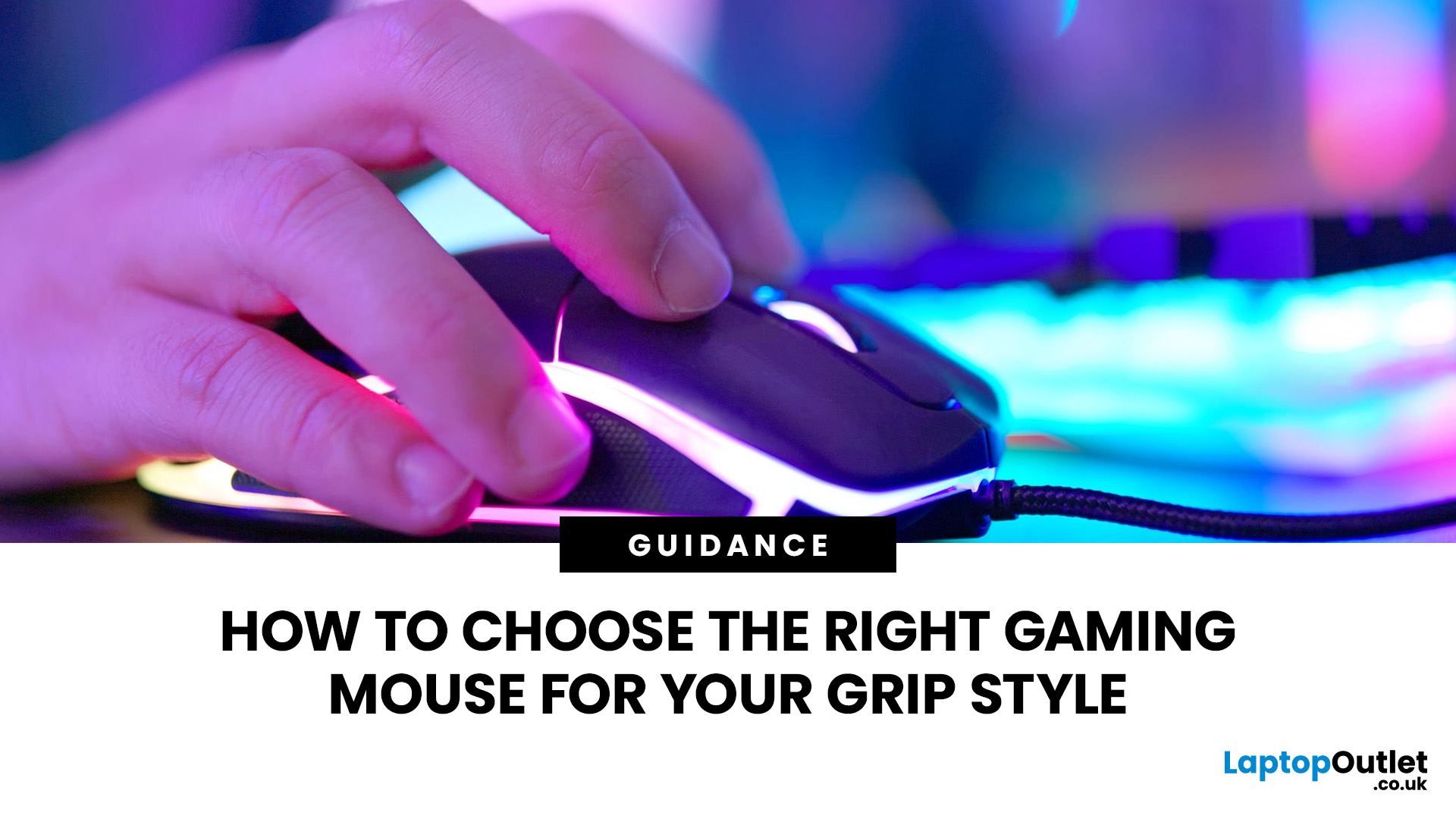
Last Updated: July 10, 2026
To choose the right gaming mouse for your grip style, first identify whether you use a palm, claw, or fingertip grip by placing your hand naturally on your current mouse. Palm grip players need a larger, fuller-bodied mouse; claw grip suits a mid-size mouse with a defined rear hump; and fingertip grip calls for a compact, lightweight mouse under 65g. Your grip style mouse choice affects comfort, control, and long-term wrist health, so getting the shape right matters more than any spec on the box.
This guide explains how to choose gaming mouse for your grip style. We will cover everything from identifying your grip and measuring your hand to understanding which shapes, weights, and features actually suit you.
The Three Main Gaming Mouse Grip Styles Explained<
Before you look at a single product listing, you need to know which of the three core grip styles you actually use. Most people have a natural default they've never consciously thought about. There's no objectively best mouse grip
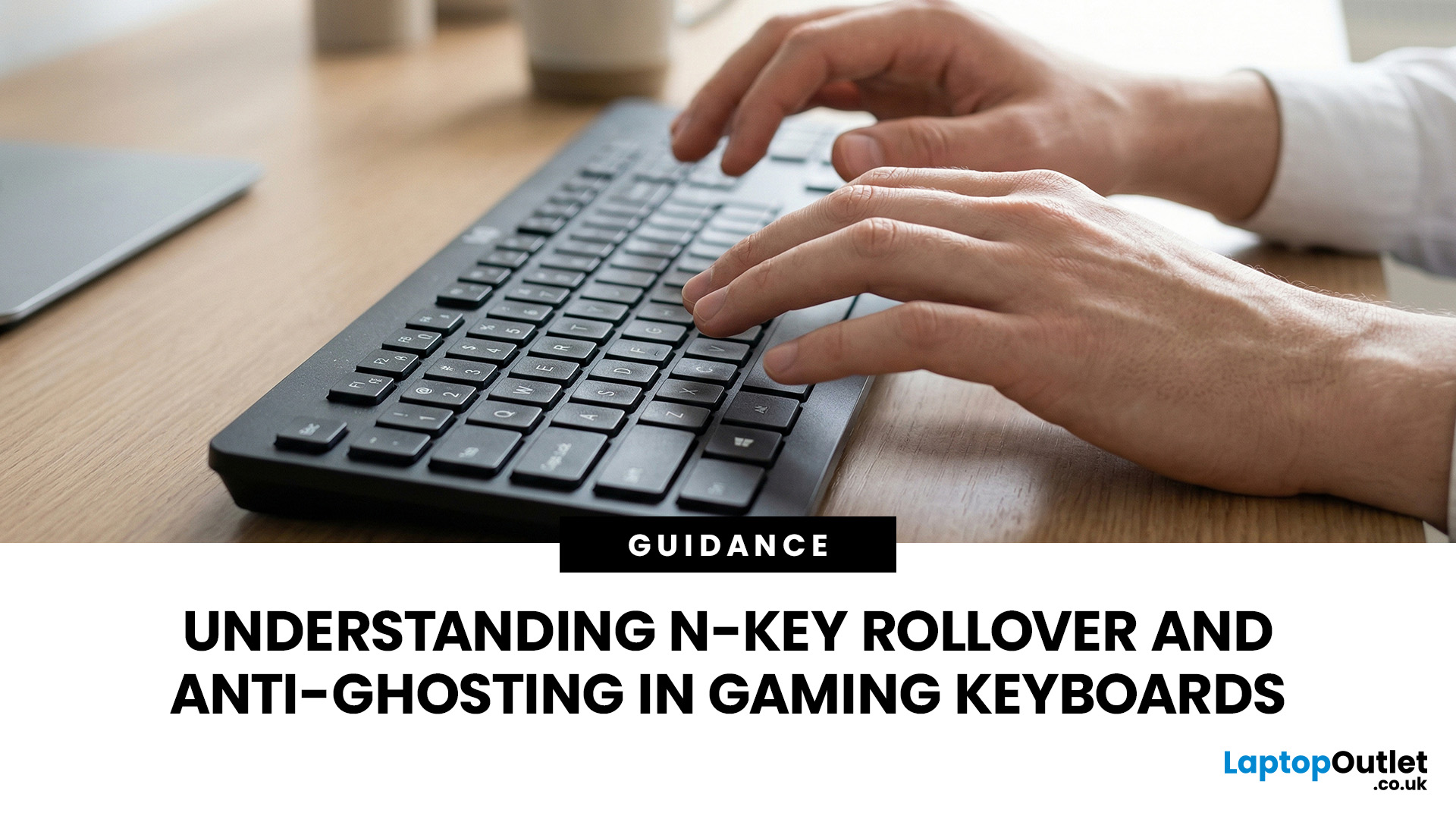
Last Updated: September 03, 2026
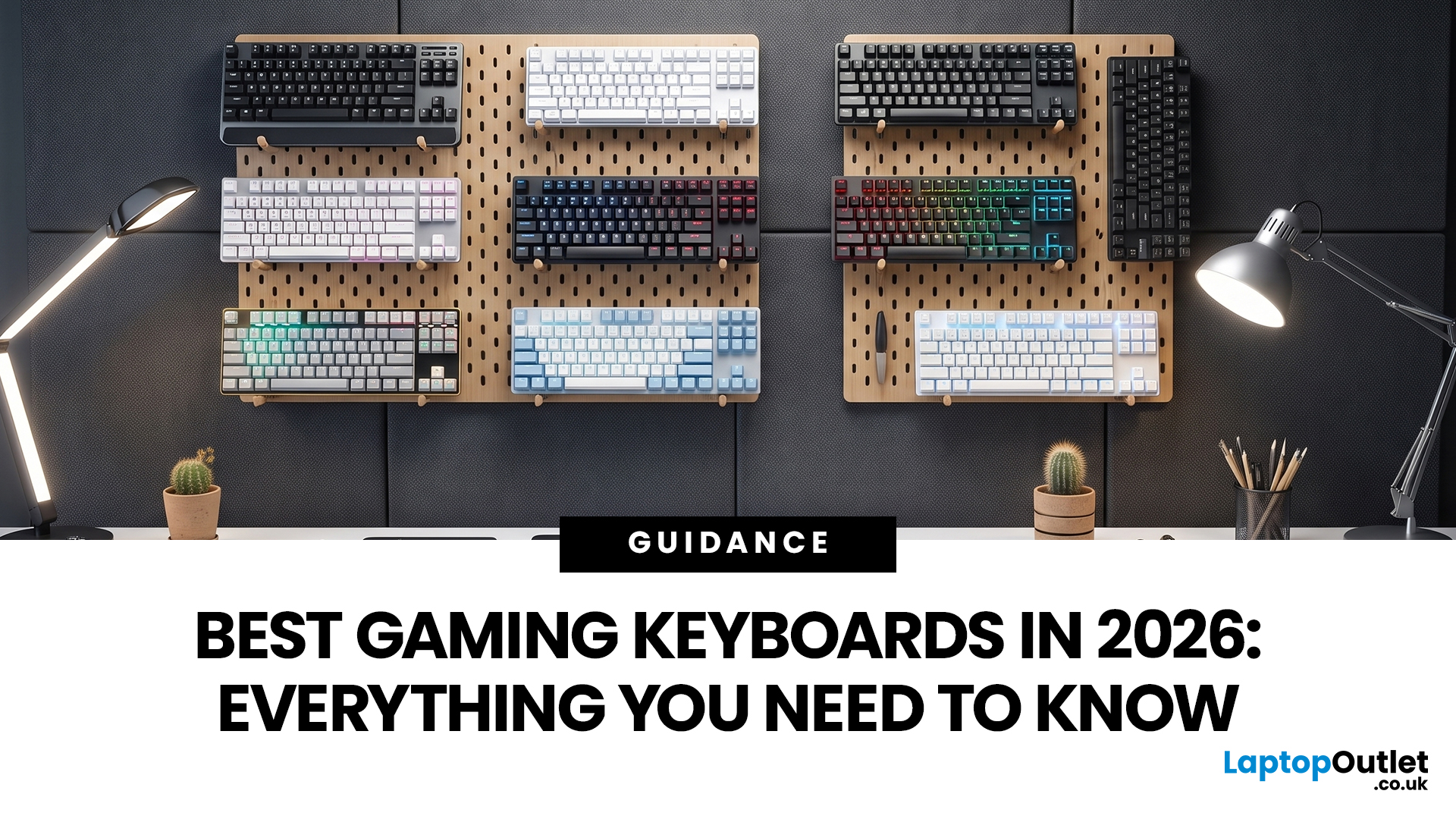
N-Key Rollover (NKRO) means a keyboard registers every key pressed simultaneously, with no inputs dropped or missed. Anti-ghosting prevents phantom keypresses from being falsely reported to your system. Both features work together on gaming keyboards to deliver accurate, reliable input during fast or complex gameplay. NKRO addresses missed real inputs; anti-ghosting eliminates false ones. Together, they ensure every command lands exactly as intended.
If you have ever been mid-battle, pressed three keys at once, and watched your character fail to jump, sprint, or reload, you have experienced the real-world impact of keyboard input limitations. This is not a game bug or a connection issue. The culprit is almost always your keyboard.
Modern gaming keyboards handle simultaneous key presses differently, and two features stand out: N-Key Rollover and anti-ghosting. Together, they are the reason a dedicated N Rollover keyboard feels so much more dependable in fast-paced games than a standard office
Last Updated: July 13, 2026
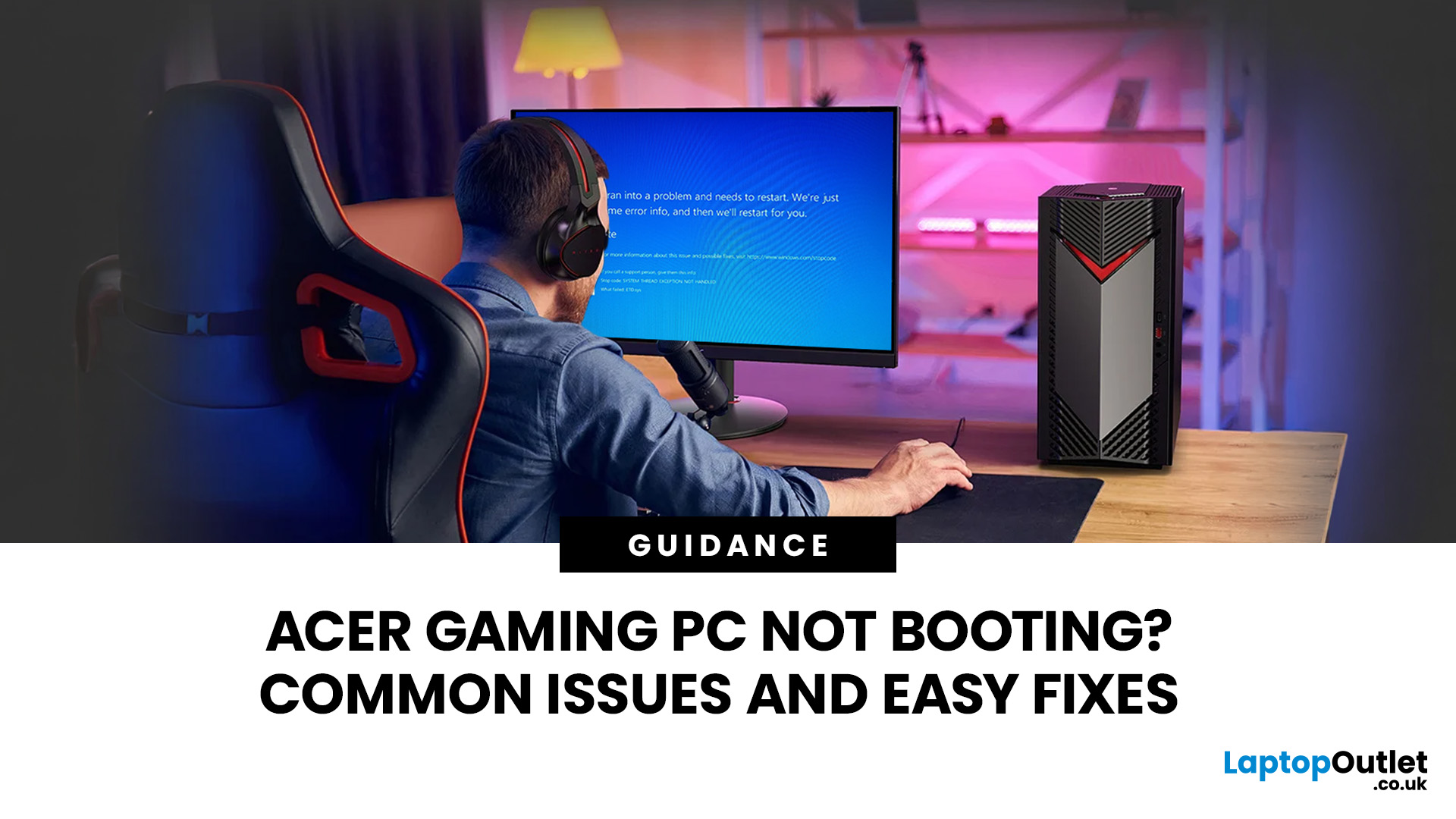
An Acer gaming PC not booting can feel like instant panic mode, especially when you were ready to jump into a game, finish work, or just chill. One minute everything is fine, and the next your PC turns on but no display appears, the monitor says no signal, or the screen stays completely black.
The good news? A PC not booting does not always mean something major is broken. Sometimes it is a loose cable, a monitor input issue, a RAM problem, or a BIOS setting that needs a reset. In this guide, we will walk through the most common Acer desktop startup issues, what they usually mean, and the easy fixes you can try before heading straight to a repair shop.
Is Your Acer PC Actually Not Booting, or is There No Display?
Before you start unplugging parts, it helps to know what problem you are really dealing with. A PC can fail in different ways, and each one points to a different cause.
If your Acer PC is not starting up that means there are no lights, no fans, and no sound at all, it may be a power
Last Updated: September 29, 2026
Last Updated: September 03, 2026
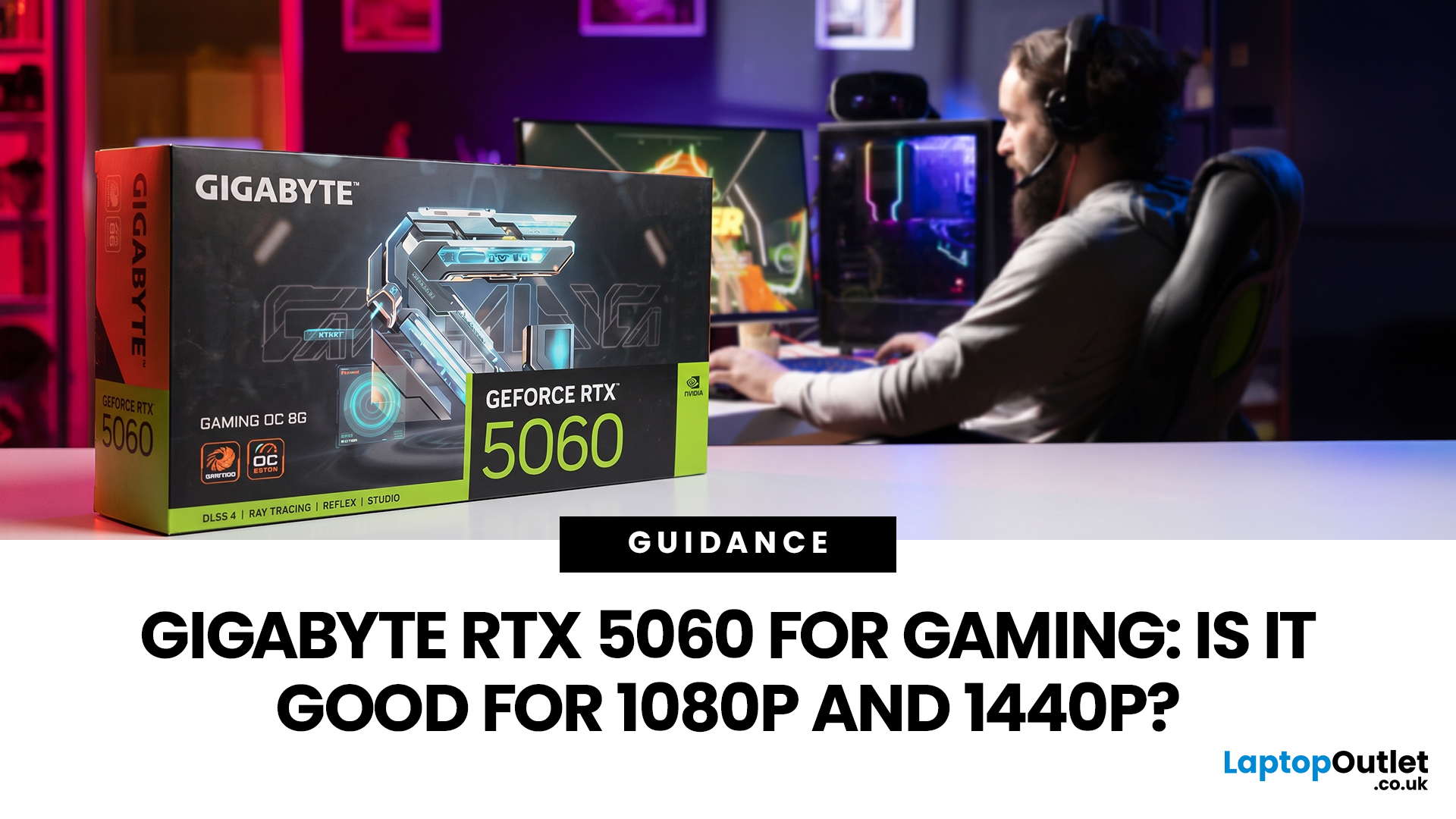
Thinking about buying the Gigabyte GeForce RTX 5060 for gaming? If you're targeting smooth 1080p gameplay, it's a strong contender, offering impressive performance with Nvidia's Blackwell architecture, DLSS 4, ray tracing, and fast GDDR7 memory. But how well does it handle 1440p? While it performs well in esports and optimised titles, demanding AAA games can push its 8GB VRAM to the limit. Here's what you can realistically expect at both resolutions.
Gigabyte RTX 5060 Gaming Performance: Quick Verdict for 1080p & 1440p
| User Type | Is the Gigabyte RTX 5060 a Good Fit? | Why |
| 1080p competitive gamer | Yes | High frame rates, low latency features and DLSS support |
| Casual PC gamer | Yes | Smooth Full HD gaming without overbuying |
| 1440p gamer on a budget | Sometimes | Good with optimised settings and DLSS |
| Ultra settings AAA gamer | Not always | 8GB VRAM can limit texture quality |
| Small PC builder | Yes | Gigabyte’s compact, efficient designs are easy to fit |
| Content creator/gamer hybrid | Yes | Nvidia Studio, NVENC and AI features |
Last Updated: September 03, 2026
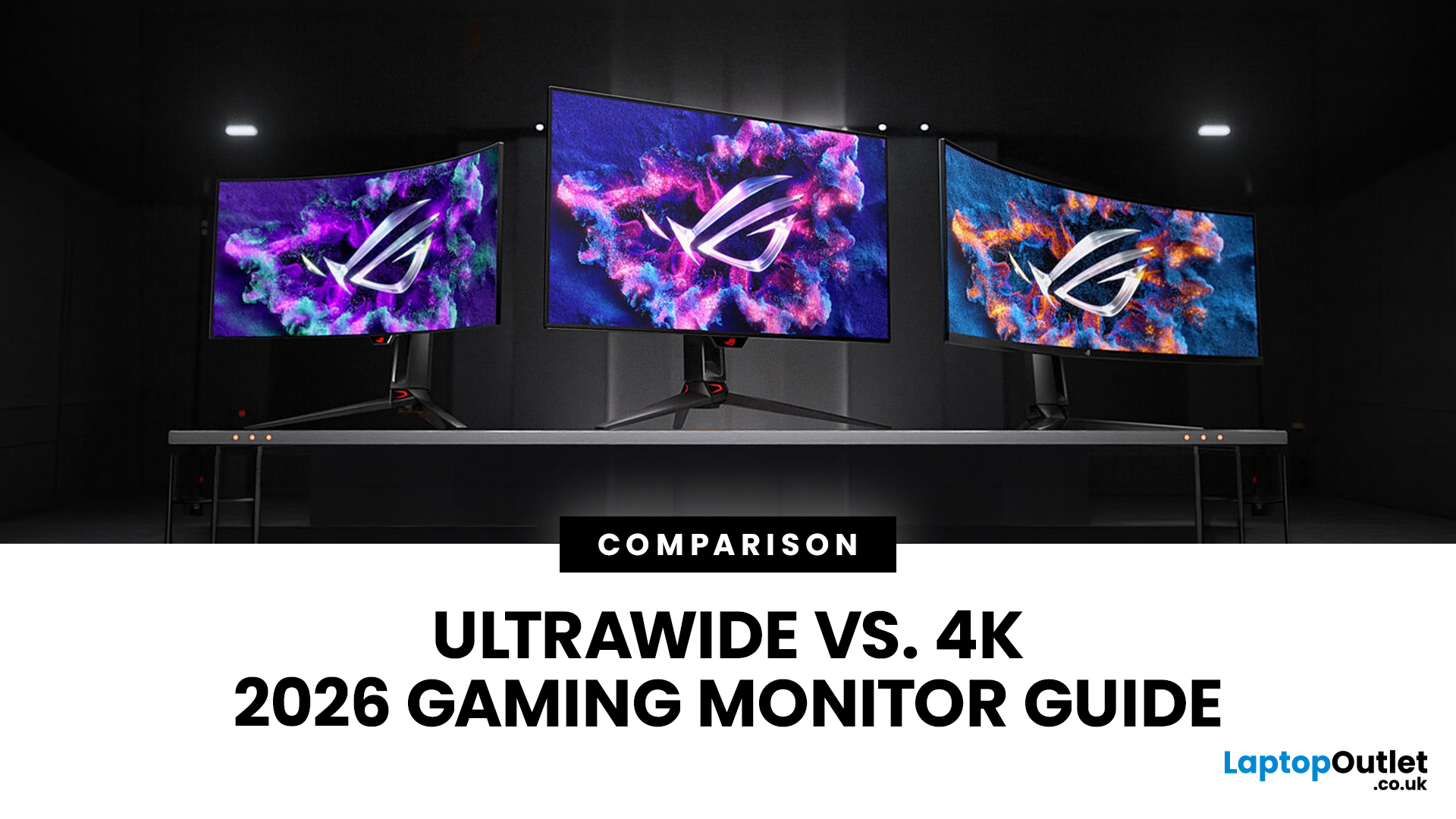
Choosing between an Ultrawide vs 4K monitor is one of the biggest decisions for gamers upgrading their setup in 2026. Both options can transform your gaming experience, but they do it in very different ways. The right choice depends on your games, GPU, desk space and budget, as well as whether you prioritise immersive gameplay or sharper resolution. This gaming monitor guide compares ultrawide and 4K displays across performance, game genres, GPU requirements, refresh rates, response time, and overall value.
Ultrawide vs 4K Monitor: Quick Comparison
| Feature | Ultrawide Gaming Monitor | 4K Gaming Monitor |
| Best for | Immersion, racing, RPGs, simulators, multitasking | Sharp visuals, AAA games, console gaming, creative use |
| Common aspect ratio | 21:9 or 32:9 | 16:9 |
| Main strength | Wider field of view | Higher pixel density |
| Image sharpness | Very good, especially at 3440 x 1440 | Excellent at 3840 x 2160 |
| GPU demand | Moderate to high | Very high |
| Competitive gaming | Good with high refresh rate | Good, but harder to drive |
Last Updated: September 03, 2026
Buying an HP gaming laptop in 2026 can feel like being asked to pick between “save money now” and “avoid regret later.”
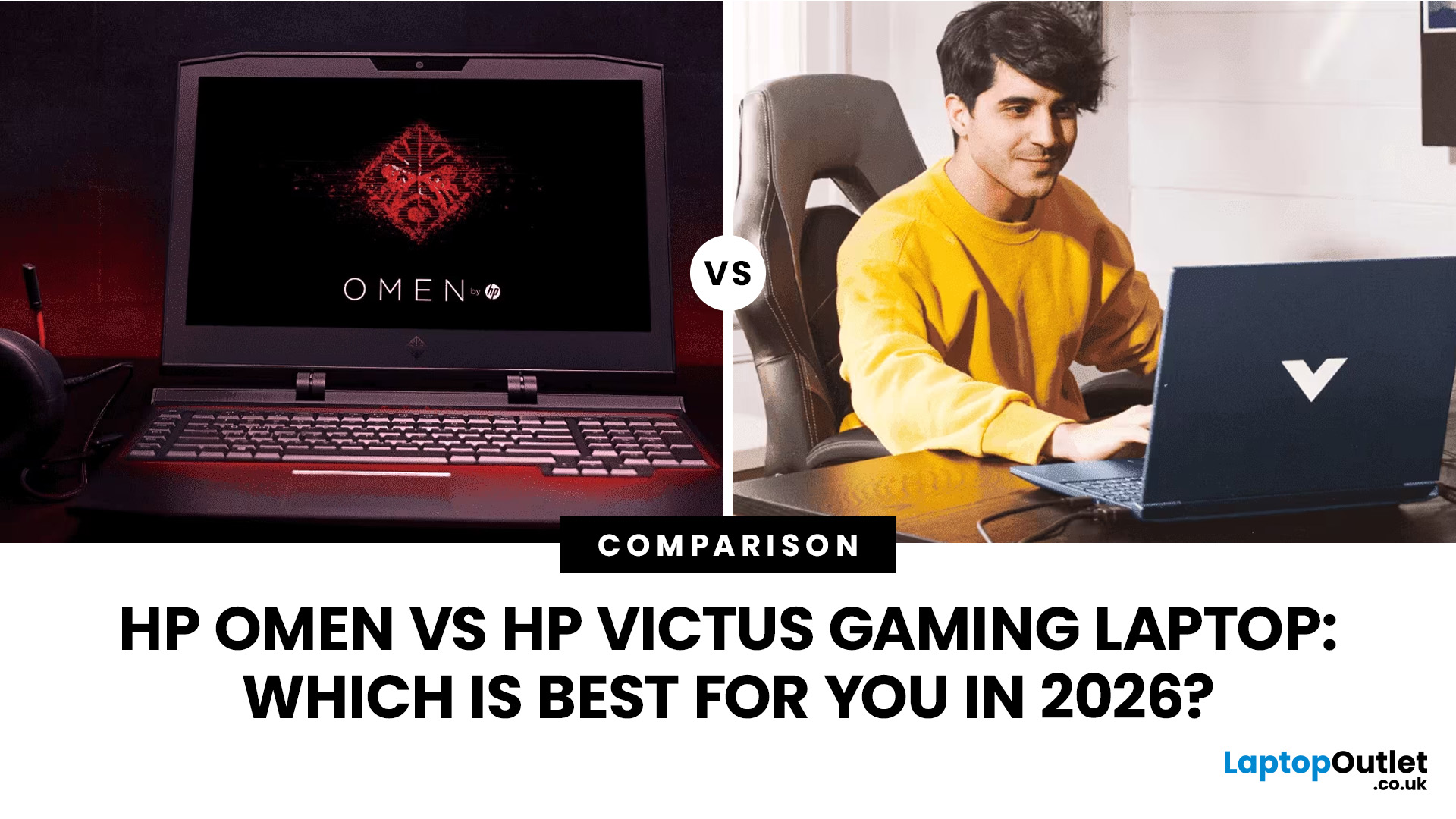
Choose HP Victus if you want the best price-to-performance balance for esports, coursework, everyday use, and casual AAA gaming. Choose HP OMEN if you want higher frame rates, better display quality, stronger cooling, and a laptop that feels ready for heavier games over the next few years.
The HP Victus gaming laptop is the value pick: more affordable, more student-friendly, and solid for 1080p gaming. The HP OMEN gaming laptop is the performance pick: stronger cooling, better displays, higher-end GPUs, and more headroom for AAA games, streaming, and long-term use.
So, which one should you actually buy?
HP OMEN vs HP Victus: The Simple Difference
HP uses Victus and OMEN for different types of gamers.
The HP Victus gaming laptop is built for mainstream buyers who want a proper gaming laptop without paying premium money. It usually targets 1080p gaming, 144Hz displays, and
Last Updated: September 03, 2026
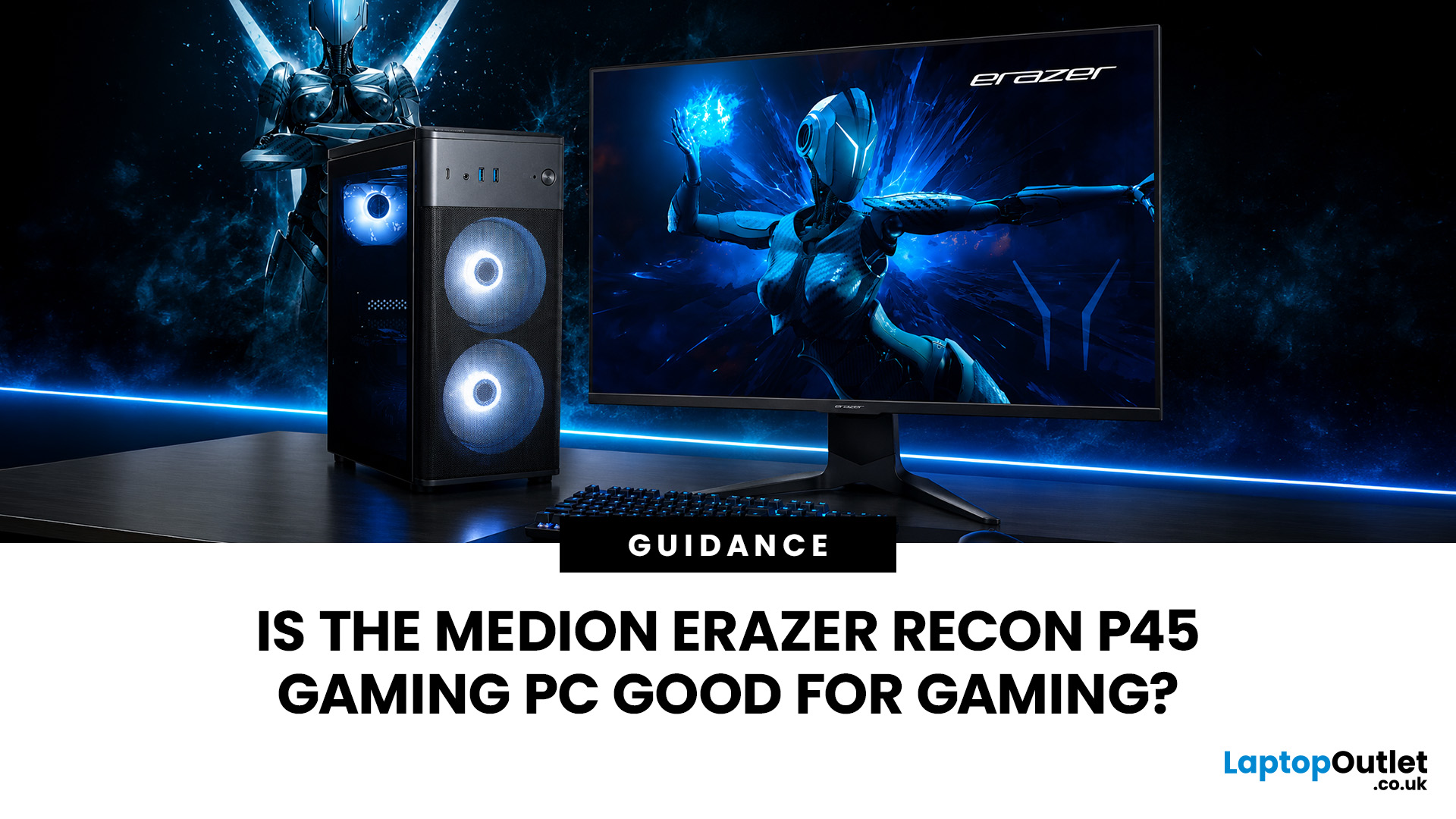
Yes, the Medion Erazer Recon P45 is a good gaming PC for players who want smooth everyday gaming, strong 1080p performance, fast loading times and a ready-to-use desktop without building a PC from scratch.
At Laptop Outlet, current Medion Erazer Recon P45 Gaming PC options include configurations with an AMD Ryzen 5 5500, 1TB SSD, Windows 11 Home, and dedicated NVIDIA RTX graphics, including RTX 5060 and RTX 5050 variants. The RTX 5060 model also includes 32GB RAM in the listed specification, while the RTX 5050 model is listed with 16GB RAM.
Is the Medion Erazer Recon P45 Worth it?
For most UK gamers, the Medion Recon P45 PC makes sense if you want a capable prebuilt gaming desktop that can handle modern games, multitasking, streaming, schoolwork, everyday browsing, and entertainment. It is especially suitable for:
| User Type | Is it a Good Fit? | Why |
| Beginner gamers | Yes | No PC-building knowledge needed |
| 1080p players | Yes | RTX graphics and Ryzen 5 power are well matched |
| Students | Yes | Good for gaming, |

