



Top 7 Fitness Tech Trends to Look Out for in 2026

Whether you're a dedicated gym-goer or just trying to stay a bit more active, technology is making it easier than ever to reach your health goals. The fitness tech trends 2026 landscape is packed with impressive innovations, from AI-driven coaching to next-generation health trackers. Here's a look at the seven trends worth keeping an eye on this year.
1. AI-Powered Personal Coaching
AI fitness apps and devices are no longer just logging your reps and steps. In 2026, they're acting more like personal trainers.
- AI analyses your movement patterns, heart rate, and recovery data in real time.
- Your training plan adapts daily based on how your body is actually responding.
- These apps work best when paired with capable hardware, such as AI-ready laptops or a modern smartphone, to process data quickly.
This is one of the most significant shifts in future fitness technology right now. You no longer need to pay for a personal trainer to receive genuinely tailored guidance.
2. Next-Level Smartwatches and Wearables
The wearable fitness tech trends of 2026 go well beyond basic step counting. Today's smartwatches are starting to function more like medical-grade monitoring devices.
Key features to look out for:
- Continuous blood glucose monitoring without finger pricks
- ECG and atrial fibrillation detection
- Skin temperature sensors for cycle tracking and early illness detection
- Stress scoring and mental wellbeing insights
You can browse a great range of smartwatches to find one that matches your health goals. They pair brilliantly with your smartphone to give you a full, real-time picture of your wellbeing.
3. Smart Recovery and Sleep Technology
Recovery is just as important as the training itself. Smart fitness gadgets 2026 are making it much easier to optimise your rest days and sleep quality.
- Smart mattress toppers monitor your sleep cycles, breathing patterns, and body temperature through the night.
- Recovery tools like compression boots now use biometric data to guide and personalise your sessions.
- Apps pull all of this together and recommend the best time to train hard again.
Headphones and earphones with built-in sleep modes or binaural beat programmes are also growing in popularity as recovery aids. Getting proper rest is fundamental to long-term fitness progress, and the tech is finally catching up to that idea.
4. Immersive Fitness with AR and VR
One of the most exciting fitness tech trends 2026 has to be the rise of immersive exercise experiences. Virtual reality is transforming how people work out.
- VR fitness apps turn your sessions into fully immersive games or stunning virtual environments.
- Augmented reality overlays can project real-time coaching cues into your field of vision during a run or gym session.
- Virtual reality accessories are becoming more affordable, opening this up to a much wider audience.
This is a big part of the shift towards future fitness technology that blends entertainment with exercise. It's a genuinely effective way to stay motivated, particularly through the colder months when outdoor training isn't as appealing.
5. Connected Home Gym Equipment
Home gyms have come a long way, and smart fitness gadgets of 2026 are taking them to another level entirely.
- Smart bikes, treadmills, and rowing machines now feature built-in screens, live leaderboards, and community challenges.
- Equipment connects to fitness apps via Bluetooth or Wi-Fi for seamless and automatic data tracking.
- Some machines use computer vision to assess your form and provide technique corrections in real time.
A tablet or convertible laptop works brilliantly alongside this kind of equipment, giving you easy access to streaming classes, training programmes, and progress dashboards in one place. AI fitness apps and devices now integrate directly with connected gym kit too, so your coaching experience feels genuinely joined-up.
6. Real-Time Biometric and Health Monitoring
Biometric tracking is moving well beyond wrist-worn devices. This area is one of the most technically impressive pillars of the current fitness tech trends in 2026 landscape.
- Continuous heart rate variability (HRV) monitoring helps you understand whether your body is ready for intense training.
- Smart clothing with embedded sensors tracks muscle activation and real-time posture.
- Smart rings are expanding their health metric range, covering sleep, temperature, and recovery scores.
These innovations support a wider shift towards preventative health management, not just performance gains. 5G smartphones are central to this ecosystem, providing the fast, reliable connectivity needed to sync and process large volumes of biometric data instantly.
7. AI-Driven Nutrition and Wellness Apps
Nutrition technology is catching up with training tech at pace. AI fitness apps and devices are now applying machine learning to what you eat, not just how you move.
- AI nutrition apps can scan a meal using your phone camera and log detailed macro and micronutrient data instantly.
- Apps cross-reference your wearable data to suggest meals that suit your current activity level and recovery state.
- Smart water bottles and hydration trackers are integrating with wider wellness platforms to keep tabs on your daily fluid intake.
This is one of the most practically useful fitness tech trends in 2026 for everyday users. Whether you're managing your weight, boosting performance, or simply trying to eat better, these tools make it straightforward. All you need to get started is a decent mobile phone.
What Do These Trends Mean for You?
The future fitness technology scene in 2026 is all about personalisation, connectivity, and smarter use of data. Here's a quick summary of what's driving everything forward:
- AI is making personalised coaching and nutrition guidance accessible to everyone, not just athletes.
- Wearables are evolving into genuine health monitoring tools with clinical-level accuracy.
- Home fitness hardware is closing the gap with commercial gym equipment rapidly.
- Smart recovery tools are helping people train more consistently and sustainably.
Having the right devices makes a real difference. A Copilot+ laptop with on-device AI processing is well suited to running fitness dashboards and data-heavy training apps. Your smart home setup can also play a supporting role, from connected speakers for workout audio to smart displays showing your training data.
Browse the full range of accessories at Laptop Outlet to build out your connected fitness setup affordably.

Make 2026 Your Healthiest Year Yet
The fitness tech trends 2026 lineup has something for everyone. From wearable fitness tech that monitor your health around the clock to AI nutrition tools that take the guesswork out of eating well, smart fitness gadgets are genuinely changing how people approach their health.
The best part? You don't need to spend a fortune to benefit. Start with the right devices, pick the tools that suit your goals, and let the technology do the heavy lifting.

A Few Quick Things...
What are the biggest fitness tech trends in 2026?
AI coaching, advanced smartwatches, VR fitness, connected home gym equipment, and real-time biometric tracking are the standout trends this year.
Are AI fitness apps and devices worth using?
Yes. AI fitness apps personalise training and nutrition plans using real data, making them far more effective than generic one-size-fits-all programmes.
What counts as wearable fitness tech in 2026?
It includes smartwatches, smart rings, sensor-embedded clothing, and recovery tools that monitor your health metrics continuously throughout the day.
Do I need expensive equipment to benefit from these fitness tech trends?
Not at all. Many benefits come from apps on your existing smartphone or an affordable smartwatch, with no costly hardware required.
How is AI used in modern fitness devices?
AI analyses sensor data, adapts training plans, detects health patterns, and delivers real-time coaching feedback across apps and connected wearables.
Can VR workouts replace going to the gym?
VR fitness can deliver solid cardio and even strength-based sessions. It works best as a complement to traditional training rather than a full replacement.
What role do 5G smartphones play in fitness tech?
5G enables instant syncing of large health data sets between wearables, apps, and cloud platforms, making real-time coaching and analysis far more responsive.
Related Articles


Last Updated: December 12, 2025
Setting up your new HyperX gaming laptop is one of the most exciting parts of stepping into PC gaming. If you've just unboxed your device and you're unsure where to begin, this beginner-friendly breakdown will walk you through everything you need to know. From optimising software to boosting cooling performance, you’ll find everything you need to unlock the full potential of your new machine. Many first-time gamers skip key setup stages, leaving their devices underpowered or inefficient. This guide ensures you’re not one of them.
1. Getting Started: The Essential First Steps
Before diving into settings and performance tweaks, it’s important to take care of the basics. Begin by connecting your laptop to a reliable power source. Gaming laptops, especially HyperX devices designed for high performance, require stable power for initial configurations and updates. Allow your system to complete its first-time boot optimally, as this ensures firmware, BIOS settings, and essential drivers are
Last Updated: December 24, 2025
If you’re shopping for a new chair, you’ll quickly realise “gaming chair” can mean anything from a flashy bucket seat with a logo to a genuinely supportive, all-day ergonomic chair that happens to suit a gaming set-up. This gaming chair buyer’s guide is about how to choose a gaming chair in a smart way for your body, your desk, and the way you actually play (or work).
The 60-Second Checklist (so you don’t waste hours scrolling)
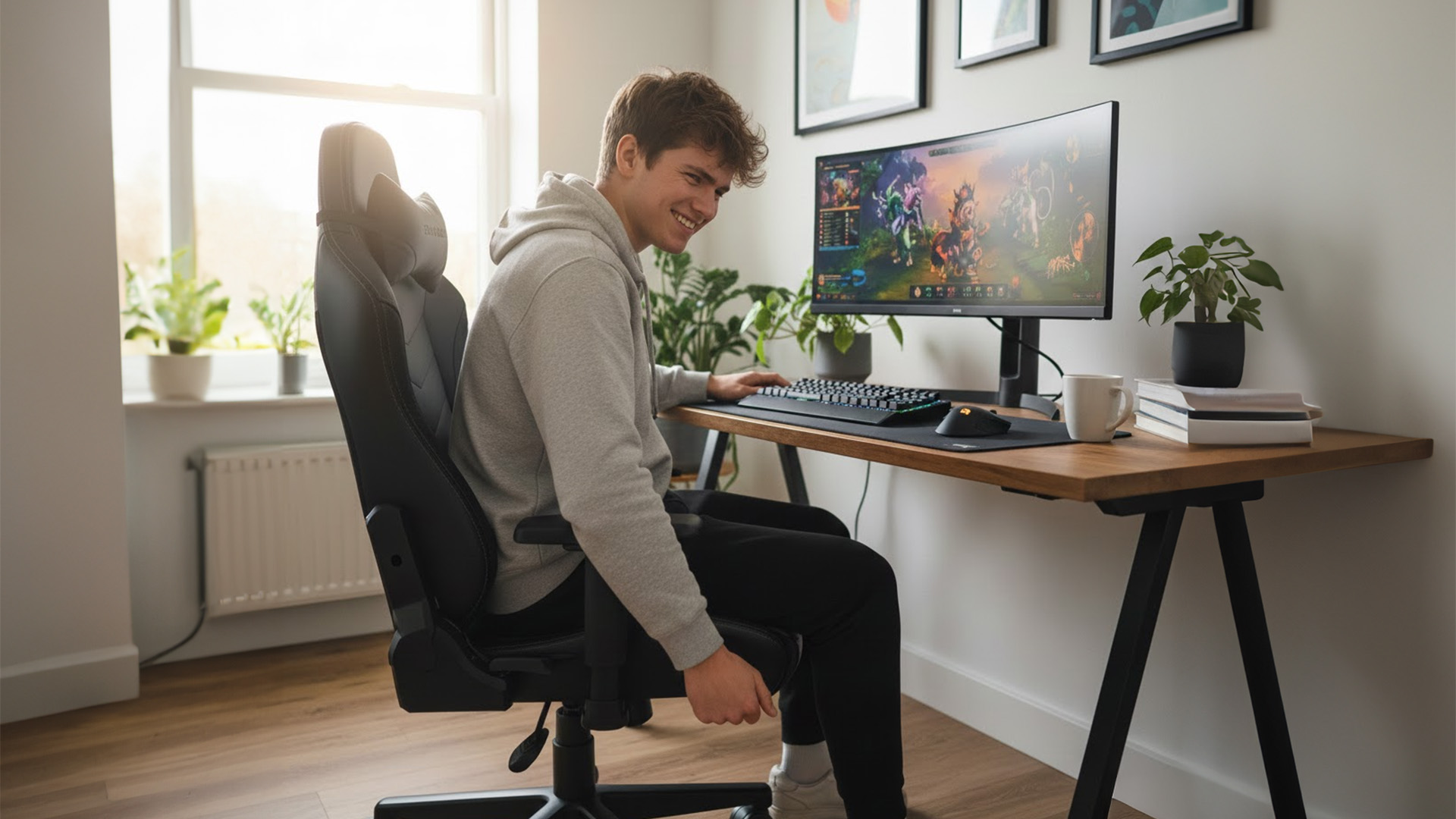
If you only remember five things, make them these:
- Right size for your height/weight (brands often have Regular/XL or size charts)
- Seat height range that suits your desk (feet flat, shoulders relaxed)
- Seat depth that fits your thighs (you need a small gap behind the knees)
- Proper lumbar support (ideally adjustable, not just a floppy cushion)
- Armrests you can actually line up with keyboard/mouse (3D/4D helps a lot)
If a chair looks brilliant but fails two of those, keep looking.
Start with the Basics: Measure Your Space
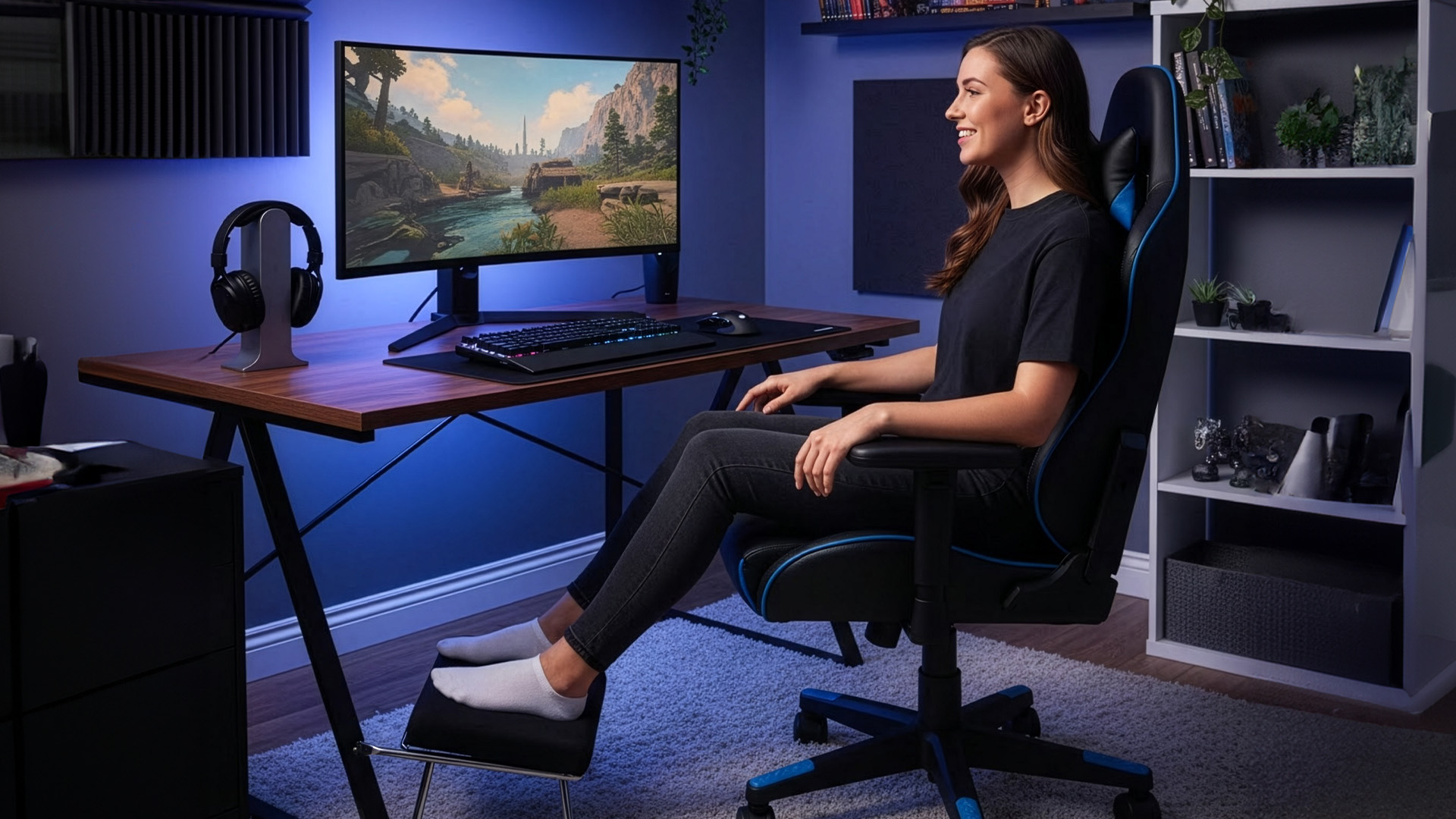
Before you look at brand names or RGB gimmicks,

Last Updated: January 06, 2026
Updating your motherboard BIOS is often recommended to improve system stability, fix bugs, or add support for new hardware. However, what if your PC won’t show anything on the screen? A failed GPU, incompatible CPU, or corrupted BIOS can leave you with a blank display, making a standard update impossible. The good news is that it is still possible to update BIOS without display on many modern motherboards. In this guide, we’ll explain how to update motherboard BIOS without display, the tools you’ll need, and the safest methods to follow, using clear, practical steps. Learn safe ways to update BIOS without a working screen.
Important Precautions Before You Begin
Updating BIOS always carries some risk, so preparation is essential, especially without a display. If your motherboard does not support display-free updates, attempting one could permanently damage it. Before starting, make sure you:
- confirm your exact motherboard model
- download the correct BIOS version from the manufacturer’s

Last Updated: April 28, 2026
When it comes to high-performance computing, gaming realism, and creative workloads, NVIDIA graphics cards continue to set the benchmark. From immersive gaming experiences to professional-grade rendering and AI acceleration, NVIDIA’s GPUs power some of the most advanced systems on the market today. This guide explores everything you need to know about Nvidia graphics cards.
Understanding NVIDIA Graphics Cards and their Advantages
When performance matters, NVIDIA continues to lead the graphics card market with technology designed for today’s most demanding applications. From immersive gaming worlds to high-speed creative workflows, NVIDIA GeForce graphics cards deliver the power, efficiency, and visual realism modern users expect. Trusted by gamers and professionals alike, NVIDIA GPUs have become the benchmark for smooth gameplay, intelligent upscaling, and advanced rendering. What truly sets NVIDIA graphics cards apart is how each generation evolves. With smarter architecture, improved
Last Updated: September 15, 2026
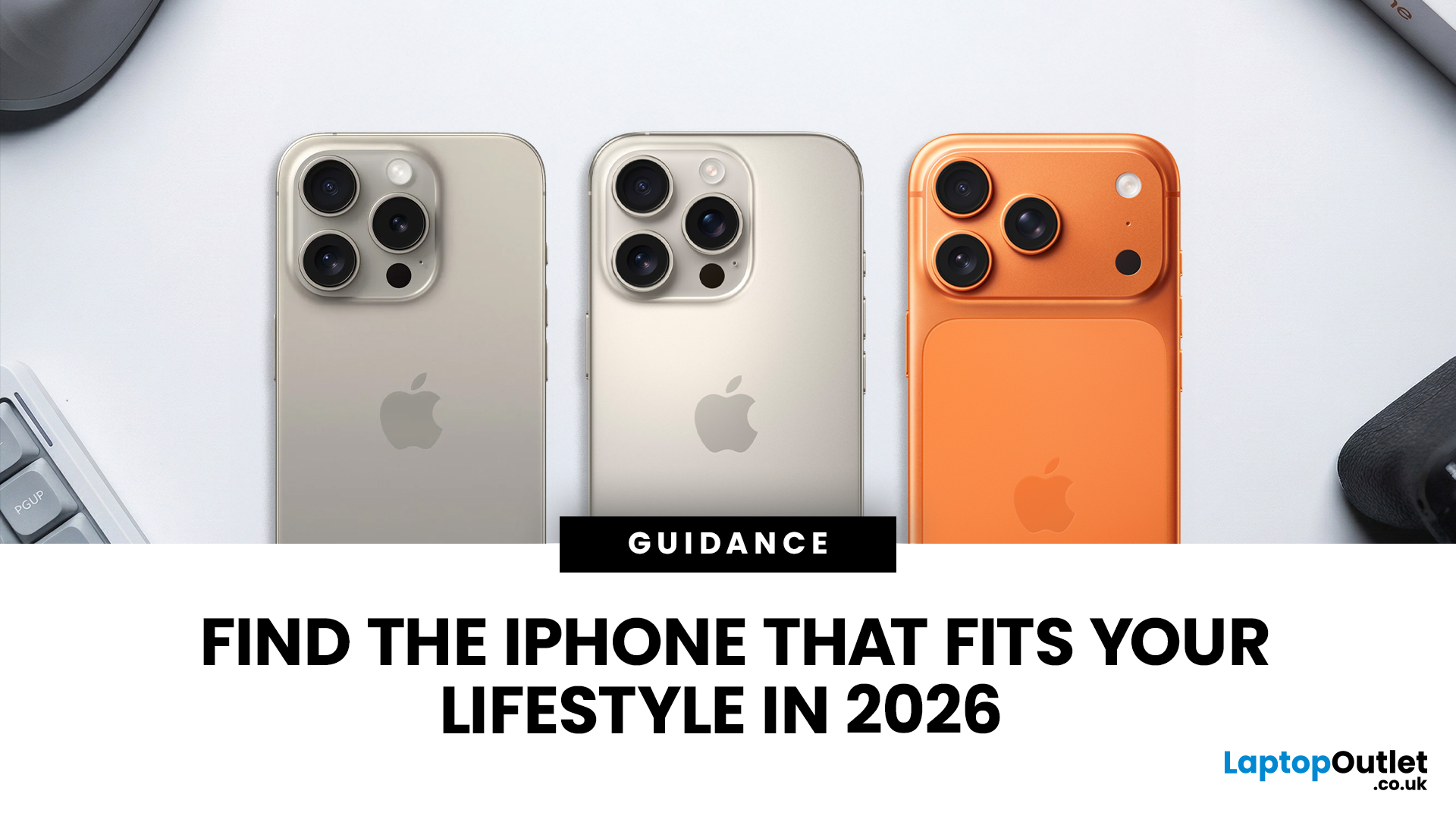
Buying an iPhone in September 2026 is a little different from earlier in the year. Apple has now announced the iPhone 18 Pro and iPhone 18 Pro Max, while the iPhone Duo brings a completely new foldable option. At the same time, the iPhone Air, iPhone 17, iPhone 17e and iPhone 16 remain available from Apple in the UK.
The best choice should not be automatically the newest or most expensive model. It depends on how much you want to spend, the size you prefer, how much you use the camera, how long you need the battery to last and whether you are comfortable waiting for a newly announced model to go on sale. This iPhone buying guide focuses on those practical differences so you can make a clear decision without paying for features you are unlikely to use.
Quick answer
Best overall for most buyers: iPhone 17. It has a 6.3-inch 120Hz ProMotion display, A19 chip, dual 48MP camera system and 256GB storage as standard.
Best premium choice: iPhone 18 Pro or Pro Max. Pre-orders open 12 September and

Last Updated: January 21, 2026
Windows tablets have quietly become one of the most practical tech buys in the UK, especially if you want proper laptop features without paying laptop money. Whether you’re studying, working remotely, or just need a flexible everyday device, a Windows tablet (or budget 2 in 1 Windows tablet) can often do the job of both a tablet and a laptop.
In this 2026 guide, we’re breaking down the best Windows tablets in the UK by price, under £300, and £500 and explaining what you can realistically expect at each level. No hype, no spec overload, just clear advice to help you spend smart.
Why Choose a Windows Tablet Instead of Android or iPad?

Before diving into budgets, it’s worth understanding why people choose Windows tablets in the first place.
A Windows tablet gives you:
- A full desktop operating system
- Proper file management (folders, drives, downloads)
- Compatibility with Microsoft Office and desktop apps
- Keyboard and mouse support
- Often, a 2-in-1 experience with detachable or foldable keyboards

Last Updated: January 21, 2026
If you’re shopping for a tablet in 2026, you’ve probably hit the same question everyone else has:
Do I need a 4G tablet, or will a Wi-Fi tablet do the job?
With hybrid work, online study, and always-on lifestyles becoming the norm in the UK, tablets aren’t just Netflix machines anymore. They’re work tools, study partners, and portable productivity hubs.
In this guide, we’re breaking down 4G tablets vs Wi-Fi tablets in a way that actually makes sense, no tech jargon overload, no outdated advice. Just real talk, real use cases, and real buying advice for the UK market.
What Actually Is the Difference Between 4G Tablets and Wi-Fi Tablets?

Let’s start simple
What Are Wi-Fi Tablets?
Wi-Fi tablets connect to the internet only when a Wi-Fi network is available, think home broadband, office Wi-Fi, cafés, libraries, or hotspots.
They’re the most common type of tablet and usually the cheapest option.
Best for:
- Home and office use
- Streaming, browsing, and casual gaming
- Students studying mainly at

Last Updated: February 13, 2026
Because nothing kills the vibe faster than a laptop, that suddenly decides your fingers are irrelevant.
You sit down. You open your laptop. You’re mentally prepared to be productive (or at least pretend). And then .....boom... your laptop touchpad is not working. Or your laptop keyboard is not working. Or worse… both.
At this point, your laptop isn’t broken; it’s personally offended by you.
Before you rage-buy a new device or spiral into tech despair, here’s the good news: most laptop keyboard problems and touchpad issues are completely fixable. And no, you don’t need a computer science degree or a sacrifice to the tech gods.
This guide is not one of those vague “restart your device” articles and call it a day. This is a deep-dive, all-reasons, all-solutions, no-BS troubleshooting guide, written in human language, with enough detail to actually solve the problem.
We’ll cover:
- Software vs hardware problems (and how to tell the difference)
- Every common and uncommon reason your laptop input

Last Updated: February 13, 2026
Laptops are essential to modern life. Whether you’re working from home, studying, gaming, streaming, or running a business, your device needs to perform reliably every single day. But even the best machines can run into trouble. From frustrating slowdowns to sudden shutdowns, understanding common laptop problems can save you time, stress, and unnecessary expense.
In this comprehensive laptop troubleshooting guide, we’ll walk you through the most common laptop issues and fixes, explain what causes them, and show you practical steps to get your device back on track. Whether you’re using everyday notebook laptop or a gaming laptop, this guide will help you stay in control.
1. Slow Performance and Freezing
One of the most frustrating common laptop problems is sluggish performance. Over time, even premium notebook laptops can slow down if they’re not properly maintained. If your laptop takes ages to boot up, struggles to open applications, or freezes mid-task, you’re likely dealing with performance
Last Updated: February 19, 2026
Are you a creative professional or a student looking for the perfect hardware? Choosing the right tools can make or break your workflow. Animation and 3D design are demanding tasks. They require power, precision, and reliability. In this guide, we explore the best laptops for animation and 3D modelling available today.
Why Your Hardware Matters for 3D Work?
Animation is not just about drawing. It involves complex calculations. When you work in software like Blender or Autodesk Maya, your computer handles millions of polygons. It also calculates lighting, physics, and textures in real-time.
If your laptop is too slow, you will face lag. Your software might crash. Most importantly, your rendering times will be incredibly long. High-performance 3D laptops solve these problems. They allow you to focus on your art instead of your technical issues.
To get the best results, you need a balance of components. This includes a fast processor (CPU), a powerful graphics card (GPU), and plenty of memory

