



Computer Software Buying Guide: What to Know Before You Buy
Quick Answer: Computer software is any program or set of instructions that makes your laptop or PC functional. There are three types every user needs to consider: system software (your operating system, such as Windows 11), application software (productivity tools like Microsoft 365), and security software (such as Norton antivirus).
For most users, the essential software setup is:
- Microsoft 365 for word processing, spreadsheets, and email - available as an annual subscription with cloud storage included
- Microsoft Office 2024 is a one-time purchase alternative for single-device, occasional use
- Norton antivirus for real-time protection against viruses, ransomware, phishing, and spyware
The key buying decision is subscription vs one-time licence. Subscriptions like Microsoft 365 keep software updated automatically and cover multiple devices. One-time licences cost less over time for single-device, light users. For security software, a subscription is almost always recommended as cyber threats evolve constantly.
Keep reading to know what computer software actually is, which types you genuinely need, and how to choose the right ones for how you work, study, or run a business without overspending or buying twice.
| Important! Before buying any software, confirm compatibility with your device, check how many devices you need to cover, and always purchase from an authorised retailer to ensure genuine licence activation and full support. |
What Is Computer Software?
Computer software is any set of programs, instructions, or data that tells your hardware what to do. Without it, your laptop or PC is essentially a box of components. Software is what makes it useful.
There are three main categories worth knowing about:
- System software - this runs your device. Windows 11 is the most common example. It manages everything from your screen to your keyboard to how apps open and close.
- Application software - these are the tools you actually use day to day: word processors, spreadsheets, video calls, and creative apps.
- Security software protects your device and personal data from threats such as viruses, ransomware, spyware, and phishing.
Most people need at least one product from each of these areas. The mistake many buyers make is focusing only on the laptop itself and ignoring what goes on it.
What Types of Computer Software Do You Actually Need?

Here's a practical breakdown by use case, so you can figure out what applies to you before spending anything.
Office and Productivity Software
If you write documents, build spreadsheets, put together presentations, or send emails for work or study, you need a reliable office suite.
Microsoft 365 is the most widely used option in the UK. It includes Word, Excel, PowerPoint, Outlook, OneNote, and Teams, and it syncs everything across devices using OneDrive cloud storage. Plans are available for personal use, families, and businesses.
Microsoft Office 2024 is a one-time purchase that gives you Word, Excel, and PowerPoint installed on a single device, with no ongoing fees. You own that version permanently.
The key difference: Microsoft 365 is a subscription - you pay annually or monthly and always have the latest version. Office 2024 is a perpetual licence - you pay once and keep using that version as long as you need it.
|
|
Microsoft 365 |
Microsoft Office 2024 |
|---|---|---|
|
Payment type |
Annual or monthly subscription |
One-time purchase |
|
Updates |
Always up to date |
Security patches only |
|
Cloud storage |
Includes OneDrive (up to 1TB) |
Not included |
|
Devices |
Multiple devices (plan dependent) |
One device |
|
Best for |
Regular users, families, teams |
Light users, single-device setups |
If you use your computer daily for work, Microsoft 365 is often the more practical option. If you only occasionally need Word or Excel and don't need cloud features, a one-time licence does the job cleanly.
Security Software
This is the category most people underestimate until something goes wrong. Even with Windows 11's built-in Defender active, a dedicated security suite gives you significantly more protection. Modern threats go well beyond basic viruses. Ransomware, spyware, phishing attacks, identity theft, and deepfake-based scams are all very real in 2025.
What good security software protects you from:
- Viruses and malware
- Ransomware (software that locks your files and demands payment)
- Spyware and tracking software
- Phishing links and fake websites
- Browser hijackers
- Cryptojacking (unauthorised use of your computer's processing power)
- Dark web exposure of your personal data
Norton is one of the most trusted names in cybersecurity. Independent testing by AV-TEST throughout 2025 gave Norton a perfect score across protection, performance, and usability with a 100% detection rate for widespread malware. It also outperforms Windows Defender on phishing detection.
Norton plans range from basic device protection to full-suite coverage, including a built-in VPN, password manager, parental controls, dark web monitoring, and cloud backup. For families or households with multiple devices, the higher-tier plans cover multiple PCs, Macs, smartphones, and tablets under one subscription.
You can buy Norton protection at Laptop Outlet or browse the full Norton antivirus range to find the plan that fits your setup.
System Software and Operating Systems
Most laptops come with Windows 11 pre-installed, which is fine for the vast majority of users. If you're buying a refurbished laptop or upgrading an older machine, make sure it has a valid Windows licence and is running Windows 11, not an older version.
Windows 10 reached the end of support in October 2025, meaning it no longer receives security updates. If you're still on Windows 10, moving to Windows 11 is a security necessity.
Utility Software

Utility tools are the "under the hood" category. They help your PC run faster, stay clean, and back up your data. Some antivirus suites include these features. Others are standalone.
Common utility tools include:
- Disk cleanup and optimisation tools
- File backup and recovery software
- VPNs (virtual private networks) for secure browsing
- Password managers
- PDF readers and editors
If your security suite already includes these (as Norton's full plans do), you may not need to buy them separately.
How to Choose the Right Computer Software
Before you buy anything, it's worth asking yourself five straightforward questions.
1. What do you actuallyneed itfor?
Be specific. "Work" covers a huge range of tasks. A teacher preparing lesson plans has different needs to a small business owner managing invoices. Match the software to the actual task, not a vague category.
2. How many devices do you need to cover?
Some licences are tied to a single device. Others cover multiple. If you work across a laptop, desktop, and phone, multi-device plans save money in the long run.
3. Do you prefer to pay once or spread the cost?
A subscription gets you the latest features, cloud storage, and flexibility. A one-time licence costs less over time if you're a light or occasional user. Neither is wrong - it depends on how you use the software.
4. Is compatibility a concern?
Most major software runs on Windows 11 without issue. But if you're using an older laptop, it's worth checking the minimum system requirements before purchasing, especially for more demanding applications.
5. What level of security do you genuinely need?
A single person working from home has different security needs than a small business storing customer data. Basic antivirus software may be sufficient for personal use. A full security suite with a VPN and dark web monitoring makes sense if you regularly handle sensitive information.
Subscription vs One-Time Purchase: Which is Right for You?
This is the question that comes up most often with software buying decisions. Here's a clear breakdown.
Choose a subscription if you:
- Use your software regularly and want the latest features automatically
- Work across multiple devices
- Need cloud storage included
- Manage a team and want flexible user licences
Choose a one-time licence if you:
- Have a single device and straightforward needs
- Prefer predictable, upfront costs with no ongoing fees
- Don't need cloud storage or collaboration tools
- Plan to keep using the same version for several years
For security software, a subscription almost always makes more sense. Threats evolve constantly, and you want your protection to keep pace. Locking into a static version of security software is a genuine risk. For productivity software like office tools, either model can work depending on your situation.
Affordable Software for Laptops and PCs: What to Look for

You don't need to pay full price to get reliable software. Here's how to find genuine value without compromising on quality.
- Buy from authorised resellers. This guarantees your licence is genuine, and your product key will activate properly. Suspiciously cheap software from unofficial sources is a common vector for fraud.
- Check for bundle deals. Some retailers offer software bundled with new laptops or as part of promotional packages.
- Look at what your existing device already includes. Windows 11 includes Defender, basic apps, and a Microsoft account - you may not need to buy everything from scratch.
- Consider your timeline. If you're buying a laptop for a short-term project, a monthly subscription may be more cost-effective than an annual one.
Laptop Outlet regularly runs Microsoft promotions and software deals worth checking before you buy at full retail price.
Do You Need Both Office Software and Security Software?
Yes, and they serve completely different purposes.
Office software helps you create, communicate, and organise. Security software protects everything on your device from being compromised. Having Microsoft 365 doesn't protect your computer from malware any more than having Norton protects your spreadsheets from formatting errors. Think of them as two separate layers: one for productivity, one for protection.
A Quick Software Checklist Before You Buy
- Use this before purchasing any software to make sure you're making the right call:
- I know exactly what I need the software to do
- I've checked that the minimum system requirements match my device
- I've decided between subscription and one-time purchase based on how often I'll use it
- I know how many devices I need to cover
- I'm buying from an authorised or trusted retailer
- I've checked for any active deals or bundle offers
- I have security software either already installed or on my shopping list

Ready to Set Up Your PC the Right Way?
Most people spend a lot of time choosing the right laptop and very little time thinking about what goes on it. But the software you install shapes how useful, productive, and secure that laptop actually is from day one.
The good news is that it doesn't have to be complicated. You need an operating system that's current and supported: Windows 11. You need a productivity suite that matches how you work, that's Microsoft 365 for most people, or a one-time Office licence if your needs are simpler. And you need security software that keeps pace with real, modern threats. That's where Norton earns its place.
Get those 3 things right, and your setup is solid, whether you're a student pulling late nights on assignments, a professional working across multiple devices, or a small business that can't afford downtime.
If you're not sure where to start, Laptop Outlet has genuine licences for both Microsoft 365 and Norton antivirus at competitive prices, along with current Microsoft deals worth checking before you buy at full price. You can also browse Microsoft accessories if you're kitting out a full workspace.
Buy it right once, from a source you can trust, and your PC will be ready for whatever you need it for.

Frequently Asked Questions
What is computer software?
Computer software is a collection of programs and instructions that tell your computer's hardware what to do. It includes everything from your operating system (like Windows 11) to apps like Word or Excel, to security tools like antivirus programs.
What are the main types of computer software?
The three main types are system software (operating systems), application software (productivity tools, creative apps, browsers), and security software (antivirus, VPN, firewall). Utility software is a fourth category that includes tools such as backup software and disk cleaners.
Do I need antivirus software if I have Windows 11?
Windows Defender, included with Windows 11, provides basic protection. However, a dedicated security suite gives you stronger phishing protection, ransomware defence, dark web monitoring, and more, especially if you're shopping, banking, or working with sensitive data online.
What is the difference between Microsoft 365 and Microsoft Office?
Microsoft 365 is a subscription service that includes the latest apps, cloud storage, and multi-device access. Microsoft Office (such as Office 2024) is a one-time purchase tied to a single device, with no ongoing fees but without automatic feature updates or included cloud storage.
Which is better: a software subscription or a one-time licence?
It depends on your usage. Subscriptions suit regular users who want always-updated software across multiple devices. One-time licences suit occasional users with a single device who prefer to avoid recurring costs.
Is it safe to buy software from a third-party retailer?
Yes, as long as you buy from an authorised reseller. Authorised retailers provide genuine licences with full manufacturer support. Laptop Outlet is an authorised UK retailer for both Microsoft and Norton products.
What software do I need for a new laptop?
At minimum: a valid operating system (Windows 11), an office suite for productivity (Microsoft 365 or Office 2024), and security software (such as Norton). Depending on your needs, you may also want utility tools like a VPN or backup software.
Does Norton work on Windows 11?
Yes. Norton is fully compatible with Windows 11 across its full product range, including Norton AntiVirus Plus and Norton 360 plans.
Related Articles


Published: February 18, 2026
Adobe Creative Cloud apps aren’t lightweight anymore and in 2026, they’re pushing laptops harder than ever. From editing high-resolution photos in Photoshop to building complex vector artwork in Illustrator and exporting 4K timelines in Premiere Pro, creative software demands serious performance. That means choosing the right laptops for Adobe Creative Cloud isn’t optional, it’s essential.
A slow system can kill your workflow, delay exports, and turn simple edits into waiting games. The good news? Modern creator machines are faster, smarter, and built specifically for creative workloads. In this guide, we’ll break down the best laptops for Photoshop, Illustrator, and Premiere Pro, so you can create without limits (or lag).
Why Your Laptop Matters for Creative Work in 2026
Creative work isn’t just “opening Photoshop” anymore - in 2026, Adobe apps are basically full production studios. Whether you’re designing brand visuals, editing YouTube videos, or building content for clients, your

Last Updated: April 14, 2026
You need a tablet (well… that’s why you’re here), but figuring out which one actually suits you? That’s where things get tricky.
It’s all gone a bit pear-shaped - there are so many Android tablets out there, each packed with features that sound like they need a dictionary to understand (seriously, who casually says “Magnetoresistive Stylus Support”?). And don’t even get started on the prices.
Finding the right tablet with the right specs and a price that makes sense can quickly turn into a headache.
So, let’s make this easy.
We are going to break down exactly what you need to know, what to look for, what to ignore to choose the best Android tablet for your needs, all in simple, no-jargon language (because no one needs a tech lecture just to buy a tablet).
If you already know what you want, you can jump straight to our full range of android tablets and start browsing.
Otherwise, stick with me, by the end of this, you’ll know exactly which tablet deserves your money.
Quick Picks: Best Android
Last Updated: July 06, 2026
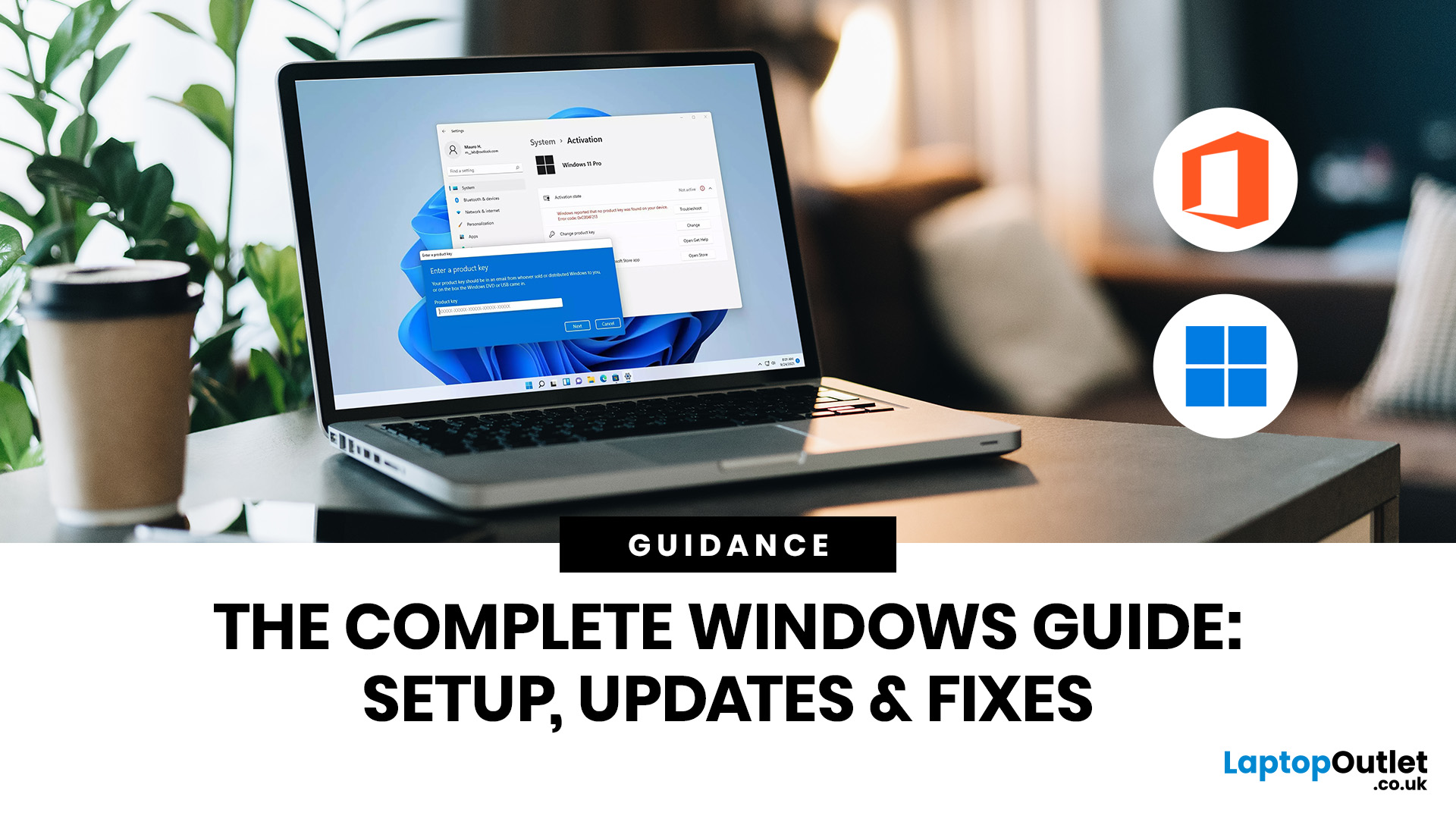
If you need to activate Windows Office key products on a new or existing device, the good news is that the process is usually straightforward once you know which licence you have. Whether you are looking for a Windows activation guide, Microsoft Office activation steps, or a quick fix for an activation error, this guide walks you through it in plain English.
Windows 10 and Windows 11 can be activated with either a 25-character product key or a digital licence, while Microsoft 365 and standalone Office versions are typically activated by signing in with the Microsoft account, or work or school account, linked to the purchase.
What is a Microsoft Activation Key?
A Microsoft activation key is usually a 25-character code used to activate Windows or redeem certain Office purchases. For Windows, activation depends on either a product key or a digital license. For newer Office and Microsoft 365 products, the Microsoft account attached to your purchase often replaces the product key for reinstalling
Last Updated: August 24, 2026
Buying a monitor should be simple. Pick a screen, plug it in, done. Except the second you start shopping, you’re hit with Full HD, QHD, 4K Ultra HD, 60Hz, 144Hz, 240Hz, IPS, VA, response time, HDMI, DisplayPort and about 47 other things that sound like they belong in a sci-fi film.
So, let’s make it easy.
This monitors & displays guide breaks down the two specs that matter most for most buyers: resolution and refresh rate. Whether you’re building a gaming setup, upgrading your home office, sorting a uni desk, editing content or just replacing an old screen that’s seen better days, this guide will help you choose the right monitor without getting finessed by big numbers.
Quick Answer: What Resolution and Refresh Rate Should You Choose?
Here’s the no-stress version.
| What You Use it For | Best Resolution | Best Refresh Rate | Best Monitor Type |
| Everyday browsing, emails and admin | Full HD | 60Hz–100Hz | Budget monitor |
| Studying or home office work | Full HD or QHD | 75Hz–120Hz | Productivity monitor |
| Multitasking |

Last Updated: June 10, 2026
Quick Answer: PlayStation Plus in 2026 is worth it for most PS5 owners, but the right tier depends entirely on how you play. If you game online regularly, Essential at £59.99 a year is solid value. Want access to hundreds of games? Extra at £99.99 annually is the sweet spot. Only go Premium at £119.99 if you genuinely value retro classics and cloud streaming.
Whether you are a casual weekend player or a hardcore gamer grinding through titles daily, there is a PS Plus tier that could work for you. This PlayStation Plus value guide will help you work out exactly which plan is worth your money, and which one to skip entirely.
What Is PlayStation Plus?
PlayStation Plus is Sony's official gaming subscription service, giving PS5 and PS4 owners access to online multiplayer, a rotating library of free monthly games, and exclusive PlayStation Store discounts. It has existed in various forms since 2010 but was significantly restructured in June 2022 into the three-tiered system that
Last Updated: June 10, 2026
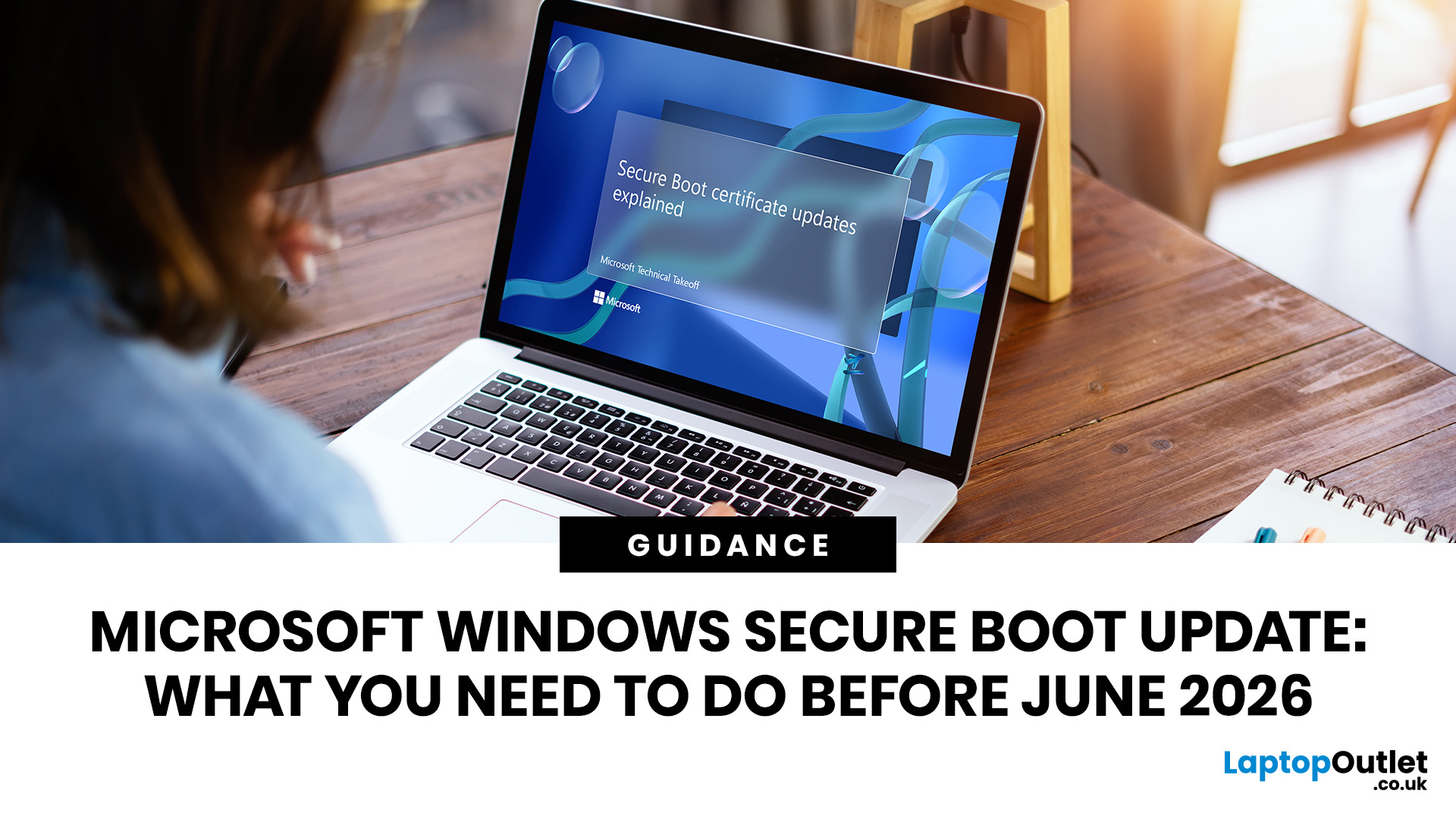
Microsoft is updating Windows Secure Boot certificates before they begin expiring in June 2026. Most supported Windows PCs will receive the update automatically, but users should check Windows Update, Secure Boot status, BIOS/UEFI firmware, and BitLocker recovery key access to avoid future security issues.
Microsoft is rolling out an important Windows Secure Boot update before older Secure Boot certificates begin expiring in 2026. For most home users on supported Windows devices, the update should arrive automatically through Windows Update. But if your PC is older, managed by an organisation, running Windows 10 without Extended Security Updates, or has outdated BIOS/UEFI firmware, you may need to check your device before June 2026.
Secure Boot is the Windows security feature that helps ensure your PC starts using trusted software only. Microsoft says Secure Boot certificates originally issued in 2011 begin expiring in June 2026, and devices need newer 2023 certificates to keep receiving
Last Updated: June 10, 2026
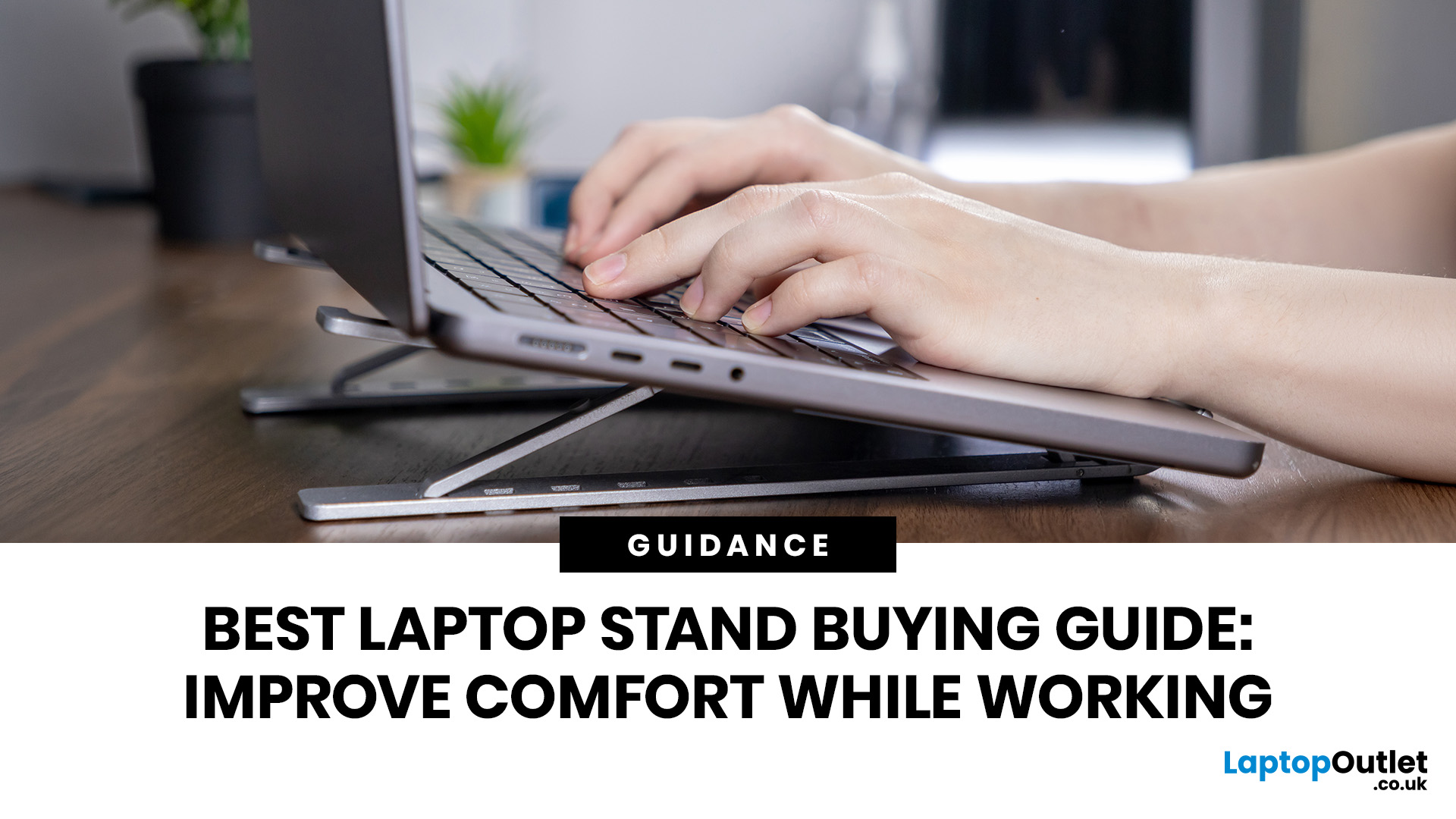
Looking for the best laptop stands UK buyers can choose for better comfort and posture? A good laptop stand raises your screen to a more natural viewing height, helping reduce neck strain, improve desk setup and make long working hours more comfortable. This guide explains how to choose the right laptop stand for desk use, adjustable setups, bed or couch working, travel, standing desks and dual-screen workstations.
A laptop is convenient, portable and easy to use anywhere, but it is not always the most comfortable device for long working hours. When your laptop sits flat on a desk, bed or couch, the screen is usually too low, which can make you bend your neck, hunch your shoulders and sit in an awkward position.
That is where a good laptop stand can make a big difference. Whether you need a laptop stand for desk use, an adjustable laptop stand for flexible working, a portable laptop stand for travel or a laptop table for bed, the right setup can help you work more comfortably every day.

