



Best Chromebooks in 2026: Top Picks for Work, Students and Everyday Use
Choosing the best Chromebooks in 2026 is no longer just a matter of finding the cheapest ChromeOS laptop. The current range covers basic web machines, detachable tablets, large-screen productivity models and higher-spec Chromebook Plus systems with stronger processors, better displays and AI-assisted tools. This guide list ten live UK models for different needs, helping you choose the right model for school, university, work or home.
Why Choose a Chromebook in 2026?
ChromeOS has quietly become one of the most sensible operating systems for everyday computing, and 2026 gives you even more reason to consider one over a traditional Windows machine or pricier professional laptops running macOS.
Gemini AI is now built in. Google has started rolling out Gemini in Chrome to UK users in July 2026, meaning Chromebook Plus owners get a built-in AI sidebar that can summarise articles, compare open tabs, draft emails and pull details from Gmail, Calendar and Maps without switching apps.
Your Chromebook lasts longer. Google guarantees ten years of automatic updates on Chromebooks released from 2021 onwards, and as of 2026 roughly 83% of active Chromebooks in use qualify for that extended support. That's a genuinely long runway compared with the three-to-five-year cycles you'd expect elsewhere.
Battery life is dependable. Most ChromeOS laptops use efficient low-power processors, so a full working or teaching day on one charge is realistic rather than aspirational.
Security is handled for you. Every app runs in its own sandbox, updates install automatically in the background, and Verified Boot checks the system each time you switch on.
They're more affordable than most alternatives. Compared with premium laptops running Windows or macOS, Chromebooks generally cost less while still covering browsing, Google Workspace, email, streaming and light editing comfortably, which is why they remain popular for school, university and home use across the UK.
What to Look for When Buying a Chromebook in 2026
Not all Chromebooks are built the same, and the spec sheet matters more than people expect. Here's what actually makes a difference day to day.
RAM and storage. 4GB and 64GB is fine for very light browsing, but 8GB RAM and 128GB storage is the comfortable minimum if you keep several tabs open or use Android apps. It also happens to be the entry point for Chromebook Plus.
Processor tier. Chips range from basic Celeron and MediaTek Kompanio silicon right up to Intel Core Ultra chips built for heavier multitasking.
|
Tier |
Typical Chip |
Best Suited To |
|
Entry |
Intel Celeron N-series, MediaTek Kompanio 520 |
Browsing, email, light schoolwork |
|
Mainstream |
Intel Pentium Silver, Intel N200 |
Multitasking, video calls, coursework |
|
Chromebook Plus |
Intel Core i3/Core 3, MediaTek Kompanio 838 |
Gemini AI, photo editing, hybrid work |
|
Premium |
Intel Core 5, Core Ultra 5/7 |
Heavy multitasking, professional workloads |
Chromebook Plus certification. This badge guarantees a 12th-gen Intel Core i3 or AMD Ryzen 3 7000 (or equivalent), 8GB RAM, 128GB storage, a Full HD IPS display and a 1080p webcam, so it's a handy shortcut when comparing affordable Chromebooks against pricier ones.
Form factor. Clamshells suit typing-heavy work, while a 2-in-1 with a touchscreen adds flexibility for note-taking or sketching, which is why the best 2 in 1 Chromebook models tend to be popular with students.
Best Chromebooks 2026: Top Picks Reviewed
Below are our top picks for the best Chromebooks in 2026, covering everything from tight budgets to enterprise-grade performance.
Every model listed here also comes with a free year of Norton 360 Deluxe, a nice bit of added value on top of ChromeOS's already solid built-in security.
1. Acer Chromebook 314: Best Budget Chromebook
|
|
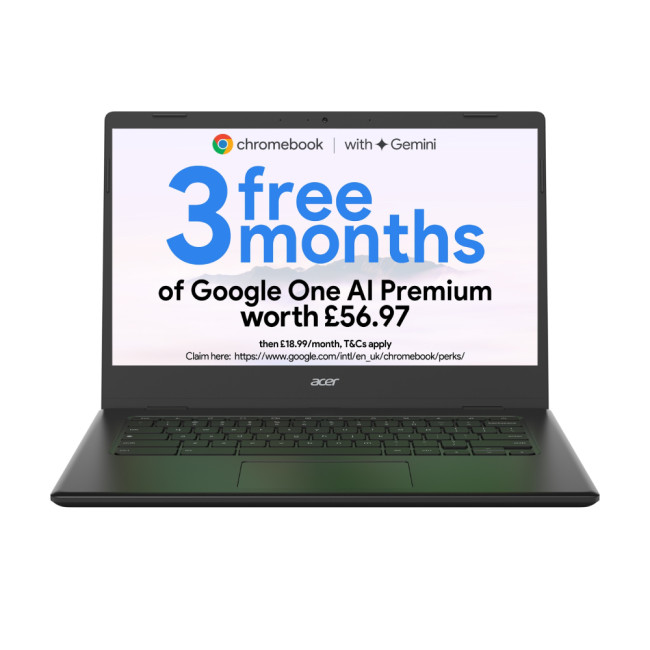
| If you want the best budget Chromebook without stepping into second-hand territory, the Acer Chromebook 314 is a sensible starting point. It handles browsing, emails, Google Docs and streaming reliably rather than heavy multitasking. The 14-inch Full HD screen looks sharper than you'd expect at this level, and the 1.5kg build is easy enough to carry between rooms. A solid pick for a second household laptop or light everyday browsing. | |
2. Lenovo IdeaPad Slim 3: Best Chromebook for Everyday Use
|
|
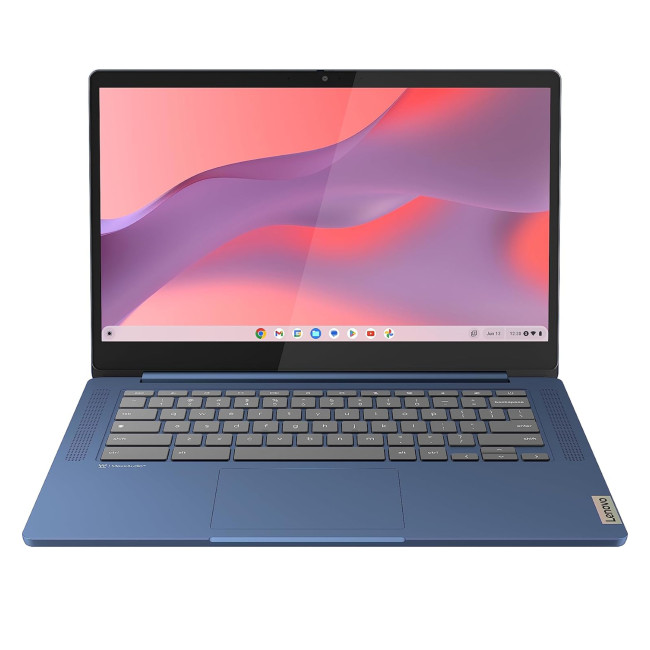
| For anyone after the best Chromebook for everyday use, the IdeaPad Slim 3 pairs a capable octa-core MediaTek chip with a generous 128GB of storage, so you're not constantly clearing space for files. It's light at 1.3kg, boots quickly and copes fine with several browser tabs, streaming and video calls at once. The Full HD display handles everyday viewing nicely. A dependable all-rounder for browsing, emails and general home use. | |
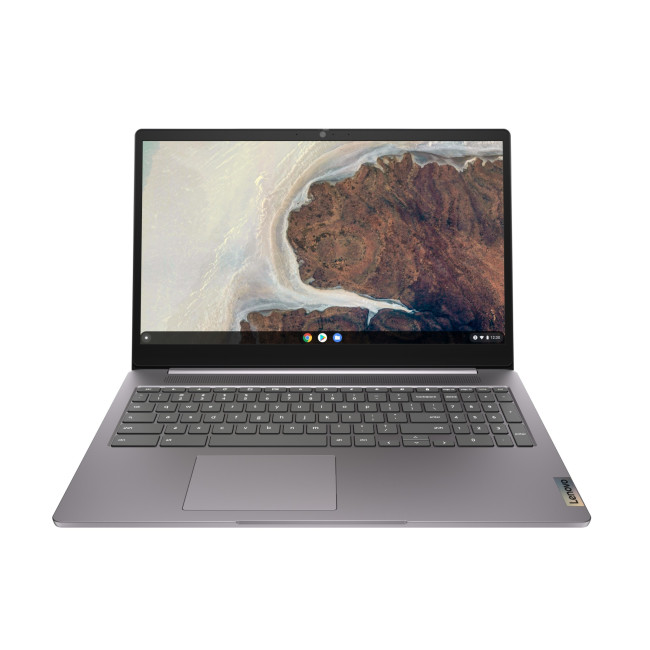
3. Lenovo IdeaPad 3 Chrome 15IJL6: Best Chromebook for School
|
|
| With a larger 15.6-inch screen and 8GB of RAM, this is a strong Chromebook for school use, where extra screen space genuinely helps with reading, research and typing up longer essays. The Pentium Silver N6000 processor and 128GB SSD keep things responsive for coursework, group projects and video calls, while the HDMI port is handy for plugging into a classroom or home display. It's a touch heavier than some entries here, but that buys a comfortable study machine. | |
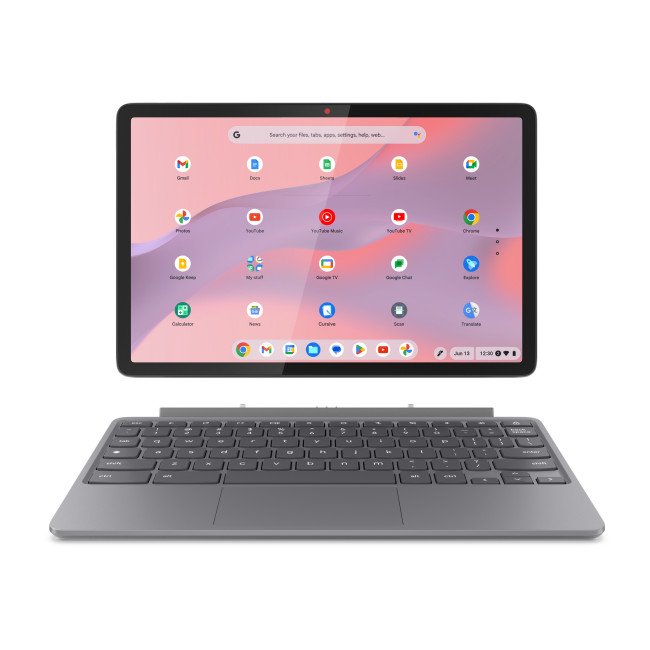
4. Lenovo Chromebook Duet 11M889: Best 2-in-1 Chromebook
|
|
| The Duet is the best 2 in 1 Chromebook here for anyone who wants a tablet by day and a laptop by evening. At 1.1kg it's also the lightest Chromebook on this list, so it barely adds weight to a bag. The detachable keyboard and 10.95-inch touchscreen suit note-taking and reading, while 8GB of RAM and the Kompanio 838 chip keep everyday multitasking smooth. Battery life comfortably clears a full day, making it a genuinely flexible everyday companion. | |
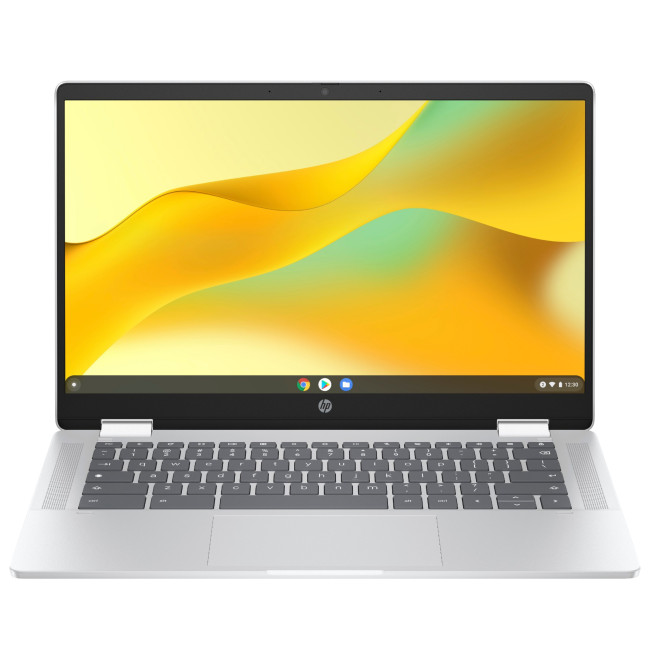
5. HP Chromebook x360 14b: Best Budget Chromebook for Students
|
|
| As the best budget Chromebook for students on this list, the x360 14b combines a touchscreen with a full 360-degree hinge, so it folds flat for lectures or props up for group study without needing a separate tablet. 8GB of RAM handles Google Docs, video calls and dozens of tabs comfortably, and the IPS panel looks noticeably better than cheaper TN alternatives. At 1.37kg it's easy to carry across campus, making it one of the best laptops for study on a tighter budget. | |
6. Acer Chromebook Plus 516: Best Chromebook for University
|
|
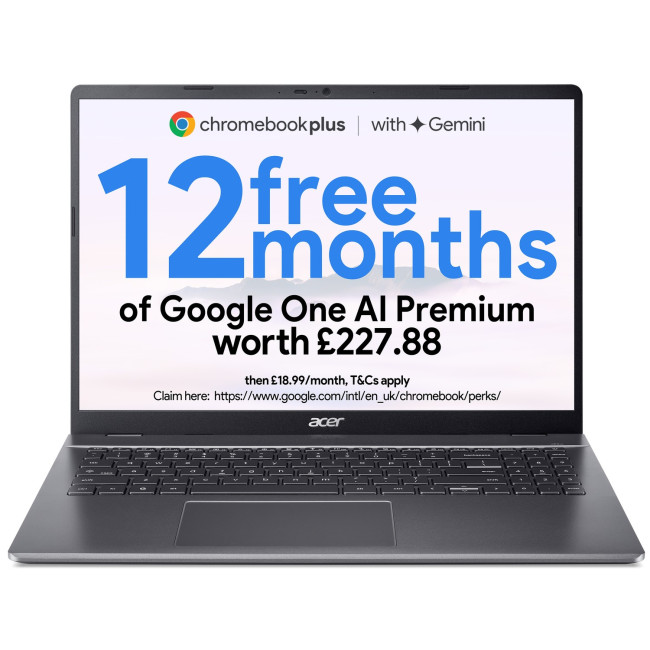
| For a Chromebook for university where you're juggling lecture notes, research tabs, referencing tools and the odd bit of formatting-heavy coursework, the Chromebook Plus 516's 16-inch screen and hexa-core Core i3 chip give noticeably more headroom than entry-level models. As a certified Chromebook Plus device, it also gets the fuller set of Gemini AI features, handy for summarising long readings or drafting first passes of assignments. It's heavier at 1.7kg, but that's the trade-off for the extra screen space. | |
7. Samsung Galaxy Chromebook Plus: Best Chromebook for Education
|
|
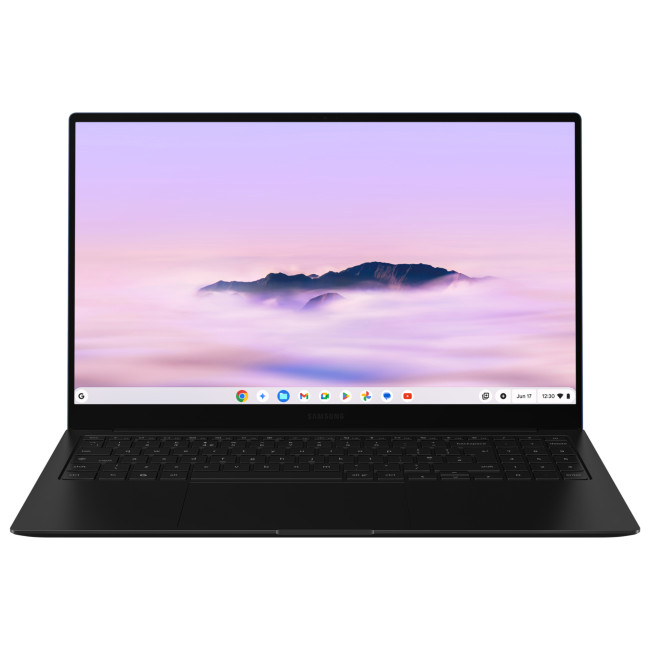
| The Galaxy Chromebook Plus earns its place as a strong Chromebook for education thanks to a vivid AMOLED display that makes reading, research and video content genuinely enjoyable rather than just functional. 256GB of storage is more generous than most Chromebooks offer, handy for downloaded course material, and the backlit keyboard is a nice touch for evening study sessions. At 1.17kg it's easy to carry daily, and the Core 3 100U chip has enough headroom for confident multitasking. | |
8. Lenovo Chrome 14IRU10: Best Chromebook for Work
|
|
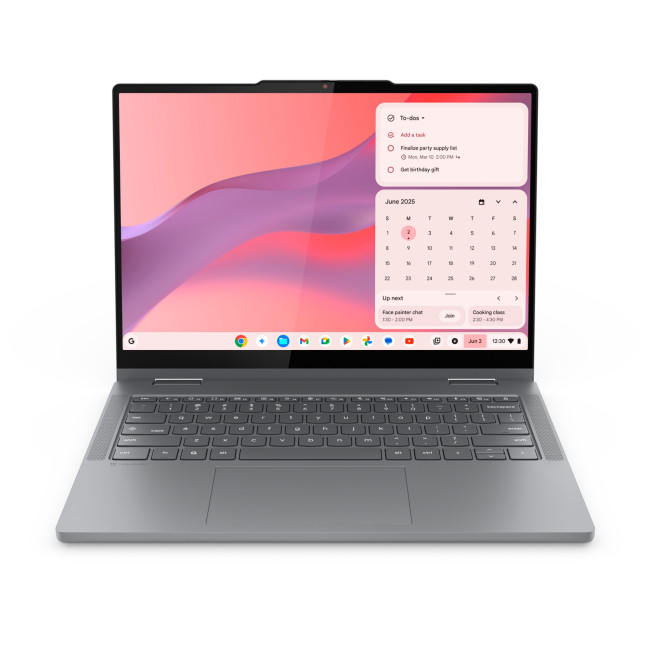
| If you need a Chromebook for work that can handle video calls, spreadsheets, cloud-based tools and the odd external monitor without breaking a sweat, the 14IRU10's 10-core Core 5 processor suits that mix well. The touchscreen and backlit keyboard are genuinely useful for hybrid working across different lighting and locations, and HDMI plus USB-C mean connecting to a second screen at a desk is straightforward. A capable, no-fuss choice for remote or hybrid professionals. | |
9. Acer CPE794-1N: Best Chromebook for Business
|
|
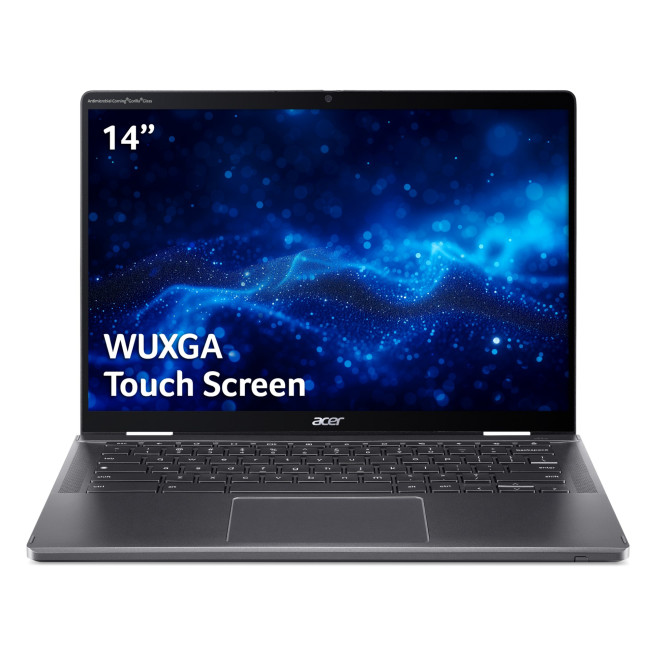
| As the most powerful device on this list, the Acer CPE794-1N is our pick for the best Chromebook for business. The Core Ultra 7 processor and 16GB of RAM comfortably handle demanding multitasking, video conferencing and larger spreadsheets, while 512GB of SSD storage is well ahead of typical Chromebook allowances. The durable aluminium build, Gorilla Glass display and sharp 1440p webcam suit daily video meetings, making it a genuine example of the Acer ChromeOS laptops built for professional daily use. | |
10. ASUS Chromebook Plus Enterprise CB54: Best for Office and Professional Use
|
|
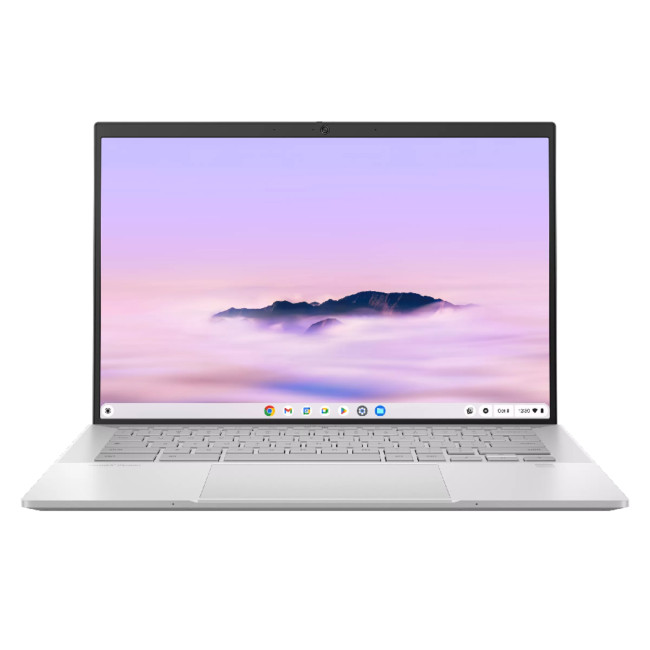
| Among ASUS Chromebook laptops, the CB54 Enterprise stands out for office use thanks to its sharp 120Hz WQXGA touchscreen and Thunderbolt 4 port, a rarity on ChromeOS devices and genuinely useful for connecting to high-speed docks or external displays at a desk. 16GB of RAM and the Core Ultra 5 chip handle multiple Workspace tabs and video calls without slowing down, and the Enterprise certification points to management features IT teams will appreciate. | |
Chromebook Comparison Table 2026
This comparison shows how the best Chromebooks in 2026 differ in the areas that affect real use most.
|
Chromebook |
Best For |
Processor |
RAM |
Storage |
Display |
Weight |
|
Acer Chromebook 314 |
Best budget Chromebook |
Intel Celeron N4500 |
4GB |
64GB |
14" FHD |
1.5kg |
|
Lenovo IdeaPad Slim 3 |
Everyday use |
MediaTek Kompanio 520 |
4GB |
128GB |
14" FHD |
1.3kg |
|
Lenovo IdeaPad 3 15IJL6 |
School |
Intel Pentium Silver N6000 |
8GB |
128GB |
15.6" FHD |
1.58kg |
|
Lenovo Chromebook Duet |
2-in-1 / lightest |
MediaTek Kompanio 838 |
8GB |
128GB |
10.95" WUXGA touch |
1.1kg |
|
HP Chromebook x360 14b |
Students |
Intel N200 |
8GB |
128GB |
14" FHD touch |
1.37kg |
|
Acer Chromebook Plus 516 |
University |
Intel Core i3-1315U |
8GB |
128GB |
16" WUXGA |
1.7kg |
|
Samsung Galaxy Chromebook Plus |
Education |
Intel Core 3 100U |
8GB |
256GB |
15.6" AMOLED |
1.17kg |
|
Lenovo Chrome 14IRU10 |
Work |
Intel Core 5 120U |
8GB |
128GB |
14" WUXGA touch |
1.49kg |
|
Acer CPE794-1N |
Business |
Intel Core Ultra 7-155U |
16GB |
512GB |
14" WUXGA touch |
1.46kg |
|
ASUS Chromebook Plus CB54 |
Office / professional |
Intel Core Ultra 5 115U |
16GB |
256GB |
14" WQXGA touch |
1.4kg |
Note: Storage figures cover onboard SSD, eMMC or UFS capacity. Most ChromeOS devices also lean on Google Drive for additional cloud storage, so onboard capacity matters less than it would on Windows.

Find the Right Chromebook for Your Needs
The best Chromebooks in 2026 suit different users, so the right choice depends on your workload, preferred screen size and portability needs.
- School students: Lenovo IdeaPad 3 Chrome 15IJL6 for coursework, research and its spacious 15.6-inch display.
- University students: Acer Chromebook Plus 516 for demanding assignments, multitasking and large-screen productivity.
- Everyday users: Lenovo IdeaPad Slim 3 for browsing, streaming, emails and general home use.
- Office professionals: ASUS ExpertBook CB54 Chromebook Plus Enterprise for multitasking, docking and external displays.
- Business users: Acer Chromebook Plus Enterprise Spin 714 for demanding cloud-based work and video meetings.
Still haven’t found the right match? Explore more affordable Chromebooks to discover other options suited to your needs.

A Few More Things to Know...
What is the best Chromebook for business in 2026?
The Acer CPE794-1N leads for business, pairing a Core Ultra 7 processor, 16GB RAM and 512GB storage with a durable aluminium build and sharp 1440p webcam for video calls.
Which Chromebook is best for everyday use?
The Lenovo IdeaPad Slim 3 suits everyday use well, offering 128GB of storage, Wi-Fi 6 and a lightweight 1.3kg build for browsing, streaming and general home computing.
Are Chromebooks worth buying in 2026? Y
Among the best Chromebooks in 2026, ChromeOS now offers Gemini AI, ten years of automatic updates and strong battery life, making them worth buying for most people.
Which Chromebook is best for office use?
The ASUS Chromebook Plus CB54 Enterprise suits office use best, with Thunderbolt 4, a sharp 120Hz touchscreen and 16GB RAM for smooth multitasking across Workspace apps and video calls.
What is the best Chromebook for students in 2026?
The HP Chromebook x360 14b is a strong all-rounder for students, combining a touchscreen, 360-degree hinge and 8GB RAM in a genuinely affordable, portable package.
Related Articles

Last Updated: October 21, 2026
Last Updated: September 09, 2025
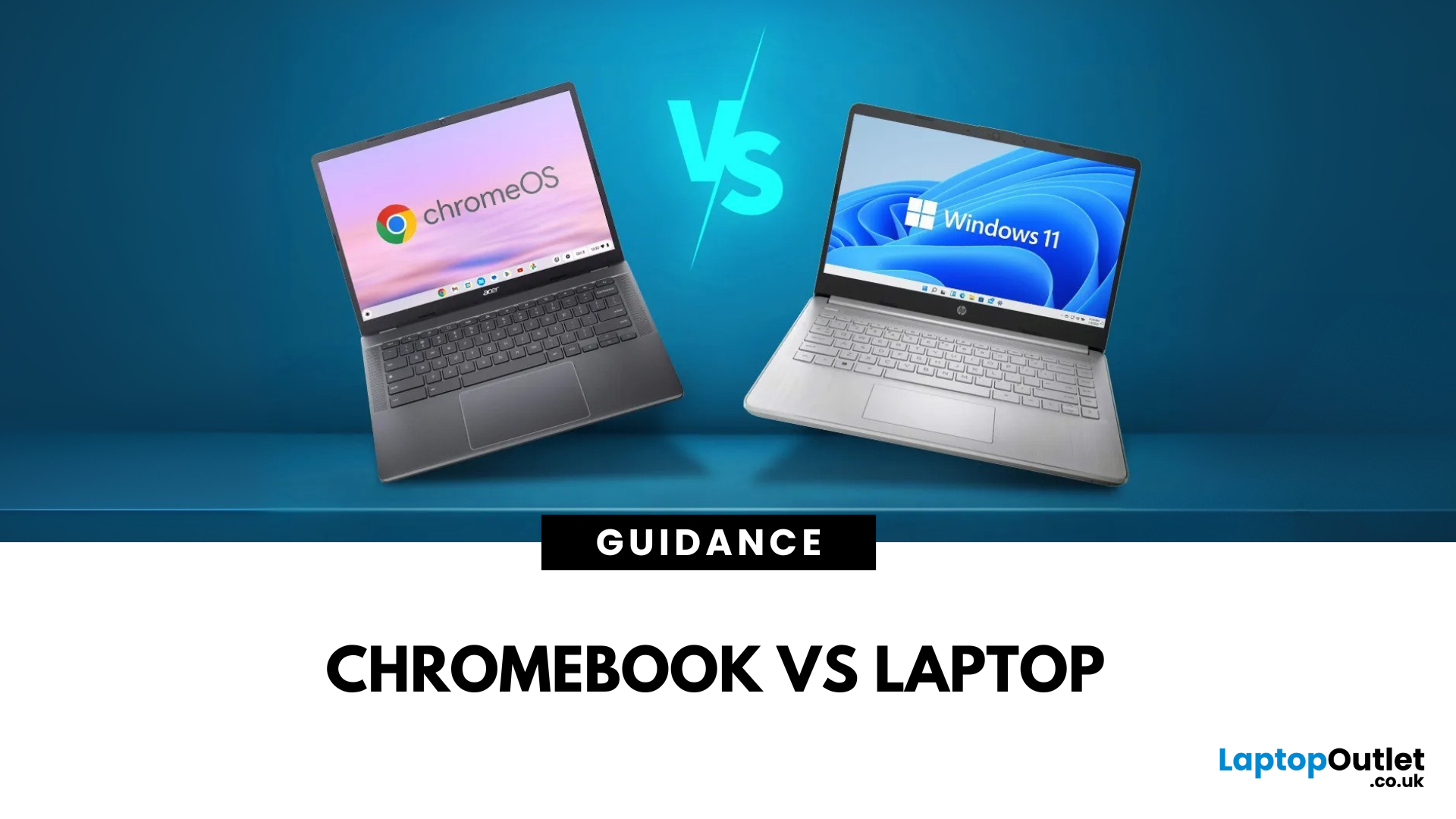
If you’re stuck between buying a Chromebook or a laptop in 2025, here’s the short answer:
- Chromebook = Affordable, lightweight, and lasts all day.
- Laptop = More power, more apps, more flexibility.
Now, let’s dig deeper and see which one really fits your lifestyle.
What’s the Main Difference Between a Chromebook and a Laptop?
A Chromebook runs ChromeOS, built for web browsing, Google apps, and cloud storage.
A laptop runs Windows or macOS, handling full desktop software like Photoshop, Excel, or AAA games.
Quick tip: If you live in the Google ecosystem and mostly work online, you’ll feel right at home with a Chromebook.
Chromebook vs Laptop: Feature Comparison Table
| Feature | Chromebook | Laptop |
| Operating System | ChromeOS | Windows/macOS |
| Performance | Fast for online tasks | Handles light to heavy computing |
| Battery Life | 10–12 hours | 6–10 hours |
| Software | Web + Play Store apps | Full desktop + web software |
| Price Range | £150–£400 | £300–£2,000+ |
| Best For | Students, casual |
Last Updated: March 30, 2026
What’s the Main Difference Between HP Chromebook and Chromebook 14a?
The HP Chromebook name refers to HP’s whole family of ChromeOS laptops, which includes various screen sizes, processors, and features. The Chromebook 14a is a specific model in that range, optimised for portability and studentfriendly performance at a budget price.
Feature Comparison Table
| Feature | HP Chromebook (General) | HP Chromebook 14a |
| Screen Size Options | 11″, 14″, 15.6″ | 14″ |
| Display Quality | HD or FHD depending on model | HD or FHD IPS, slim bezels |
| Processor Options | Intel Celeron, Pentium, some Core i3 options | Intel Celeron N4020 / N4120 / MediaTek options |
| RAM & Storage | 4–8 GB RAM, 32–128 GB eMMC | 4 GB RAM, 32–64 GB eMMC |
| Battery Life | 10–13 hours depending on model | Up to 13 hours |
| Weight | 1.2–1.6 kg | ~1.46 kg |
| Price Range | £200–£500+ | £220–£300 |
1. Portability & Everyday Use
- HP Chromebook: You can choose smaller 11″ or 13″ models for maximum portability, or larger 15.6″ models for more screen space.
- Chromebook 14a:
Last Updated: August 12, 2026
HP offers several laptop families designed for different types of users, which can make choosing between them difficult. The current HP laptop series range covers everyday home computing, education, gaming, business and demanding professional workloads.
OmniBook and Chromebook models mainly serve consumers and students, while Victus and OMEN focus on gaming. ProBook and EliteBook are designed for business environments, and ZBook systems target professional workstation tasks.
HP has also reorganised much of its newer consumer range under the OmniBook name. This guide explains the major HP series, their current model families, advantages, limitations and the users they suit best.
HP Laptop Series at a Glance
HP divides its laptops broadly according to workload, performance level and intended user. The series name gives you a useful starting point, but individual specifications still matter because two models within the same range may use different processors, graphics, displays and memory
Last Updated: April 02, 2026
A Lenovo Chromebook runs ChromeOS - a lightweight, Linux-based operating system that’s optimised for Google’s ecosystem. It’s secure, updates automatically for a decade, and works brilliantly for browser-based productivity, Android apps, and streaming. A Lenovo IdeaPad usually runs Windows 11 and covers everything from budget laptops to higher-spec Ultrabook, offering the ability to install virtually any software, making it better suited for heavier workloads, creative tools, and offline functionality.
Feature Comparison Table
| Feature | Lenovo Chromebook | Lenovo IdeaPad |
| Operating System | ChromeOS | Windows 11 Home/Pro |
| Processor (CPU) | Intel Celeron N4020/N4120, Intel Core i3/i5 U-series, AMD 3015Ce/MediaTek Kompanio | Intel Core i3/i5/i7 (U or H series), AMD Ryzen 3/5/7 U-series |
| Graphics (GPU) | Integrated Intel UHD or Iris Xe, AMD Radeon iGPU, ARM Mali graphics | Integrated Intel Iris Xe/AMD Radeon Vega or discrete NVIDIA MX/RTX |
| Performance & Storage | eMMC 5.1 (64–128 GB) in most models, some with NVMe |
Last Updated: September 23, 2025
What’s the Key Difference?
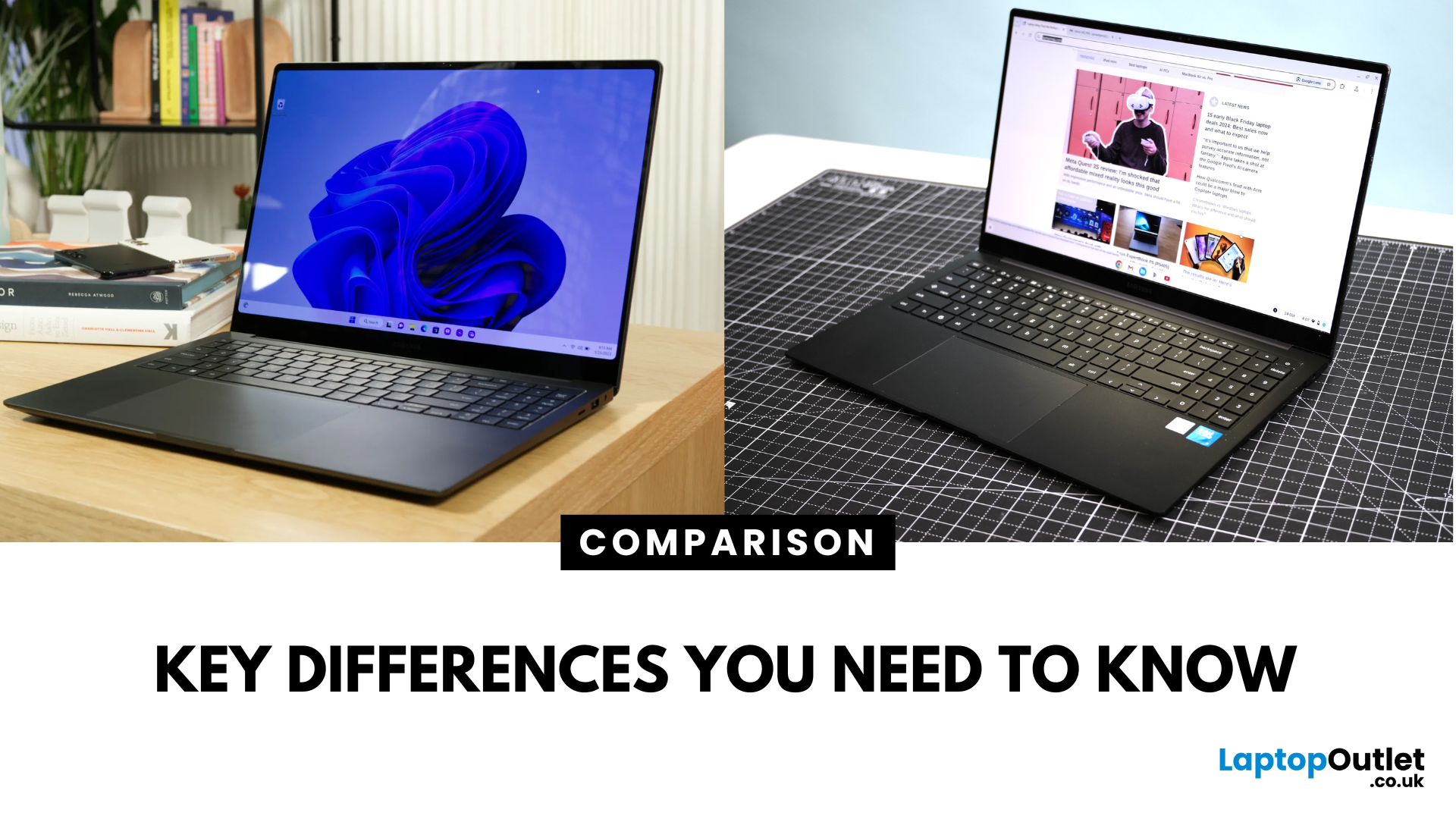
Samsung Galaxy Book is Samsung’s line of Windows laptops offering powerful hardware, rich feature sets, and mature software support -built for productivity and creativity. Chromebooks run Chrome OS—Google’s streamlined, cloud-centric platform built for speed, web apps, and light computing.
Fundamentally, Galaxy Books deliver full Windows power; Chromebooks deliver lightweight simplicity.
Feature Comparison Table
| Feature | Samsung Galaxy Book | Chromebook |
| Operating System | Windows – full desktop environment | Chrome OS – cloud-first, lightweight platform |
| Performance & Hardware | Premium processors, abundant RAM & storage | Lighter processors and configurations tailored for basic tasks |
| Design & Build | Sleek, stylish, built for mobility and premium feel | Ultra-light, minimalistic, highly portable |
| Battery Life | Strong battery for Windows usage | Excellent battery due to efficiency of Chrome OS |
| Portability | Lightweight for a Windows laptop | Extremely portable with featherweight designs |
Last Updated: September 09, 2025
Key Difference Between a Galaxy Laptop and a Galaxy Chromebook?
Galaxy Laptop (Galaxy Book): Runs Windows 11, supports all desktop software (Office, Adobe, coding tools, gaming), offers higher storage and RAM options, and integrates with Samsung Galaxy devices.
Galaxy Chromebook: Runs ChromeOS, focused on cloud apps and Android apps via Google Play Store. Cheaper, lighter, and built for students or light for everyday use.
Feature Comparison Table
| Feature | Samsung Galaxy Laptop (Galaxy Book) | Samsung Galaxy Chromebook |
| Operating System | Windows 11 | ChromeOS |
| Performance | Intel Core i5/i7, AMD, up to 16-32GB RAM | Entry-level Intel/ARM, up to 8GB RAM |
| Software | Full Windows apps (Office, Adobe, games) | Web apps + Android apps |
| Battery Life | 10–13 hours (depending on model) | 12–15 hours (light workloads) |
| Display Options | AMOLED 2X display, FHD/QHD, larger screens | OLED display, FHD or 4K touchscreen options |
| Weight | ~1.5–1.7 kg (Galaxy Book3 360, Pro) | ~1.0–1.2 kg (Chromebook Go, Pro) |
| Price Range (UK) | ~£750–£1,500+ |
Last Updated: July 02, 2026
Choosing the right laptop in 2025 can feel like a challenge. With endless options in the UK market, different brands, specifications, and price points, it’s easy to feel overwhelmed. This is where ASUS makes the decision simpler. Over the years, ASUS has built a reputation as one of the most trusted technology brands by offering laptops that combine performance, reliability, and affordability.
Think about the wide variety of users today: a student who needs a lightweight laptop for lectures, a business professional who spends hours travelling, a gamer chasing the ultimate performance, or a creative tackling demanding design projects. Each has unique needs, but ASUS has carefully designed a laptop series for all of them.
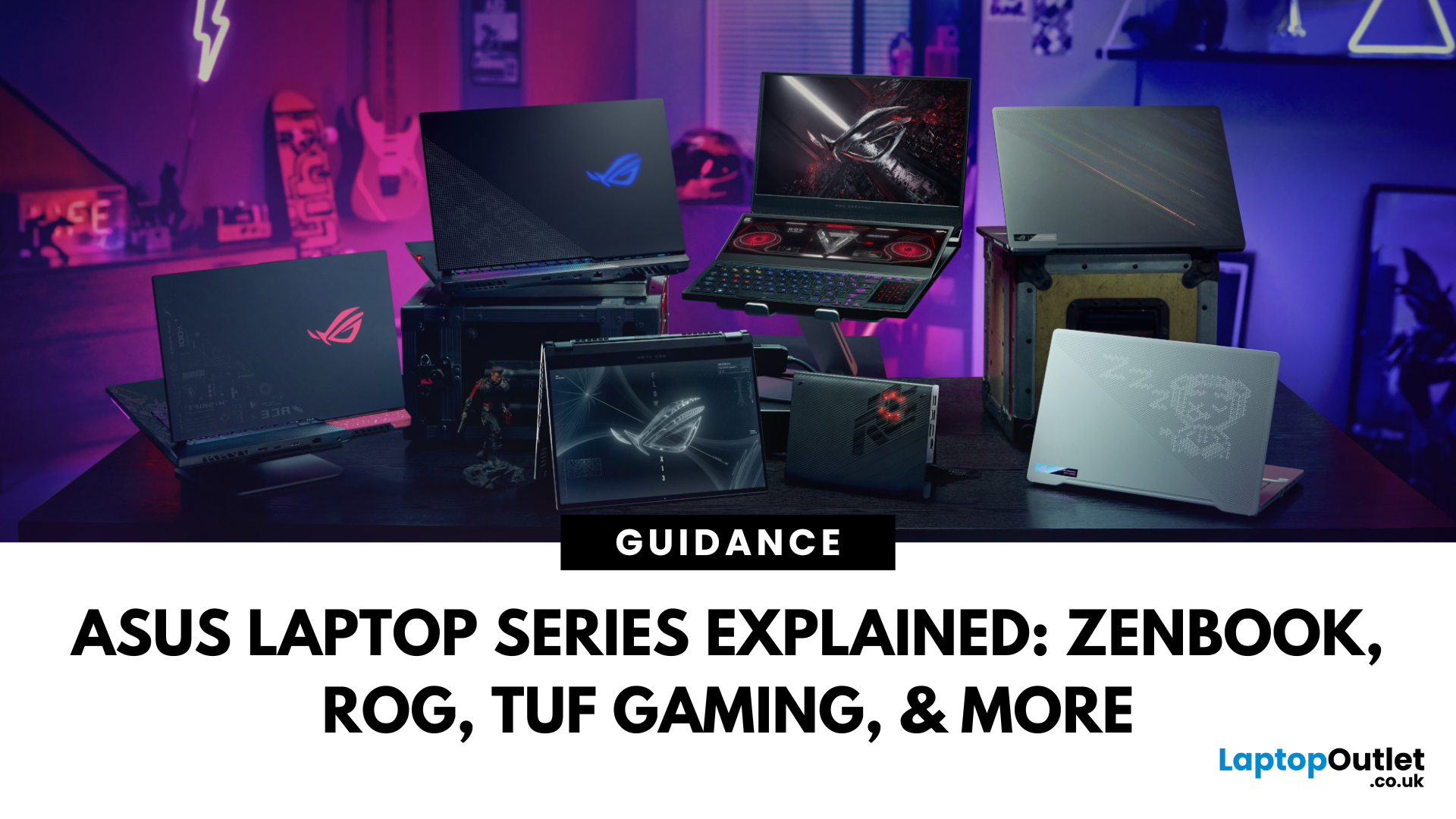
In this ASUS laptop Series explained blog, we’ll explore the full 2025 lineup: ZenBook, VivoBook, ROG, TUF Gaming, ExpertBook, Chromebook, and ProArt StudioBook, so you can confidently choose the ASUS laptop that fits your life.
A Quick Overview of the ASUS Laptop Series
Last Updated: October 15, 2025
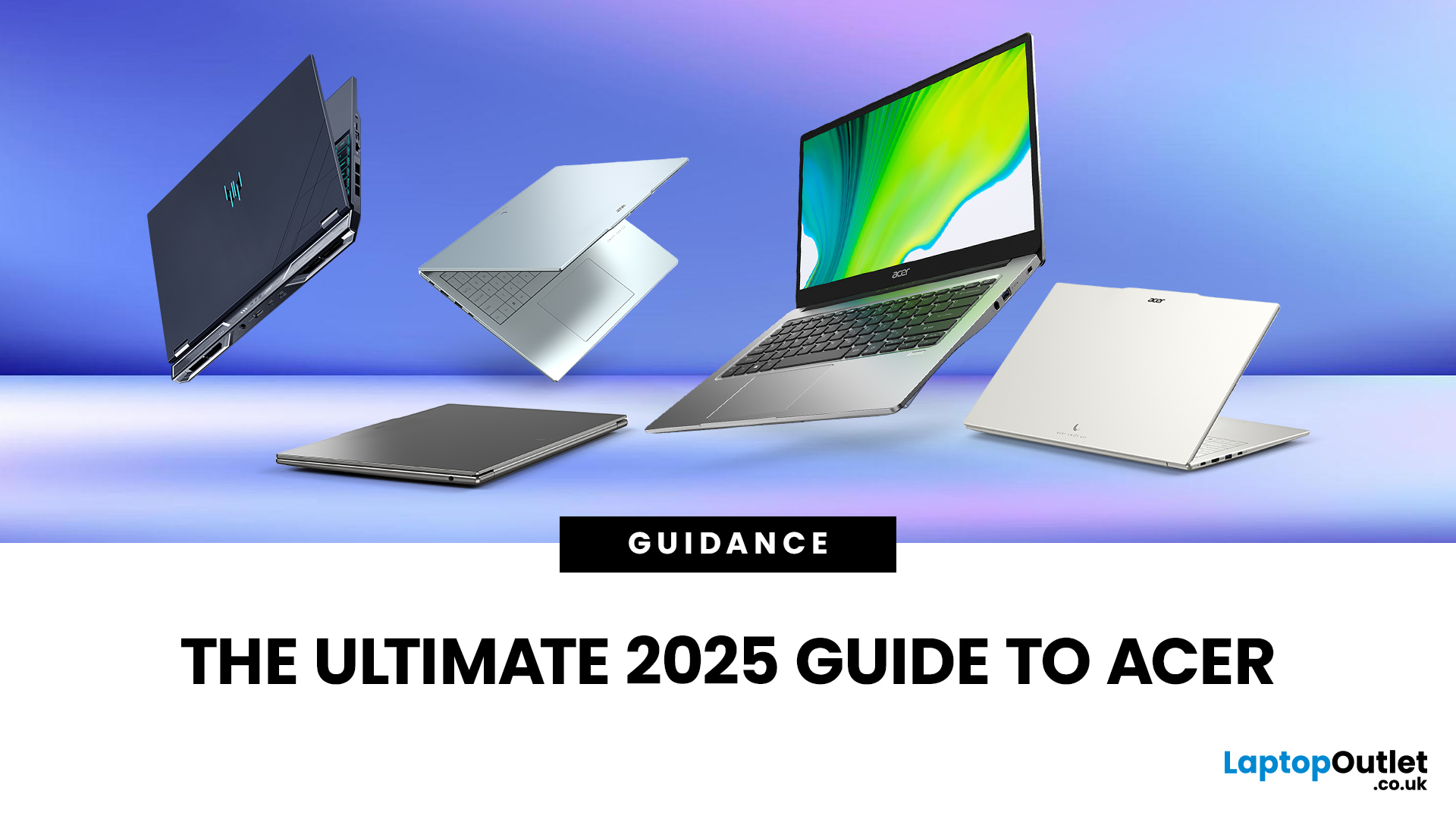
Acer has quietly built one of the most diverse laptop ranges on the market. While some brands focus on a single niche, Acer has gone broad, creating machines for every kind of user: from budget-friendly student laptops to thin-and-light ultrabooks, and even beastly gaming rigs that’ll chew through the latest AAA titles without blinking.
The key to understanding Acer lies in its series structure. Each family of laptops has its own personality and purpose. The Aspire range caters to everyday users who want balance on a budget. Swift laptops are all about style and portability for professionals. Nitro and Predator models push gaming to new levels, while Chromebooks simplify life for schools and casual users. And then there’s the TravelMate series, purpose-built for business reliability.
In this guide, we’ll break down the Acer Laptop Series one by one, highlight their standout models - like the Aspire 5, Swift Go, Nitro 5, Predator Triton, and Chromebook Spin - and explain who they’re best
Last Updated: March 06, 2026
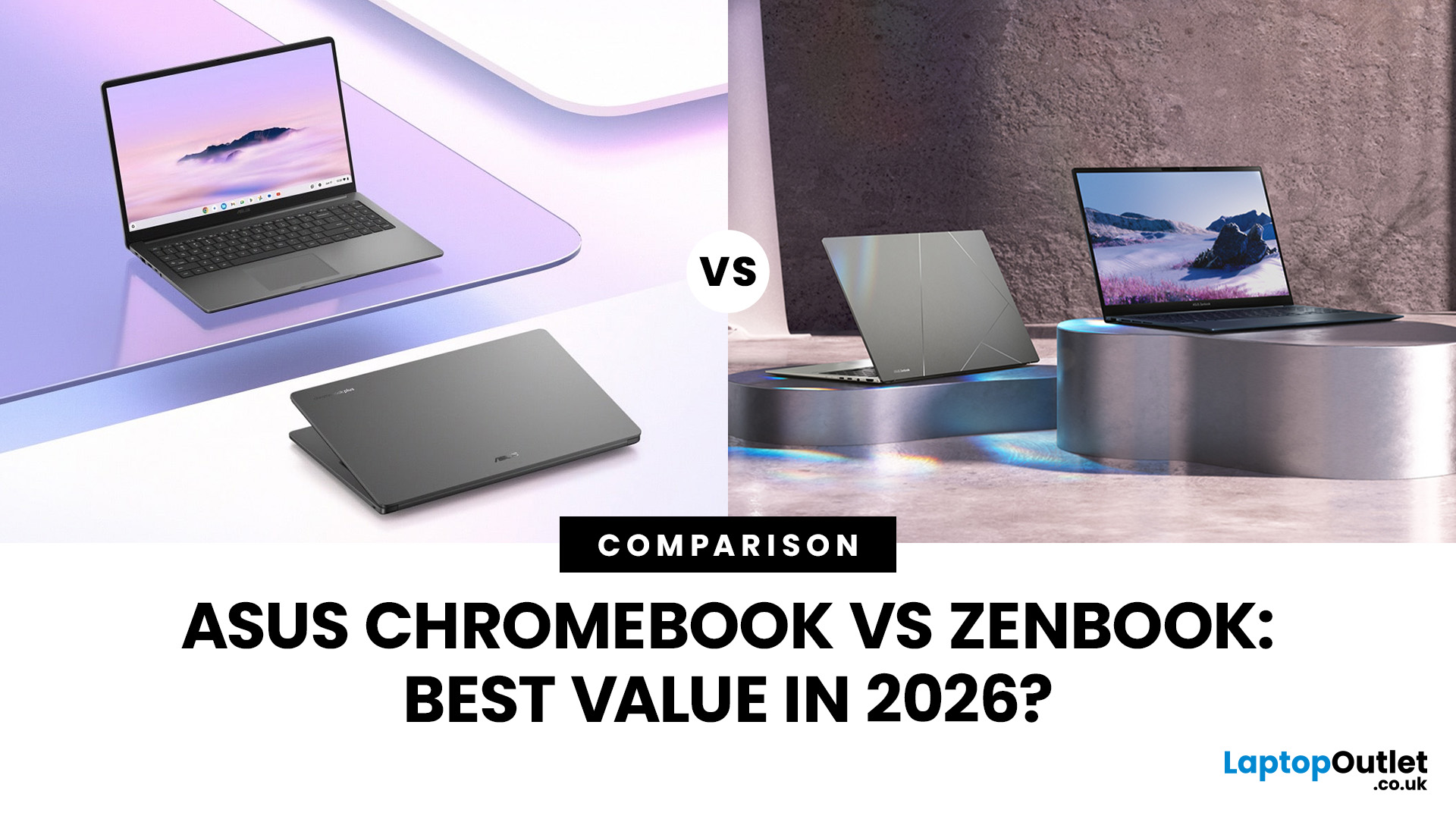
In 2026, ASUS continues to lead the ultrabook market with two standout options, the ASUS Chromebook and the ASUS ZenBook. Both deliver sleek design, portability, and performance, but they cater to different users. ASUS Chromebooks are lightweight, affordable, and perfect for students and everyday tasks, while ZenBooks offer premium craftsmanship, powerful hardware, and superior productivity for professionals and creators.
This comparison explores their specs, performance, battery life, and value, helping you decide which ultrabook suits your needs best. Whether you’re after effortless portability or all-day performance, we’ll uncover which ASUS laptop truly offers better value in 2026.
ASUS Chromebook vs ZenBook – The 2026 Ultrabook Showdown
In 2026, ASUS continues to lead the ultrabook arena with two stellar lineups that capture the essence of modern computing, the ASUS Chromebook and the ASUS ZenBook. Both are sleek, reliable, and performance-driven, but they serve very different lifestyles.

