



Black Friday is here! Get an extra £10 off when you spend £200 with code: BF10LO. T&Cs apply*
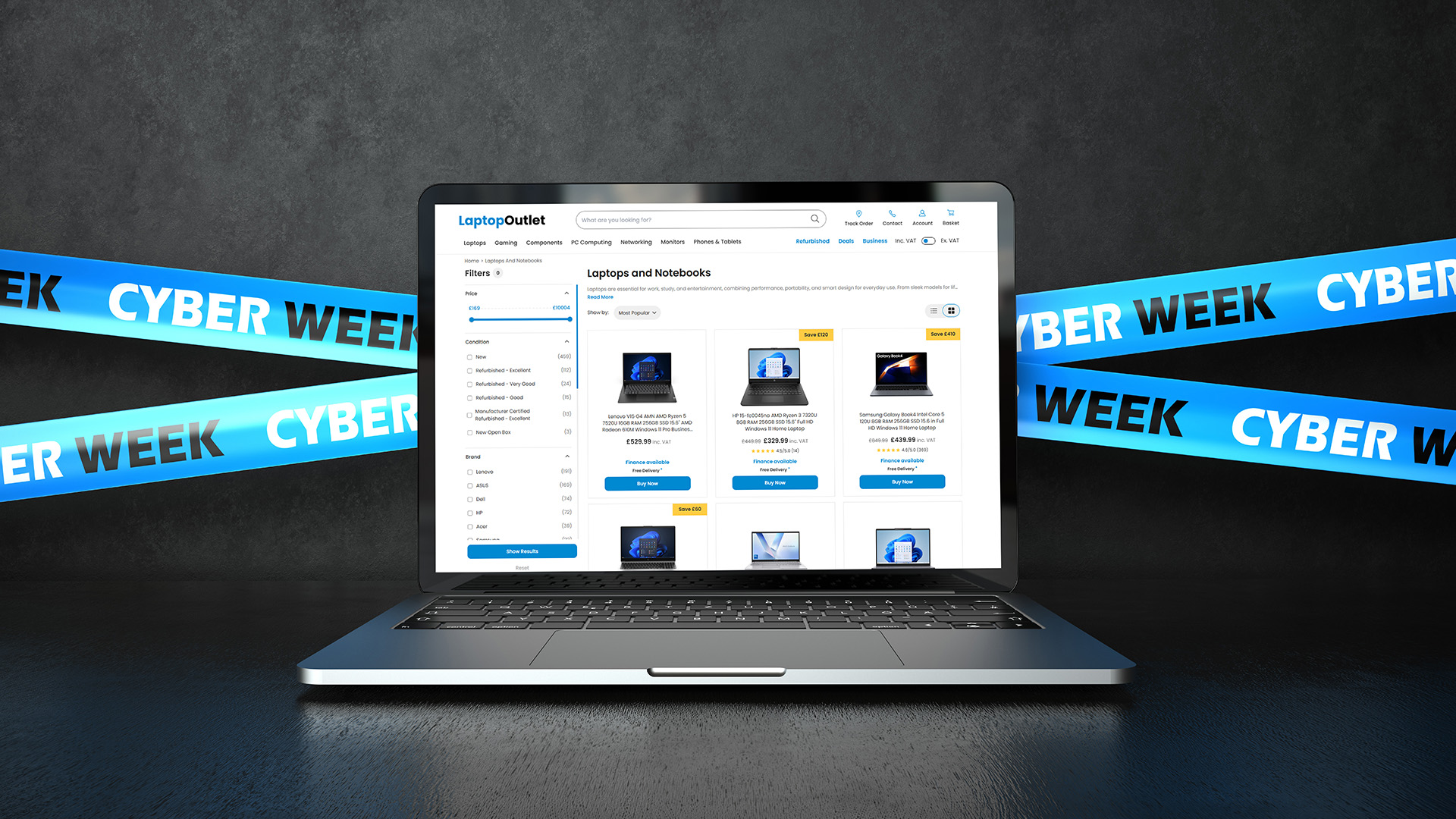
Cyber Monday 2026: A Guide to Student, Gaming & Professional Laptops

Cyber Monday laptops are not one-size-fits-all. Students need practical study machines, gamers depend on graphics performance, and professionals require reliable tools for their work. A tempting discount means little if the laptop is wrong for its intended use.
This guide explains what each group should prioritise, which laptop families suit different needs and how to assess Cyber Week deals without being swayed by headline savings.
Cyber Monday Student Laptops: What to Prioritise
For lectures, research and assignments, portability, dependable battery life and a comfortable keyboard usually matter more than premium graphics. A lightweight 13-inch or 14-inch device is easier to carry between classes; 16GB RAM offers useful breathing room for multitasking on Windows, although lighter workloads can run on less.
Check your course's required software before choosing an operating system. Engineering, design and some science programmes may need Windows applications or dedicated graphics, while essay-based courses often rely mainly on browser tools.
Laptop series to consider:
- Lenovo IdeaPad: Slim models focus on everyday coursework and portability; Pro variants may suit more demanding study tasks.
- ASUS Vivobook: Offers a choice of screen sizes and configurations for students balancing assignments, entertainment and occasional creative work.
- HP OmniBook: Includes portable and convertible designs. Check specialist software compatibility, particularly on Arm-based configurations.
- Chromebooks: Suit Google Workspace, web research and online classes. Confirm that required course software runs on ChromeOS and check the device's remaining update support.
When comparing student laptops during a Cyber Monday sale, also consider screen brightness, charger weight and how often you will work away from a power socket.

Cyber Monday Gaming Laptops: Where to Spend More
For gaming, the GPU and cooling system generally deserve more attention than the discount percentage. Two machines with similarly named graphics chips can perform differently because laptop GPU power limits and cooling vary. Compare benchmarks for the games, settings and resolution you intend to use.
A dedicated GPU is important for demanding games; 16GB RAM is a sensible starting point for many modern titles. A 144Hz or faster display can benefit competitive play, but a higher refresh rate has limited value if your system cannot produce comparable frame rates.
Gaming laptop series to consider:
- Lenovo LOQ and Legion: LOQ focuses on straightforward gaming specifications, while Legion and Legion Pro include higher-performance configurations and display options.
- ASUS TUF Gaming: A practical route to dedicated graphics without automatically paying for premium design features.
- ASUS ROG: Includes Strix performance machines and slimmer Zephyrus options for gamers with different portability priorities.
- HP OMEN: Gaming-focused systems that can also suit streaming or GPU-accelerated creative work, depending on configuration.
When comparing gaming laptops, account for fan noise, weight and charger size too, particularly if the machine will travel between home, university or work.
Cyber Monday Professional Laptops: What Matters Most
A work laptop should fit the software and environment you use daily. Office users may prioritise a comfortable keyboard, webcam, battery life and reliable docking. Developers, designers and analysts might need more RAM, stronger processing or specialist graphics.
Check whether your employer requires Windows 11 Pro, device-management features or particular ports. A steep Cyber Monday saving is n0ot useful if the laptop cannot connect to workplace equipment or run essential applications.
Business laptop series to consider:
- HP ProBook: Practical everyday systems for office tasks, meetings and hybrid working.
- HP EliteBook: Designed for business users who may need more advanced security and management capabilities.
- Lenovo ThinkPad: Spans portable office laptops and performance-oriented machines; the specific subseries makes a substantial difference.
- ASUS ExpertBook: Business-focused options that emphasise mobility and workplace connectivity, with features varying by model.
With business laptops, a portable design and reliable docking experience can be more useful than flagship processing power for someone moving between home and office.
Could a Refurbished Laptop Offer Better Cyber Monday Value?
Cyber Monday savings aren't limited to brand-new laptops. A refurbished business laptop may offer more RAM, better build quality or more useful features than a similarly priced entry-level new model.
However, refurbished doesn't automatically mean better value. Check the device's condition, battery health, warranty and remaining software support before comparing prices.
For students and professionals with everyday computing needs, refurbished laptops can be a sensible alternative when their specifications and expected lifespan justify the saving.

Black Friday vs Cyber Monday: When Should You Buy?
Some Black Friday laptop deals continue into Cyber Week, while new promotions can appear closer to Cyber Monday. Neither event guarantees the lowest price for every model. If a suitable configuration reaches your target budget, waiting for another sale day may not improve the deal.
The wider Cyber Week offers may also cover accessories and other technology. Keep those extras separate from your laptop budget, and do not let limited-time messaging rush a decision.

Making the Right Cyber Monday Laptop Choice
Students should start with course compatibility and portability, gamers with graphics performance and cooling, and professionals with their software and workplace requirements.
Once you have a suitable specification in mind, you can compare Cyber Monday laptop deals without confusing a large advertised saving with genuine value.

A Few More Things to Know...
Are older-generation laptops worth buying on Cyber Monday?
Yes, if they still meet your performance needs and have adequate software support. Compare them with newer configurations rather than assuming an older processor is automatically poor value.
Can I use a Chromebook for university?
Yes, if your course uses supported web applications and ChromeOS-compatible tools. Check requirements for Windows-only programs, exam software and the Chromebook's remaining automatic updates before buying.
Is 8GB RAM enough for a student laptop?
It can handle light browsing, writing and online classes, particularly on suitable Chromebooks. For a Windows laptop used for heavy multitasking or specialist coursework, 16GB is a safer target.
Can a gaming laptop also work for university or business?
Yes. Gaming laptops can handle study and professional applications, but larger chargers, fan noise and shorter unplugged battery life under demanding use may make them less convenient to carry.
Are refurbished laptops included in Cyber Week sales?
They may be, depending on the promotion. Check whether a listing is new or refurbished, the stated condition, battery information, warranty and returns before comparing prices.
Related Articles

Last Updated: July 16, 2026
The start of a new academic year always brings a mix of excitement and pressure and sorting out your essential tech is a big part of getting ready. Whether you’re heading back to school, starting college, or preparing for university, having the right devices can make studying, organising, and staying connected so much easier.
But with costs adding up fast, how do you find reliable tech that fits a student budget? The answer is simple: shop smarter with our Back-to-School tech deals at Laptop Outlet.
We’ve handpicked the best value laptops, tablets, accessories, and tech bundles designed specifically for students, so you can gear up for success without breaking the bank.
Why Choose Laptop Outlet for Back to School Tech?
At Laptop Outlet, we understand student life, and we know that every pound counts. That’s why our Back-to-School tech deals aren’t just about slashing prices. They’re about giving students access to top-quality devices, backed by warranty, with meaningful extras that add

Last Updated: October 26, 2026
Halloween is bringing fresh opportunities to upgrade your tech, whether you need a laptop for work, a gaming PC, a new smartphone or a better monitor. At Laptop Outlet, you can explore discounted devices from ASUS, HP, Lenovo, Acer, MSI, Samsung and other leading brands, with options for different budgets and requirements.
Our Halloween tech deals guide brings together five featured offers, gaming upgrades, refurbished devices and practical buying advice. Compare specifications, prices and savings across laptops, PCs, phones, monitors and components to find an upgrade that suits you.
Best Halloween Laptop Deals for Gaming, Work and Everyday Use
A laptop is one of the most versatile upgrades you can make during October. Whether your priority is gaming performance, portability or professional productivity, comparing the hardware is more useful than looking at the discount percentage alone.
Gaming Laptops with NVIDIA RTX Graphics
Gaming laptops with dedicated NVIDIA graphics are worth exploring

Last Updated: October 02, 2026
Black Friday refurbished deals can appear throughout November, but the strongest refurbished stock is not tied to one guaranteed date. In 2026, Black Friday falls on 27 November, so buyers with specific requirements should start watching from early November rather than waiting for the final Friday.
Refurbished inventory can be limited to particular models, specifications and condition grades. Once suitable units sell, the same configuration may not return. The strongest buying window is therefore when the specification, condition and price you want are available together.
When Do Black Friday Refurbished Deals Start?
Black Friday officially falls on Friday 27 November 2026, but UK Black Friday activity usually extends beyond a single day. Pricing changes can begin earlier in November and continue through Black Friday weekend into Cyber Monday on 30 November.
Use the weeks beforehand to establish a price baseline and watch availability. Laptop Outlet's Black Friday refurbished deals page
Last Updated: November 09, 2026
Last Updated: November 06, 2026
Black Friday 2026 falls on Friday 27 November, followed by Cyber Monday on 30 November. For Apple buyers, the smartest approach is to track the exact MacBook, iPhone or iPad specification before November, then judge the sale price against its usual selling price. New releases will attract attention, but recent generations and refurbished Apple devices could prove just as worthwhile.
Apple has changed a lot of its hardware since last Black Friday. MacBook Neo has joined the laptop family, MacBook Air has moved to M5, MacBook Pro now stretches from M5 through to M5 Pro and M5 Max, while iPhone 18 Pro has arrived ahead of the first foldable iPhone, the iPhone Duo.
The iPad range has moved forward as well, with M4 powering the latest iPad Air and M5 inside iPad Pro. That makes Black Friday 2026 particularly interesting because shoppers are likely to see brand-new hardware sitting alongside capable previous-generation models.
This guide breaks down the Apple products worth watching, the specifications

Last Updated: November 09, 2026
That little pause while your laptop catches up on a video call. The game that still looks choppy on your monitor, even though your PC is doing its best. The crowded desk where another screen would make the working day easier. These are the everyday frustrations that make a tech upgrade worth thinking about.
Cyber Monday can be a good opportunity to put them right without spending more than you need to. And there is already plenty to look at: our current offers include a Samsung laptop below £400, a 180Hz gaming monitor below £100 and some more specialised displays for those ready to upgrade their setup. The interesting question isn't which has the biggest price cut. It's which one will actually make a difference to you.
Quick take: The best deal is the upgrade you will actually use. The Galaxy Book4 suits lighter everyday work, the LG UltraGear is a lower-cost route to smoother gaming, and the MSI OLED screens are for more demanding setups. The details below explain where each earns its
Last Updated: November 09, 2026

Last Updated: November 03, 2026

Last Updated: October 15, 2026

Published: October 19, 2026
A spooky photo booth gives guests somewhere to show off costumes, try ridiculous poses and leave with photos from the night. Better still, you do not need professional photography equipment to build one.
A laptop, webcam, screen, a little lighting, and a suitably creepy backdrop can turn a spare corner into a working DIY Halloween photo booth. You can keep things simple with your laptop's built-in camera or create a more polished setup using an external webcam and separate monitor. Here is how to put everything together without turning your party into an IT project.
What Do You Need for a Halloween Photo Booth?
The key is making the setup reliable. Guests should be able to walk up, pose and take a picture without adjusting cables or camera settings every time. Start with equipment you may already have:
- Laptop or desktop computer
- Built-in or USB webcam
- Monitor or portable display
- Tripod, webcam mount or stable surface
- LED lamp, ring light or another soft light source
- Halloween backdrop
- Props

