



AOC Monitors Buying Guide 2026: How to Choose the Right Screen for Work, Gaming and Everyday Use
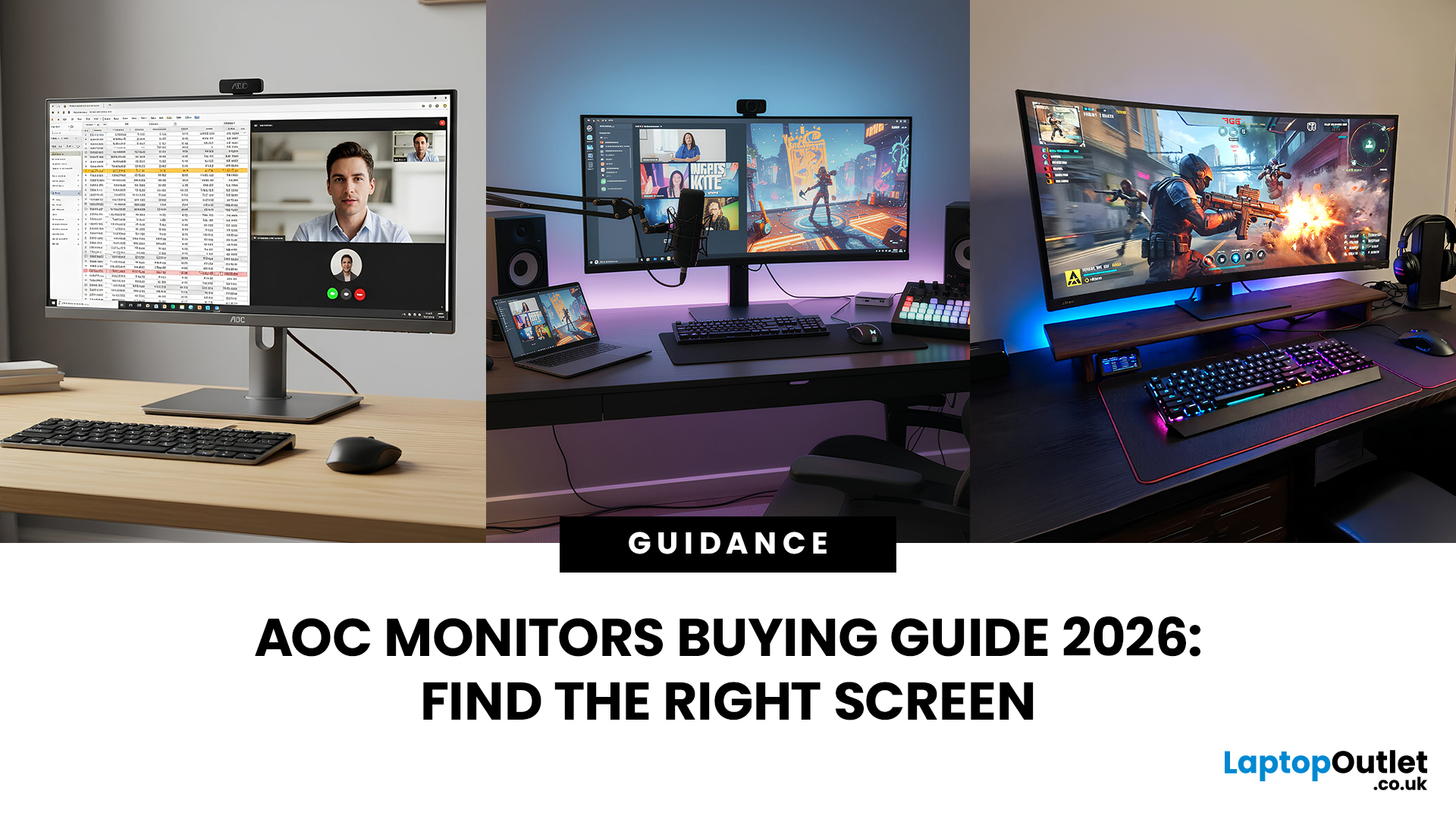
Choosing the right screen shouldn’t feel overwhelming, and that’s exactly why this AOC monitors buying guide exists. In 2026, AOC offers everything from affordable everyday displays to high-refresh esports-level gaming monitors, which means there’s something for every desk and budget. Whether you’re working from home, studying, streaming, or building a serious gaming setup, the key is matching the right size, resolution and performance level to how you actually use your screen. In this guide, we’ll break down the AOC range step by step, so you can confidently choose the best AOC monitor for your work, gaming, and everyday needs.
Why Choose an AOC Monitor in 2026?
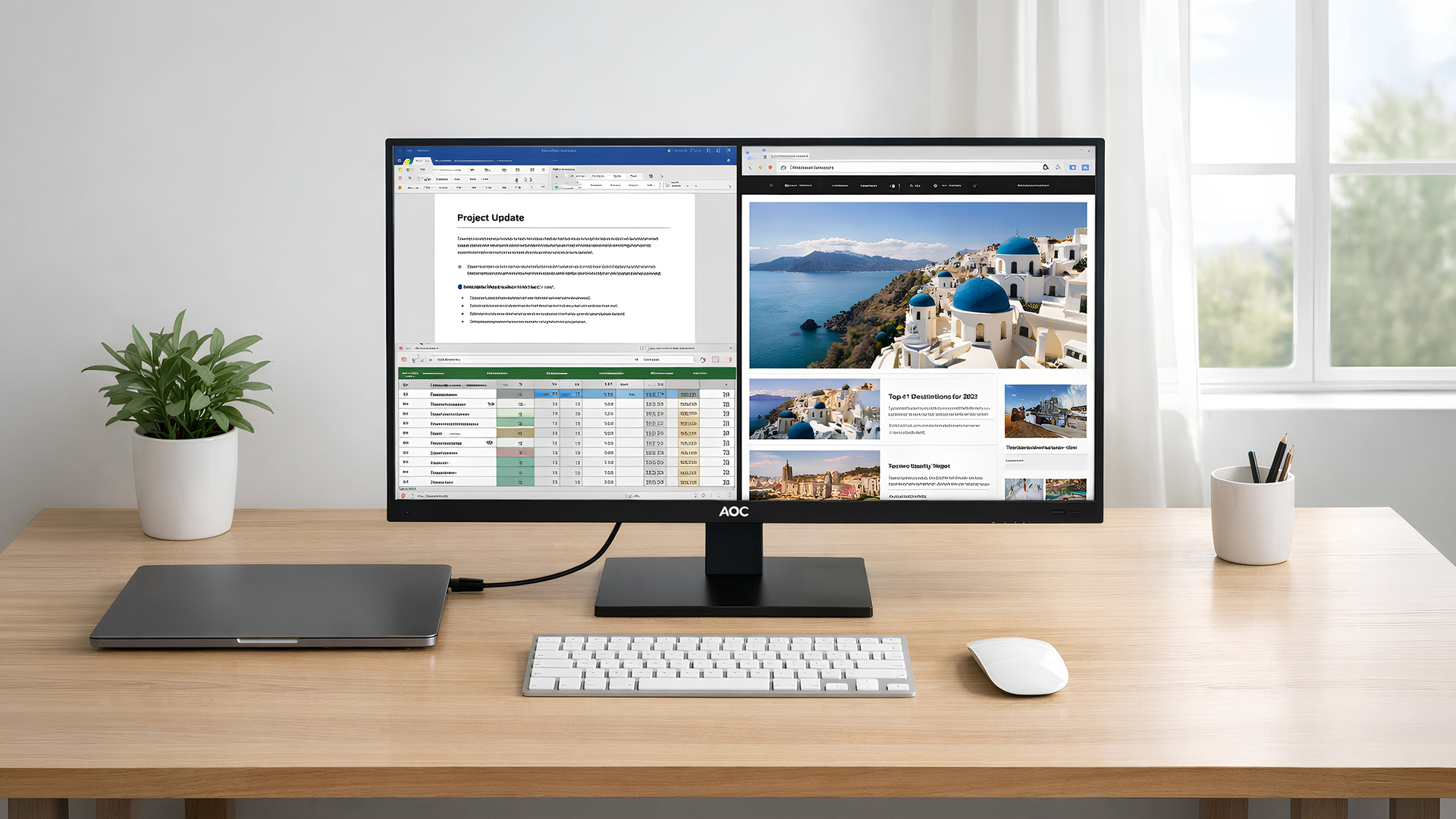
AOC continues to be one of the strongest monitor brands in the UK market because it combines performance, design and value in a way few brands consistently manage. Whether you're looking for a simple home office display or high-refresh esports performance, the AOC range covers nearly every type of user.
One of the biggest reasons people choose AOC monitors is the balance between price and features. You’ll often find QHD resolutions, fast refresh rates, ergonomic stands and eye-care technology at price points that compete aggressively with bigger-name rivals.
For gamers, AOC gaming monitors have become especially popular in the UK thanks to competitive refresh rates and well-priced AGON and AGON PRO models. For work users, AOC’s standard lineup offers clean, professional designs with practical connectivity and comfort features.
If you want to explore the full lineup before diving deeper, browse the latest monitor deals and current models to see what’s available right now.
Overview of AOC ranges (AOC, AOC Gaming, AGON, AGON PRO)
Understanding the AOC brand range makes choosing much easier:
- AOC (Standard Series)
Best for everyday use, streaming, office work and students. Affordable, practical and reliable.
- AOC Gaming
Ideal for casual and mid-level gamers who want smoother gameplay (typically 144Hz–180Hz) without premium pricing.
- AGON
Built for competitive players who want higher refresh rates, sharper panels and more advanced gaming features.
- AGON PRO
The premium tier. Designed for esports, extreme refresh rates and next-generation performance.
If you want a deeper comparison between the gaming-focused lines, see our breakdown of AOC gaming vs AGON vs AGON PRO.
Step 1 – Decide How You’ll Use Your AOC Monitor
Before looking at specs, ask yourself one simple question: what will you actually use this monitor for most of the time?
Your primary use case determines almost everything, size, resolution, refresh rate and even panel type.
Everyday use and streaming
If your monitor is mainly for browsing, Netflix, YouTube, and general PC use, you don’t need extreme specs. A 23″ or 25″ Full HD monitor is more than enough for smooth everyday performance.
Look for:
- IPS panel for better viewing angles
- Built-in speakers (if you want simplicity)
- HDMI connectivity for laptops or consoles
For light use, paying extra for 240Hz or 4K won’t bring noticeable benefits.
Home office and study
For productivity, clarity matters more than raw speed.
A QHD (1440p) display at 27″ is often the sweet spot for home office setups because it gives you more screen space for documents, spreadsheets and multitasking.
When choosing an AOC monitor for home office, prioritise:
- Eye-care features (Low Blue Light, Flicker-Free)
- Height-adjustable stand
- USB-C (if you use a modern laptop)
If your focus is productivity, check out our guide to the best AOC monitor for home office setups for tailored recommendations.
Gaming and esports
For gaming, refresh rate and response time become much more important.
If you play casually, 144Hz is a strong upgrade over standard 60Hz. But if you’re playing competitive shooters, higher refresh rates (240Hz+) can feel noticeably smoother.
When shopping for AOC gaming monitors UK, consider:
- Your GPU power
- The types of games you play
- Whether you want immersive curved displays
For price-based picks, explore the best AOC gaming monitors by budget to narrow down options.
Content creation and colour-critical work
If you edit photos, videos or design content, colour accuracy and resolution matter most.
Look for:
- IPS panels for consistent colour
- QHD or 4K resolution
- Larger 29″ or 32″ displays
Ultra-wide formats can also improve workflow for timeline editing or multitasking. For immersive productivity setups, AOC curved and ultra-wide monitors can be worth considering.
Pick the Right Size, Resolution and Panel Type
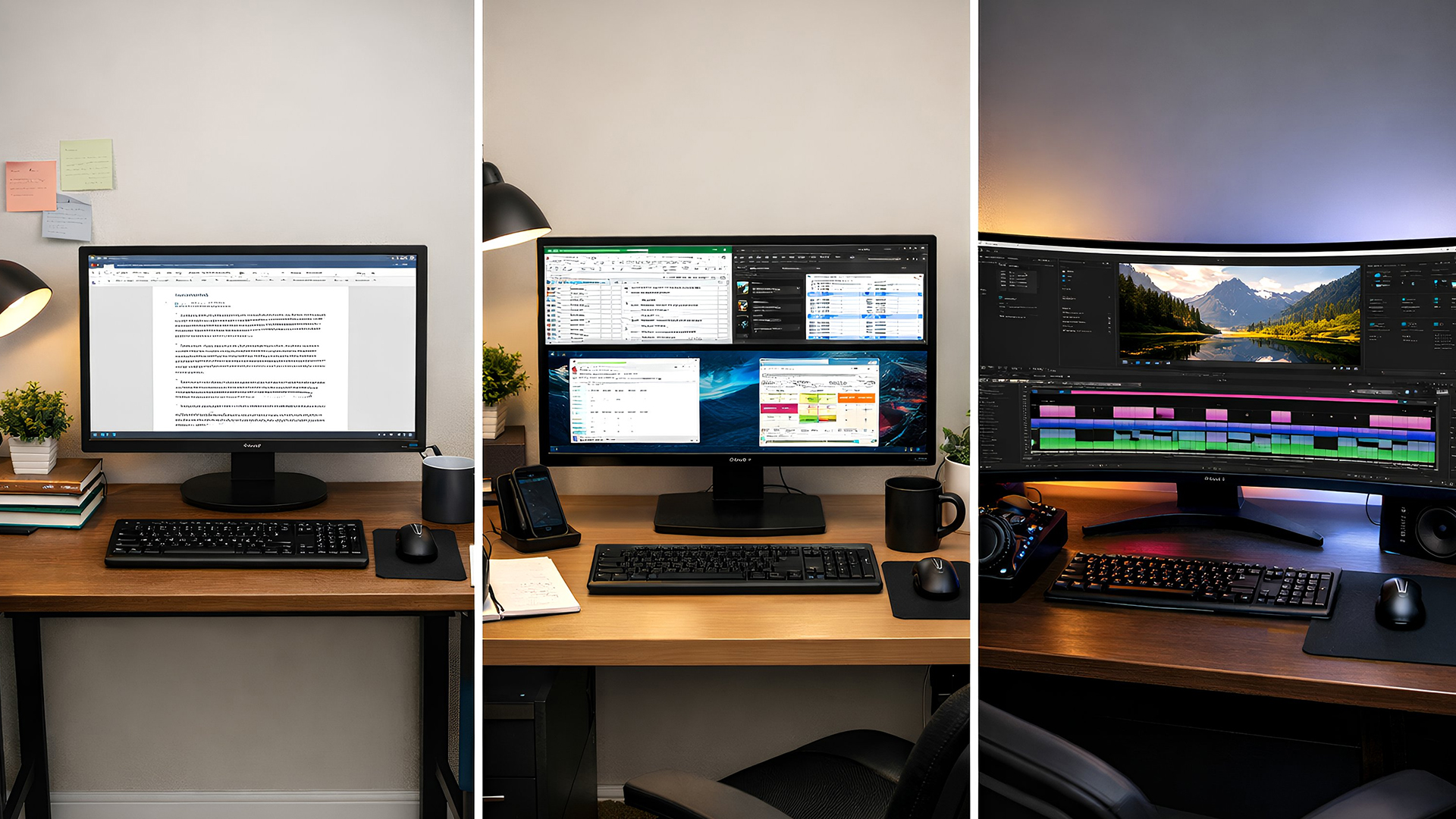
Once you know your main use case, it’s time to choose the right physical and technical setup.
This is where many buyers over- or under-spec their monitor.
24″ vs 27″ vs 32″ vs ultra-wide
The most common sizes in 2026:
- 24″ – Compact desks, budget gaming, students
- 27″ – The most popular size overall (great balance for work and gaming)
- 32″ – Bigger immersion, better for QHD/4K
- Ultra-wide (21:9 or 32:9) – Best for multitasking or immersive gaming
Desk depth matters too. If you sit closer than 60cm, 24–27″ is ideal. Larger screens benefit from deeper desks.
FHD, QHD, 4K – which one makes sense?
Resolution determines how sharp everything looks.
- Full HD (1920x1080)
Best for budget buyers and smaller screens (24″).
- QHD (2560x1440)
The sweet spot in 2026. Sharper text, more workspace, ideal for 27″ monitors.
- 4K (3840x2160)
Excellent for content creation and larger displays, but requires stronger hardware.
IPS vs VA vs OLED / QD-OLED
Panel type affects colour, contrast and viewing angles.
- IPS – Best for colour accuracy and wide angles. Ideal for work and general use.
- VA – Better contrast and deeper blacks. Often used in curved gaming monitors.
- OLED / QD-OLED – Premium tier with exceptional contrast and response times, usually at higher prices.
Most users will find IPS the safest and most versatile option, especially if the monitor is used for both gaming and work.
Refresh Rate and Response Time for Gamers
If gaming is part of your setup, refresh rate and response time are two of the most important specs to understand. They directly affect how smooth and responsive your games feel.
Refresh rate (measured in Hz) tells you how many times per second the screen updates. Response time (measured in milliseconds) affects how quickly pixels change colour, which impacts motion clarity.
The right combination depends on how seriously you game.
60–100Hz vs 144Hz vs 240Hz+
Here’s how it breaks down in real-world use:
- 60–100Hz
Fine for casual gaming, console players and everyday users. If you mainly play slower-paced titles or story-driven games, this is enough.
- 144Hz–180Hz
A noticeable upgrade in smoothness. Ideal for most PC gamers and competitive casual players.
- 240Hz+
Built for fast-paced FPS titles like Valorant, CS2 and Warzone. Motion feels cleaner, and input response is quicker — especially if your GPU can keep up.
If you're browsing AOC gaming monitors UK, 144Hz is often the sweet spot for value, while 240Hz and above are for competitive players.
When 240Hz, 300Hz or higher is worth it
Higher refresh rates are not automatically better for everyone.
It makes sense to choose 240Hz+ if:
- You play competitive shooters regularly
- You have a powerful GPU capable of high frame rates
- You want the smoothest possible motion clarity
For casual gamers, the jump from 144Hz to 240Hz is less dramatic than the jump from 60Hz to 144Hz.
If you're unsure whether ultra-high refresh is necessary, it's better to prioritise panel quality and resolution first, then consider speed upgrades.
Comfort & Connectivity (Eye-Care, Stands, Ports)
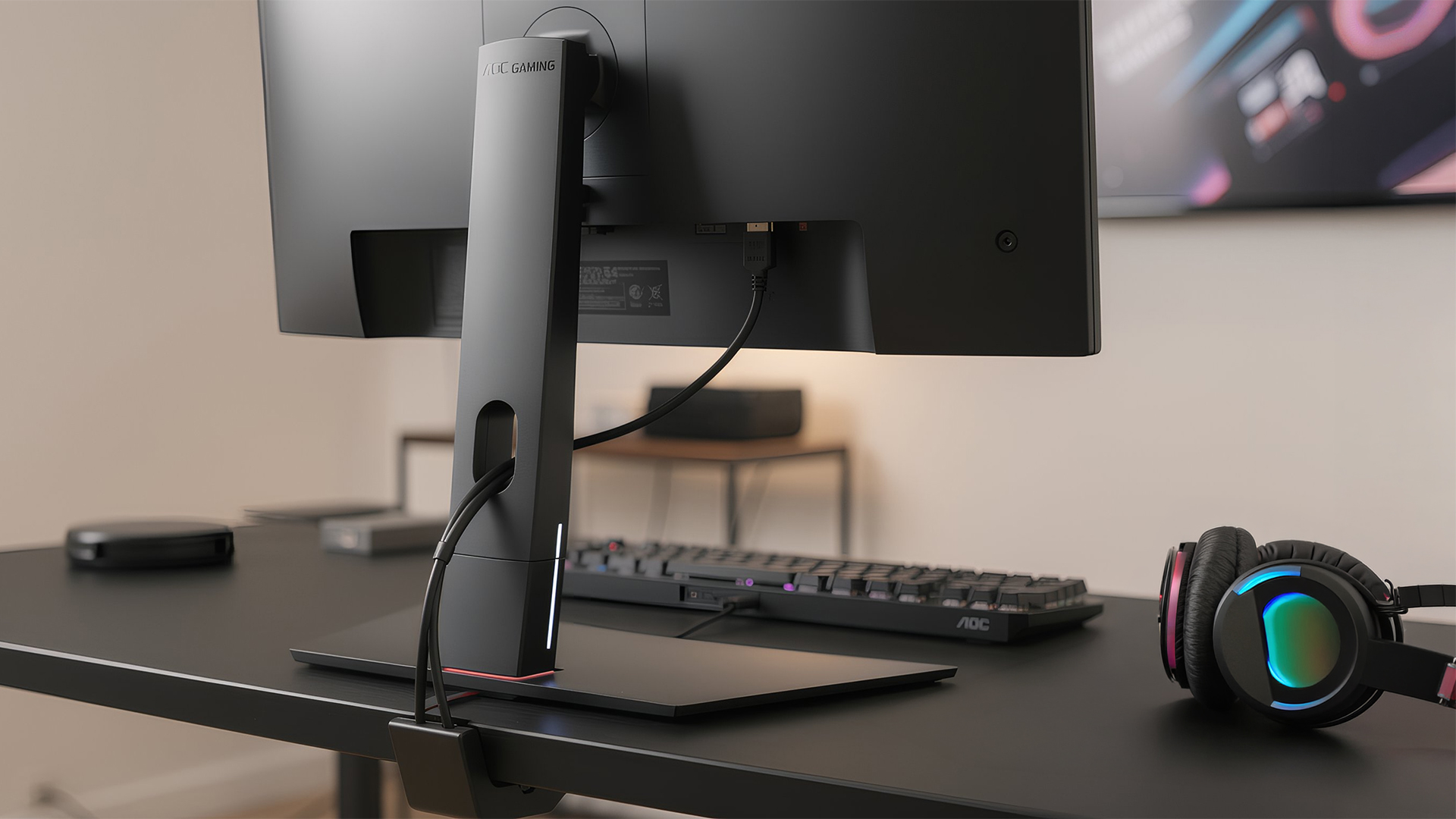
Specs are important, but comfort and connectivity can make a bigger difference in daily use than many buyers expect.
If you're working, studying or gaming for several hours a day, ergonomic features and the right ports will improve your experience long-term.
Low Blue Light and Flicker-Free
Many modern AOC monitors include built-in eye-care features designed to reduce strain during long sessions.
- Low Blue Light modes help reduce harsh blue tones during evening use
- Flicker-Free technology minimises screen flicker that can cause fatigue
If you're using your monitor for 6–8 hours daily, these features are worth prioritising, especially for home office or student setups.
When choosing an AOC monitor for gaming and work, eye comfort is just as important as resolution.
Height adjustment, tilt, pivot, VESA
A good stand isn’t just about aesthetics, it affects posture and long-term comfort.
Look for:
- Height adjustment
- Tilt functionality
- Pivot (for vertical orientation)
- VESA compatibility for monitor arms
If your desk setup changes often or you use dual screens, VESA mounting flexibility is particularly useful.
HDMI, DisplayPort, USB-C
Connectivity depends on your devices.
- HDMI – Standard for laptops and consoles
- DisplayPort – Often required for higher refresh rates
- USB-C – Ideal for modern laptops, especially single-cable setups
If you’re planning a clean desk setup, USB-C with power delivery can simplify cable management significantly.
Before you buy, always check that your chosen AOC monitors model includes the ports you actually need.
Recommended AOC Monitors by Use-Case
With such a wide range available, the easiest way to choose the right screen is to focus on what you actually need most. AOC’s lineup in 2026 covers everything from affordable home office displays to ultra-fast esports monitors, so there’s a strong option for every budget and setup.
Below are the most common buying categories to help you narrow down the best match.
Best for home office & students
For productivity, comfort and clarity matter more than extreme refresh rates. The best AOC monitors for home office and study are typically:
- 24–27″ screen size
- IPS panels for sharp text and colour accuracy
- Eye-care features for long work sessions
Best for gamers on a budget
AOC is one of the strongest brands for affordable gaming screens, especially in the UK. Budget-friendly AOC Gaming models often include:
- 144Hz–180Hz refresh rates
- Fast response times
- Adaptive sync support
- Excellent value for competitive play
Best for competitive / esports players
If you play fast-paced competitive titles, higher refresh rates and premium responsiveness become the priority. The best esports-ready AOC monitors are usually found in the AGON and AGON PRO ranges, offering:
- 240Hz+ refresh rates
- Ultra-fast response times
- Tournament-level performance
- Premium build and ergonomics
These monitors are ideal for FPS players who want the smoothest motion possible and minimal input delay.
For serious competitive setups, AGON PRO is where AOC’s top-tier performance lives.

Final Checklist Before You Buy an AOC Monitor
Before you hit checkout, run through this quick checklist to make sure you’re choosing the right model:
- What will you use the monitor for most (work, gaming, study or mixed use)?
- Does the screen size fit your desk depth and space?
- Is Full HD, QHD or 4K the best match for your needs?
- Do you need high refresh rates (144Hz+) or standard performance?
- Does it include the ports you need (HDMI, DisplayPort, USB-C)?
- Are comfort features like Eye-Care and height adjustment important?
- Would a refurbished model offer better value?
Once you’ve answered these, you’ll be ready to confidently choose the best AOC monitor for your setup in 2026.

FAQs
Are AOC monitors good for both work and gaming?
Yes. Many AOC monitors are designed for mixed use, offering sharp IPS panels for productivity alongside fast refresh rates for gaming. Choosing the right balance depends on whether work or gaming is your main priority.
Which size AOC monitor should I buy for my desk?
Most users choose 24″ for compact setups, 27″ for the best all-round experience, and 32″ or ultra-wide for maximum immersion or multitasking. Desk depth and viewing distance also matter.
Do I really need a high refresh rate AOC monitor for casual gaming?
Not necessarily. Casual gamers will still enjoy smoother gameplay at 144Hz, but 240Hz+ is mainly beneficial for competitive FPS players with powerful PCs.
Are AOC monitors reliable compared with other brands?
AOC has a strong reputation for reliability and value, especially in the UK market. Their monitors are widely used across home office, gaming and professional setups.
What’s the difference between AOC Gaming, AGON and AGON PRO?
- AOC Gaming is best for budget-friendly gaming
- AGON targets enthusiasts who want higher performance
- AGON PRO is the premium esports tier with extreme refresh rates and top-end features
Related Articles

Last Updated: June 15, 2026
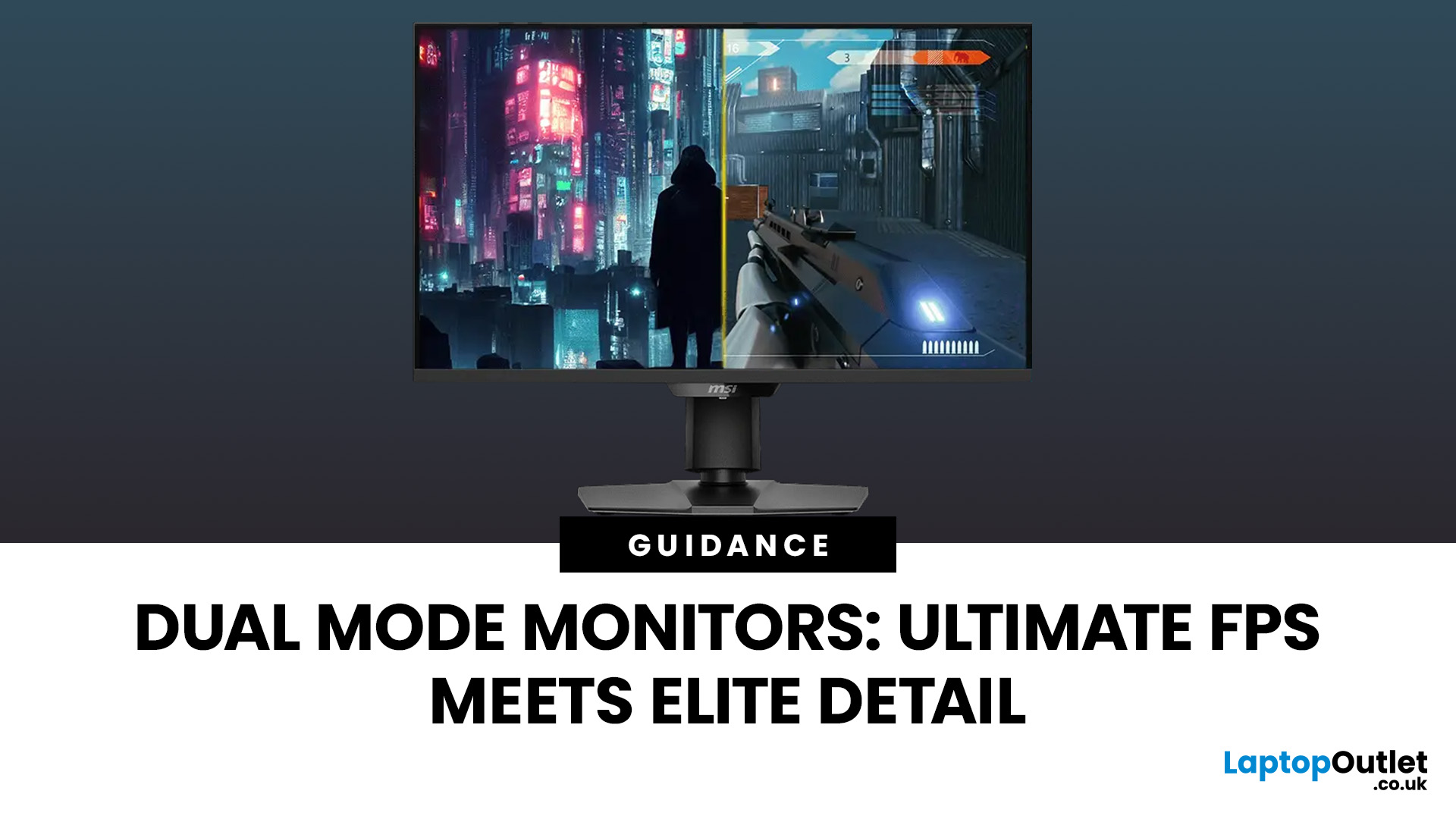
One monitor, two personalities; perfectly tuned for any game.
For years, gamers have faced a tough choice: do you pick a monitor with crystal-clear display and high resolution, or one with fast refresh rates for maximum speed? Trying to achieve both usually meant compromising on one side. That compromise is now a thing of the past, thanks to the dual mode gaming monitor.
This cutting-edge technology gives you the power to switch instantly between two different display modes, each optimised for a specific type of gaming. This simple switch can genuinely help improve FPS and dramatically enhance your overall visual quality.
If you want to know how dual mode gaming monitors improve FPS & visual quality, read on.
What Exactly are Dual Mode Gaming Monitors?
Before we get to the nuts and bolts of why dual mode monitor performance is so remarkable, let's nail down what they are.
A dual mode gaming monitor is a single display that has the unique, built-in ability to switch between two distinctly
Last Updated: August 12, 2026
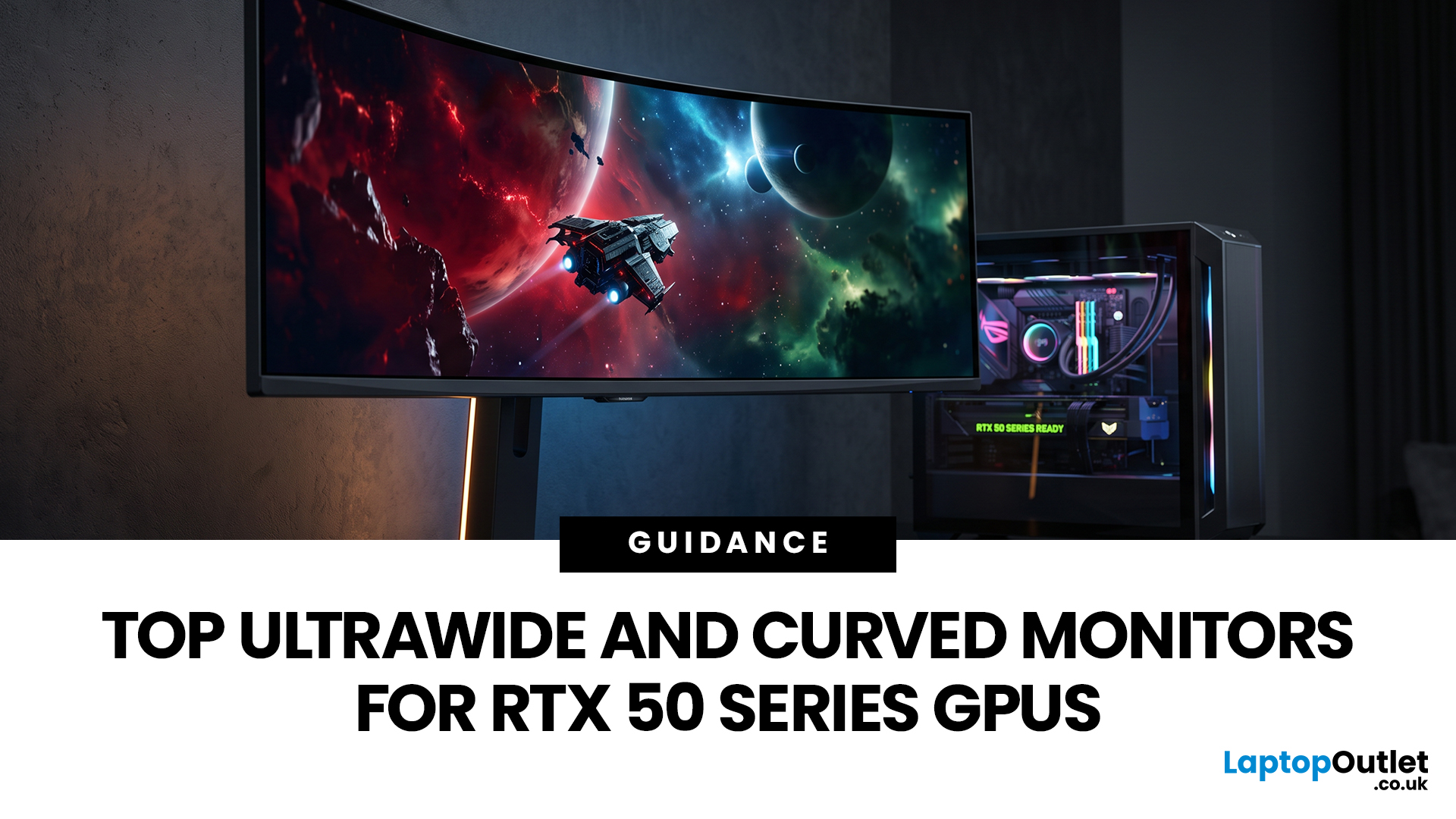
Picking a monitor for an RTX 50 Series GPU isn’t just about chasing the highest refresh rate, it’s about getting the right vibe for your setup. Think resolution, panel type and aspect ratio that actually match how you game, how powerful your RTX 5080 or RTX 5070 Ti is, and how much space you’ve got on your desk.
If you’re on an RTX 5080, a massive 49-inch 5120 × 1440 ultrawide hits different for immersive racing, sim and open-world gameplay. The RTX 5070 Ti feels right at home on a 34-inch 3440 × 1440 ultrawide, while a compact QHD curved monitor is perfect if you want smooth, high-refresh gaming on a budget.
Quick Comparison
| Best For | Monitor | Screen and Resolution | Refresh Rate | Panel | Main Strength | Consider Before Buying |
| RTX 5080 | Philips Evnia 49M2C8900 | 48.9-inch, 5120 × 1440, 32:9 | 240Hz | QD-OLED | Maximum immersion with OLED picture quality | Requires substantial desk space and strong GPU performance |
| RTX 5070 Ti | AOC G4 CU34G4Z | 34-inch, 3440 × 1440, 21:9 | 240Hz | Fast VA | Strong balance of speed, |
Last Updated: December 03, 2025
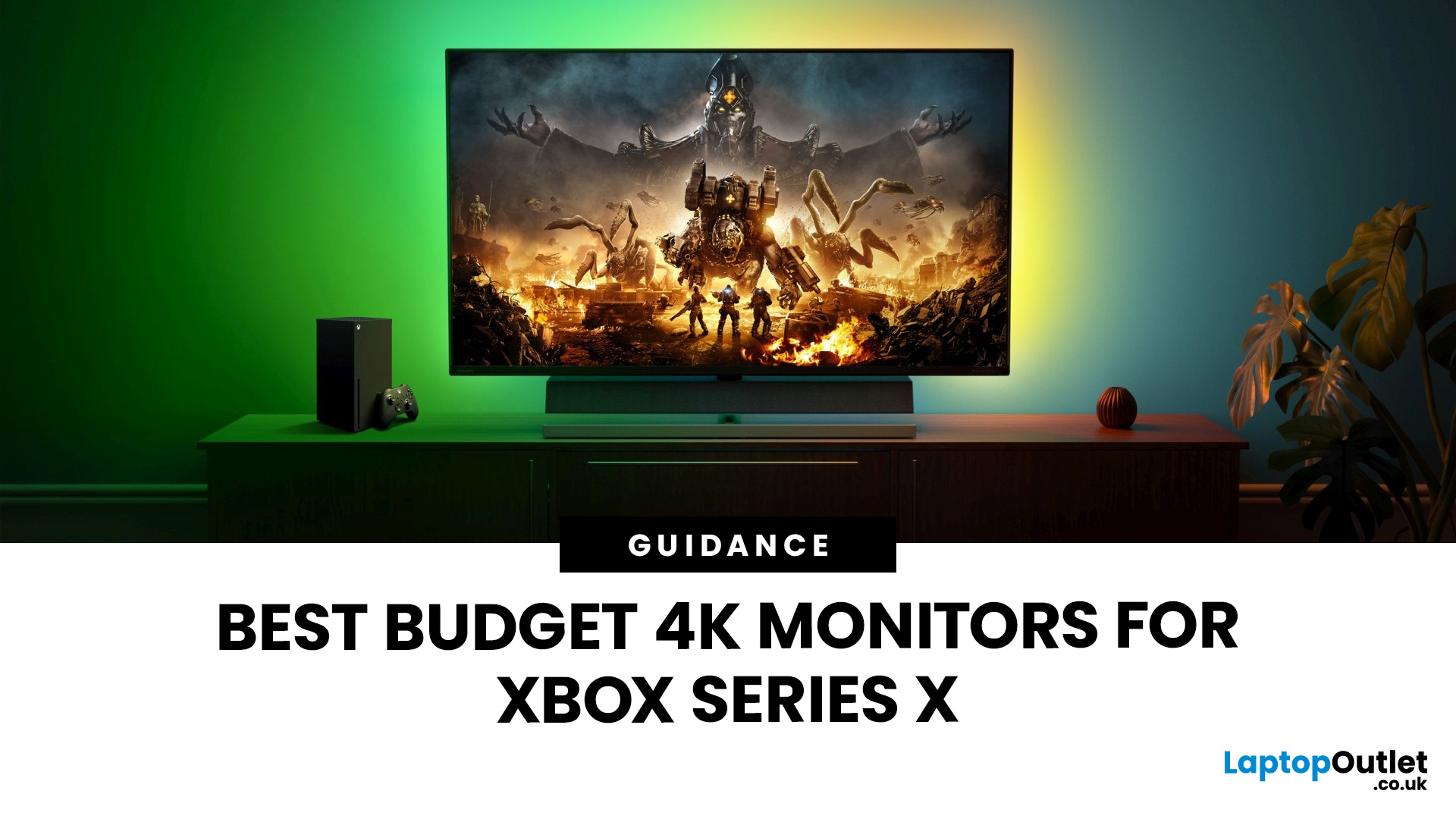
If you're looking to unlock true next-gen performance on your Xbox Series X without stretching your budget, you’re in the right place. The console is capable of extraordinary visuals, which includes from razor-sharp 4K resolution and buttery-smooth 120Hz gameplay to HDR brilliance and ultra-low latency. But to experience these features properly, you need the right display. That’s why we’ve curated a detailed guide to the best budget-friendly 4K monitors for Xbox Series X, helping you choose a display that enhances every moment of your gaming while keeping your wallet happy.
Why a 4K Monitor is Ideal for Xbox Series X
The Xbox Series X was built for 4K gaming. While you can play on lower resolutions, a monitor that fully supports the console’s capabilities will significantly improve your experience. Here’s why a 4K monitor for next-gen consoles is the perfect match:
True 4K Resolution
With a 4K monitor, you get four times the pixel density of 1080p, giving you:
- Sharper textures
- Improved

Last Updated: February 26, 2026
Gaming has changed forever. If you are still using an old LCD screen, you are missing out on the best visuals possible. In 2026, the best OLED gaming monitors have become the gold standard for every serious player. Whether you want a competitive edge in shooters or deep immersion in RPGs, OLED is the answer.
But why is everyone switching? It comes down to speed and colour. OLED panels offer near-instant response times. They also provide "true blacks" that no other screen can match. In this guide, we will look at the top OLED gaming screens available. We will also explain what to look for so you can find the perfect match for your PC or console.
1. AOC Gaming Q27G41ZDF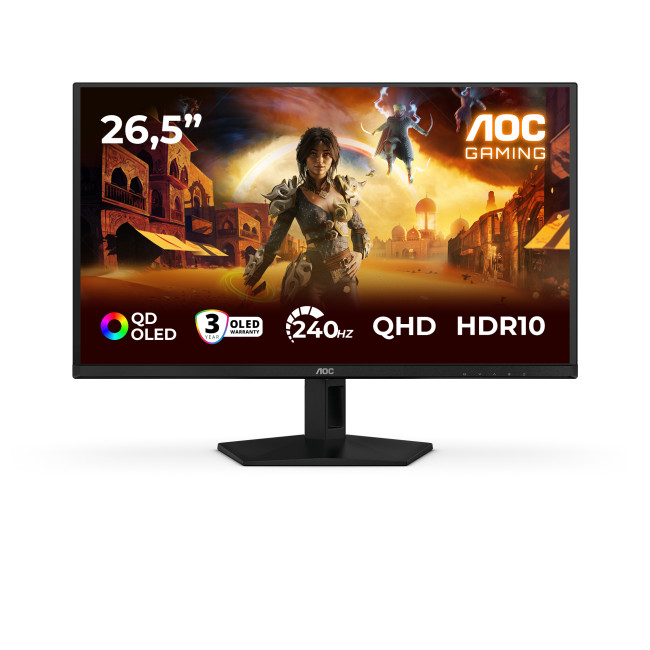
Get it for ~£399.99 inc. VAT
Key Specifications:
- Screen Size: 26.5-inch
- Panel Type: QD OLED
- Resolution: 2560 x 1440 (QHD)
- Refresh Rate: 240Hz
- Response Time: 0.03ms
- Aspect Ratio: 16:9
- Screen Shape: Flat
- Sync Technology: G-SYNC Compatible, Adaptive Sync
- Low Blue Light Technology:
Published: December 22, 2025
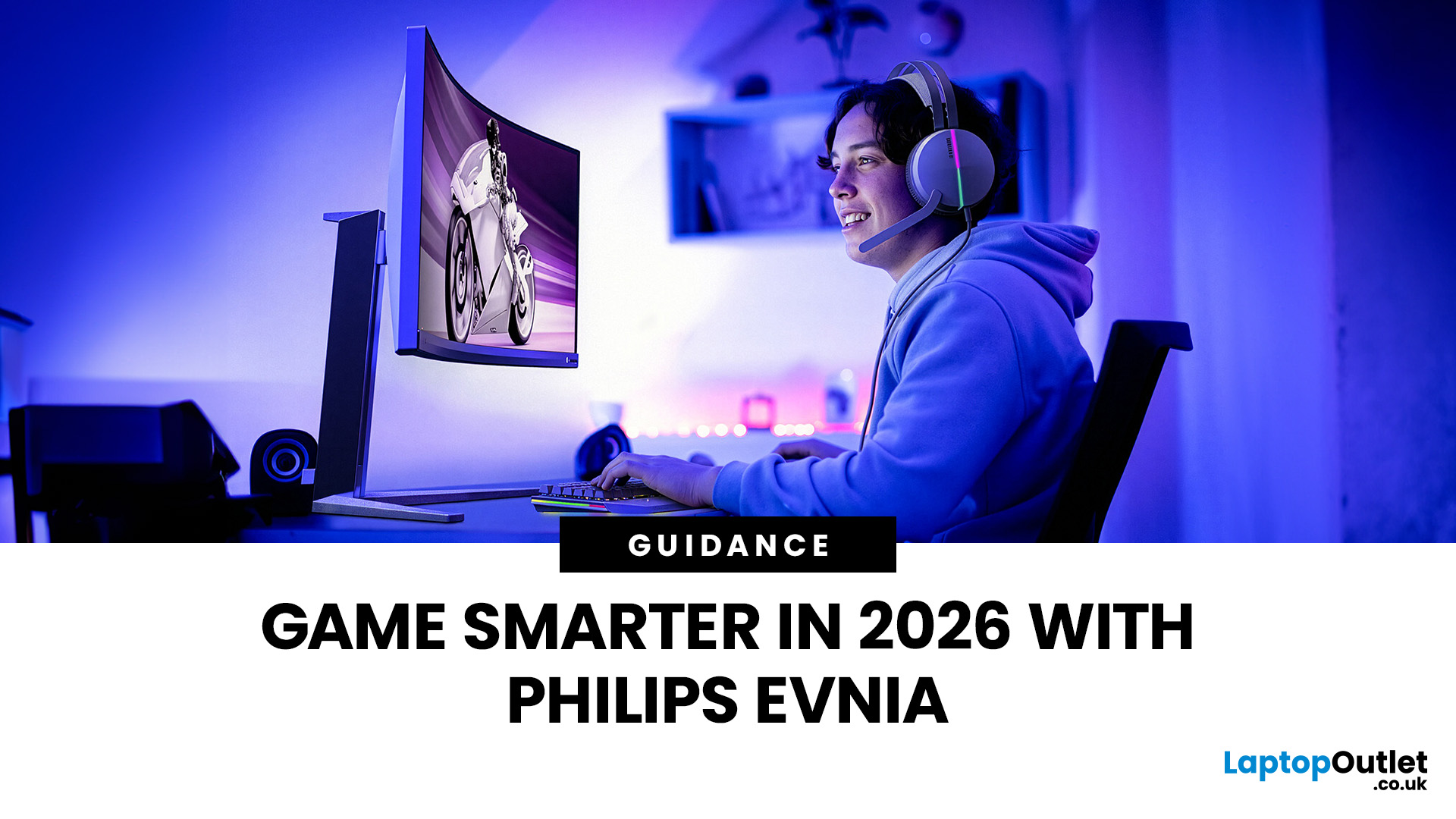
Gaming has changed rapidly over the last few years. In 2026, players demand more than just a clear picture. They want fluid movement, deep colours, and hardware that looks as good as the game itself. This is where Philips Evnia monitors come into play.
The Evnia range was designed to break the "typical gamer" stereotype. These screens combine high-end performance with a sleek, modern aesthetic. Whether you are a competitive esports player or a casual console gamer, there is a model tailored for you.
Finding the right display can be tricky. You have to balance refresh rates, resolution, and panel types. In this guide, we break down the five best Philips monitors for gaming to help you level up your setup.
1. Philips Evnia 24M2N3201A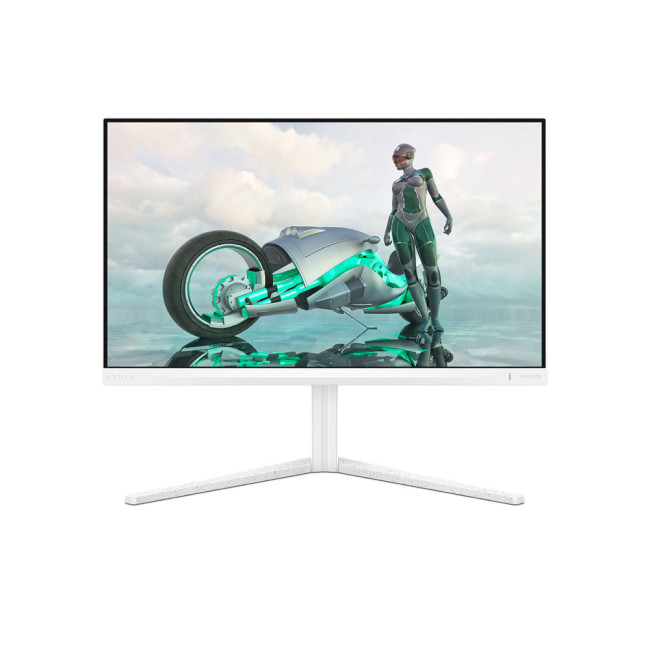
Get it for ~£74.99 inc. VAT
Key Specifications:
- Screen Size: 23.8 Inches
- Panel Type: Fast IPS
- Resolution: Full HD (1920 x 1080)
- Refresh Rate: 180Hz
- Response Time: 1ms (GtG)
- Aspect Ratio: 16:9
- Screen Shape: Flat
- Connectivity: 2x HDMI 2.0, 1x DisplayPort
Last Updated: February 26, 2026
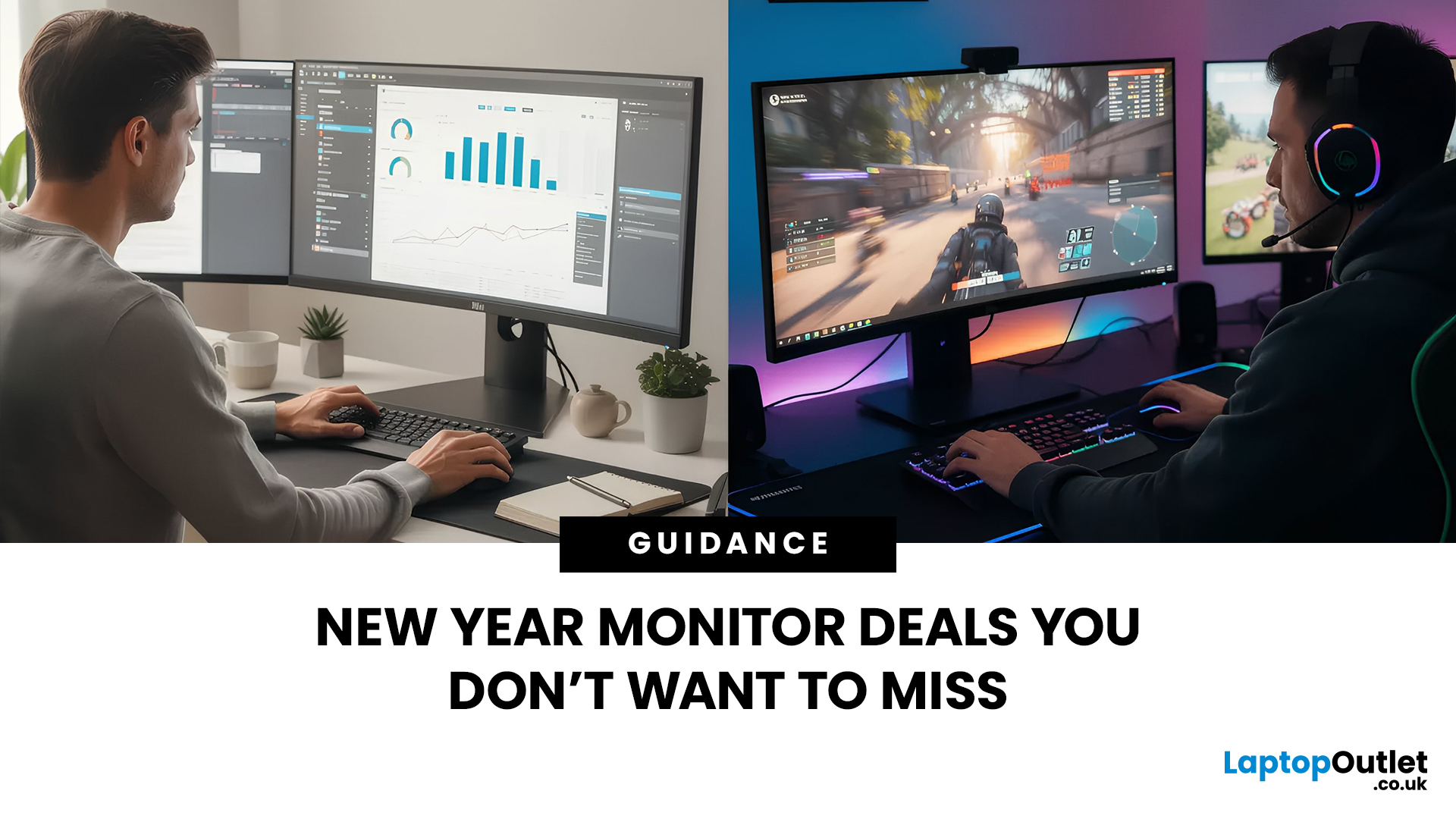
Starting a new year often means setting new goals for productivity and success. To reach those targets, you need the right tools on your desk.
Our New Year monitor deals for 2026 bring you the perfect opportunity to upgrade your workspace without breaking the bank. Whether you are a creative designer, a financial analyst, a software developer, or a hardcore gamer, this year's monitor New Year sale has something for everyone.
We have curated a list of the top 10 monitors available at Laptop Outlet that combine high performance with incredible value. Let’s explore them.
1. LG 24U421A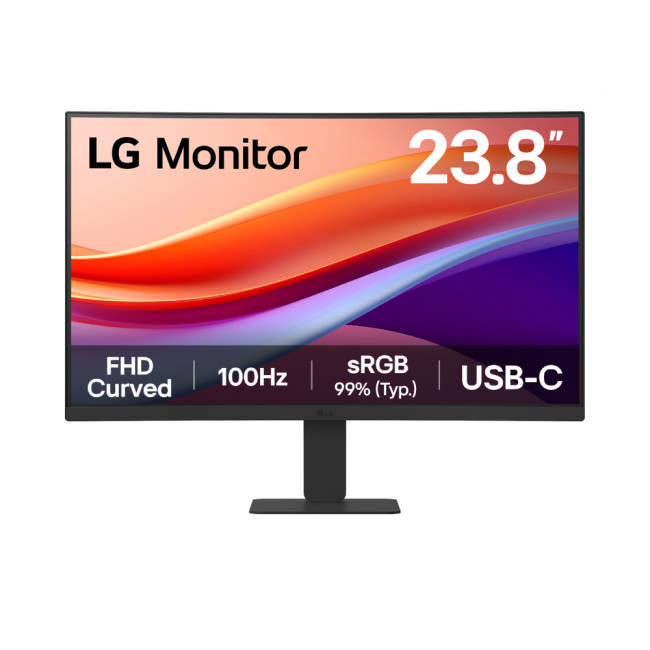
Key Specifications
- Screen Size: 23.8-inch
- Resolution: Full HD (1920 x 1080)
- Panel Type: VA
- Refresh Rate: 100 Hz
- Response Time: 5 ms
- Aspect Ratio: 16:9
- Screen Shape: Curved
- Connectivity: 1 x HDMI | USB-C
- Features: Flicker-Free Technology, Blue Light Filter
- Weight: 2.9 kg
What Makes it Worth Buying
If you are looking for affordable monitors that punch above
Last Updated: December 31, 2025
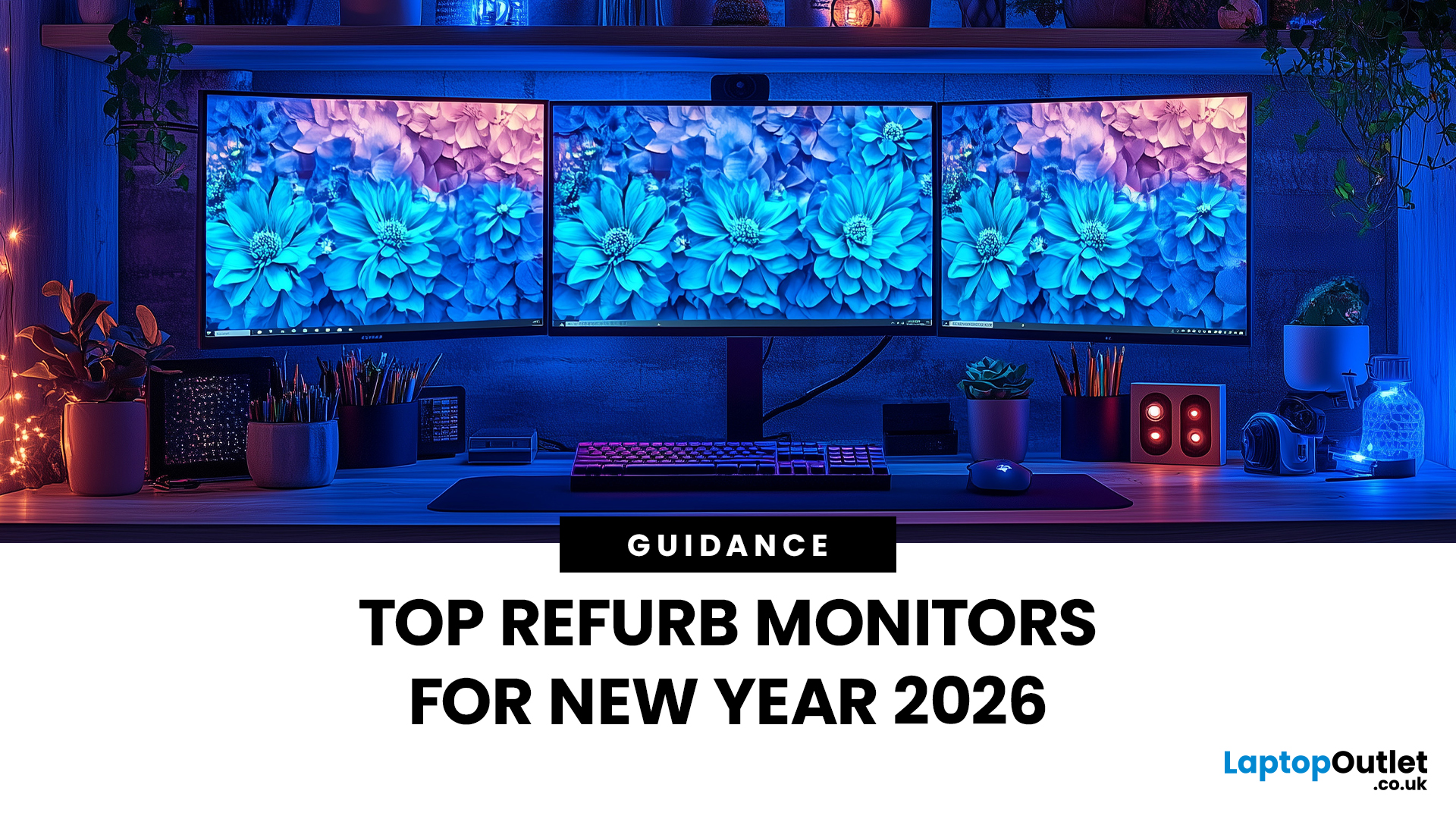
Upgrading your display is one of the smartest ways to refresh your setup for the year ahead. A better monitor can make work feel smoother, games look sharper, and day-to-day browsing far more comfortable, without needing a whole new PC. The good news? You don’t have to pay full retail to get a premium panel. Choosing refurbished is a practical way to access higher specs (4K, OLED, high refresh rates, USB-C portability) for less, while keeping perfectly usable tech in circulation for longer. That’s especially true during New Year promotions, when clearance pricing and seasonal offers often collide. You’ll see everything from portable screens for hybrid work to big-format displays built for entertainment and collaborative spaces.
Classroom-Ready 4K Touch: Refurbished BenQ Education
If you’re upgrading a classroom, meeting room, training space, or collaborative studio, the BenQ RE8601 is a standout. At 86 inches with 4K clarity and interactive touch, it’s built for hands-on presentations,
Last Updated: December 31, 2025
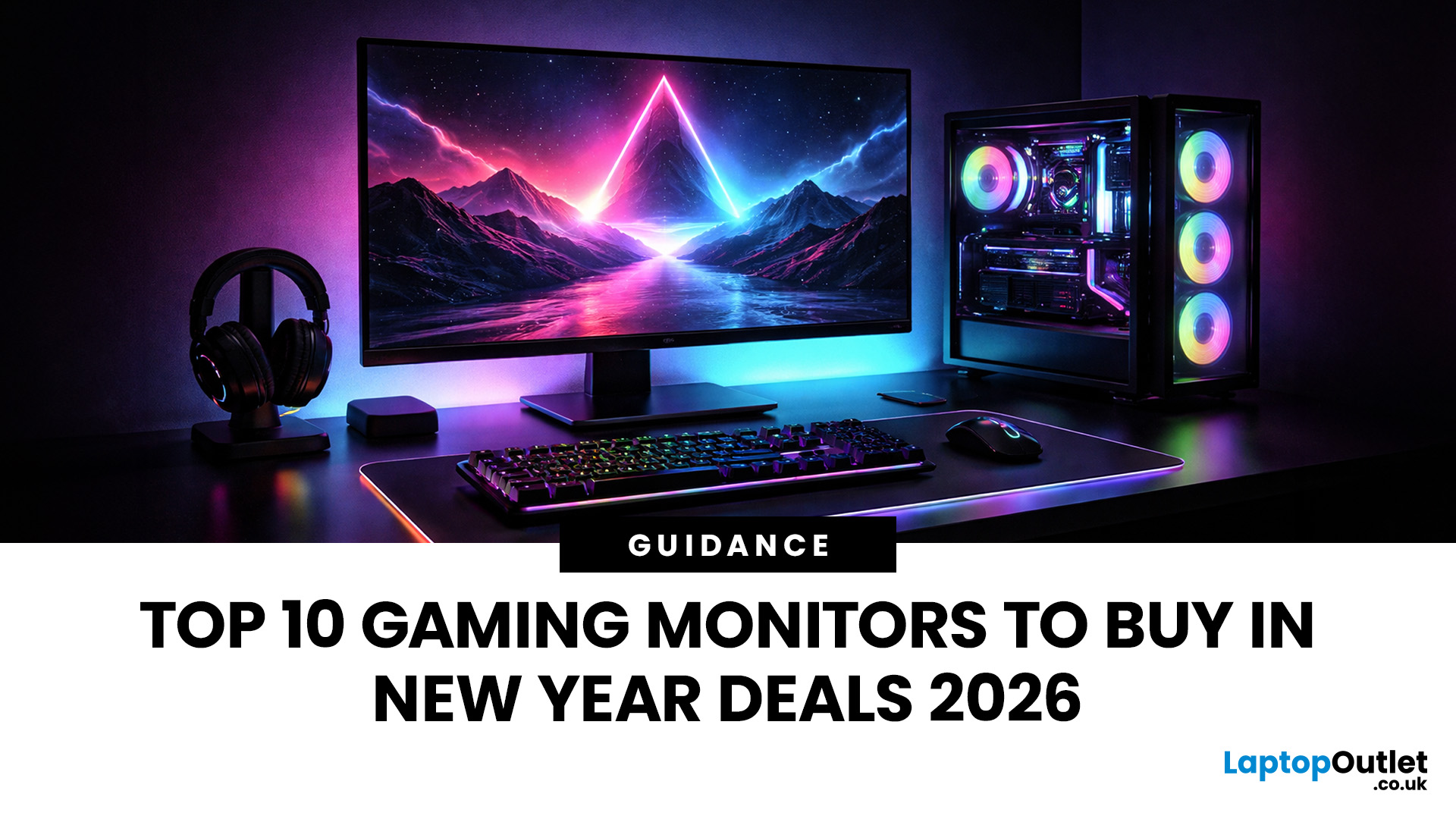
If your setup is still running on an older 60–75Hz display (or a basic office screen), 2026 is the year to change that. The jump to a modern gaming monitor can be instantly noticeable: smoother camera movement, clearer motion in fast fights, and a more responsive “feel” when you aim, flick, track, or even just pan across open-world scenery. That’s why New Year gaming monitor deals are such a popular time to upgrade, stock is refreshed, prices tend to be competitive, and you can often find the exact spec combination you’ve been waiting for without paying peak-season prices.
Laptop Outlet makes this easier because there’s a wide range of gaming monitors in one place, so you can compare size, resolution, refresh rate and panel tech without bouncing between stores. A good starting point is the main gaming monitors category (it’s perfect for filtering by what matters most). And if you’re shopping across more than just monitors, it’s also worth keeping an eye on the wider promotions to save big
Last Updated: July 10, 2026
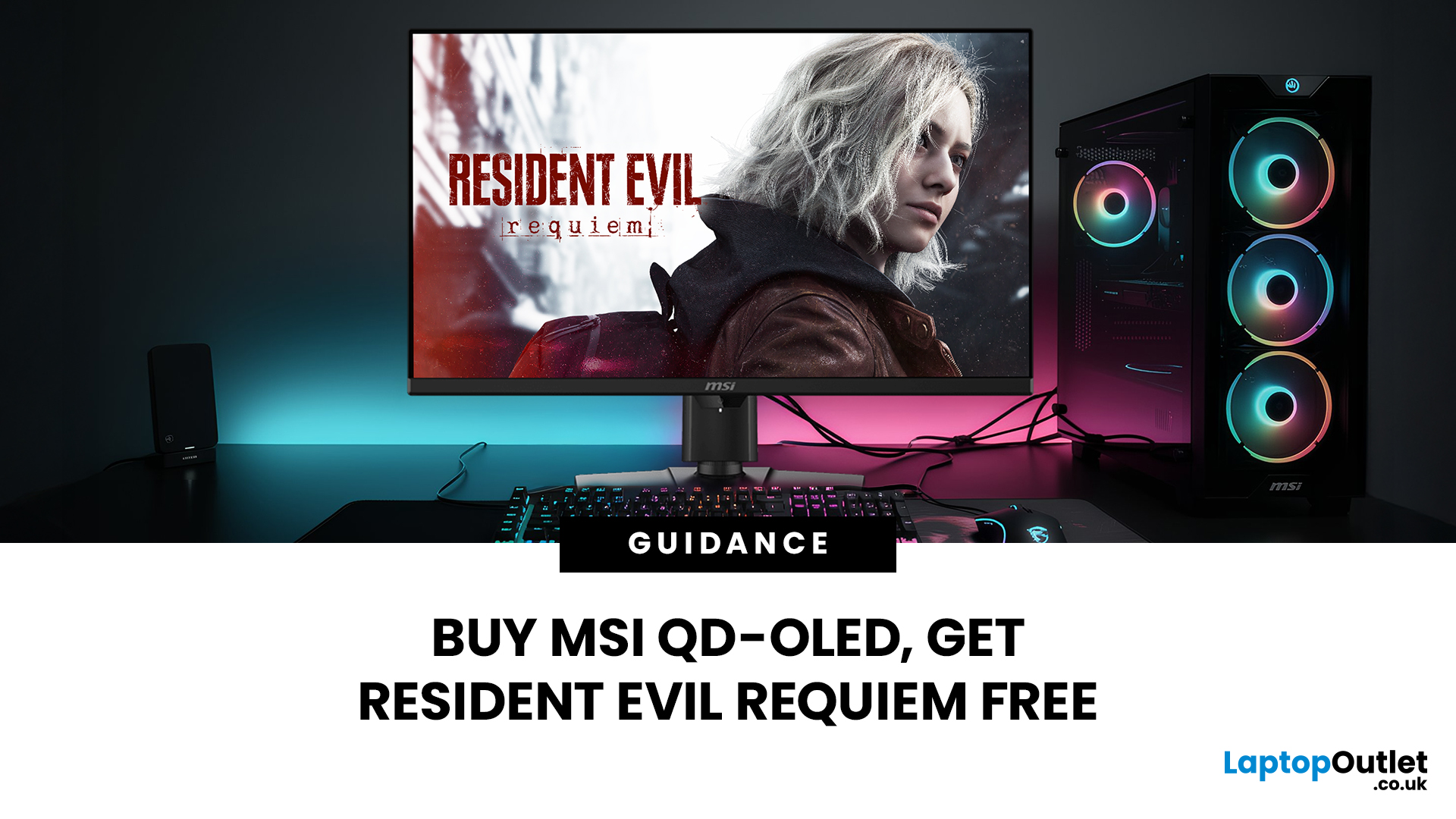
Gaming is about to get a whole lot better. If you are looking for a screen upgrade, now is the perfect time. MSI is currently offering a deal that is hard to ignore. When you buy a selected MSI QD-OLED monitor, you can get Resident Evil Requiem free.
This latest title usually costs £51.99. However, for a limited time, you can add it to your library without spending an extra penny. Combining the terrifying visuals of Resident Evil with the ground-breaking technology of QD-OLED is a match made in heaven.
In this guide, we will look at the best MSI gaming monitors included in this deal.
Why This Gaming Deal Matters
Gaming hardware is expensive. Getting a £51.99 game for free helps offset the cost of your new screen. But beyond the money, it is about the experience. MSI QD-OLED monitors are currently the pinnacle of display technology.
They offer:
- Perfect Blacks: No "halo" effect around bright objects.
- Vivid Colours: Quantum Dots provide a wider colour gamut.
- Instant Response: 0.03 ms is
Last Updated: June 15, 2026
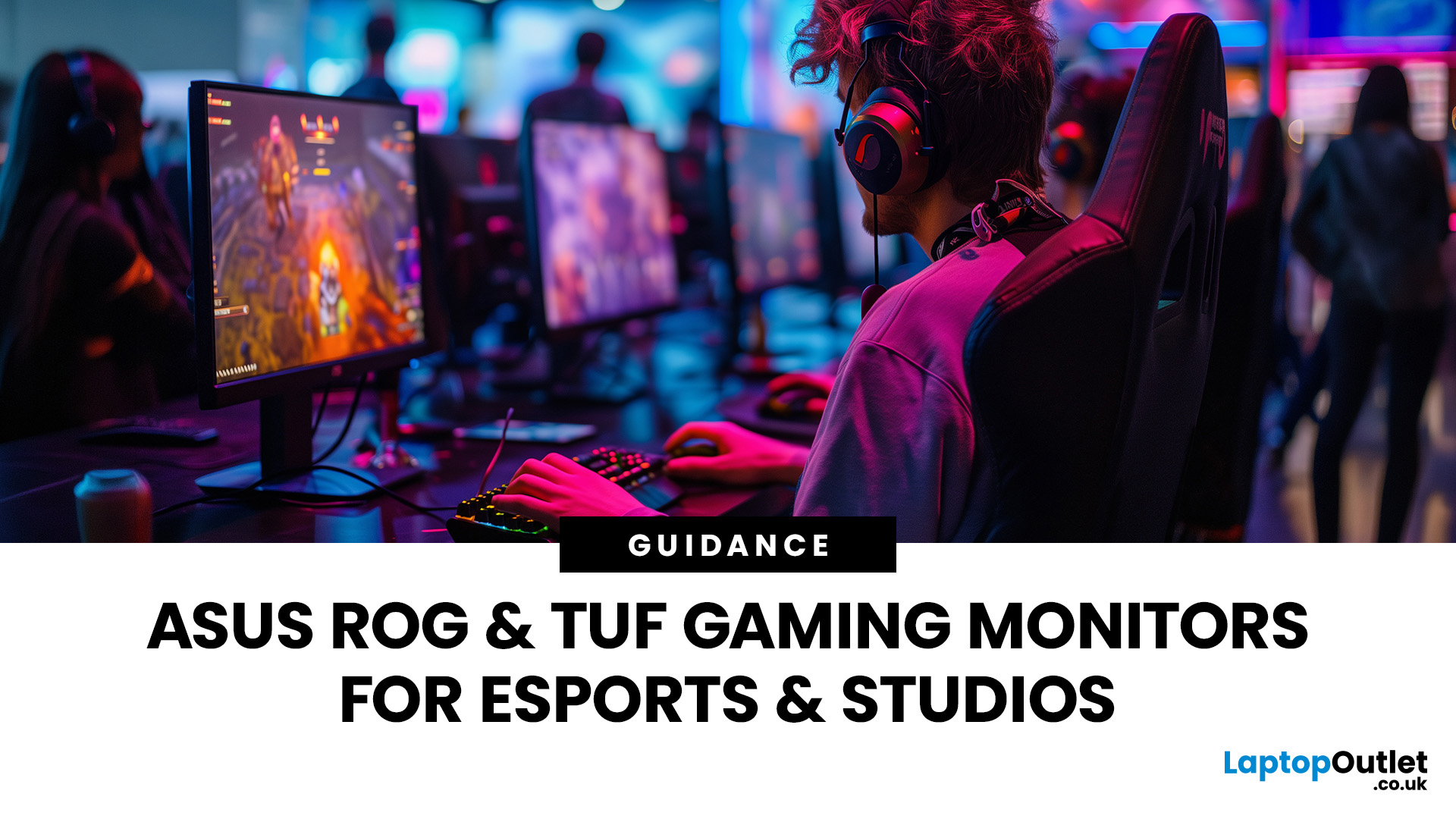
If you run an esports arena, gaming cafe, university esports lab, or content studio, your monitor choice is not a background decision. It directly affects performance, player satisfaction, brand perception, and long-term ROI. Competitive players notice the refresh rate instantly. Streamers notice colour accuracy. Venue owners notice durability. And everyone notices screen quality.
That’s why ASUS gaming monitors have become a staple across esports stages and gaming venues in the UK. From ultra-premium ASUS ROG gaming monitors built for tournament environments to scalable ASUS TUF gaming monitor options designed for multi-station rollouts, ASUS covers every level of competitive deployment.
If you're building or upgrading a gaming business, here’s what you need to know.
Why Esports & Gaming Businesses Choose ASUS
A single hardware issue during a tournament can damage a reputation fast. ASUS has built a strong position in esports by delivering consistency under pressure.

