



Gaming Laptops and PCs for Football Manager 26
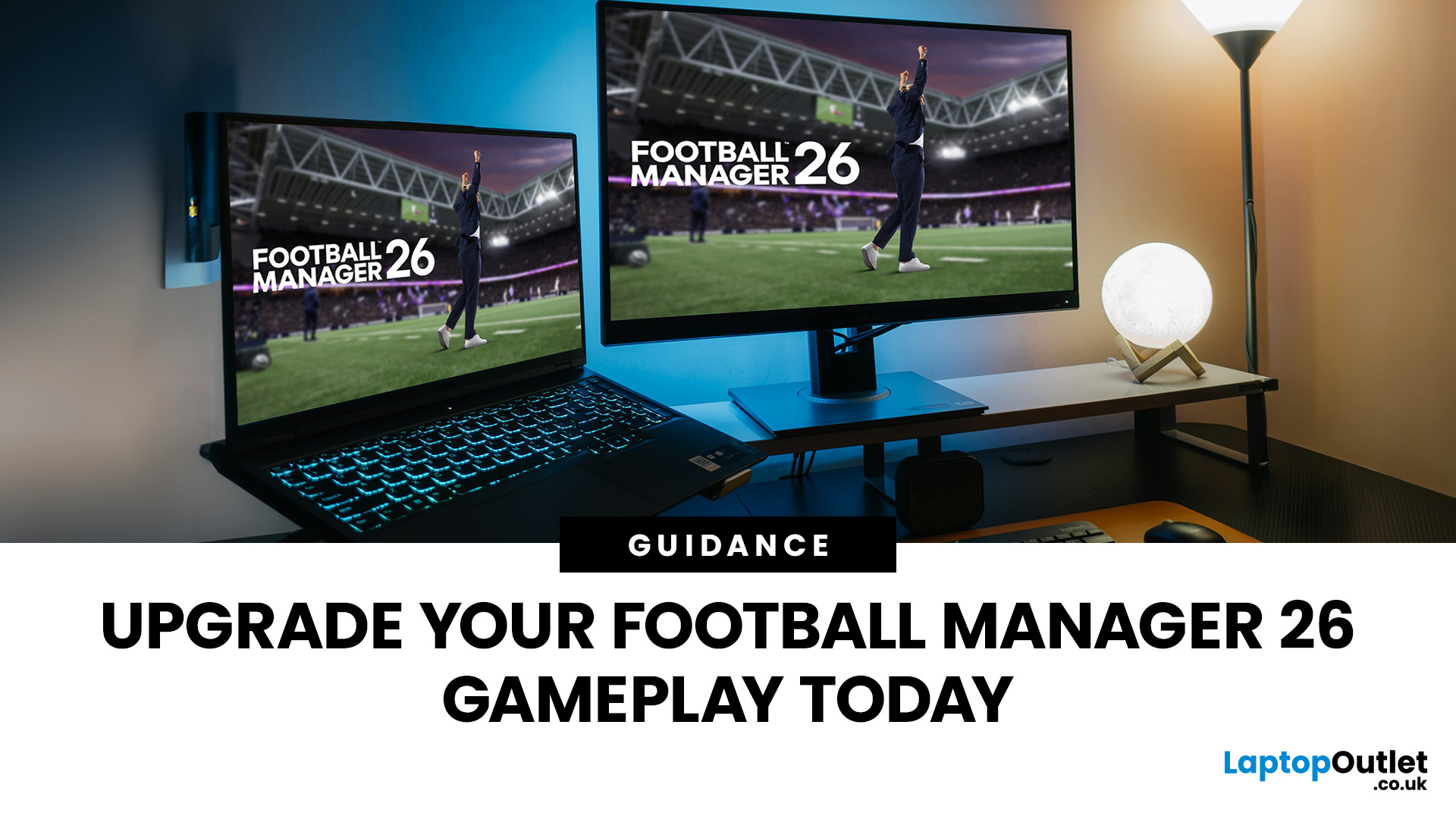
Football Manager 26 is finally here, built on a new Unity-powered 3D match engine with richer lighting, animations and stadium detail.
The good news? Sports Interactive has kept the minimum specs low, so older systems can still load up the game. The less good news is that the new engine leans more heavily on both CPU and GPU, especially during 3D matches and busy transfer windows.
If you want fast simulations, big databases and smooth 3D on high settings, you need the right hardware. This guide walks through Football Manager 26 recommended specs, then highlights the best gaming laptops and PCs for Football Manager 26 available from Laptop Outlet – from budget-friendly picks to powerhouse rigs.
Which Hardware Matters More for Football Manager 26?
Before choosing your machine, it is vital to understand what Football Manager 26 actually is. It is a detailed management simulation, not a graphics-intensive action game.
When you hit the 'Continue' button, the game is not just rendering a stadium. It is calculating thousands of match results across every loaded league, simulating player development, running complex scouting networks, and managing global transfer markets. This needs a huge amount of data crunching.
Therefore, the key components for the best FM26 simulation performance laptop or PC are:
- CPU (Central Processing Unit): This is the brain that performs all the calculations. A strong CPU is the most important factor in speeding up your season progression.
- RAM (Random Access Memory): This is the game's working memory. It holds the massive database of players, staff, and club data. More RAM means you can load more leagues without stuttering.
- SSD (Solid State Drive): This is for storage. A fast NVMe SSD cuts down load times for saving, loading, and moving between screens from minutes to seconds.
- GPU (Graphics Card): While essential for most gaming, a powerful GPU is less critical here. The game's 3D match engine is simple enough to run smoothly on a mid-range card.
If you are building your ultimate FM26 rig, prioritise a high-core-count, high-clock-speed CPU and plenty of fast RAM over the most expensive graphics card.
Football Manager 26 Recommended Specs
To help you decide where to focus your budget, here is a quick breakdown of the specifications you should target for the best experience.
|
Component |
Minimum Specs (Playable) |
Recommended Specs (Smooth Performance) |
Competitive Specs (Ultra-Level Performance) |
|
Operating System |
Windows 10 (22H2 update) or Windows 11 (23H2 update) (64-bit) |
Windows 11 (23H2 update) (64-bit) |
Windows 11 (23H2 update) (64-bit) |
|
CPU (Desktop) |
Intel Core i3-530 or AMD FX-4100 (Requires SSE4.2 & SSSE3) |
Intel Core i5-9600 or AMD Ryzen 5 2600 |
Intel 12th/13th Gen i7 or AMD Ryzen 7/9 |
|
CPU (Laptop) |
Intel Core i3-330M or AMD A6-5200 (Requires SSE4.2 & SSSE3) |
Intel Core i5-1035G7 or AMD Ryzen 7 3750H |
Intel 12th/13th Gen i7 or AMD Ryzen 7/9 |
|
System RAM |
4 GB |
12 GB |
16 GB - 32 GB |
|
GPU (Desktop) |
NVIDIA GeForce GTX 960 or AMD Radeon R9 380 or Intel HD 530 |
NVIDIA GeForce RTX 2060 or AMD Radeon RX 5600 XT |
NVIDIA RTX 4060/5060/4070/5070 or equivalent AMD |
|
GPU (Laptop) |
NVIDIA GeForce GTX 960M or AMD Radeon R9 M375 or Intel HD 530 |
NVIDIA GeForce RTX 2060 Mobile or AMD Radeon RX 6600M |
NVIDIA RTX 4060/5060/4070/5070 Mobile or equivalent AMD |
|
VRAM |
512 MiB |
6 GB |
Higher VRAM for high-res 3D match view |
|
Storage |
20 GB available space |
20 GB available space (SSD Recommended) |
20 GB available space (SSD Recommended) |
|
DirectX |
Version 11 |
Version 11 |
Version 11 |
Top 4 Gaming Laptops for Football Manager 26
For the manager on the move, a gaming laptop is the perfect solution. They offer the necessary powerful CPUs and excellent cooling in a portable chassis. Here are our top picks for laptops for Football Manager 26.
1. Lenovo LOQ 15AHP10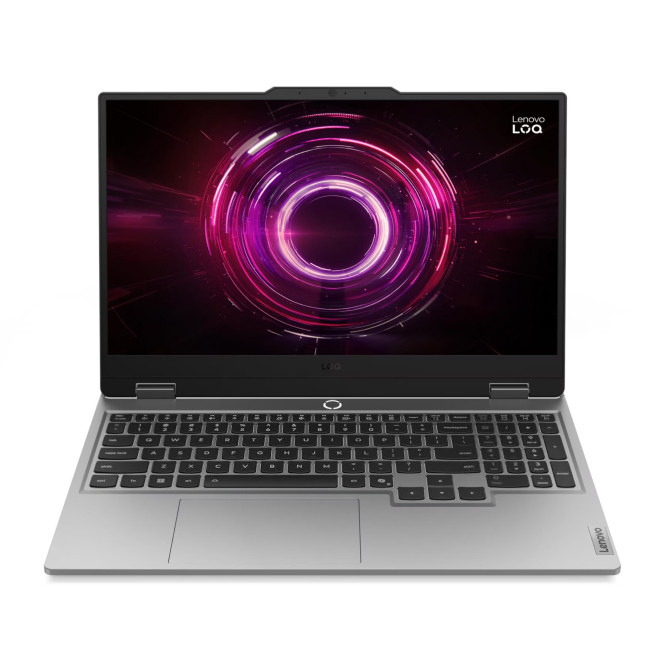
Key Specifications
- Processor: AMD Ryzen 5 220 Hexa-Core (3.2GHz AMD Turbo Boost up to 4.9GHz)
- RAM: 16 GB DDR5
- Storage: 512 GB SSD
- Display: 15.6", 1920 x 1080, 144 Hz, IPS
- Graphics: NVIDIA GeForce RTX 5050, 8 GB GDDR7
- Operating System: Microsoft Windows 11 Home
- Connectivity: HDMI 2.1 | USB-C | USB-A | RJ-45 | Bluetooth 5.3 | Wi-Fi 6 | Audio in/out
- Weight: 2.4 kg
Why It's a Good Option
One of the best mid-range gaming laptops for FM26, built around the modern AMD Ryzen 5 220. It has a high max turbo speed of 4.9GHz, which is exactly what FM26 needs to rip through matchday calculations quickly.
The laptop comes standard with 16GB of high-speed DDR5 RAM. This meets the key Football Manager 26 recommended specs for memory, ensuring zero lag even when loading a large database.
Its 512GB SSD is lightning-fast, ensuring your career saves load in seconds. This greatly improves the flow of the game compared to older, slower drives.
The Lenovo LOQ uses an advanced cooling system called Hyperchamber Cooling. This keeps the CPU cool under heavy load, ensuring stable, top-speed performance all season long.
| Perfect for a dedicated manager needing reliable, portable speed to run a large database and win trophies on the move. |
2. Medion Erazer Scout 17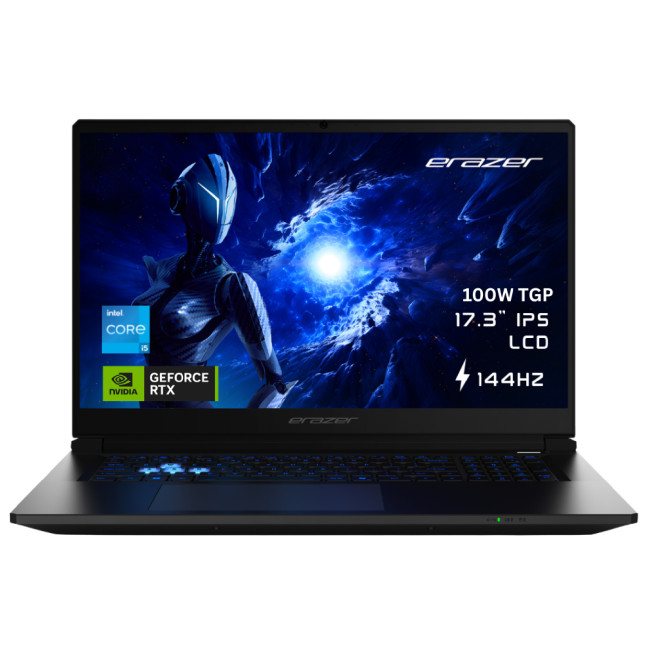
Key Specifications
- Processor: Intel Core 5 210H 8-Core (2.2GHz Intel Turbo Boost up to 4.8GHz)
- RAM: 16 GB DDR5
- Storage: 1 TB SSD
- Display: 17.3" Full HD IPS (1920 x 1080) with 144 Hz Refresh Rate
- Graphics: Dedicated NVIDIA RTX 5050 (8 GB GDDR7)
- Operating System: Microsoft Windows 11 Home
- Connectivity: HDMI | USB-C | Bluetooth 5.3 | Wi-Fi 6E (802.11ax)
- Weight: 2.65 kg
Why It's a Good Option
The Intel Core 5 210H processor provides eight rapid cores and a high boost clock speed. This ensures the central task of processing match data is handled swiftly, providing excellent FM26 simulation performance.
Equipped with a generous 1TB SSD, this machine offers vast space for your save files and rapid access. This cuts out slow loading screens when moving between the tactics board and the inbox.
The 16GB of DDR5 memory is the ideal amount for RAM for Football Manager 26, allowing you to run multiple leagues and applications smoothly without system slowdown.
The 17-inch chassis of the Erazer Scout 17 naturally provides more space for cooling hardware. This helps keep the powerful Intel CPU from throttling, ensuring consistent, high-speed performance for long gaming sessions.
| An ideal desktop replacement for the serious manager who needs a large, clear screen and high core-count performance for massive databases. |
3. Acer Nitro V15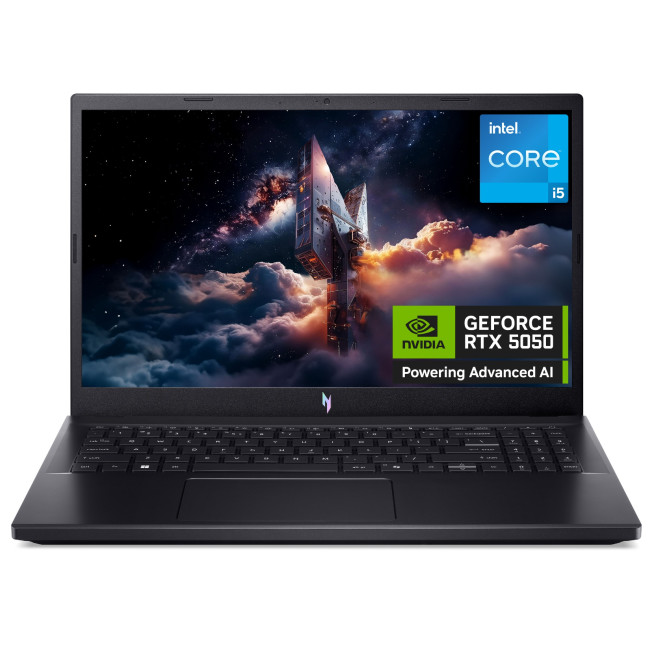
Key Specifications
- Processor: Intel Core i5-13420H Octa-Core (3.4GHz Intel Turbo Boost up to 4.6GHz)
- RAM: 16 GB DDR4
- Storage: 1 TB SSD
- Display: 15.6" Full HD (1920 x 1080) IPS, 165 Hz
- Graphics: Dedicated NVIDIA GeForce RTX 5050 with 8 GB GDDR7
- Operating System: Microsoft Windows 11 Home
- Connectivity: HDMI | USB-C | Bluetooth 5.2 | Wi-Fi 6 (802.11ax)
- Weight: 2.11 kg
Why It's a Good Option
This Acer Nitro features the capable 13th Gen Intel Core i5-13420H. With 8 cores and a max turbo speed of 4.6 GHz, this processor is a genuine workhorse, making it an excellent CPU for Football Manager speed.
It comes with 16GB of DDR4 RAM, which is a great sweet spot for memory speed. This is more than enough RAM for Football Manager 26 to handle even a sizeable number of loaded leagues.
The inclusion of a large 1TB SSD is a huge plus point, offering both ample storage and near-instant access speeds for save files and game loading.
The cooling system within the Nitro chassis is designed for gaming. It efficiently manages the heat from the CPU and GPU, ensuring that the machine maintains peak performance needed for sustained FM26 simulation performance laptop play.
| A perfect all-rounder that provides top-tier processing power and huge storage capacity without compromising on the budget. |
4. ASUS TUF Gaming A16 (2025)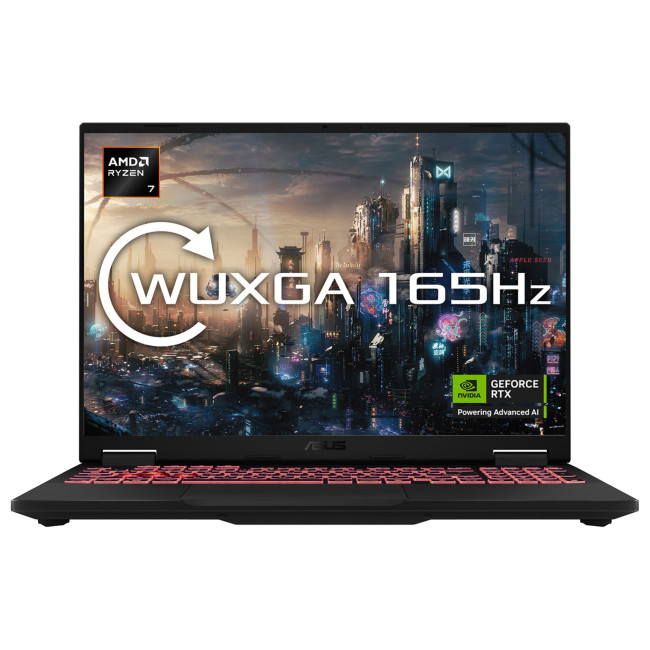
Key Specifications
- Processor: AMD Ryzen 7 260 Octa-Core (3.8GHz AMD Turbo Boost up to 5.1GHz)
- RAM: 32 GB DDR5
- Storage: 1 TB SSD
- Display: 16" WQXGA (2560 x 1600) IPS, 165 Hz refresh rate
- Graphics: Dedicated NVIDIA GeForce RTX 5060, 8 GB GDDR7
- Operating System: Microsoft Windows 11 Home
- Connectivity: HDMI | USB-C | Bluetooth 5.3 | Wi-Fi 6E (802.11ax) | USB 3.2 Type-A
- Weight: 2.2 kg
Why It's a Good Option
Powered by the AMD Ryzen 7 260, this laptop delivers exceptional speed with a high turbo boost of 5.1 GHz. This processing power is crucial for the complex, single-threaded operations that drive FM26 simulation performance.
A huge 32GB DDR5 memory ensures you have maximum capacity. This means you can load every league you want, future-proofing your RAM for years of career growth in FM26.
The 1TB SSD provides fast storage, and the TUF build quality is known for its durability. This rugged design is reliable for managers who need a machine that can handle both heavy data crunching and travel.
The cooling on the A16 is effective, using a large exhaust design to keep the CPU temperatures low. This allows the CPU to consistently run at its top speed for a seamless, lag-free experience.
| Best for the committed manager who runs massive, long-term career saves and requires maximum reliability and future-proof components. |
Top 4 Gaming PCs for Football Manager 26
For the ultimate desk-based setup, a desktop PC offers superior power-to-price ratios, better cooling, and easier future upgrades. These are our top picks for the best PCs for Football Manager 26.
1. Medion Erazer Bandit P20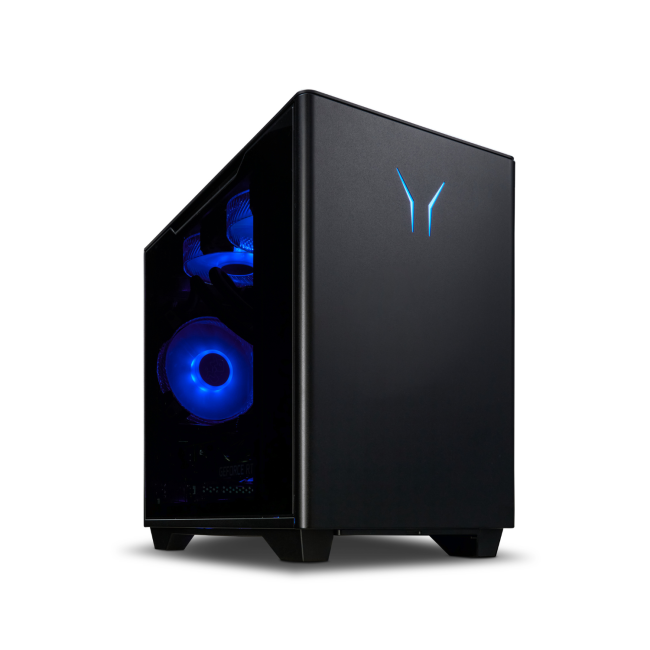
Key Specifications
- CPU: Intel Core i5-14400F (10-Core, up to 4.6 GHz Turbo)
- RAM: 16 GB DDR4
- Storage: 1 TB SSD
- GPU: NVIDIA GeForce RTX 5060 Graphics (8 GB GDDR7)
- Operating System: Microsoft Windows 11 Home
- Connectivity: USB 2.0 | USB 3.0 | USB 3.2 Type C | HDMI | Wi-Fi | Gigabit Ethernet | DisplayPort
- Weight: 7.5 kg
Why It's a Good Option
The Intel Core i5-14400F offers a modern 10-core architecture. This ensures that the processor can handle the complexity of running multiple leagues smoothly, giving a solid FM26 simulation performance.
With 16GB of DDR4 memory, this machine hits the sweet spot for RAM for Football Manager 26. This capacity lets you load a large save database without seeing the performance drop-offs experienced with 8GB systems.
The 1TB SSD provides plenty of space for your game library and guarantees very fast loading times. You can boot up your system and jump into your career save in seconds.
This PC provides great value, balancing a strong CPU for Football Manager with a highly capable GPU. It is an excellent budget PC for FM26 that feels anything but budget when you see the rapid performance on matchday.
| A perfect, reliable budget PC for FM26 that gives high simulation speed for the lowest cost, making every penny count. |
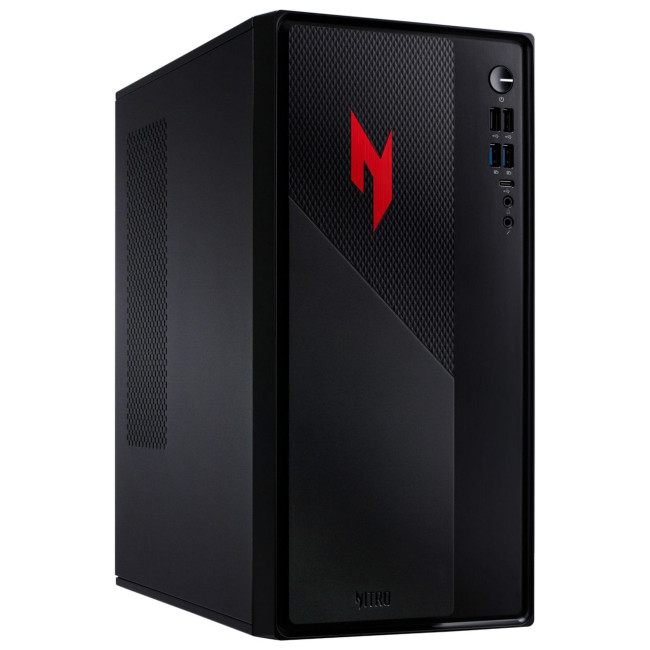
2. Acer Nitro N20
Key Specifications
- CPU: Intel Core i5-13420H (8 Cores, up to 4.6 GHz)
- RAM: 16 GB DDR4
- Storage: 512 GB SSD
- GPU: NVIDIA GeForce RTX 5060 (8 GB GDDR6)
- Operating System: Windows 11 Home
- Connectivity: USB | USB-C | 3.5mm Line In | Ethernet (LAN) Input | Audio in/out
- Weight: ~7.3 kg
Why It's a Good Option
This Acer Nitro N20 features the 13th Gen Intel Core i5-13400F, a powerful 8-core chip. With a boost speed of 4.6 GHz, this provides excellent single-core speed, which is key for a brilliant FM26 simulation performance.
The 16GB of DDR4 RAM meets the Football Manager 26 recommended specs comfortably. It ensures a highly responsive experience when juggling scouting reports, training schedules, and in-game adjustments.
A large 512 GB SSD is included, offering fantastic loading and saving speeds. This eliminates one of the most frustrating parts of using older machines and greatly enhances game flow.
The tower design and its cooling ensure the CPU can maintain its high clock speed consistently. This makes the Acer Nitro N20 one of the best budget gaming PCs alternatives for any manager looking for speed and value.
| Ideal for the serious manager who wants reliable, fast simulations and a machine that is ready for other demanding games. |
3. Lenovo LOQ Tower 17IAX10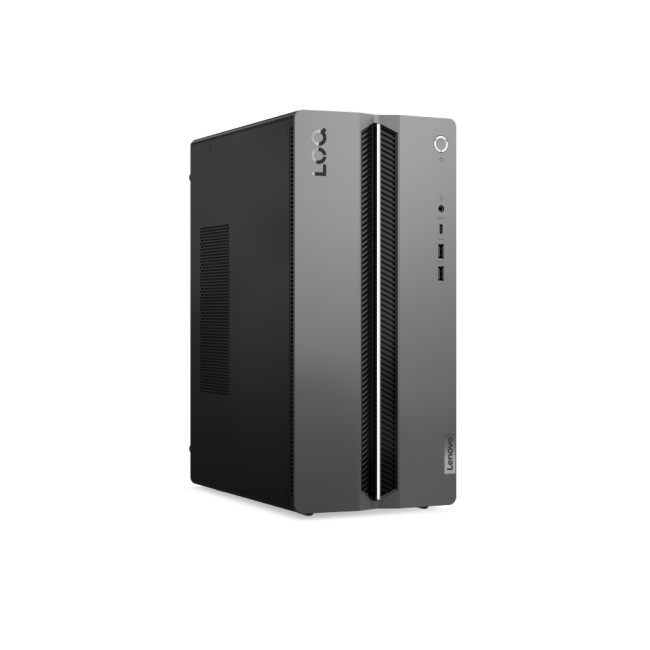
Key Specifications
- CPU: Intel Core Ultra 7 255HX (20-Cores, up to 5.2 GHz)
- RAM: 16 GB DDR5
- Storage: 1 TB SSD
- GPU: NVIDIA GeForce RTX 5060 (8GB GDDR7)
- Connectivity: USB 3.2 | HDMI | USB-C | Bluetooth 5.2
- Operating System: Windows 11 Home
Why It's a Good Option
The Lenovo LOQ Tower uses a modern Intel Core Ultra 7 255HX with 20 cores. The high clock speed ensures lightning-quick processing, making it an excellent CPU for Football Manager that handles multi-tasking easily.
It comes with 16GB of fast DDR5 memory, which is the perfect amount of RAM for a competitive experience. This memory capacity allows you to load multiple major leagues without slowdown.
The 1TB SSD ensures incredibly rapid data access. This significantly speeds up saving, loading, and moving between screens, making your managerial workflow smooth.
The tower design offers superior airflow compared to a laptop, keeping the components cool. This is a brilliant machine that offers competitive speed and is one of the best PC for Football Manager 26 options for a focused home setup.
| An ideal, powerful machine for the serious manager needing top-tier CPU performance and a speedy SSD for a clutter-free, fast home setup. |
4. HP OMEN 35L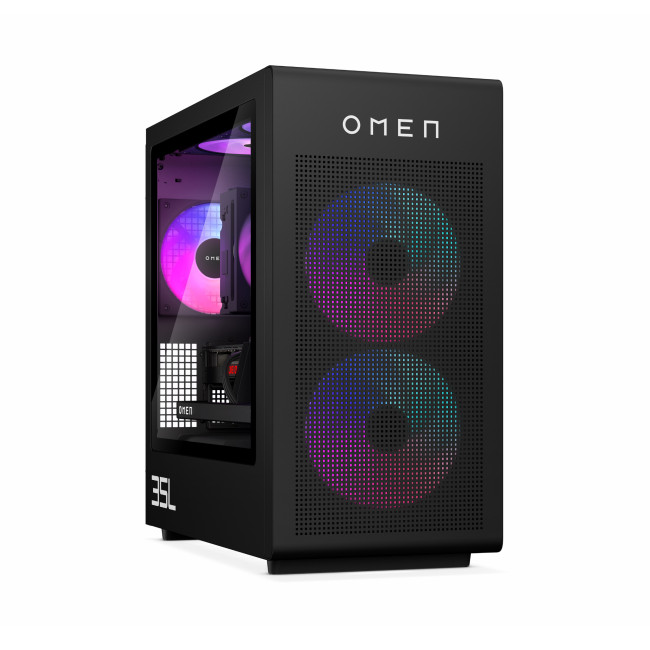
Key Specifications
- Processor: Intel Core Ultra 7 265K 20-core (1.4GHz, Turbo Boost up to 5GHz)
- RAM: 32 GB DDR5
- Storage: 1 TB SSD + 1 TB HDD (Total: 2 TB)
- GPU: Dedicated NVIDIA GeForce RTX 5070 (12 GB GDDR7)
- Operating System: Windows 11 Home
- Connectivity: Bluetooth | Wireless LAN | Ethernet | USB Ports | DisplayPort | Audio Ports
- Weight: 14.5 kg
Why It's a Good Option
This HP OMEN is a powerhouse built around the new Intel Core Ultra 7 265K. With 20 cores and a high boost of 5.5 GHz, this is a top-tier CPU for Football Manager, guaranteeing minimal waiting times.
It boasts a massive 32GB DDR5 RAM. This is far above the Football Manager 26 recommended specs and ensures the PC easily handles the largest databases and multitasking.
The OMEN 35L uses a combination of a 1TB SSD for game speed and a 1TB HDD for mass storage. This gives you instant load times and huge space for all your career saves and media.
Crucially, this desktop features liquid cooling for the CPU. This sophisticated cooling system is essential for keeping the high-end processor running at its maximum speed without overheating, providing flawless FM26 simulation performance. This is arguably the best PC for Football Manager 26 available today.
| The top choice for the enthusiastic manager or streamer who demands zero waiting time and the fastest simulation speeds available, season after season. |
Smart Savings: The Refurbished Laptop & PC Advantage for Managers
If you are looking for the absolute best value for your money, do not overlook refurbished gaming laptops and PCs for Football Manager 26. Since FM26 relies heavily on the CPU and RAM, older, high-end gaming machines can offer incredible speed at a lower price.
A professionally refurbished machine often features a potent previous-generation Intel Core i7 or AMD Ryzen 7 CPU, paired with 16 GB of RAM and a fast SSD—exactly the components FM needs. These machines are rigorously tested and provide fantastic FM26 simulation performance for a fraction of the cost of a brand-new model, making them a smart and sustainable choice for any savvy manager.
Find the perfect deal on refurbished gaming PCs and refurbished gaming laptops for FM26 today.

Finding the Right Balance
Finding the best machine for Football Manager 26 is a matter of balancing your budget with your ambition.
Whether you opt for a sleek gaming laptop or a powerful desktop PC, the guiding principle remains the same: prioritising a strong CPU and ample, fast RAM is the key to achieving lightning-fast simulation times.
The gaming laptops and PCs for Football Manager 26 listed above offer a fantastic combination of components that will ensure your manager career progresses quickly and smoothly. By choosing one of these high-performance options, you’re investing in years of uninterrupted, enjoyable managing.
Explore the best deals on FM26 gaming PCs and laptops at Laptop Outlet today.

What Else You Need to Know (Before You Buy)
Is a dedicated graphics card really needed for Football Manager 26?
No. A dedicated GPU is useful for the 3D match engine, but FM26's core speed relies on the CPU and RAM. A mid-range GPU is more than sufficient.
How much RAM is enough for a large FM26 database?
16 GB of RAM for Football Manager 26 is considered the sweet spot for handling a large database and maintaining smooth performance while multi-tasking.
What is the best CPU for Football Manager 26?
A modern Intel Core i7 or AMD Ryzen 7 with numerous high-performance cores is ideal, as the game heavily relies on CPU power for parallel processing simulations.
How does an SSD help with Football Manager?
An SSD (Solid State Drive), especially an NVMe one, drastically cuts down on game loading times, saving data, and transitioning between screens when accessing the large game database.
Can I play Football Manager 26 on a budget gaming laptop or PC?
Yes, modern budget PCs for FM26 or entry-level gaming laptops with a modern Intel Core i5 or AMD Ryzen 5 CPU and 16GB RAM are perfectly capable of handling medium-sized saves.
Can I spread out the cost of my new Football Manager 26 PC or laptop?
Yes, Laptop Outlet offers flexible payment options. PayPal Pay in 3 lets you split your purchase into three interest-free payments, and various Klarna methods, including Pay in 3 instalments, are also available at checkout.
Related Articles

Published: August 28, 2025
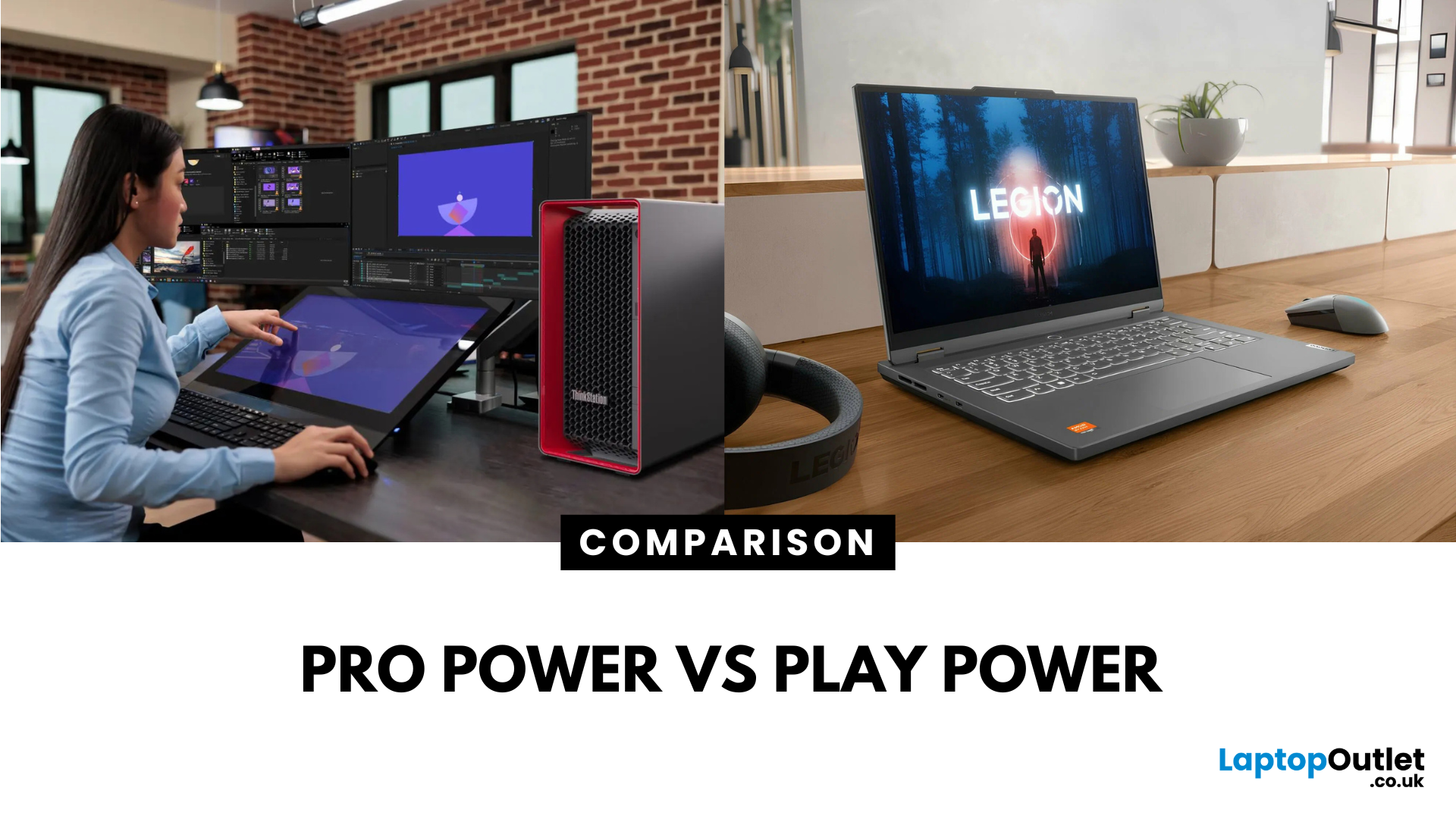
What’s the Difference Between ThinkStation and Legion?
- ThinkStation: Lenovo’s workstation family built for engineers, architects, 3D designers, and data scientists. They pack workstation-grade CPUs like Xeon or Threadripper PRO, professional GPUs (NVIDIA RTX A-series/Quadro), and ISV certifications for apps like AutoCAD, Revit, and Adobe.
- Legion: Lenovo’s gaming laptop and desktop range focused on powerful consumer GPUs (RTX GeForce series), high refresh-rate displays, and RGB-loaded designs that deliver epic gaming and streaming performance.
Feature Comparison Table
| Feature | ThinkStation (Workstation) | Legion (Gaming) |
| Target Audience | Professionals (CAD, AI, design, engineering) | Gamers, streamers, content creators |
| CPU Options | Intel Xeon / AMD Threadripper PRO | Intel Core i7/i9, AMD Ryzen 7/9 |
| GPU Options | NVIDIA RTX A-Series, Quadro, AMD Pro GPUs | NVIDIA GeForce RTX, AMD Ryzen |
| Display (Laptops/Desktops) | Color-accurate monitors, 4K professional setups | High refresh rate (144Hz–240Hz+), QHD/4K |
Last Updated: July 02, 2026
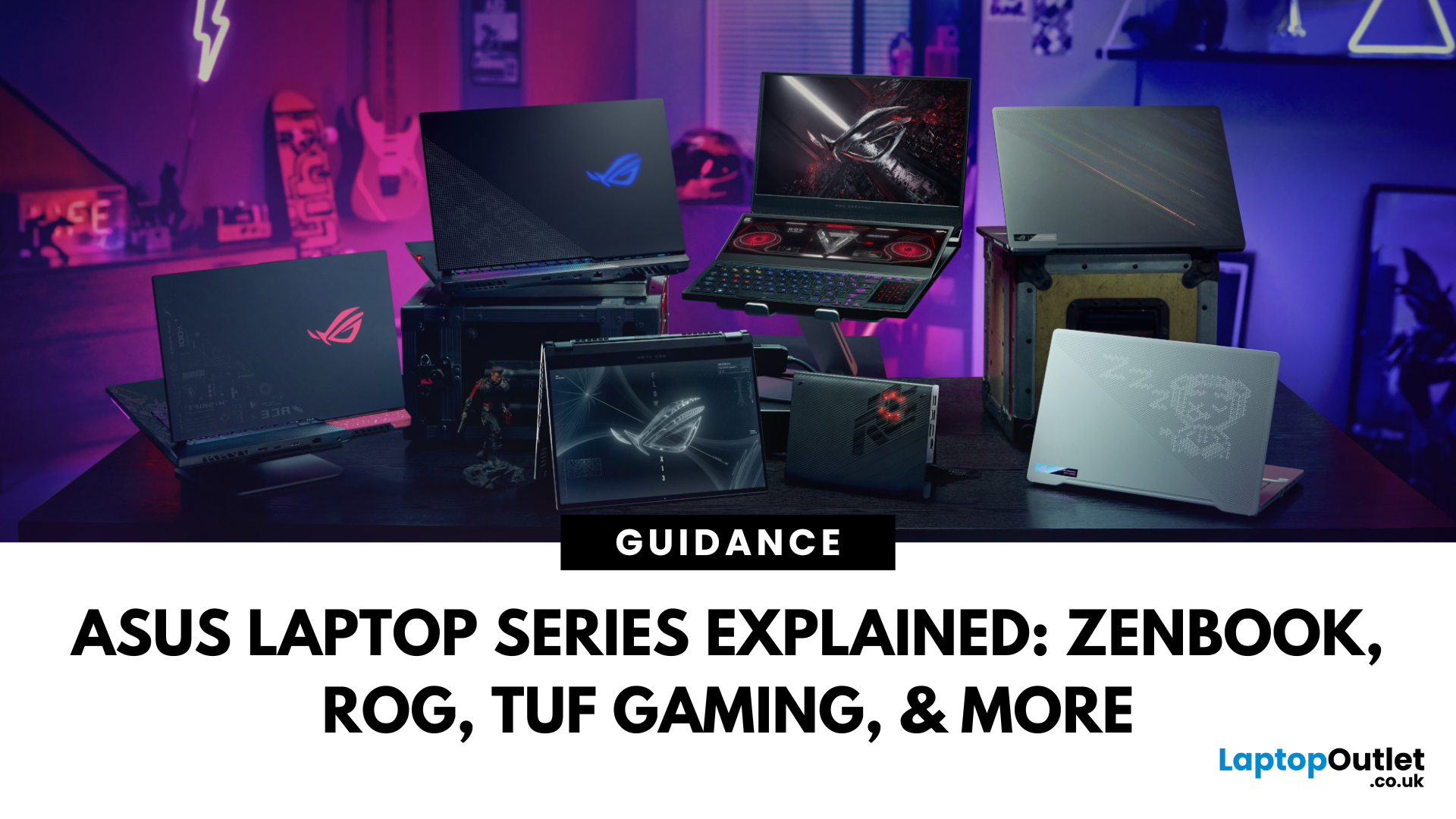
Choosing the right laptop in 2025 can feel like a challenge. With endless options in the UK market, different brands, specifications, and price points, it’s easy to feel overwhelmed. This is where ASUS makes the decision simpler. Over the years, ASUS has built a reputation as one of the most trusted technology brands by offering laptops that combine performance, reliability, and affordability.
Think about the wide variety of users today: a student who needs a lightweight laptop for lectures, a business professional who spends hours travelling, a gamer chasing the ultimate performance, or a creative tackling demanding design projects. Each has unique needs, but ASUS has carefully designed a laptop series for all of them.
In this ASUS laptop Series explained blog, we’ll explore the full 2025 lineup: ZenBook, VivoBook, ROG, TUF Gaming, ExpertBook, Chromebook, and ProArt StudioBook, so you can confidently choose the ASUS laptop that fits your life.
A Quick Overview of the ASUS Laptop Series
Published: September 01, 2025
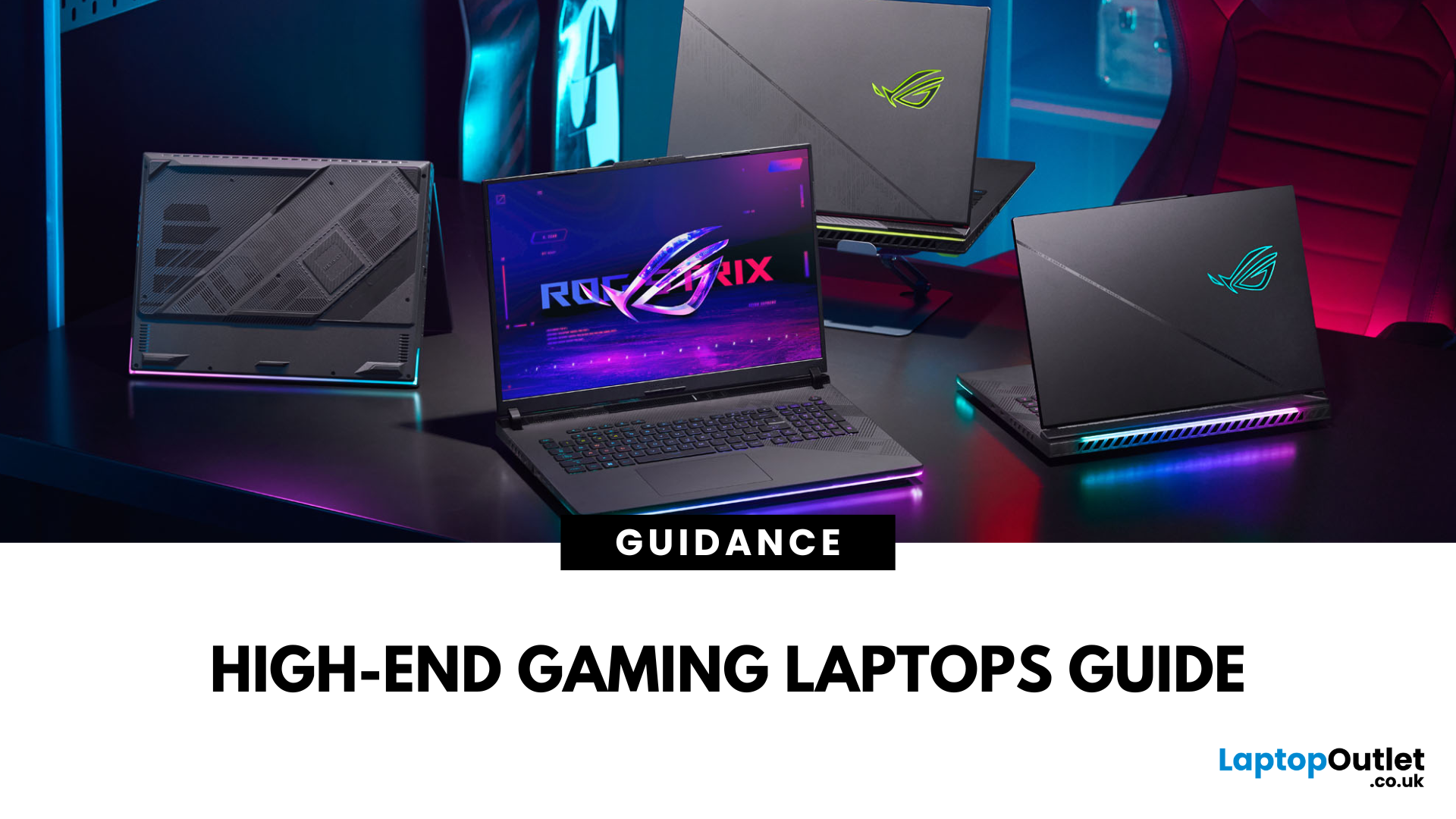
Gaming laptops have evolved massively in recent years, bridging the gap between desktop performance and portability. But what sets these devices apart from standard laptops? The answer lies in raw power: the latest processors, dedicated NVIDIA RTX or AMD Radeon GPUs, advanced cooling systems, and lightning-fast refresh rates.
In this guide, we’ll explore the best gaming laptops in the market, compare models from brands like ASUS, Acer, HP, and Lenovo, and break down what features truly matter for gaming laptop performance.
Why Choose High-End Gaming Laptops?
For serious players and professionals, only the most high-end gaming laptops deliver the speed, graphics quality, and efficiency needed to stay competitive. Before investing, it’s important to understand why powerful gaming laptops justify their price tags.
Gaming Without Limits
Unlike entry-level or mid-range models, high-end gaming laptops deliver desktop-class performance in a portable form. You can play AAA titles at ultra-settings,

Last Updated: December 23, 2025
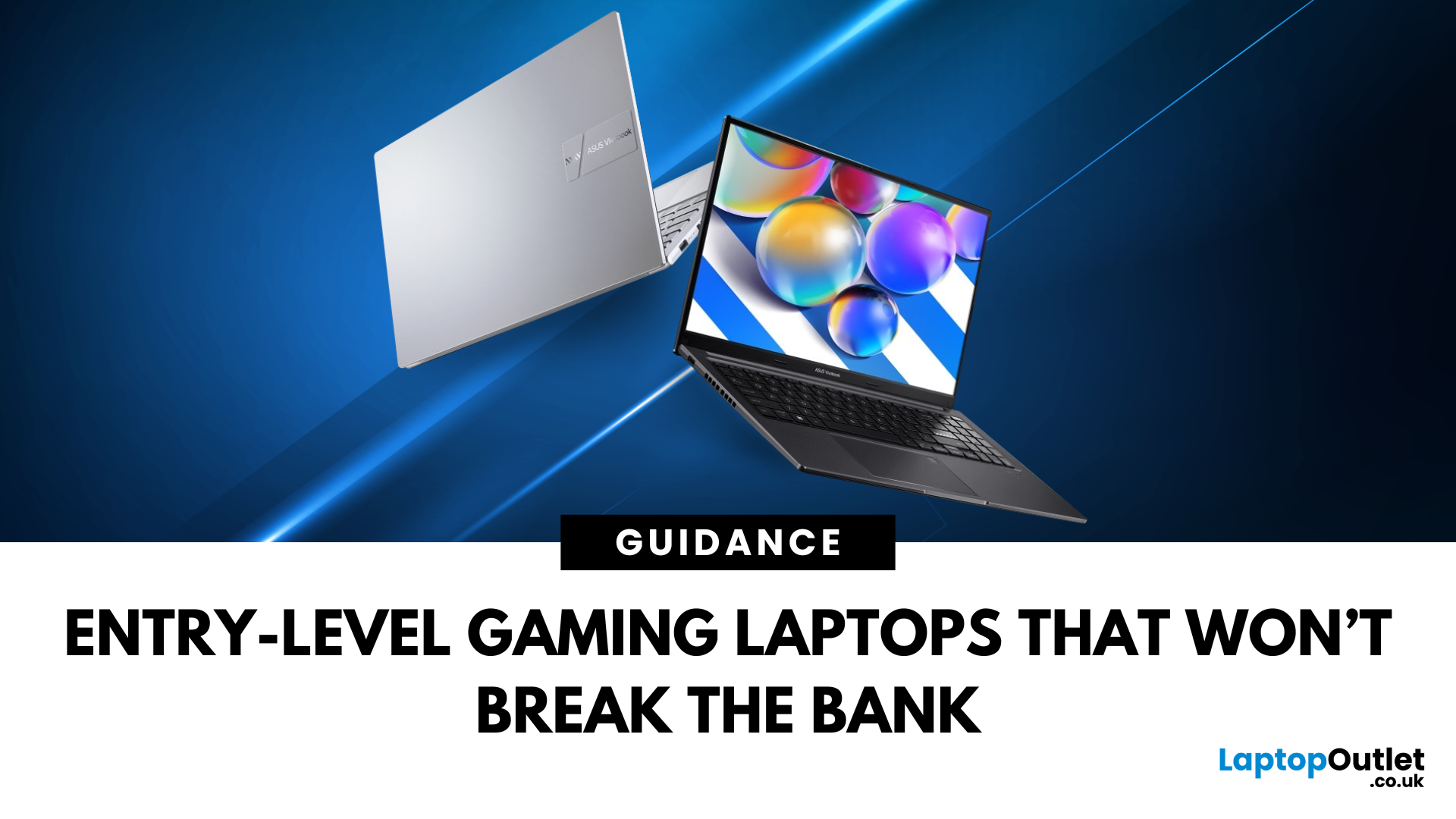
Looking for your next gaming laptop but not sure where to begin? With so many models, specs, and price points on offer in the UK, choosing the right one can feel overwhelming. That’s where a clear gaming laptop comparison comes in. In this guide, we’ll walk you through the best gaming laptops by budget, from affordable entry-level machines to powerhouse rigs, and explain the real differences between an entry-level vs high-end gaming laptop.
We’ll also highlight the latest innovations, including the new RTX 50-series GPUs (5070 through 5090), which promise up to 40% longer battery life compared to the RTX 40-series. Whether you’re into competitive eSports, streaming, or just want reliable gaming laptop performance levels without overspending, this guide will help you find the perfect fit. By the end, you’ll know exactly what to choose, even if you’re still torn between a gaming laptop vs normal laptop.
If you’re completely new to gaming laptops, we recommend starting with our guide on the
Last Updated: December 18, 2025
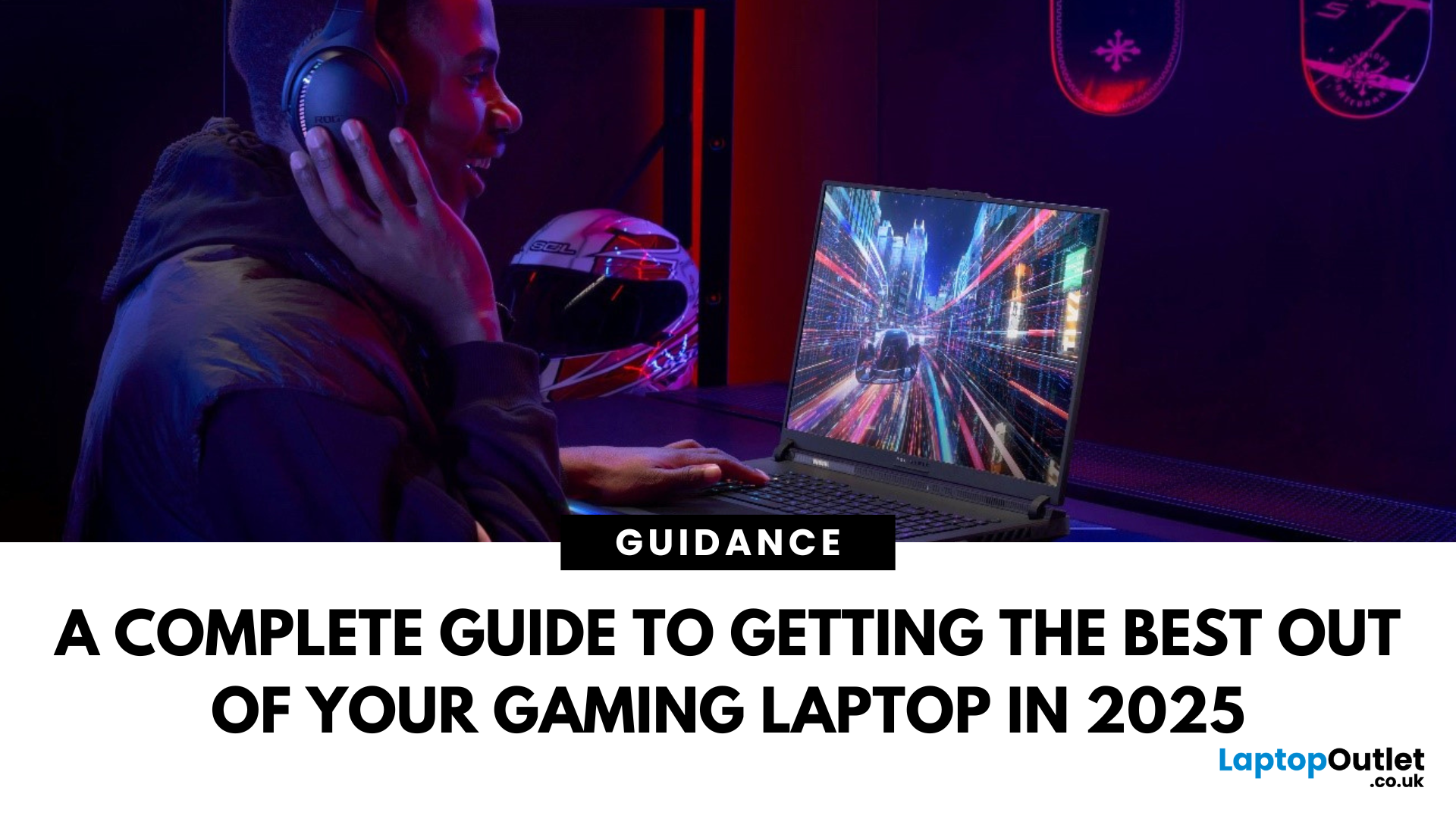
For many people in the UK, the idea of buying a gaming laptop often comes with the assumption of spending well over £ 1,000. While high-end machines certainly exist, not everyone needs them. If you’re an entry-level gamer or a student looking for an affordable option, the good news is that there are plenty of budget gaming laptops available today. These laptops are powerful enough to handle popular games, reliable enough for everyday study, and priced in a way that won’t break the bank.
This gaming laptop buying guide will take you through why cheap gaming laptops are a smart choice, what features to look out for, and some of the best options you can buy right now in the UK.
Why Choose a Budget Gaming Laptop?
If you’re just starting your gaming journey or need a laptop for both study and entertainment, a budget gaming laptop makes perfect sense. You don’t need to spend thousands to enjoy games like Fortnite, Minecraft, or League of Legends. Many modern entry-level machines can also manage
Last Updated: December 18, 2025
Gaming laptops have shifted from heavy, noisy machines to smart, efficient powerhouses. In 2025, the market is full of options that balance portability with desktop-class performance. Beyond just raw power, they now come with AI-driven optimisation, modular parts in some cases, and displays that rival high-end monitors.
This blog walks you through the key gaming laptop features that define modern gaming laptops, how to optimise them for peak performance, and the maintenance steps to ensure they stay sharp over time. Whether you’re buying your first gaming machine or tuning up a trusted companion, you’ll find practical advice here - a simple gaming laptop guide to help you choose with confidence.
1. Gaming Laptop Features: What’s Inside Matters
A. Graphics Power (GPU)
The GPU is the heart of any gaming machine. In 2025, Nvidia’s RTX 50 series (Blackwell architecture) leads the pack, offering ray tracing, DLSS 4 with frame generation, and new GDDR7 memory for faster rendering. AMD’s Radeon

Last Updated: December 18, 2025
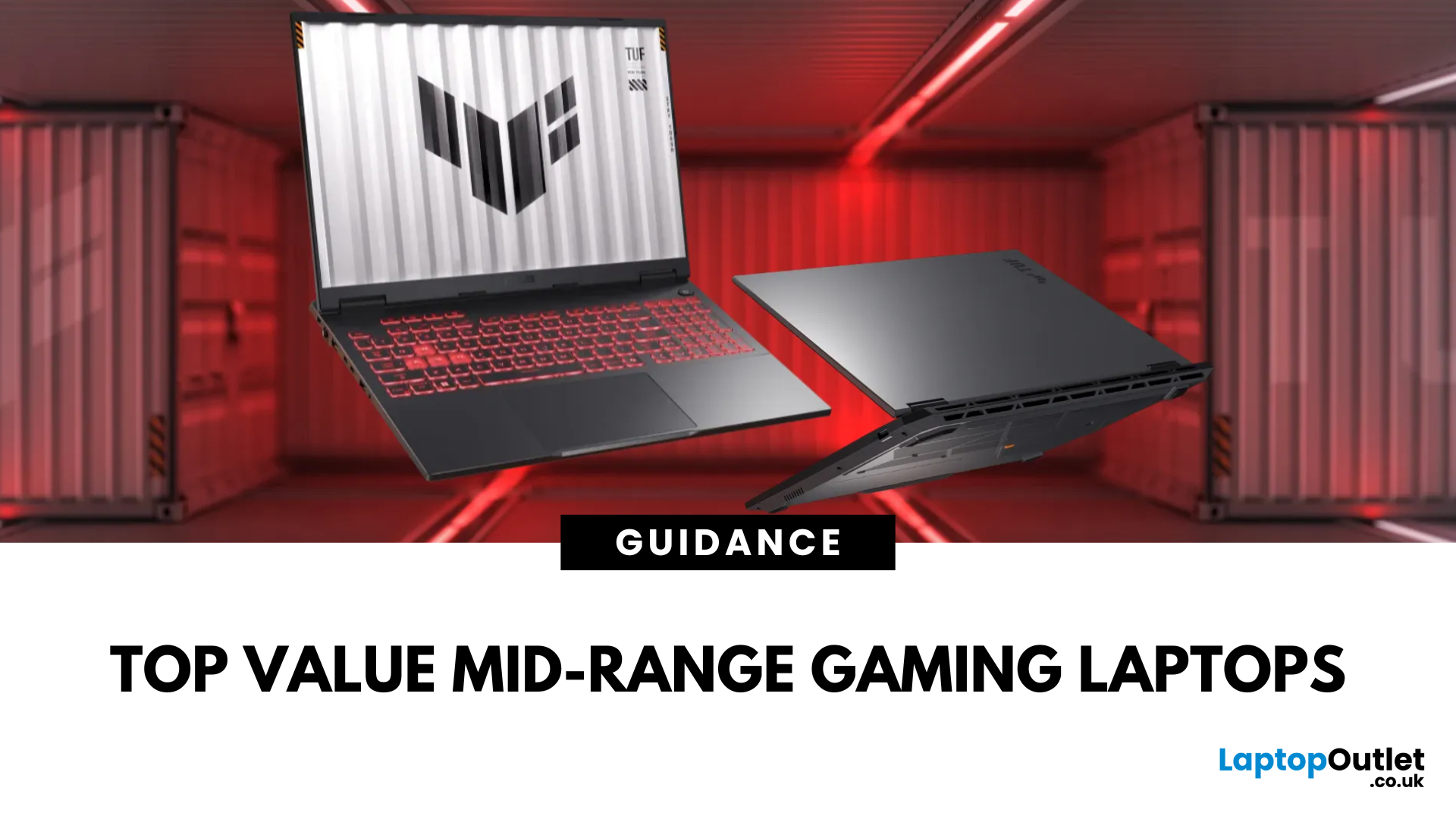
Gaming laptops have become more powerful, portable, and versatile than ever before. Whether you’re a casual gamer looking for an entry-level model or a professional streamer searching for uncompromising performance, today’s laptops can handle it all. The challenge, however, lies in choosing the right one. With multiple brands, specifications, and price ranges available, buying a gaming laptop can feel overwhelming.
That’s where this comprehensive gaming laptop buying guide comes in. We’ll walk you through everything you need to know from understanding specifications and comparing brands to evaluating design, cooling systems, and finance options.
Why You Need a Gaming Laptop Buying Guide
Before diving into comparisons and reviews, it’s worth highlighting:
- Complex Choices: With options ranging from budget vs high-end laptops, it’s easy to overspend or buy a device that underdelivers.
- Fast-Changing Technology: Every year brings new GPU and CPU upgrades, making it difficult to keep up with
Last Updated: March 17, 2026
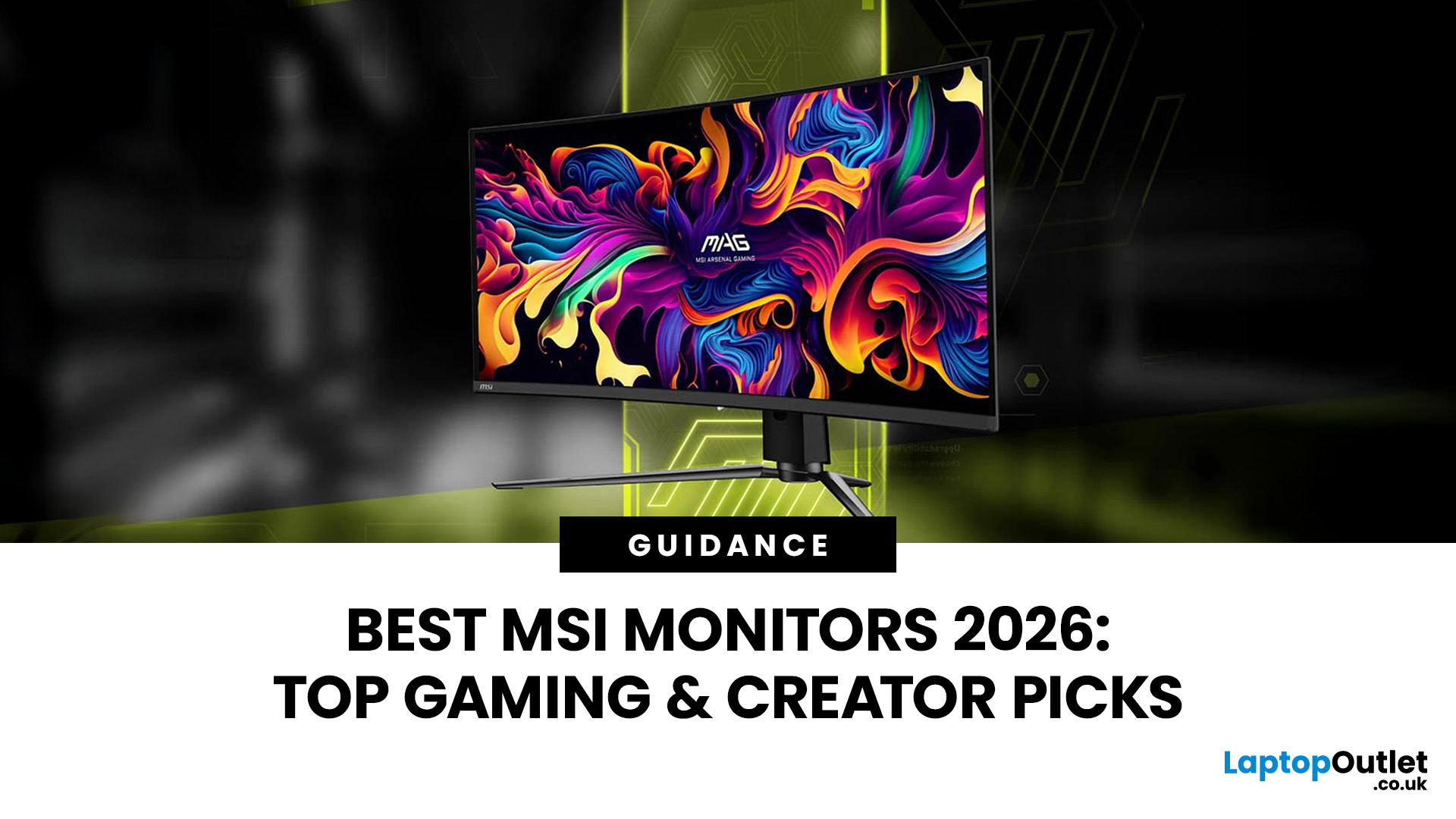
Gaming laptops have come a long way from being bulky, expensive machines reserved only for enthusiasts. Today, the market offers a wide range of choices tailored to every type of gamer, from casual players to esports professionals. But in 2025, mid-range gaming laptops out as the true sweet spot for both value and performance. If you’re looking for the best value gaming laptops, this guide will help you understand why gaming laptops under £1,300 are often the smartest choice. We’ll cover the key features to look for, compare leading brands like ASUS, Acer, HP, and Lenovo, and explore how to make the most out of your investment.
Why Choose Mid-Range Gaming Laptops?
Mid-range gaming laptops are designed to deliver powerful gaming performance without the hefty price tags of flagship models. They strike the right balance between affordability and capability, making them ideal for students, hobbyists, and even semi-professional gamers. With the latest advances in GPU and CPU technology, mid-tier
Last Updated: September 15, 2026
MSI divides its monitors into different series to suit different types of users. MAG and MPG concentrate primarily on gaming, while PRO and Modern are positioned around work, productivity and everyday computing.
Understanding these names can make MSI’s monitor line-up much easier to follow. This guide explains how the four ranges differ, what each series generally focuses on and where features such as QD-OLED, high refresh rates, USB-C and colour-focused displays fit within the wider MSI range.
Looking to compare current models and prices? Browse our MSI gaming monitors range for the latest MAG, MPG, QD-OLED, 4K and high-refresh-rate options.
What Do the MSI Monitor Series Mean?
An MSI monitor's series name gives you an indication of its intended audience, but it does not tell you every specification.
MSI currently separates its main monitor families broadly between gaming and business/productivity displays. MAG and MPG form part of its gaming range, whereas PRO and Modern focus more heavily
Last Updated: September 02, 2026
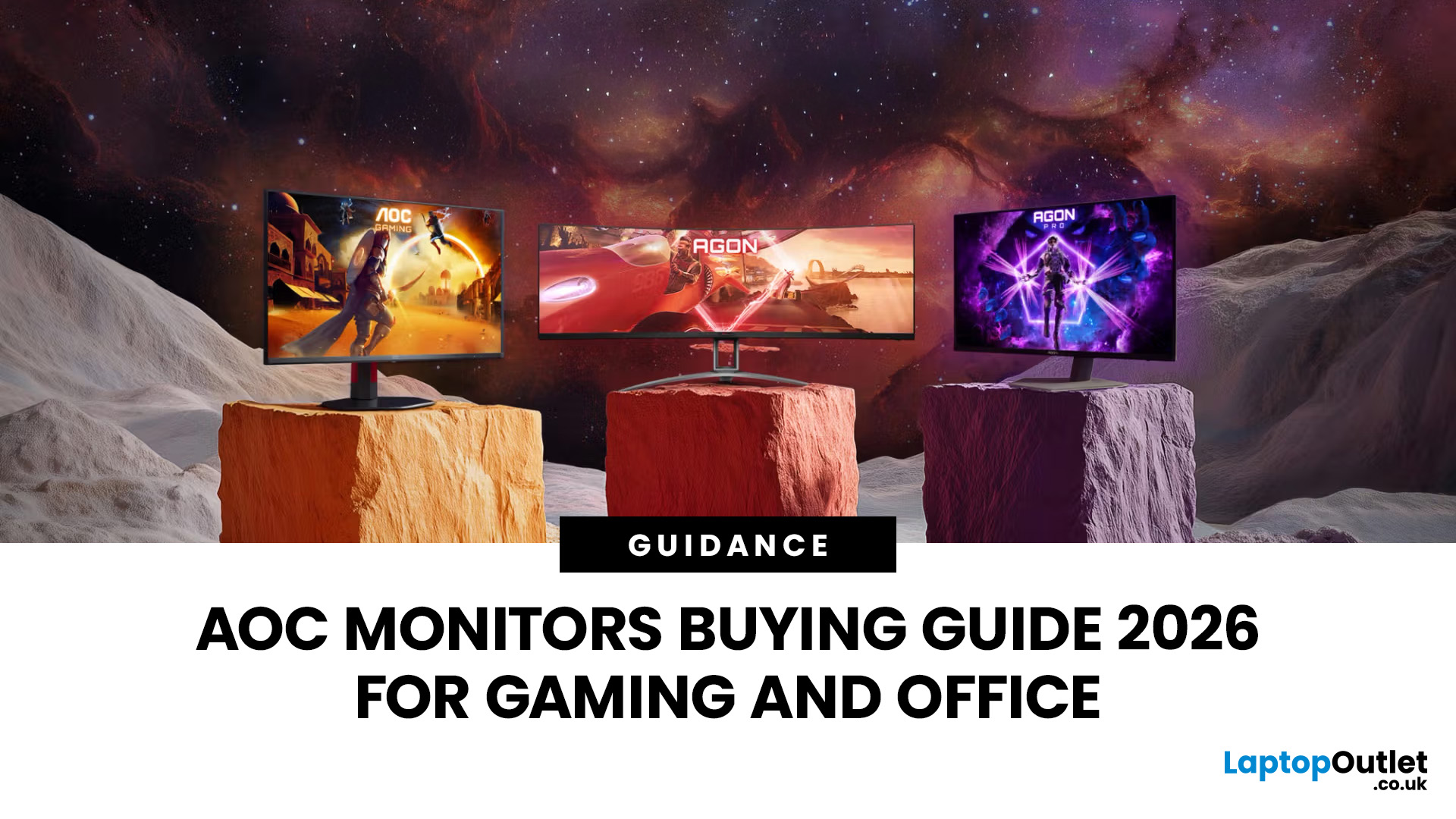
Choosing the right monitor can completely change the way you play, work, or create in 2026. Whether you’re looking for razor-sharp visuals for competitive gaming or a clear, comfortable screen for long workdays, AOC monitors for office and gaming stand out as one of the most versatile options on the UK market. Known for balancing affordability with high-end performance, AOC has become a go-to brand for gamers, students, and professionals alike.
From lightning-fast AOC gaming monitors to ergonomically designed AOC office monitors, the range is packed with options for every need and budget. Whether you want a sleek widescreen display, a powerful 4K setup, or a cost-friendly Full HD panel, there’s an AOC model for you.
Ready to level up? Let’s explore the best AOC monitors in 2026 and find the one that matches your setup.
Why Choose AOC Monitors in 2026?
- Affordable performance: Great value, even for budget AOC monitors.
- Gaming-first design: Fast refresh rates and ultra-low response times.

