



AirPods Max 2 vs AirPods Max: What’s Actually Improved?
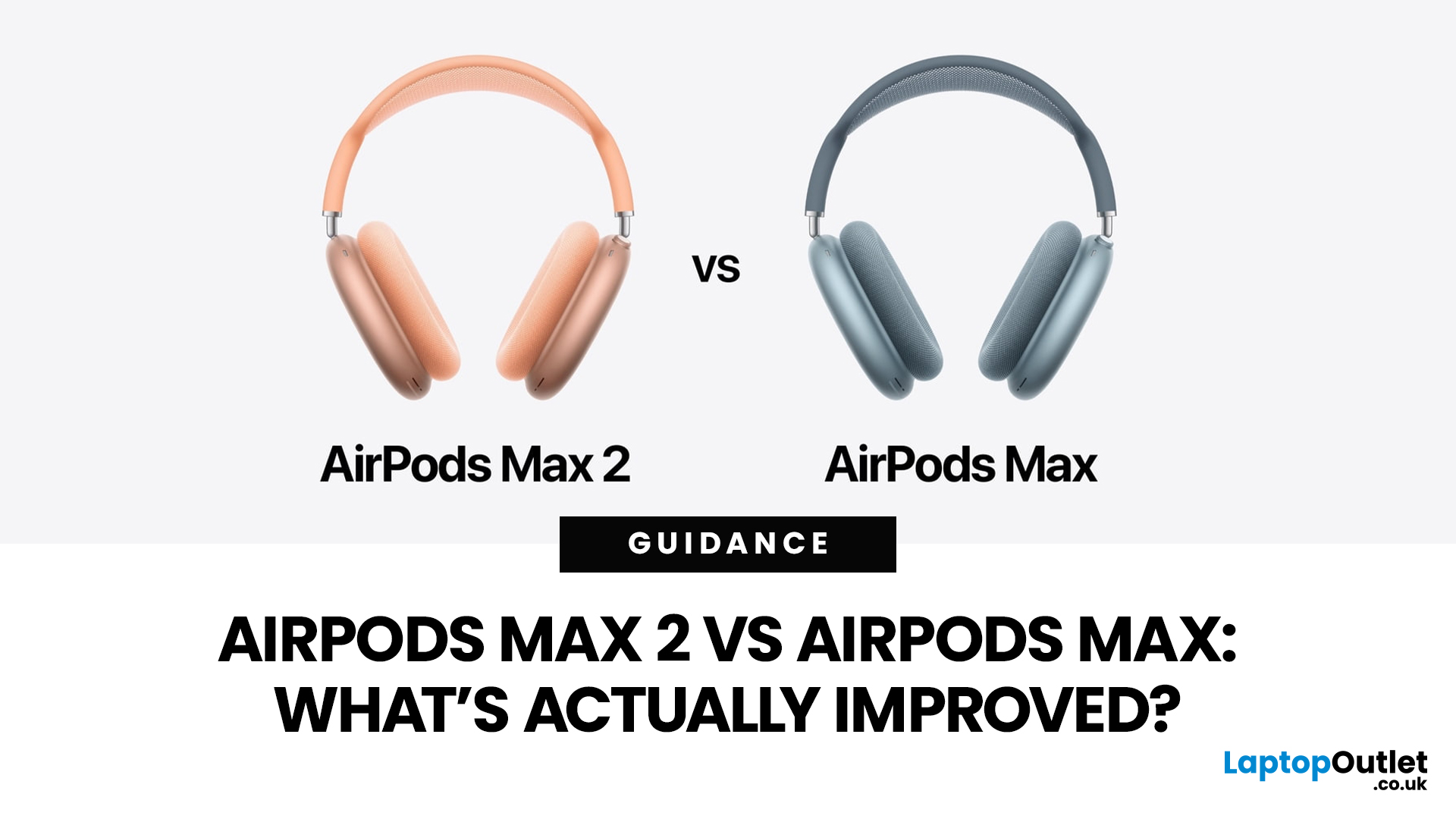
Apple has finally given its premium over-ear headphones a proper second-generation update. That matters because, for a long time, the original AirPods Max looked beautiful, sounded good, and felt very Apple, but they were also starting to feel behind the rest of the AirPods line. The 2026 release of AirPods Max 2 changes that. Apple has added the H2 chip, stronger noise cancellation, newer smart features, and a handful of quality-of-life improvements that make the headphones feel more current again.
That said, this is not a complete redesign. If you were expecting lighter materials, longer battery life, or a total rethink of the Smart Case, you were disappointed. Apple has kept the same broad design language and the same premium positioning, which means the buying decision is less about whether AirPods Max 2 looks new and more about whether the upgraded internals actually make a difference in daily use.
In this guide, we break down AirPods Max 2 vs AirPods Max in simple terms, covering sound, features, comfort, battery life, and value for UK buyers. If you want to know what has actually improved and whether AirPods Max 2 is worth it, this is the comparison to read.
AirPods Max 2 vs AirPods Max: Key Differences You Need to Know About
|
Feature |
AirPods Max |
AirPods Max 2 |
|
Original release |
2020 |
2026 |
|
Chip |
H1 |
H2 |
|
Active Noise Cancellation |
Yes |
Up to 1.5x more effective than previous generation |
|
Adaptive Audio |
No |
Yes |
|
Conversation Awareness |
No |
Yes |
|
Voice Isolation |
No |
Yes |
|
Live Translation |
No |
Yes, in beta with supported Apple devices |
|
Lossless audio via cable |
Original Lightning version: No |
Yes via USB-C |
|
Battery life |
Up to 20 hours |
Up to 20 hours |
|
Charging |
Lightning on original model |
USB-C |
|
Bluetooth |
5.0 |
5.3 |
|
Weight |
384.8g |
386.2g |
|
UK price at launch/current Apple UK listing |
£549 at original launch |
£499 |
Specifications and feature claims are based on Apple’s official technical specifications of AirPods Max 2.
The Biggest AirPods Max 2 Upgrades
The H2 Chip Is the Main Reason This Update Matters
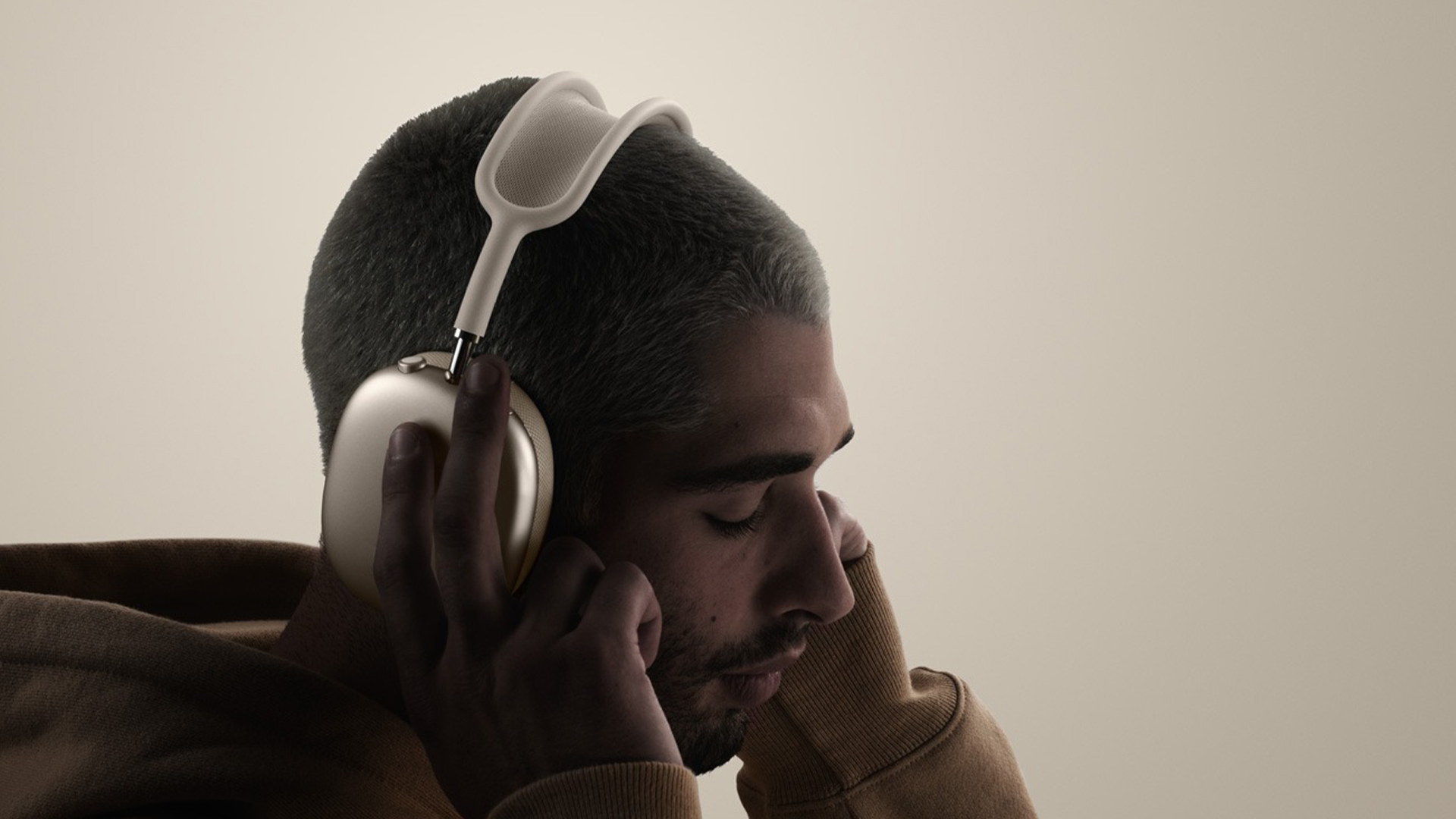
The single biggest change is the move from the H1 chip in the original AirPods Max to the H2 chip in AirPods Max 2. That sounds like a small spec bump, but in Apple’s ecosystem, it is the foundation for nearly everything that feels new. The H2 chip is what enables improved computational audio, smarter adaptive listening features, clearer voice processing, and better integration with newer Apple software experiences.
In practical terms, this means AirPods Max 2 is less about a new shell and more about a new brain. The original AirPods Max still delivers premium sound and strong build quality, but AirPods Max 2 behaves more like a modern flagship Apple audio device. That matters if you want your headphones to do more than just play music well.
If you want a closer look at how the H2 chip changes the day-to-day experience, our AirPods Max 2: Everything New with the H2 Chip Explained guide breaks down the newer features in more detail.
Noise Cancellation Has Had a Real Upgrade
Apple says AirPods Max 2 delivers up to 1.5x more Active Noise Cancellation than the previous generation. That is one of the clearest official improvements, and it is likely to be one of the most valuable in real life for commuters, frequent flyers, and anyone working in noisy spaces.
The original AirPods Max already had very good ANC, but this is one area where the category has moved on quickly. Bose and Sony have not stood still, so Apple needed to improve noise-cancelling performance in a meaningful way. If your main reason for buying premium over-ear headphones is to cut out engine noise, office chatter, and background distractions, this is probably the strongest argument in favour of AirPods Max 2.
Apple Has Finally Brought New AirPods Features to the Over-Ear Model
This is where AirPods Max 2 starts to feel much less dated. Apple has added a wide list of newer intelligent features, including:
- Adaptive Audio
- Conversation Awareness
- Voice Isolation
- Live Translation
- Personalized Volume
- Loud Sound Reduction
- Siri Interactions
- Camera Remote
- Studio-quality audio recording
Some of these are more useful than others, but several will matter to real buyers. Voice Isolation should improve call clarity in messy environments. Adaptive Audio helps the headphones respond more intelligently to your surroundings. Conversation Awareness lowers media volume when you start speaking with someone nearby. Live Translation is one of the more attention-grabbing additions, though Apple notes it is in beta and requires compatible Apple Intelligence devices and software.
This set of additions is important because it narrows the feature gap between AirPods Max and Apple’s newer in-ear products. For years, the over-ear model looked oddly behind the curve for a flagship product. AirPods Max 2 fixes much of that.
Sound Quality Has Been Refined
AirPods Max 2 uses a new high-dynamic-range amplifier and delivers cleaner sound, better instrument localisation, more accurate bass, and more natural mids and highs. Those are Apple’s claims, and they line up with the product positioning the company is pushing for creators, music fans, and premium buyers.
It would be wrong to say the original AirPods Max suddenly sound poor. It does not. The original model was already one of the better-sounding mainstream wireless over-ear headphones, especially for listeners already deep in the Apple ecosystem. But the AirPods Max 2 appears to be more polished in how it processes and presents sound, which could make the overall listening experience feel more precise and controlled, especially with Spatial Audio and newer software features.
USB-C and Lossless Audio Matter, But There Is a Catch
AirPods Max 2 supports 24-bit, 48kHz lossless audio and ultra-low latency audio over USB-C. On paper, that looks like a major headline upgrade. For some buyers, it will be. It makes AirPods Max 2 more appealing for wired listening, gaming, editing, and music production workflows.
- AirPods Max 2 supports 24-bit, 48kHz lossless audio and ultra-low latency audio over USB-C
- The USB-C first-generation AirPods Max already gained lossless and low-latency support through a 2025 firmware update
- For original Lightning AirPods Max owners, this upgrade is much more meaningful
If someone already owns the later USB-C first-generation model, wired lossless audio alone is not a strong enough reason to upgrade. If, however, you are comparing AirPods Max 2 against the original Lightning AirPods Max from 2020, the step up is much easier to justify. In that case, you are getting USB-C convenience, newer features, better ANC, and the newer H2 platform in one move.
Apple is refreshing more than just its headphones this year. You can also read our guide to Apple’s New AirTag 2 for 2026 to see whether the latest tracker update is worth the upgrade.
What Has Not Really Changed
Battery Life Is Still the Same
Battery life remains up to 20 hours on both models.
One of the most surprising non-upgrades is battery life. The original AirPods Max offered up to 20 hours of listening time, and AirPods Max 2 is still rated for up to 20 hours. That means there has been no meaningful endurance leap, at least based on Apple’s official figures.
That is a missed opportunity. In 2026, many buyers expect premium wireless headphones to push further on battery performance. So, while AirPods Max 2 gets smarter and more capable, it does not appear to go longer between charges. For travellers and long-haul users, that is worth keeping in mind.
The Design Is Familiar to the Point of Being Almost Unchanged
- Aluminium ear cups remain
- Mesh canopy remains
- Telescoping arms remain
- Overall silhouette is largely unchanged
AirPods Max 2 still looks like AirPods Max, and the general feel of a product that prioritises industrial design over portability is still very much intact.
That is not necessarily bad. The original design still feels premium and distinctive. But it does mean buyers who were hoping Apple would address the old complaints around travel practicality or rethink the Smart Case will probably be disappointed.
Weight Has Barely Changed
AirPods Max: 384.8g
AirPods Max 2: 386.2g
That is effectively the same experience on your head. This matters because weight has always been one of the more divisive parts of the AirPods Max experience. Some users love the premium feel. Others find it noticeably heavier than rivals during long sessions. AirPods Max 2 does not appear to solve that issue.
AirPods Max 2 vs AirPods Max Sound
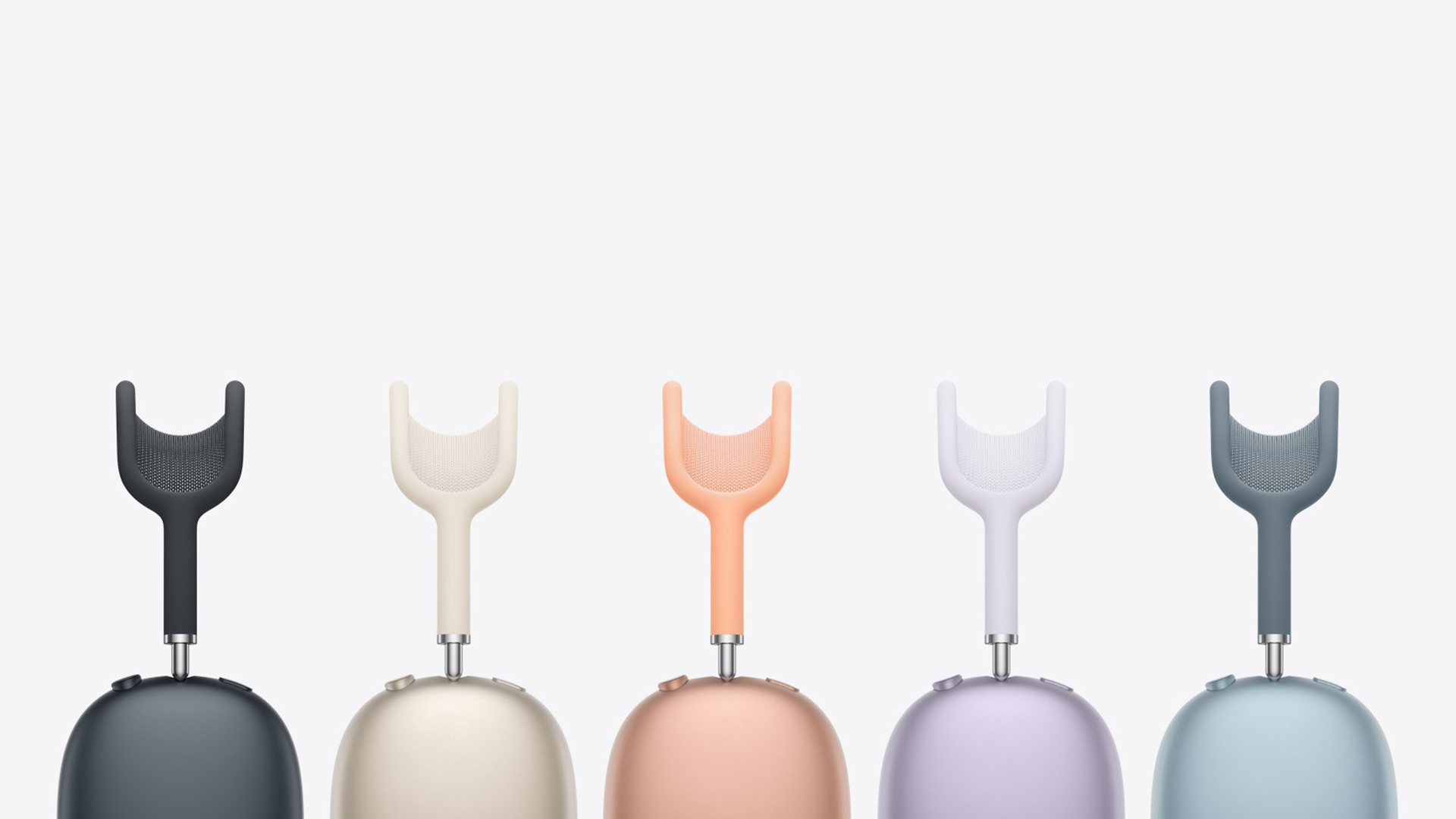
For people searching specifically for AirPods Max 2 vs AirPods Max sound, the honest answer is this: the new model should be better, but not in a way that makes the original suddenly obsolete.
The original AirPods Max already had a strong reputation for balanced, spacious sound and excellent integration with Apple features like Spatial Audio. AirPods Max 2 builds on that with a newer amplifier, updated computational audio, and H2-powered processing. Apple says this leads to cleaner playback, tighter bass accuracy, and more natural mids and highs.
So, if you care about audio quality, there is a real improvement here. It just does not look like a dramatic reinvention. Think of refinement rather than transformation. For many buyers, the bigger day-to-day gains may come from better ANC and newer smart features rather than from a night-and-day leap in pure sound signature.
AirPods Max 2 vs AirPods Max: Detailed Specs Comparison
|
Category |
AirPods Max 2 |
AirPods Max |
|
Model generation |
Second generation |
First generation |
|
Original release |
2026 |
2020 |
|
Current connector version referenced |
USB-C |
Original model launched with Lightning; later USB-C refresh exists separately |
|
Launch positioning |
Apple’s latest premium over-ear headphones |
Apple’s original premium over-ear headphones |
Audio Technology
|
Feature |
AirPods Max 2 |
AirPods Max |
|
Driver |
Apple-designed dynamic driver |
Apple-designed dynamic driver |
|
Amplifier |
Custom high dynamic range amplifier |
Not listed as custom high dynamic range amplifier |
|
Active Noise Cancellation |
Yes, with Apple claiming up to 1.5x more effective ANC than previous generation |
Yes |
|
Transparency mode |
Yes |
Yes |
|
Adaptive Audio |
Yes |
No |
|
Conversation Awareness |
Yes |
No |
|
Voice Isolation |
Yes |
No |
|
Personalized Volume |
Yes |
No |
|
Loud Sound Reduction |
Yes |
No |
|
Adaptive EQ |
Yes |
Yes |
|
Personalized Spatial Audio with dynamic head tracking |
Yes |
Spatial audio with dynamic head tracking on original model; newer Apple pages for USB-C version refer to Personalized Spatial Audio |
|
Studio-quality audio recording |
Yes |
No |
|
Lossless audio via cable |
Yes, via USB-C |
Original Lightning model: No |
Smart Features
|
Feature |
AirPods Max 2 |
AirPods Max |
|
Live Translation |
Yes, with compatible Apple Intelligence-enabled iPhone and supported software |
No |
|
Siri Interactions |
Yes |
No |
|
Camera Remote |
Yes |
No |
|
“Hey Siri” / Siri support |
Yes |
Yes |
|
On-device smart listening features |
Broader set of H2-powered adaptive features |
More limited feature set |
Chip and Processing
|
Feature |
AirPods Max 2 |
AirPods Max |
|
Headphone chip |
Apple H2 chip in each ear cup |
Apple H1 chip in each ear cup |
|
Processing generation |
Newer generation computational audio platform |
Older generation computational audio platform |
Sensors
|
Feature |
AirPods Max 2 |
AirPods Max |
|
Optical sensor |
Yes, each ear cup |
Yes, each ear cup |
|
Position sensor |
Yes, each ear cup |
Yes, each ear cup |
|
Case-detect sensor |
Yes, each ear cup |
Yes, each ear cup |
|
Accelerometer |
Yes, each ear cup |
Yes, each ear cup |
|
Gyroscope |
Yes, left ear cup |
Yes, left ear cup |
Microphones
|
Feature |
AirPods Max 2 |
AirPods Max |
|
Total microphones |
9 |
9 |
|
Mics for ANC |
8 |
8 |
|
Mics for voice pickup |
3 total, including shared ANC microphones |
3 total, including shared ANC microphones |
Controls
|
Feature |
AirPods Max 2 |
AirPods Max |
|
Digital Crown |
Yes |
Yes |
|
Volume control |
Yes |
Yes |
|
Play / pause |
Yes |
Yes |
|
Answer calls |
Yes |
Yes |
|
Mute / unmute |
Yes |
Yes |
|
Skip forward / back |
Yes |
Yes |
|
Press and hold for Siri |
Yes |
Yes |
|
Listening mode button |
Yes |
Noise control button |
|
Camera Remote via controls |
Yes |
No |
Battery and Charging
|
Feature |
AirPods Max 2 |
AirPods Max |
|
Listening time |
Up to 20 hours on a single charge with ANC enabled |
Up to 20 hours on a single charge with ANC or Transparency mode enabled |
|
Movie playback |
Apple page emphasises 20 hours listening time |
Up to 20 hours of movie playback with Spatial Audio on |
|
Talk time |
Not prominently listed on current AirPods Max 2 page |
Up to 20 hours |
|
Fast charge |
Not highlighted the same way on current Apple page |
5 minutes gives around 1.5 hours of listening time |
|
Charging connector |
USB-C |
Lightning on original model |
|
Low-power case behaviour |
Yes, Smart Case preserves battery in ultra-low-power state |
Yes, Smart Case preserves battery in ultra-low-power state |
Connectivity
|
Feature |
AirPods Max 2 |
AirPods Max |
|
Wireless standard |
Bluetooth 5.3 |
Bluetooth 5.0 |
|
Wired lossless support |
Yes, via USB-C |
No on original Lightning model |
Size and Weight
|
Feature |
AirPods Max 2 |
AirPods Max |
|
Width |
168.6 mm |
168.6 mm |
|
Depth |
83.4 mm |
83.4 mm |
|
Height |
187.3 mm |
187.3 mm |
|
Weight |
386.2 g |
384.8 g |
|
Smart Case weight |
134.5 g |
134.5 g |
Colours
|
Feature |
AirPods Max 2 |
AirPods Max |
|
Colour options listed by Apple |
Midnight, Starlight, Blue, Purple, Orange |
Original launch colours included Silver, Space Gray, Sky Blue, Pink, Green |
Is AirPods Max 2 Worth It?
Buy AirPods Max 2 if you have the original 2020 Lightning model
This is the easiest recommendation to make. If you are still using the original Lightning version, AirPods Max 2 is a much more convincing upgrade. You get the H2 chip, stronger ANC, USB-C, access to newer AirPods features, and a more future-facing platform overall.
Think Carefully if You Already Own the USB-C First-Generation Model
This is where the decision becomes less obvious.
- You already have USB-C
- You already have wired lossless and ultra-low latency support
- The main gains are better ANC and H2-powered features
- The upgrade feels more incremental than essential
If those improvements matter to you every day, the move may still be worthwhile. If not, the smarter choice may be to hold off.
It makes sense for first-time buyers who want the best Apple over-ear headphones
If you are buying into the category for the first time and want Apple’s best over-ear option, AirPods Max 2 is the version to get. It is the current model, the more capable model, and it fixes the biggest issue the original had: feeling too old for too long.
The only reason to buy the older AirPods Max instead is price. If a retailer has the first-generation model at a genuinely compelling discount, it may still represent solid value, especially for someone who mainly wants premium build quality, Apple pairing convenience, and strong everyday sound without paying top-end money.

Should You Upgrade to AirPods Max 2?
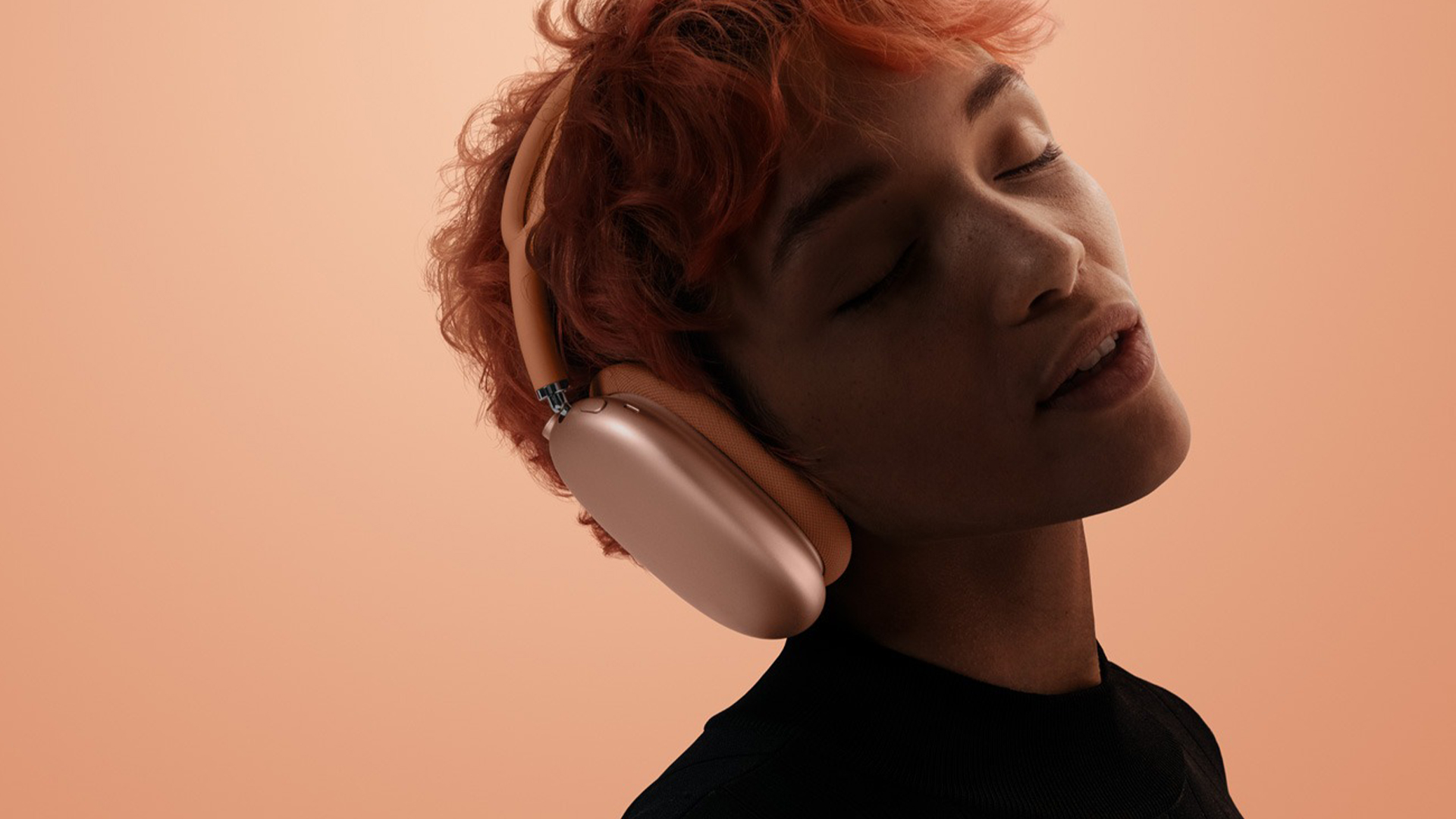
If you want Apple’s latest over-ear headphones with stronger noise cancellation, a more advanced chip, and smarter features for calls, commuting, and daily listening, AirPods Max 2 is the clear winner. It feels more complete than the original AirPods Max and more in step with what people now expect from premium headphones in 2026.
At the same time, the original AirPods Max still has a place in the market. If you find it at the right price, it can still be a smart option for buyers who care most about premium design, very good sound, and seamless pairing with Apple devices. That is especially true if you want the Apple experience without paying full flagship money.
For most shoppers, the decision comes down to value. If the price gap is small, AirPods Max 2 is the one to buy. If the older model is heavily discounted, it may offer better pound-for-pound value. That is why it makes sense to compare prices carefully and shop with a retailer that offers a strong selection, trusted service, and competitive UK deals.
At Laptop Outlet, you can explore premium audio options with value in mind and find the right Apple headphones for the way you actually use your tech.

Common Questions About AirPods Max 2 vs AirPods Max
Do AirPods Max 2 sound better?
Yes, AirPods Max 2 sounds better than the original AirPods Max, but the difference is more refinement than a dramatic overhaul. Apple says the newer model uses the H2 chip and a custom high-dynamic-range amplifier to deliver cleaner sound, more accurate bass, and more natural mids and highs. For most buyers, the biggest real-world gains will be stronger ANC and smarter audio processing.
What is the 60/60 rule for AirPods?
The 60/60 rule means listening at no more than 60 percent volume for no longer than 60 minutes at a time before taking a break. It is a simple hearing-safety guideline for AirPods and other headphones, especially if you listen every day. The wider point is to keep both volume and listening time under control to reduce the risk of long-term hearing damage.
What is the difference between AirPods Max and Max 2?
The biggest difference is that AirPods Max 2 adds the H2 chip, better Active Noise Cancellation, and newer smart features that the original model does not have. These include Adaptive Audio, Conversation Awareness, Voice Isolation, and Live Translation. Battery life remains up to 20 hours on both, so the real upgrades are in processing, features, and day-to-day usability rather than endurance.
How long do AirPods Max 2 last?
AirPods Max 2 lasts up to 20 hours on a single charge, according to Apple. That means battery life is still solid for daily use, travel, and commuting, but it is not a major improvement over the original AirPods Max. If longer battery life is your top priority, this is one area where Apple has stayed the same rather than moved ahead.
Are AirPods Max better than Dyson?
AirPods Max is the better choice for Apple users who want tighter integration with iPhone, iPad, and Mac, plus Apple-only features like Spatial Audio and adaptive listening tools. Dyson OnTrac is stronger on battery life, with Dyson claiming up to 55 hours compared with Apple’s 20 hours. So AirPods Max wins on ecosystem experience, while Dyson has the edge on stamina and customisation.
Is AirPods Max 2 worth upgrading from AirPods Max?
AirPods Max 2 is worth upgrading to if you own the original 2020 Lightning model and want better ANC, newer H2-powered features, and USB-C. If you already own the later USB-C first-generation version, the upgrade is less dramatic because some wired-audio benefits were already added before the AirPods Max 2 arrived.
Does AirPods Max 2 have better noise cancellation?
Yes, AirPods Max 2 has better noise cancellation than the original AirPods Max. Apple says the new model delivers up to 1.5x more effective Active Noise Cancellation, which makes it one of the clearest real-world upgrades for commuting, flights, and office use.
Does AirPods Max 2 have USB-C?
Yes, AirPods Max 2 uses USB-C for charging and wired audio. That makes it more convenient than the original Lightning AirPods Max and also enables wired 24-bit, 48kHz lossless audio and ultra-low latency audio over USB-C.
What stayed the same on AirPods Max 2?
AirPods Max 2 keeps several things the same, including the overall design, premium over-ear form factor, and battery life of up to 20 hours. Weight is also nearly unchanged, so the update is more about internal improvements than a full redesign.
Related Articles

Last Updated: May 23, 2025
Fresh Start for Your AirPods
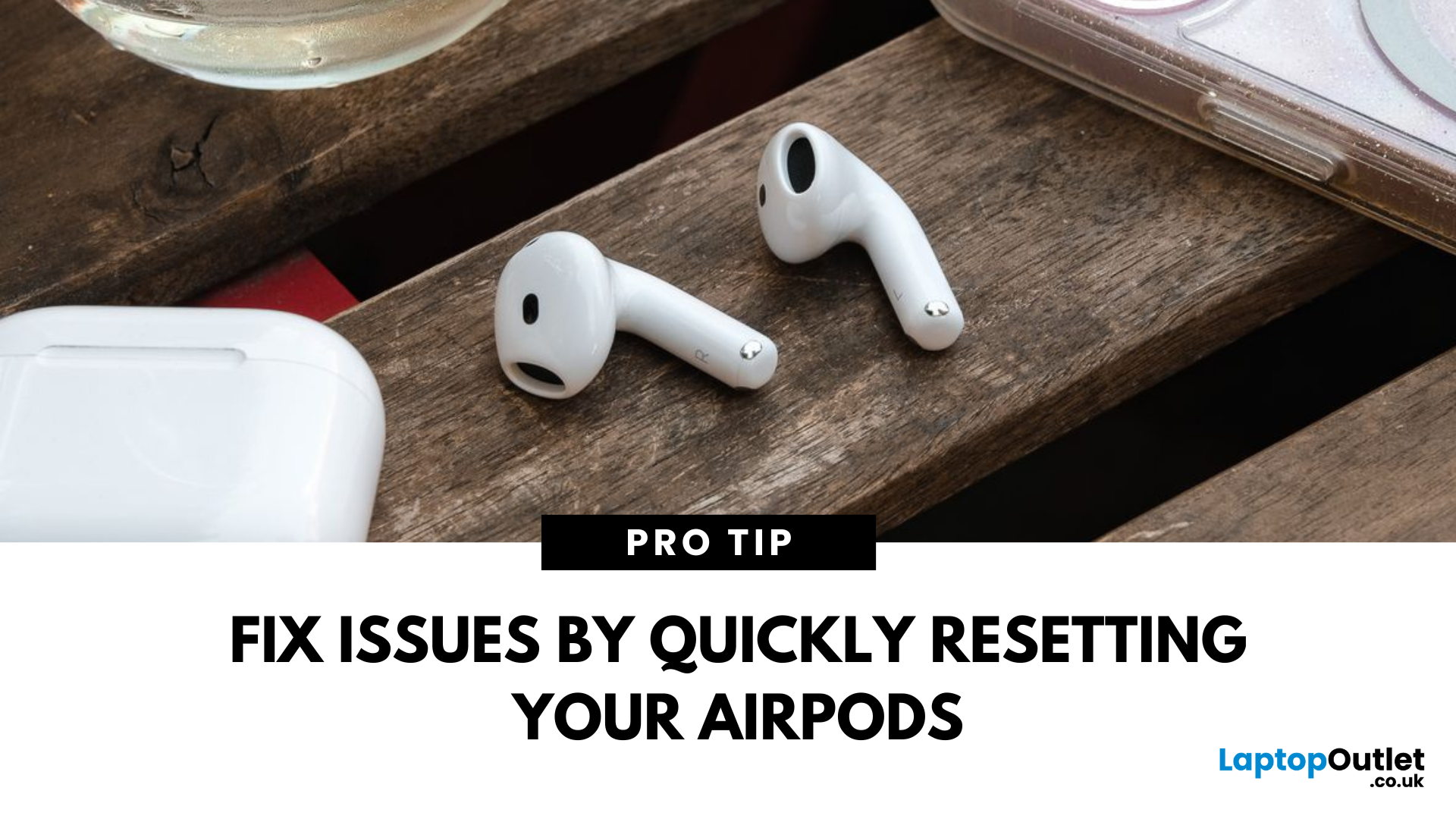
If your AirPods aren't connecting properly, won't charge, or act glitchy, a reset can usually fix the issue. Here’s a simple guide on how to reset your AirPods, AirPods Pro, or AirPods Max in just a few minutes.
1. How to Reset AirPods and AirPods Pro
Steps:
- Put both AirPods in their charging case
- Close the lid, wait 30 seconds, then open the lid
- On your iPhone or iPad, go to Settings > Bluetooth
- Tap the i icon next to your AirPods
- Tap Forget This Device and confirm
- With the lid open, press and hold the setup button on the back of the case for about 15 seconds
- Release the button when the LED light flashes amber, then white
- Your AirPods are now reset and ready to reconnect
2. How to Reset AirPods Max
Steps:
- Press and hold both the Digital Crown and Noise Control button together
- Hold for about 15 seconds until the LED flashes amber, then white
- Your AirPods Max are reset and ready for pairing
When Should You Reset Your AirPods?
Last Updated: March 30, 2026
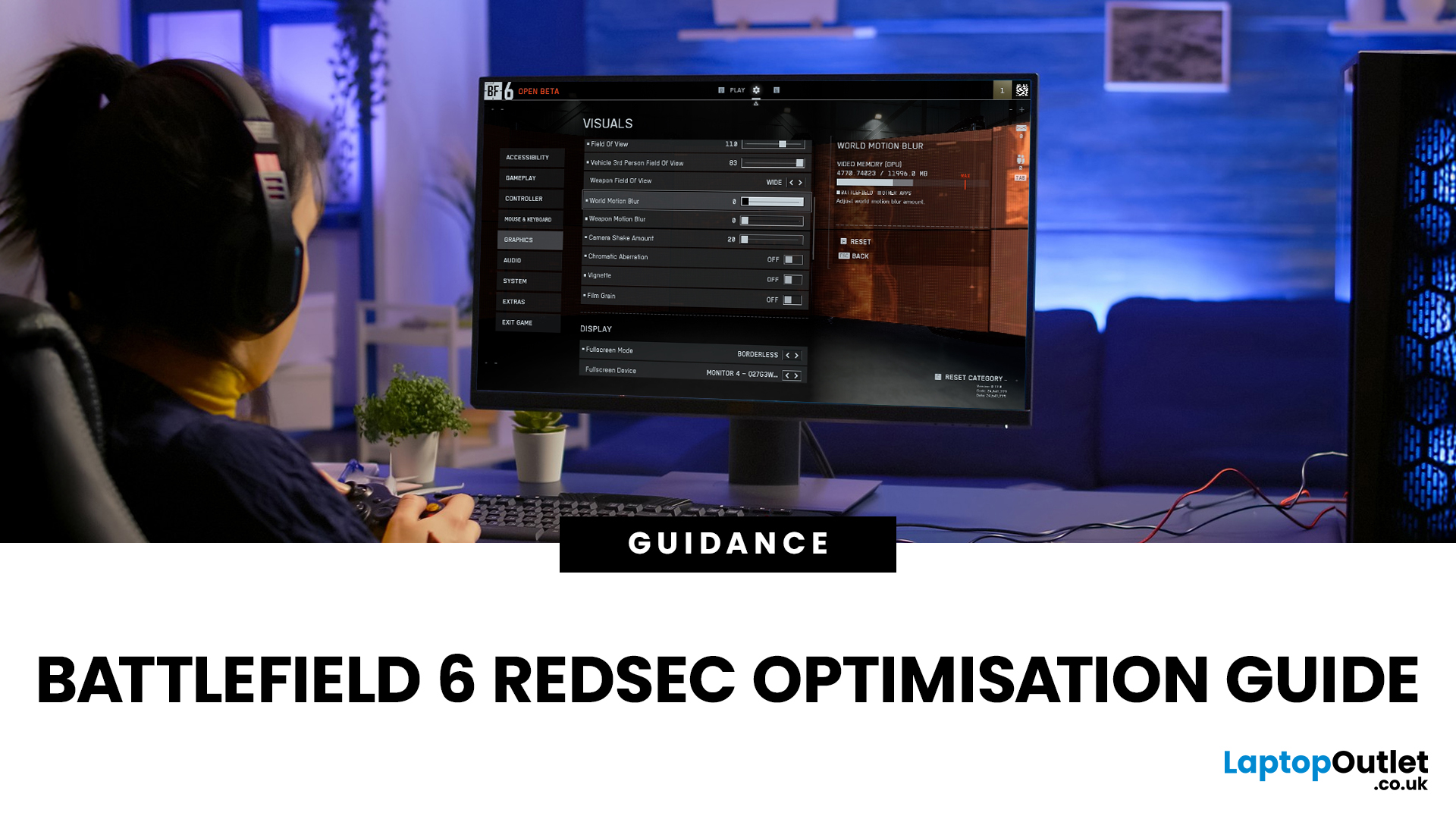
Trying to find a comprehensive optimisation guide for Battlefield 6 RedSec? You’ve come to the right place. This article dives deep into the Battlefield 6 RedSec best graphics settings, performance tweaks and controller/resolution adjustments to extract maximum FPS, clarity and responsiveness from your PC, whether you're running a high-end rig or a more modest setup.
Why Optimisation Matters in RedSec
The free-to-play battle royale mode RedSec, launched as part of Battlefield 6, demands both high performance and visual clarity. Large maps, intense firefights, vehicle chaos and destructible environments all place pressure on both GPU and CPU. This Optimisation Guide for Battlefield 6 RedSec ensures smoother gameplay, higher FPS, and fewer frame drops:
- Higher FPS → smoother gameplay, better aiming, less stutter
- Lower input latency → quicker reactions in competitive firefights
- Better visibility → fewer visual distractions, more clarity on enemies
- More consistent 1% lows → fewer dips that

Last Updated: December 12, 2025
If you are serious about PC gaming, esports, or even streaming, you will undoubtedly have heard the name HyperX. This brand is synonymous with high-quality, durable, and exceptionally comfortable gaming hardware. For nearly two decades, HyperX has set the industry standard for peripherals used by competitive gamers and everyday enthusiasts alike.
This comprehensive guide offers a complete HyperX brand overview. We will explore its origins, its current ownership under HP Inc., and break down the best HyperX gaming gear across all major categories. By the end, you will understand exactly what HyperX is about and why it remains the favourite choice for countless players globally.
The HyperX Brand Overview
To truly understand what HyperX is today, we must look at where it came from and how a massive industry shift led to a major change in ownership.
The Kingston Years (2002–2021)
HyperX was officially launched in 2002 as the high-performance division of Kingston Technology, a global leader

Last Updated: April 28, 2026
When it comes to high-performance computing, gaming realism, and creative workloads, NVIDIA graphics cards continue to set the benchmark. From immersive gaming experiences to professional-grade rendering and AI acceleration, NVIDIA’s GPUs power some of the most advanced systems on the market today. This guide explores everything you need to know about Nvidia graphics cards.
Understanding NVIDIA Graphics Cards and their Advantages
When performance matters, NVIDIA continues to lead the graphics card market with technology designed for today’s most demanding applications. From immersive gaming worlds to high-speed creative workflows, NVIDIA GeForce graphics cards deliver the power, efficiency, and visual realism modern users expect. Trusted by gamers and professionals alike, NVIDIA GPUs have become the benchmark for smooth gameplay, intelligent upscaling, and advanced rendering. What truly sets NVIDIA graphics cards apart is how each generation evolves. With smarter architecture, improved
Last Updated: September 15, 2026
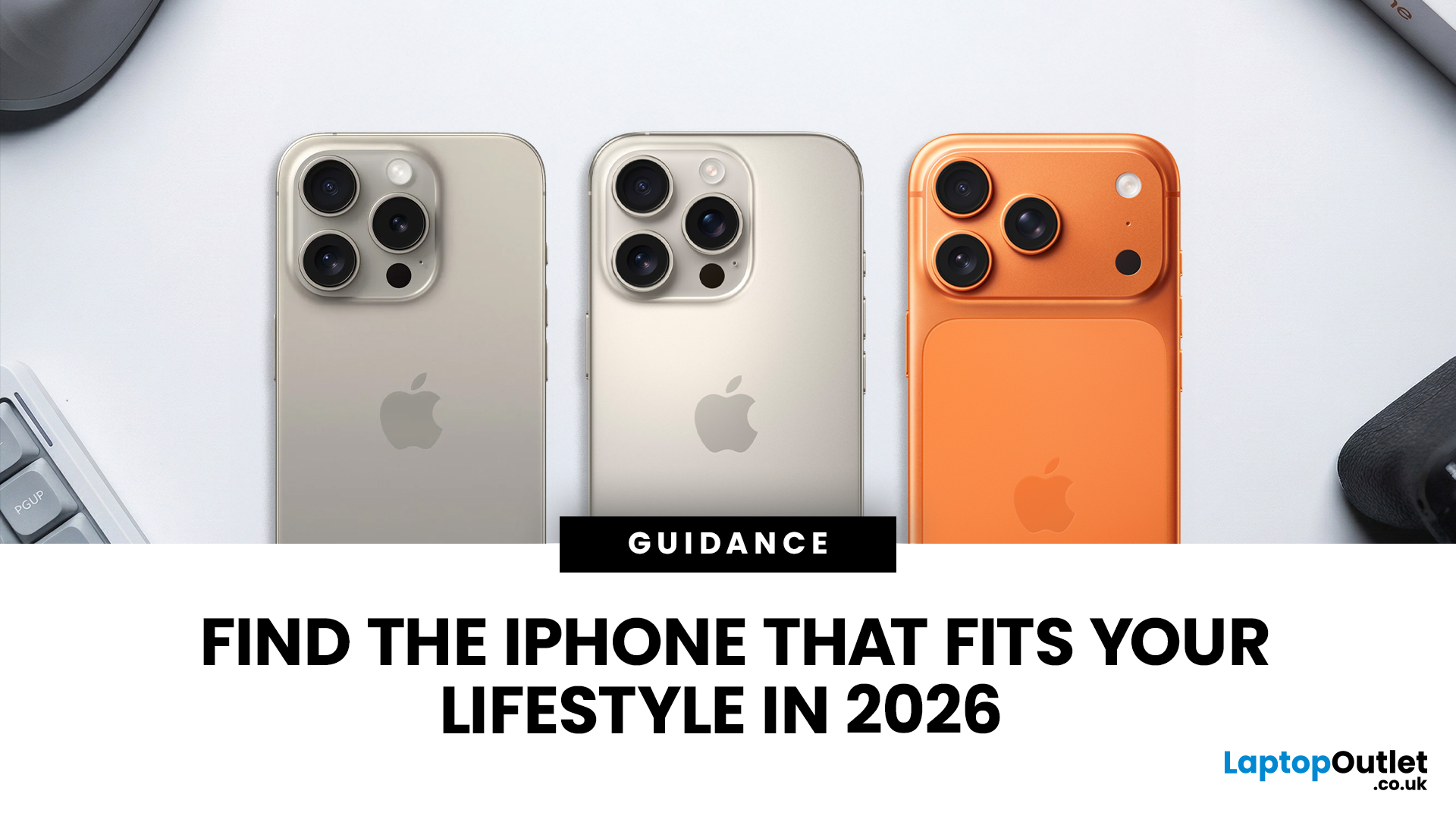
Buying an iPhone in September 2026 is a little different from earlier in the year. Apple has now announced the iPhone 18 Pro and iPhone 18 Pro Max, while the iPhone Duo brings a completely new foldable option. At the same time, the iPhone Air, iPhone 17, iPhone 17e and iPhone 16 remain available from Apple in the UK.
The best choice should not be automatically the newest or most expensive model. It depends on how much you want to spend, the size you prefer, how much you use the camera, how long you need the battery to last and whether you are comfortable waiting for a newly announced model to go on sale. This iPhone buying guide focuses on those practical differences so you can make a clear decision without paying for features you are unlikely to use.
Quick answer
Best overall for most buyers: iPhone 17. It has a 6.3-inch 120Hz ProMotion display, A19 chip, dual 48MP camera system and 256GB storage as standard.
Best premium choice: iPhone 18 Pro or Pro Max. Pre-orders open 12 September and

Last Updated: January 21, 2026
Windows tablets have quietly become one of the most practical tech buys in the UK, especially if you want proper laptop features without paying laptop money. Whether you’re studying, working remotely, or just need a flexible everyday device, a Windows tablet (or budget 2 in 1 Windows tablet) can often do the job of both a tablet and a laptop.
In this 2026 guide, we’re breaking down the best Windows tablets in the UK by price, under £300, and £500 and explaining what you can realistically expect at each level. No hype, no spec overload, just clear advice to help you spend smart.
Why Choose a Windows Tablet Instead of Android or iPad?

Before diving into budgets, it’s worth understanding why people choose Windows tablets in the first place.
A Windows tablet gives you:
- A full desktop operating system
- Proper file management (folders, drives, downloads)
- Compatibility with Microsoft Office and desktop apps
- Keyboard and mouse support
- Often, a 2-in-1 experience with detachable or foldable keyboards

Last Updated: January 21, 2026
If you’re shopping for a tablet in 2026, you’ve probably hit the same question everyone else has:
Do I need a 4G tablet, or will a Wi-Fi tablet do the job?
With hybrid work, online study, and always-on lifestyles becoming the norm in the UK, tablets aren’t just Netflix machines anymore. They’re work tools, study partners, and portable productivity hubs.
In this guide, we’re breaking down 4G tablets vs Wi-Fi tablets in a way that actually makes sense, no tech jargon overload, no outdated advice. Just real talk, real use cases, and real buying advice for the UK market.
What Actually Is the Difference Between 4G Tablets and Wi-Fi Tablets?

Let’s start simple
What Are Wi-Fi Tablets?
Wi-Fi tablets connect to the internet only when a Wi-Fi network is available, think home broadband, office Wi-Fi, cafés, libraries, or hotspots.
They’re the most common type of tablet and usually the cheapest option.
Best for:
- Home and office use
- Streaming, browsing, and casual gaming
- Students studying mainly at

Last Updated: February 13, 2026
Laptops are essential to modern life. Whether you’re working from home, studying, gaming, streaming, or running a business, your device needs to perform reliably every single day. But even the best machines can run into trouble. From frustrating slowdowns to sudden shutdowns, understanding common laptop problems can save you time, stress, and unnecessary expense.
In this comprehensive laptop troubleshooting guide, we’ll walk you through the most common laptop issues and fixes, explain what causes them, and show you practical steps to get your device back on track. Whether you’re using everyday notebook laptop or a gaming laptop, this guide will help you stay in control.
1. Slow Performance and Freezing
One of the most frustrating common laptop problems is sluggish performance. Over time, even premium notebook laptops can slow down if they’re not properly maintained. If your laptop takes ages to boot up, struggles to open applications, or freezes mid-task, you’re likely dealing with performance
Last Updated: February 19, 2026
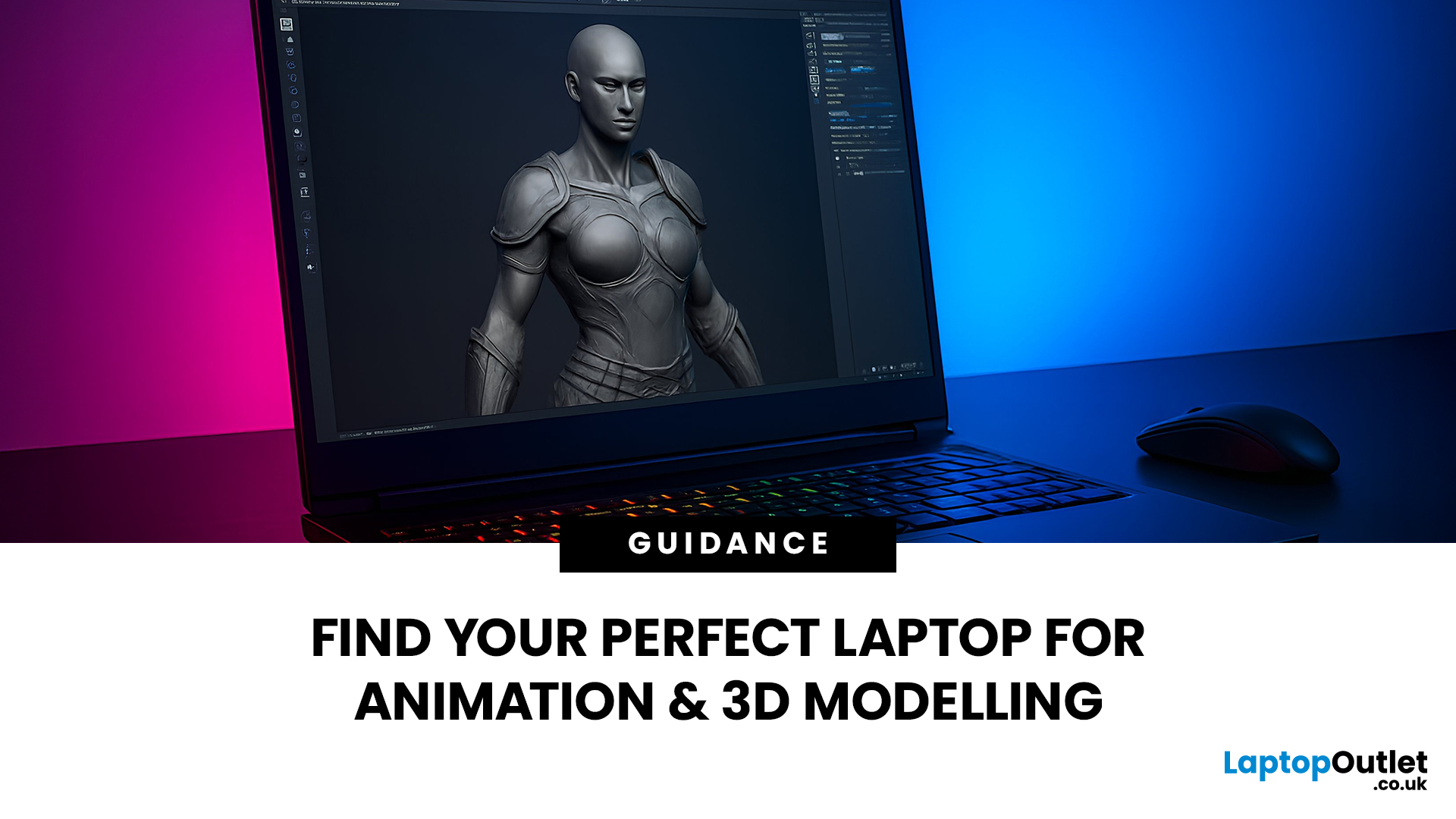
Are you a creative professional or a student looking for the perfect hardware? Choosing the right tools can make or break your workflow. Animation and 3D design are demanding tasks. They require power, precision, and reliability. In this guide, we explore the best laptops for animation and 3D modelling available today.
Why Your Hardware Matters for 3D Work?
Animation is not just about drawing. It involves complex calculations. When you work in software like Blender or Autodesk Maya, your computer handles millions of polygons. It also calculates lighting, physics, and textures in real-time.
If your laptop is too slow, you will face lag. Your software might crash. Most importantly, your rendering times will be incredibly long. High-performance 3D laptops solve these problems. They allow you to focus on your art instead of your technical issues.
To get the best results, you need a balance of components. This includes a fast processor (CPU), a powerful graphics card (GPU), and plenty of memory
Last Updated: March 04, 2026
If you’re in the UK and you’ve been waiting for an iPhone that hits the sweet spot between price, features, and longevity, the iPhone 17e is shaping up to be exactly that. Apple’s UK Store listing shows pre-orders open at 2:15 pm on 4th March, with availability from 11 March, starting at £599.
So… should you place an iPhone 17e pre-order as soon as it opens? Here are the top 5 reasons UK buyers might genuinely want to.
Quick UK iPhone 17e facts (at a glance)
- UK pre-order date & time: 2:15pm on 4th March
- UK availability: 11th March
- UK price: £599 (256GB) / £799 (512GB)
- Colours: Black, White, Soft Pink
- Standout upgrades: MagSafe (up to 15W), 48MP Fusion camera, A19 chip, Ceramic Shield 2
1) You’ll have the best shot at getting the colour + storage you actually want
Pre-orders aren’t just hype, they’re practical.
When demand spikes, it’s usually specific combinations that go first (popular colour + storage). With iPhone 17e you’ve got three colours (including the new Soft Pink) and two

