



Top 5 Reasons to Pre-Order the iPhone 17e on March 4 (UK Guide)
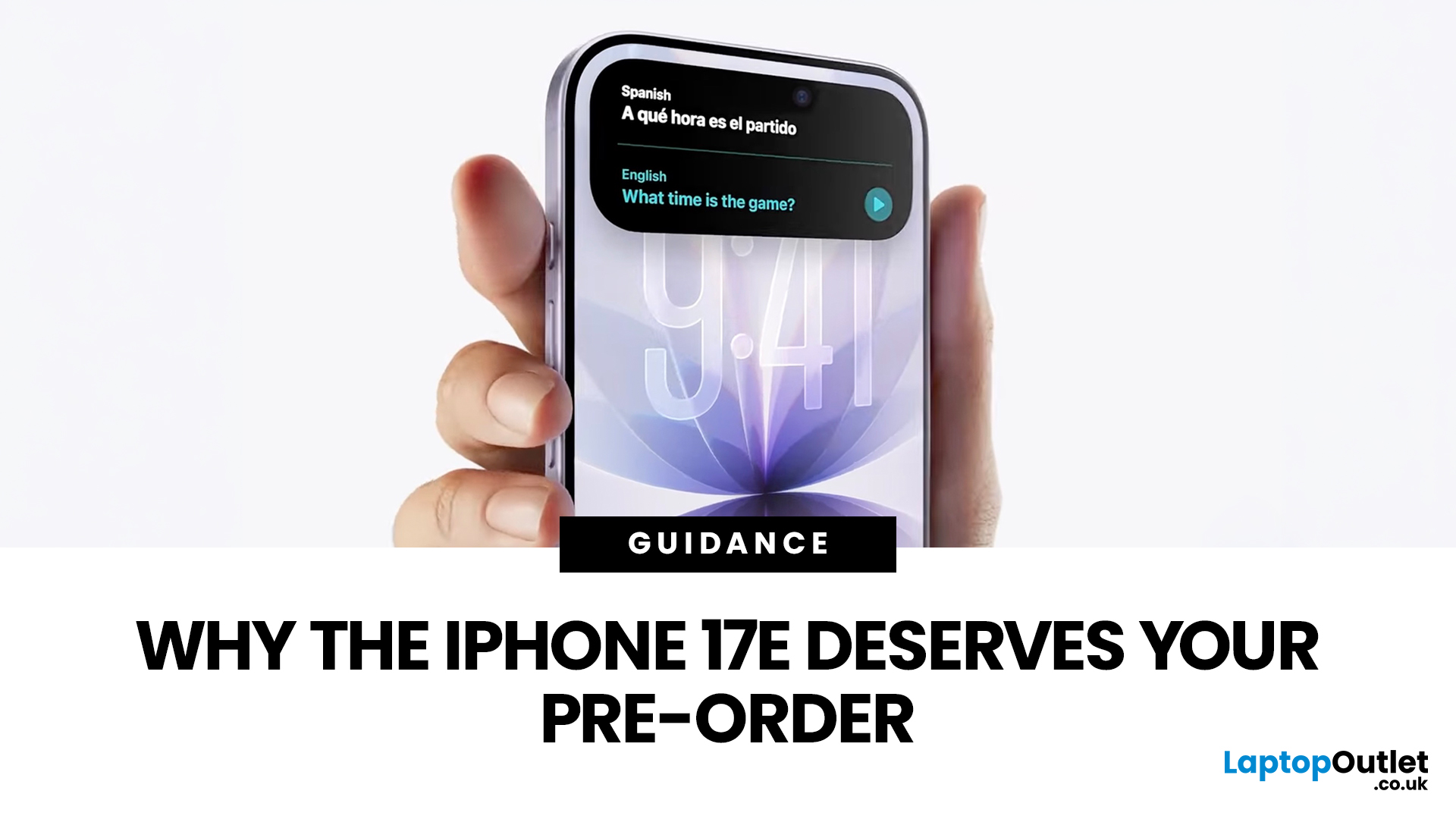
If you’re in the UK and you’ve been waiting for an iPhone that hits the sweet spot between price, features, and longevity, the iPhone 17e is shaping up to be exactly that. Apple’s UK Store listing shows pre-orders open at 2:15 pm on 4th March, with availability from 11 March, starting at £599.
So… should you place an iPhone 17e pre-order as soon as it opens? Here are the top 5 reasons UK buyers might genuinely want to.
Quick UK iPhone 17e facts (at a glance)
- UK pre-order date & time: 2:15pm on 4th March
- UK availability: 11th March
- UK price: £599 (256GB) / £799 (512GB)
- Colours: Black, White, Soft Pink
- Standout upgrades: MagSafe (up to 15W), 48MP Fusion camera, A19 chip, Ceramic Shield 2
1) You’ll have the best shot at getting the colour + storage you actually want
Pre-orders aren’t just hype, they’re practical.
When demand spikes, it’s usually specific combinations that go first (popular colour + storage). With iPhone 17e you’ve got three colours (including the new Soft Pink) and two storage options (256GB and 512GB).
Placing your iPhone 17e pre-order when it opens gives you the best chance of:
- grabbing your preferred finish,
- choosing storage without compromising,
- and lining up delivery/collection for the earliest possible window (Apple lists UK availability from 11th March).
UK tip: Put a reminder in your calendar for 2:15pm (not the usual “early morning” launch time people expect).
2) It starts at £599 with 256GB storage - that’s strong UK value
Apple’s UK pricing puts iPhone 17e at £599 for the 256GB model.
That’s important, because 256GB is a far more comfortable baseline in 2026 if you:
- shoot lots of photos/video,
- download Netflix/Spotify playlists,
- play bigger games,
- or keep your phone for 3–5 years.
Apple also emphasises that storage starts at 256GB.
And if you want to spread the cost, Apple’s UK Store shows pricing like £24.95/month for 24 months at 0% APR for the 256GB model.
Bonus: Trade-in + UK returns make pre-ordering lower-risk
If you’re unsure, it helps that Apple’s UK Store FAQ states you can return your iPhone within 14 days of receipt (in good condition, with original packaging).
And Apple Trade In is available, with options for a trade-in kit and credit handling depending on how you pay.
3) MagSafe is back - with faster wireless charging and a better accessory ecosystem
For a lot of people, this is the everyday quality-of-life upgrade.
Apple’s iPhone 17e specs list:
- MagSafe wireless charging up to 15W
- Qi2 wireless charging up to 15W
Apple also explicitly notes iPhone 17e supports up to 15W wireless charging, compared with 7.5W on iPhone 16e, plus the magnets make it easier to snap on chargers, cases, and accessories.
If you’ve ever dealt with:
- a wireless charger that “almost” aligns,
- slow top-ups at your desk,
- or accessory compatibility headaches,
…MagSafe is the kind of thing you feel immediately.
4) The camera is a real upgrade for the price: 48MP + 2x + 4K Dolby Vision
Apple’s iPhone 17e tech specs include a 48MP Fusion camera system, and it also enables a 2x Telephoto option (52mm equivalent).
You’re also getting modern video features, including 4K Dolby Vision recording up to 60 fps.
For UK buyers, that makes the iPhone 17e pre-order especially tempting if you want a phone that’s great for:
- family photos and holidays,
- content for Instagram/TikTok/YouTube,
- nights out (Night mode is listed),
- and portraits (next‑generation portraits are listed).
It’s not just “a budget iPhone camera”. It’s a camera you can confidently use as your main shooter. If camera quality is your top priority, our detailed feature iPhone 17e camera and performance breaks everything down clearly.
5) You’re buying a phone that should last: A19 + iOS 26 + durability + battery
If you keep your iPhone for years (very common in the UK), this is where iPhone 17e really makes sense to buy early.
Performance + software
- iPhone 17e runs Apple’s A19 chip.
- Apple Intelligence is supported, and Apple notes it’s available in beta with some features dependent on region/language.
Durability
Apple highlights Ceramic Shield 2 with 3x better scratch resistance.
And iPhone 17e has an IP68 rating (up to 6 metres for up to 30 minutes, tested conditions).
Battery + charging
Apple lists:
- Up to 26 hours video playback
- Fast-charge capable: up to 50% in 30 minutes with a 20W adapter or higher
Put all of that together and the iPhone 17e isn’t just “cheap today”-it looks built to feel current for longer. That’s a strong argument for placing an iPhone 17e pre-order rather than waiting months (when you might not even save much).
New to the 17e lineup? Start with our full explainer of iPhone 17e.
How to get ready for your iPhone 17e pre-order in the UK (quick checklist)
Before 2:15pm on 4th March, do this:
- Decide your storage: 256GB vs 512GB (price jumps to £799 for 512GB).
- Pick your colour: Black, White, or Soft Pink.
- Check your charger situation: fast charge is based on a 20W+ adapter (sold separately).
- If trading in: get an estimate and decide whether you’ll trade in online or in-store.
- Choose SIM-free vs contract: Apple notes SIM-free iPhones bought on apple.com are unlocked, so you can pick the UK network and tariff you want.

Final thoughts
If you’re shopping in the UK and you want the best mix of price + storage + modern features, the iPhone 17e is one of those releases where pre-ordering is less about hype and more about practicality.
To recap, the big reasons to place an iPhone 17e pre-order on 4th March are:
- you’re more likely to get the exact model you want,
- £599 with 256GB is strong value,
- MagSafe/Qi2 makes charging and accessories better,
- the 48MP + 2x camera setup is a serious upgrade,
- A19 + durability + battery life make it a long-term buy.

Some Common Questions to Answer
Is the iPhone 17e SIM-free model unlocked in the UK?
Apple’s UK Store FAQ says an unconnected iPhone bought from apple.com is unlocked, meaning you’re not tied to one network provider or contract.
When does iPhone 17e release in the UK?
Apple lists pre-order from 2:15pm on 4th March and available from 11th March in the UK.
Does iPhone 17e have MagSafe?
Yes, Apple lists MagSafe up to 15W and Qi2 up to 15W on the iPhone 17e specs page.
Can I return it if I change my mind?
Apple’s UK Store FAQ says you can return an iPhone within 14 days of receipt, subject to conditions (good condition, original packaging, etc.).
Related Articles

Last Updated: September 29, 2025
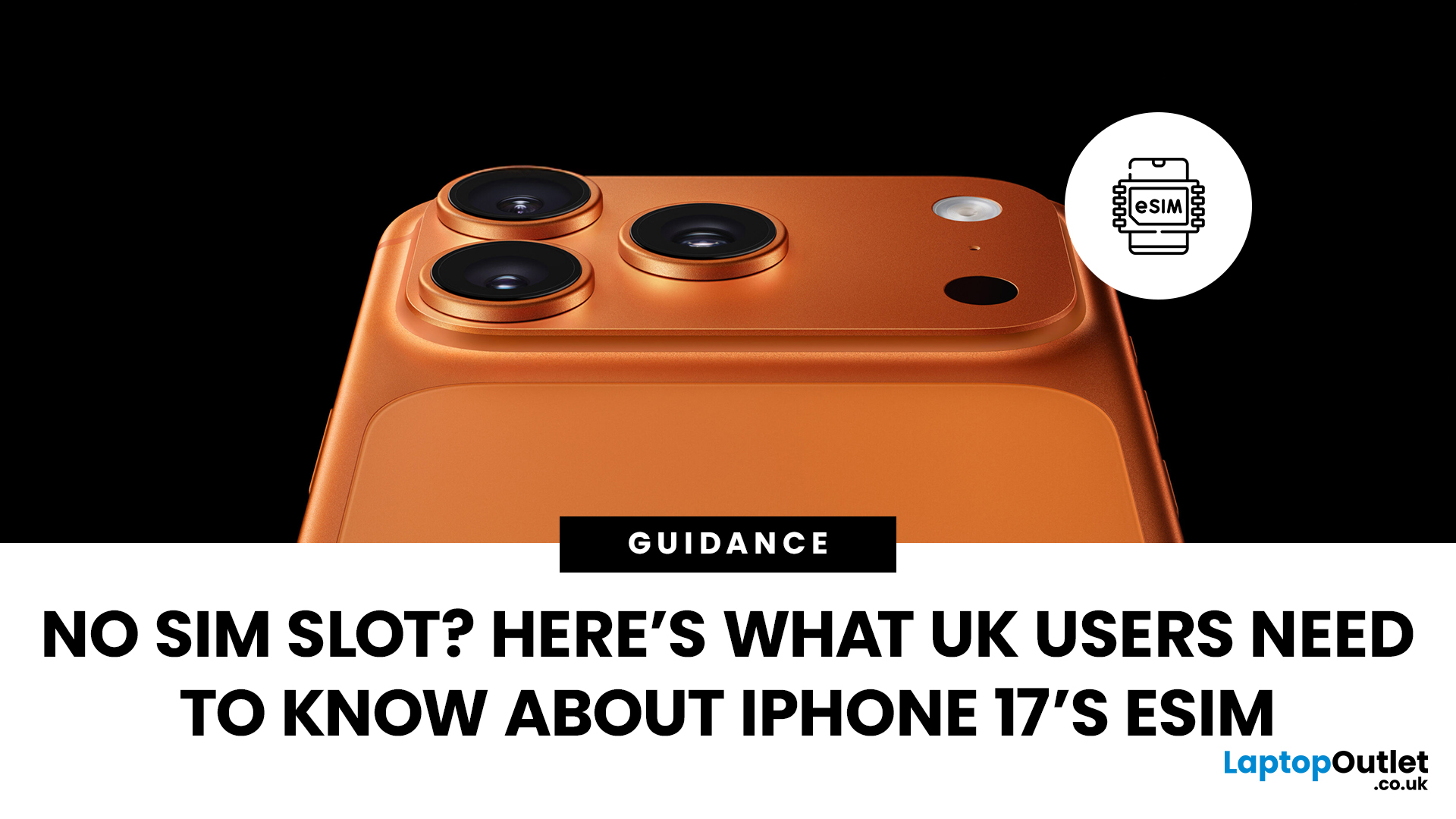
Every new iPhone generation brings changes that divide opinion, and one of the biggest talking points around the iPhone 17 has been its SIM setup. In the US, Apple has already removed the SIM tray entirely, pushing users towards a digital-only future with eSIM. That led many UK customers to wonder: will we lose our SIM cards too?
The answer, at least for now, is no. According to Apple’s own specifications, the iPhone 17 sold in the UK still supports Dual SIM (nano-SIM and eSIM) as well as Dual eSIM. In simple terms, that means users can continue using a traditional SIM card while also taking advantage of the flexibility eSIM brings.
What Exactly is eSIM?
An eSIM is a digital version of the small plastic SIM card we’ve all been sliding into our phones for years. Instead of a physical chip, the details of your mobile plan are stored electronically within your iPhone. Activation is usually as simple as scanning a QR code from your network or confirming details in their app.
The main appeal
Last Updated: December 23, 2025
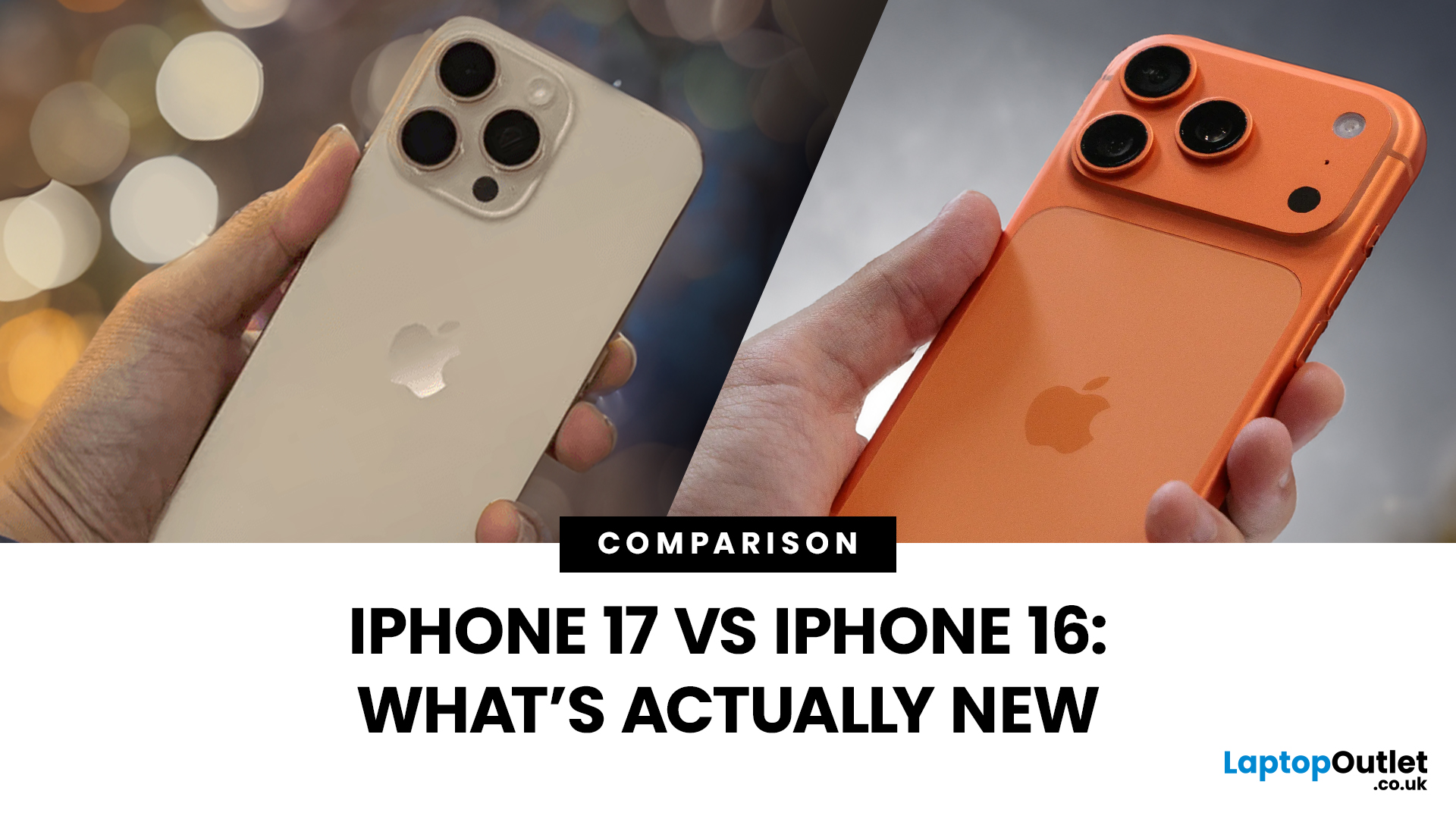
Apple’s dropped the iPhone 17, and the big question is simple: how much better is it than the iPhone 16? Some changes are genuinely useful; others are just Apple flexing for headlines. I’ve been testing both side by side to see what’s actually new, what’s worth caring about, and what you can safely ignore. Here’s the straight-talking breakdown.
1. Design & Display
The iPhone 16 was already a tidy-looking slab of glass and metal, but the 17 smooths a few edges. Bezels are slimmer, the notch has finally been binned off, and the front looks cleaner overall. The big win? ProMotion 120Hz is now standard, so scrolling and swiping feels buttery instead of sticky. Plus, the always-on screen makes it look a bit more alive on your desk.
Is it night and day? Nah. But once you’ve had 120Hz, going back feels like rubbing sandpaper on your eyeballs.
Winner: iPhone 17 – smoother screen, cleaner front, and always-on perks.
2. Performance & Power
The 16’s A18 chip was no slouch, but the iPhone 17 packs
Last Updated: May 05, 2026
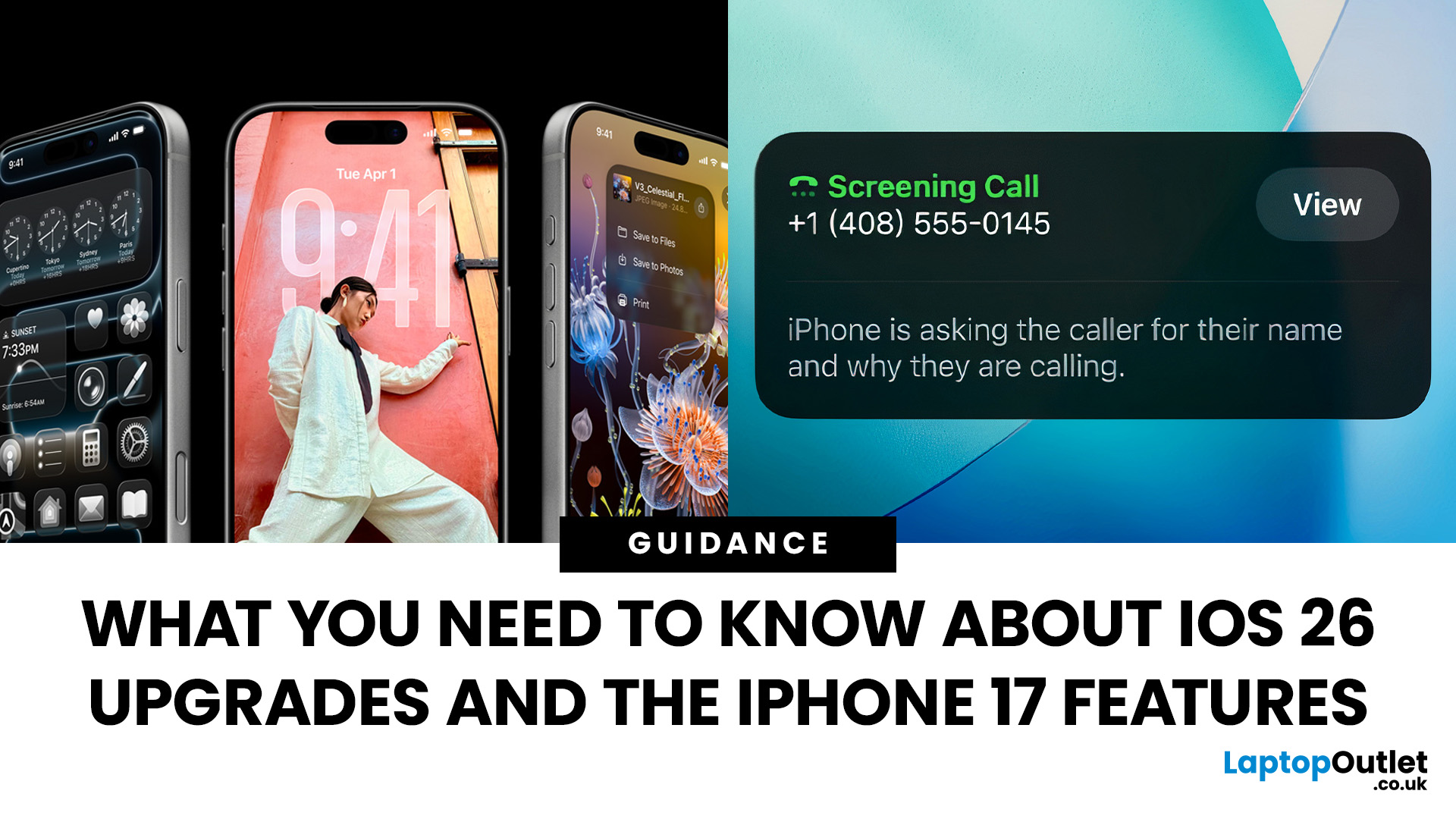
Apple’s 2025 drop is a one-two punch: iOS 26 brings a fresh look and smarter tools, while the iPhone 17 line turns those ideas into everyday wins. If you’re deciding whether to update, upgrade, or both, this guide lays out what’s new, why it’s useful, and how to get the most from it on day one.
iOS 26 At a Glance
Apple describes iOS 26 as a major update centered on a gorgeous new design, intelligent experiences, and daily improvements to the apps you use. In practice, that means a cleaner interface, on-device smarts that actually help, calmer communication, and quality-of-life tweaks across CarPlay, Music, Maps, Wallet and more.
A beautiful new look: Liquid Glass everywhere

The first thing you’ll notice is the design. iOS 26 introduces Liquid Glass, a translucent material that reflects and refracts what’s behind it. It brings a gentle sense of depth to icons, widgets, controls and navigation without making the interface feel busy. The result is expressive and modern, yet instantly familiar.
Last Updated: December 23, 2025
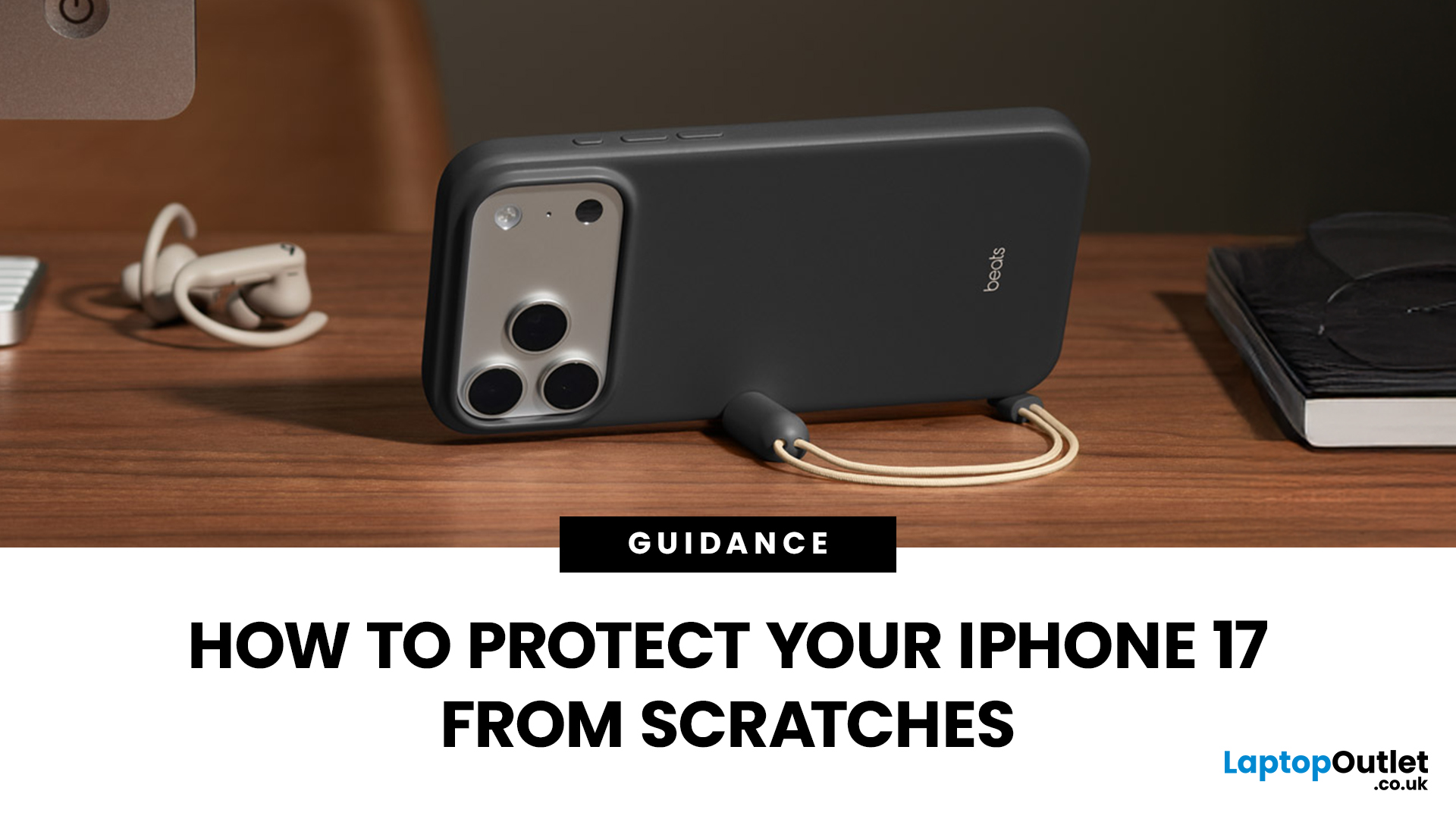
Apple’s iPhone 17 launch should have been about its powerful new hardware and fresh design. Instead, headlines are dominated by “iPhone 17 Scratchgate” complaints that the Pro models are picking up scratches and chips far too easily. The reaction is hardly surprising for a device that costs well over £1,000.
Is this simply a misunderstanding, or is Apple facing a genuine durability problem? Let’s take a closer look.
Apple’s Official Response to iPhone 17 Scratch Complaints
Apple has been quick to downplay the issue. The company told CNET that what many people are calling scratches on demo units are actually residue from worn MagSafe display stands, not permanent marks. According to Apple, these blemishes can be wiped away with a cloth, and the stands in retail stores are being replaced to prevent further problems.
While this explanation covers store displays, it doesn’t account for the growing number of personal handsets showing signs of wear straight out of the box. That’s where the
Last Updated: May 05, 2026
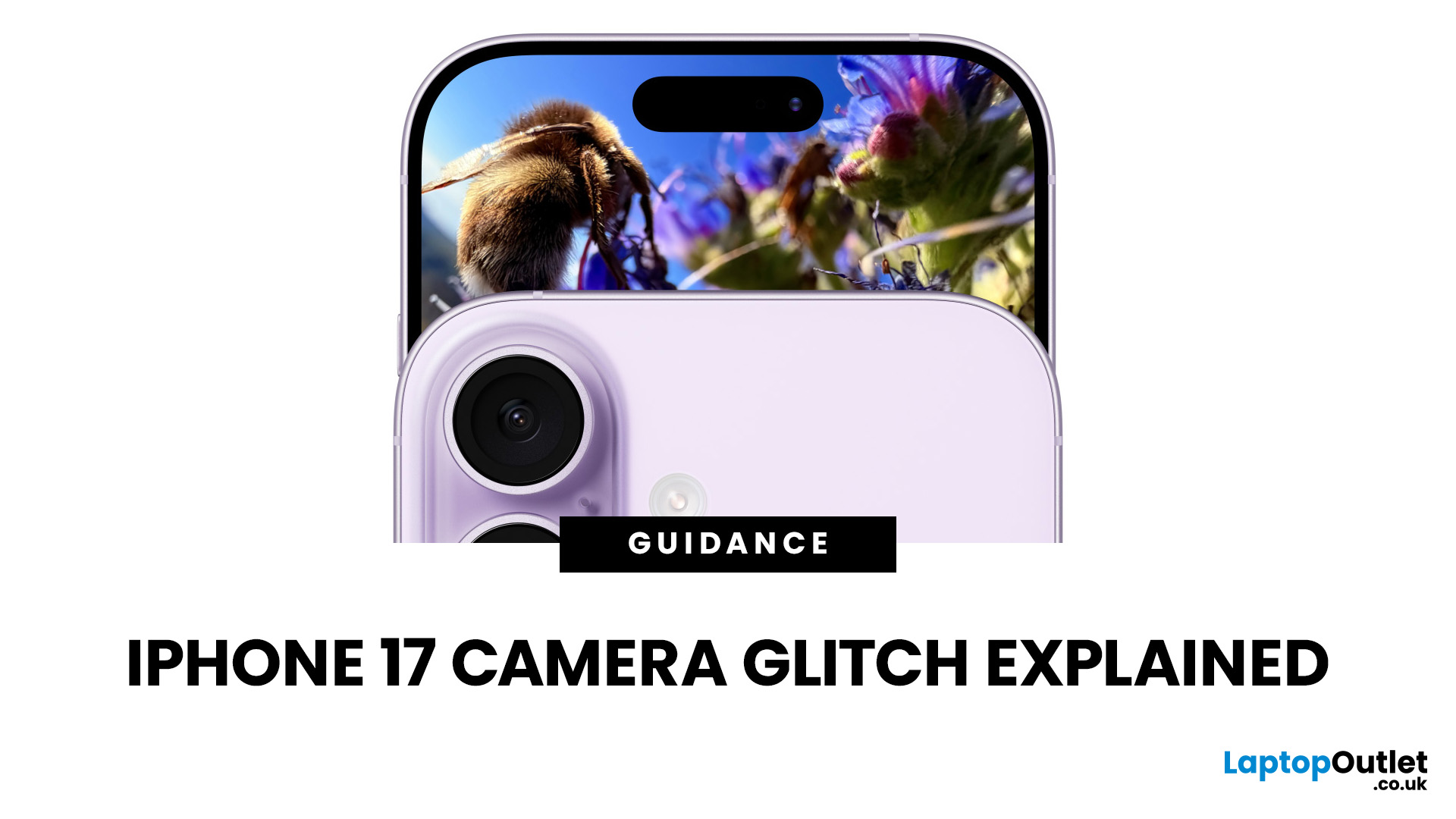
What’s Going on with the iPhone 17 Camera?
iPhone 17 has landed and, as usual, Apple’s made a song and dance about its shiny new features. Titanium frame? Nice. Periscope zooms on all models? Lovely jubbly. But let’s be real: what’s everyone actually talking about? The camera. And not in a “wow this is insane” way, more like a “hang on, why is my £1k+ phone acting up when I try to snap a pic?” sort of way.
Yep, if you’ve noticed your shots glitching, freezing, or showing weird distortions, you’re not alone. This is what’s now being dubbed the iPhone 17 camera glitch, and it’s caused enough noise online that Apple’s had to officially acknowledge it. Classic, right? New phone hype meets first-week bugs.
The Symptoms: What Does the Camera Glitch Look Like?
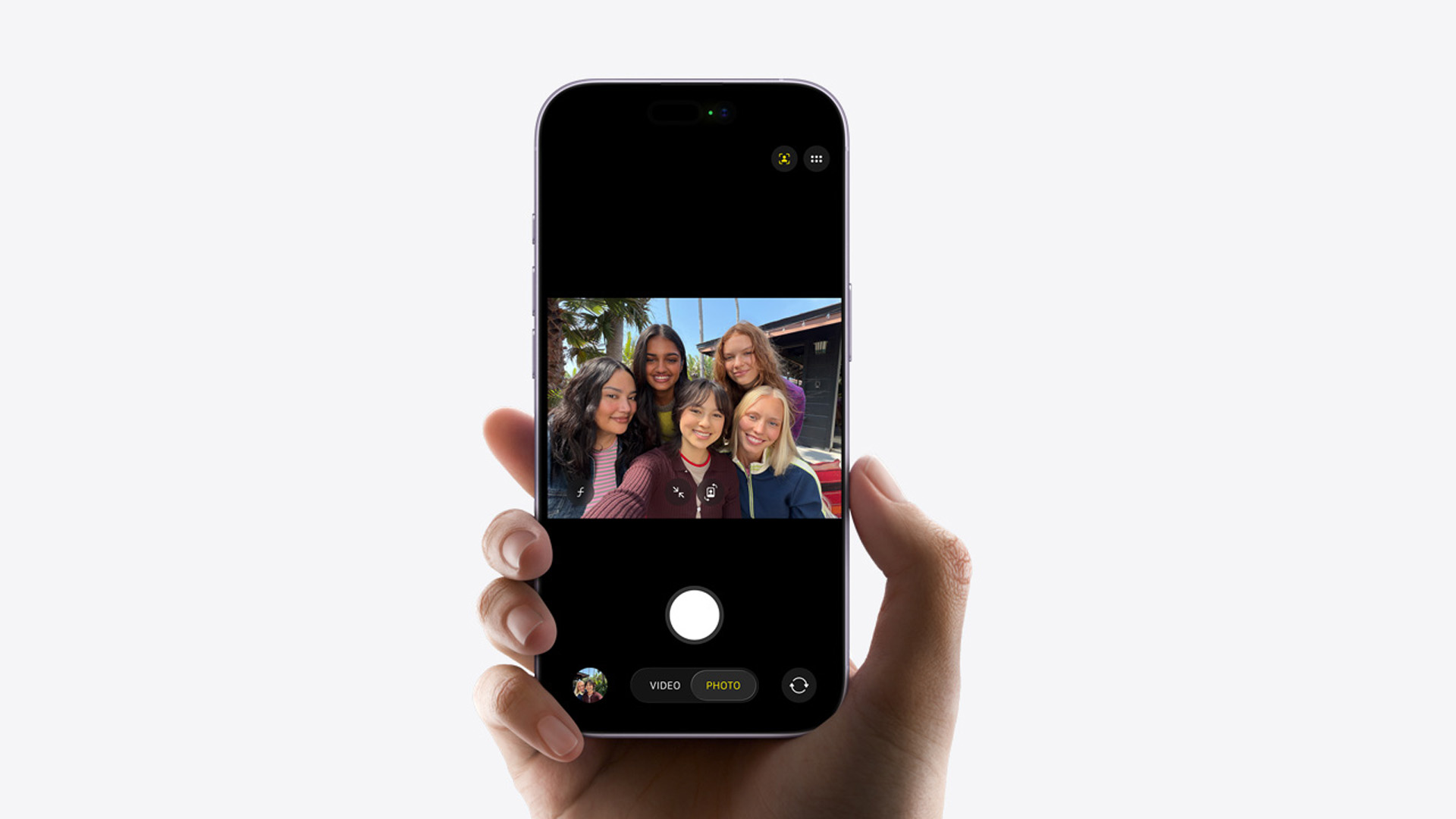
Basically, you don’t need to be a tech whizz to spot when something’s off. Here is, what’s off about iPhone 17’s camera:
- Shaky Previews: Your camera viewfinder stutters or skips frames.
- Weird Distortions: Images sometimes look stretched

Last Updated: December 23, 2025
The Problem Everyone’s Talking About
iPhone 17 is in the market, but it wouldn’t be a proper Apple launch without a bit of drama, would it? We’ve had the camera bug, a few battery wails, and now the hot topic on Reddit and TikTok: Wi-Fi connection issue. Yep, some users are finding their shiny new iPhone keeps dropping out of Wi-Fi for no apparent reason. One minute you’re streaming Netflix, the next you’re staring at the dreaded “No Connection” pop-up. Not ideal on a £1,000+ device.
This growing chatter has been dubbed the iPhone 17 wi-fi issue. The good news? It’s not your router having a meltdown, and no, you don’t need to throw your phone at the wall just yet.
What Does the Wi-Fi Glitch Look Like?

Here’s what people are reporting:
- Random Dropouts: Wi-Fi disconnects even when the signal is strong.
- Slow Reconnections: The iPhone takes forever to rejoin a saved network.
- Auto-Switching to Data: iOS quietly flips you onto mobile data without asking.
- Laggy Browsing: Pages hang or apps
Last Updated: April 01, 2026
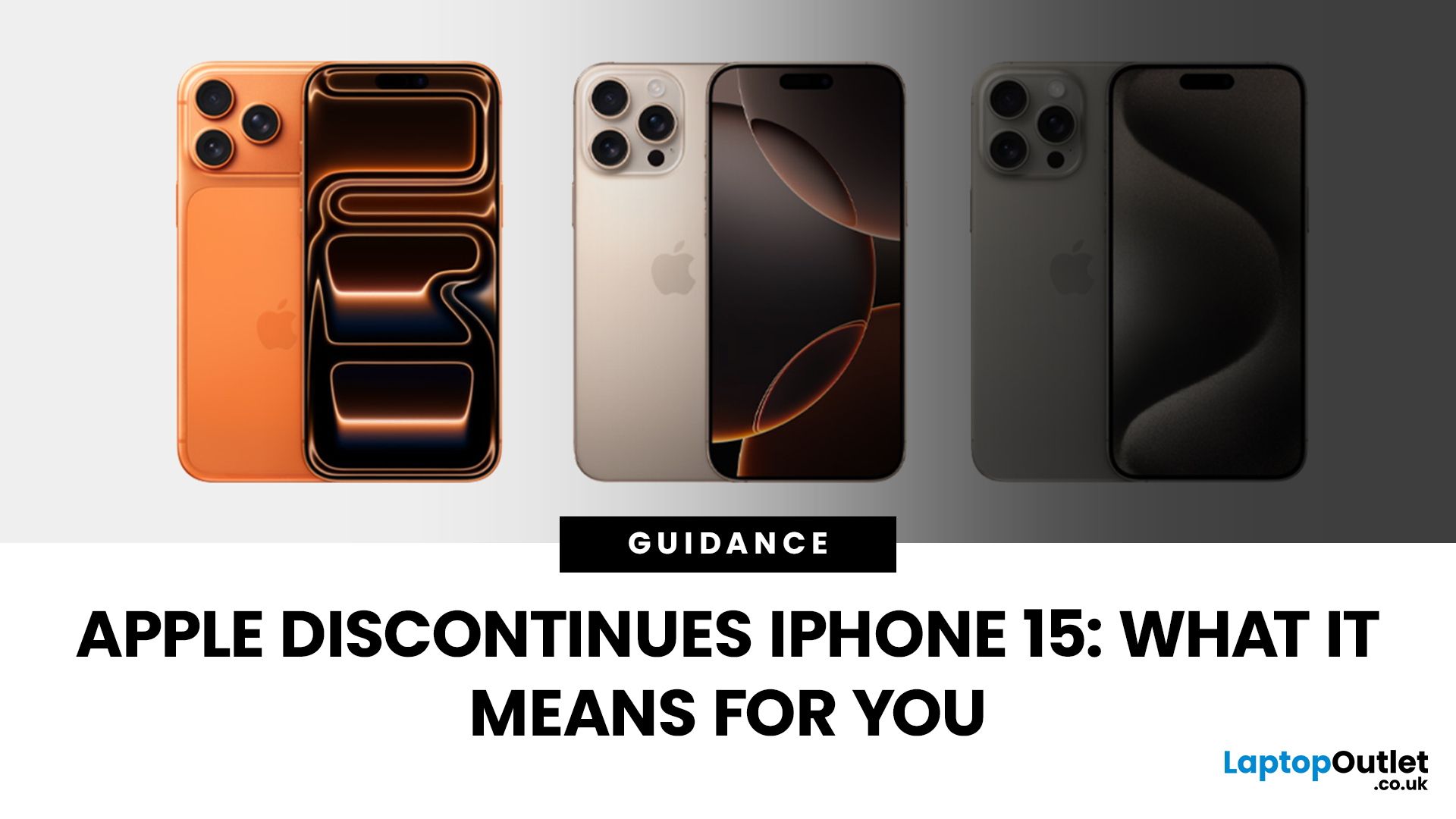
Apple has done it again - trimmed its iPhone line-up to make room for the shiny new models. With the launch of the iPhone 17 series, the company has officially discontinued the iPhone 15 and iPhone 15 Plus, along with last year’s iPhone 16 Pro and Pro Max. If you’ve been eyeing up an iPhone 15 or already own one, this news might feel like a curveball. After all, the 15 series only debuted in late 2023, and here we are two years later with Apple quietly removing it from the shop floor.
But here’s the thing: discontinuation doesn’t mean “dead.” Apple’s strategy has always been to streamline its line-up after new launches, focusing on the latest flagships while phasing out older models. The iPhone 15 may no longer be sold on Apple’s website, but it will continue to be supported for years to come.
So what does this mean for you? If you’re a current owner, should you panic about support or resale value? If you’re shopping for a new iPhone, is it still worth picking up a discontinued model at
Last Updated: October 02, 2026
Black Friday 2026 falls on Friday 27 November, followed by Cyber Monday on 30 November. For Apple buyers, the smartest approach is to track the exact MacBook, iPhone or iPad specification before November, then judge the sale price against its usual selling price. New releases will attract attention, but recent generations and refurbished Apple devices could prove just as worthwhile.
Apple has changed a lot of its hardware since last Black Friday. MacBook Neo has joined the laptop family, MacBook Air has moved to M5, MacBook Pro now stretches from M5 through to M5 Pro and M5 Max, while iPhone 18 Pro has arrived ahead of the first foldable iPhone, the iPhone Duo.
The iPad range has moved forward as well, with M4 powering the latest iPad Air and M5 inside iPad Pro. That makes Black Friday 2026 particularly interesting because shoppers are likely to see brand-new hardware sitting alongside capable previous-generation models.
This guide breaks down the Apple products worth watching, the specifications
Last Updated: May 06, 2026
Your Apple AirPods are a brilliant piece of kit, but sometimes the default name – usually something like '[Your Name]'s AirPods' – just doesn't feel personal enough.
Perhaps you have multiple pairs, or maybe you've bought them second-hand and want to shake off the previous owner's tag. Whatever your reason, learning how to rename AirPods is a simple process that helps you personalise your wireless earbuds.
This comprehensive guide will walk you through the simple steps to rename AirPods across all the common platforms.
Renaming Your AirPods on iPhone or iPad (The Easiest Way)
Renaming your AirPods on an iOS or iPadOS device is arguably the simplest method. The change will then update automatically on any other Apple device you own that uses the same Apple ID.
Steps to Rename Your AirPods on iPhone or iPad
- Ensure Connection: Make sure your AirPods are connected to your iPhone or iPad. The quickest way to do this is to open the AirPods case lid near your unlocked device, or place the AirPods

Last Updated: December 31, 2025
With the right timing and the right specs, you can land an upgrade that feels genuinely transformative: faster performance, longer battery life, sharper screens, and smoother workflows for work, study, and downtime. New Year promotions are also one of the easiest moments to buy smarter. Stock moves quickly, retailers rotate lines, and discounts get sharper as people reset budgets and goals, meaning the best-value Apple kit often sells out first. That’s why this guide focuses on what to look for, what to prioritise, and how to choose the right Apple device for your needs.
Why New Year is the Best Time to Buy Apple Tech
Apple gear holds value well, which is great when you own it, but it also means discounts can feel harder to find at other times of the year. Around New Year, pricing tends to loosen up across multiple categories, making it easier to upgrade without compromising on model quality. Here’s why New Year shopping is ideal:
- Retail Stock Rotation: end-of-year inventory clears,

