



8-Inch Tablets Compared: iPad mini vs Android Compact Tablets
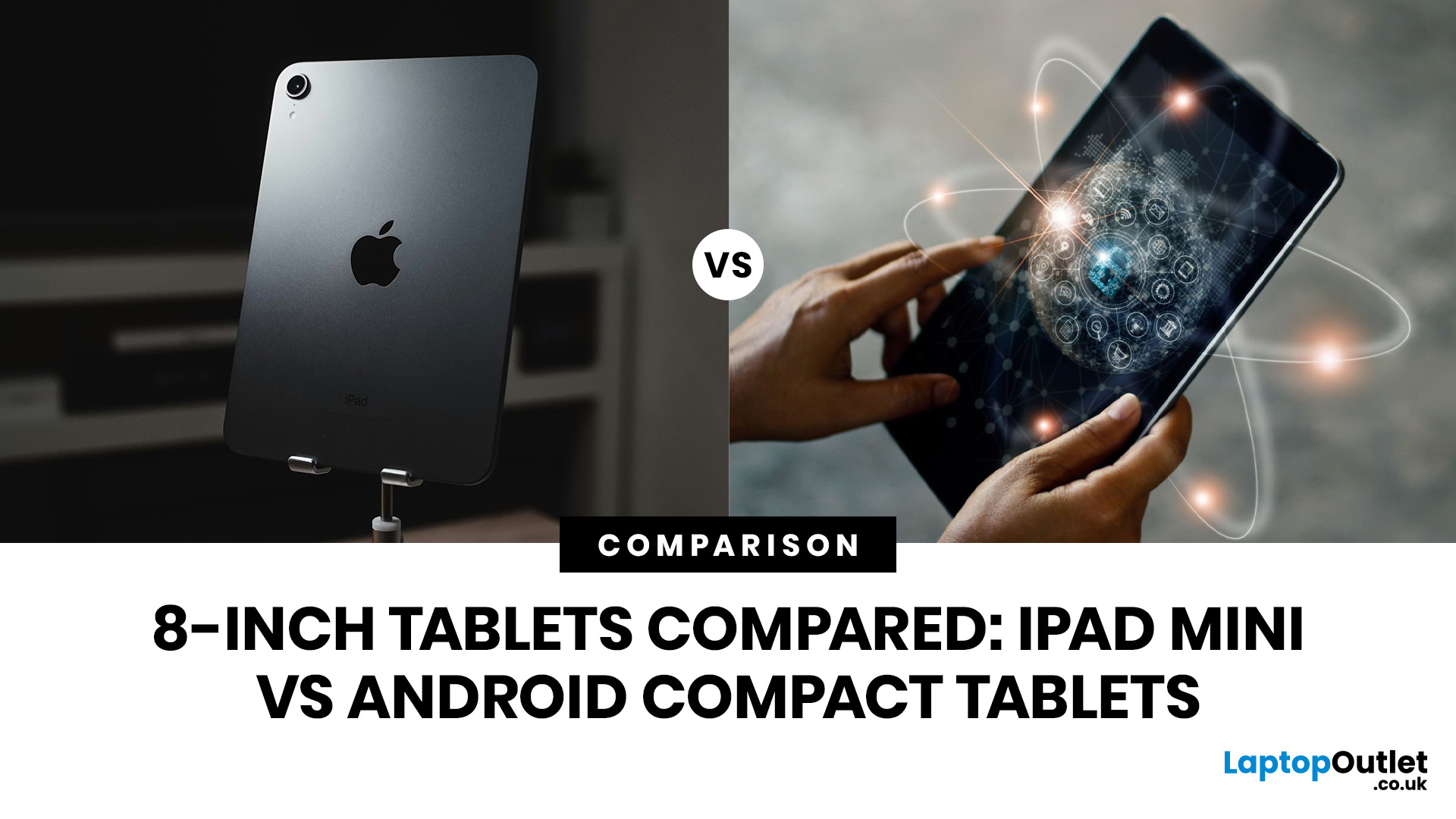
Quick Answer: The iPad mini is the better choice if you want premium performance, a sharper display, Apple Pencil support and long-term everyday speed. Android compact tablets are better if you want a more affordable small tablet for reading, browsing, streaming, video calls and casual use. For most buyers, the iPad mini wins on power and quality, while Android wins on value and budget-friendly practicality.
Small tablets are perfect when you want more screen than a phone but do not want to carry a 11-inch or 13-inch full size tablet everywhere. For reading, commuting, streaming, travelling and light everyday use, the real buying decision often comes down to iPad mini vs Android compact tablets.
In this guide, we compare both options across display quality, performance, software, battery, storage, connectivity, value and use cases so you can decide which compact tablet makes more sense for you.
Quick Comparison: iPad mini or Android Compact Tablet?
If you want the most powerful small tablet with the sharpest display and strongest long-term performance, choose the Apple iPad mini. If you want a cheaper tablet for browsing, reading, streaming, video calls and light everyday use, choose a compact Android tablet.
|
Choose iPad mini if… |
Choose Android compact tablets if… |
|
You want premium performance |
You want better value |
|
You already use an iPhone, MacBook or AirPods |
You prefer Android and Google apps |
|
You want a sharper display for reading and PDFs |
You mainly need browsing, streaming and casual use |
|
You want Apple Pencil Pro support |
You want a lower-cost everyday tablet |
|
You want Wi-Fi + Cellular and 5G options |
You want a practical travel or family tablet |
|
You want stronger long-term speed |
You do not need premium power |
iPad mini vs Android Compact Tablets: Key Specs Compared
This 8 inch tablet comparison focuses on currently relevant compact models available through our tablet range: the Apple iPad mini A17 Pro and the HONOR Pad X7 8.7-inch Android tablet.
|
Feature |
Apple iPad mini A17 Pro |
HONOR Pad X7 Android Tablet |
|
Screen size |
8.3-inch |
8.7-inch |
|
Display type |
Liquid Retina |
TFT LCD, IPS |
|
Resolution |
2266×1488 |
1340×800 |
|
Processor |
Apple A17 Pro |
Qualcomm Snapdragon 680 |
|
CPU |
6-core |
8-core |
|
Graphics |
Apple 5-core GPU |
Integrated Qualcomm graphics |
|
Storage |
128GB, 256GB and 512GB options in range |
64GB |
|
RAM |
Not listed on the product page |
4GB |
|
Connectivity |
USB-C, Wi-Fi 6E; cellular models add 4G/5G and eSIM |
USB-C, Bluetooth 5.0, Wi-Fi 5 |
|
Operating system |
iPadOS 18 |
Android |
|
Best for |
Premium reading, travel, notes, gaming and long-term use |
Budget browsing, streaming, reading and everyday carry |
Design and Portability: Both Are Small, But They Feel Different
The iPad mini and compact Android tablets are both built for portability, but they target different buyers.
|
Portability factor |
iPad mini |
HONOR Pad X7 |
|
Best feel |
Premium and compact |
Practical and lightweight |
|
Screen size |
Smaller at 8.3-inch |
Slightly larger at 8.7-inch |
|
Best use |
Premium travel and everyday carry |
Budget commuting and casual use |
|
Carry style |
Work bag, backpack, handbag, travel pouch |
Backpack, family bag, commute bag |
|
Buyer type |
Apple users and premium buyers |
Android users and value buyers |
Display Quality: iPad mini Has the Clear Premium Edge
Display quality matters more on small tablets than people think. When the screen is only around 8 inches, resolution and sharpness make a major difference, especially for eBooks, PDFs, websites, comics and study notes.
|
Display factor |
Apple iPad mini A17 Pro |
HONOR Pad X7 |
|
Display type |
Liquid Retina |
TFT LCD, IPS |
|
Screen size |
8.3-inch |
8.7-inch |
|
Resolution |
2266×1488 |
1340×800 |
|
Best for reading |
Excellent |
Good for casual use |
|
Best for PDFs |
Stronger |
Fine for basic viewing |
|
Best for streaming |
Sharper and more premium |
Good for everyday streaming |
|
Best for budget buyers |
Less affordable |
Better value |
- For reading, the iPad mini is the better choice because text looks cleaner and more refined. It is especially useful if you read eBooks, annotate PDFs, browse long articles or view documents regularly.
- The HONOR Pad X7 is still useful for casual reading and streaming. Its 8.7-inch size gives you comfortable viewing space, and the IPS-style TFT LCD panel is practical for web browsing, YouTube-style viewing, online classes and video calls. It just does not have the same sharpness as the iPad mini.
Performance: Apple A17 Pro vs Snapdragon 680
Performance is where the iPad mini pulls ahead most clearly.
|
Task |
iPad mini A17 Pro |
HONOR Pad X7 |
|
Web browsing |
Excellent |
Good |
|
Streaming |
Excellent |
Good |
|
Reading |
Excellent |
Good |
|
Email and shopping |
Excellent |
Good |
|
Casual games |
Excellent |
Good |
|
Heavy gaming |
Stronger choice |
Limited |
|
Creative apps |
Stronger choice |
Basic use only |
|
Note-taking |
Better with Apple Pencil Pro |
Basic Android note apps |
|
Long-term smoothness |
Stronger |
Depends on workload |
- If you want a tablet that feels fast now and still feels fast later, the iPad mini is the safer choice. If your use is mainly browsing, streaming, emails, reading and video calls, the HONOR Pad X7 has enough power for light everyday use.
A good way to think about it: the iPad mini is a premium tablet in a compact body. The HONOR Pad X7 is a value tablet with a compact screen.
Apps and Software: iPadOS vs Android
The software experience is one of the biggest differences in the Apple vs Android small tablets debate.
|
Software need |
Better choice |
Why |
|
Apple ecosystem |
iPad mini |
Works naturally with iPhone, MacBook, AirPods and iCloud |
|
Google apps |
Android compact tablet |
Better fit for Android and Google users |
|
Creative apps |
iPad mini |
Stronger tablet app ecosystem and Apple Pencil support |
|
Budget family use |
Android compact tablet |
Lower entry price |
|
Note-taking |
iPad mini |
Apple Pencil Pro support on listed model |
|
Basic entertainment |
Either |
Depends on budget and ecosystem |
|
Everyday browsing |
Either |
Both handle web, email and streaming |
- If you already use an iPhone or MacBook, the iPad mini is the most natural fit.
- If you use an Android phone and mainly want a tablet for simple daily tasks, a compact Android tablet may feel more familiar and cost-effective.
Storage and Connectivity: Wi-Fi, Cellular and Everyday Flexibility
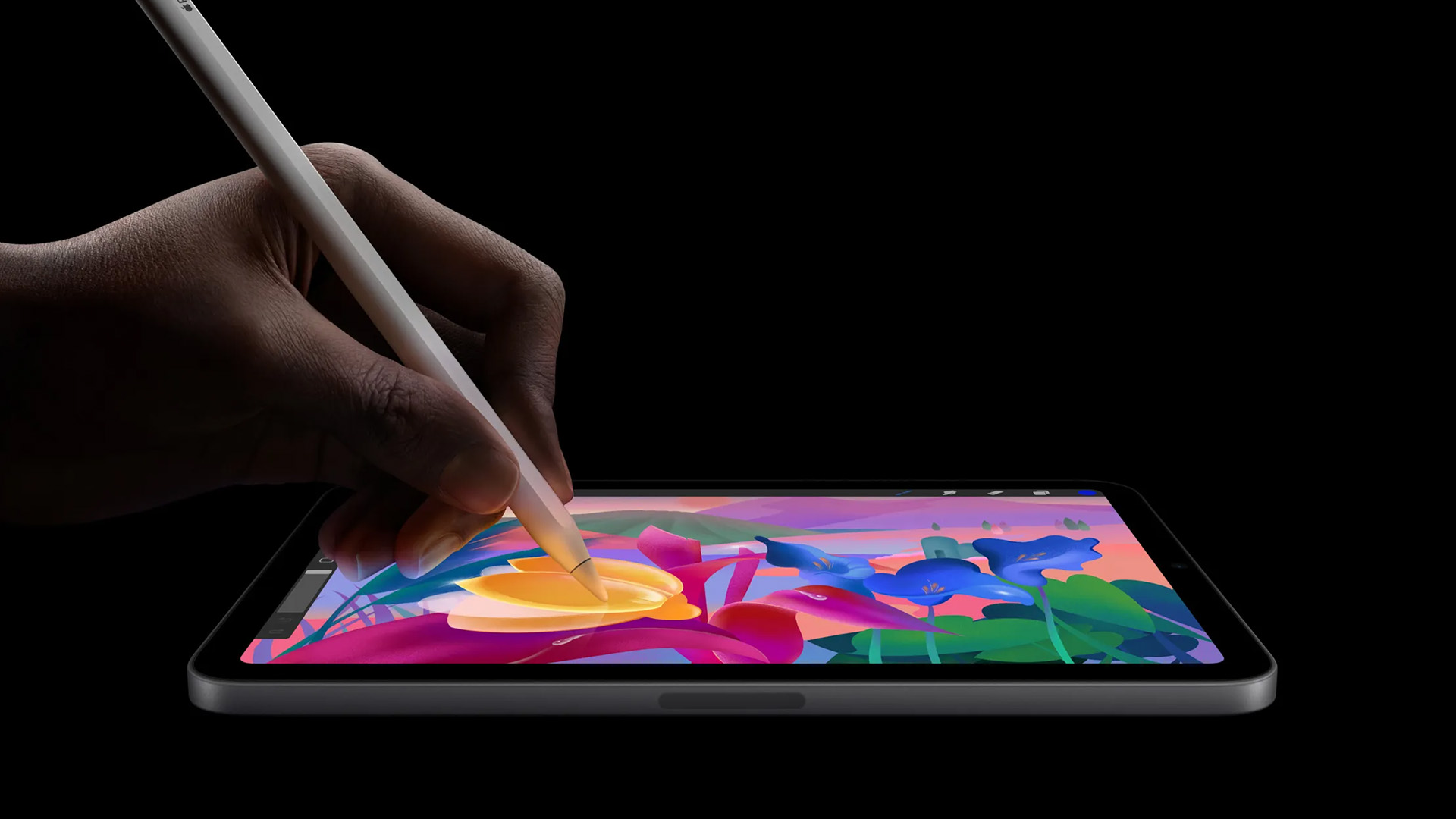
Storage matters because tablets fill up faster than expected. Apps, downloaded films, games, documents, photos, and system updates all take space.
The iPad mini range currently includes 128GB, 256GB and 512GB storage options across Wi-Fi and Wi-Fi + Cellular variants in our 8-inch tablet category. The HONOR Pad X7 comes with 64GB storage and 4GB RAM on the listed model.
|
Buyer need |
Recommended option |
|
Basic browsing and streaming |
64GB Android tablet |
|
Reading, apps and downloads |
128GB iPad mini or higher |
|
Travel with lots of offline content |
256GB iPad mini |
|
Heavy apps, media and long-term use |
512GB iPad mini |
|
Budget everyday use |
HONOR Pad X7 |
|
Always-connected travel |
iPad mini Wi-Fi + Cellular |
Connectivity is another major difference. The Wi-Fi + Cellular iPad mini model includes 4G/5G, Wi-Fi 6E, eSIM, USB-C and Bluetooth 5.3 in its technical specifications. The HONOR Pad X7 includes USB-C, Bluetooth 5.0 and Wi-Fi 5, making it suitable for home, school, work and cafe Wi-Fi use.
- Choose Wi-Fi if your tablet mostly stays at home.
- Choose Wi-Fi + Cellular if you commute often, travel regularly, or want internet access without relying on public Wi-Fi or your phone hotspot.
Battery Life: All-Day Claims vs Big Battery Capacity
Battery is not just about the number. You also need to think about the processor, display, operating system and how you use the tablet.
|
Battery factor |
iPad mini |
HONOR Pad X7 |
|
Battery detail |
Up to 10 hours usage listed |
7020mAh capacity |
|
Best for |
Premium all-day use |
Budget long-use Android tablet |
|
Charging |
USB-C |
USB-C |
|
Travel suitability |
Strong, especially cellular model |
Strong for Wi-Fi travel and commuting |
|
Heavy gaming |
Better performance, but will still drain faster |
Less suited to heavy gaming |
- For travel, the iPad mini Wi-Fi + Cellular is better if you need mobile data.
- For long casual sessions at home, on the train or during study breaks, the HONOR Pad X7’s 7020mAh battery makes it a practical budget option.
Price and Value: Premium Power vs Budget Practicality
The iPad mini is the premium option. In our current 8-inch tablet range, iPad mini models are listed from around £497.99 inc. VAT for a 128GB Wi-Fi model, with higher prices for more storage and Wi-Fi + Cellular variants.
The HONOR Pad X7 is the value option. It is listed at £89.00 inc. VAT at the time of checking, reduced from £99.99, with “Add to Basket” shown on the product page.
|
Buyer priority |
Better choice |
|
Lowest price |
HONOR Pad X7 |
|
Best display |
iPad mini |
|
Best performance |
iPad mini |
|
Best for Apple users |
iPad mini |
|
Best for Android users |
HONOR Pad X7 |
|
Best for kids and casual use |
HONOR Pad X7 |
|
Best for long-term premium use |
iPad mini |
|
Best for mobile data |
iPad mini Wi-Fi + Cellular |
- If you want a lower-cost compact tablet, browse our 8 inch Android Tablets options for everyday browsing, streaming and light entertainment.
- If you want a premium compact tablet that can handle more demanding apps, the iPad mini is worth the higher price.
Furthermore, if you need budget-friendly options you can explore tablets under £300.
Best for Reading, Travel, Kids and Streaming
Different buyers need different things from a compact tablet. Here is how the iPad mini and Android compact tablets compare by use case.
|
Use case |
Best choice |
Why |
|
Reading |
iPad mini |
Sharper Liquid Retina display and higher resolution |
|
Travel |
iPad mini Wi-Fi + Cellular |
Compact body plus 4G/5G connectivity |
|
Budget travel |
HONOR Pad X7 |
Lightweight, affordable and good for Wi-Fi use |
|
Kids |
HONOR Pad X7 |
Lower cost and practical everyday specs |
|
Streaming |
iPad mini for quality; HONOR for value |
Depends on budget |
|
Gaming |
iPad mini |
A17 Pro and 5-core GPU are much stronger |
|
Schoolwork |
Either |
iPad mini for performance, HONOR for affordability |
|
Everyday browsing |
Either |
Choose based on ecosystem and budget |
Best for Reading
The iPad mini is the stronger reading tablet because the 2266×1488 Liquid Retina display gives eBooks, websites, PDFs and notes a sharper look.
Best for Travel
The iPad mini Wi-Fi + Cellular is best for travel because it combines compact size, strong performance and mobile connectivity. The product listing includes 4G/5G, Wi-Fi 6E and eSIM support on the cellular model.
Best for Kids
A compact Android tablet such as the HONOR Pad X7 makes more sense for kids and family use because it is more affordable, still portable and has enough power for light entertainment, learning apps, browsing and video calls.
Best for Streaming
Both can stream well, but the iPad mini gives you the better display and performance. The HONOR Pad X7 is better if you simply want a small tablets option for casual streaming without paying premium Apple prices.
iPad mini Alternatives: When Android Makes More Sense
The best iPad mini alternatives are not always trying to beat Apple on raw performance. Their main advantage is value. A compact Android tablet makes more sense if:
- You want a lower price.
- You mainly browse, stream and read.
- You are buying for a child.
- You prefer Android and Google apps.
- You want a simple tablet for commuting.
- You need a backup tablet for travel.
- You do not need Apple Pencil Pro or premium gaming performance.
The HONOR Pad X7 is a practical example because it gives you an 8.7-inch screen, Snapdragon 680 processor, 4GB RAM, 64GB storage, Android software and a 7020mAh battery at a much lower price than the iPad mini.
So, if your priority is performance, go iPad mini. If your priority is value, Android compact tablets become much more interesting. However, if you want to browse more affordable tablet options, check out our portable tablets under £500.
Are 8-Inch Tablets Worth Buying, or Should You Go Bigger?
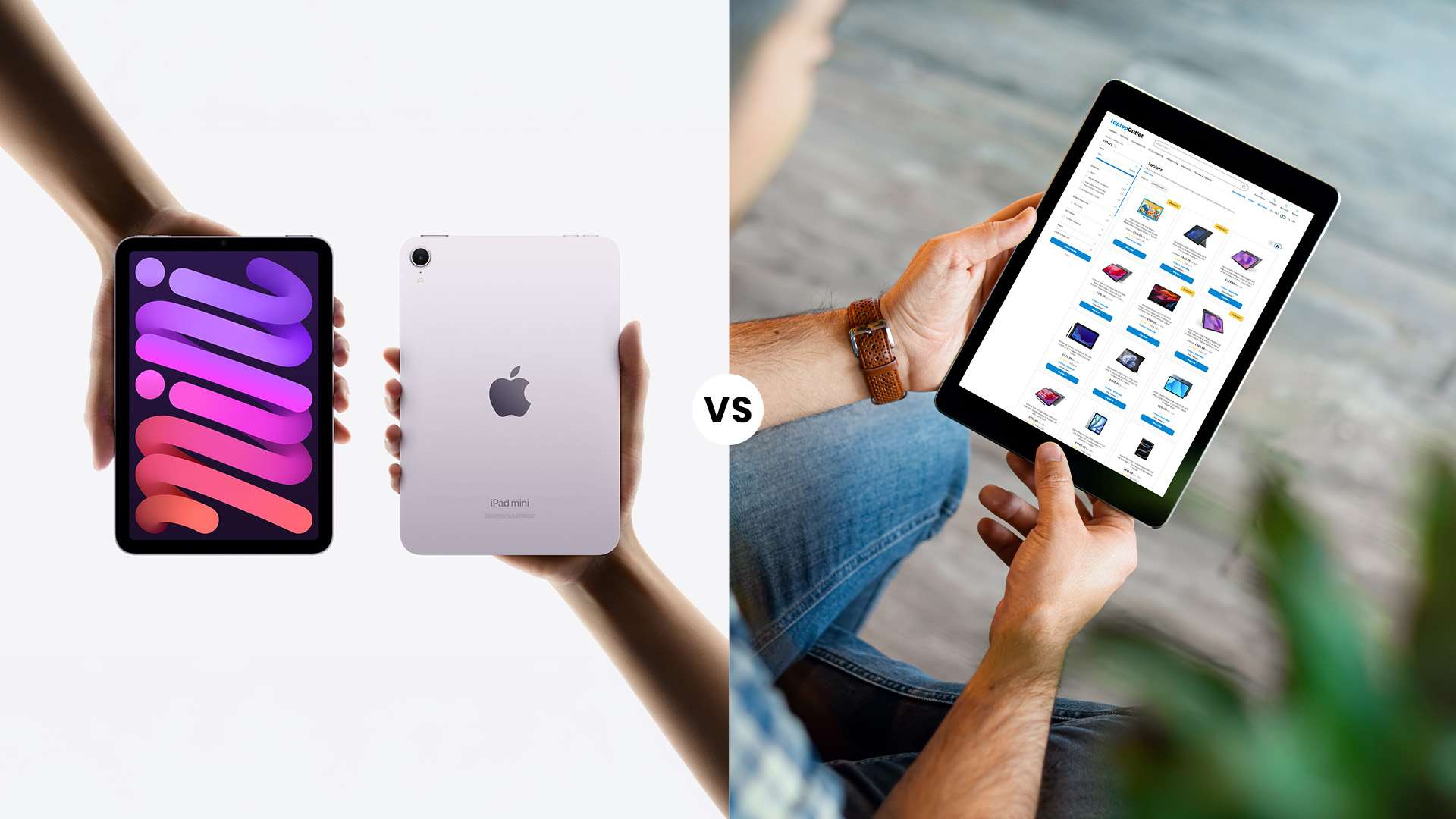
If you are asking are 8 inch tablets worth buying, the answer depends on what you want the tablet to do. An 8-inch-style tablet is worth buying if you want portability, reading comfort, easy travel use and light entertainment. It is easier to carry than an 11-inch tablet and more comfortable than a phone for reading, streaming, and browsing. Go bigger if you want:
- Laptop-style productivity
- Split-screen multitasking
- Keyboard-heavy work
- Digital art on a larger canvas
- A more cinematic streaming screen
- More space for spreadsheets and documents
|
Tablet size |
Best for |
Watch-out |
|
8–9 inches |
Reading, travel, commuting, kids, casual use |
Less room for multitasking |
|
10–11 inches |
Streaming, study, light productivity, note-taking |
Less pocketable and heavier |
|
12–13 inches |
Work, creative tasks, keyboard use |
Not ideal for one-handed use |
For most people, compact tablets are not laptop replacements. They are everyday carry devices. That is why this Apple iPad mini vs Android tablets comparison matters: the right choice is not always the biggest screen. It is the tablet you will actually use. Furthermore, if you’re still confused you can read 8-Inch vs 11-inch tablets guide to learn which size is suitable for your daily needs. 
Bottom Line: Which Compact Tablet Should You Buy?
If you want the best small tablet overall, choose the Apple iPad mini A17 Pro. It has the sharper display, stronger processor, better graphics, Apple Pencil Pro support, premium app experience and more storage options. It is the right choice for Apple users, readers, students, commuters, travellers, gamers and anyone who wants a compact tablet that still feels powerful.
If you want the best-value compact Android option, choose the HONOR Pad X7. It gives you an 8.7-inch display, Snapdragon 680 processor, 4GB RAM, 64GB storage, Android software, USB-C, Wi-Fi 5 and a large 7020mAh battery at a much lower price point.
|
Buyer type |
Best pick |
|
Apple user |
iPad mini |
|
Android user |
HONOR Pad X7 |
|
Premium buyer |
iPad mini A17 Pro |
|
Budget buyer |
HONOR Pad X7 |
|
Reader |
iPad mini |
|
Traveller |
iPad mini Wi-Fi + Cellular |
|
Child or family tablet |
HONOR Pad X7 |
|
Everyday casual user |
HONOR Pad X7 |
|
Gamer |
iPad mini |
|
Long-term buyer |
iPad mini |

Important Questions
Is the iPad mini better than Android compact tablets?
Yes, the iPad mini is better for performance, display quality, graphics, Apple Pencil support and long-term premium use. Android compact tablets are better if you want a more affordable device for reading, browsing, streaming and casual daily tasks.
What is the best iPad mini alternative?
A compact Android tablet such as the HONOR Pad X7 can be a good iPad mini alternative if you want a lower-cost tablet for reading, travel, streaming, video calls and everyday use.
Are Android compact tablets good for reading?
Yes, Android compact tablets are good for casual reading, eBooks, articles and web browsing. If you read PDFs, comics or long documents regularly, the iPad mini’s sharper display gives a better experience.
Should I buy an iPad mini or Android tablet for travel?
Choose the iPad mini if you want premium performance, sharper display quality and optional 4G/5G connectivity. Choose an Android compact tablet if you want a more affordable travel tablet for Wi-Fi browsing, reading and streaming.
Are 8-inch tablets still worth buying?
Yes, 8-inch tablets are still worth buying if you want a portable device for reading, commuting, travel, kids, streaming and light everyday use. Choose a larger tablet if you need more screen space for multitasking, work or creative projects.
Related Articles


Last Updated: January 21, 2026
Windows tablets have quietly become one of the most practical tech buys in the UK, especially if you want proper laptop features without paying laptop money. Whether you’re studying, working remotely, or just need a flexible everyday device, a Windows tablet (or budget 2 in 1 Windows tablet) can often do the job of both a tablet and a laptop.
In this 2026 guide, we’re breaking down the best Windows tablets in the UK by price, under £300, and £500 and explaining what you can realistically expect at each level. No hype, no spec overload, just clear advice to help you spend smart.
Why Choose a Windows Tablet Instead of Android or iPad?

Before diving into budgets, it’s worth understanding why people choose Windows tablets in the first place.
A Windows tablet gives you:
- A full desktop operating system
- Proper file management (folders, drives, downloads)
- Compatibility with Microsoft Office and desktop apps
- Keyboard and mouse support
- Often, a 2-in-1 experience with detachable or foldable keyboards

Last Updated: January 21, 2026
If you’re shopping for a tablet in 2026, you’ve probably hit the same question everyone else has:
Do I need a 4G tablet, or will a Wi-Fi tablet do the job?
With hybrid work, online study, and always-on lifestyles becoming the norm in the UK, tablets aren’t just Netflix machines anymore. They’re work tools, study partners, and portable productivity hubs.
In this guide, we’re breaking down 4G tablets vs Wi-Fi tablets in a way that actually makes sense, no tech jargon overload, no outdated advice. Just real talk, real use cases, and real buying advice for the UK market.
What Actually Is the Difference Between 4G Tablets and Wi-Fi Tablets?

Let’s start simple
What Are Wi-Fi Tablets?
Wi-Fi tablets connect to the internet only when a Wi-Fi network is available, think home broadband, office Wi-Fi, cafés, libraries, or hotspots.
They’re the most common type of tablet and usually the cheapest option.
Best for:
- Home and office use
- Streaming, browsing, and casual gaming
- Students studying mainly at
Published: March 04, 2026
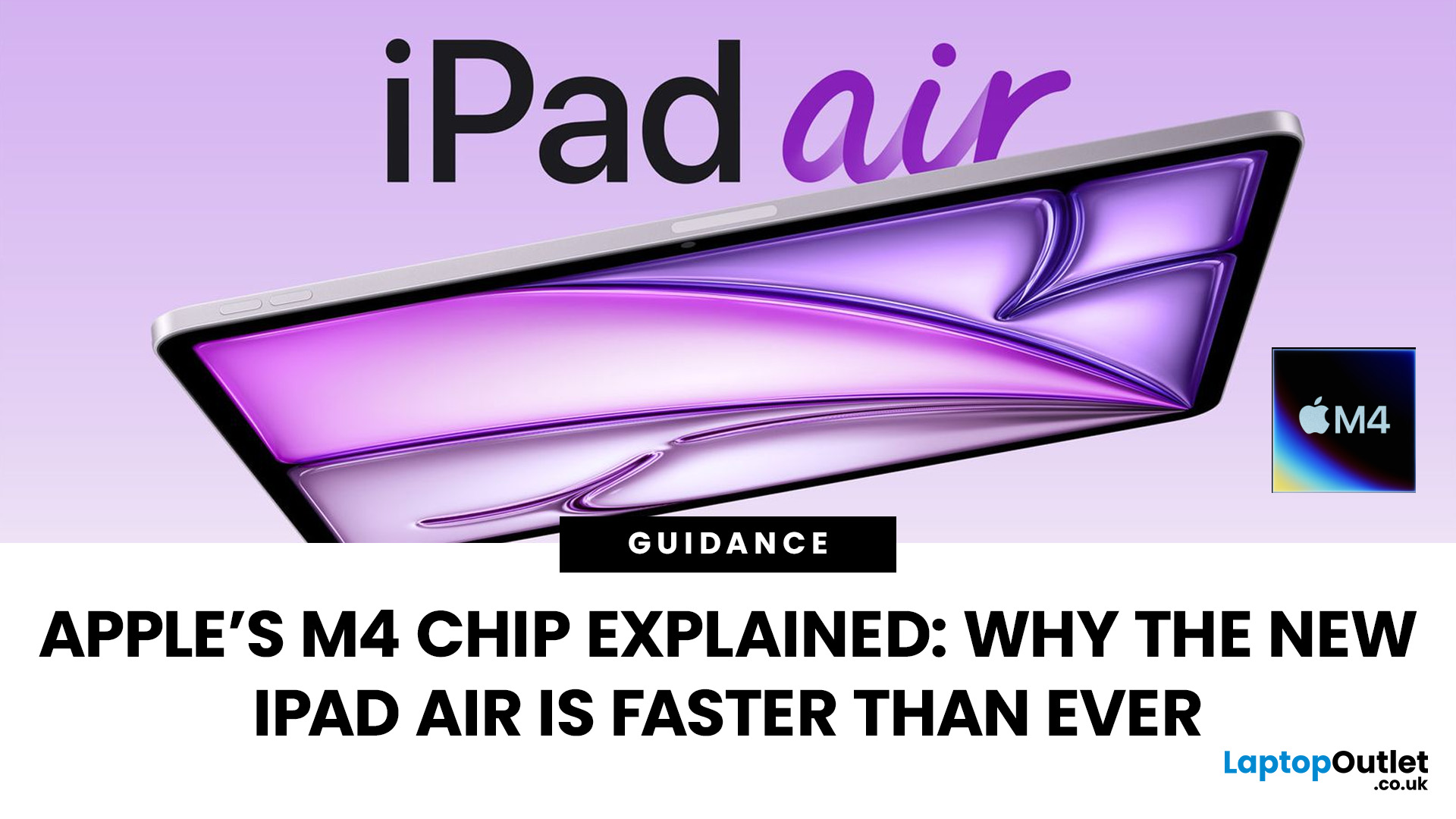
Apple’s silicon strategy has reshaped modern computing and the Apple M4 chip is the latest example of how powerful, efficient processors can transform mobile devices. In this article, we explain exactly what the M4 chip is, why it makes the new iPad Air faster, and what this means for everyday users in the UK and beyond.
What Is the Apple M4 Chip?
The Apple M4 chip is the newest generation of Apple silicon designed for tablets and other devices, including the latest iPad Air lineup. It builds on Apple’s previous M-series processors with improvements in CPU performance, graphical power and machine learning capabilities. The M4 integrates multiple central processing cores, a robust graphics unit and a dedicated neural engine into a single, efficient system-on-chip.
Unlike older mobile processors, which may separate components, the M4 combines CPU, GPU, memory controller, neural accelerators and other key functions into a single package. This unified architecture reduces latency and maximises
Published: March 06, 2026
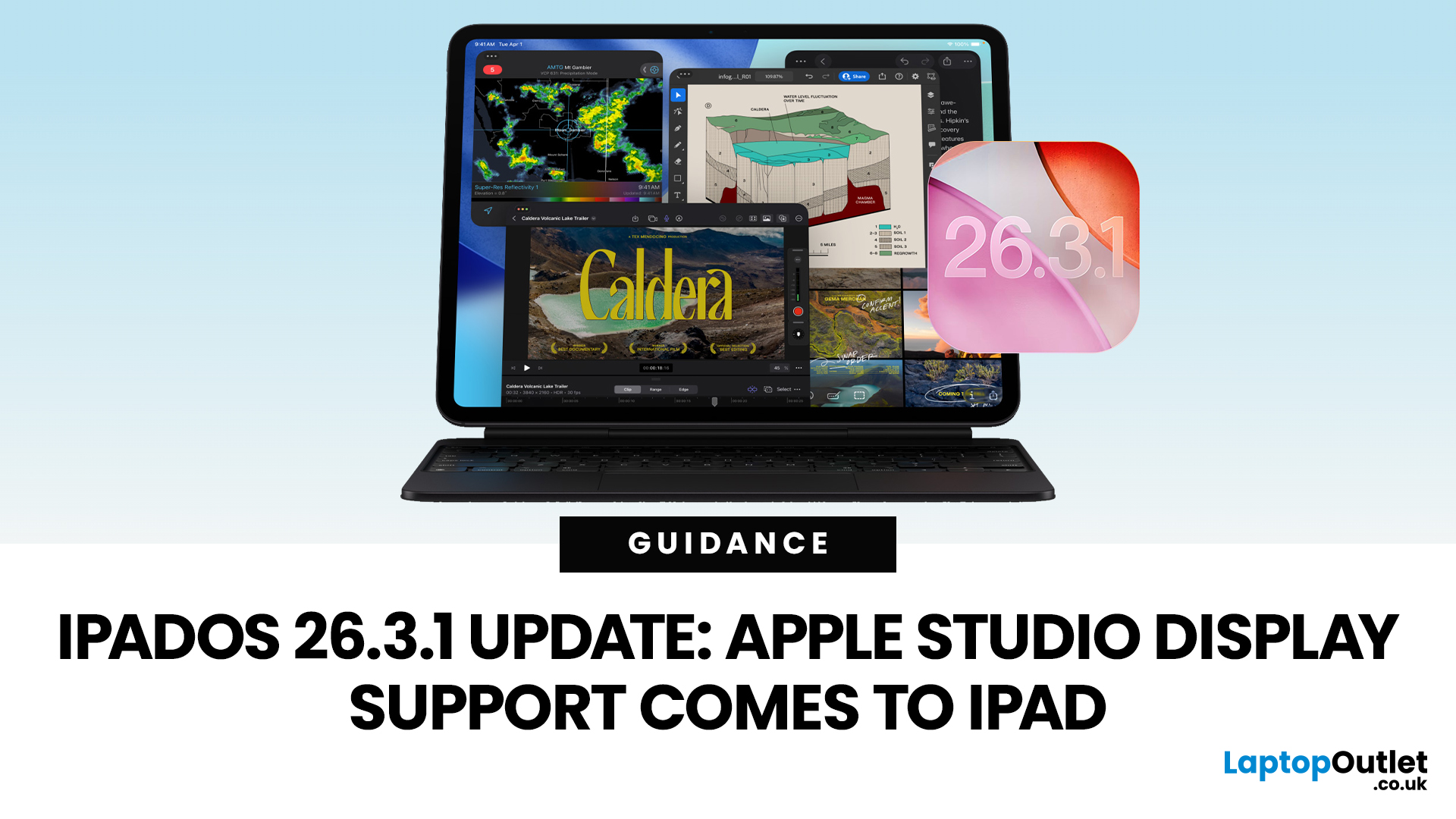
Apple has released the iPadOS 26.3.1 update (build 23D8133) on 4 March 2026, and while it’s a point release, it’s tied to something very tangible: support for Apple’s (new) Studio Display lineup, including Studio Display XDR.
That means, if you use an iPad as part of your desk setup, this is one of those updates that can quietly change your day-to-day. Not with flashy new emoji, but with better compatibility for a serious external monitor.
Below is what’s actually confirmed (and what isn’t), which iPads are included, and what to expect when you plug your iPad into Apple’s Studio Display.
What Apple says is in iPadOS 26.3.1
Apple’s Developer Releases listing confirms:
- iPadOS 26.3.1 (23D8133)
- Release date: 4 March 2026
Apple hasn’t published a public-facing, detailed changelog in the sources available here, and several reports describe the fixes as “unspecified bug fixes” alongside the key compatibility change.
What is clearly and directly supported: Studio Display compatibility now requires
Published: April 13, 2026
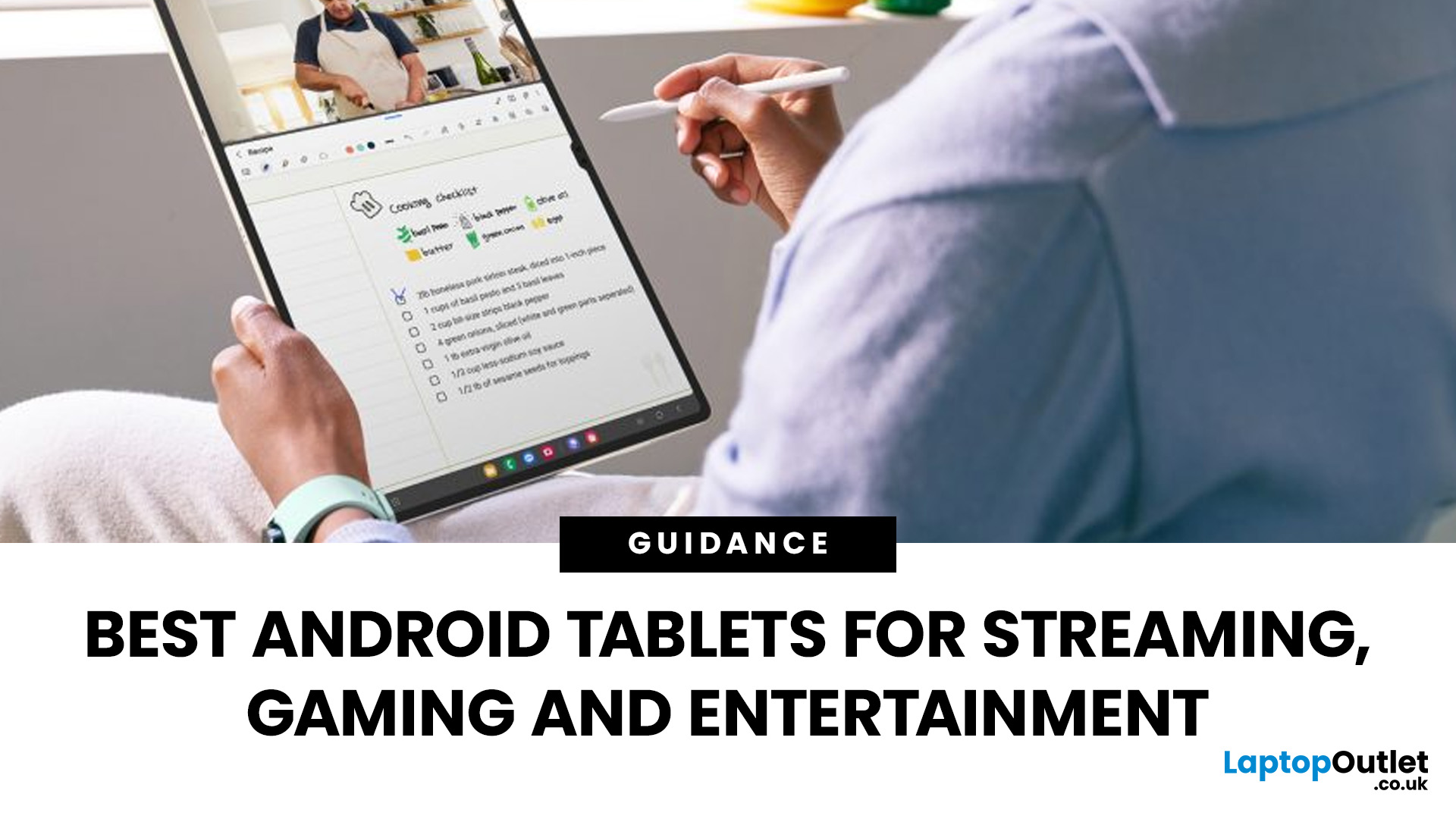
Looking for a tablet that’s built more for watching, playing, and relaxing than working? You’re not alone, Android tablets have quietly become some of the best-value options for streaming and gaming in 2026.
- Big-screen Android tablets are now sharper, louder, and more immersive
- Mid-range processors comfortably handle streaming and casual gaming
- Battery life and audio quality now matter more than raw performance
Streaming, gaming, and genera l entertainment are now the main reasons people pick up tablets again. While flagship devices still exist, most buyers today are leaning toward practical, well-balanced options that deliver strong visuals, solid audio, and long battery life, without pushing into premium pricing.
What actually makes a tablet good for streaming and gaming?
Before jumping into specific models, it helps to understand what separates a good tablet from a great entertainment device.
A strong Android tablet for streaming and gaming isn’t just about specs, it’s about how everything
Last Updated: April 13, 2026
Trying to stay productive these days without the right device? Not happening.
Whether you’re switching between lectures, juggling work tasks, replying to emails, or just trying to organise your day without losing your mind… you need something that can actually keep up.
That’s where Android tablets come in.
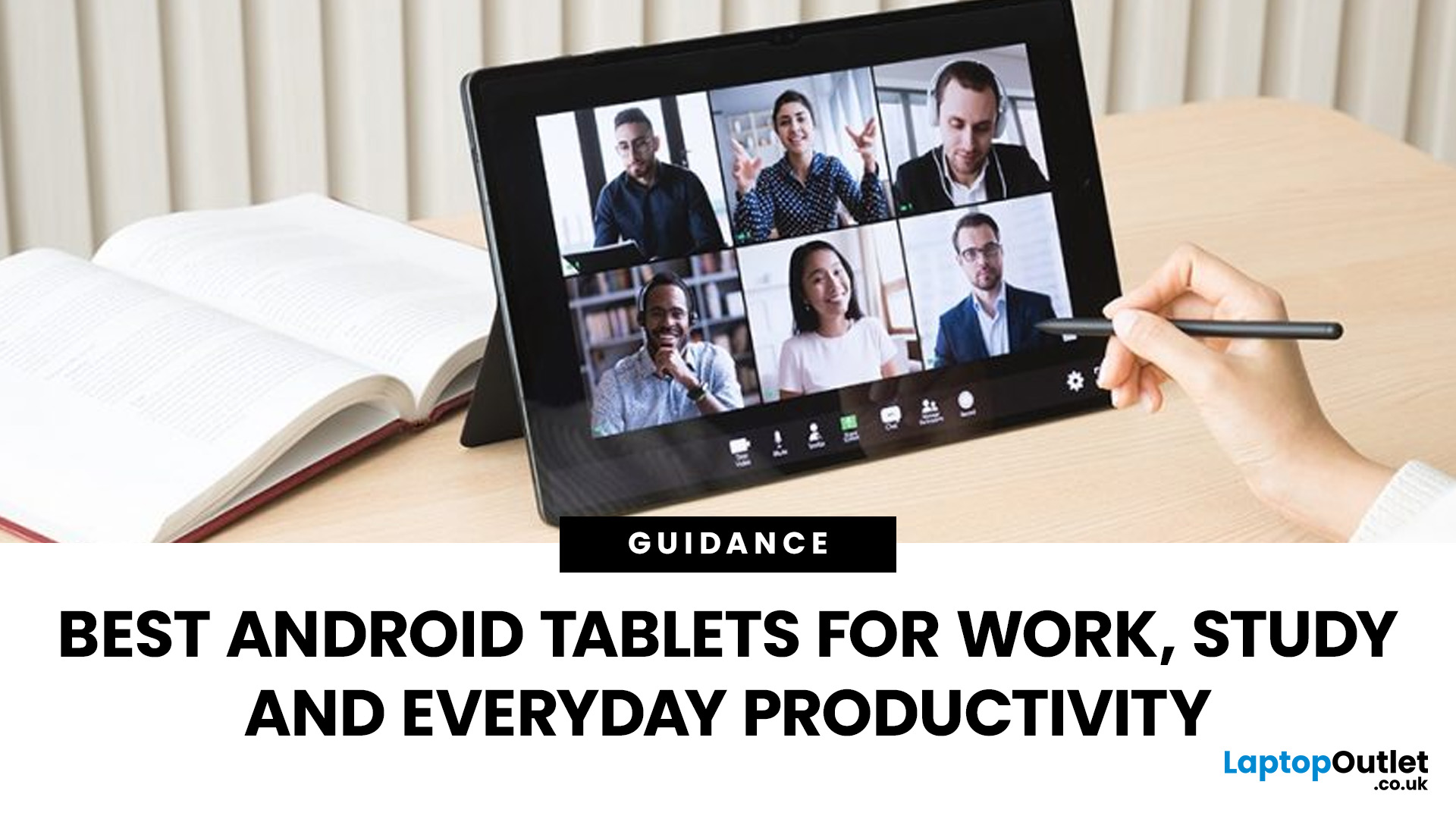
They’re lighter than laptops, more powerful than you’d expect, and way more flexible for everyday productivity - whether you’re a student, a professional, or somewhere in between.
But here’s the catch: not all tablets are built for productivity. Some are great for Netflix… but struggle the moment you open 3 tabs. Others look powerful on paper but don’t deliver where it matters.
So, in this guide, we’re breaking down the best Android tablets for work and study, helping you find the right balance between performance, usability, and value, without overcomplicating things.
Quick Picks: Best Android Tablets for Work and Study (2026)
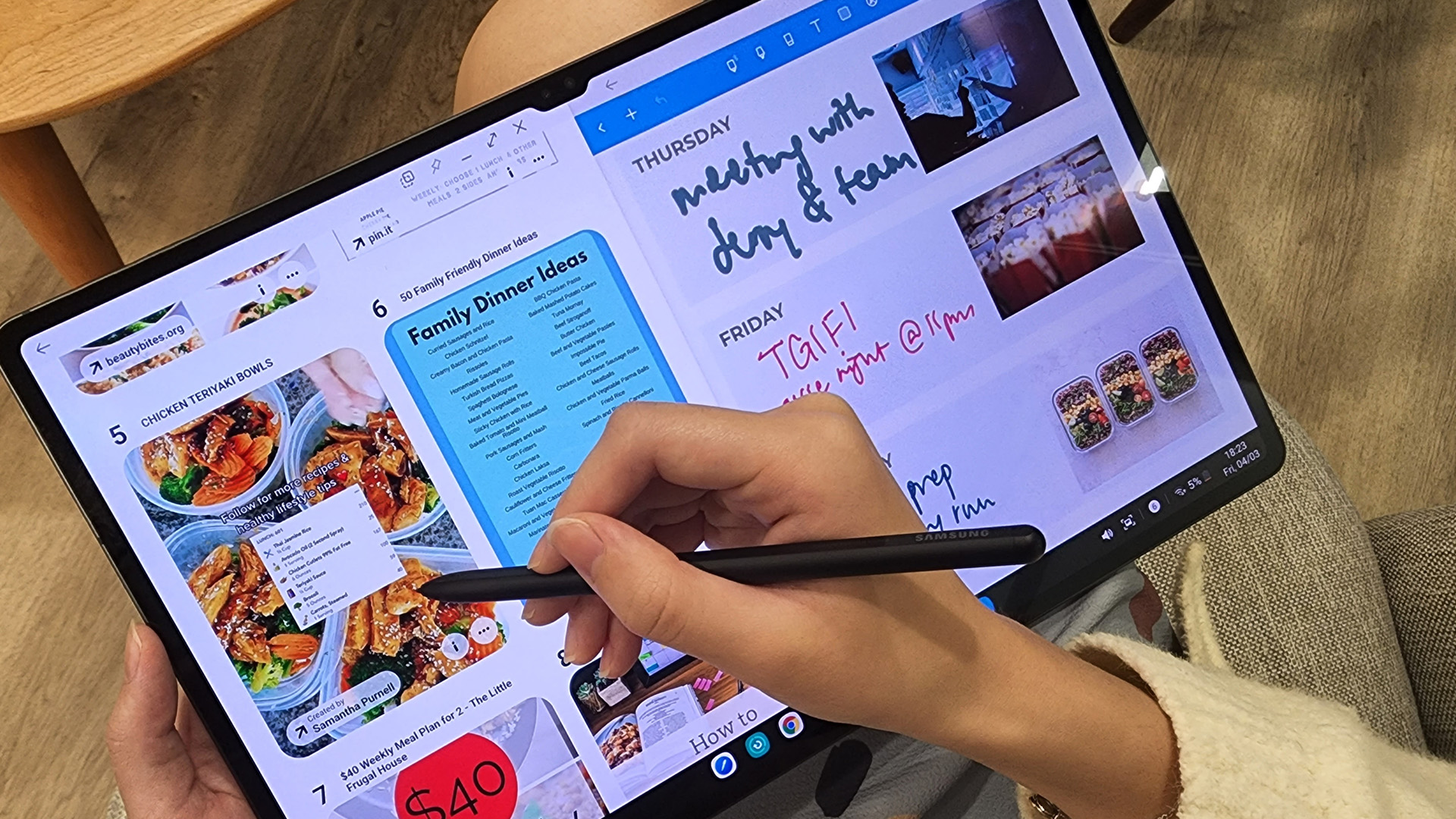
If you just want the highlights, here’s a quick look at
Published: April 14, 2026
Choosing a tablet sounds easy… until you actually start looking.
Suddenly, it turns into a full-on ecosystem debate. Do you go for the clean, premium Apple experience? Or do you choose the flexibility, variety and better-value world of Android?
That’s exactly why so many buyers end up stuck between Android tablets vs iPad.
On one side, iPads have the polished reputation, smooth performance and that classic Apple “it just works” appeal. On the other, Android tablets give you more choice, more price points, more freedom and a way easier entry into the tablet world without your bank account crying in the background.
And if you’re an everyday buyer, that choice matters even more.
Because you’re probably not buying a tablet to do one ultra-specific thing. You want something that fits into daily life. Something good for streaming, scrolling, studying, replying to emails, joining video calls, browsing, shopping, taking notes, maybe even getting a bit of work done when needed.
So in this guide,
Last Updated: June 10, 2026
When comparing Windows tablet PCs vs Android tablets, Windows is usually better for productivity-heavy tasks like multitasking, office work and business use, while Android tablets are better for portability, value and lighter everyday productivity.
When comparing Windows tablet PCs vs Android tablets, the best choice depends on how you work. Some users need laptop-style performance for spreadsheets, email, browser tasks and multitasking, while others prefer a portable device for note-taking, research, video calls and everyday flexibility.
That is why the Android vs Windows tablets debate matters. Windows tablets offer a more PC-like experience with stronger multitasking, while Android tablets focus on portability, convenience and app-based productivity.
For buyers in the UK, the best option depends on whether you value desktop-style software, keyboard-led productivity and business features, or a lighter, more affordable system that is easy to carry and simple to use. If you are browsing
Last Updated: April 27, 2026
If you are looking for the best Android tablets for note taking and drawing, the key is finding a tablet that feels natural for writing, sketching and digital planning. The best options combine stylus support, a clear display, good portability and enough performance for everyday work, study and creative use.
Not every user needs the same thing. Some want a simple tablet for notes and journaling, while others need a more capable device for drawing, annotating PDFs, and multitasking. That is why choosing among today’s Android tablets with stylus support is really about finding the right fit for your routine.
Android stands out because it offers plenty of choice across features, pricing, and everyday usability. Whether you want a compact planner-friendly device or a more flexible all-rounder, there is a wide range of Android tablets to explore.
Quick answer: what should you look for?
Before going too deep, here is the short version. The best Android tablets for note taking and drawing usually
Last Updated: June 10, 2026
Quick Answer: The best iPad in 2026 for most people is the iPad Air with M4 because it delivers strong performance, Apple Intelligence support, 11-inch and 13-inch sizes, Wi-Fi 7, and better long-term value than the entry-level iPad. If you want the most affordable iPad, choose the 11-inch iPad with the A16 chip. If you want the smallest iPad, choose the iPad mini with the A17 Pro chip. If you need the most powerful iPad for design, editing, illustration, or professional workloads, choose the iPad Pro with M5.
Introduction
If you are searching for the best iPad in 2026, the answer depends on what you actually need your tablet to do. You do not need the most expensive iPad for browsing, streaming, schoolwork, emails, video calls, and everyday apps. You need the right balance of screen size, performance, storage, battery life, accessory support, and price.
Apple’s current iPad family gives you four main routes: the standard iPad for everyday use, the iPad mini for portability, the iPad

