



How to Fix Stick Drift on Xbox and PlayStation Controllers
The right fix depends on whether the fault comes from software, dirt, calibration or worn internal parts. Below, you'll find platform-specific steps to fix stick drift on Xbox and PlayStation.
What Is Stick Drift?
Stick drift, also called analogue stick drift or joystick drift, is when a controller's thumbstick sends movement signals even though nobody is touching it. The console or PC reads this as a real input, so your character, camera, or cursor moves on its own.
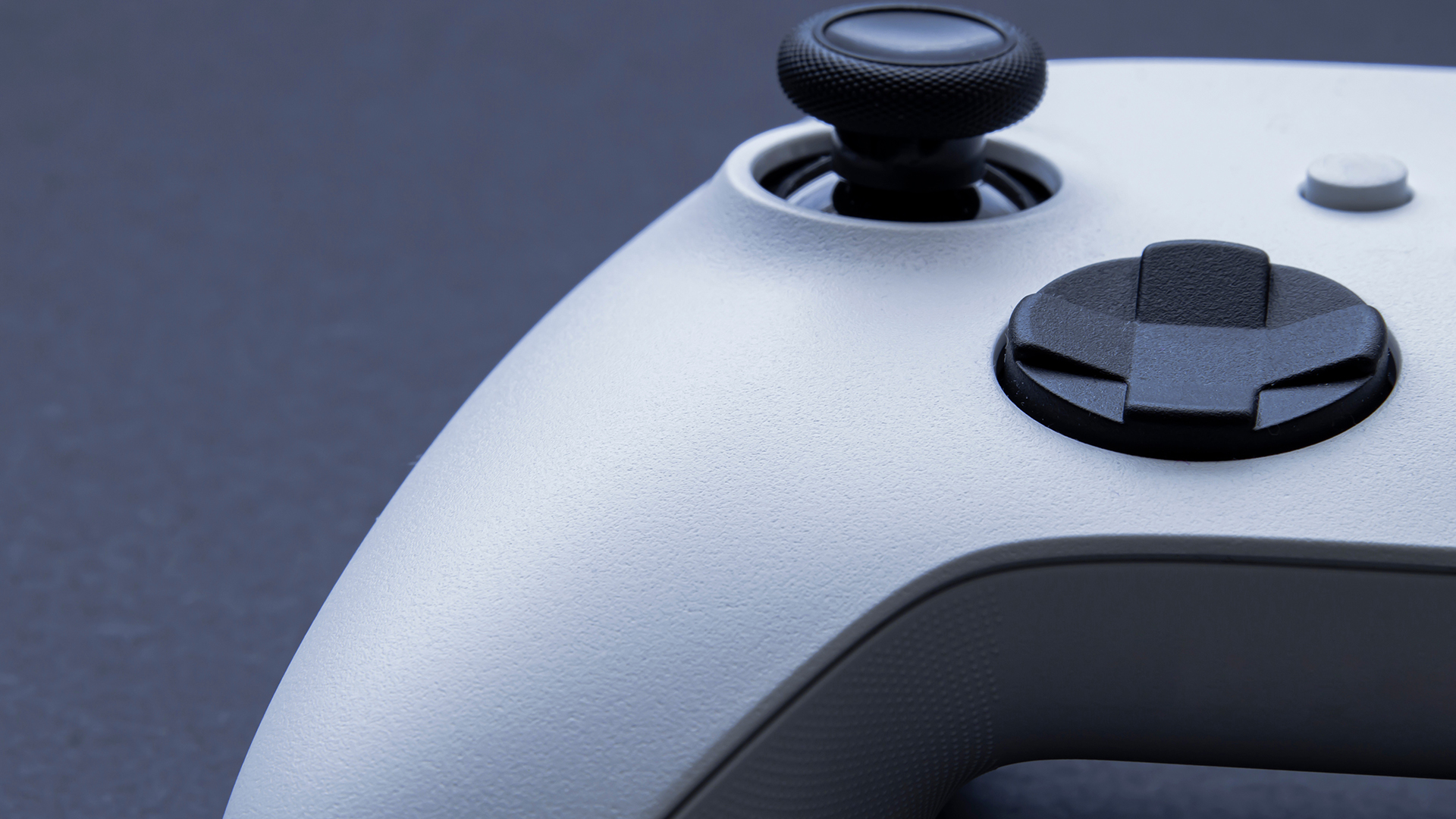
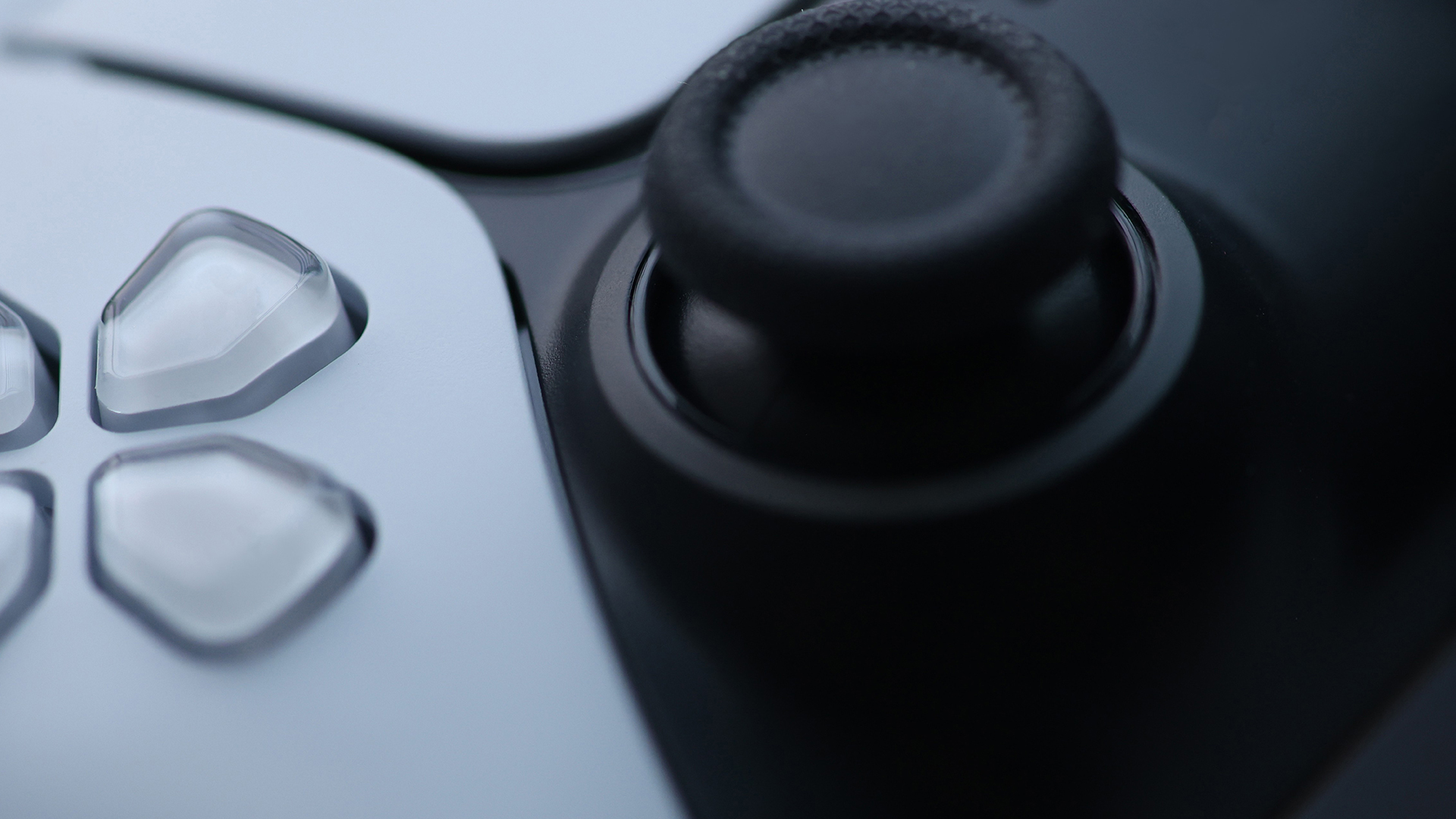
Across the modern gaming controller range, models such as the standard Xbox Wireless Controller and PS5 DualSense typically use analogue stick modules containing two potentiometers—one for each movement axis. A tiny wiper drags across a resistive track as you move the stick, and the resulting voltage change tells the system where the stick is pointing.
That physical contact is exactly why stick drift develops. Every movement wears the track very slightly, and once the wear is uneven or the surface gets dirty, the sensor can misread the stick's true position, even at rest.
In gameplay, stick drift can turn precise inputs into a constant fight against the controller. This is especially noticeable in shooters, racing games, and anything that relies on fine camera or steering control.
Common Signs of Stick Drift
Xbox and PS5 controller stick drift can be subtle at first, then become impossible to ignore. Typical symptoms of a stick drift controller include:
- Character or camera movement without input. Your character walks, strafes, or turns while your thumbs are off the sticks.
- Menus scrolling on their own. Highlighted options move up or down without you touching a direction.
- Aiming that feels harder than it should. Reticles pull slightly to one side, which is especially noticeable in first-person shooters.
- Inconsistent movement. The stick feels fine in one direction but sticky, jumpy, or overly sensitive in another.
- Visible cursor drift on a test screen. The dot representing your stick position does not sit at true centre when you let go.
What Are the Causes of Stick Drift?
There is no single cause of PS5 and Xbox controller drift. The same symptom can come from contamination, mechanical wear, calibration data, impact damage or a combination of faults.
|
Cause |
What happens |
Useful clues |
Most likely remedy |
|
Dust and debris |
Particles obstruct the stick surround or contaminate moving contacts. |
Intermittent drift that changes after rotating or cleaning the stick. |
Careful external cleaning may help. Internal cleaning is a repair task. |
|
Wear and tear |
Repeated movement wears the resistive track and contact wiper inside a potentiometer. |
Drift gradually worsens and returns after temporary improvement. |
Potentiometer or full module replacement. |
|
Weak centring mechanism |
Springs and the gimbal no longer return the stick to the same physical centre. |
The stick feels loose, does not centre cleanly or changes neutral position. |
Complete analogue module replacement is often required. |
|
Moisture or residue |
Liquid, humidity or skin residue affects electrical readings and corrosion risk. |
Sticky movement, erratic values or a history of spills. |
Stop using it, disconnect power and seek inspection. Cleaning may not reverse corrosion. |
|
Impact damage |
A drop can bend the stick shaft, crack solder joints or deform the mechanism. |
Drift starts immediately after a fall or the stick feels physically uneven. |
Professional diagnosis and hardware repair. |
|
Calibration or firmware |
The stored centre or input processing does not match the hardware accurately. |
Drift appears after an update, repair or profile change without obvious looseness. |
Firmware update, profile reset or supported recalibration. |
|
Manufacturing tolerance |
Small differences in components can leave a new stick slightly off-centre. |
Symptoms appear early and remain consistent from new. |
Warranty support, calibration where supported, or replacement. |
There is no single best way to fix stick drift since it heavily depends on the cause, but we have covered all the major fixes right here.
Fix 1: Clean Around the Analogue Sticks
|
Risk: Low if kept external |
Time: 5 to 10 minutes |
Result: Temporary or potentially lasting |
Why Cleaning Can Work
Dust, fibres and dried residue can collect around the thumb-stick shaft and flexible dust barrier. This may obstruct smooth centring or enter the mechanism.
External cleaning is most useful when the stick feels gritty, sticky or inconsistent. It is less likely to fix a smooth-moving stick with a repeatable offset caused by worn parts.
Safe Cleaning Steps
- Turn off the controller. Remove AA batteries or a removable battery pack. Disconnect the USB cable.
- Use a clean, dry, soft brush or a hand-operated air blower around the stick base without forcing debris inside.
- Rotate the stick gently through its full range while cleaning the exposed edge. Do not pull hard on the shaft.
- For DualSense, Sony specifies a soft, dry cloth and advises against solvents or other chemicals. For Xbox controllers, Microsoft permits specified exterior cleaners, including a lint-free cloth lightly dampened with 70% or weaker isopropyl alcohol. Never apply liquid directly.
- Allow the exterior to dry fully before restoring power, then retest in the same game and with the same test method used during diagnosis.
What Not to Do
- Do not pour or spray alcohol, contact cleaner or water into the stick opening.
- Do not use WD-40, lubricating oil, acetone or unapproved household cleaners.
- Do not blow into the controller with your mouth because moisture can enter.
- Do not use high-pressure compressed air at close range or tilt an aerosol can so liquid propellant escapes.
- Do not open a controller before checking the manufacturer's warranty and service terms.
When Cleaning Works and When It Probably Will Not
Cleaning can solve an external obstruction and may provide a lasting result when contamination was the cause. Brief improvement after moving the stick does not prove that internal wear has been repaired.
If drift returns within hours or days, changes direction unpredictably or remains identical after cleaning, stop repeating the process. Persistent symptoms suggest internal wear or damage requiring diagnosis.
Fix 2: Recalibrate the Controller
|
Risk: Low |
Time: 5 minutes |
Result: Long-term only if hardware is sound |
What Controller Calibration Actually Changes
Controller calibration maps the stick's centre and movement range to its reported input. It can correct supported alignment errors, but it cannot restore worn resistive material, repair a loose centring mechanism or fix physical damage.
How to Recalibrate an Xbox Controller
- Open the Xbox Accessories app on an Xbox console or Windows PC.
- Select the connected controller and open its device details using the three-dot menu.
- Install any available controller firmware update first.
- Select Recalibration options, choose the affected stick and follow the on-screen instructions.
- Retest the controller in the game and, where practical, on another device.
Microsoft states that this tool is available for the Xbox Wireless Controller and Xbox Elite Wireless Controller Series 2. It also warns that drift caused by normal wear may not be resolved.
Can You Recalibrate a Standard PS5 DualSense Controller?
Sony does not currently document a general user-facing stick calibration wizard for the standard DualSense equivalent to Xbox Accessories. Its consumer support route focuses on device-software updates, resetting and PlayStation Repairs diagnostics.
Some games provide their own calibration or centre adjustment. DualSense Edge allows stick sensitivity and dead-zone changes through custom profiles, but these settings do not repair a worn module.
Practical Test After Calibration
Move the stick slowly to all four edges, trace circles, release it from different directions and wait. Successful calibration should improve consistent centring and usable range, not merely conceal drift behind a larger software threshold.
Fix 3: Adjust Dead Zone Settings
|
Risk: Very low |
Time: 2 to 5 minutes |
Result: Workaround, not hardware repair |
What is a Controller Dead Zone?
A dead zone is the small area around a stick's centre that software ignores. If the controller reports a slight offset inside that area, the game treats it as no movement.
Increasing the inner dead zone can stop mild drift from moving the camera or character. It is often the fastest practical workaround when immediate repair is not possible.
How to Adjust It Correctly
- Open the game's controller, aiming or accessibility settings.
- Find the left-stick or right-stick inner dead zone. Some games call it the minimum input threshold.
- Increase it by the smallest available step.
- Return to gameplay and test both neutral stability and small deliberate movements.
- Stop increasing it once the drift disappears. Save separate settings for each affected stick where possible.
- DualSense Edge owners can adjust stick sensitivity and dead zones in custom profiles. Xbox Elite users can customise stick response curves, although game-level dead-zone controls are often the most direct way to suppress a small centre offset.
Pros and Cons
|
PROS |
CONS |
|---|---|
|
|
Key takeaway: Increasing dead zones usually hides symptoms rather than repairing wear. It is a reasonable workaround when the required increase is small and the controller remains responsive.
Fix 4: Update Controller Firmware
|
Risk: Low |
Time: 5 to 15 minutes |
Result: Long-term for software faults |
Why Firmware May Help
Whether the controller is paired with an older system or the latest console for gaming, keeping its firmware current can correct compatibility faults, unexpected behaviour or software-related input problems.
However, firmware cannot rebuild a worn potentiometer or centring mechanism. It is worth checking because it is an official, low-risk step, but repeatable drift across devices usually requires further diagnosis.
How to Update an Xbox Wireless Controller
- On Xbox, open Profile & system > Settings > Devices & connections > Accessories.
- Select the controller, open the three-dot device details screen and choose the firmware version or update option if offered.
- On Windows, connect through USB or the Xbox Wireless Adapter where possible and use the Xbox Accessories app.
- Keep the controller connected and do not interrupt power until the update completes.
How to Update a PS5 DualSense Controller
- Update the PS5 system software, pair the controller and follow any on-screen controller update prompt.
- To check manually, open Settings > Accessories > Controller (General) > DualSense Wireless Controller Device Software.
- A compatible Windows PC can also update DualSense device software through Sony's PlayStation Accessories app.
- Use a data-capable USB cable and keep the connection stable during the update.
When Firmware Is Likely to Fix Controller Stick Drift
A software cause is more plausible when the issue began after pairing or updating, affects several controls, appeared after an interrupted update or changes with the connection method. Consistent single-stick drift remains more suggestive of calibration or hardware trouble.
Fix 5: Reset the Controller
|
Risk: Low |
Time: 5 minutes |
Result: Software troubleshooting |
How to Reset a PS5 DualSense Controller
- Turn off the PS5 console and disconnect the controller's USB cable.
- Locate the small reset hole on the back of the controller next to the Sony logo.
- Use a pin or similar tool to press and hold the reset button for at least five seconds.
- Connect the controller to the PS5 with the compatible data-capable USB cable.
- Press the PS button to pair it again, then retest.
- A reset can clear temporary controller-state or connection problems. It is unlikely to fix a physically worn stick that produces the same offset across devices.
Xbox Controller Reset and Power-Cycle Steps
- A standard Xbox Wireless Controller does not use the DualSense rear-pinhole reset method. Instead, power-cycle and reconnect it.
- Hold the Xbox button for about 5 to 10 seconds until the controller turns off.
- Remove the batteries or battery pack, or disconnect the USB cable.
- Wait a few seconds, restore power and turn the controller on.
- Restart the console or PC and pair the controller again if needed.
- In Xbox Accessories, restore a customised profile to default if remapping or profile changes may be involved.
When is a Reset Worth Trying?
Reset when the drift appeared suddenly, after pairing, after a profile change or alongside other unusual input behaviour. It is a low-risk step before repair, but repeated resets are not useful when reliable tests show the same stable hardware offset.
Fix 6: Repair or Replace the Analogue Module
|
Risk: Medium to high |
Time: 30 minutes to several hours |
Result: Long-term when done correctly |
Why Hardware Repair Becomes Necessary
Persistent drift can result from degradation of the electrical sensing parts, centring mechanism, board connections or surrounding structure. Firmware cannot replace worn resistive material, restore a damaged spring mechanism or repair a cracked solder joint.
A controller drift repair may involve replacing a potentiometer, servicing or replacing the joystick assembly, replacing a supported removable module or repairing board connections. The correct choice depends on diagnosis, controller model and hardware revision.
Professional Repair Options
- Manufacturer warranty or service: usually the first choice for a recently purchased controller.
- Manufacturer out-of-warranty service: availability and fees vary by region and model.
- Reputable electronics repair specialist: useful for diagnosis, soldering and post-repair testing or calibration.
- Replaceable module: DualSense Edge uses user-replaceable stick modules, which is simpler than soldering a standard DualSense.
DIY Repair Considerations
Opening a controller requires model-specific tools and careful handling of clips, ribbon cables, batteries and haptic components. Full joystick replacement on standard Xbox and DualSense controllers normally requires desoldering several through-hole joints without lifting pads or overheating the board.
Replacing only a side potentiometer may be less invasive in some designs, but it will not fix a worn gimbal or centring mechanism. The replacement must match the original component's mechanical and electrical characteristics.
- Lithium batteries can be punctured, crushed or shorted if mishandled.
- Excess heat can damage traces, pads, connectors and nearby components.
- Incorrect parts can worsen centring, range, linearity or circularity.
- Warranty consequences vary; damage caused during repair may not be covered.
- A replacement part may still require model-appropriate calibration or adjustment.
Special Case: DualSense Edge
Sony designed DualSense Edge with removable left and right stick modules. Turn off the controller, disconnect USB, remove the front cover, raise the release lever, replace the module and reassemble it according to PlayStation's official guide.
This replaces the complete removable stick component rather than hiding drift with settings. It does not mean every DualSense model has swappable sticks; standard DualSense repair is more involved.
Special Case: Xbox Recalibration After Repair
Microsoft specifically instructs users to run Xbox Accessories recalibration after replacing an Xbox controller's base and circuit board during its supported self-repair process. The tool may help correct stored alignment, but Microsoft says it cannot resolve every fault, including all wear-related drift.
Are Hall Effect Sticks Better?
Hall Effect sticks use a magnet and magnetic sensor to measure position. They avoid the sliding electrical contact used by traditional potentiometer sensing, removing that particular wear mechanism.
This can improve resistance to sensor-track wear, but it does not make a controller indestructible or guarantee perfect centring for life.
Hall Effect Sticks Compared with Traditional Potentiometer Sticks
|
Area |
Potentiometer stick |
Hall Effect stick |
|
Position sensing |
A contact wiper moves across a resistive track. |
Magnet position is measured by a magnetic sensor. |
|
Sensor wear |
The contact and track can wear or become contaminated. |
No sliding contact at the sensing surface. |
|
Mechanical wear |
Gimbal, spring and shaft can still wear. |
Gimbal, spring and shaft can still wear. |
|
Calibration |
Needed for correct centre and range. |
Still needed for correct centre and range. |
|
Potential limitations |
Resistive wear, contamination and electrical noise. |
Implementation quality, calibration, filtering and mechanical tolerances. |
|
Cost and adoption |
Mature, inexpensive and widely used. |
Increasingly common in specialist and third-party controllers. |
Why are Hall Effect Designs Gaining Popularity?
Players want longer-lived sticks, and magnetic sensing avoids wear on resistive contact tracks. It is increasingly used in third-party controllers and replacement projects.
Some products use TMR magnetic sensors instead. Both technologies can sense position without a sliding electrical contact, but real-world performance depends on calibration, firmware, mechanical design and quality control.
What Are the Limitations?
The gimbal, spring and shaft still move, so looseness, poor centring and physical damage can develop. Magnetic sensing also requires suitable component placement, calibration and firmware processing.
A poorly implemented magnetic stick can have excessive built-in dead zones, uneven response, outer-range errors, poor circularity or aggressive filtering. Sensor type is important, but it is not the only measure of controller quality.
Why Do Many Standard Controllers Still Use Traditional Mechanisms?
Potentiometer modules are compact, well understood and produced at enormous scale. They can provide good performance at low component cost, and manufacturers have established designs, supply chains and calibration processes around them.
When comparing replacements, consider platform compatibility, latency, warranty, ergonomics, repairability and software support as well as sensor type. Confirm compatibility through the manufacturer's specifications; retailer ranges such as Laptop Outlet's can then help compare available products.
Can Stick Drift Be Fixed Permanently?
Sometimes, but no repair can guarantee that drift will never return. A lasting result depends on identifying and correcting the actual cause rather than repeatedly suppressing the symptom.
When Cleaning May Be a Permanent Fix
If external debris was preventing full return, careful cleaning may solve the problem. Confidence increases when the controller remains centred across several tests over multiple days.
When Recalibration May Be a Permanent Fix
If the hardware is healthy but its supported centre or range data is wrong, recalibration can restore correct neutral input. It cannot compensate indefinitely for progressive mechanical or electrical wear.
When a Dead Zone is Only Temporary
Dead zones can make mild drift invisible to a game, but they do not stop a worn component deteriorating. The required threshold may increase over time, eventually delaying or reducing fine movement.
When Repair is Required
Repair is appropriate when drift repeats across games or devices, the stick feels loose, values are unstable, external cleaning has no lasting effect or the fault followed impact or liquid exposure. Replacing the diagnosed failed part addresses wear more directly than software workarounds.
When Replacement is More Practical
A new controller may make more sense when repair approaches replacement cost, several controls are failing, the board has liquid damage, suitable parts are unavailable or a predictable warranty-backed outcome is important.
Check service cover first. If replacing an older system as well, verify controller compatibility through the console manufacturer's specifications because support and included accessories vary by platform.
How to Prevent Stick Drift from Coming Back
Once you've fixed the problem, a few habits go a long way towards keeping it from coming back.
- Store your controller somewhere dry and free of dust, rather than leaving it on the floor or in direct sunlight.
- Give the area around each stick a light clean every couple of months, well before any drift appears.
- Avoid forcing the sticks to their absolute limit repeatedly, particularly in racing or flight games where players often push hard into the edge of the stick's range.
- Keep firmware updated. Both Xbox and PlayStation occasionally ship updates that improve stick tracking and calibration behaviour.
- Consider hard case or a silicone thumbstick cover. They can go a long way toward keeping dust and impact damage out.
- If you play competitively for hours at a time, a second controller to rotate in and out can help spread the wear evenly.

Know Your Controller, Know Your Options
Stick drift does not always mean the controller is finished. To fix stick drift safely, begin with diagnosis, firmware updates, a reset, exterior cleaning and official recalibration where your model supports it. Use a small dead zone only as a temporary workaround, because it can reduce aiming control.
Standard DualSense and most Xbox controllers usually need professional soldering when the internal stick module is worn, while DualSense Edge owners can replace a module themselves. Check retailer rights and manufacturer support before opening anything. Replace the controller when repairs are uneconomical, several faults coexist, or reliability matters more than preserving hardware.

While We’re on the Subject...
What causes stick drift in Xbox and PlayStation controllers?
Stick drift can come from worn potentiometer tracks, debris near the stick mechanism, weakened centring parts, impact damage, moisture, calibration errors, or firmware problems. Testing across games helps separate controller faults from software-specific settings.
Can stick drift be fixed permanently?
A lasting fix depends on the cause. Firmware or calibration faults may stay resolved, while worn hardware usually needs module replacement. Hall Effect or TMR upgrades reduce sensor wear but cannot guarantee immunity from every mechanical or electronic fault.
Does cleaning the controller fix stick drift?
Cleaning may fix drift caused by loose dirt around the stick, but it cannot rebuild worn sensor tracks or damaged centring parts. Follow each manufacturer’s cleaning guidance and never pour or spray liquid into the controller housing.
How can I stop stick drift from happening again?
Keep hands and storage areas clean, avoid pressing or snapping sticks aggressively, protect the controller from drops, update firmware, and use a case during travel. Prevention reduces risk, although ordinary component wear can still develop.
Should I repair or replace a controller with stick drift?
Repair is sensible when the controller is premium, otherwise sound, and the quote is well below replacement cost. Replace it when several parts are failing, the board is damaged, or repair approaches the price of a reliable new pad.
Related Articles


Last Updated: May 21, 2026
Call of Duty: Black Ops 7 is built around fast reactions, snappy aim and precise movement. Your skill matters most, of course – but the controller in your hands can absolutely make or break a gunfight.
Below are some of the best controllers for Call of Duty, grouped by platform and playstyle, with direct product links.
What to Look for in a Black Ops 7 Controller
Before we dive into specific models, here are the features that matter most in Call of Duty:
- Fast triggers – short or adjustable trigger travel means faster shots in close-range gunfights.
- Accurate thumbsticks – for smoother tracking, recoil control and precision sniping.
- Extra buttons / paddles – map jump, slide, melee, reload or tac sprint so your thumbs stay on the sticks.
- Good grip & comfort – ranked sessions can last hours; your hands shouldn’t tap out before you do.
- Low-latency connection – wired USB or strong Bluetooth/2.4 GHz wireless for responsive inputs.
Now, let’s match those needs to real controllers you can buy
Published: March 23, 2026
2026 is looking stacked for Xbox. We’ve already got big names locked in like Fable, Forza Horizon 6, Beast of Reincarnation and Kiln, plus newer drops like Planet of Lana II and Crimson Desert, adding even more hype. For UK players, it’s a solid mix of huge adventures, racing, RPGs, co-op chaos, and Game Pass day-one wins. Best part? This isn’t just rumour season anymore. A bunch of these games already have confirmed dates or release windows, so the Xbox 2026 lineup is starting to look very real.
Why 2026 Looks Like a Major Year for Xbox
The headline reason 2026 feels big is simple: Xbox is balancing first-party prestige with broad genre coverage. Fable gives the platform its big fantasy action-RPG return, Forza Horizon 6 handles the open-world racing crowd, Beast of Reincarnation adds a fresh action-RPG from Game Freak, and Kiln brings a more playful multiplayer angle from Double Fine. Xbox Wire confirmed all four at Developer_Direct, and all four are planned for release in 2026.
There
Last Updated: April 06, 2026
The gaming industry is once again on the brink of transformation, and Microsoft appears ready to lead the charge. Enter Project Helix, the rumoured next-generation Xbox console that could redefine not only console gaming but the entire ecosystem connecting Xbox, PC, and cloud platforms.
With increasing competition from Sony, rapid advancements in hardware, and the growing dominance of cloud gaming, Microsoft’s strategy has evolved far beyond traditional consoles. Project Helix is expected to embody this evolution, merging power, flexibility, and innovation into one unified gaming experience.
In this deep dive, we’ll explore everything we know (and what we can reasonably expect) about Project Helix, including its potential features, hardware specifications, release window, and how it could shape the future of gaming.
What Is Project Helix?
Project Helix is widely believed to be Microsoft’s codename for its upcoming next-gen Xbox console, likely targeting a release around 2026 or beyond.
Published: April 03, 2026
April is shaping up to be one of the most underrated months in the Aprilgaming calendar 2026. It’s not stacked with nonstop AAA blockbusters, but that’s exactly what makes it interesting. Instead, we’re getting a mix of experimental titles, long-awaited releases, and some genuinely fresh ideas across PC and consoles.
Full April 2026 Game Releases Schedule
Here’s a complete breakdown of confirmed April 2026 game releases across platforms:
| Release Date | Game | Platforms |
| 1 April | Goat Simulator 3 | Switch 2 |
| 2 April | I Am Jesus Christ | PC |
| 8 April | ChainStaff | PS5, Xbox Series X|S, PS4, Xbox One, Switch, PC |
| 10 April | Tiny Bookshop | PS5, Switch 2 |
| 13 April | Before I Go | PS5, Xbox Series X|S, Xbox One, Switch, PC |
| 14 April | Dosa Divas: One Last Meal | PS5, Xbox Series X|S, Switch 2, Switch, PC |
| 16 April | ShantyTown | PC |
| 16 April | Tomodachi Life: Living the Dream | Switch, Switch 2 |
| 16 April | Cthulhu: The Cosmic Abyss | PS5, Xbox Series X|S, PC |
| 22 April | Clockwork Ambrosia | PC |
| 22 April | Masters of Albion | PC |
| 22 April | Tides of |
Last Updated: April 06, 2026
As Microsoft continues to reshape its gaming ecosystem, attention has shifted towards what comes next after the current Xbox Series generation. One of the most talked-about developments is Project Helix, a name that has started to surface in discussions around the future of Xbox. If you are trying to understand about Project Helix, what it could mean for gamers, and how it fits into broader Microsoft gaming plans, this guide breaks it down in a clear, practical way.
What is Project Helix?
At its core, Project Helix explained simply is this: it is believed to be Microsoft’s next major step in Xbox development, potentially tied to the next generation of hardware, cloud integration, and platform evolution. While Microsoft has not officially confirmed full details, industry reports and development signals suggest that Project Helix is not just a single device. Instead, it appears to be part of a wider strategy that blends:
- New Xbox hardware
- Cloud gaming expansion
- Deeper integration with Windows
Last Updated: April 08, 2026
Microsoft has just officially lifted the lid on what comes after the Xbox Series X and Series S. If you have been following gaming news in early 2026, you have likely heard the name Project Helix floating around. This is the codename for Microsoft's next-gen gaming console, and it is shaping up to be unlike anything Xbox has released before.
The announcement came at the 2026 Game Developers Conference (GDC) in March, where Xbox VP of Next Generation, Jason Ronald, laid out the vision for the platform. There is a lot to unpack here, so let us go through everything you need to know.
| Note: Prices and availability referenced in this article are based on information available at the time of writing in March 2026. Product specifications for Project Helix remain unconfirmed by Microsoft and are subject to change. |
What Exactly Is Project Helix?
Project Helix is not simply the next Xbox console. It is a hybrid gaming platform designed to run both traditional Xbox titles and full PC games from

Published: May 08, 2026
Looking for the PlayStation Plus June 2026 games? Here is the honest answer first: Sony has not officially confirmed the June lineup yet. That means any full list doing the rounds before the official reveal should be treated carefully. What we do have is the current May lineup, the likely June announcement window, the games expected to stop being claimable when June begins, and a sensible watchlist for PS Plus Extra and PS Plus Premium removals. Sony’s latest confirmed Monthly Games update features EA Sports FC 26, Wuchang: Fallen Feathers and Nine Sols from Tuesday, 5 May.
This guide keeps things simple. You will find what is confirmed, what is expected, what is only rumoured, and whether the PlayStation subscription is worth paying for in June if you are a UK player.
Quick Answer: What We Know So Far
| Question | Current Answer |
| Is the PlayStation Plus June 2026 lineup confirmed? | Not yet |
| Are the PS Plus June games available now? | No |
| Expected Essential reveal date | Wednesday 27 May 2026 |
| Most |

Last Updated: June 10, 2026
Quick Answer: PlayStation Plus in 2026 is worth it for most PS5 owners, but the right tier depends entirely on how you play. If you game online regularly, Essential at £59.99 a year is solid value. Want access to hundreds of games? Extra at £99.99 annually is the sweet spot. Only go Premium at £119.99 if you genuinely value retro classics and cloud streaming.
Whether you are a casual weekend player or a hardcore gamer grinding through titles daily, there is a PS Plus tier that could work for you. This PlayStation Plus value guide will help you work out exactly which plan is worth your money, and which one to skip entirely.
What Is PlayStation Plus?
PlayStation Plus is Sony's official gaming subscription service, giving PS5 and PS4 owners access to online multiplayer, a rotating library of free monthly games, and exclusive PlayStation Store discounts. It has existed in various forms since 2010 but was significantly restructured in June 2022 into the three-tiered system that
Last Updated: June 10, 2026
Call of Duty: Modern Warfare 4 Release Date, Features, and Gameplay
Quick Answer: Modern Warfare 4 is the next major Call of Duty title from Infinity Ward, launching on 23 October 2026 for PS5, Xbox Series X|S, PC and Nintendo Switch 2. The game features a new Campaign centred on conflict in Korea, alongside Multiplayer and DMZ modes. Confirmed highlights include 12 new 6v6 maps, Gunfight support, enhanced Gunsmith customisation, the new Ballistic Authority combat system and Warzone integration beginning in Season 1 after launch.
| Editor’s Note: This article is based on the latest official Call of Duty information available as of 29 May 2026. Confirmed details, such as the Modern Warfare 4 release date, platforms and core modes, are clearly marked. Any commentary around gameplay expectations, story direction, Multiplayer balance or Warzone impact is speculative and may change as Activision and Infinity Ward reveal more before launch. |
For Call of Duty fans, modern warfare 4 is a huge deal.

Last Updated: June 09, 2026
GTA 6 – officially titled Grand Theft Auto VI – is confirmed for release on 19 November 2026 on PlayStation 5 and Xbox Series X|S. Developed by Rockstar Games and published by Take-Two Interactive, the game returns to Vice City within the fictional state of Leonida. It features dual protagonists Jason Duval and Lucia Caminos, the first female lead in the mainline series.
| Note: This article focuses strictly on confirmed information from Rockstar Games, Take-Two Interactive financial disclosures, and officially released trailer content, while clearly flagging what remains unverified. If you are following GTA 6 release date news and want a reliable, up-to-date summary, you are in the right place. |
GTA 6 Release Date – When Is the Game Coming Out?
After a prolonged and much-discussed development cycle, GTA 6 now has a confirmed release date – though that date has changed more than once. Understanding how the current date came about requires a quick look at the timeline of official announcements.

