



PS5 Pro vs PS5: Why 2026 Is a Great Time to Upgrade
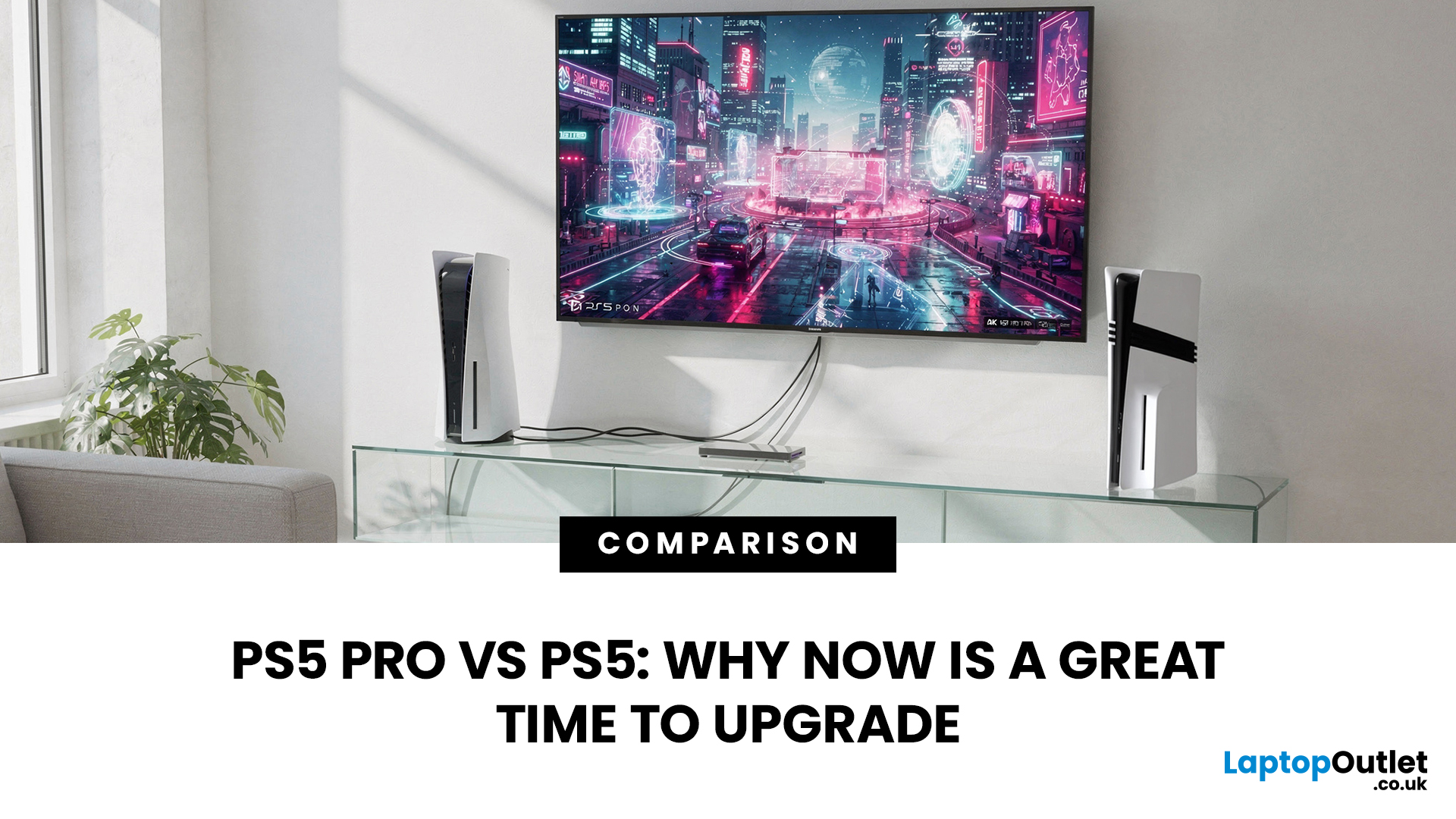
PS5 Pro vs PS5 is not really about which console can play the games you want. They both can. The real question is how cleanly those games run on your screen, and how often you have to accept compromises to get there.
If you are happy picking between a sharper 30fps mode and a smoother but softer 60fps mode, the standard PS5 still does a brilliant job. But if you have moved to a 4K 120Hz TV or a decent gaming monitor, or you are noticing more games leaning heavily on resolution scaling to hit performance targets, the PS5 Pro is the sort of upgrade you feel every session.
2026 is a particularly good moment to make the jump. The PS5 Pro now has a much healthier library of Pro Enhanced patches than it did early on, and Sony has already discussed further image-quality improvements for 2026 titles. Add clearer UK pricing, more bundle choice, and better second-hand value for older hardware, and the decision is less of a guess than it was at launch.
PS5 Pro vs PS5 at a Glance
Here is the fast, buyer-friendly view of what changes day to day.
|
Category |
PS5 Pro |
PS5 (Standard) |
What This Means for You |
|
UK RRP |
Around £699.99 |
Around £479.99 |
The Pro sits firmly in premium territory. You’ll want a display that can actually show the upgrade. |
|
Storage |
2TB SSD |
1TB SSD |
Fewer installs to delete. Ideal if you juggle large AAA titles. |
|
Graphics Power |
Higher GPU performance |
Lower GPU performance |
More headroom for smoother frame rates at higher visual settings. |
|
Upscaling Tech |
PSSR (AI-based upscaling) |
No PSSR |
Cleaner 4K output while keeping performance modes responsive. |
|
Ray Tracing |
Enhanced ray tracing capability |
Standard ray tracing |
Better lighting and reflections without always sacrificing frame rate. |
|
Connectivity |
Wi-Fi 7 support |
Wi-Fi 6 / earlier |
Future-ready networking, though Ethernet still offers best stability. |
|
Disc Support |
Digital-only (drive sold separately) |
Disc model available |
Physical game buyers should factor in the extra drive cost. |
The Differences That Actually Matter
Mostly, online pages list specs. Useful, but not always meaningful. Here is what is worth caring about.
1) Upscaling Is the Real Pro Story
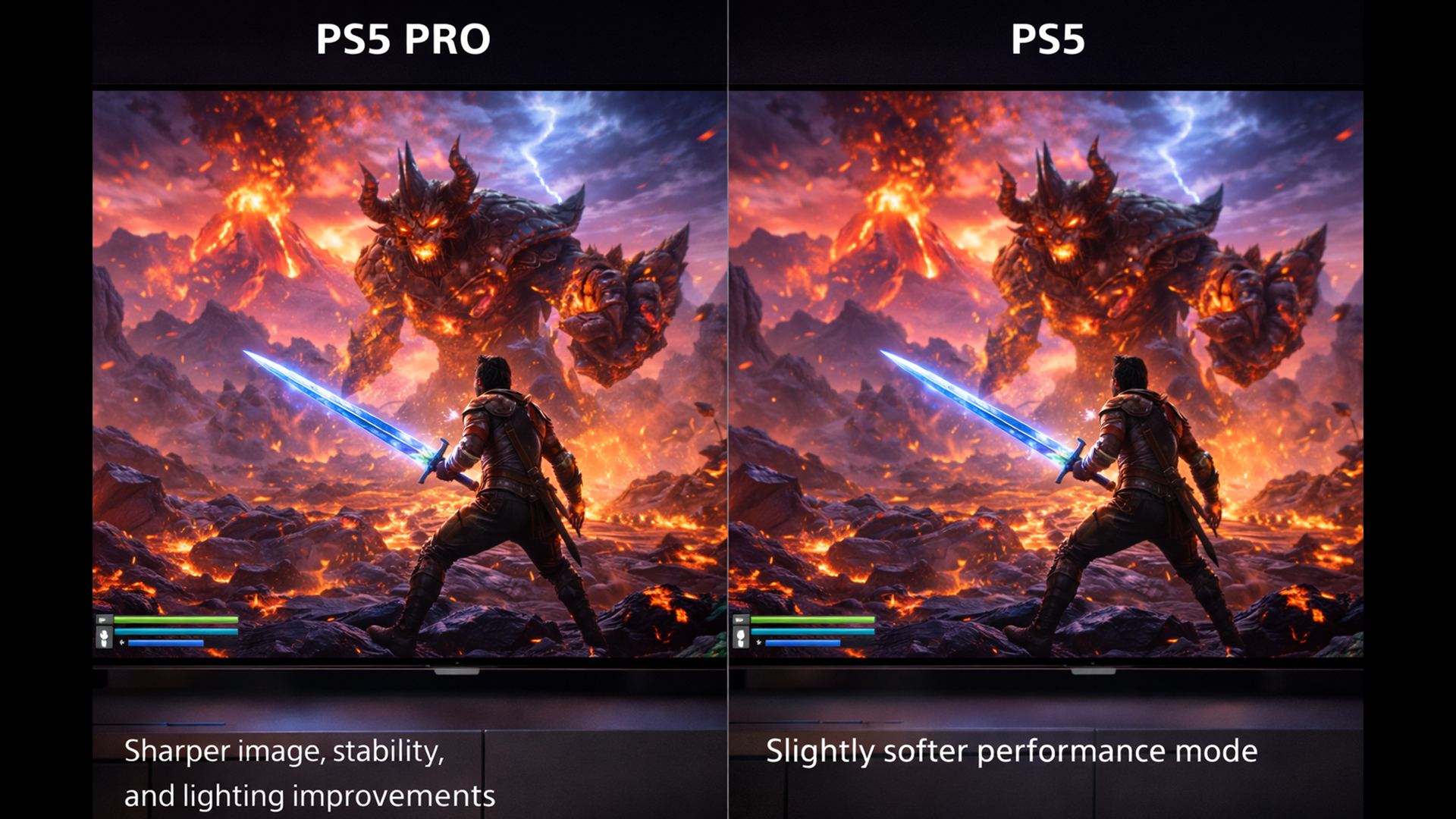
The PS5 Pro is designed to reduce the constant compromise console players know too well: performance mode looks a bit soft, quality mode looks great but feels sluggish.
Sony’s PlayStation Spectral Super Resolution (PSSR) exists to close that gap. It reconstructs a higher-resolution image from a lower-resolution internal render, aiming for a sharper 4K output while maintaining high frame rates. If you have ever noticed shimmering foliage, unstable edges, or a slightly fuzzy look in some 60fps modes, this is exactly what the Pro aims to improve.
You will not see the benefit equally in every game. Some titles deliver a big leap, others only tidy up image stability. The best way to think about it is this: the Pro gives developers more room to deliver a cleaner picture at the frame rate people actually choose.
2) Ray Tracing You Can Leave Switched On
Ray tracing is one of the first things to get dialled back when performance targets get tight. The PS5 Pro’s extra headroom means some games can offer ray tracing in modes where you previously had to choose between nice lighting and responsive gameplay.
If you play cinematic single-player games, this is where the Pro’s upgrade feels most obvious. Reflections, lighting transitions, and shadow detail can look more natural, and you are less likely to feel forced back into a 30fps mode to get it.
3) Storage Is a Quality-of-Life Upgrade, Not a Spec Flex
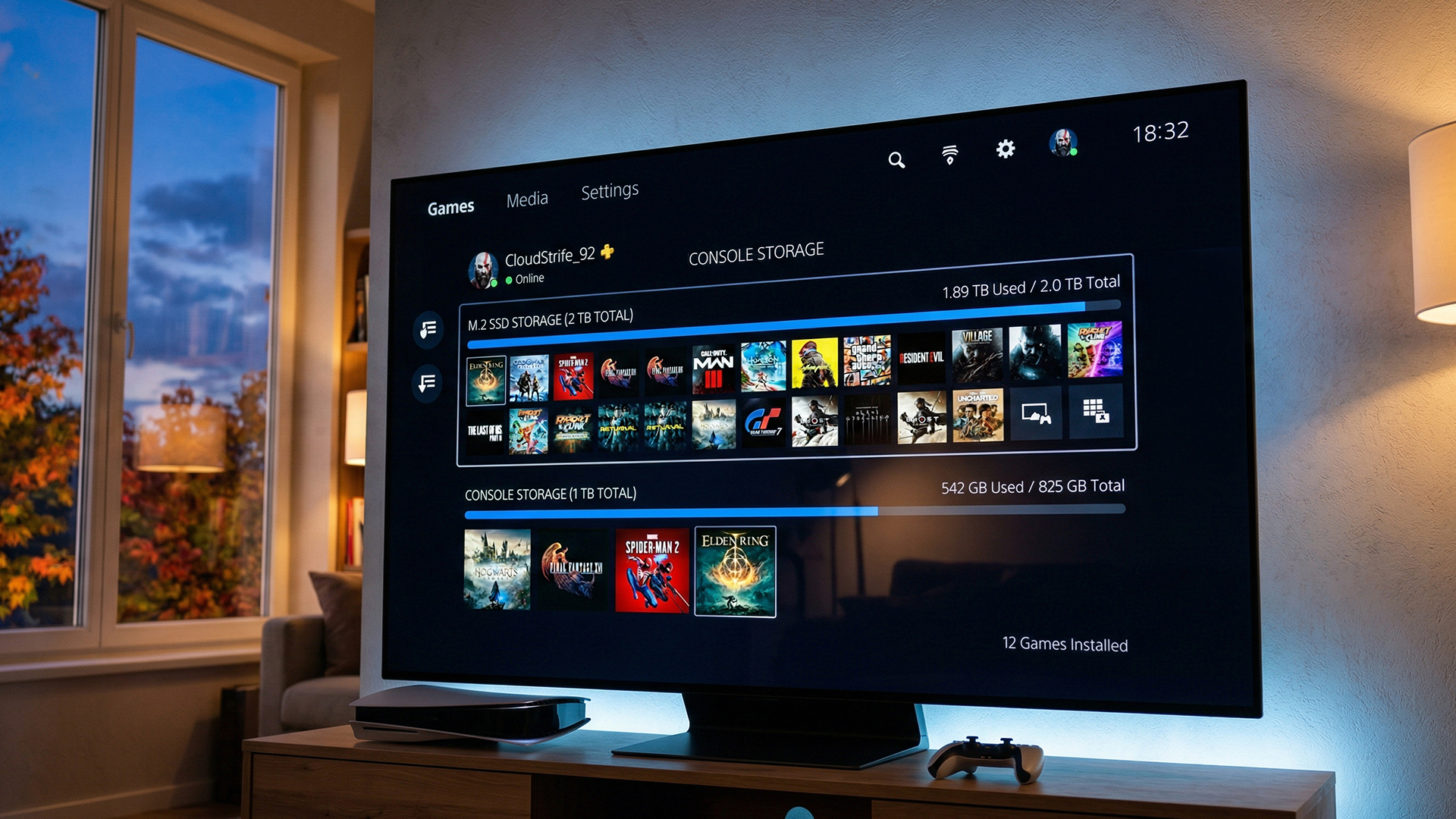
The 2TB SSD is not a headline feature like graphics, but it is the feature you will appreciate most often. Modern games are huge. If you keep a handful of live-service titles installed alongside big single-player releases, 1TB fills up quickly once you account for system space.
The Pro’s extra storage means fewer compromises and less storage housekeeping.
4) Digital-Only Changes the Maths for Some Buyers
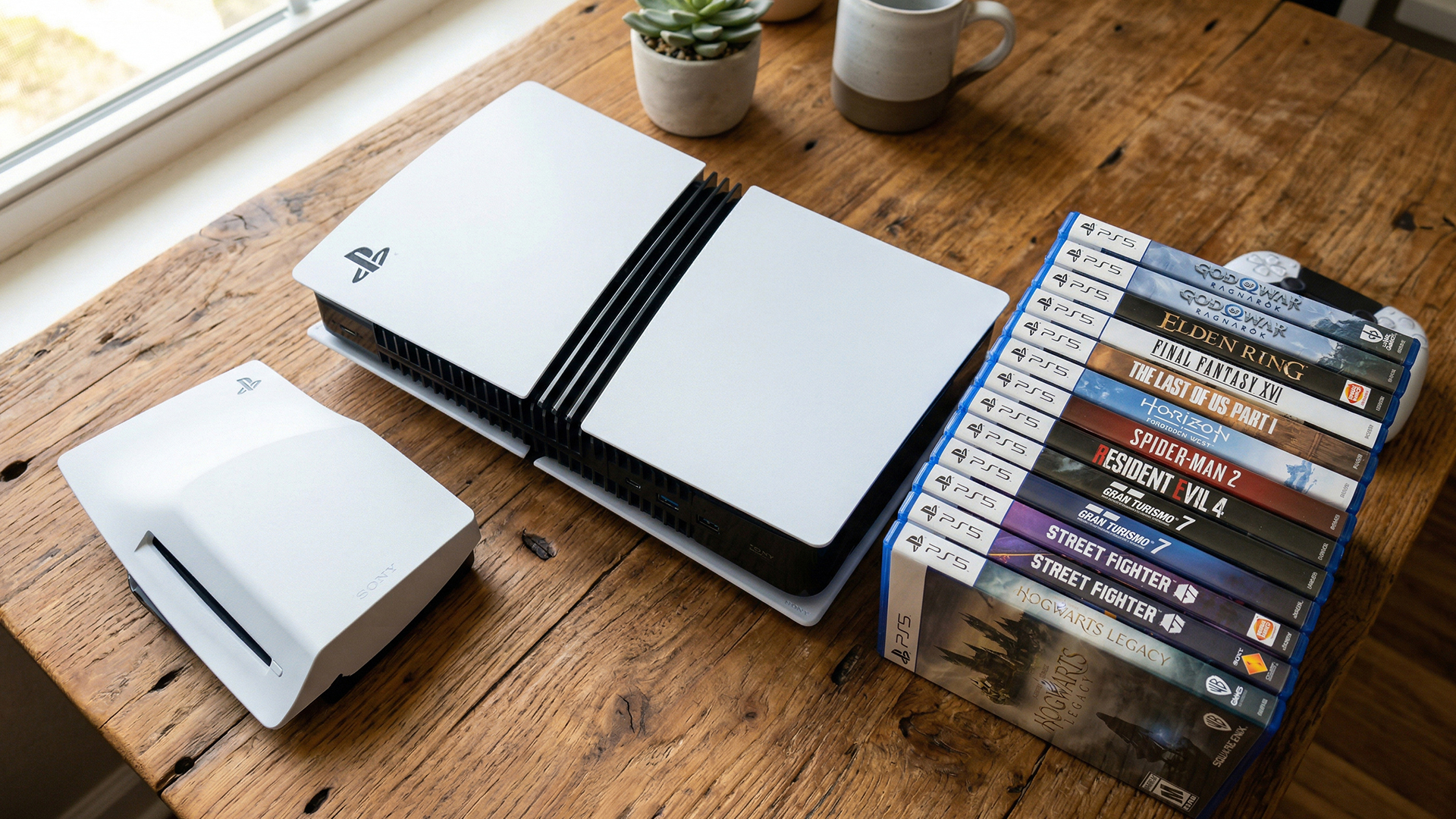
PS5 Pro is sold without a disc drive. You can add a drive separately, but if your library is heavy on physical games, or you buy second-hand discs to save money, the standard PS5 disc model stays the simplest route.
If you are already mostly digital, the Pro’s setup is straightforward. If you rely on discs, treat the disc drive as part of your budget from day one, not an afterthought.
Why 2026 Is a Great Time to Upgrade
The best criticism of PS5 Pro early on was fair: good hardware, but patch support needed time to build. That looks different now.
1) There Are Far More Pro Enhanced Titles to Justify the Hardware
By 2026, the list of PS5 Pro Enhanced games is no longer a short showcase. More first-party titles and major third-party releases now include Pro modes, and older favourites have picked up patches.
That matters because PS5 Pro’s benefits are most visible when developers target the hardware properly. When a game is tuned for the Pro, you are more likely to see improved image stability, higher frame rate targets, and fewer compromises on effects.
2) Sony Has Signposted a Further Upscaling Upgrade for 2026 Titles
This is the part many buyers miss. The Pro’s biggest differentiator is image reconstruction, and Sony has indicated that the upscaling story will continue to improve through 2026.
In simple words, that means the Pro is set up to get better at what it already does well: delivering a sharper, more stable image without sacrificing the responsiveness people want. If you are upgrading with a long view, that matters more than a one-time launch feature.
3) UK Pricing Is Clearer, and the Market Is More Deal-Friendly
In the UK, the PS5 Pro’s RRP gives it a clear premium position, but 2026 is also the year when bundles, retailer discounts, and trade-in dynamics become more useful for buyers.
If you have an older PS5, it now has a well-established resale and trade market, which can take the sting out of the upgrade. And if you are shopping for bundles, you can judge whether you are paying for things you actually want, rather than being forced into inflated packs.
Who Should Upgrade to PS5 Pro, and Who Should Stick with PS5
This is where most comparisons should start, because the answer depends on your screen and your habits.
Upgrade to PS5 Pro If:
- You play on a 4K TV or monitor and care about image clarity.
- You use 120Hz modes, and your display supports HDMI 2.1 and the right settings.
- You notice reconstruction artefacts in performance modes and want a cleaner picture.
- You play a lot of big single-player titles where lighting and detail stand out.
- You are tired of juggling installs and want the 2 TB of headroom.
Stick With a Standard PS5 If:
- You play mainly on a 1080p screen, or you sit far enough away that small clarity gains get lost.
- You do not care about 120Hz modes.
- You would rather spend the difference on games, storage expansion, a headset, or a second controller.
- You buy and sell physical discs often and want the simplest all-in-one console without add-ons.
The Setup Checklist That Decides Whether You Will Actually See the Upgrade
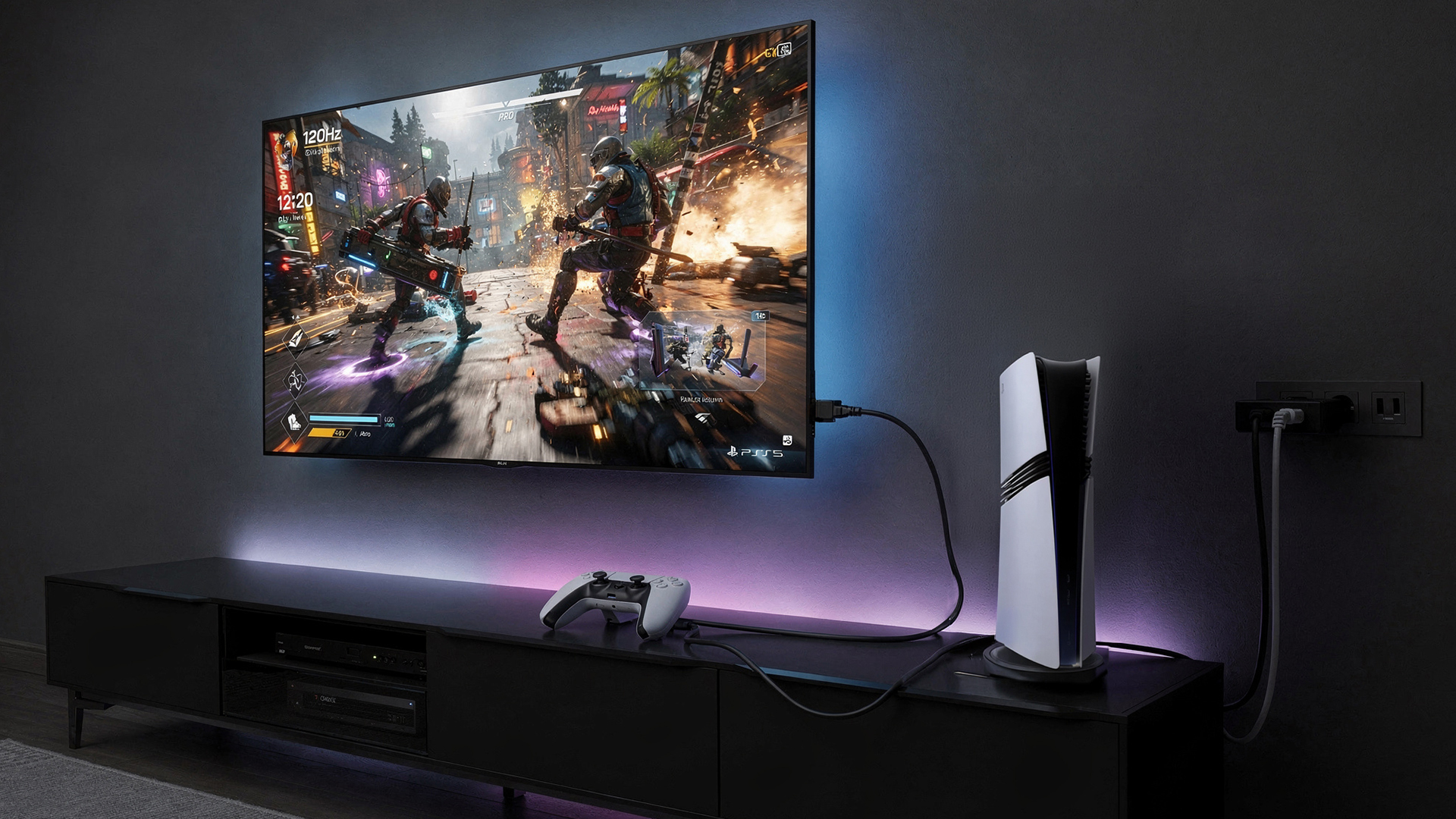
A lot of buyers upgrade the console and then wonder why the difference feels subtle. Most of the time, it is not a console. It is the setup.
Before you upgrade, check these:
Display Capability
A 4K TV that supports 120Hz is where the Pro makes the most sense.
Look for HDMI 2.1 support, and confirm you are using an HDMI 2.1 cable if you want 4K at 120Hz.
Settings That Matter
Turn on the right HDMI port mode on your TV (often labelled Enhanced, 4K 120, or similar).
Enable VRR if your TV supports it, because smoother frame pacing is part of the Pro experience.
Viewing Distance
If you sit far back on a smaller TV, the upgrade is harder to notice. If you sit closer or you use a monitor setup, the clarity benefits are easier to appreciate.
Storage Habits
If you constantly delete and reinstall games, the 2TB SSD becomes a daily advantage.
Connectivity
Wi-Fi 7 support is nice if your network supports it, but for competitive online play, wired Ethernet is still the most reliable upgrade you can make.

So, Is It Time to Upgrade?
PS5 Pro vs PS5 comes down to one thing: do you want better performance and a cleaner picture often enough to justify the premium?
If your display is ready for it and you care about how games look in motion, not just in screenshots, the Pro delivers. It reduces the compromises that have become more common as games push higher fidelity targets. It also gives you a better storage experience out of the box.
If you are on an older display, or you are perfectly happy with the PS5’s performance modes today, the standard PS5 remains an excellent value and still plays the same core library.
Either way, 2026 is a smart time to buy because the Pro support story is stronger, the UK market has stabilised, and you can make the decision with far more real-world evidence than you had early on.

FAQs
Does PS5 Pro Play the Same Games as PS5?
Yes. PS5 Pro plays the same PS5 library. The difference is that some titles include PS5 Pro Enhanced modes that improve visuals, frame rate, or both.
Will Every Game Look Better on PS5 Pro?
No. Improvements vary by game. The biggest gains usually appear in titles that have been updated with a Pro mode or a Pro Enhanced patch.
Is PS5 Pro Worth It for Competitive Multiplayer?
It can be, but only if your game supports 120Hz modes and your display can actually run 120Hz properly. In competitive play, smooth frame pacing and clarity matter more than ray tracing.
Do I Need Wi-Fi 7 for PS5 Pro?
No. PS5 Pro supports Wi-Fi 7, but it will still work fine on Wi-Fi 6 or Wi-Fi 5. For the most stable online play, use wired Ethernet.
Should I Buy PS5 Pro If I Have Lots of Disc Games?
Only if you are happy factoring the disc drive add-on into the overall cost. If you regularly buy second-hand discs or use 4K Blu-rays, a PS5 disc console is still the simplest option.
| Read More: |
| AOC Monitor Settings for Gaming |
| Are Curved Monitors Good for Competitive Gaming |
| How to Boost FPS and Optimise processor Speed for Gaming |
Related Articles

Last Updated: October 14, 2025
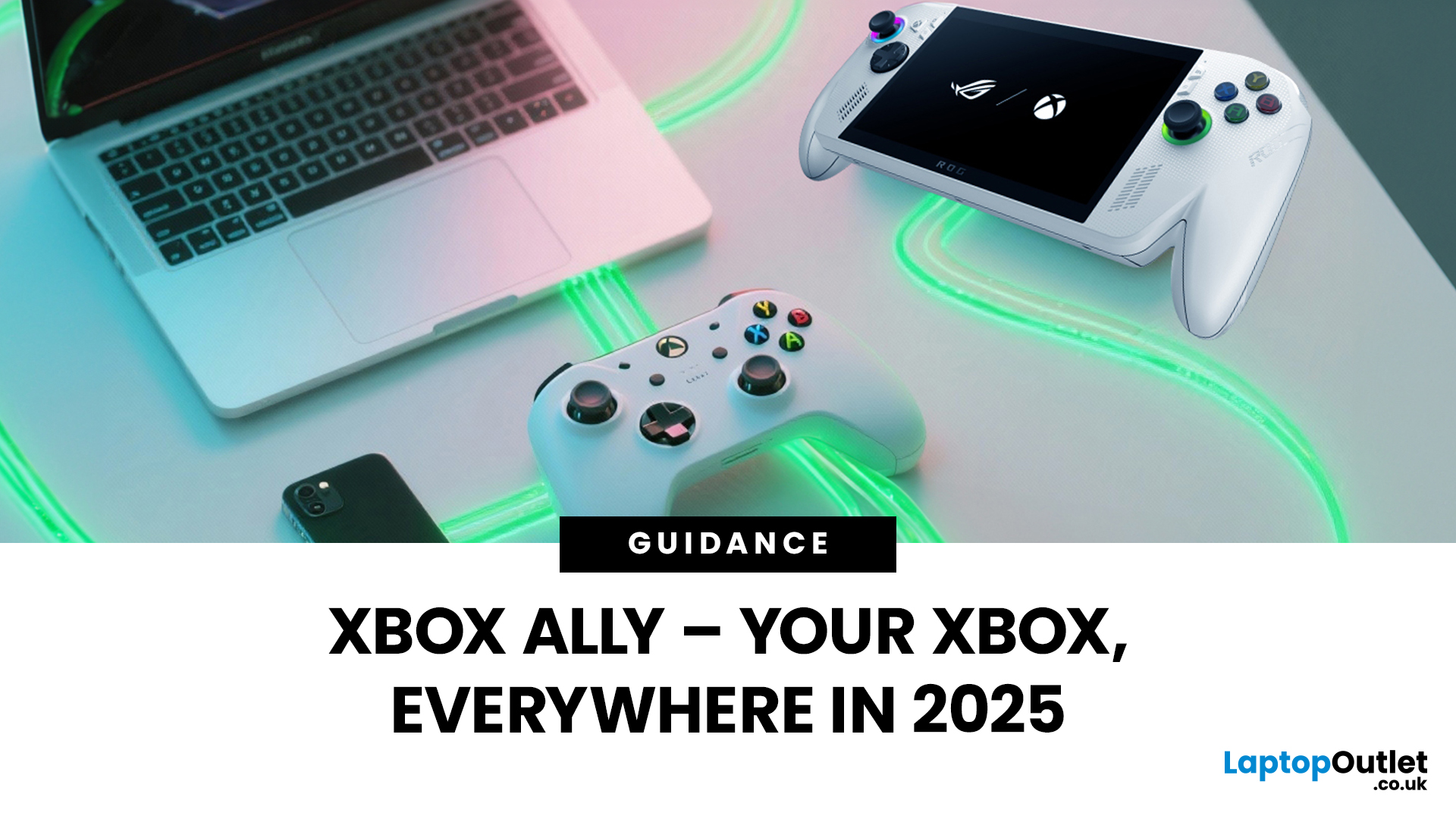
You’ve probably clocked the name ASUS ROG Xbox Ally floating around. But here’s the deal: it’s not just another Xbox app - it’s born from a Microsoft x ASUS collab, blending console power with PC freedom. Phil Spencer even called it “the tightest collaboration between Xbox and Windows teams in 30 years”. Big words, and honestly, the hype feels justified.
That’s why we’ve put together this Xbox Ally review - not the boring, corporate kind, but a proper walkthrough that shows you what it does, how it works, and whether it’s worth your time in 2025.
If you’re already knee-deep in the Xbox ecosystem or just nosy about where Microsoft’s headed, this is the lowdown you need.
What Is Xbox Ally?

Right, let’s cut through the noise. Xbox Ally isn’t just some side app you download, mess about with once, and then forget exists. It’s Microsoft’s latest move to glue the whole Xbox ecosystem together - console, PC, mobile, even handhelds like the ASUS ROG Xbox Ally (2025). Basically, it’s the command
Last Updated: July 03, 2026
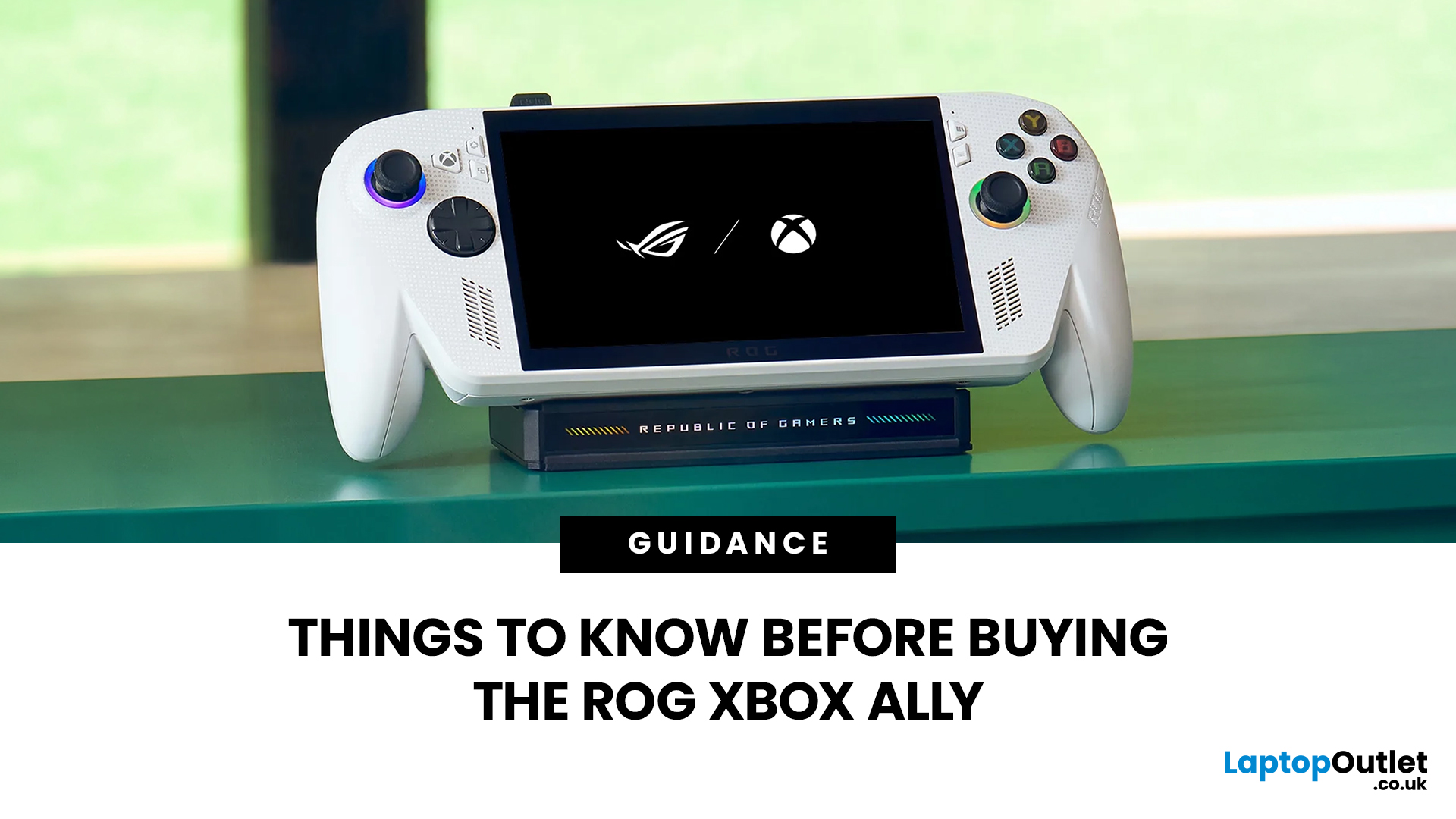
The ROG Xbox Ally is ASUS's latest handheld gaming console, built in collaboration with Xbox. It combines ASUS's ROG hardware expertise with Microsoft's gaming ecosystem, and it has been making waves in the UK gaming community since its launch in October 2025.
Whether you are a weekend warrior or a competitive gamer, this device promises a lot. But is it actually worth your money?
This guide covers everything you need to know before buying: UK pricing, hardware specs, real-world performance, battery life, and honest pros and cons. No fluff. Just the facts you need to make a smart purchase.
1. Design and Build Quality
Feels Solid, Not Plasticky
The ROG Xbox Ally has a premium polycarbonate shell with a matte finish that resists fingerprints well. The build feels genuinely robust in hand. It doesn't feel cheap or toy-like.
- Weighs 1.47lbs (approximately 667g), well balanced for long sessions
- Chunkier, more ergonomic grips than most competing handhelds
- Subtle ROG eye and Xbox sphere co-branding
Last Updated: April 02, 2026
Hands-on Verdict: Ryzen Z2 a Performance, Thermals & Value
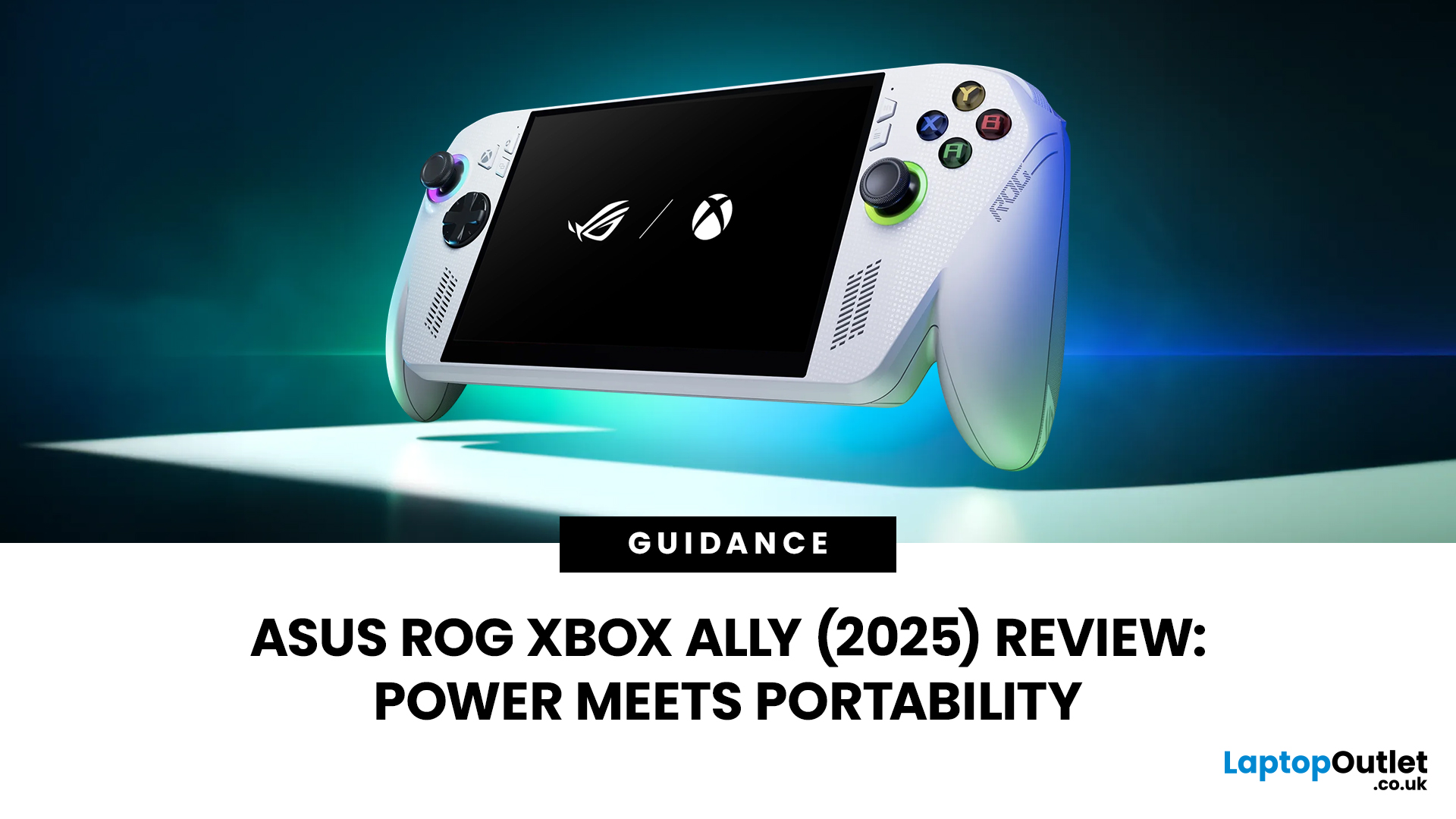
When ASUS first launched the ROG Ally in 2023, it was a statement, Windows handheld gaming done properly. But three years later, we’re looking at something subtler: refinement. The 2025 ROG Xbox Ally (RC73YA-NH002W) swaps its original Ryzen Z1 Extreme for AMD’s Ryzen Z2 A — a newer, cooler, and more efficient APU built on Zen 5 and RDNA 3.5 architecture.
The question isn’t whether the Ally is still good - it’s whether this revision is worth the upgrade for existing owners or the clear pick for newcomers. After three weeks of daily use, testing everything from Game Pass titles to Steam AAA releases, here’s the full verdict.
1. Design & Build Quality — Lighter Touch, Same DNA
The 2025 Ally doesn’t reinvent its chassis. At 608 grams, it’s still comfortably lighter than the Steam Deck OLED, with the same 7-inch 120 Hz Full HD display, tactile hall-effect sticks, and well-spaced face buttons.
Subtle tweaks make it nicer to live with:

Last Updated: March 04, 2026
When ASUS and Microsoft teamed up to introduce the ROG Xbox Ally, it wasn’t just another handheld - it was a statement. A Windows 11 machine built from the ground up to feel like a handheld, but with no compromises on compatibility. And if there’s one service that bridges console, PC, and cloud play better than almost any other, it’s Xbox Game Pass.
In 2026, pairing Game Pass with Ally feels almost inevitable. The idea of carrying your full Game Pass library - Halo Infinite, Forza Horizon 5, Pentiment, Starfield - in a pocketable device is no longer fantasy. Load times shrink, cloud saves sync across devices, and Game Pass titles optimized for PC run (often better) on handheld hardware. The Ally’s design leans into this: ASUS stripped down Windows, layered on its Xbox Full-Screen Experience, and baked in controller-first navigation, so the transition from console to handheld is seamless.
But is this more than a promising spec sheet? Can Game Pass truly deliver a console-grade handheld experience
Last Updated: October 14, 2025
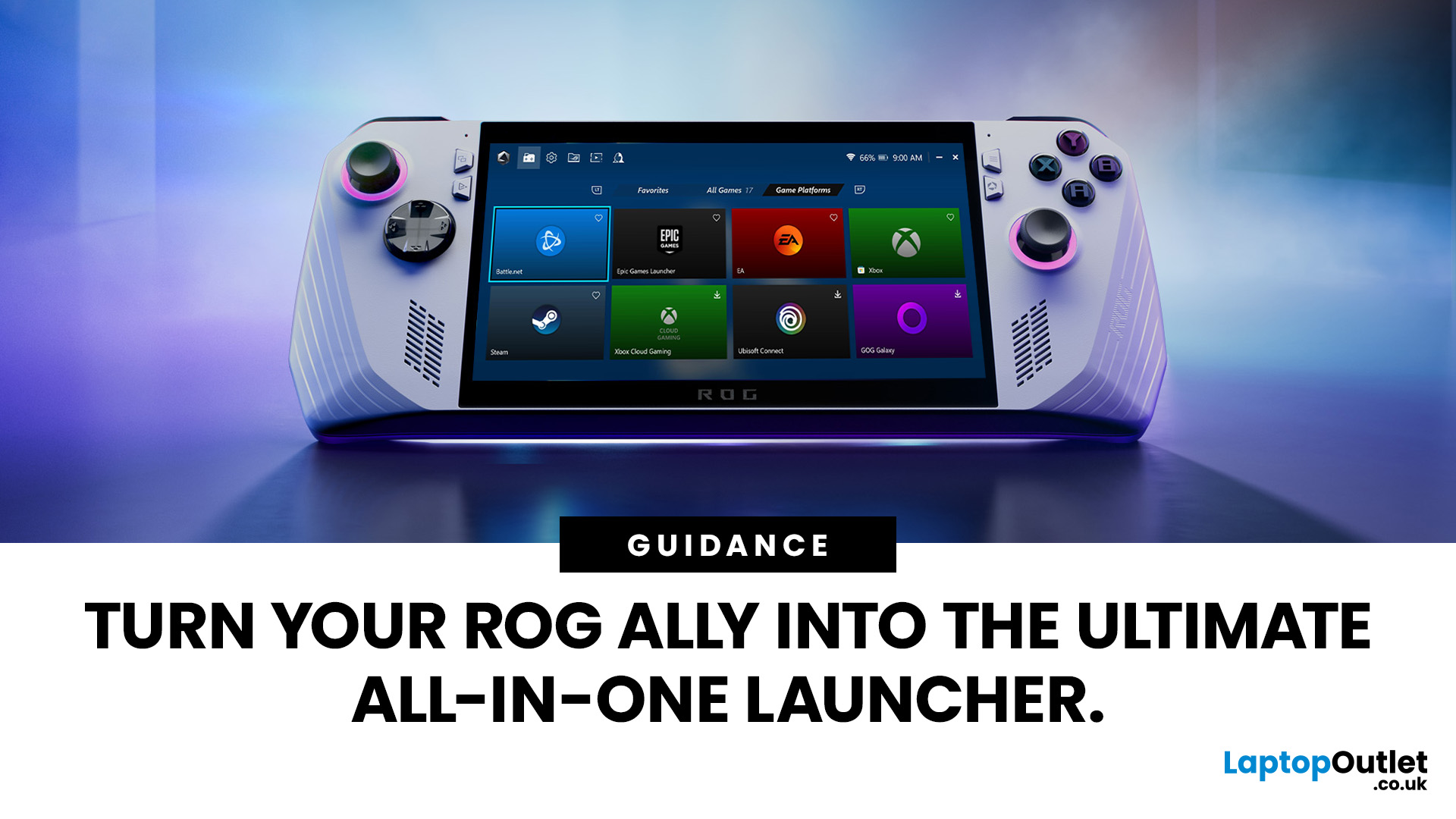
If you’ve just unboxed your ASUS ROG Ally, your first question might be: how do I get all my launchers - Xbox Game Pass, Steam, Epic Games, into one unified view?
Ally runs Windows 11, but its front-facing UI is Armoury Crate SE, which provides a console-like experience. Armoury Crate SE auto-scans installed games and apps, lets you pin games or launchers, and offers control-mode switching and performance profiles. Note that while many units ship with Game Pass integration or promotional offers, that can vary by region or bundle.
Here’s how to set everything up properly and reliably.
Understanding the Armoury Crate SE Home Screen
- Armoury Crate SE is your central “hub” - it aggregates games, apps, and hardware settings in one interface, so you rarely must go back to the Windows desktop.
- Every title on the home screen is a shortcut to a game or application. Some are auto detected (e.g. Xbox App/Game Pass), while others must be added manually (like Steam or Epic).
- You have control: you can
Last Updated: October 21, 2025
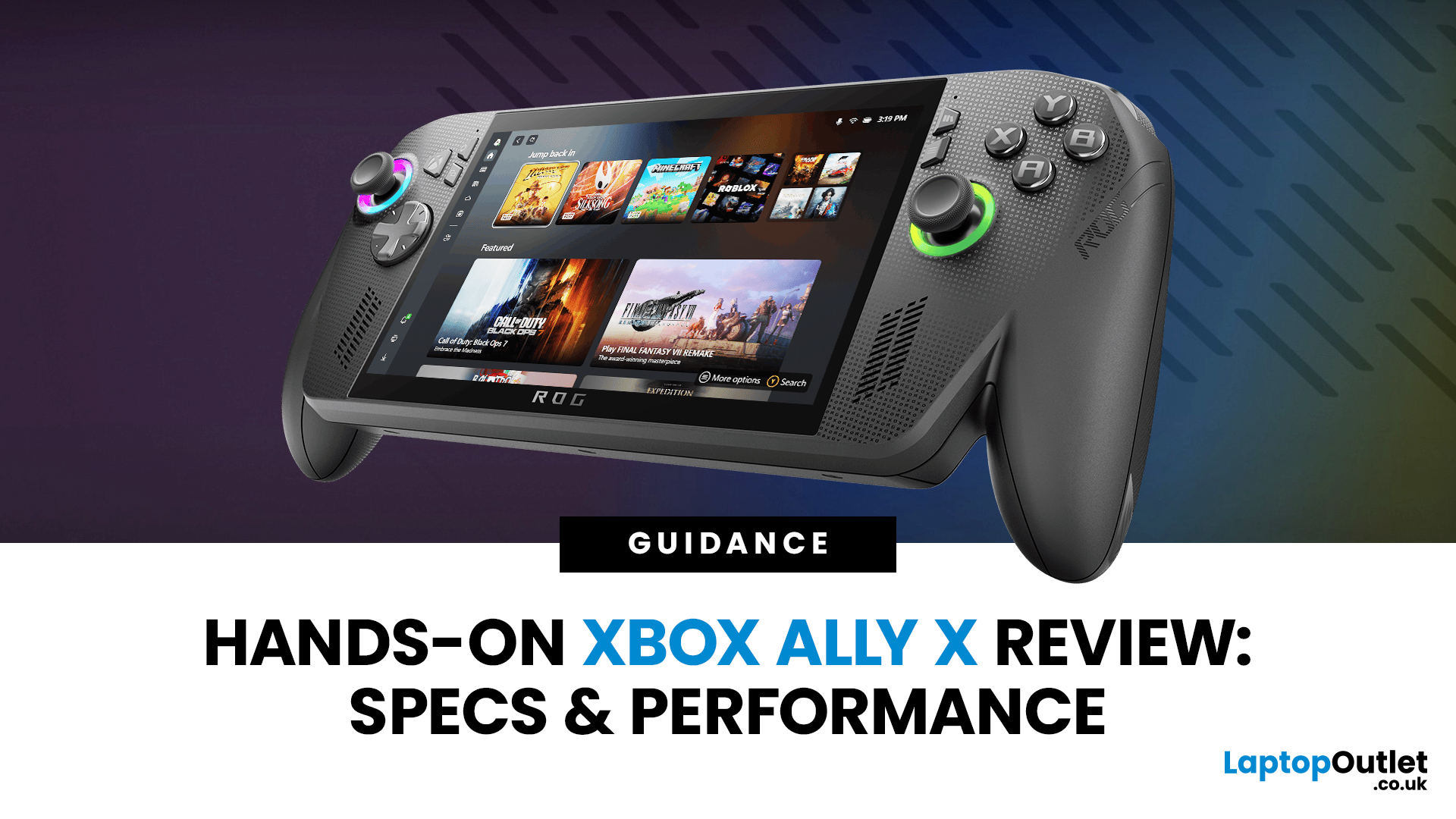
I’ll be honest, I’ve been waiting eagerly to try the Xbox Ally X ever since Microsoft and ASUS announced it. The idea of a proper Xbox handheld gaming machine, one that blurs the line between console and PC, had me curious but also sceptical. After all, we’ve seen plenty of handheld PCs already, and most of them promise the world but trip over Windows bloat or weak battery life.
When I finally picked up the Ally X, my first reaction was: this thing feels serious. It’s not a toy, it’s not a Switch, and it’s definitely not a Steam Deck clone. It feels like a machine built for Xbox fans first, but with the flexibility of a full Windows 11 PC under the hood. In this Xbox Ally X review, I’ve spent as much time diving into the specs, benchmarks, software, and real-world use as I could. Here’s my take and whether it lives up to the hype.
Xbox Ally X vs Ally: Do You Really Need the Upgrade?
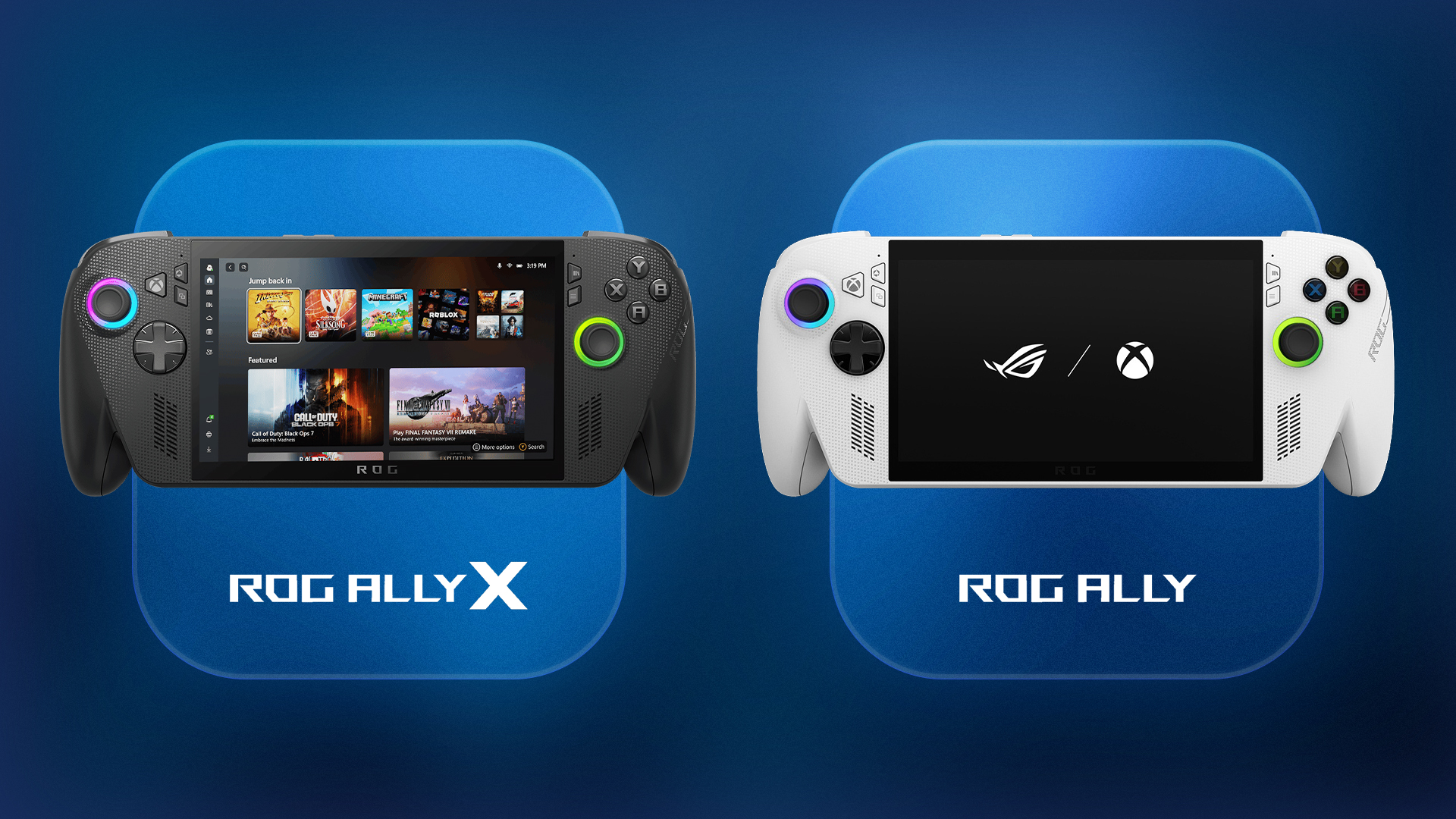
The Xbox Ally X launch date was 16th October 2025, arriving alongside the standard ROG Ally. Microsoft
Last Updated: October 07, 2026
Last Updated: September 01, 2026
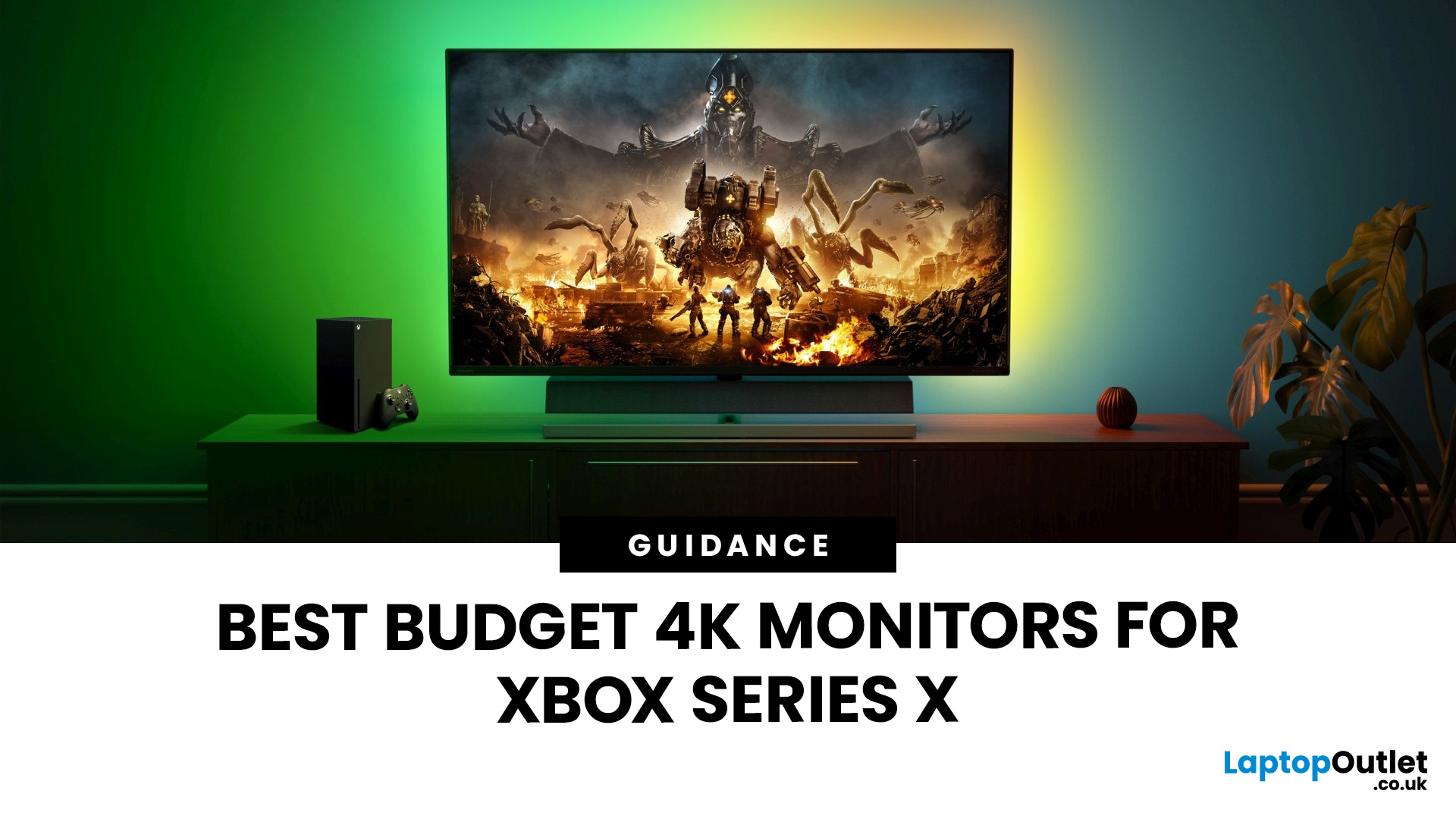
If you're looking to unlock true next-gen performance on your Xbox Series X without stretching your budget, you’re in the right place. The console is capable of extraordinary visuals, which includes from razor-sharp 4K resolution and buttery-smooth 120Hz gameplay to HDR brilliance and ultra-low latency. But to experience these features properly, you need the right display. That’s why we’ve curated a detailed guide to the best budget-friendly 4K monitors for Xbox Series X, helping you choose a display that enhances every moment of your gaming while keeping your wallet happy.
Why a 4K Monitor is Ideal for Xbox Series X
The Xbox Series X was built for 4K gaming. While you can play on lower resolutions, a monitor that fully supports the console’s capabilities will significantly improve your experience. Here’s why a 4K monitor for next-gen consoles is the perfect match:
True 4K Resolution
With a 4K monitor, you get four times the pixel density of 1080p, giving you:
- Sharper textures
- Improved
Last Updated: January 28, 2026
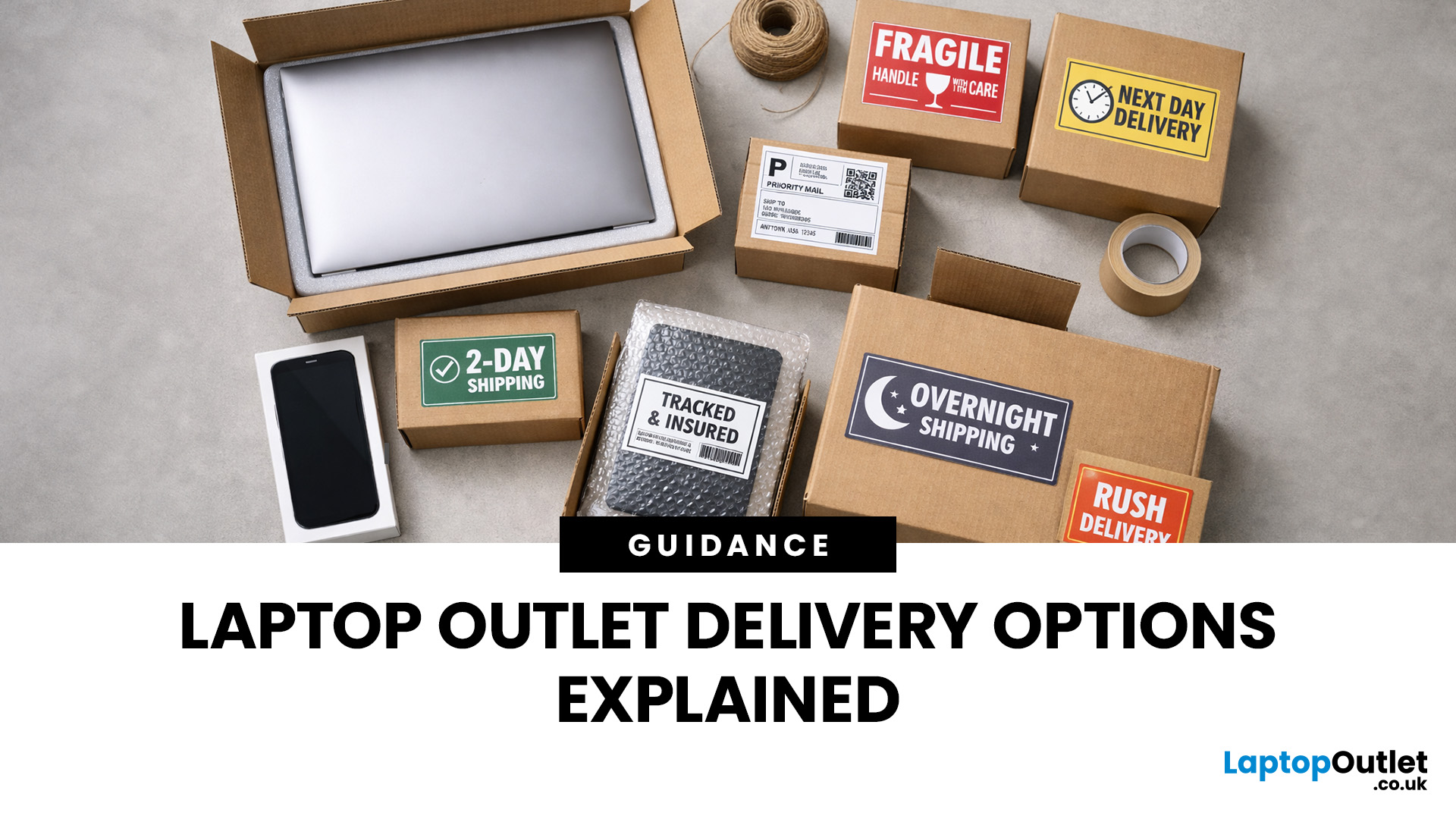
Buying tech online isn’t just about specs and price; delivery speed, flexibility, and reliability matter just as much. Whether you’re replacing a broken work laptop, upgrading your home setup, or ordering a last-minute gift, knowing your delivery options can make all the difference. In this guide, we explain Laptop Outlet delivery services options, how they work, and which service is best for your needs, from free standard delivery to next-day and book-a-slot delivery.
What Delivery Options Does Laptop Outlet Offer?
Laptop Outlet provides multiple delivery services designed to suit different customer needs, budgets, and timeframes. Each option is clearly shown at checkout, so you can choose the delivery speed and convenience level that works best for you. These include:
- Free Standard Delivery
- Next-Day/Priority Delivery
- Book-a-Slot Scheduled Delivery
How Does Laptop Outlet Delivery Work?
For full details, customers can always refer to the dedicated delivery info page. Laptop Outlet’s

Last Updated: January 28, 2026
Let’s be honest — when your tech lets you down, waiting is the last option you want. Maybe your laptop stopped working the night before a deadline, your PC failed mid-project, or you’ve just realised you need a new device now, not next week. That’s exactly where Laptop Outlet next-day / priority delivery comes in. If you need fast, reliable tech delivery in the UK, this guide explains how Laptop Outlet’s next-day service works, what you can order, and why it’s the smart choice for urgent tech needs.
Why Speed Matters When Ordering Tech Online
When your laptop or PC breaks, everything slows down — work, study, gaming, even staying connected. Waiting days for a replacement just isn’t practical. With next-day laptop delivery, you don’t have to put life on pause. Laptop Outlet’s express service is built for:
- Last-minute replacements
- Urgent work-from-home setups
- Business and study deadlines
- Time-sensitive gifts or upgrades
If speed matters to you, Laptop Outlet Express shipping delivers when

