



How to Choose the Best Gaming Chair: A Complete Buyer’s Guide
If you’re shopping for a new chair, you’ll quickly realise “gaming chair” can mean anything from a flashy bucket seat with a logo to a genuinely supportive, all-day ergonomic chair that happens to suit a gaming set-up. This gaming chair buyer’s guide is about how to choose a gaming chair in a smart way for your body, your desk, and the way you actually play (or work).
The 60-Second Checklist (so you don’t waste hours scrolling)

If you only remember five things, make them these:
- Right size for your height/weight (brands often have Regular/XL or size charts)
- Seat height range that suits your desk (feet flat, shoulders relaxed)
- Seat depth that fits your thighs (you need a small gap behind the knees)
- Proper lumbar support (ideally adjustable, not just a floppy cushion)
- Armrests you can actually line up with keyboard/mouse (3D/4D helps a lot)
If a chair looks brilliant but fails two of those, keep looking.
Start with the Basics: Measure Your Space
Before you look at brand names or RGB gimmicks, get two quick checks right (think of this as your seat height and depth guide before you get distracted by extras):
1) Seat height range:
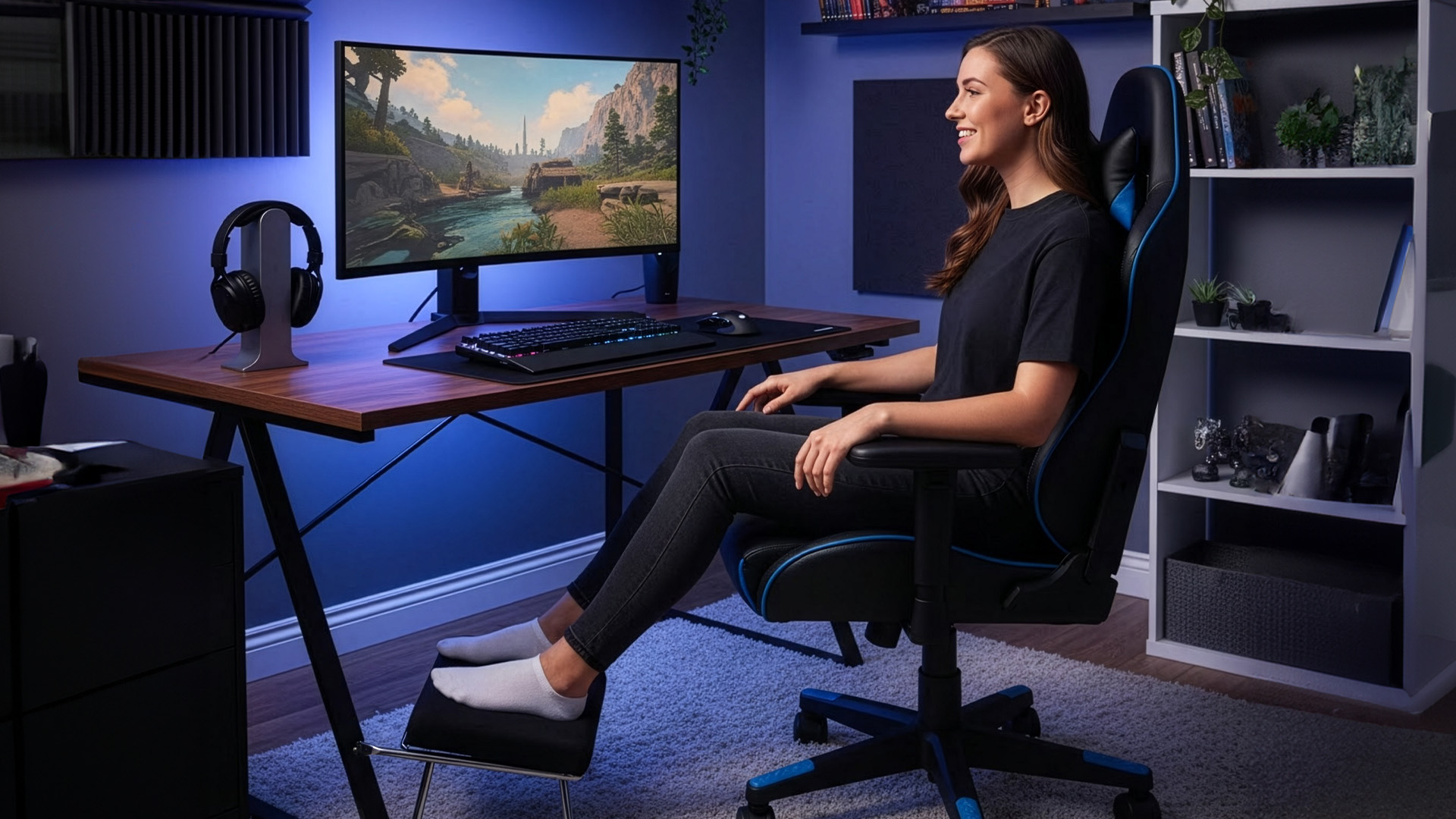
Your ideal seat height is the one that lets you sit with:
- feet flat on the floor (or a footrest),
- knees roughly at hip level,
- thighs supported without the seat digging into the back of your knees.
This is standard ergonomic advice for desk work and it applies just as much to gaming. UK display screen equipment guidance also emphasises lower-back support and keeping forearms roughly horizontal at the desk.
What you need to look for: a wide seat-height range, especially if you’re shorter/taller than average or share the chair with someone else.
2) Seat depth (front-to-back):
Seat depth is the silent comfort killer. Too deep and the front edge presses behind your knees; too shallow and your thighs aren’t supported.
A common practical rule used in ergonomics guidance is leaving a small gap behind your knees (often described as about 1–2 inches).
What you need to look for: a chair with adjustable seat depth or at least a seat that matches your thigh length. This matters more than reclining angle for most people.
Ergonomics that Actually Matter in a Gaming
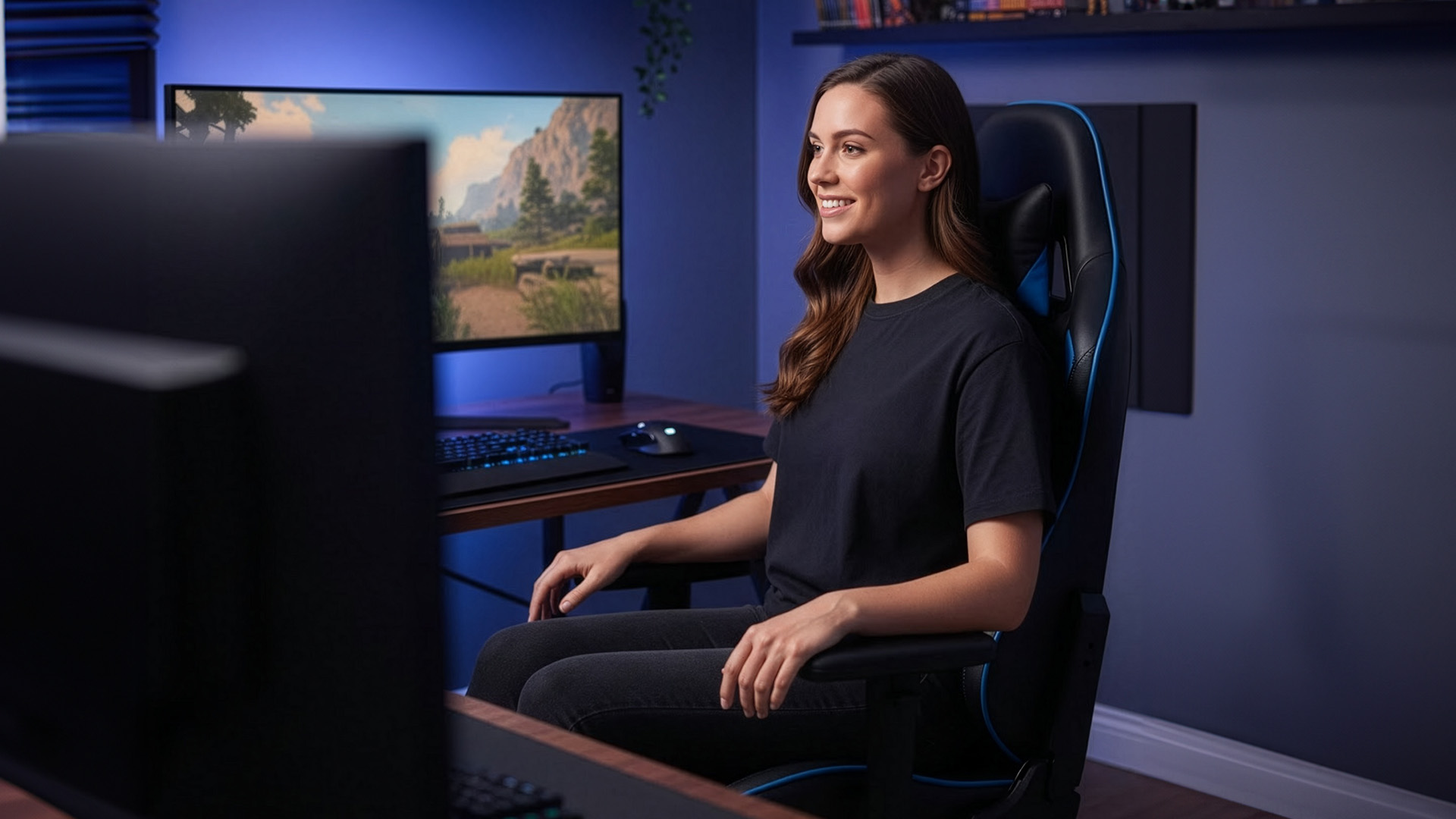
Following are the gaming chair ergonomic features that make a real difference in long sessions:
Lumbar Support:
When shopping for a gaming chair, choosing a lumbar support gaming chair is a top priority for comfort and long-term posture. Many “racing” chairs come with a strap-on lumbar cushion. It’s not automatically bad, but it’s often a compromise: it can shift, sit too high, or create a pressure point.
Better chairs offer integrated lumbar support, ideally with height and depth adjustment so you can position support exactly in the curve of your lower back. The goal isn’t to arch your spine; it’s to stop you collapsing into a slouch when you get tired.
Shopping tip for you! If a chair claims “4-way lumbar”, check what that means (height + depth is meaningful; vague “ergonomic design” isn’t).
Backrest Recline and Tilt:
A chair that locks you into one upright position can feel “supportive” for 10 minutes and exhausting after an hour. What you want is supported movement - in short, solid recline and tilt mechanisms.
• recline for relaxing between matches,
• tilt tension so you can lean back without fighting the chair,
• tilt lock positions that feel stable (not wobbly).
If you play on controller and lean back a lot, prioritise a backrest that reclines smoothly with solid locking points. If you’re mouse-and-keyboard heavy, prioritise upright support and armrest quality.
Armrests:
Armrests aren’t just for comfort - they’re part of your input accuracy. If armrests are too low, you end up shrugging your shoulders. Too high, and you compress your shoulders and neck. Too wide, and your wrists bend into awkward angles that cause fatigue over long sessions.
2D, 3D, 4D… what’s the difference?
- 2D: height + width (basic).
- 3D: adds fore/aft movement.
- 4D: adds pivot/angle (best for aligning forearms with keyboard/mouse).
When comparing 4D armrests vs 3D armrests, 4D offers finer positioning and is generally the better choice for long gaming or work sessions, especially if you switch between mouse and keyboard-heavy tasks.
What you need to look for: 3D/4D adjustment, sturdy mechanisms (no rattling), and arm pads that feel good on skin during long sessions.
Seat Shape:
Many gaming chairs use a bucket-seat design. While it can feel snug, it often leads to a narrower sitting area - pushing the knees inward, limiting cross-leg sitting, and creating pressure on the outer thighs, especially for broader body types.
If you sit square to your desk, type frequently, or like to change positions, a flatter seat base is usually more forgiving and comfortable over long sessions.
What you need to look for:
- rounded front edge (waterfall edge is a plus),
- enough seat width for your hips/thighs,
- firm foam that doesn’t bottom out.
Materials:

What your gaming chair is covered in can make a big difference to how it feels during long sessions. Some materials look great but trap heat, while others stay cool but need more care.
PU leather (faux leather)
|
Pros |
Cons |
|
Easy to wipe clean |
Can feel hot or sticky in warm weather |
|
Sharp, premium look |
Quality varies widely between brands |
|
Common on mid-range gaming chairs |
Cheaper PU can crack or peel over time |
Fabric
|
Pros |
Cons |
|
More breathable than PU leather |
Spills require more effort to clean |
|
Less sweaty during long sessions |
Can trap pet hair |
|
Cosier, softer feel |
May absorb odours over time |
Mesh
|
Pros |
Cons |
|
Excellent airflow and cooling |
Not everyone likes the feel |
|
Ideal for warm rooms or hot climates |
Seat mesh quality varies |
|
Helps reduce heat buildup |
Cheap mesh can sag over time |
Rule of thumb: If your room runs warm or you live somewhere humid, prioritise breathability over “premium look”. If you snack and drink at your desk, prioritise easy cleaning. If you’re stuck choosing fabric vs PU leather gaming chair styles, your room temperature and cleaning habits usually decide it.
Build Quality and Safety:
Comfort features matter, but they only work if the chair is built on a solid, safe foundation. Build quality affects long-term durability, stability, and how confidently the chair holds up under daily use.
Gas lift class and certification
Most chairs use a gas lift (the height-adjust cylinder). Higher classes generally indicate a sturdier unit for heavier loads and frequent use. Many retailers and chair specialists point to Class 4 as a common choice for heavy use and durability, and they often recommend looking for independent certifications (e.g., TÜV/SGS/BIFMA) rather than trusting marketing claims.
What you need to look for: Class 4 gas lift plus some evidence of testing/certification.
Five-star base and stable casters
A five-star base is standard for stability. If you’re on hard floors, look for casters that won’t chew up laminate, or plan for a chair mat.
Standards and Certifications:
While you don’t need in-depth knowledge of industry standards, being familiar with a few recognised certifications can help guide a more confident purchase.
ANSI/BIFMA X5.1 (durability and safety tests)
BIFMA’s X5.1 standard is widely used for testing general-purpose office chairs, covering aspects of durability and structural safety. If a “gaming” chair references BIFMA testing, it’s a meaningful sign the manufacturer has put it through recognised test methods.
EN 1335 (European office chair dimensions/safety/testing)
EN 1335 deals with office work chair dimensions and related requirements/test methods. It’s not “gaming chair specific”, but it’s a useful reference point for chairs that claim they’re built around European ergonomic expectations.
Sustainability: BIFMA e3 / LEVEL
If sustainability matters to you (materials, social impacts, environmental criteria), BIFMA’s e3 furniture sustainability standard and the LEVEL programme are established frameworks used in the furniture industry. This is more common in office seating, but it’s increasingly relevant as “premium gaming” overlaps with home-office furniture.
Important! A chair can be comfortable without these labels, and a label alone doesn’t guarantee comfort. Use standards as a trust filter, not a buying decision by itself.
Choosing the Right Chair for Your Gaming Use Case
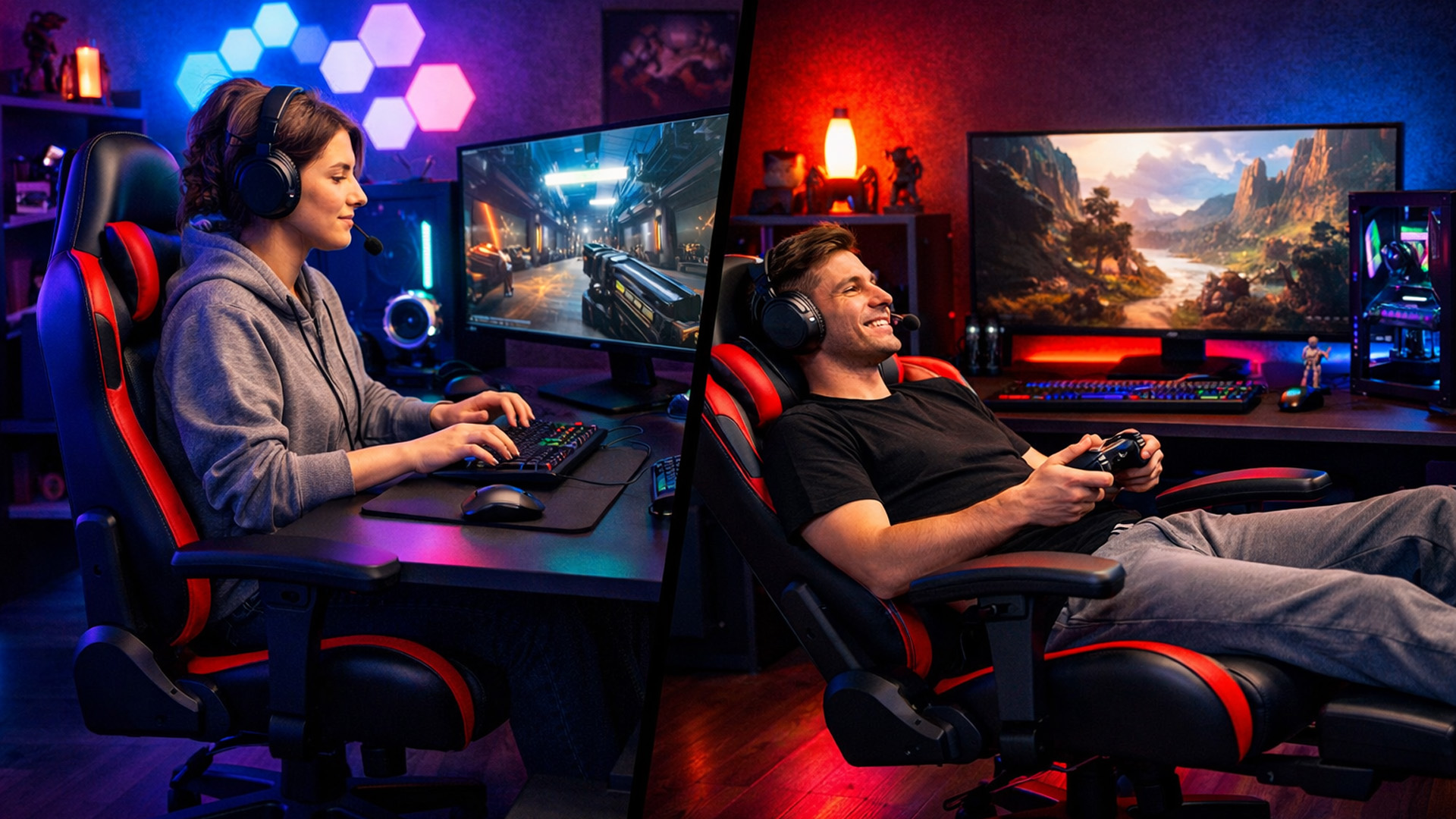
If you’re mainly a competitive PC gamer
Prioritise:
- excellent armrests (3D/4D),
- stable upright posture support,
- seat firmness,
- minimal wobble in the base and mechanism.
Nice-to-haves:
- swappable arm pads,
- precise repeatable adjustments (useful if you share the chair or travel with a set-up).
If you’re mainly a controller/console gamer at a desk
Prioritise:
- recline comfort,
- good head/neck support,
- backrest that stays supportive when reclined.
Optional: a footrest/leg rest can be genuinely useful for relaxed play—brands are pushing more adjustable leg support accessories in recent releases, reflecting demand for “lounging ergonomics” at the desk.
If you work from home in the same chair
Prioritise:
- adjustable lumbar,
- seat depth that fits you,
- armrests that don’t block you getting close to the desk,
- a warranty you can live with.
Not sure whether you need upright support or recline comfort? Here’s how to choose between PC and console gaming chairs.
Buying a Gaming Chair Online? How to Avoid Expensive Regret
Check these before you click “buy”
- Sizing guide: does the brand offer size options (small/regular/XL) or clear height/weight recommendations?
- Returns: who pays return shipping? Is it free return or “return at your cost” (which can be steep for a chair)?
- Warranty length and what it covers: mechanisms, upholstery wear, gas lift, armrests.
- Spare parts availability: arm pads and casters are common wear items.
- Assembly difficulty: if you hate fiddly builds, look for clearer assembly support.
If you’re comparing models and getting lost in specs, this guide covers the features that actually affect comfort.
Common Mistakes People Make While Buying Gaming Chairs
- Buying for looks first. A chair you hate sitting in becomes expensive decoration.
- Ignoring seat depth. You notice it after week one, not day one.
- Overvaluing maximum recline. 165° looks impressive; you’ll spend more time at 90–110°.
- Assuming “ergonomic” means “fits everyone”. Ergonomics is about adjustability to fit different bodies.
- Not planning for your desk height. If your desk is high and the chair won’t raise enough (or raises too much), your shoulders and wrists pay the price.
How to Set Your Gaming Chair Up Properly?
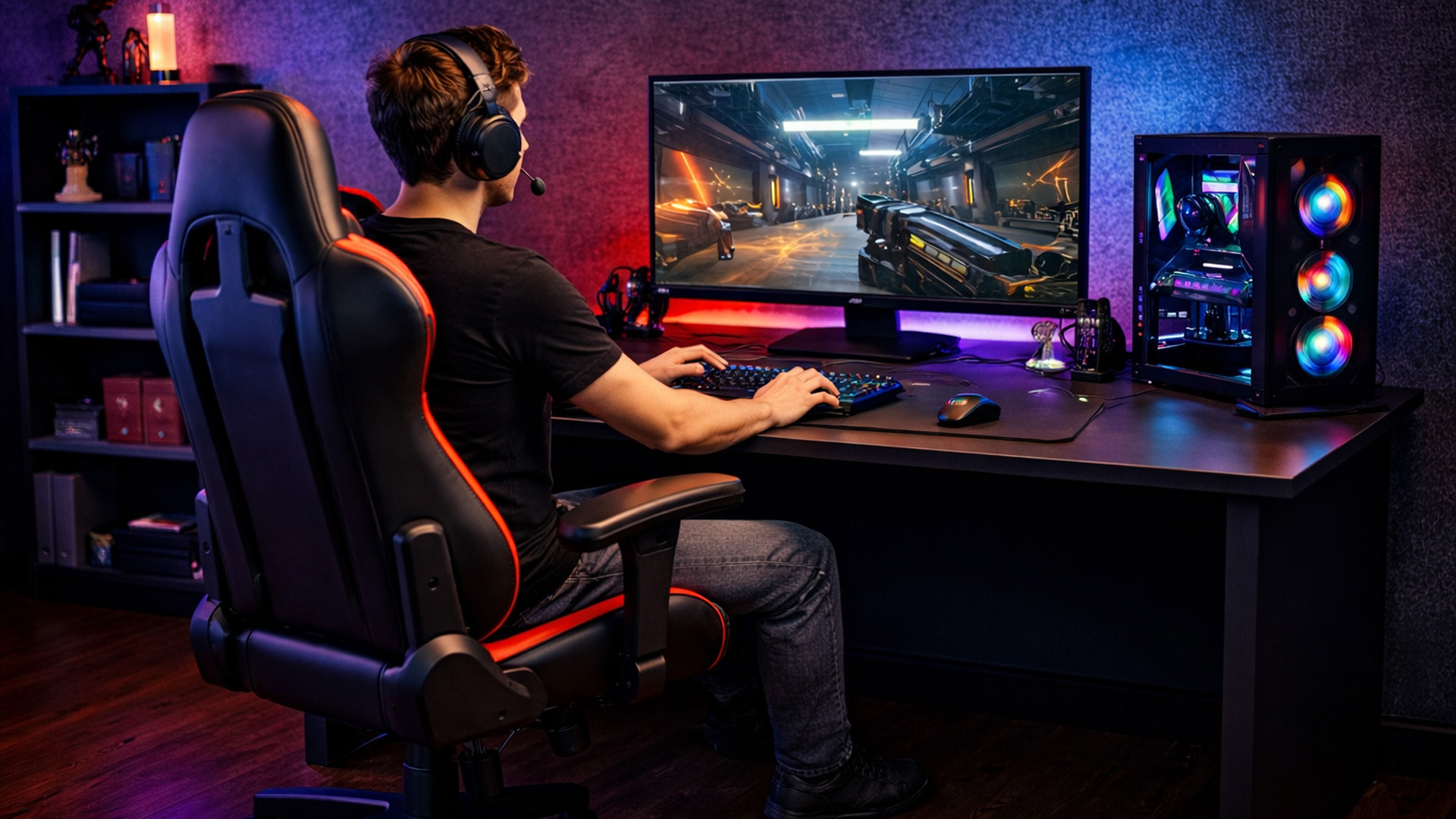
Proper setup ensures your gaming chair supports neutral posture, reduces strain, and stays comfortable over long sessions. Use this sequence to dial everything in from day one.
- Seat height
Adjustheight so your feet rest flat on the floor, and your knees sit at or slightly below hip level. - Seat depth
Set the seat sothere’s a small gap (2–3 fingers) between the back of your knees and the seat edge. This prevents pressure on circulation. - Lumbar support
Position lumbar support to match the natural inward curve of your lower back, not the mid-back or hips. - Backrest angle
Start with the backrestfairly upright (around 100–110°). Recline slightly if it reduces spinal load without forcing you to slouch. - Armrests
Raise armrests until they lightly support your forearms with shoulders relaxed. They shouldassist, not lift, your arms. - Screen height and desk alignment
Position the top of your monitor at or just below eye level to avoid neck strain. If posture feels off, checkmonitor height and desk setup.
Important!
Even the best chair can’t replace movement. Regular posture changes, short breaks, and standing up periodically are essential for long-term comfort and spinal health.
A Practical “Spec Checklist” for a Great Gaming Chair in 2026
If you’re looking for the best gaming chair for long sessions, focus on fit, lumbar support, and adjustability rather than looks. These are the features that make the biggest difference in day-to-day comfort:
Must-haves (for most people):
- correct size for your height/weight
- solid lumbar support (preferably adjustable)
- seat height range that matches your desk
- stable five-star base
- dependable warranty and returns policy
Strong nice-to-haves:
- adjustable seat depth
- 3D/4D armrests with minimal wobble
- breathable upholstery if you run hot
- recognised testing references (BIFMA/EN 1335 mentions, credible certifications)
Only if it suits your style:
- footrest/leg rest
- very deep recline
- bucket seat sides (some love them, some don’t)
If you’d rather skip the research and compare the strongest options straight away, here’s our round-up of the best gaming chairs for comfort in 2026.

Key Takeaways for Choosing the Right Gaming Chair
The best gaming chair isn’t the one that looks like a racing seat or has the loudest branding. It’s the one that fits your body, supports you when you’re tired, and stays comfortable across months of real use. Use this gaming chair buyer’s guide to shop like a grown-up: measure first, prioritise lumbar + armrests + seat fit, then pick the material and extras that match your room and play style.
Ready to choose a chair that actually supports you?
Explore gaming chairs at Laptop Outlet and find models with proper lumbar support, adjustable armrests, and proven comfort for long sessions.
Shop Gaming Chairs at Laptop Outlet.

What People Usually Ask Before Buying a Gaming Chair
Are gaming chairs actually good for your back?
They can be...if they fit you and have proper adjustability (especially lumbar and armrests). Poor posture and unsupported sitting can aggravate neck/back pain, which is why clinical and workplace guidance consistently focuses on fit, support and regular position changes.
Is a gaming chair better than an office chair?
Not automatically. Many excellent “gaming” chairs are now essentially hybrid task chairs, and many office chairs are better engineered than budget gaming chairs. Judge the chair by fit, adjustments, build quality, and testing—not category.
What’s a sensible budget?
Prices vary massively. As a rough expectation:
- Budget chairs: may look the part but often compromise on foam, armrests and longevity.
- Mid-range: usually the sweet spot if it includes decent lumbar and sturdy mechanisms.
- Premium: you’re paying for finer adjustability, better materials, and long warranties—worth it if you sit for work plus gaming.
What is the best gaming chair for long sessions?
The one that fits your body properly and supports posture changes: adjustable seat height and depth, proper lumbar support, stable recline/tilt, and armrests that keep shoulders relaxed without forcing you to reach.
Should I choose fabric, PU leather, or mesh?
Choose based on your room and tolerance: PU leather is easiest to wipe clean, fabric tends to feel more breathable, and mesh usually wins for airflow if you run hot.
How do I know if a chair is the right size for me?
Use the brand’s size chart and match the seat height range and seat depth to your body; if you’re between sizes, prioritise the chair that gives you more usable adjustment.
| Read More: |
| Top 10 Best Gaming Chairs for Ultimate Comfort in 2026 |
| Best Gaming Chairs Under £250 – Top 5 Affordable Picks |
| Best Gaming Chairs for PC vs Console Gamers – Which One Should You Choose? |
Related Articles


Last Updated: December 02, 2025
If you’re hunting for the best gaming laptops of 2025, you’re in luck; this year has delivered some of the most powerful, portable, and genuinely budget-friendly machines we’ve seen in years. With GPUs becoming more efficient, CPUs offering console-level performance, and cooling systems finally catch up. Gaming laptops in 2025 aren’t just powerful - they’re smart, stylish, and surprisingly accessible.
Whether you’re a casual player looking for smooth 1080p gaming, a competitive esports enthusiast chasing those 300+ FPS moments, or a hardcore creator-gamer hybrid who needs workstation-level power, there’s a machine built for you. The best part? You no longer need a king-sized budget to get impressive performance.
Welcome to your complete guide to the best gaming laptops of 2025 - sorted by budget, playstyle, and performance needs.
Budget Gaming Laptops (Under £800)

Perfect for casual gamers, students, first-time buyers, and those who want reliable FPS without blowing the bank.
1. Acer
Published: December 03, 2025
Whether you’re diving into the latest console titles or playing fast-paced online games, your TV settings can dramatically impact how smooth, vibrant, and responsive your gameplay feels. Modern TVs offer a wide range of picture modes and performance features, but not all are optimised for gaming out of the box. To get the most out of your console or PC setup, it’s important to fine-tune your display for low latency, crisp visuals, and accurate colour.
1. Switch to Game Mode
The single most impactful change you can make is to enable Game Mode. Most modern TVs include a dedicated gaming preset designed to reduce input lag, the delay between pressing a button and seeing the action on screen.
What Game Mode does:
- Minimises image processing
- Improves controller response time
- Provides smoother on-screen motion
While Game Mode may slightly reduce picture enhancements such as heavy sharpening or advanced noise reduction, the performance improvement is well worth it, especially for competitive

Last Updated: December 12, 2025
If you are serious about PC gaming, esports, or even streaming, you will undoubtedly have heard the name HyperX. This brand is synonymous with high-quality, durable, and exceptionally comfortable gaming hardware. For nearly two decades, HyperX has set the industry standard for peripherals used by competitive gamers and everyday enthusiasts alike.
This comprehensive guide offers a complete HyperX brand overview. We will explore its origins, its current ownership under HP Inc., and break down the best HyperX gaming gear across all major categories. By the end, you will understand exactly what HyperX is about and why it remains the favourite choice for countless players globally.
The HyperX Brand Overview
To truly understand what HyperX is today, we must look at where it came from and how a massive industry shift led to a major change in ownership.
The Kingston Years (2002–2021)
HyperX was officially launched in 2002 as the high-performance division of Kingston Technology, a global leader

Last Updated: February 26, 2026
Before diving into specs and comparisons, it’s important to understand where HyperX fits in the gaming laptop ecosystem. HyperX started as a premium gaming accessory brand known for headsets, keyboards, and memory modules. Their products were built for competitive players and quickly gained global traction.
Today, HyperX’s gaming DNA influences HP’s gaming ecosystem. Many of the performance standards and design philosophies seen in HyperX products carry over into HP’s Omen series. This is why HyperX laptops are often associated with, or based on, Omen builds, because HP owns HyperX and integrates their performance-first design approach.
If you’ve ever researched gaming laptops, you’ve likely come across HP, widely recognised as a top tech brand with strong, long-lasting hardware. Their Omen series, featured here at HP laptops, is built on the same principles that define HyperX: high performance, durability, smart cooling, and competitive-edge engineering.
So, when we talk about HyperX

Last Updated: December 12, 2025
For years, HyperX has been one of the most recognised names in gaming, known for high-performance headsets, keyboards, memory modules and accessories trusted by both casual players and esports professionals. But as HyperX’s influence expands into the laptop world through the HP products ecosystem, many buyers are now asking the big question:
Are HyperX Gaming Laptops Worth It?
The short answer: Yes, if you want strong performance, gaming-focused features, durable build quality, and reliable long-term value.
For the detailed answer, you need to scroll down and read it all. Below, you’ll find a complete analysis of HyperX laptop pros and cons, performance, features, durability, and how HyperX compares to other brands. We’ll also examine whether these laptops deliver genuine value, and offer a full HyperX laptop guide to help you decide if they’re right for you. Let’s explore what makes these laptops unique and when they might not be the best option.
What Are HyperX Gaming Laptops? Understanding

Last Updated: December 12, 2025
Setting up your new HyperX gaming laptop is one of the most exciting parts of stepping into PC gaming. If you've just unboxed your device and you're unsure where to begin, this beginner-friendly breakdown will walk you through everything you need to know. From optimising software to boosting cooling performance, you’ll find everything you need to unlock the full potential of your new machine. Many first-time gamers skip key setup stages, leaving their devices underpowered or inefficient. This guide ensures you’re not one of them.
1. Getting Started: The Essential First Steps
Before diving into settings and performance tweaks, it’s important to take care of the basics. Begin by connecting your laptop to a reliable power source. Gaming laptops, especially HyperX devices designed for high performance, require stable power for initial configurations and updates. Allow your system to complete its first-time boot optimally, as this ensures firmware, BIOS settings, and essential drivers are
Last Updated: March 04, 2026
The world of competitive gaming moves fast. If you are serious about rising through the ranks in 2026, your gear must keep pace. This is where high-performance HyperX Gaming Laptops come into their own.
HyperX, known for engineering some of the best memory and peripherals in the world, has become central to the OMEN and Victus gaming lines. These machines combine reliable, high-speed components with premium display technology. They offer the raw power needed for modern AAA titles and the precision required for esports.
If you are hunting for serious hardware, this guide explores the best options for 2026. We look at HyperX gaming laptop specs to ensure you find the ultimate machine for competitive dominance.
Understanding the HyperX Ecosystem
When you search for the best HyperX laptops, you are primarily looking at the pinnacle of HP’s gaming division: OMEN and Victus.
It is crucial to understand the relationship between these brands:
- HyperX: This is a premium gaming brand renowned
Last Updated: February 26, 2026
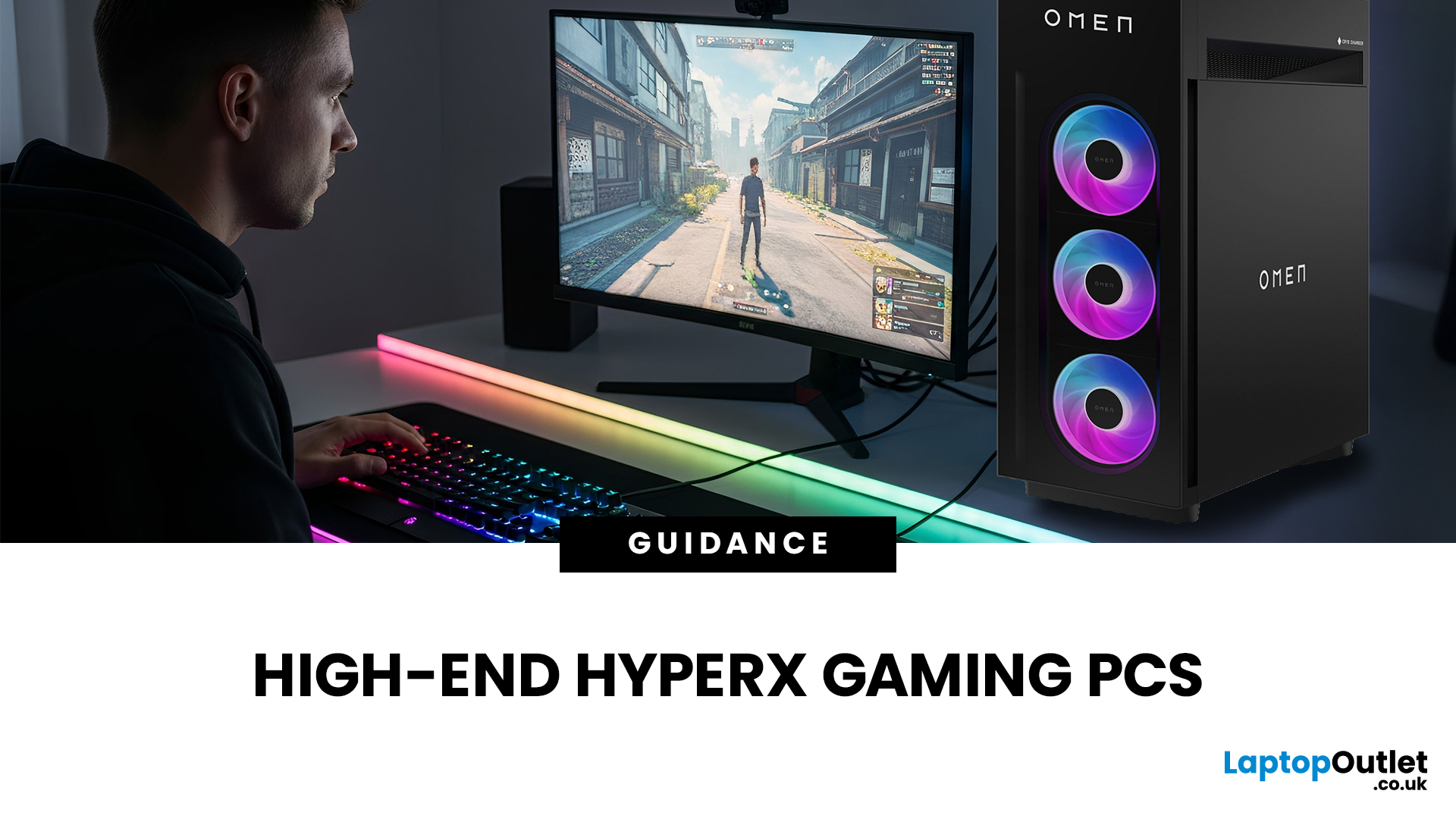
If you're looking to elevate your gaming experience in 2026, HyperX is one of the most exciting names to watch. Now operating under HP, HyperX is known for its premium gaming accessories and enthusiast-grade components, and it is now making a strong mark in the desktop PC space. This complete breakdown covers HyperX gaming PC specs, performance capabilities, and feature sets.
Best HyperX Gaming PCs in 2026: Top Picks
If you’re after powerful, prebuilt desktops that deliver high-end gaming performance and match or even surpass many systems often paired with HyperX accessories, it’s important to note that HyperX itself does not manufacture gaming PCs. Instead, HP, the parent company behind HyperX, produces some of the strongest desktop gaming machines on the market. Among them, the two HyperX OMEN towers below stand out. They offer top-tier specs, modern cooling solutions, and excellent upgrade potential.
OMEN 35L GT16-0034na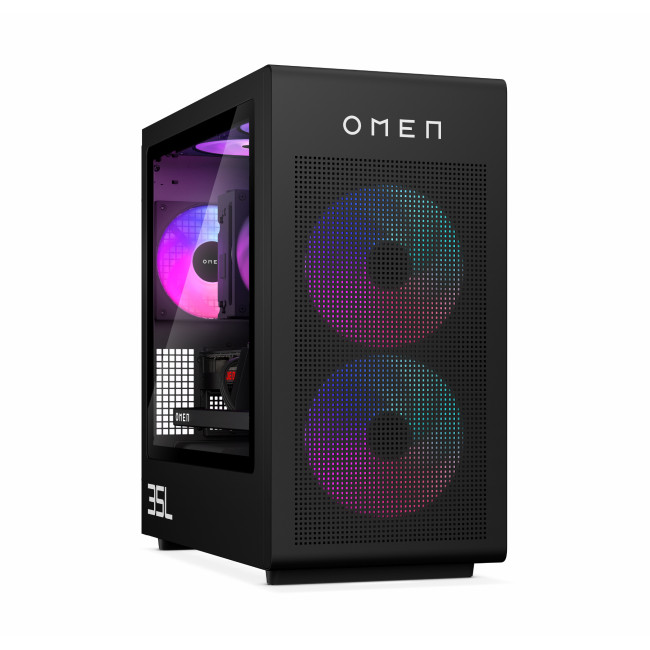
- CPU: Intel Core Ultra 7 265K (20-core)
- GPU: NVIDIA
Last Updated: May 05, 2026
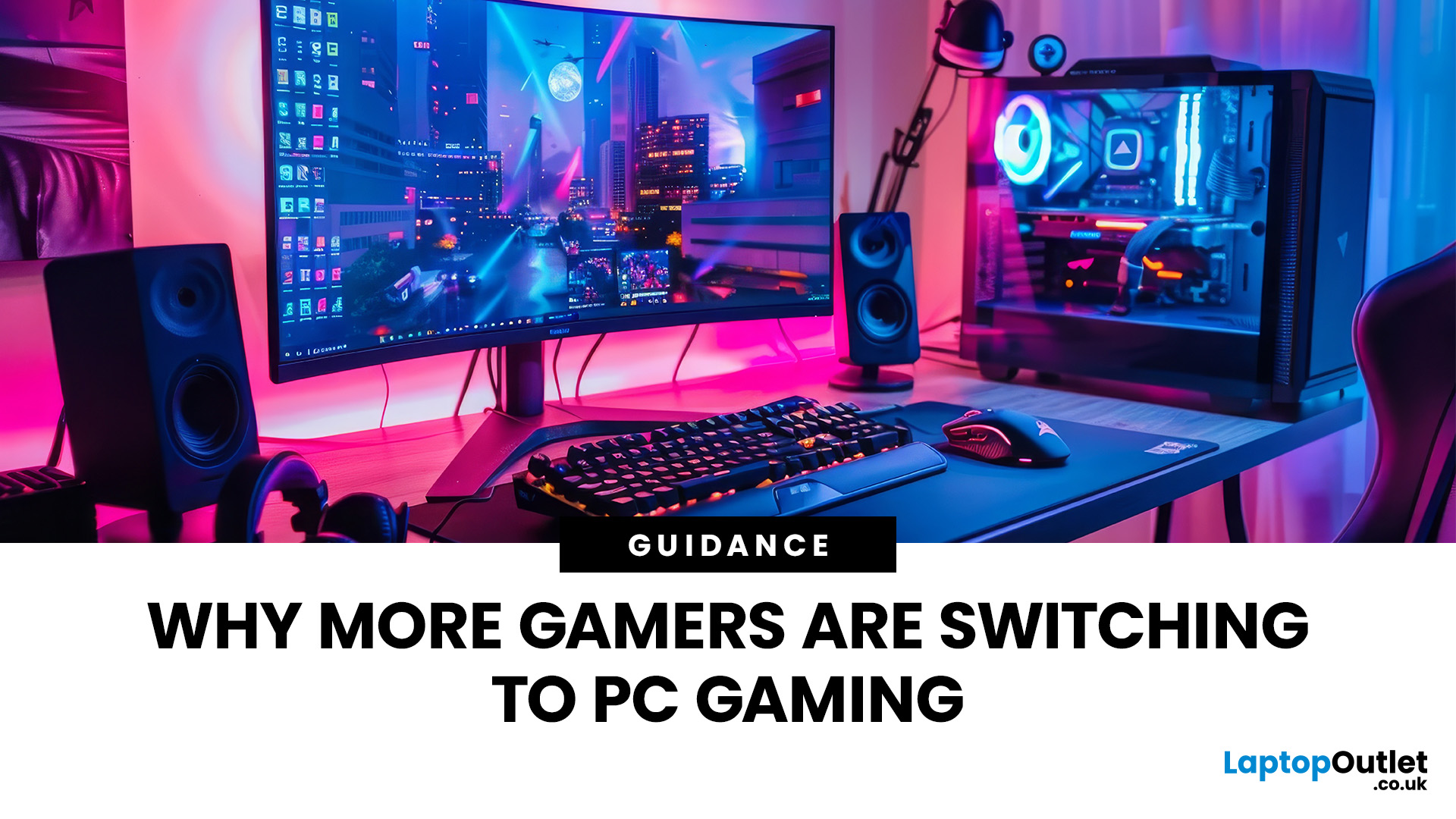
In recent years, there’s been a clear shift in the gaming landscape: more players are leaving traditional consoles behind and moving toward PC gaming. What was once seen as a hobby for enthusiasts and tech-savvy users has now turned into the preferred gaming platform for millions around the world. With advancements in hardware, competitive esports, and the growing need for versatile tech, PC gaming has rapidly evolved into a dominant force in the industry.
But what exactly is driving this transition? Why are so many gamers embracing the PC ecosystem over consoles and handheld devices? Below, we explore the key reasons behind this shift and explain why gaming PC is becoming the top choice for modern gamers.
Unmatched Power and Performance
One of the most compelling reasons behind the PC gaming surge is its superior performance. PCs, even mid-range ones, often outperform consoles when it comes to graphics, speed, and responsiveness.
Higher Frame Rates & Better Visuals
PC gamers can enjoy
Last Updated: February 26, 2026
DOMINATE THE BATTLEFIELD. UPGRADE YOUR WEAPON.
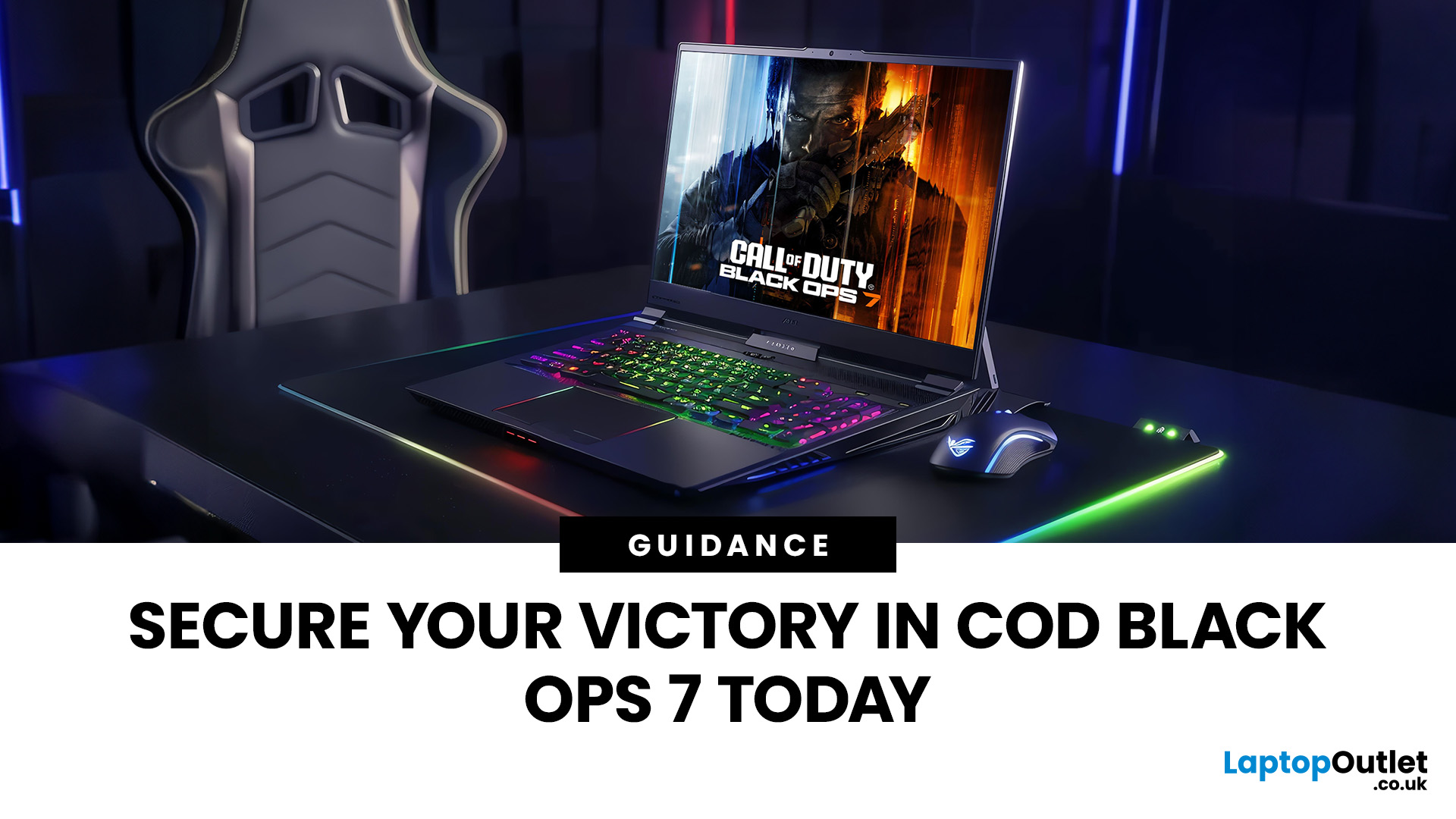
The arrival of Call of Duty: Black Ops 7 is a massive event. This game promises some of the most intense, visually spectacular, and competitive FPS action we’ve seen yet.
To truly dominate the leaderboards, you need more than skill; you need a machine that can keep up. That’s where a high-performance laptop comes in.
To help you secure your victory, we’ve put together 8 best gaming laptops for Call of Duty: Black Ops 7 Season 01. Get ready to experience this game with crystal-clear visuals and lightning-fast frame rates.
Why the Right Gaming Laptop Matters for Black Ops 7
Call of Duty titles are known for their demanding hardware requirements, and Black Ops 7 pushes those boundaries even further. Your laptop needs to render massive maps, intense firefights, and stunning visual effects instantly.
Here is why you need to invest in the right machine:
- Higher FPS: In competitive FPS games, a higher frame rate (FPS) translates directly to a smoother,

