



High-End Gaming Laptops – For Hardcore & Professional Gamers
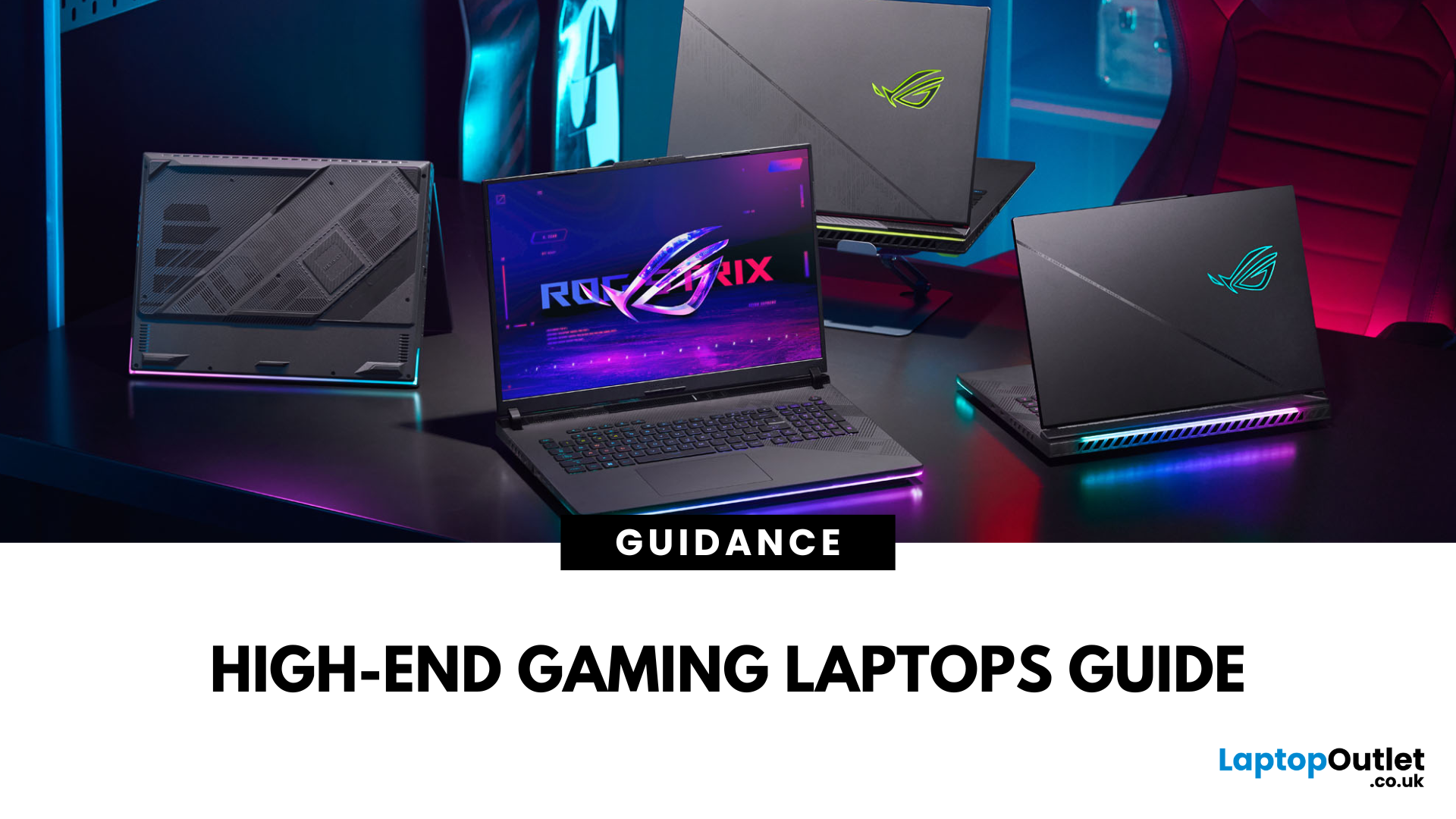
Gaming laptops have evolved massively in recent years, bridging the gap between desktop performance and portability. But what sets these devices apart from standard laptops? The answer lies in raw power: the latest processors, dedicated NVIDIA RTX or AMD Radeon GPUs, advanced cooling systems, and lightning-fast refresh rates.
In this guide, we’ll explore the best gaming laptops in the market, compare models from brands like ASUS, Acer, HP, and Lenovo, and break down what features truly matter for gaming laptop performance.
Why Choose High-End Gaming Laptops?
For serious players and professionals, only the most high-end gaming laptops deliver the speed, graphics quality, and efficiency needed to stay competitive. Before investing, it’s important to understand why powerful gaming laptops justify their price tags.
Gaming Without Limits
Unlike entry-level or mid-range models, high-end gaming laptops deliver desktop-class performance in a portable form. You can play AAA titles at ultra-settings, stream in 4K, and multitask without stutters.
Professional-Level Versatility
These laptops double as workstations for professionals. Gamers who play professionally can use the same hardware for intensive applications. The high-end gaming laptops are perfect fit for those who work as gamers.
Future-Proof Performance
With hardware such as NVIDIA RTX 50-series GPUs, 13th/14th Gen Intel Core or AMD Ryzen 9000 processors, and DDR5 memory, these laptops stay relevant for years, ensuring consistent gaming laptop performance.
Essential Features of High-End Gaming Laptops
When choosing between the best gaming laptops, it’s important to know what truly sets high-performance gaming laptops apart from entry-level or mid-range machines. These devices aren’t just about flashy RGB lighting. Their value comes from the powerful hardware packed inside. From graphics and displays to cooling and storage, every component plays a critical role in delivering smooth gameplay and long-term reliability. Below are the core features you should prioritise when comparing gaming laptops for hardcore and professional gamers.
Cutting-Edge Graphics
The GPU (graphics processing unit) is the single most important component in any gaming laptop. For anyone serious about immersive visuals, prioritising the latest GPUs is non-negotiable. It determines how well your system can handle modern AAA titles at high resolutions and settings.
- NVIDIA GeForce RTX 5080 and 5090 GPUs bring desktop-grade performance to portable devices. They support advanced features such as real-time ray tracing, which makes lighting and reflections look incredibly realistic, and DLSS 4 (Deep Learning Super Sampling), which boosts frame rates using AI without sacrificing visual quality.
- AMD Radeon RX 9000 series GPUs provide excellent alternatives with competitive performance at often lower price points, making them a great option for gaming laptops for hardcore gamers who want value without compromise.
High Refresh-Rate Displays
The display is your direct window into the gaming world, and refresh rate makes a huge difference in how smooth and responsive gameplay feels. With fast refresh rates and low response times, you’ll gain a true competitive edge.
- Standard laptops often feature 60Hz panels, but high-end gaming laptops come with 144Hz, 240Hz, or even 300Hz refresh rates, ensuring ultra-fluid motion.
- These higher refresh rates are especially valuable for esports titles like CS: GO, Valorant, or Call of Duty, where split-second reactions can decide the outcome of a match.
- Some models even feature OLED or QHD panels, combining sharp resolutions with rich colours and wide viewing angles for cinematic experiences.
Advanced Cooling Systems
Heat is one of the biggest threats to sustained performance. Advanced cooling ensures that your system delivers consistent frame rates and keeps hardware safe over years of heavy use. Without effective cooling, even the most powerful gaming laptops will throttle performance to protect components.
- Premium laptops use vapour chamber cooling systems, which spread heat more efficiently than traditional heat pipes.
- Liquid-metal thermal compounds replace standard pastes on CPUs and GPUs, offering superior conductivity and lower temperatures.
- Multi-fan setups, combined with intelligent airflow designs, keep laptops stable during marathon sessions.
Powerful CPUs and RAM
While GPUs handle visuals, the CPU ensures your laptop can manage multiple processes at once. This combination makes them not only ideal for gaming but also for demanding professional tasks like 3D rendering and video production.
- Intel Core i9 (13th/14th Gen) and AMD Ryzen 9000-series processors dominate the gaming laptops for professionals’ space, balancing raw power with energy efficiency.
- Coupled with DDR5 RAM, which starts at 4800MT/s,is available in capacities up to 64GB. These laptops can handle multitasking like running a game, streaming software, and voice chat simultaneously without stutter.
Storage Speed & Capacity
Games today can easily exceed 100GB each, which makes fast and spacious storage essential. Th average storage capacity of high-end gaming laptops is 1TB and 2TB SSDs. Fast, high-capacity storage ensures smooth performance not just for gaming, but also for large creative projects like video editing.
- PCIe Gen 4.0 and 5.0 SSDs offer ultra-fast load times of approximately 7000 MB/s, reducing waiting screens and getting you into games almost instantly.
- Many high-performance gaming laptops include secondary drives or offer expandable storage options, perfect for growing game libraries.
- Some models even support RAID configurations, combining multiple SSDs for extra speed or redundancy.
Best Gaming Laptop Brands Compared
When shopping at Laptop Outlet, you’ll come across several leading brands. Here’s how they stand out in the ASUS vs Intel vs Acer vs HP vs Lenovo gaming laptops debate:
ASUS Gaming Laptops
Renowned for their Republic of Gamers (ROG) and TUF lines, ASUS gaming laptops dominates the market with premium build quality, innovative cooling, and powerful hardware. ROG laptops are aimed at hardcore gamers, while TUF models balance performance with durability.
Acer Gaming Laptops
The Predator and Nitro series of Acer gaming laptops focus on gamers who want maximum value without sacrificing performance. Acer’s Predator Helios models, for example, offer RTX GPUs and 240Hz displays at competitive prices.
HP Gaming Laptops
Omen series of HP gaming laptops delivers sleek, powerful rigs for professionals and gamers alike. Meanwhile, the Pavilion Gaming line offers budget-friendly alternatives with respectable specs.
Lenovo Gaming Laptops
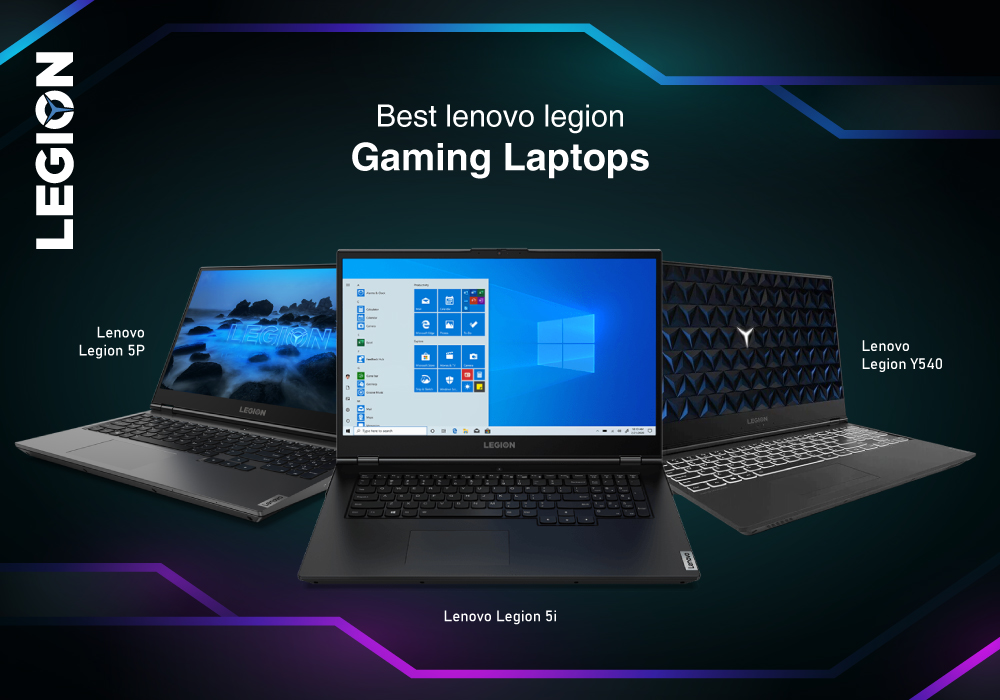
Lenovo Legion models stand out for excellent thermals, precise keyboards, and strong battery performance, a rarity in gaming machines. Lenovo gaming laptops are highly recommended for professionals who value balanced power.
Gaming Laptop Features That Matter Most
When comparing models, focus on these features for the best value:
- GPU: Prioritise RTX 5080/5090 or higher for AAA titles.
- Display: At least 144Hz/240Hz refresh rate; OLED or QHD recommended for visuals.
- Cooling: Look for liquid-metal cooling or vapour chamber technology.
- Keyboard: Mechanical-style keyboards with per-key RGB lighting improve precision.
- Ports: Thunderbolt 5, HDMI 2.1, and USB-C ensure compatibility with accessories and monitors.
Gaming Laptops for Hardcore Gamers
Hardcore gamers demand nothing less than perfection. Laptops in this category boast flagship GPUs, ultra-fast displays, and maximum upgradability.
Examples:
The following laptops ensure you’re always at the top of the scoreboard:
Gaming Laptops Suitable for Creatives
For professionals who need one device for both work and play, versatility is key. These laptops excel at both rendering and gaming.
Examples:
Following are the ideal gaming laptops for professionals' gamers:
Tips to Maximise Gaming Laptop Performance
Owning one of the best gaming laptops gives you a huge advantage, but even the most powerful hardware requires proper care to deliver peak results. Whether you’re using an ASUS gaming laptop, a Lenovo Legion, or an Acer predator, the way you maintain and optimise your device directly impacts its speed, responsiveness, and lifespan. Here are some practical steps to help you keep your high-performance gaming laptop running at its absolute best.
Keep Drivers Updated
Manufacturers regularly release driver updates to fix bugs, optimise performance, and enhance compatibility with the latest games.
- Use built-in tools like ASUS Armoury Crate, HP Omen Hub, or Lenovo Vantage to manage updates seamlessly.
- Keep your GPU drivers up to date through NVIDIA GeForce Experience or AMD Adrenalin software, as these updates can significantly boost frame rates in new titles.
- Don’t forget BIOS and chipset updates, which often improve system stability and thermal performance.
Manage Thermals Effectively
Heat is the biggest enemy of long-term performance. If not controlled, it can cause throttling and shorten your laptop’s life.
- Use a cooling pad to improve airflow, especially during long sessions.
- Elevate your laptop slightly to allow air to flow freely underneath.
- Clean vents and fans regularly with compressed air to remove dust build-up that restricts cooling.
- Monitor temperatures with tools like HWMonitor or MSI Afterburner to ensure your CPU and GPU stay within safe limits.
Optimise In-Game and System Settings
You don’t always need to run games at maximum settings for a great experience. Balancing visuals and performance ensure smoother gameplay. The following ensures you’re squeezing every drop of performance without straining hardware unnecessarily.
- Lower demanding settings such as shadows, anti-aliasing, or ray tracing if your frame rates drop below your display’s refresh rate.
- Use built-in performance modes offered by manufacturers (e.g., ROG Performance Mode or Command Centre).
- Enable Windows Game Mode to prioritise resources for gaming sessions.
Upgrade Storage and RAM
One of the best ways to future-proof your laptop is by upgrading components. Many powerful gaming laptops allow user-friendly upgrades.
- Increasing RAM (e.g., from 32GB to 64GB) provides smoother multitasking and benefits professional workloads like video editing.
- Expanding storage with larger or secondary SSDs gives room for ever-growing AAA game libraries, while also improving boot and load speeds.
- Always check manufacturer guidelines to ensure compatibility before upgrading.
Final Thoughts
High-end gaming laptops are versatile, future-proof machines built for hardcore and professionals gamers alike. Whether you choose ASUS, Acer, HP, or Lenovo, the right model ensures unmatched gaming laptop performance.
By focusing on the right features like powerful GPUs, high refresh displays, advanced cooling, and strong build quality, you’ll find the perfect machine to dominate both in play and in work. At Laptop Outlet, you’ll find a wide selection of powerful gaming laptops tailored for every need and budget, from casual enthusiasts to esports professionals.
FAQs
What makes a gaming laptop high-end?
A high-end gaming laptop includes the latest CPUs, RTX 50-series GPUs, DDR5 RAM, and high-refresh displays. They’re built for hardcore and professional gamers who need maximum power.
Are high-end gaming laptops worth it for professionals?
Yes. They handle creative workloads like 3D rendering, video editing, and coding just as well as gaming, making them versatile for professional use.
How do I maintain gaming laptop performance over time?
Regularly update drivers, clean dust from vents, and use a cooling pad. Adjust graphics settings to balance visuals and frame rates.
Which brand makes the best high-end gaming laptops?
Brands like ASUS ROG, and Lenovo Legion are consistently rated among the best gaming laptops, but HP Omen and Acer Predator also deliver excellent performance.
Can I upgrade high-performance gaming laptops?
Yes, many models allow RAM and storage upgrades. However, GPU and CPU upgrades are rare, so invest in the most powerful specs you can afford upfront.
| Read More: |
| Best gaming laptops with Nvidia Graphics cards |
| What Is the Best Budget Gaming Laptop to Buy? |
| New Generation Gaming Laptops |
Related Articles


Last Updated: June 17, 2025
Last Updated: September 09, 2025
Last Updated: June 19, 2025
Are you an e-sports enthusiast looking to take your gaming experience to another level? If yes, you are in the right place! With thousands of options available on the market, choosing the right gaming laptop can be a daunting task for anyone.
In this article, we have listed the top 5 gaming laptops for e-sports in 2023, all while considering factors such as refresh rate, response time, and screen size. Whether you are a professional esports player or a casual gamer, this guide will help you make an informed decision.
ASUS ROG Zephyrus M16 (2023)(GU604VY-NM001W)
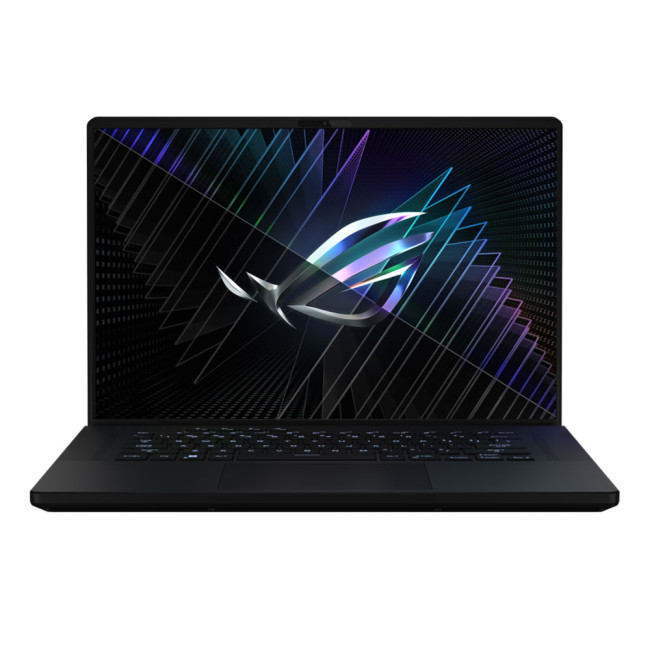
- Intel® Core™ i9 Processor
- 16-inch screen size, 2560 x 1600
- 32 GB RAM, 2 TB SSD
- NVIDIA GeForce RTX 4090 GDDR6 16GB GPU
- Windows 11 Home
The ASUS ROG Zephyrus M16 is a true gaming beast, designed specifically for esports enthusiasts. With its Intel Core i9 processor and 32 GB of DDR5 RAM, it delivers exceptional performance, ensuring smooth gameplay even in demanding esports titles.
As compared to last year’s model,
Last Updated: February 24, 2026
Among the top leading brands of high-end graphics cards, Nvidia stands out as a "powerhouse" in the world of gaming. Laptops with Nvidia graphics cards are known for their exceptional processing capabilities to handle resource-intensive gaming, 3D modelling, and video editing software without any stutters or lags. In this article, we will explore the benefits of Nvidia gaming laptops. Not only will we discuss the features of these gaming laptops, but you'll find our top 5 recommendations for the best gaming laptop on the market.
What are the Benefits of Laptops with Nvidia Cards?
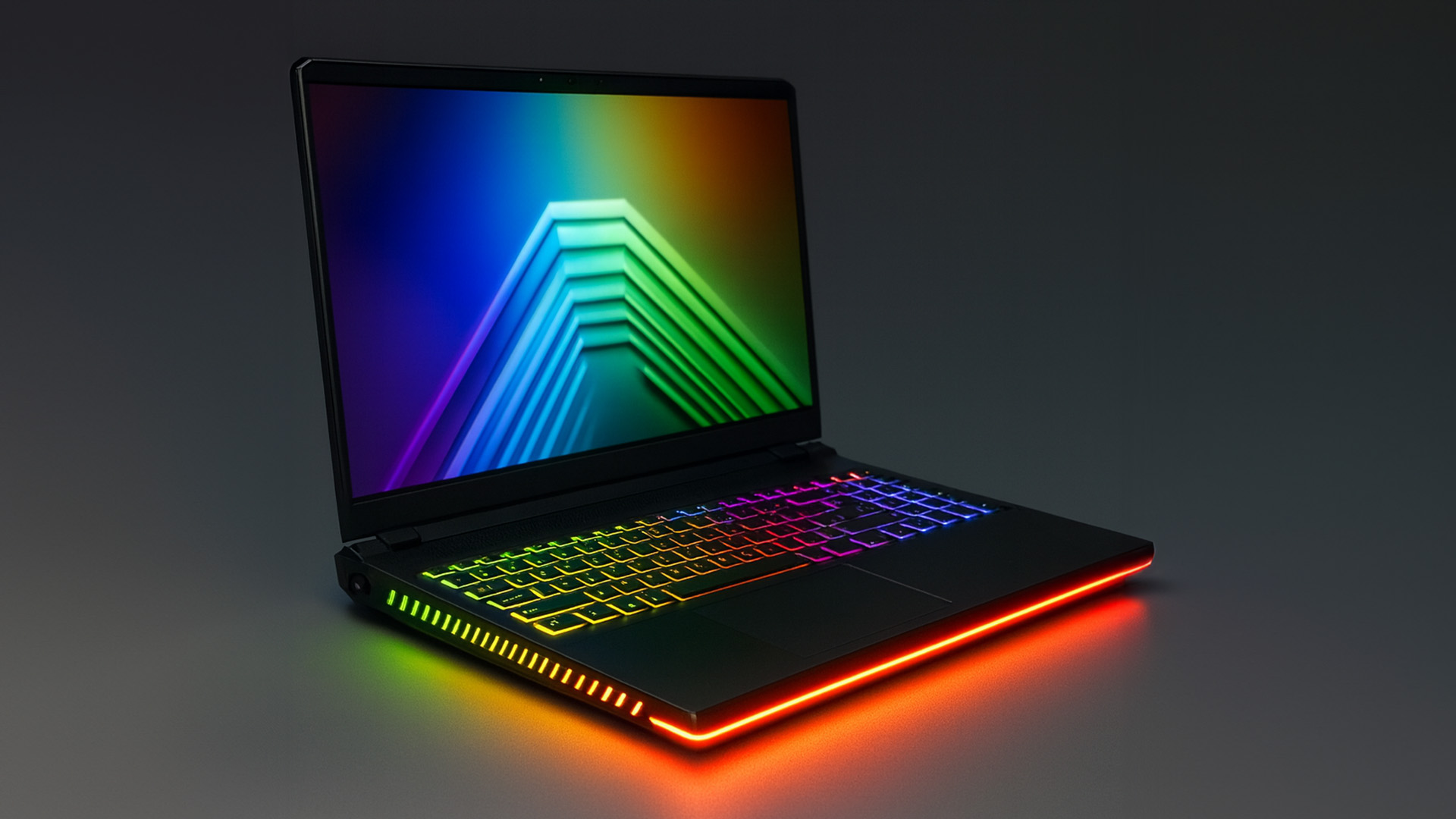
A gaming laptop with a Nivida Graphics card offers a range of advantages as compared to devices with other Graphics card brands. These high-performance devices offer excellent graphics rendering and processing power in video games, CAD/CAM, scientific computing, content creation, and other intensive computing applications.
Let’s explore their benefits in detail:
Unparalleled Graphics Performance
Nvidia graphics

