



Which is the Best Laptop for Windows Pro?
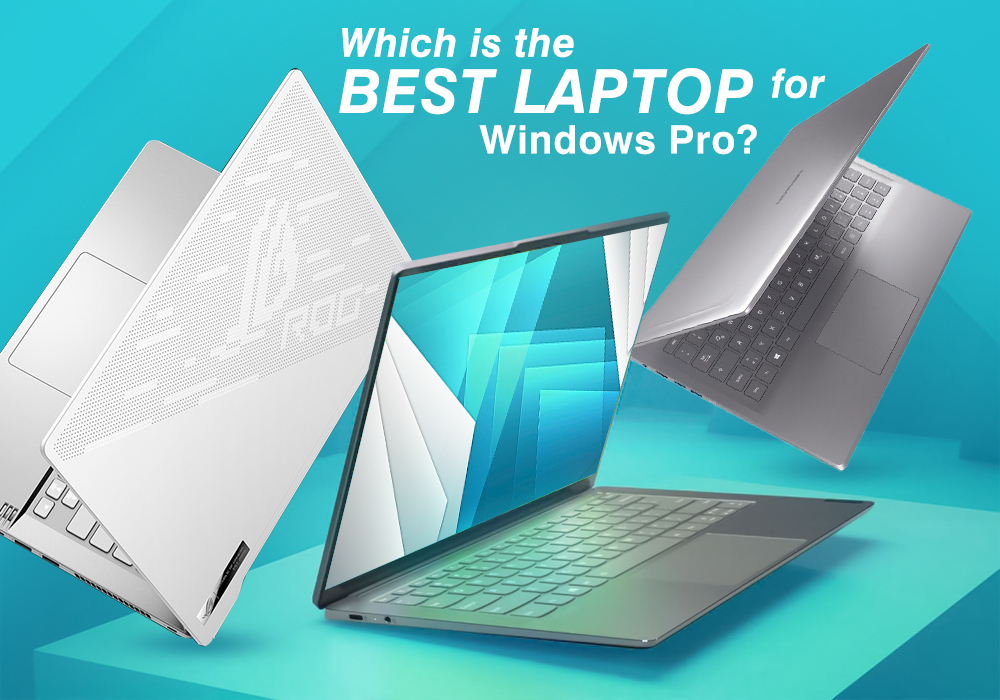
Microsoft Windows 10 is the successor to Windows 8.1 and has two editions: Windows 10 Home and Windows 10 Pro. This is different from previous versions of Windows, which could have up to seven editions.
Now when we compare these two editions, Windows 10 Pro obviously has more features. However, that doesn’t mean that Windows 10 Home is crippled with fewer features than its professional counterpart. The Home edition packs numerous features that should be more than enough for most users.
Windows 10 Pro edition provides all Home edition features while also offering advanced connectivity and privacy tools like Assigned Access 8.1, Bitlocker, Client Hyper-V, Direct Access, Domain Join, Enterprise Mode Internet Explorer (EMIE), Group Policy Management, and Remote Desktop.
All of these apps are pretty powerful. Assigned Access 8.1, for instance, allows you to lock user accounts and stop them from accessing particular apps. On the other hand, Bitlocker is a disk-encryption tool that lets you encrypt your external USB-drives. There are also tools to help ease seamless connectivity and a Business Store for Windows 10.
The good news is that you don’t need to spend any extra money on Windows 10 Pro if your laptop already comes pre-installed with it. Today, we’re going to do a quick review of some of the best Windows Pro laptops. So without any further ado, let’s just get into it.
Dell XPS 13
Specs
|
Processor |
Intel Core i5 10210U / 1.6 GHz |
|
Display |
13.3-inch IPS Full HD (1920 x 1080) Resolution |
|
RAM |
8 GB |
|
Storage |
256 GB SSD |
|
Graphics |
Intel UHD Graphics |
|
Operating System |
Windows 10 Pro |
Dell XPS series has been one of the most beloved laptop families in the industry, and the XPS 13 certainly lived up to our expectations.
Its bottom and top are made out of aluminium while the base is created from carbon fibre. The laptop only weighs 1.29 kg and is very light. All of this makes it a very well-balanced notebook, that feels sturdy and comfortable in the hands.
The Dell XPS 13 comes with a 13.3-inch Full HD IPS panel and a 1920 x 1080p resolution. The screen’s viewing bagels are excellent thanks to the IPS technology and its brightness is very high as well.
As far as performance is concerned, the Intel Core i5 (10th Gen) 10210U, 8 GB RAM, and 256 GB SSD doesn’t let you down. You can easily run all kinds of apps simultaneously without any lag or delay.
The battery life is the surprise standout here as we were able to get a massive 20 hours of Web surfing and around 16 hours of HD video playback. Honestly speaking, this is one of the best battery performances we’ve ever seen.
In short, the laptop is phenomenal and consumers are going to absolutely love it.
Lenovo ThinkPad E580
Specs
|
Processor |
Intel Core i5-8250U / 1.6GHz |
|
Display |
15.6-inch Full HD Display (1920 x 1080) Resolution |
|
RAM |
8 GB |
|
Storage |
256 GB SSD |
|
Graphics |
Intel HD 620 Graphics |
|
Operating System |
Windows 10 Pro |
You need a good business laptop if you’re working for a small company or struggling over a term paper. Problem is that top business laptops cost a lot. Enter the Lenovo ThinkPad E580. It’s relatively affordable, delivers a solid performance, has a wide port selection, and good build quality. Add a great keyboard to the mix and you have a 15-inch machine made for productivity. .
The ThinkPad E580 has a large frame, but we were able to carry it in our bags without any complaints. In fact, its weight is much lighter than most 15-inch laptops.
The display on the ThinkPad E580 is decent. It’s got a 1920 x 1080 screen that is more than enough for productivity work, watching videos, and playing some lightweight games. As long as you don’t pump the brightness to max, its battery will last long enough to get through a workday. We were able to get around 8 hours and 19 minutes of continuous web surfing during our tests.
There’s a lot to love about the Lenovo ThinkPad E580. It’s got a great keyboard, attractive design, and strong performance. And most important of all, it’s a top business laptop that doesn’t require you to break the bank.
Asus ROG Zephyrus S
Specs
|
Processor |
Intel Core i7 8750H / 2.2 GHz |
|
Display |
15.6-inch Full HD Display (1920 X 1080) Resolution |
|
RAM |
16 GB |
|
Storage |
512 GB SSD |
|
Graphics |
NVIDIA GeForce RTX 2080 8 GB GDDR6 |
|
Operating System |
Windows 10 Pro |
The Asus ROG Zephyrus S is the apex of gaming laptops. Every gaming machine out there can’t help being compared to this beast. And that’s totally understandable once you take a look at its specs and performance. For us, this is the best gaming laptop on the market at the moment.
As you first take hold of the Asus ROG Zephyrus S, you’ll immediately notice that it is incredibly dense (2.7 kg). Most gaming laptops have powerful internals but look very gaudy. That’s fortunately not the case here as the Zephyrus S is a very solid machine. Its casing is made out of magnesium and feels cool to the touch. The lid looks a class as well as it is inscribed with nothing but a chrome-finish ROG logo.
The specs on the Zephyrus S speak for itself. It’s got an Intel Core i7 8750H processor clocked at 2.2 GHz, an NVIDIA GeForce RTX 2080 8 GB GDDR6 graphics card, 16 GB RAM, 512 GB SSD, and a 15.6-inch Full HD Display (1920 X 1080) Resolution screen. Suffice it to say that it will not just run the most demanding AAA PC games, but run them at their absolute best settings.
Conclusion
We hope this article was able to help you buy windows pro laptops the suit your needs. If you would like to look at more laptops before making a final decision, click on this link to view our stock. Good luck!
Read more:
| 5 Best Lenovo Business and Corporate Laptops |
| Invoicing and Payments: Using Microsoft Laptops to Simplify Billing |
| Buying a Laptop for Work in 2025? Don’t Make These 5 Mistakes |
Related Articles

Last Updated: October 29, 2025
Last Updated: June 03, 2025
The competition between Chromebook vs Windows has been long running in the industry. Whether you are a student, a business professional, or a home-user, it is important to know which computing device is best for you.
What is a Chromebook?
Chromebooks are low-cost laptops operating on the "Google OS". They can do just about anything that a laptop can do, i.e., checking mail, browsing the internet, or performing everyday computations. The key difference is that their operating system relies more on software than hardware, making it more affordable and portable for the user.
Google typically expects its users to have 24/7 internet access, due to which there is not much local disc storage available in most Chromebooks. And if you are someone who runs a lot of third-party software, then a Chromebook might not be an ideal choice for you. You cannot download traditional Windows software like Microsoft Office or Adobe Photoshop on your Chromebook.
If you are comfortable with the Google Ecosystem,
Last Updated: February 25, 2026
Are you seeking a featherweight laptop with power-packed features? Luckily, the ultraportable and high-performance Windows 10 laptops given in this article are our top performers in testing.
Microsoft operating system is the most popular computer software on the planet. It supports various computing devices, from powerhouse desktop PCs to ultra-slim and budget-friendly laptops.
Windows 10 has been renowned for its improved efficiency and productivity in daily computing tasks among the other OS versions. It comes with many cutting-edge features such as enhanced security measures, greater Office 365 and OneDrive integration, support for handwriting recognition, more control and customisation, etc.
The best Windows 10 laptop provides unmatched performance thanks to ultraportable form factor and power-loaded capabilities. With a lightweight and efficient laptop, you can seamlessly sprint through your workloads and gameplay.
Well, we have tested and reviewed more than 1OO thin and
Last Updated: November 13, 2025
Shopping for a new laptop can be tricky as the best brands go head-to-head to grab your attention, and you want a model that does everything you need and lasts for years.
Although some brands are well regarded for their high-quality laptops, even the best brand manufacturers' models have flaws or performance lags. We've all had that friend who got a fantastic deal on a laptop with a large screen and impressive features, only to hear about its slow performance, sluggish battery, and dim screen later.
Simply put, there isn't the best laptop brand, as it depends entirely on your needs and tastes. However, several options stand out, like ASUS, MSI, Dell, and Lenovo.
To keep it simple, we have tested and reviewed models from dozens of brands and below are our recommendations for the best brands in terms of hardware support.
ASUS
ASUS is also known as ASUSTeK, a Taiwanese brand. It is one of the largest laptop manufacturers in the world today, featuring gaming and business machines.

