



Lenovo Legion vs LOQ: Which Gaming Laptop is Better in 2026?
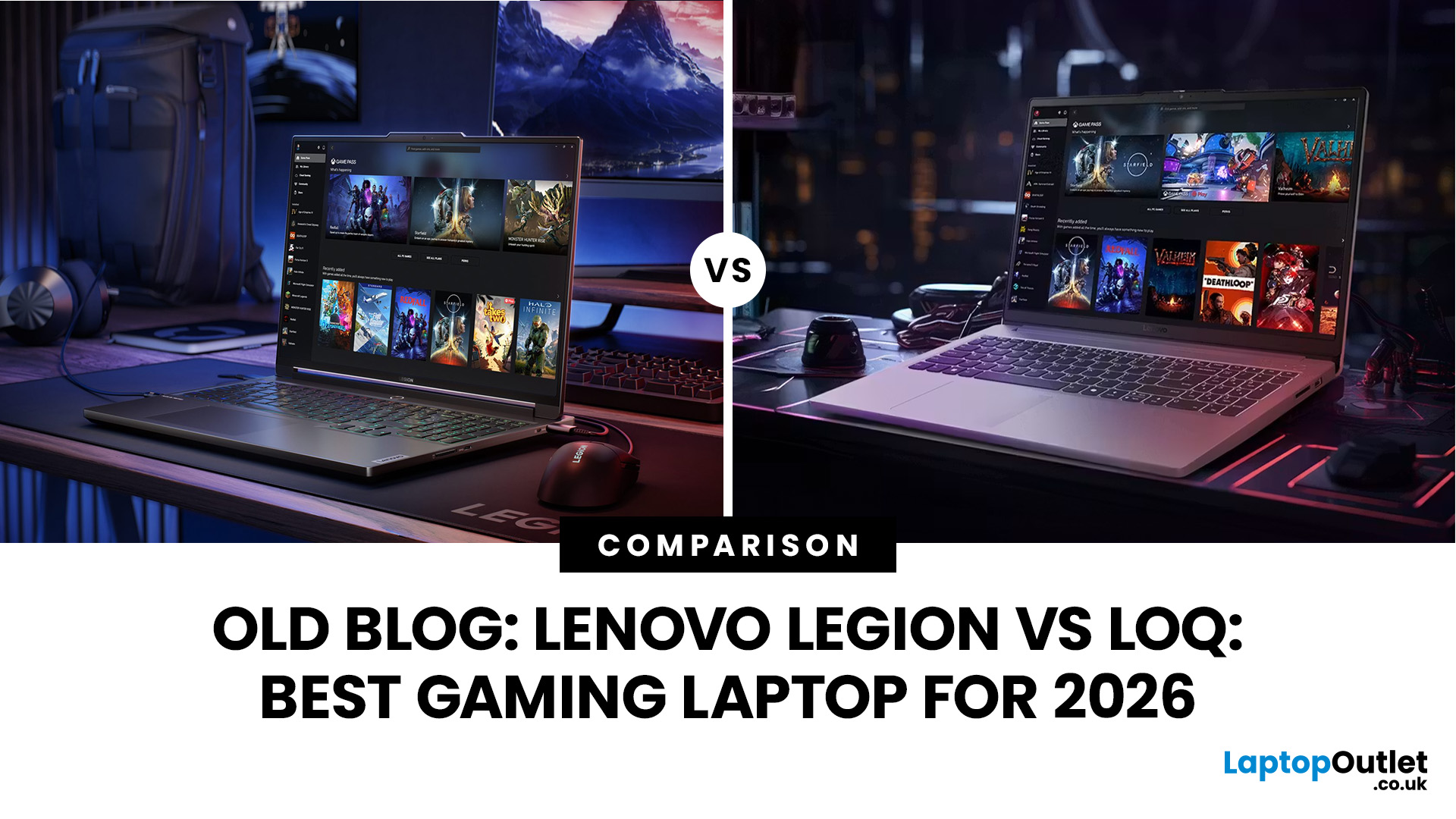
Choosing between a Lenovo Legion and a Lenovo LOQ gaming laptop can be difficult because both ranges offer powerful processors, dedicated NVIDIA graphics, and high-refresh-rate displays. However, they are designed for slightly different types of gamers.
Lenovo Legion laptops sit at the premium end of the range, with a greater focus on maximum performance, advanced cooling, higher-quality displays and refined build quality. Lenovo LOQ laptops are designed to make PC gaming more accessible, offering strong everyday gaming performance at a more affordable price.
This Lenovo Legion vs LOQ comparison examines their performance, displays, cooling, portability, features and overall value to help you choose the right gaming laptop in 2026. You can also explore our top Lenovo gaming laptops to compare the latest available configurations.
Lenovo Legion vs LOQ: Quick Answer
Choose a Lenovo Legion laptop if you want premium build quality, higher-performance configurations, more advanced cooling and better display options for competitive or demanding AAA gaming.
Choose a Lenovo LOQ laptop if you want dependable gaming performance, modern features and better value for money without paying for every premium extra.
Neither range is automatically better for everyone. The right choice depends on your budget, the games you play and the exact specifications of the laptop you are considering.
What is the Main Difference Between Lenovo Legion and LOQ?
The main difference is their market positioning.
Lenovo Legion is the company’s performance-focused gaming range. It includes systems designed for enthusiasts, competitive gamers, streamers and creators who need sustained performance under heavier workloads.
Lenovo LOQ is Lenovo’s more affordable gaming range. It is aimed at students, first-time gaming-laptop buyers and players who want a balanced machine for gaming, study, work and entertainment.
Importantly, you should compare individual configurations rather than relying only on the product name. A well-equipped LOQ may outperform an entry-level Legion in some games, while a higher-end Legion can offer considerably more power than a basic LOQ.
Lenovo Legion vs LOQ Comparison
|
Feature |
Lenovo Legion |
Lenovo LOQ |
|
Positioning |
Premium, performance-focused gaming |
Entry-level to mid-range gaming |
|
Graphics |
Broad range of dedicated NVIDIA GPUs, including higher-performance configurations |
Dedicated NVIDIA GPUs, including RTX 50-series options on newer models |
|
Processors |
Performance-focused Intel and AMD options |
Mainstream and performance-focused Intel and AMD options |
|
Cooling |
More advanced cooling on many models, designed for sustained workloads |
Effective gaming cooling, including Hyperchamber cooling on newer models |
|
Display |
More premium OLED, high-resolution and high-refresh-rate options |
FHD and higher-resolution high-refresh-rate options, depending on the model |
|
Build quality |
More premium materials and finishes on selected models |
Practical and durable construction focused on value |
|
Portability |
Varies by screen size and specification |
Varies by screen size and specification |
|
Price |
Generally more expensive |
Generally more affordable |
|
Best for |
Enthusiasts, competitive gamers, streamers and creators |
Students, casual gamers and value-conscious buyers |
1. Gaming Performance and Graphics
Performance depends heavily on the processor, graphics card, power limits, cooling system and memory configuration inside each laptop.
Lenovo Legion
Legion laptops generally offer a wider selection of performance-focused configurations. Higher-tier models may include more powerful graphics options, faster processors and cooling systems designed to maintain performance during longer gaming sessions. This makes Legion particularly suitable for:
- Demanding AAA games
- Competitive gaming at high frame rates
- Gaming at higher resolutions
- Ray tracing and advanced visual settings
- Streaming, video editing and content creation
Lenovo LOQ
LOQ laptops focus on balanced performance at a more accessible price. Newer LOQ models are also available with modern RTX graphics, so the range should not be treated as limited to older or entry-level GPUs. A suitably configured LOQ can handle esports titles and modern AAA games effectively, particularly at 1080p or 1440p with optimised settings.
Performance Verdict
Legion wins for maximum performance and sustained heavy workloads. LOQ wins for gamers who want strong real-world performance without paying for a premium chassis or the highest-tier components.
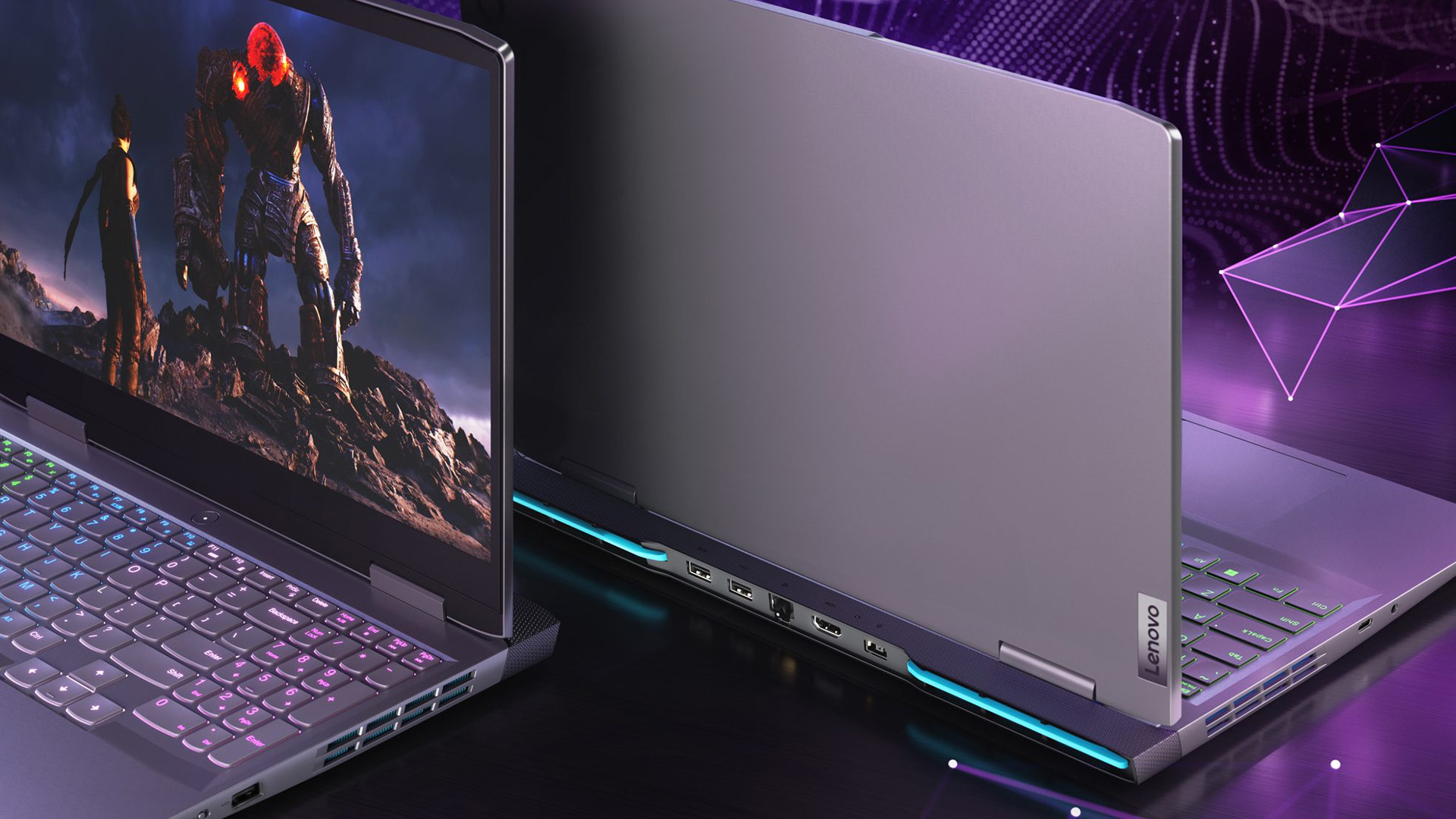
2. Display Quality
The display affects far more than image sharpness. Refresh rate, response time, brightness, resolution and colour coverage can all influence the gaming experience.
Lenovo Legion Displays
Legion models generally provide a wider selection of premium screens. Depending on the configuration, these may include:
- High-refresh-rate panels
- QHD or higher resolutions
- OLED display options
- Wider colour coverage
- Higher brightness
- Better screens for creative work
These features make Legion more attractive to competitive gamers and users who also edit photos, videos or other visual content.
Lenovo LOQ Displays
LOQ laptops commonly offer high-refresh-rate displays suitable for fast-paced gaming. Selected models are available with higher-resolution panels, although entry-level versions may use more basic displays to keep prices affordable.
Display Verdict
Choose Legion when screen quality, colour accuracy or premium OLED options are priorities.
Choose LOQ when you mainly need a responsive gaming display and would rather spend more of your budget on the processor or graphics card.
3. Cooling and Sustained Performance
Gaming laptops generate considerable heat, especially when the processor and graphics card are running simultaneously.
Legion laptops usually have more advanced thermal designs, making them better suited to long gaming sessions, rendering and other intensive workloads. Better cooling can also help the components maintain higher performance for longer.
Newer LOQ models also use improved cooling technologies, including Hyperchamber designs on selected configurations. This means LOQ laptops can deliver stable gaming performance without requiring the more elaborate cooling systems found in premium Legion machines.
Cooling Verdict
Legion remains the stronger choice for sustained high-performance use. LOQ cooling is generally sufficient for mainstream gaming, provided the laptop is used on a hard, well-ventilated surface.
4. Design and Portability
Legion laptops traditionally have a refined gaming appearance, with understated styling on many models and more premium materials on selected configurations.
LOQ laptops use a simpler, practical design intended to balance durability and affordability. They may feel less luxurious, but their more understated appearance can work well in classrooms, offices and shared spaces.
You should not assume that every LOQ is lighter than every Legion, or vice versa. Weight varies according to screen size, battery capacity, cooling hardware and internal specifications. Always check the listed weight of the exact model before buying.
Gamers who travel frequently should compare screen size, charger weight and battery capacity across different portable gaming laptops, rather than choosing based on the range name alone.
Portability Verdict
There is no universal winner. Compare the dimensions and weight of the individual laptops on your shortlist.
5. AI Features and Gaming Software
Both Legion and LOQ laptops can include Lenovo AI Engine+ on supported configurations. This technology helps adjust system performance according to the workload, balancing factors such as processor performance, graphics performance and cooling.
Legion models may provide more advanced tuning options and premium gaming features, while LOQ focuses on making performance optimisation straightforward for less experienced users.
Available software, AI features and keyboard lighting can vary by model, so check the individual product specification before purchasing.
6. Price and Value
Price is one of the clearest differences between the two ranges. Legion laptops generally cost more because they may include:
- Higher-tier processors and graphics cards
- More advanced cooling
- Premium display options
- Better materials
- Larger batteries or additional storage options
- More extensive gaming features
LOQ laptops reduce the cost by focusing on the components that have the biggest effect on everyday gaming. For many buyers, this produces a better price-to-performance ratio.
However, an inexpensive laptop is not automatically better value. Compare the graphics card, processor, RAM, storage, display and warranty before making a decision. For specific models that deliver strong graphics performance without a premium price, see our roundup of the Best Lenovo LOQ Laptops for Budget Gaming in 2026.
Value Verdict
LOQ is usually the better choice for a limited or mid-range budget. Legion can offer better long-term value for demanding gamers who would otherwise need to upgrade sooner.

Lenovo Legion Pros and Cons
Pros
- Higher-performance configurations
- More premium display options
- Advanced cooling on many models
- Better suited to intensive gaming and creative workloads
- More refined build quality
Cons
- Higher purchase price
- Premium configurations can be heavier
- Some features may be unnecessary for casual gamers
Lenovo LOQ Pros and Cons
Pros
- Competitive price-to-performance ratio
- Suitable for gaming, study and everyday work
- Modern NVIDIA graphics options
- AI-assisted performance tuning on supported models
- More accessible for first-time gaming-laptop buyers
Cons
- Fewer ultra-high-end configurations
- Entry-level displays may have lower brightness or colour coverage
- Less premium materials on some models
- Fewer advanced features than comparable Legion laptops
If you already own a Lenovo device or concerned about long-term reliability? Our guide to common Lenovo laptop issues covers quick solutions and the available UK support pathways.
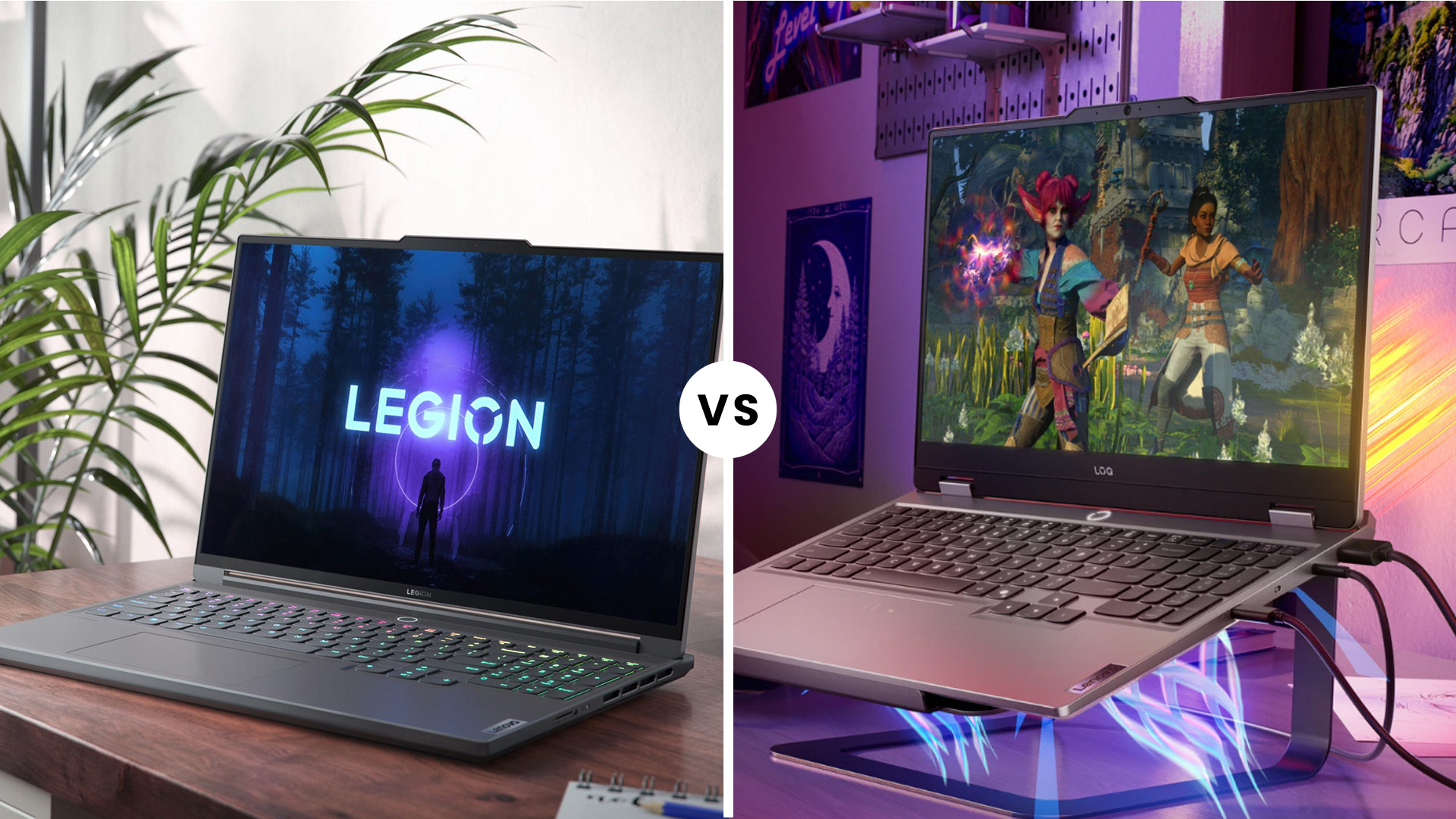
Which Should You Choose in 2026?
Choose a Lenovo Legion gaming laptop if:
- You want the highest performance available within your budget.
- You play demanding games at high settings.
- You need better cooling for long gaming sessions.
- You want a premium display for gaming or creative work.
- You are willing to pay more for build quality and additional features.
Choose a Lenovo LOQ gaming laptop if:
- You want strong performance at a more affordable price.
- You mainly play at 1080p or 1440p.
- You need one laptop for gaming, studying and everyday work.
- You are buying your first dedicated gaming laptop.
- Price-to-performance matters more than premium materials.
For most budget-conscious gamers, Lenovo LOQ offers the better overall value. For enthusiasts who want stronger cooling, premium displays and access to higher-performance configurations, Lenovo Legion is the better choice. Furthermore, if you are considering a balanced mid-range configuration for gaming, work and everyday use, explore our guide to the best Core i5 Lenovo laptops in 2026 to compare the strongest available options.

Conclusion
The Lenovo Legion and Lenovo LOQ ranges both offer capable gaming laptops, but they serve different priorities.
- Lenovo Legion is the better choice for performance-focused gamers who want premium hardware, stronger cooling and more advanced display options.
- Lenovo LOQ is the better choice for value-conscious gamers who want smooth gaming performance without the premium price.
Before ordering, compare the exact processor, GPU, RAM, storage, display and warranty of each model. The specifications matter more than the Legion or LOQ name on its own.

People Also Ask
Is Lenovo Legion better than Lenovo LOQ?
Lenovo Legion is generally better for premium performance, cooling, displays and build quality. Lenovo LOQ is often better for value and is suitable for gamers who do not need the most expensive specifications.
Can Lenovo LOQ run AAA games?
Yes. A Lenovo LOQ with an appropriate dedicated NVIDIA GPU, sufficient RAM and a capable processor can run modern AAA games. Performance will depend on the exact configuration, resolution and graphics settings.
Does Lenovo LOQ have RTX 50-series graphics?
Newer LOQ generations include configurations with NVIDIA GeForce RTX 50-series Laptop GPUs. Availability varies by model, retailer and region.
Is Lenovo LOQ lighter than Lenovo Legion?
Not necessarily. Weight varies considerably between individual models. Compare the published weight and charger size of the exact laptops you are considering.
Which range has better cooling?
Legion generally offers more advanced thermal systems, especially in premium models. Newer LOQ laptops also provide capable cooling designed for mainstream gaming.
Related Articles


Last Updated: July 10, 2026
If you’re eyeing Battlefield 6: RedSec, you’ll need a gaming machine that can keep up with the chaos — massive maps, realistic destruction, dynamic weather, and next-gen lighting that make every firefight feel alive. RedSec pushes the Battlefield series further than ever, demanding serious power for smooth, high-FPS gameplay.
Whether you’re storming across a vast battlefield or holding a control point under heavy fire, your system can’t afford to lag or stutter. That’s why we’ve shortlisted 10 of the best gaming machines for Battlefield 6: RedSec in 2025. These laptops and PCs deliver the frames, responsiveness, and stability you need to stay sharp when the battle gets chaotic.
Top 5 Gaming Laptops for Battlefield 6 RedSec
1. Acer Predator Helios 16 AI (RTX 5090)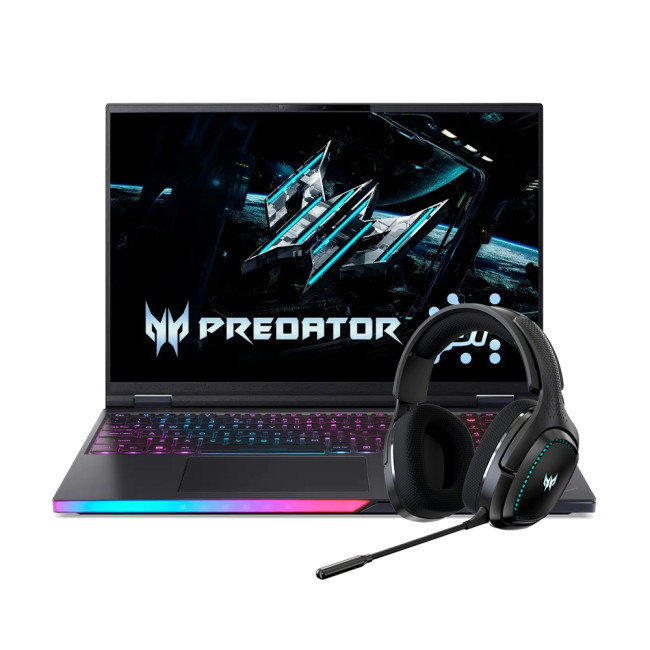
The Acer Predator Helios 16 is a true flagship, built for the gamer who accepts no compromise. It’s designed to handle the most demanding PC settings for maximum performance in RedSec.
Performance Breakdown
- Processor:

Last Updated: December 02, 2025
If you’re hunting for the best gaming laptops of 2025, you’re in luck; this year has delivered some of the most powerful, portable, and genuinely budget-friendly machines we’ve seen in years. With GPUs becoming more efficient, CPUs offering console-level performance, and cooling systems finally catch up. Gaming laptops in 2025 aren’t just powerful - they’re smart, stylish, and surprisingly accessible.
Whether you’re a casual player looking for smooth 1080p gaming, a competitive esports enthusiast chasing those 300+ FPS moments, or a hardcore creator-gamer hybrid who needs workstation-level power, there’s a machine built for you. The best part? You no longer need a king-sized budget to get impressive performance.
Welcome to your complete guide to the best gaming laptops of 2025 - sorted by budget, playstyle, and performance needs.
Budget Gaming Laptops (Under £800)

Perfect for casual gamers, students, first-time buyers, and those who want reliable FPS without blowing the bank.
1. Acer

Last Updated: February 26, 2026
Before diving into specs and comparisons, it’s important to understand where HyperX fits in the gaming laptop ecosystem. HyperX started as a premium gaming accessory brand known for headsets, keyboards, and memory modules. Their products were built for competitive players and quickly gained global traction.
Today, HyperX’s gaming DNA influences HP’s gaming ecosystem. Many of the performance standards and design philosophies seen in HyperX products carry over into HP’s Omen series. This is why HyperX laptops are often associated with, or based on, Omen builds, because HP owns HyperX and integrates their performance-first design approach.
If you’ve ever researched gaming laptops, you’ve likely come across HP, widely recognised as a top tech brand with strong, long-lasting hardware. Their Omen series, featured here at HP laptops, is built on the same principles that define HyperX: high performance, durability, smart cooling, and competitive-edge engineering.
So, when we talk about HyperX

Last Updated: December 12, 2025
For years, HyperX has been one of the most recognised names in gaming, known for high-performance headsets, keyboards, memory modules and accessories trusted by both casual players and esports professionals. But as HyperX’s influence expands into the laptop world through the HP products ecosystem, many buyers are now asking the big question:
Are HyperX Gaming Laptops Worth It?
The short answer: Yes, if you want strong performance, gaming-focused features, durable build quality, and reliable long-term value.
For the detailed answer, you need to scroll down and read it all. Below, you’ll find a complete analysis of HyperX laptop pros and cons, performance, features, durability, and how HyperX compares to other brands. We’ll also examine whether these laptops deliver genuine value, and offer a full HyperX laptop guide to help you decide if they’re right for you. Let’s explore what makes these laptops unique and when they might not be the best option.
What Are HyperX Gaming Laptops? Understanding

Last Updated: December 12, 2025
Setting up your new HyperX gaming laptop is one of the most exciting parts of stepping into PC gaming. If you've just unboxed your device and you're unsure where to begin, this beginner-friendly breakdown will walk you through everything you need to know. From optimising software to boosting cooling performance, you’ll find everything you need to unlock the full potential of your new machine. Many first-time gamers skip key setup stages, leaving their devices underpowered or inefficient. This guide ensures you’re not one of them.
1. Getting Started: The Essential First Steps
Before diving into settings and performance tweaks, it’s important to take care of the basics. Begin by connecting your laptop to a reliable power source. Gaming laptops, especially HyperX devices designed for high performance, require stable power for initial configurations and updates. Allow your system to complete its first-time boot optimally, as this ensures firmware, BIOS settings, and essential drivers are
Last Updated: March 04, 2026
The world of competitive gaming moves fast. If you are serious about rising through the ranks in 2026, your gear must keep pace. This is where high-performance HyperX Gaming Laptops come into their own.
HyperX, known for engineering some of the best memory and peripherals in the world, has become central to the OMEN and Victus gaming lines. These machines combine reliable, high-speed components with premium display technology. They offer the raw power needed for modern AAA titles and the precision required for esports.
If you are hunting for serious hardware, this guide explores the best options for 2026. We look at HyperX gaming laptop specs to ensure you find the ultimate machine for competitive dominance.
Understanding the HyperX Ecosystem
When you search for the best HyperX laptops, you are primarily looking at the pinnacle of HP’s gaming division: OMEN and Victus.
It is crucial to understand the relationship between these brands:
- HyperX: This is a premium gaming brand renowned
Last Updated: February 26, 2026
DOMINATE THE BATTLEFIELD. UPGRADE YOUR WEAPON.
The arrival of Call of Duty: Black Ops 7 is a massive event. This game promises some of the most intense, visually spectacular, and competitive FPS action we’ve seen yet.
To truly dominate the leaderboards, you need more than skill; you need a machine that can keep up. That’s where a high-performance laptop comes in.
To help you secure your victory, we’ve put together 8 best gaming laptops for Call of Duty: Black Ops 7 Season 01. Get ready to experience this game with crystal-clear visuals and lightning-fast frame rates.
Why the Right Gaming Laptop Matters for Black Ops 7
Call of Duty titles are known for their demanding hardware requirements, and Black Ops 7 pushes those boundaries even further. Your laptop needs to render massive maps, intense firefights, and stunning visual effects instantly.
Here is why you need to invest in the right machine:
- Higher FPS: In competitive FPS games, a higher frame rate (FPS) translates directly to a smoother,

Last Updated: March 12, 2026
If you’re preparing to dive into Europa Universalis V (EU V), you already know you’re in for hundreds of hours of territory expansion, diplomacy, micro-strategy, and historical sandbox storytelling. Grand strategy titles may not appear graphically intense, but they rely heavily on CPU power, AI simulations, late-game processing, and stable performance during long sessions. With modern visuals, expansions, and large campaign data, reliable hardware becomes essential, especially when comparing the best laptops for Europa Universalis V.
In this guide, we highlight the top gaming laptops for multi gaming, outline the EU V recommended specs laptop needs, and help you choose from the most capable RTX laptops for strategy games available today.
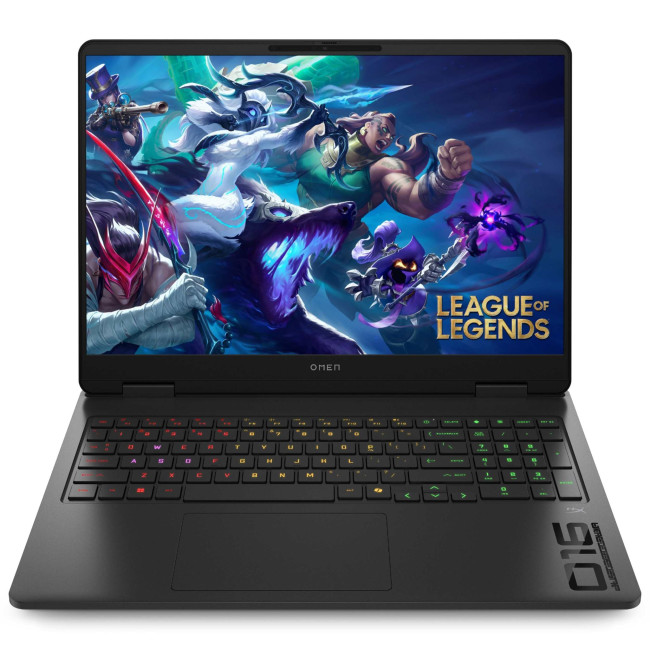
1. HP OMEN Gaming 16 AP0301NA
Technical Specifications
- AMD Ryzen 9 8940HX 16-Core Processor
- 16" WQXGA Display, IPS, 2560 x 1600 Max. Resolution
- 24 GB RAM, 1 TB SSD
- Dedicated NVIDIA RTX 5070 Graphics
- USB 3.2 | HDMI | USB-C
- Black Colour
- 1 Year
Last Updated: June 05, 2026
Football Manager 26 is finally here, built on a new Unity-powered 3D match engine with richer lighting, animations and stadium detail.
The good news? Sports Interactive has kept the minimum specs low, so older systems can still load up the game. The less good news is that the new engine leans more heavily on both CPU and GPU, especially during 3D matches and busy transfer windows.
If you want fast simulations, big databases and smooth 3D on high settings, you need the right hardware. This guide walks through Football Manager 26 recommended specs, then highlights the best gaming laptops and PCs for Football Manager 26 available from Laptop Outlet – from budget-friendly picks to powerhouse rigs.
Which Hardware Matters More for Football Manager 26?
Before choosing your machine, it is vital to understand what Football Manager 26 actually is. It is a detailed management simulation, not a graphics-intensive action game.
When you hit the 'Continue' button, the game is not just rendering a stadium.
Last Updated: February 24, 2026
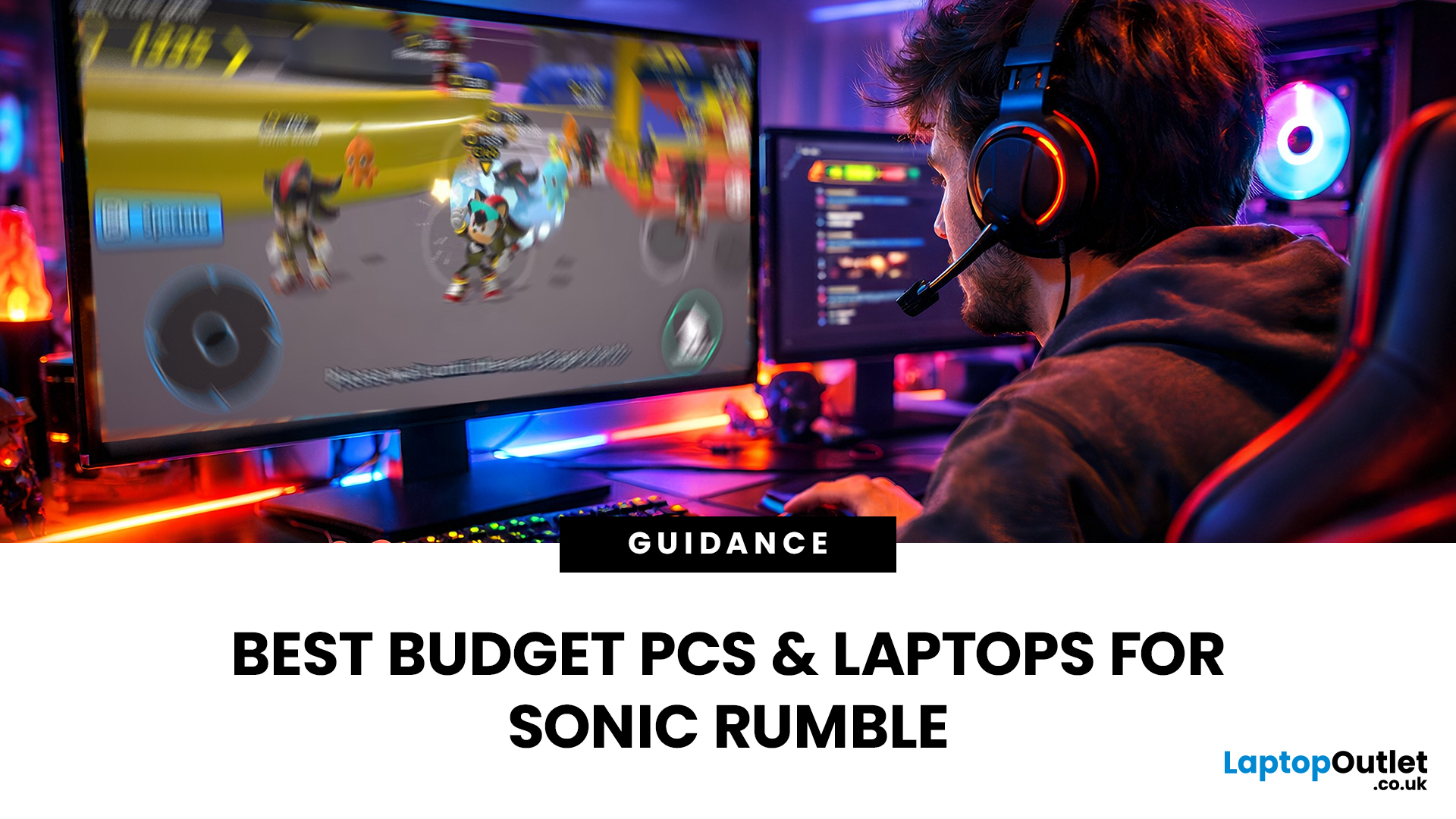
Looking for the best budget gaming laptops and PCs for Sonic Rumble? You’re in the right place. At Laptop Outlet, we’ve scoured our range of powerful yet affordable gaming laptops, so you can find the perfect gear to jump into Sonic’s newest adventure without breaking the bank. Whether you’re after cheap gaming PC deals Sonic, gaming laptops with entry-level GPUs, or compact rigs that punch above their weight, we’ve got you covered. Let’s dive into the best options that’ll give you smooth gameplay, popping visuals, and long-lasting performance.
Recommended Specs to Play Sonic Rumble
By balancing these core specs, you’ll enjoy Sonic Rumble with the performance it deserves:
Processor (CPU)
A modern multi-core processor (such as Intel Core i5/i7 or AMD Ryzen 5/7) is great for entry-to-mid-range gaming. For high-end gaming, you would need an i9 or AMD Ryzen 9.
Graphics (GPU)
To play Sonic Rumble smoothly, aim for at least an entry-level dedicated GPU, something like NVIDIA’s RTX 4070 or

