



Best Gaming Laptops for Call of Duty: Black Ops 7 – Season 01
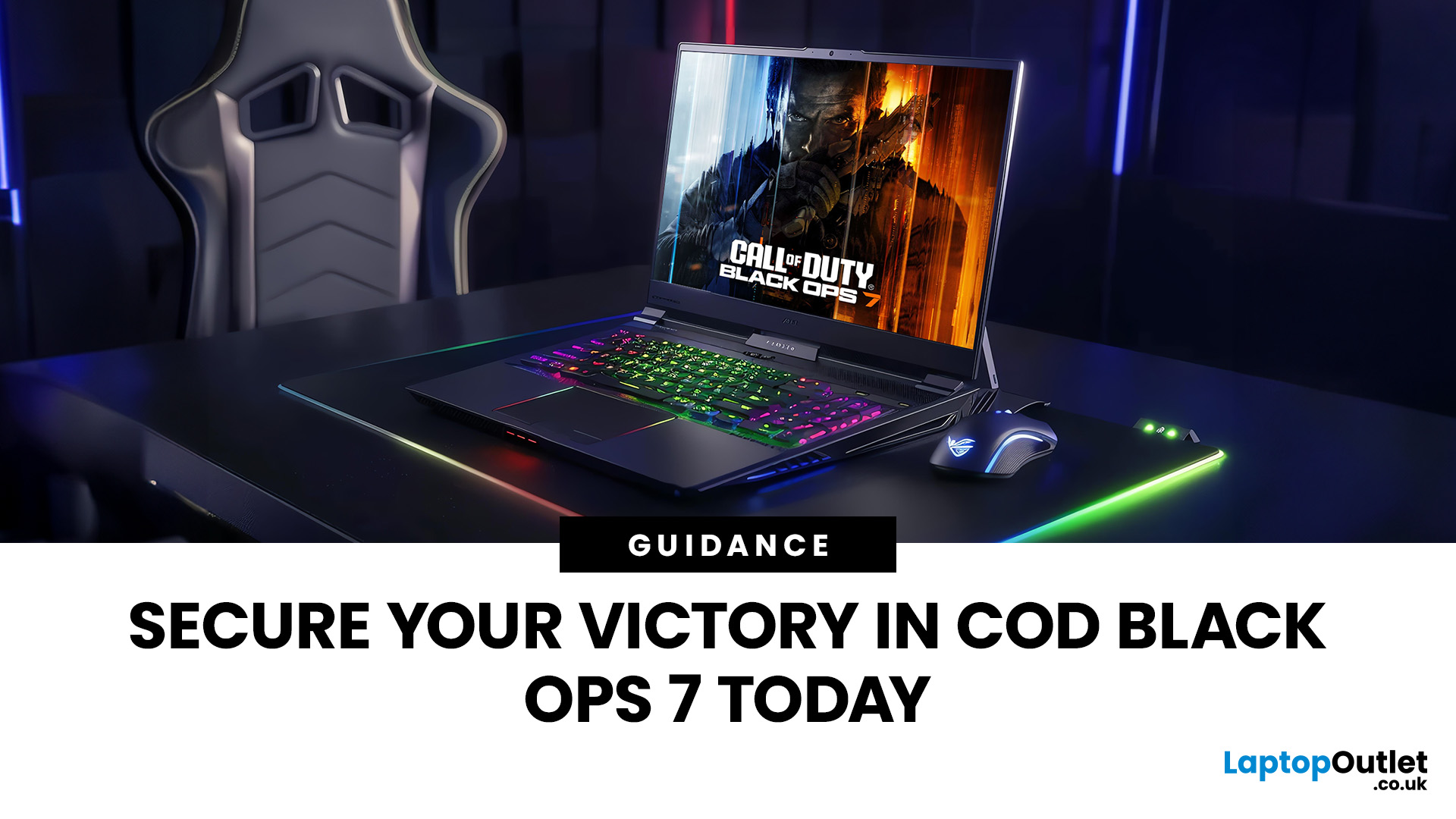
DOMINATE THE BATTLEFIELD. UPGRADE YOUR WEAPON.
The arrival of Call of Duty: Black Ops 7 is a massive event. This game promises some of the most intense, visually spectacular, and competitive FPS action we’ve seen yet.
To truly dominate the leaderboards, you need more than skill; you need a machine that can keep up. That’s where a high-performance laptop comes in.
To help you secure your victory, we’ve put together 8 best gaming laptops for Call of Duty: Black Ops 7 Season 01. Get ready to experience this game with crystal-clear visuals and lightning-fast frame rates.
Why the Right Gaming Laptop Matters for Black Ops 7
Call of Duty titles are known for their demanding hardware requirements, and Black Ops 7 pushes those boundaries even further. Your laptop needs to render massive maps, intense firefights, and stunning visual effects instantly.
Here is why you need to invest in the right machine:
- Higher FPS: In competitive FPS games, a higher frame rate (FPS) translates directly to a smoother, more responsive experience. This allows you to spot enemies faster and land your shots with greater precision.
- Faster Refresh Rate: Paired with a high FPS, a display with a high refresh rate (120Hz, 144Hz, or higher) eliminates motion blur. This is crucial for tracking fast-moving targets.
- Reduced Input Lag: Better components, especially a powerful CPU and fast SSD storage, ensure minimal delay between your mouse click and the on-screen action.
Simply put, a top-tier machine is vital for a top-tier performance.
COD Black Ops 7 Recommended Specs: A Quick Breakdown
Before diving into the top models, let’s define what Black Ops 7 demands from your machine. Below is a clear breakdown of the minimum, recommended, and competitive requirements.
|
Component |
Minimum Specs |
Recommended Specs |
Competitive / 4K Ultra Specs |
|
OS |
Windows 10 64 Bit (latest update) |
Windows 11 64 Bit (latest update) |
Windows 11 64 Bit (latest update) |
|
CPU |
Intel Core i5-6600 or AMD Ryzen 5 1400 |
Intel Core i7-6700K or AMD Ryzen 5 1600X |
Intel Core i7-10700K or AMD Ryzen 5 5600X |
|
RAM |
8 GB |
12 GB |
16 GB |
|
GPU |
NVIDIA GeForce GTX 970 / GTX 1060 or AMD Radeon RX 470 or Intel Arc A580 |
NVIDIA GeForce RTX 3060 or AMD Radeon RX 6600 XT or Intel Arc B580 |
NVIDIA GeForce RTX 4080 / RTX 5070 or AMD Radeon RX 9070 XT |
|
VRAM |
3 GB |
8 GB |
16 GB |
|
Storage |
SSD with 116 GB available space at launch |
SSD with 116 GB available space at launch |
SSD with 116 GB available space at launch |
|
Target Resolution |
1080p (1920x1080) |
1080p (1920x1080) |
1440p (2560x1440) or 4K (3840x2160) |
|
Target Frame Rate (FPS) |
30-60 FPS (Low Settings) |
60 FPS (High Settings) |
144+ FPS (Competitive) / 60+ FPS (4K Ultra) |
As you can see, the jump to the ‘competitive tier’ is significant. To enjoy the best experience and gain a true advantage, you need one of the high-performance laptops for COD listed below.
Top 8 Best Laptops for Call of Duty Black Ops 7
We've compiled a list of high-performance machines that perfectly match or exceed the COD Black Ops 7 recommended specs. These gaming laptops offer the perfect balance of power, display quality, and portability.
1. Lenovo LOQ15IRX10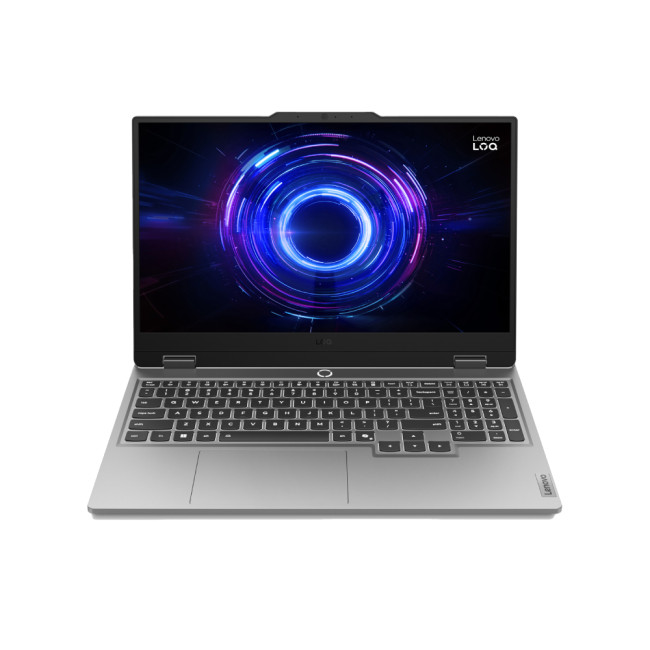
Key Specifications
- Processor: Intel Core i5-13450HX (10-Core)
- RAM: 16 GB DDR5
- Graphics: NVIDIA GeForce RTX 5050 (8 GB GDDR7)
- Storage: 1 TB SSD
- Display: 15.6" Full HD (1920x1080), 144 Hz
- Operating System: Microsoft Windows 11 Home
- Connectivity: USB 3.2 | HDMI | USB-C | Bluetooth 5.2 | Audio in/out
Why It's a Good Option
This Lenovo LOQ 15IRX10 is a superb starting point for competitive gaming. The combination of the powerful i5-13450HX processor and the next-generation RTX 5050 graphics card means you get exceptional performance for the price.
The 144 Hz Full HD display is ideal for high-speed FPS action, providing the smooth visuals needed for split-second targeting in Black Ops 7. With a huge 1TB SSD and 16GB of DDR5 RAM, boot times are rapid, and loading into matches will be instantaneous.
The LOQ series is known for delivering solid build quality and thermal efficiency in a budget-conscious package. It allows entry-level players to experience the game at competitive frame rates without needing a huge investment.
| Best For: Budget-conscious gamers seeking guaranteed 1080p competitive performance in Season 01. |
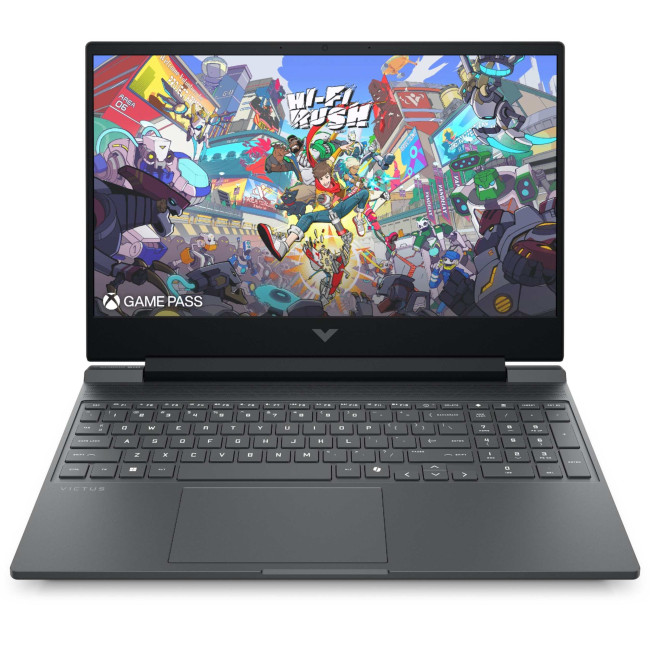
2. HP Victus Gaming 15-fa2300na
Key Specifications
- Processor: Intel Core i5-13420H (Octa-Core)
- RAM: 16 GB DDR4
- Graphics: NVIDIA GeForce RTX 4050 (6 GB GDDR6)
- Storage: 512 GB SSD
- Display: 15.6" Full HD (1920x1080), 144 Hz
- Operating System: Microsoft Windows 11 Home
- Connectivity: USB 3.2 | HDMI | USB-C
Why It's a Good Option
The HP Victus 15-fa2300na is a consistent performer, perfect for those stepping up their game. Its 13th Gen Intel Core i5 CPU and RTX 4050 GPU are a proven pairing that handles modern titles exceptionally well at 1080p resolution.
The design is sleek and understated, making it a great machine for both gaming and general use. While the RAM is DDR4, 16GB is more than sufficient for running Black Ops 7 smoothly alongside common background applications.
The 144Hz display guarantees fluid visuals, which is non-negotiable for gaming laptops for competitive COD. It's an excellent value proposition, providing dependable high frame rates in a compact, travel-friendly chassis.
| Best For: Students or casual players needing a reliable machine that seamlessly balances work, study, and high-fidelity gaming. |
3. ASUS TUF Gaming A16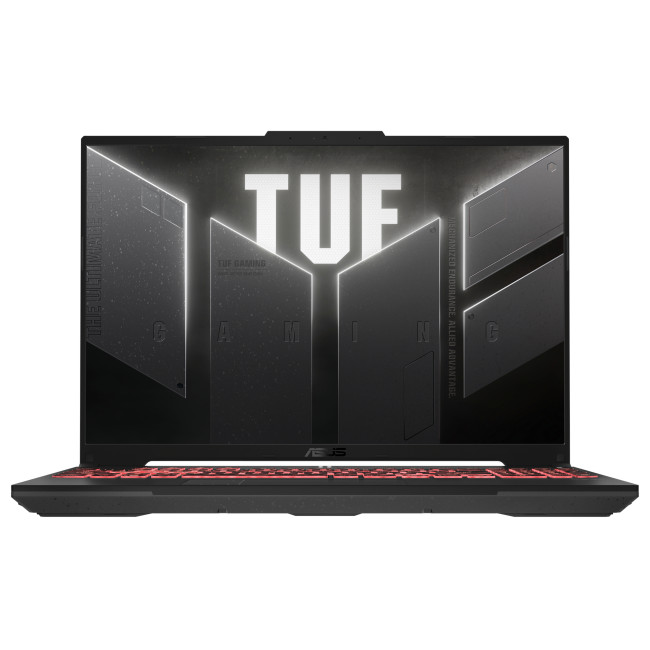
Key Specifications
- Processor: AMD Ryzen 7 7445HS (Hexa-Core)
- RAM: 16 GB DDR5
- Graphics: NVIDIA GeForce RTX 4050 (6 GB DDR6)
- Storage: 512 GB SSD
- Display: 16" FHD+ (1920 x 1200), 144 Hz, IPS
- Operating System: Microsoft Windows 11 Home
- Connectivity: HDMI | USB 3.2 Type-A | USB 3.2 Type-C | USB 4.0 Type-C | Bluetooth 5.3 | Wi-Fi 6
Why It's a Good Option
ASUS TUF laptops are engineered for endurance, offering military-grade durability. The AMD Ryzen 7 CPU, paired with fast DDR5 memory, provides great efficiency and strong performance for sustained gaming sessions.
The 16-inch FHD+ display offers a slightly taller 16:10 aspect ratio. This extra vertical space is a fantastic advantage for immersion and competitive viewing in FPS games. The 144Hz refresh rate is rapid, reducing motion blur significantly.
This laptop balances TUF-tested durability with modern components. The RTX 4050 is a powerhouse at this price point, offering access to advanced features like DLSS for even higher frame rates. In short, it is an ideal gaming laptop for Call of Duty.
| Best For: Gamers who demand a rugged, durable laptop that can withstand frequent travel and intense, marathon gaming sessions. |
4. Acer Nitro V15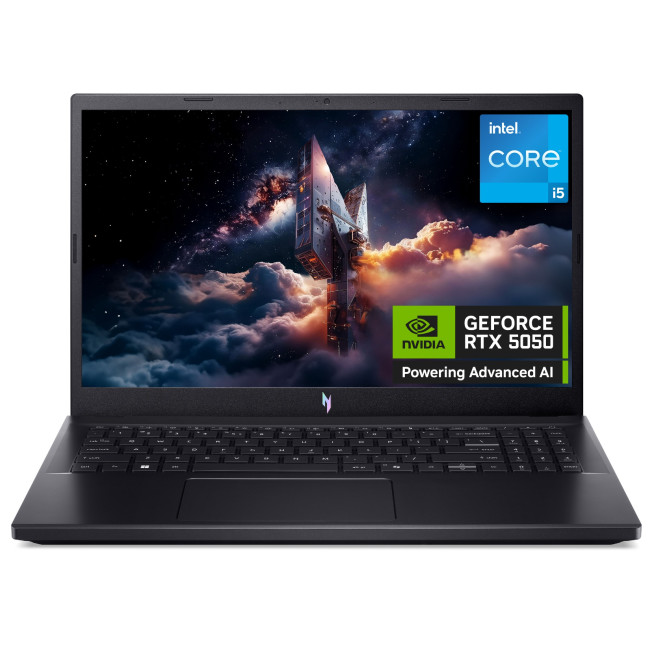
Key Specifications
- Processor: Intel Core i5-13420H (Octa-Core)
- RAM: 16 GB DDR4
- Graphics: NVIDIA GeForce RTX 5060 (8 GB GDDR7)
- Storage: 1 TB SSD
- Display: 15.6" Full HD (1920x1080), 165 Hz
- Operating System: Microsoft Windows 11 Home
- Connectivity: USB 3.2 Type-A | USB 3.2 Type-C | HDMI 2.1 | RJ-45 | Bluetooth 5.2 | Wi-Fi 6
Why It's a Good Option
The Acer Nitro V15 punches above its weight, making it a strong contender for those hunting laptop deals for Black Ops 7 Season 01. Its standout feature is the RTX 5060 GPU, which is highly capable of driving the 165 Hz display in Black Ops 7.
The higher 165 Hz refresh rate gives you a noticeable competitive edge over standard 144 Hz screens. This allows for smoother tracking and clearer visuals of rapidly moving enemies. The 1TB SSD is generous, allowing for the huge Black Ops 7 install size plus other titles.
While the CPU is an i5, the dedicated 8GB VRAM RTX 5060 will do the heavy lifting in-game. This focus on GPU power ensures maximum frames per second where it matters most, perfect for high refresh rate gaming.
| Best For: Competitive players prioritising high frame rates on a budget and needing generous storage for an expanding game library. |
5. Medion Erazer Deputy P15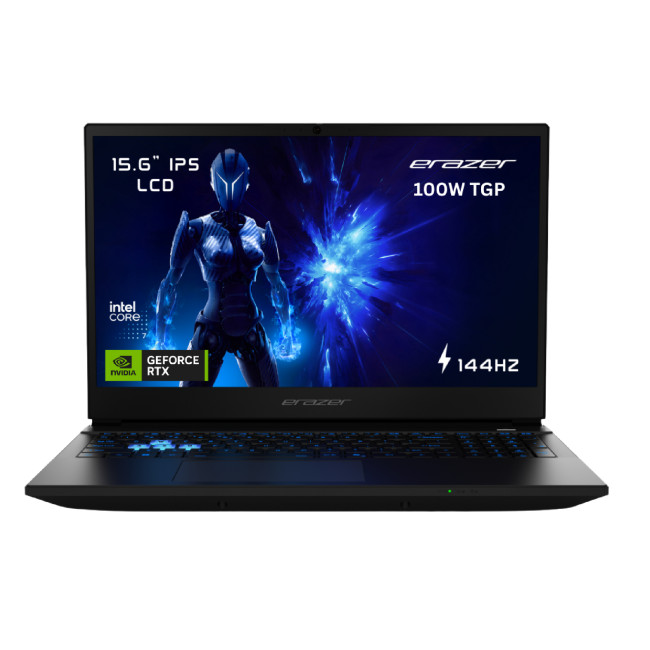
Key Specifications
- Processor: Intel Core 5 210H
- RAM: 16 GB DDR5
- Graphics: NVIDIA GeForce RTX 5060 (8 GB GDDR7)
- Storage: 1 TB SSD
- Display: 15.6" IPS, 1920 x 1080, 144 Hz
- Operating System: Microsoft Windows 11 Home
- Connectivity: USB 2.0 | USB 3.2 Type-A | Mini DisplayPort | DisplayPort 1.4 | HDMI | WiFi 6E
Why It's a Good Option
The Medion Erazer Deputy P15 is designed for the modern gamer who values high performance in a clean package. Featuring the powerful combination of a modern Intel Core 5 processor and the RTX 5060, this machine is guaranteed to exceed the recommended specifications for Black Ops 7.
The 1TB NVMe SSD and 16GB of DDR5 RAM ensures that the system is snappy and load times are kept to an absolute minimum. The speed of the SSD is crucial for handling the massive texture files in a game like Call of Duty.
The 144Hz IPS display ensures wide viewing angles and vibrant colour reproduction. This is a formidable machine that offers a solid step into high-performance laptops for COD without the premium price of some competitors.
| Best For: Gamers looking for serious mid-range performance and next-gen graphics power in a sleek, non-over-the-top design. |
6. HP OMEN Gaming16-ap0301na
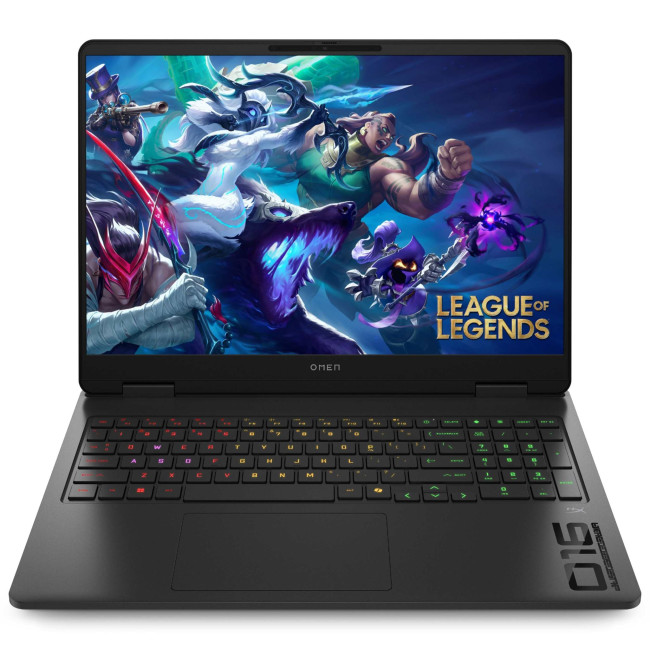
Key Specifications
- Processor: AMD Ryzen 9 8940HX (16-Core)
- RAM: 24 GB DDR5
- Graphics: NVIDIA GeForce RTX 5070 (8 GB GDDR7)
- Storage: 1 TB SSD
- Display: 16" WQXGA (2560 x 1600), 240 Hz
- Operating System: Microsoft Windows 11 Home
- Connectivity: HDMI | USB-C | Bluetooth 5.3 | Wi-Fi 6E (802.11ax)
Why It's a Good Option
The HP OMEN 16-ap0301na is one of the ultimate choices for professional and serious competitors. It features the powerful 16-core Ryzen 9 8940HX, offering desktop-level processing speed for streaming, recording, and intense competitive play.
The standout feature is the 240 Hz WQXGA display. Running Black Ops 7 at 2560 x 1600 resolution at such a high refresh rate provides stunning visual fidelity and the smoothest motion possible. The RTX 5070 GPU is built to handle this demanding combination.
With 24GB of high-speed DDR5 RAM, multitasking is effortless, ensuring no performance dips during critical moments. This is a top-tier machine for anyone targeting the absolute best laptops for FPS games.
| Best For: Esports enthusiasts and competitive streamers requiring maximum resolution, highest frame rates, and the power to multitask simultaneously. |
7. ASUS TUF Gaming A16 (2025)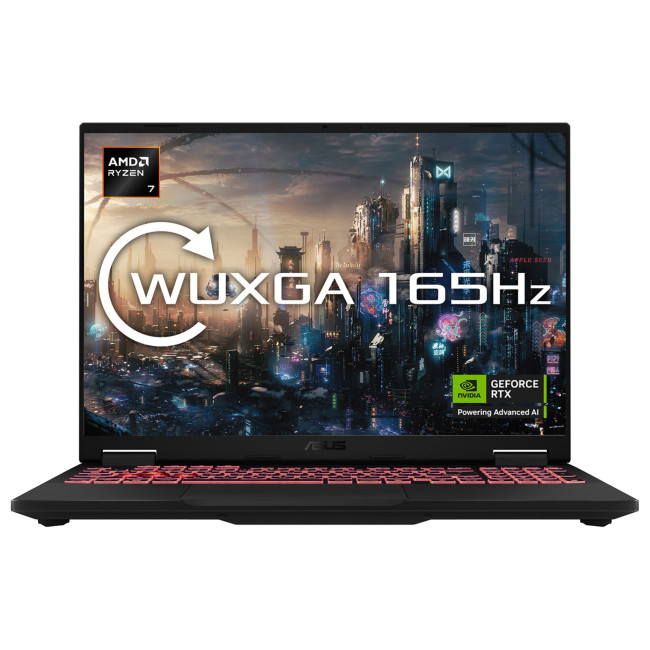
Key Specifications
- Processor: AMD Ryzen 7 260 Octa-Core
- RAM: 32 GB DDR5
- Graphics: NVIDIA GeForce RTX 5060 (8 GB GDDR7)
- Storage: 1 TB SSD
- Display: 16" WQXGA (2560 x 1600), 165 Hz
- Operating System: Microsoft Windows 11 Home
- Connectivity: HDMI | USB-C | Bluetooth 5.3 | Wi-Fi 6E (802.11ax) | USB 3.2 Type-A
Why It's a Good Option
This variant of the ASUS TUF A16 significantly boosts memory and screen resolution. The huge 32GB of DDR5 RAM is future-proof and excellent not only for gaming but also content creation tasks like video editing or running multiple virtual machines.
The WQXGA (1600p) display is sharp, offering incredible detail in the world of Black Ops 7. Even with the RTX 5060, DLSS technology will allow you to achieve smooth frame rates at this higher resolution, especially at 165 Hz.
This is a true dual-purpose laptop. It delivers the competitive performance needed for the game, while the large RAM pool and high-resolution screen cater perfectly to creative professionals and heavy multitaskers.
| Best For: Professionals or enthusiasts who blend demanding content creation (video, 3D modelling) with serious high-resolution competitive gaming. |
8. Medion Erazer Defender 17 P1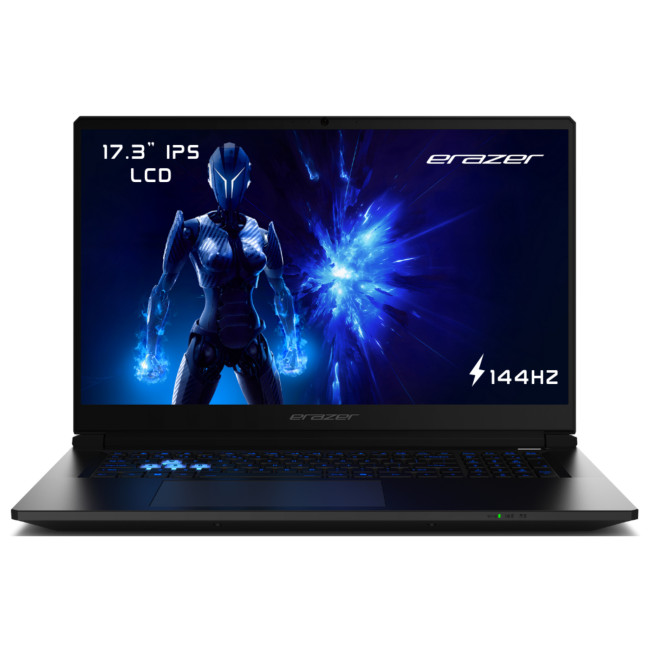
Key Specifications
- Processor: Intel Core 7 240H (10-Core)
- RAM: 32 GB DDR5
- Graphics: NVIDIA GeForce RTX 5070 (8 GB GDDR7)
- Storage: 1 TB SSD
- Display: 17.3" Full HD IPS, 1920 x 1080, 144 Hz
- Operating System: Microsoft Windows 11 Home
- Connectivity: USB 2.0 Type-A | USB 3.2 Type-A | USB 3.2 Type-C | Mini DisplayPort | DisplayPort 1.4 | HDMI | WiFi 6E
Why It's a Good Option
Sometimes, bigger truly is better. The Medion Erazer Defender 17 P1 boasts a massive 17.3-inch display. This extra screen real estate is fantastic for seeing distant targets and general immersion in Black Ops 7.
It’s powered by a strong Intel Core 7 processor and a top-end RTX 5070 GPU, which is highly effective at rendering the game’s complex environments smoothly. The generous 32GB of DDR5 RAM ensures peak performance is maintained during long gaming sessions.
The 144Hz refresh rate on such a large Full HD IPS panel makes for stunning, fluid visuals. It is built for gamers who prefer a desktop-like experience without being permanently tethered to an external monitor.
Best For: Players who demand the largest portable screen possible for maximum immersion, clarity, and a visual edge in battle.
Performance Tips for Competitive COD Black Ops 7
Even with the best gaming laptops for Call of Duty Black Ops 7, a few tweaks can boost your frame rate and response time, giving you the edge in high-stakes matches.
Keep Your Drivers Updated
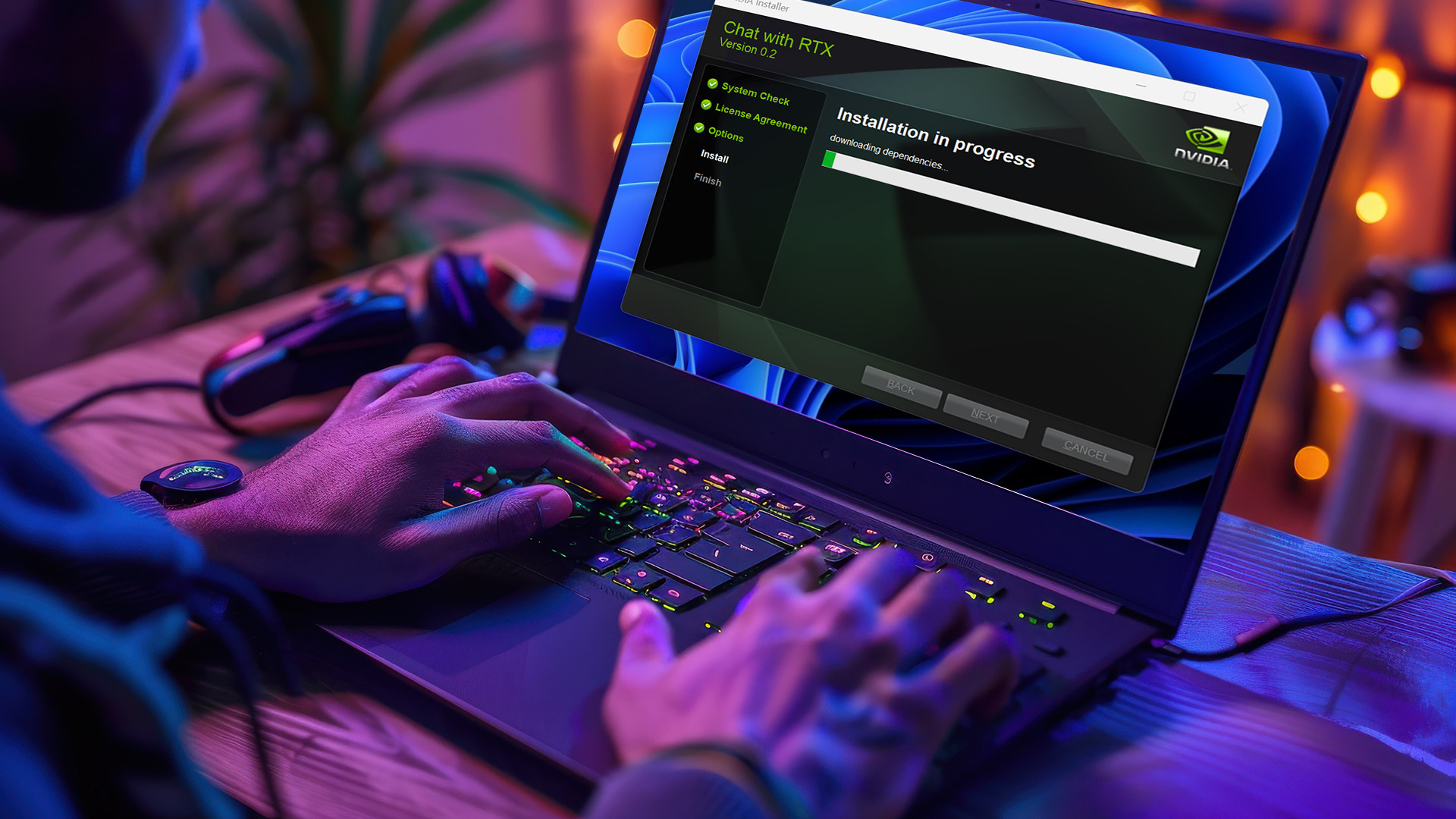
This is crucial. Both NVIDIA and AMD frequently release game-ready drivers, often coinciding with big launches like Black Ops 7. These drivers are specifically designed to maximise performance and stability. Always download the latest version directly from the manufacturer's website.
Enable DLSS/FSR
If your laptop has an NVIDIA RTX card, turn on DLSS (Deep Learning Super Sampling). If you have an AMD card, enable FSR (FidelityFX Super Resolution). These technologies render the game at a lower resolution and use AI or upscaling techniques to produce a sharp, high-resolution image, leading to massive FPS gains.
Optimise In-Game Settings
Even with a high-performance Radeon or RTX laptops for Call of Duty Black Ops 7, some settings have a disproportionate impact on FPS. Reduce settings like Ray Tracing (if enabled), Shadow Quality, and Particle Effects. Keep Texture Quality high for a good visual experience, but cut back on shadows for more frames.
Keep It Cool
Heat is the enemy of performance. Always game with your laptop raised, allowing air to flow freely beneath the chassis. Consider using a dedicated cooling pad for long sessions. Cooler components mean less throttling, ensuring sustained high performance throughout the match.
Refurbished Gaming Laptops for COD Black Ops 7
If you need a high-end machine to meet the demanding requirements but your budget is tight, consider exploring refurbished gaming laptops for COD Black Ops 7. Laptop Outlet, a reputed UK retailer, offers refurbished models that have been expertly tested and restored to a 'like-new' condition, often coming with generous warranties.
This is a fantastic way to acquire a machine with an RTX 4070 or RTX 4080 GPU—well within the 'competitive' specifications—for the price of a brand-new mid-range laptop. It allows budget-conscious players to jump straight into the top tier of performance, giving them the edge they need for competitive play in Black Ops 7.

Your Season Starts Now.
The excitement for Call of Duty: Black Ops 7 is massive, but true competitive excellence requires top-tier hardware.
We've shown you eight powerful gaming laptops for Call of Duty: Black Ops 7 Season 01—from the budget-friendly Lenovo LOQ to the elite performance of the ASUS TUF (2025)—each a proven candidate ready to elevate your gameplay. These machines don't just run the game; they ensure you can dominate it.
The time for an upgrade is over. The time for victory is here. Don't let old hardware be the reason you lose a crucial gunfight this season. Choose your machine, optimise your settings using our guide, and jump into the fight with the confidence that you have a high-performance, battle-ready laptop.
Invest today and secure your spot at the top of the leaderboard tomorrow.

Everything Else You Need to Know
What are the most important specs for competitive play in Black Ops 7?
The most important specs are a high-end GPU (RTX 4060/5060 or better), 16GB of RAM, and a high-refresh-rate display (144Hz or higher).
Can I play Black Ops 7 with an older graphics card like the RTX 3050?
Yes, the RTX 3050 and similar cards can play Black Ops 7, but you will need to use lower settings or DLSS/FSR to achieve stable frame rates.
Can a budget gaming laptop run Call of Duty: Black Ops 7 competitively?
Yes, best budget gaming laptops for Black Ops 7, like those with an RTX 4050, can run the game at high settings with great frame rates, especially when paired with a 144Hz display.
Are refurbished gaming laptops a good option for this game?
Absolutely. Buying a refurbished gaming laptop for COD Black Ops 7 is a smart way to get high-end specs, like an RTX 30-Series or 40-Series GPU, at a much lower price point, offering fantastic value.
Is an SSD required for Black Ops 7?
Yes, an SSD is strictly required for Black Ops 7 to handle the game’s fast-loading textures and combat micro-stuttering during intense gameplay.
Can I spread out the cost of buying one of these gaming laptops?
Yes, with Laptop Outlet: We offer flexible payment options like PayPal Pay in 3, splitting your purchase into three interest-free payments, or finance plans like Klarna, allowing you to pay over 6–36 months.
Related Articles

Last Updated: March 19, 2026
Finding the right ASUS gaming laptop under £1500 is a lot easier than it used to be. A few years ago, this budget often meant making obvious compromises on graphics power, storage or screen quality. In 2026, that is no longer the case. ASUS has some genuinely strong options in this price range, especially across the TUF Gaming and ROG Strix line-ups.
The trick is knowing which model actually fits the way you play.
Some buyers want the most GPU power they can afford. Others care more about portability, a sharper display or a machine that can handle gaming after work without feeling too bulky to carry every day. That is why this ASUS gaming laptops under £1500 guide focuses on what matters most in real buying decisions: performance, screen quality, storage, size, and overall value.
If you are shopping in the UK and want a gaming laptop that can comfortably handle modern titles, multitasking and everyday use without jumping into premium pricing, these ASUS picks deserve a serious look.
Best
Last Updated: May 08, 2026
The gaming laptop has gone from niche curiosity to mainstream must-have. What used to be a heavy, noisy substitute for a desktop is now a versatile machine capable of running AAA titles, handling content creation, and serving as an everyday workhorse. In 2025, the choice of gaming laptops is wider than ever: slim ultrabooks with RTX graphics, desktop-replacement giants with mechanical keyboards, and AI-ready systems designed for creators and gamers alike.
For buyers, this abundance is both exciting and confusing. Should you invest in the new RTX 50-series GPUs? Is a 14-inch model powerful enough, or should you go for an 18-inch powerhouse? What about cooling, display refresh rates, or upgrade paths? This gaming laptop buying guide will help you make an informed decision. By combining industry research, market insights, and practical tips from reviewers and experts, we’ll help you understand how to choose the right gaming laptop, what features matter, and where to find the best value.
1.

Last Updated: August 22, 2025
The gaming laptop evolution is one of the most fascinating stories in modern technology. What began as an experiment to cram desktop-level performance into a portable form has grown into a multi-billion-dollar market that continues to expand in 2025. Today’s gaming laptops are slimmer, lighter, smarter, and far more capable than their predecessors, often delivering performance that rivals or even surpasses desktop PCs.
This blog explores how gaming laptops have evolved, what the gaming laptop market trends look like today, and which gaming laptop innovations are defining the future. We’ll also look at consumer preferences, brand strategies, and expert tips to help you understand the future of gaming laptops.
The Evolution of Gaming Laptops
From Bulky Machines to Portable Power
The earliest gaming laptops of the 2000s were little more than desktops in disguise. They were thick, noisy, and struggled with overheating, often lasting less than an hour on battery. But they proved an important
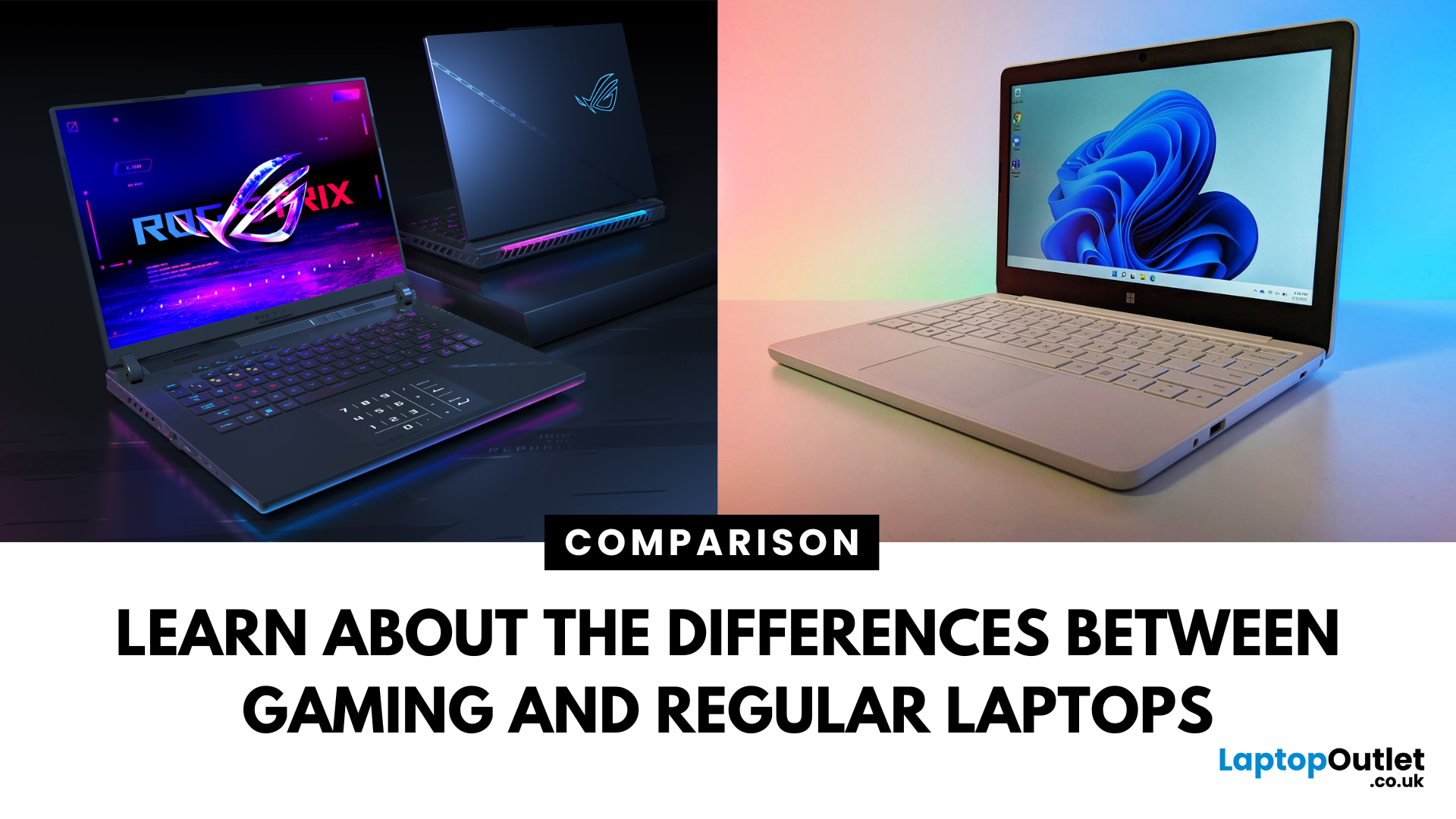
Last Updated: April 02, 2026
The conversation around gaming vs standard laptops often sounds straightforward: one is powerful, the other is practical. But when you dive deeper, you realise it’s a much more nuanced comparison. Gaming laptops have evolved into sophisticated, portable powerhouses capable of delivering desktop-class performance, while standard laptops whether business-focused or consumer-grade offer sleek mobility and efficiency.
Understanding the differences isn’t just about picking the more expensive machine. It’s about aligning your laptop with your lifestyle, workload, and budget. This article explores the crucial differences between gaming and regular laptops, unpacks gaming laptop key features, and provides practical insights to help you decide which is right for you.
1. Hardware & Performance
At the heart of every gaming laptop is a dedicated graphics card - something standard laptops lack. This difference alone explains the performance gulf. Gaming machines typically pack discrete GPUs from NVIDIA
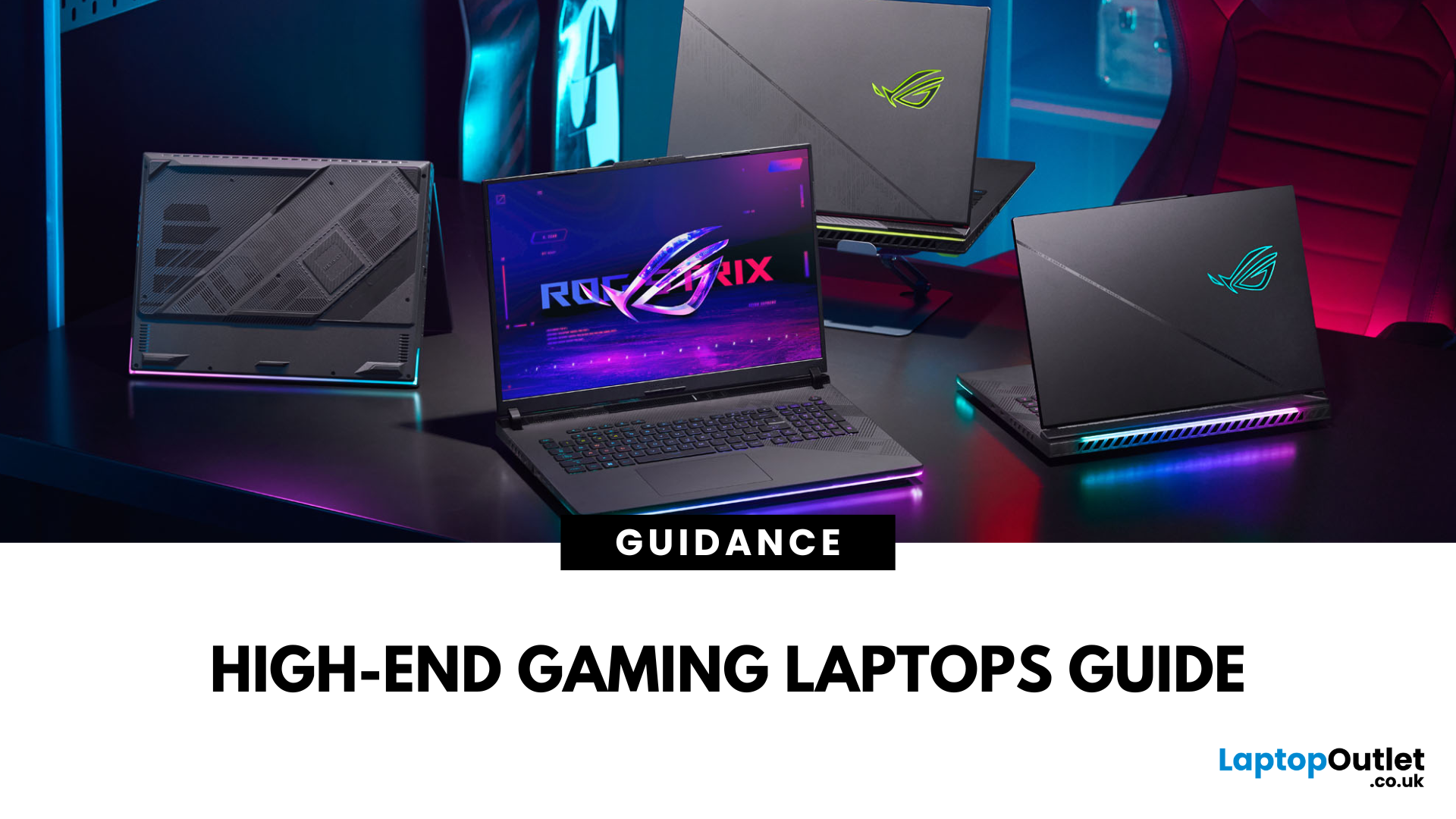
Published: September 01, 2025
Gaming laptops have evolved massively in recent years, bridging the gap between desktop performance and portability. But what sets these devices apart from standard laptops? The answer lies in raw power: the latest processors, dedicated NVIDIA RTX or AMD Radeon GPUs, advanced cooling systems, and lightning-fast refresh rates.
In this guide, we’ll explore the best gaming laptops in the market, compare models from brands like ASUS, Acer, HP, and Lenovo, and break down what features truly matter for gaming laptop performance.
Why Choose High-End Gaming Laptops?
For serious players and professionals, only the most high-end gaming laptops deliver the speed, graphics quality, and efficiency needed to stay competitive. Before investing, it’s important to understand why powerful gaming laptops justify their price tags.
Gaming Without Limits
Unlike entry-level or mid-range models, high-end gaming laptops deliver desktop-class performance in a portable form. You can play AAA titles at ultra-settings,
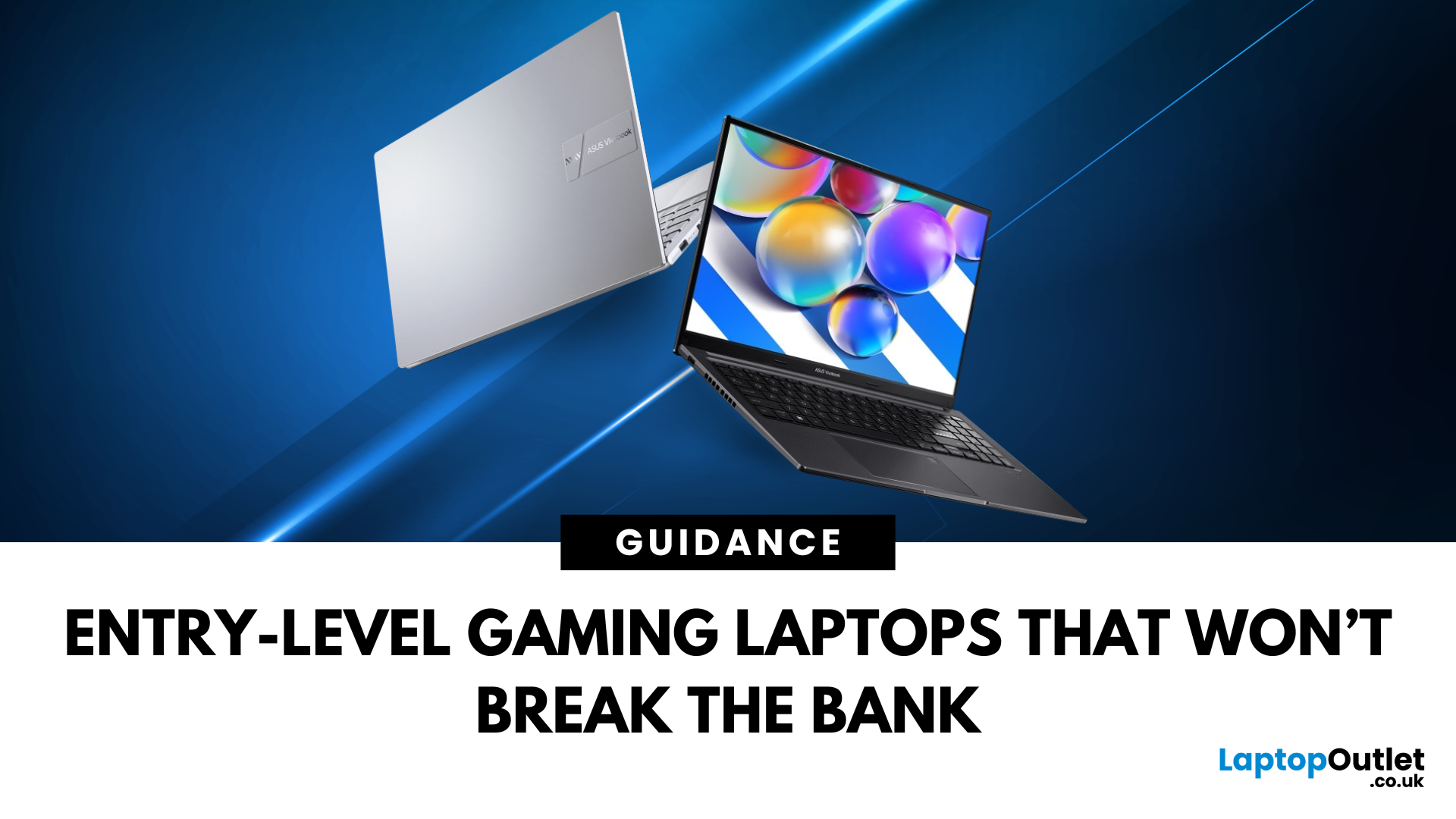
Last Updated: December 18, 2025
For many people in the UK, the idea of buying a gaming laptop often comes with the assumption of spending well over £ 1,000. While high-end machines certainly exist, not everyone needs them. If you’re an entry-level gamer or a student looking for an affordable option, the good news is that there are plenty of budget gaming laptops available today. These laptops are powerful enough to handle popular games, reliable enough for everyday study, and priced in a way that won’t break the bank.
This gaming laptop buying guide will take you through why cheap gaming laptops are a smart choice, what features to look out for, and some of the best options you can buy right now in the UK.
Why Choose a Budget Gaming Laptop?
If you’re just starting your gaming journey or need a laptop for both study and entertainment, a budget gaming laptop makes perfect sense. You don’t need to spend thousands to enjoy games like Fortnite, Minecraft, or League of Legends. Many modern entry-level machines can also manage
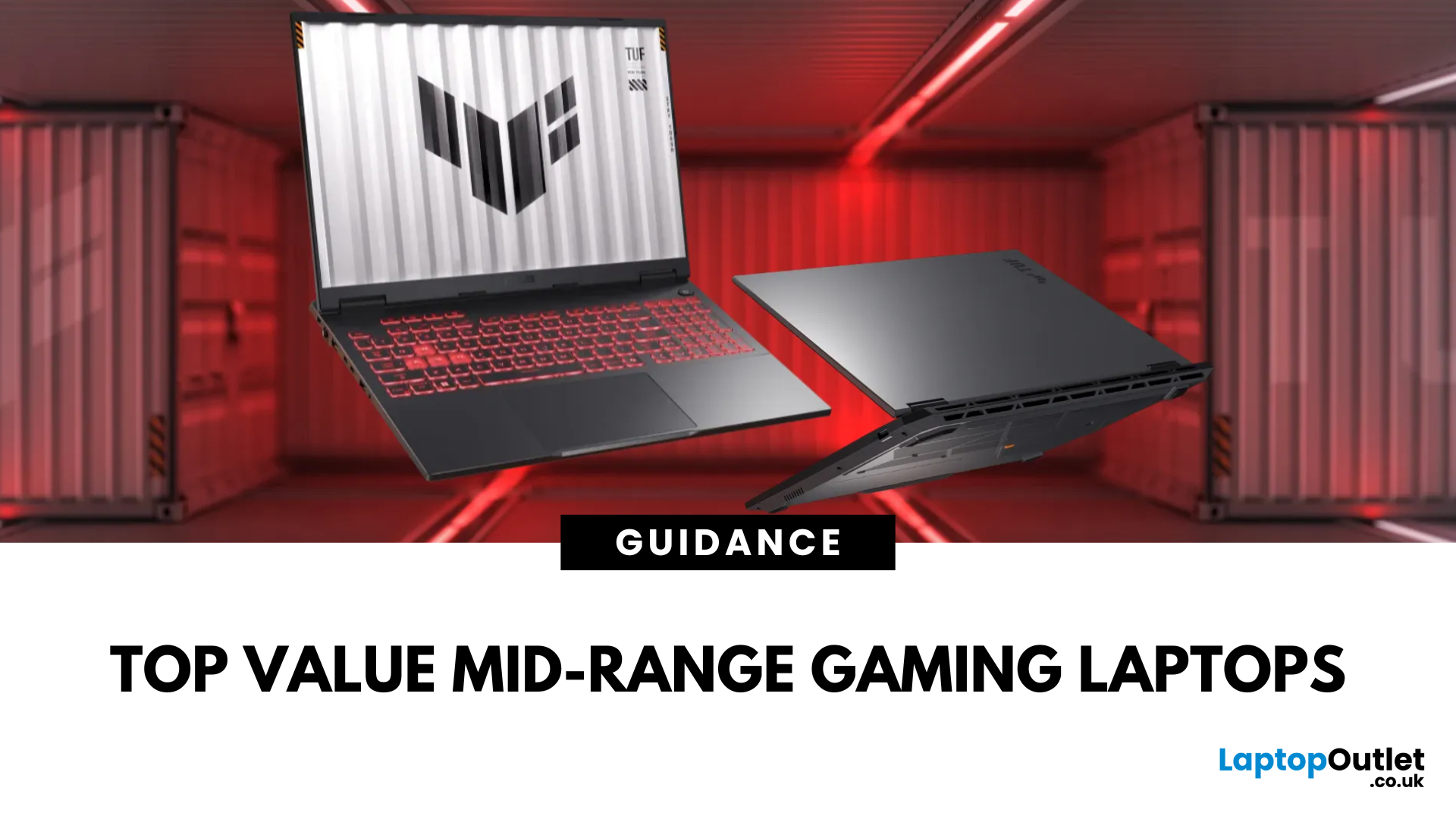
Last Updated: March 17, 2026
Gaming laptops have come a long way from being bulky, expensive machines reserved only for enthusiasts. Today, the market offers a wide range of choices tailored to every type of gamer, from casual players to esports professionals. But in 2025, mid-range gaming laptops out as the true sweet spot for both value and performance. If you’re looking for the best value gaming laptops, this guide will help you understand why gaming laptops under £1,300 are often the smartest choice. We’ll cover the key features to look for, compare leading brands like ASUS, Acer, HP, and Lenovo, and explore how to make the most out of your investment.
Why Choose Mid-Range Gaming Laptops?
Mid-range gaming laptops are designed to deliver powerful gaming performance without the hefty price tags of flagship models. They strike the right balance between affordability and capability, making them ideal for students, hobbyists, and even semi-professional gamers. With the latest advances in GPU and CPU technology, mid-tier
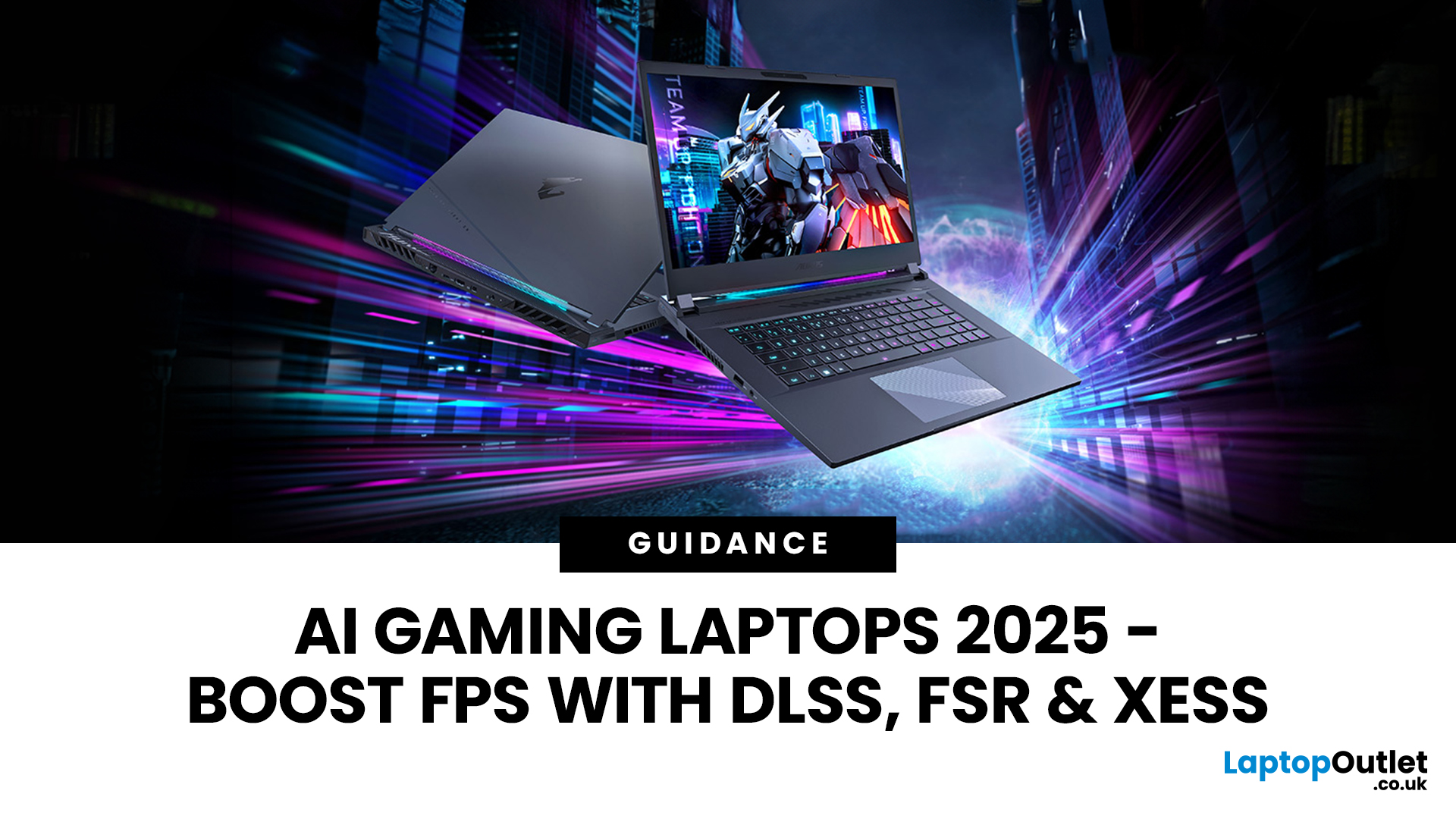
Last Updated: October 06, 2025
Gaming laptops have come a long way from the bulky machines of a decade ago. Today, they’re not just slimmer and more powerful - they’re also smarter, thanks to the rise of AI frame generation. Technologies like NVIDIA DLSS 3/4, AMD FSR, and Intel XeSS are transforming how games run, letting laptops push out smoother frame rates without needing desktop-level power.
So what exactly does that mean for you? In short: higher FPS, better visuals, and the ability to enjoy demanding titles like Cyberpunk 2077 or Starfield on the go, without watching your laptop choke.
In this guide, we’ll break down how AI frame generation works, why AI gaming laptops are the future, and which models in 2025 are worth your money. Think of it as your roadmap to boosting FPS with DLSS, FSR, and beyond - all while keeping your gaming portable.
What Is AI Frame Generation?
At its core, AI frame generation is all about teaching your graphics card to do less, while making your games look like it’s doing more. Sounds
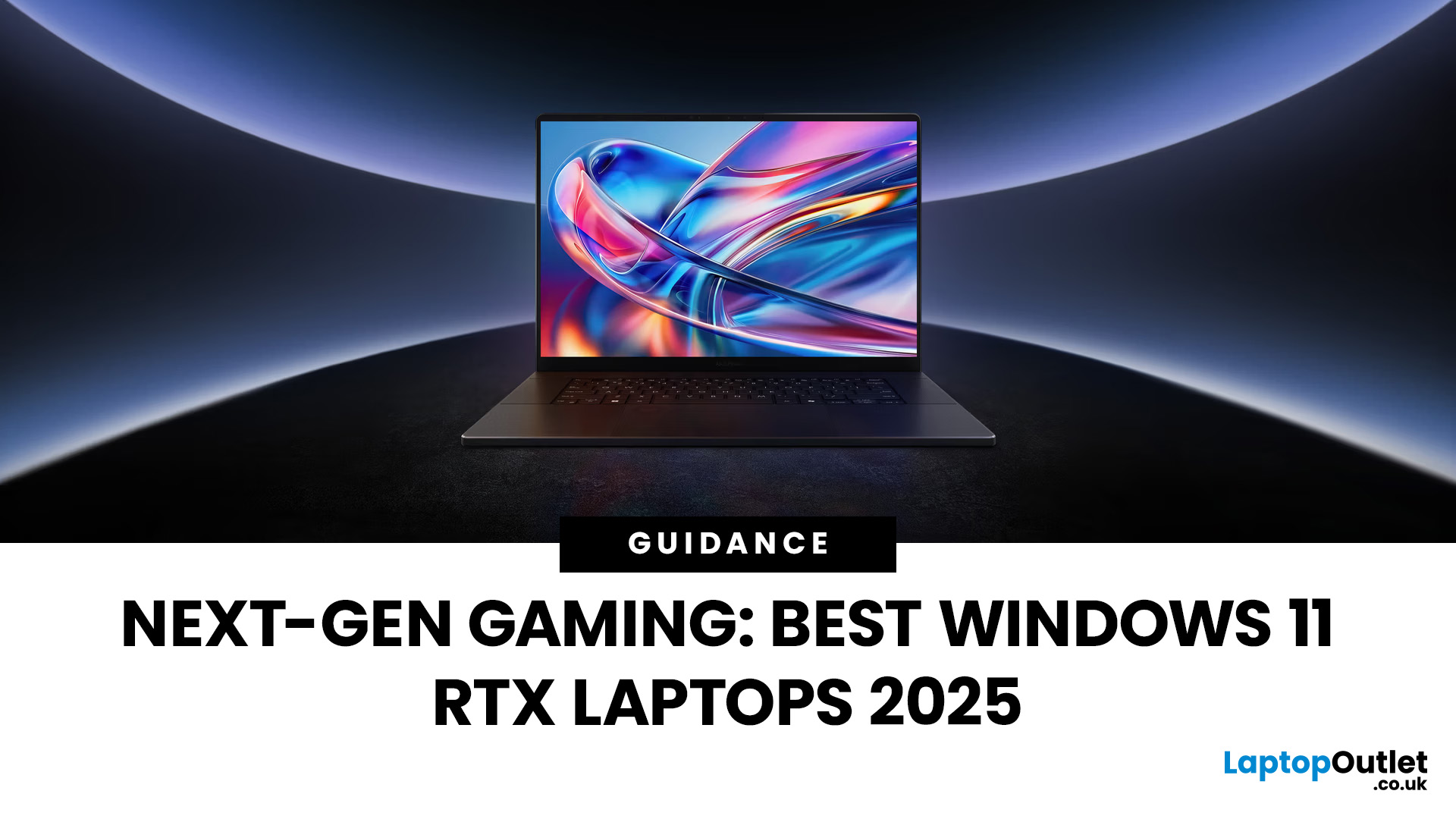
Last Updated: February 24, 2026
Choosing the right gaming laptop in 2025 comes down to striking a balance between raw power, intelligent features, and future-ready design. With Windows 11 now fully optimised for AI-powered performance, Auto HDR, and DirectStorage 1.2, gaming has never been smoother or more immersive. Pair that with the latest NVIDIA RTX 40 and 50-series GPUs, and you get a portable machine that rivals desktop-level experiences.
This guide explores the best Windows 11 gaming laptops with RTX graphics, helping you understand which models deliver the most value for gamers in different categories — from budget RTX 4060 machines to ultra-premium RTX 5090 rigs. Whether you’re into esports, AAA titles, or content creation alongside gaming, these laptops are designed to keep up with your demands.
Why Windows 11 Gaming Laptops with RTX Graphics Stand Out
AI-Driven Gaming Features
Windows 11 laptops in 2025 integrate Windows Game Mode, Copilot, and AI-based resource management. Together, they ensure your CPU
Last Updated: September 29, 2026
Black Friday can be a great time to upgrade your gaming setup, but waiting until the final Friday of November is not always necessary. Gaming laptops and PCs often appear in promotions before the main event, while particular specifications can become harder to find as demand increases.
So, should you buy early or hold out? This guide explains when to start looking, when waiting makes sense and how to judge a gaming laptop or PC before Black Friday 2026 without making the decision purely on the size of the discount.
When Is Black Friday 2026?
Black Friday 2026 takes place on Friday, 27 November, followed by Cyber Monday on Monday, 30 November. Black Friday is no longer necessarily limited to one day either. UK retailers commonly begin running promotions earlier in November, meaning there may be opportunities to buy before the main weekend.
For gamers, that changes the question from “Should I wait for Black Friday?” to “Is the gaming system I want already at the right price?”
Laptop Outlet

