



Halloween: The Game | System Requirements for PCs and Laptops
Michael Myers is back, and this time, he's coming for your gaming setup!
Halloween: The Game brings the terror of Haddonfield to PCs and consoles. With eerie neighbourhoods, unsettling shadows, and a relentless masked killer, every second could mean the difference between escaping and becoming Michael's next victim.
But before you enter the nightmare, there's one thing to check: can your PC or laptop handle it?
We've broken down the official Halloween the game PC requirements, recommended hardware, graphics settings, and practical performance fixes. Whether you're playing on a desktop or gaming laptop, here's how to prepare your system for a night of scares.
Halloween: The Game: What is it About?
Developed by IllFonic, Halloween: The Game is an asymmetrical survival horror experience inspired by John Carpenter's original 1978 film. The game takes you back to Haddonfield, where the seemingly peaceful streets have become Michael Myers' hunting ground.
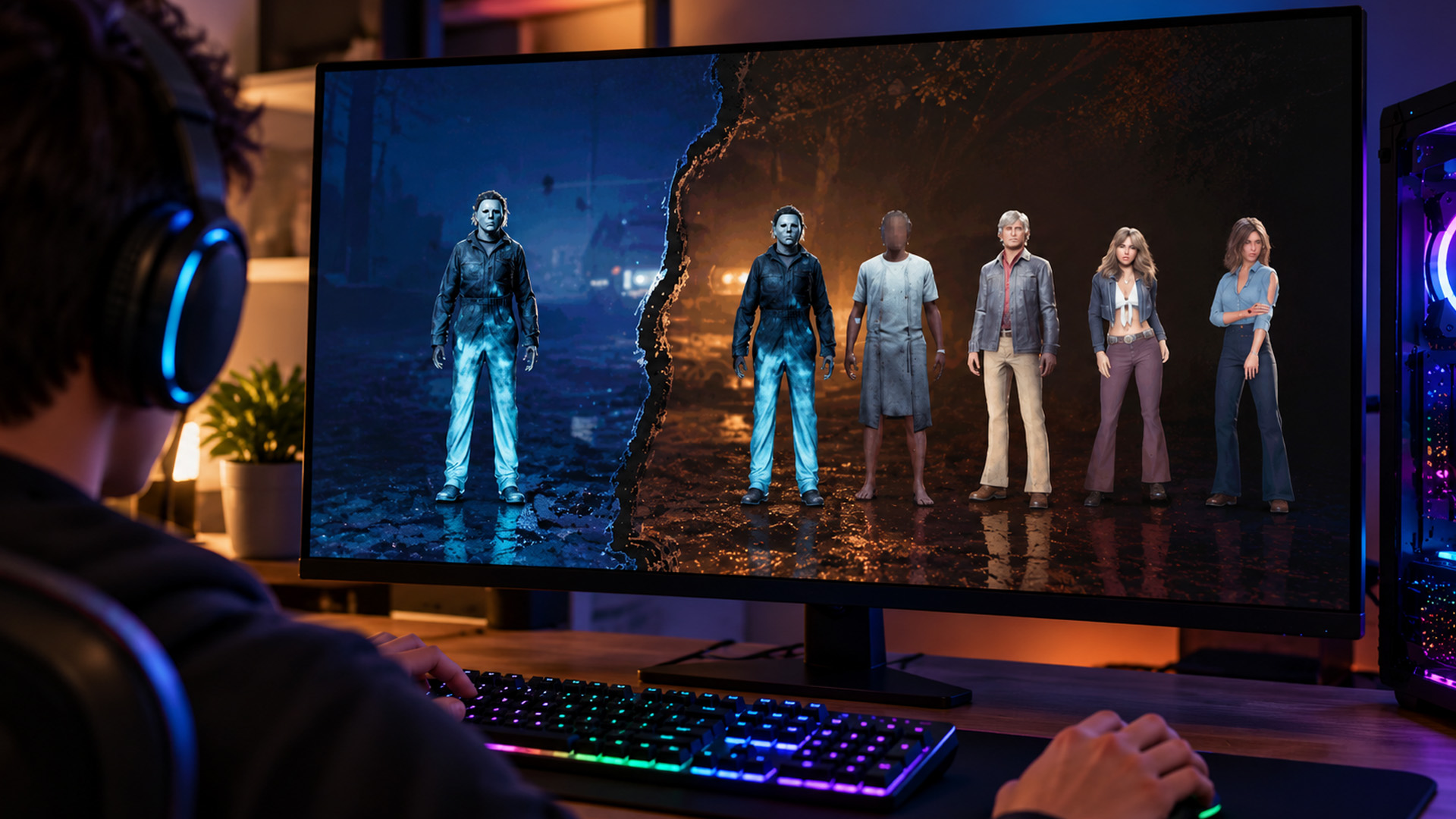
In its 1v4 multiplayer mode, one player becomes Michael Myers while four others take on the roles of local residents trying to survive. As a survivor, you'll need to help neighbours, gather useful items, contact the police and find ways to escape.
Prefer being the nightmare rather than running from it? There's also a standalone single-player story where you experience events through Michael Myers' perspective. Powered by Unreal Engine 5, the game features detailed environments, atmospheric lighting and dynamic gameplay systems.
Game release date: 8 September 2026.
The game launched for Windows PC, PlayStation 5 and Xbox Series X|S. PC players can access it through Steam and the Epic Games Store. If the game has you thinking about a hardware refresh, you can also browse our seasonal savings on laptops and tech ahead of your next horror gaming session.
Halloween: The Game PC Requirements: Minimum vs Recommended
Before downloading the game, make sure your system meets the official hardware specifications. According to the requirements published on Steam and the Epic Games Store, Halloween: The Game needs at least 16GB RAM, a DirectX 12-compatible graphics card and SSD storage.
Official PC System Requirements
|
Component |
Minimum requirements |
Recommended requirements |
|
Operating system |
Windows 11 64-bit |
Windows 11 64-bit |
|
Processor |
Intel LGA 1200+ / AMD AM4+ (Zen 2+) |
Intel LGA 1700+ / AMD AM5+ |
|
Graphics card |
NVIDIA GTX 1660+ / AMD RX 590+ / Intel Arc A770+ |
NVIDIA RTX 3000 series / AMD RX 7000 series |
|
RAM |
16GB |
32GB |
|
Published performance target |
1080p at 30 FPS |
4K at 30 FPS |
|
DirectX |
Version 12 |
Version 12 |
|
Storage |
45GB available on SSD/NVMe |
45GB available on SSD/NVMe |
|
Network |
Broadband internet connection |
Broadband internet connection |
Important: These are the developer-published specifications, not independently tested frame-rate results. Actual performance will depend on your graphics settings, hardware configuration and game updates.
What Do These Requirements Mean for Gameplay?
The minimum specifications provide a starting point for running the game at 1080p and approximately 30 FPS. That should be enough to experience Haddonfield, although you may need to reduce demanding visual effects to maintain consistent performance.
The recommended specifications target 4K at 30 FPS, with significantly more system memory and stronger graphics hardware.
However, these figures don't establish what every PC will achieve at higher frame rates. Reaching a stable 60 FPS, for example, will depend on your specific processor, GPU, resolution and selected settings. For a multiplayer horror game where timing your escape matters, consistent frame delivery is more useful than occasional high FPS readings.
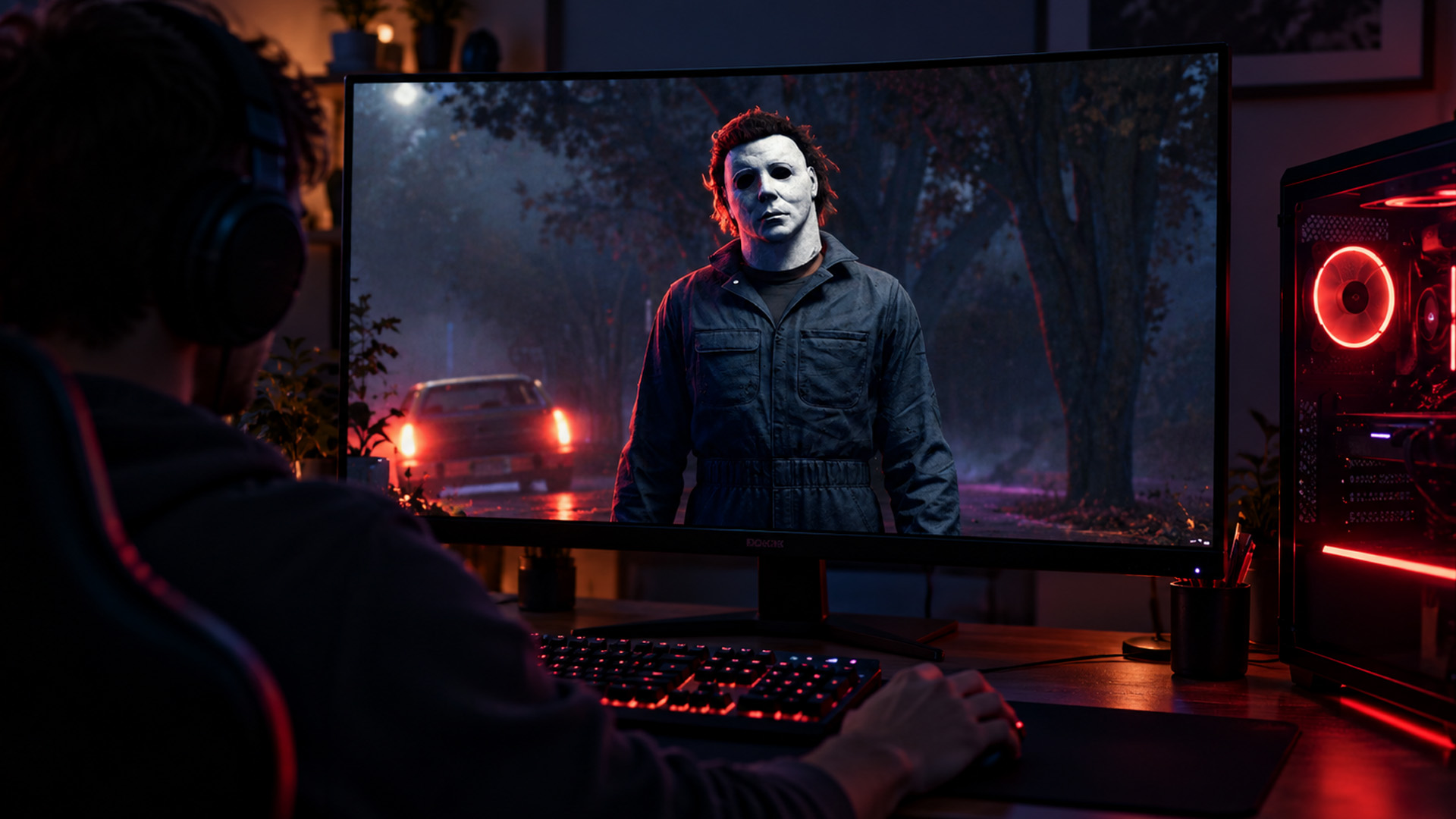
Can Your Gaming Laptop Run Halloween: The Game?
Desktop requirements don't always translate directly to laptops. Two machines might feature similarly named graphics hardware, yet deliver different results because of cooling systems, power limits and processor configurations. Here's what to check before entering Haddonfield.
1. Graphics Card: Can Your GPU Handle the Horror?
Your graphics processor, or GPU, handles the game's detailed environments, lighting, textures, and visual effects.
The minimum specification references cards such as the GeForce GTX 1660 and Radeon RX 590. The recommended tier moves to NVIDIA's RTX 3000 series or AMD's RX 7000 series. For laptop gamers, things get a little more complicated.
A laptop GeForce RTX 4050, RTX 4060, or another modern dedicated GPU may be a sensible candidate, but performance isn't guaranteed simply because its model number is newer.
Laptop graphics processors operate at different power limits, commonly referred to as Total Graphics Power (TGP). A higher-powered GPU configuration can perform differently from a lower-powered version of the same chip. VRAM also matters, particularly when using detailed textures and higher resolutions.
Our Advice: Look at the exact mobile GPU, its power configuration and real gameplay performance rather than relying entirely on its series name. Our laptops powered by NVIDIA RTX graphics give you options across different performance levels for modern PC gaming.
2. RAM: Is 16GB Enough to Survive?
Yes. 16GB RAM meets the official minimum requirement for Halloween: The Game. However, the recommended configuration specifies 32GB.
System memory holds information that your processor needs during gameplay. If you run short, Windows may need to move more data between RAM and storage, which can contribute to interruptions or slower responsiveness. If you Windows laptops with 16GB RAM , try closing unnecessary browser tabs and memory-heavy background applications before playing.
For anyone buying a new machine, 32GB may provide additional breathing room for multitasking and other demanding games, although more RAM alone won't necessarily increase FPS. That extra memory can also come in handy when editing Halloween photos on your laptop, especially if you're working with large image files, adjusting dark scenes, or running several creative applications.
3. Storage: Don't Let a Slow Drive Haunt Your Game
Halloween: The Game requires 45GB of available storage on an SSD or NVMe drive. This isn't simply a recommendation to improve loading times. The official specifications explicitly require SSD-based storage.
An NVMe SSD can offer higher transfer speeds than many SATA SSDs, although the game doesn't specify a particular minimum SSD speed. If your PC is still relying on a traditional hard drive, installing the game on SSD storage should be a priority.
Our range of fast SSD storage for PC games includes options for compatible desktops and upgradeable laptops. Remember to check your device's supported drive type before purchasing.
4. Processor: Don't Ignore CPU Performance
The CPU handles gameplay logic, character behaviour, physics and other calculations that run alongside graphics rendering. That's particularly relevant in game, where multiplayer matches involve player actions, NPC behaviour and dynamic events.
The published Intel and AMD platform requirements primarily describe desktop hardware generations.
If you own a gaming laptop, check the exact CPU model and generation instead. A modern Intel Core i5, Core i7, Ryzen 5, or Ryzen 7 label alone isn't sufficient to guarantee performance, as capabilities differ between models.
Best Halloween: The Game PC Settings for Smoother Performance
Even when your hardware meets the requirements, entering a shadowy street shouldn't mean watching your frame rate collapse. The good news is that a few adjustments to your game PC settings may help improve responsiveness without completely ruining its creepy atmosphere.
The following settings are practical starting points, not guaranteed configurations for every PC.
|
Graphics setting |
Suggested starting point |
Why it helps |
|
Resolution |
1920 × 1080 on suitable hardware |
Reduces GPU workload compared with higher resolutions |
|
Frame rate limit |
30 or 60 FPS, whichever remains stable |
Helps maintain consistent frame pacing |
|
Ray tracing |
Off initially |
Reduces demanding lighting calculations |
|
Shadow quality |
Low or Medium |
Lowers rendering workload |
|
Global illumination |
Low |
Reduces lighting complexity |
|
Reflections |
Low |
Limits additional rendering demands |
|
Texture quality |
Medium |
Can reduce VRAM pressure on lower-memory GPUs |
|
Motion blur |
Off |
Improves visual clarity during movement |
|
Upscaling |
Quality mode, if supported and needed |
May improve performance while retaining image detail |
Prioritise Stable FPS Over Maximum Visual Detail
Dark streets, moving shadows, and detailed environmental effects are part of what makes the game frightening. However, there's little benefit in running everything at maximum quality if frequent stuttering makes the gameplay frustrating.
Start with Medium settings at 1080p and test performance during an actual match. If your frame rate drops, reduce shadows, reflections and global illumination first. These are often demanding graphical effects.
Avoid immediately lowering every setting to its minimum. Some image quality is useful for spotting movement and objects in poorly lit environments. Beyond gaming, you could even put your laptop to work as a DIY Halloween photo booth, pairing it with a webcam and monitor to capture spooky moments with friends before the gaming session begins.
Should You Enable DLSS, FSR, or XeSS?
The game's PC graphics menu includes upscaling options, although availability and behaviour can depend on your GPU and game version. Technologies such as NVIDIA DLSS, AMD FSR and Intel XeSS can reconstruct an image from a lower internal rendering resolution to reduce GPU workload.
Where supported, start with a Quality setting and assess both image sharpness and frame rate. You can try a more performance-focused mode if your system continues to struggle but be aware that image detail may suffer.
Expert Tip: Don't rely on frame generation to solve severe stuttering or low underlying performance. Generated frames can improve perceived smoothness, but they don't eliminate every latency or frame-pacing problem.
Halloween: The Game PC Performance: How to Fix Lag and Stuttering
You hear footsteps behind you. Michael is getting closer. You turn around, and suddenly your screen freezes. That's the kind of horror nobody wants. If Halloween: The Game is stuttering, freezing or running slowly on your laptop, try these practical fixes before deciding you need new hardware.
Update the Game and Graphics Drivers
First, make sure you have the latest available game update installed.
Next, check for a compatible graphics driver through NVIDIA, AMD or Intel, depending on your GPU. Driver updates may resolve compatibility issues or introduce improvements for particular games, although they won't fix every performance problem.
Keep Your Gaming Laptop Plugged In
Many gaming laptops reduce CPU and GPU power consumption when running on battery. This can significantly affect performance in graphically intensive games.
Connect your laptop to its appropriate charger and select a suitable gaming or performance profile if your manufacturer's control software provides one.
Make Sure the Dedicated GPU Is Being Used
Some laptops include both integrated and dedicated graphics. If Windows launches the game using the integrated GPU, performance may fall well below expectations. To check your preference in Windows 11:
- Open Settings > System > Display > Graphics.
- Locate or add the game's executable.
- Open its graphics preferences.
- Choose High performance where your dedicated GPU is available.
- Save the selection and restart the game.
The exact behaviour depends on your laptop's graphics-switching design.
Check Temperatures and Background Activity
Overheating can cause thermal throttling, where the processor or GPU reduces its operating speed to control temperature. Keep laptop vents unobstructed and avoid playing on soft surfaces that block airflow.
You should also close unnecessary background downloads and applications consuming significant CPU, memory or storage resources. For online matches, use a stable internet connection. Network latency and low FPS are different problems, so lowering graphics settings won't necessarily fix connection-related lag.
Want to refresh your wider setup too? Our discounted equipment for PC gamers offers options for upgrading compatible gaming accessories and hardware.
PC vs PS5: Which Should You Play On?
Both platforms let you experience the terror of Haddonfield, but they offer different advantages.
|
Feature |
Windows PC or laptop |
PlayStation 5 |
|
Graphics adjustments |
More configurable in-game options |
Console-focused configuration |
|
Hardware |
Varies by PC specifications |
Standardised console platform |
|
Portability |
Possible with a gaming laptop |
Primarily a home console |
|
Controls |
Keyboard, mouse and supported controllers |
DualSense controller |
|
Performance |
Depends on hardware and settings |
Depends on the console version and game optimisation |
|
Upgrades |
Some components may be upgradeable |
Limited internal hardware upgrades |
The PS5 offers a more standardised experience without needing to assess different CPU and GPU combinations. Neither platform should be assumed to deliver a particular frame rate without current performance testing.
For laptop owners, the biggest advantage is portability. You can take the horror with you, provided your machine has sufficient performance and access to power.
Does Halloween: The Game Support Crossplay?
Yes. Thecrossplay allows players on supported PC and console platforms to participate in cross-platform multiplayer. The supported platforms include Windows PC, PlayStation 5 and Xbox Series X|S. That means your friends don't necessarily need the same gaming system to share the nightmare.
Crossplay and cross-progression are different features, however. Being able to play together doesn't automatically mean your character progression or purchases will transfer between platforms. Check the game's current account and progression arrangements before purchasing it on more than one system.
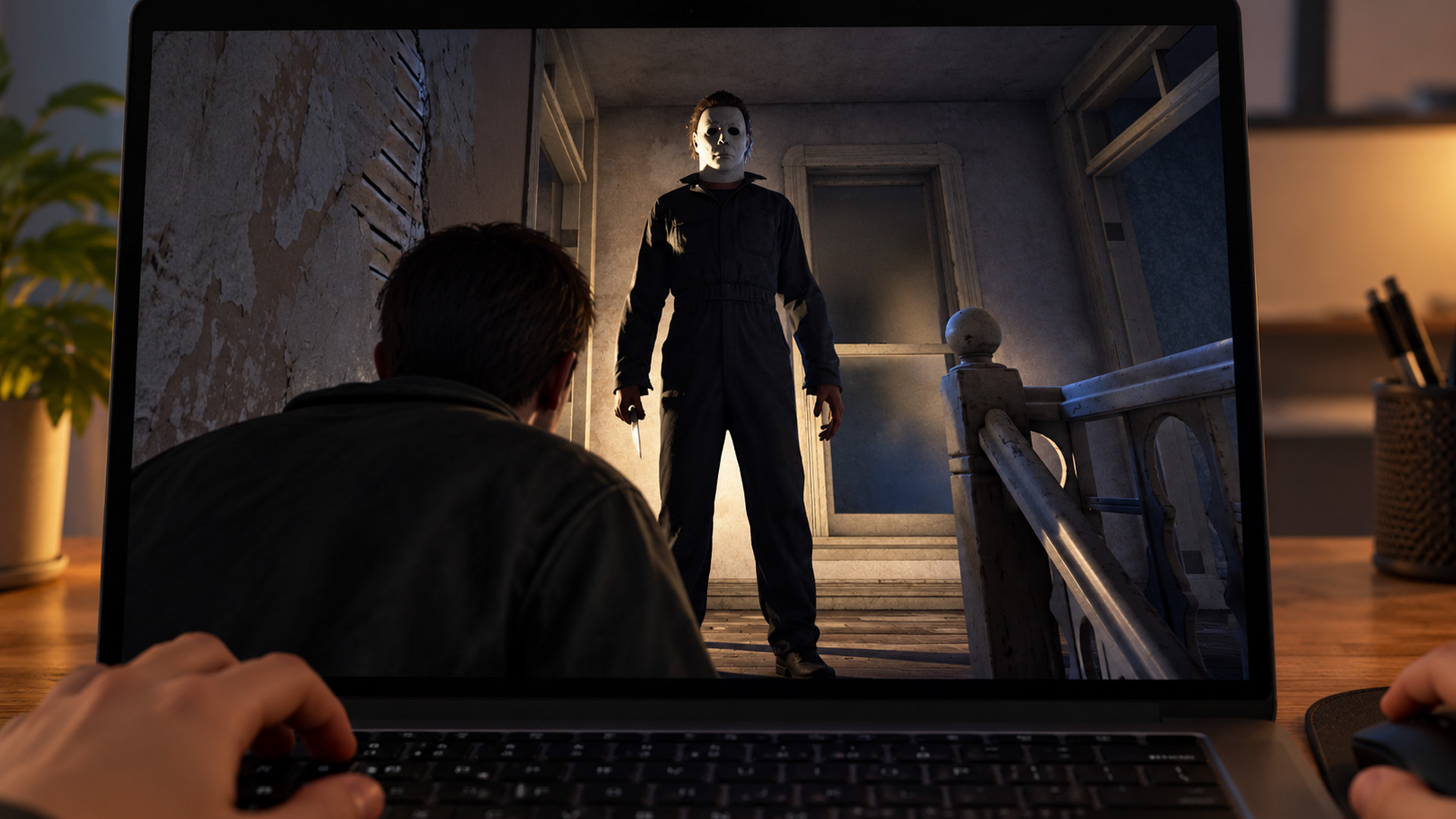
Is it Worth Upgrading Your Laptop for Halloween: The Game?
Not every jump scare needs a brand-new gaming laptop behind it. If your machine already meets the minimum specifications and delivers acceptable gameplay, adjusting graphics settings may be sufficient.
An upgrade becomes more worthwhile if you're dealing with hardware limitations that settings cannot resolve, such as insufficient RAM, an unsupported operating system, or a GPU that falls substantially below the published requirements.
When shopping for a replacement, prioritise a balanced system with a capable dedicated graphics processor, suitable CPU, sufficient memory and fast storage. You can find laptops built for demanding games in our gaming range, with different specifications to suit your gaming habits and other everyday needs. The right upgrade should be useful beyond a single Halloween release. And when you've had enough of Michael Myers chasing you through Haddonfield, you can switch to a Halloween horror movie night at home, using your laptop and a larger screen to keep the scares going.

Final Takeaway: Is Your PC Ready for Michael Myers?
Halloween: The Game brings plenty of atmospheric scares, but its hardware requirements deserve attention before you enter Haddonfield.
With 16GB RAM, supported graphics hardware, Windows 11 and an SSD, your PC has the foundations needed to meet the published minimum specification. For higher-resolution ambitions, the recommended 32GB RAM and stronger GPU tier are worth considering.
Start with sensible graphics settings, keep your drivers updated and prioritise smooth gameplay over visual effects that strain your machine. And if your existing laptop has had its final scream, there's no need to let outdated hardware spoil the season.
Browse our Halloween offers on gaming laptops at Laptop Outlet and find a machine that's ready for your next terrifying gaming adventure. After all, the only thing chasing you this Halloween should be Michael Myers, not a struggling frame rate.

Can Halloween: The Game run on an 8GB RAM laptop?
An 8GB RAM laptop falls below the game's official 16GB minimum requirement. It may struggle with memory-intensive gameplay, particularly alongside background applications. For a supported configuration, look for at least 16GB RAM and ensure the processor, graphics hardware and storage also meet the published specifications.
Can you play Halloween: The Game on Windows 10?
Windows 11 64-bit is the operating system officially specified for both minimum and recommended PC configurations. Windows 10 isn't listed as supported, so compatibility shouldn't be assumed. Check that your hardware supports Windows 11 before purchasing the game or planning a system upgrade.
Does Halloween: The Game work with integrated graphics?
The official minimum requirements name dedicated graphics cards rather than integrated GPUs. Some modern integrated solutions offer useful gaming performance, but this doesn't establish compatibility with the game. Check reliable tests for your specific graphics processor before assuming it will run satisfactorily.
Can you play Halloween: The Game with a controller on PC?
Yes. The Epic Games Store identifies controller support as one of the game's features. This gives PC players an alternative to keyboard and mouse controls. Available controller functions and button layouts may vary depending on the device and your game settings.
Do you need a 144Hz monitor for Halloween: The Game?
No. A 144Hz display isn't part of the official system requirements. A high-refresh-rate monitor can show smoother motion when the PC consistently produces enough frames, but it cannot create additional GPU performance. A stable 60 FPS experience can still be enjoyable on a suitable display.
| Read More: |
| Best Budget Laptops to Grab During the Halloween Sale |
| Top Monitors on Sale This Halloween – 60Hz to 400Hz Picks |
| Why Halloween is the Best Time to Upgrade Your Tech |
Related Articles


Last Updated: October 16, 2026
Halloween is bringing fresh opportunities to upgrade your tech, whether you need a laptop for work, a gaming PC, a new smartphone or a better monitor. At Laptop Outlet, you can explore discounted devices from ASUS, HP, Lenovo, Acer, MSI, Samsung and other leading brands, with options for different budgets and requirements.
Our Halloween tech deals UK guide brings together five featured offers, gaming upgrades, refurbished devices and practical buying advice. Compare specifications, prices and savings across laptops, PCs, phones, monitors and components to find an upgrade that suits you.
Best Halloween Laptop Deals for Gaming, Work and Everyday Use
A laptop is one of the most versatile upgrades you can make during October. Whether your priority is gaming performance, portability or professional productivity, comparing the hardware is more useful than looking at the discount percentage alone.
Gaming Laptops with NVIDIA RTX Graphics
Gaming laptops with dedicated NVIDIA graphics are worth exploring

Last Updated: October 16, 2026
Last Updated: October 15, 2026
October isn't just about costumes, pumpkins, and spooky films. It's also a good opportunity to refresh your tech before the busy end-of-year shopping season. Whether your laptop is slowing down, your gaming setup needs more power, or you're considering a new smartphone, Halloween tech offers are worth checking.
At Laptop Outlet, our Halloween Sale brings together selected laptops, monitors, PC components, and accessories from leading brands. You'll find options for work, university, gaming and everyday use, including new and refurbished devices.
Top Reasons to Upgrade Your Tech This Halloween
1. Early Access to Seasonal Discounts
You don't always need to wait until November to find reduced prices on electronics. Halloween falls on 31 October 2026, giving you an opportunity to check seasonal offers before the main Black Friday shopping period. Our Halloween tech sale features selected products across several categories, including:
- Laptops: Everyday Windows 11 notebooks, business machines
Last Updated: October 16, 2026
A better monitor can make a noticeable difference to your daily setup, whether you're working across several windows, editing detailed images or playing fast-paced games. With Halloween monitor deals available this October, there's an opportunity to upgrade your screen while spending less.
We've selected 12 brand-new monitors on sale, featuring ASUS, LG, Philips, AOC, Samsung, Acer and MSI. From compact 15.6-inch portable displays to expansive 49-inch ultrawides, our selection covers Full HD, QHD and 4K resolutions, with refresh rates ranging from 60Hz to 400Hz.
Below, we break down what each monitor offers, who it's best suited for and how much you could save, helping you find the right upgrade for your needs.
1. ASUS ZenScreen MB166C – 15.6-inch 60Hz Portable Monitor
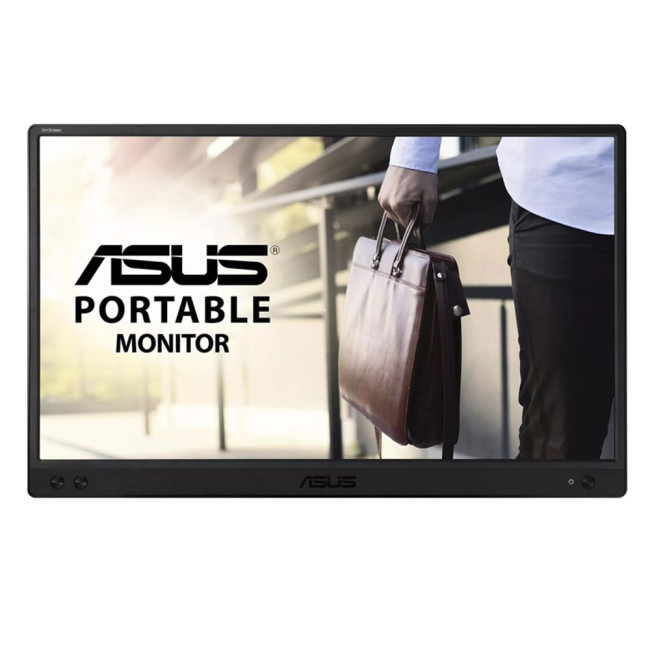
- Display: 15.6-inch IPS, Full HD (1920 × 1080)
- Refresh rate: 60Hz, 5ms response time
- Connectivity: USB-C
- Price:
£119£94 | Save £25
The ASUS ZenScreen MB166C adds a second workspace beside your laptop without needing

Last Updated: October 16, 2026
Looking for a laptop upgrade without spending more than you need to? The Halloween Sale 2026 at Laptop Outlet brings together laptops for work, university, home computing and entertainment, with options from Lenovo and ASUS.
Whether you're buying your first Windows laptop or replacing an older machine, it pays to check more than the price. Processor performance, RAM, SSD capacity, and screen size all affect how well a laptop suits your daily routine.
We've selected models from our Halloween laptop sale , including two options under £600 and higher-spec alternatives for shoppers who need extra performance.
Best Budget Laptops Under £600 This Halloween
You don't necessarily need an expensive laptop for browsing, coursework, spreadsheets, video calls or everyday productivity. The following options offer 16GB RAM and Windows 11, making them practical choices for typical home, office, and academic workloads.
1. Lenovo V15 G4: Best for Everyday Work and Home Use
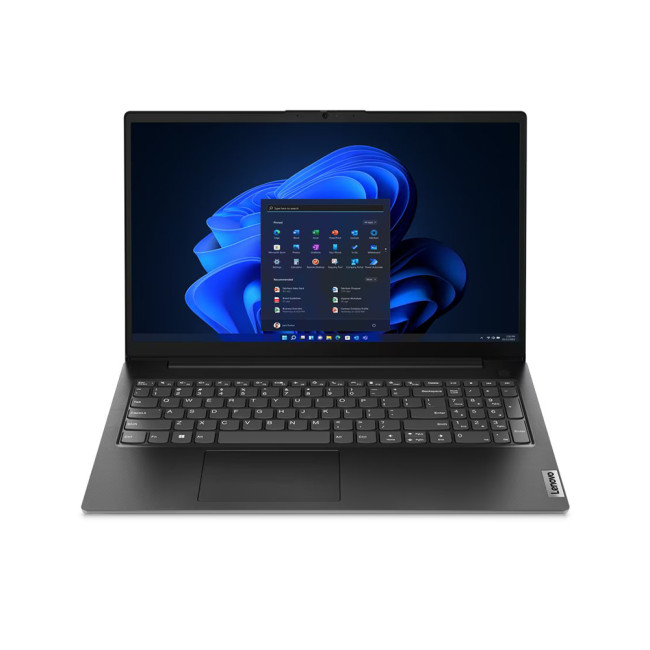
Halloween sale price:

Published: October 24, 2025
As Black Friday 2025 approaches, tech enthusiasts and gamers alike are gearing up for the biggest savings of the year. Among the most exciting deals, Black Friday monitor deals 2025 stand out, especially for those upgrading their setups with faster refresh rate displays. Whether you’re looking for an immersive 144Hz display, a lightning-fast 240Hz screen, or an elite 360Hz competitive gaming monitor, this year’s offers deliver something for everyone.
In this guide, we’ll break down everything you need to know about 144Hz vs 240Hz vs 360Hz monitors, the benefits of each, and how to find the best gaming monitor Black Friday 2025. From budget-friendly options to premium esports-ready panels, here’s your complete buying roadmap for this Black Friday season.
Why Refresh Rate Matters in Gaming Monitors
Understanding Refresh Rate
The refresh rate, measured in hertz (Hz), defines how many frames per second a monitor can display. A higher refresh rate means smoother motion, reduced screen tearing,

Last Updated: October 02, 2026
Black Friday refurbished deals can appear throughout November, but the strongest refurbished stock is not tied to one guaranteed date. In 2026, Black Friday falls on 27 November, so buyers with specific requirements should start watching from early November rather than waiting for the final Friday.
Refurbished inventory can be limited to particular models, specifications and condition grades. Once suitable units sell, the same configuration may not return. The strongest buying window is therefore when the specification, condition and price you want are available together.
When Do Black Friday Refurbished Deals Start?
Black Friday officially falls on Friday 27 November 2026, but UK Black Friday activity usually extends beyond a single day. Pricing changes can begin earlier in November and continue through Black Friday weekend into Cyber Monday on 30 November.
Use the weeks beforehand to establish a price baseline and watch availability. Laptop Outlet's Black Friday refurbished deals page

Last Updated: April 02, 2026
Black Friday is nearly here, and if you’re hoping to pick up a reliable tablet without breaking the bank, this is the moment to start doing your homework. Every year, the market floods with “bargain” black Friday tablet deals under 250 pounds, and some are genuinely impressive, others barely worth unboxing. Knowing the difference can save you a lot of regret later.
This guide takes you through what to expect from a tablet in this price range, the standout models to look out for, and where Laptop Outlet fits into the picture with its Black Friday tablet deals.
What to Expect from a £250 Tablet in 2025

A few years ago, a £250 tablet meant a compromise on nearly every front. That’s no longer the case. Entry-level Android tablets have become much more capable, especially with MediaTek and Snapdragon mid-range chips powering smooth day-to-day use. At this price, you can expect decent performance for web browsing, streaming, social media, and light productivity tasks.
However, the specifications
Last Updated: October 02, 2026
Black Friday 2026 falls on Friday 27 November, followed by Cyber Monday on 30 November. For Apple buyers, the smartest approach is to track the exact MacBook, iPhone or iPad specification before November, then judge the sale price against its usual selling price. New releases will attract attention, but recent generations and refurbished Apple devices could prove just as worthwhile.
Apple has changed a lot of its hardware since last Black Friday. MacBook Neo has joined the laptop family, MacBook Air has moved to M5, MacBook Pro now stretches from M5 through to M5 Pro and M5 Max, while iPhone 18 Pro has arrived ahead of the first foldable iPhone, the iPhone Duo.
The iPad range has moved forward as well, with M4 powering the latest iPad Air and M5 inside iPad Pro. That makes Black Friday 2026 particularly interesting because shoppers are likely to see brand-new hardware sitting alongside capable previous-generation models.
This guide breaks down the Apple products worth watching, the specifications
Last Updated: October 15, 2026

