



What to Do with Old Mobile Phones?
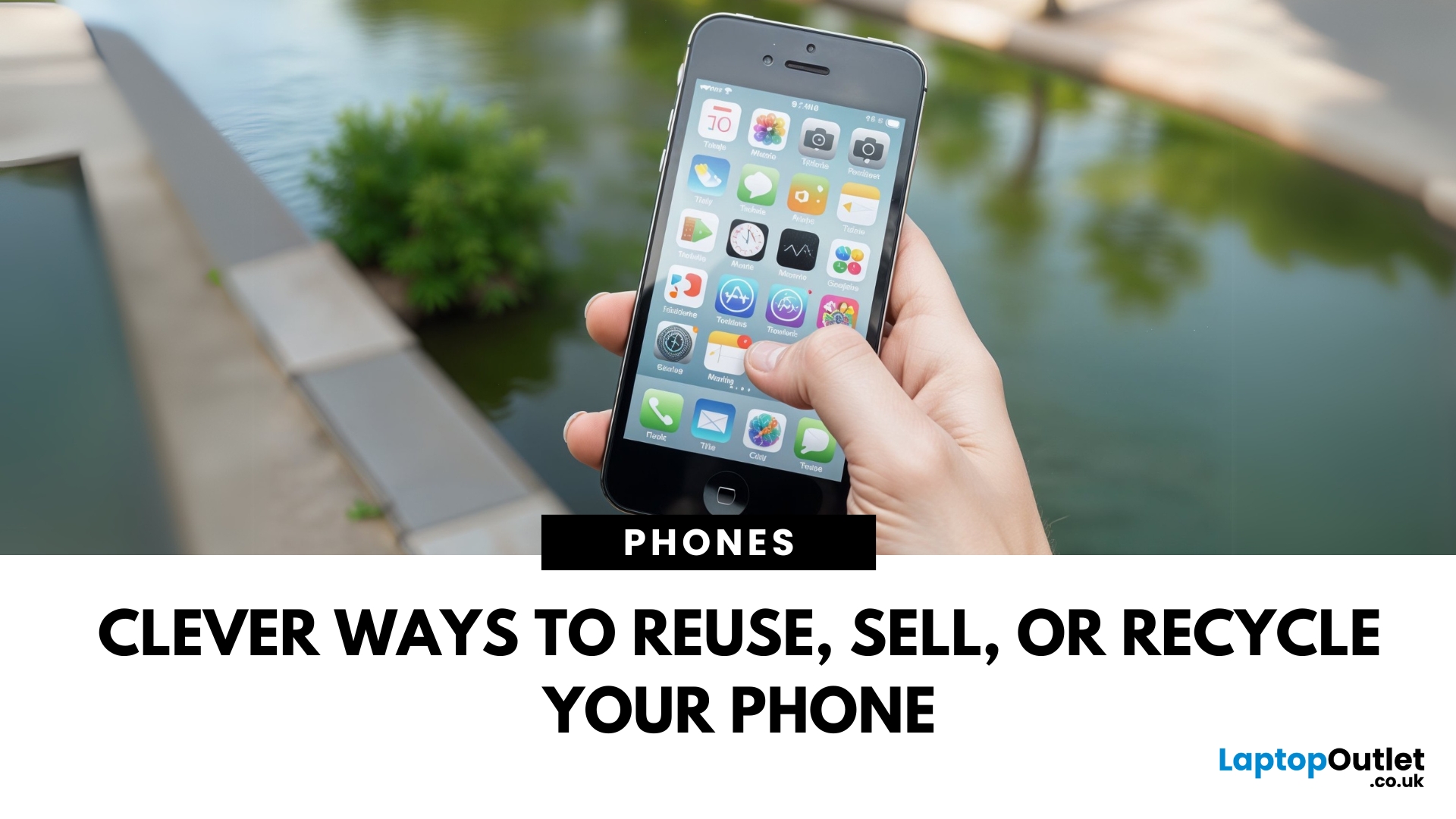
Don’t Let Your Old Phone Gather Dust
So you’ve upgraded to a shiny new phone—but what about your old one? Instead of letting it rot in a drawer, there are plenty of useful, profitable, or eco-friendly ways to put it to good use. Here’s exactly what to do with old mobile phones (that doesn’t involve forgetting about them forever).
1. Trade It in for Cash or Credit
- Most retailers, mobile networks, and tech stores offer trade-in programmes.
- Get store credit or instant cash
- Helps reduce e-waste
2. Donate It to Charity
- Many organisations accept old phones:
- Help survivors of domestic abuse, refugees, or people in crisis
- Some charities refurbish and resell phones to raise funds
3. Recycle Responsibly
- Phones contain valuable materials—and harmful ones, too. Don’t bin it!
- Use local e-waste recycling centres or certified recycling schemes
- Some brands (Apple, Samsung) offer mail-in recycling
4. Turn It into a Backup Phone
- Accidents happen. Having a backup means you’re covered when:
- Your main phone breaks or gets lost
- You’re travelling and need a secondary device
5. Use It as a Smart Home Controller
- Old smartphones make perfect smart remotes:
- Control smart lights, plugs, thermostats, and more
- Mount it on a wall or keep it in the living room as a home hub
6. Convert It to a Media Player
- Free up space on your main phone:
- Load it with music, audiobooks, or Netflix shows
- Pair it with wireless headphones for the gym or travel
7. Repurpose It for Kids or Guests
- Let the little ones watch YouTube or play games—without risking your main phone.
- Great for road trips, travel, or as a distraction in a pinch
Final Thoughts: Give Your Old Phone a Second Life
From making a bit of extra cash to helping someone in need, your old phone deserves more than a dusty drawer. Whether you repurpose, recycle, or resell, it’s a win for you—and the planet.
Ready for your next upgrade? Explore Laptop Outlet’s deals on the latest mobile phones and trade-in options today.
FAQs: Old Mobile Phone Questions Answered
1. Can I trade in a broken phone?
Yes—many trade-in programmes accept phones with minor damage, though you'll get less value.
2. Is it safe to donate an old phone?
Absolutely—just make sure to factory reset it and remove your SIM and memory cards.
3. What’s the best way to recycle an old phone?
Use a certified e-waste recycling centre or your phone manufacturer’s mail-in programme.
4. Can old phones still be used without a SIM card?
Yes—they can connect to Wi-Fi and be used as media players or smart home controllers.
5. Should I remove the battery before recycling?
No need if you're using an official recycling service—they’ll handle that safely.
Watch our video and learn what you can do with your old smartphone.
Read More:
| What are the Pros and Cons of 5G Smartphones? |
| How to protect your Mobile Phone from Cyber Threats? |
| The best first Phones for your Child |
Related Articles

Last Updated: September 25, 2026
5G smartphones are now common across UK phone ranges, but seeing a 5G symbol does not automatically mean every task will feel faster. The real benefit depends on the network, signal strength, available spectrum, congestion, location and the phone itself.
For people comparing modern mobile phones, 5G can provide faster mobile data, lower latency and better network capacity. It also has limitations, particularly where coverage is weaker or the improvement over a strong 4G connection is small.
This guide covers the pros and cons of 5G smartphones in detail, so you can see where 5G helps and where its limitations matter.
What Is a 5G Smartphone?
A 5G smartphone contains a modem and radio hardware designed to connect to compatible fifth-generation mobile networks. Like 4G phones, it uses radio spectrum to communicate with mobile masts, but 5G technology can support higher data speeds, lower latency and greater network capacity.
Most modern 5G smartphones can also fall back to 4G when 5G is
Last Updated: September 29, 2026
Your phone probably holds far more sensitive information than you realise. Banking apps, emails, passwords, photos, work accounts, payment cards, and location data can all make smartphones attractive targets for cyber criminals.
The good news is that modern iPhones and Android devices already include strong security features. Protecting your phone from cyber threats is therefore less about installing lots of security apps and more about using the protections already available, keeping your software current and recognising scams before you interact with them.
Here is how to improve your mobile phone security without making everyday use unnecessarily complicated.
What Cyber Threats Can Affect Your Phone?
Modern mobile cybersecurity threats do not always involve someone technically "hacking" into your handset. Attackers often target the person using the phone instead. Common risks include:
- Phishing and smishing: fake emails, SMS messages or messaging-app alerts designed to steal passwords
Last Updated: September 23, 2025
Introduction
Are you considering buying a refurbished phone? Let's talk about what you must know before buying a refurbished phone.
When considering purchasing a refurbished phone, it's essential to navigate the market and find the best device available in terms of functionality and budget.
While refurbished devices offer a more economical way to access high-quality phones, ensuring you're making a wise investment is crucial. Choosing a refurbished phone not only saves you some money but also brings various advantages. When sourced from a reliable provider, a refurbished phone undergoes a thorough inspection and testing, ensuring that it is rigorously tested for performance, cleaned, and repaired if needed.
Buying a refurbished phone is not about affordability but getting a device that meets quality standards.
This blog will explore the five key aspects to inspect before deciding to find a refurbished phone that fits the budget and meets the expectations for reliability and performance.

Last Updated: April 03, 2026
Mobile Printing Made Simple
Need to print a document, photo, or ticket from your phone? You don’t need to transfer files to a laptop first. Mobile printing lets you print directly from your smartphone or tablet to a wireless printer—fast and hassle-free. Here’s how to do it on both iPhone and Android.
What You’ll Need
Before you start:
- A Wi-Fi-enabled printer
- Your smartphone or tablet
- Both devices connected to the same Wi-Fi network
How to Print from an iPhone (iOS)
1. Use Apple AirPrint
Most modern printers support AirPrint, Apple’s built-in wireless printing feature.
Steps:
- Open the document, photo, or webpage you want to print
- Tap the Share icon (box with arrow)
- Tap Print
- Select your printer from the list
- Choose print settings (number of copies, pages, etc.)
- Tap Print
2. Use the Printer Manufacturer’s App
- If your printer doesn’t support AirPrint:
- Download the manufacturer’s app (e.g., HP Smart, Canon PRINT, Epson iPrint)
- Follow the in-app instructions
Last Updated: September 11, 2025
The Ultimate Smartphone Showdown
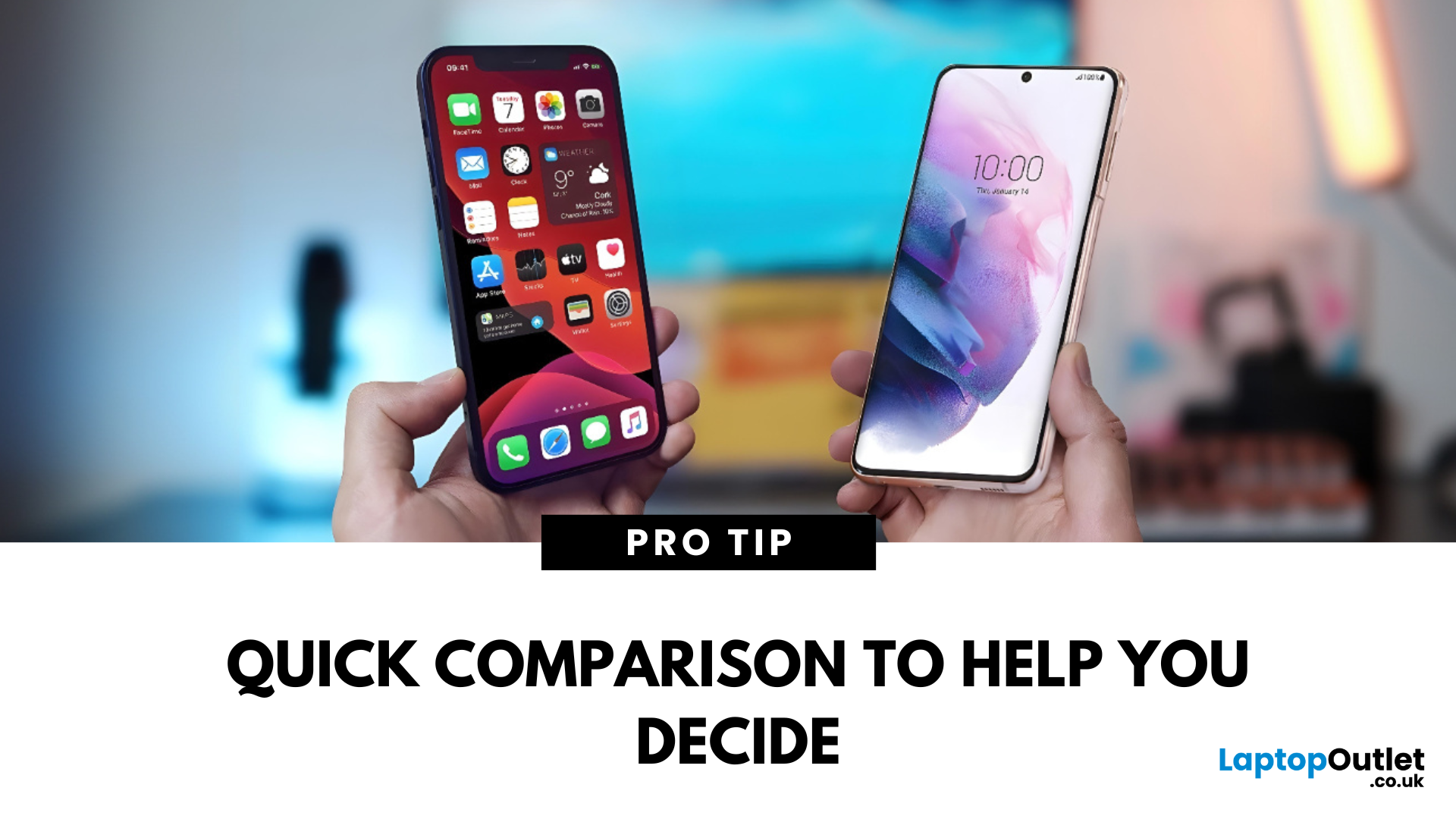
Samsung or iPhone—which is better? It’s a question that sparks debates in group chats, tech forums, and even family dinners. The truth is, both are excellent—but they suit different users. Here’s a breakdown to help you decide which smartphone brand is the better fit for you in 2025.
Design & Build Quality
- iPhone: Premium build, minimalist design, consistent look across models
- Samsung: Sleek designs, more variety (curved displays, foldables like Galaxy Z series)
Verdict: iPhone offers uniform elegance, Samsung delivers bold variety
Display Quality
- iPhone: Super Retina XDR OLED displays, true-to-life colour accuracy
- Samsung: Dynamic AMOLED 2X displays, higher refresh rates (up to 120Hz on most models)
Verdict: Samsung leads in brightness, refresh rate, and screen innovation
Camera Performance
- iPhone: Excellent video quality, cinematic mode, reliable consistency
- Samsung: Powerful zoom (Space Zoom), versatile sensors, vibrant photos

