



Best android phones under £300 UK 2023
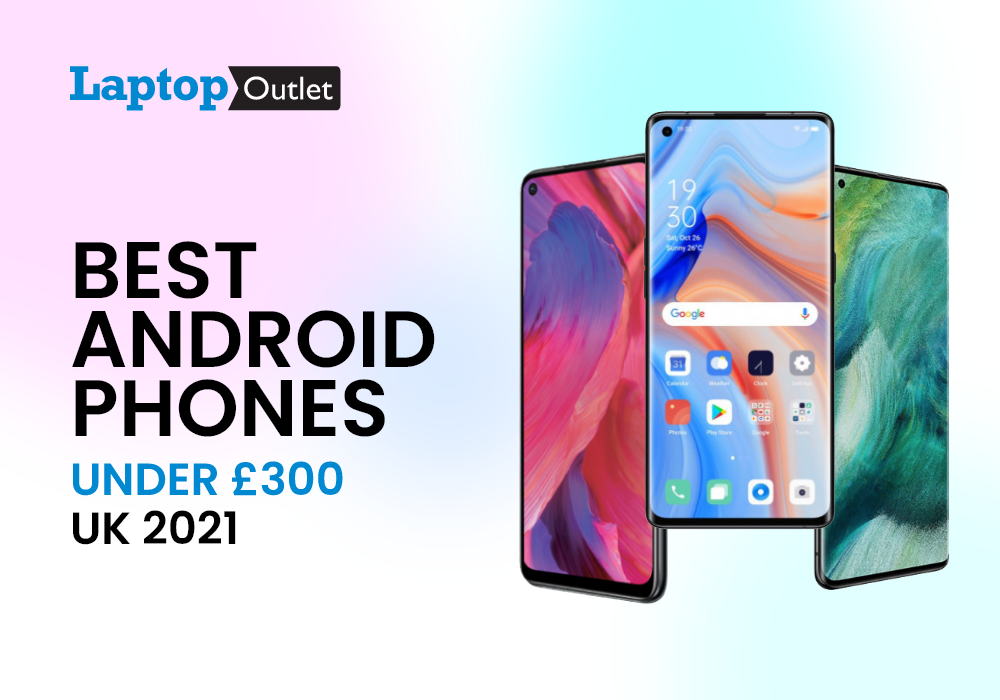
Android is World’s most powerful platform for mobile phones and latest technology involvement from the specs to the features. The best android smartphones in 2023 are not just solid mid-ranger but you can find some of the excellent flagship killers. There are multiple phones in the market that you might be having your eyes on but for a specific budget, you need to ponder more.
Under £300, there are quite a lot of 5G mobile phones that are winning the hearts and mind of tech enthusiasts. But if you are finding the ultimate best options, we have the top 5 selected out just for our readers. In the race of producing the best mobile phone ever, some of the brands have also forgotten the urge of delivering best budget value for money. However, some of the brands smartphones have a solid variety of midrange phones that you can find in and around 300 pounds. Plus, it feels like an icing on the cake when they deliver more than they are offering.
Let’s have a look at the top five android smartphones under 300 that are expected to deliver the best in everything they have on paper.
OPPO A94 5G
Key Specs
|
Processor: Octa Core |
|
Display: 6.4 in, 2400 x 1080 |
|
RAM and Storage: 8 GB, 128 GB |
|
Operating system: Android 11 |
If you are after a flagship mobile phone with affordable price, OPPO A94 is a go-getter. With its irresistibly soft surface and shiny matte look, the phone delivers a premium look. The rear side has reflective two-tone surface that makes the smartphone look more than it is priced for. The specs assembly is kept suitable for demanding users who often multitask.
In more words, the OPPO A94 has got a powerful processor for smooth flow. Its 6.4-inch super-AMOLED punch-hole display makes sure to deliver immersive views. Moreover, the RAM of 8GB and a storage of 128GB allows the users to switch between applications rapidly. You can expect minimum delays while using multiple apps or programs. The phone also features impressive camera array with HDR mode, dual-view video, dynamic bokeh and AI enhancement.
OPPO Reno 8 5G
Key Specs
|
Display: 6.43 in, 2400 x 1080 |
|
RAM and Storage: 8 GB, 256 GB |
|
Operating System: Android 12 |
|
Processor: Octa Core |
With OPPO, one thing that you will surely get is an excellent value for money. Its midrange phones compete with others on a different level while delivering same specs in expensive prices. The OPPO Reno 8 5G is a solid mid-ranger that is integrated with the Octa Core processor. Just from its trendy design, you will get to experience fresh vibrant colours with classy feel and touch.
The OPPO Reno 8 5G sports a 6.4-inch AMOLED display with 90Hz hyper-colour screen. This means you will get accurate colours on the display that covers 100% sRGB colour gamut. This OPPO mobile also powers through 5000 mAh battery for long-lasting effect. You can go on to use the mobile phone for longer hours, even until midnight. The 48MP AI Quad camera of this phone also results in exceptional image quality. Plus, you can enjoy multiple modes and detailed capturing with every kind of lens in this phone.
Motorola Edge 20
Key Specs
|
Processor: Octa Core |
|
Display: 6.7 in, 2400 x 1080 |
|
RAM and Storage: 8 GB, 128GB |
|
Operating System: Android 11 |
TheMotorola Edge 20 is the one to rely on with its high-resolution cameras and spectacular OLED display. It does not lag behind in speed and overall performance with its Octa core processor. The 2 GHz processing speed is not slow for basic everyday smartphone routine. You will also get to enjoy additional features from this phone including multimedia messaging, Radio, and video calling. Besides from these basic features, the phone supports advanced connectivity with Bluetooth and Wi-Fi settings.
The 6.7-inch display of the phone is facilitated with Quad HD Resolution for maximizing viewing experience. There is also on-screen fingerprint lock security added into the phone so you can automatically lock it. Other specs like camera dominate in this OPPO mobile with ultra-wide lens, optical zoom, and a macro lens. The classy design of the phone reflects from its 3D glass effect made from satin that one would surely enjoy. The phone has also got optical image stablisation for blur-free photos and videos.
OPPO Find X2
Key Specs
|
Processor: Octa Core |
|
Screen Size: 6.4 in |
|
RAM and Storage: 12 GB, 256 GB |
|
Operating System: Android 10 |
OPPO Find X2 Neo is one of our favourites when it comes to budget phone shopping. It combines flagship features into a reasonable budget for great overall experience. The lightweight design and streamlined specs of the phone impresses in their own way, resulting in stunning performance. The phone flaunts a sleeker, gorgeous design to add a premium vibe.
Primarily, the phone features Snapdragon 755 chipset which is known as a rock-solid processor. With that, the expansive RAM of 12GB and a storage of 256GB is a definite booster. You can get to multitask and switch between various apps without lags or delays. This OPPO phone also does a good job in its battery performance with 4020 mAh power. The Ultra-steady mode included in the camera gives it a far better result than expected. Other than that, the 6.5-inch AMOLED totally impresses with its 90Hz refresh rate.
OPPO A15
Key Specs
|
Processor: Octa Core |
|
Display: 6.5 in, 1600 x 720 |
|
RAM and Storage: 3 GB, 32 GB |
|
Operating System: Android 10 |
Our last pick of the day is an ultimate low budget option. If you are also an OPPO fan, we are sure about you loving this mobile phone already. The OPPO A15 is one of the recent launches from the brand and has grabbed enough attention owing to its valuable features. It is featured with an Octa core processor to take up any daily smartphone activities without interruptions.
The OPPO A15 is added with a 3GB RAM that comes in a perfect balance of 32GB storage. For basic users, this is everything they could ask for and that too in a much reasonable budget. The best part about the phone has to be its battery life that makes sure the phone lasts during the day. The phone’s AI triple rear camera along with the fingerprint sensor are some of the prominent specs. You can capture photos and videos with detailed accuracy. You will also get a 6.5-inch display with HD+ Resolution that makes it easy to view videos with ease.
Bottom Line
The best budget android smartphones are blissful, especially when they are exactly around your budget. The above-mentioned mobile phone are preferably our favourites when it comes to the selection of 300 or less price. Whether you are a professional, student or an aged user, you can pretty much rely on them for daily activities.
You can also check out these OPPO Smartphones at UK’S leading ecommerce tech Retailer i.e., Laptop Outlet. There is a free delivery option for mainland orders and students can avail additional discounts.
Discover More Budget-Friendly Tech Guides:
| Best Selfie Mobiles with Good Front Camera (2023) |
| Best First Phones for Your Child |
| This is Why Anyone Want to Buy OPPO Phones |
Related Articles

Last Updated: May 06, 2026
Last Updated: March 03, 2026
Portable computing devices such as tablets and laptops have been becoming increasingly popular day by day. These computers are well-designed to provide you with productivity on the go. The more you use them, the more they appeal to you. Tablets can serve you in a variety of situations such as preparing educational assignments, streaming movies, playing games, and more.
The good news is that these portable PCs are becoming more amazing with each passing day. Each tablet comes with its unique style and features like any other technology gadget. However, when it comes to choosing a tablet based on the operating system, there are two choices.
The two biggest technology rivals competing in the tablet market are Android and Windows tablets. Each of these devices has their own pros and cons. In this article, we will deliver with necessary knowledge you need to make the most suitable selection for yourself between Android tablets and Windows tablets in the UK.
Android Tablets
Android
Last Updated: October 02, 2025
Time to Clear Out the Clutter
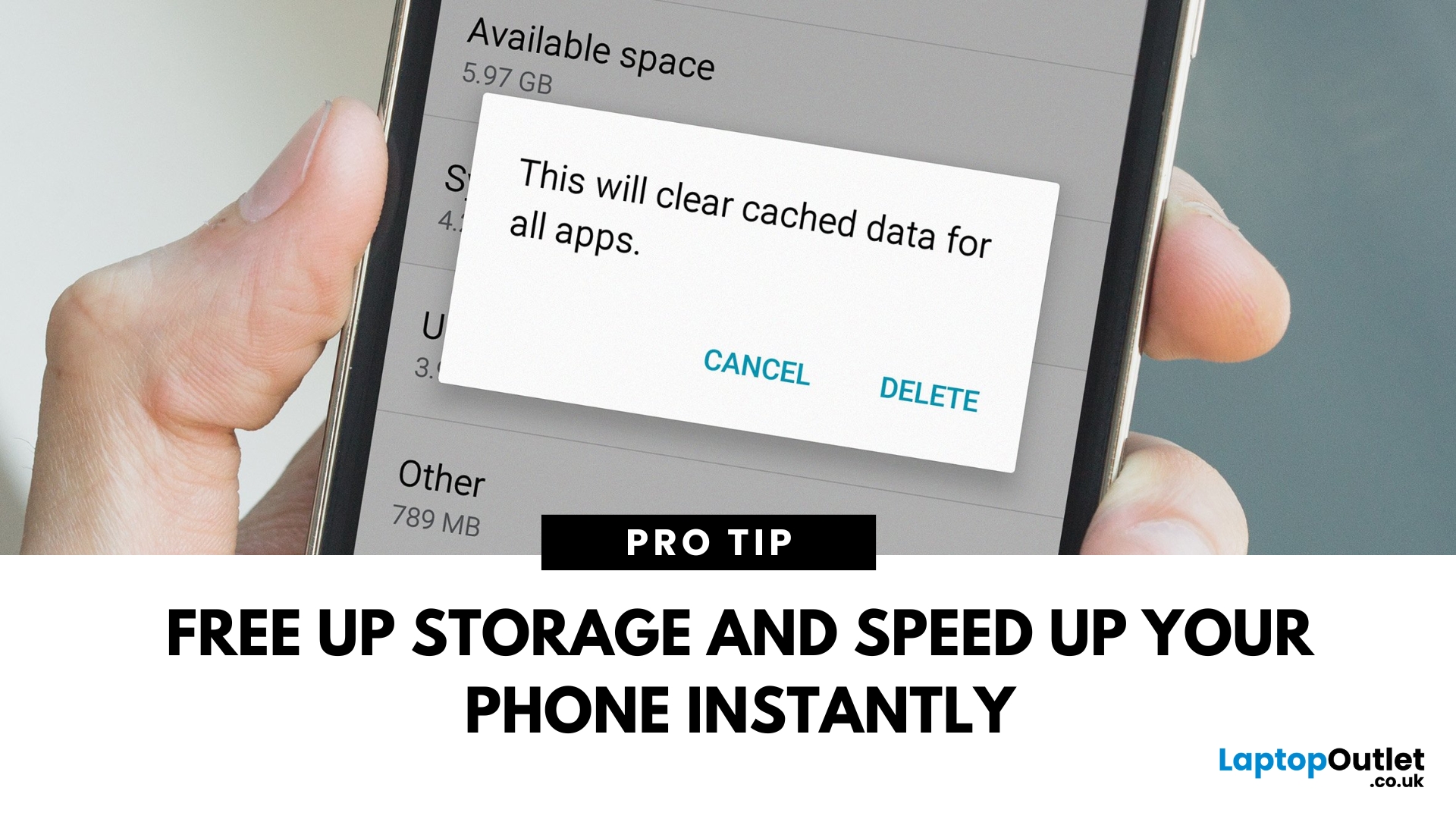
If your Android phone is feeling slow or apps aren’t working properly, it might be time to clear the cache. Cached data builds up over time and can hog storage or cause app glitches. Here’s how to safely clear cache and speed up your phone.
What Is Cached Data?
Cached data is temporary files stored by apps to load faster next time you open them. However, over time, too much cache can:
- Slow down your phone
- Cause apps to crash or behave oddly
- Fill up your storage unnecessarily
Pro Tip: Clearing cache does not delete your personal data, like photos or messages.
How to Clear Cache on an Android Phone
1. Clear App Cache (Individual Apps)
Steps:
- Open Settings on your phone
- Go to Apps or Apps & notifications
- Tap See all apps (if needed)
- Select the app you want to clear
- Tap Storage & cache
- Tap Clear Cache
Do this for apps that take up a lot of space or are misbehaving.
2. Clear Cache for All Apps (Device Cache)
Some Android phones

Last Updated: May 23, 2025
Need Your SIM Details? Here’s How to Find Them
Whether you're setting up a new service, transferring your number, or troubleshooting, you might need your SIM card number (also called ICCID). Thankfully, finding your SIM number on an Android phone is simple—no need to remove the SIM card.
1. Find SIM Number in Android Settings
Steps:
- Open Settings
- Tap About phone or About device
- Tap Status or SIM Status
- Look for ICCID—this is your SIM card number
The ICCID is usually a 19–20 digit number unique to your SIM card
2. Check SIM Number via Mobile Network Settings
Depending on your Android version or manufacturer (Samsung, Google Pixel, OnePlus):
Steps:
- Go to Settings > Connections > Mobile Networks
- Tap SIM Card Manager (if available)
- Select your SIM and view details
3. Find SIM Number on the Physical SIM Card
- If your phone doesn't show the ICCID, you can:
- Power off the phone
- Remove the SIM card carefully
- Check the printed number directly on the card
Use a magnifying

Last Updated: September 11, 2025
Move Your Contacts Without the Headache
Switching phones is exciting—but what about your contacts? Luckily, copying contacts from Android to iPhone is simpler than you might think. Here’s how to do it quickly using different methods.
1. Use Move to iOS App (During iPhone Setup)
Apple’s free Move to iOS app helps transfer contacts, messages, and more during iPhone setup.
Steps:
- On your Android device, install the Move to iOS app from Google Play
- Begin setting up your new iPhone
- On the "Apps & Data" screen, select Move Data from Android
- Open the Move to iOS app and follow the prompts
- Enter the code displayed on your iPhone into your Android device
- Select Contacts (and any other data you want to transfer)
- Wait for the transfer to complete
Best method if you're setting up a new iPhone
2. Sync Contacts via Google Account (Anytime)
Already using Google to back up your Android contacts? You can sync them to your iPhone easily.
Steps:
- On your Android, ensure contacts

Last Updated: May 23, 2025
Get Back to Full Functionality
Safe Mode on Android is great for diagnosing problems, but sometimes you need to get back to normal use quickly. If your Android device is stuck in Safe Mode, here’s how to disable it and resume full performance.
What Is Safe Mode on Android?
Safe Mode temporarily disables third-party apps so you can troubleshoot issues like crashes or freezes. While helpful, it restricts app functionality and customisations.
You’ll usually see "Safe Mode" in the bottom-left or bottom-right corner of the screen when it’s active
How to Disable Safe Mode (Quick Methods)
1. Restart Your Android Device
This is the most common and easiest method.
Steps:
- Press and hold the Power button
- Tap Restart (or Power off if Restart isn’t available)
- If you chose Power off, manually turn the device back on after a few seconds
Most devices exit Safe Mode automatically after reboot
2. Use the Notification Panel
Some Android devices let you disable Safe Mode directly

