



B650 vs B850 Motherboards: Which AMD Chipset Is Worth Buying?
Quick Answer
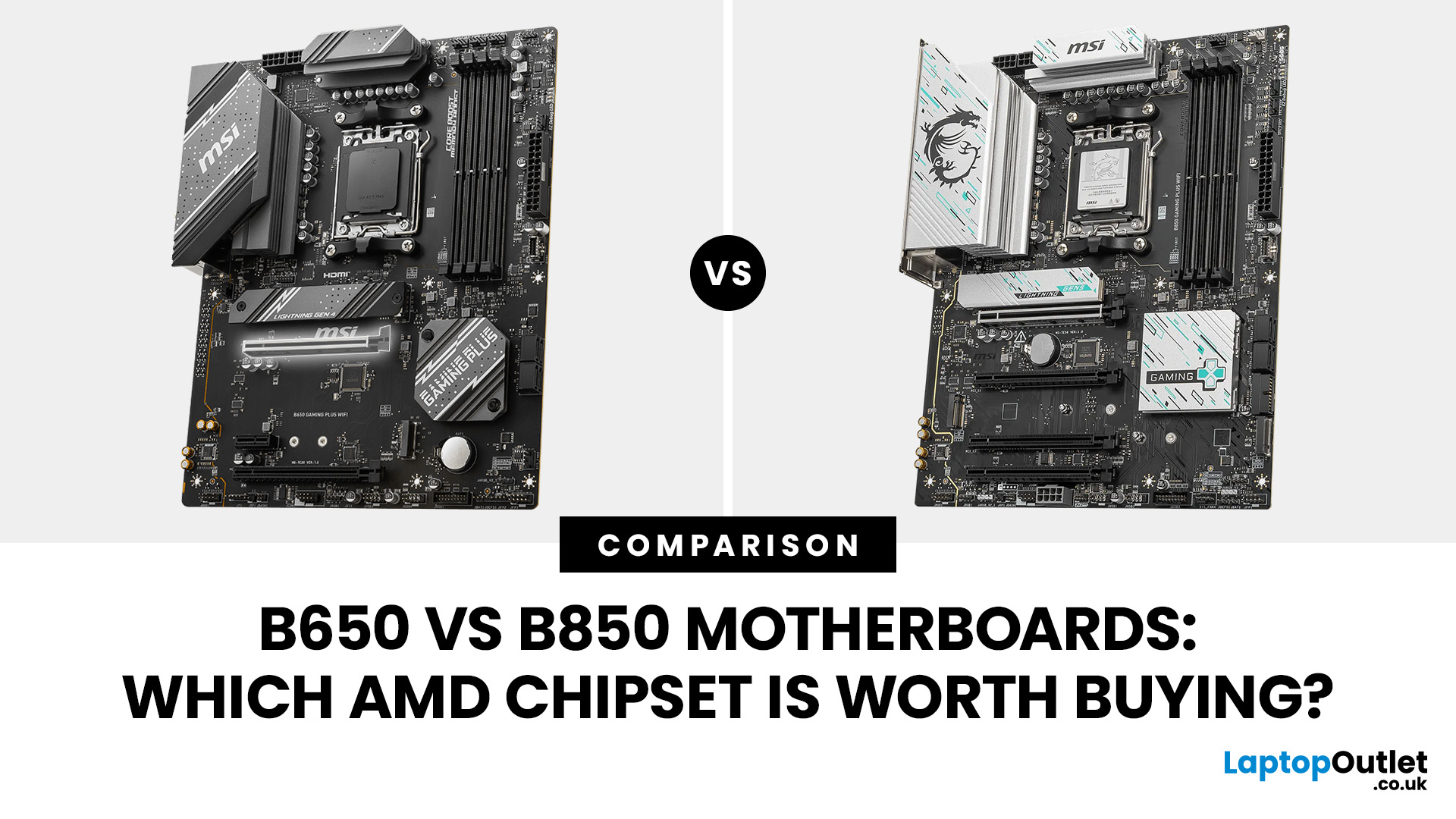
For B650 vs B850 , choose B850 if you are building a new AM5 PC and want PCIe 5.0 SSD support as standard. Choose B650 if a cheaper board already has the ports, storage slots and power delivery you need. Both support DDR5, Ryzen processors and overclocking. B850 alone will not give you higher gaming frame rates with otherwise identical components.
The choice between a B650 and B850 motherboard seems straightforward until you look at what is actually included. Both use AMD's AM5 socket, both support capable Ryzen gaming systems, and either can sit at the centre of a long-lasting desktop build.
B850 is the newer platform, but the badge on the box tells only part of the story. A well-equipped B650 board can be more useful than a bare-bones B850 model, while a thoughtfully chosen B850 can save you compromises on storage and connectivity. Here is how to work out which one deserves your money.
B650 vs B850: Key Differences
|
Feature |
AMD B650 |
AMD B850 |
|
CPU socket |
AM5 |
AM5 |
|
Ryzen compatibility |
Ryzen 7000, 8000 and 9000; older BIOS may need updating |
Ryzen 7000, 8000 and 9000; confirm the exact CPU support list |
|
System memory |
DDR5, including AMD EXPO support |
DDR5, including AMD EXPO support |
|
CPU overclocking |
Supported |
Supported |
|
Primary graphics slot |
PCIe 4.0 baseline |
PCIe 4.0 baseline; some boards provide PCIe 5.0 |
|
PCIe 5.0 M.2 SSD |
Optional, depending on the board |
Included in the platform specification, subject to CPU capability |
|
USB4 |
Optional |
Optional |
|
Wi-Fi and Ethernet |
Vary by motherboard |
Vary by motherboard |
|
Main buying advantage |
Established AM5 options and potential savings |
More consistent access to PCIe 5.0 NVMe storage |
The practical distinction is storage connectivity. Under AMD's AM5 chipset specifications, B850 includes PCIe 5.0 NVMe support, while a standard B650 motherboard may have only PCIe 4.0 M.2 slots. Faster networking, extra USB ports and stronger CPU power delivery still depend on the individual board.
Our recommendation: check the individual motherboard's specification before treating the chipset name as a ranking. The processor you install also matters because Ryzen 8000G models can provide fewer or slower PCIe lanes than Ryzen 7000 and 9000 desktop processors.
What Is Different About the B850 Chipset?
B850 is AMD's newer mainstream AM5 chipset. It keeps the useful foundations of B650, including DDR5, EXPO memory profiles and CPU tuning, while setting a higher baseline for NVMe storage.
PCIe 5.0 storage is the clearest upgrade
PCIe is the connection used by graphics cards and NVMe SSDs. PCIe 5.0 offers double the theoretical bandwidth per lane of PCIe 4.0, but your device and workload must be able to use that extra capacity.
A B850 motherboard is designed with a PCIe 5.0 x4 connection for an M.2 SSD when paired with a suitable processor. Standard B650 leaves that feature to the board maker. Some B650 models include it and others do not.
For gaming, a good PCIe 4.0 NVMe drive can still be an excellent choice. Most game launches and level loads involve more than maximum sequential transfer speeds, so moving to PCIe 5.0 does not automatically halve loading times. The faster interface is more compelling when you regularly shift very large files or want to keep the option of a higher-bandwidth SSD later.
B850 does not guarantee a PCIe 5.0 graphics slot
This is an easy detail to miss. Under AMD's baseline specifications, B850 supports a PCIe 4.0 x16 graphics connection. Some manufacturers go further and wire their B850 models for PCIe 5.0 x16, but you need to check the exact board.
A B650E motherboard is a different proposition from standard B650: the E variant specifies PCIe 5.0 for both graphics and NVMe. This means an older B650E board can offer a feature that a particular B850 model lacks.
USB4 and Wi-Fi 7 depend on the model
B850 is not shorthand for USB4 or Wi-Fi 7. USB4 remains optional, and wireless networking is determined by the hardware fitted to each motherboard.
When you look at a board, count the USB ports you will actually use and check their speed. A fast rear USB-C port, a front-panel USB-C header, sufficient fan headers and good network connections often make a bigger everyday difference than the chipset generation.
Does B850 Give You Better Gaming Performance Than B650?
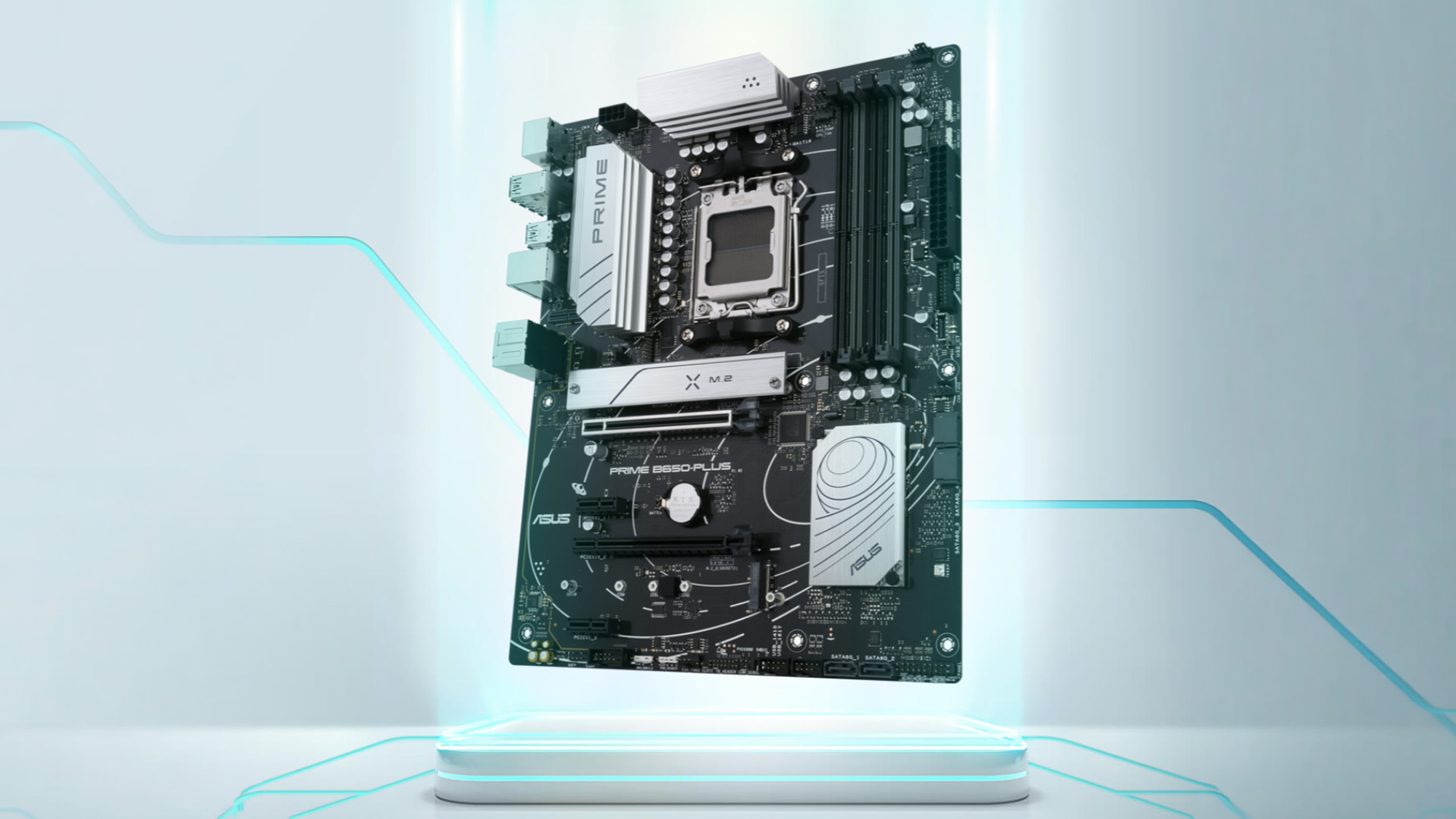
Not by itself. With the same Ryzen processor, graphics card, memory settings and cooling, the chipset is not a direct source of extra frames per second.
The motherboard can still affect performance indirectly. Weak voltage regulation, restrictive power limits, poor firmware settings or unstable RAM can hold a system back. Those are reasons to examine board quality, not to assume B850 wins automatically.
Voltage regulator modules, or VRMs, deliver controlled power to the CPU. A board with sensible VRM cooling and adequate power delivery is more important for sustained processor performance than a newer chipset label. Independent motherboard testing has shown meaningful variation between models in this area.
For a typical gaming build, prioritise the CPU and GPU you want, then pick a motherboard that supports them properly. Spending more on a chipset while cutting back on your graphics card is rarely the most sensible trade-off.
B650 vs B850 for Ryzen 7 9800X3D
Both chipsets support the Ryzen 7 9800X3D. AMD lists B650 and B850 among its supported chipsets for this 120W AM5 processor.
If you already own a solid B650 board, check its CPU-support list and the required BIOS version before changing anything. A BIOS update may be all you need. You do not have to replace a functioning B650 motherboard simply to run the 9800X3D.
For a new build, a B850 board may be easier to choose when the prices are close and you want a PCIe 5.0 SSD slot. But a suitable B650 motherboard with good VRM cooling, the right ports and a confirmed BIOS is not a downgrade in gaming performance.
Before pairing parts, confirm that your case, CPU cooler and desktop processors are compatible with the exact board rather than relying on the AM5 name alone.
B650 vs B850 Motherboard: What Matters Beyond the Chipset?
VRM quality and cooling
A higher-end Ryzen processor can place sustained demand on the motherboard's power delivery. Look for a well-cooled VRM design and published testing where possible, especially if you plan to use a powerful Ryzen 9 processor for rendering or prolonged production work.
Do not judge a board by the advertised power-phase count alone. Heatsink design, component quality, firmware behaviour and case airflow matter too. A cheaper board with adequate cooling may be all a mainstream Ryzen gaming CPU needs.
DDR5 memory support
Both B650 and B850 support DDR5 and AMD EXPO memory profiles. EXPO lets you apply supported memory timings and speeds from your motherboard's firmware rather than configure each value manually.
Published maximum memory speeds are not a promise that any kit will run at that setting. The processor, BIOS revision, number of modules and motherboard memory layout all affect stability. For a straightforward build, check the board's memory compatibility list before choosing DDR5 memory kits.
M.2 slots and shared bandwidth
Do not stop at counting M.2 sockets. Check whether each slot runs at PCIe 5.0, 4.0 or a lower speed, which CPU families can use it, and whether installing an SSD disables or slows another expansion slot.
This is particularly important if you expect to add several NVMe drives, a capture card or other expansion hardware. A newer board can include faster slots while sharing lanes between them. The manual's lane-sharing notes are worth reading before purchase.
Networking, USB and rear connections
A board with Wi-Fi 7 will not make your broadband faster on its own. You need suitable networking equipment and conditions to use its capabilities. Likewise, 5Gb Ethernet is useful when the rest of your wired network can support it.
For many gaming setups, a stable wired connection, enough USB ports and a convenient front USB-C header will matter more than the newest networking standard. Judge these features alongside the price, not as automatic reasons to upgrade.
MSI B650 Tomahawk vs B850 Tomahawk: What Actually Changes?
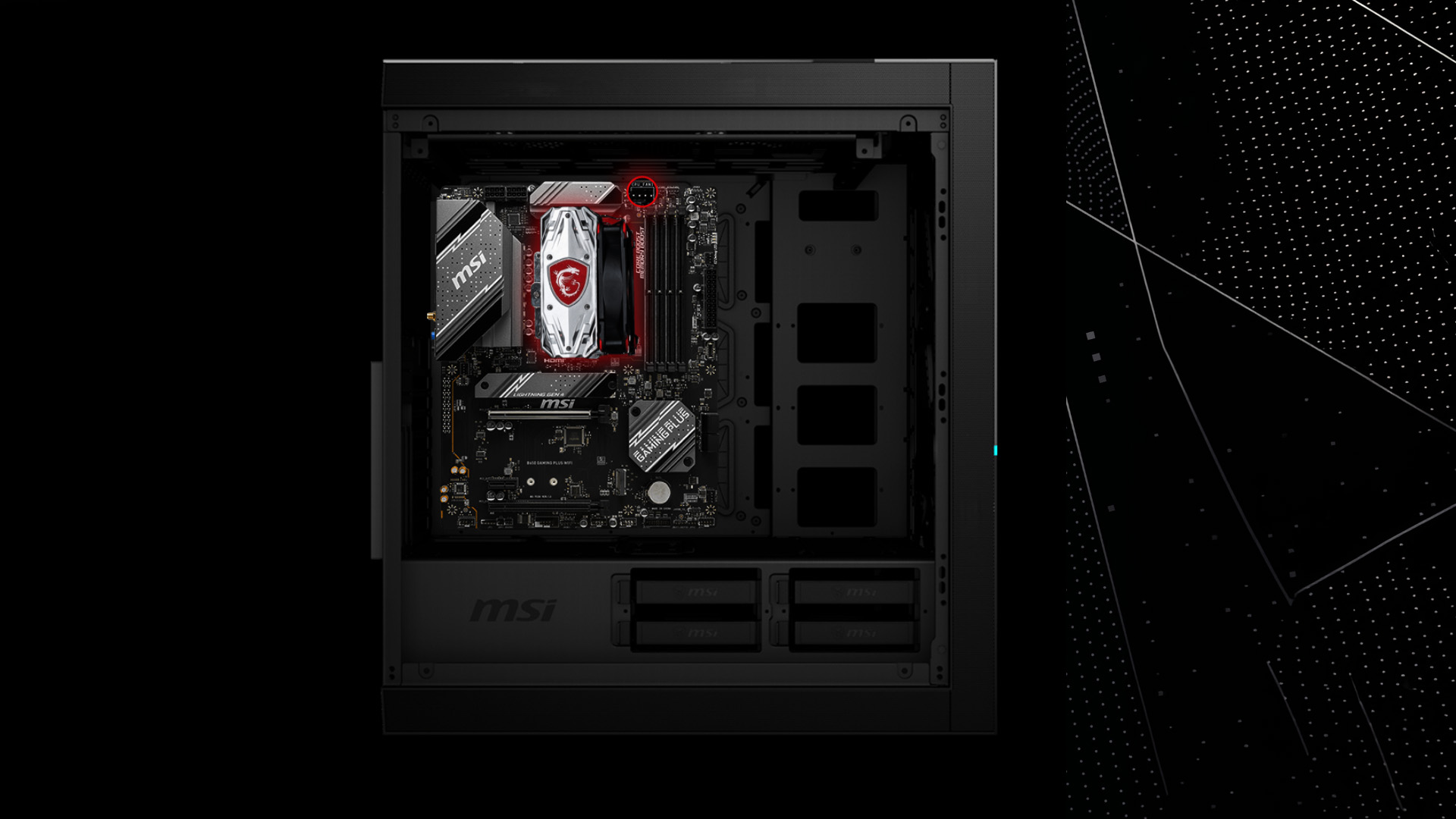
The MSI MAG B650 Tomahawk WiFi and MAG B850 Tomahawk MAX WiFi make a useful specification comparison. The details below describe their hardware features, not current stock availability.
|
Feature |
MAG B650 Tomahawk WiFi |
MAG B850 Tomahawk MAX WiFi |
|
Primary GPU slot with Ryzen 7000/9000 |
PCIe 4.0 x16 |
PCIe 5.0 x16 |
|
M.2 SSD sockets |
Three, up to PCIe 4.0 |
Four; two up to PCIe 5.0 with supported CPUs |
|
SATA ports |
Six |
Four |
|
Wired network |
2.5Gb Ethernet |
5Gb Ethernet |
|
Wireless |
Wi-Fi 6E |
Wi-Fi 7 |
|
Memory |
Four DDR5 slots |
Four DDR5 slots |
The B850 Tomahawk MAX WiFi has more M.2 flexibility, newer networking and a PCIe 5.0 graphics slot. Those are real differences, particularly for a new gaming or creative PC with room to grow.
The B650 Tomahawk WiFi still has strengths. Its six SATA ports may be more useful to someone with several existing drives, and its Wi-Fi 6E and 2.5Gb Ethernet remain capable connections. If those features meet your needs and the board is significantly cheaper, there is little reason to pay extra just for the newer model.
Planning to use every M.2 socket and expansion slot? Check the official MSI B850 Tomahawk MAX WiFi specifications before buying. Its third M.2 slot shares bandwidth with a PCIe expansion slot, so installing more hardware can change the available lane speeds. The B650 Tomahawk has sharing rules of its own.
B650E-I vs B850-I: Which Is Better for a Compact PC?
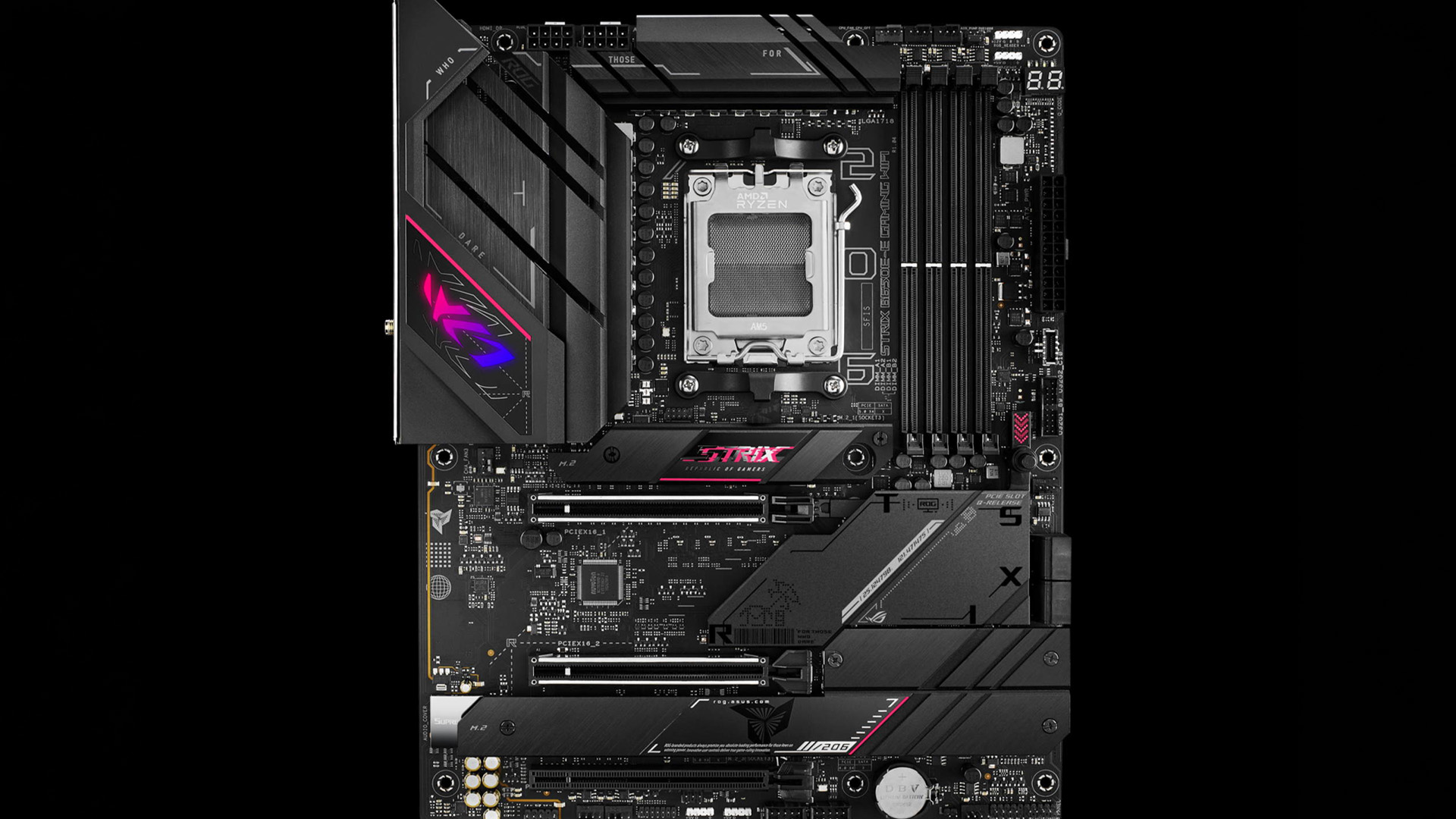
Mini-ITX builds have less room for extra cards, so the exact motherboard layout matters even more. Consider the ASUS ROG Strix B650E-I Gaming WiFi and ROG Strix B850-I Gaming WiFi.
Both are AM5 Mini-ITX boards and both provide a PCIe 5.0 x16 graphics slot when paired with suitable Ryzen 7000 or 9000 processors. The B650E-I offers one PCIe 5.0 and one PCIe 4.0 M.2 slot, while the B850-I specifies two PCIe 5.0 M.2 slots with supported CPUs. The newer board also includes Wi-Fi 7 rather than Wi-Fi 6E.
That does not make the B650E-I a poor choice. If you will use only one fast SSD and your networking requirements are modest, its established feature set may still suit a compact gaming PC. Look closely at rear ports, USB headers, cooler clearance, price and BIOS support before choosing.
Browse our AM5 Motherboard range to find a board with the form factor, M.2 slots and connections your build actually needs. Choose by specification rather than the chipset name alone.
B650 vs B850 vs X870: Should You Spend More?
B650 and B850 are not the only AM5 choices. If a third chipset catches your eye, decide which feature justifies the extra cost.
|
Chipset |
Main reason to consider it |
Main caution |
|
A620 |
Essential AM5 features for a simpler build |
No CPU overclocking; fewer enthusiast features |
|
B650 |
Good-value board with the features you already need |
PCIe 5.0 storage and Ryzen 9000 BIOS readiness need checking |
|
B850 |
New AM5 build needing standard PCIe 5.0 NVMe support |
Wi-Fi 7, USB4 and PCIe 5.0 graphics are not universal |
|
B650E |
PCIe 5.0 graphics and SSD support together |
Price and availability may overlap newer models |
|
X870 |
PCIe 5.0 graphics and NVMe plus USB4 as standard |
May cost more for features you will never use |
For readers researching A620 vs B650 vs B850 , the decision is mostly about expansion and tuning. A620 can handle a compatible AM5 processor, but B650 and B850 give more flexibility for CPU overclocking and higher-end build features.
The B650 vs B850 vs X870 choice is different. X870 makes more sense when you specifically want its guaranteed USB4 and PCIe 5.0 graphics capabilities. You do not need to move to X870 just to get a fast Ryzen gaming processor working well.
If you are still choosing between AMD platforms or comparing them with Intel, our AMD-compatible motherboards and wider PC motherboard range make it easier to check the appropriate socket and form factor.
Should You Upgrade From an Existing B650 to B850?
Usually not if your B650 system already does everything you need. A case rebuild, motherboard replacement and potential firmware changes are hard to justify when the CPU, graphics card and memory remain the same.
An upgrade begins to make sense if you have a clear, unsolved limitation: perhaps you need a particular set of faster M.2 connections, more usable high-speed I/O, or networking your existing board does not provide. Even then, check whether an add-in card or different storage arrangement would solve the problem for less.
For someone building a PC from scratch, the decision is simpler because there is no existing board to replace. A reasonably priced B850 is an attractive starting point, but the right B650 can still be the better buy.
How to Decide Which AMD Motherboard Is Worth Your Money
Use this checklist before making the final choice:
- Check the exact CPU support list. A B650 motherboard may need a specific BIOS version for a Ryzen 9000 processor. Look for a compatible version and BIOS Flashback support where useful.
- Choose the GPU slot you actually need. Look for PCIe 5.0 x16 only if the chosen board and graphics-card plan justify it. Do not assume every B850 board includes it.
- Count usable storage connections. Check M.2 generations, SATA ports and lane sharing. More advertised slots do not always mean more unrestricted bandwidth.
- Match memory to the CPU and BIOS. Confirm DDR5 capacity, EXPO support and the memory kit's presence on the board's compatibility list.
- Inspect practical connections. Check USB-C headers, rear USB speed, Ethernet, wireless networking, fan headers and audio outputs.
- Check fit and servicing. ATX, Micro-ATX and Mini-ITX layouts need a compatible case. BIOS Flashback and accessible M.2 heatsinks can make later maintenance easier.
- Judge the whole build budget. If B650 covers everything and saves enough to improve another component, that may deliver more value. If B850 costs only a little more for features you will use, it is the sensible choice.
At Laptop Outlet, we suggest deciding on the Ryzen processor, graphics card and number of drives first. Once those requirements are clear, the most suitable motherboard becomes much easier to identify.

B650 or B850: Which Should You Choose?
For most new AM5 builds, B850 is a sensible option when its price is competitive. PCIe 5.0 M.2 support gives it a straightforward advantage for future storage choices, and individual boards may add faster networking or more useful ports.
B650 remains worth considering, particularly when a well-equipped model costs less or you already own one. The chipset alone does not make games faster, and there is no reason to replace a capable B650 just to change its label. In the B650 vs B850 decision, focus on the exact motherboard, CPU support, connections and total build budget. Those are the differences you will actually use.

B650 vs B850: Common Questions
Is B850 better than B650 for gaming?
Not automatically. With the same Ryzen CPU, GPU and memory configuration, neither chipset guarantees higher frame rates. B850 is more attractive when you need its PCIe 5.0 SSD support or features offered by a particular board.
Can a B650 motherboard run the Ryzen 7 9800X3D?
Yes, a compatible B650 motherboard can run the Ryzen 7 9800X3D. Check the manufacturer's CPU-support list and required BIOS version first. Older stock may need a BIOS update before it recognises the processor.
Do all B850 motherboards have PCIe 5.0 for graphics?
No. AMD's standard B850 specification uses PCIe 4.0 for the main graphics connection. Some individual B850 boards provide PCIe 5.0 x16, so check the exact motherboard specification and the installed processor's capabilities.
Is B650E better than B850?
Not necessarily. B650E guarantees PCIe 5.0 for graphics and NVMe storage, while standard B850 guarantees PCIe 5.0 NVMe but not graphics. The better purchase depends on price, ports, power delivery and expansion requirements.
Is it worth upgrading from B650 to B850?
Usually not just for gaming. A working B650 with the right BIOS and sufficient ports can support modern AM5 processors. Consider changing motherboards only when you need specific connectivity or expansion features missing from your existing board.
| Read More: |
| How to Choose the Right Motherboard for Your Next PC Build |
| What Is BIOS Flashback? Updating a Motherboard Without a CPU |
| Which Motherboard Brands Are Best for Gaming? |
Related Articles

Last Updated: November 20, 2025
“I Remember When … ”
Hello - I’m the motherboard, and I’ve watched the tech world spin faster than ever. Let me take you back.
In the earlier days of my life (think DDR3 memory, PCIe 2.0/3.0 lanes), I was pretty simple: socket + chipset + RAM slots + some PCIe lanes. Many PCs built in those days lived 3‑5 years before an upgrade.
But around 2022–2024, things started to shift dramatically. Two big inflection points:
- Memory: the shift from DDR4 to DDR5. Suddenly I had to support faster speeds, higher capacities, new signalling.
- Interconnect: the jump to PCIe 5.0, and major upgrades in storage (NVMe M.2) and connectivity (WiFi 6/6E, faster LAN).
For example, a recent spec sheet shows a modern board supporting DDR5 up to 9000 MT/s, PCIe 5.0 x16 for graphics, and 10 GbE LAN + WiFi 7.
From my end, I felt I was becoming more than just a support structure - I was the gateway to future performance.
Watching the Market Shift
While I evolve technically, the business around me

Last Updated: October 22, 2026
When it comes to motherboards for content creators, 2025 brings a new generation of platforms built for creators, streamers, and professionals. These boards go far beyond gaming specifications — they’re designed for high-performance workflows, advanced connectivity, and AI-enhanced creative control. Whether you’re editing 8K footage, producing music, or streaming live, choosing the right Streaming PC motherboard ensures your setup remains powerful, stable, and efficient.
This guide highlights the best motherboards for content creators and streamers in 2025, focusing on connectivity, expandability, and reliability, essential traits for professionals building a Creator PC build motherboard or a high-performance workstation.
What Makes a Motherboard Ideal for Content Creation?
Before exploring the best workstation motherboards, let’s examine what separates a good motherboard from a truly creator-focused one.
Chipset and CPU Compatibility
Modern DDR5 motherboards for creators should feature
Last Updated: October 22, 2026
When building a new PC in 2025, choosing the right motherboard is the best long-term decision you can make. It’s the backbone of your system, and opting for an upgrade-ready motherboard means focusing on key technologies like DDR5 memory, fast PCIe standards, and next-gen connectivity.
This guide explores the essential features that define future-proof motherboards and highlights some top models for both AMD and Intel platforms.
If you are just starting your PC build, you should read our guide on how to choose the right motherboard.
Key Future-Proofing Features for 2025
What exactly makes a motherboard “future-proof”? It comes down to technologies that won't become bottlenecks for your most powerful components over the next five years.
- DDR5 Memory Support: This is non-negotiable. DDR5 compatible motherboards offer significantly higher bandwidth and speed than their predecessors.
- PCIe 5.0 Connectivity: This is crucial for both the primary graphics slot (for next-gen GPUs) and at least
Last Updated: October 22, 2026
When you’re building or upgrading a PC, choosing the right motherboard can feel a little intimidating — especially when it comes down to the age-old rivalry of AMD vs Intel motherboards.
Both brands make fantastic hardware, but each has its strengths. Whether you’re planning a high-end gaming rig, a creative workstation, or an everyday PC, the motherboard you choose will shape your system’s performance, features, and future-proofing.
In this guide, we’ll compare Intel vs AMD motherboards across performance, chipsets, memory, overclocking, and more. By the end, you’ll know exactly which option suits your needs in 2025.
What Exactly is a Motherboard?
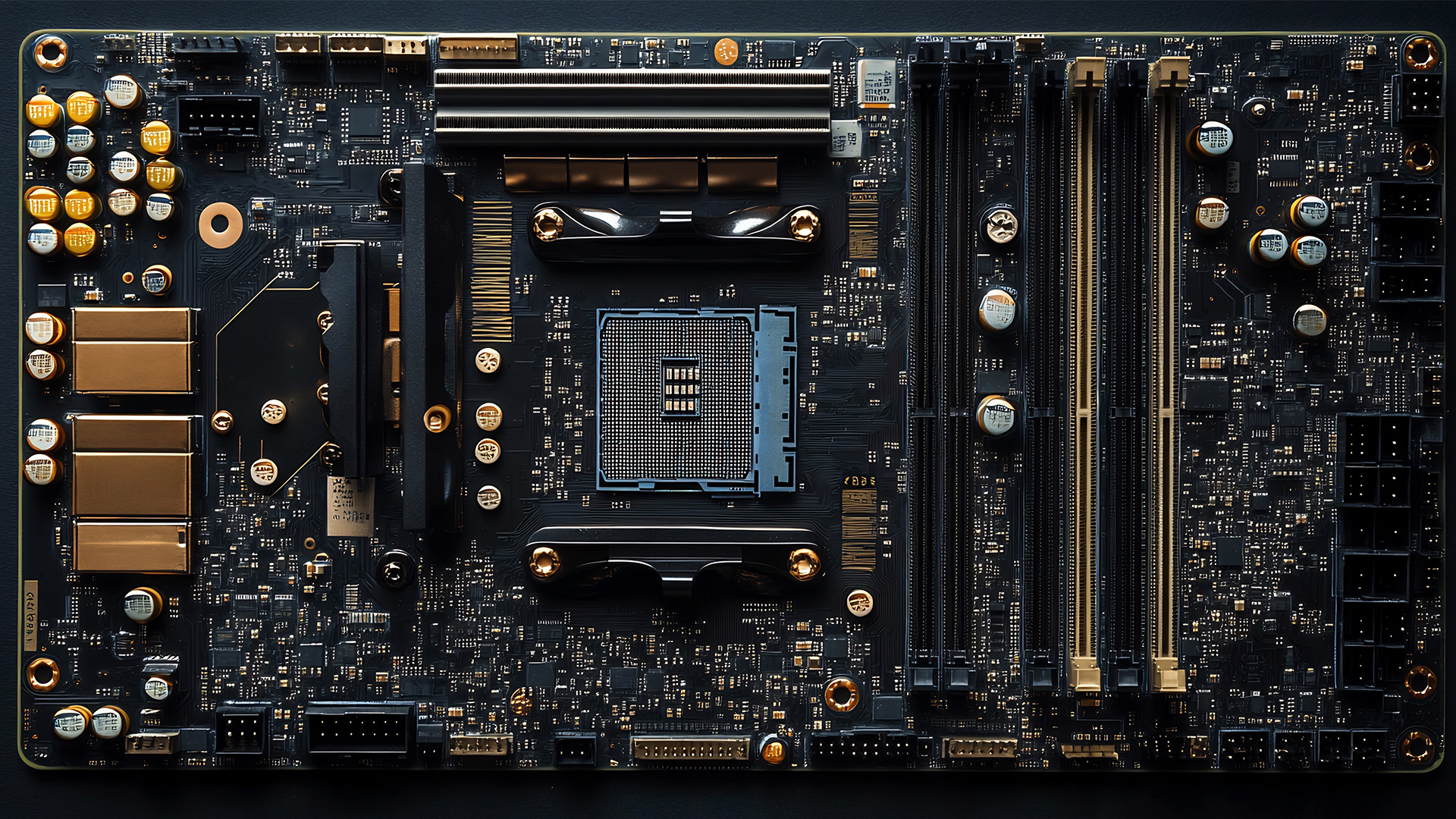
Before diving into the AMD vs Intel motherboards comparison, let's briefly clarify what a motherboard is and why it's so important.
Often called the 'mainboard' or 'system board,' the motherboard is the central printed circuit board (PCB) in a computer. It is, quite simply, the foundation and communication hub for all other components.
It houses
Last Updated: December 03, 2025
The motherboard is the central nervous system of your computer. Every component, from the CPU and RAM to the GPU and storage drives, connects to it.
Making the right choice here is crucial. A well-chosen board ensures smooth performance, effortless upgrades, and long-term stability for your entire desktop PC build.
If you’re wondering how to choose the right motherboard to suit your needs, you’ve come to the right place. This comprehensive motherboard buying guide will take you through every essential step to help you lay the best foundation for your next project.
Step 1: CPU Choice Defines the Socket (AMD vs Intel)
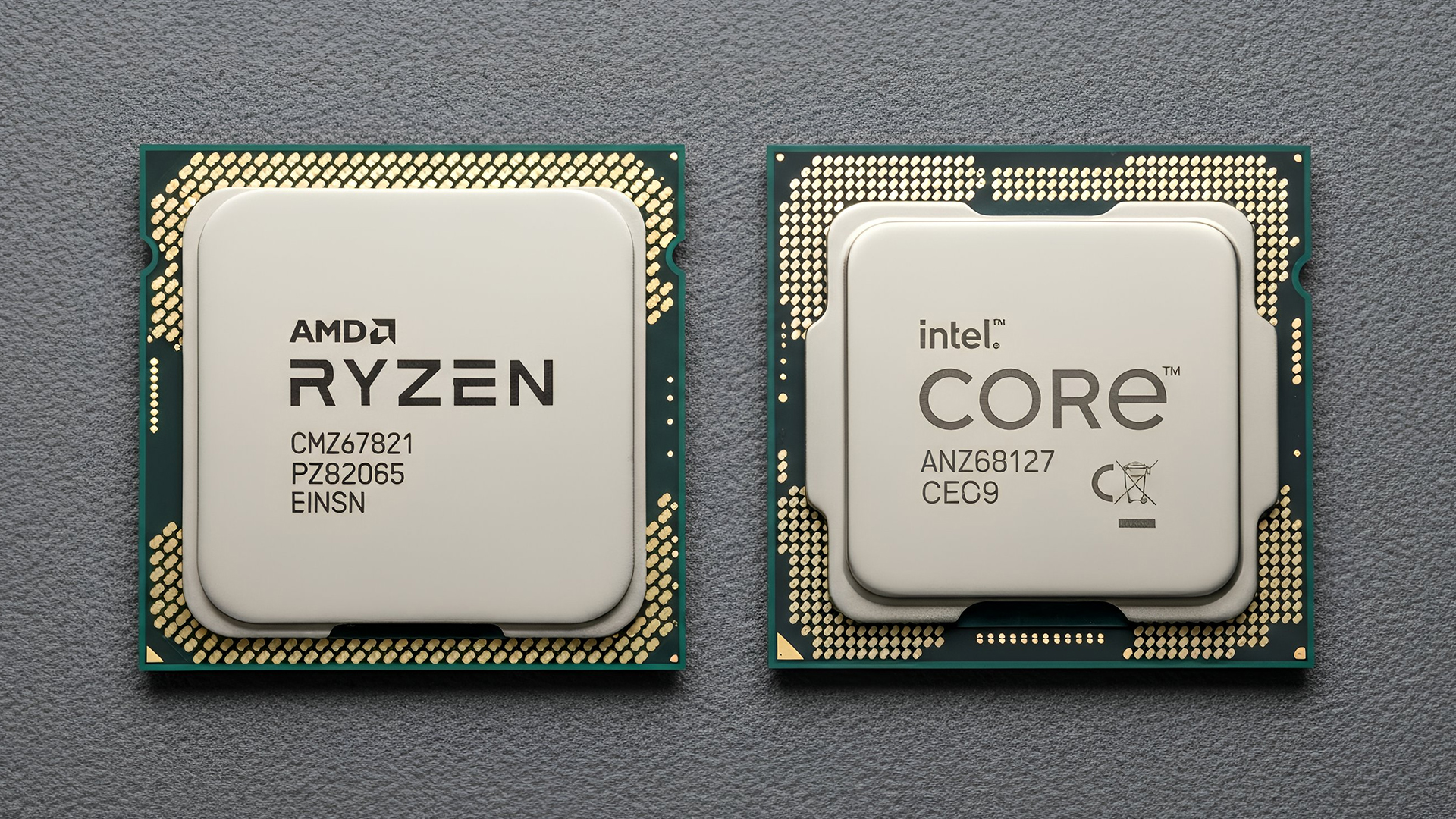
The first and most crucial step when selecting a motherboard is choosing your CPU (Central Processing Unit). The processor dictates which socket type and chipset your motherboard must have.
AMD vs Intel Motherboards
- AMD motherboards are known for value and longevity. Platforms like AM5 often maintain compatibility across several CPU generations, allowing for future upgrades

Last Updated: June 05, 2026
If you’re upgrading your gaming rig or building one from scratch in 2025, the motherboard you choose is going to set the tone for your entire PC. Whether you’re aiming for an affordable setup or an ultra-high-end powerhouse, the motherboard is the foundation - determining not just what components you can use today, but how future-ready your system will be.
This guide takes you through the best motherboards for gaming PCs in 2025, handpicked for performance, features, and value. You’ll find AMD and Intel options, from budget boards with modern DDR5 support to premium PCIe 5.0 powerhouses. Every recommendation is researched using up-to-date 2025 benchmarks, market data, and UK availability, ensuring you can make an informed purchase that fits your budget and build goals.
Why the Motherboard Matters in 2025

With the launch of AMD’s Ryzen 9000 and Intel’s 15th-gen “Arrow Lake” CPUs, the motherboard landscape has changed considerably. New chipsets like AMD B650E and Intel Z890 bring cutting-edge

Last Updated: May 06, 2026
year is more than just a fresh calendar; it’s one of the best times of the year to upgrade your PC hardware for less. As retailers clear stock, introduce refreshed product lines, and compete for attention during seasonal sales, motherboard New Year deals 2026 unlock savings that simply aren’t available during regular months. Whether you’re planning a brand-new desktop build, upgrading an ageing system, or finally pairing a powerful CPU with a compatible board, New Year sales make high-end components far more affordable.
New Year Sale on AMD Motherboards
This New Year, AMD motherboard discounts make it easier than ever to build or upgrade your PC with powerful AM5 boards at lowered prices.
1. ASUS TUF GAMING X870E-PLUS WIFI7 ATX AMD Socket AM5 Motherboard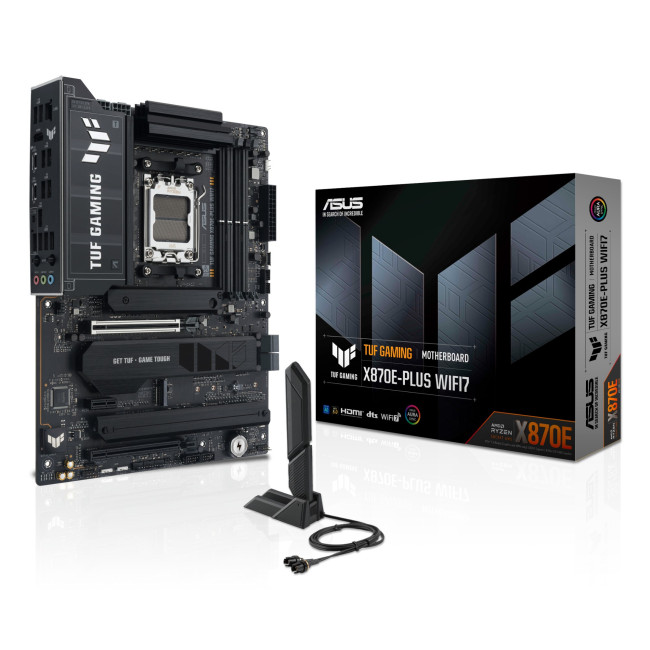
This flagship TUF board typically sits in the upper mid-range price bracket, but New Year Sale pricing often brings it into compelling territory compared to standard retail tags, shaving a noticeable percentage off regular prices.

Last Updated: January 02, 2026
When you start plugging in devices and suddenly run out of USB slots, the first question that comes to mind is a simple one: how many USB ports does my motherboard actually have?
This is something most users never think about until they hit a limitation. Whether you are building a PC, upgrading an old system, or just trying to understand why you need a USB hub, the answer always comes back to your motherboard USB ports.
The tricky part is that the total number of USB ports is not always obvious at first glance. Some are visible on the back of the PC, others are internal, and some are supported but not even active unless you connect the right headers.
This guide breaks everything down in a practical way and helps you discover how to check the total USB ports supported by your motherboard.
Why Motherboard USB Ports Matter More Than You Think
Motherboard USB ports define how many devices your system can handle directly. That includes keyboards, mice, external drives, webcams, printers
Last Updated: January 06, 2026
Need to find motherboard model details for an upgrade? Knowing your motherboard (often called the baseboard or system board) helps you pick compatible RAM and storage to download the right drivers. You can usually confirm it easily in minutes using built-in Windows tools, or via BIOS/UEFI if Windows won’t load. It’s especially handy before ordering parts or booking a repair. Learn easy ways to check your motherboard model in Windows or BIOS.
Method 1: Windows System Information (msinfo32)
System Information often shows the clearest result.
- Press Windows + R
- Type msinfo32 and press Enter
- In System Summary, look for:
BaseBoard Manufacturer
- BaseBoard Product (often the motherboard model)
- BaseBoard Version (board revision)
If you’re sharing details with support, use File > Export to save a report.
Method 2: Command Prompt (WMIC)
A fast command-line check:
- Open Start, type Command Prompt, and run it
You’ll typically see the motherboard manufacturer and product/model code. On some OEM laptops
Last Updated: January 06, 2026
Have you ever needed to upgrade your PC, install new RAM or a CPU, or simply troubleshoot hardware - only to realise you don’t actually know what motherboard is inside your computer? It’s a more common situation than you’d think. Whether you’re working on a desktop you assembled years ago, a shop-bought laptop, or helping a mate sort out theirs, knowing how to check your motherboard type quickly and accurately is a vital tech skill.
Ever wondered what motherboard is powering your PC? Good news - finding out is way easier than you might think. No opening your case, no tech wizard required. Using built-in tools on Windows, macOS, and Linux (plus a few handy apps), you can uncover all the details in just minutes.
Why You Might Need to Know Your Motherboard
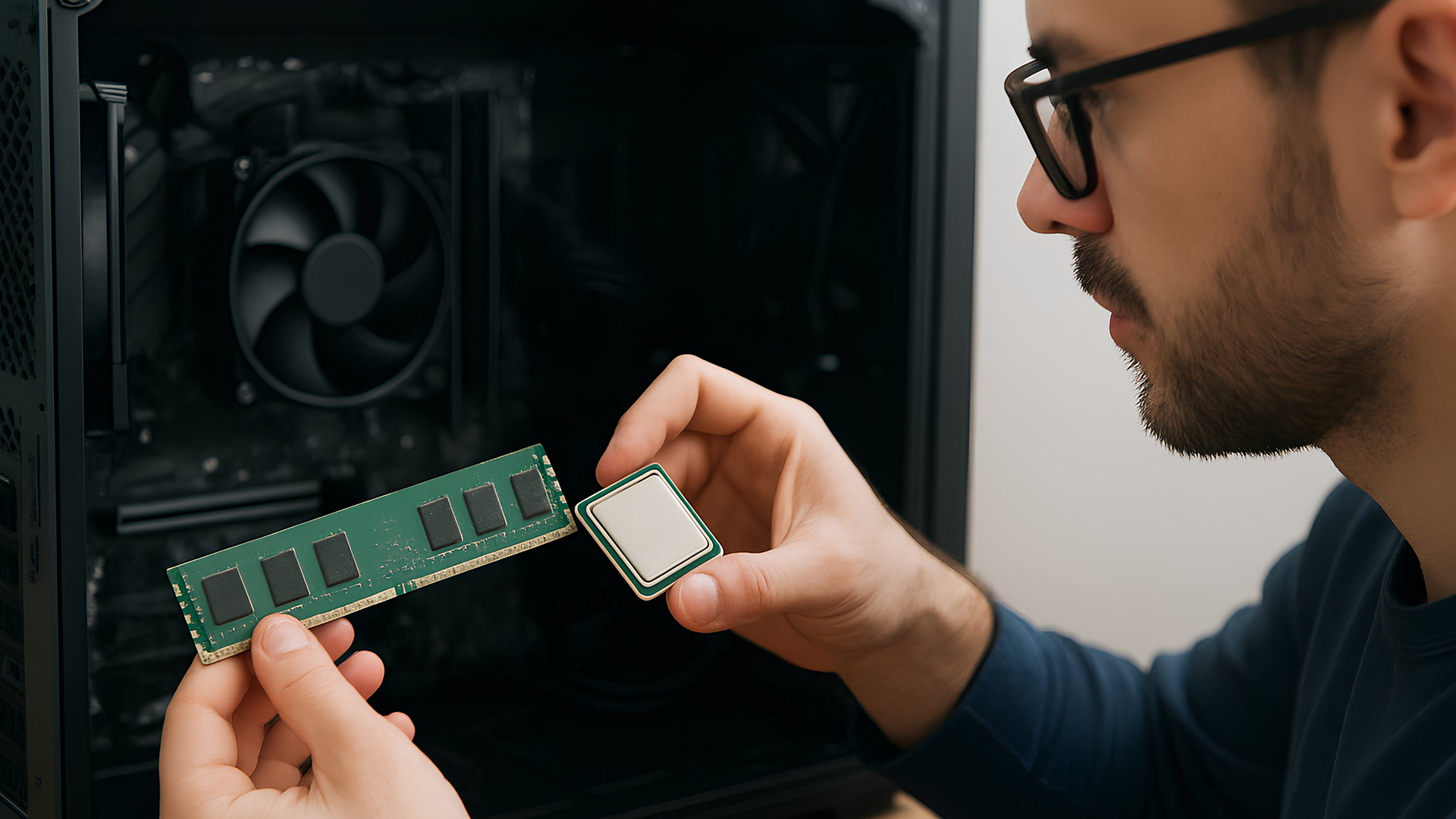
Before we explore the methods, you might be wondering why this even matters. Here are common reasons:
- Upgrading components: If you want to fit a new CPU or faster RAM, you must know the motherboard’s socket type and supported standards.

