



How to Upgrade a Refurbished Laptop for Maximum Performance
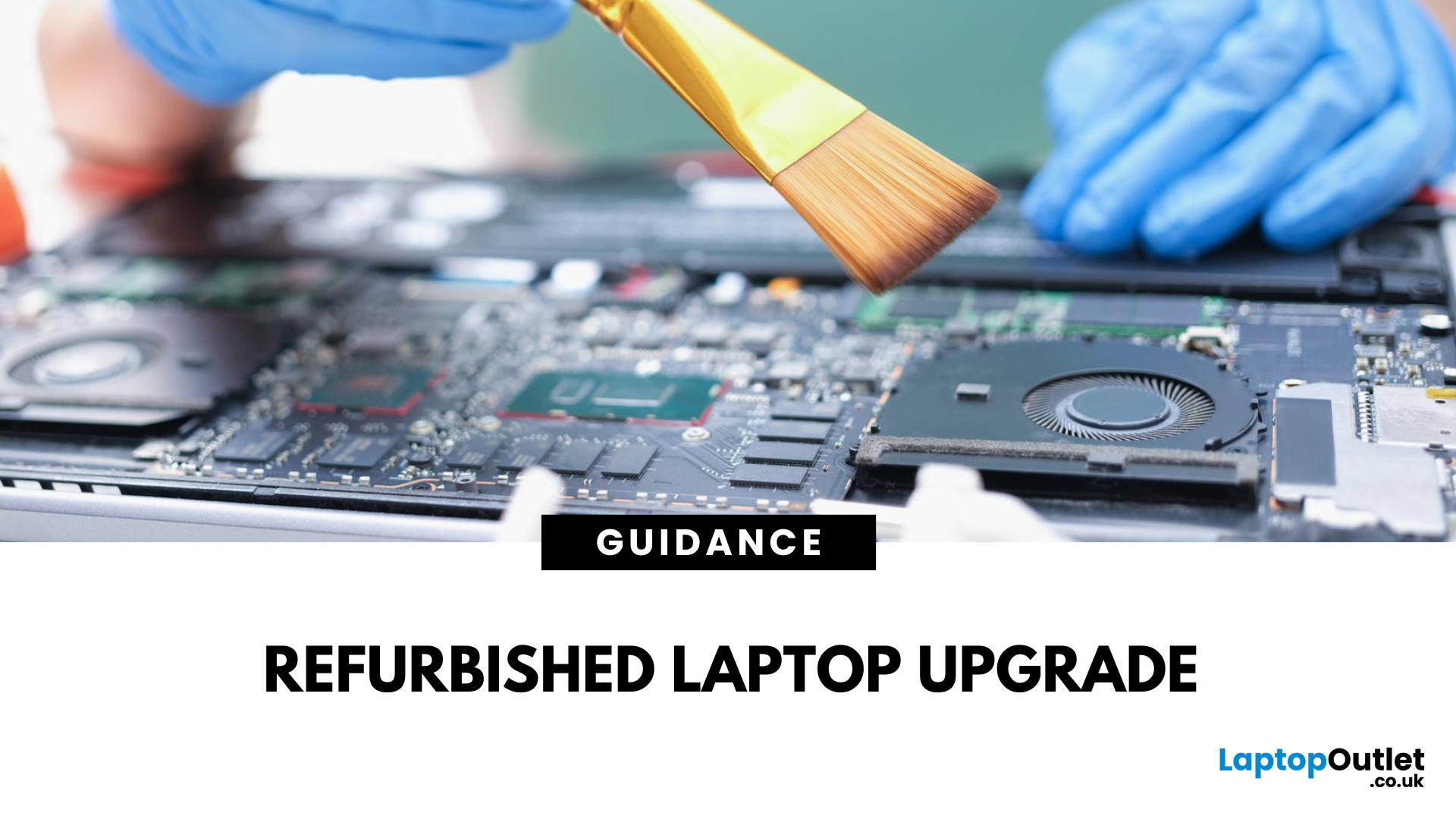
You’ve found a great deal on a refurbished laptop; it looks nearly new, saved you a chunk of cash, and seemed perfect for your everyday needs. But after a few weeks of use, you’ve started noticing a few hiccups: it’s slow to boot, programs lag when multitasking, and your storage fills up faster than your inbox on a Monday morning. Sounds familiar?
Don’t worry, this isn’t the end of the road for your second-hand hero. In fact, it’s just the beginning.
Refurbished laptops are brilliant for saving money, but many come with entry-level specs to keep prices low. The good news? A few simple upgrades can take your refurb from frustrating to fantastic without breaking the bank.
In this guide, we’ll show you exactly how to upgrade a refurbished laptop covering everything from RAM and SSDs to quick software boosts and external add-ons. Y
Let’s get started; because your refurbished laptop deserves better than ‘just good enough’.
Why Upgrading Your Refurbished Laptop Is Worth It
A refurbished laptop is already a smart investment; it saves you money, reduces waste, and gets you reliable tech at a fraction of the cost of new. But what if we told you that a few simple upgrades could make your second-hand laptop feel just as fast (if not faster) as many brand-new models?
That’s not just hype; it's a fact.
Most refurbished laptops come with modest specs out of the box, think 4GB RAM, older hard drives, or basic processors. While that’s enough for light tasks, it might start to struggle with today’s multitasking, software updates, or even just too many Chrome tabs. Fortunately, the beauty of buying refurbished is that you’ve got room to improve without starting over.
1. Budget Friendly
Refurbished laptops are already 20% to 70% cheaper than new models. Combine that with a quick RAM or SSD upgrade, and you’re looking at performance that rivals or outpaces brand-new entry-level laptops for significantly less cash.
Instead of spending £600 on a brand-new device, you could spend £300 on a refurbished one and an extra £50–£100 on upgrades and still come out ahead.
2. Performance Potential
Some of the biggest gains come from:
- Switching to an SSD: This single change can dramatically boost boot times, reduce lag, and make your laptop feel brand new. Replacing an old HDD with a refurbished SSD is the best upgrade.
- Adding More RAM: If you’re juggling Zoom, Word, Excel, and Spotify all at once, more RAM means smoother multitasking.
- Upgrading the CPU: While trickier and not always possible, upgrading the processor in certain models can result in significant speed improvements.
3. Environmental Benefits
Upgrading a refurbished laptop isn’t just good for your wallet; it’s good for the world. Extending the life of your tech helps reduce e-waste and keeps perfectly good machines out of landfills. It’s a small act that contributes to a more sustainable digital future.
4. Warranty & Reliability
Unlike a risky second-hand purchase, most refurbished laptops from Laptop Outlet come fully tested, cleaned, and loaded with genuine software, often with warranty included. That means your upgraded device isn’t just better performing; it’s also covered.
5. Future Proofing
Simple upgrades can extend the usable life of your refurbished laptop over the years. Whether you're using it for business, school, creative work, or general browsing, investing just a little more now can help you avoid an early replacement down the line.
Upgrade Guide: Maximise the Power of Your Refurbished Laptop
Before you dive into buying extra RAM or a new SSD, it’s important to check if your refurbished laptop actually allows upgrades. Not all models do; but the good news is, many do, especially business-grade laptops.
Find Upgrade-Friendly Brands
Some laptop brands and series are more flexible when it comes to upgrades:
- Refurbished Lenovo laptops for business (like the ThinkPad and IdeaPad series) are often designed with upgrade slots for RAM and storage.
- Affordable refurbished HP laptops, especially from the EliteBook and ProBook ranges, are built for professionals which usually means easier access to upgrade components.
- Dell Latitude and ASUS ExpertBook models are also known for offering upgrade options.
These business-focused devices are built to last and support improvements over time, ideal if you want better performance without buying brand new.
Check What You Can Upgrade
Not sure what your laptop allows? Here are a few simple ways to find out:
- Look Up the Model Spec Sheet: Just Google your laptop’s model number + “spec sheet” or check the manufacturer’s website. You’ll find details on supported RAM, storage, and whether components are soldered or replaceable.
- Open the Back Panel (Carefully): If you’re comfortable doing so, you can unscrew the back cover and take a peek. You might find an empty RAM slot or an accessible SSD bay.
Tip: Buying a “Refurbished – Excellent” or “New Open Box” laptop from Laptopoutlet.co.uk gives you the best shot at future upgrades. These models are in better condition and more likely to come with accessible hardware, making your upgrade process smoother.
Common Limitations to Watch Out For
Not every laptop is designed with upgrades in mind. Here are a few common limitations:
- Soldered RAM: Some ultrabooks and thin-and-light laptops have memory chips soldered directly to the motherboard. That means you can’t add or change the RAM at all.
- eMMC Storage: Found in many Chromebooks or ultra-budget laptops. Unlike SSDs, eMMC storage is fixed and can’t be upgraded.
- Battery or Keyboard Access: On some models, accessing internals like SSDs or RAM may require removing batteries or keyboards which can be risky without tech experience.
4 Ways to Upgrade Your Refurbished Laptop for Performance
1. RAM Upgrade
If your laptop slows down the minute you open five Chrome tabs or switch between Word, Zoom, and email; it’s probably craving more RAM.
RAM helps your laptop juggle tasks. The more you have; the smoother it can handle multiple apps at once. If you’re a remote worker, student, or casual multitasker, upgrading your laptop RAM is one of the fastest ways to boost laptop speed and reduce annoying lag.
How to choose the right RAM:
- Check your laptop’s model to see which RAM it supports (DDR3, DDR4, or the newer LPDDR5).
- Most modern business or student laptops support DDR4, which is fast and affordable.
- Use your brand’s spec sheet to confirm the right size and speed.
Steps to upgrade your RAM:
- Turn off your laptop and remove the battery (if removable).
- Unscrew the back panel, you’ll see one or two RAM slots.
- Gently insert the new RAM into the slot at an angle until it clicks.
- Close the panel, boot up, and check if it registers.
Not all laptops are upgradeable! If your RAM is soldered (especially on Ultrabook's or some Chromebooks), you won’t be able to replace it.
2. Swapping to an SSD
Still using an HDD (Hard Disk Drive)? You’re missing out on instant-on speed. Switching to an SSD (Solid State Drive) is the most effective way to improve refurbished laptop performance.
Why SSDs are better than HDDs:
- SSDs are 10x faster when it comes to boot-up, app loading, and file transfers.
- They’re more reliable, no spinning parts means less chance of failure.
- Laptops with SSDs feel modern, even if the rest of the specs are modest.
How to choose the right SSD:
- SATA SSDs are common and work well in most older laptops.
- NVMe SSDs are much faster but require a compatible motherboard.
- 256GB or 512GB is perfect for most users.
Installation basics:
- Backup your data.
- Use a USB-to-SATA cable to clone your old drive or do a fresh OS install.
- Replace the old drive with your SSD using a screwdriver and reinstall the OS if needed.
3- Software Tweaks
Not ready to open up your laptop yet? No worries, a few quick software changes can still make a big difference.
Here’s what you can do right now:
- Clean up startup apps: Go to Task Manager → Startup tab → disable anything you don’t need.
- Uninstall bloatware: Remove pre-installed apps you don’t use.
- Update your drivers: Head to Windows Update or your manufacturer’s website for the latest drivers.
- Run Disk Cleanup or Storage Sense: Free up GBs of unused files.
- Use free tools to clean junk files and registry issues, scan for hidden threats, and pause unused tabs to save memory.
These quick wins can help boost laptop speed without spending a single penny.
4- External Add-Ons That Boost Productivity
Not every upgrade needs a screwdriver. Some of the most helpful improvements are plug-and-play accessories that make daily tasks easier:
- Portable external SSDs: Store backups or large files without slowing down your main drive.
- Docking stations: Great for remote workers with multiple monitors or peripherals.
- External keyboard and mouse: Improve typing comfort, especially on small or worn-out laptop keyboards.
- Cooling pads: Keep older laptops cool and quiet during longer sessions.
These accessories are all available at Laptop Outlet, and they’re perfect for making your second-hand laptop feel like new again, no tools required.
Tips for Choosing Upgrade-Friendly Refurbished Laptops
- Choose “Refurbished – Excellent” or “New Open Box” models
These typically come in better condition with original components intact, making internal upgrades easier and safer.
- Prioritise upgrade-friendly brands
Brands like HP, DELL, and reliable refurbished Dell laptops are known for modular designs that allow access to RAM and SSD slots with minimal effort.
- Check for easy internal access
Business laptops often have upgrade panels or detailed manufacturer guides that make RAM and SSD upgrades more straightforward.
- Match upgrades with your future needs
For light users, cloud storage may reduce the need for high-capacity SSDs. Power users should seek models with additional memory slots or M.2 ports.
- Avoid ultra-slim models if upgrade flexibility matters
Some ultrabooks and refurbished Chromebooks come with soldered RAM or eMMC storage, which limits or prevents upgrades.
- Buy from Laptop Outlet
This ensures accurate grading, reliable performance, and detailed specs, helping you make upgrade decisions with confidence.
Final Thoughts – Smarter Tech, Greater Value
Upgrading a refurbished laptop isn’t just about squeezing extra speed out of an old machine, it’s about making a smart, budget-conscious choice that keeps pace with your needs. Whether you’re adding more RAM for smoother multitasking, swapping in an SSD for lightning-fast boot times, or simply tweaking your software setup, every improvement helps extend the life and value of your device.
At Laptopoutlet.co.uk, explore refurbished laptop range to find upgrade-ready models from trusted brands like HP, Dell, and Lenovo. With detailed condition grading, great prices, and a wide range of refurbished laptops and upgrade components, you can build a machine that’s fast, reliable, and tailored to how you work. Shop smarter, spend less, and boost your laptop’s performance today with confidence.
| Read More: |
| Refurbished Tech Boom: Why More Users Choose Renewed Devices |
| What Is an R2 Certified Refurbished Seller – And Why It Matters |
| Are Refurbished Desktop PCs Worth Buying in 2026? |
Related Articles

Last Updated: August 06, 2026
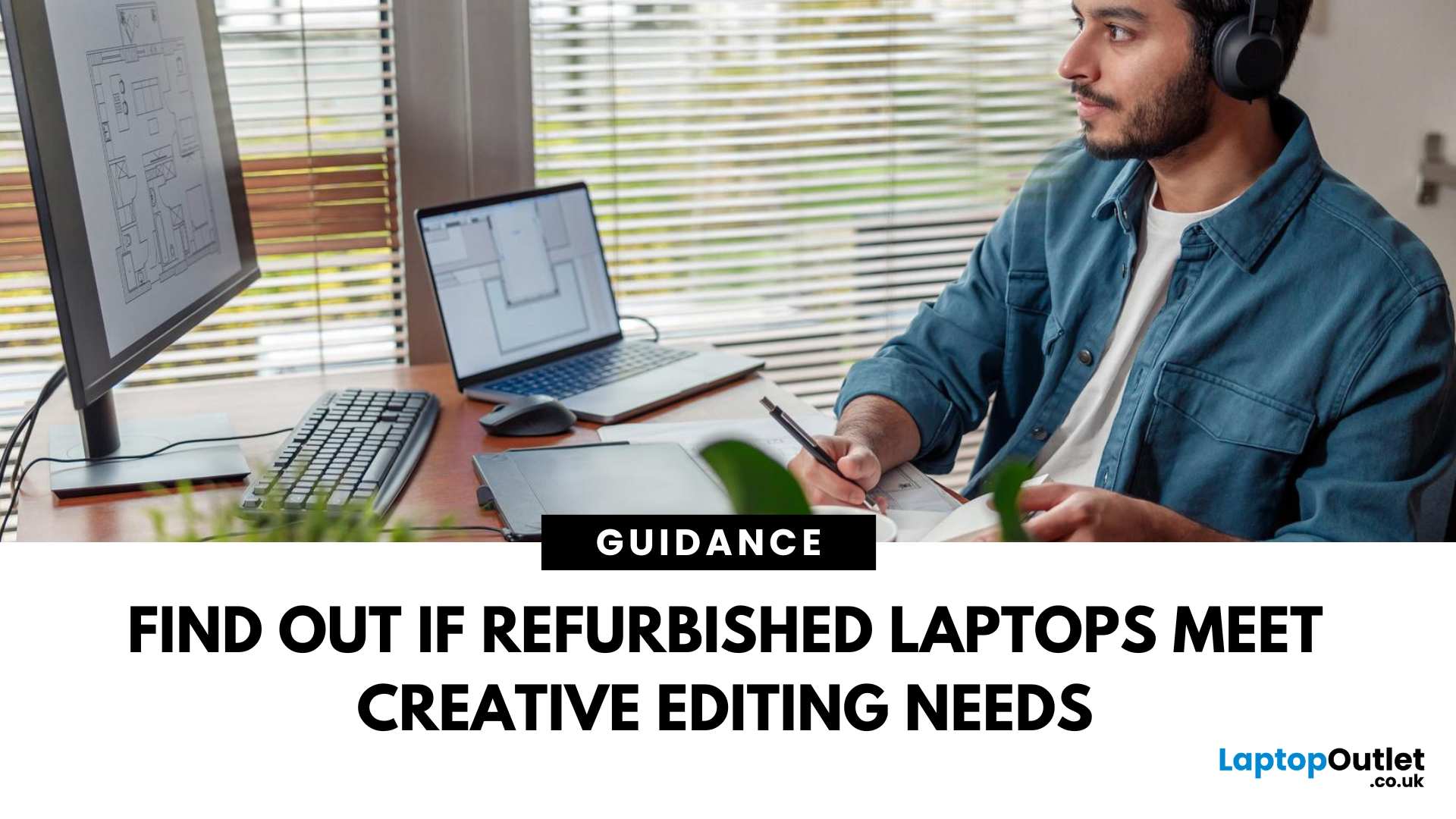
In a world driven by creativity and content, having the right tools can make or break your workflow. Whether you're an aspiring YouTuber, a freelance designer, or a professional video editor, the performance of your laptop matters. But here’s the big question: can refurbished laptops handle design and video editing?
The answer is a resounding yes, if you know what to look for.
Refurbished laptops for creators have come a long way. With powerful specs, tested reliability, and a fraction of the price tag, they offer unbeatable value for modern content creators. In this blog, we'll walk you through why refurbished laptops are a smart choice, what features to prioritise, and which models are worth considering.
Who Are Creative Users & What Do They Need?
Content creators cover a wide range of spectrum. You might be:
- A graphic designer using tools like Adobe Illustrator or Figma
- A video editor working with Premiere Pro or Final Cut Pro
- A 3D artist or animator using Blender or After
Last Updated: March 31, 2026
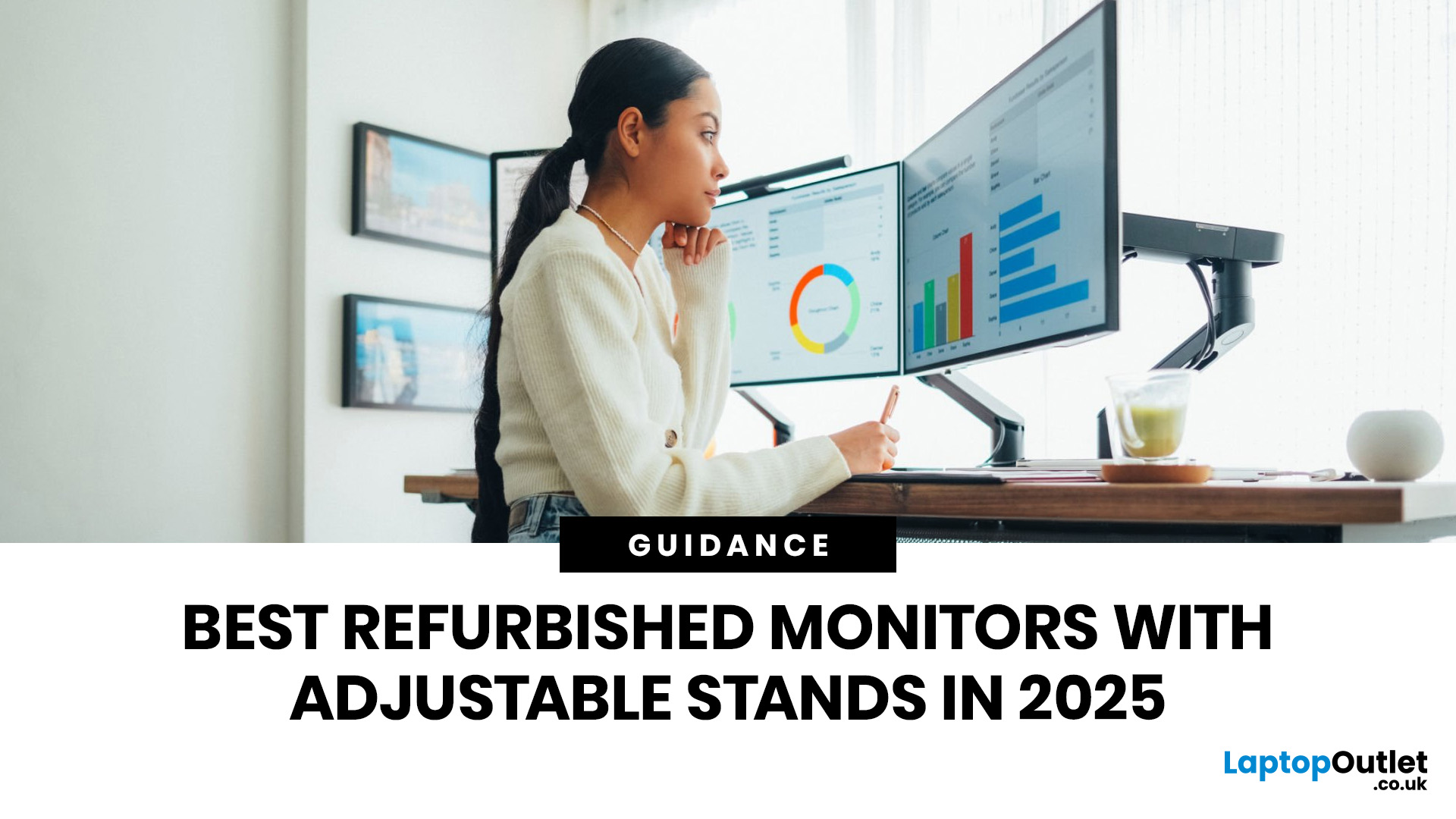
A monitor stand is easy to overlook until you spend a full day hunched over the wrong screen. If you work from home, study for long hours, edit content, or switch between spreadsheets and video calls, an adjustable stand makes a real difference. It lets you set the screen at a more comfortable height, angle it properly, and keep your desk setup working with you instead of against you. It is recommended to keep the monitor directly in front of you, at least 20 inches away, with the top line of the screen at or just below eye level.
That is why refurbished monitors with adjustable stands make so much sense in 2026. You get the ergonomic features people actually use every day, without paying full price for a brand-new display. At Laptop Outlet, refurbished monitors are sold as professionally restored products, and the refurbished range is presented as backed by warranty, which makes the category a strong fit for buyers who want better value without buying blind.
If you are shopping for the
Last Updated: September 09, 2025
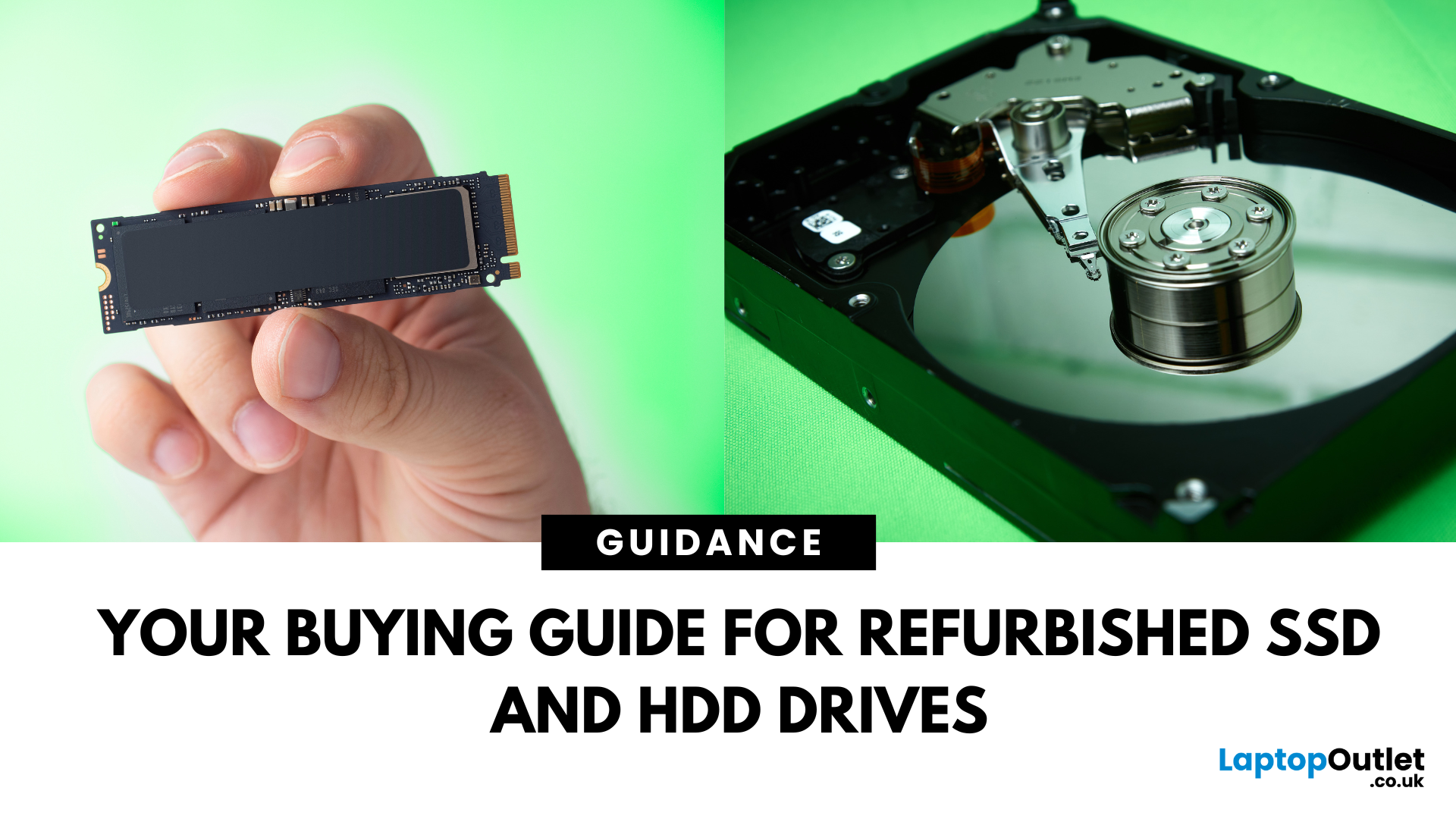
Need more storage or speed but don’t fancy paying full price? Buying a refurbished SSD or HDD could be the budget-friendly solution you’re after. Whether you're upgrading your current device or adding extra space for files, games, or media, refurbished drives offer great value without compromising functionality.
However, not all refurbished storage is created equal. To ensure your investment lasts and performs well, you need to understand the difference between drive types, evaluate their health, and select based on your specific needs, whether it’s for day-to-day use, gaming, or business tasks.
This guide covers everything you should know before buying refurbished SSD or HDD, external refurbished drives, or upgrading your refurbished SSD laptop. It’s your go-to resource for making a smart, informed choice.
Understanding the Difference Between SSD and HDD
When choosing between a refurbished SSD and HDD, it’s important to know how each works and which suits your needs better. Both offer

Last Updated: August 21, 2026
Here’s what to prioritise when comparing your options:
Programming requirements vary considerably. Someone learning Python or JavaScript does not need the same hardware as a developer running multiple containers, databases, virtual machines or demanding development environments.
Choosing refurbished laptops for programmers is therefore about matching the hardware to the work rather than simply buying the newest processor. This guide explains what to look for and compares 10 refurbished laptops suited to different coding, software development and programming workloads.
Refurbished vs Used Laptops: What's the Difference?
A refurbished laptop has usually been inspected, tested and prepared
Last Updated: March 17, 2026
What’s the Difference Between Refurbished and Brand-New Tech?
- Refurbished Tech: Pre-owned devices restored, tested, and certified to work like new. They may have minor cosmetic flaws but are backed by a warranty and sold at discounted prices.
- Brand New Tech: Fresh from the manufacturer, untouched, with full warranty, latest specs, and the confidence of being the very first user.
Feature Comparison Table
| Feature | Refurbished Tech | Brand New Tech |
| Price | Up to 40–60% cheaper than new | Full retail price |
| Condition | Like-new after professional inspection | Factory-sealed, unused |
| Warranty | Limited or retailer-backed (e.g. 6–12 months) | Full manufacturer warranty (1–3 years) |
| Performance | Tested to meet functional standards | Latest specs, untouched hardware |
| Sustainability | Eco-friendly, reduces e-waste | Less eco-friendly (new production impact) |
| Availability | May be older-gen models | Latest models available |
1. Price & Value
- Refurbished: Offers major savings, often 40–60% off. Perfect for buyers who want performance

Last Updated: October 22, 2025
I was skint, to be honest. My old laptop had packed it in mid-way through applying for jobs, and I didn’t have the cash to drop on a brand-new one. You know how it is - bills, rent, travel, it all stacks up.
So, when I spotted a decent-looking ThinkPad on Facebook Marketplace for £220, I thought, go on then.
The listing said it had “just been wiped,” “works perfectly,” and came with the charger and box. Looked tidy in the photos. Not dodgy looking, just a regular bloke selling some old work gear. Said he upgraded and didn’t need it anymore.
I messaged him, asked a few questions, nothing too deep, just the basics. He replied quickly and seemed normal enough. Even said he’d meet me halfway in Stratford to hand it over. Sounded fair.
Now, I know what you’re thinking: I should’ve just bought a refurbished one from a trustworthy retailer like Laptop Outlet. And yeah - I’ve heard that before. But when you’re counting every penny and someone’s offering you a fully working laptop for less than

Last Updated: August 24, 2026
A gaming laptop refurb can be worth buying in 2026, provided you purchase from a reputable UK retailer with a clear grading system and a warranty of at least 12 months. Refurbished gaming laptops typically cost 20–50% less than their brand-new equivalents, and perform the same as new hardware. The key considerations are the seller's grading standards, battery health, and whether the GPU meets your performance needs.
What Does “Refurbished” Actually Mean for a Gaming Laptop?
The word “refurbished” is used broadly, but there are meaningful differences between a professionally refurbished device and something simply listed as “used” on a marketplace. Understanding those differences matters before you spend anything.
A professionally reconditioned gaming laptop has been inspected, tested for hardware and software faults, cleaned, data-wiped to industry standards, and graded according to its cosmetic and functional condition. Reputable UK retailers such as Laptop Outlet follow clearly
Last Updated: May 06, 2026
Buying a certified refurbished monitor can feel like discovering a hidden gem. You get the same premium performance as a brand-new product, but at a fraction of the price. Still, many shoppers wonder, “How do I know it’s really been tested and certified properly?”
At Laptop Outlet, we believe that refurbished does not mean second-best. Our refurbished monitors are carefully tested, restored, and certified to deliver the same level of reliability, performance, and visual quality you would expect from a new device.
Here is a closer look at how our refurbished monitor testing process works, how each unit is certified, and what that certification means for you.
What are Refurbished Monitors?
Refurbished monitors are not “used” in the everyday sense. They’re often returns, display models, or items that have been opened but never actually used. Some may have had minor cosmetic imperfections or packaging damage, while others might simply be surplus stock.
Before these monitors reach our customers,
Published: November 13, 2025
Over 350 million refurbished devices were sold globally in 2024, and that number’s still climbing in 2025. People aren’t just buying refurbished to save money anymore; they’re buying smarter, greener, and more responsibly.
But with refurbished tech booming, one big question remains - who’s actually doing it right? The answer is simple: the R2-certified sellers.
The R2 (Responsible Recycling) standard is recognised globally as the highest benchmark for responsible electronics renewal, covering everything from data security and environmental safety to worker protection and quality testing. As of 2023, there are more than 1,100 R2-certified facilities across 41 countries, all following the same strict sustainability and safety principles. Considering that only about 17.4% of global e-waste is recycled properly, R2 certification isn’t just a badge; it’s a solution.
And here’s the part Laptop Outlet is most proud of, we’re officially R2 certified.
That means every laptop, monitor, or mobile
Last Updated: April 02, 2026
In an age where the next best device seems just around the corner, many consumers and organisations are quietly turning to a smarter alternative: refurbished tech. Whether it's a laptop, smartphone, tablet or monitor, devices that have been renewed, re-certified and resold are no longer the fringe option; they’re becoming mainstream. The global refurbished tech market is surging, driven by cost consciousness, sustainability awareness and improving trust in quality. In this article, we’ll explore why refurbished devices are gaining stock, how the market is evolving, and what this means for buyers and sellers alike in 2025 and beyond.
The Big Picture: Market Growth & Opportunity
The numbers tell a clear story: the UK refurbished electronics market is growing faster than ever. In 2025, it’s valued at roughly £7.6 billion, with projections suggesting it could more than double by 2032 as refurbished laptops, smartphones, and other devices continue to rise in demand. The growth is fuelled by

