



How to Choose Top Indoor Golf Simulators for Realistic Home Practice

If you’re serious about dialling in your swing from the comfort of home, investing in a high-quality indoor golf simulator makes all the difference. Modern indoor golf simulators pair hardware, software and immersive visuals to recreate the feel of being on the range or a real course. Let’s discuss how to choose the best one for you.
What Makes an Excellent Indoor Golf Simulator?
Before you buy, you’ll want to check for these core components and features:
1. AccurateLaunchData & Tracking
High-end systems measure ball speed, spin rate, launch angle, club path and more. This data drives realism and improvement.
2. RealisticCourseVisuals and Software
A good simulator isn’t just a driving range; it allows you to play real golf courses, adjust weather/conditions, and get immersive feedback.
3. AppropriateSpace & Enclosure
Space is often overlooked, simulator setups require adequate ceiling height, width and depth so you swing safely and see accurate flight.
4. ImpactScreen,Mat and Protective Netting
Your home setup must include a quality screen and protective structure, so you don’t risk damage or injury.
5. Budget &Scalability
You’ll find options for different budgets, from entry home systems to pro-level bays. More features usually = more cost.
Top Indoor Golf Simulators for Home Practice
Here are several standout setups (packages rather than individual products) worth considering:
- Value for money / entry-level: Look for options that use a photometric launch monitor plus screen and software, great for casual or semi-serious golfers.
- Mid-tier / serious home user: If you want higher accuracy and more course options, consider systems with radar + camera tracking and premium software.
- High-end / semi-commercial home setups: For those with a dedicated room and budget, full simulator bays with premium launch monitors, high-definition projection, and full enclosure replicate real-course feel.
Pro tip: Before buying, measure your space, ceiling height, depth from screen, width for your swing, and factor in proper lighting and ventilation. A great simulator in a cramped space won’t feel great.
How to Choose the Right One for You
Choosing the right indoor golf simulator depends on a few practical factors. Here’s a simple, improved framework to guide your decision:
1. HowOftenWill You Use it?
If you plan to practice regularly, several times a week or year-round, choose a system with higher accuracy, more data points, and durable components. Occasional users can comfortably choose a mid-range or simpler setup that still provides fun and reliable feedback without the premium price tag.
2. SpaceAvailable
Your room size directly affects which simulator will work for you. A full room with 10+ ft ceilings and around 15 ft of depth allows for larger enclosures and premium setups. If you're working with a garage, basement, or tighter space, compact systems, shorter enclosures, or portable nets may be the better fit. Always measure your ceiling height and swing area before purchasing.
3. Skill level & goals
Casual golfers may only need basic ball-flight data and entertaining course play. More serious or competitive golfers should look for systems that track advanced metrics, like club path, spin, and angle of attack, to support real improvement and detailed swing analysis.
4. Budget constraints
Simulator setups vary widely in cost. Remember that the launch monitor is only one part of the investment. you’ll also need to factor in the impact screen, hitting mat, enclosure, projector, and software subscriptions. Knowing your total budget upfront helps narrow your options quickly.
5. Software & long-term updates
Prioritise simulators with reliable software, frequent updates, and expandable course libraries. Systems that support new features, gaming modes, and online play stay relevant longer and offer better value over time.

Wrapping Up
If you’ve been limited by weather, time, or access to a golf course, a quality indoor golf simulator is a game-changer. Choose a setup that suits your space, skill level and budget, and you’ll be able to practice anytime and on your terms. With technology advancing fast, what used to be only for high-end facilities is now much more accessible to home users. Enjoy bringing your golf game indoors with the right monitors, and may your drives be straight, your spins true and your practice relentless!

Still Confused?
How realistic is indoor golf compared to outdoors?
Very realistic with the right setup. Modern systems recreation of ball flight, club data and course visuals make it close to outdoor practice.
What space do I need for a home simulator?
Typically you’ll need a ceiling height of around 9-10 ft minimum, a depth of ~14-15 ft or more (some require up to 21 ft) and width sufficient for a full swing.
Is this good for improvement or just fun?
Yes. It can absolutely help improve your game. The tracking data and feedback allow you to work on swing mechanics, club path, spin, etc.
Does it work year-round and regardless of weather?
Yes. One of the major benefits is that you can practice anytime, rain or shine, which levels out seasonal limitations.
What’s the budget range for a decent home simulator?
It ranges widely. Entry-level systems might start in the lower thousands (USD) while full high-end setups reach tens of thousands, depending on monitor accuracy, enclosure, software, and projection.
| Read More: |
| Are curved monitors good for competitive gaming |
| BenQ Monitors 2025: Best Options for Gaming and Design Work |
| Best Gaming Monitors: Features, Specs, and Buying Guide |
Related Articles

Last Updated: April 02, 2026
Black Friday 2025 is set to bring some of the best deals we’ve seen yet on gaming laptops and PCs, especially those powered by NVIDIA’s RTX 40-series graphics. But this year, smart buyers aren’t just chasing discounts, they’re targeting the right specs for lasting performance. The RTX 4060 and RTX 4070 GPUs have become the ideal mid-to-high range picks, balancing power, efficiency, and price. Pair that with fast DDR5 RAM and a 1TB NVMe SSD, and you have a future-ready setup built for modern gaming. This guide breaks down exactly what to look for in fast DDR5 RAM and a 1TB NVMe SSD, and you have a future-ready setup built for modern gaming. This guide breaks down exactly what to look for and make the most of Black Friday gaming laptop deals (RTX 4070) in the UK.
The 2025 Gaming Hardware Landscape: What’s Changed
Gaming hardware has evolved quickly over the past year, and 2025’s market looks very different from before. NVIDIA’s RTX 40-series GPUs, like the RTX 4060 and RTX 4070, now deliver
Last Updated: September 29, 2026
Black Friday can be a great time to upgrade your gaming setup, but waiting until the final Friday of November is not always necessary. Gaming laptops and PCs often appear in promotions before the main event, while particular specifications can become harder to find as demand increases.
So, should you buy early or hold out? This guide explains when to start looking, when waiting makes sense and how to judge a gaming laptop or PC before Black Friday 2026 without making the decision purely on the size of the discount.
When Is Black Friday 2026?
Black Friday 2026 takes place on Friday, 27 November, followed by Cyber Monday on Monday, 30 November. Black Friday is no longer necessarily limited to one day either. UK retailers commonly begin running promotions earlier in November, meaning there may be opportunities to buy before the main weekend.
For gamers, that changes the question from “Should I wait for Black Friday?” to “Is the gaming system I want already at the right price?”
Laptop Outlet
Last Updated: November 06, 2025
The Big Question Every Gamer Asks
Every year, as November creeps closer, gamers across the UK start asking the same question:
“Should I wait for Black Friday gaming deals or buy now?”
The answer isn’t as simple as it used to be. The Black Friday 2025 gaming deals are shaping up to be bigger, earlier, and smarter, but that also means you’ll need a clear plan to avoid overpaying or missing out.
In this guide, we’ll break down everything you need to know:
- The right time to buy gaming PCs, laptops, consoles, and accessories
- How prices have changed year-on-year
- What early and late deals to expect in the UK
- How to prepare using Laptop Outlet’s dedicated Black Friday sale pages
Whether you’re after a PS5 or Xbox Black Friday 2025 UK bundle, or hunting PC gaming Black Friday deals UK-wide, this guide will help you time your purchase for maximum value.
The State of Black Friday 2025 - What’s Changing?

Black Friday has evolved far beyond a single day of chaos. In 2025, it’s a month-long event,
Last Updated: October 30, 2025
Setting the Scene
Alex: First of all, thanks for having this discussion, Jamie. I’m in the process of upgrading my rig, and I want to get the best GPU for gaming I can afford. But there are so many options out there, and I’m a bit lost, especially with the new 50-series from NVIDIA, and the still-very-solid 40-series.
Jamie: No problem, Alex, happy to help. Upgrading the graphics card is probably the biggest single component decision in a gaming rig (other than maybe the monitor or CPU). So, it’s good that we step through it together.
Why is the Graphics Card Matters
Alex: So, to start with: why is the graphics card so important for a gaming rig?
Jamie: In short, the GPU is what actually renders your game frames, handles complex calculations for lighting, shadows, textures, and especially if you’re gaming at higher resolutions (1440p, 4K) or using high refresh rates. If you pair everything else well (CPU, RAM, storage, PSU, cooling), the graphics card becomes a bottleneck if it’s too
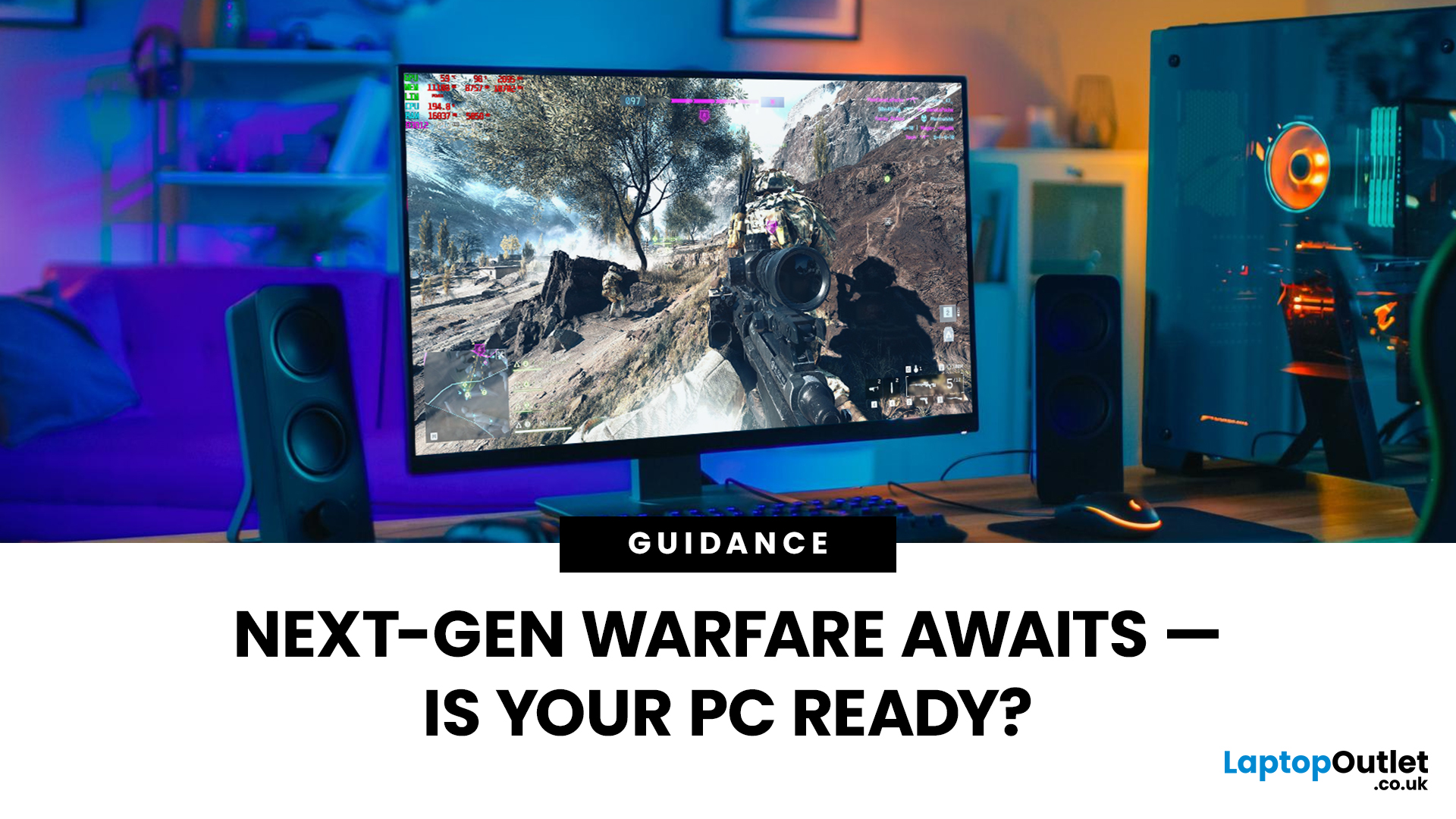
Last Updated: March 17, 2026
Get ready, soldier. Battlefield 6 RedSec isn’t just another FPS — it’s a next-gen beast that’ll push your system to its absolute limits.
From jaw-dropping photorealistic environments to full-scale destructible cities, Battlefield 6 RedSec redefines modern warfare gaming. But before you dive into the chaos, one question remains — can your gaming laptop or PC handle the heat?
Let’s break down the Battlefield 6 RedSec system requirements — from minimum to ultra settings — and help you tune your rig for peak performance.
The Battlefield 6 RedSec System Requirements: The Official Breakdown
EA and DICE have been quite clear about what it takes to run this game. Forget last-gen; this is a true current-gen title, which means you’ll need a relatively modern PC or gaming laptop.
The good news is that for entry-level play, the specs are surprisingly reasonable. The less good news? To truly appreciate the graphical fidelity and high frame rates that make RedSec shine, you'll need to splash out on
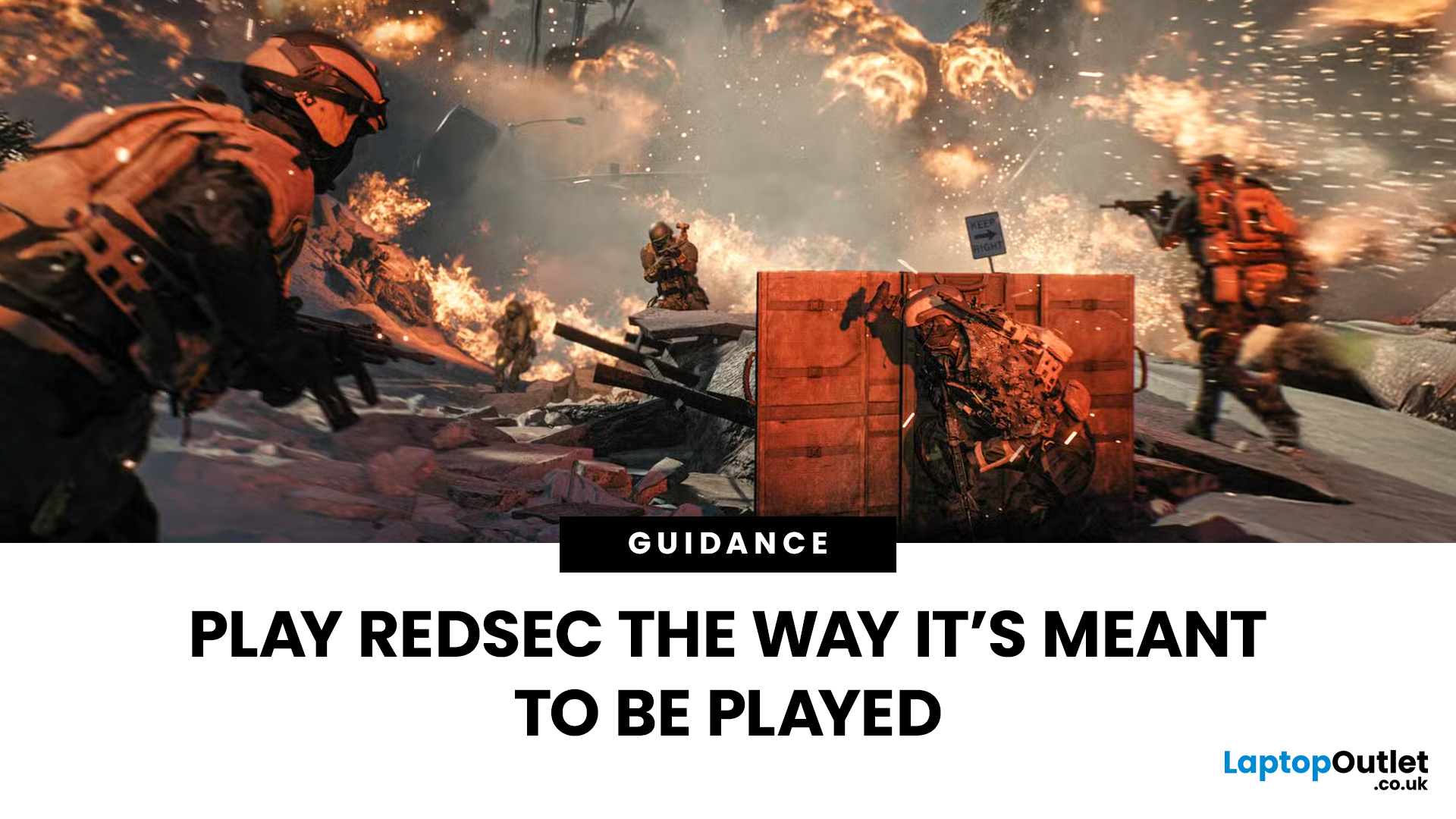
Last Updated: July 10, 2026
If you’re eyeing Battlefield 6: RedSec, you’ll need a gaming machine that can keep up with the chaos — massive maps, realistic destruction, dynamic weather, and next-gen lighting that make every firefight feel alive. RedSec pushes the Battlefield series further than ever, demanding serious power for smooth, high-FPS gameplay.
Whether you’re storming across a vast battlefield or holding a control point under heavy fire, your system can’t afford to lag or stutter. That’s why we’ve shortlisted 10 of the best gaming machines for Battlefield 6: RedSec in 2025. These laptops and PCs deliver the frames, responsiveness, and stability you need to stay sharp when the battle gets chaotic.
Top 5 Gaming Laptops for Battlefield 6 RedSec
1. Acer Predator Helios 16 AI (RTX 5090)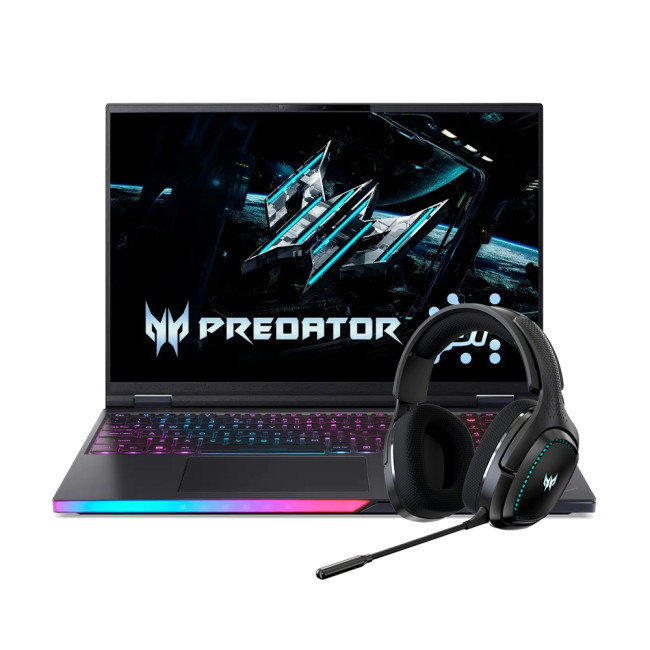
The Acer Predator Helios 16 is a true flagship, built for the gamer who accepts no compromise. It’s designed to handle the most demanding PC settings for maximum performance in RedSec.
Performance Breakdown
- Processor:
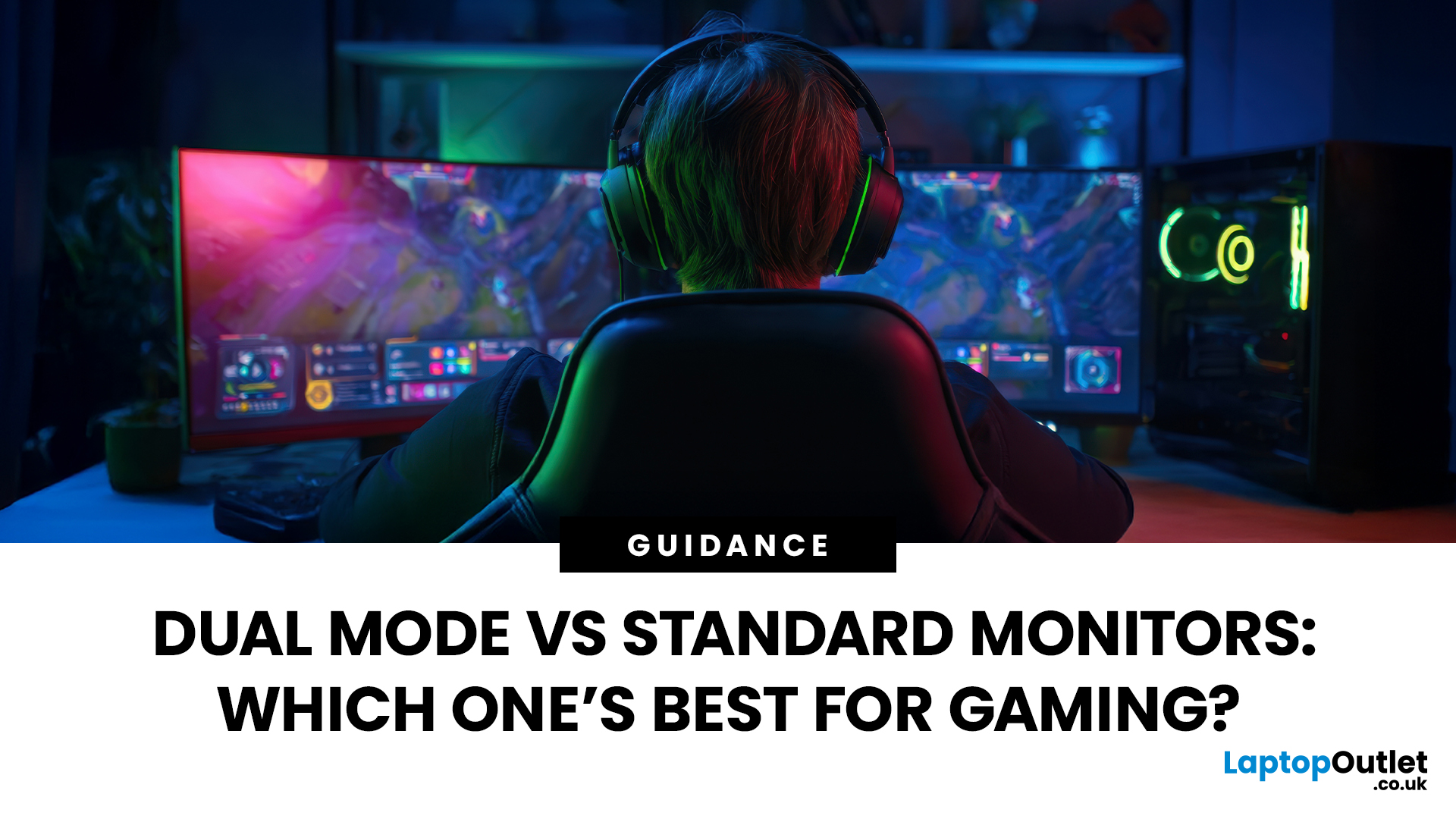
Last Updated: August 24, 2026
Choosing between dual-mode and standard gaming monitors is becoming a key decision for gamers seeking better speed, visuals, and flexibility. As display technology advances, players now expect sharper colour, higher refresh rates, smoother motion, and features that adapt to different gaming styles.
Dual-mode monitors add a new option by offering two performance profiles in one screen, while standard gaming monitors remain popular for their simplicity and value. So, which is right for you? This guide compares their features, performance, benefits, and real-world uses to help you choose confidently, whether you play competitive shooters or immersive story-driven games at home.
Understanding the Basics: What are Dual Mode Gaming Monitors?
Dual mode gaming monitors are a relatively new category that provide two optimised display profiles within the same screen. These modes usually include:
1. A High-Resolution Mode
This mode might support 4K displays for gamers, or QHD resolution, higher brightness,
Published: November 24, 2025
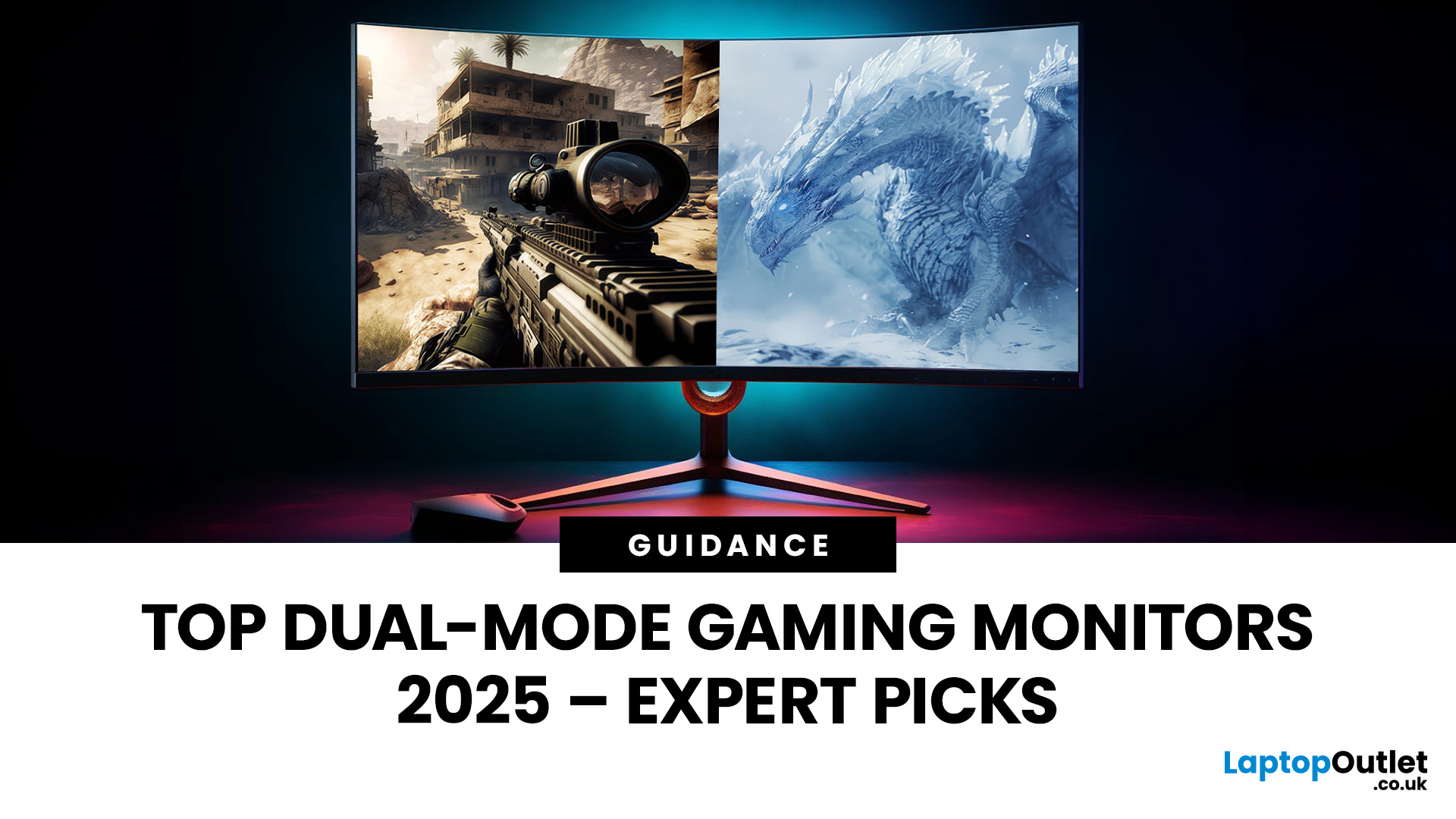
The gaming landscape in 2025 is more advanced than ever, and at the centre of every elite gaming setup lies one essential component, the monitor. Performance-focused gamers now have new demands: adaptability, fluid responsiveness, and pinpoint accuracy tailored to various game genres. This is where dual mode gaming monitors stand out. Designed to deliver extraordinary flexibility, they allow you to switch between ultra-high-resolution visuals and lightning-fast frame rates depending on your playstyle.
What Are Dual Mode Gaming Monitors?
Dual mode gaming monitors are cutting-edge displays with the ability to switch between two distinct performance profiles:
- High-resolution mode – ideal for immersive open-world titles, with sharp visuals and cinematic detail.
- High refresh rate mode – optimised for competitive and fast-paced gameplay, where responsiveness and precision are key.
This new category bridges the gap between high-resolution gaming monitors for sharp visuals and high refresh rate
Last Updated: June 15, 2026
One monitor, two personalities; perfectly tuned for any game.
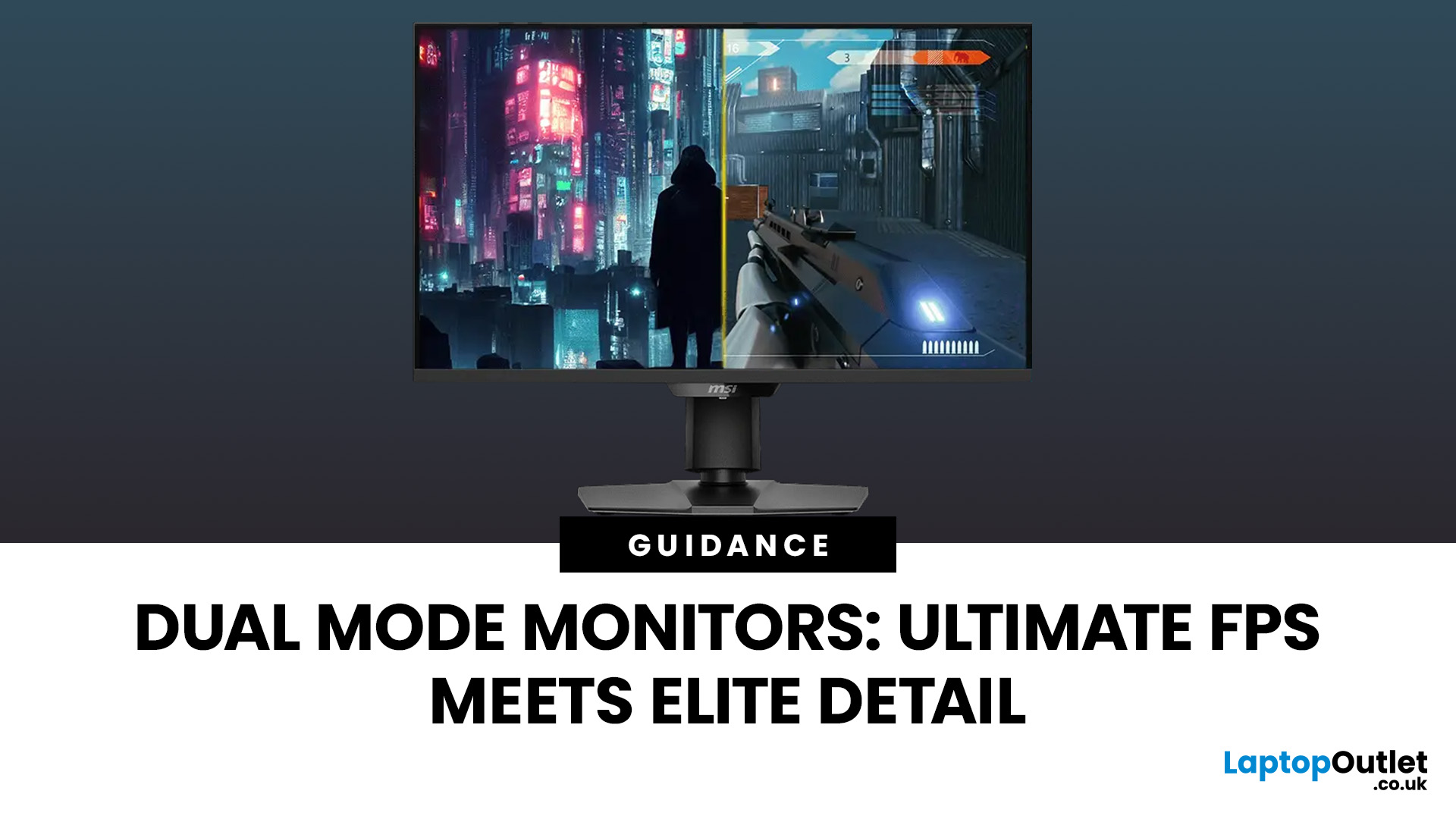
For years, gamers have faced a tough choice: do you pick a monitor with crystal-clear display and high resolution, or one with fast refresh rates for maximum speed? Trying to achieve both usually meant compromising on one side. That compromise is now a thing of the past, thanks to the dual mode gaming monitor.
This cutting-edge technology gives you the power to switch instantly between two different display modes, each optimised for a specific type of gaming. This simple switch can genuinely help improve FPS and dramatically enhance your overall visual quality.
If you want to know how dual mode gaming monitors improve FPS & visual quality, read on.
What Exactly are Dual Mode Gaming Monitors?
Before we get to the nuts and bolts of why dual mode monitor performance is so remarkable, let's nail down what they are.
A dual mode gaming monitor is a single display that has the unique, built-in ability to switch between two distinctly

