



Metroid Prime 4: Beyond – Nintendo Switch vs Switch 2: Which One Should You Buy?
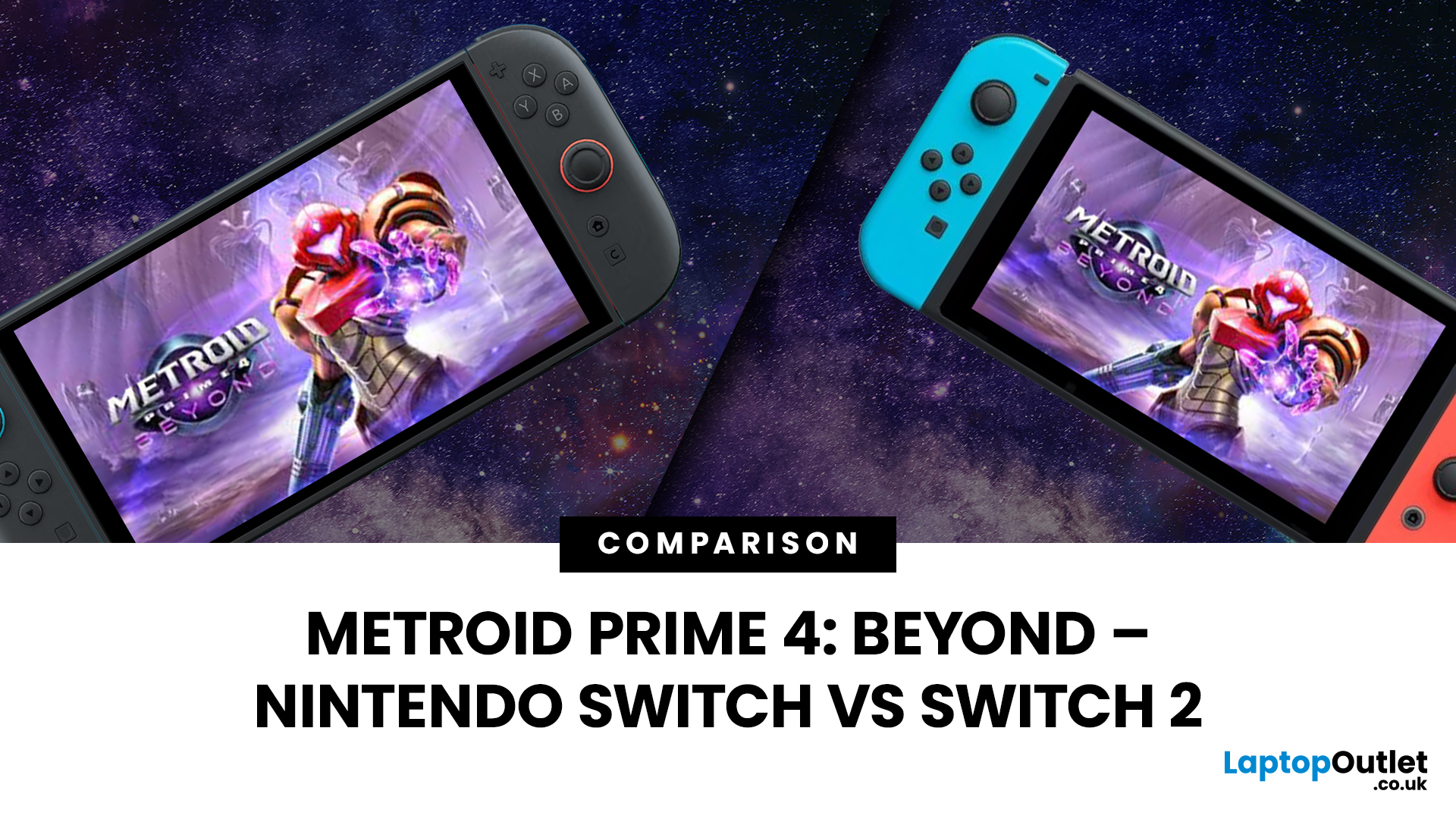
You’ve waited eight years for Metroid Prime 4: Beyond to finally drop, and now Nintendo’s gone, “Surprise, it’s on two consoles.” Cheers for that, lads.
Here we are, Switch vs Switch 2 for Metroid Prime 4: Beyond. The game is the same, but the experience won’t be. If you crave fluid and faster loading or a future-proof setup, this isn’t a casual purchase, it’s a hardware crossroads.
The Short Answer for Nintendo Switch vs Switch 2 for Metroid Prime 4: Beyond
If you’re mid-mission and just need a snap call, here’s the quick read:
- Already own a Switch and mostly play handheld? You’re fine. The game runs well, looks solid, and you don’t have to upgrade right now.
- Care about high FPS, cleaner image quality and future-proofing? Switch 2 is absolutely the smarter play for Metroid Prime 4 and beyond.
- Speedrunner vibes? Faster loads + smoother frametimes on Switch 2 will make your life noticeably better.
- Tight budget? Grab the best offer you can find from best gaming consoles and upgrade later when it hurts less.
But that’s just the surface level. Let’s go full visor mode.
Hardware Breakdown: What’s Actually Different Under the Armour?
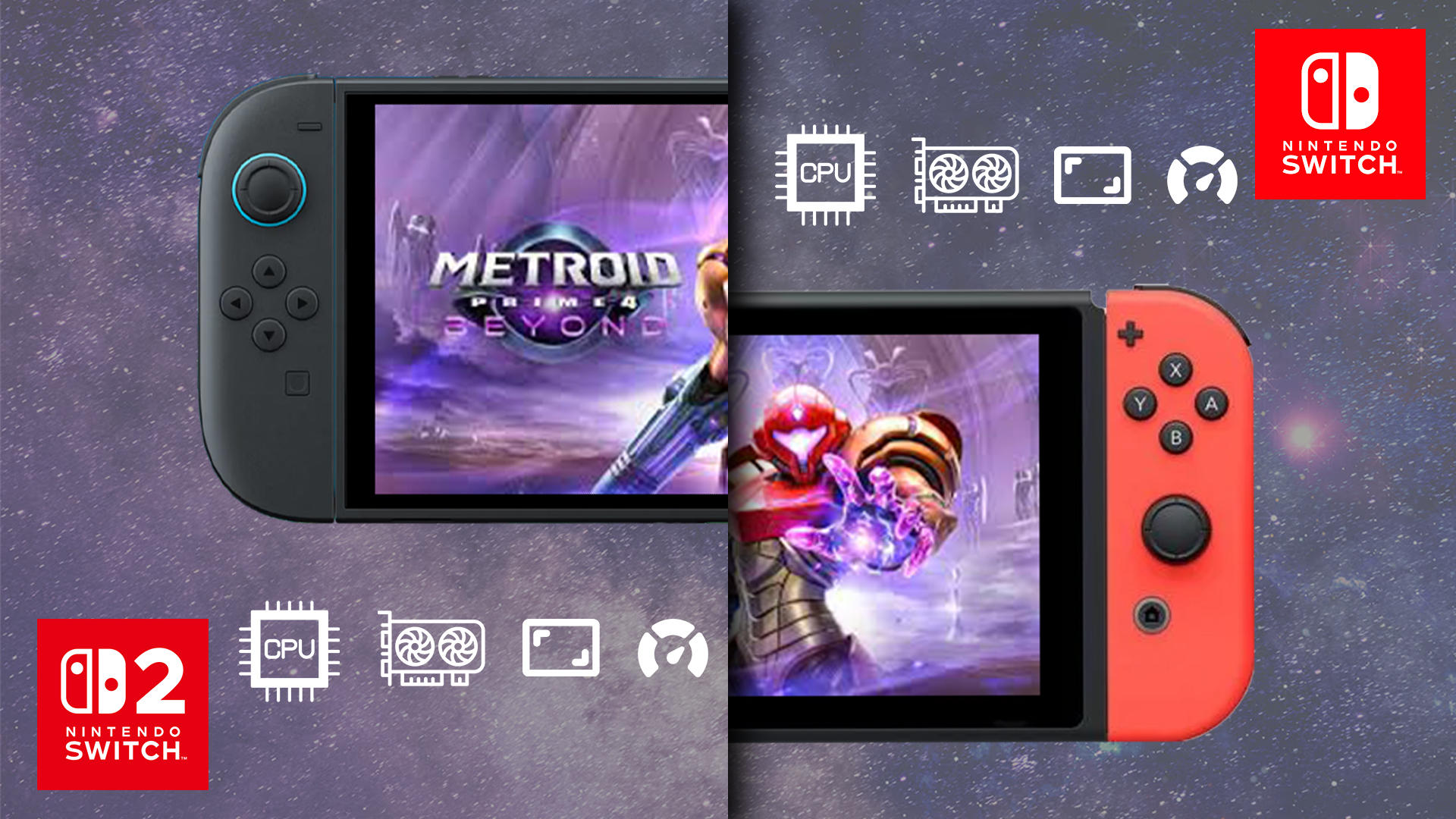
CPU, GPU and memory – why your frames live or die here
On paper, both consoles run Metroid Prime 4: Beyond just fine. In practice, the Switch 2 performance for Metroid Prime 4 feels like Samus finally hit the gym after a decade of skipping leg day.
- The original Switch is still rocking older CPU and GPU silicon that was already modest when it launched. It can push Prime 4 at a targeted 60 FPS, but heavier scenes can flirt with dips, especially docked at higher resolutions.
- Switch 2, by comparison, is built as a genuine generational jump: more powerful CPU cores, a beefier GPU, faster memory and much snappier storage.
That translates into:
- Better stability at higher frame rates
- Smoother traversal across Viewros
- Less hitching when the game is streaming assets in the background
For pro-leaning players, it’s not just “it looks nicer”; it’s “combat feels more responsive and consistent”.
Storage: eMMC vs SSD – why loading screens suddenly matter
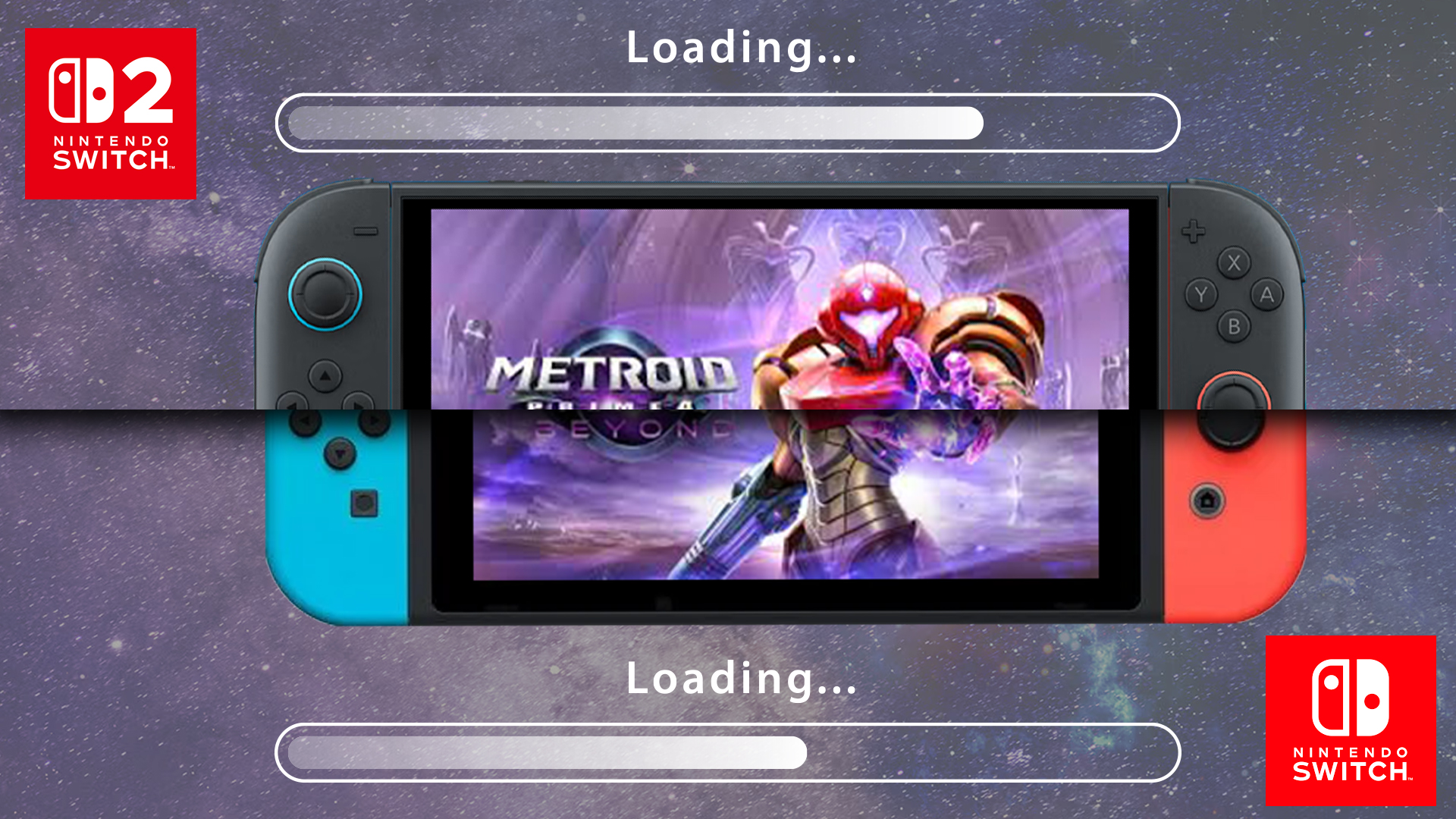
Prime 4’s world is chunked into regions and hubs, with a lot of transitions, reloads and checkpoint hits. On the Nintendo Switch, you’re dealing with older eMMC storage. It’s fine, but not exactly lightning fast. Expect noticeably longer loads after death, area shifts and fast travel.
On Switch 2, the SSD-class storage shrinks those waits. It’s not instant, but it’s fast enough that repeated boss attempts or speedrun resets feel way less painful. That’s a big deal if you’re grinding difficult encounters or routing runs.
Performance Modes and FPS: How Smooth Does “Beyond” Actually Feel?
Here’s where the fun really starts, and where the Switch vs Switch 2 graphics Metroid Prime 4 debate gets real.
Target frame rates and modes
Metroid Prime 4: Beyond gives different options depending on the hardware:
Nintendo Switch
- Aimed at 60 FPS, both docked and handheld
- Dynamic resolution scaling to keep framerate stable
- Occasional dips in the busier areas or heavy particle chaos
Nintendo Switch 2
- Quality mode: up to 4K at 60 FPS when docked
- Performance mode: up to 120 FPS at 1080p when docked
- Handheld play benefits from higher internal resolutions and more consistent frame pacing
For most players, 60 FPS on the original Switch is good enough. But if you’ve tasted high refresh on PC or next-gen consoles, Prime 4 at 120 FPS on Switch 2 just hits different. Aiming with motion or mouse-style controls feels tighter, and enemy animations are easier to read, especially in chaotic fights.
Explore the best gaming laptops for Call of Duty: Black Ops 7 – Season 01 and dominate every battle.
Frametime stability (the bit you actually feel)
Raw FPS numbers are only half the story. What your eyes and hands notice most is frametime consistency – how evenly each frame arrives.
- Switch can wobble slightly when there’s a lot on screen: new areas loading in, complex lighting, big explosions.
- Switch 2 holds steadier, particularly in performance mode, which is why combat and traversal feel more “buttery”.
If you’re deciding on the best console for Metroid Prime 4 Beyond purely from a gameplay, feel perspective, Switch 2 has the edge.
Input Latency, Motion Controls and Joy-Con Behaviour
Prime 4 is still a first-person adventure at heart. If your inputs feel laggy, the whole thing falls apart.
Controllers and latency
- On Nintendo Switch, Joy-Cons work as usual: solid, but not renowned for ultra-low latency or premium ergonomics out of the box.
- On Nintendo Switch 2, you’re getting updated controllers with tighter wireless behaviour and optional more mouse-like aiming when using the Joy-Con 2 style controls in the Switch 2 version of the game.
If you play docked, plugged into a low-latency monitor, Switch 2 plus its higher FPS modes can absolutely shave meaningful milliseconds off your total response chain. That matters for:
- Boss attack windows
- Quick swaps between visors and beams
- Precise psychic power shots
For casual story enjoyers, you won’t obsess over this. For the more hardcore crowd – you will feel the difference. Looking for budget-friendly options? See the best gaming laptops and PCs to play Sonic Rumble.
Image Quality: Resolution, Clarity and Visual Settings
Now let’s talk pixels, because the Switch 2 features Metroid Prime 4 version are clearly designed to flex.
Docked visuals for Nintendo Switch vs Switch 2 for Metroid Prime 4: Beyond
- On Switch, docked footage looks good, but you’ll see softer edges, more aggressive dynamic resolution drops and simpler effects. Still absolutely playable, but you know it’s running on older hardware.
- On Switch 2, docked quality mode can push 4K, with improved textures, better lighting and sharper environmental detail.
When you’re scanning lore entries or tracking enemy silhouettes in busy arenas, that extra clarity isn’t just “oh nice”; it’s actually useful.
Handheld experience
Handheld is where a lot of people live, and it’s honestly where the gap gets interesting:
- OG Switch handheld still looks respectable, but you’re dealing with lower internal resolutions and a more modest screen.
- Switch 2’s upgraded display and resolution handling make text clearer, geometry cleaner and distant targets easier to parse.
If your whole vibe is curling up with Prime 4 in bed or on the train, Switch 2 quietly becomes the best console for Metroid Prime 4 Beyond just through daily comfort and clarity.
Thermals, Noise and Battery – Can Your Console Keep Up?
It’s not just about what’s on screen; it’s also about how loudly the fan screams while it’s happening.
- Nintendo Switch: running Prime 4 for long sessions handheld can warm things up. It’s not meltdown territory, but you’ll feel that heat on the palms during extended boss attempts.
- Nintendo Switch 2: thanks to newer silicon and better power management, performance per watt is much better. You get higher performance without proportionally higher heat.
Battery-wise, Switch 2 is pulling more weight visually and in performance, but its efficiency gains help offset that. You’re not suddenly getting 10-hour marathons at 120 FPS, but you’re also not watching your battery evaporate the moment the action ramps up.
If you’re someone who runs 3–4 hour sessions handheld, this stuff really matters. Read our Nintendo Switch 2 performance review and see how it enhances Hyrule Warriors: Age of Imprisonment.
Game-Specific Enhancements: What’s Actually Different in Prime 4?
From a content perspective, you’re not missing out playing on the original Switch. It’s the same story, same planet Viewros, same “oh no, Sylux again” energy.
Where the versions diverge is in how much the hardware lets the art direction breathe:
- Higher density foliage and environmental detail on Switch 2 makes areas feel more alive.
- Lighting and particle effects are cleaner and richer in the upgraded version.
- Psychic power effects and beam shots have that extra crispness that makes them even more satisfying to land.
None of this suddenly transforms the game into something else, but combined with higher resolution and better FPS, it gives Switch 2’s version a more premium, future-proof feel.
Bundles, Deals and Accessories – The Money Part
Right, time to talk wallets.
If you’re still console shopping and haven’t bought into the ecosystem yet, checking out a wider range of best gaming consoles isn’t a bad move – but let’s be honest, if you’re here, you’re probably locked mentally onto Nintendo.
For pure Nintendo-focused deals, browsing Nintendo Switch Gaming consoles is the logical next step.
Switch bundles and deals
You’ll often see:
- Base Nintendo Switch bundles with older first-party hits or basic accessories.
- Switch 2 bundles that might include newer titles like Mario Kart World or other big 2025+ releases.
Because Prime 4 is such a flagship title, don’t be surprised if it appears in promotional packs or limited-time offers over the coming months. Keeping tabs on Switch bundles and deals can save you enough cash for an extra game or some quality accessories for Metroid Prime – think better grips, a pro controller, or a decent carry case.
Which console SKU to look at?
- If you just want the classic hybrid experience, a standard Nintendo Switch still delivers great value and plays Metroid Prime 4 smoothly.
- If you want the full next-gen Nintendo treatment, higher FPS and better visuals, the Nintendo Switch 2 is clearly the more future-proof choice.
Upgrade Logic: Is It Worth Moving from Switch to Switch 2 Just for Prime 4?
This is where the Switch upgrade guide for Metroid Prime 4 mindset kicks in. Ask yourself a few questions:
1. Do you already own a Switch?
- Yes: You can absolutely play and enjoy Prime 4 without upgrading immediately.
- No: Strong case to start directly with Switch 2 if your budget allows.
2. How sensitive are you to performance differences?
- If you notice and care about every frame drop or input delay, Switch 2 is worth it.
- If you just want to enjoy the story and vibes, the original Switch still holds up.
3. Are you planning to buy more upcoming Switch 2-optimised games?
- If Prime 4 is just the first of several 2025–26 titles you’re eyeing, investing in Switch 2 now makes more sense than clinging to ageing hardware.
Think of this less as a single-game question and more as a “where am I going to spend the next 3–5 years of my Nintendo time?” moment.
Read to know which console is best for NASCAR 25? Compare PS5, Xbox Series X, and Nintendo Switch for high-speed racing.
Playstyle Scenarios: What Should You Actually Buy?

Let’s plug all of this into real-world gamer types.
1. The Speedrunner/ Challenge Addict
You reset bosses for fun, route your runs and think in split-seconds.
- Pick: Switch 2
- Why: Faster loads, smoother FPS, better frametime stability. The whole experience on Switch 2 simply respects your time more, especially once the grind begins.
2. The Visual Purist
You love pausing just to admire a skybox.
- Pick: Switch 2
- Why: Higher resolutions, better texture detail, cleaner lighting – the Switch vs Switch 2 graphics Metroid Prime 4 debate is basically over if this stuff matters to you.
3. The Handheld Goblin
Bed. Sofa. Train. Repeat. Docked life? Hardly know her.
- Pick: Lean Switch 2 if you can afford it.
- Why: Better screen, cleaner handheld image, and improved efficiency mean a nicer daily experience.
4. The Budget-Conscious Bounty Hunter
You want Prime 4, but also food and rent, which is fair.
- Pick: Original Switch (ideally discounted or in a strong bundle).
- Why: You still get the full game with respectable performance, and you can always upgrade later.
In simple terms: if money is tight, the original Switch still delivers. If you’re chasing the best possible way to play and you’ve got the budget, Switch 2 is the best console for Metroid Prime 4 Beyond in 2025 and beyond.

Quick Answers for Metroid Prime 4 Buyers
Is Metroid Prime 4: Beyond the same game on both systems?
Yes – content-wise it’s the same campaign, same bosses, same planet, same psychic powers. What changes is how smooth, sharp and responsive it feels, especially on Switch 2.
Will my old Switch accessories work on Switch 2?
Most standard controllers and basic add-ons still play nicely, but if you’re going all-in, it’s worth shortlisting fresh accessories for Metroid Prime that are tuned for the newer hardware – things like updated grips, a higher quality USB-C cable and a dock-friendly stand.
Is it worth upgrading now if I only really care about Metroid?
If Prime 4 is literally the only big game you see yourself playing for a while, you can reasonably stay put on the original Switch and still have a great time. If you’re eyeing more future releases, this article effectively becomes your personal Switch upgrade guide for Metroid Prime 4 and everything that comes after.
Will Switch 2 get better patches or extras than the original Switch?
Right now, both versions share the same core feature set, but history tells us that as developers get more comfortable with newer hardware, the “enhanced” version usually ages better. If you’re thinking long-term, the upgraded Switch 2 performance for Metroid Prime 4 and other titles is the safer bet.

Final Thoughts – Playing the Long Game
Zooming out for a second, this isn’t just about a single launch window decision. The real question hiding underneath all this is: which Nintendo box do you want to live with for the rest of this console generation?
As a pure Switch comparison for Metroid Prime 4 Beyond, the answer is simple:
- Original Switch is the sensible, budget-friendly option that still respects your time.
- Switch 2 is the enthusiast choice that leans into everything Metroid Prime 4 is trying to do technically – higher resolution, better responsiveness and a cleaner overall experience.
From an upgrade strategy point of view, starting on Switch now and moving to Switch 2 later is totally valid. Your save data and muscle memory aren’t going anywhere. But if you’re in that sweet spot where you can afford to choose, and you care about performance, visuals and long-term library support, Switch 2 quietly becomes the rational, grown-up choice – even if your inner child is just screaming “new toy go brrr”.
Either way, Metroid Prime 4: Beyond is finally real, finally playable and finally giving Samus a proper current-gen stage. Your only job is to decide which console you want backing her up.
Related Articles


Last Updated: September 09, 2025
Take Your Nintendo Switch Gaming to the Big Screen
The Nintendo Switch is built for flexibility—you can play handheld, tabletop, or connect it to your TV for a full console experience. Whether you’re new to the Switch or just need a refresher, here’s how to connect your Nintendo Switch to your TV in minutes.
What You’ll Need
Make sure you’ve got:
- Nintendo Switch console
- Nintendo Switch dock
- HDMI cable
- Nintendo Switch AC adapter
- A TV with an HDMI port
How to Connect Nintendo Switch to TV – Step by Step
1. Open the Switch Dock
- Flip open the back panel of the dock.
2. Plug in the AC Adapter and HDMI Cable
- Insert the AC adapter into the dock’s top port (AC ADAPTER)
- Plug the HDMI cable into the middle port (HDMI OUT)
3. Connect the Dock to Your TV
- Plug the other end of the HDMI cable into your TV’s HDMI port.
4. Place the Nintendo Switch in the Dock
- Align the Switch console with the USB-C connector inside the dock
- Slide it in until it clicks into place
5.
Last Updated: August 25, 2026
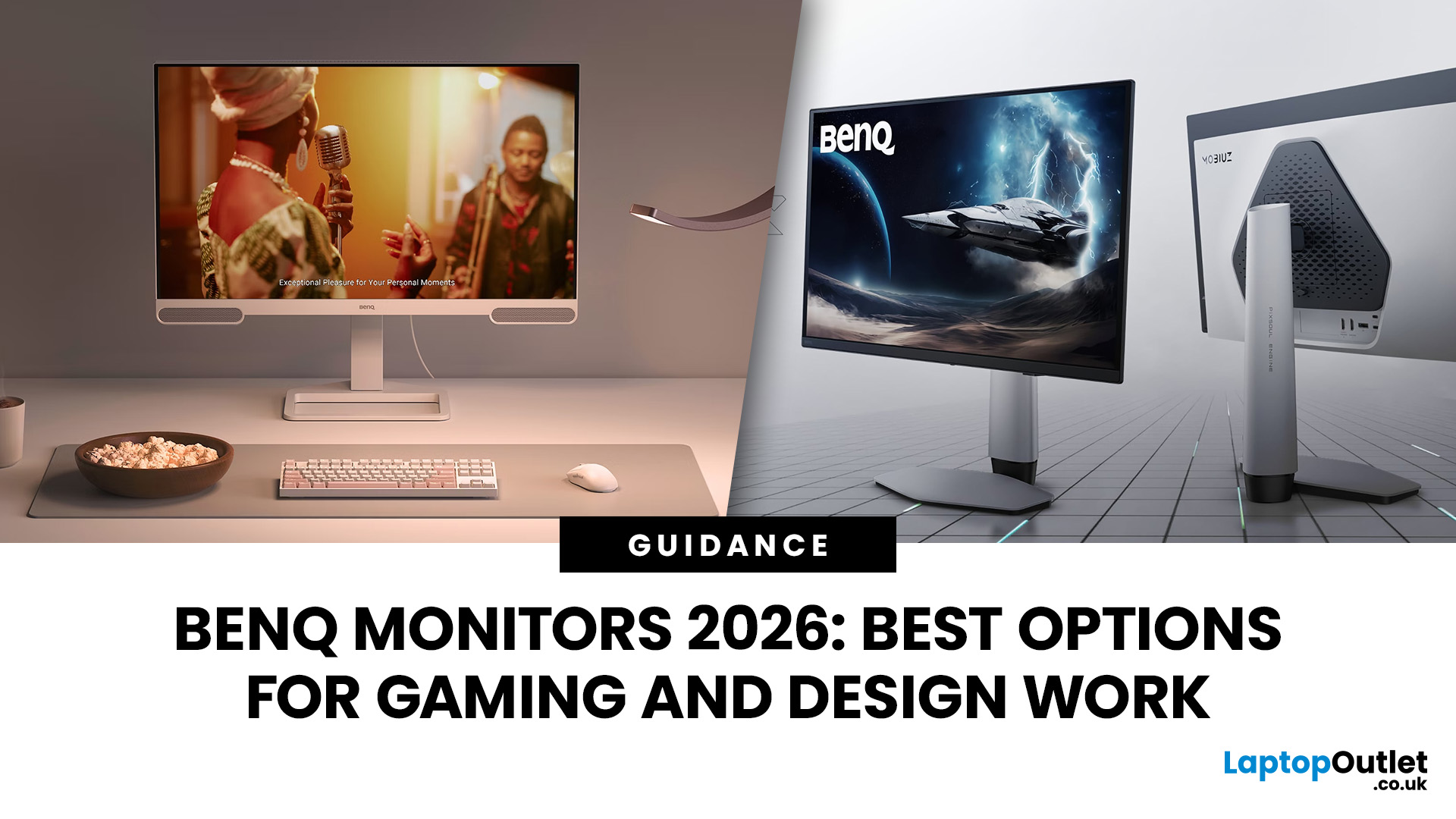
In 2026, BenQ screens for gaming and design stand out as some of the most versatile displays available, combining advanced technology, eye-care features, and excellent build quality. From BenQ gaming monitors designed for esports and AAA titles to BenQ design monitors aimed at creative professionals, the BenQ monitor lineup covers every need. This blog highlights the best BenQ monitors you can buy at Laptop Outlet, with a breakdown of their features, benefits, and why they’re trusted worldwide.
Why Choose BenQ Monitors in 2026?
Before diving into specific models, let’s explore why BenQ remains a top choice for professionals and gamers.
Innovation Across Categories
For competitive players, BenQ gaming monitors now feature refresh rates up to 240Hz, 1ms response times, and adaptive sync technologies like AMD FreeSync Premium and NVIDIA G-Sync compatibility. On the other hand, its design monitors offer factory-calibrated colour accuracy, HDR10 support, and wide gamut coverage (sRGB, AdobeRGB,
Last Updated: September 03, 2026
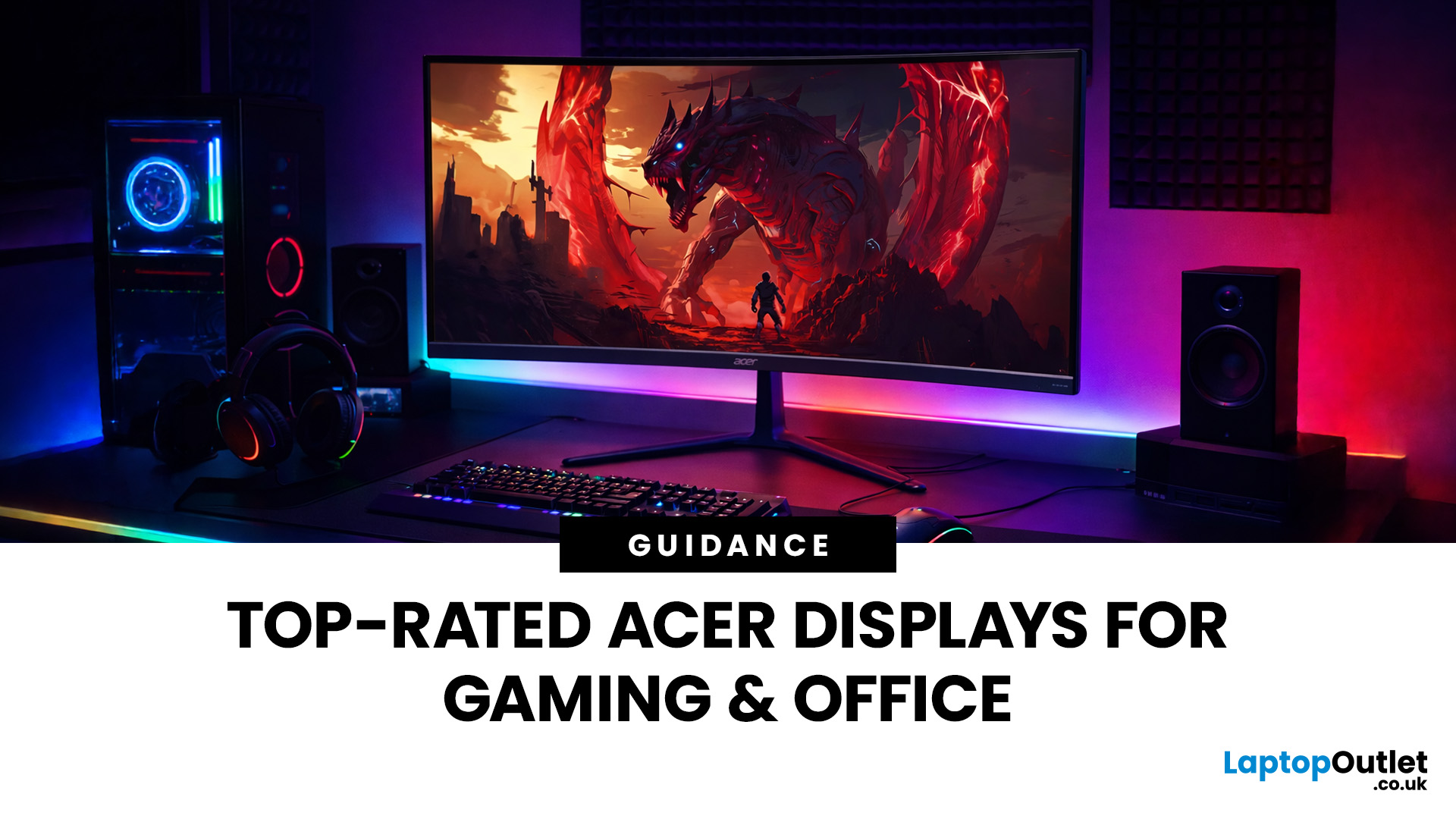
A good monitor changes everything. It makes your gaming sessions sharper, your workday less draining, and your screen time far more enjoyable. The trouble is, decent monitors can be pricey — and not everyone wants to overspend just to get a clear picture.
That is where Acer comes in.
Acer has become one of the most trusted names in affordable display technology. Whether you are gaming late into the night or working through spreadsheets from home, there is an Acer monitor for your lifestyle and your budget. In 2026, their range spans from compact 21.5-inch office panels to sprawling 34-inch ultrawide gaming screens.
This guide covers the best Acer monitors currently available at Laptop Outlet, split into gaming and office categories, so you can find the right display without overthinking it.
Best Acer Gaming Monitors in 2026
A gaming monitor is a display built to keep up with fast-paced gameplay. Unlike standard screens designed for everyday tasks, gaming monitors prioritise speed, smoothness,
Last Updated: May 06, 2026
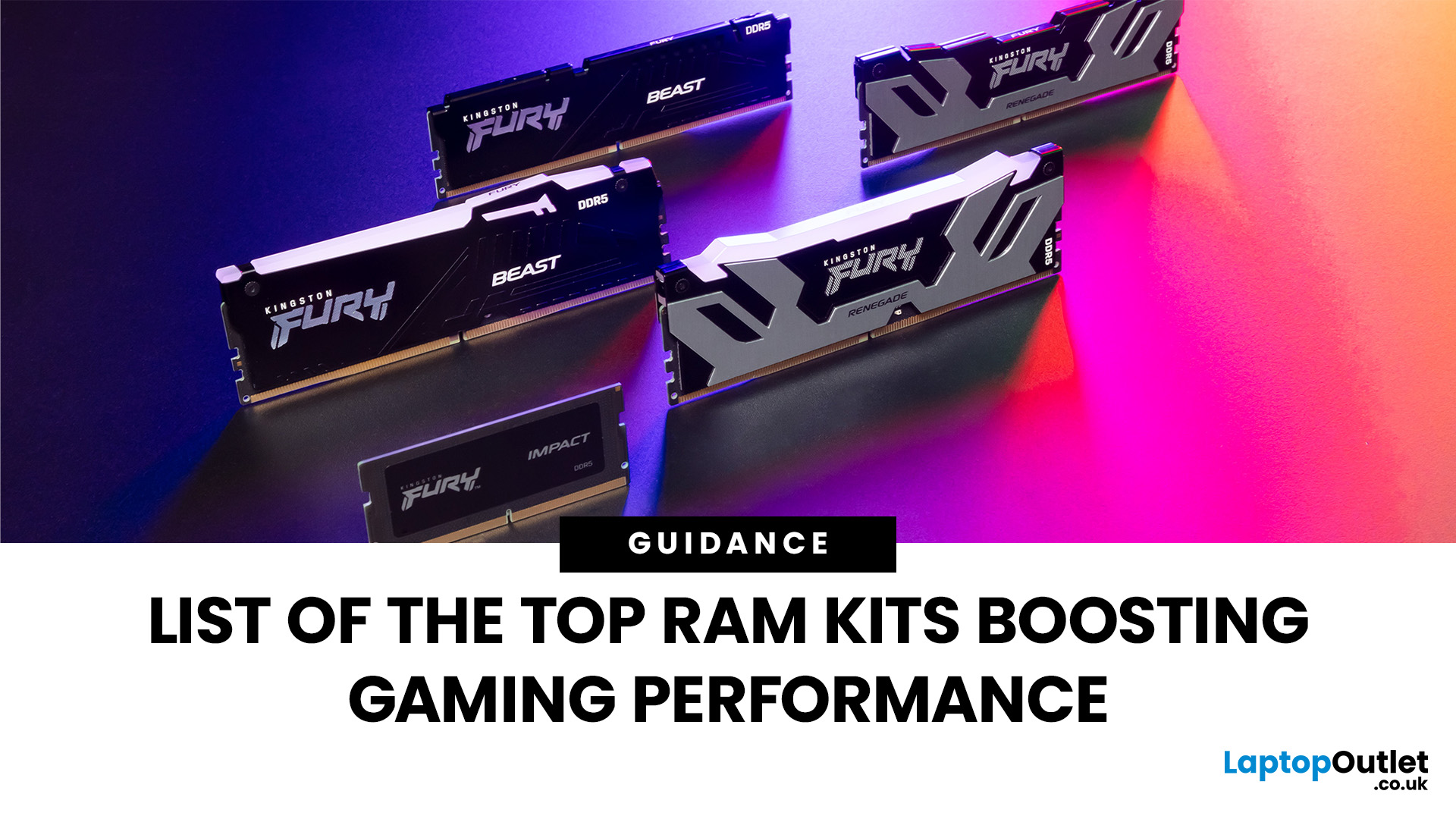
When building or upgrading a gaming PC in 2025, RAM is one of the most important components you’ll need to choose carefully. With DDR5 now mainstream and DDR4 still relevant for budget or older builds, there’s a wide variety of options on the market. But with so many choices, it’s easy to feel overwhelmed. Do you go for raw speed, bigger capacity, or flashy RGB? The truth is the best RAM kits for gaming in 2025 balance speed, latency, and capacity. Let’s highlight the top 10 RAM kits worth buying this year, from budget-friendly DDR4 sets to premium DDR5 kits designed for enthusiasts.
What Makes a RAM Kit Great for Gaming in 2025
The right kit can make the difference between smooth, responsive gameplay and frustrating stutters, especially in modern titles that demand more memory. Before the list, some essentials so you get RAM that actually improves your gaming:
- Capacity First: 32 GB is the new sweet spot. 16 GB still works for many (especially eSports, lighter titles) but headroom matters.
Last Updated: August 04, 2026
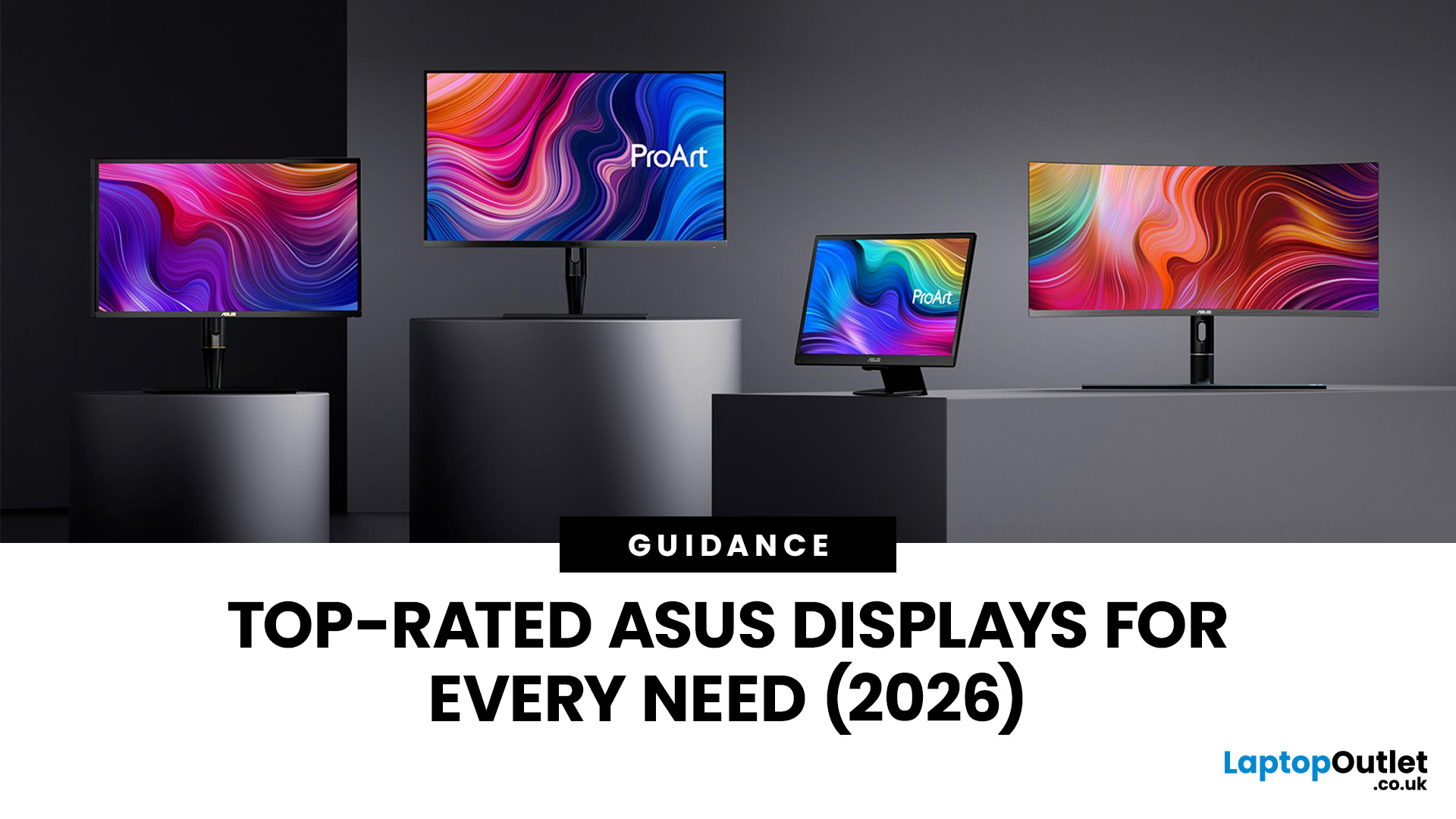
Choosing the right monitor makes a real difference. Whether you're gaming at high frame rates, editing photos, or managing spreadsheets all day, the display in front of you shapes your entire experience.
ASUS has become one of the most trusted monitor brands in the UK — and for good reason. Their line-up covers everything from portable office screens to ultrawide gaming monitors and colour-accurate displays for creative work.
In this guide, we've broken down the best ASUS monitors for 2026 by use case, so you can find exactly what you need, fast.
Best ASUS Monitors for Office Workers
Office monitors need to be reliable, comfortable, and practical. ASUS's business and ZenScreen ranges tick every box, offering everything from portable displays to large 4K screens designed for long working days.
1. ASUS ZenScreen Go MB16AHP — Best Portable Office Monitor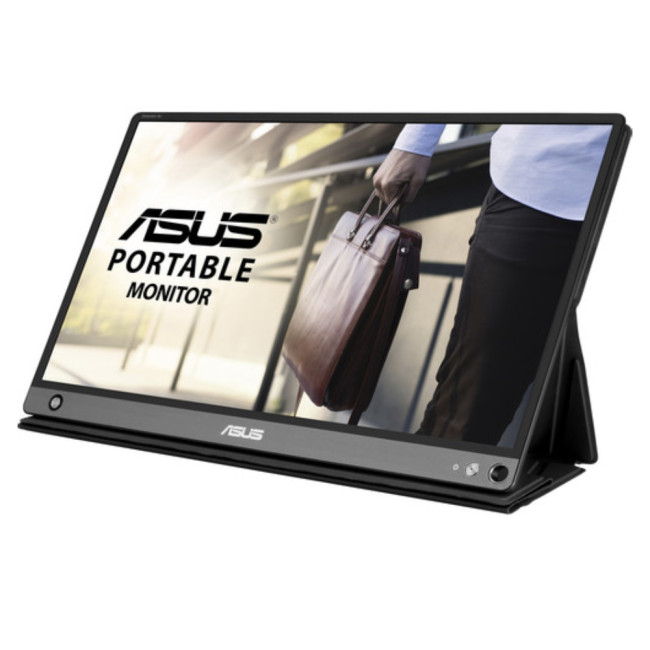
- Screen Size: 15.6"
- Panel Type: IPS
- Resolution: 1920 x 1080 (Full HD)
- Refresh Rate: 60 Hz
- Response Time: 5 ms
- Brightness: 220
Last Updated: September 08, 2026
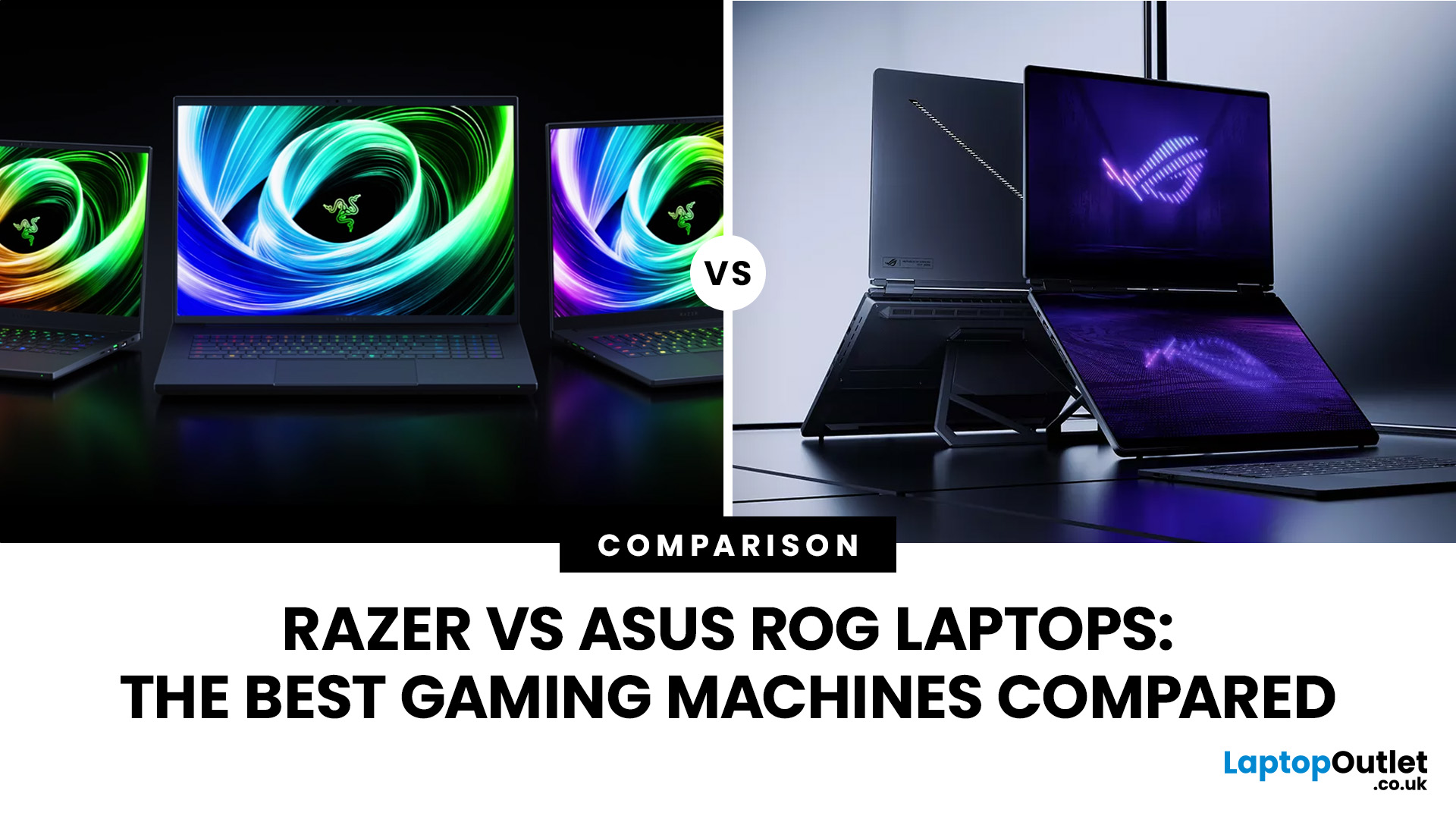
If you’re looking for a serious gaming laptop in 2026, two names will keep cropping up: Razer and ASUS ROG. Both brands produce high-performance machines with premium displays, powerful processors, and NVIDIA GeForce RTX graphics. However, they approach gaming laptops in noticeably different ways.
Razer Blade laptops generally prioritise slim aluminium designs, portability, and a refined user experience. ASUS ROG offers a broader selection, ranging from portable Zephyrus laptops to performance-focused Strix and Strix SCAR machines.
Quick Answer:
- Choose Razer for refinement and portability.
- Choose ASUS ROG for choice, sustained performance and value.
Here’s a practical guide to Razer vs ASUS ROG laptops, covering design, performance, displays, cooling, battery life, value, and the current models worth comparing.
Razer vs ASUS ROG: Key Differences at a Glance
| Area | Razer Blade | ASUS ROG |
| Portable gaming | Blade 14 | Zephyrus G14 |
| Premium 16-inch | Blade 16 | Zephyrus G16 |
| Desktop replacement | Blade 18 |

Last Updated: December 23, 2025
When it comes to competitive gaming or smooth 4K streaming, your internet connection is only as good as the router powering it. High latency, buffering, and packet drops can turn a winning game into frustration or ruin a live stream in seconds. That’s why choosing the right router—and configuring it correctly- is just as important as having fast broadband.
Ubiquiti has become a go-to name for gamers, streamers, and tech enthusiasts who want more than basic Wi-Fi. From the powerful UniFi Dream Machine to the gamer-centric AmpliFi series, Ubiquiti routers combine enterprise-grade stability with features built for demanding home setups. With the right optimisation - like low-latency settings, QoS for gaming traffic, and GeForce NOW tweaks - you can unlock their full potential.
In this guide, we’ll explore the best Ubiquiti routers for gaming and streaming and reveal the settings that give you a true performance edge.
Why Router Quality Matters for Gaming & Streaming
Every gamer and streamer
Last Updated: October 06, 2025
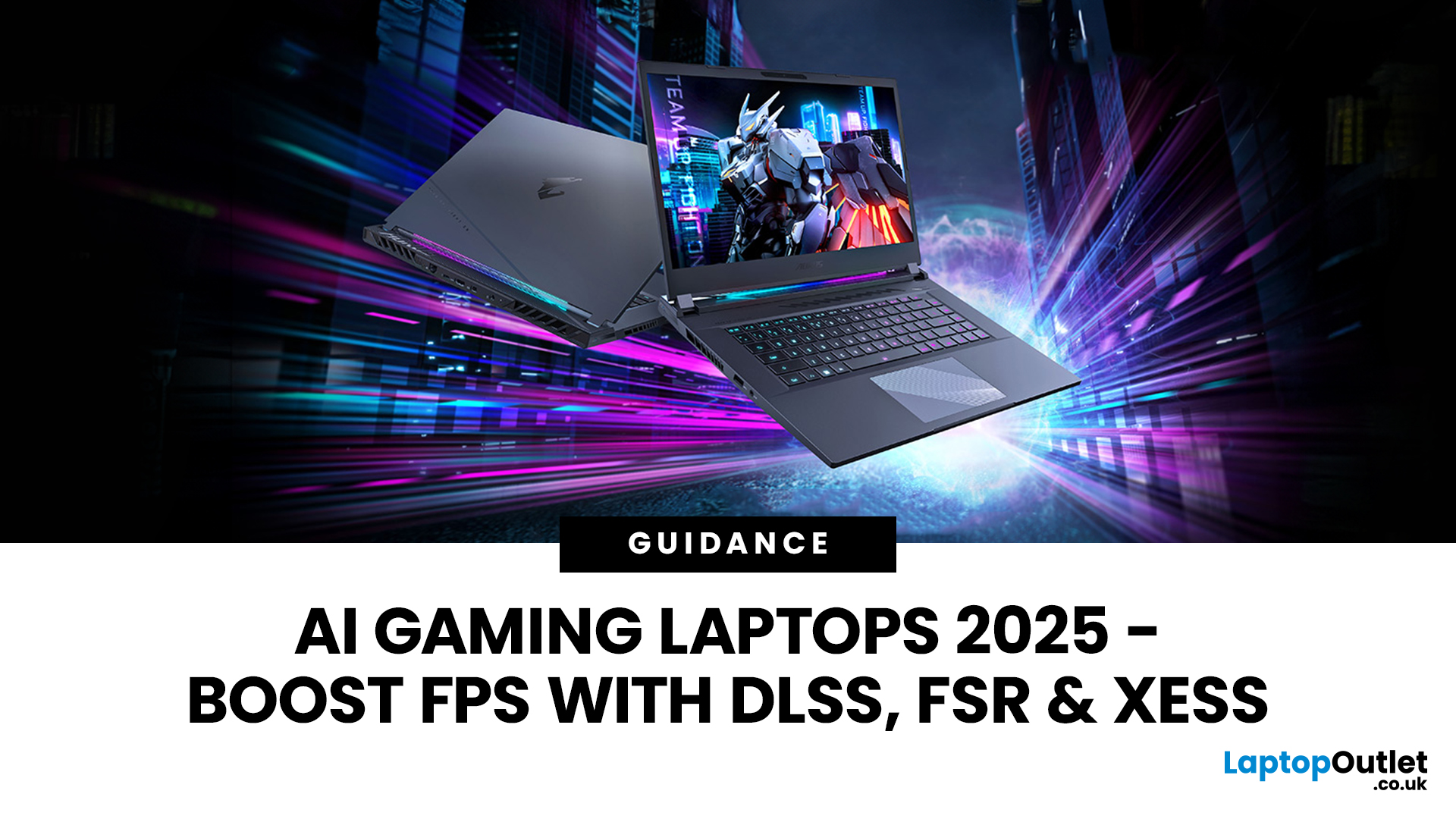
Gaming laptops have come a long way from the bulky machines of a decade ago. Today, they’re not just slimmer and more powerful - they’re also smarter, thanks to the rise of AI frame generation. Technologies like NVIDIA DLSS 3/4, AMD FSR, and Intel XeSS are transforming how games run, letting laptops push out smoother frame rates without needing desktop-level power.
So what exactly does that mean for you? In short: higher FPS, better visuals, and the ability to enjoy demanding titles like Cyberpunk 2077 or Starfield on the go, without watching your laptop choke.
In this guide, we’ll break down how AI frame generation works, why AI gaming laptops are the future, and which models in 2025 are worth your money. Think of it as your roadmap to boosting FPS with DLSS, FSR, and beyond - all while keeping your gaming portable.
What Is AI Frame Generation?
At its core, AI frame generation is all about teaching your graphics card to do less, while making your games look like it’s doing more. Sounds

Last Updated: March 04, 2026
When shopping for a powerful desktop, many gamers wonder if CyberPowerPC for gaming is a reliable choice. Known for its customisation options and competitive pricing, CyberPowerPC has built a reputation as one of the top brands for prebuilt gaming desktops in 2025. With a wide variety of configurations, from entry-level esports rigs to high-end gaming PCs designed for 4K and VR, the brand offers flexibility that appeals to casual players and enthusiasts alike.
This guide explores CyberPowerPC performance, reliability, benchmarks, and value for money, helping you decide whether a CyberPower system is the right fit for your gaming needs.
Why Choose CyberPowerPC for Gaming?
Performance Across Price Points
CyberPowerPC offers a wide range of gaming desktops, from budget-friendly esports machines to RTX 5060/5070-powered beasts. This means you can find a PC tailored to your budget without compromising on the essential components needed for smooth gaming.
Prebuilt Convenience
Unlike custom
Last Updated: February 24, 2026
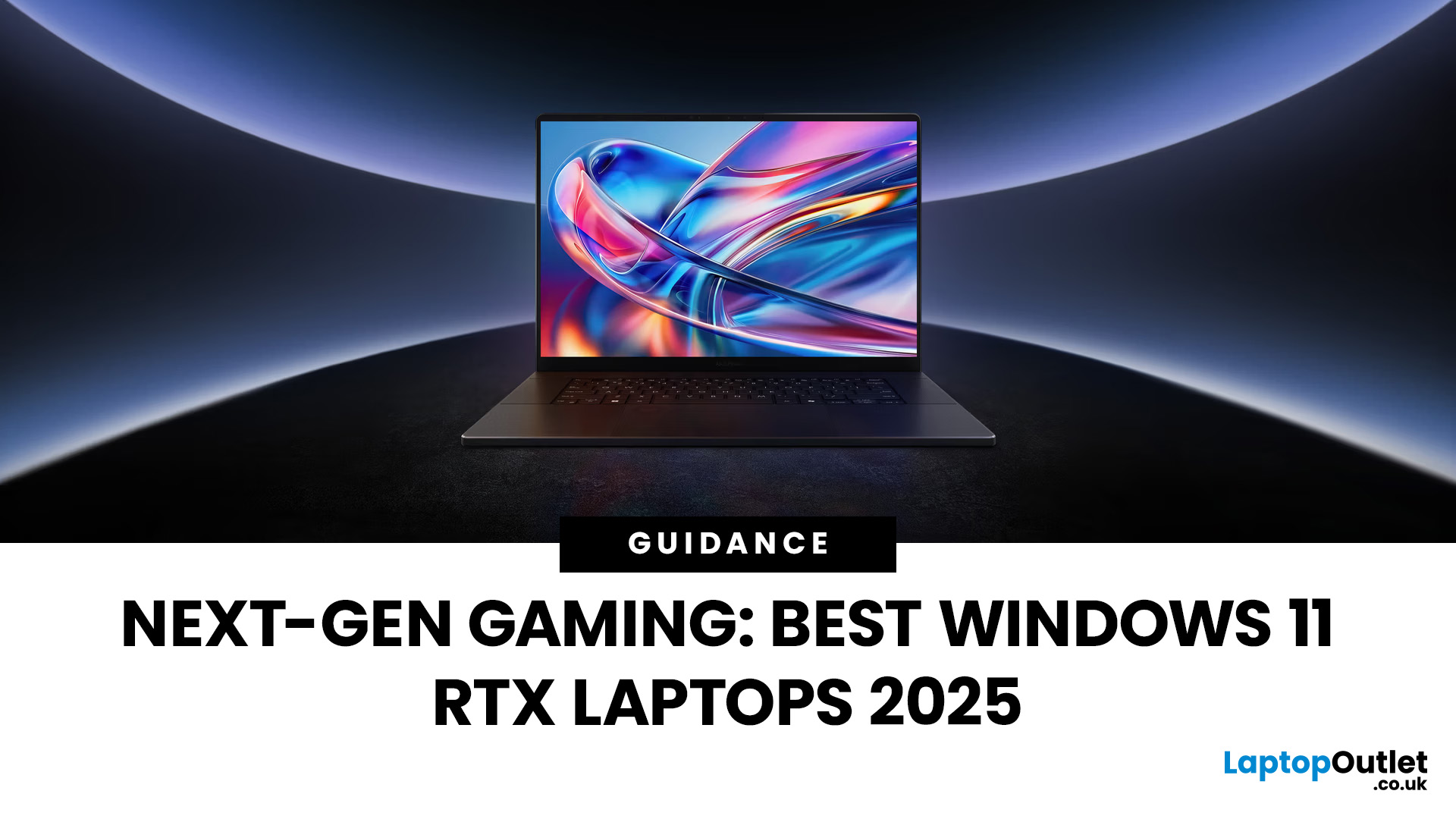
Choosing the right gaming laptop in 2025 comes down to striking a balance between raw power, intelligent features, and future-ready design. With Windows 11 now fully optimised for AI-powered performance, Auto HDR, and DirectStorage 1.2, gaming has never been smoother or more immersive. Pair that with the latest NVIDIA RTX 40 and 50-series GPUs, and you get a portable machine that rivals desktop-level experiences.
This guide explores the best Windows 11 gaming laptops with RTX graphics, helping you understand which models deliver the most value for gamers in different categories — from budget RTX 4060 machines to ultra-premium RTX 5090 rigs. Whether you’re into esports, AAA titles, or content creation alongside gaming, these laptops are designed to keep up with your demands.
Why Windows 11 Gaming Laptops with RTX Graphics Stand Out
AI-Driven Gaming Features
Windows 11 laptops in 2025 integrate Windows Game Mode, Copilot, and AI-based resource management. Together, they ensure your CPU

