



iPad vs Galaxy Tab: The Ultimate Tablet Buying Guide
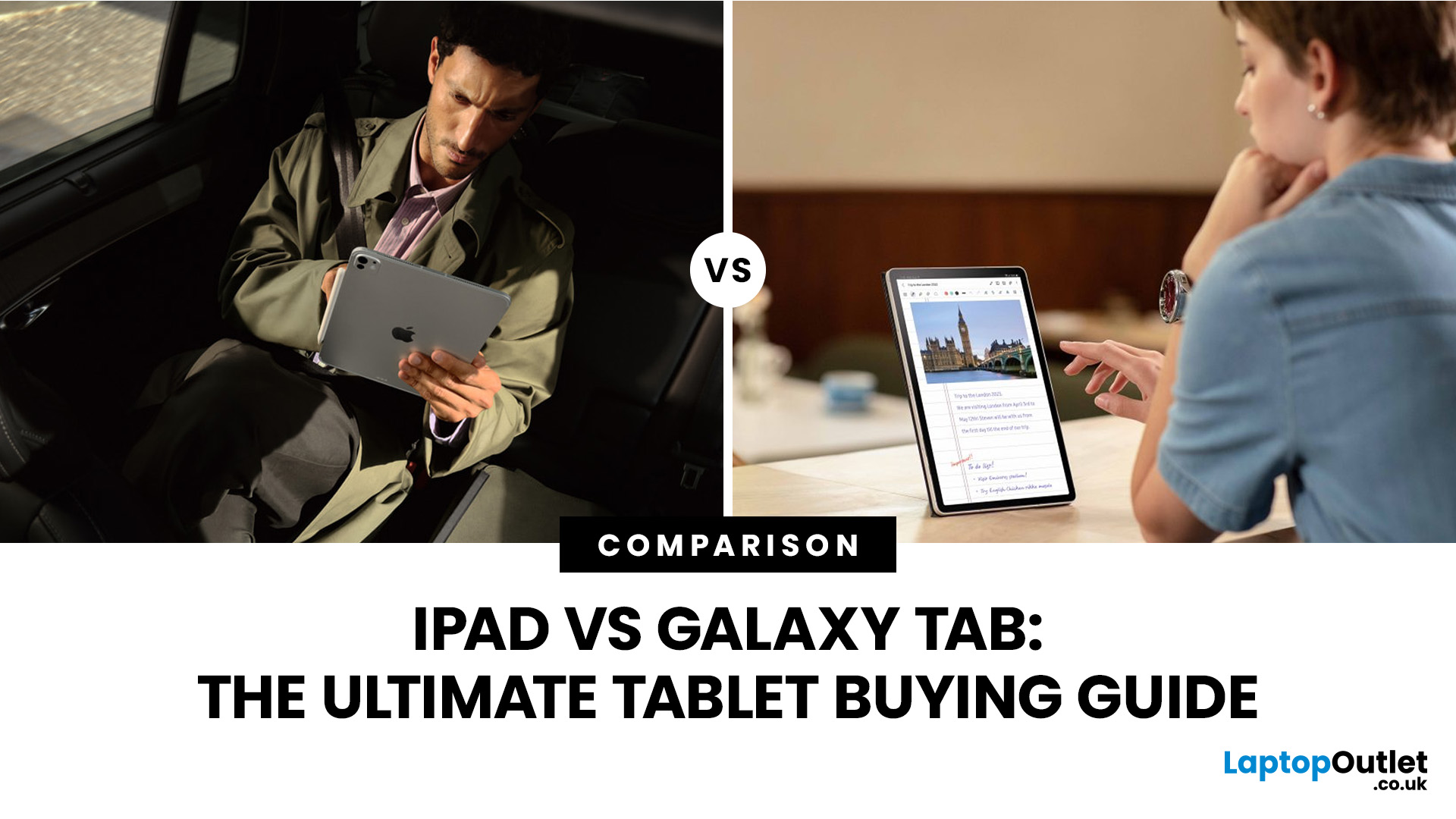
Choosing between a Samsung Galaxy Tab and an iPad can be difficult, especially when both brands offer sleek designs, powerful performance, excellent displays, and accessories for work, study, creativity, and entertainment. Whether you need a tablet for university notes, streaming, drawing, browsing, business tasks, or everyday family use, the right choice depends on how you plan to use it.
Not sure whether Team Apple or Team Samsung deserves your money? You’re not alone. Both tablets bring serious perks, but the best pick depends on how you actually use your tech. From binge-watching and gaming to note-taking and creative projects, this guide breaks down the key differences without the jargon. We’ll compare the features that matter most so you can make a smarter choice.
Samsung Galaxy Tab vs iPad: Quick Comparison
The Samsung Galaxy Tab vs iPad debate usually comes down to ecosystem, budget, and user preference.
|
FEATURE |
SAMSUNG GALAXY TAB |
APPLE iPAD |
|---|---|---|
|
Operating system |
Android with Samsung One UI |
iPadOS |
|
Best for |
Android users, entertainment, multitasking, flexibility |
Apple users, creative apps, schoolwork, long-term performance |
|
Display |
Large screens, AMOLED options on selected models |
Retina and Liquid Retina displays across many models |
|
Accessories |
S Pen support on many models, keyboard covers on selected models |
Apple Pencil and Magic Keyboard support on compatible models |
|
Apps |
Google Play Store and Samsung apps |
Apple App Store and Apple services |
|
Storage |
Many models offer different capacities; some support expandable storage |
Multiple storage options depending on model |
|
Price range |
Budget, mid-range, and premium choices |
Mid-range to premium choices |
|
Best user type |
Android phone users, media lovers, multitaskers |
iPhone, MacBook, and creative app users |
What is the Difference Between an iPad and a Tablet?
- An iPad is Apple’s version of a tablet, while the word “tablet” refers to the wider category of touchscreen devices from many brands.
- Samsung Galaxy Tab devices are Android tablets, while iPads run on Apple’s iPadOS.
This difference affects the way you download apps, manage files, connect with other devices, use accessories, and customise your experience. For example, if you already use an iPhone or MacBook, an iPad may feel more familiar. If you use a Samsung Galaxy phone, Google services, or other Android devices, a Samsung Galaxy Tab may fit more naturally into your daily routine.
Expert Tip: For a simple answer, choose an iPad if you want strong creative apps, smooth software, and Apple ecosystem benefits. Choose a Samsung Galaxy Tab if you prefer Android, more customisation, and a wider range of price options.
iPad vs Samsung Galaxy Tab Design and Build Quality
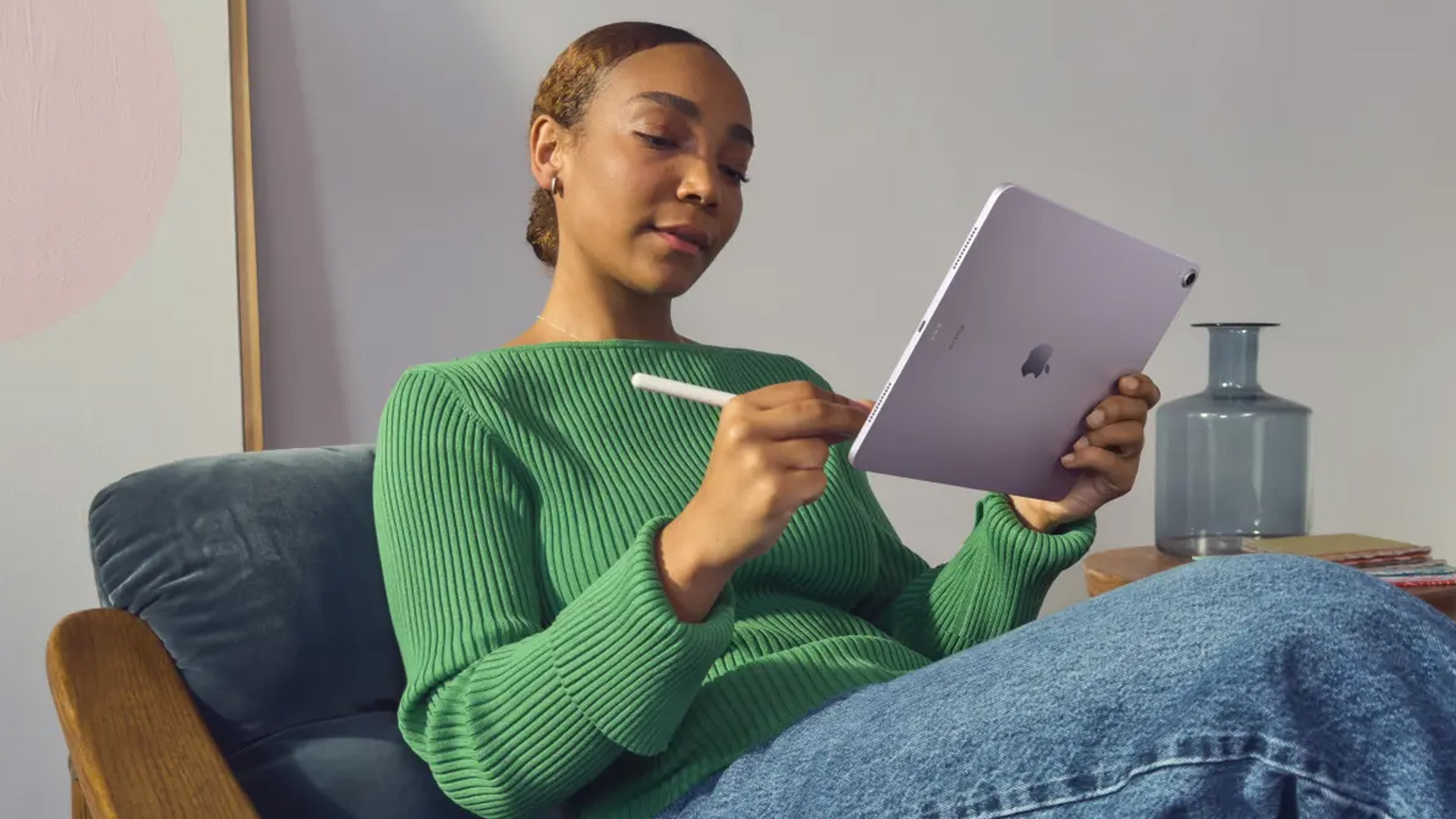
Both Apple and Samsung produce premium-looking tablets with slim bodies, bright displays, and lightweight designs. Most modern iPads and Galaxy Tabs feel sturdy enough for daily use, whether you are working from a desk, studying at university, watching films in bed, or carrying the tablet in a backpack.
The iPad vs Samsung Galaxy Tab design choice often comes down to personal preference. iPads usually have a clean, minimal look that fits neatly into the Apple product family. Samsung tablets often offer more variety across sizes, colours, and price levels.
If portability matters, check the screen size, and weight before buying. A smaller tablet is easier to carry, while a larger display is better for multitasking, drawing, reading documents, and watching videos. A protective case is worth considering for either brand, especially if the tablet will be used by children, students, or frequent travellers.
Display Quality: Which Tablet Has the Better Screen?
Display quality is one of the biggest reasons people compare iPad vs Galaxy Tab models. A better screen makes everything more enjoyable, from streaming and reading to gaming and creative work.
- Samsung Galaxy Tab models are well known for vibrant displays, especially on higher-end models with AMOLED technology. These screens can be excellent for watching films, viewing photos, reading comics, and enjoying rich colours.
- iPads also offer excellent display quality, with sharp Retina and Liquid Retina screens across many models. Apple’s displays are popular with students, designers, photographers, and everyday users who want accurate visuals and smooth performance.
For entertainment, Samsung can be very appealing, especially if you want deep contrast and bright colours. For creative tasks, iPads are a strong choice because of their display quality, app support, and Apple Pencil compatibility on selected models.
Performance: Which Tablet is Faster?
Performance depends on the exact model you choose. A premium iPad will naturally perform better than an entry-level Samsung tablet, while a high-end Samsung Galaxy Tab can outperform a basic iPad in certain tasks.
- Apple iPads are often praised for smooth long-term performance. Apple’s chips are powerful enough for multitasking, creative apps, video editing, gaming, note-taking, and everyday browsing. This makes iPads popular with students, professionals, and creative users.
- Samsung Galaxy Tab models use different processors depending on the range. Entry-level models are suitable for browsing, streaming, and light apps, while premium Galaxy Tab devices can handle multitasking, gaming, productivity, and creative work very well.
When comparing a Samsung tablet vs iPad, do not only look at the brand. Check the processor, RAM, storage, display, battery life, and accessory support. These details make a bigger difference than the logo on the back.
Software Experience: iPadOS vs Samsung Android
Software is one of the most important parts of any Galaxy Tab vs iPad comparison. Even if two tablets have similar hardware, the operating system can make them feel very different.
iPadOS Experience
iPads run on iPadOS, which is designed specifically for Apple tablets. The interface is smooth, clean, and easy to use. It works especially well if you already use an iPhone, MacBook, Apple Watch, AirPods, or iCloud.
iPadOS is strong for creative apps, education tools, note-taking, document editing, video calls, and entertainment. Features such as split-screen multitasking, Apple Pencil support, and keyboard compatibility make selected iPads suitable for both casual and professional users. If you prefer Apple’s ecosystem, you can shop Apple iPads to compare different iPad models for work, study, creativity, and entertainment.
Samsung One UI and Android Experience
Samsung Galaxy Tab devices run Android with Samsung’s One UI. This gives users more flexibility, more customisation, and strong integration with Google services such as Gmail, Google Drive, Google Photos, Chrome, and YouTube.
Some Samsung tablets also support Samsung DeX, which creates a more desktop-like experience for multitasking and productivity. This can be useful if you want your tablet to feel closer to a laptop when connected to a keyboard or external display. If Android flexibility is important, you can explore Samsung Galaxy tablets to compare available Samsung tablet options.
Apps and Ecosystem
Your tablet should work well with the devices and services you already use. This is where the iPad or Samsung tablet decision becomes more personal.
- If you use Apple products every day, an iPad is usually the easier choice. It works smoothly with iCloud, Airdrop, FaceTime, iMessage, MacBooks, AirPods, and other Apple devices. This makes it convenient for students, remote workers, and creative users who already depend on Apple services.
- If you use a Samsung Galaxy phone or Android device, a Galaxy Tab can feel more natural. You can sync with Google apps, use Samsung services, customise your home screen, and enjoy better compatibility with Android workflows.
Both platforms support popular apps for streaming, learning, productivity, gaming, shopping, and communication. The best choice depends on which ecosystem you already trust.
Accessories: Apple Pencil, Magic Keyboard, S Pen, and Samsung DeX
Accessories can turn a tablet into a much more useful device. If you plan to type, draw, take notes, or use your tablet for work, check accessory support before buying.
- Many iPads support Apple Pencil, making them excellent for drawing, handwriting, annotation, and creative projects. Selected models also support Magic Keyboard or other keyboard accessories, which can make an iPad feel closer to a laptop.
- Samsung Galaxy Tab models often support the S Pen, and some include it depending on the model or package. The S Pen is useful for notes, sketches, editing documents, and precise control. Samsung DeX on selected tablets can also help users work in a more desktop-style environment.
The iPad versus Samsung tablet accessory decision depends on your use case. For art and creative apps, iPad is very strong. For note-taking, Android flexibility, and multitasking, Samsung also offers excellent options.
Which Tablet Has Battery Life and Charging?
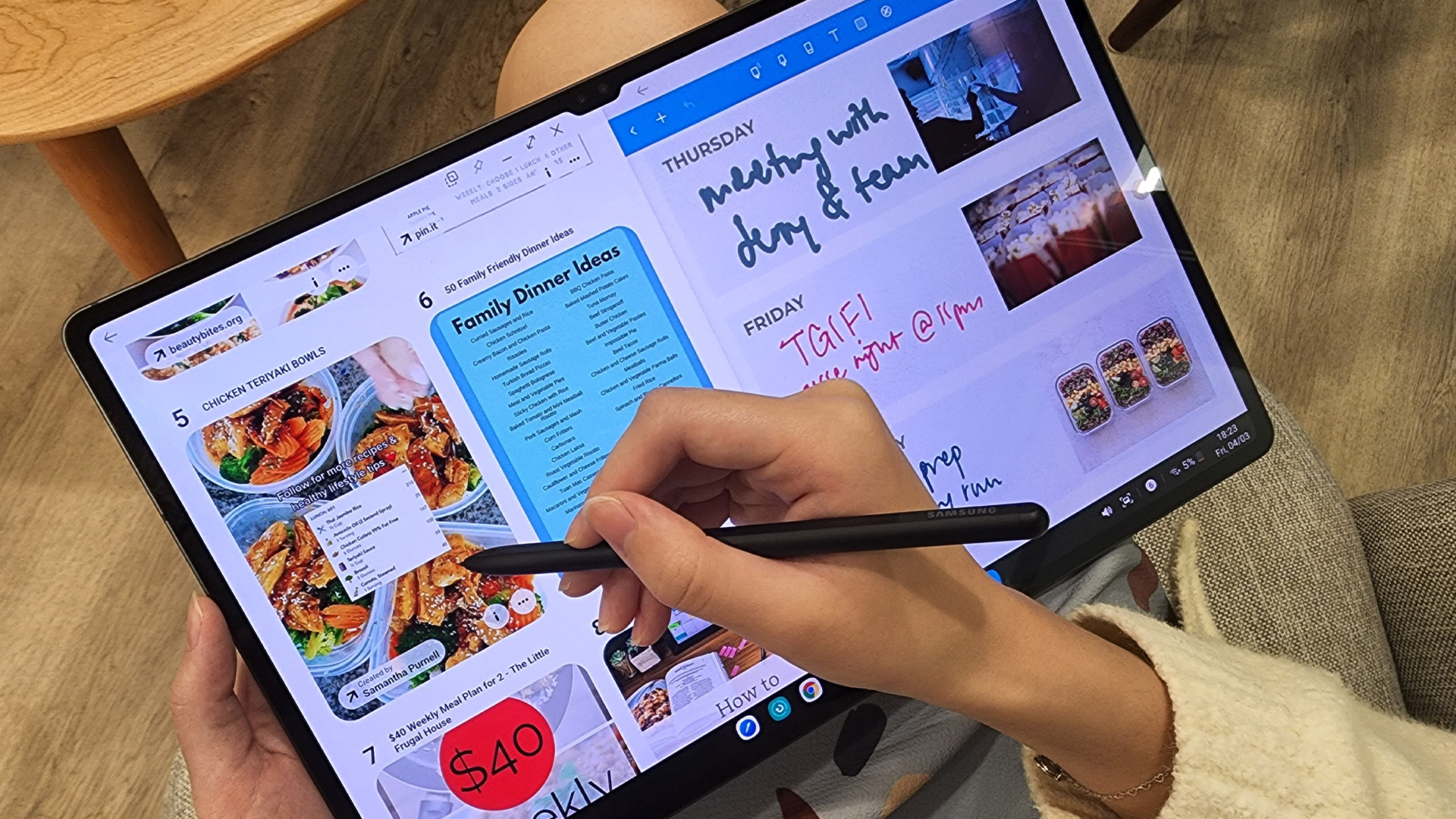
Battery life matters whether you are using your tablet for lectures, travel, work meetings, films, or browsing at home. Most iPads and Samsung tablets are designed to last through a normal day of mixed use, but actual battery life depends on screen brightness, apps, gaming, streaming, and background activity.
If you travel often, choose a model with strong battery performance and USB-C charging. If you mostly use the tablet at home, battery life may be less important than screen size, storage, or performance.
For students and professionals, battery life should be a priority. A tablet that lasts through classes, meetings, or commuting is much more practical than one that needs constant charging.
Storage Options and Expandability
Storage is easy to overlook, but it affects how useful your tablet feels over time. Apps, photos, videos, games, downloads, notes, and documents can quickly fill a device.
- iPads come in different storage capacities depending on the model. However, they do not usually support microSD card expansion, so it is important to choose enough storage at the time of purchase.
- Some Samsung Galaxy Tab models offer expandable storage with a microSD card. This can be useful if you want to store downloaded films, photos, documents, or study materials without relying only on cloud storage.
Camera, Video Calls, and Audio
Most people do not buy tablets mainly for photography, but camera and audio quality still matter. Tablets are often used for video calls, online classes, remote meetings, family chats, and content creation.
- iPads usually offer reliable front cameras and strong audio quality, especially on newer and higher-end models. This makes them good for FaceTime, Zoom, Teams, online lessons, and remote work.
- Samsung Galaxy Tab models also offer good cameras and speakers across many ranges. Larger Samsung tablets can be especially enjoyable for video calls and streaming because of their wide displays and media-focused features.
Which Tablet is Good for Gaming and Entertainment?
For films, games, YouTube, music, and streaming, both brands perform well. The better choice depends on your budget and the type of content you enjoy.
- Samsung Galaxy Tab models with large screens and AMOLED displays can be excellent for entertainment. They are ideal for watching films, browsing social media, reading digital magazines, and playing casual games.
- iPads are also excellent entertainment devices. They offer strong app optimisation, powerful chips, smooth gaming performance, and access to a wide range of creative and media apps.
If you are buying for a child, our guide to the Best Tablets for Kids 2026 Top Picks for Learning Games and Videos can help you compare safe, durable, and family-friendly options for schoolwork, games, and streaming.
Productivity, Study, and Work Use Explained
A tablet can be more than an entertainment device. With the right accessories, both iPads and Samsung Galaxy Tabs can support productivity, study, and work. For students, useful features include note-taking, document editing, split-screen multitasking, PDF annotation, video lessons, cloud storage, and keyboard support. For professionals, a tablet can help with email, presentations, meetings, research, and light content creation.
- An iPad is a strong choice for users who want polished apps, Apple Pencil support, and smooth integration with Apple devices.
- A Samsung Galaxy Tab is excellent for Android users who value multitasking, Google services, and Samsung DeX on supported models.
If you are leaning towards Apple for productivity, read our guide: Is the iPad a Good Laptop Replacement What You Need to Know, to see whether an iPad can handle your work, study, and multitasking needs.
Compare Price and Value for Money
Price is often one of the biggest deciding factors in the Samsung Galaxy Tab vs iPad debate. Samsung tablets are available across a wide range of budgets, from affordable everyday models to premium productivity tablets. This gives buyers more flexibility if they want a tablet for simple browsing, streaming, or family use.
iPads usually sit in the mid-range to premium category. They can cost more upfront, especially when adding accessories such as Apple Pencil or a keyboard. However, many users choose iPads because they offer strong performance, excellent app support, and long-term usability.
If you are comparing value, look beyond the tablet price. Consider the cost of accessories, storage upgrades, warranty, software support, and how long you expect to use the device.
For a wider view of current choices, you can browse all tablets. If you want better value, it may also be worth looking at refurbished options before buying new. For buyers considering a simple and affordable Android-based option, Amazon Fire Tablets Explained Pros Cons and Who Should Buy Them is worth reading before choosing between a Fire tablet, Samsung Galaxy Tab, or iPad.
Samsung Galaxy Tab Features Worth Considering
Samsung Galaxy Tab devices offer several features that make them attractive to Android users. The main benefits include flexible software, Google app support, customisation, multitasking, and a wide choice of models.
Some of the most useful Samsung Galaxy Tab features include S Pen support on selected models, Samsung DeX for productivity, large display options, strong entertainment features, and expandable storage on some devices.
To compare tablets and other devices from the brand, you can discover Samsung products.
iPad Features Worth Considering
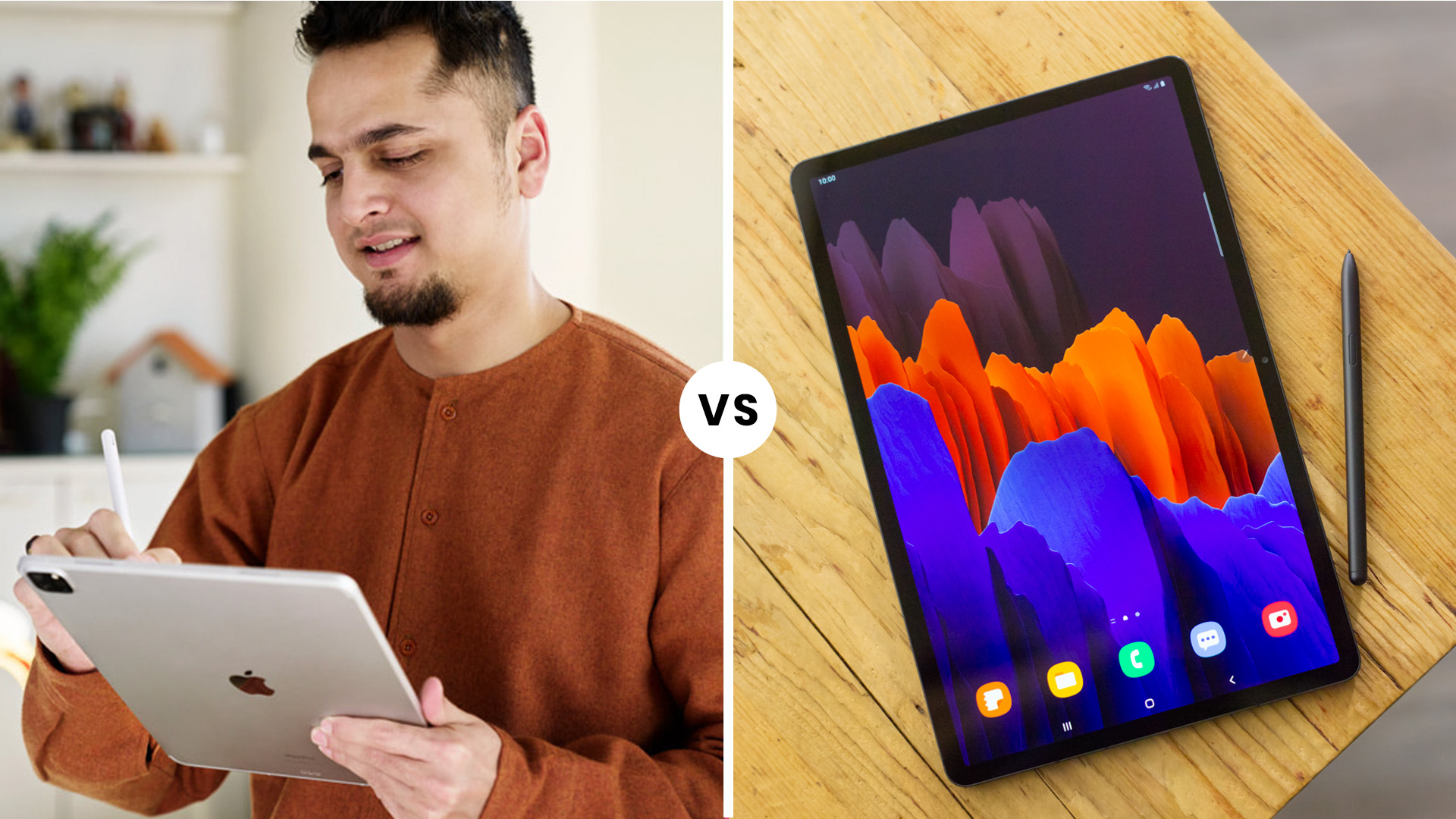
iPads are popular because they offer a smooth software experience, strong app support, and excellent long-term performance. For many users, the biggest advantage is how well an iPad fits into the wider Apple ecosystem.
Useful iPad features include Apple Pencil support on compatible models, keyboard compatibility, iCloud, AirDrop, FaceTime, high-quality creative apps, education tools, and reliable performance for everyday use.

Bottom Line
The Samsung Galaxy Tab vs iPad choice depends on what you value most. If you want a polished tablet with strong app support, creative tools, and seamless Apple integration, an iPad is a strong choice. If you want Android flexibility, Samsung features, customisation, and more price variety, a Samsung Galaxy Tab may be the better fit.
For students, professionals, creatives, and everyday users, both options can be excellent. The best tablet is the one that matches your workflow, budget, ecosystem, and long-term needs. Furthermore, do not ignore refurbished devices. If you want a better specification for your budget, you can buy refurbished tablets and enjoy premium models at lower prices.

Still Got Questions?
Which is better, Samsung Galaxy Tab, or iPad?
An iPad is often better for Apple users, creative apps, long-term performance, and smooth software. A Samsung Galaxy Tab is often better for Android users, customisation, multitasking, and flexible pricing. The best option depends on your budget and the devices you already use.
What is the main difference between an iPad and a tablet?
An iPad is Apple’s tablet, while a tablet is the wider product category. Samsung Galaxy Tabs, Lenovo tablets, Microsoft Surface devices, and other touchscreen devices are also tablets.
Is Samsung Galaxy Tab better than iPad for students?
A Samsung Galaxy Tab can be excellent for students who use Android, Google services, S Pen features, or Samsung DeX. An iPad may be better for students who use Apple devices, creative apps, Apple Pencil, or iCloud.
Is iPad better than Samsung tablet for drawing?
iPads are very popular for drawing because of Apple Pencil support and strong creative apps. However, Samsung Galaxy Tab models with S Pen support can also be excellent for sketching, handwriting, and digital notes.
Should I buy a refurbished iPad or Samsung tablet?
A refurbished tablet can be a smart choice if you want better specifications for less money. It can be especially useful when comparing premium iPads or Samsung tablets on a tighter budget.
Related Articles
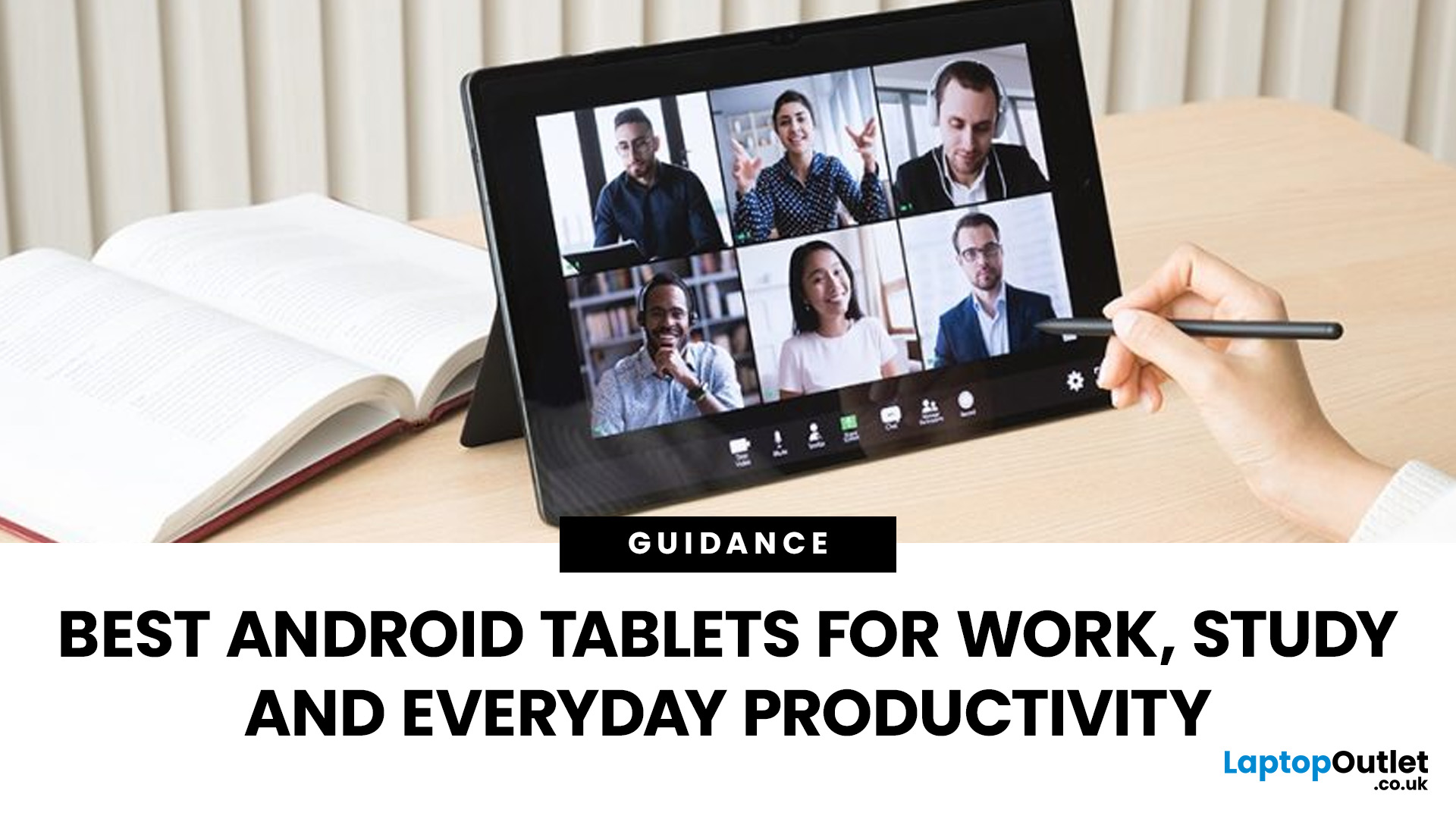

Last Updated: April 13, 2026
Trying to stay productive these days without the right device? Not happening.
Whether you’re switching between lectures, juggling work tasks, replying to emails, or just trying to organise your day without losing your mind… you need something that can actually keep up.
That’s where Android tablets come in.
They’re lighter than laptops, more powerful than you’d expect, and way more flexible for everyday productivity - whether you’re a student, a professional, or somewhere in between.
But here’s the catch: not all tablets are built for productivity. Some are great for Netflix… but struggle the moment you open 3 tabs. Others look powerful on paper but don’t deliver where it matters.
So, in this guide, we’re breaking down the best Android tablets for work and study, helping you find the right balance between performance, usability, and value, without overcomplicating things.
Quick Picks: Best Android Tablets for Work and Study (2026)
If you just want the highlights, here’s a quick look at
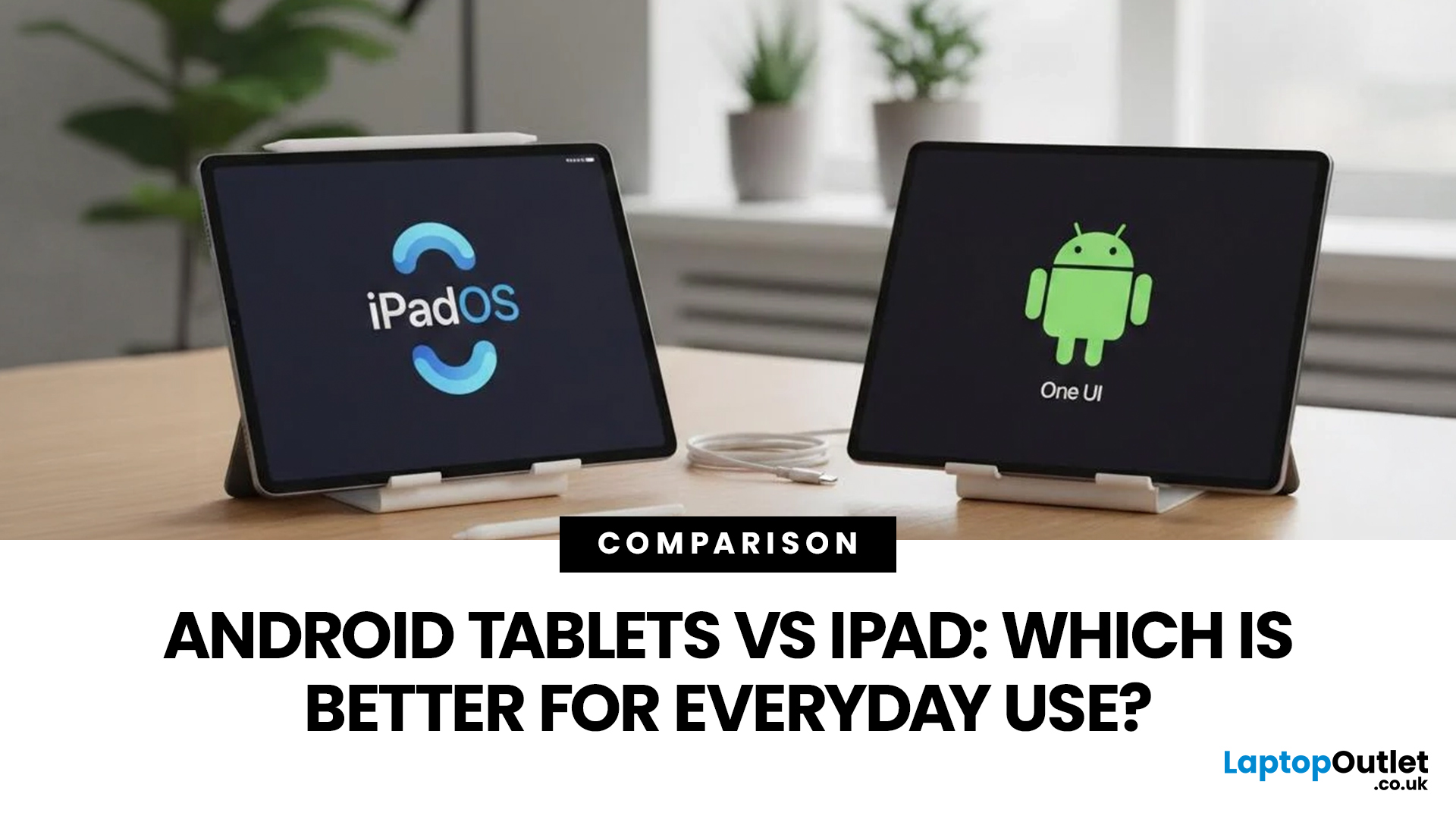
Published: April 14, 2026
Choosing a tablet sounds easy… until you actually start looking.
Suddenly, it turns into a full-on ecosystem debate. Do you go for the clean, premium Apple experience? Or do you choose the flexibility, variety and better-value world of Android?
That’s exactly why so many buyers end up stuck between Android tablets vs iPad.
On one side, iPads have the polished reputation, smooth performance and that classic Apple “it just works” appeal. On the other, Android tablets give you more choice, more price points, more freedom and a way easier entry into the tablet world without your bank account crying in the background.
And if you’re an everyday buyer, that choice matters even more.
Because you’re probably not buying a tablet to do one ultra-specific thing. You want something that fits into daily life. Something good for streaming, scrolling, studying, replying to emails, joining video calls, browsing, shopping, taking notes, maybe even getting a bit of work done when needed.
So in this guide,
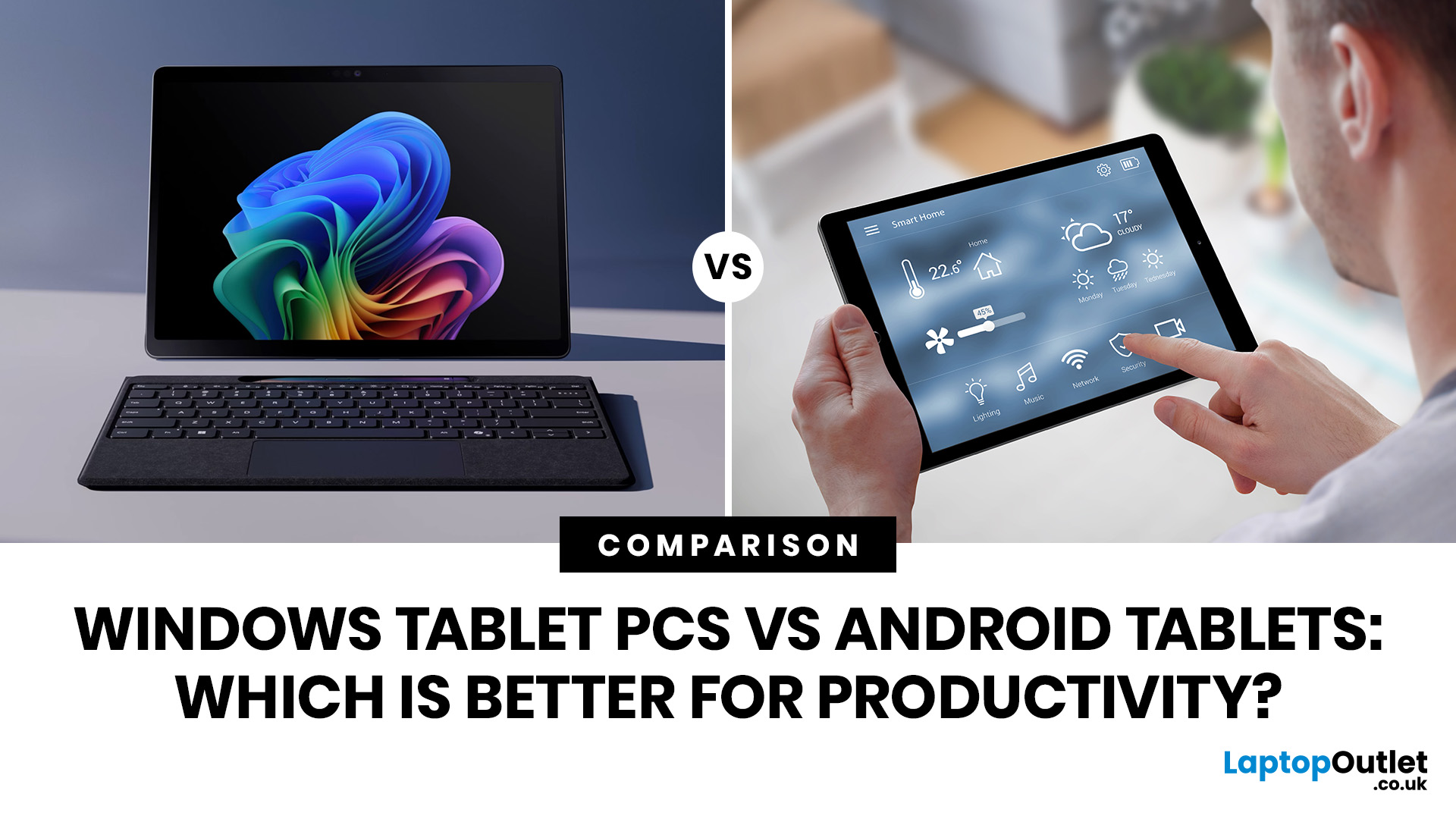
Last Updated: June 10, 2026
When comparing Windows tablet PCs vs Android tablets, Windows is usually better for productivity-heavy tasks like multitasking, office work and business use, while Android tablets are better for portability, value and lighter everyday productivity.
When comparing Windows tablet PCs vs Android tablets, the best choice depends on how you work. Some users need laptop-style performance for spreadsheets, email, browser tasks and multitasking, while others prefer a portable device for note-taking, research, video calls and everyday flexibility.
That is why the Android vs Windows tablets debate matters. Windows tablets offer a more PC-like experience with stronger multitasking, while Android tablets focus on portability, convenience and app-based productivity.
For buyers in the UK, the best option depends on whether you value desktop-style software, keyboard-led productivity and business features, or a lighter, more affordable system that is easy to carry and simple to use. If you are browsing
Last Updated: April 27, 2026
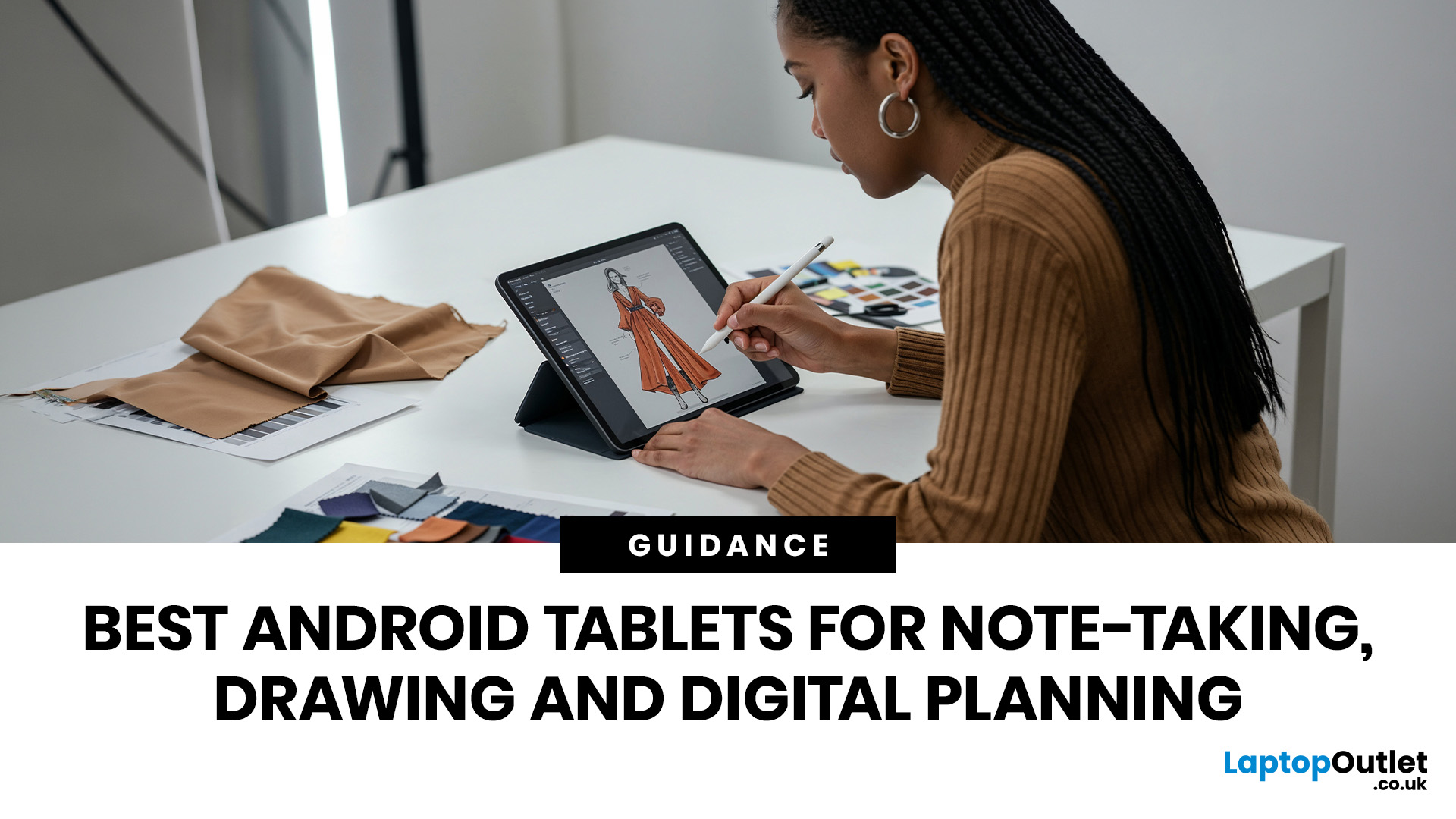
If you are looking for the best Android tablets for note taking and drawing, the key is finding a tablet that feels natural for writing, sketching and digital planning. The best options combine stylus support, a clear display, good portability and enough performance for everyday work, study and creative use.
Not every user needs the same thing. Some want a simple tablet for notes and journaling, while others need a more capable device for drawing, annotating PDFs, and multitasking. That is why choosing among today’s Android tablets with stylus support is really about finding the right fit for your routine.
Android stands out because it offers plenty of choice across features, pricing, and everyday usability. Whether you want a compact planner-friendly device or a more flexible all-rounder, there is a wide range of Android tablets to explore.
Quick answer: what should you look for?
Before going too deep, here is the short version. The best Android tablets for note taking and drawing usually
Last Updated: May 25, 2026
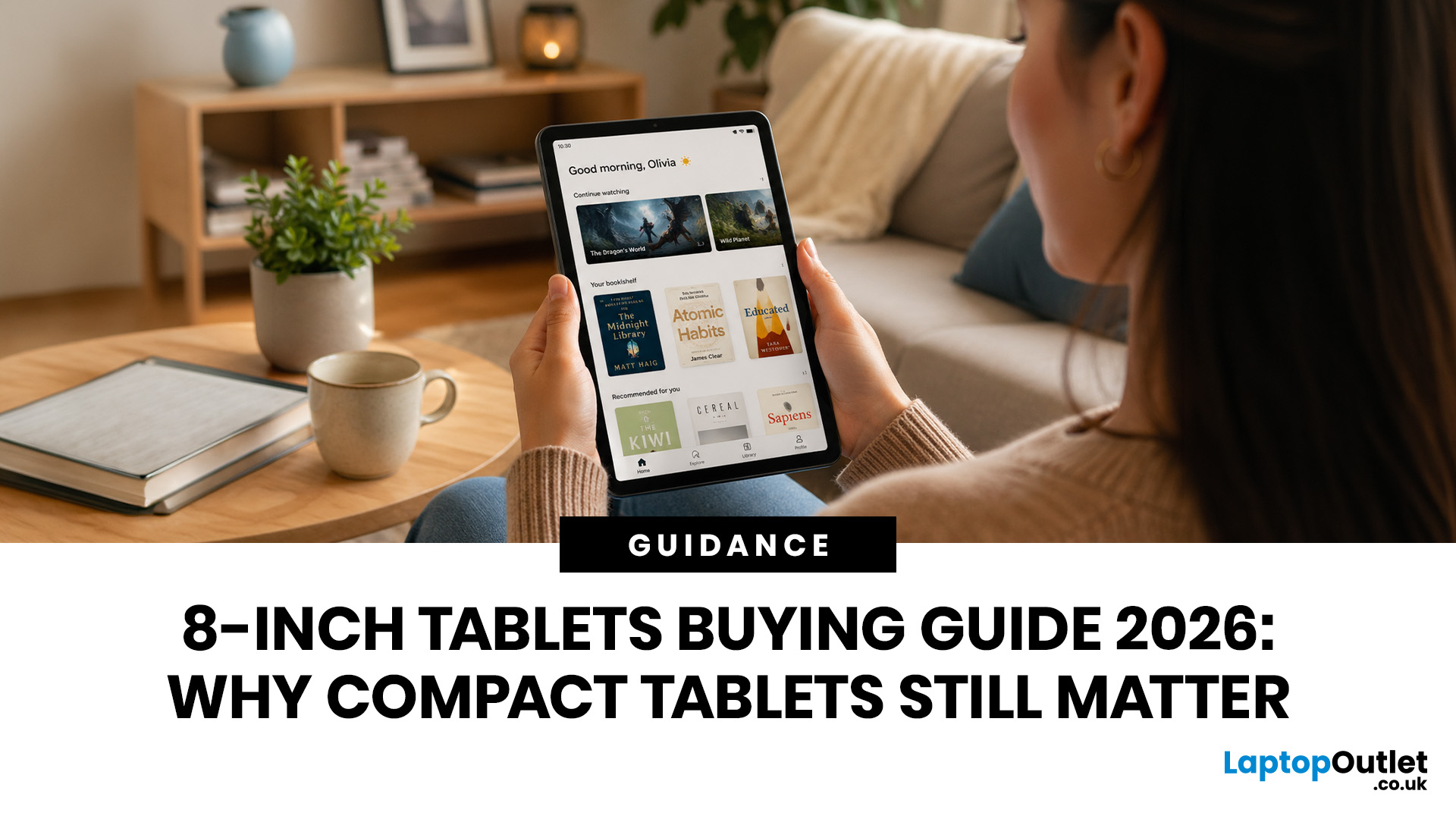
Big tablets are great until you actually have to carry one everywhere. A 12-inch screen looks dreamy on a desk, but on a packed train, budget flight, sofa armrest, or bedside table? Not always the vibe. That is exactly where 8 inch tablets still make sense in 2026. They sit in the sweet spot between a smartphone and a full-size tablet: bigger than your phone for reading, streaming and browsing, but still small enough to hold in one hand, throw in a bag and use without feeling like you are carrying a portable TV.
This 8 inch tablets buying guide is here to help you choose properly. We will compare compact tablets, explain the difference between the Apple iPad mini, Android small tablets and Amazon Fire options, and show which models make sense for reading, travel, streaming, kids, students, and everyday use.
And yes, compact tablets still matter. They are just not trying to be laptops. They are trying to be the device you actually take with you.
Are 8-inch Tablets Still Worth Buying in
Last Updated: June 10, 2026
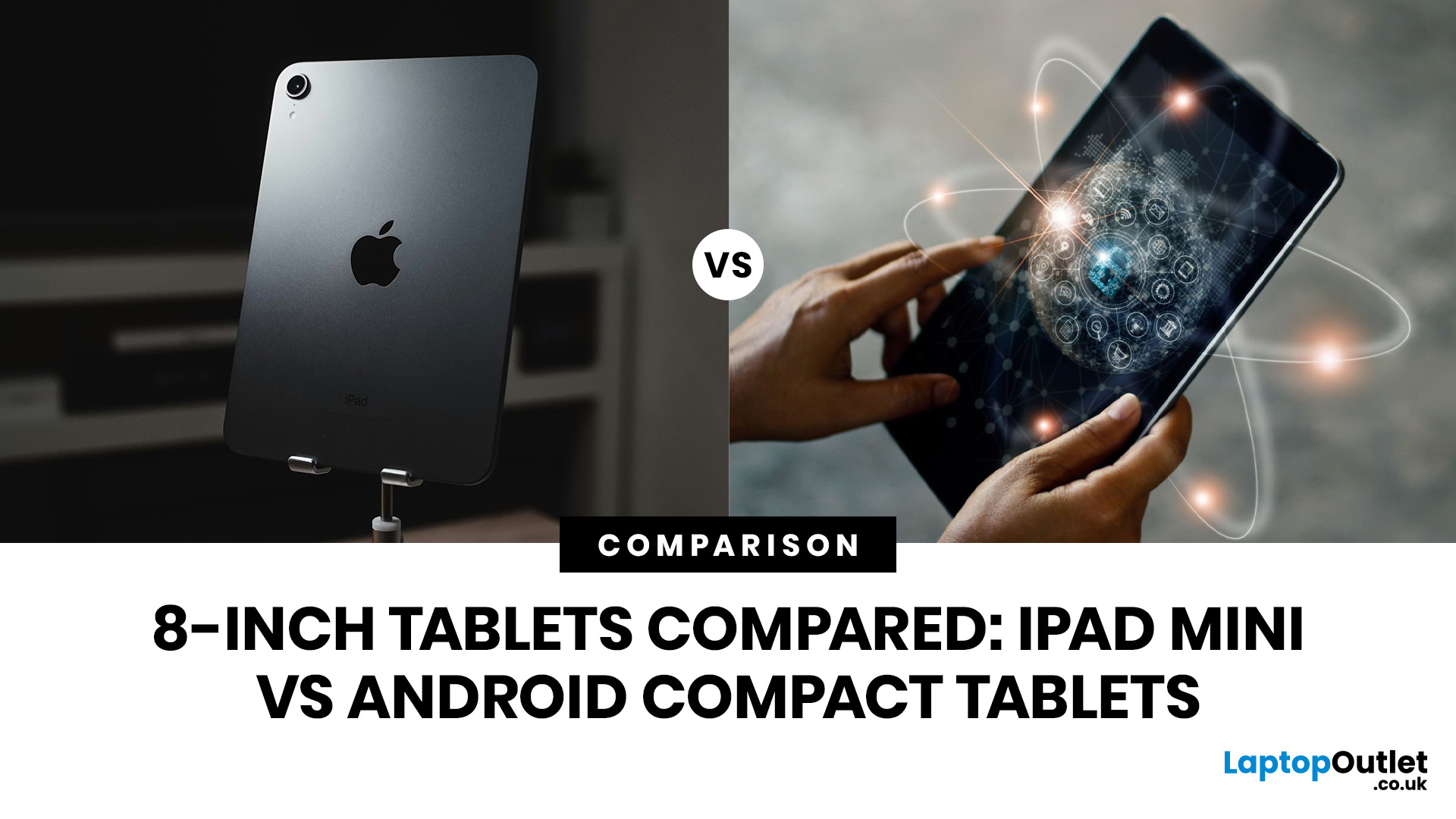
Quick Answer: The iPad mini is the better choice if you want premium performance, a sharper display, Apple Pencil support and long-term everyday speed. Android compact tablets are better if you want a more affordable small tablet for reading, browsing, streaming, video calls and casual use. For most buyers, the iPad mini wins on power and quality, while Android wins on value and budget-friendly practicality.
Small tablets are perfect when you want more screen than a phone but do not want to carry a 11-inch or 13-inch full size tablet everywhere. For reading, commuting, streaming, travelling and light everyday use, the real buying decision often comes down to iPad mini vs Android compact tablets.
In this guide, we compare both options across display quality, performance, software, battery, storage, connectivity, value and use cases so you can decide which compact tablet makes more sense for you.
Quick Comparison: iPad mini or Android Compact Tablet?
If you want the most powerful small tablet
Last Updated: July 13, 2026
Not every tablet needs to be huge. Sometimes, the best tablet is the one you can actually carry every day without it taking over your bag.
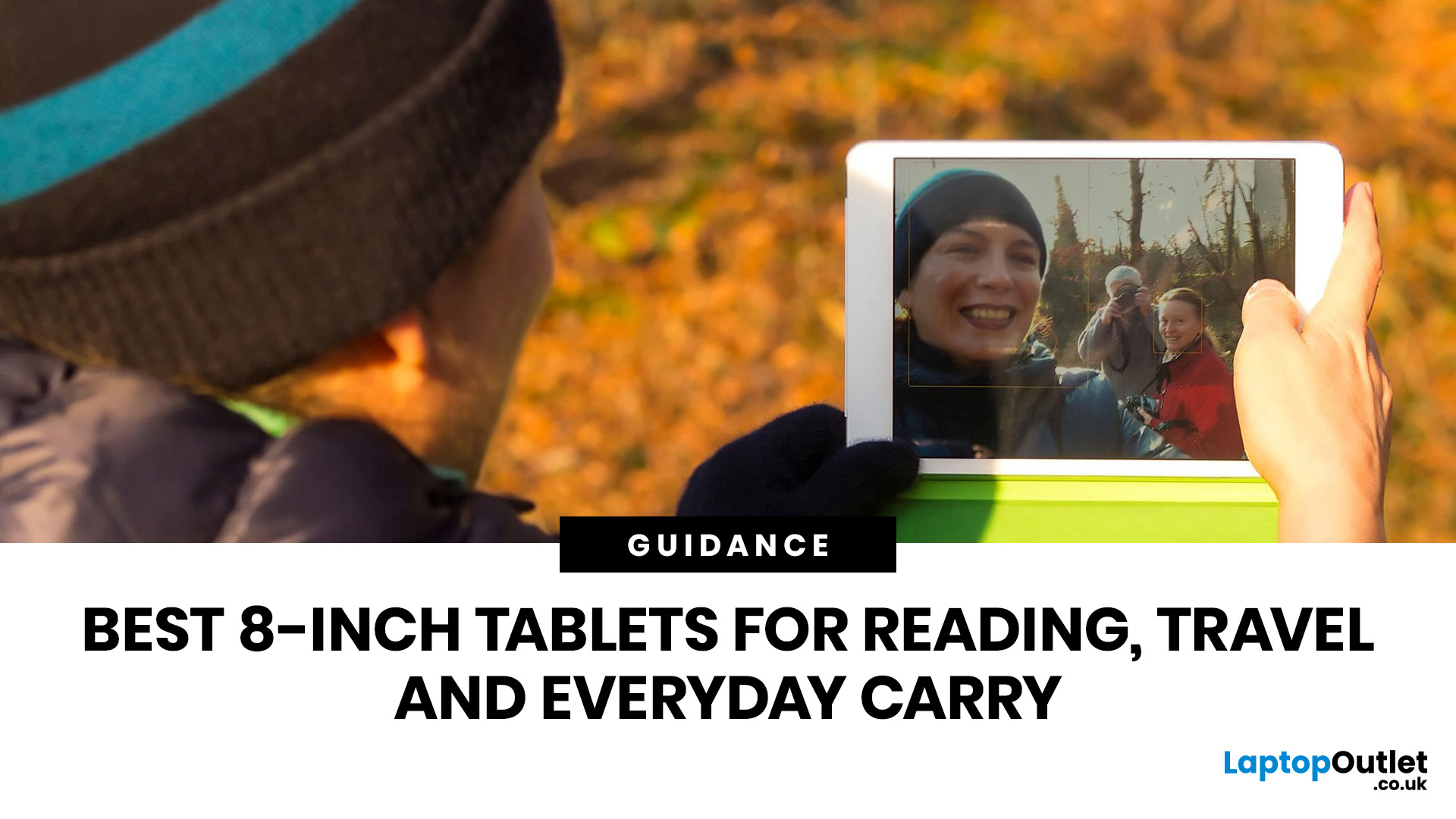
That is where the best 8-inch tablets for reading and travel come in. These compact tablets are built for people who want something bigger than a phone but lighter and easier to handle than a full-size 11-inch or 13-inch tablet. They are ideal for reading eBooks, checking emails, streaming on the train, browsing in bed, taking notes, keeping kids entertained, and travelling light. In this guide, we will help you choose the right compact tablet based on display quality, performance, battery, storage, connectivity, and real-world use.
Best 8-inch Tablets Currently Worth Considering at Laptop Outlet
| Model | Best for | Screen | Processor | Memory / storage | Battery |
| Premium reading, travel, notes and everyday use | 8.3-inch Liquid Retina, 2266×1488 | Apple A17 Pro | 128GB or 256GB options available in category | Up to 10 hours |
Last Updated: June 10, 2026
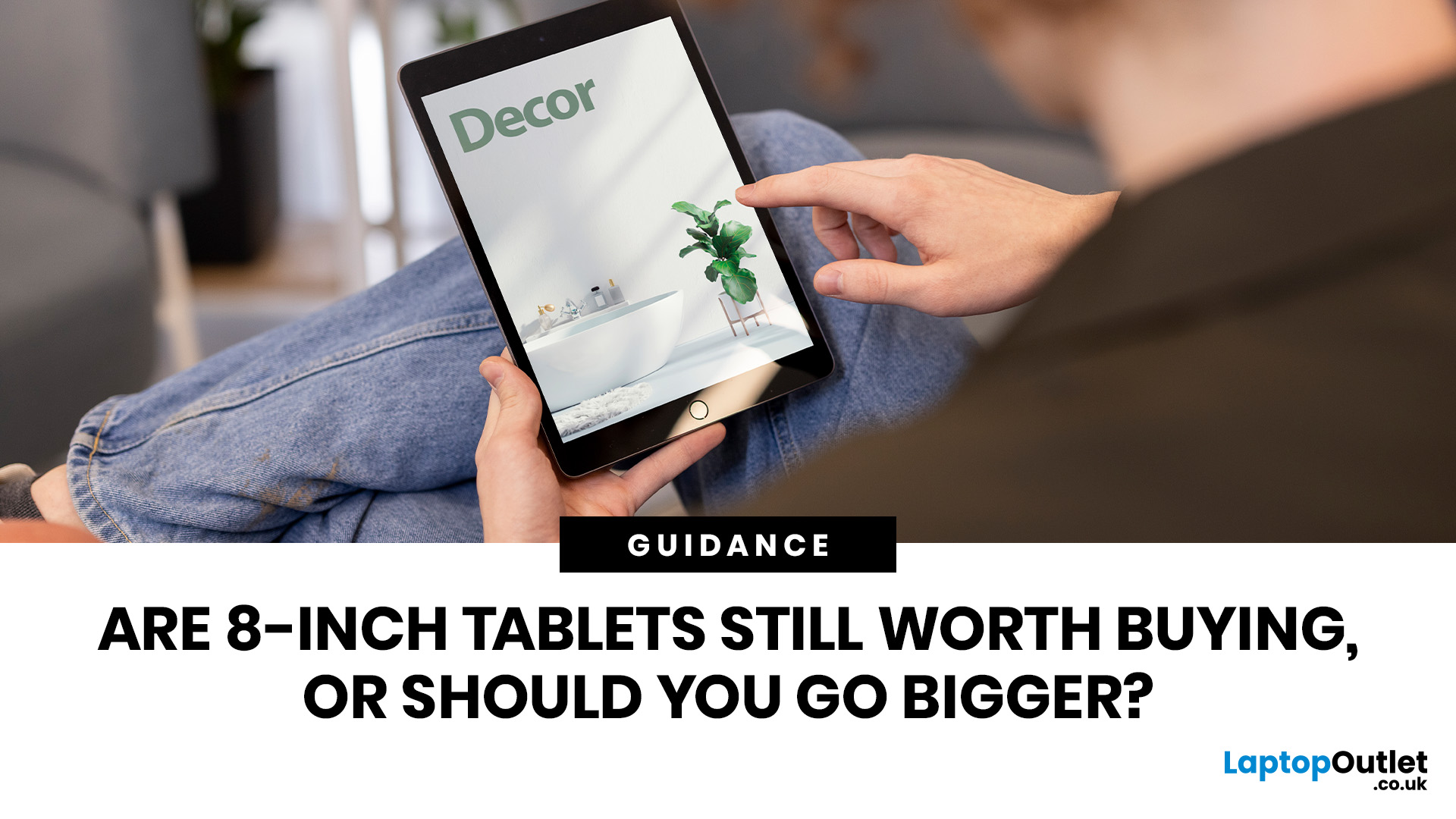
Quick answer: Yes, 8 inch tablets are still worth buying if you want a lightweight, portable tablet for reading, travel, commuting, browsing, streaming or kids’ use. They are easier to carry than 11-inch tablets and more comfortable than phones for longer sessions. However, if you need split-screen multitasking, keyboard work, digital drawing or laptop-style productivity, a larger tablet will usually make more sense.
Tablet screens keep getting bigger, but that does not mean everyone needs a bigger tablet. For some buyers, an 11-inch or 13-inch display is perfect. For others, it is just extra weight in the bag. That is why the question are 8-inch tablets still worth buying is still relevant. Compact tablets sit in a useful middle ground: bigger than your phone, lighter than a full-size tablet and easier to carry every day.
If you mainly want a tablet for reading eBooks, browsing online, watching videos, checking emails, travelling, commuting or keeping the kids entertained, an 8-inch tablet
Last Updated: June 10, 2026
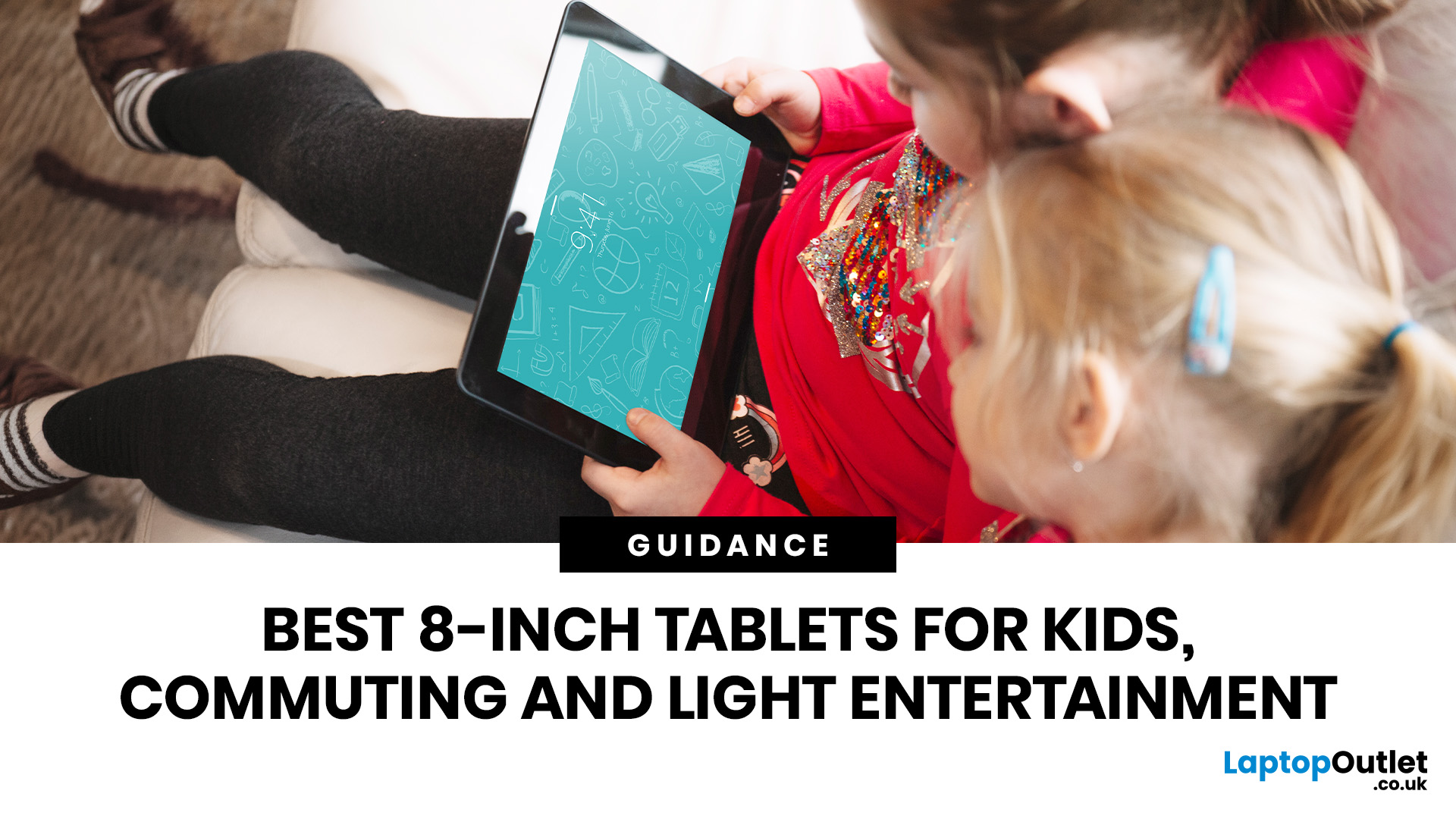
Quick answer: The best 8-inch tablets for kids and travel are compact, lightweight models with strong storage, smooth everyday performance and a screen that feels comfortable for reading, streaming and browsing. From our current 8-inch tablet range, the Apple iPad Mini A17 Pro Chip 8.3" is the standout option, with Wi-Fi and Wi-Fi + Cellular versions available across 128GB, 256GB and 512GB storage choices.
Not every tablet needs to replace a laptop. Sometimes, the best tablet is the one you can actually carry, hold and use without thinking twice. That is exactly where 8-inch tablets fit. They are small enough for children to handle, light enough for commuting and still powerful enough for reading, browsing, streaming, video calls, casual gaming and everyday entertainment.
If you are shopping for compact tablets for kids, looking for the best small tablets for commuting, or comparing 8-inch tablets for entertainment, this guide will help you choose the right option from our current 8-inch
Last Updated: June 11, 2026
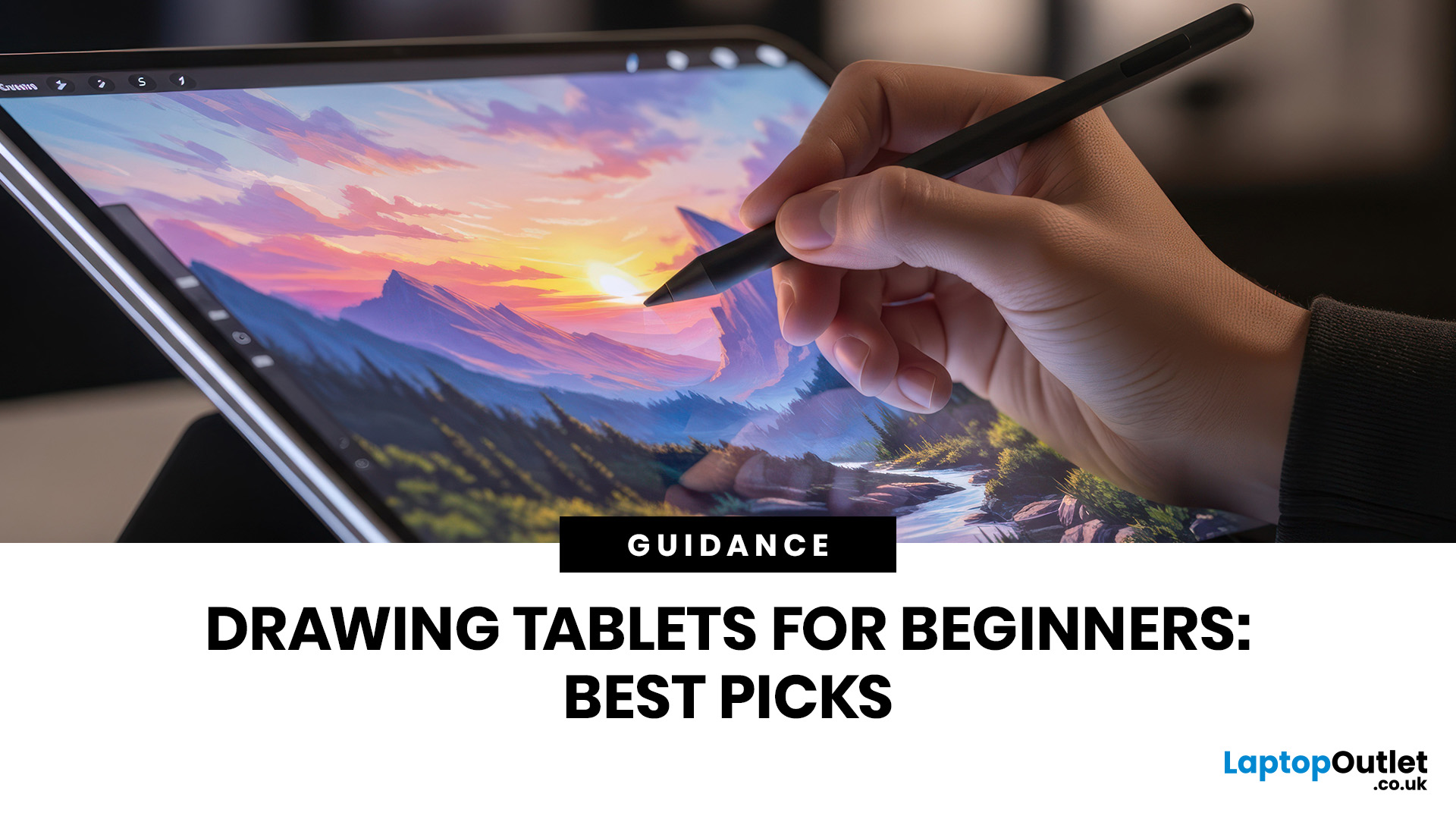
Buying your first drawing tablet can feel confusing, especially with so many screenless, display, and standalone options available. The best beginner drawing tablet is not always the most expensive one; it depends on how you draw, where you use it, your current device, and your budget.
| Choosing the best drawing tablets beginners depends on your budget, drawing style, and whether you want a screen. A screenless graphics tablet is affordable, a display tablet feels more natural, and a portable tablet with stylus support is ideal for drawing, notes, and everyday use. This guide explains the key features to compare before buying, including pen pressure, size, compatibility, portability, and price. |
This guide explains the main tablet types, key features to compare, and how to choose a beginner-friendly model that suits your learning style.
What Is the Best Drawing Tablet Beginners?
For most beginners, the best choice is either:
- A screenless graphics tablet if you want an affordable drawing pad

