



Xbox Ally X: Specs, Performance & Is It Worth the Premium
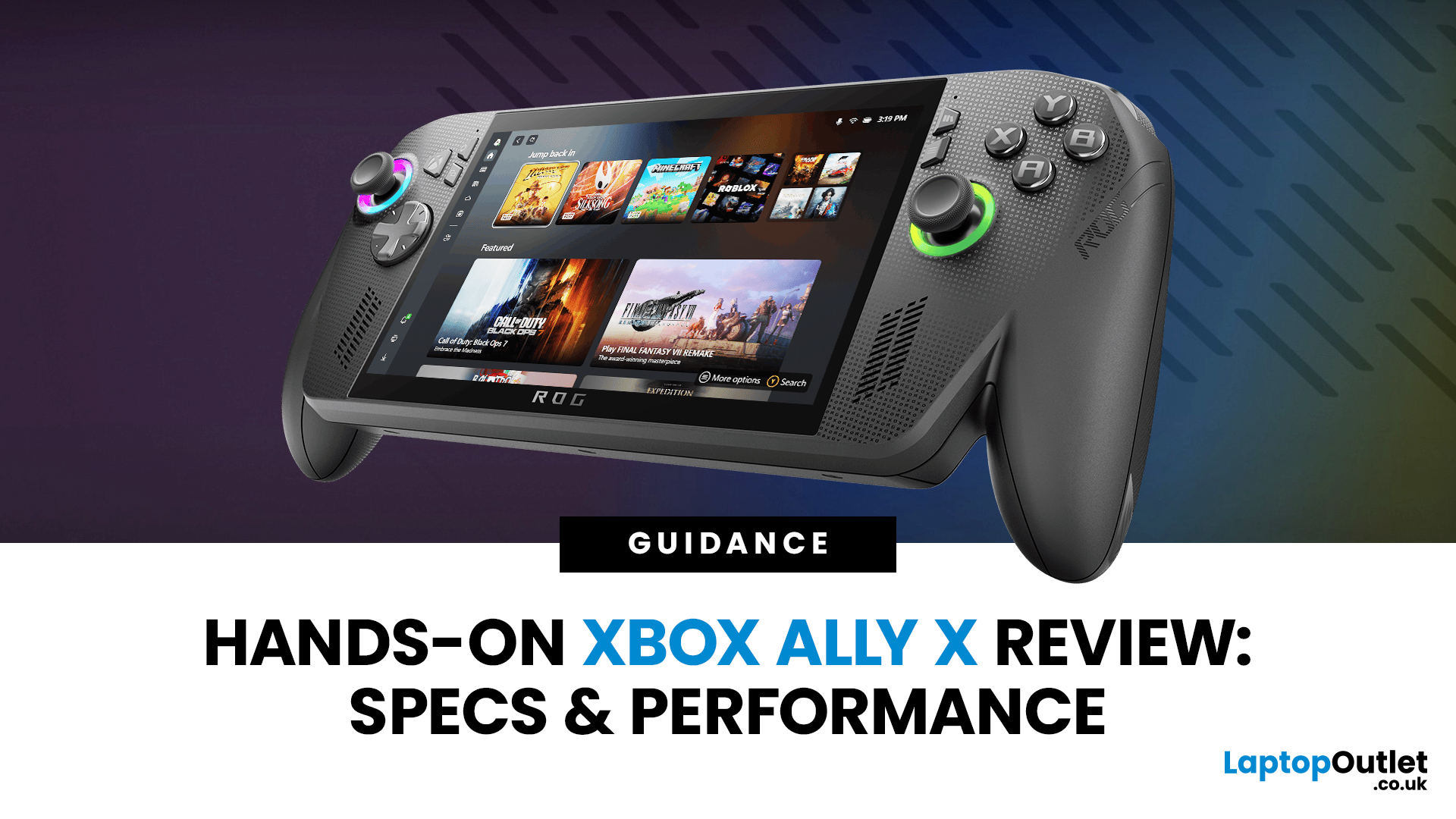
I’ll be honest, I’ve been waiting eagerly to try the Xbox Ally X ever since Microsoft and ASUS announced it. The idea of a proper Xbox handheld gaming machine, one that blurs the line between console and PC, had me curious but also sceptical. After all, we’ve seen plenty of handheld PCs already, and most of them promise the world but trip over Windows bloat or weak battery life.
When I finally picked up the Ally X, my first reaction was: this thing feels serious. It’s not a toy, it’s not a Switch, and it’s definitely not a Steam Deck clone. It feels like a machine built for Xbox fans first, but with the flexibility of a full Windows 11 PC under the hood. In this Xbox Ally X review, I’ve spent as much time diving into the specs, benchmarks, software, and real-world use as I could. Here’s my take and whether it lives up to the hype.
Xbox Ally X vs Ally: Do You Really Need the Upgrade?
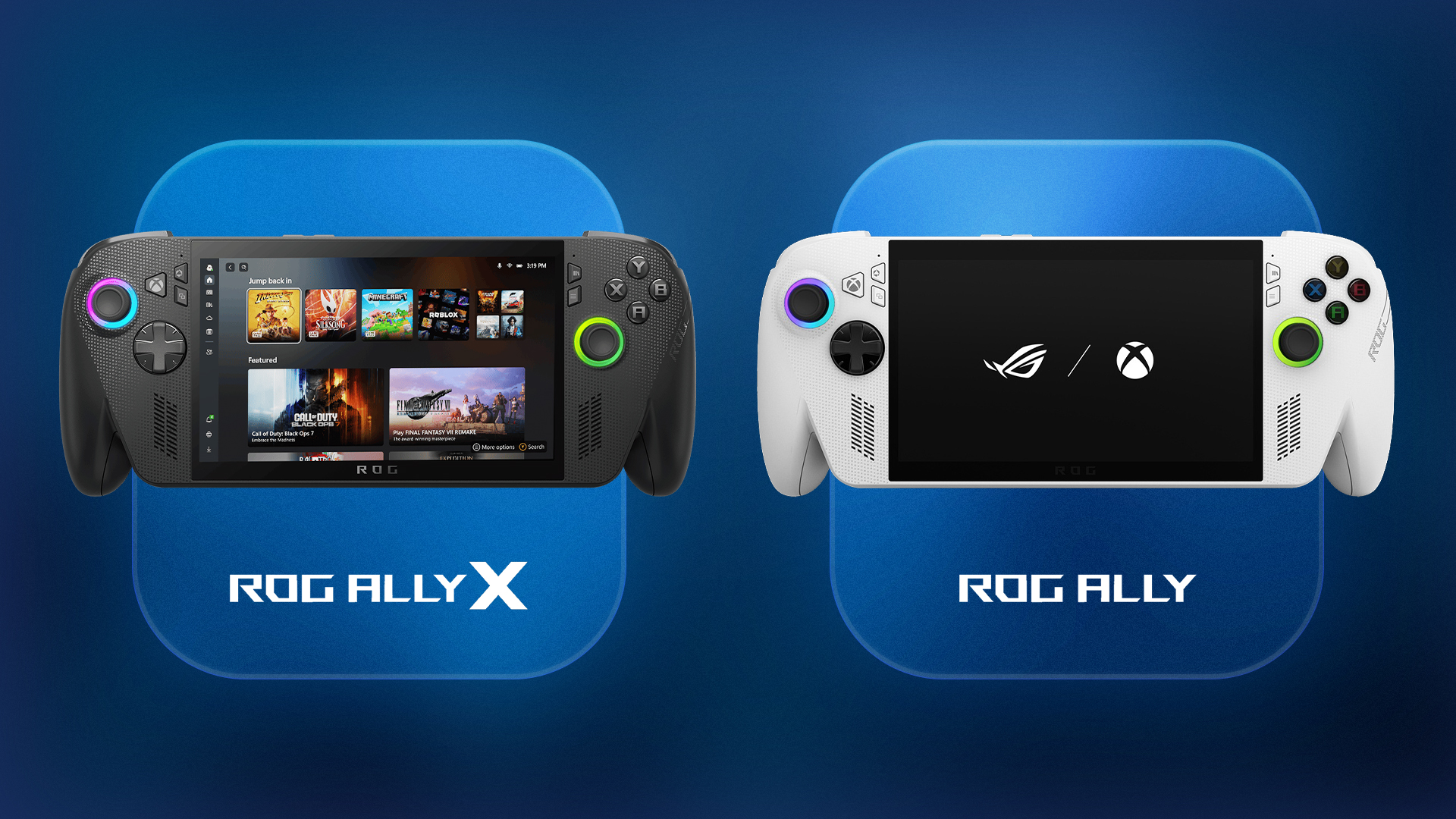
The Xbox Ally X launch date was 16th October 2025, arriving alongside the standard ROG Ally. Microsoft calls it a handheld built for seamless PC and Xbox gaming in one package - but in my hands, it feels like much more than a spec bump.
One of the first questions people ask me is: “Why not just buy the cheaper Xbox Ally?” Fair question because on paper, both look pretty similar. They share the same 7-inch 1080p, 120Hz IPS display, they both boot into the new Xbox-style UI, and both are essentially handheld Windows 11 PCs.
But here’s the difference I actually felt while using them: the X has breathing room.
- The Ally X packs a newer Ryzen AI Z2 Extreme chip, while the base Ally is stuck with the cut-down Z2 A. When I fired up Doom: The Dark Ages on the Ally X, I hit a smooth 70–80fps with AMD’s frame generation switched on. On the base Ally? Same settings barely scraped 45fps. The gulf is noticeable.
- You also get 24GB RAM vs 16GB, and yes, that matters. With Steam, Xbox Game Pass, and Discord all running in the background, the X just felt snappier. The base Ally sometimes stuttered when multitasking.
- Storage is doubled too: 1TB on the Ally X vs 512GB on the standard. If you’re like me and juggle Call of Duty, Starfield, and Cyberpunk 2077, you’ll fill 512GB in no time.
That said, the Xbox Ally X price jump is huge from about £499 for the Ally to nearly £799 for the Ally X. Unless you really care about performance or hate uninstalling games, the base Ally will do the job. But if you’re like me and want your handheld to feel future-proof, the X earns its spot.
Quick heads-up: If you’re curious about the standard Ally, you can check out my walkthrough here: What is Xbox Ally? your complete walkthrough.
Design & Comfort: Heft with Purpose
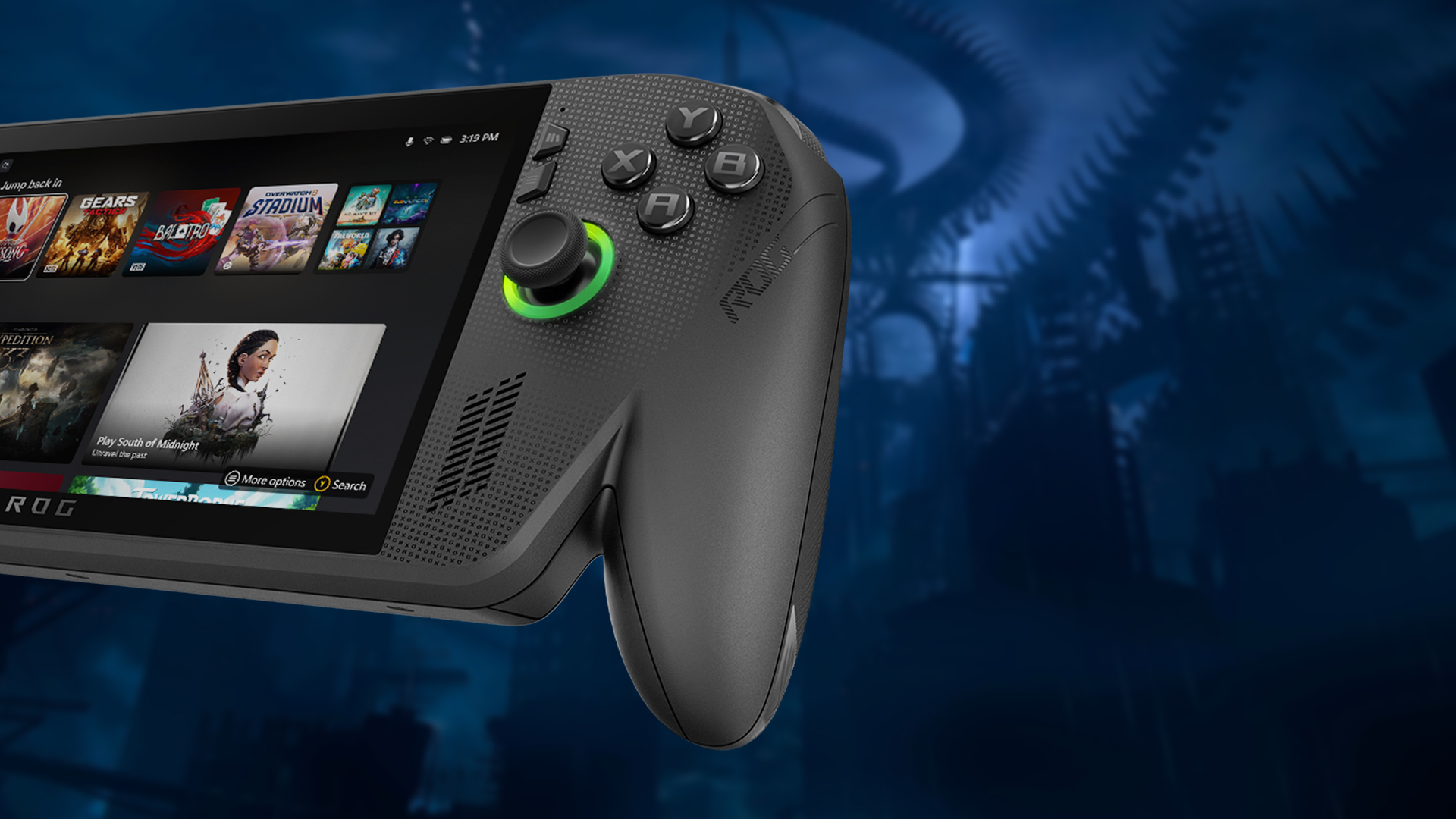
The first thing you notice is the weight. At around 715 grams, the Ally X isn’t light. It’s chunkier than a Nintendo Switch and heavier than the base Ally. After about 20 minutes in Gears of War: Reloaded, I could feel my forearms letting me know I was holding a proper bit of kit.
That said, ergonomics are spot on. The grips are sculpted like an Xbox controller - deep curves, textured edges, and just enough thickness to feel secure without cramping your hands. Compared to my Steam Deck, the Ally X sits more naturally in my palms, which makes a huge difference during longer sessions.
The button layout is pure Xbox, ABXY where you expect, analogue sticks tight and snappy, and triggers that actually impressed me. Microsoft added Impulse Triggers, so when I fired a Lancer rifle in Gears, I felt subtle vibrations under my fingers. It sounds like a gimmick, but in practice it’s surprisingly immersive.
On the downside, the extra heft means it’s not the kind of handheld you can casually hold up in bed for hours. This feels more like a “prop it on your knees, get comfy on the sofa” sort of device. Portable, yes - but pocketable? Not in the slightest.
Display & Audio: Good, But Could’ve Been Better
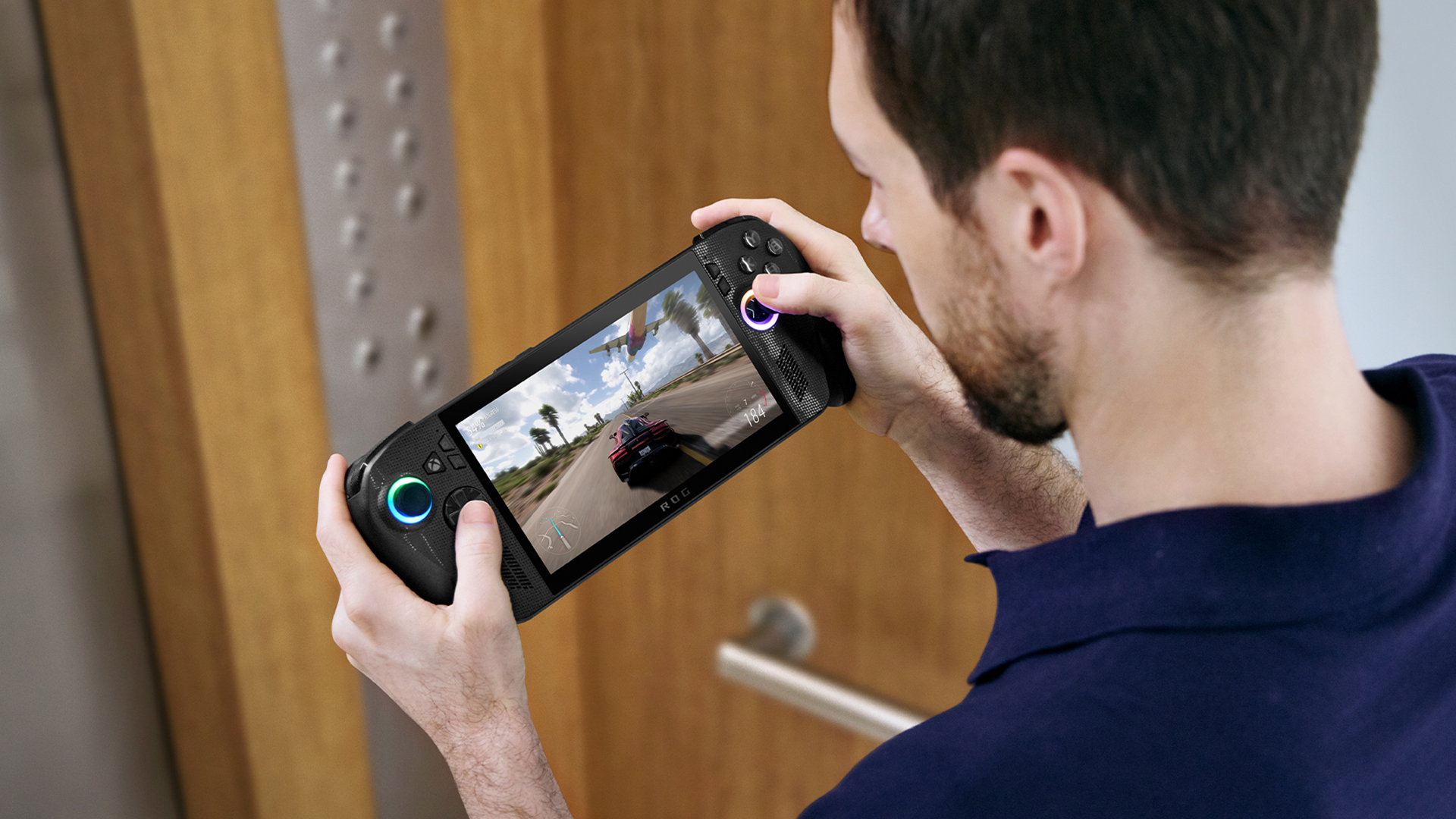
Let’s talk screen. The Ally X sports a 7-inch, 1080p IPS panel with a 120Hz refresh rate. Colours are bright, motion looks smooth, and for fast shooters like Halo Infinite, the high refresh makes a noticeable difference.
Here’s the thing, though: it’s not OLED. And honestly, once you’ve gamed on an OLED panel (like the Switch OLED or even a good gaming laptop), you can’t unsee it. Blacks just aren’t as deep here, and darker games like Cyberpunk or Resident Evil Village feel a little washed out. For a £799 device, I wish ASUS and Microsoft had gone all the way. Audio, though, surprised me. The dual front-firing speakers are loud, crisp, and punch above their weight.
Software & UI: Xbox Simplicity Got Windows Flexibility
This is where the Xbox Ally X sets itself apart. Most Windows handhelds dump you straight into a cluttered desktop. Not here. When I powered up the Ally X, I was greeted by a slick Xbox UI mode - a console-like menu with my Game Pass titles front and centre.
It’s clean, it’s familiar, and it makes the device feel like a true Xbox handheld gaming machine. Jumping between Halo, Minecraft, and Starfield felt just like being on my Xbox Series X at home.
But here’s the bonus: underneath it all, it’s still Windows 11. If I wanted to, I could dive out of the Xbox UI, fire up Steam, install mods, or even do boring stuff like check emails. That dual nature is brilliant though sometimes clunky. I had a few moments where Windows notifications interrupted gameplay, and fiddling with desktop settings on a 7-inch touchscreen isn’t exactly fun.
Still, compared to the clumsy UI of the Steam Deck (unless you love tinkering), the Ally X feels far more accessible. It’s the first Windows handheld that didn’t make me sigh every time I wanted to launch a game.
Performance & Benchmarks: Does It Actually Deliver?
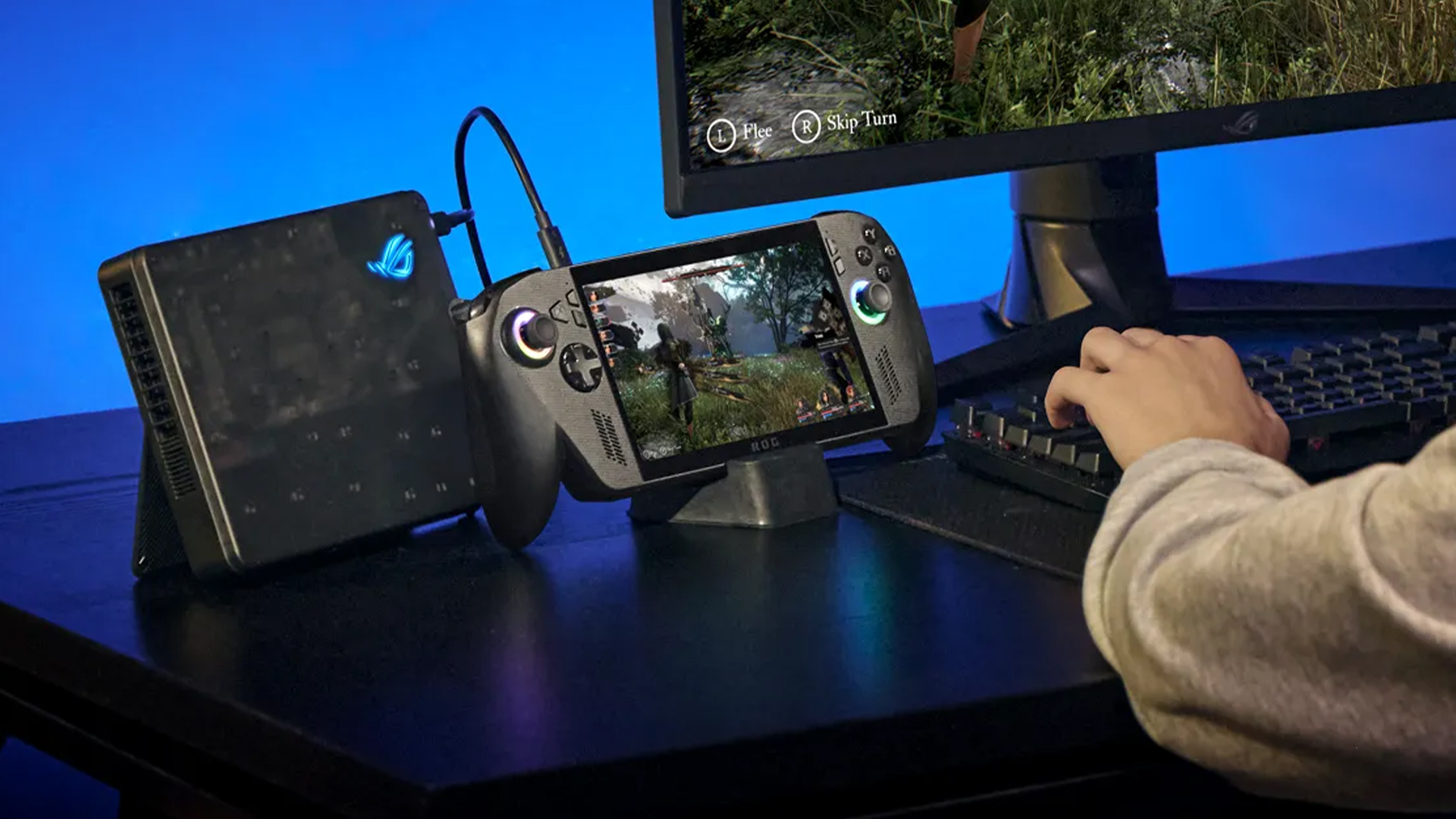
Specs are one thing but what matters is how the Ally X feels when you’re mid-match. I pushed it through a mix of Game Pass titles and a few chunky Steam installs, and here’s what stood out.
- Gears of War: Reloaded: Locked at 60fps on high settings. The vibrations in those impulse triggers, paired with the smooth refresh, made it feel almost console-like.
- Doom: The Dark Ages: Averaged 70–80fps at 1080p on medium/high with AMD’s frame generation switched on. Without it, the game dipped to the 40s, which shows how reliant the Ally X is on upscaling.
- Cyberpunk 2077: Phantom Liberty: Around 55fps on medium. It played fine, but I had to tweak a few settings - shadows and ray tracing were a no-go if I wanted smoothness.
- Forza Horizon 5: A joy. 80fps cruising through Mexico on medium settings, and the fans didn’t scream as loudly as I expected.
Compared to the base ROG Ally, the X really does have extra headroom. Games that felt like a struggle on the cheaper model (40fps averages, stutters when multitasking) ran smoother here. These Xbox Ally X benchmarks prove the X is tuned for demanding games - though still not flawless.
Battery Life: A Game of Trade-offs

Now here’s the truth — you can’t have beastly performance and endless battery life in a handheld. The Ally X’s 80Wh battery is an improvement over the base Ally’s 60Wh, but the reality depends on what you’re playing.
In my sessions:
- AAA gaming (Doom, Cyberpunk) - 2 to 2.5 hours tops before I needed the charger.
- Indie / lighter games (Hades, Vampire Survivors) - 4 to 5 hours easily.
- Media streaming (Netflix, YouTube) - about 6 hours, provided brightness wasn’t maxed.
Silent mode does help, the system downclocks itself and suddenly you’re sipping power instead of guzzling it but you lose a lot of that silky smooth performance. Honestly, it’s the eternal handheld PC problem: battery life is “OK”, but nowhere near Switch levels.
Using the Ally X shows just how much handheld PCs have evolved. Mobile games and devices like this are reshaping where and how we play, something I’ve explored further in how mobile games and handheld gaming PCs are changing the landscape.

Xbox Ally X Pros & Cons: What I Liked vs What I Didn't
Based on my research, hands-on feedback, and benchmarks, here’s my genuine take:
|
Pros |
Cons |
|
Strong performance in AAA titles |
Fans can get noticeably loud |
|
Smart Xbox UI design |
No OLED display |
|
Comfortable grip and controller-like ergonomics |
Hefty weight for long sessions |
|
Impulse Triggers add extra immersion |
Premium Xbox Ally X price |
|
Full Windows 11 flexibility < Xbox UI |
Gaming performance leans heavily on upscaling & software optimisation |
|
Larger 80Wh battery |
Some games still require patches / manual tweaks |

So... Is the Xbox Ally X Worth It?
After spending time with the Ally X, my advice is simple: it's brilliant but not flawless, and whether it's "worth it" really depends on what kind of gamer you are.
If you live across both Xbox and PC, this handheld makes a lot of sense. The unified interface, smooth Game Pass integration, and the freedom to install PC-only titles give it an edge over most rivals. Switching between Steam, Epic, and Xbox libraries feels surprisingly effortless.
For raw performance, the Ally X is the clear upgrade over the base model. Its Ryzen AI chip, 24GB RAM, and 1TB storage give you genuine breathing room for modern AAA titles and heavy multitasking. But portability isn't its strength at over 700g; this is more of a sofa companion than a daily travel device.
Battery life is another trade-off. In my experience, you'll get around 2–3 hours on demanding games or 4–5 hours with lighter titles. If you want all-day unplugged gaming, this won't deliver it.
The price is also a sticking point. At around £799, it costs more than a full living-room console setup. If all you want is a better controller, you can shop the Razer Wolverine V3 gaming controller instead.
That said, the lack of an OLED screen and the noticeable fan noise mean it doesn't feel like a perfect value against a console. For less, you could buy the Microsoft Xbox Series X Black and get 4K, 120fps gaming. But consoles can't give you the same freedom. I loved being able to flop on the sofa, fire up Halo Infinite in handheld form, and then switch straight to Netflix without missing a beat, and that's exactly where the Ally X stands apart.
So, is it worth it? If you're a serious Xbox and PC gamer who values performance and flexibility, yes ... you'll get your money's worth. If you're a casual player, a budget-conscious student, or someone who just wants a portable Game Pass, the standard Ally (or even a Series X) will serve you better. If you're in the UK and ready to invest in a future-proof handheld, you can shop the ASUS ROG Xbox Ally (2025) here.
All in all,
"It's worth it if you want Xbox and PC in one handheld, not if you're just after value."

Before You Decide on the Ally X…
Is upgrading to ROG Ally X worth it?
Upgrading to the ROG Ally X is worth it if you're looking for more power, storage, and battery life. The Ally X comes with 24GB of RAM, a 1TB SSD, and an 80Wh battery, compared to the standard Ally's 16GB RAM, 512GB SSD, and 60Wh battery. These upgrades make it smoother for heavy multitasking and big AAA games. However, if you're a casual player who mainly uses lighter titles, the standard Ally will still do the job at a lower price.
What is the difference between Ally and Ally X specs?
The biggest differences between the two models come down to memory, storage, and battery. The Ally X has 24GB of RAM, double the storage with a 1TB SSD, and a larger 80Wh battery. It also carries the newer Ryzen AI Z2 Extreme chip, while the base Ally uses the Ryzen Z2 A,16GB RAM, and has a 60Wh battery. These changes make Ally X more powerful and better suited to future games.
What is the performance mode on Ally X?
Performance Mode on the Ally X is a power profile that lets the hardware draw more wattage, giving you higher frame rates and smoother gameplay in demanding titles. It's perfect for games like Cyberpunk 2077 or Doom: The Dark Ages, but it comes with trade-offs, i.e. the fans spin louder, and the battery drains faster.
What are the specs of the ROG Xbox Ally X?
The ROG Xbox Ally X is fitted with an AMD Ryzen AI Z2 Extreme processor, 24GB of LPDDR5X RAM, and a 1TB NVMe SSD. The display is a 7-inch full HD IPS screen with a 120Hz refresh rate, and it runs on an 80Wh battery. The whole package weighs around 715 grams and runs Windows 11 with an Xbox UI option on top. It's essentially a handheld gaming PC that feels like a dedicated Xbox portable.
Should I get ROG Ally or Ally X?
If you want to save money and mainly plan to play indie games, older titles, or lighter workloads, the regular Ally makes sense. But if you want more storage, stronger performance, and longer battery life, the Ally X is the better buy.
Is the RAM upgradable in the ROG Ally?
No, the RAM in both the Ally and Ally X is soldered onto the motherboard, which means it cannot be upgraded later. If you need more than 16GB, you'll have to go straight for the Ally X model with 24GB.
Can Ally X run Cyberpunk 2077?
Yes, the Ally X can run Cyberpunk 2077 at playable frame rates. With AMD's frame generation enabled and medium settings at 1080p, you can expect around 55–60fps. Without frame generation, the game does dip into the 40s, so settings need to be tweaked to stay smooth.
Does Ally X need a screen protector?
The Ally X comes with a toughened glass display, but because it's a handheld device designed for travel and portable use, adding a screen protector is a sensible move. It will keep scratches, smudges, and daily wear at bay, especially if you carry it in a bag.
Which is better, Legion Go or Ally X?
The choice between the Legion Go and Ally X depends on your priorities. The Ally X feels more polished for Xbox players, with tighter Xbox integration, better ergonomics, and stronger battery life. The Legion Go, on the other hand, offers a bigger display and detachable controllers, which gives it more of a Switch-like feel.
Read More:
10 Things to Know Before Buying the ROG Xbox Ally (2025)
ASUS ROG Xbox Ally (2025) RC73YA-NH002W Review
Xbox Game Pass on the ROG Xbox Ally 2025: The Ultimate Handheld Combo?
Related Articles

Last Updated: April 02, 2026
Introducing the ASUS ROG Ally, the latest addition to the thrilling world of handheld gaming. With its cutting-edge features and Windows 11-based interface, the Ally is poised to take on its rivals like the Nintendo Switch and Valve Steam Deck, providing gamers with an unparalleled gaming experience.
What sets the ROG Ally apart is its integration with Windows 11, a familiar and accessible operating system that allows for seamless compatibility with PC gaming libraries. This means you can delve into your favourite titles and explore a vast collection of games right at your fingertips.
Powered by the impressive "Zen 4" AMD Ryzen Z1 Extreme processor, the ROG Ally boasts remarkable potential in terms of performance. While it may not match the efficiency of a full-fledged gaming laptop, it still delivers a remarkable gaming experience. If you're a fan of eSports or crave fast-paced gaming, you might need to make a slight compromise in performance to fully enjoy the portability and convenience
Last Updated: September 09, 2025
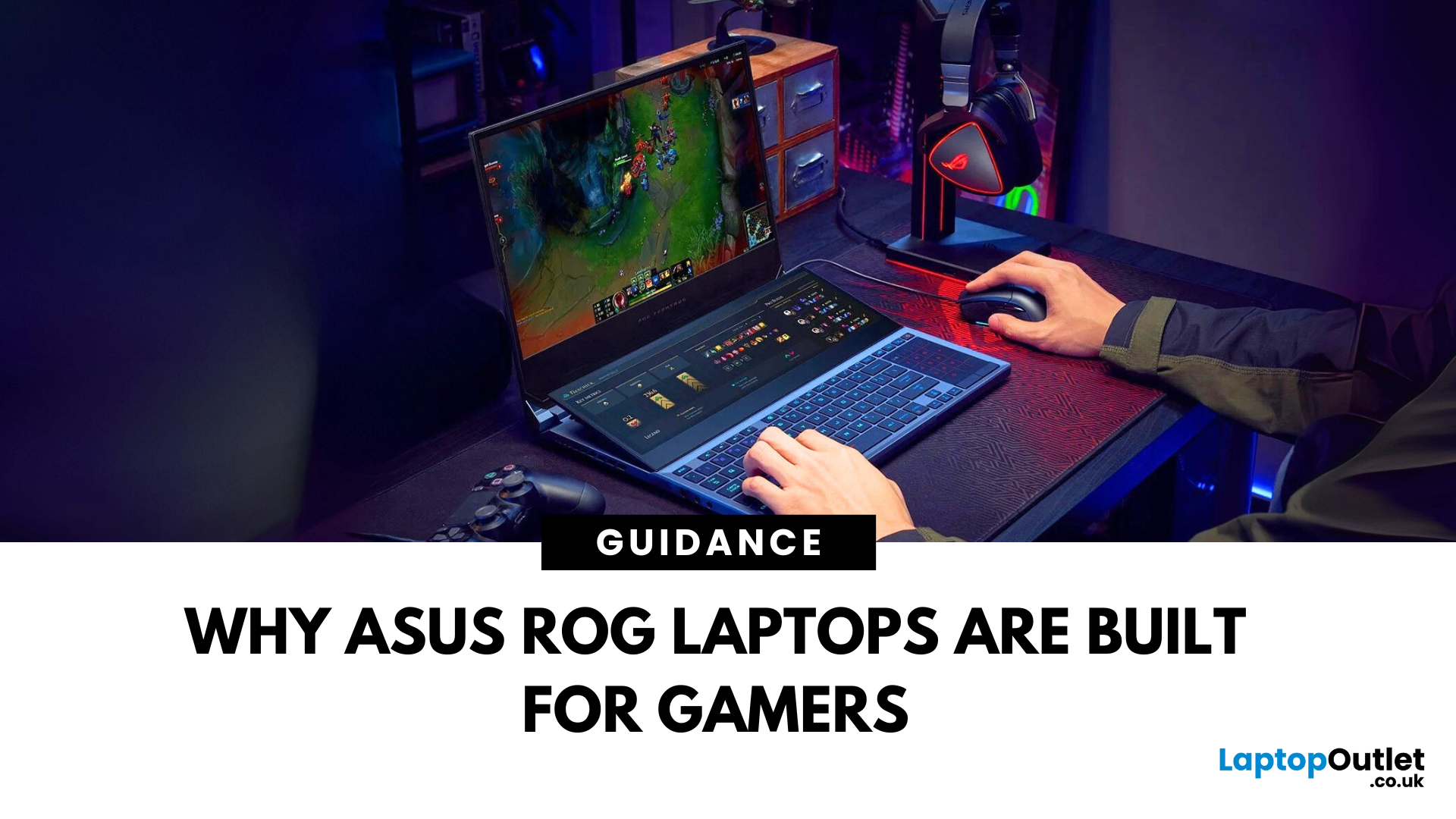
If you're into gaming and need a laptop that can handle any level of action, whether it's competitive matches, open-world adventures, or fast-paced shooters, ASUS ROG laptops have got you covered. These laptops provide everything you desire: fast performance, smooth graphics, and a design that fits seamlessly into a true gaming setup.
From sleek designs like the ASUS ROG Zephyrus to powerful models with future-proof specs, ASUS ROG Laptops for gamers are made to help you win, whether you’re gaming at home or with friends. In this guide, we’ll explore exactly what makes them ideal for gamers like you.
Why ASUS ROG Laptops Are Built for Gamers
1. High-Performance Specs for Smooth Gaming
The main reason gamers choose ASUS ROG laptops is performance. These machines are packed with high-end components like:
- Latest Intel Core i9 or AMD Ryzen 9 processors
- NVIDIA GeForce RTX graphics cards
- Up to 32GB of RAM and ultra-fast SSD storage
This means games load faster, run smoother, and perform without
Last Updated: July 03, 2026
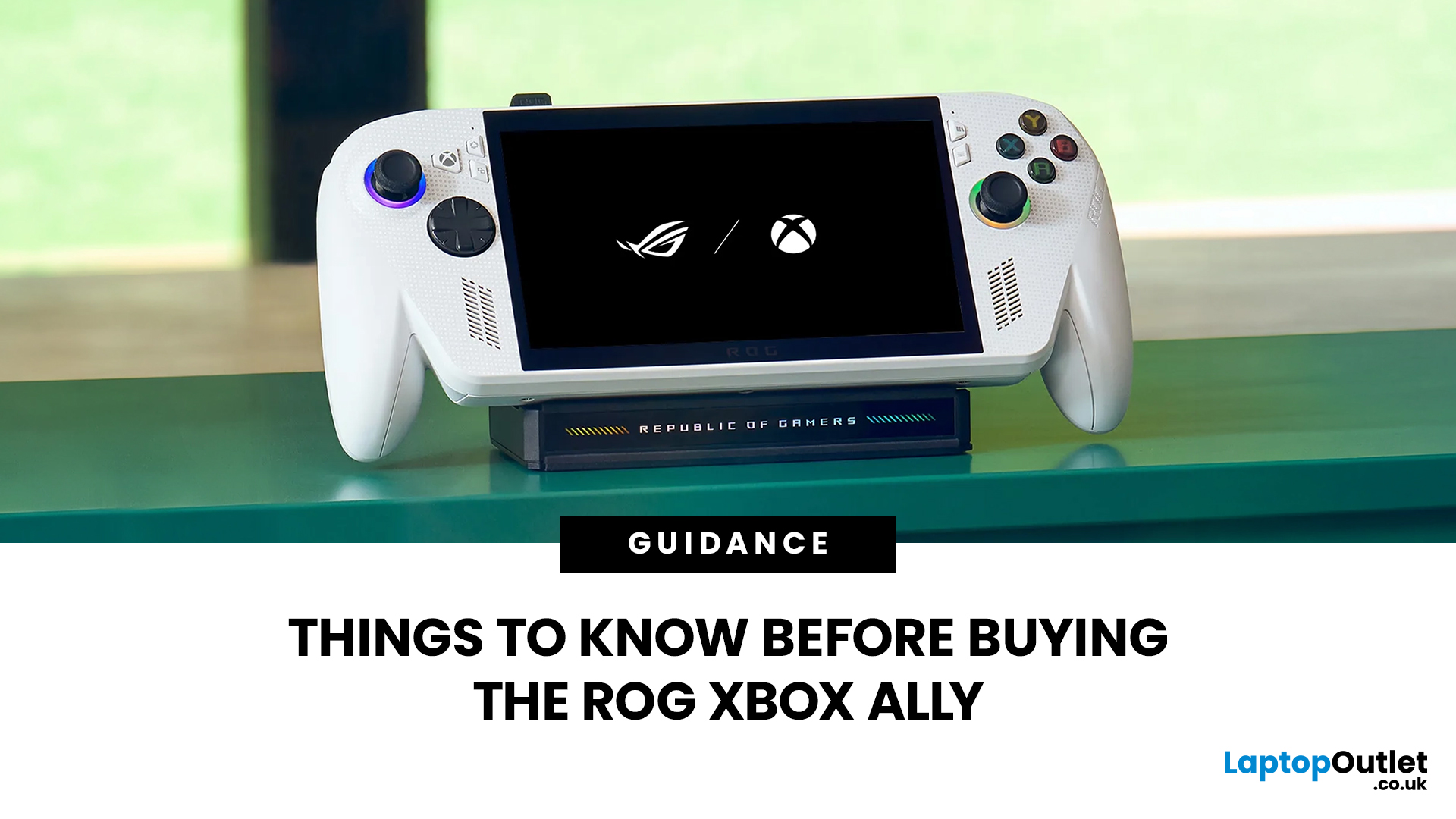
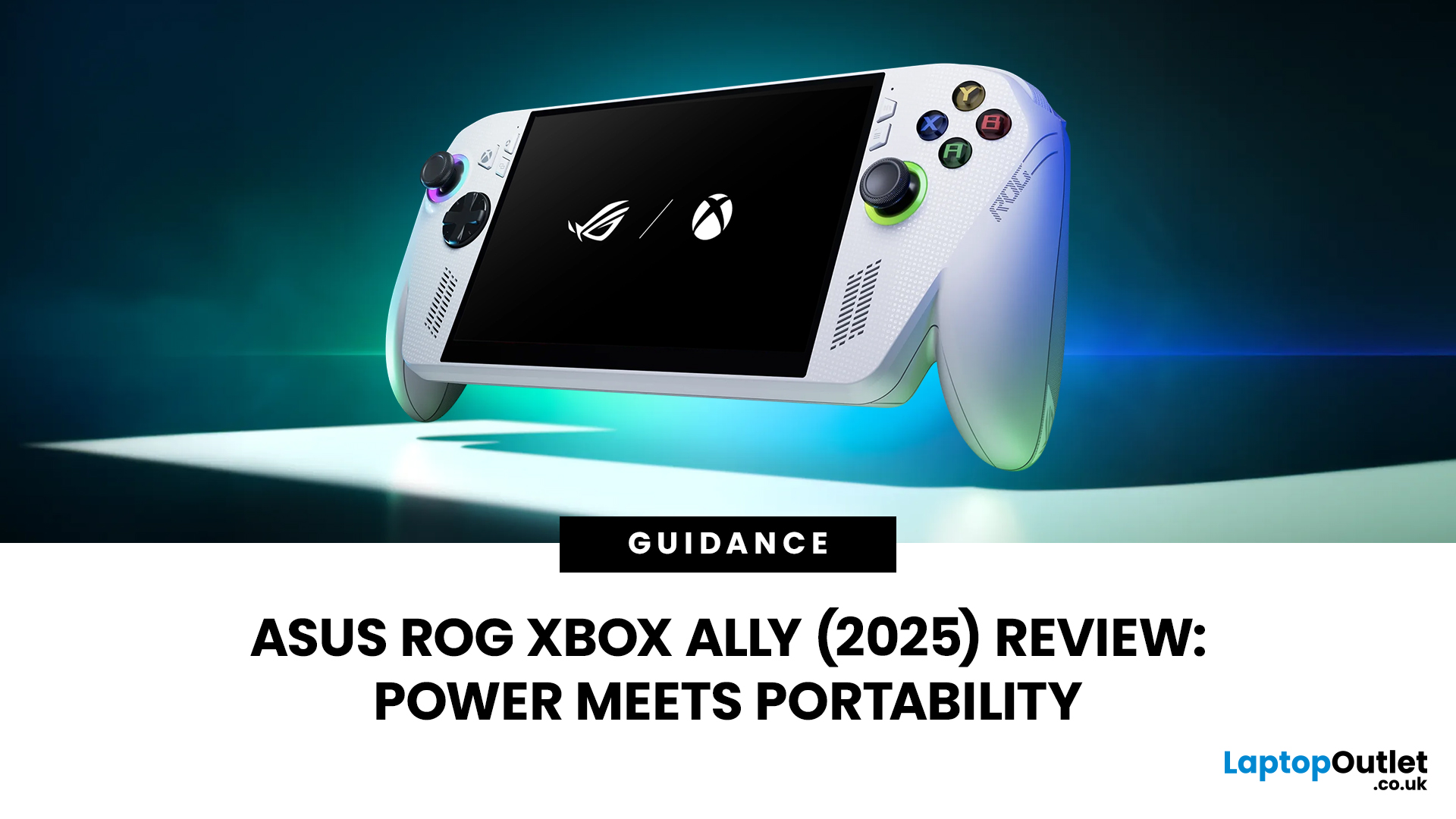
The ROG Xbox Ally is ASUS's latest handheld gaming console, built in collaboration with Xbox. It combines ASUS's ROG hardware expertise with Microsoft's gaming ecosystem, and it has been making waves in the UK gaming community since its launch in October 2025.
Whether you are a weekend warrior or a competitive gamer, this device promises a lot. But is it actually worth your money?
This guide covers everything you need to know before buying: UK pricing, hardware specs, real-world performance, battery life, and honest pros and cons. No fluff. Just the facts you need to make a smart purchase.
1. Design and Build Quality
Feels Solid, Not Plasticky
The ROG Xbox Ally has a premium polycarbonate shell with a matte finish that resists fingerprints well. The build feels genuinely robust in hand. It doesn't feel cheap or toy-like.
- Weighs 1.47lbs (approximately 667g), well balanced for long sessions
- Chunkier, more ergonomic grips than most competing handhelds
- Subtle ROG eye and Xbox sphere co-branding
Last Updated: April 02, 2026
Hands-on Verdict: Ryzen Z2 a Performance, Thermals & Value
When ASUS first launched the ROG Ally in 2023, it was a statement, Windows handheld gaming done properly. But three years later, we’re looking at something subtler: refinement. The 2025 ROG Xbox Ally (RC73YA-NH002W) swaps its original Ryzen Z1 Extreme for AMD’s Ryzen Z2 A — a newer, cooler, and more efficient APU built on Zen 5 and RDNA 3.5 architecture.
The question isn’t whether the Ally is still good - it’s whether this revision is worth the upgrade for existing owners or the clear pick for newcomers. After three weeks of daily use, testing everything from Game Pass titles to Steam AAA releases, here’s the full verdict.
1. Design & Build Quality — Lighter Touch, Same DNA
The 2025 Ally doesn’t reinvent its chassis. At 608 grams, it’s still comfortably lighter than the Steam Deck OLED, with the same 7-inch 120 Hz Full HD display, tactile hall-effect sticks, and well-spaced face buttons.
Subtle tweaks make it nicer to live with:

Last Updated: March 04, 2026
When ASUS and Microsoft teamed up to introduce the ROG Xbox Ally, it wasn’t just another handheld - it was a statement. A Windows 11 machine built from the ground up to feel like a handheld, but with no compromises on compatibility. And if there’s one service that bridges console, PC, and cloud play better than almost any other, it’s Xbox Game Pass.
In 2026, pairing Game Pass with Ally feels almost inevitable. The idea of carrying your full Game Pass library - Halo Infinite, Forza Horizon 5, Pentiment, Starfield - in a pocketable device is no longer fantasy. Load times shrink, cloud saves sync across devices, and Game Pass titles optimized for PC run (often better) on handheld hardware. The Ally’s design leans into this: ASUS stripped down Windows, layered on its Xbox Full-Screen Experience, and baked in controller-first navigation, so the transition from console to handheld is seamless.
But is this more than a promising spec sheet? Can Game Pass truly deliver a console-grade handheld experience
Last Updated: October 14, 2025
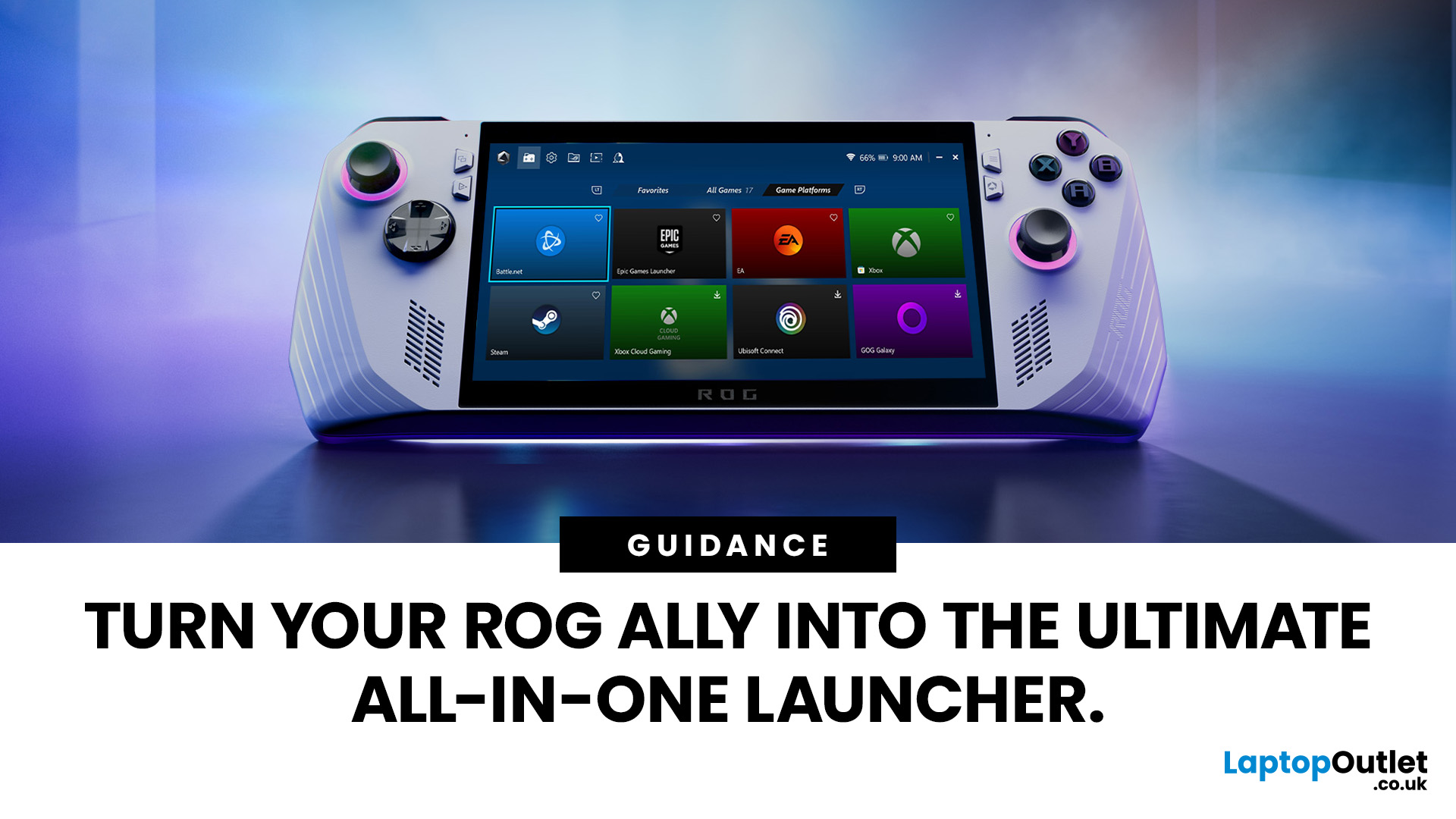
If you’ve just unboxed your ASUS ROG Ally, your first question might be: how do I get all my launchers - Xbox Game Pass, Steam, Epic Games, into one unified view?
Ally runs Windows 11, but its front-facing UI is Armoury Crate SE, which provides a console-like experience. Armoury Crate SE auto-scans installed games and apps, lets you pin games or launchers, and offers control-mode switching and performance profiles. Note that while many units ship with Game Pass integration or promotional offers, that can vary by region or bundle.
Here’s how to set everything up properly and reliably.
Understanding the Armoury Crate SE Home Screen
- Armoury Crate SE is your central “hub” - it aggregates games, apps, and hardware settings in one interface, so you rarely must go back to the Windows desktop.
- Every title on the home screen is a shortcut to a game or application. Some are auto detected (e.g. Xbox App/Game Pass), while others must be added manually (like Steam or Epic).
- You have control: you can

