



Xbox Game Pass on the ROG Xbox Ally 2026: The Ultimate Handheld Combo?
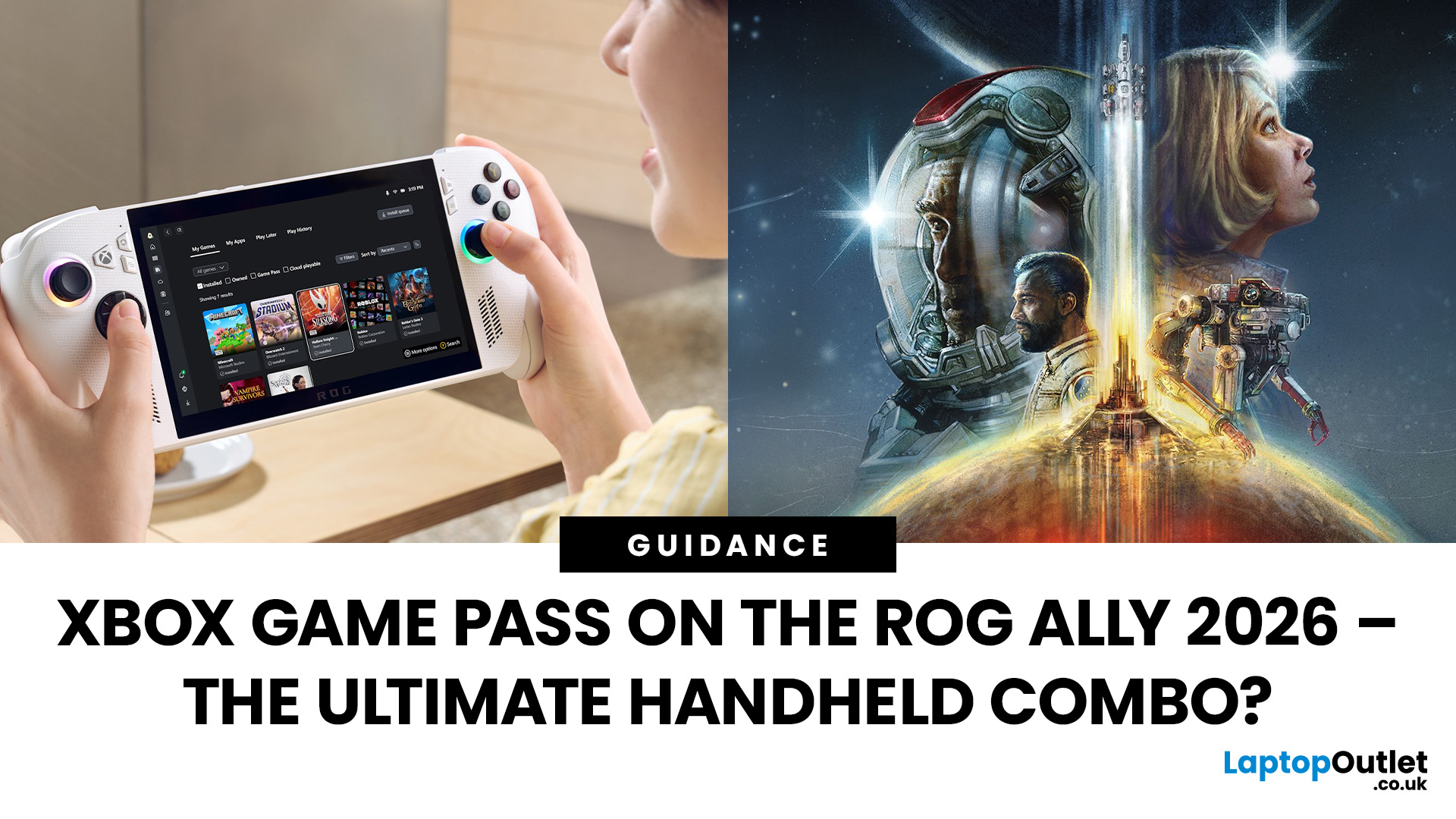
When ASUS and Microsoft teamed up to introduce the ROG Xbox Ally, it wasn’t just another handheld - it was a statement. A Windows 11 machine built from the ground up to feel like a handheld, but with no compromises on compatibility. And if there’s one service that bridges console, PC, and cloud play better than almost any other, it’s Xbox Game Pass.
In 2026, pairing Game Pass with Ally feels almost inevitable. The idea of carrying your full Game Pass library - Halo Infinite, Forza Horizon 5, Pentiment, Starfield - in a pocketable device is no longer fantasy. Load times shrink, cloud saves sync across devices, and Game Pass titles optimized for PC run (often better) on handheld hardware. The Ally’s design leans into this: ASUS stripped down Windows, layered on its Xbox Full-Screen Experience, and baked in controller-first navigation, so the transition from console to handheld is seamless.
But is this more than a promising spec sheet? Can Game Pass truly deliver a console-grade handheld experience in real conditions, with Wi-Fi, battery tradeoffs, and performance constraints? Let’s dig in.
The Rise of Handheld Gaming - and Why the Ally Matters

Handheld gaming has burst into a new era. The Steam Deck showed the world a PC in portable form can work. But the Ally brings something different, built-in Xbox integration. It’s not just running PC games in handheld form; it's deeply woven into the Xbox ecosystem, with Game Pass as a first-class citizen.
That matters because it removes friction. You don’t need to sideload or hack - Xbox Game Pass is part of the experience from Day One. The Ally’s “console mode” boots straight into an Xbox-styled interface, hiding much of Windows’s complexity. It feels natural for Xbox users to pick up the handheld and see their Game Pass library instantly.
In early hands-on tests, reviewers praised this. Tom’s Guide noted the luxury of a hybrid handheld-PC system that “boots straight into Xbox UI” and “strips back Windows 11 to the essentials.” PC Gamer also observed that switching between the lightweight gaming interface and full Windows is intuitive and quick. The ability to move between console mode and standard Windows is crucial, when you need to tweak, run non-Game Pass apps, or use modding tools, you’re not locked out.
So, the Ally isn’t just a handheld - it’s an ambitious bridge between PC flexibility and console simplicity, and Game Pass is central to that bridge.
What You Gain: Library Depth, Cross-Play, & Convenience
One of Game Pass’s biggest strengths is its depth. When you pick up the Ally, your Xbox Game Pass Ultimate membership (often bundled or discounted) gives you access to hundreds of PC and console titles - everything from big AAA releases to smaller indie gems. Because the handheld runs full Windows, it can also support day-one PC releases, provided they’re compatible.
Plus, Game Pass includes backward-compatible console games and titles in the Xbox Play Anywhere catalogue, games you already own on Xbox or PC may already be playable without additional purchase. That means your library follows you, not the platform.
Cloud Saves & Cross-Progress
Want to play on both your Xbox console and your Ally? Game Pass syncs your save data automatically via cloud saves, letting you pick up where you left off. No fumbling with USB drives or manual upload, it “just works,” which feels like magic on a handheld.
Game Pass Cloud Streaming
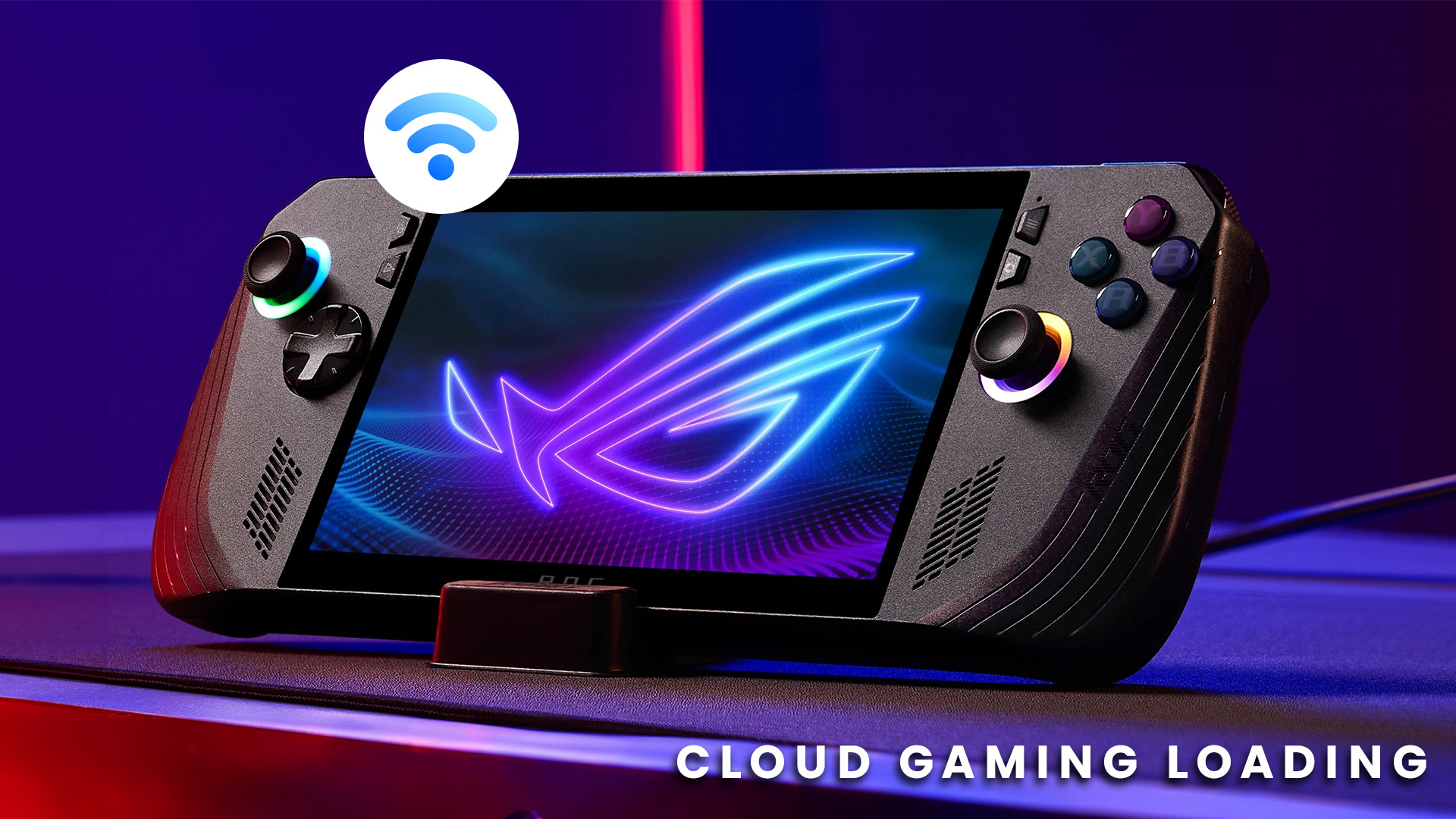
Another key angle: Xbox Cloud Gaming is fully supported. If a game is too demanding to run locally, or you don’t want to install a 100 GB title, you can stream it via cloud to your Ally (given a solid Wi-Fi or 5G connection). That means you’re less constrained by storage or hardware limits. Xbox’s cloud experience is polished and increasingly responsive.
Streaming does introduce latency and network dependencies, but as internet infrastructure improves, cloud play becomes a solid fallback option for handheld use.
Performance Realities: What the Ally Delivers (and Where It Struggles)
All that sounds great - but can the Ally deliver consistent, playable performance? Yes - in many cases, but not without caveats.
Local Install vs Cloud Performance
For many Game Pass titles, you’ll want to install locally rather than stream. Running them natively removes streaming latency and ensures smoother frame rates. The standard Ally model uses a Ryzen Z2 A chip; the higher-end Ally X uses a Ryzen Z2 Extreme variation. These are capable processors, though their performance must be tempered by handheld thermal and power constraints.
Reviewers noted that the screen’s 7-inch 120 Hz IPS panel with FreeSync/VRR delivers fluid visuals when paired with the right power tuning. But settings must be balanced: ultra graphics + high FPS = battery drain, heat, and throttling.
Recommended Settings for Smooth Play
- Use Balanced or Turbo mode depending on the title.
- Limit frame rates for less demanding games.
- Turn off or reduce fancy effects (shadows, reflections).
- Use 1080p or even 900p resolution in heavier titles to maintain consistency.
- Enable VRR (variable refresh rate) to smooth stutters.
Even with those constraints, testers reported solid performance in many Game Pass titles. Forza Horizon 5 and other games ran smoothly in many hands-on sessions. Where games were too heavy, cloud streaming served as a fallback with acceptable input latency on stable networks.
Trade-offs & Limitations
- Battery Life: Expect 1–3 hours of heavy gaming, depending on settings.
- Heat & Noise: Fans get audible during long sessions. Reviewers cited this as a limitation.
- Storage: Many AAA Game Pass titles take dozens of gigabytes - the base Ally often requires you to manage space carefully.
- Network quality: Cloud play highly depends on low latency and stable bandwidth.
Despite the limits, the experience often feels good enough to justify the handheld trade.
Battery, Portability & Play Anywhere Potential
Playing Game Pass titles locally and using cloud streaming differently have distinct energy profiles. Local play consumes CPU/GPU power and disk access, while cloud streaming shifts load to the network and display. In practice, cloud streaming can be more battery-efficient for lighter titles, but demands more from Wi-Fi.
You’ll want to:
- Use Balanced or Silent mode when possible.
- Lower refresh rates (60 or 90 Hz) for casual use.
- Dim brightness.
- Turn off unneeded background services or radios.
Also, hardware features like Battery Health Charging let you cap charging to 80% when plugged in, reducing long-term battery degradation. (This is a feature inherited from ASUS’s PC heritage.)
Real-World Portability
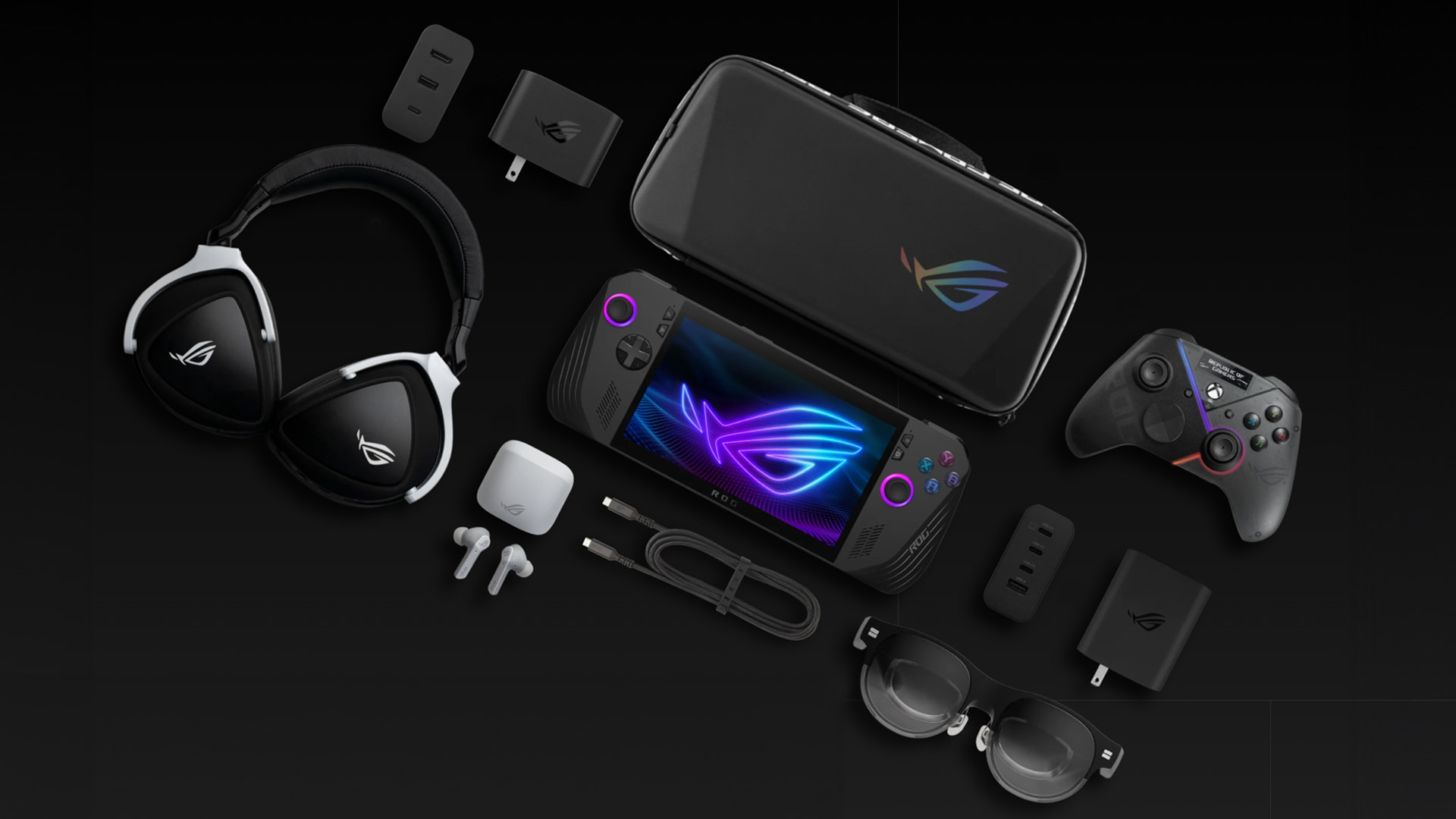
With all those settings, Game Pass on the Ally becomes a viable travel gaming machine. You can take high-quality PC titles on trains, flights, or commutes — as long as you’re mindful about battery and Wi-Fi coverage. Cloud streaming helps in places where local installs would be too heavy.
Because Game Pass library scales many games down or adjusts features for less powerful hardware, you’ll often get experience close to desktop quality in a handheld wrapper.
Top Game Pass Titles for the Ally in 2026
Here are some standout Game Pass picks that shine on the handheld:
- Forza Horizon 5: Excellent balance of visuals and performance.
- Halo Infinite: Iconic for Xbox fans, looks and plays great in handheld mode.
- Pentiment: Perfect for narrative gaming on the go - minimal demands but high reward.
- Microsoft Flight Simulator (lighter settings): Ambitious but impressive on handheld test builds.
- The Outer Worlds 2 / Indiana Jones & The Great Circle (depending on launch additions) - newer titles optimized for PC + Game Pass.
- Indie gems: Games like Hades or Ori run beautifully and extend battery life with low draw.
Because Game Pass often includes day-one PC releases, 2026’s biggest titles will likely drop into your handheld library immediately. And for games that push the hardware too far, cloud streaming fills the gap.
Is This the Ultimate Handheld Combo?
So - is Game Pass on the ROG Xbox Ally truly the ultimate handheld pairing? I’d say it comes remarkably close. Here’s my take:

Pros
- Seamless integration: Xbox library, cloud saves, and console-like UI.
- Convenience: one device, all your platforms.
- Performance flexibility: local installs when you want, cloud when you need.
- Massive library from day one.
Cons
- Battery and heat constraints are tangible.
- Some titles will need compromises in visual quality or frame rate.
- Cloud streaming quality depends heavily on connection.
- Storage management is sometimes tricky with large AAA titles.

The Verdict:
Taken together, Game Pass elevates the Ally from “just another PC handheld” to a thoughtful, hybrid console/PC device already overlapping multiple ecosystems. While there are trade-offs, for many users the convenience, breadth of library, and seamless cross-platform experience outweigh the compromises.
The Ally with Game Pass doesn’t unseat consoles or high-end gaming PCs - but for handheld enthusiasts who want one machine to rule them all, it’s a thrilling direction.

Answering The Questions for Xbox Game Pass
1. Do You Need Xbox Game Pass Ultimate to Get the Full Experience on the ROG Xbox Ally?
The blog mentions Game Pass frequently, but doesn’t clarify subscription tiers. Readers may want to know whether Game Pass Core, PC Game Pass, or Game Pass Ultimate is required, especially since cloud gaming requires Ultimate.
2. How Does the ROG Xbox Ally Compare to the Steam Deck for Game Pass Users?
While Steam Deck is mentioned briefly, there’s no direct comparison. Many readers will want clarity on:
- Ease of Game Pass setup
- Native Windows advantage vs SteamOS
- Performance differences
- Overall value proposition
3. Can You Upgrade the Storage on the ROG Xbox Ally?
Storage concerns are raised, but there’s no explanation of:
- Whether the SSD is user-upgradable
- If microSD expansion is supported
- Recommended storage configurations for Game Pass users
This is a key purchase decision factor.
4. How Well Does Xbox Cloud Gaming Perform on Public Wi-Fi or Mobile Hotspots?
Cloud gaming is mentioned as a fallback, but real-world usage scenarios aren’t explored. Readers may wonder:
- Is hotel/train Wi-Fi reliable enough?
- Is 5G mobile tethering viable?
- What internet speeds are recommended?
5. Will Anti-Cheat Systems or Game Compatibility Issues Affect Game Pass Titles?
Since the Ally runs Windows 11, compatibility is generally strong — but some PC titles with anti-cheat systems or launcher requirements can cause issues on handheld devices. Addressing:
- Multiplayer compatibility
- Controller detection issues
- Launcher conflicts
would help set realistic expectations.
| Read More: |
| ASUS ROG Xbox Ally (2026) RC73YA-NH002W Review |
| 10 Things to Know Before Buying the ROG Xbox Ally (2026) |
| What is Xbox Ally? Your Complete Walkthrough |
Related Articles

Last Updated: June 03, 2025
Do you want to unleash the full gaming potential of your PS4 controller? You can hook up your PlayStation controller with mobile phones to elevate your gameplay. Read on to find out how you can do it.
Mobile gaming has significantly evolved over the last few years and isincreasingly popular. No matter what age group you belong to, it is clear that everyone makes the most out of their spare time by playing games on their smartphones or tablets. While gaming PCs and consoles are still the top-notch choice of dedicated gamers, Android devices offer an immersive gaming experience.
You can experience the thrill of gaming wherever you go, owing to the exceptional features of the latest gaming mobile phones. While touchscreen controls have advantages, they must improve dedicated gaming controllers' precision and familiarity. Likewise, game developers also have customised touchscreen controls for their games, but countless titles demand Bluetooth-connected game controller devices. This
Last Updated: September 02, 2026
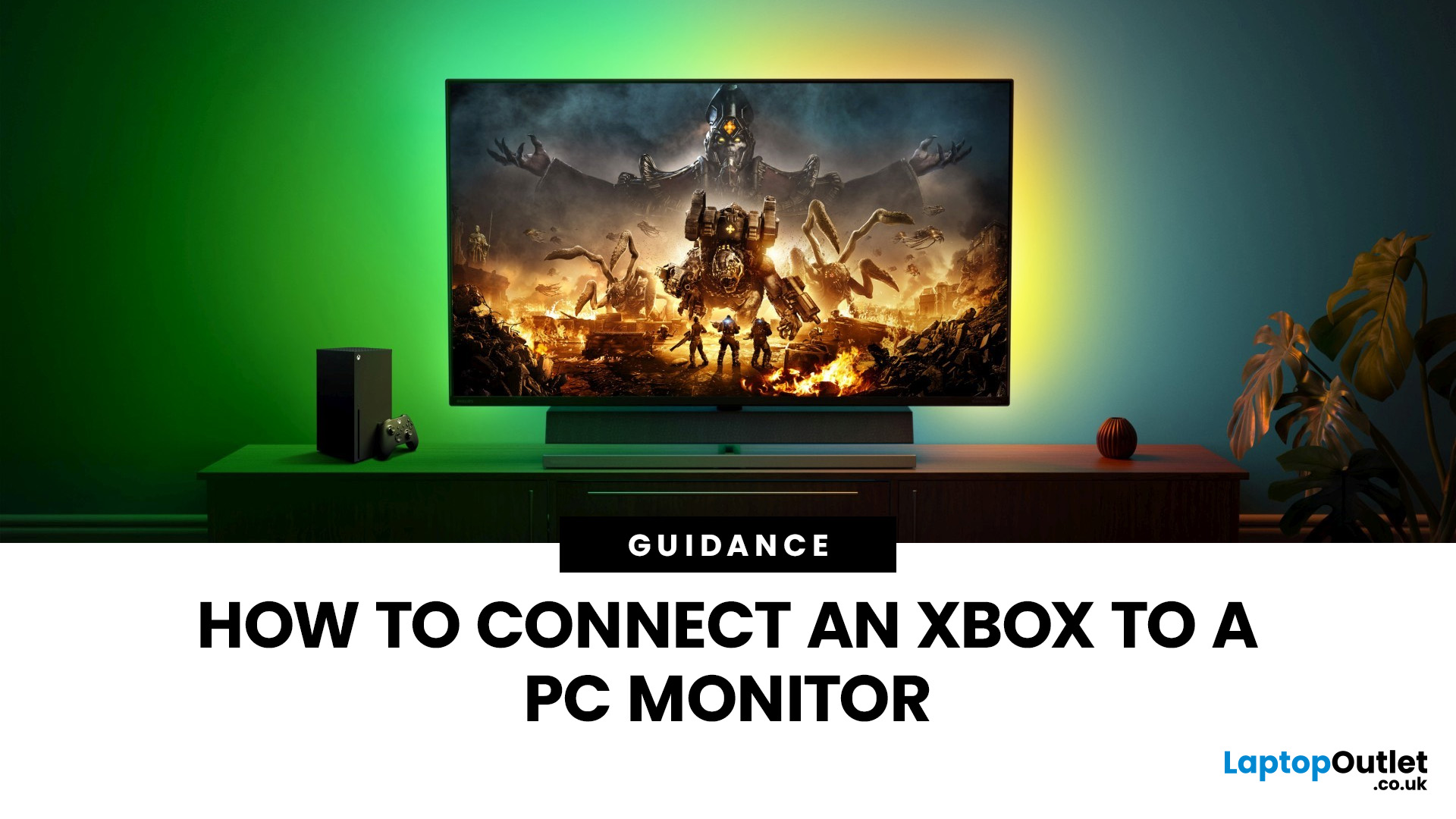
Have you got your hands on an Xbox console and wondering how to set it up with a PC monitor? Let's find out some of the best ways to connect the Xbox with a monitor.
Xbox is widely used among those who require their computers for gaming because of its convenient usage and ability to connect to a PC. You may have thought of connecting the Xbox to a computer to get an immersive experience, but it might be possible to get intimidated by all those ports, wires, and cords in the Xbox.
This article will explain the best and easiest methods of connecting the Xbox with the PC monitor. So, let's dive right into it!
How do You Connect an Xbox to a Computer Monitor?
Enhancing the gaming experience by connecting the Xbox with the larger display is a brilliant move to get improved refresh rates, high resolutions, and better colour reproduction in online games.
As per the recommendations of Microsoft, the Xbox Series X or S should be in a detachable position with almost a 10 to 15 cm distance between
Last Updated: October 14, 2025
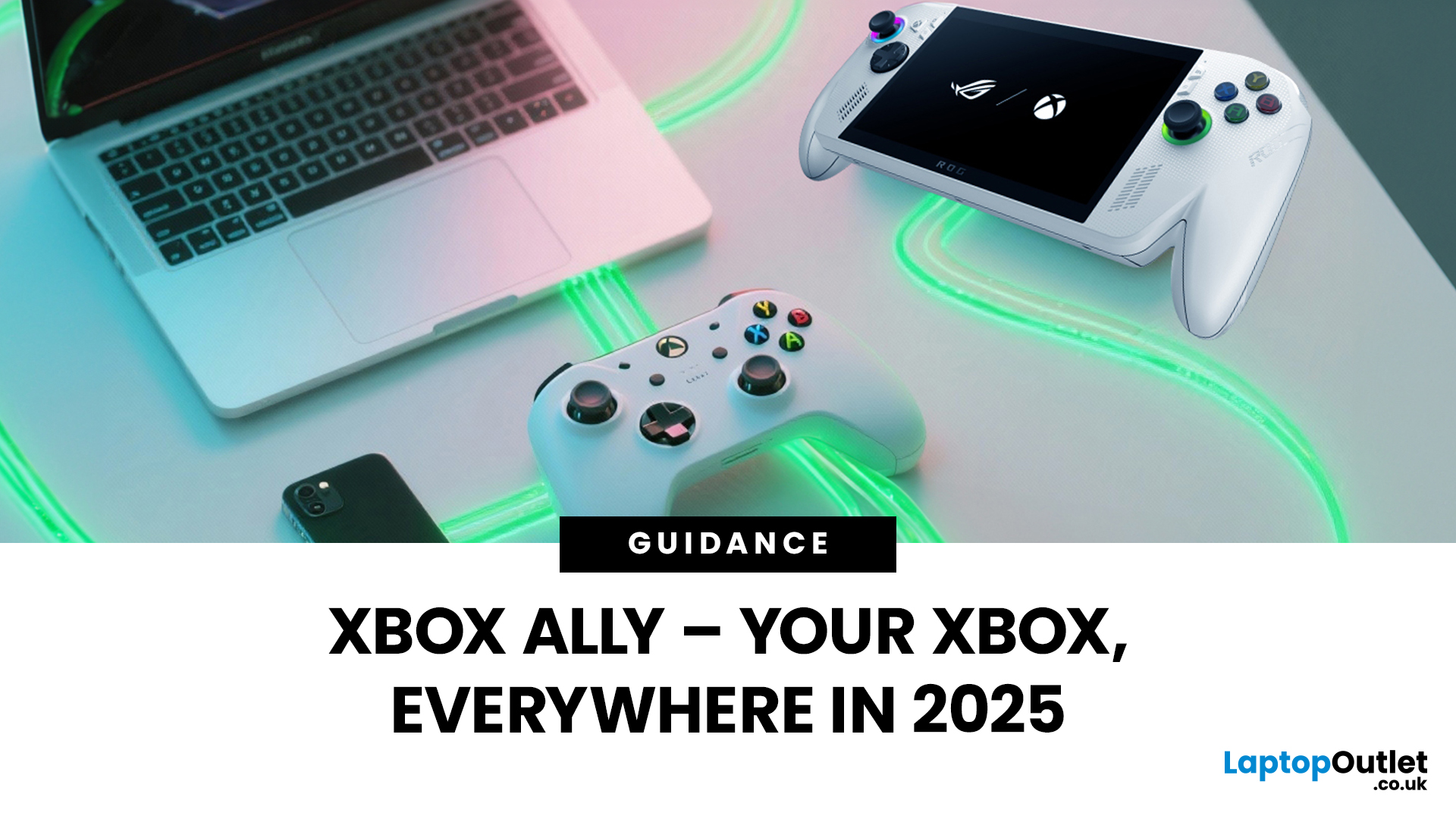
You’ve probably clocked the name ASUS ROG Xbox Ally floating around. But here’s the deal: it’s not just another Xbox app - it’s born from a Microsoft x ASUS collab, blending console power with PC freedom. Phil Spencer even called it “the tightest collaboration between Xbox and Windows teams in 30 years”. Big words, and honestly, the hype feels justified.
That’s why we’ve put together this Xbox Ally review - not the boring, corporate kind, but a proper walkthrough that shows you what it does, how it works, and whether it’s worth your time in 2025.
If you’re already knee-deep in the Xbox ecosystem or just nosy about where Microsoft’s headed, this is the lowdown you need.
What Is Xbox Ally?

Right, let’s cut through the noise. Xbox Ally isn’t just some side app you download, mess about with once, and then forget exists. It’s Microsoft’s latest move to glue the whole Xbox ecosystem together - console, PC, mobile, even handhelds like the ASUS ROG Xbox Ally (2025). Basically, it’s the command
Last Updated: July 03, 2026
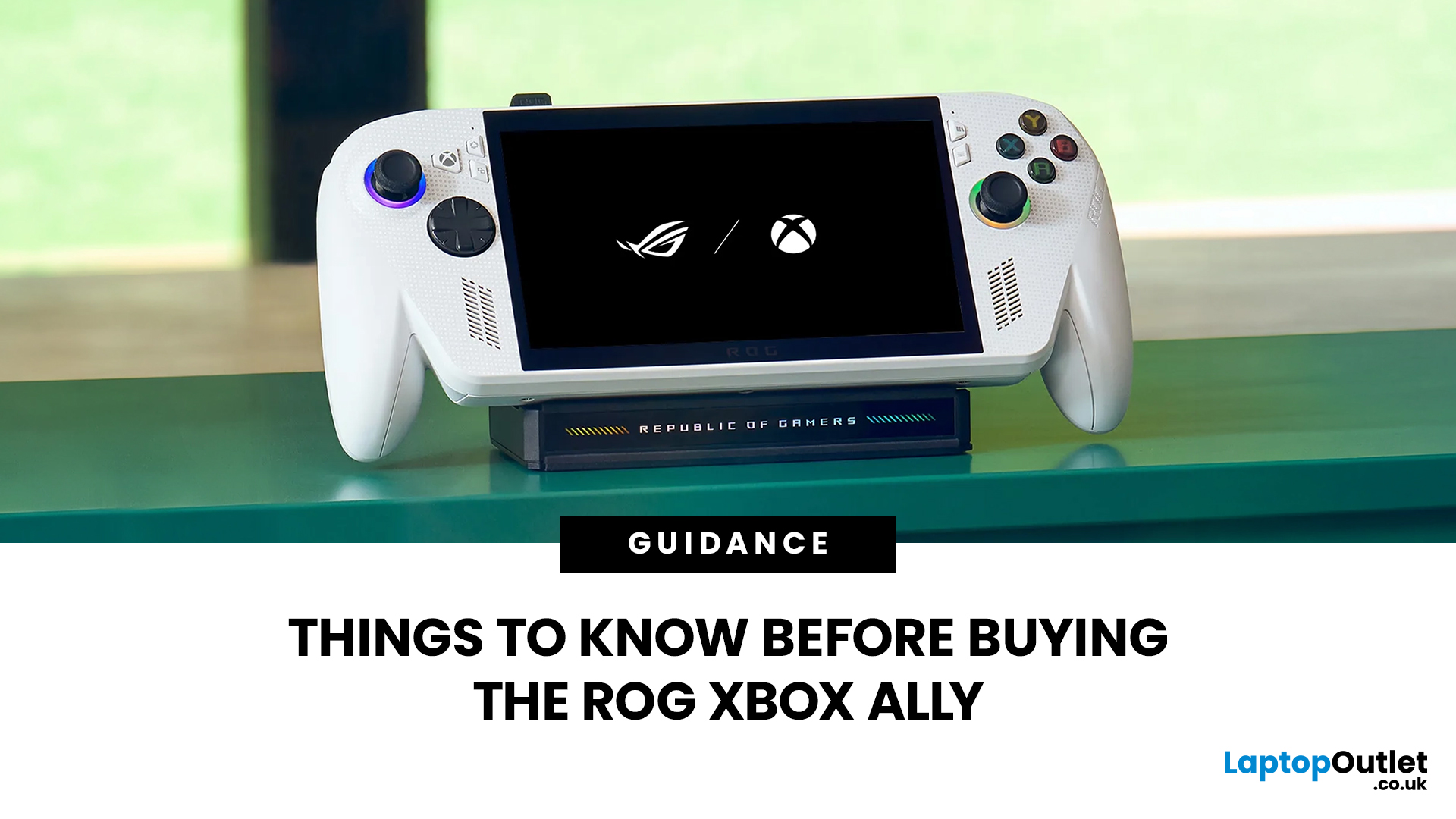
The ROG Xbox Ally is ASUS's latest handheld gaming console, built in collaboration with Xbox. It combines ASUS's ROG hardware expertise with Microsoft's gaming ecosystem, and it has been making waves in the UK gaming community since its launch in October 2025.
Whether you are a weekend warrior or a competitive gamer, this device promises a lot. But is it actually worth your money?
This guide covers everything you need to know before buying: UK pricing, hardware specs, real-world performance, battery life, and honest pros and cons. No fluff. Just the facts you need to make a smart purchase.
1. Design and Build Quality
Feels Solid, Not Plasticky
The ROG Xbox Ally has a premium polycarbonate shell with a matte finish that resists fingerprints well. The build feels genuinely robust in hand. It doesn't feel cheap or toy-like.
- Weighs 1.47lbs (approximately 667g), well balanced for long sessions
- Chunkier, more ergonomic grips than most competing handhelds
- Subtle ROG eye and Xbox sphere co-branding
Last Updated: April 02, 2026
Hands-on Verdict: Ryzen Z2 a Performance, Thermals & Value
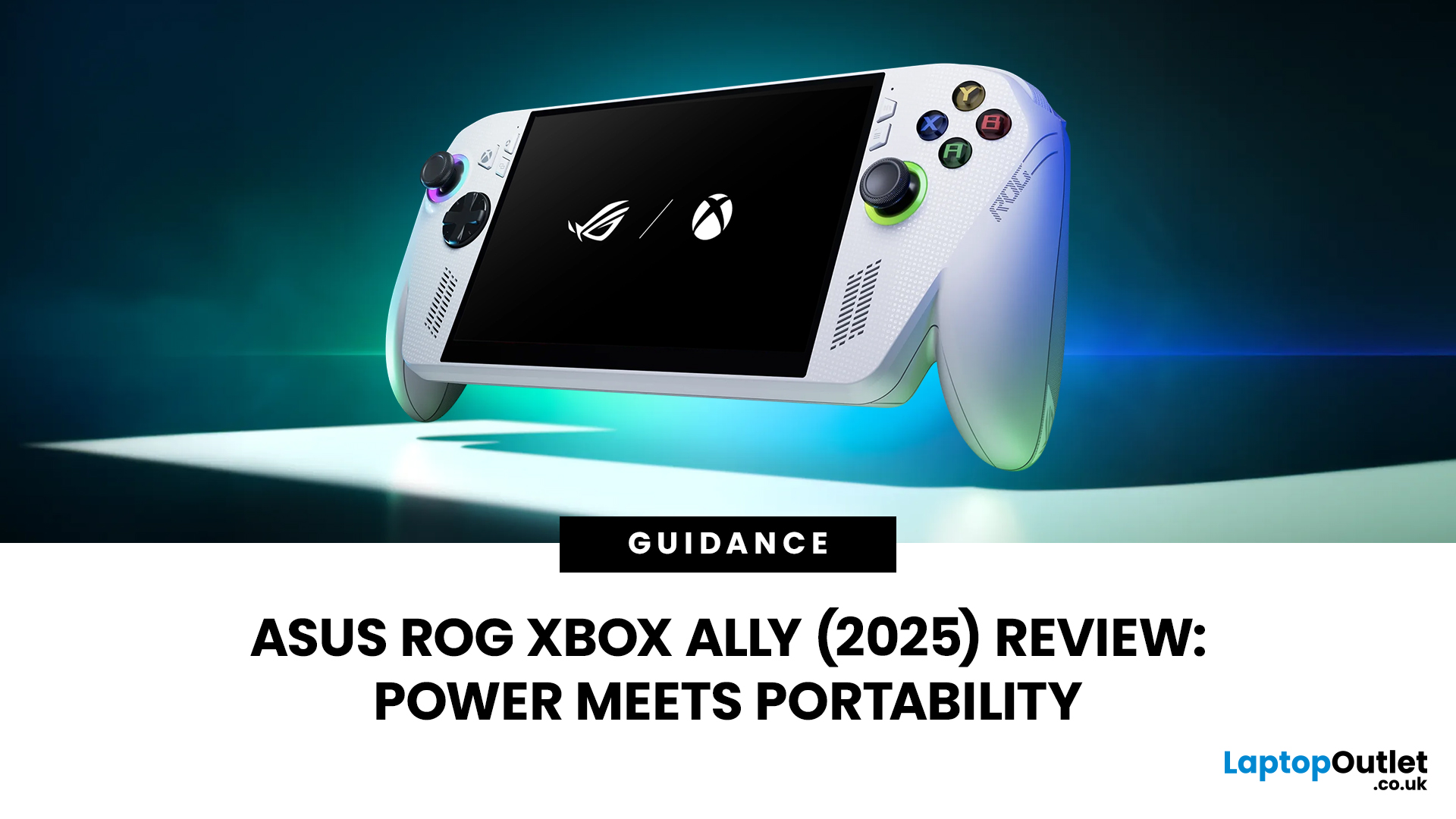
When ASUS first launched the ROG Ally in 2023, it was a statement, Windows handheld gaming done properly. But three years later, we’re looking at something subtler: refinement. The 2025 ROG Xbox Ally (RC73YA-NH002W) swaps its original Ryzen Z1 Extreme for AMD’s Ryzen Z2 A — a newer, cooler, and more efficient APU built on Zen 5 and RDNA 3.5 architecture.
The question isn’t whether the Ally is still good - it’s whether this revision is worth the upgrade for existing owners or the clear pick for newcomers. After three weeks of daily use, testing everything from Game Pass titles to Steam AAA releases, here’s the full verdict.
1. Design & Build Quality — Lighter Touch, Same DNA
The 2025 Ally doesn’t reinvent its chassis. At 608 grams, it’s still comfortably lighter than the Steam Deck OLED, with the same 7-inch 120 Hz Full HD display, tactile hall-effect sticks, and well-spaced face buttons.
Subtle tweaks make it nicer to live with:
Last Updated: October 14, 2025
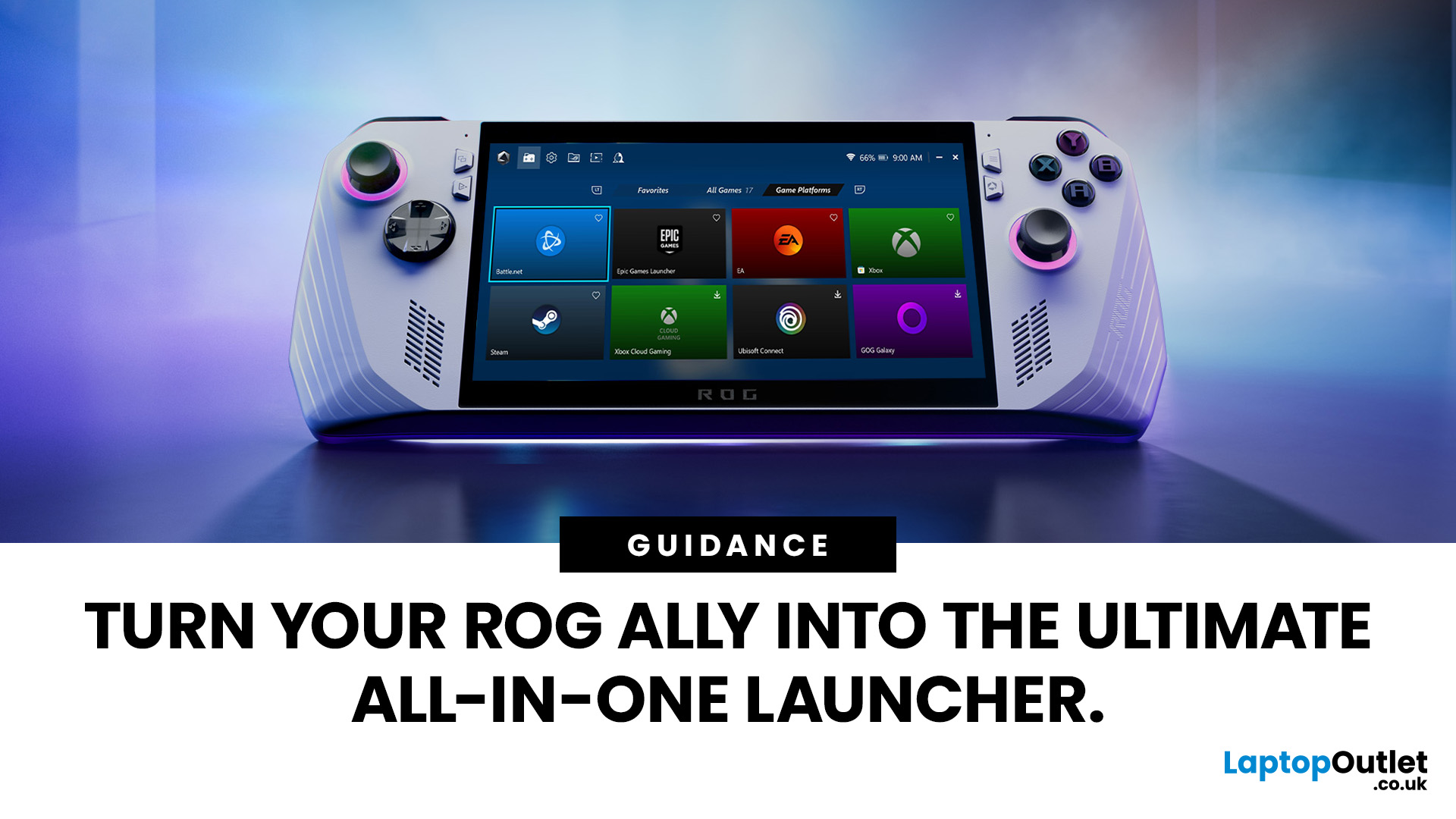
If you’ve just unboxed your ASUS ROG Ally, your first question might be: how do I get all my launchers - Xbox Game Pass, Steam, Epic Games, into one unified view?
Ally runs Windows 11, but its front-facing UI is Armoury Crate SE, which provides a console-like experience. Armoury Crate SE auto-scans installed games and apps, lets you pin games or launchers, and offers control-mode switching and performance profiles. Note that while many units ship with Game Pass integration or promotional offers, that can vary by region or bundle.
Here’s how to set everything up properly and reliably.
Understanding the Armoury Crate SE Home Screen
- Armoury Crate SE is your central “hub” - it aggregates games, apps, and hardware settings in one interface, so you rarely must go back to the Windows desktop.
- Every title on the home screen is a shortcut to a game or application. Some are auto detected (e.g. Xbox App/Game Pass), while others must be added manually (like Steam or Epic).
- You have control: you can
Last Updated: October 21, 2025
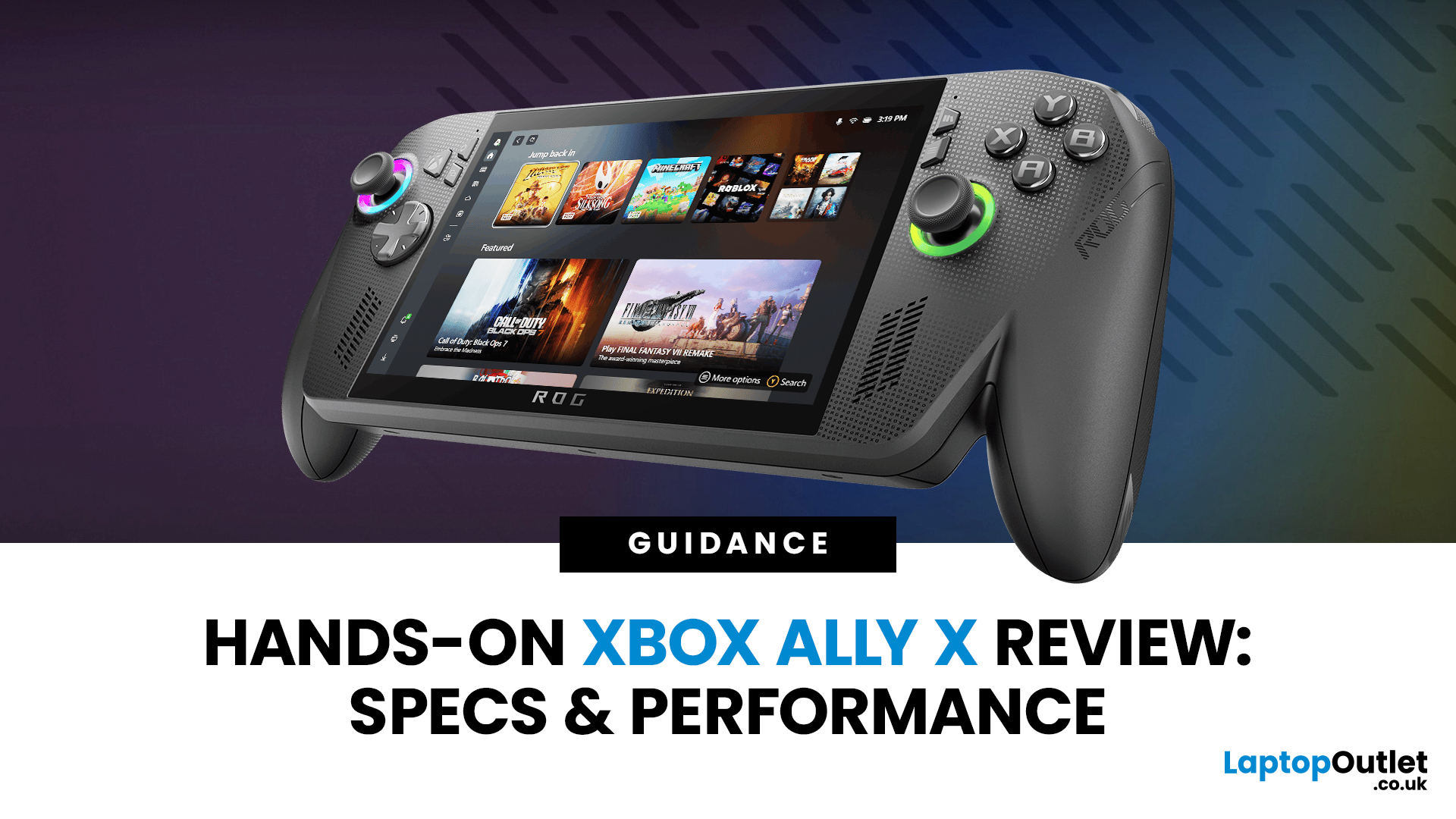
I’ll be honest, I’ve been waiting eagerly to try the Xbox Ally X ever since Microsoft and ASUS announced it. The idea of a proper Xbox handheld gaming machine, one that blurs the line between console and PC, had me curious but also sceptical. After all, we’ve seen plenty of handheld PCs already, and most of them promise the world but trip over Windows bloat or weak battery life.
When I finally picked up the Ally X, my first reaction was: this thing feels serious. It’s not a toy, it’s not a Switch, and it’s definitely not a Steam Deck clone. It feels like a machine built for Xbox fans first, but with the flexibility of a full Windows 11 PC under the hood. In this Xbox Ally X review, I’ve spent as much time diving into the specs, benchmarks, software, and real-world use as I could. Here’s my take and whether it lives up to the hype.
Xbox Ally X vs Ally: Do You Really Need the Upgrade?
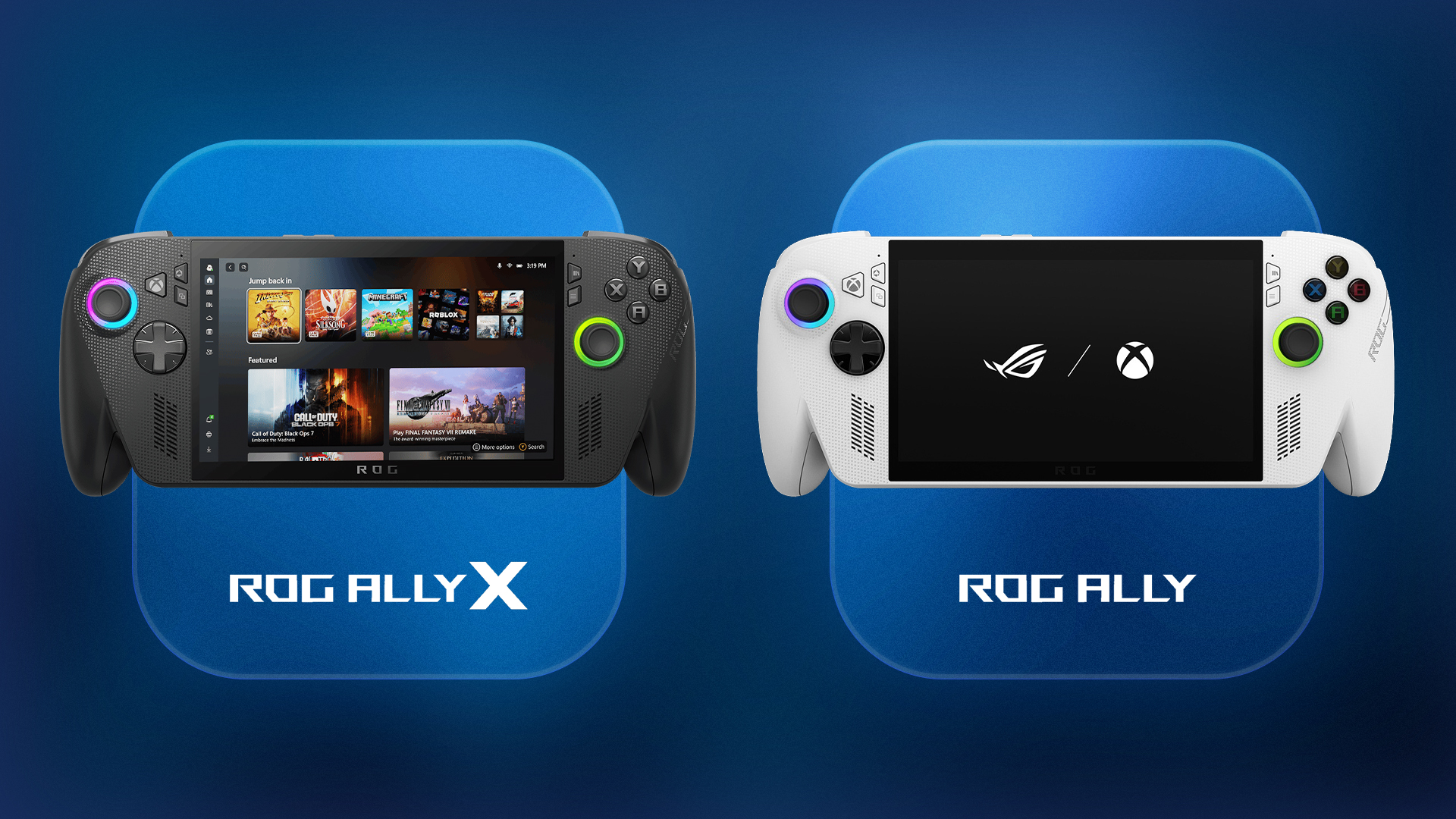
The Xbox Ally X launch date was 16th October 2025, arriving alongside the standard ROG Ally. Microsoft

Last Updated: September 29, 2026
Last Updated: September 01, 2026
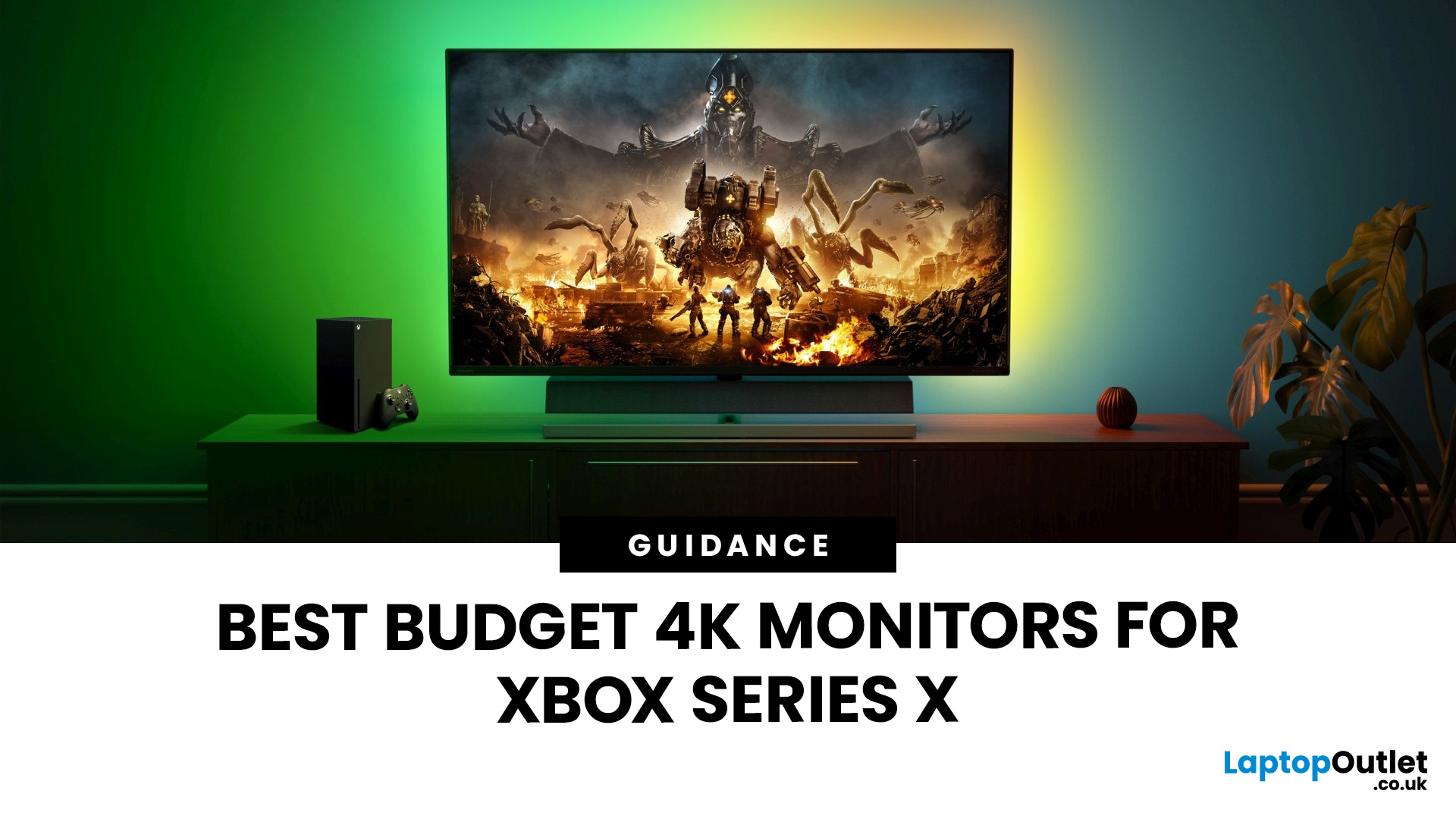
If you're looking to unlock true next-gen performance on your Xbox Series X without stretching your budget, you’re in the right place. The console is capable of extraordinary visuals, which includes from razor-sharp 4K resolution and buttery-smooth 120Hz gameplay to HDR brilliance and ultra-low latency. But to experience these features properly, you need the right display. That’s why we’ve curated a detailed guide to the best budget-friendly 4K monitors for Xbox Series X, helping you choose a display that enhances every moment of your gaming while keeping your wallet happy.
Why a 4K Monitor is Ideal for Xbox Series X
The Xbox Series X was built for 4K gaming. While you can play on lower resolutions, a monitor that fully supports the console’s capabilities will significantly improve your experience. Here’s why a 4K monitor for next-gen consoles is the perfect match:
True 4K Resolution
With a 4K monitor, you get four times the pixel density of 1080p, giving you:
- Sharper textures
- Improved

