



Is Buying An HP PC Worth It?

HP PCs are well-built, stylish, and highly powerful, enabling speedy and efficient computing. They are portable and convenient and feature robust specifications for an unmatched experience. Additionally, a wide variety is available, allowing you to choose according to your preferences.
Buying an HP PC is worth it, as it offers many benefits. However, with the variety available, we recommend researching your options before choosing one.
Why Choose an HP PC?
While many people are looking for the perfect HP laptops UK in 2025, HP PCs remain popular due to their many benefits. Some of them are:
HP’s Undeniable Brand Reputation
No one can deny HP’s reputation and ranking as the leading computer manufacturer for the last several decades, providing reliable and high-quality PCs.
Revolutionary Designs
HP PCs stand out specifically for their designs, featuring compact sizes, small form factors, and stunning appeals.
High Security
You will never worry about data safety, file protection, or security threats with HP PCs, as they are security-centric and offer high security features like HP Sure Start, HP Sure Recover, and HP Sure Run, providing peace of mind.
Highly Convenient to Use
All-in-one HP PCs feature keyboards, touchpads, microphones, speakers, display screens, and even cameras, making them user-friendly and eliminating the need for extra equipment.
Affordability
A versatile variety of HP PCs is available, enabling you to choose one according to your preferences and easily find budget-friendly options.
Powerful Specifications
They offer powerful specifications like Intel Core i7 and Intel Core i9 processors, Intel graphics, high RAM, and storage.
Top 12 HP PCs for 2025
1. HP OMEN 35L Gaming Tower PC
Specs:
- Processor: Intel Core Ultra 7 265K
- Memory: 32GB RAM
- Storage: 1TB SSD + 1TB HDD
- Graphics: NVIDIA GeForce RTX 5070 Ti
- OS: Windows 11 Home
Perfect for: Hardcore gamers, 3D artists, and streamers. The HP OMEN 35L is built for elite gaming and performance-heavy multitasking. With the RTX 5070 Ti and dual-storage setup, you’ll enjoy ultra-fast load times and expansive space for games and media.
2. HP Pro 400 G9 SFF Desktop PC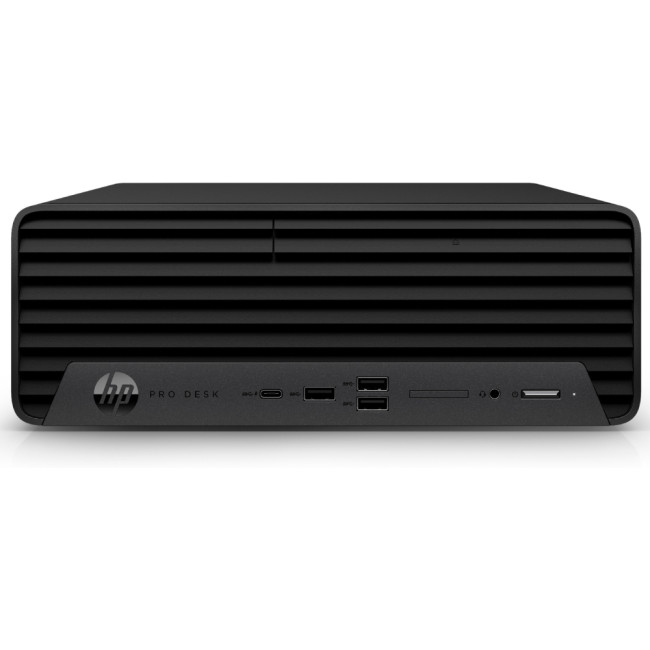
Specs:
- Processor: Intel Core i5-13500
- Memory: 16GB RAM
- Storage: 512GB SSD
- OS: Windows 11 Pro
Perfect for: Business professionals and office environments. The HP Pro 400 G9 offers reliable multitasking power in a small-form-factor design, ideal for productivity apps, data work, and enterprise security.
3. HP Pro 290 G9 SFF Desktop PC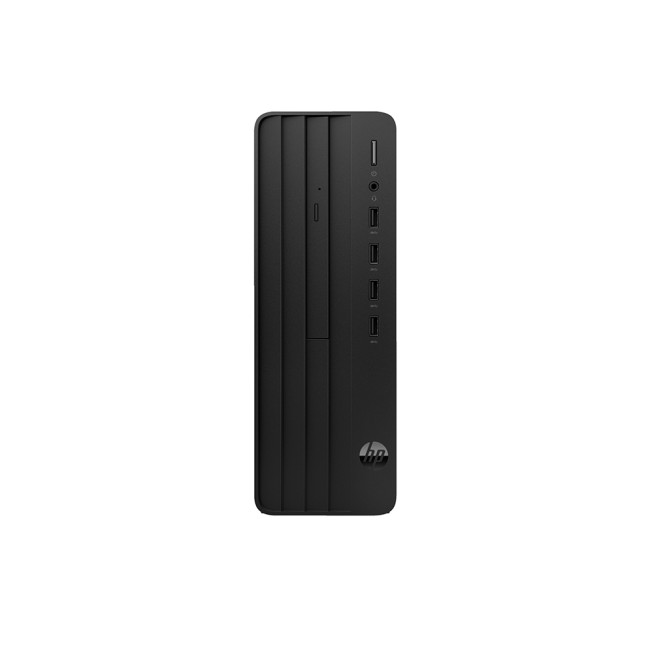
Specs:
- Processor: Intel Core i5-13500
- Memory: 8GB RAM
- Storage: 256GB SSD
- OS: Windows 11 Pro
Perfect for: Entry-level business users and educational institutions. It’s a balanced PC that delivers performance, energy efficiency, and compact design, great for everyday office applications.
4. HP Elite 800 G9 Mini Desktop PC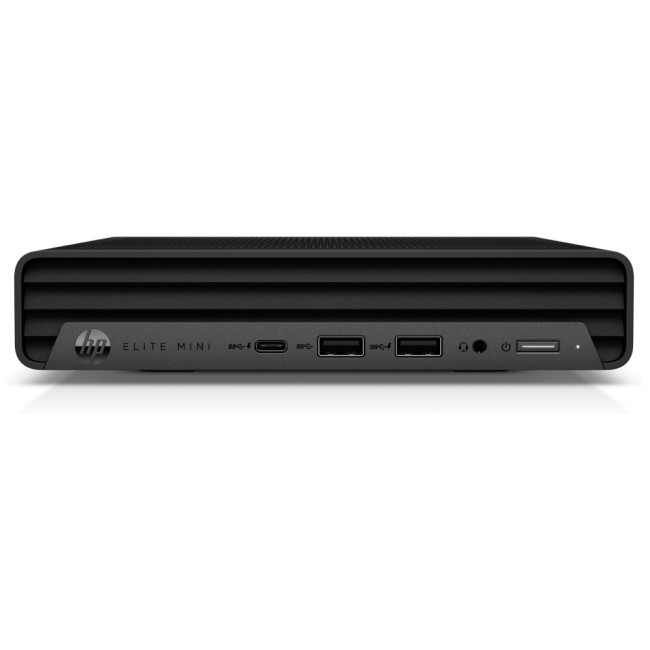
Specs:
- Processor: Intel Core i5-14500T
- Memory: 16GB RAM
- Storage: 512GB SSD
- OS: Windows 11 Pro
Perfect for: Corporate workspaces and modern offices. The Elite 800 G9 Mini provides high-end performance in a minimalist body, perfect for conference rooms, finance tasks, or any workspace that values quiet operation and speed.
5. HP Elite Mini 805 G8 Desktop PC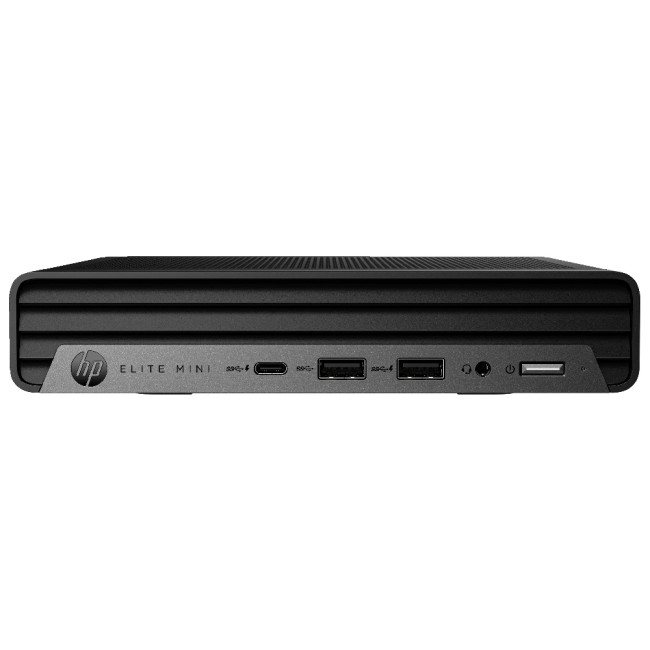
Specs:
- Processor: AMD Ryzen 5 5600GE
- Memory: 16GB RAM
- Storage: 512GB SSD
- OS: Windows 11 Pro
Perfect for: Professionals who want powerful AMD performance in a compact form. Ideal for digital marketing teams, small offices, or anyone needing a versatile desktop with multitasking capabilities.
6. HP Pro 400 G9 Tower Desktop PC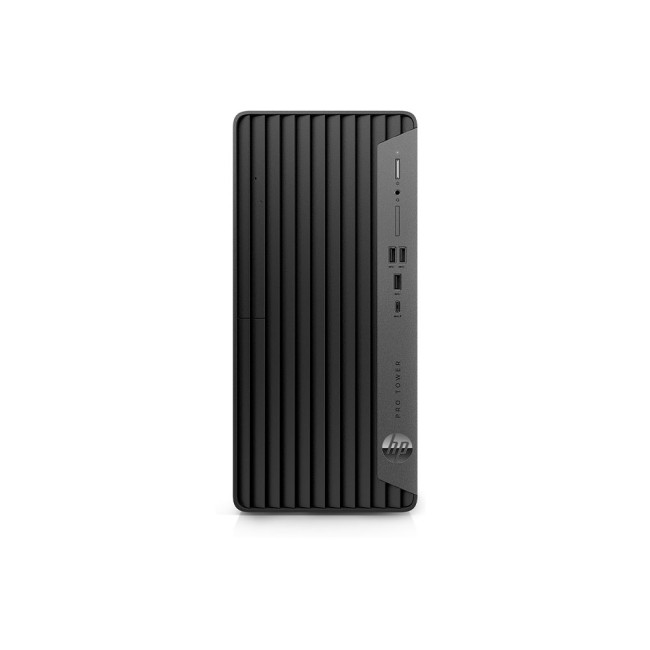
Specs:
- Processor: Intel Core i5-13500
- Memory: 8GB RAM
- Storage: 256GB SSD
- OS: Windows 11 Pro
Perfect for: Small businesses and administrative work. The tower configuration allows easy upgrades, making it an excellent long-term investment for growing teams.
7. HP Pro T550 Thin Client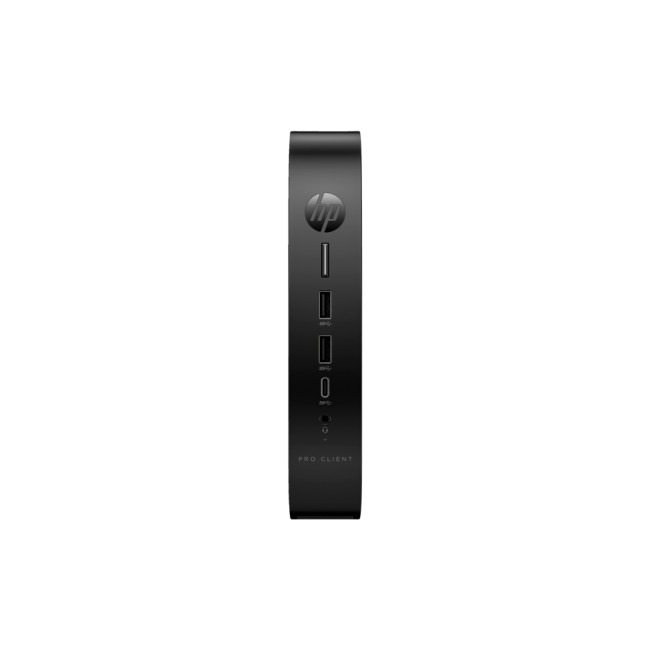
Specs:
- Processor: Intel Celeron J6412
- Memory: 8GB RAM
- Storage: 64GB SSD
- OS: Windows 10 IoT Enterprise
- Design: Ultra Small Form Factor (USFF)
Perfect for: Cloud computing, call centers, and thin-client deployments. The HP Pro T550 is designed for secure, centralized IT management and low-power, always-on performance.
8. HP Workstation Z2 G9 Tower Desktop PC (Quadro T1000)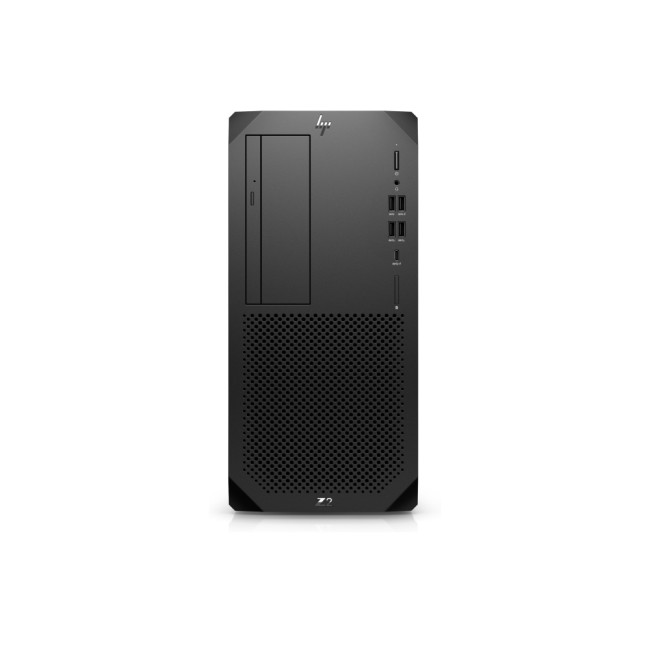
Specs:
- Processor: Intel Core i7-14700
- Memory: 16GB RAM
- Storage: 1TB SSD
- Graphics: NVIDIA Quadro T1000
- OS: Windows 11 Pro
Perfect for: Engineers, architects, and 3D designers. The Z2 G9 Tower with Quadro graphics is built for CAD, modelling, and professional content creation, offering ISV-certified stability and exceptional rendering power.
9. HP Workstation Z2 G9 SFF Desktop PC (NVIDIA T400)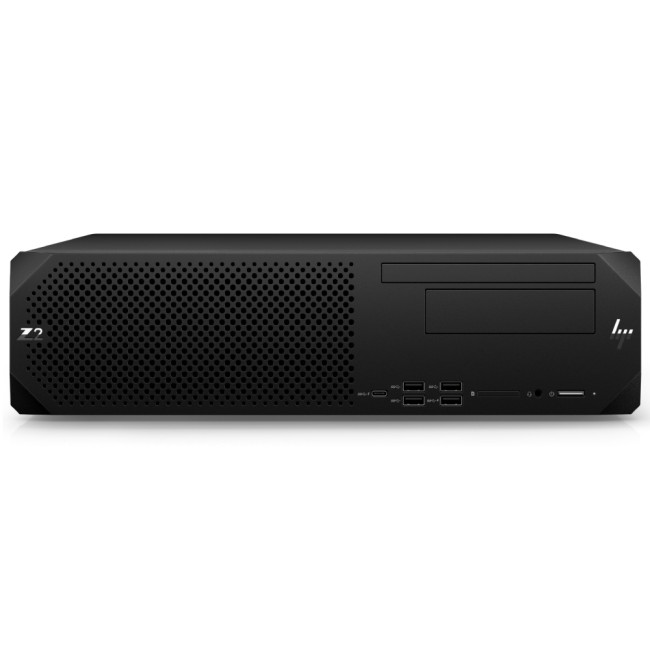
Specs:
- Processor: Intel Core i7-14700
- Memory: 16GB RAM
- Storage: 1TB SSD
- Graphics: NVIDIA T400
- OS: Windows 11 Pro
Perfect for: Compact workstations in design studios or offices. The SFF version balances performance and space efficiency, ideal for 2D/3D design, photo editing, and content production.
10. HP Elite t755 Thin Client SFF Desktop PC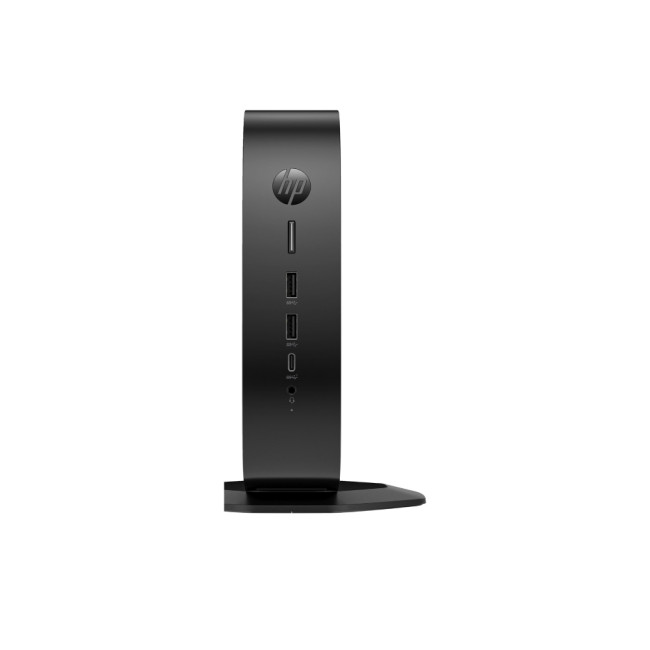
Specs:
- Processor: AMD Ryzen Embedded V2546
- Memory: 8GB RAM
- Storage: 256GB SSD
- OS: Windows 10 IoT Enterprise
Perfect for: Enterprise virtualization and secure remote access. The Elite t755 Thin Client is built for modern cloud-based workplaces, offering reliable connectivity and advanced manageability.
11. HP Elite 800 G9 Mini (Core i5-12500T)
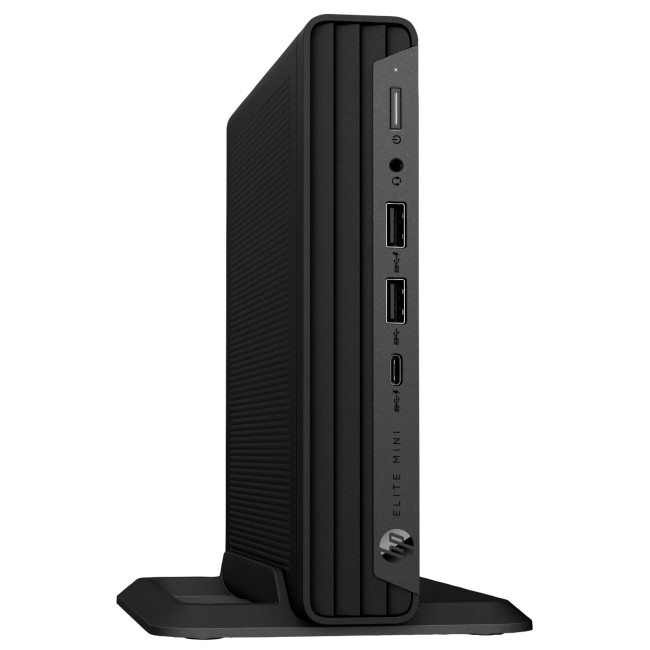
Specs:
- Processor: Intel Core i5-12500T
- Memory: 8GB RAM
- Storage: 256GB SSD
- OS: Windows 11 Pro
Perfect for: Front-office setups, education, or remote work. Compact yet efficient, it’s a dependable business-class PC for handling daily workloads and multiple applications seamlessly.
12. HP Pro 290 G9 SFF (512GB SSD Variant)
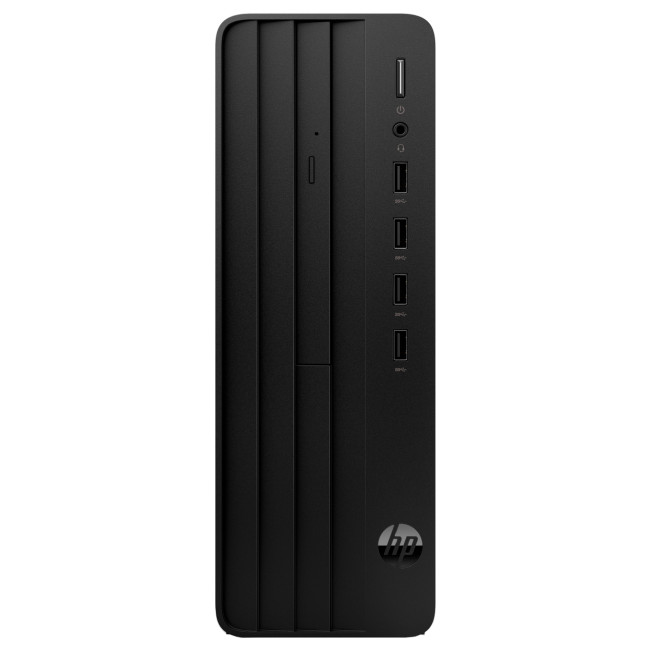
Specs:
- Processor: Intel Core i5-13500
- Memory: 8GB RAM
- Storage: 512GB SSD
- OS: Windows 11 Pro
Perfect for: Businesses that need faster storage and better responsiveness. It’s a step up from the base 256GB model, offering smoother performance for productivity and multitasking.

Bottom Line
No one can doubt the performance and reliability of HP PCs, which have many other features for superior use. They offer the right blend of portability, efficiency, and accessibility, encouraging ease of use. We recommend one for students, gamers, and businesses looking for a robust computing and gaming solution.
Laptop Outlet offers an abundant variety of HP PCs and HP laptops. Explore the options available to discover the ideal device for your needs.

Your What & Why...
Are HP PCs reliable for long-term use?
Yes, HP PCs are known for their durability, consistent performance, and strong build quality, making them a dependable choice for both home and business users.
What makes HP PCs stand out from other brands?
HP offers a wide range of models, from budget-friendly desktops to high-end workstations featuring powerful processors, excellent displays, and reliable customer support.
Are HP PCs good for gaming and creative work?
Absolutely. HP’s OMEN and Envy series are designed for gaming, video editing, and design, offering dedicated NVIDIA or AMD graphics and high-speed performance.
Do HP PCs come with pre-installed Windows and essential software?
Yes, most HP PCs include Windows 11 pre-installed, along with HP utilities and security tools, ready for immediate use right out of the box.
Are HP PCs energy-efficient and eco-friendly?
Many newer HP PCs feature energy-saving components and are built using recycled materials, supporting HP’s commitment to sustainability.
| Read More: |
| HP Chromebox G2 Mini Desktop PC Intel Core i5 Review |
| HP Laptop and Desktop Deals: A Guide to Saving Money |
| Common HP Laptop Problems and Easy Fixes |
Related Articles

Last Updated: September 09, 2025
In the present world, laptops have become our go-to devices to tackle all our day-to-day computing tasks. These intelligently crafted portable computing machines come packed with certain avant-garde features to provide you with the best user experience.
When talking about laptops, Lenovo and HP are two of the leading manufacturers. Both market-best technology companies hold worthy expertise in the manufacturing of best-of-the-best laptops. Both Lenovo laptops and HP laptops bring certain advanced specs on the table.
With the sheer number of choices available in the market for the best laptop by both brands, one can easily confuse in choosing the best option. However, you don’t need to worry. Our experts have prepared this detailed guide that will certainly help you to decide whether you should buy a Lenovo laptop, or an HP laptop to best cope with your needs. So, let’s get started!
Lenovo Laptops
Lenovo is a Chinese multinational company specialising in manufacturing market-best

Last Updated: September 09, 2025
HP is a well-known and reputable manufacturer of laptops, PCs, and other products and services. They have many laptops and desktops to cater to and meet individual needs. While HP laptops and PCs can sometimes be costly, you can buy them on deals to save money. Retailers like Laptop Outlet offer excellent, super-saving HP laptop and PC deals, enabling you to get your desired high-quality laptop or desktop for much less. Upgrade smart with HP laptop and desktop deals, unlocking unbeatable savings and getting more for less!
HP is a trusted name in the tech industry. It offers a versatile range of laptops and desktops for different user needs. Whether you are looking for a robust business laptop, a portable student laptop, a high-end gaming PC, a PC for daily use, or any other, HP has a solution!
While HP laptops and desktops can be tempting, getting a powerful HP laptop or desktop can be costly, which is why we recommend exploring HP deals (on laptops and PCs) to get the most value

Last Updated: May 13, 2025
HP Planet Partners is HP’s ‘consumer repurpose and recycling program’ for end-of-line equipment and printing supplies. It seeks to power a circular economy by helping you recycle those HP supplies and hardware you don’t know what to do with. With HP Planet Partners, HP is setting the highest standards for sustainability. The three main pillars of HP’s sustainability strategy are climate action, human rights, and digital equity.
In simple terms, sustainability is 'meeting current needs without restricting the ability of future generations' to meet their own needs'. Environmental, social, and economic are the three main pillars of sustainability.
Sustainable practices are now widely adopted in the tech industry. Sustainable technology has many benefits, such as a positive environmental impact, cost savings, and enhanced market opportunities. Additionally, sustainable technology also drives innovation.
Today, many tech companies are committed to sustainability, including

Last Updated: October 03, 2025
Wireless Printing Made Easy
No more messy cables or complicated setups—connecting your HP printer to Wi-Fi lets you print from anywhere at home or work. Whether you’ve got a new printer or you’re reconnecting, this guide shows you exactly how to get it done.
What You’ll Need
Before you start, make sure you have:
- An HP wireless printer
- Wi-Fi network name (SSID) and password
- A laptop, PC, or smartphone connected to the same Wi-Fi network
How to Connect HP Printer to Wi-Fi – Step by Step
1. Use HP Auto Wireless Connect (For Compatible Models)
- Plug in and turn on your printer
- On your computer, install the HP Smart app or visit 123.hp.com
- Follow on-screen instructions to connect your printer to Wi-Fi automatically
Pro Tip: This is the easiest option if your printer supports it—no need to enter Wi-Fi credentials manually.
2. Use the Printer’s Control Panel (Manual Setup)
- Press the Wi-Fi or Wireless icon on your printer’s screen
- Go to Settings > Wireless Setup Wizard
Last Updated: October 02, 2025
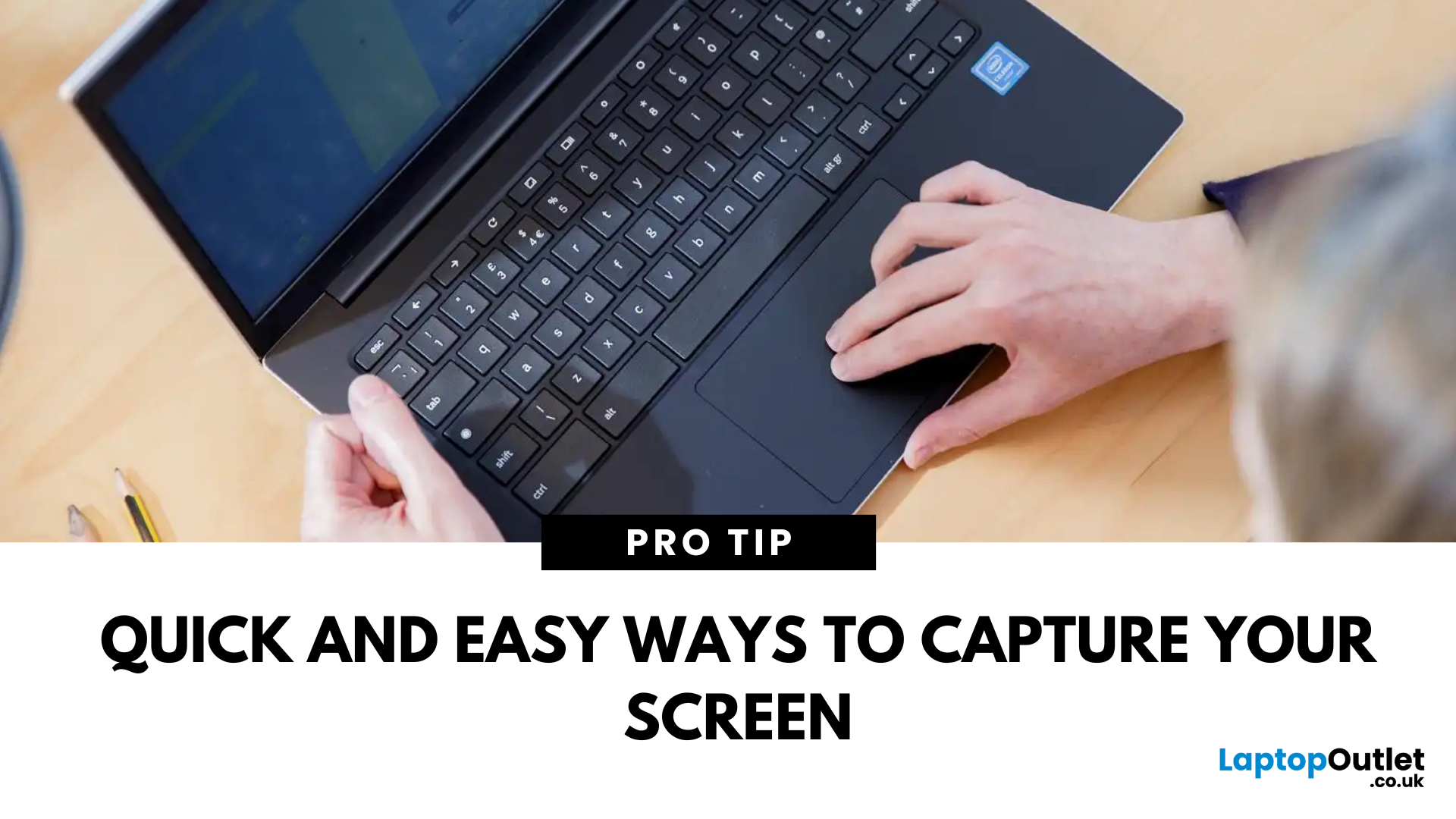
Capture What You See in Seconds
Whether you’re saving a receipt, reporting an issue, or grabbing a funny moment, knowing how to take a screenshot on your HP laptop is a game-changer. Here are the simplest ways to snap your screen using built-in tools and shortcuts.
1. Use the Print Screen (PrtScn) Key
To capture the full screen:
- Press PrtScn or Fn + PrtScn (some HP models)
- Open Paint or another editing app
- Press Ctrl + V to paste
- Save the image
Saved to clipboard, not automatically stored as a file
2. Screenshot a Specific Window
To capture just one active window:
- Click on the window you want to screenshot
- Press Alt + PrtScn
- Paste into an app (Ctrl + V) and save
3. Use the Snipping Tool (or Snip & Sketch)
HP laptops running Windows 10 or 11 come with this handy app.
Steps:
- Search for Snipping Tool or Snip & Sketch in Start Menu
- Click New to start a screenshot
- Choose your snip type: Rectangle, Free-form, Window, Fullscreen
- Save or edit your screenshot
Last Updated: September 09, 2025
HP Means Business—and Gaming
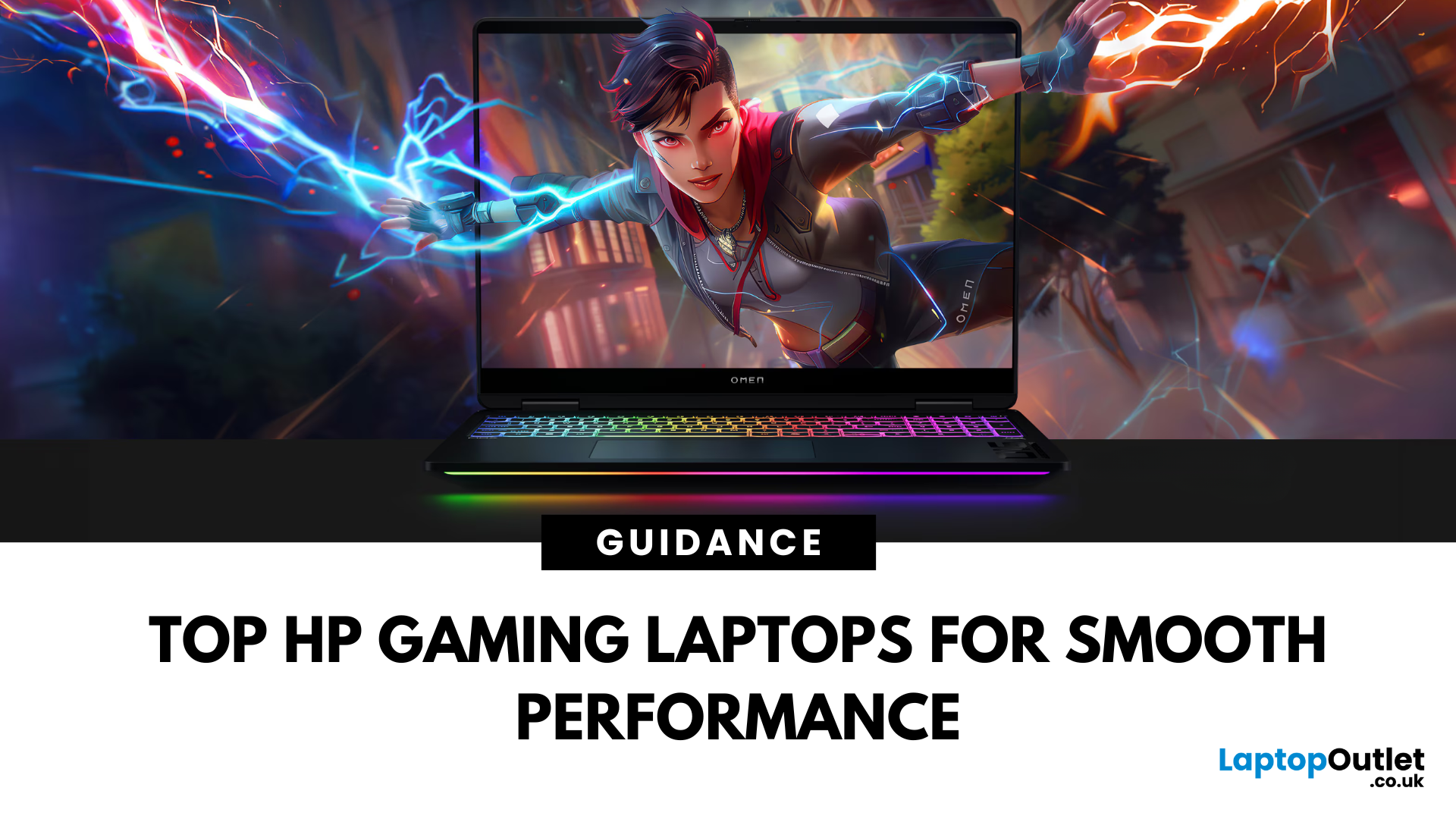
When it comes to gaming laptops, HP offers more than office power. Its Omen and Victus series pack serious performance, sleek designs, and value for money—making them ideal for gamers of all levels. Let’s explore the best HP laptops for gaming in 2025.
1. HP Omen Series – High-End Gaming Performance
Designed for serious gamers, the HP Omen series delivers desktop-level specs in a portable chassis.
Top Pick: HP Omen 17 (2025 Edition)
- Intel Core i9 / AMD Ryzen 9
- NVIDIA GeForce RTX 4080/4090 GPU
- 17.3" QHD display with 240Hz refresh rate
- 1TB SSD, 32GB RAM
Ideal for AAA gaming, streaming, and creative workloads
2. HP Victus Series – Affordable Gaming Power
The HP Victus line brings gaming-grade specs to more budget-friendly price points.
Top Pick: HP Victus 16 (2025 Edition)
- Intel Core i7 or Ryzen 7
- NVIDIA RTX 4060/4070 GPU
- 16.1" FHD 144Hz display
- 512GB SSD, 16GB RAM
Great for casual to mid-level gaming and students

